Generate Yearbooks Instantly
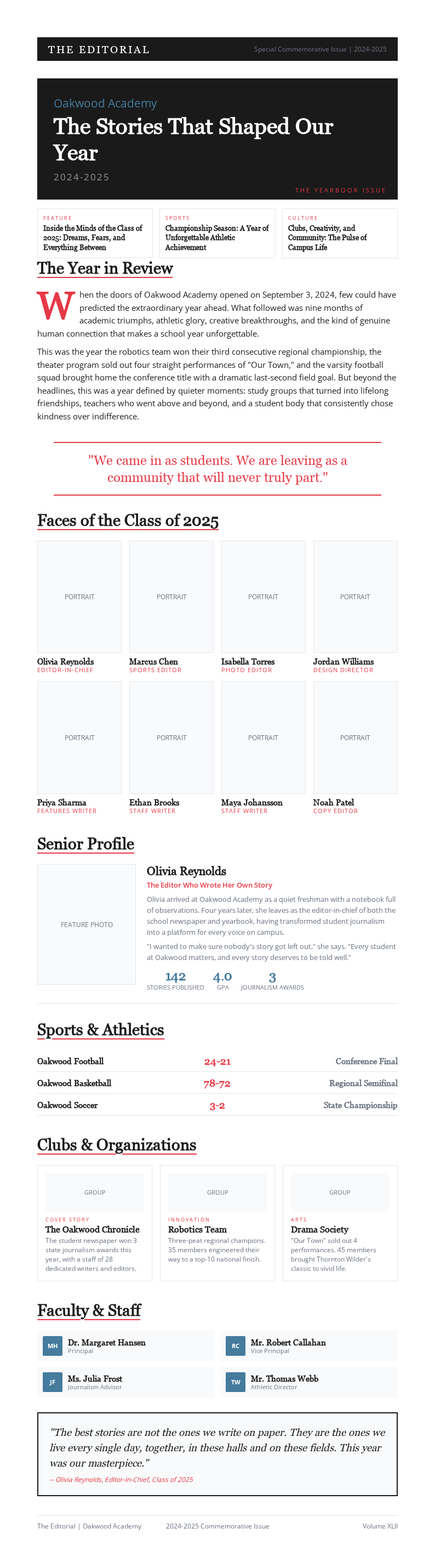
Create a beautiful, professional yearbook for your school or organization with our AI-powered Yearbook Generator. Design print-ready pages in minutes without needing graphic design skills.
How to Create a Yearbook Online
Upload Student Photos
Upload all student portraits, group photos, and event images into the Yearbook Generator. Drag and drop files or upload entire folders. The it organizes uploads by date and category so you can assign photos to the right pages quickly and easily.
Choose a Layout
Select a Yearbook Generator template matching your school's style. Browse layouts for senior pages, class photos, event highlights, and club sections. Each template in the it is fully customizable so you can mix and match designs across every section.
Customize Pages
Personalize every spread using the Yearbook Generator editor. Add student names, quotes, captions, and custom graphics to each page. Adjust fonts, colors, and photo layouts in the it until each page matches your creative vision perfectly.
Download & Print
Export the completed yearbook from the tool as a print-ready PDF. Review every page for accuracy, then download the file to send to your printing service. The it produces high-resolution output ensuring crisp text and vibrant photos throughout.
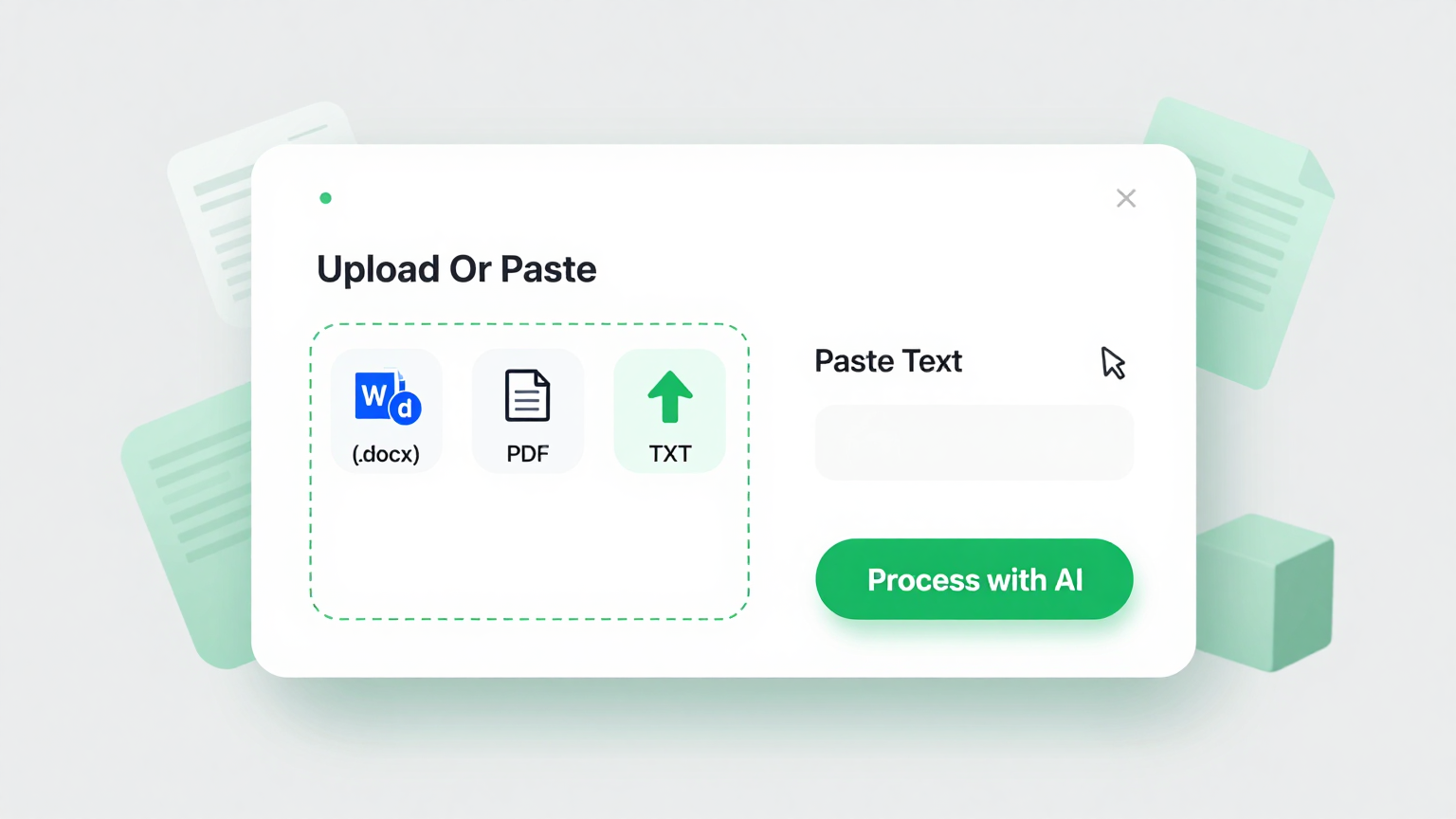
Import Photos & Data
Upload student photos, names, and class information directly into the Yearbook Generator. The the tool organizes your uploaded content and automatically maps it to the correct page layouts, saving you hours of manual arrangement and ensuring every student appears in the right place.
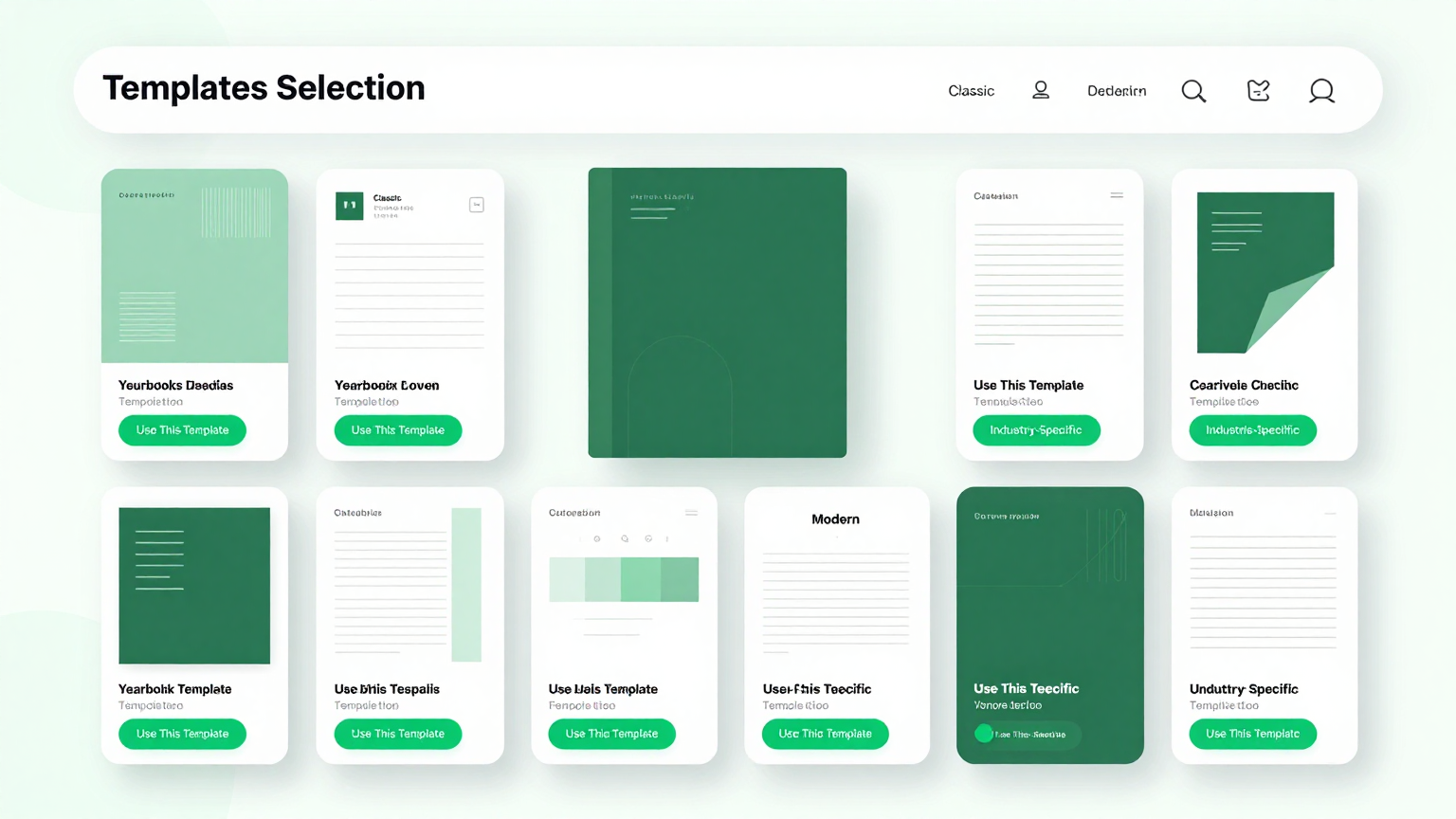
Professional Templates
Browse a curated library of professionally designed layouts within the tool. Each template in the the tool covers different styles including classic, modern, minimalist, and themed designs, giving you a polished starting point for every section of your yearbook.
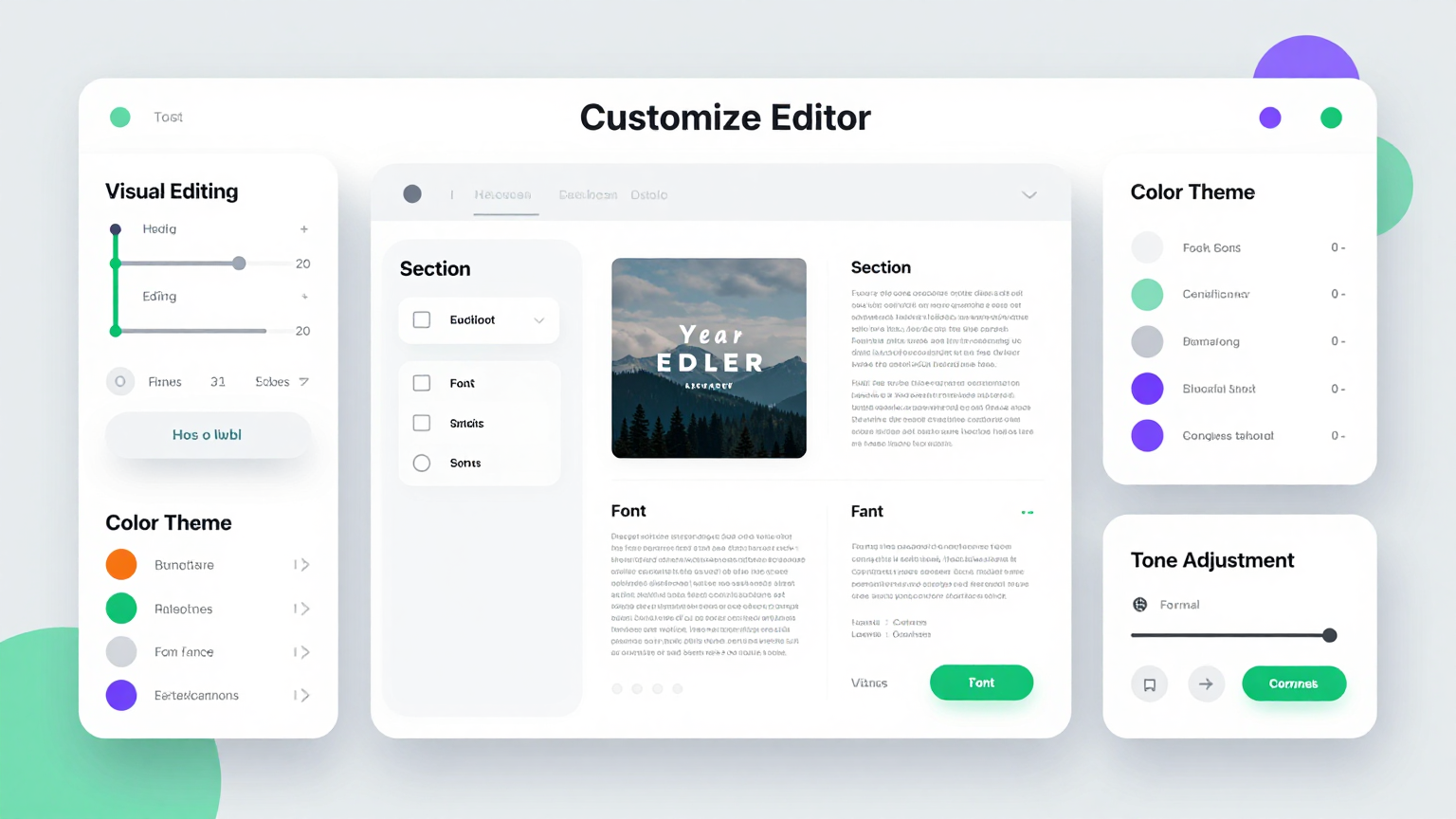
Edit Online
Customize every page using the tool editor. Adjust photo positions, change fonts, modify color schemes, and add captions directly in the the tool to match your school's branding and create a unique yearbook that reflects your community's personality.
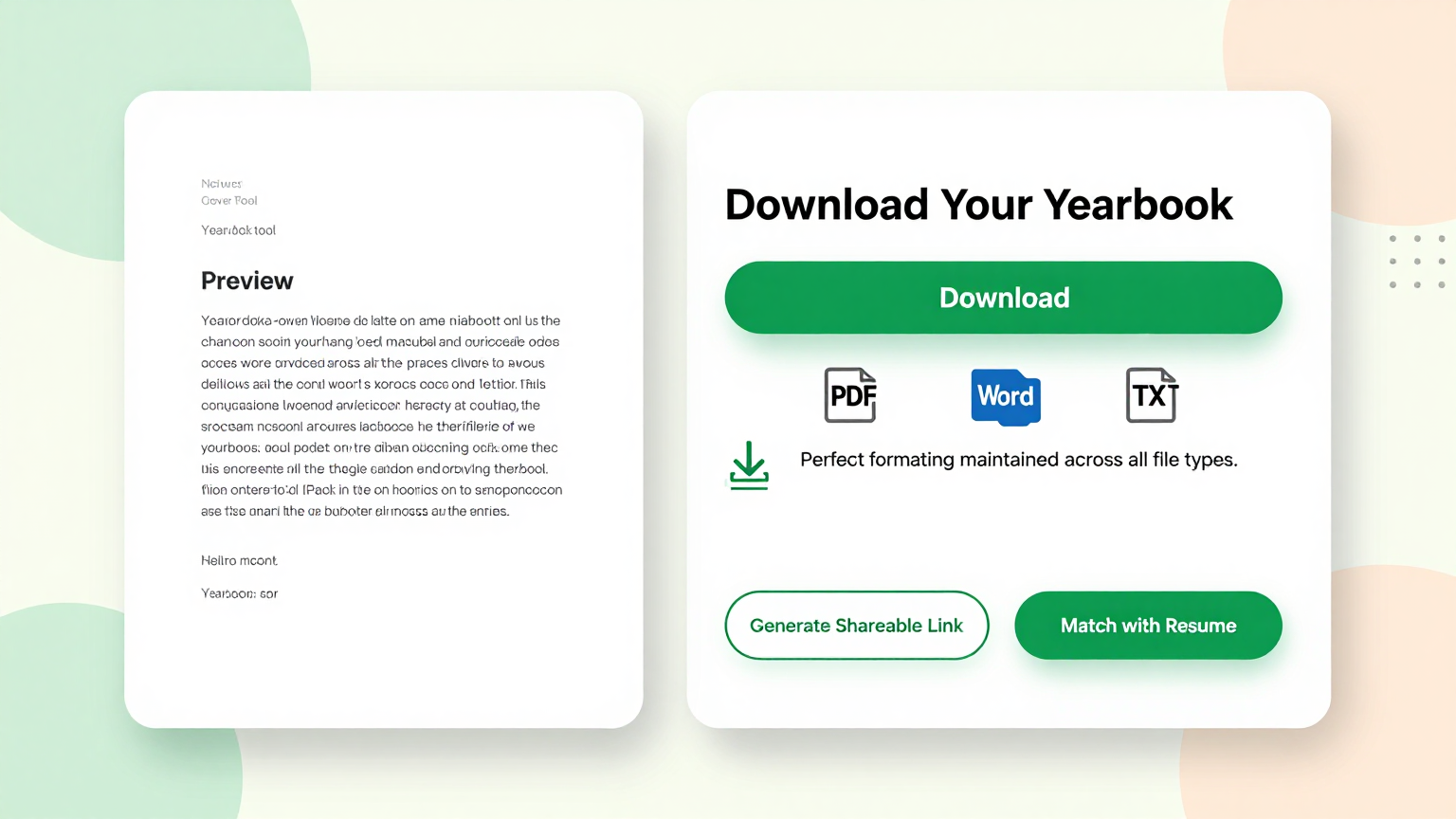
Download & Share
Export your finished yearbook from the tool as a high-resolution PDF ready for professional printing or digital distribution. The the tool produces files optimized for both print and screen, so you can share the the tool online or send it directly to a print shop.
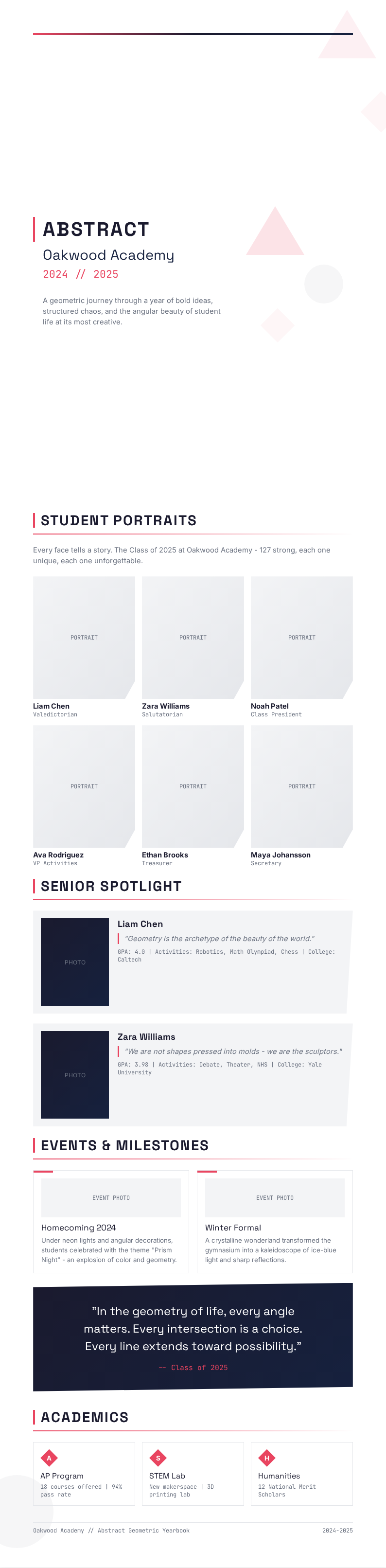
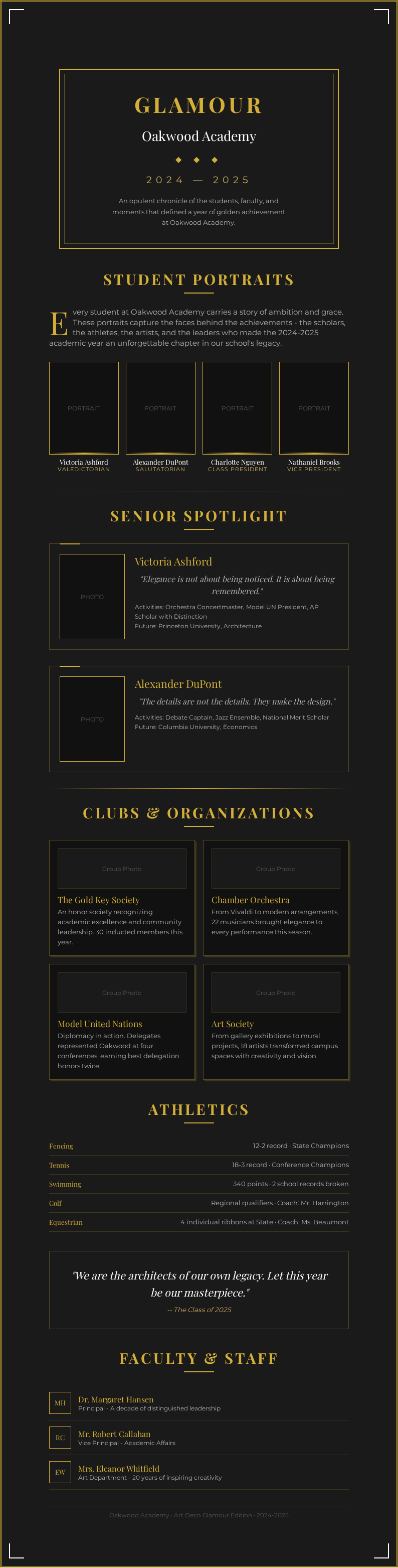
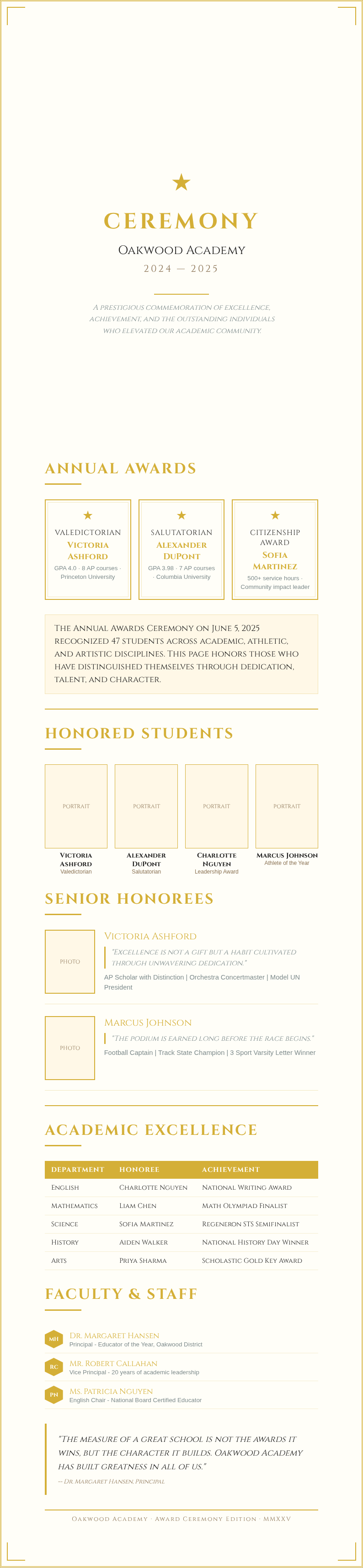
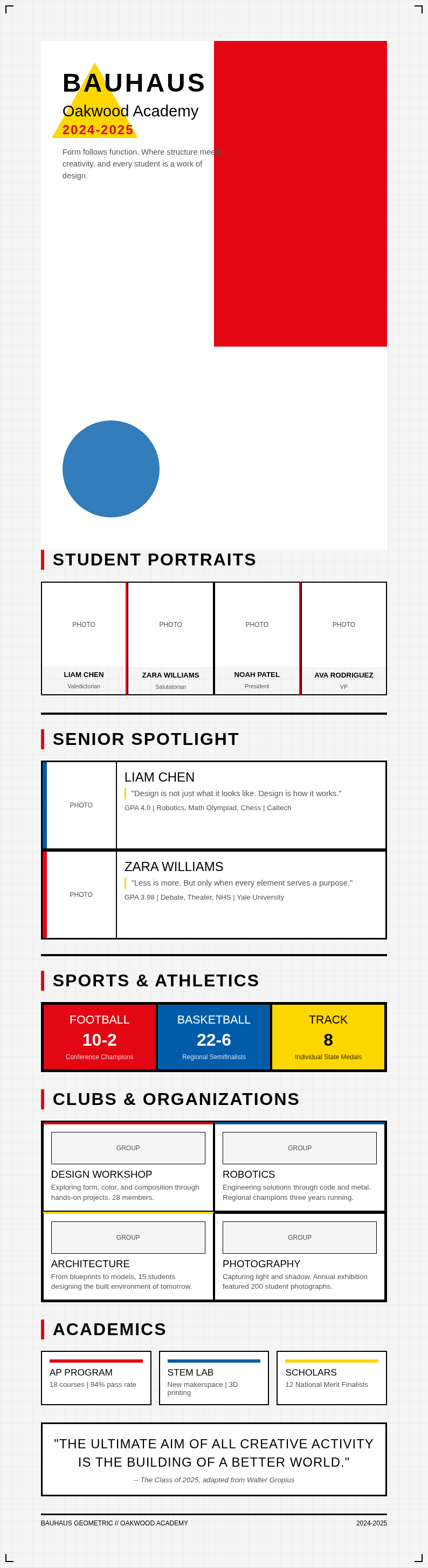
Explore Professional Yearbook Templates
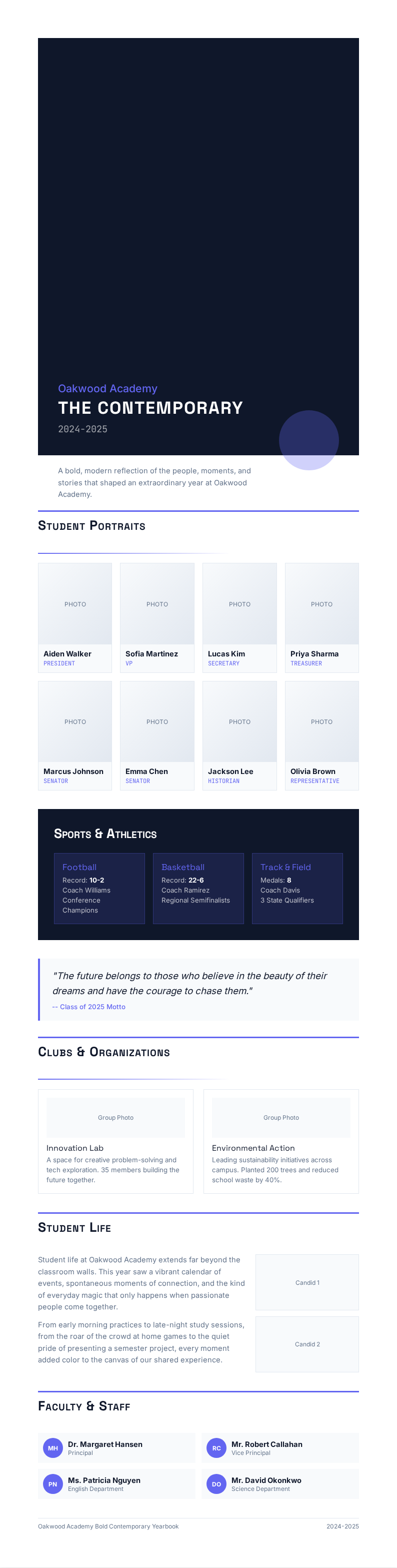
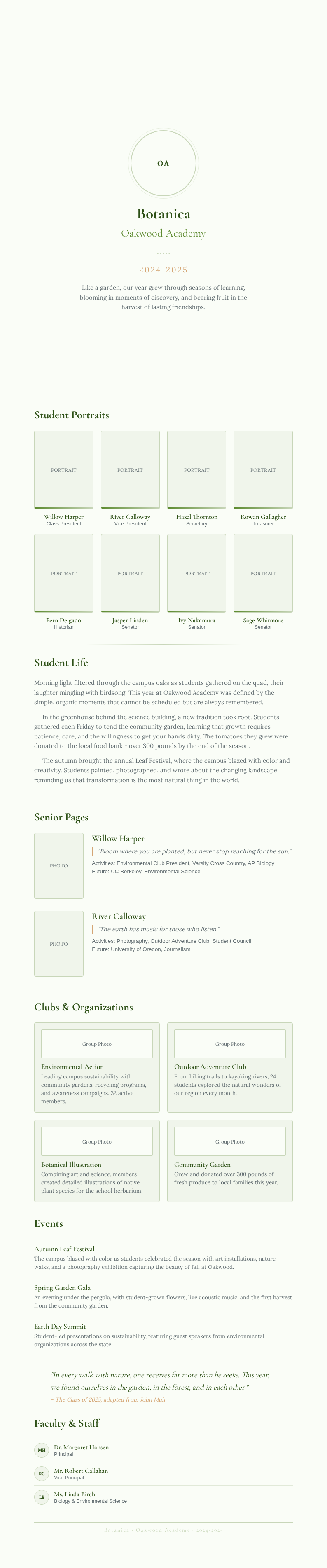
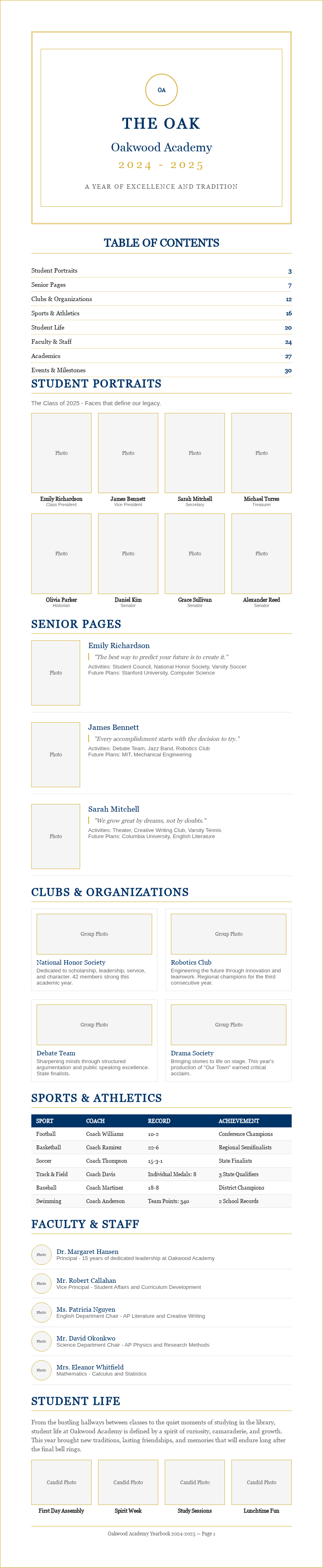
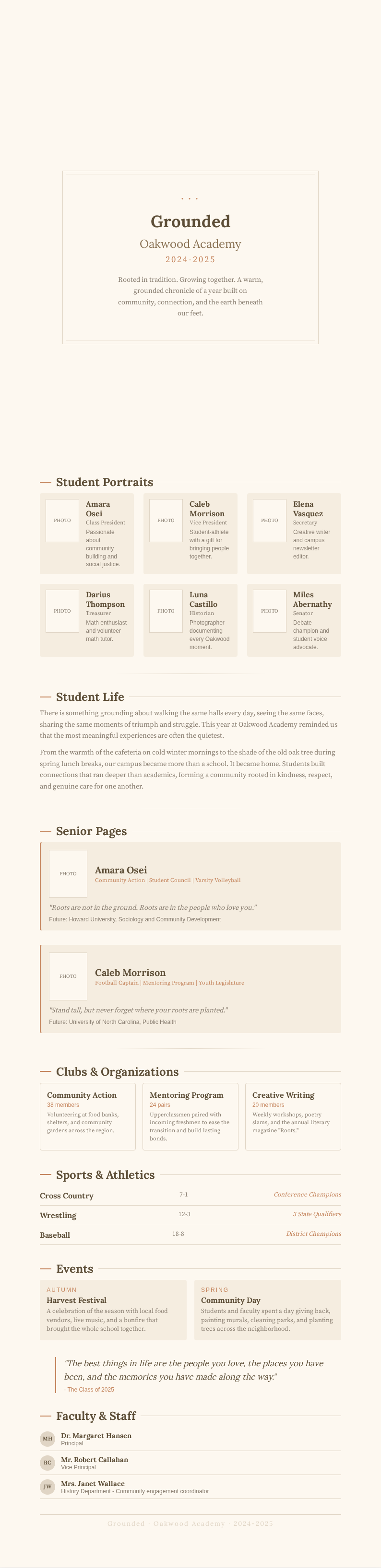
Need a starting point? Browse our collection of pre-made Yearbook templates for various school and organization types.

Frequently Asked Questions
Helpful information about using our Yearbook Generator tool.
- Is the Yearbook Generator free to use?
- Yes. This Yearbook Generator is completely free to use with no hidden fees or subscriptions required. You can create unlimited its without creating an account or providing payment information. The tool gives everyone access to professional it design tools at absolutely zero cost to your school or organization. This it Generator option is designed to make your work easier and more efficient.
- What types of yearbooks can I create with the Yearbook Generator?
- The tool supports school yearbooks for elementary, middle, and high schools, as well as college its, sports team its, and club its. Each template in the tool is tailored for different group sizes and styles, so you can always find the right fit for your specific organization. You can complete everything in just a few minutes without any prior experience.
- How many photos can I add to the Yearbook Generator?
- There is no practical limit to the number of photos you can upload to the tool for your project. You can add as many student portraits, group shots, and event images as your yearbook requires. The tool handles large photo collections efficiently, organizing them for easy placement across all pages.
- Can I edit pages after generating them in the Yearbook Generator?
- Absolutely. The tool includes a full online editor that lets you modify any page, adjust layouts, change text, and reposition photos before downloading your final file. You can return to the tool anytime to make changes until you are completely satisfied with every spread in your yearbook. The result is a professional document you can share with confidence.
- What formats can I export from the Yearbook Generator?
- The tool lets you download your completed yearbook as a high-resolution PDF file optimized for professional printing. The the tool Generator also supports sharing a digital version online, so classmates and families can view the the tool on any device without needing to order a physical printed copy. This makes the entire process quick and hassle-free for all users.
- How long does it take to generate a yearbook?
- Most users complete a full yearbook in one to three hours using the tool, depending on the number of pages and the level of customization desired. The tool provides pre-designed layouts and auto-arrangement features that significantly reduce the time compared to designing every page from scratch manually. This it Generator option is designed to make your work easier and more efficient.
- Can multiple people collaborate in the Yearbook Generator?
- Yes, the tool supports team collaboration so multiple editors can work on different sections simultaneously. This is ideal when a yearbook committee divides responsibilities among members. The tool keeps all contributions organized within a single project for a cohesive and unified final it product. Everything is designed to be simple, fast, and accessible to everyone.
- Does the Yearbook Generator work for sports team yearbooks?
- Absolutely. The tool includes templates specifically designed for sports teams, featuring layouts for player profiles, game highlights, team statistics, and championship moments. The Yearbook Generator makes it easy to create a sports it that captures the entire season and celebrates your team's achievements. The result is a professional document you can share with confidence.
- Can I add custom fonts and colors in the Yearbook Generator?
- Yes, the tool lets you customize fonts, colors, and graphic elements to match your school or organization's branding. You can apply your custom style settings across all pages in the Yearbook Generator for a consistent, professional look throughout the entire it from the first page to the last. This helps ensure your final document meets all necessary standards and expectations.
- What paper sizes does the Yearbook Generator support?
- The tool supports standard paper sizes including US Letter, A4, and square formats commonly used for yearbook printing projects. When you start a new project in the tool, you select the paper size and all layouts automatically adjust to fit your chosen dimensions perfectly. This makes the entire process quick and hassle-free for all users.
- Is my data secure when using the Yearbook Generator?
- Yes. The tool processes your uploaded photos and content securely and does not share your data with any third parties. The Yearbook Generator uses encryption to protect your files while you work, and you can delete all data from the tool after downloading your finished it. This it Generator option is designed to make your work easier and more efficient.
- Can I create a digital-only yearbook with the Yearbook Generator?
- Yes, the tool is perfect for creating digital yearbooks that can be shared online with students and families. You can export from the the tool Generator as a PDF optimized for screen viewing, making it easy to distribute the the tool via email, school websites, or social media platforms. This helps ensure your final document meets all necessary standards and expectations.
Create Your Yearbook Now
Don't let your school memories fade. Use our free Yearbook Generator to design a professional it in minutes.
No credit card required • AI-powered layout • Instant download