Create a Table of Contents Instantly
Organize your document effortlessly. Our generator creates a clean, navigable Table of Contents for reports, books, and assignments.
How to Use the Table of Contents Generator
List Your Sections
Enter your document title and main headings into the Table of Contents Generator. List all major sections and subsections you want to include, maintaining the proper hierarchical order. This step organizes your content structure and creates a foundation for your navigation. You can also specify numbering styles and formatting preferences at this stage.
Assign Page Numbers
The Table of Contents Generator will format your entries with proper indentation and numbering automatically. Choose from different formatting styles like traditional numbering, dot leaders, or modern minimalist designs. This step ensures your table matches your document's visual identity while maintaining clarity and professional appearance.
Set Hierarchy
Carefully review the generated table of contents from the Table of Contents Generator before finalizing. Verify that all page numbers match your document sections and that the hierarchy accurately reflects your content structure. This quality check prevents navigation errors and ensures readers can find information quickly and efficiently.
Generate and Download
Download your finished table of contents from the Table of Contents Generator in Word or PDF format. The Word option allows for easy integration and further editing, while PDF provides a fixed version ready for printing or sharing. Copy the formatted table directly into your existing document to complete your professional publication.
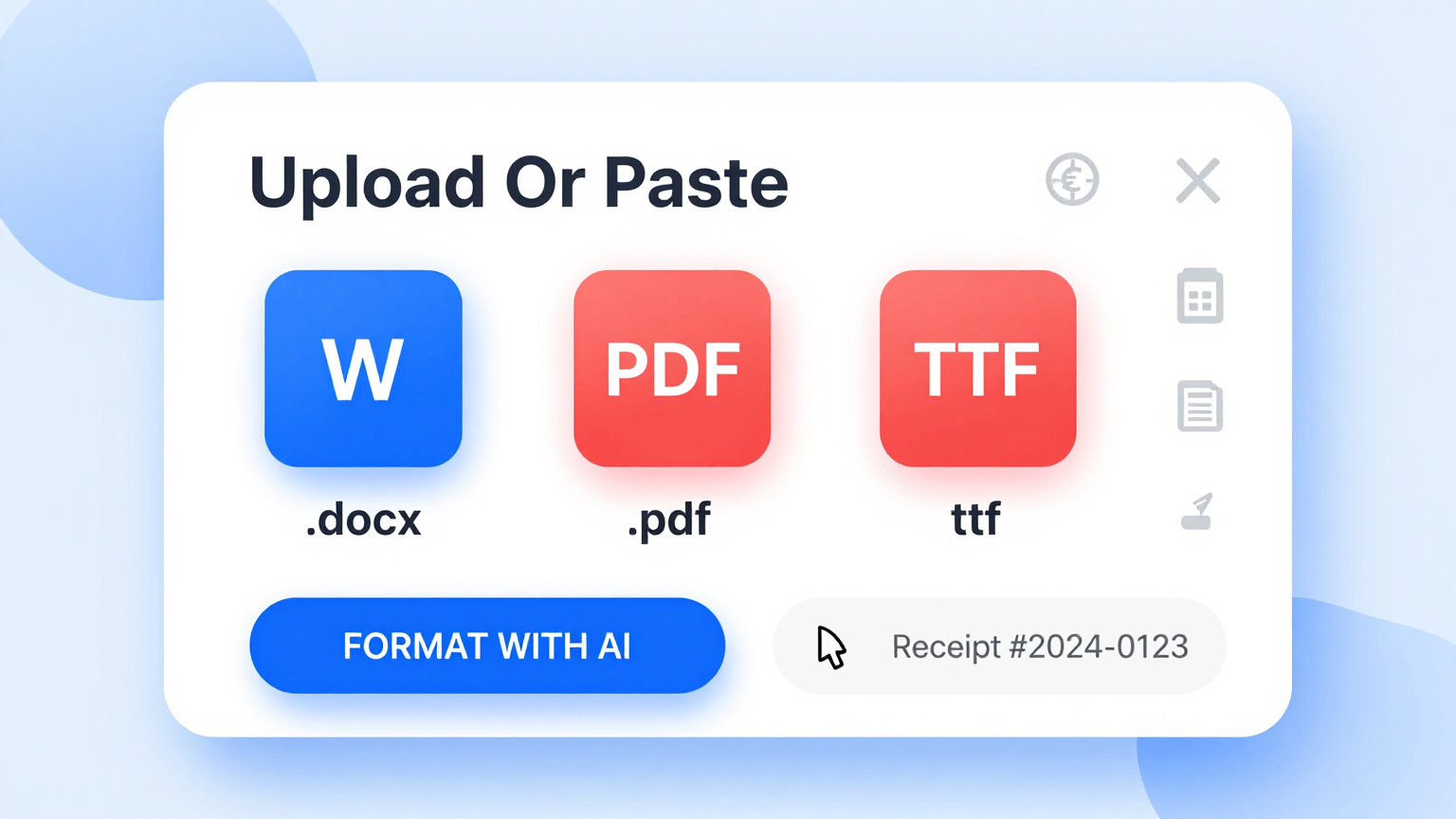
Input Headings
List your chapter headings in the Table Of Contents Generator. It structures your document's hierarchy to create a clear and navigable index.
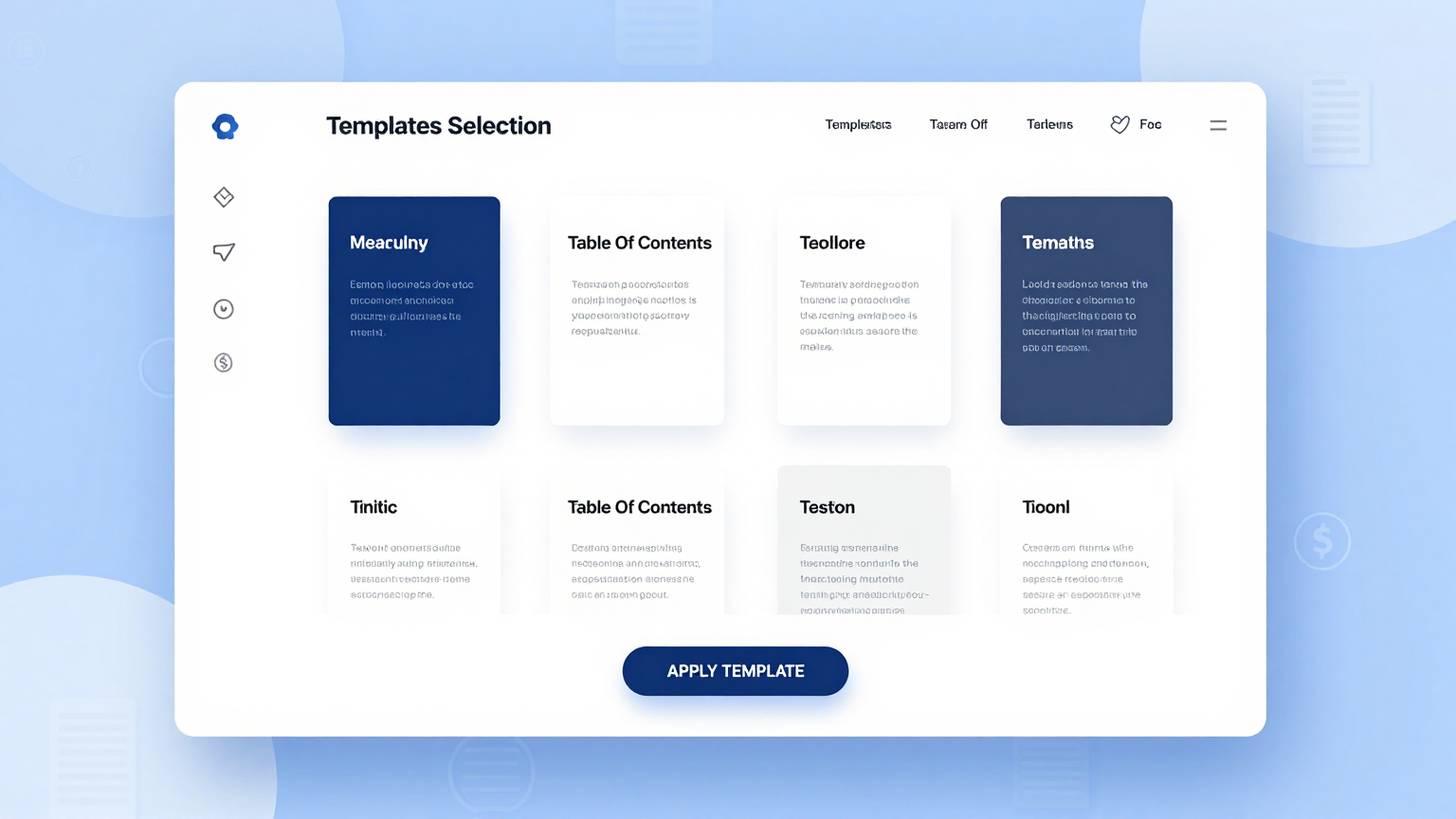
Choose Style
Choose a formatting style from the Table Of Contents Generator. Whether modern or classic, the design will match your document's overall look.
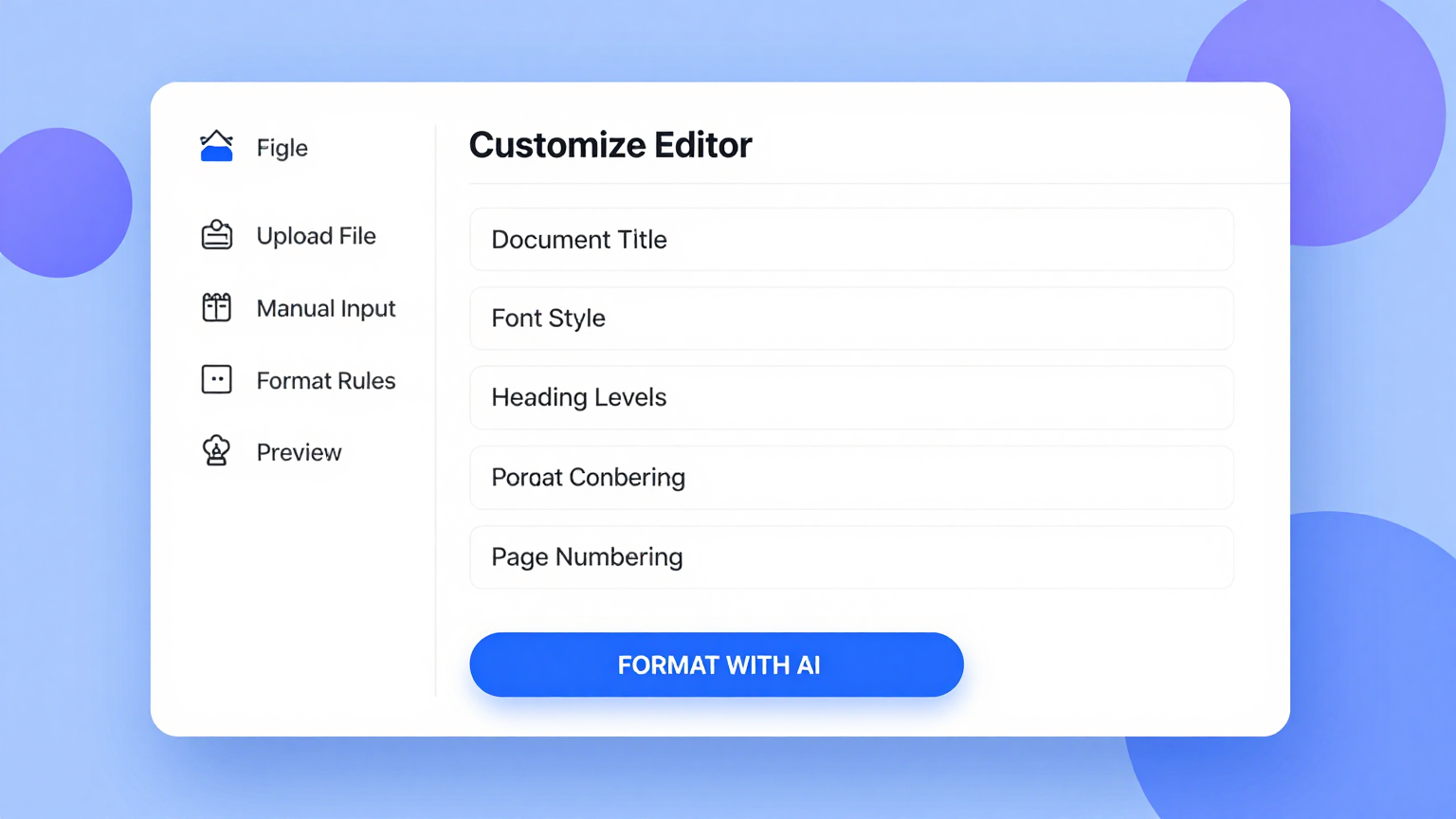
Organize
Organize your sections with the Table Of Contents Generator editor. Drag and drop items to ensure the flow of your document is logical and correct.
Download
Download the final index from the Table Of Contents Generator. Insert the Word or PDF file into your report to complete your professional document.
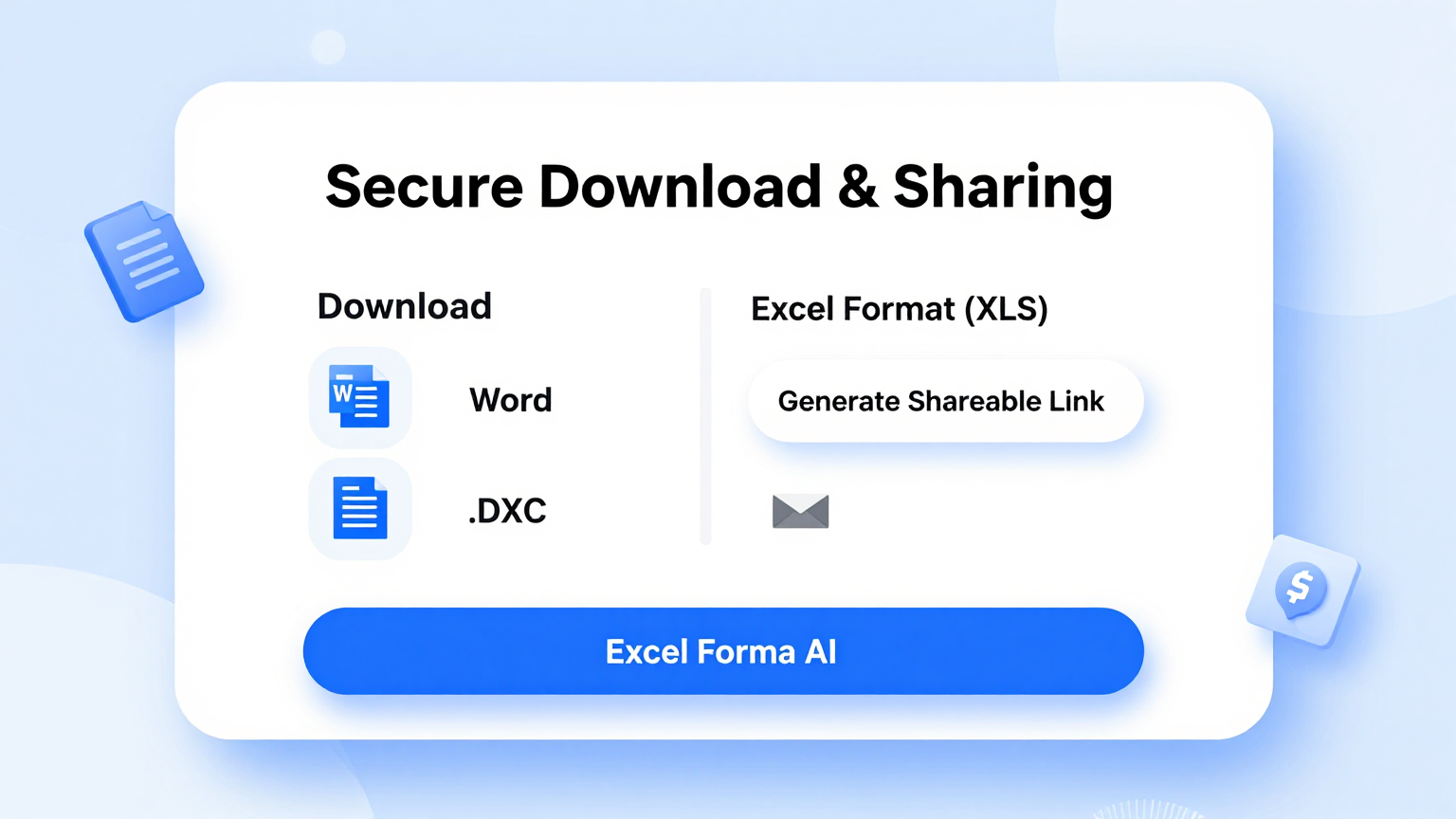
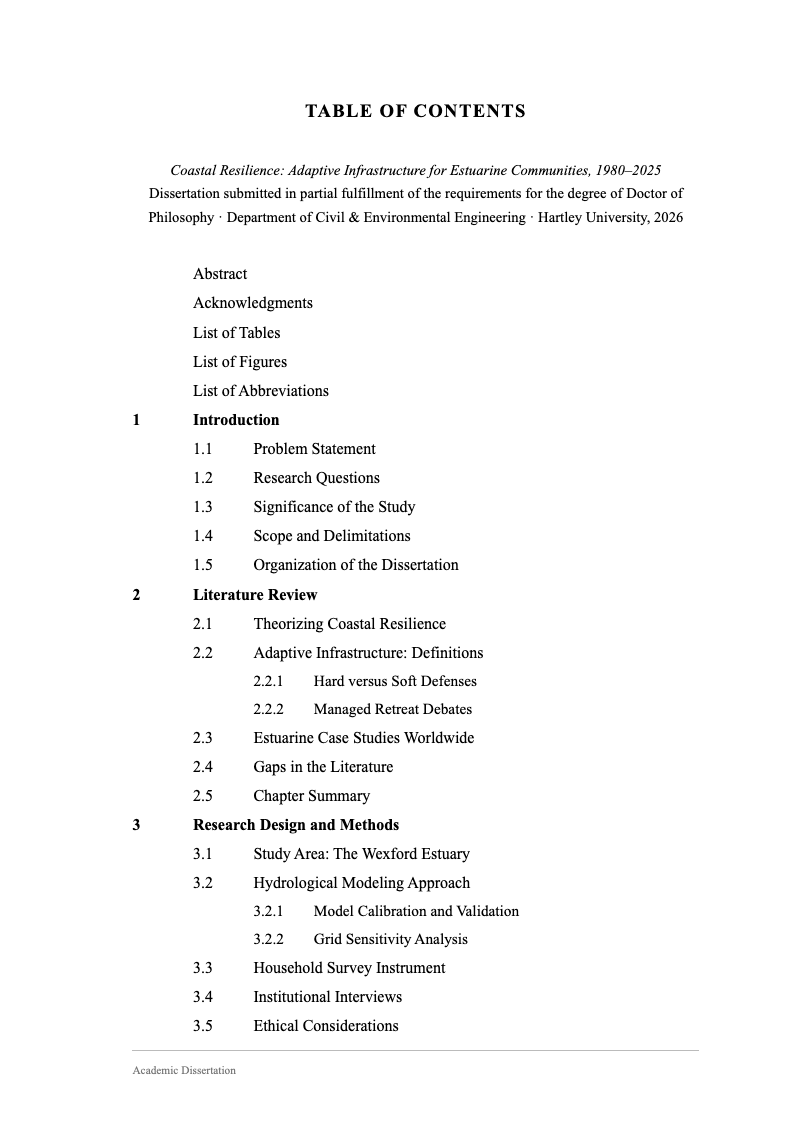
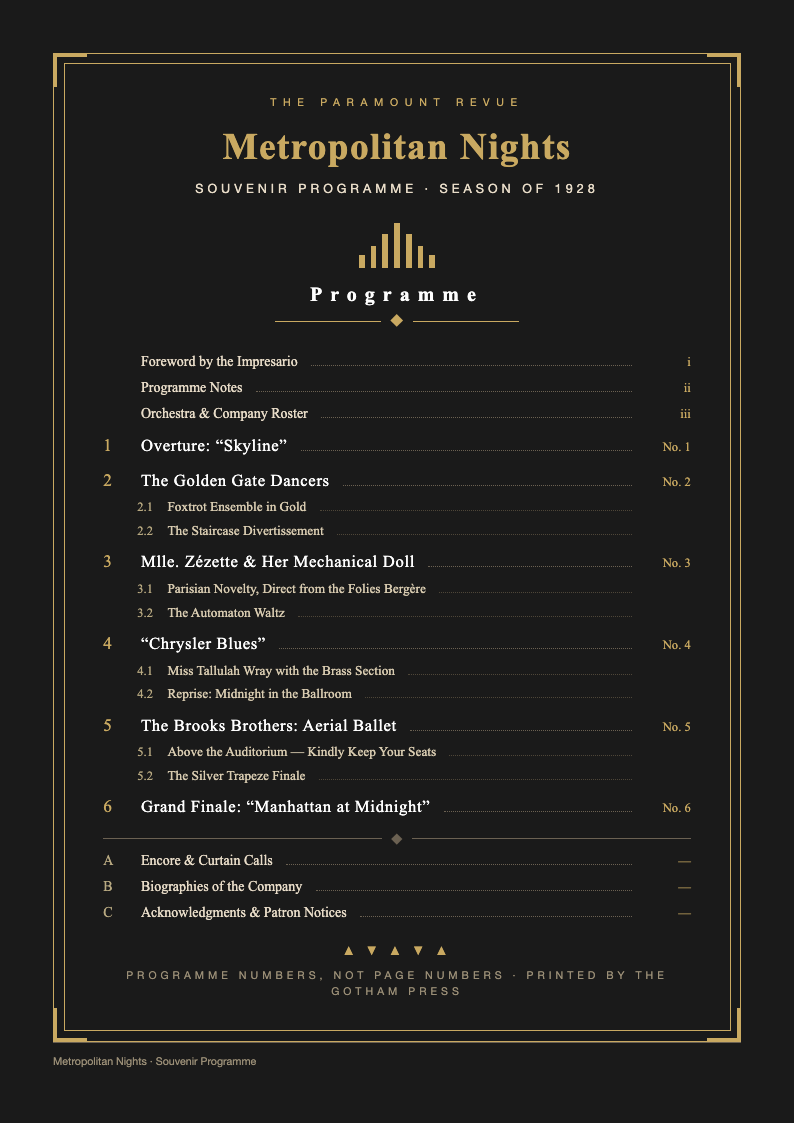
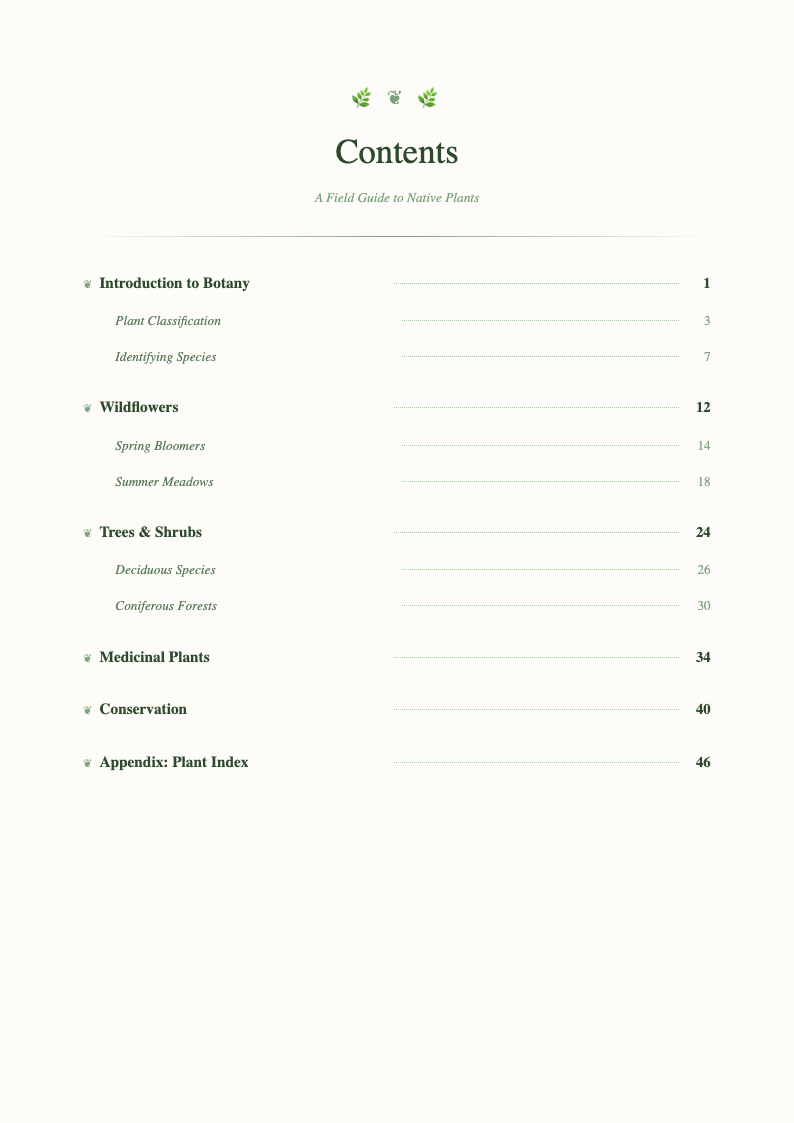
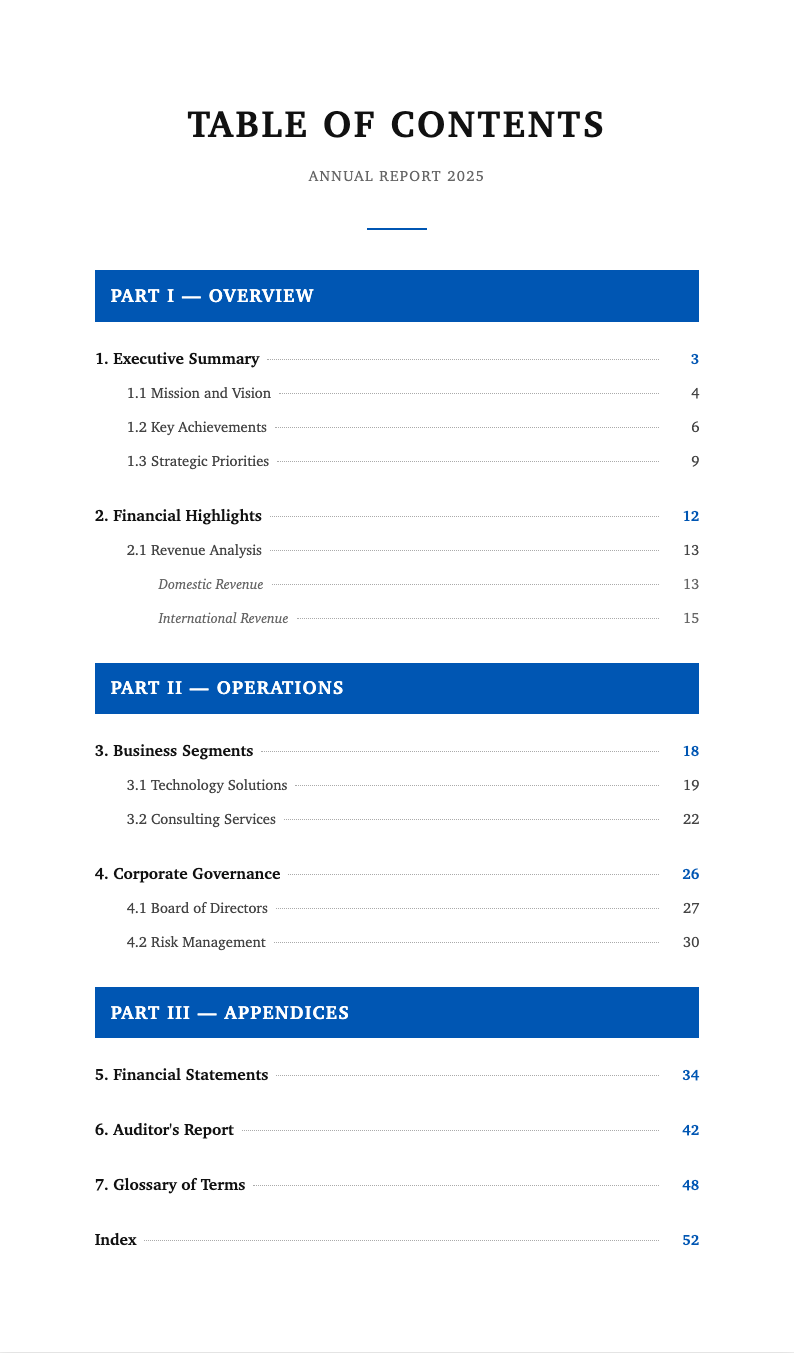
Table of Contents Templates
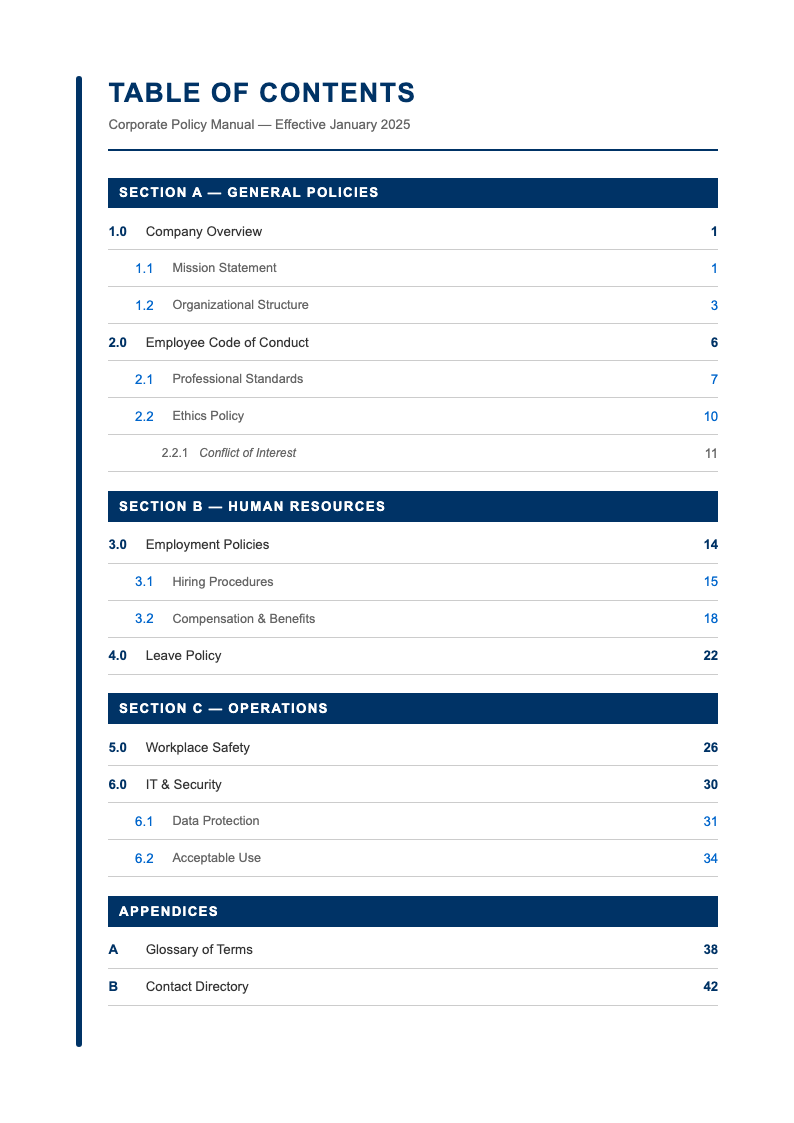
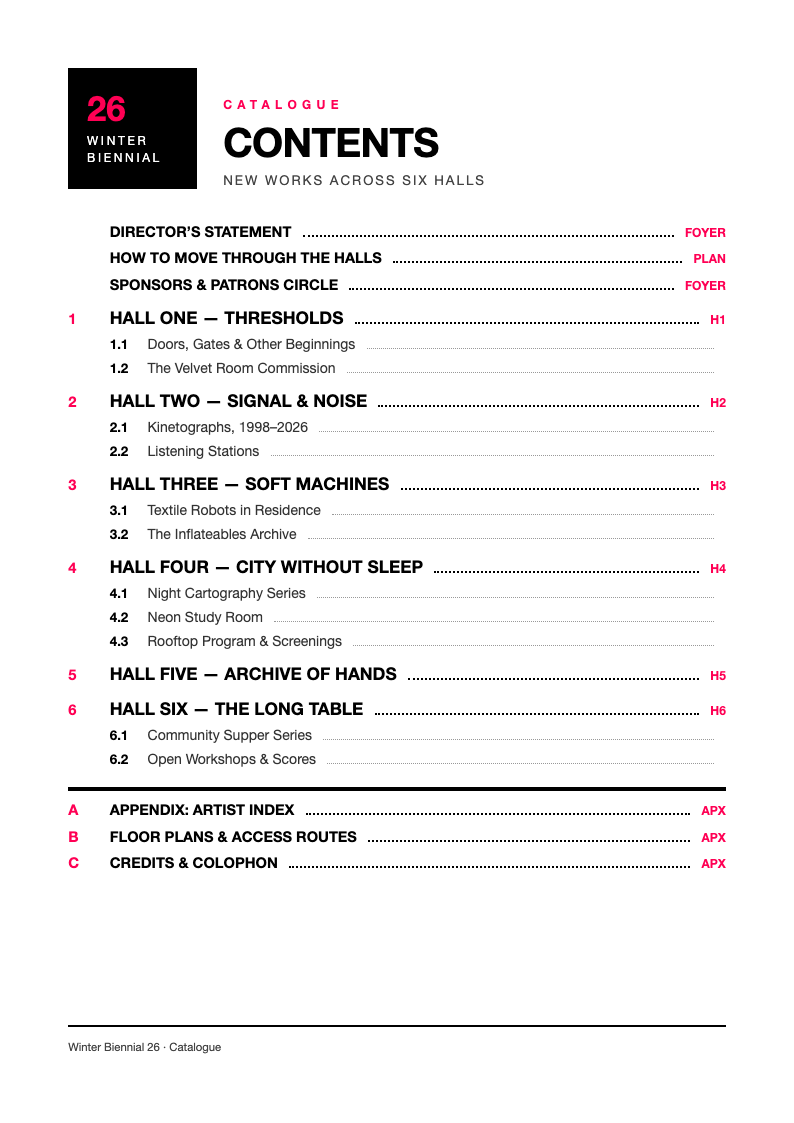
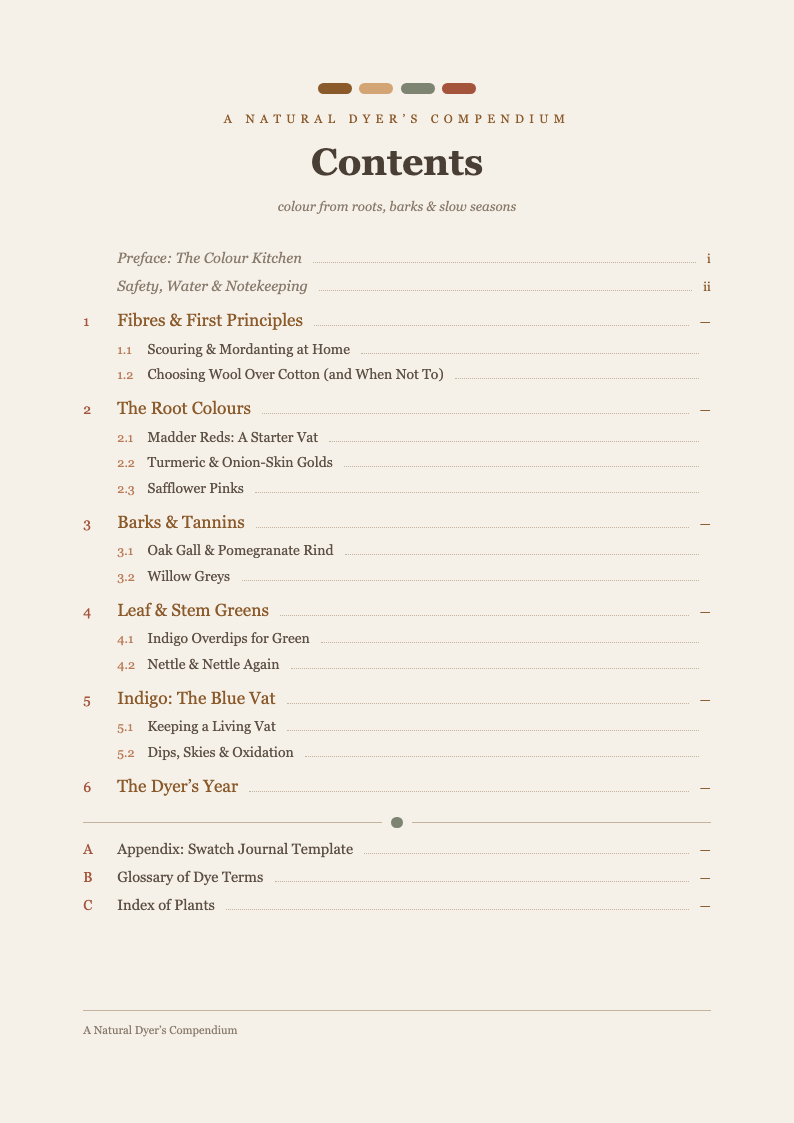
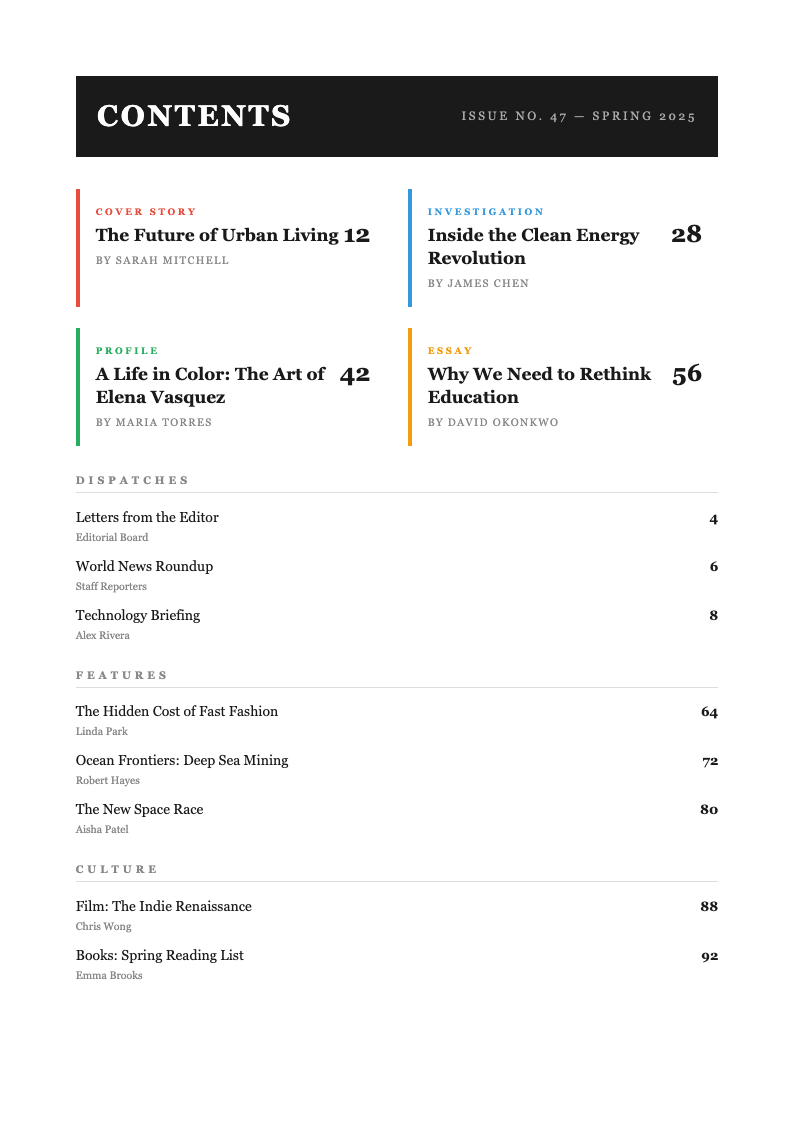
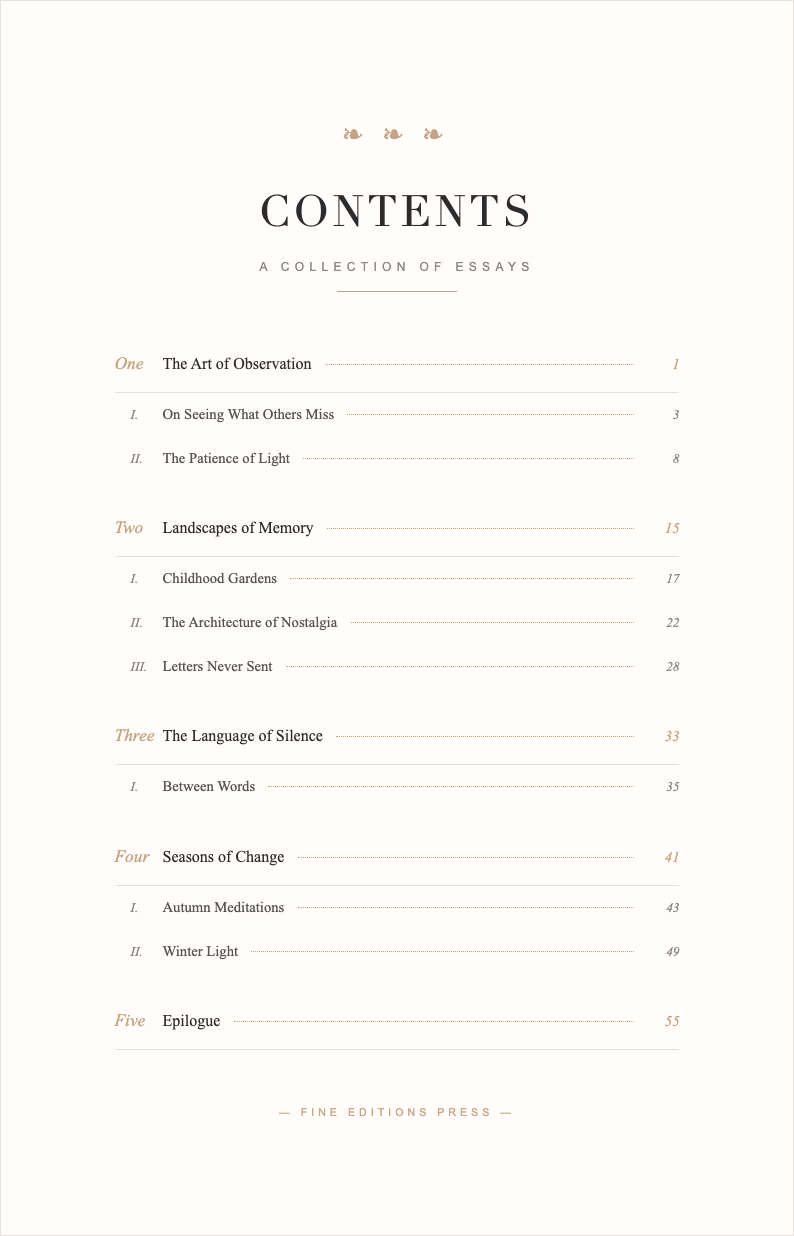
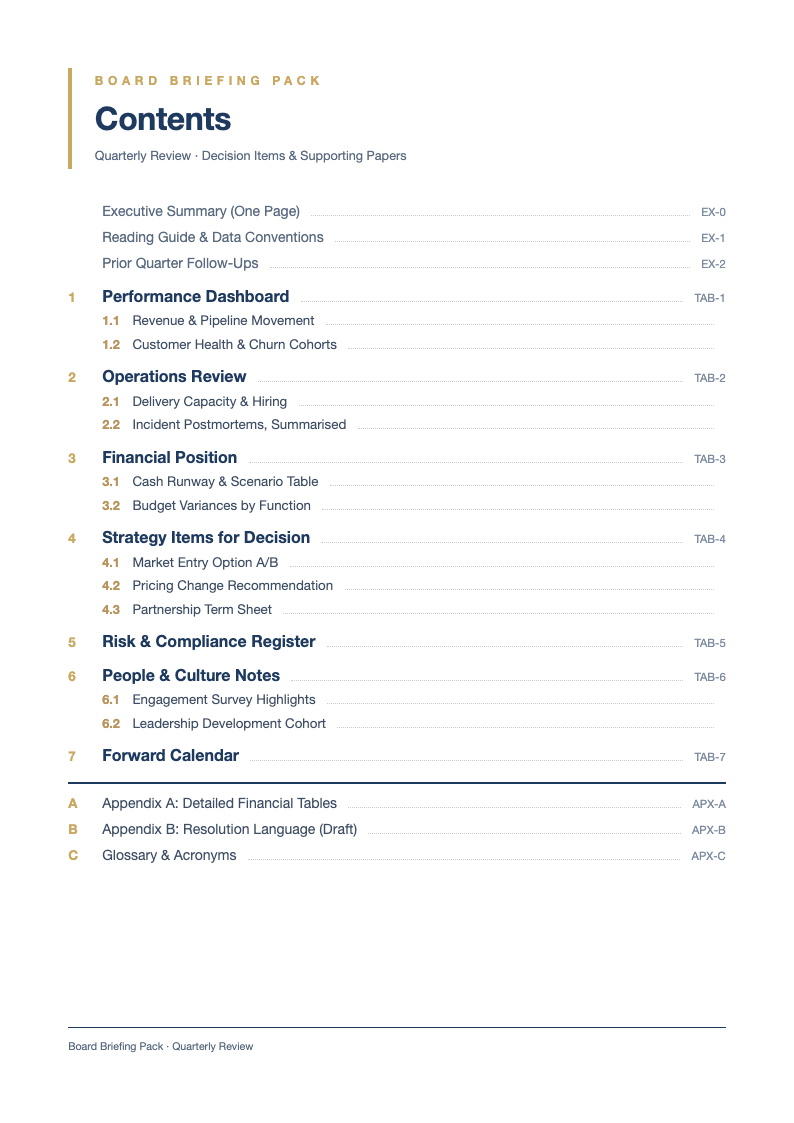
Browse our TOC templates.
Frequently Asked Questions
Common questions about the TOC generator.
- Is this tool free?
- Yes, the Table of Contents Generator is completely free to use. Ensure that you review all information carefully before finalizing your document to maintain professionalism. This tool provides a seamless experience, allowing you to focus on the content rather than the formatting. This step is crucial for ensuring that your final document meets all standard requirements and looks professional.
- Does it link to pages?
- The generated PDF or Word file contains the text and layout. If you use Word, you may need to link the headings to the text manually or use Word's built-in feature for clickable links. By following these guidelines, you can create a document that stands out and effectively communicates your message.
- Can I have multiple levels?
- Yes, the tool supports multiple levels of indentation for chapters, sections, and subsections. This tool provides a seamless experience, allowing you to focus on the content rather than the formatting. Using a professional template helps ensure consistency and adherence to industry standards. Our AI-powered tool is designed to simplify this process, saving you time and effort while ensuring high-quality results.
- Can I edit it later?
- Yes, if you download the Word format, you can continue to edit and update the table of contents as your document changes. This step is crucial for ensuring that your final document meets all standard requirements and looks professional. Remember that a well-formatted document can make a significant difference in how your message is received.
- What styles are available?
- We offer several styles, including simple, dotted line, and modern block styles to match your document's aesthetic. Our AI-powered tool is designed to simplify this process, saving you time and effort while ensuring high-quality results. Using a professional template helps ensure consistency and adherence to industry standards. We recommend double-checking the details to avoid any potential errors in your final output.
- Is this Table Of Contents Generator free to use?
- Yes, our tool is completely free to use. You can generate professional documents without any cost or hidden fees. We believe in providing accessible tools for everyone to create high-quality documents effortlessly. This step is crucial for ensuring that your final document meets all standard requirements and looks professional. Using a professional template helps ensure consistency and adherence to industry standards.
- Can I download the document in Word or PDF format?
- Absolutely. Once you have generated your document, you can download it in multiple formats including PDF and Word. This allows for easy printing, sharing, and further editing to suit your specific needs. Using a professional template helps ensure consistency and adherence to industry standards. This step is crucial for ensuring that your final document meets all standard requirements and looks professional.
- Is my personal data secure?
- We prioritize your privacy and security above all else. We do not store any of the personal information you enter into the generator. All processing happens securely, ensuring your data remains private and confidential. Take advantage of our free resources to enhance your productivity and achieve professional results instantly. This tool provides a seamless experience, allowing you to focus on the content rather than the formatting.
Create Your Index
Organize your work with a professional Table of Contents.
No credit card required • AI formatter tools included • Instant formatting