Generate a Business Proposal in Minutes
Enter your client, project and pricing details and the Business Proposal Generator assembles a persuasive, well-structured proposal you can refine and send the same day.
How to Create a Business Proposal Online
Enter Client and Project Details
Start by entering the client name, project goals, deliverables and budget range into the Business Proposal Generator. Paste requirements straight from the RFP. Organized inputs become organized sections, which is what makes a business proposal feel tailored rather than templated.
Choose a Proposal Layout
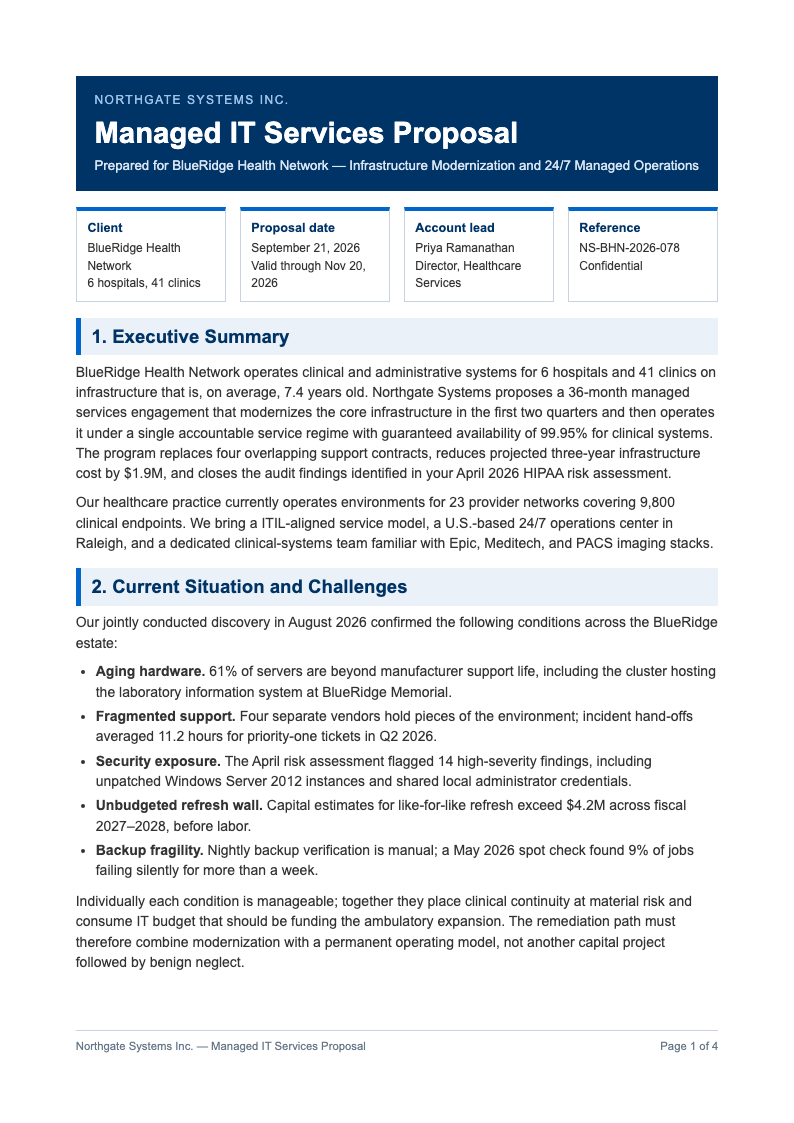
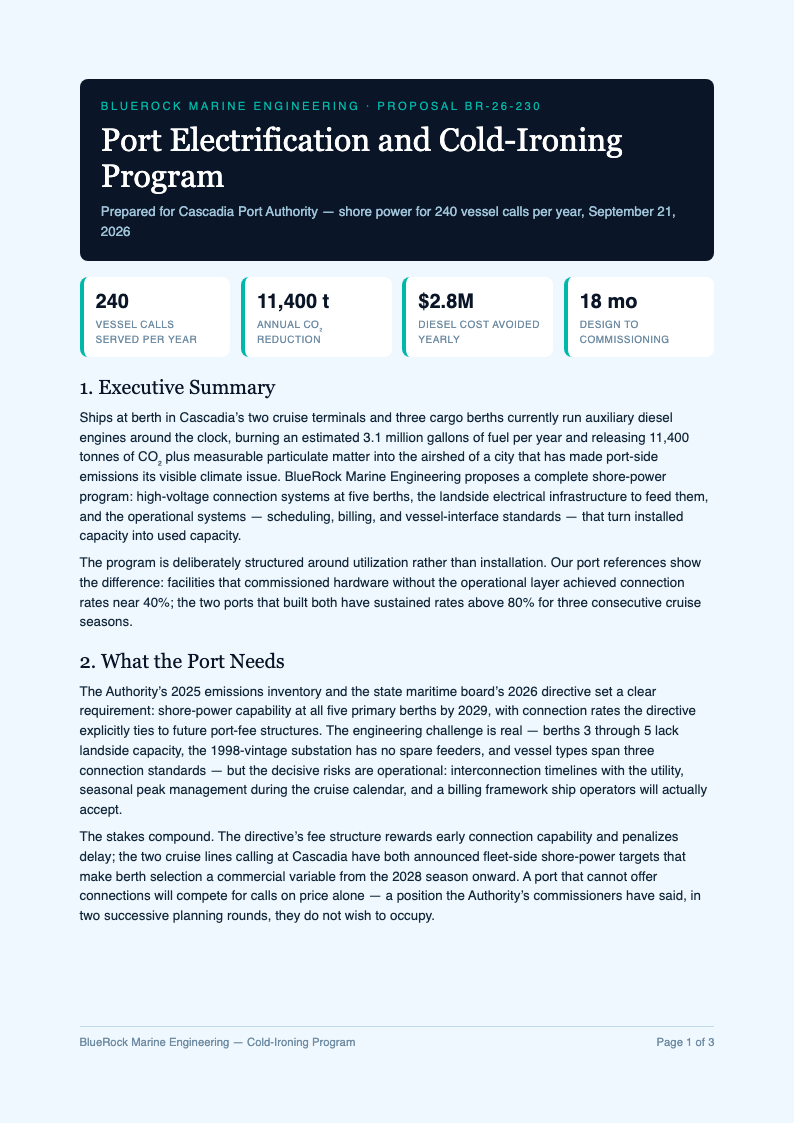
Pick a professional structure and the generator orders the executive summary, problem statement, solution, pricing and timeline for you. The result reads the way buyers expect, letting reviewers find figures and commitments in your business proposal within seconds.
Review and Customize
Read every section and replace generic wording with client-specific language: their industry terms, their deadlines, their success metrics. Tighten pricing and confirm dates, because a proposal that mirrors the client's own vocabulary consistently outperforms generic text.
Download and Send
Export the final business proposal as a PDF for a polished client-ready file, or as Word when colleagues still need to comment. Attach it to your follow-up email the same day; the Business Proposal Generator turns what used to take days into an afternoon task.
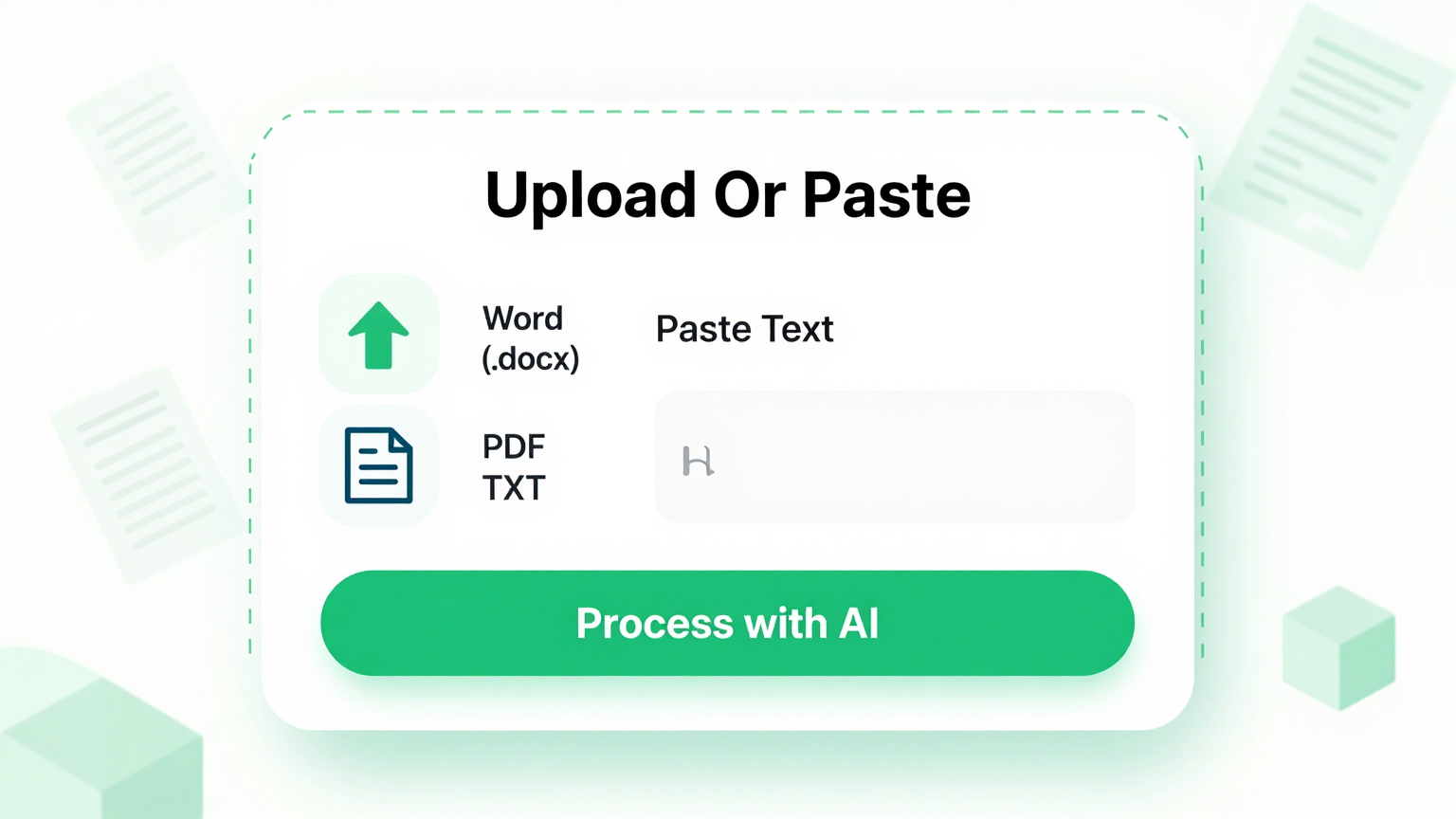
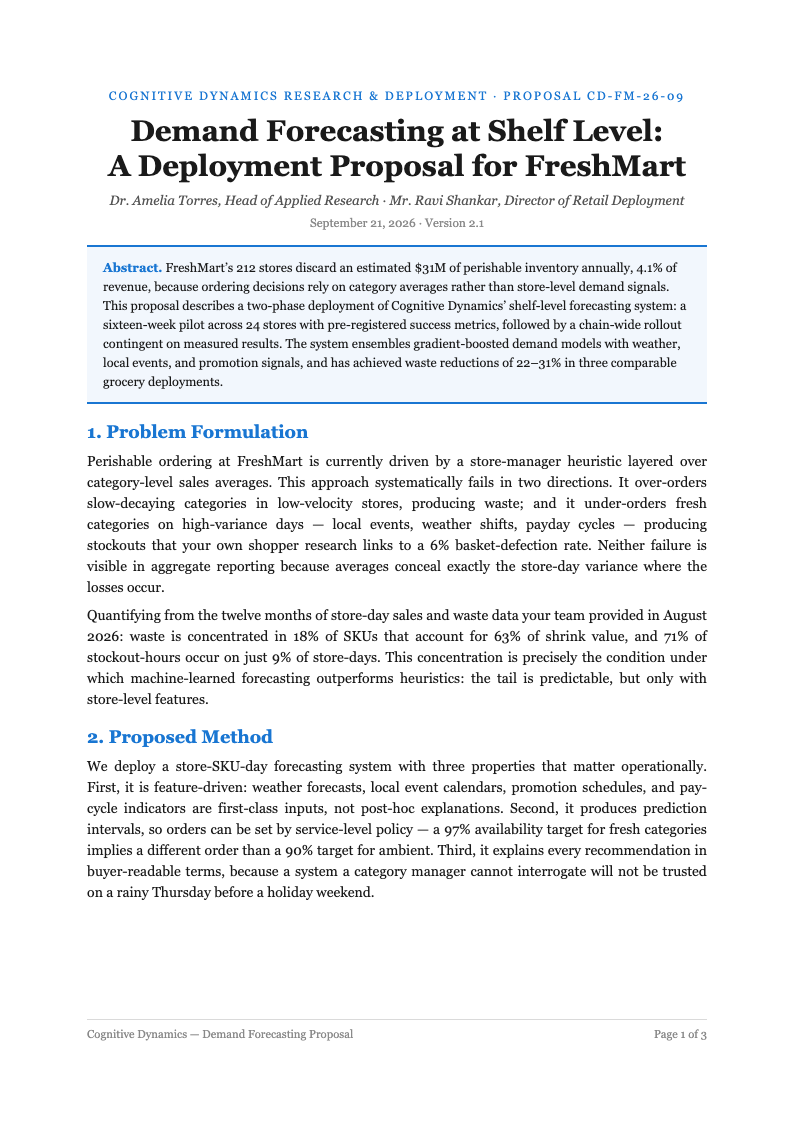
Import Project Details
Paste the RFP requirements, your project notes and pricing figures into the Business Proposal Generator. The tool maps each detail to the right section, so the executive summary, scope of work and budget tables in your business proposal align with what the client actually asked for.
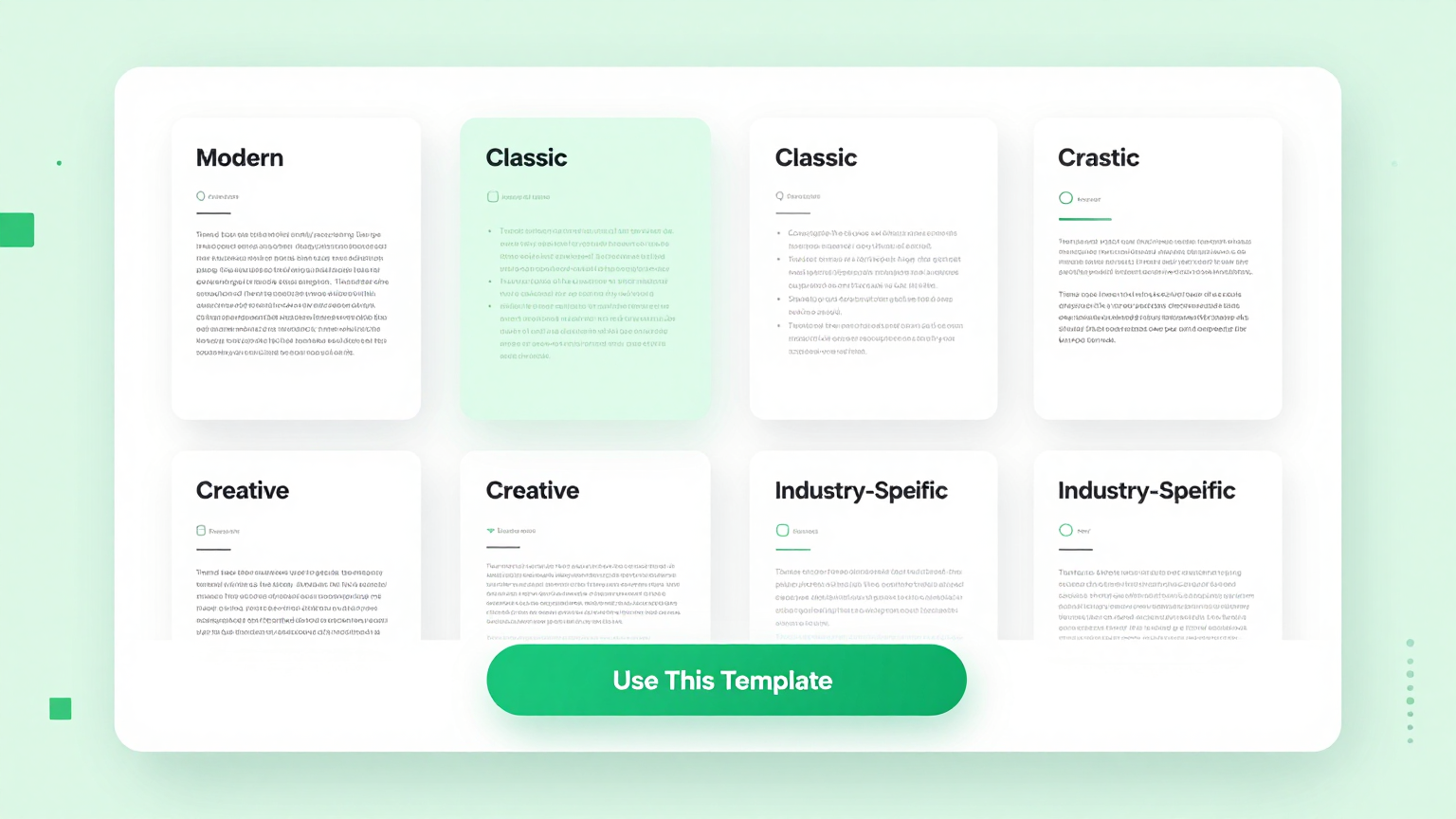
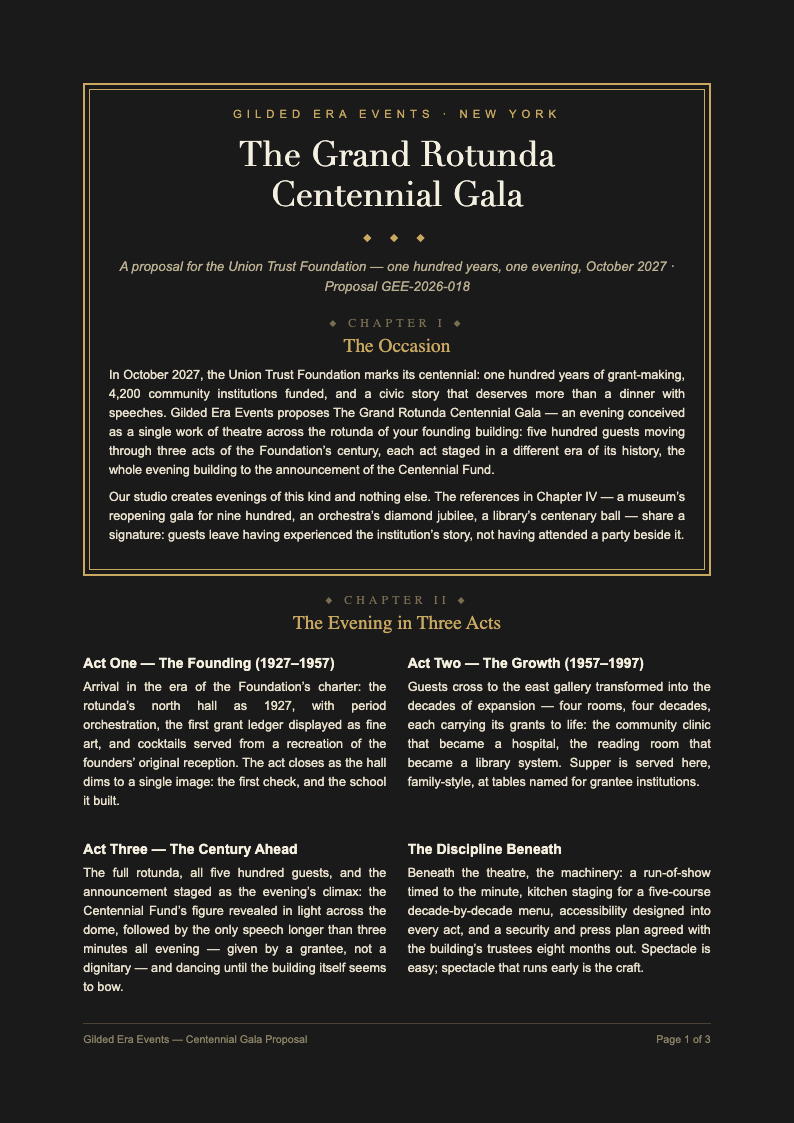
Professional Templates
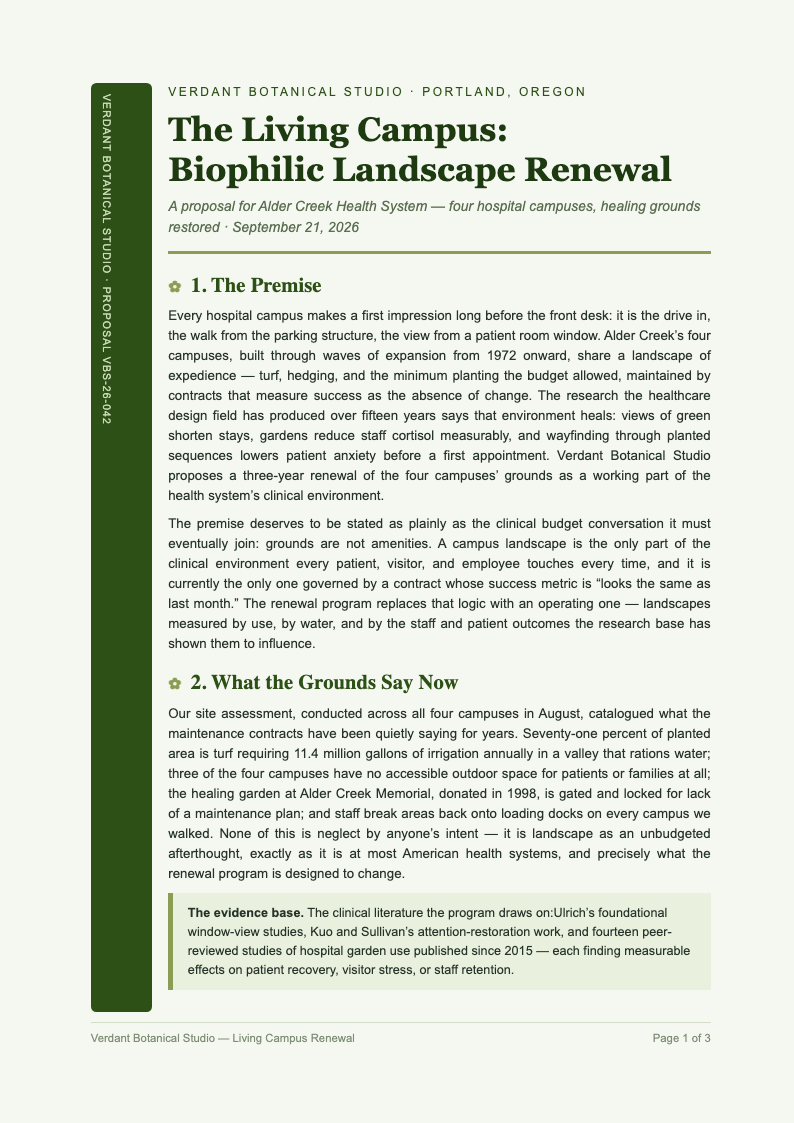
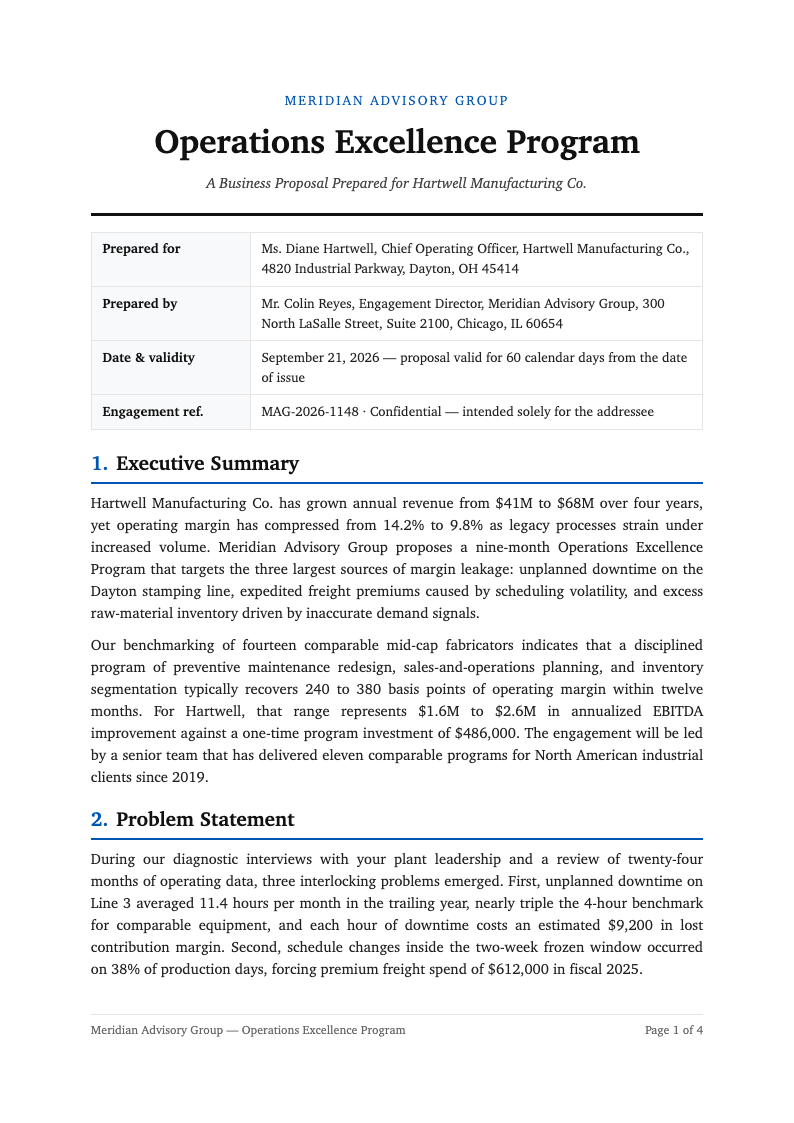
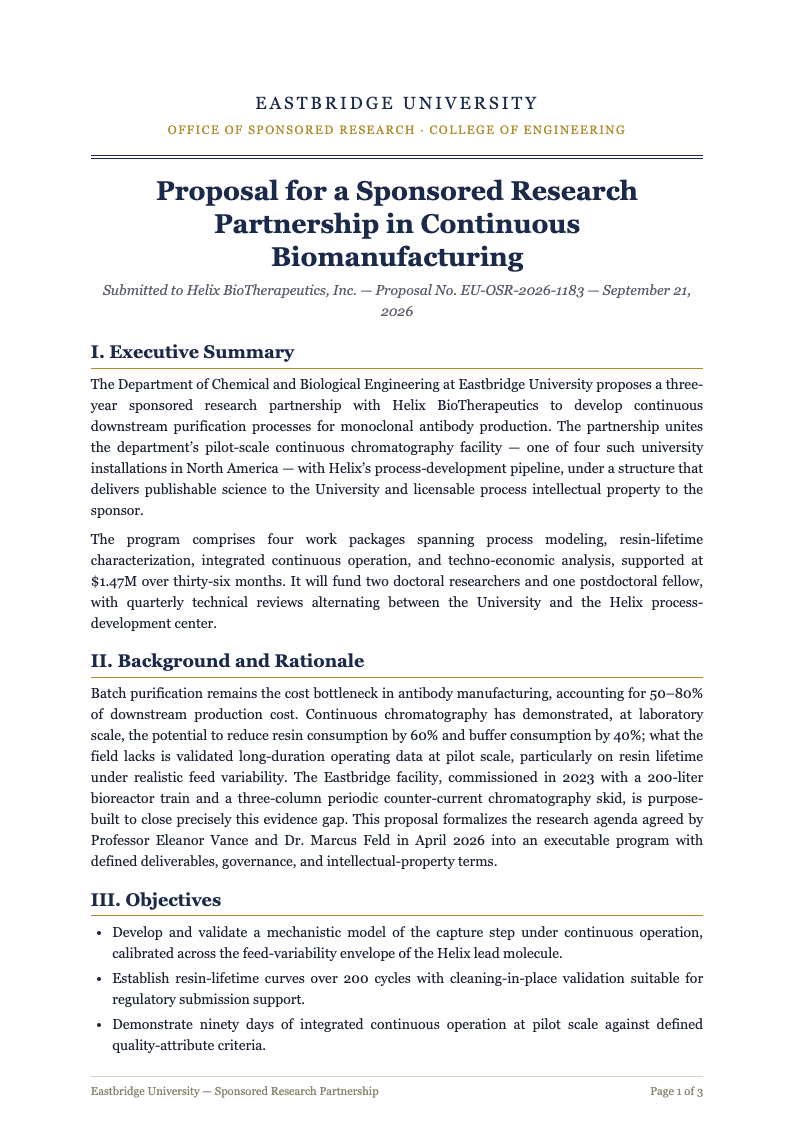
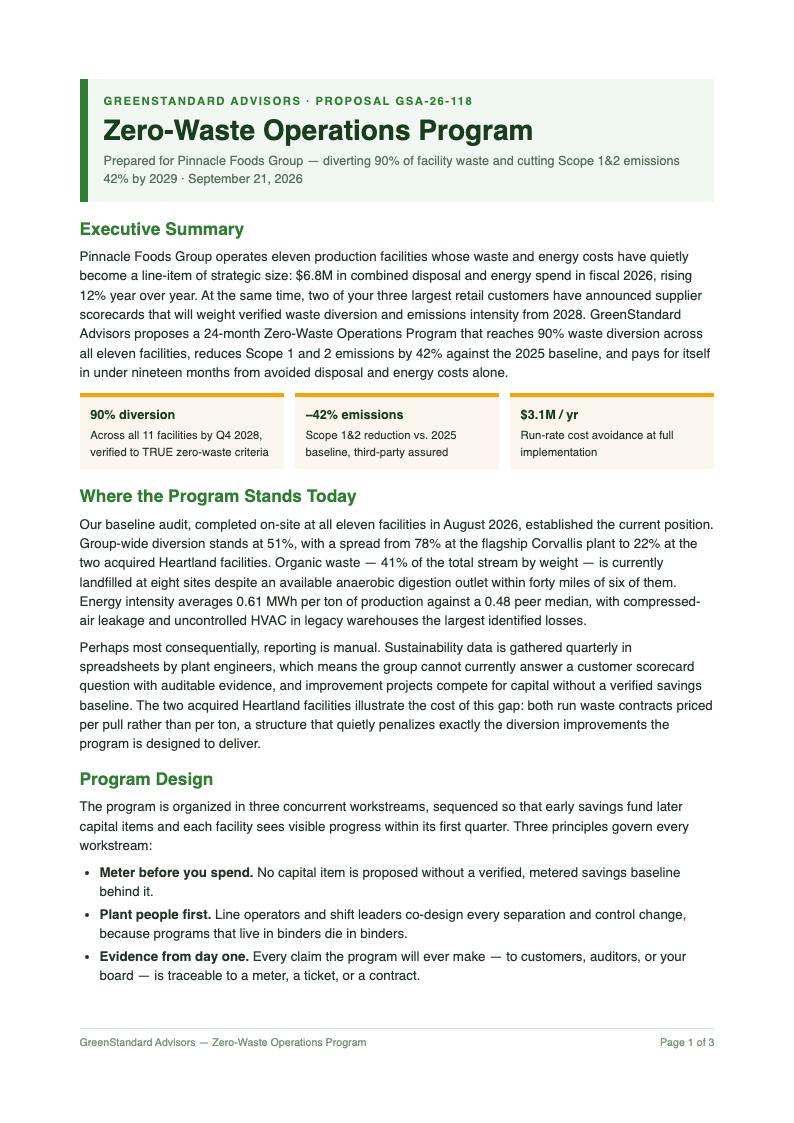
Start from polished layouts inside the generator. Cover pages, section styling and pricing tables arrive pre-formatted, giving your business proposal a professional look without hiring a designer or wrestling with word processor styles. Inside the Business Proposal Generator, the template step exists purely to save you time, so the structure of your document is settled before you type a single line.
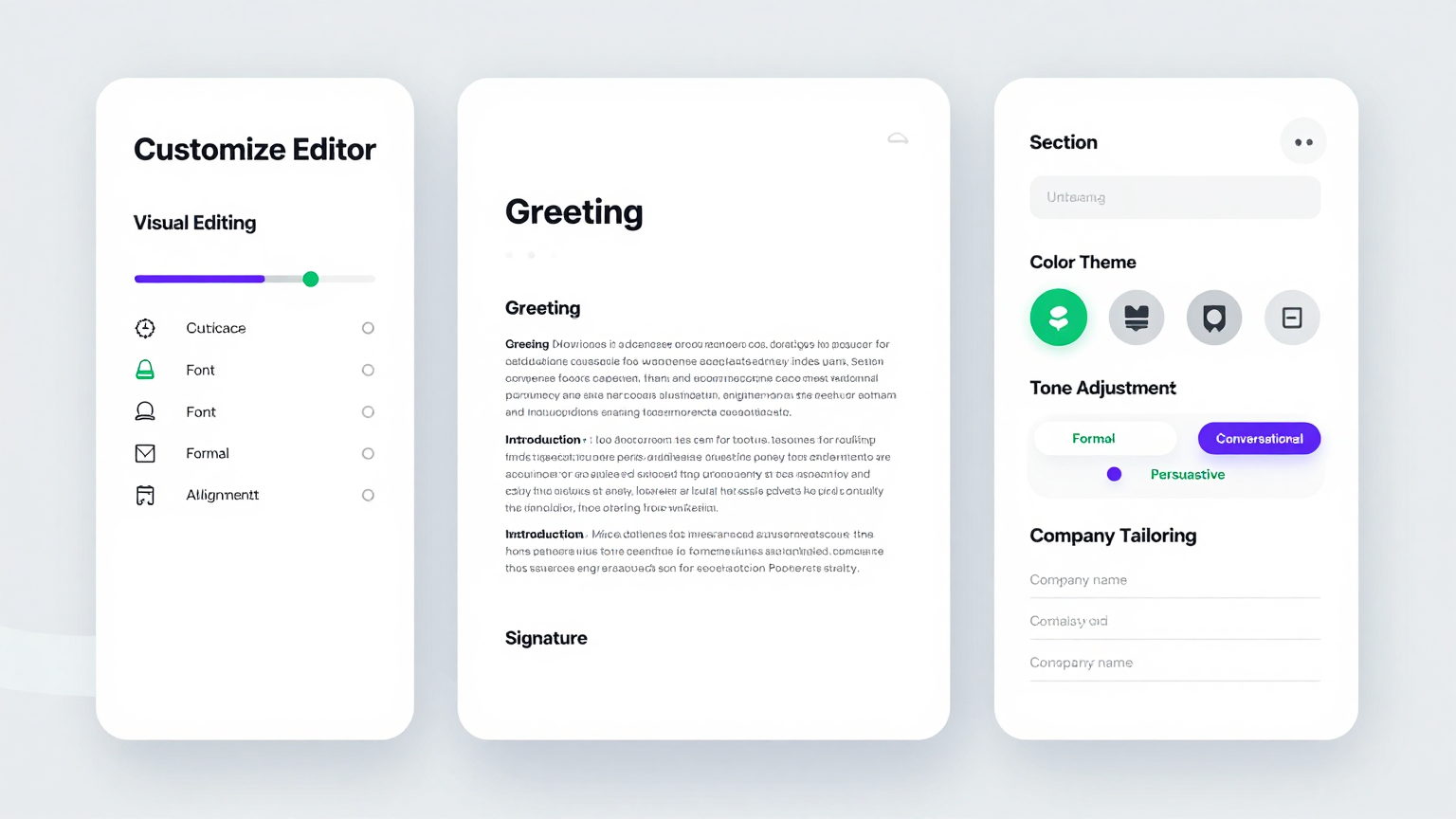
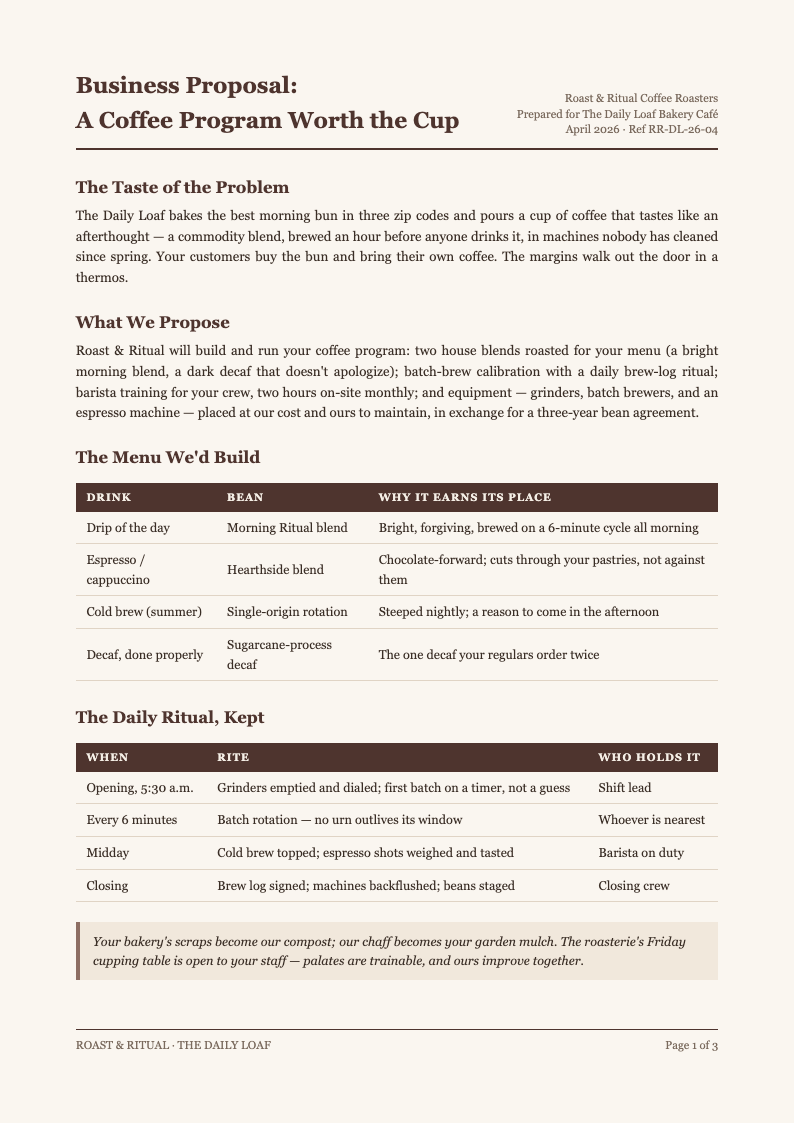
Edit Online
Refine wording, reorder sections and update figures in the online editor. Adjust the value proposition for each client, tighten the scope description and the business proposal stays consistently formatted through every revision. The editing stage of the Business Proposal Generator is deliberately visual, letting you see and adjust the finished layout instead of imagining how plain text will translate to the page.
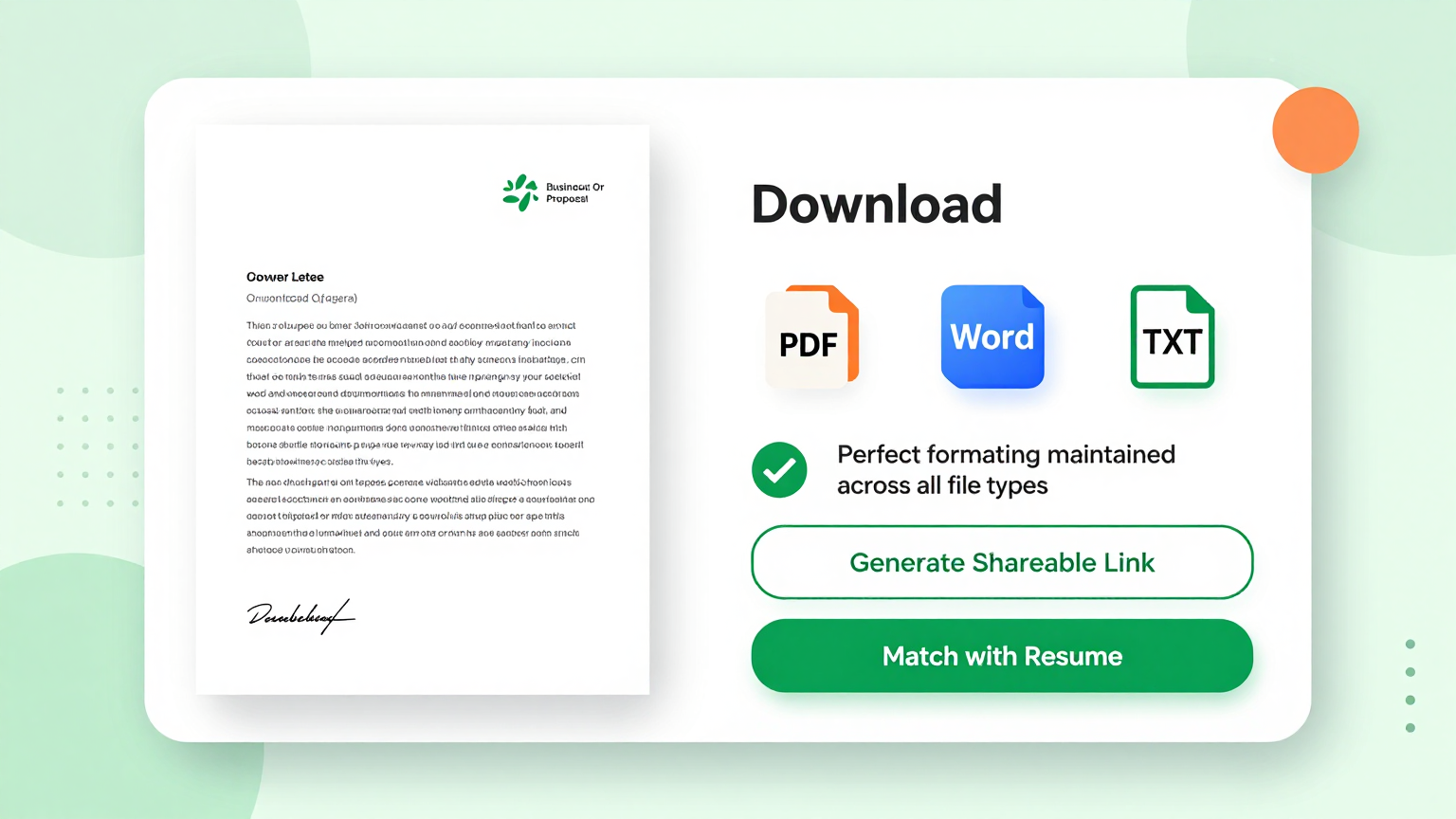
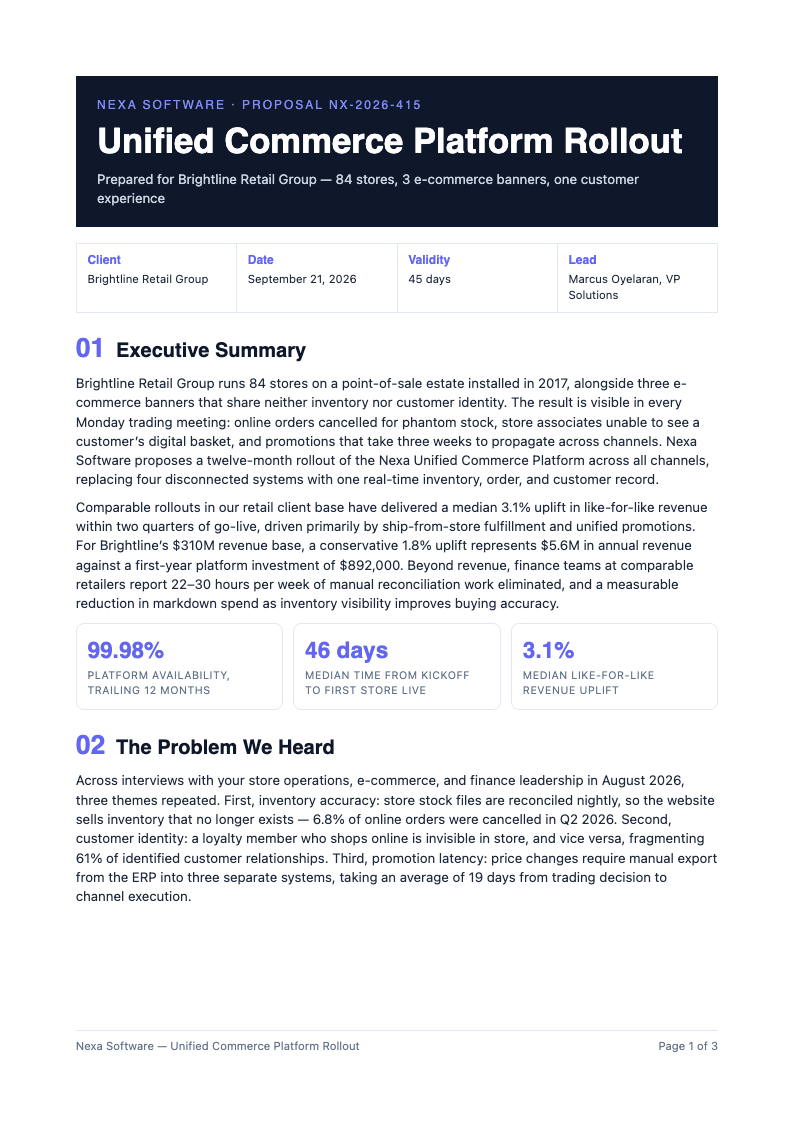
Download & Share
Export your finished business proposal as PDF for clients or Word for internal review. The Business Proposal Generator keeps tables, headers and page breaks intact, so the document your prospect receives looks exactly like the one you previewed.
Explore Professional Business Proposal Templates
Prefer to start from a full layout? Browse our business proposal template collection covering project bids, service retainers and RFP responses.
Frequently Asked Questions
Helpful information about using our business proposal generator.
- Is the Business Proposal Generator free to use?
- Yes, the Business Proposal Generator is completely free with no credit card, trial clock or watermark. Freelancers and sales teams can generate unlimited business proposal drafts, which matters when several opportunities close in the same week and each needs a tailored document. The tool keeps your inputs in the browser session while you work, so an accidental refresh is far less painful than it would be in a traditional desktop editor.
- What do I need to prepare before using the tool?
- Gather the client's requirements, your pricing, and the delivery timeline. With those three inputs the Business Proposal Generator produces a structured draft immediately. You can paste rough notes directly, since the tool organizes details into sections rather than expecting finished prose. There is no account requirement to get started, which means you can test the whole workflow immediately and decide later whether it fits your regular routine.
- Can the generator handle subscription pricing models?
- Yes. Enter monthly, annual or tiered pricing and the tool formats it into a clean table with options side by side. Buyers comparing packages in your business proposal can see the differences instantly instead of decoding paragraphs of fee descriptions. Because the Business Proposal Generator runs entirely online, you can pick up where you left off from any device and keep your workflow moving without installing extra software.
- Is my proposal data confidential?
- Yes. Content you enter into the Business Proposal Generator is processed securely and never shared or sold. Pricing strategies and client names stay private, and you can delete any business proposal draft from your workspace once the deal is signed. If you create documents like this often, the minutes you save on each one add up quickly compared with formatting everything by hand from a blank file.
- Can I edit the generated proposal afterwards?
- Absolutely. You get a complete draft and full editing control. Rewrite sections, add testimonials or reorder content. Many teams treat the generated business proposal as a 70 percent draft and spend their time sharpening the value proposition. The Business Proposal Generator keeps its structure consistent across every document you build, which is especially helpful when you need several versions that all look professionally prepared.
- What formats can I export to?
- The generator exports to PDF for clients and Word for internal redlines. Both formats preserve pricing tables, headers and page breaks, so the business proposal your prospect opens matches what you approved, whether it is printed or read on screen. Output from the Business Proposal Generator downloads in the formats people actually use, so sharing the finished file with colleagues or clients never requires a conversion step.
- Does it work for one-person businesses?
- Yes. Solo consultants probably benefit the most, because the tool handles structure and formatting that a design agency would charge for. A freelance business proposal produced with the tool looks as professional as one from a full service firm. You can run the Business Proposal Generator as many times as you need, experimenting with different inputs until the result matches the tone and detail level you want.
- How fast can I produce a client-ready proposal?
- Most users finish in fifteen to thirty minutes. The Business Proposal Generator eliminates formatting work and section planning, so your effort goes into tailoring the pitch. With a saved master draft, each subsequent business proposal takes even less time. Every option is labeled in plain language on screen, so even people who rarely produce formatted documents can move through the steps without getting stuck.
- Can I create proposals for different industries?
- Yes. Marketing, construction, software, consulting and catering engagements all follow the same persuasive structure. Adjust the section wording and the Business Proposal Generator supports any industry, because the underlying anatomy does not change from field to field. If you create documents like this often, the minutes you save on each one add up quickly compared with formatting everything by hand from a blank file.
- Do generated proposals include acceptance pages?
- Yes. Every draft ends with an acceptance block containing signature, name and date lines. Clients can sign the exported business proposal directly or through your e-signature tool, which shortens the approval cycle and makes next steps unambiguous for both sides. The Business Proposal Generator works equally well for quick one-off documents and longer projects, giving you the same dependable structure no matter how tight your timeline is.
- Can teammates collaborate on a generated proposal?
- Yes. Share the draft online and let sales, delivery and finance refine their own sections. Formatting stays consistent, so a proposal assembled by four contributors still reads like one voice when it reaches the client. Guidance built into the Business Proposal Generator covers the most common questions, and the tool walks you through each step so there is no steep learning curve.
- Do I need an account to download my proposal?
- No. You can generate, edit and download a business proposal without registering. A free account is optional and only adds saved drafts across sessions, which is convenient when proposals stretch over multiple days of internal review. Once your document is generated, the Business Proposal Generator keeps the layout stable while you refine the wording, so late edits never break the overall presentation.
Create Your Business Proposal Now
Stop losing deals to slow proposals. Use the free Business Proposal Generator to build a structured, persuasive draft in minutes and get it in front of the client today.
No credit card required • AI formatter tools included • Instant formatting