Generate Project Reports Instantly
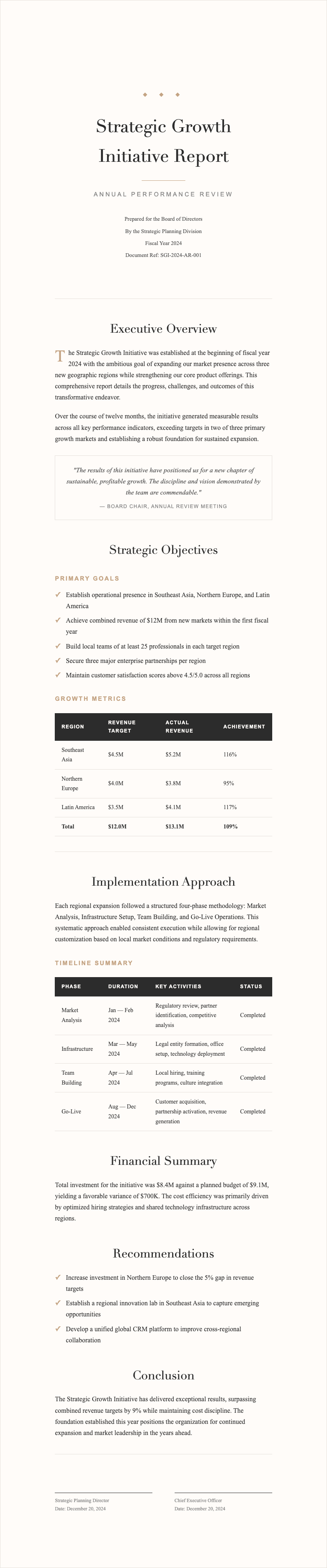
Create polished, well-structured project reports in minutes with our intuitive Project Report Generator. Simply enter your project details, select a professional template, and let the tool handle the formatting and layout for you.
How to Create a Project Report Online
Enter Your Details
Start by entering your project information into the Project Report Generator. Input your project name, objectives, completed milestones, upcoming tasks, and any identified risks. You can also paste data from existing project files to save time and reduce manual entry errors.
Select a Template
Browse available layouts and pick the one that best matches your reporting needs. Options include weekly updates, monthly reviews, and final summaries. Each template presents data clearly with sections for tasks, risks, and analysis.
Review and Edit
Use the online editor to review your document and make adjustments. You can modify text, update milestone statuses, add commentary about risks, and refine the layout. This ensures your document is accurate and tailored to your audience before sharing.
Download Your Document
Once you are satisfied with your report, download it in your preferred format. The tool supports PDF and other file types so you can share it via email, present it in meetings, or upload it to your project management system. Your formatted project document is ready in seconds.
Import Data
Easily import your project milestones, task lists, budget figures, and timeline data into the Project Report Generator. Paste information from spreadsheets or enter it directly into the tool. It automatically organizes your data into the correct fields for a clean, professional project document.
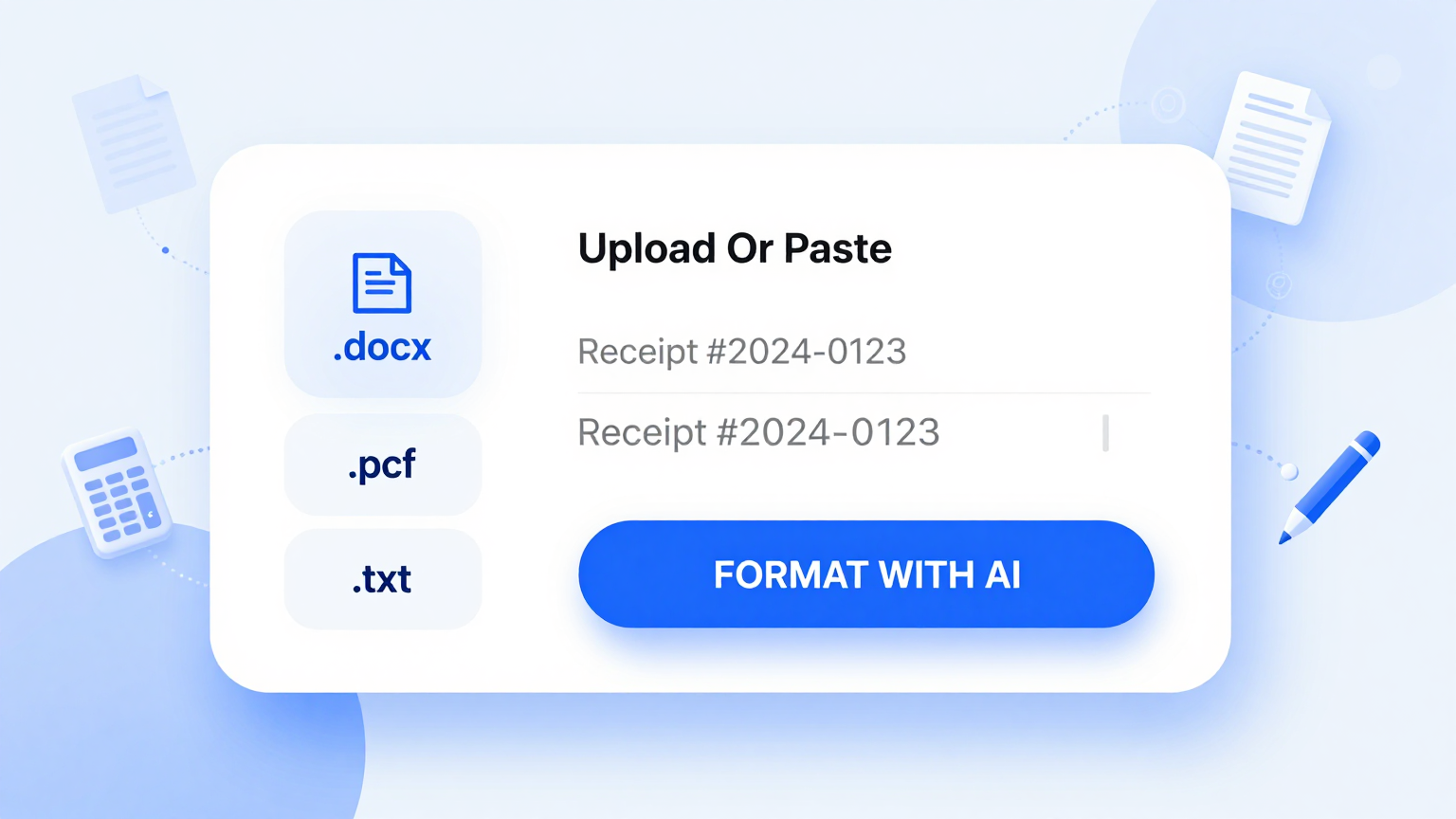
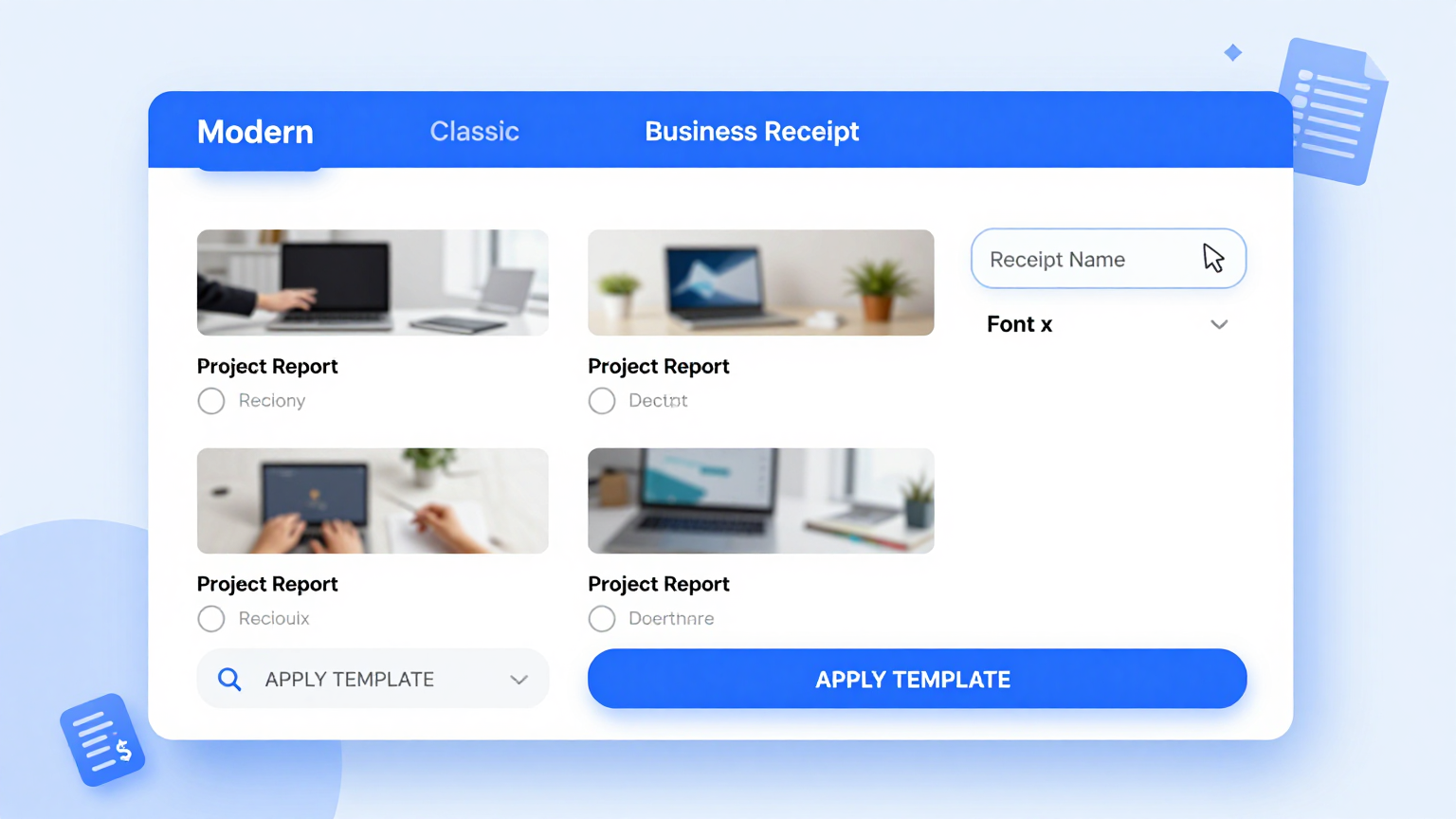
Professional Templates
Choose from a curated library of professionally designed layouts. Whether you need a weekly status update, a monthly progress review, or a final project summary, these templates match your reporting style and stakeholder requirements perfectly.
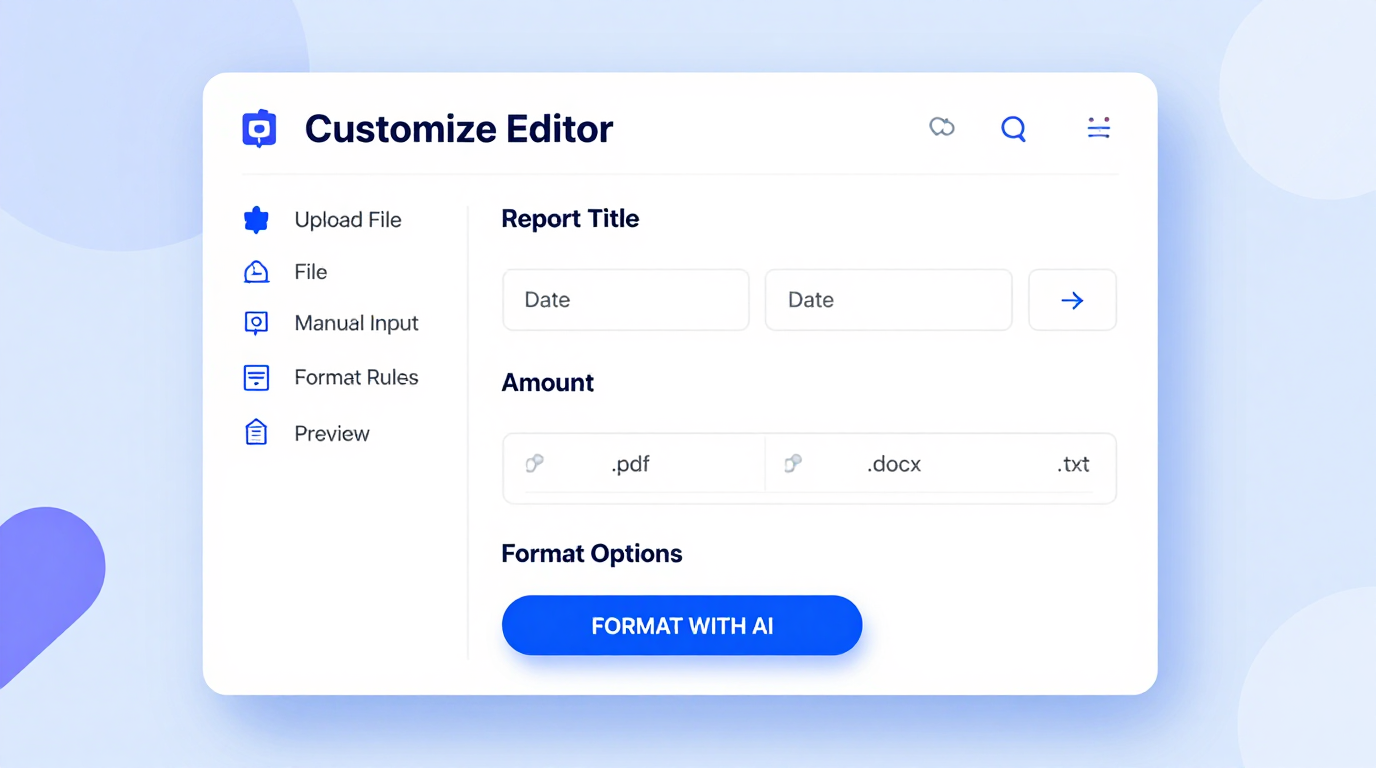
Edit Online
Fine-tune every detail of your document with the built-in editor. Adjust headings, modify task sections, update milestone statuses, and add commentary directly in your browser. The tool gives you full control over the final appearance and content of your report.
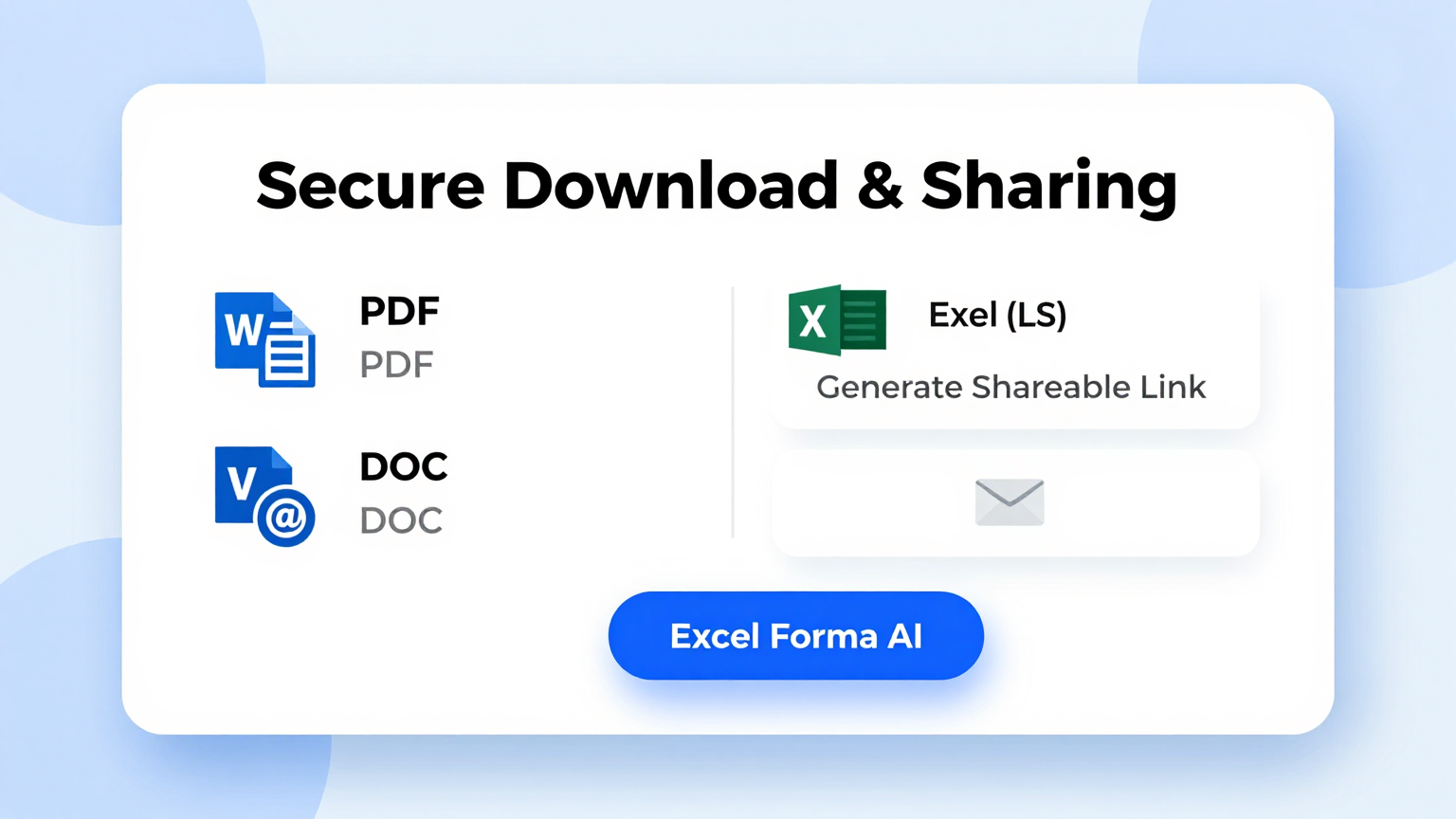
Download & Share
Export your completed document from the Project Report Generator in PDF or other popular formats ready for sharing with your team, management, or clients. The output maintains a polished, professional appearance across all devices and print formats every time.
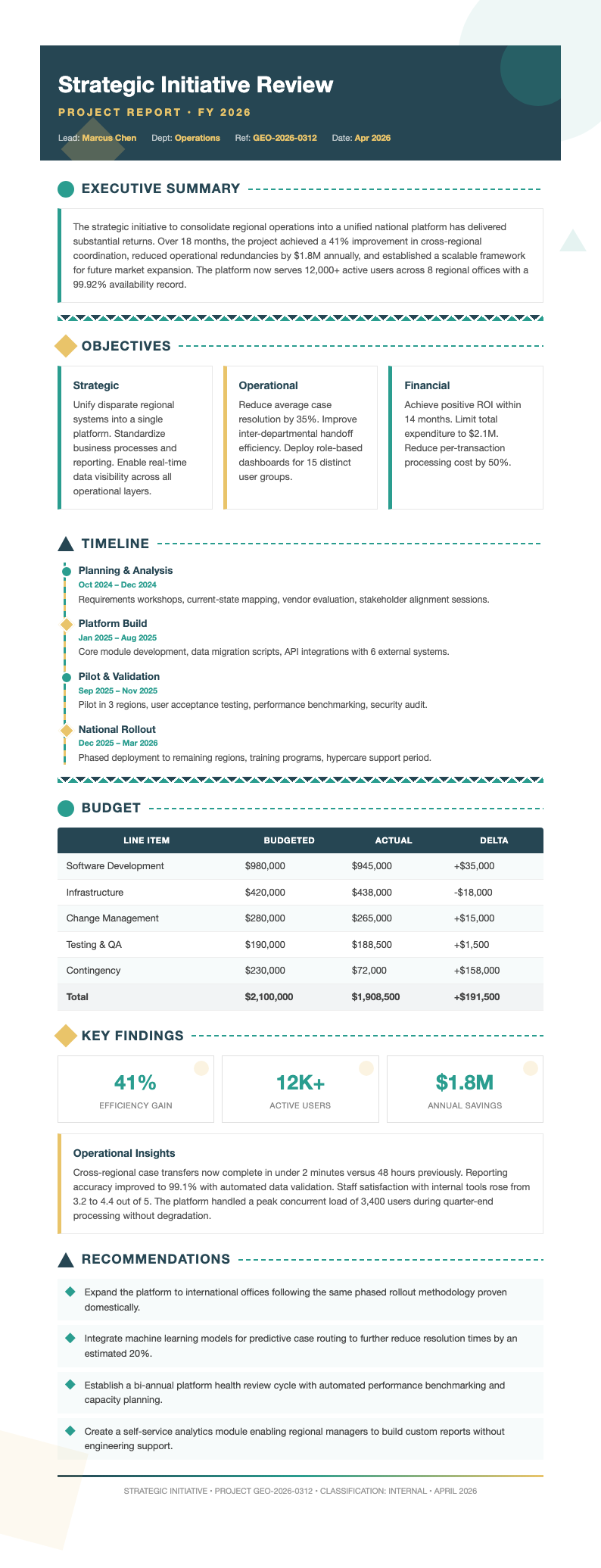
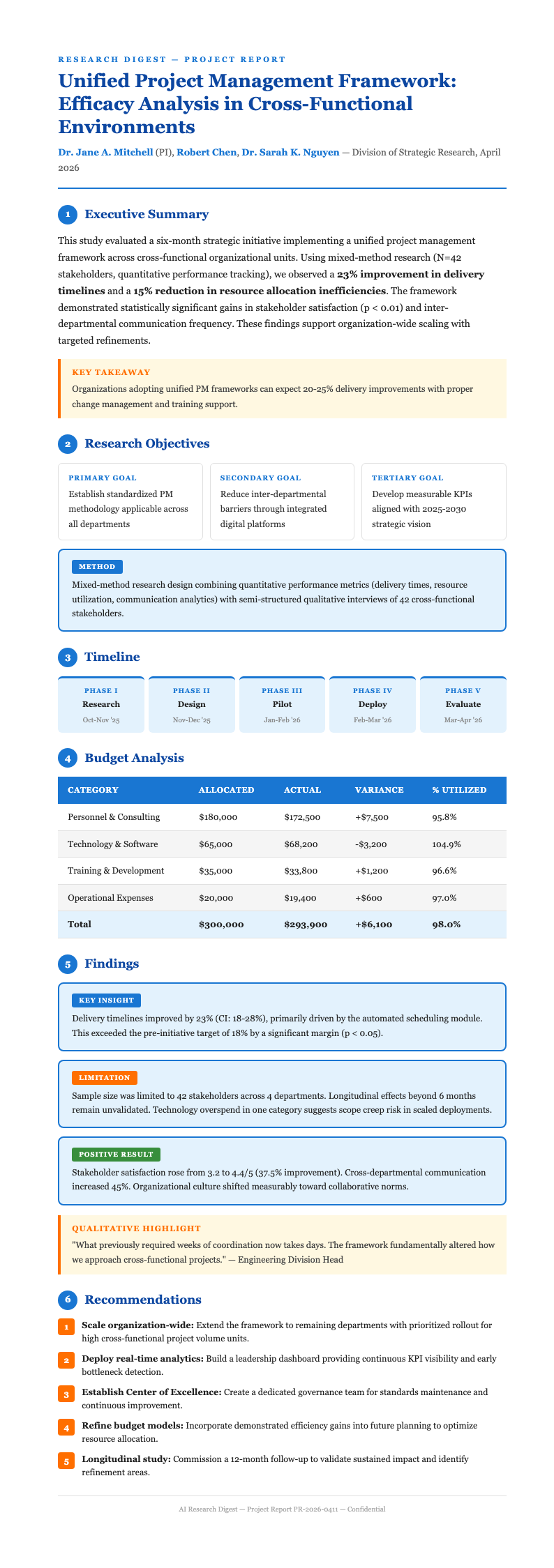
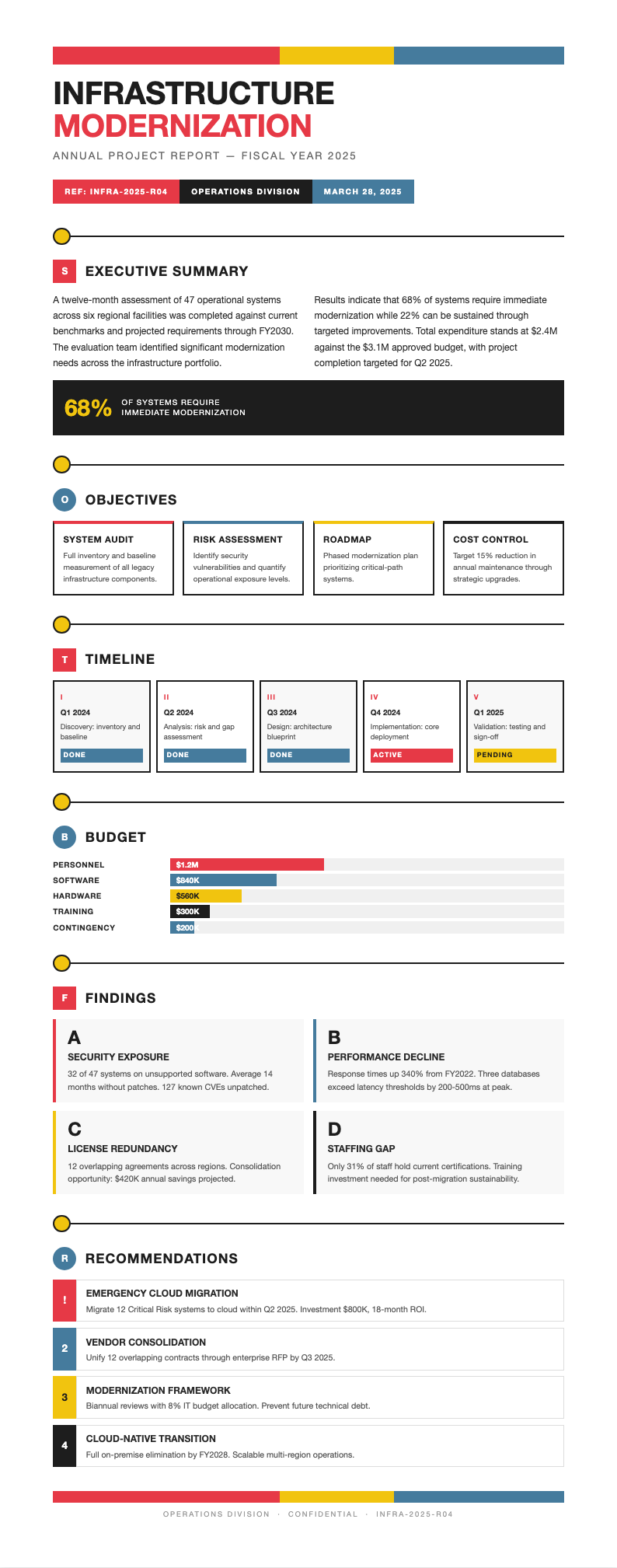
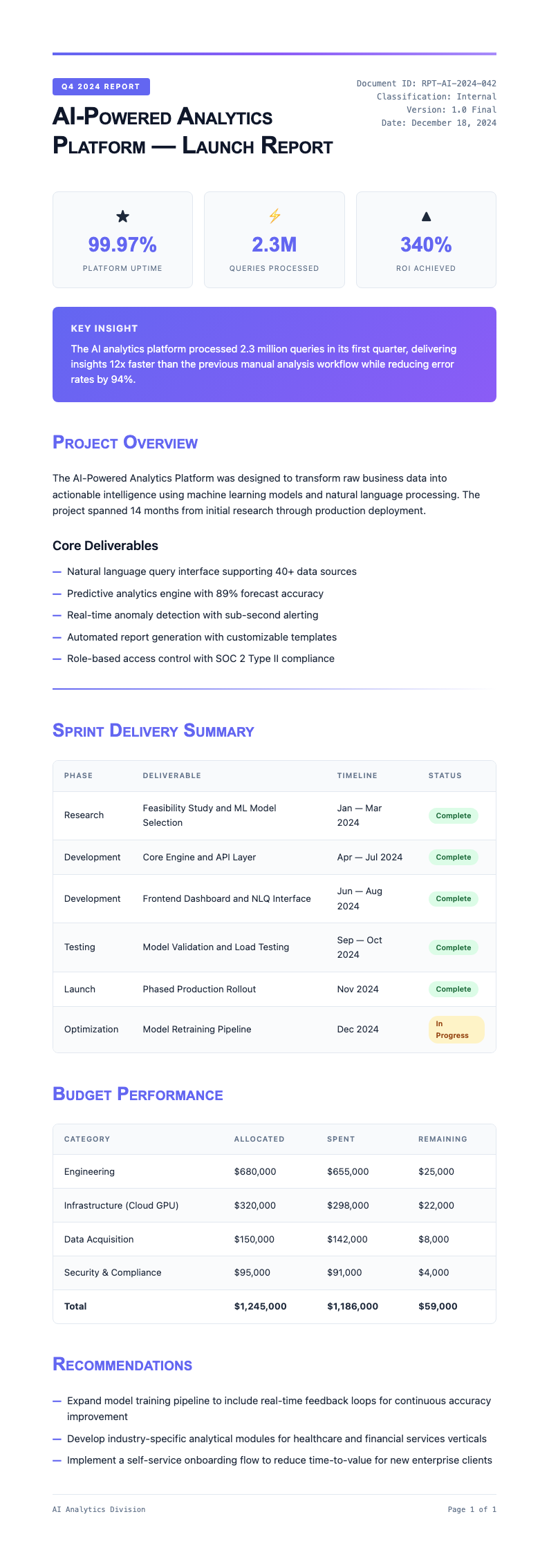
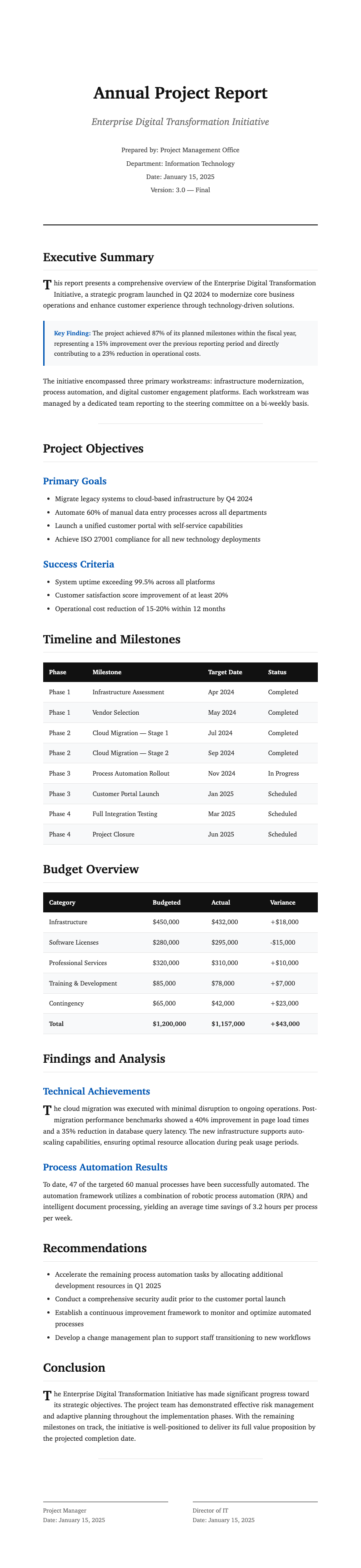
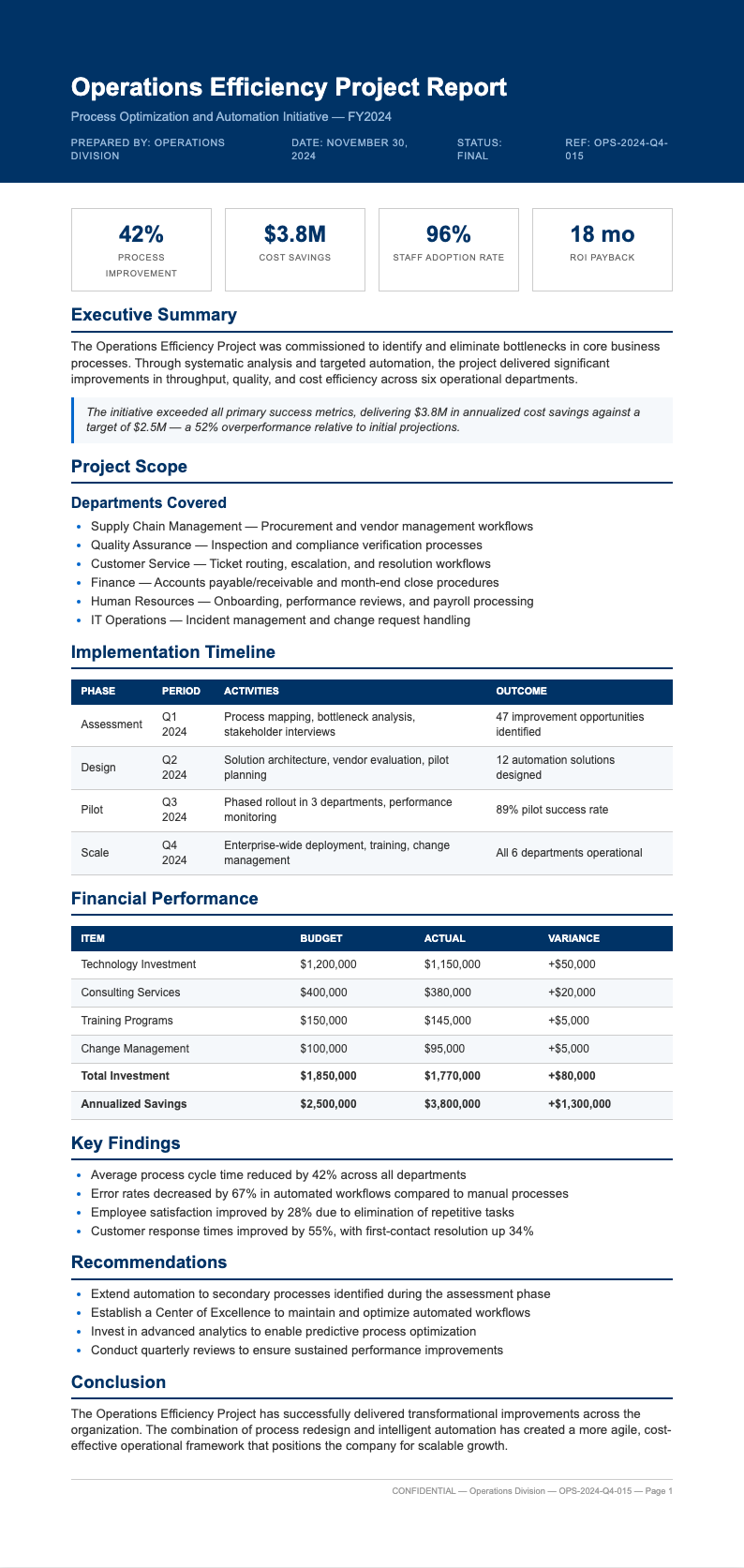
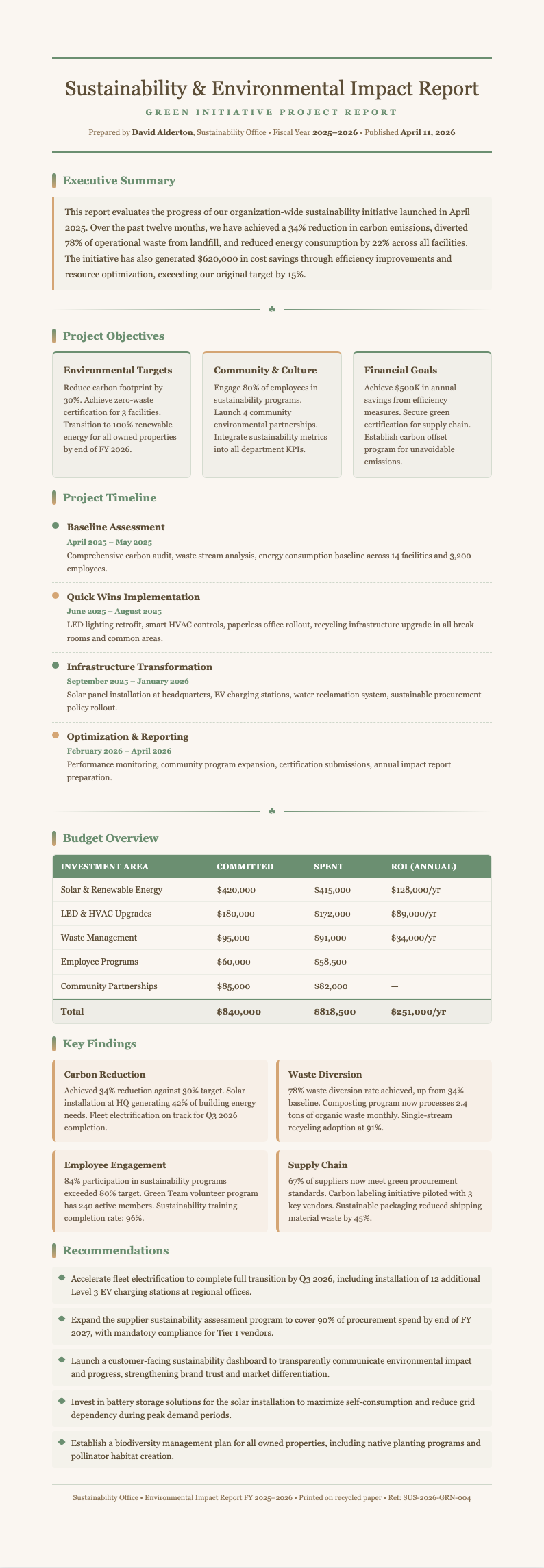
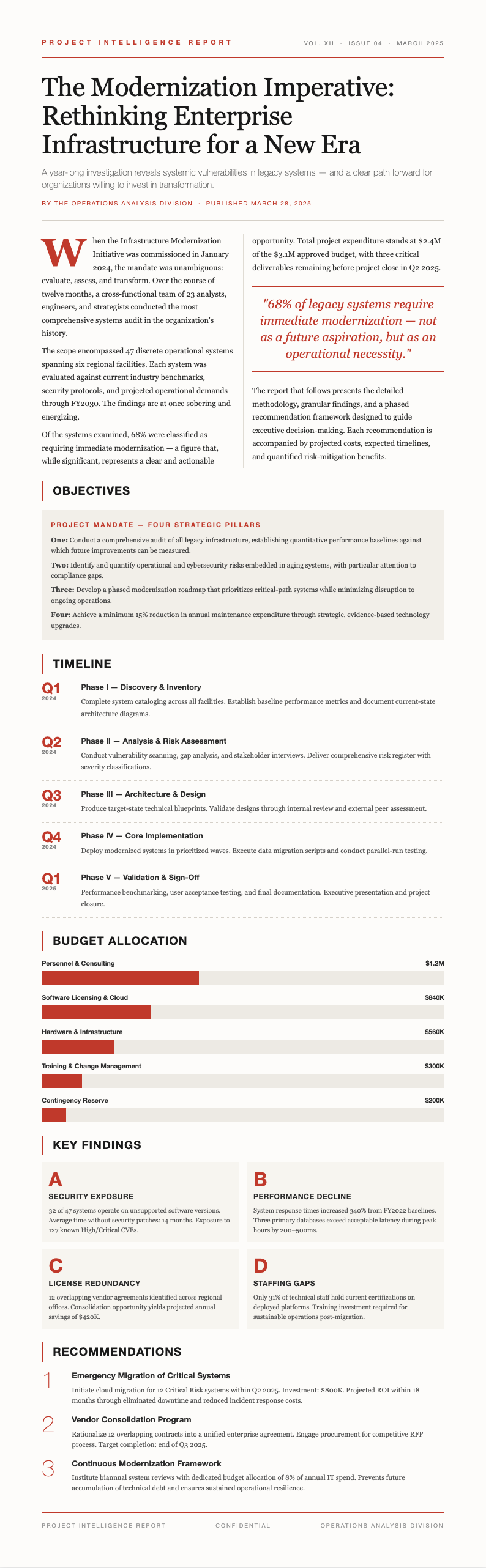
Explore Professional Project Report Templates
Browse our full collection of Project Report templates designed for weekly status updates, monthly reviews, and final project summaries.

Frequently Asked Questions
Learn more about how our Project Report Generator works and how it can streamline your reporting process.
- What is a Project Report Generator?
- A Project Report Generator is an online tool that helps you create professional project reports quickly by providing structured templates and automated formatting. Instead of building reports from scratch, you simply input your project data into pre-designed layouts that produce polished documents ready for stakeholder review and distribution across your team or organization.
- Is the Project Report Generator free to use?
- Yes, the Project Report Generator is completely free with no hidden charges or subscription requirements whatsoever. You can generate as many reports as you need without paying anything at all. It is designed to be accessible to teams and organizations of all sizes, from individual freelancers to large enterprise project management departments.
- Do I need to download software to use the Project Report Generator?
- No, the Project Report Generator runs entirely in your web browser without any downloads required. There is no software to install, no plugins needed, and no system requirements to worry about. You can access it from any device with an internet connection, whether it is a desktop computer, laptop, tablet, or smartphone.
- What types of project reports can I create?
- The Project Report Generator supports a wide range of report types including weekly status updates, monthly progress reviews, milestone completion summaries, and final project closeout reports. Each format comes with appropriate sections for the relevant reporting period and key project metrics. Whether your project is large or small, you will find a template that fits your specific reporting needs and stakeholder expectations.
- Can I customize the templates in the Project Report Generator?
- Absolutely. The Project Report Generator provides full editing capabilities so you can modify headings, adjust section layouts, add or remove data fields, and change formatting styles. Every template serves as a starting point that you can tailor to match your specific project reporting requirements and stakeholder preferences without needing any technical skills.
- How long does it take to generate a report?
- With the Project Report Generator, most reports can be created in just a few minutes. The process involves entering your project data, selecting a template, and making any desired edits. Since formatting is handled automatically, you spend less time on layout and more time focusing on your actual project progress.
- Can I use the Project Report Generator for team reporting?
- Yes, the tool is well-suited for team environments. You can create individual or team-wide reports and download them for distribution to all relevant stakeholders. Many project managers use it to compile weekly team summaries that are shared during stand-up meetings or distributed via email to keep everyone informed and aligned on project goals.
- What export formats does the Project Report Generator support?
- The Project Report Generator supports exporting your completed reports in PDF and other common document formats for maximum compatibility. This ensures compatibility with whatever tools your team or clients use for document management. Each export maintains the professional formatting and layout you see on screen, so your documents always look polished.
- Is my data secure in the Project Report Generator?
- The Project Report Generator processes your data directly in your browser and does not store your project information on our servers at any time. Your data stays completely private and is only used to generate the document you are actively creating. Data privacy is a core design principle for all users of this platform.
- Can I add my company logo to the generated report?
- Yes, the Project Report Generator allows you to personalize your reports with branding elements including your company name and logo. This feature helps ensure that every report you produce aligns with your corporate identity and looks professional when shared with external stakeholders, clients, and executive leadership across your entire organization.
- Does the Project Report Generator track project progress over time?
- The Project Report Generator creates individual reports based on the data you provide at the time of generation. For ongoing tracking, you can create updated reports at regular intervals using the same template format. This approach lets you maintain consistent structure and formatting across all your periodic project status update documents over time.
- Who should use the Project Report Generator?
- The tool is ideal for project managers, team leads, business analysts, and anyone responsible for tracking and communicating project progress to stakeholders. Whether you report to a small internal team or present to executive leadership and external clients, this tool helps you create documents that clearly communicate your project status and outcomes.
Create Your Project Report Now
Use our free online tool to produce a professional, well-organized project document in just minutes. No design skills needed.
No credit card required • AI-powered formatting • Instant download