Generate Job Descriptions Instantly
Stop staring at blank job postings. Use our AI-powered Job Description Generator to produce clear, comprehensive job descriptions that attract qualified candidates for any role.
How to Create a Job Description Online
Enter Role Details
Start by entering the job title, department, and a brief description of what the role involves into the the generator.
Define Responsibilities
Review the list of responsibilities generated by the our tool and adjust them to match the actual day-to-day work.
Set Qualifications
Specify the required education, experience level, technical skills, and certifications in the the tool. Separate must-have qualifications from nice-to-have skills so candidates can assess their fit before applying.
Download and Post
Download the completed job description from the our tool as a Word or PDF file and post it on LinkedIn, Indeed, your company career page, or any job board.
Import Data
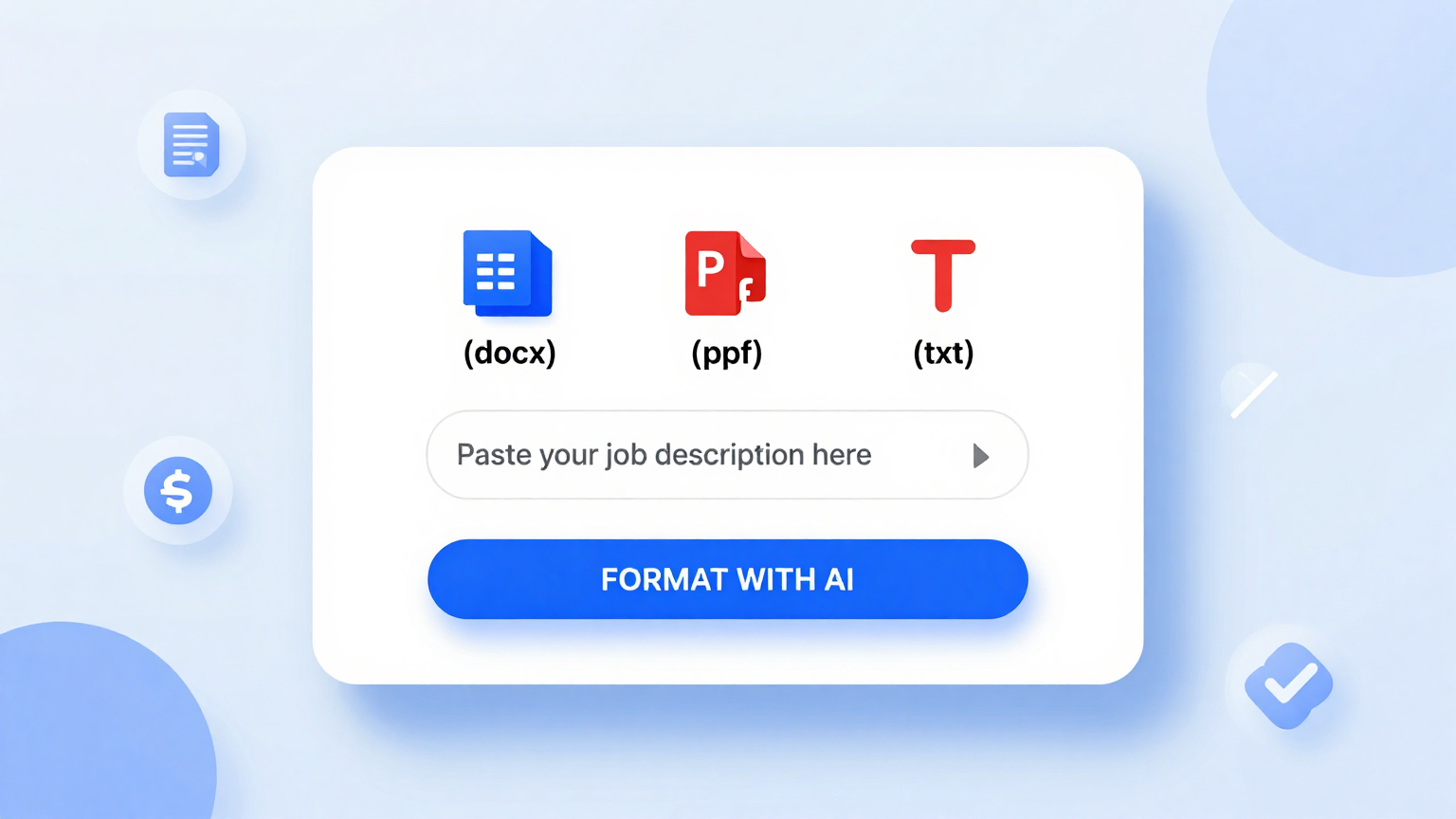
Paste your existing job notes, role requirements, or competitor job postings directly into the the generator. The tool analyzes your input and builds a complete job description with properly structured responsibilities and qualifications sections.
Professional Templates
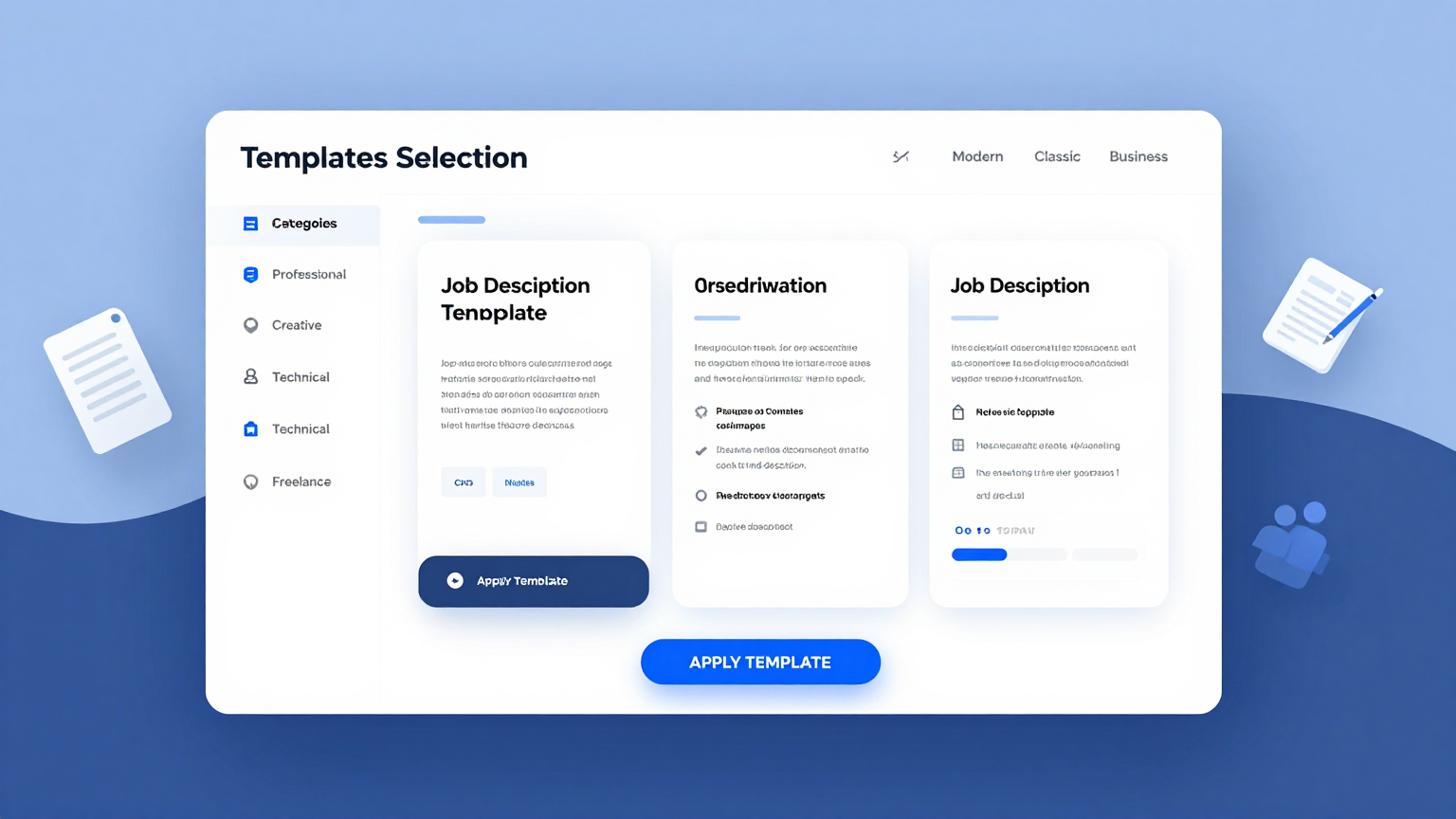
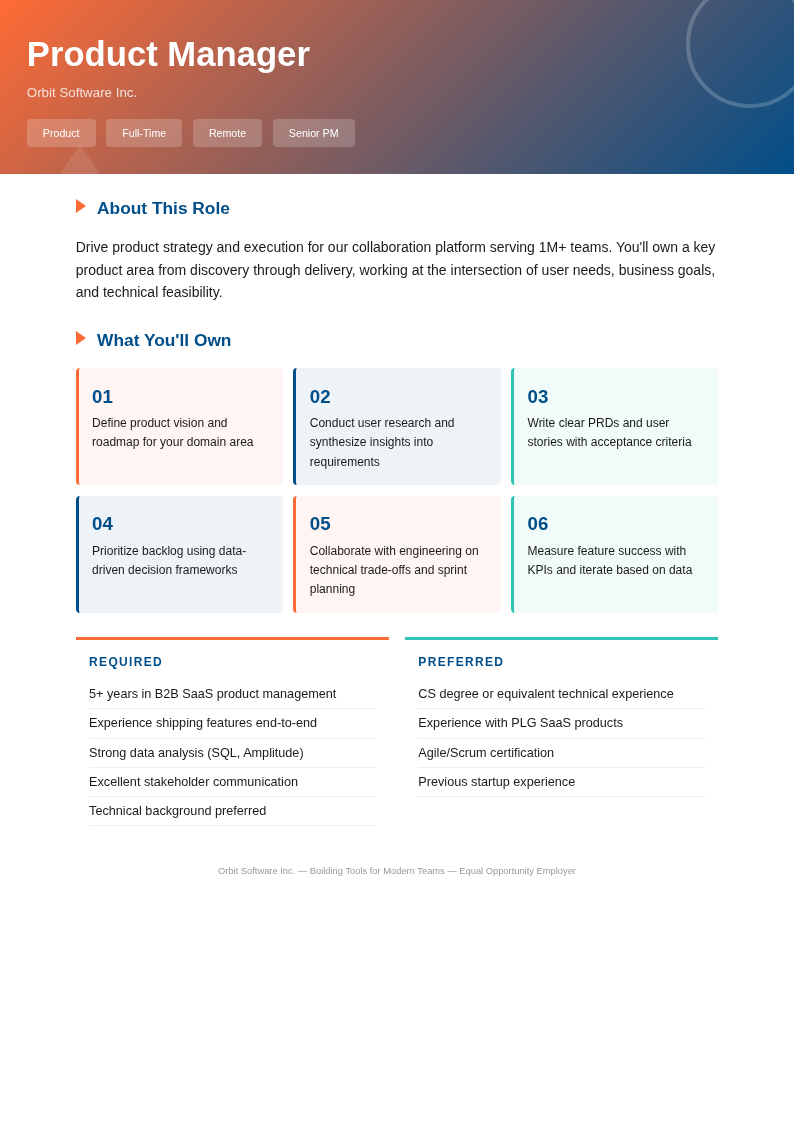
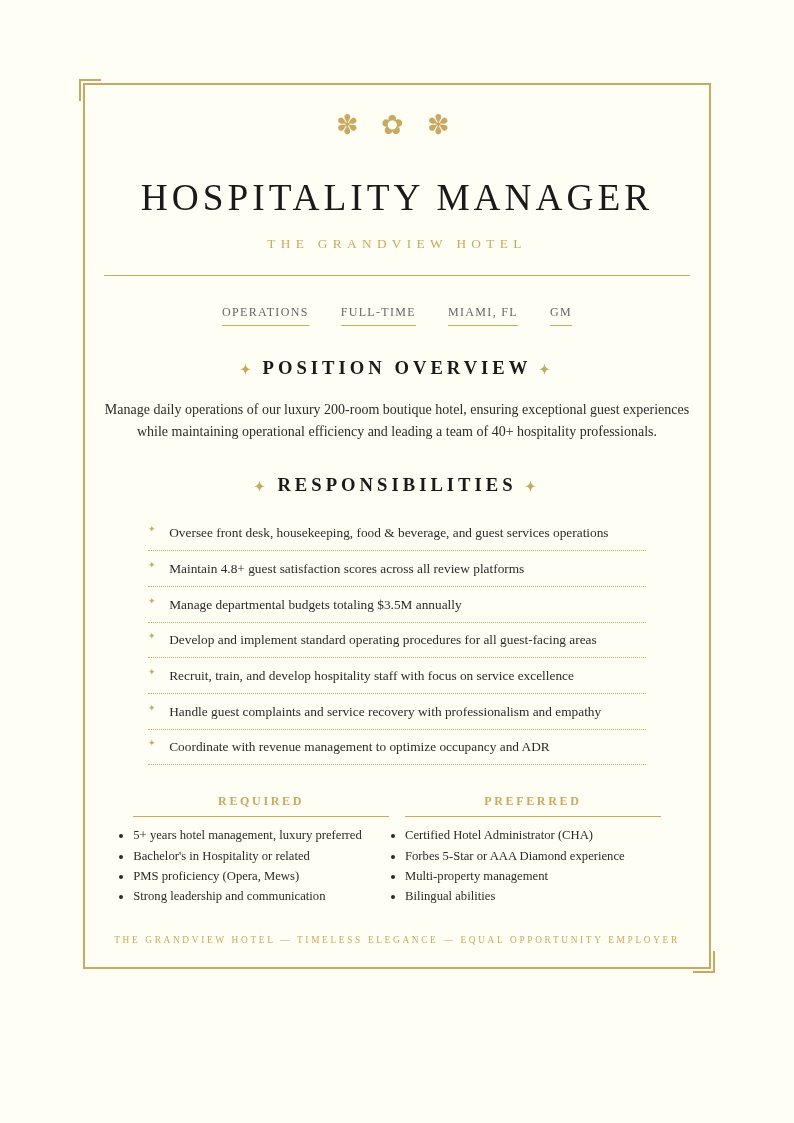
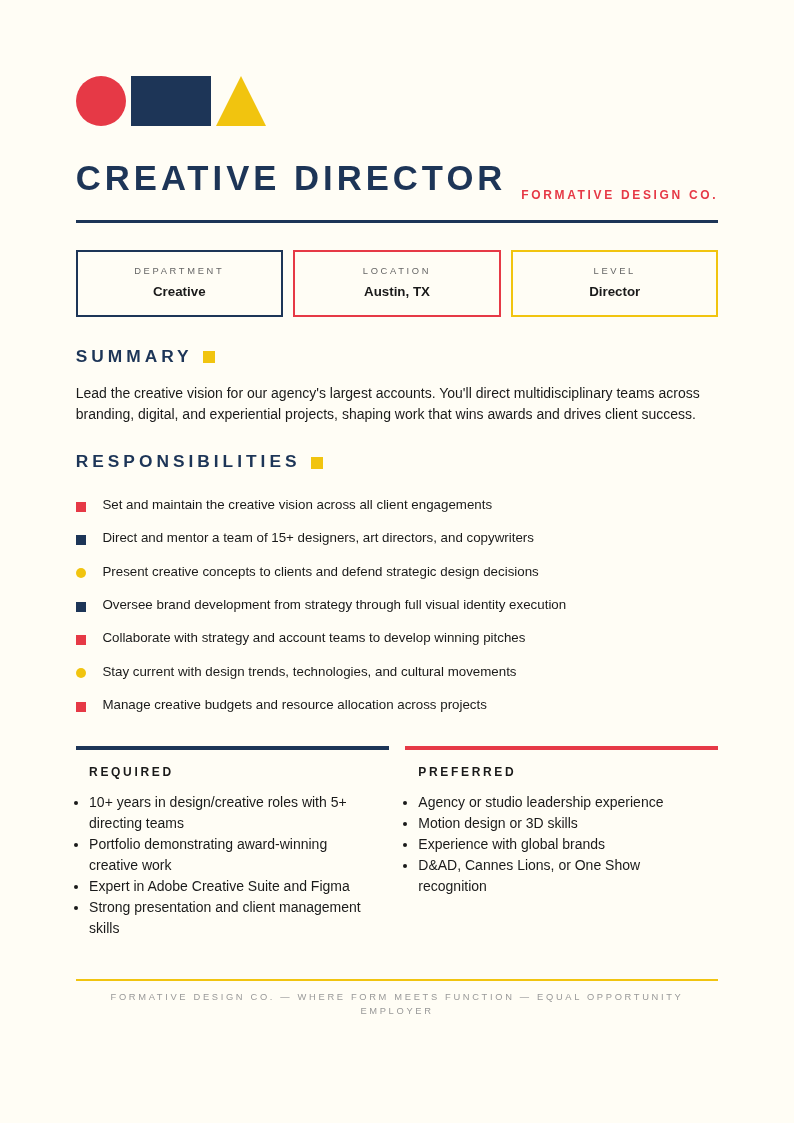
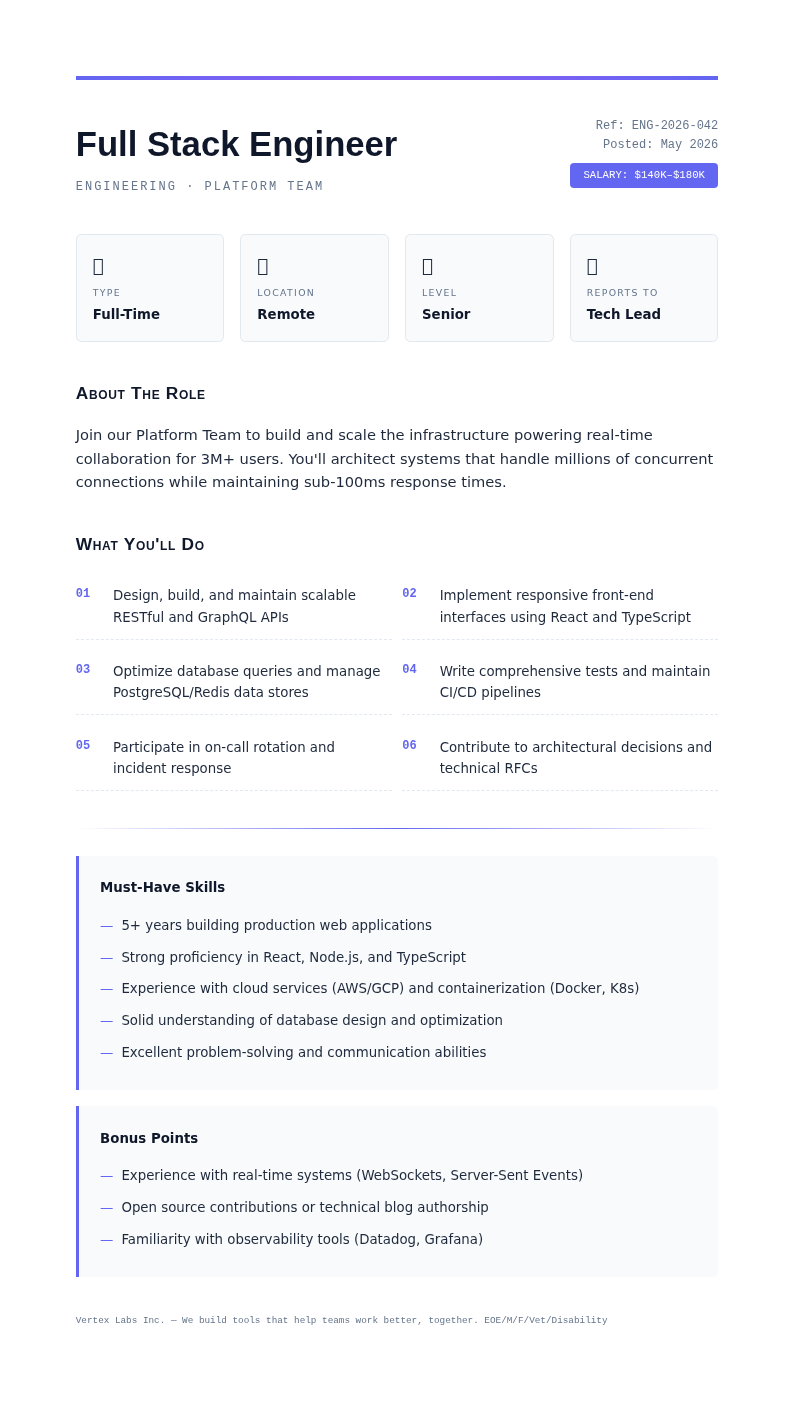
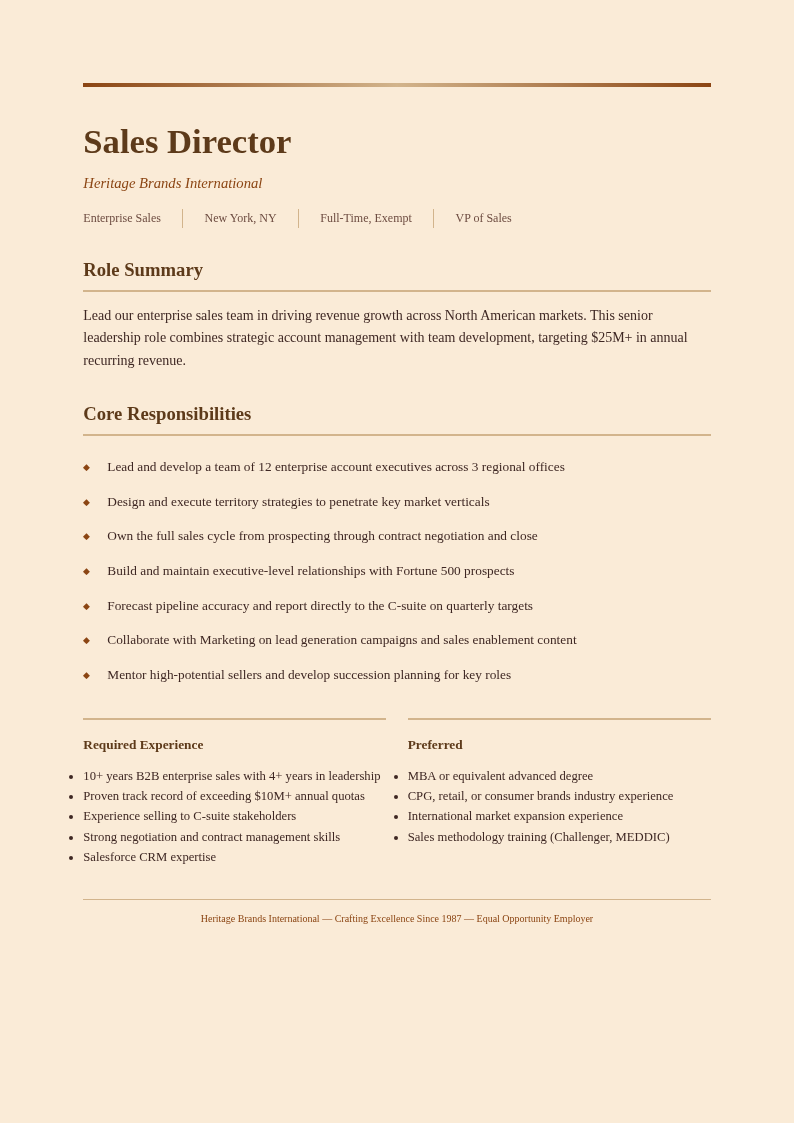
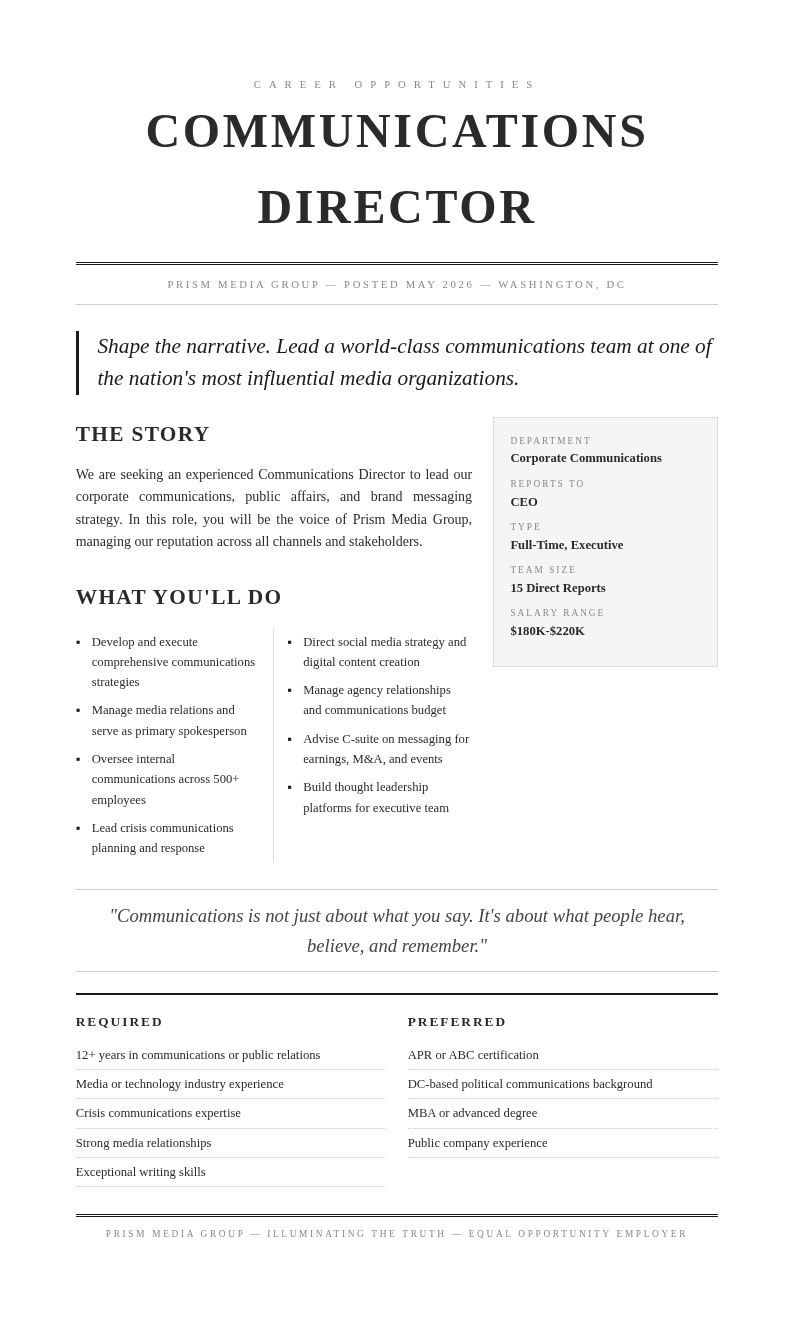
Choose from role-specific formats in the the app for engineering, marketing, sales, operations, finance, and executive positions. Each template includes the sections and language that work best for attracting candidates in that field.
Edit Online
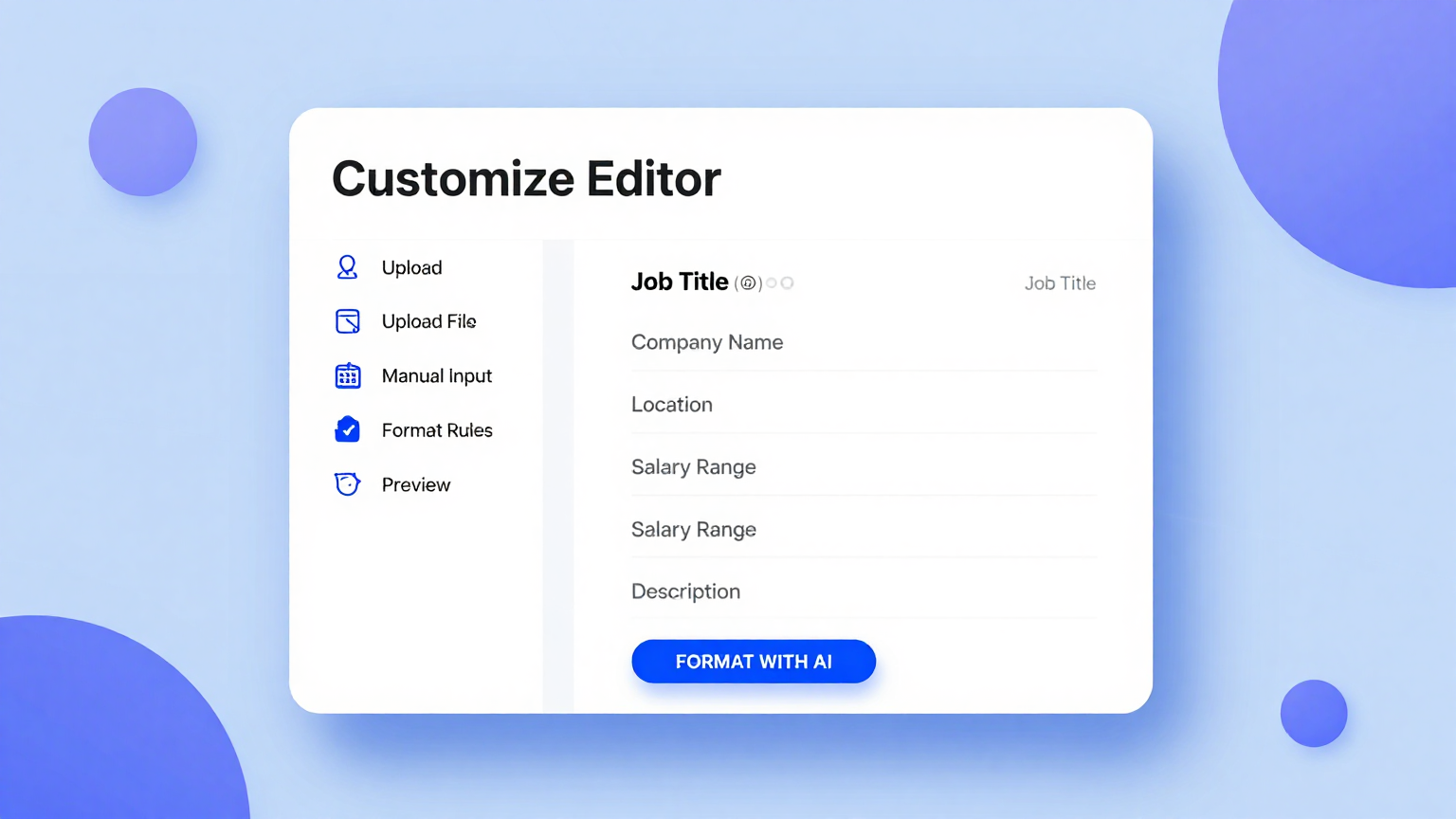
Customize every detail in the our tool editor. Adjust responsibilities, add specific qualifications, update the company overview, modify the benefits section, and fine-tune the tone until the posting represents your role accurately.
Download & Share
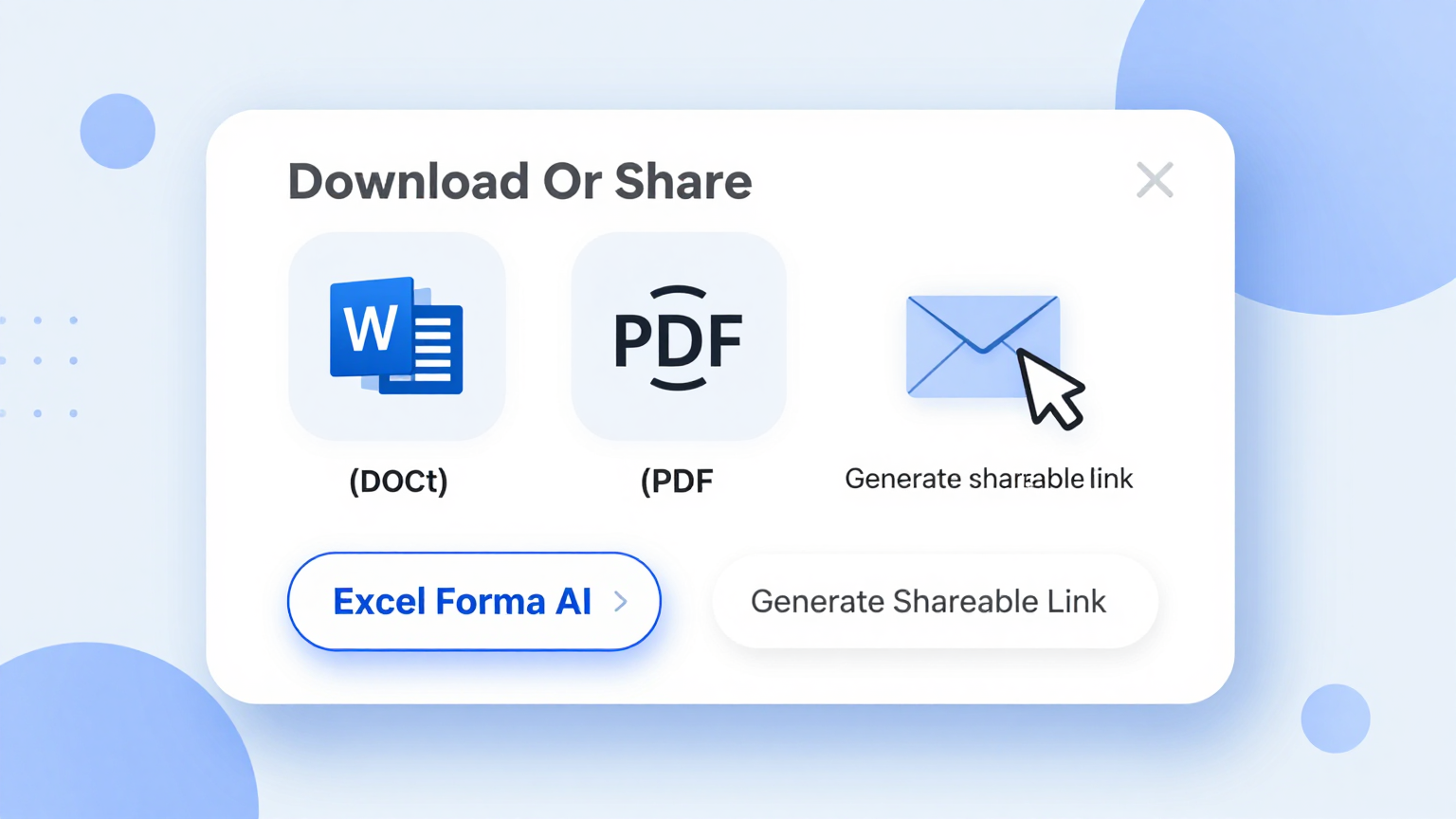
Download your finished job description from the it as a Word document or PDF. Post it on job boards, share it with your hiring team, or email it directly to recruiters for immediate distribution to potential candidates.
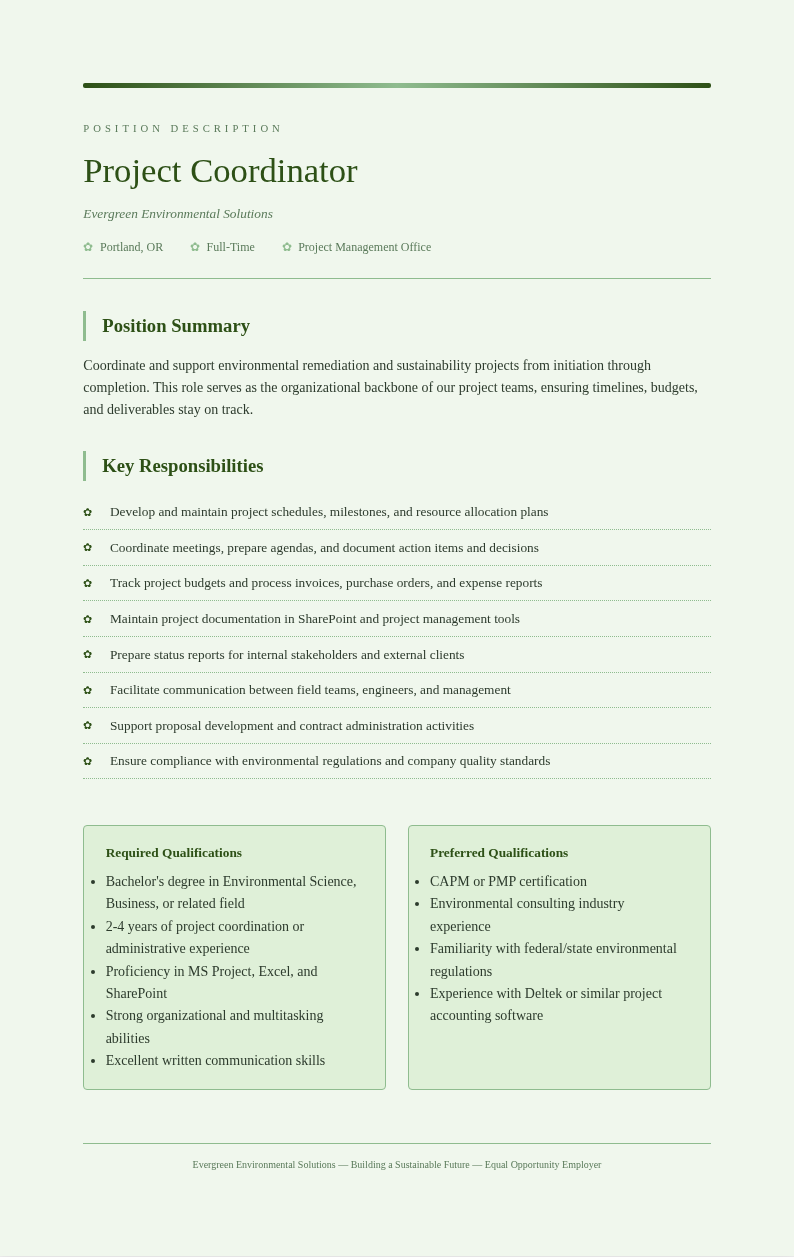
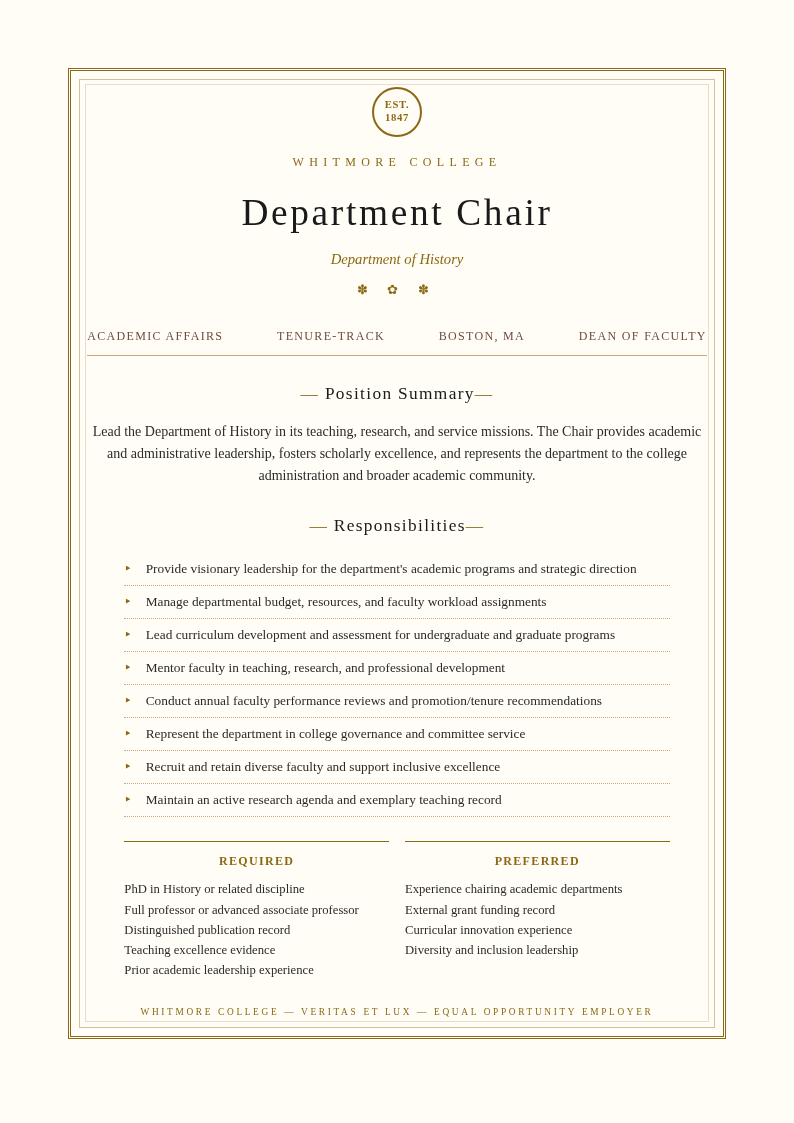
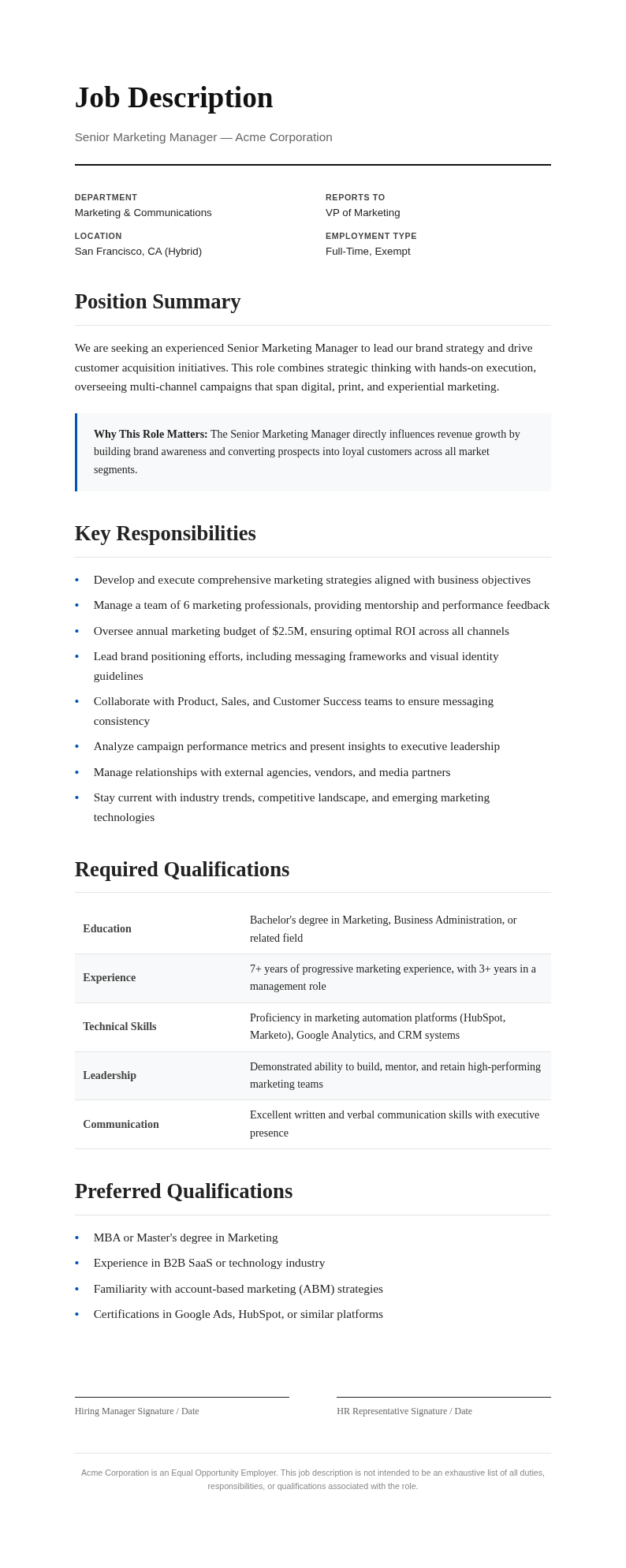
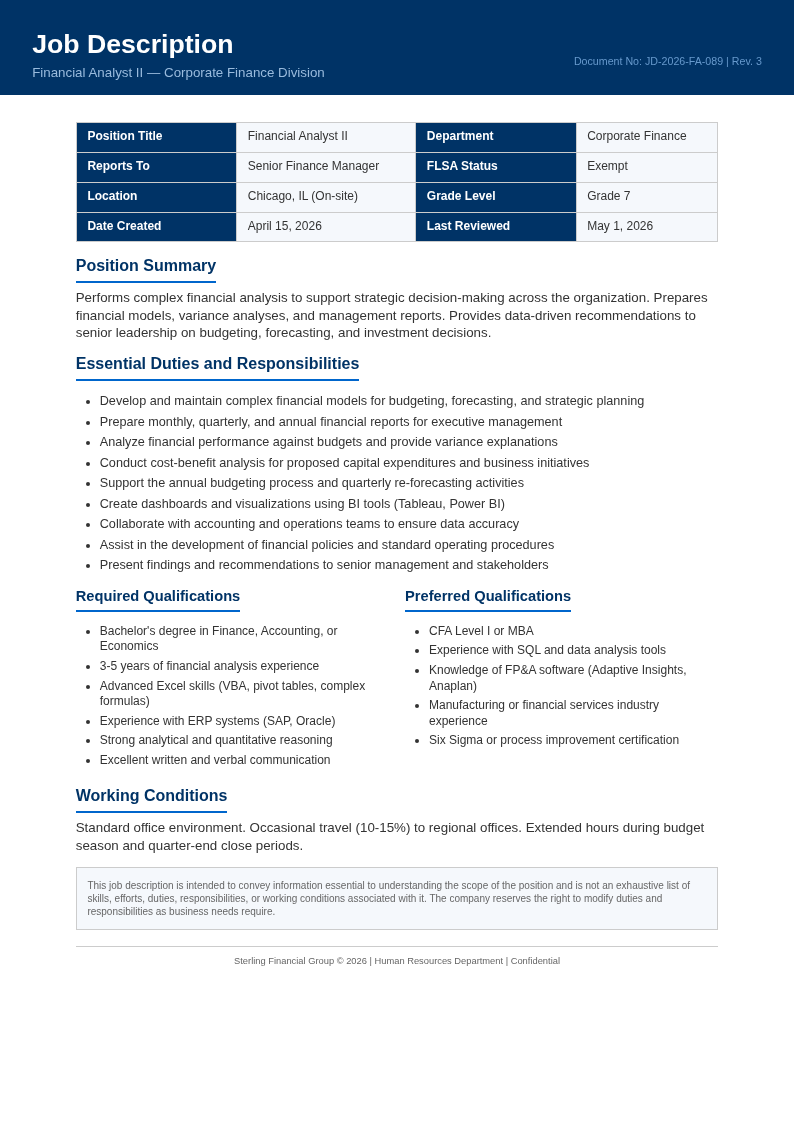
Explore Professional Job Description Templates
Need a starting format? Browse our collection of pre-structured job description templates for roles across every industry and department.
Frequently Asked Questions
Helpful information about using our Job Description Generator.
- Is the Job Description Generator free?
- Yes. This Job Description Generator is completely free to use with no subscriptions or hidden fees. You can generate unlimited job descriptions without creating an account. The our tool provides full access to all templates and features so employers of any size can create professional job postings at no cost. Most users go from initial input to a polished, downloadable document in just a few minutes.
- What roles does the Job Description Generator support?
- The Job Description Generator supports virtually any role across industries including technology, healthcare, finance, marketing, sales, operations, education, and more. You can select a specific role template or create a custom job description from scratch using the our tool. The tool handles all the formatting so you can focus on your content instead of layout.
- Can I use the Job Description Generator for remote positions?
- Yes, the Job Description Generator includes options for remote, hybrid, and on-site positions. You can specify location requirements, time zone preferences, and remote work tools in the our tool to attract candidates who match your work arrangement. You can create as many documents as you need without any usage limits or restrictions. Most users go from initial input to a polished, downloadable document in just a few minutes using this tool.
- Does the Job Description Generator include a salary section?
- Yes, the Job Description Generator includes an optional salary range field. Adding compensation information through the it is recommended as many states now require salary transparency in job postings, and it helps attract candidates whose expectations align with your budget. You can create as many documents as you need without any usage limits or restrictions.
- Can I edit the job description after the Job Description Generator creates it?
- Yes, every job description is fully editable through our online editor. You can modify responsibilities, add specific qualifications, update the company description, and adjust the tone. The it creates a strong starting point that you refine to match your exact needs. the Job Description Generator handles all the formatting so you can focus on your content instead of layout.
- What file formats does the Job Description Generator export?
- The it exports your job description as a Word document (.docx) or PDF. The Word format allows further editing in your preferred software, while the PDF from the the app is ideal for posting on job boards and career pages. Most users go from initial input to a polished, downloadable document in just a few minutes.
- How long does it take to generate a job description?
- The our Job Description Generator produces a complete job description in seconds after you enter the role details. Most users go from initial input to a polished, downloadable document in under five minutes using the our tool, compared to hours of manual drafting. Most users go from initial input to a polished, downloadable document in just a few minutes.
- Can I use the Job Description Generator for multiple openings?
- Yes, there is no limit. You can use the our Job Description Generator for as many positions as you need to fill. If you have similar roles, you can save time by downloading a previous job description and re-importing it into the it as a starting point. Most users go from initial input to a polished, downloadable document in just a few minutes.
- Does the Job Description Generator help with inclusive language?
- The this Job Description Generator produces professional, neutral language by default. We recommend reviewing the output for inclusive language, and our editor makes it easy to adjust any wording. The the tool helps you start with clean, professional language that appeals to a broad range of candidates. Most users go from initial input to a polished, downloadable document in just a few minutes.
- Can I share the job description with my hiring team for review?
- Yes, download the generated job description from the the tool and share it with your hiring team for feedback. Multiple reviewers can suggest changes, and you can re-import the revised content into the our Job Description Generator for final formatting before posting. Most users go from initial input to a polished, downloadable document in just a few minutes.
- Is the Job Description Generator suitable for large enterprises?
- Yes, the the generator works well for organizations of any size. Large enterprises use the the generator to standardize job posting formats across departments, ensuring consistent language and structure in every open role they publish. Most users go from initial input to a polished, downloadable document in just a few minutes. the Job Description Generator handles formatting so you can focus on your content instead of worrying about layout details.
- Does the Job Description Generator work on mobile devices?
- Yes, the it is fully responsive and works on smartphones and tablets. Hiring managers can create and review job descriptions on the go using the it, making it convenient to draft postings during meetings or while traveling. The tool handles all the formatting so you can focus on your content instead of layout. Most users go from initial input to a polished, downloadable document in just a few minutes using this tool.
Create Your Job Description Now
Generate a professional, compelling job description in minutes with our free it. Start attracting the right candidates today.
No credit card required • Role-specific templates • Instant results