AI Document Formatter Transform Documents Instantly
Upload any document or paste text to transform it into professionally formatted content in seconds. Our AI document formatter is perfect for business reports, proposals, academic papers, and more. Get polished results with intelligent structure and consistent styling.
How to Format Documents Professionally
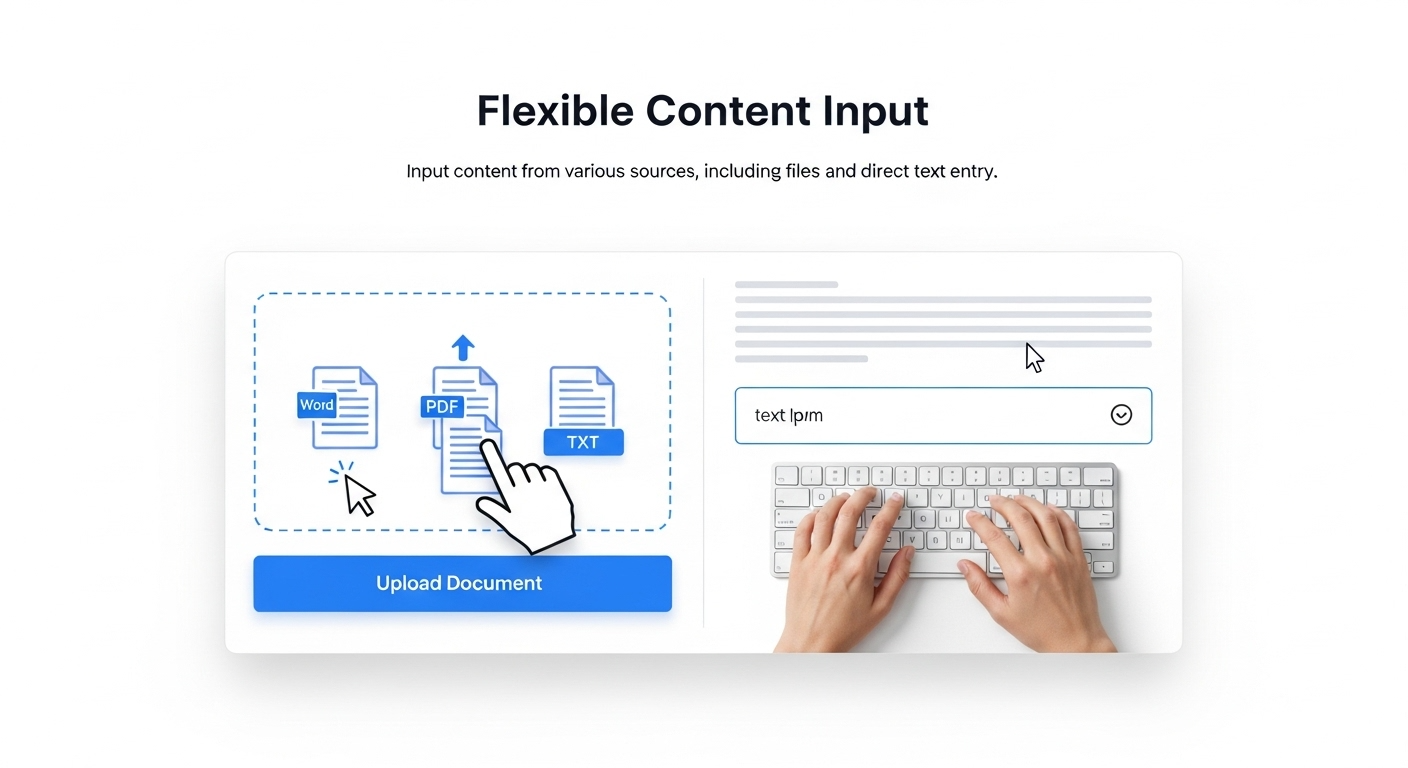
Upload your file or paste text
Upload existing documents in Word, PDF, or text format, or paste your raw text directly. The AI document formatter processes all major file types and accepts manual text input for maximum document formatting flexibility.
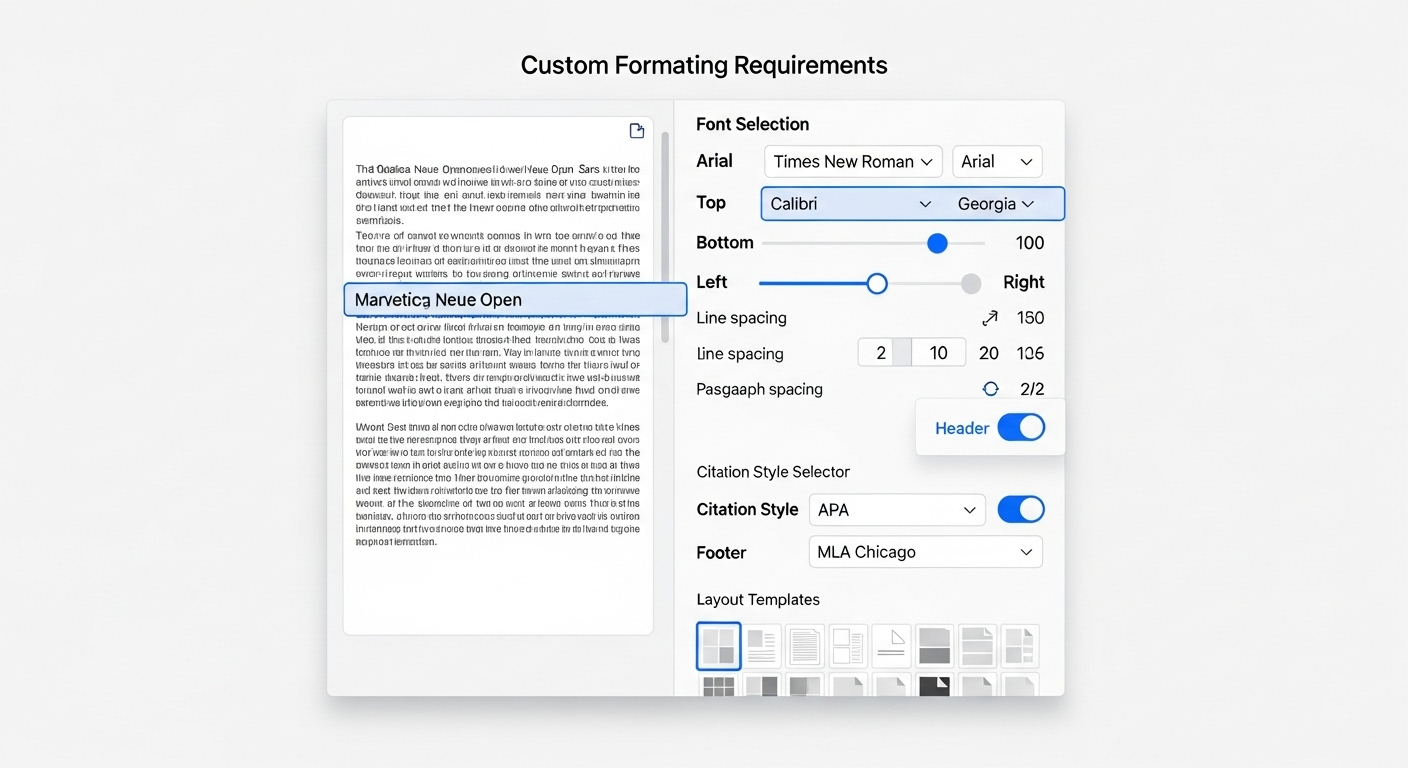
Specify formatting requirements (Optional)
Input any specific requirements for your document. This optional step lets you provide custom styling preferences, layout requirements, or special formatting needs that the system will implement.
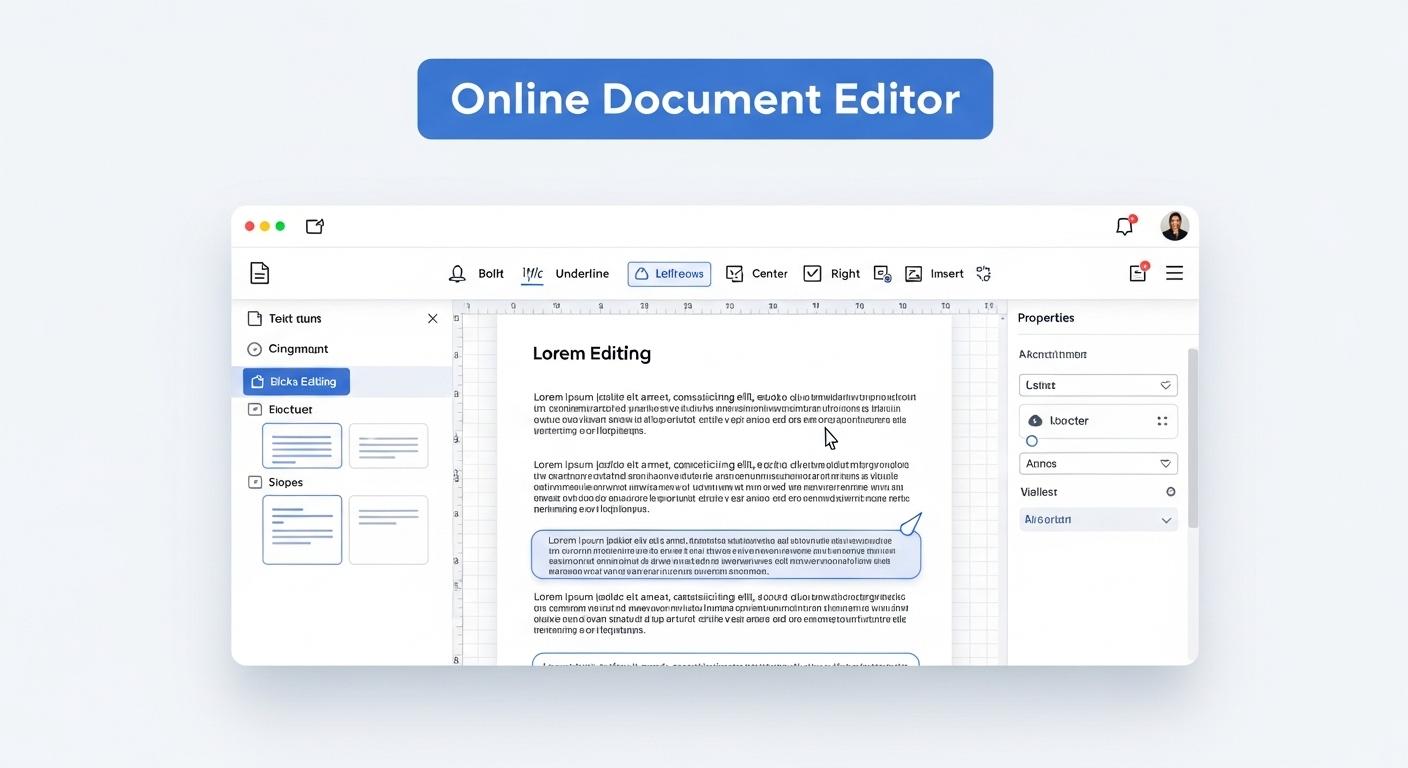
Use the online editor if needed
Not satisfied with the initial results? Use the built-in online editor to make adjustments. Powerful editing tools let you modify formatting, adjust layouts, and fine-tune your document in real-time.
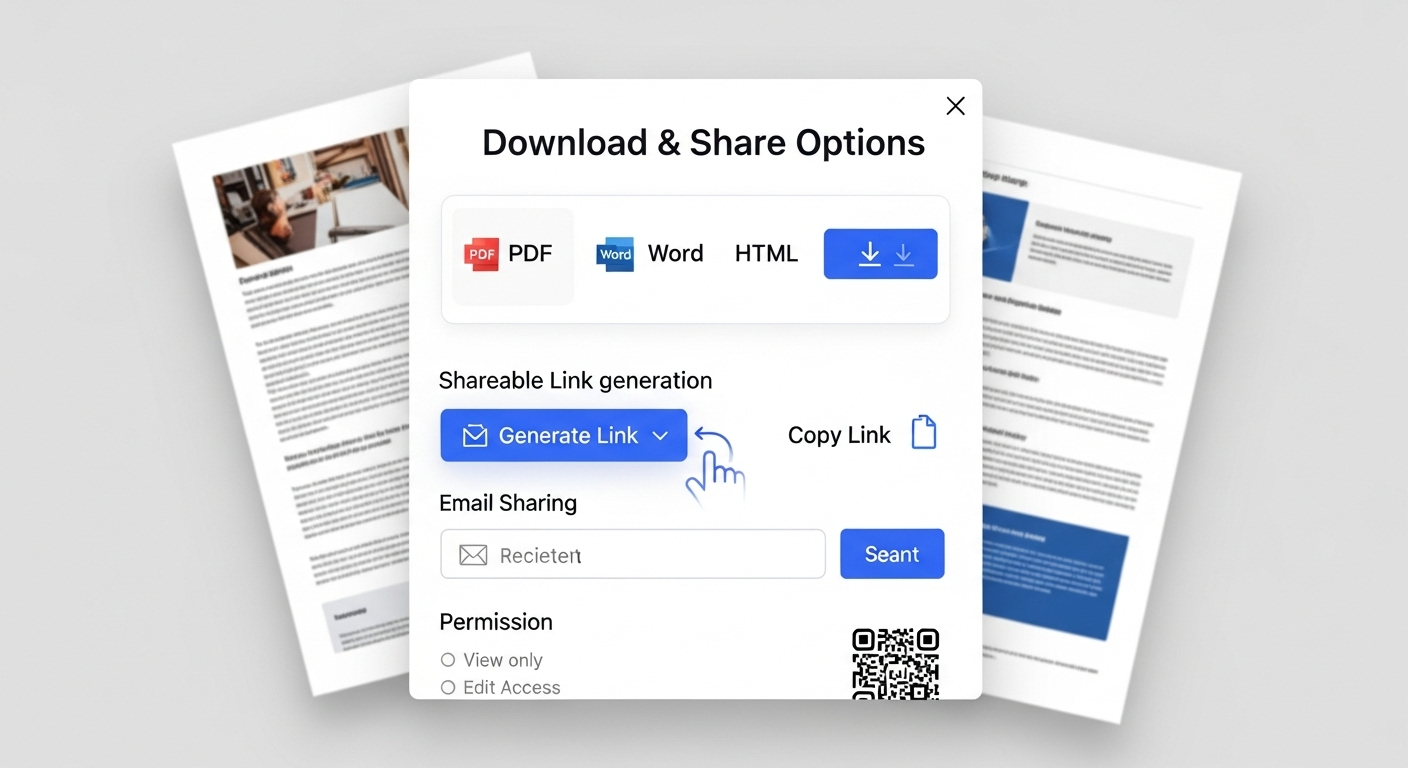
Download or share your results
Export in your preferred format (PDF, Word, HTML) or generate a shareable link. Professional quality is maintained across all export formats for seamless distribution.
Universal Document Intake
Drop in reports, proposals, manuscripts, or legal documents. Whether scanning paper files or converting legacy documents, our AI document formatter handles diverse content types and extracts text while preserving semantic structure and hierarchy.
Advanced Formatting Controls
Define typography standards, margin specifications, and heading hierarchies. Set organizational style guides or regulatory compliance requirements. The AI document formatter applies your rules consistently throughout documents of any length or complexity.
Live Preview Editing
See changes instantly as you adjust spacing, fonts, or alignment in our AI document formatter. Split-screen view shows original and formatted documents side-by-side. Toggle between editing modes to balance precision control with rapid iteration.
Export Formatted Documents
The AI document formatter outputs files in multiple formats optimized for different uses - print-ready PDFs, web-friendly HTML, or editable source files. Embed into wikis, attach to emails, or archive for compliance. Single source, multiple destinations.
More Specialized Formatting Tools
Discover our complete suite of AI-powered tools designed for specific document types. Each tool delivers professional results instantly with intelligent automation.
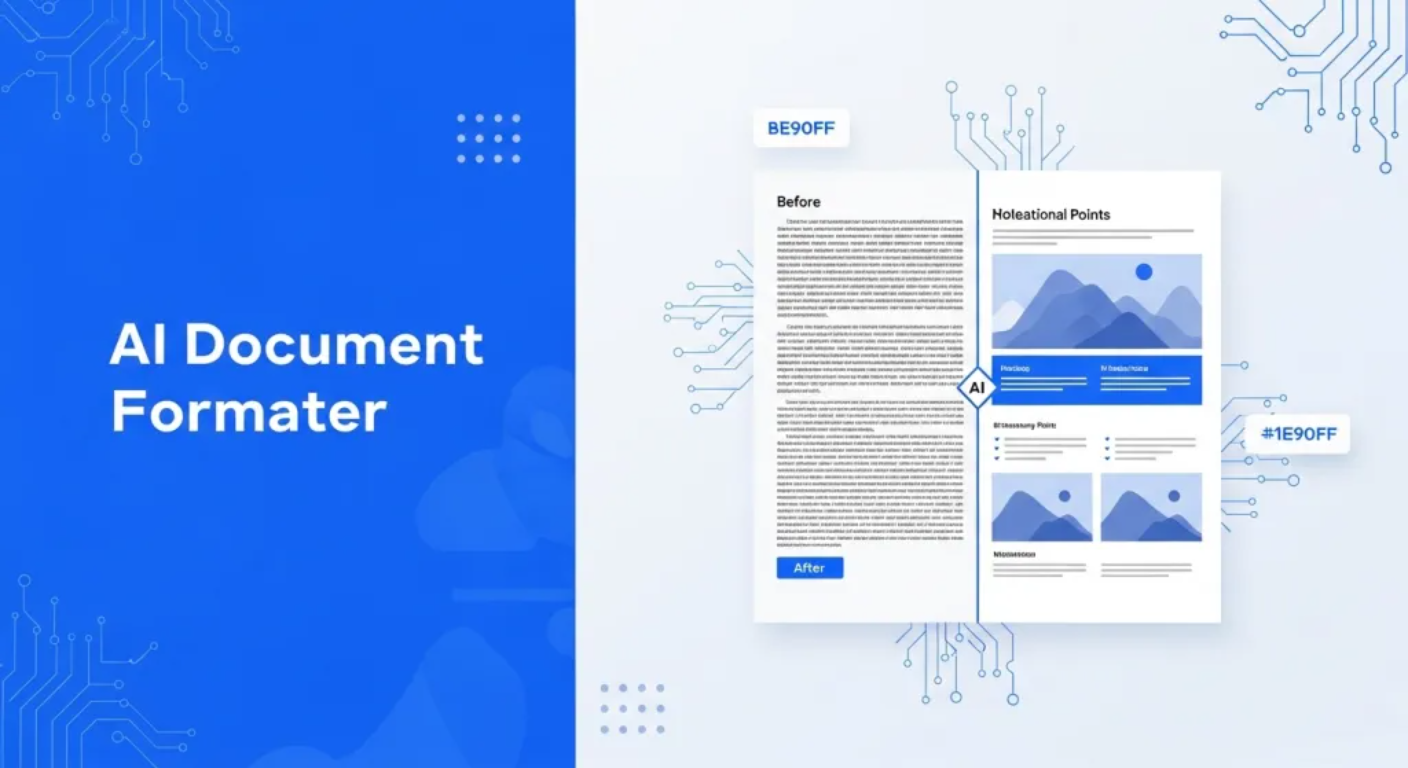
General Document Formatter
Our flagship tool handles any document type. Transform any text or file into professionally formatted documents with intelligent structure recognition and consistent styling.
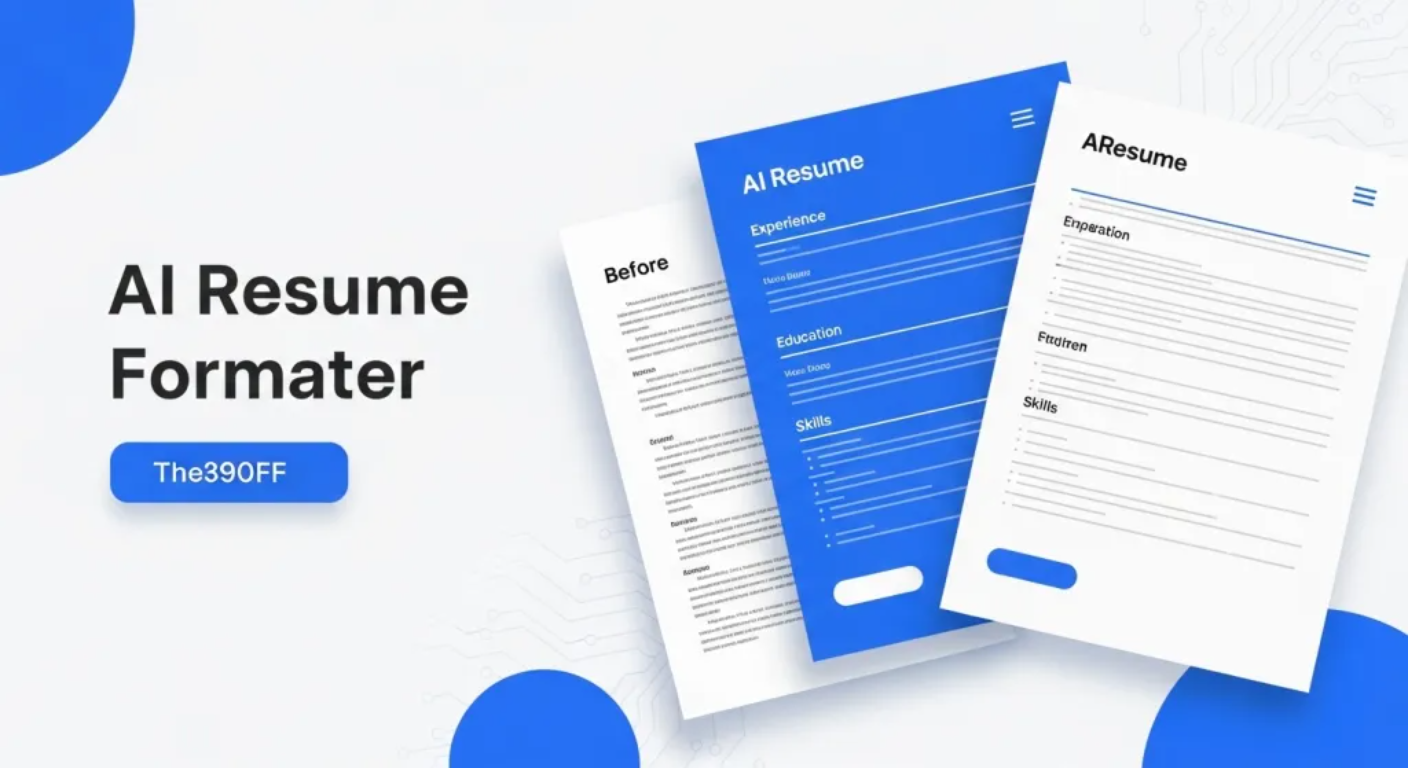
Specialized Resume Formatter
Transform your resume with our specialized tool. Create ATS-optimized resumes that pass automated screening systems and impress recruiters with professional formatting.
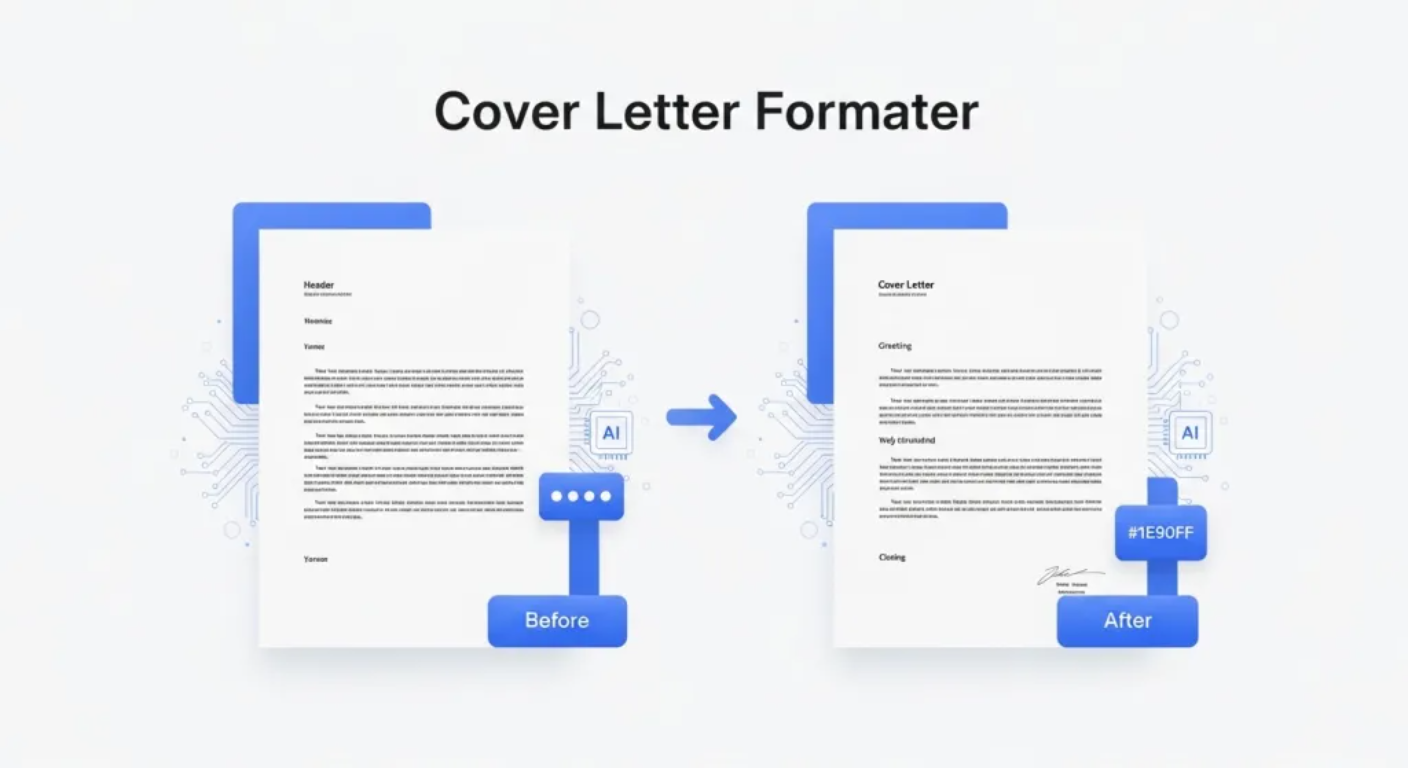
Cover Letter Formatter
Create compelling cover letters with our dedicated tool. Generate polished, personalized cover letters that stand out to hiring managers and get results.
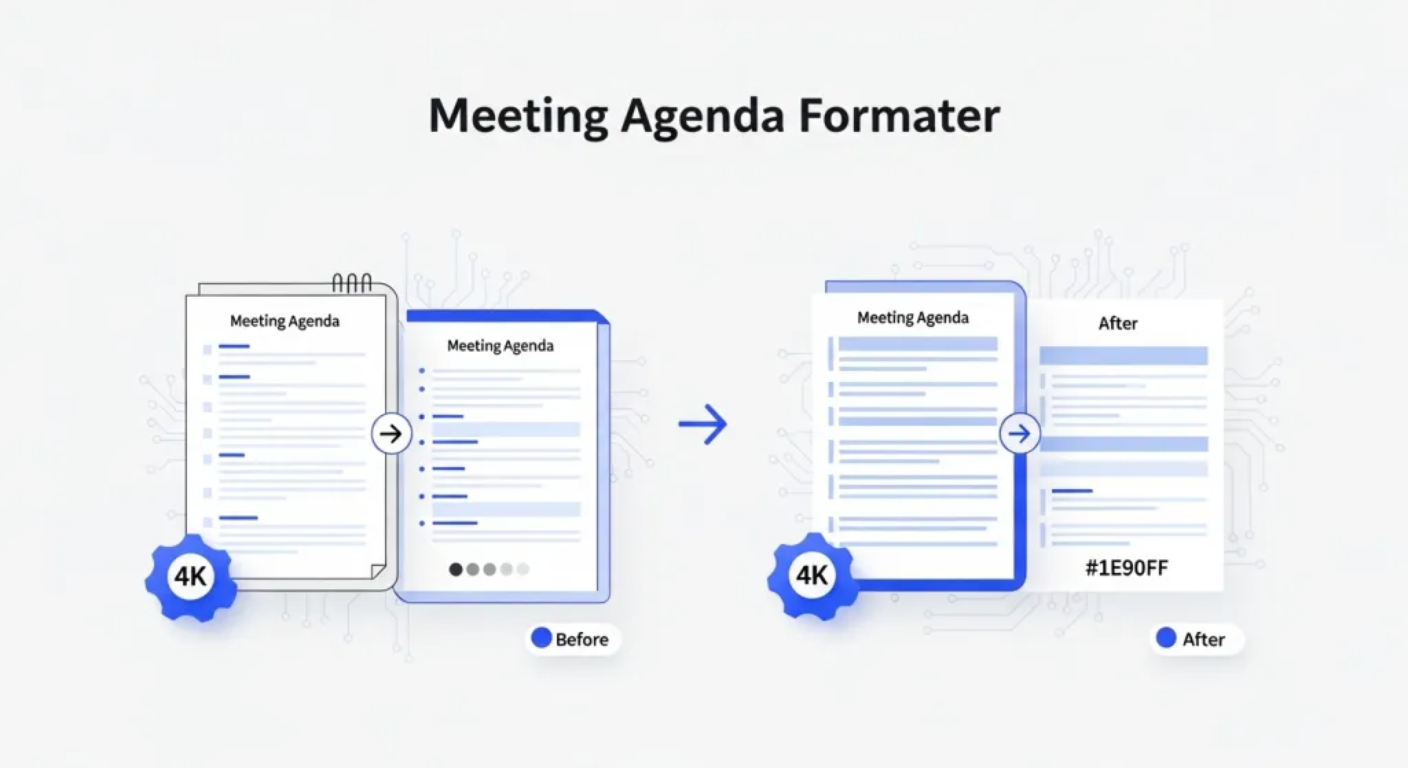
Meeting Agenda Formatter
Transform meeting notes with our specialized agenda tool. Create structured, professional meeting agendas with proper organization and consistent formatting.
Document Formatting FAQ - Complete Guide
Everything you need to know about using AI Formatter's advanced tools for professional document formatting and processing.
- What makes this the best choice for document formatting?
- Our AI document formatter stands out as one of the most advanced formatting solutions available online. The platform uses cutting-edge artificial intelligence to analyze document structure, content flow, and document formatting requirements. Unlike other tools, our AI formatter maintains 100% content accuracy while applying professional styling, consistent headings, proper spacing, and logical document flow. Documents are processed instantly with results that rival professionally designed content.
- What file types and formats are supported?
- Our AI document formatter supports an extensive range of file formats including Word documents (.doc, .docx), PDF files, plain text files (.txt), rich text format (.rtf), and direct text input. Content can also be pasted directly into the interface. This comprehensive support makes our document formatter a versatile solution, handling everything from simple text files to complex business documents.
- How is content integrity maintained during formatting?
- The system employs advanced content preservation algorithms that focus exclusively on presentation and structure improvements. Your original content is preserved 100% while professional formatting, consistent styling, proper spacing, and logical flow are applied. The tool never alters, removes, or modifies your actual content - it only enhances visual presentation and structural organization.
- What types of documents work best with this tool?
- Our AI document formatter excels with all types of professional and academic documents. It delivers outstanding document formatting results for business documents, reports, proposals, memos, academic papers, white papers, manuals, legal documents, research papers, and professional correspondence. The system automatically adapts its approach based on document type, ensuring appropriate styling for each specific use case.
- Can I customize the formatting style?
- Yes! The tool offers extensive customization options including multiple professional templates, style themes, spacing adjustments, heading modifications, and brand-specific formatting. You can specify custom requirements, layout preferences, and styling guidelines. These preferences are then implemented while maintaining professional standards and document readability.
- How secure is my data?
- Security is paramount. All documents are encrypted during upload, processing, and storage. We use enterprise-grade security protocols and don't store your content longer than necessary. Automatic data deletion features are included, and you can manually delete your data at any time. Your privacy and document security are fully guaranteed.
- What output formats are available?
- Comprehensive export options are supported including PDF, Microsoft Word (.docx), HTML, plain text, and rich text format. The system also generates shareable links for online distribution. Formatting integrity is maintained across all export formats, ensuring your documents look professional regardless of how they're shared or viewed.
- How fast is the processing time?
- Our platform delivers industry-leading processing speeds, typically handling documents in under 30 seconds regardless of size or complexity. Advanced algorithms work efficiently to analyze content structure and apply formatting quickly. Most users find this significantly faster than manual formatting or other automated tools.
- Is this tool free to use?
- Yes! AI Formatter is completely free to use with no hidden costs or subscription requirements. Full access to all formatting features, templates, and export options is provided at no charge. Unlimited document processing is included, making it the most cost-effective professional formatting solution available.
- Can complex document layouts be handled?
- Absolutely! The system is specifically designed to handle complex structures including multi-level headings, bullet points, numbered lists, tables, and mixed content types. Document elements are intelligently recognized and appropriate formatting rules are applied. Proper hierarchy, spacing, and visual consistency are maintained even in the most complex documents.
- Are there collaborative features?
- Yes! Advanced sharing capabilities through shareable links enable real-time collaboration. Multiple users can access formatted documents online, making team collaboration seamless. Sharing features include access controls and revision tracking, perfect for team projects and document review processes.
- How does this compare to manual document formatting?
- Our platform dramatically outperforms manual formatting in speed, consistency, and professional quality. While manual formatting can take hours and often results in inconsistent styling, professional results are delivered in seconds. Formatting rules are applied consistently throughout documents, eliminating human errors and ensuring perfect results every time. Professional design principles are also included that most users wouldn't implement manually.
Start Formatting Documents Today
Join millions who trust our AI document formatter for professional document formatting. Upload your document or paste text and watch our AI formatter transform it into polished, professional content in seconds. Experience the best document formatting tool available online.
Free to use • All file types supported • Professional results guaranteed