Generate To Do Lists Instantly
Stop scribbling tasks on sticky notes and start organizing with purpose. Our AI-powered tool helps you create structured, prioritized task lists for daily planning, project management, and personal productivity in minutes.
How to Create a To Do List Online
Enter Your Tasks
Start by typing out all the tasks you need to accomplish. You can paste notes, action items, or brainstormed ideas into the input area. Providing a comprehensive list helps the tool organize and structure your tasks effectively for the period you are planning.
Select a Template
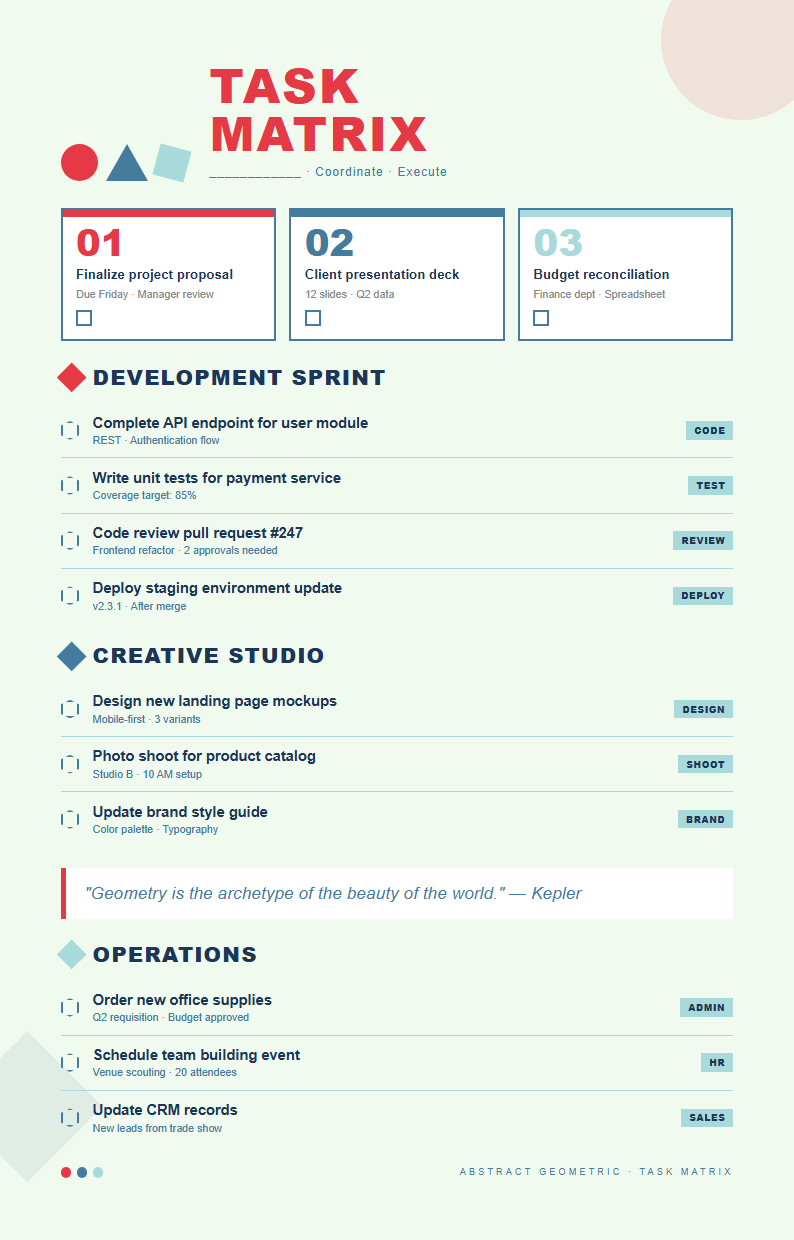
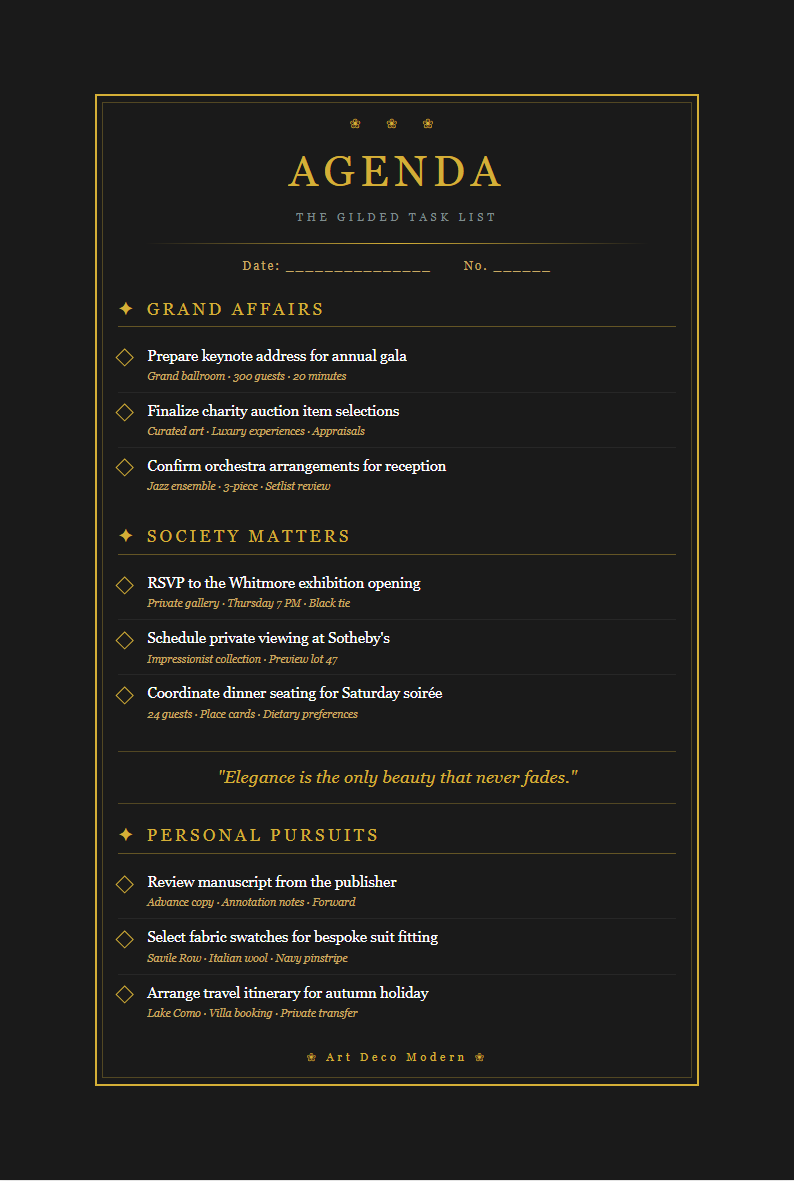
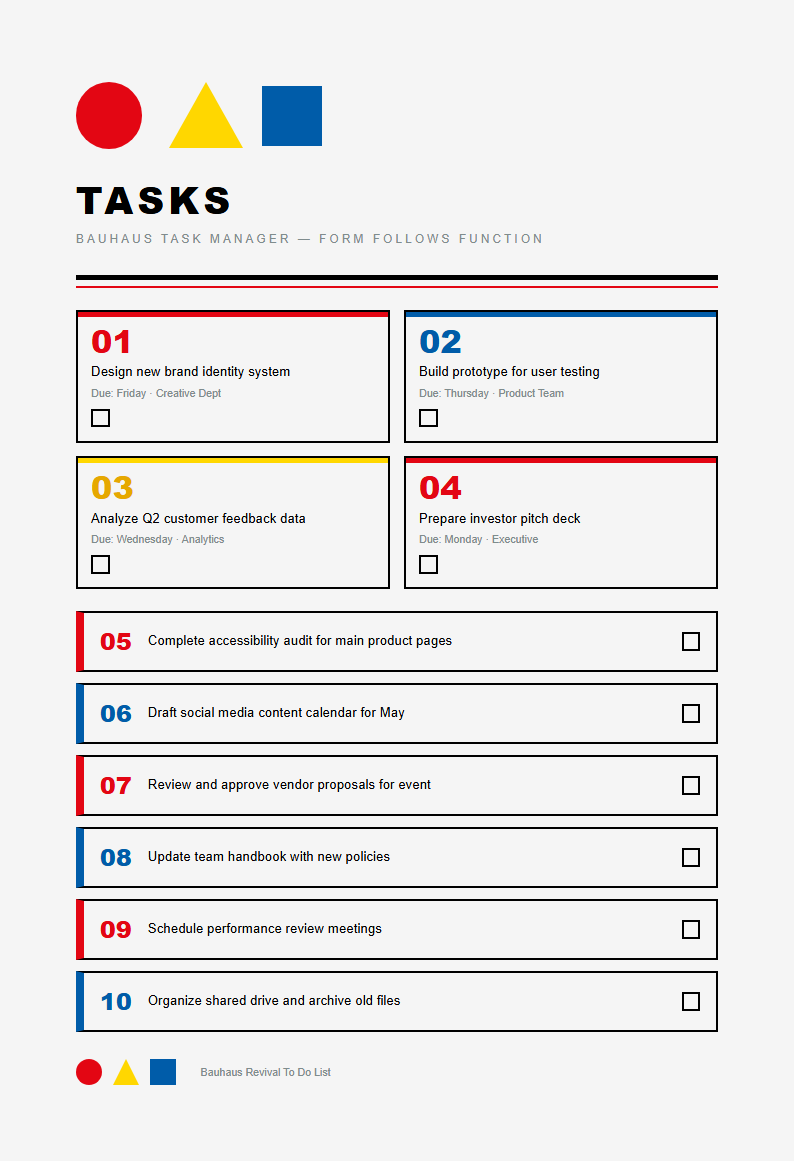
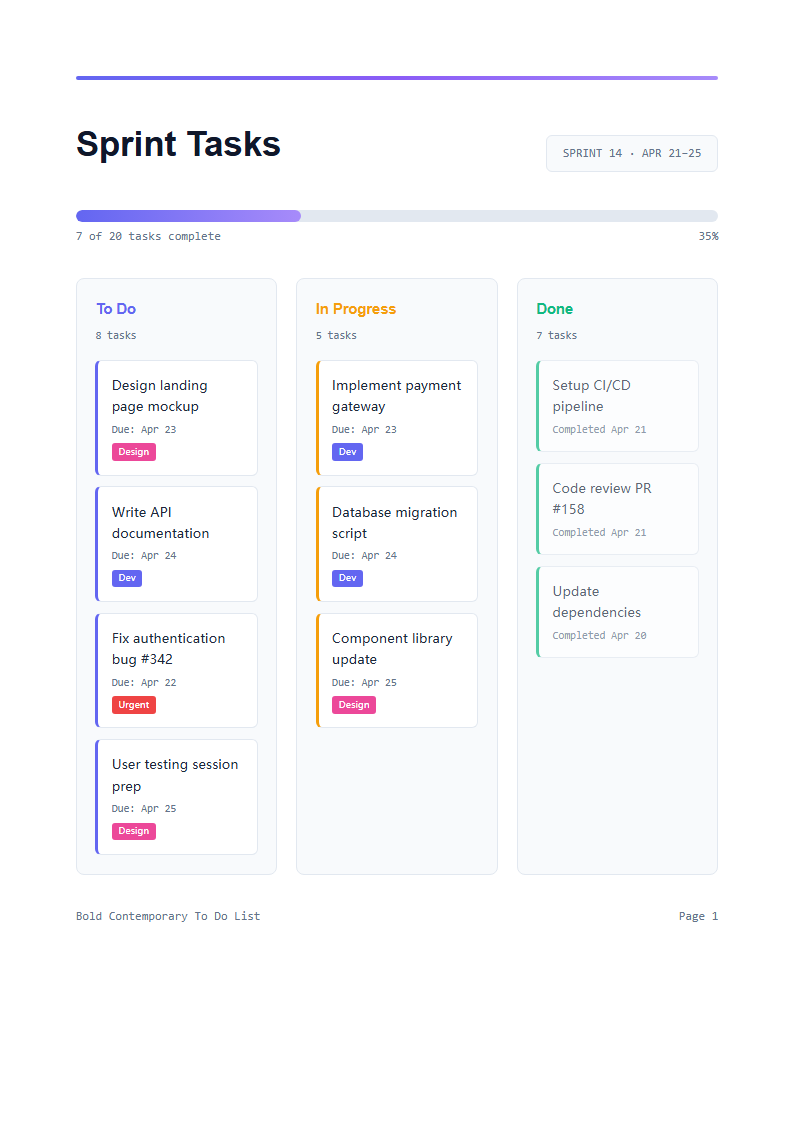
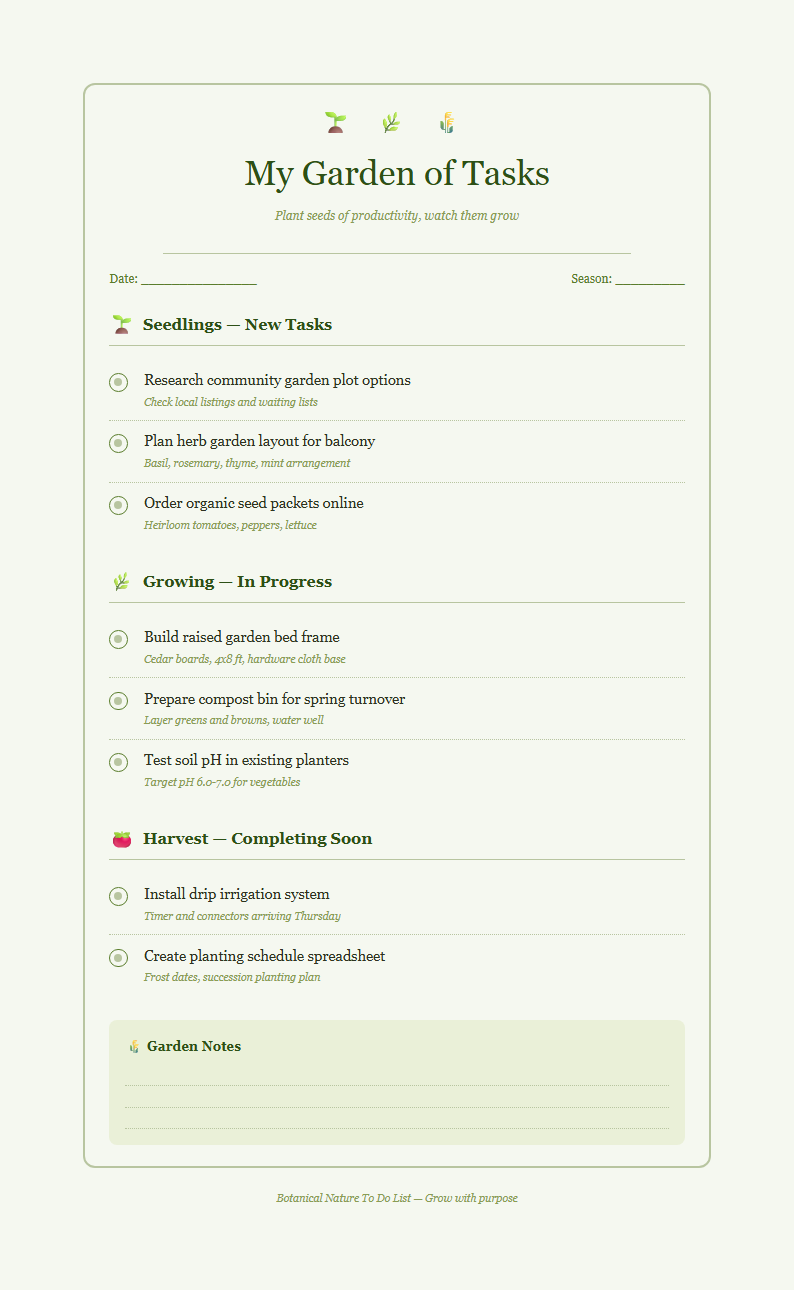
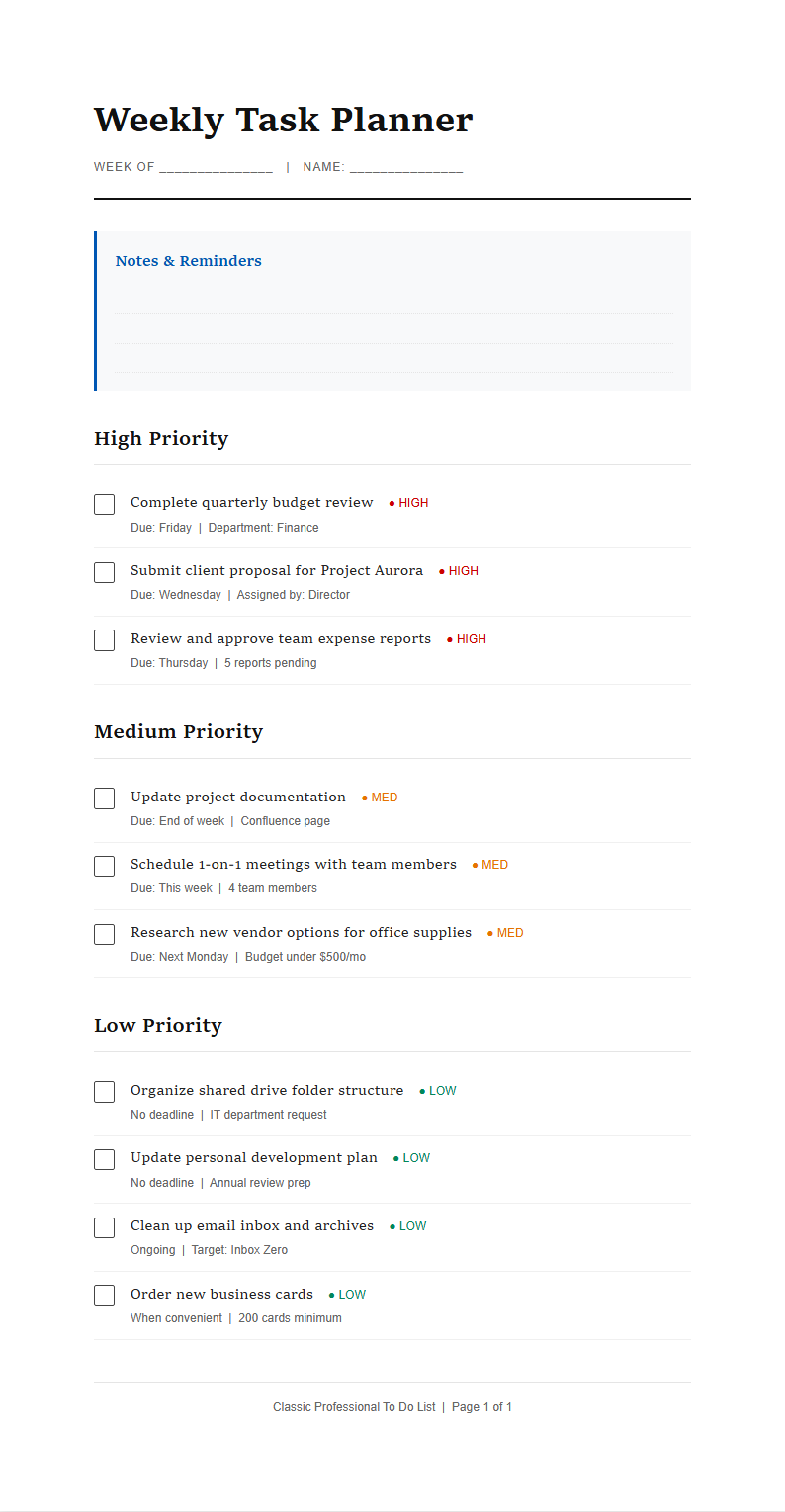
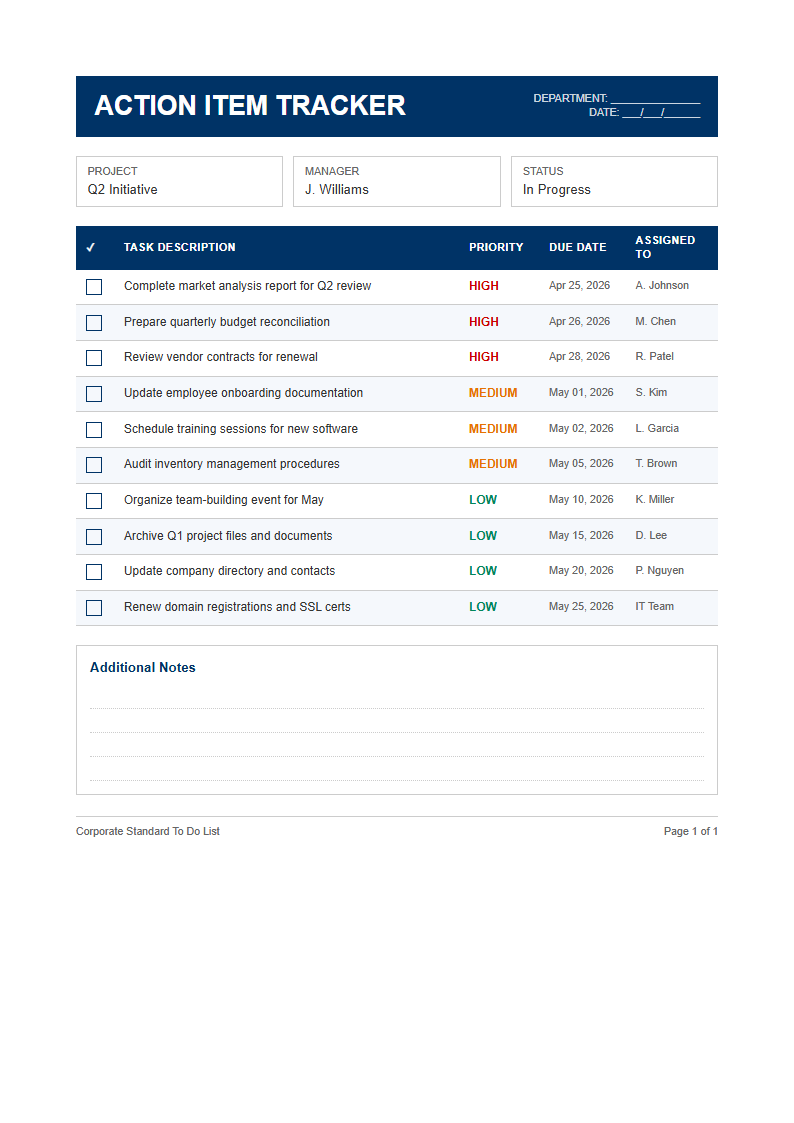
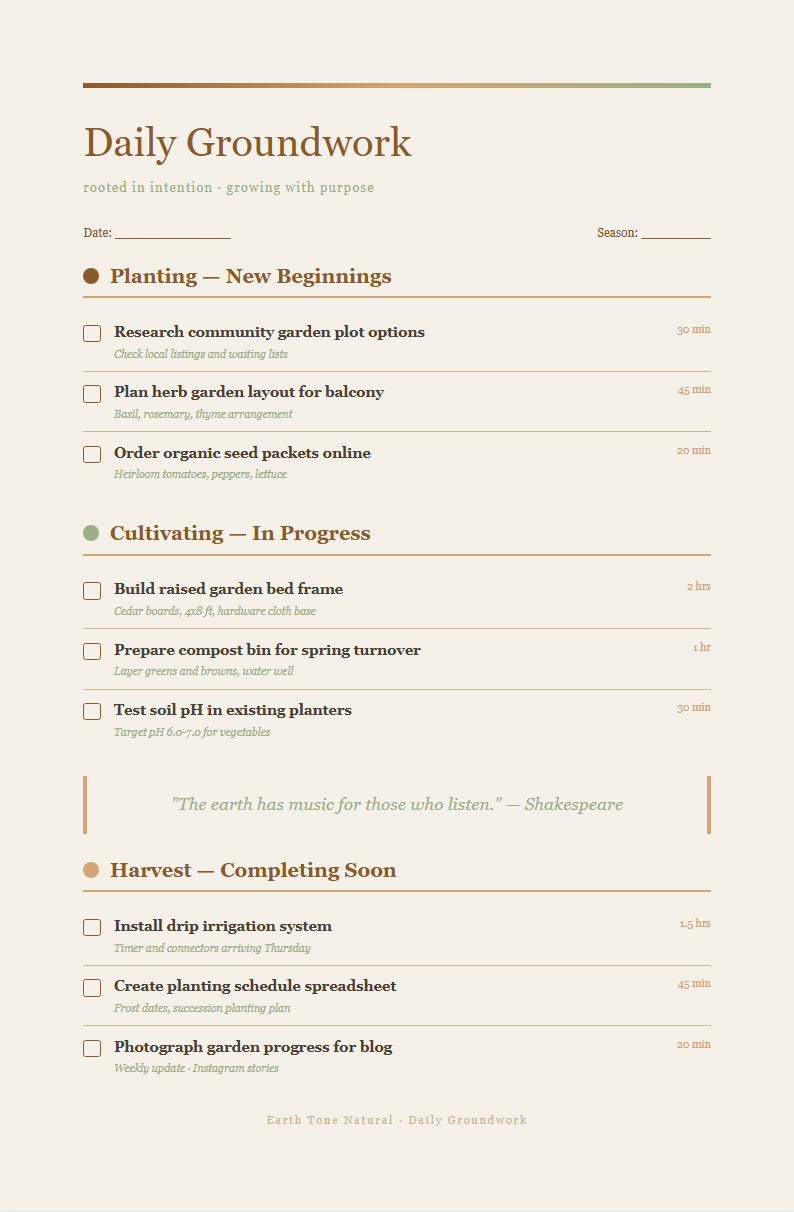
Browse the template library and pick a format that fits your planning needs. Options include daily planners, weekly overviews, project task boards, and priority matrices. Each template comes pre-structured with the right sections for your specific task management workflow.
Review and Edit
Read through the generated task list and make any adjustments needed. Use the editor to reorder tasks by priority, add due dates, assign categories, or include notes. The tool gives you full control so your list accurately reflects what you need to accomplish.
Download Your To Do List
Once satisfied with the content, download your task list as a PDF for printing or a Word file for later editing. The tool preserves all formatting, so the downloaded document looks exactly like what you previewed and is ready for immediate use.
Input Your Tasks
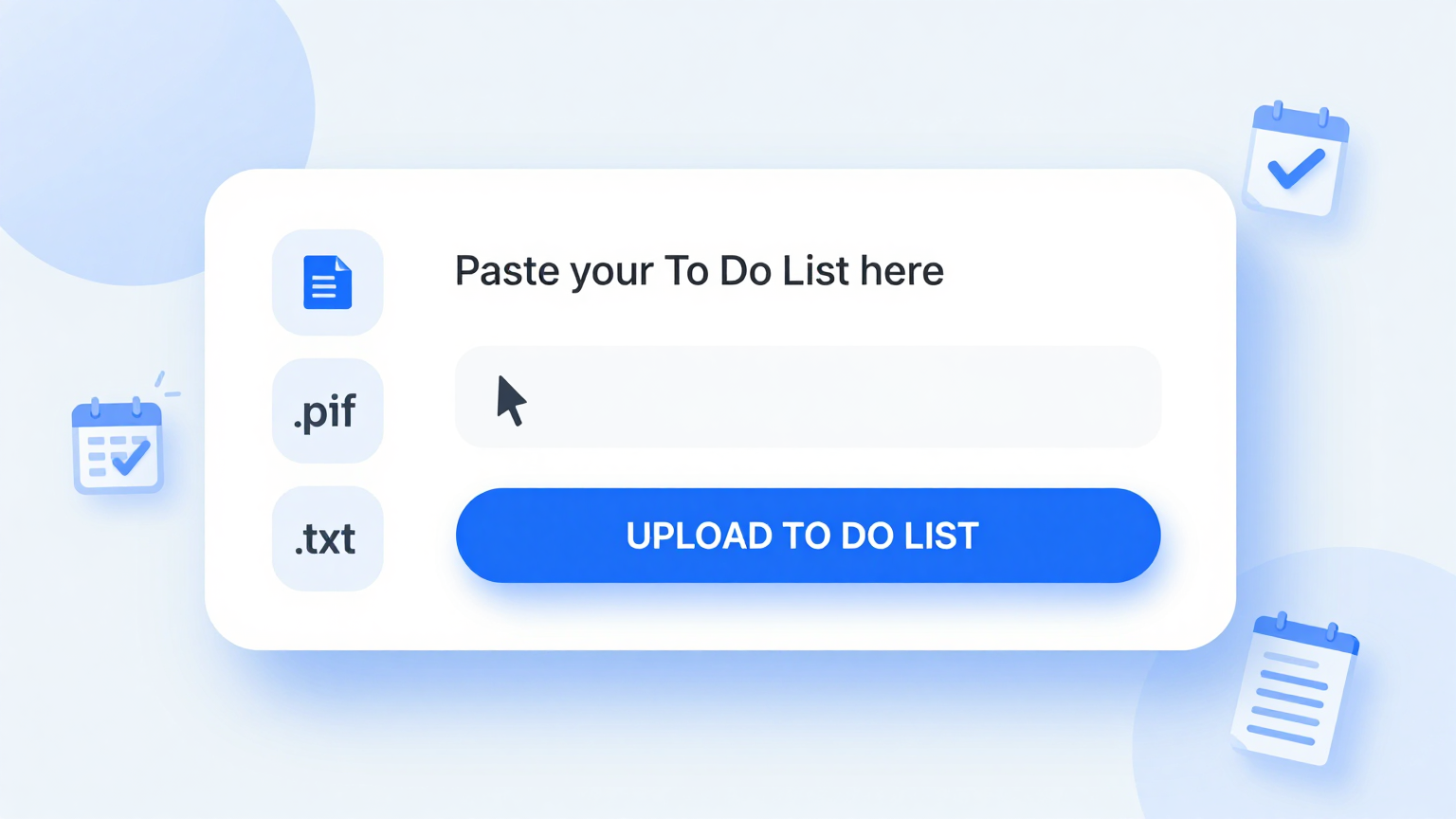
Quickly type or paste your tasks, notes, and activity items into To Do List Generator. Add raw text, bullet points, or numbered lists and the tool automatically organizes your information into a clean, structured task list with proper categories and priority sections.
Professional Templates
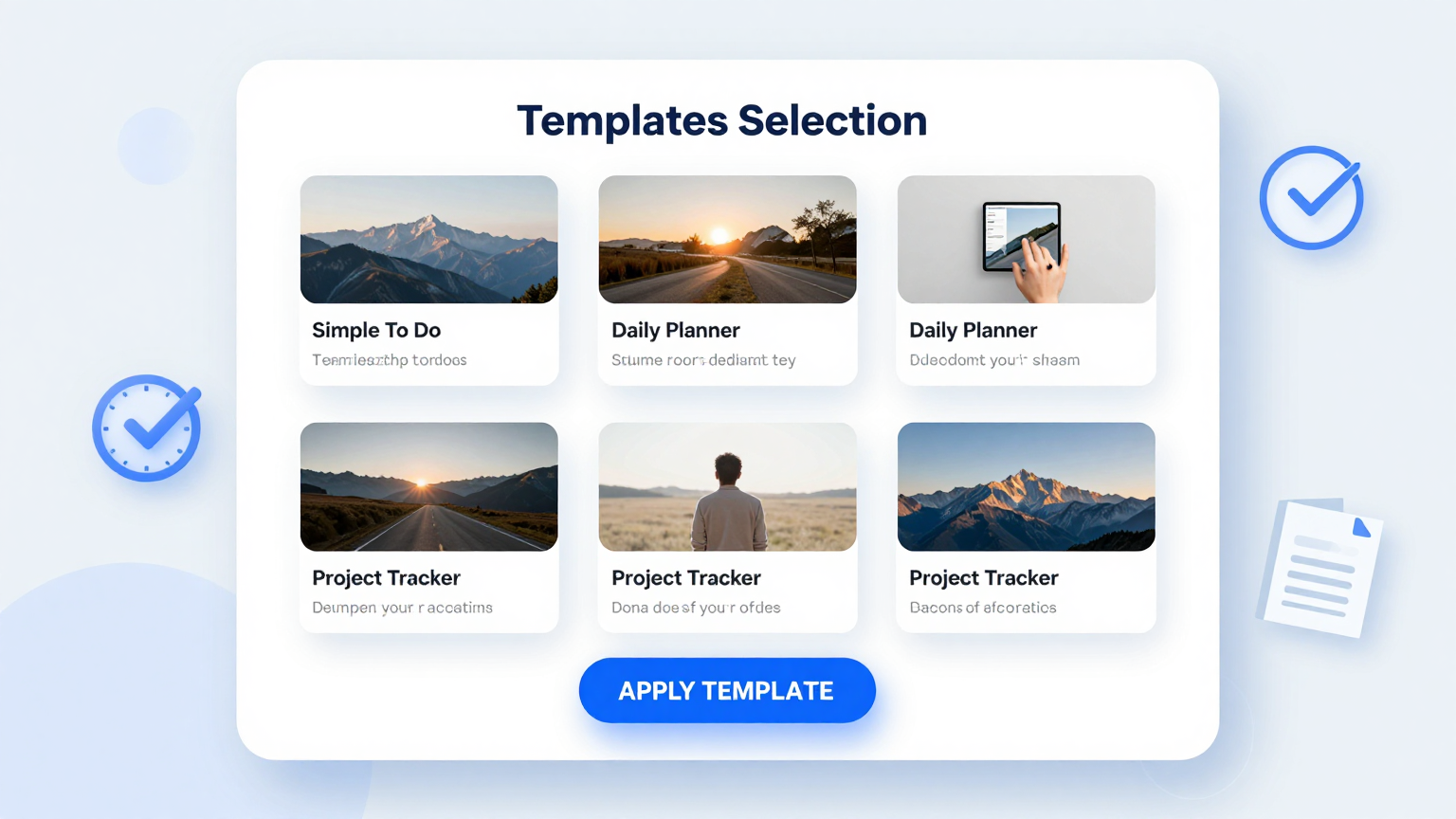
Choose from a wide selection of professionally designed layouts. The To Do List Generator provides each template is tailored for specific use cases including daily planning, weekly overviews, project task lists, and team assignments, so your output always looks organized and appropriate for your workflow.
Edit Online
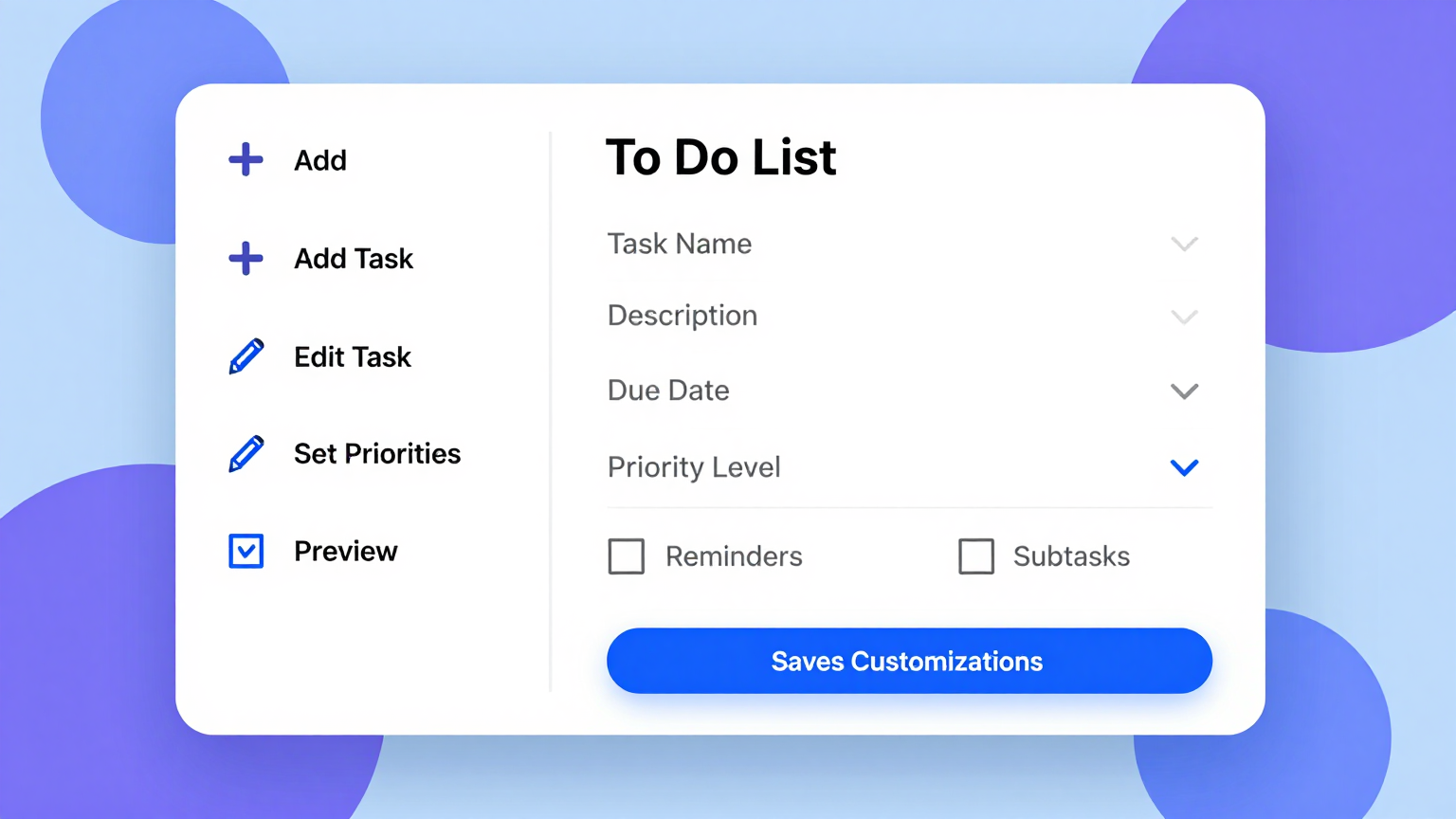
Refine every section of your task list with the built-in editor. The To Do List Generator adjust task descriptions, update priority levels, reorder items by importance, and preview your document in real time before exporting the final version for your day or week.
Download & Share
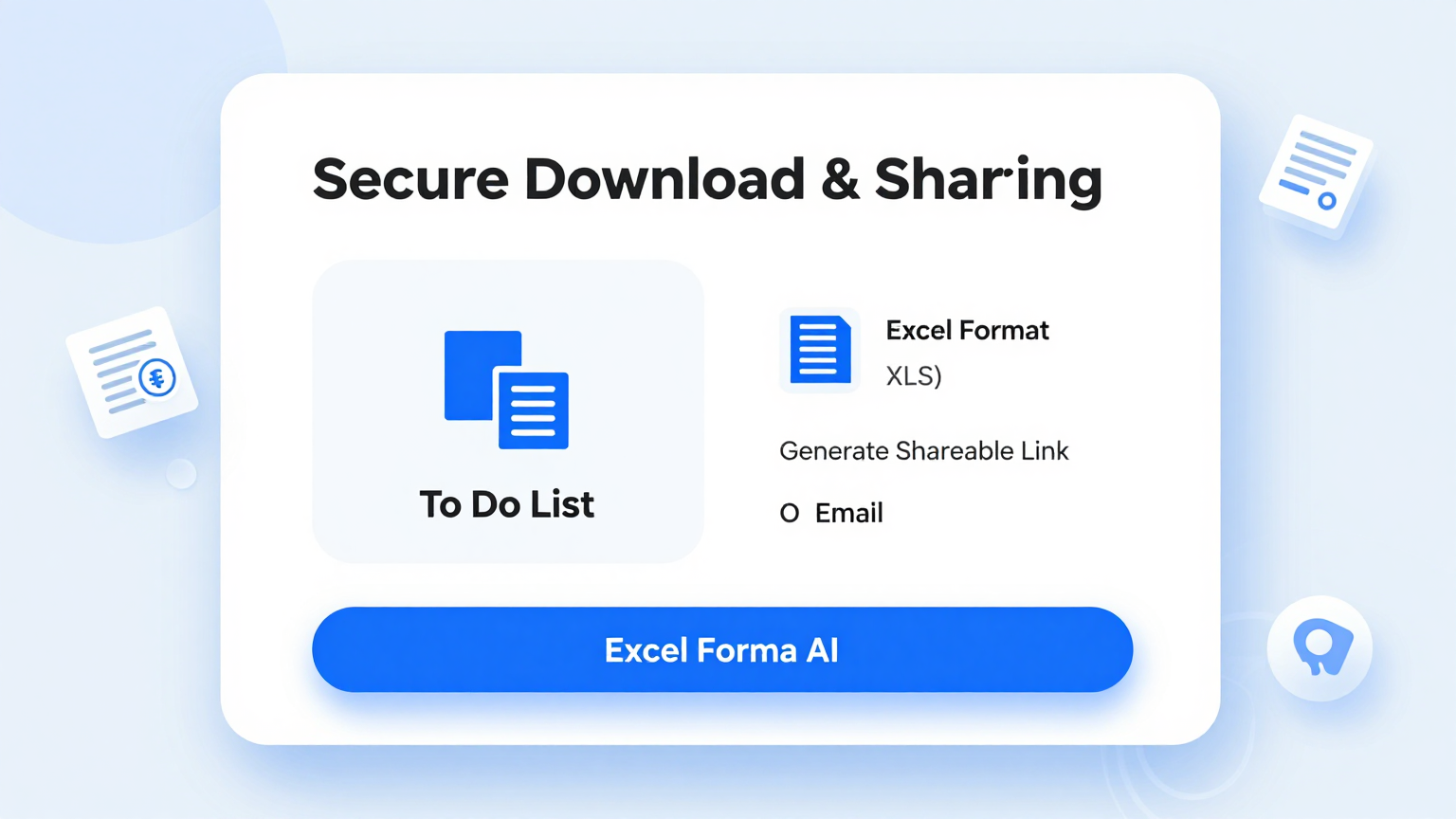
Export your finished task list as a polished PDF for printing or an editable Word file for ongoing updates. To Do List Generator preserves all formatting and structure, so the document you download matches exactly what you organized on screen.
Explore Professional To Do List Templates
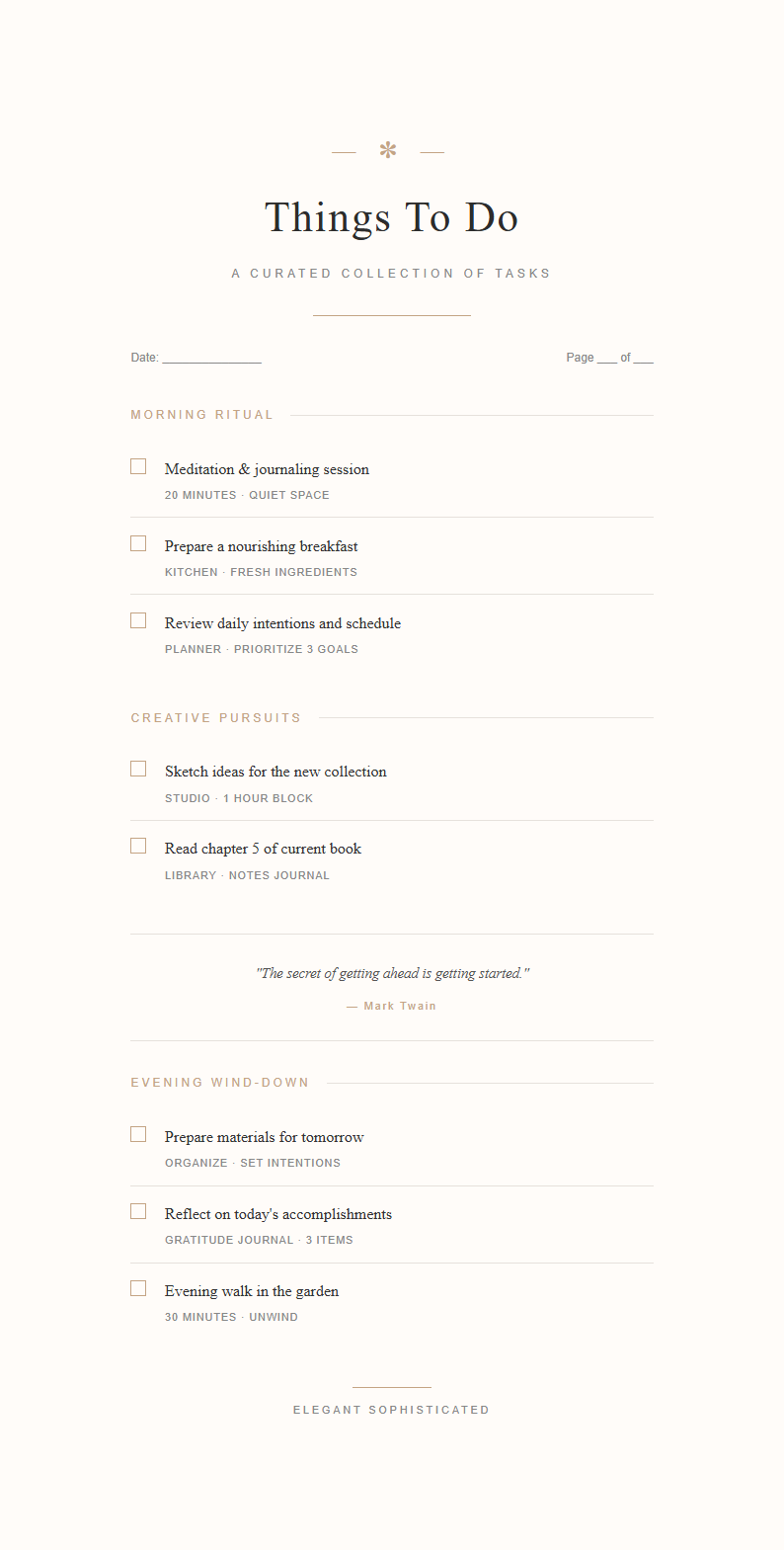
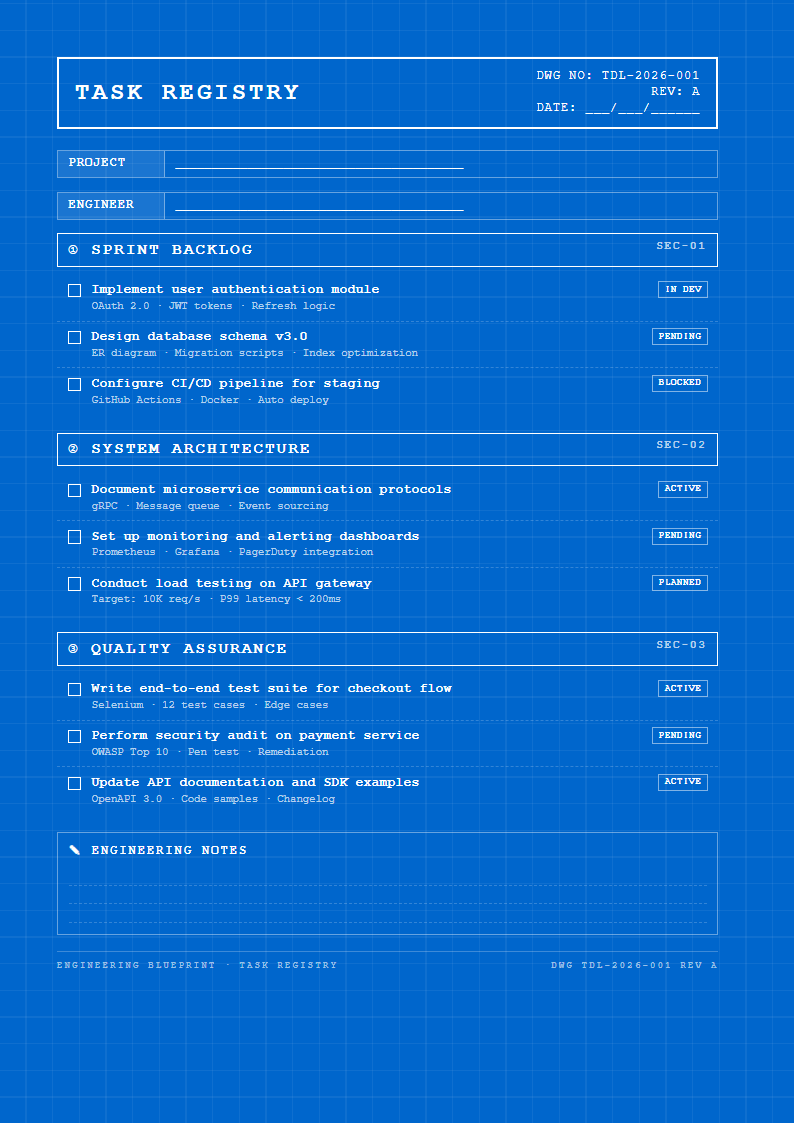
Prefer to start from a template? Browse our full collection of to do list layouts and find one that fits your planning style.
Frequently Asked Questions
Helpful information about using our task list tool.
- Is the To Do List Generator free to use?
- Yes. The the generator is completely free with no hidden charges, subscriptions, or account requirements. You can generate, edit, and download as many task lists as you need without paying anything at all. The tool provides full access to every template and export option at absolutely no cost, with no limitations on how many lists you create.
- What types of to do lists can I create with the To Do List Generator?
- The this tool supports daily planners, weekly task overviews, project checklists, priority matrices, shopping lists, packing lists, study schedules, and team task assignments. Each type has a dedicated template with pre-configured sections carefully tailored for that specific use case, so your task list always has the right structure for your needs.
- Do I need to install anything to use the To Do List Generator?
- No installation is needed. The our tool runs entirely in your web browser with no plugins, extensions, or software downloads required. Simply open the page, choose a template that fits your planning style, enter your tasks, and download the finished list. It works on desktops, tablets, and mobile devices without any setup.
- Can I add priority levels to tasks in the To Do List Generator?
- Yes. The the tool allows you to assign priority levels such as high, medium, and low to each task on your list. You can also use color coding and categories to visually distinguish between urgent items and routine tasks. Setting priorities helps you focus on what matters most each day and ensures important deadlines are never overlooked.
- Is the To Do List Generator suitable for team use?
- Absolutely. The the generator includes templates designed for team task management with columns for task assignments, due dates, and status tracking. Team leaders can create structured task lists, download them, and share with team members so everyone knows their responsibilities and deadlines, keeping projects moving forward smoothly and efficiently. This ensures a comprehensive and professional result every time you use our platform.
- How long does it take to generate a to do list?
- Most users complete their task list in under three minutes using this tool. Once you input your tasks and select a template, the tool produces a formatted list instantly. You then review the organization, make any necessary adjustments, and download the final version for your daily or weekly planning needs, ready for immediate use.
- Can I save and edit my to do list later?
- You can download your to do list as a Word document and reopen it anytime for further editing. While the our tool does not store documents on our servers, keeping the downloaded Word file lets you return to your task list whenever you need to update priorities, mark completed items, or add new tasks that come up during the week.
- What export formats does the To Do List Generator support?
- The generator lets you export your finished task list as a PDF for printing or as a Microsoft Word file for ongoing editing and updates. Both export formats preserve the professional layout, styling, and structure that the tool applies to your document, ensuring a polished and organized result that is ready for immediate use.
- Does the To Do List Generator work for students?
- Yes. Students can use the the generator to create study schedules, assignment trackers, exam preparation checklists, and semester planners. The tool includes templates specifically designed for academic use, helping students organize coursework, manage deadlines, and balance their academic responsibilities with personal activities throughout the entire school term and beyond, making academic life more manageable and organized.
- Can I print the to do list I create?
- Yes. this tool produces documents that are optimized for printing on standard paper sizes. You can export your task list as a PDF and print a physical copy to keep on your desk, pin to a bulletin board, or carry in a planner. Many users find that having a printed to do list serves as a more effective reminder than a digital version alone.
- Does the To Do List Generator work on mobile devices?
- Yes, our tool is fully responsive and works seamlessly on smartphones, tablets, and other mobile devices. You can create, edit, and download a task list from any device with a modern web browser, making it convenient to organize your tasks while commuting, waiting in line, or working away from your primary workstation.
- What makes this To Do List Generator better than writing by hand?
- The To Do List Generator saves time by providing pre-structured templates, automatic organization, and instant professional formatting. Instead of drawing lines and writing headers by hand each day, it gives you a polished, well-organized task list where you simply enter your items, ensuring consistent and readable lists every time you plan your work.
Create Your To Do List Now
Stop losing track of tasks. Use our free tool to produce a clear, organized to do list in minutes.
No credit card required • AI-powered formatting • Instant download