Generate Pharmacist Appointment Letters Instantly
Stop spending hours on appointment letters. Use our AI-powered tool to create compliant, professional pharmacy documents in minutes.
How to Create a Pharmacist Appointment Letter Online
Enter Pharmacist Details
Start by entering the pharmacist's full name, license number, and contact information into the tool. You can also input the position title, department, and reporting manager. Adding accurate details ensures your document is professional and ready for signature without requiring multiple revisions.
Set Employment Terms
Define the start date, salary, work schedule, and benefits package using our interface. Include probationary periods, performance review schedules, and any signing bonuses. Clear employment terms help prevent misunderstandings and ensure both your pharmacy and the new pharmacist have aligned expectations.
Review and Customize
Use the preview feature to review your document before finalizing. Adjust any sections that need customization, such as pharmacy-specific policies, continuing education requirements, or specialized responsibilities. A thorough review ensures your letter reflects your pharmacy's unique requirements and culture.
Download and Send
Download your completed document as a Word file or PDF. You can then email it for electronic signature or print it for in-person signing. Keep a copy in your HR records and provide one to the new pharmacist for their files.
Import Candidate Data
Import pharmacist candidate information directly into the tool. Simply upload existing resumes or HR forms, and our system will automatically extract relevant details like name, license number, and qualifications to populate your document quickly and accurately.
Professional Templates
Select from professionally designed templates tailored for retail pharmacies, hospital pharmacies, or clinical settings. Each template follows industry standards and includes all essential sections required for pharmacy hiring documentation.

Customize Online
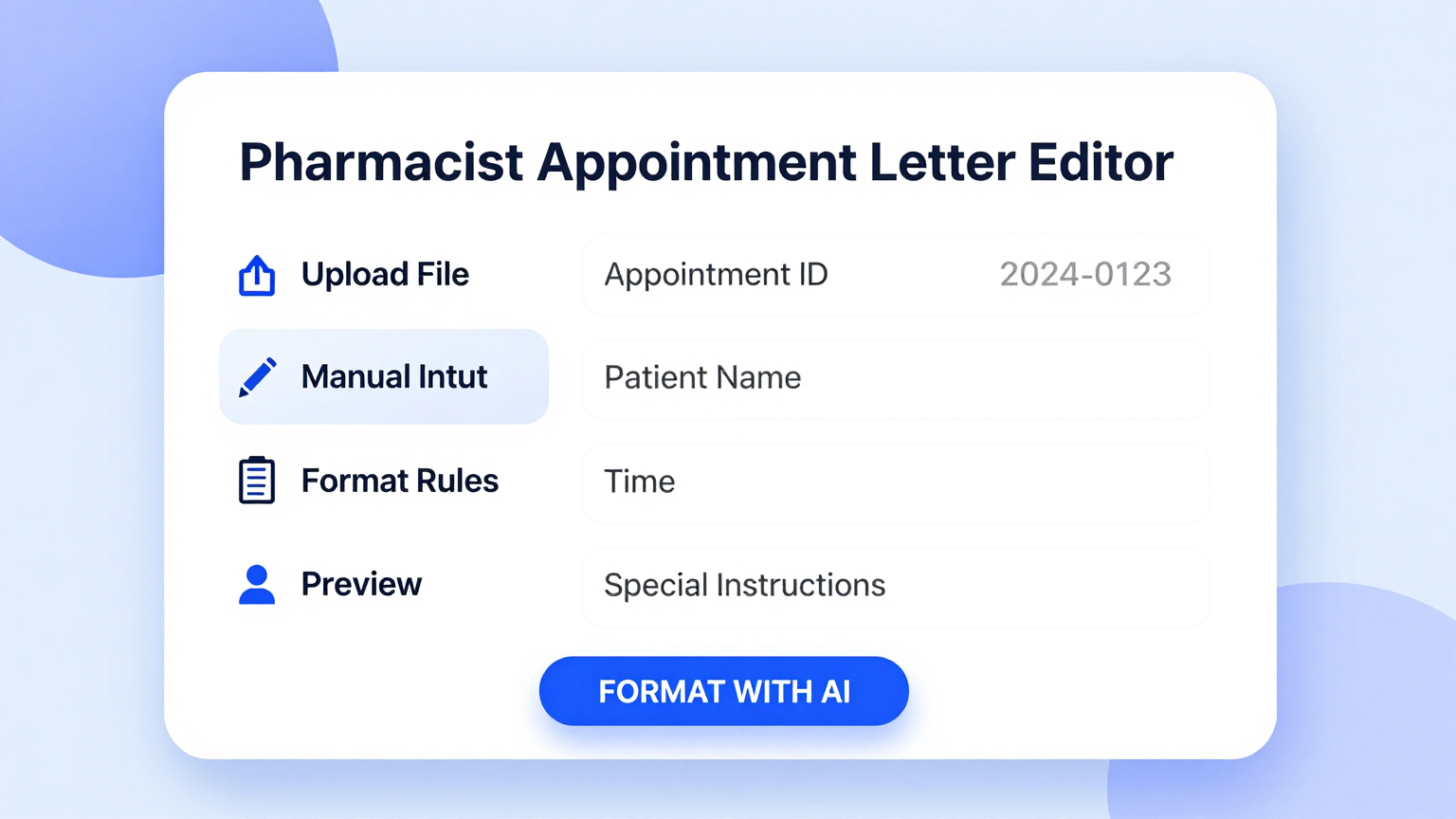
Edit every detail of your appointment letter using our intuitive editor. Adjust salary figures, benefits packages, work schedules, and licensing requirements. The system ensures all modifications maintain professional formatting and compliance standards throughout.
Download & Share
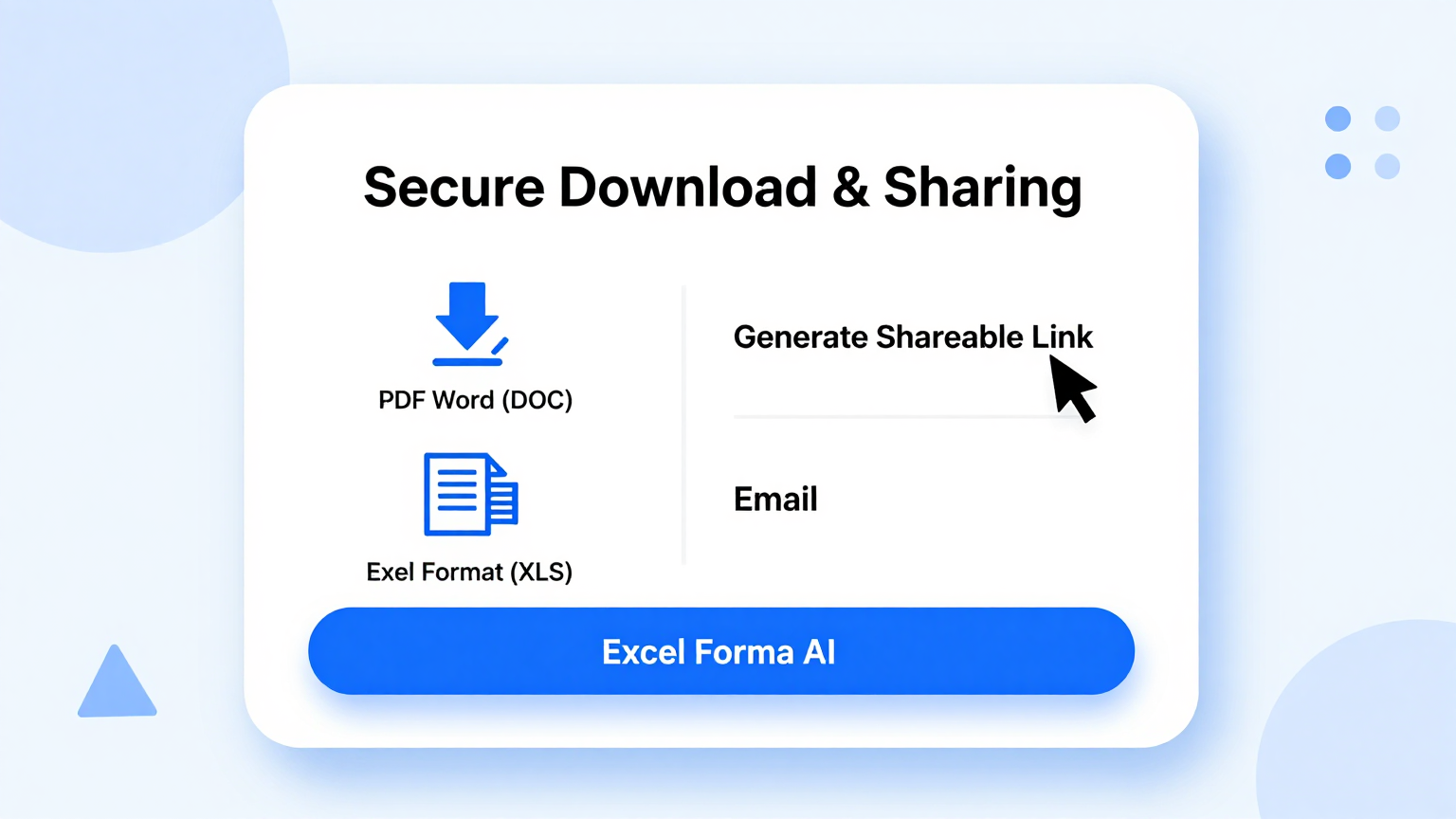
Download your completed appointment letter as a Word document or PDF file. You can also generate shareable links for electronic signatures, streamlining your pharmacy's hiring workflow and document management process efficiently.
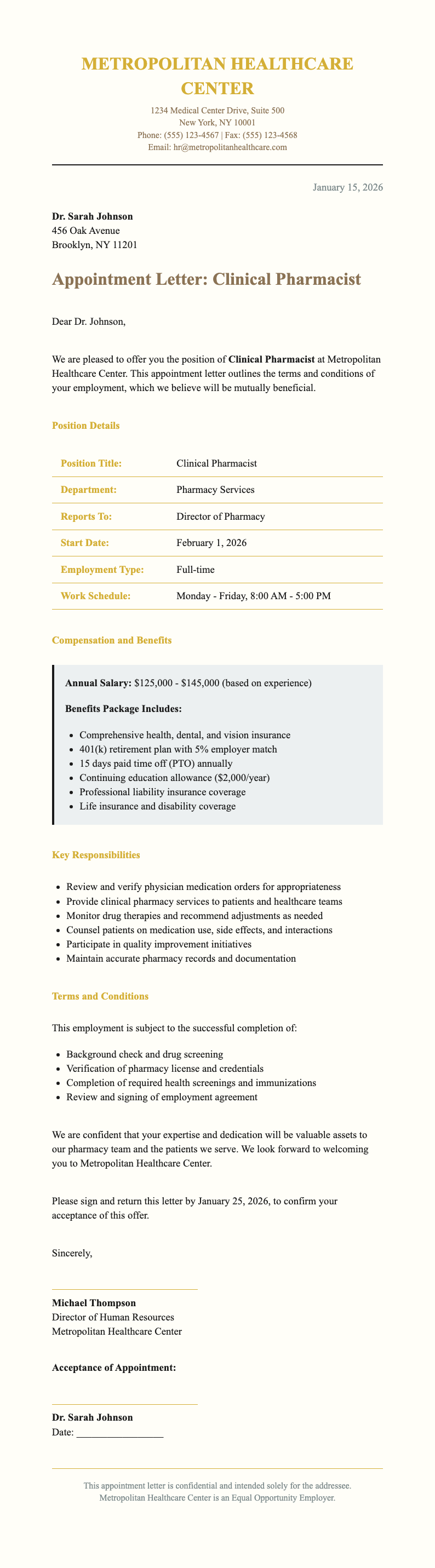
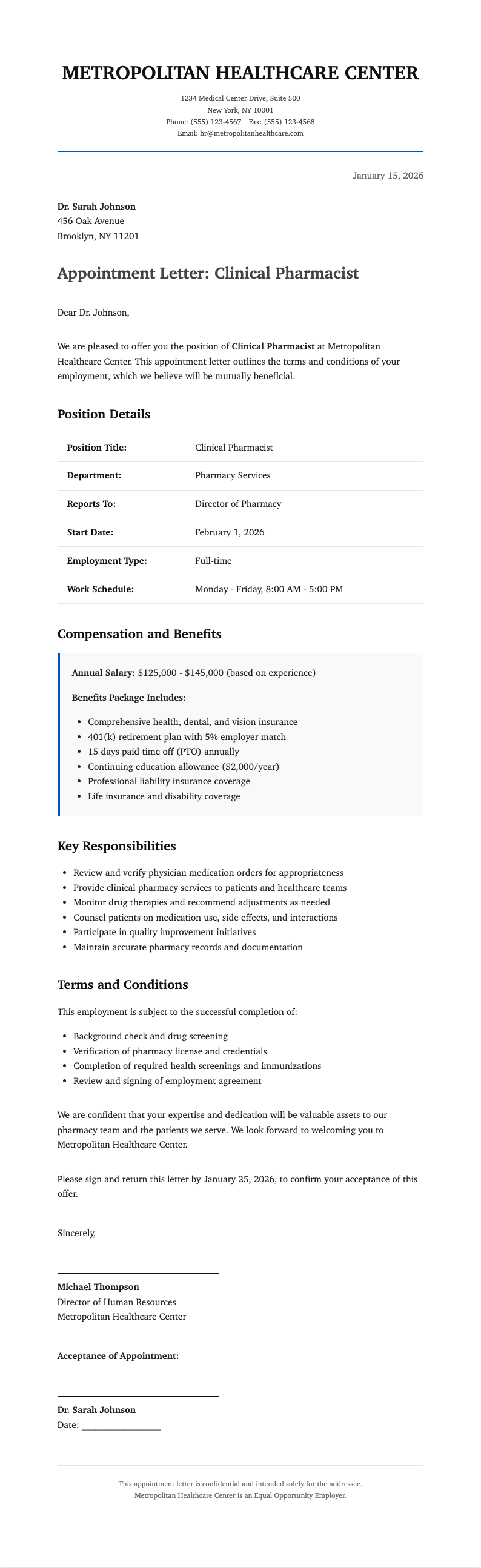
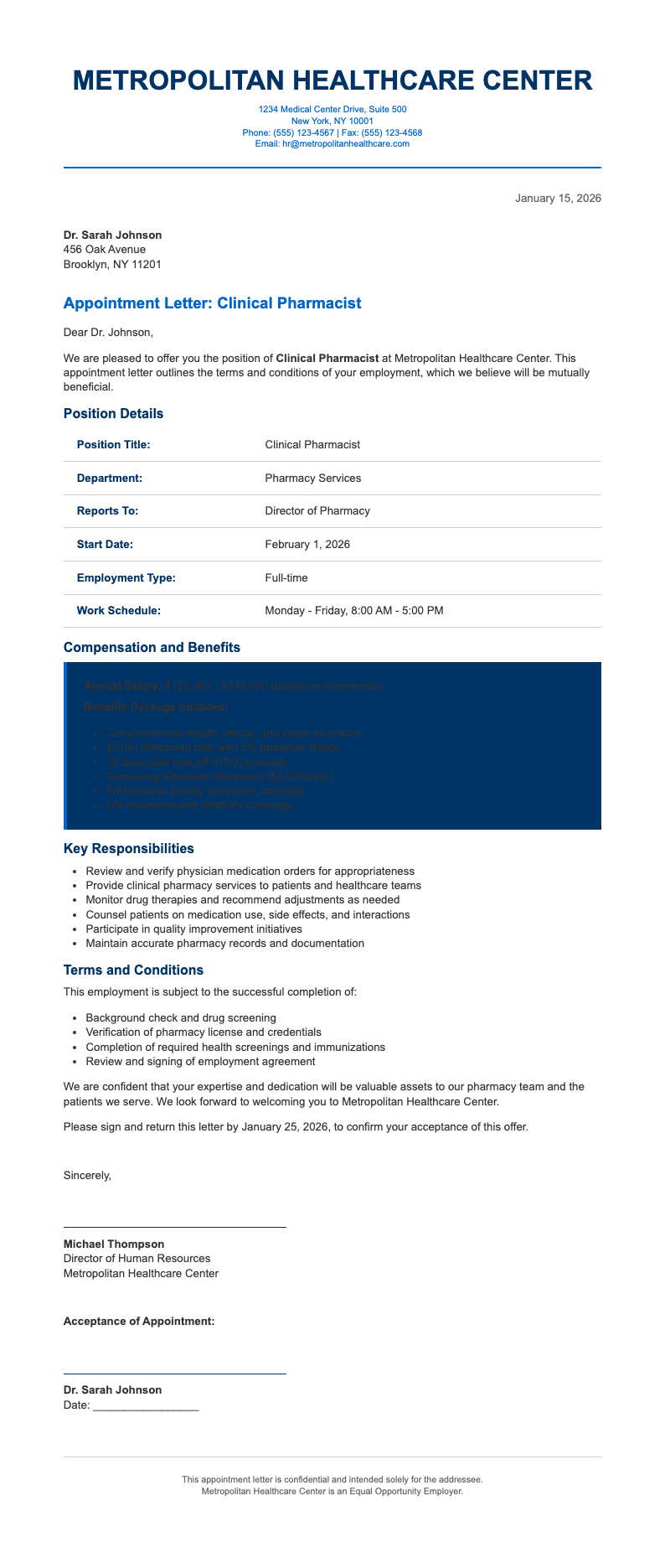
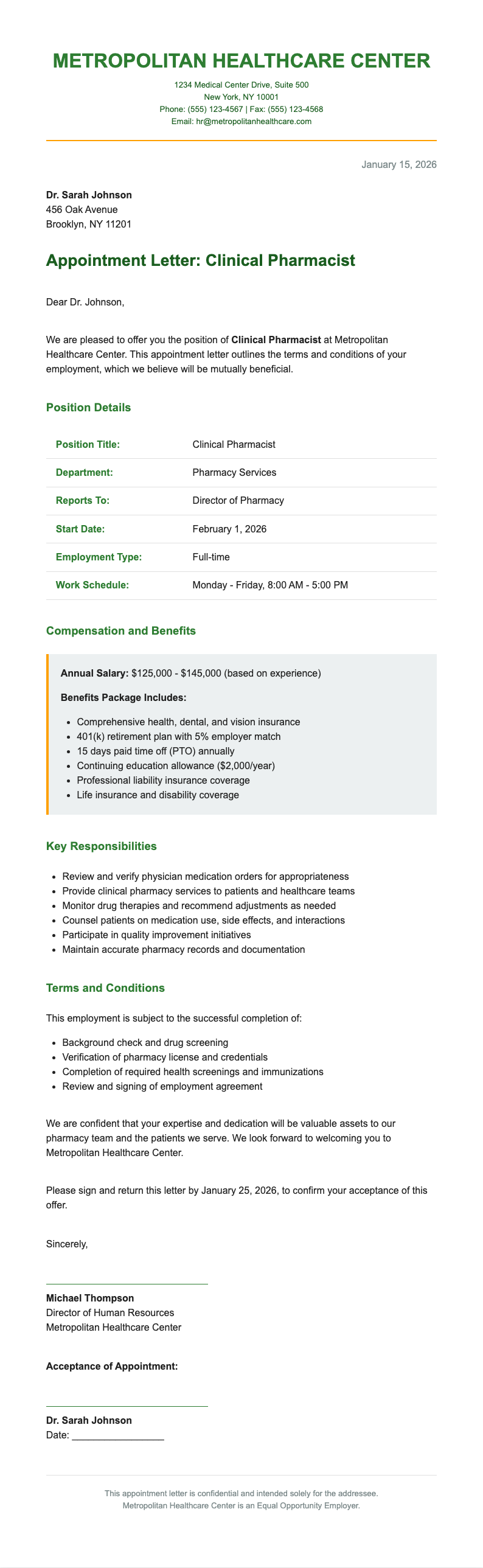
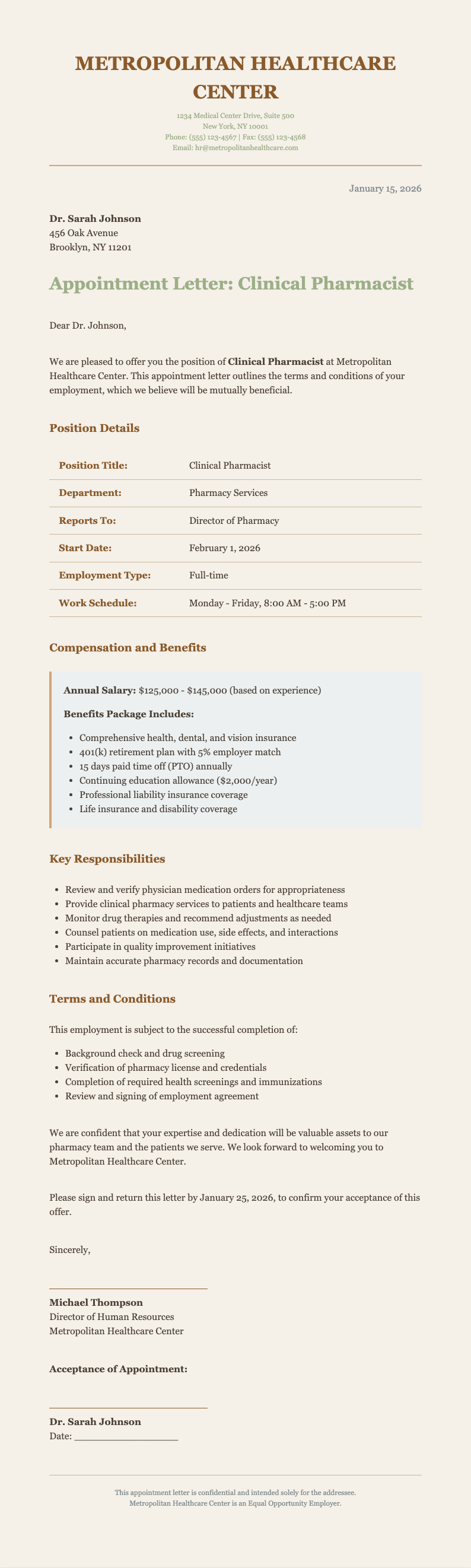
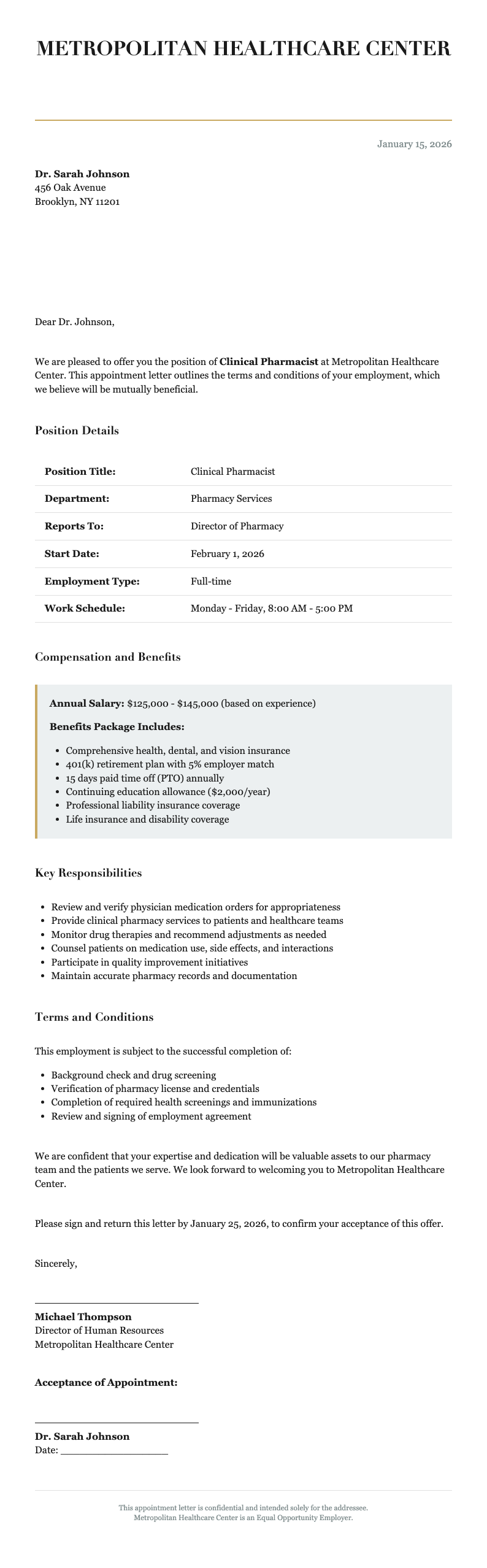
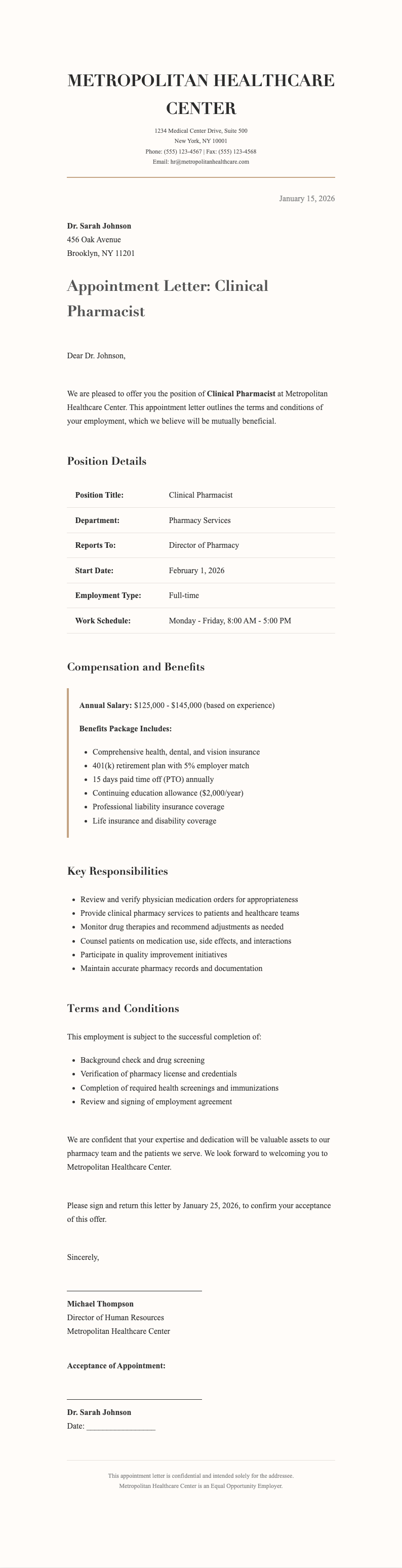
Explore Professional Pharmacist Appointment Templates
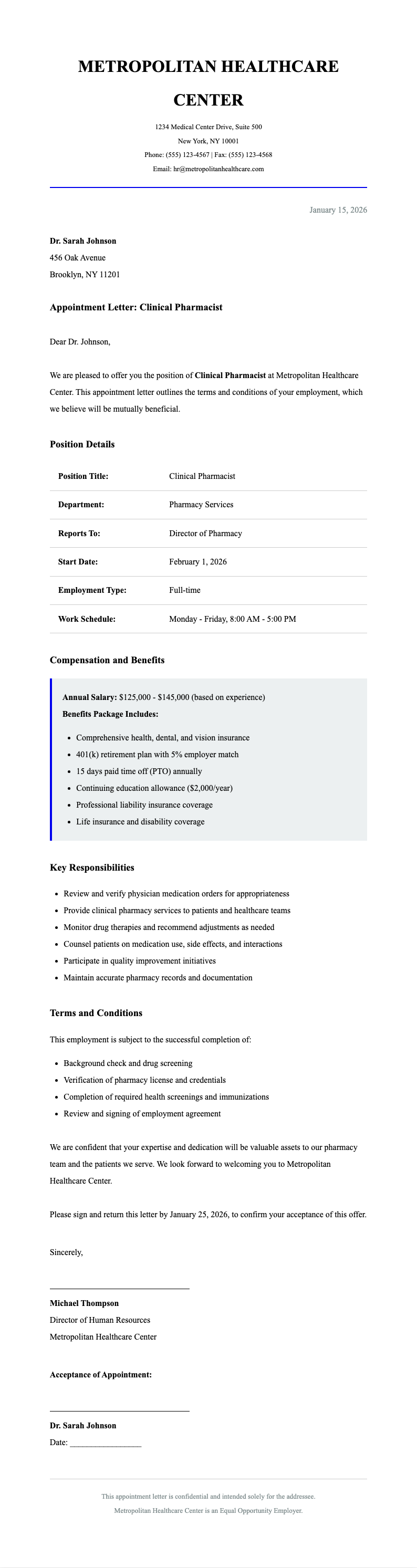
Need a starting point? Browse our collection of pre-made templates for various pharmacy positions and settings.


Frequently Asked Questions
Common questions about using our appointment letter tool.
- Is this tool free to use?
- Yes. The pharmacist appointment letter generator is completely free to use with no hidden fees or subscriptions required. You can generate unlimited appointment letters without creating an account or providing payment information, making professional HR documentation accessible to pharmacies of all sizes.
- What formats can I download?
- You can download your completed appointment letters in Microsoft Word (.docx) and PDF formats. These industry-standard formats ensure compatibility with your existing HR systems and make it easy to print, email, or archive your documents.
- Can I save templates for future use?
- Yes, our tool lets you save customized templates for future use. This feature is especially helpful for pharmacies that hire multiple pharmacists, as you can maintain consistent formatting and standard terms across all appointments.
- Does the tool include compliance language?
- Our system includes standard employment compliance language covering essential elements like at-will employment, equal opportunity statements, and license verification requirements. However, we recommend having legal counsel review letters for your specific jurisdiction.
- Can I use this for pharmacy managers?
- Absolutely. The pharmacist appointment letter generator is flexible enough to accommodate various pharmacy positions including staff pharmacists, clinical pharmacists, pharmacy managers, and directors. Simply customize the job title and responsibilities sections to match the specific role.
- How long does it take to create a document?
- Most users complete a professional document in under 10 minutes using our tool. The intuitive interface and pre-populated fields streamline the process, allowing you to focus on the specific details rather than formatting.
- Can I add my pharmacy's logo?
- Yes, our system supports custom branding. You can upload your pharmacy's logo and it will be automatically placed in the letterhead of your documents, maintaining your brand identity in all HR communications.
- Is my data secure?
- We take data security seriously. Your candidate information is processed securely and not stored permanently on our servers. Each session is encrypted, ensuring sensitive employment details remain confidential.
- Can this handle multi-location pharmacies?
- Yes, our tool accommodates multi-location pharmacy operations. You can specify work locations, floating pharmacist arrangements, and transfer policies, making it ideal for pharmacy chains and health systems.
- Does this work on mobile devices?
- The pharmacist appointment letter generator is fully responsive and works on tablets and smartphones. While we recommend using a desktop computer for optimal editing experience, you can create and download documents from any device with internet access.
- Can I include continuing education requirements?
- Yes, our system includes customizable sections for professional development requirements. You can specify CE hour requirements, license renewal support, and specialized training obligations to ensure clear expectations from day one.
- What if I need to make changes after downloading?
- Since we provide downloadable Word documents, you can make additional edits offline using Microsoft Word or compatible software. For substantial changes, you can also return to the tool with your saved template and regenerate the document.
Create Your Pharmacist Appointment Letter Now
Don't spend hours formatting documents. Use our free pharmacist appointment letter generator to create professional, compliant appointment letters for your pharmacy in minutes.
No credit card required • AI-powered formatting • Instant download