Create an APA Title Page Instantly
Ensure your research paper starts with a compliant cover page. Our tool formats your title page according to APA 7th Edition standards automatically.
How to Create an APA Title Page
Enter Paper Information
Begin by filling in the required fields in the Apa Title Page Generator, such as the full title of your research paper, your name, university affiliation, course number, instructor's name, and the assignment due date. Accurate input ensures your cover page is perfect and helps you avoid reformatting later.
Choose Format Type
Select whether you are writing a Student Paper or a Professional Paper. The tool will automatically adjust the layout rules, such as including or excluding the running head requirement, to match the specific standards for your assignment type. This keeps your title page consistent with common classroom and publication requirements.
Preview the Page
View a live preview of your title page to ensure all names are spelled correctly and the title looks balanced. This allows you to spot any errors and make necessary corrections instantly before downloading the final file. It is also a good time to confirm capitalization, spacing, and alignment so the first page looks clean and professional.
Download and Print
Download your finished title page as a .docx or .pdf file from the Apa Title Page Generator. You can then easily merge it with the rest of your research paper or print it out as a standalone cover sheet. For best results, keep the editable Word version for later changes and export the PDF only after your final review.
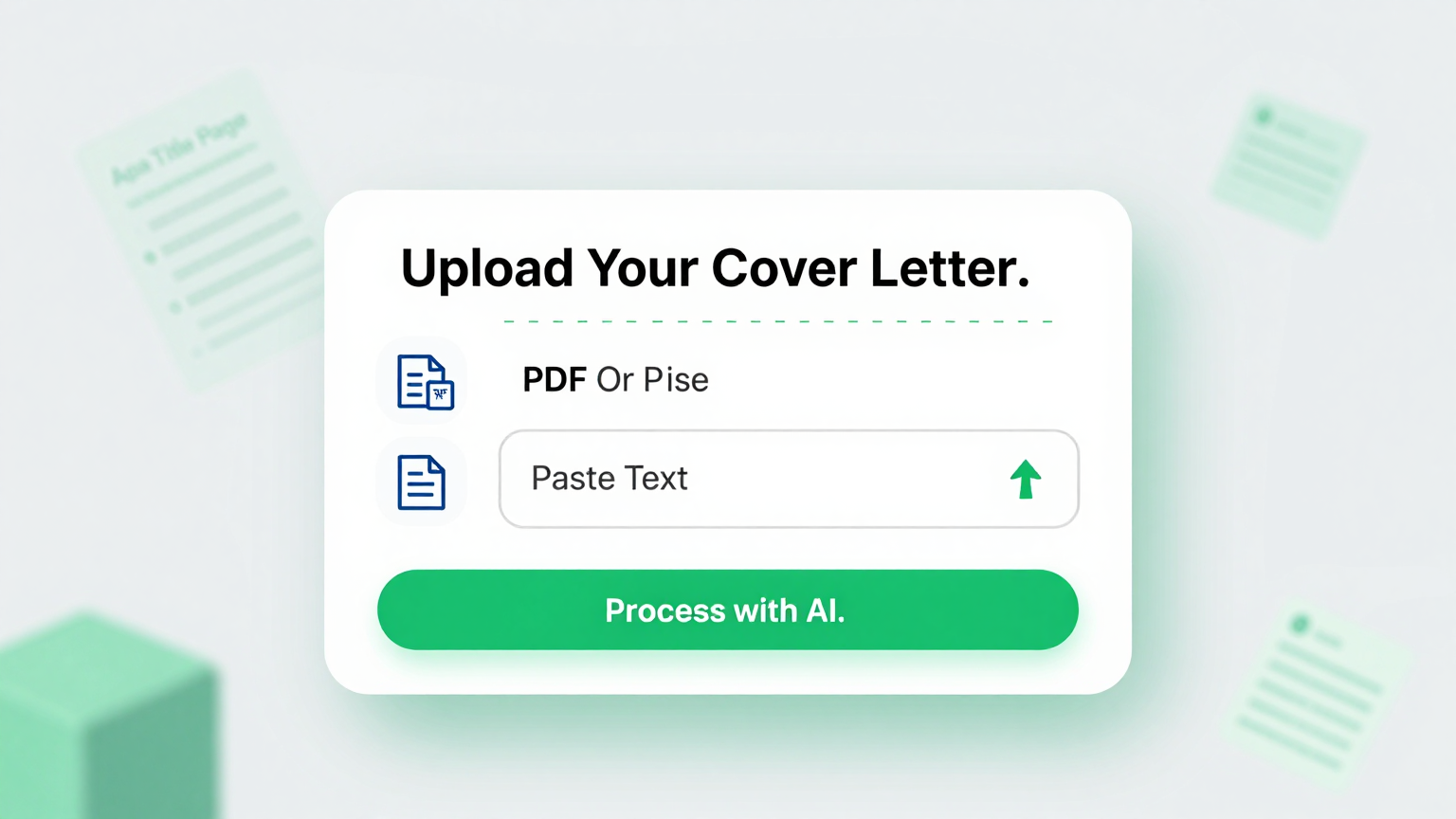
Input Details
Input your paper details directly into the APA Title Page Generator. It captures title, author, and course info to start your cover page correctly.
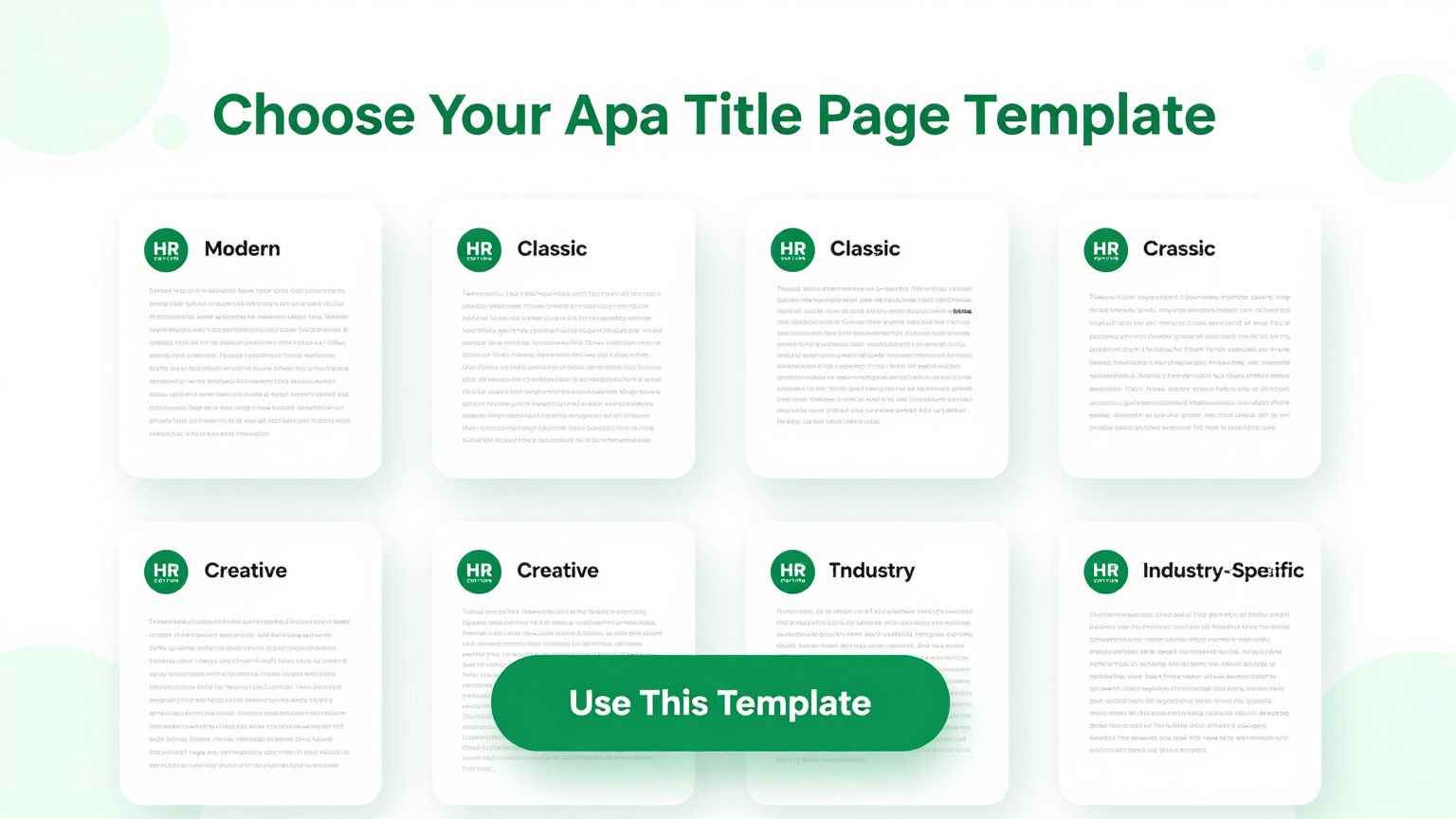
Select Type
Select the student or professional format in the Apa Title Page Generator. The tool adjusts margins and headers to match specific APA guidelines.
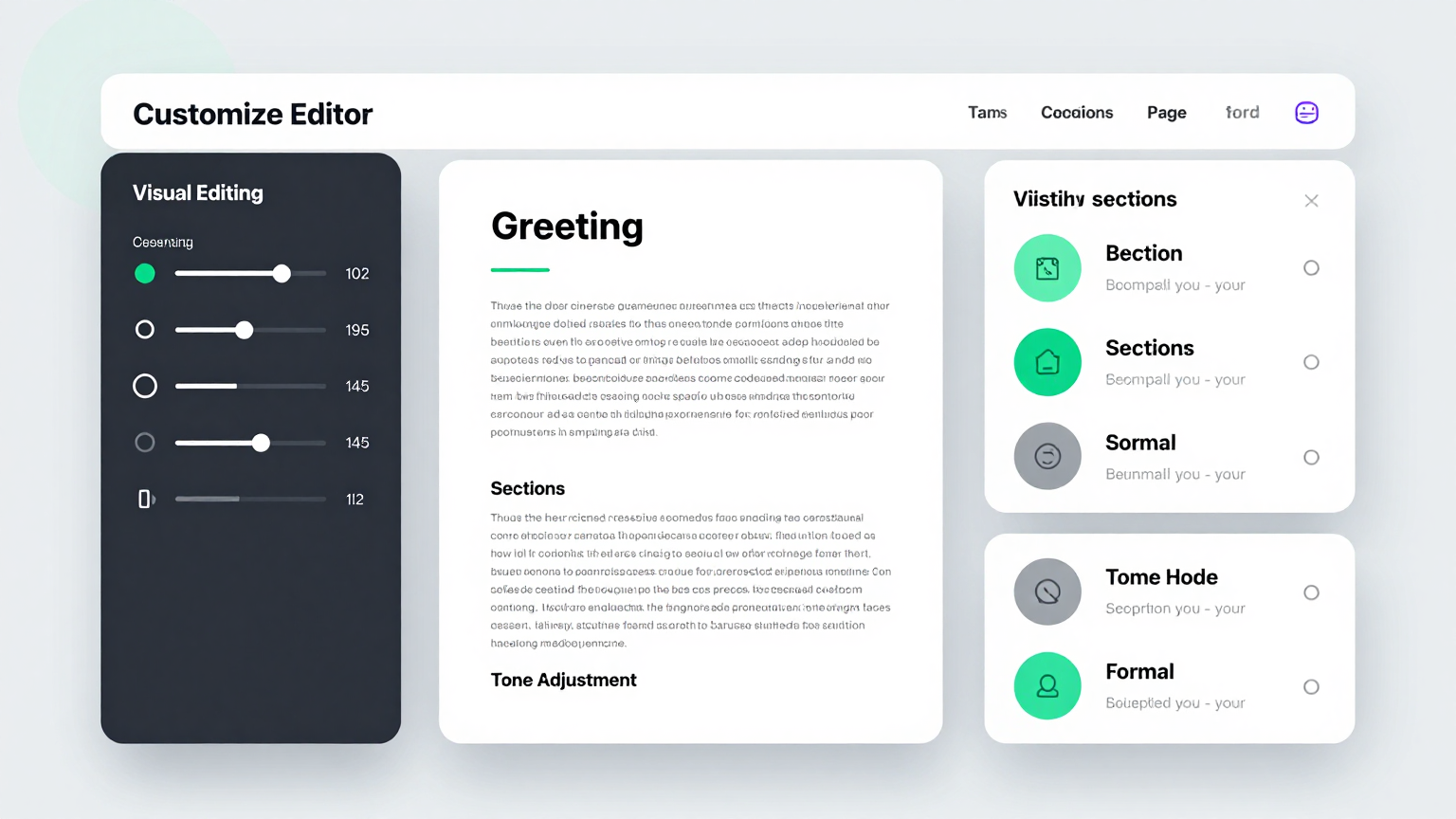
Review
Review your cover page using the Apa Title Page Generator editor. Make quick adjustments to ensure every detail is perfectly aligned and accurate.
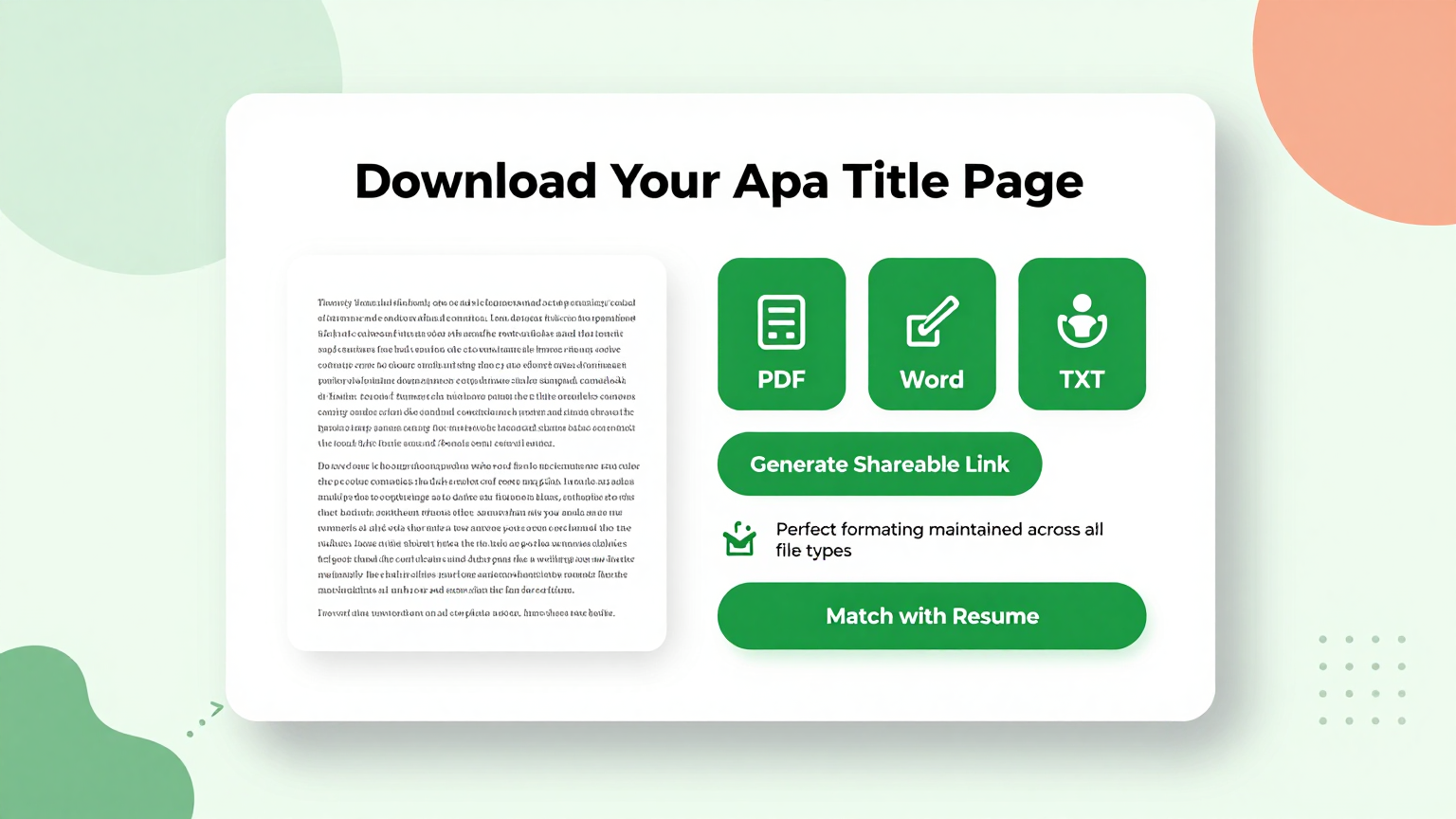
Download
Export your document from the Apa Title Page Generator in PDF or Word format. This ensures your title page is ready for immediate submission.
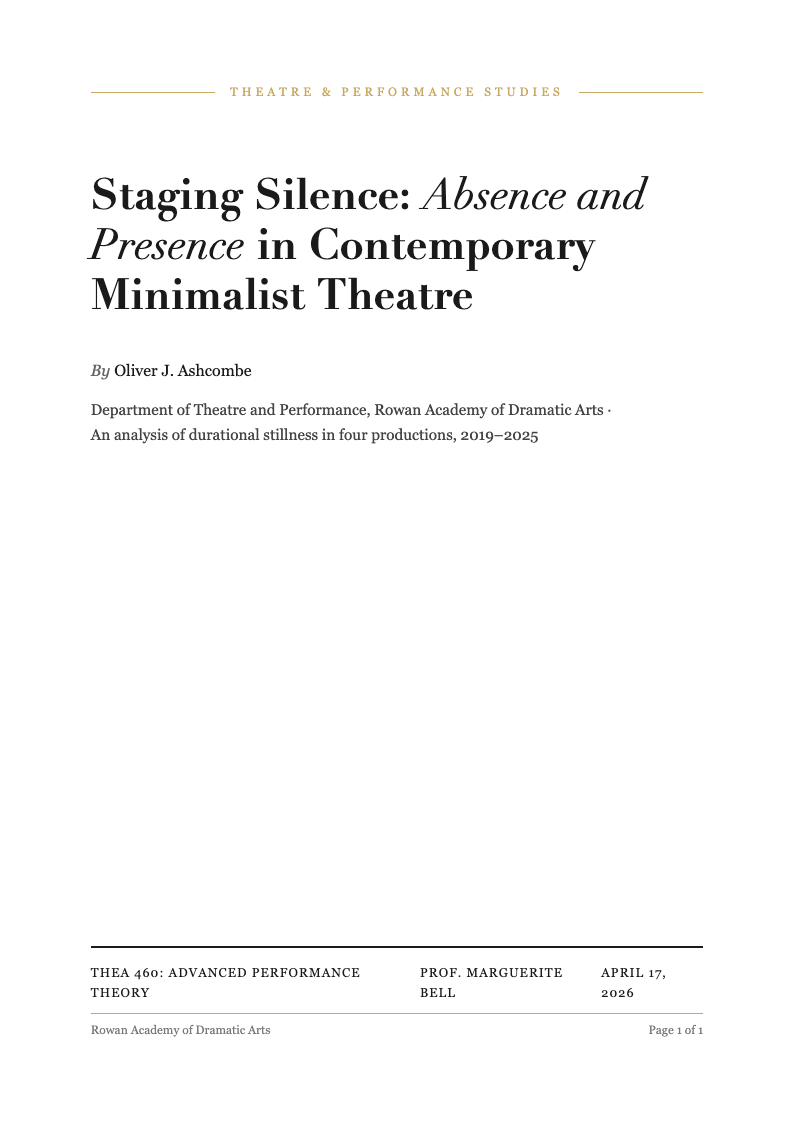
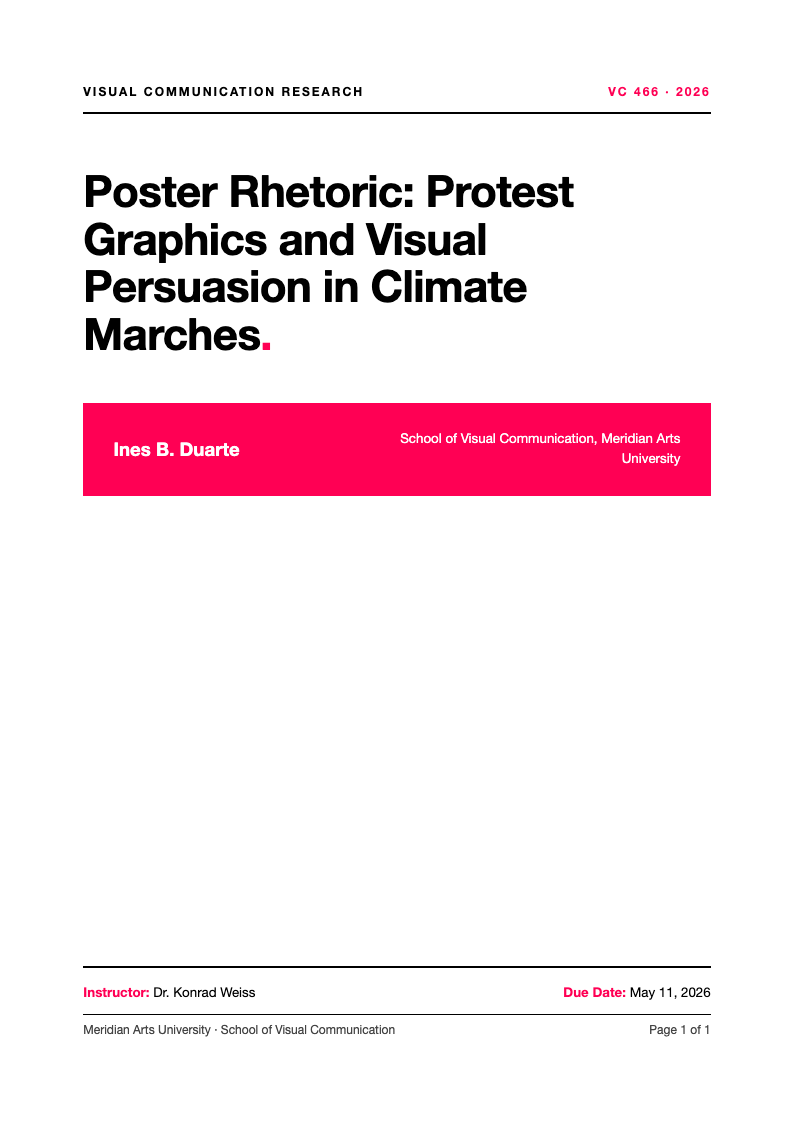
Explore Professional APA Title Page Templates
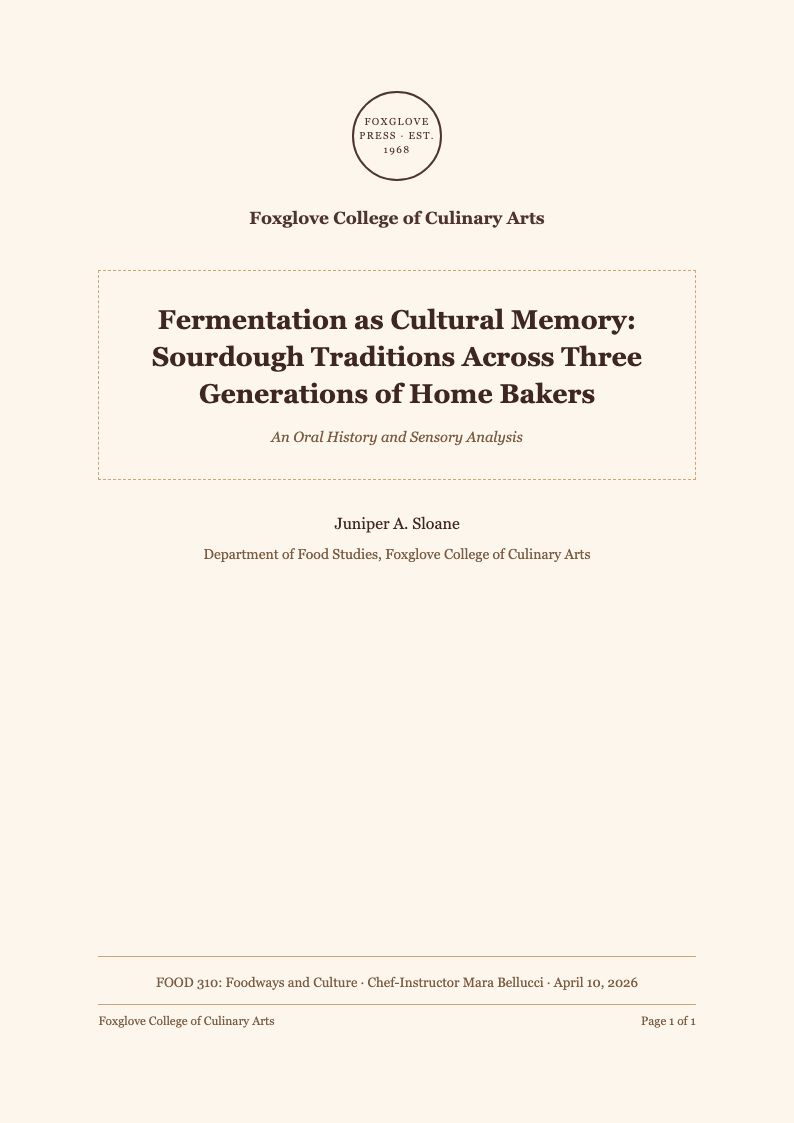
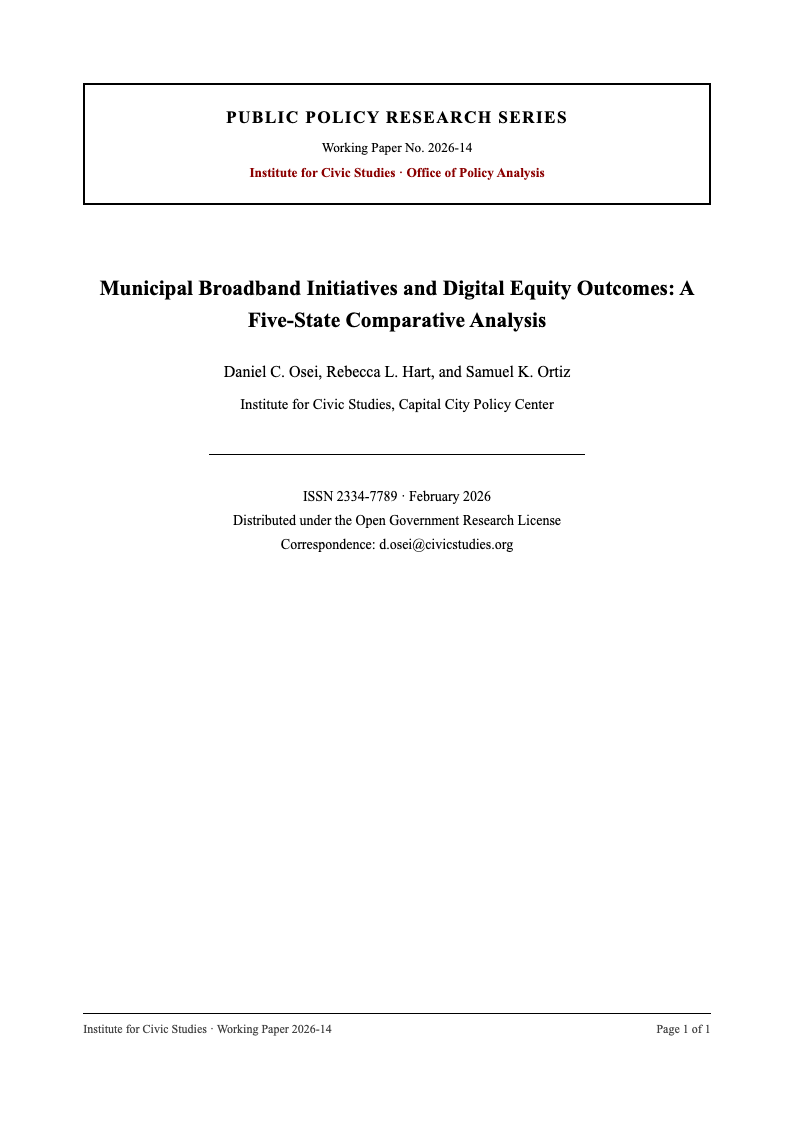
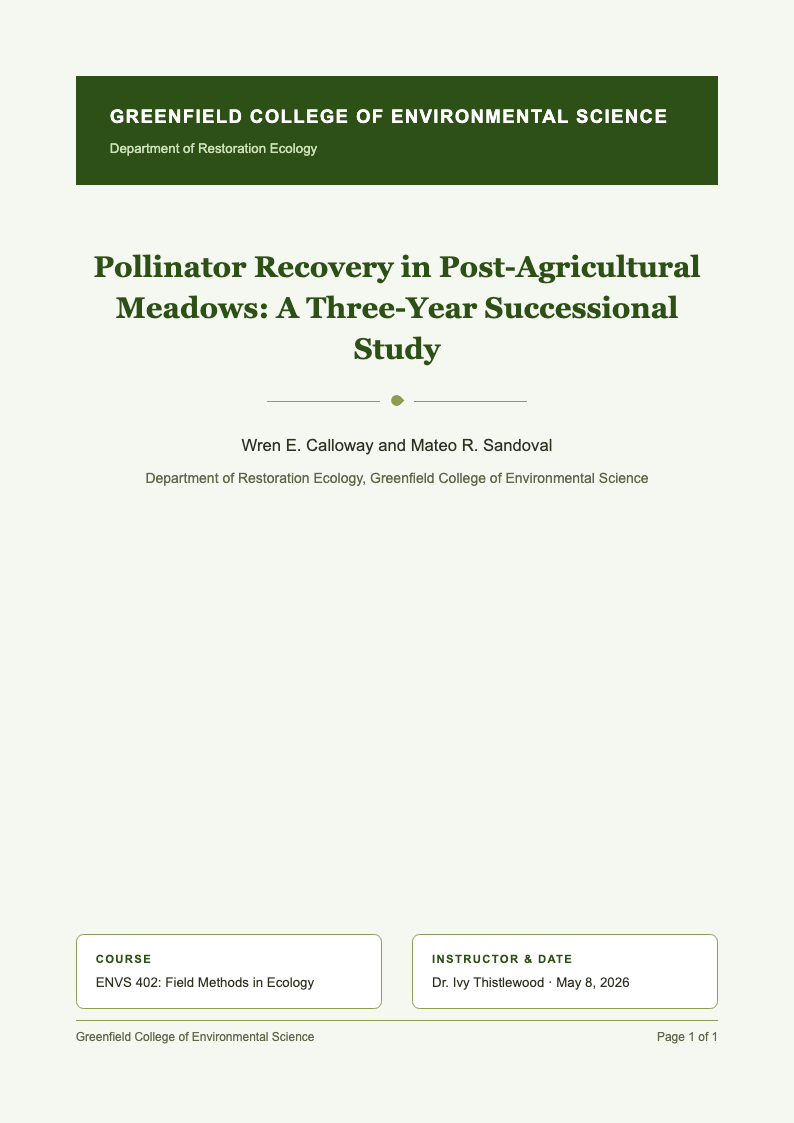
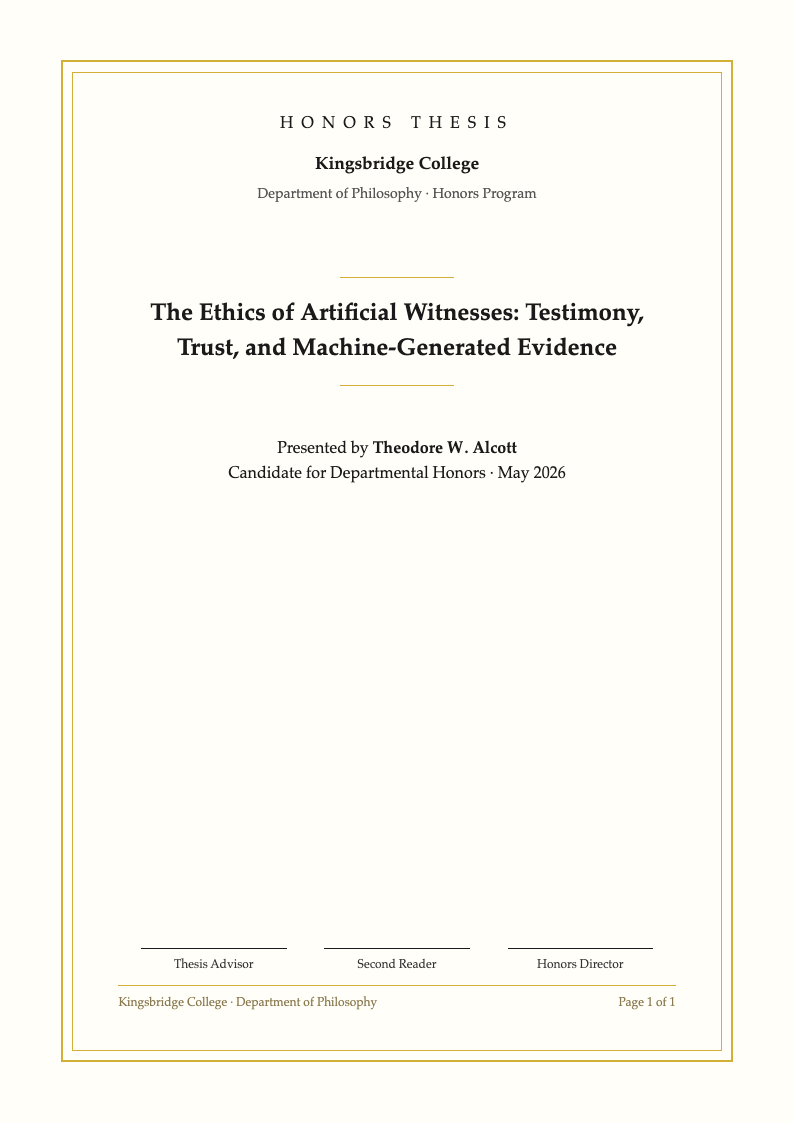
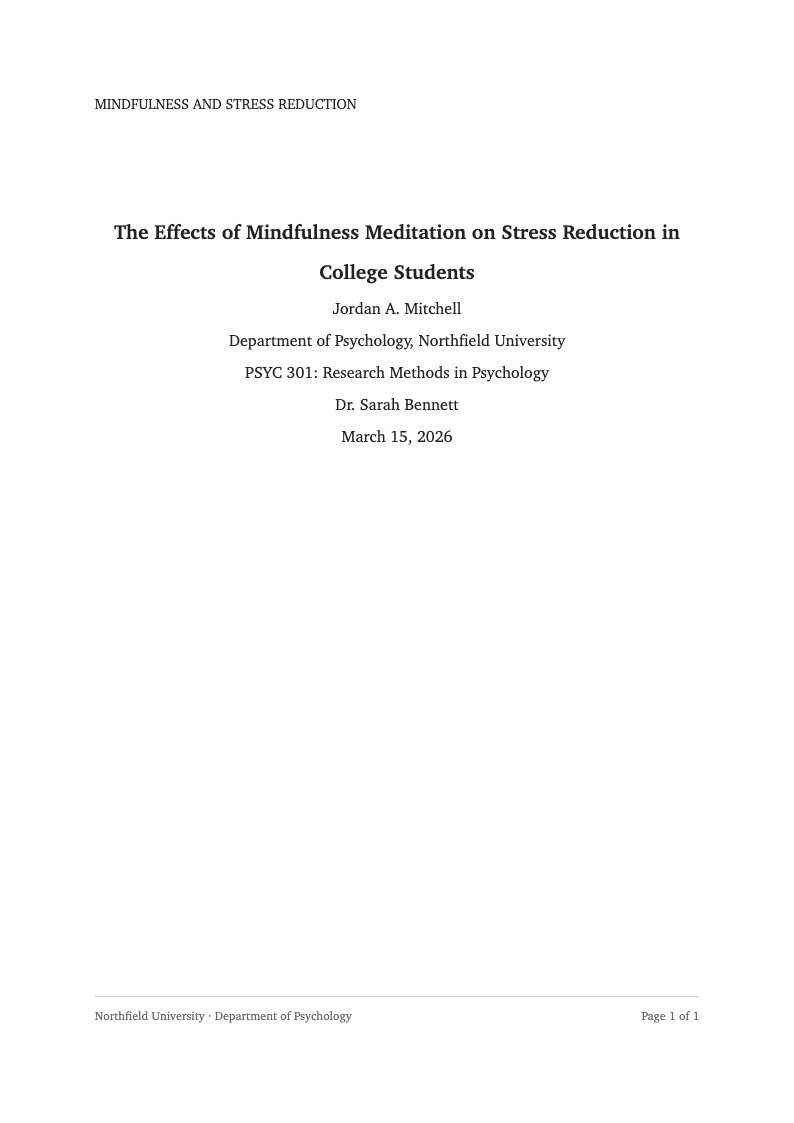
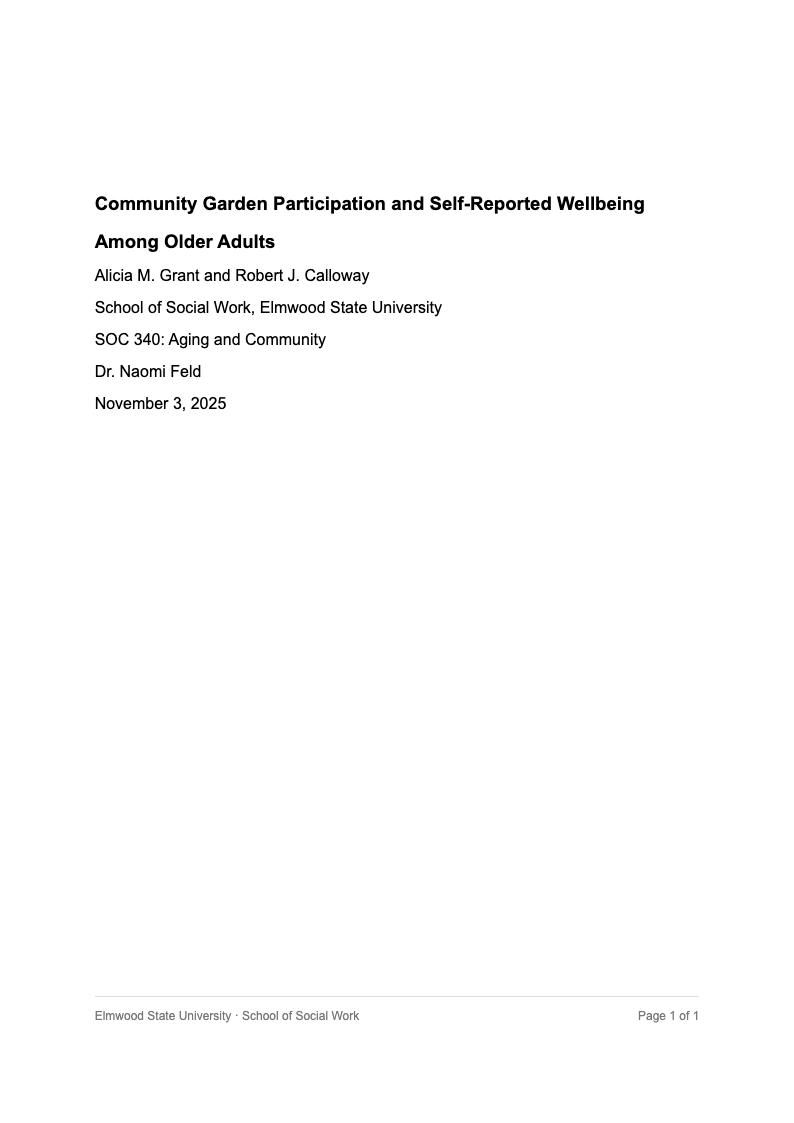
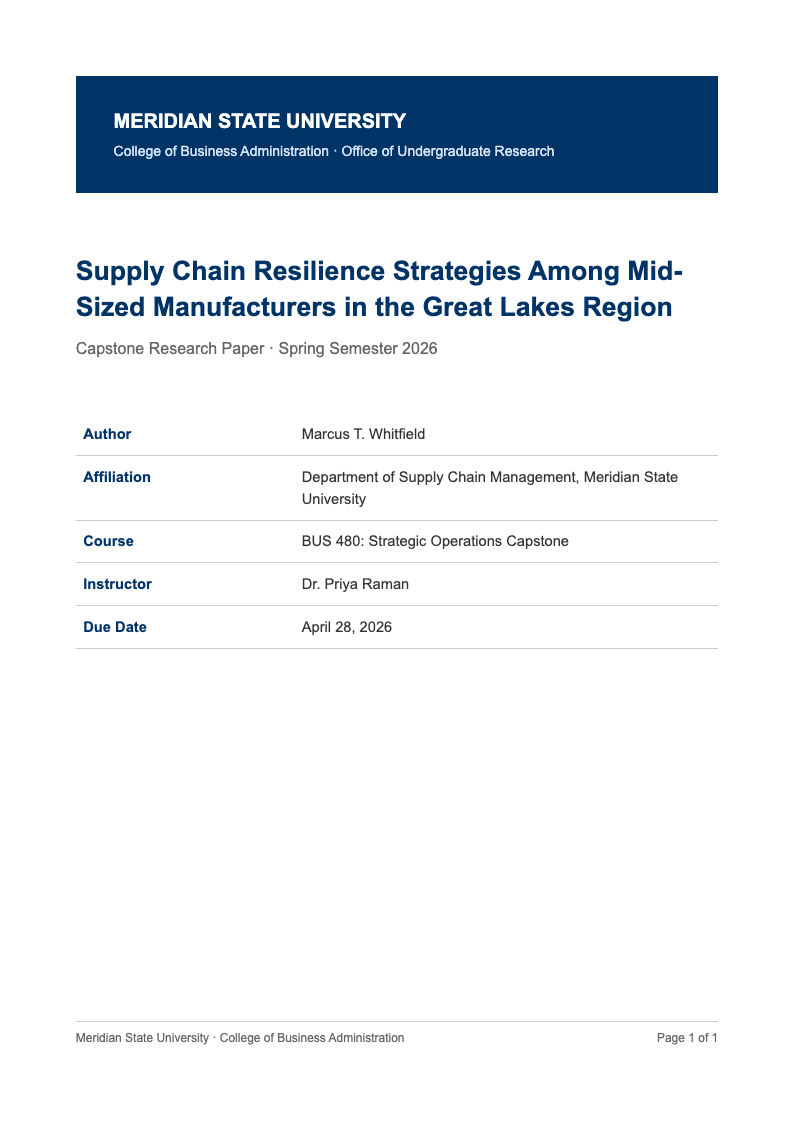
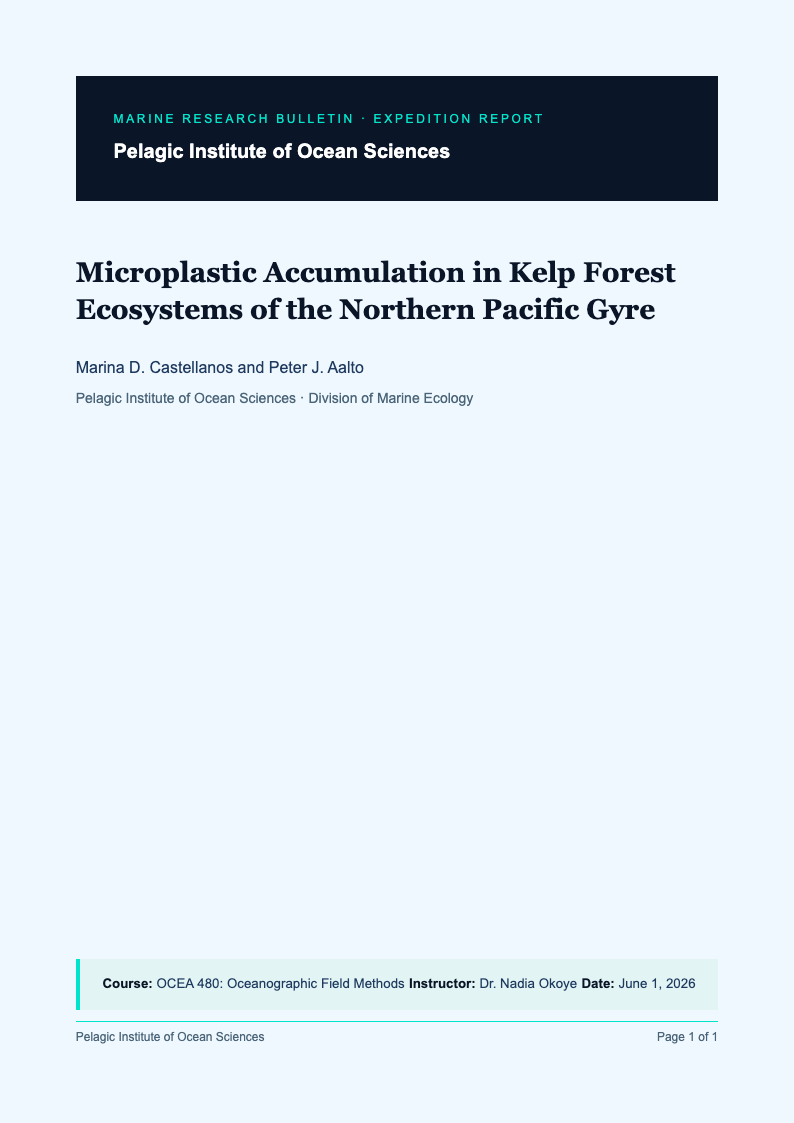
Prefer to work from a template? Browse our downloadable APA cover page examples.
Frequently Asked Questions
Common questions about our APA title page generator.
- Is this title page tool free?
- Yes, it is free to use. You can create as many title pages as you need without signing up or paying a fee. The goal is to help students and researchers get compliant formatting quickly, then download the result right away. For best results, review the preview carefully, confirm spacing and capitalization, and keep an editable Word copy for later changes.
- Does it follow APA 7th Edition rules?
- Yes. The tool is designed around APA 7th Edition expectations, including the common differences between student and professional title pages. You still should confirm any instructor-specific requirements, but this gives you a reliable baseline that matches typical guidelines. For best results, compare the final layout with your syllabus or rubric before submitting.
- Do I need a running head?
- It depends on the paper type. Student papers usually do not include a running head unless your instructor asks for it, while professional papers often do. Choose the correct format option, and then double-check the header area in the preview. For best results, confirm the requirement with your course instructions and export a PDF only after the header looks correct.
- Can I edit the result in Microsoft Word?
- Yes. Download the .docx version if you want to edit text, adjust spacing, or merge the title page with your main paper in Microsoft Word. This is the easiest way to keep fonts and margins consistent across the whole document. For best results, make edits in one place, re-check the preview, and then export a final PDF for submission or printing.
- Is my data saved?
- No permanent profile or long-term storage is required to use the tool. The information you enter is used to generate the title page and help you download the file. For sensitive details, you can keep it minimal and add anything private later in Word. For best results, close the page when finished and store your downloaded file in a secure folder on your device.
- Can I use it for multiple authors?
- Yes. If your paper has multiple authors, enter each author name and affiliation so the title page reflects the group correctly. After generating the output, review line breaks and spacing to make sure the author block stays readable. For best results, keep names consistent with your course roster or publication info, and do a final preview before exporting.
- Does it work on mobile?
- Yes, you can use the tool on a phone or tablet and download the file to your device. For detailed formatting checks, a larger screen can be helpful, especially when reviewing margins and header placement. For best results, do a quick preview on desktop before final submission, or open the .docx in Word to confirm everything looks correct.
- What if I make a mistake?
- You can go back, correct the fields, and the preview updates so you can spot typos immediately. This is useful for catching small errors like capitalization, course numbers, or dates before you download anything. For best results, re-check the spelling of names, confirm the due date format your instructor prefers, and then export a clean PDF after the final review.
Generate Your Title Page Now
Get your paper started on the right foot with a perfectly formatted APA title page.
No credit card required • AI formatter tools included • Instant formatting