Generate Agendas Instantly
Create professional meeting and event agendas with our AI-powered Agenda Generator. Produce well-structured agendas in minutes that keep your meetings focused and productive.
How to Create an Agenda Online
Enter Meeting Details
Start by entering the meeting title, date, time, and location. Type in the details manually or paste them from your calendar. Accurate meeting information ensures the tool creates a structured plan that attendees can reference easily.
Add Topics & Time Slots
List all discussion topics and assign time allocations in the Agenda Generator. Include presenter names and supporting materials for each topic. A well-organized topic list keeps your meeting on schedule and ensures nothing important is overlooked by the team.
Customize the Layout
Adjust the structure, reorder items by priority, and add notes as needed. Review the flow to ensure logical progression between topics. This step helps create a meeting plan that maximizes productivity and keeps participants engaged throughout the session.
Download & Distribute
Download the finished document as a Word or PDF file and share it with all participants. Both formats are professional and print-ready. Distributing the plan before the meeting helps attendees prepare for a more efficient and productive discussion.
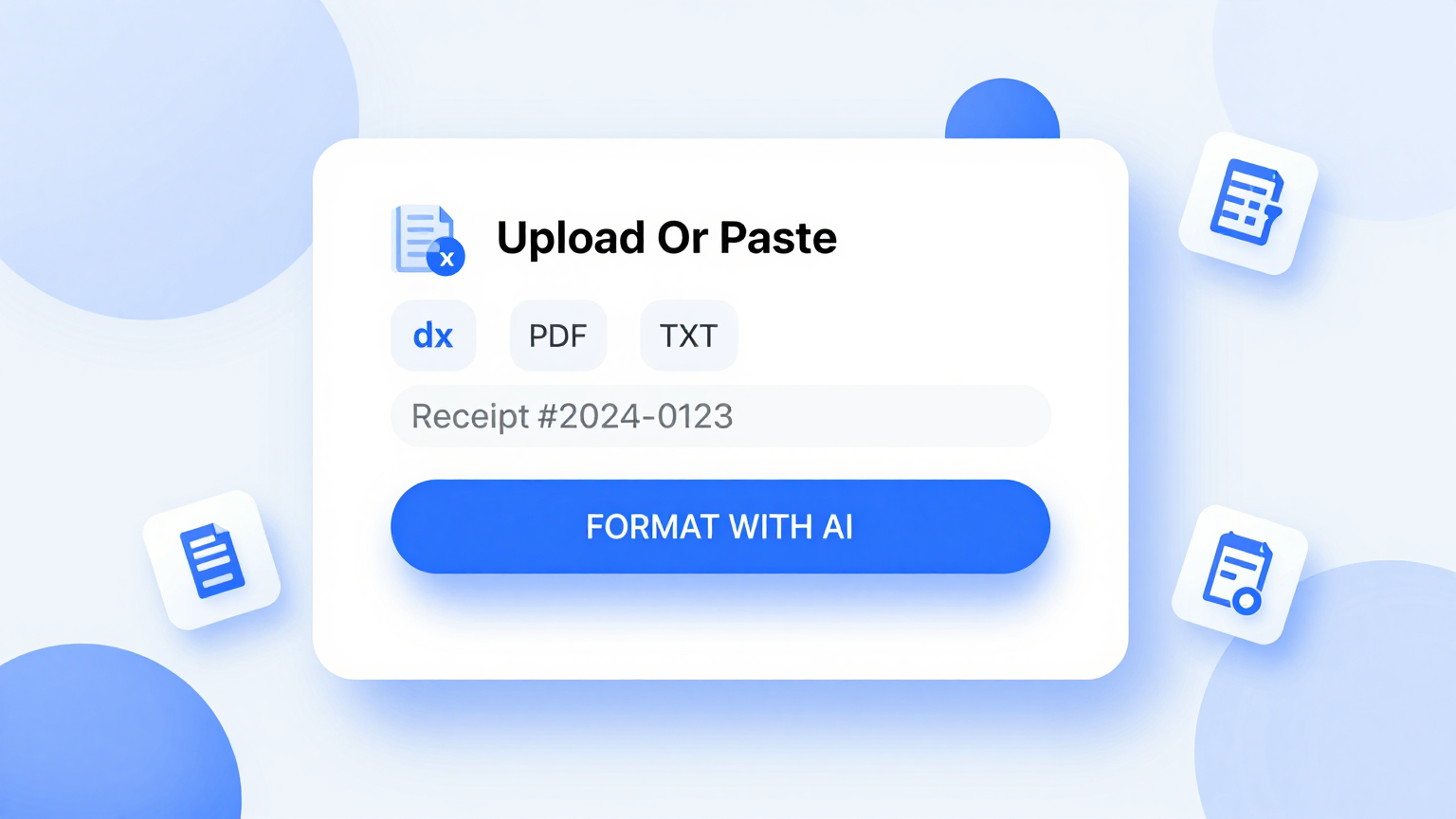
Import Details
Import your meeting topics, presenter names, and time requirements directly into the Agenda Generator. The system parses your input to pre-fill the agenda structure, saving you time on manual formatting and ensuring all topics are properly organized from the start.
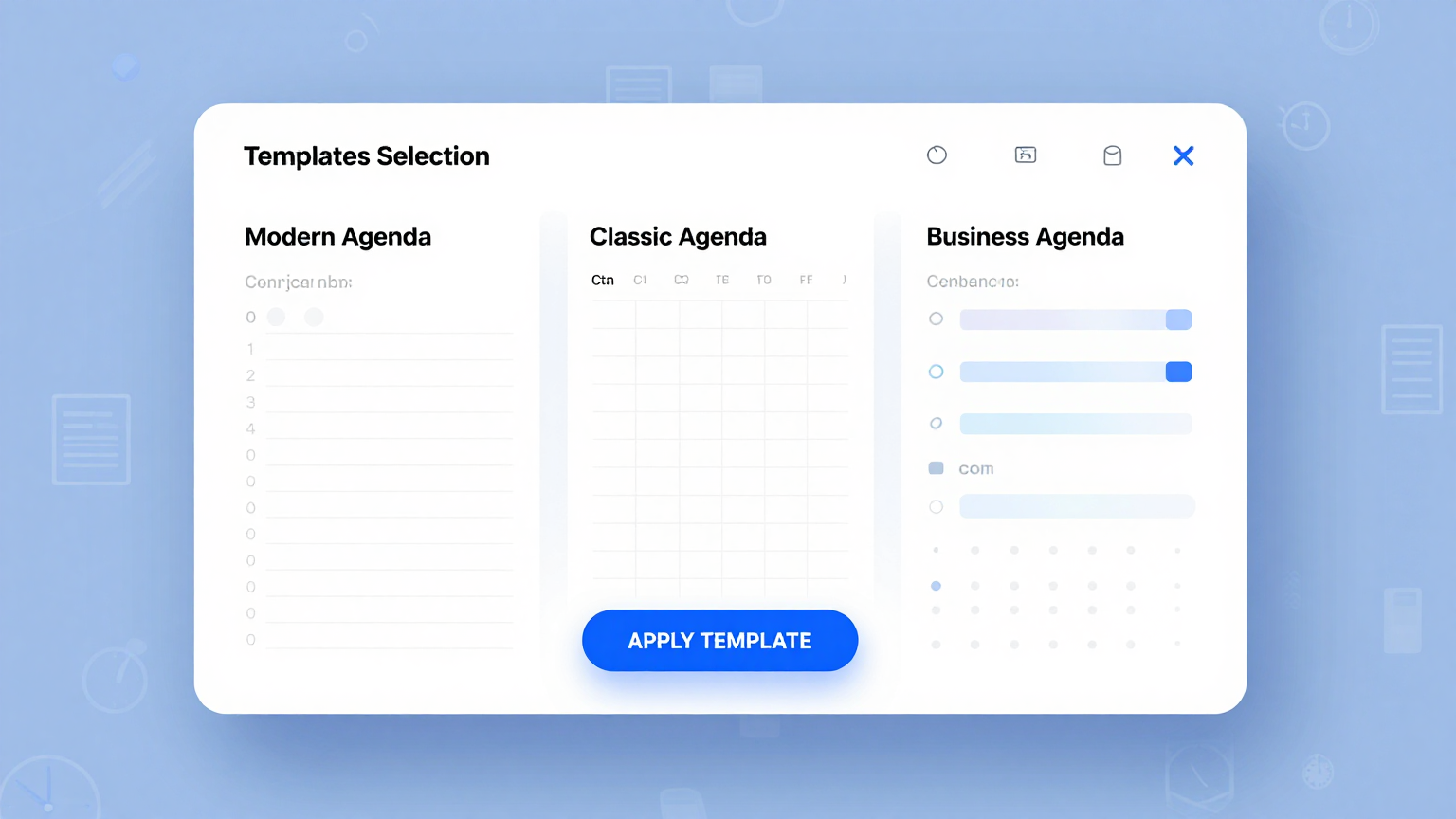
Professional Templates
Choose from a library of professionally designed templates. Each one covers different meeting types including board meetings, team stand-ups, conferences, and workshops for every professional setting and organizational need.
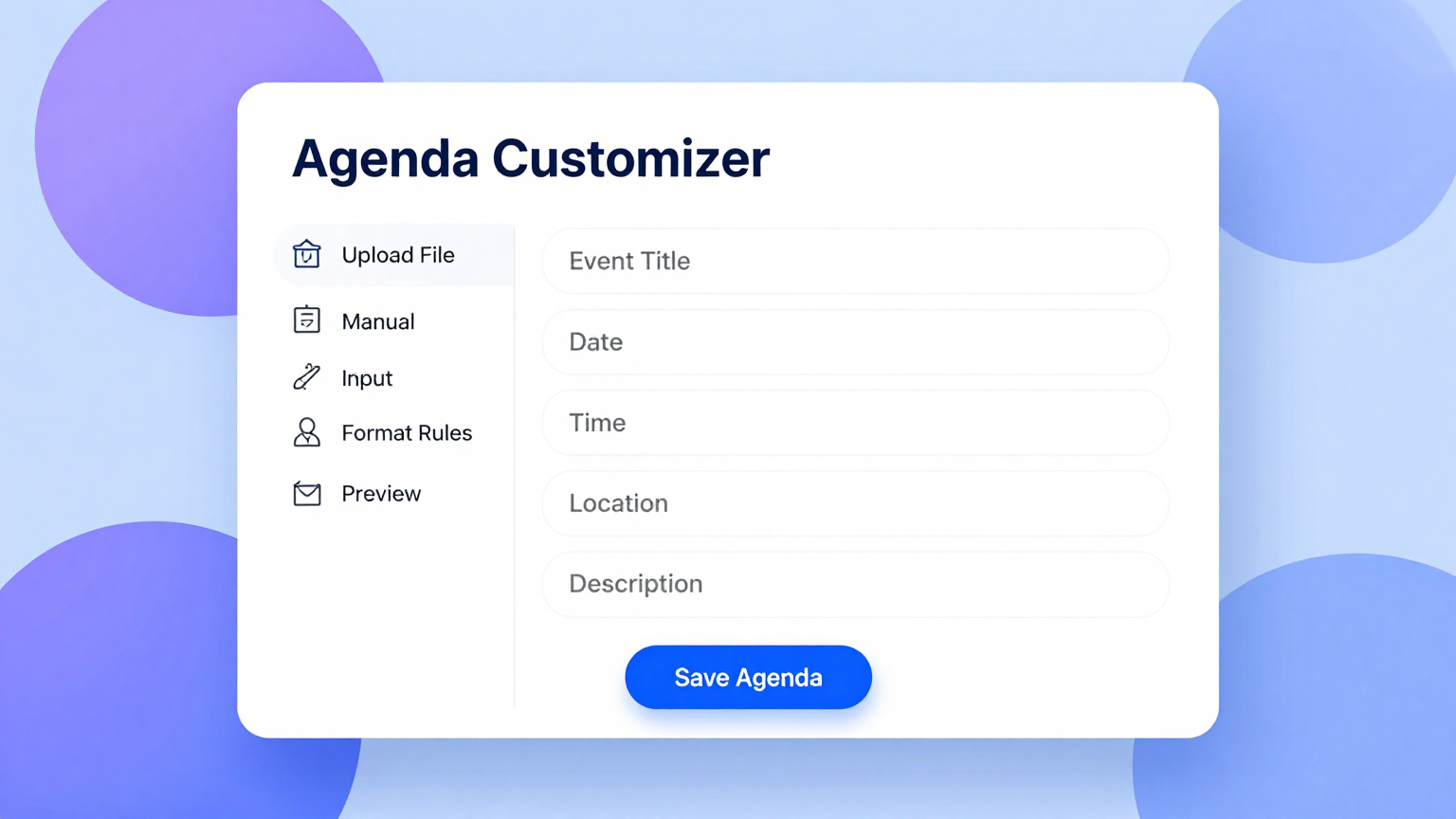
Edit Online
Refine every topic, time slot, and discussion point using the Agenda Generator editor. Adjust the meeting flow, add notes for presenters, and reorder items directly to create a logical and efficient meeting structure that maximizes productivity.
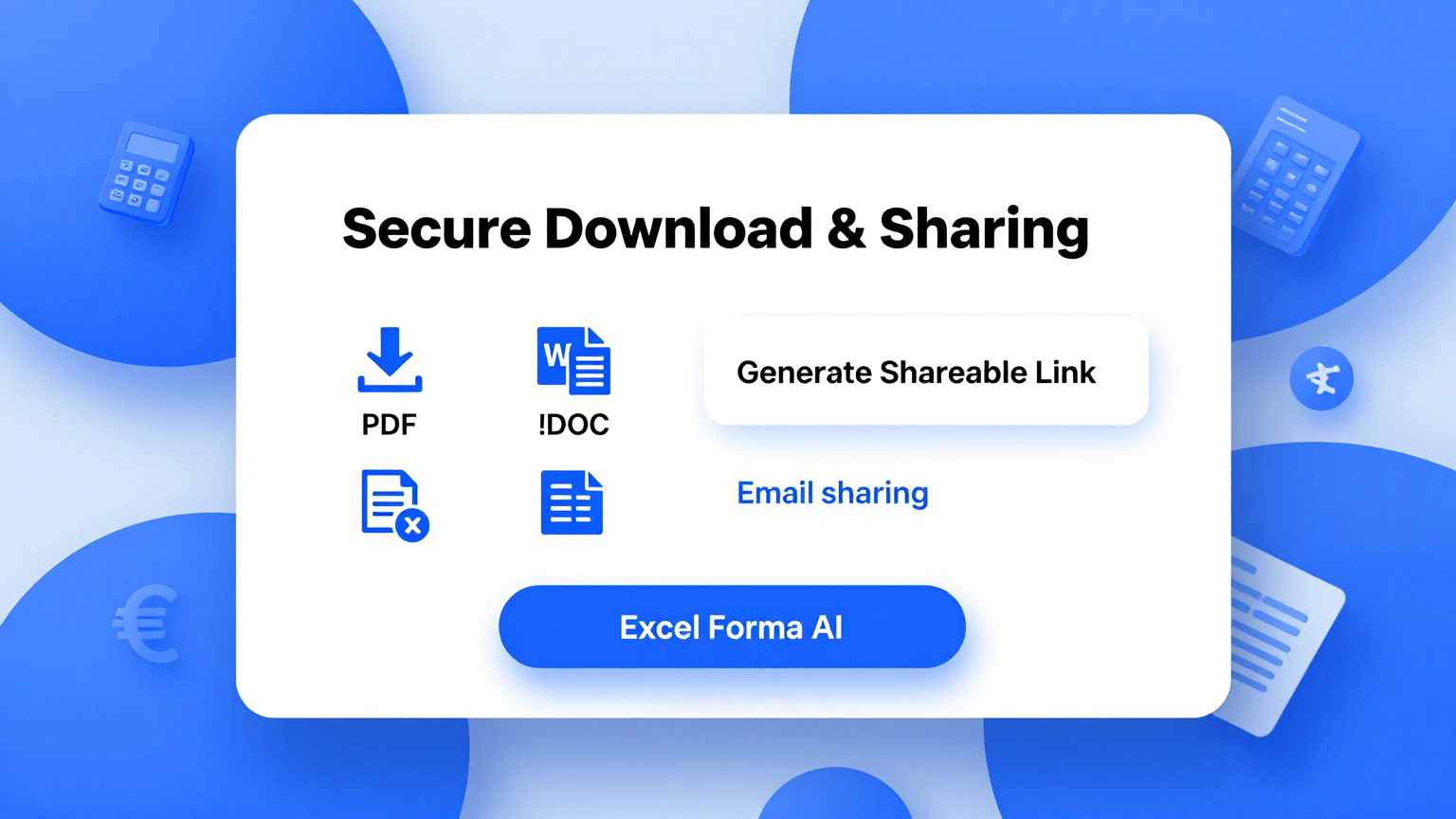
Download & Share
Export your completed agenda from the Agenda Generator as a Word document or PDF. The tool produces print-ready files you can share with all meeting attendees in advance, helping everyone prepare and contribute effectively during the session.
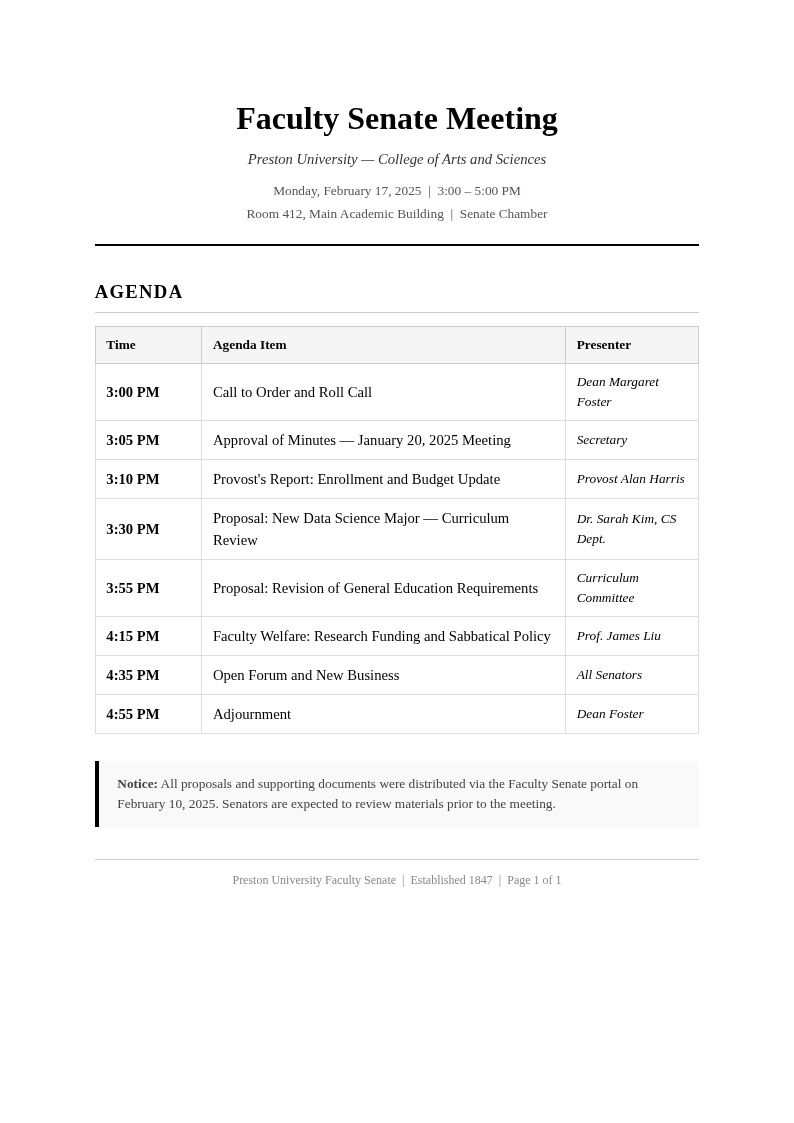
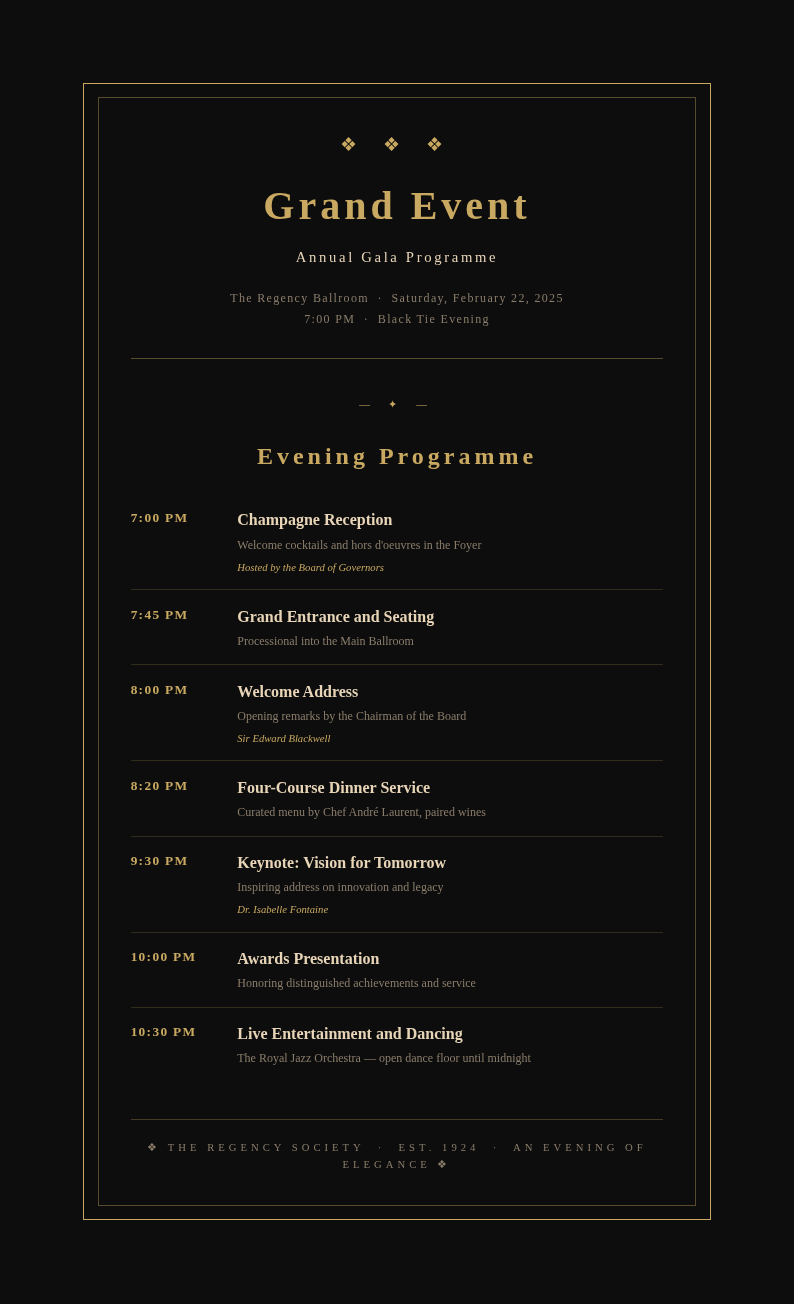
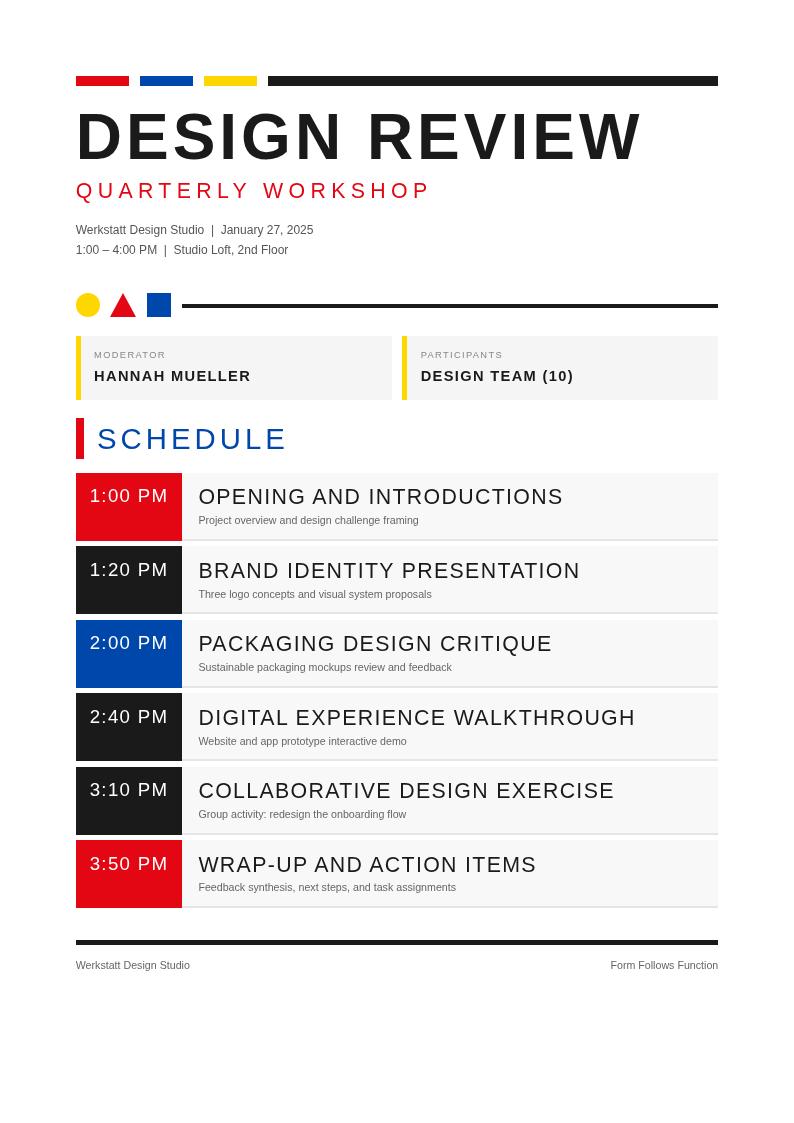
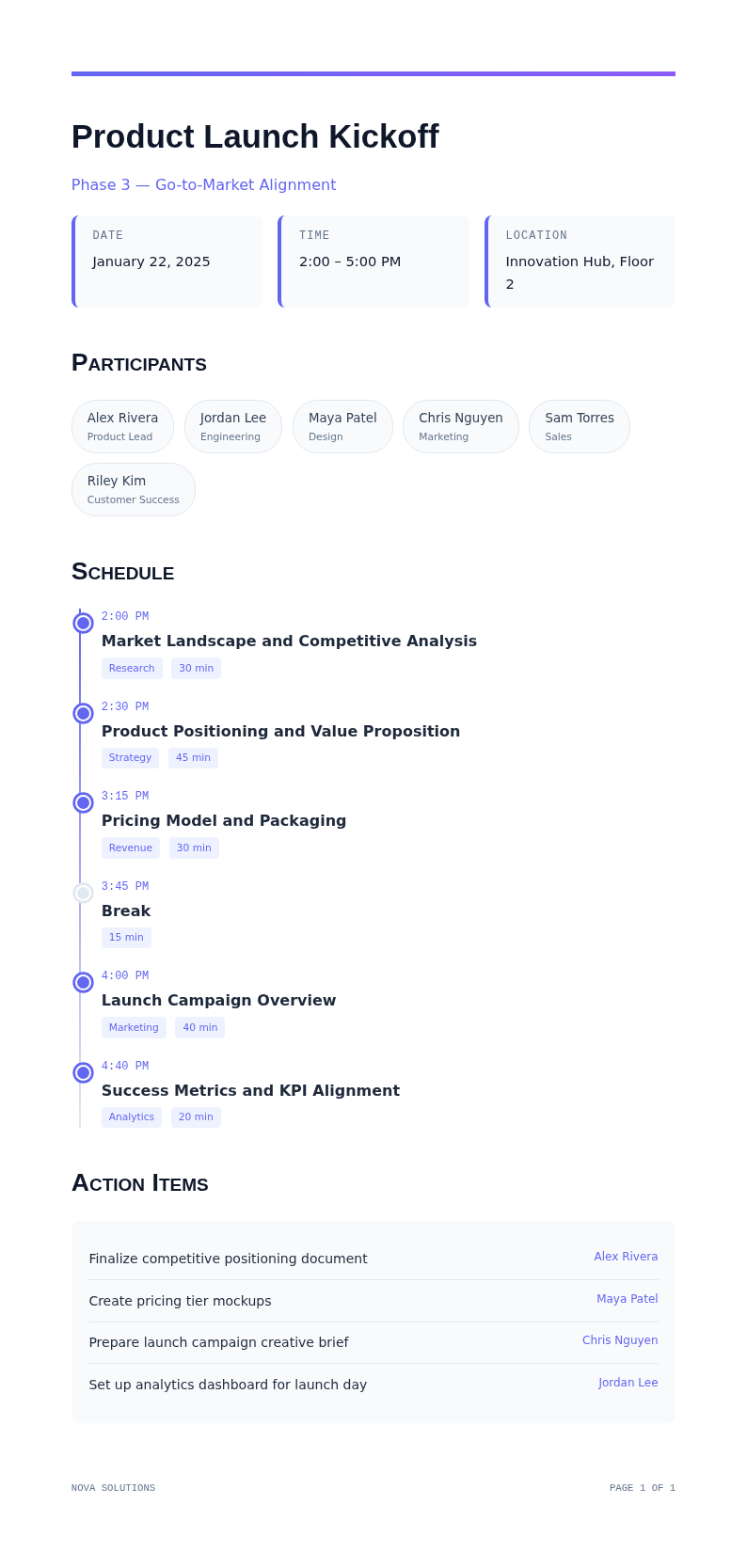
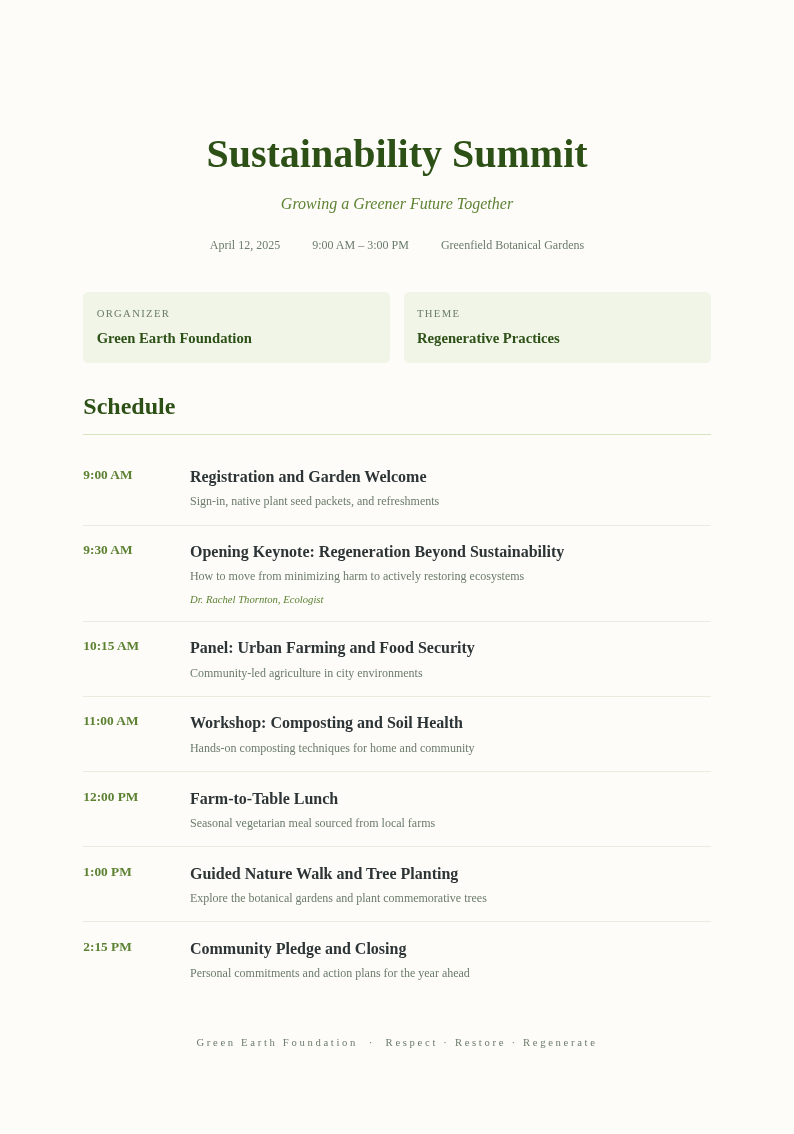
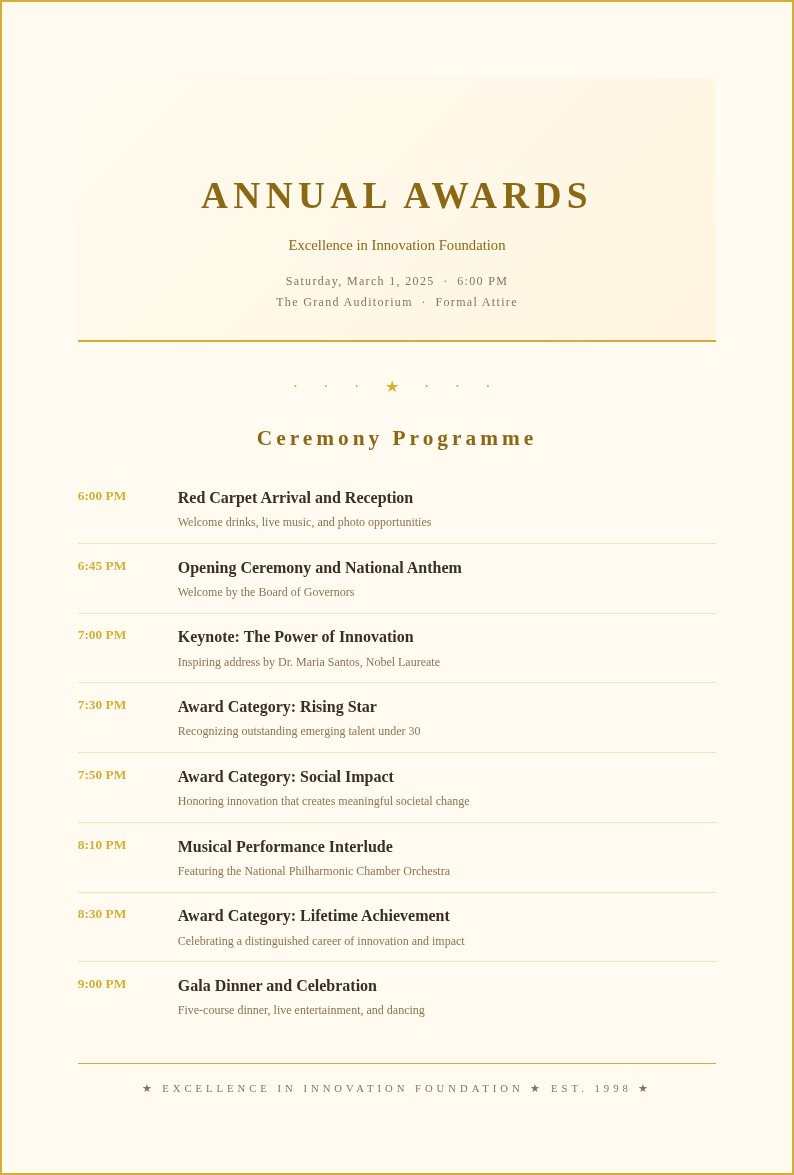
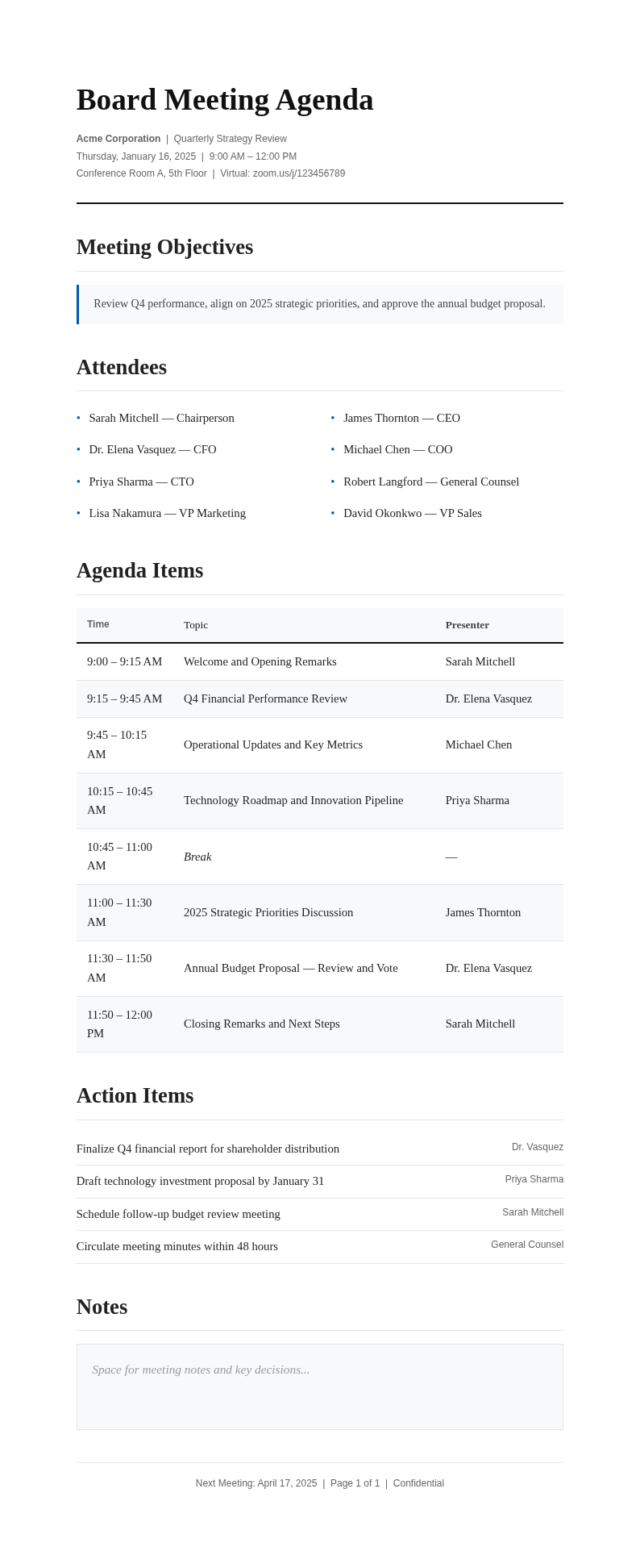
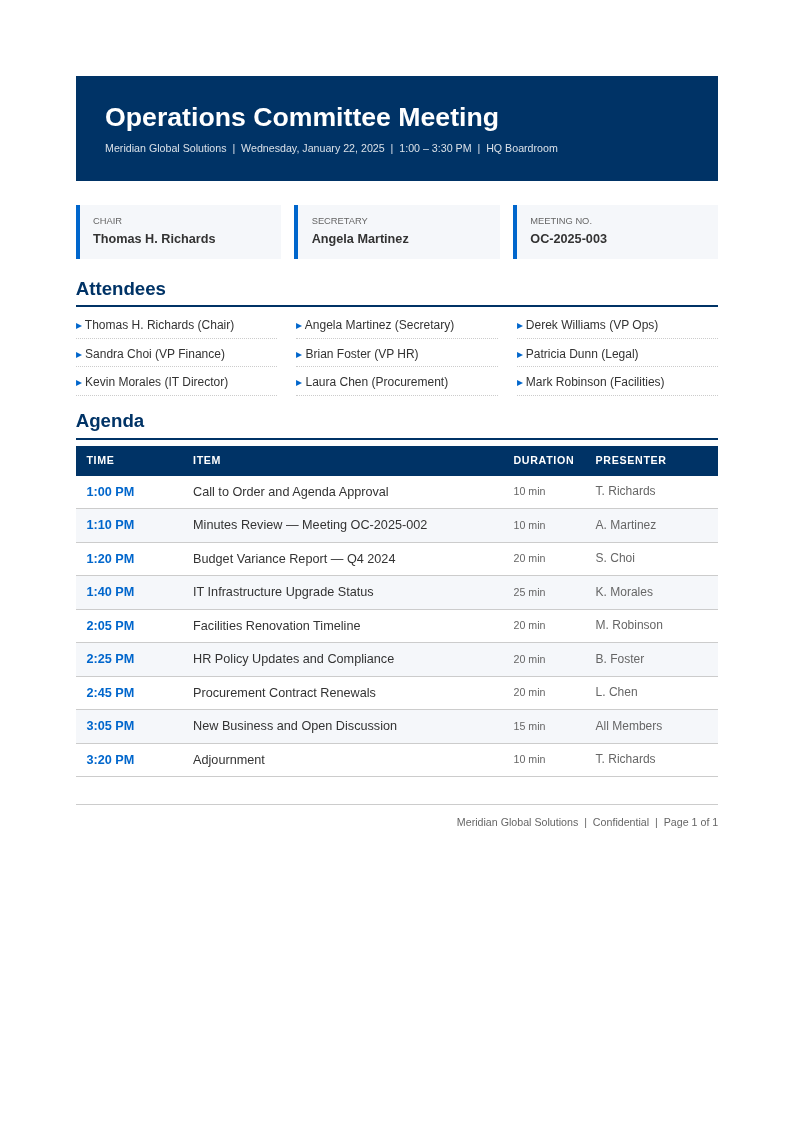
Explore Professional Agenda Templates
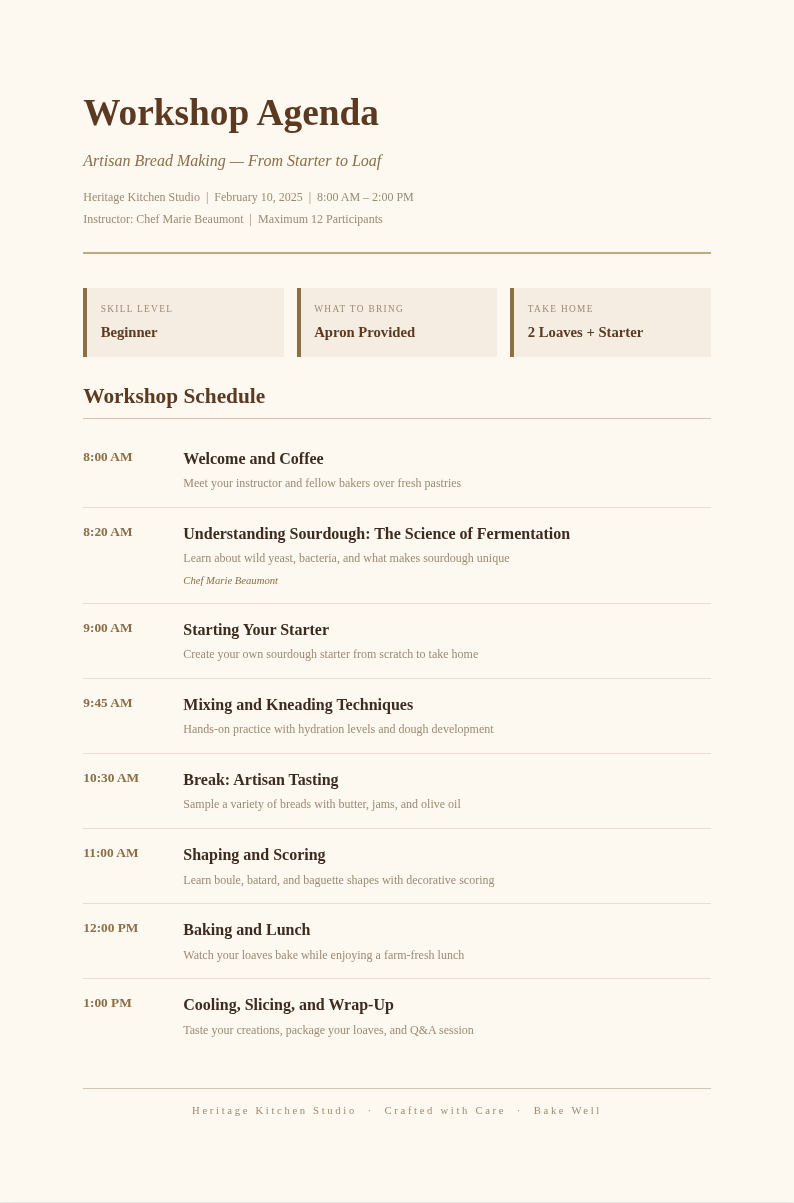
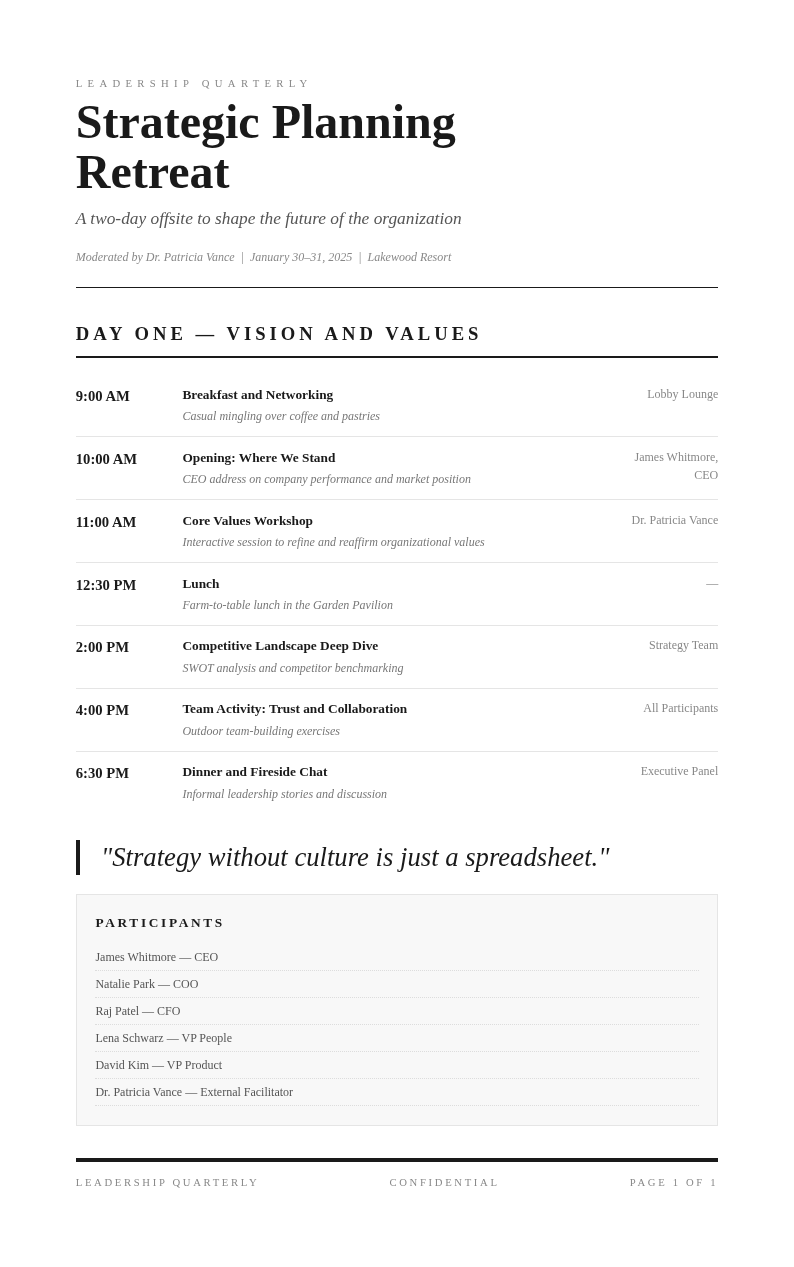
Need a starting point? Browse our collection of pre-made meeting templates for board meetings, conferences, and workshops.
Frequently Asked Questions
Helpful information about using our meeting agenda creation tool.
- Is the Agenda Generator free?
- Yes. This tool is completely free to use with no hidden fees or subscriptions required. You can create unlimited agendas without creating an account or providing payment information. The Agenda Generator gives everyone access to professional meeting plans at zero cost, making it easy to stay organized regardless of your budget.
- What types of agendas can I create with the Agenda Generator?
- This tool supports board meeting agendas, team meeting agendas, conference agendas, workshop agendas, and one-on-one meeting agendas. Each template is tailored for different professional scenarios, so you can create the right plan regardless of your meeting type. Simply select the format that best matches your needs and start customizing immediately.
- Can I set time allocations in the Agenda Generator?
- Yes, the tool includes built-in time allocation fields for every item. You can assign specific durations to each topic, helping meeting leaders keep discussions on track and ensure all planned items are covered within the allotted time. This feature is especially useful for time-sensitive meetings with strict schedules and multiple presenters.
- Can I edit the agenda after generating it?
- Absolutely. The tool includes a full online editor that lets you modify any topic, adjust time slots, add notes, or reorder items before downloading. You can return to make changes anytime until you are satisfied with the final plan. This flexibility ensures your agenda reflects the most up-to-date information before distribution.
- What formats can I export from the Agenda Generator?
- You can download your completed document as a Microsoft Word file or a PDF. Both formats are professionally formatted and ready for printing, emailing, or sharing via collaboration platforms like Slack or Microsoft Teams. Word is great for further editing, while PDF is ideal for final distribution to all attendees.
- How long does it take to generate an agenda?
- Most users complete an agenda in under three minutes using this tool. It provides structured templates and intuitive input fields, so you only need to add your specific meeting topics and details. This is the fastest way to create a professional meeting plan without spending extra time on manual formatting and layout work.
- Can I use the Agenda Generator for board meetings?
- Yes, the Agenda Generator includes templates specifically designed for corporate board meetings with sections for call to order, minutes approval, officer reports, old business, new business, and adjournment. It helps board secretaries and administrators create compliant, well-organized agendas that follow standard governance procedures, organizational bylaws, and parliamentary rules efficiently every time.
- Does the Agenda Generator work for conferences?
- Absolutely. The Agenda Generator is ideal for creating multi-session and multi-day conference schedules. It supports parallel tracks, breakout sessions, keynote slots, and networking breaks, making it easy to organize complex events with many moving parts. You can also customize each session block independently for maximum flexibility and complete event coverage.
- Can I reuse agendas created in the Agenda Generator?
- Yes, you can save your agendas as templates for recurring meetings. You can duplicate any previously created document and update it with new dates and topics, saving time on formatting for your regular team meetings or standing committees. This feature eliminates repetitive setup work for your weekly or monthly gatherings.
- What information do I need to provide to the Agenda Generator?
- You will need the meeting title, date and time, location or virtual meeting link, list of items, time allocations, and presenter or discussion leader names. The tool guides you through each field so you can create a complete and organized plan without missing any important details or overlooking key topics.
- Can I share the agenda directly from the Agenda Generator?
- Yes, after finalizing your plan in the Agenda Generator, you can download it and share via email, Slack, Microsoft Teams, or any other collaboration tool your team uses. The output produces clean, professional files that look great whether viewed on screen or printed on paper for in-person distribution during meetings.
- Is my data secure when using the Agenda Generator?
- Yes. Your information is processed securely and is not stored after you download the completed document. Encryption protects your data while you work, ensuring your meeting details and business information remain private at all times. We do not share or sell any of your data to third parties under any circumstances.
Create Your Meeting Agenda Now
Stop wasting time formatting agendas from scratch. Use our free tool to create a professional meeting plan in minutes and keep your team on track.
No credit card required • AI-powered formatting • Instant download