Generate Simple Resume Instantly
Our tool creates clean, professional resumes that hiring managers love. Just enter your information and get a polished document ready for your next application.
How to Create a Simple Resume Online
Enter Your Details
Type your name, contact info, work experience, education, and skills into the structured fields. The tool organizes each piece of information into the right section automatically, so you can focus on writing strong content rather than worrying about layout.
Choose a Clean Layout
Browse professionally designed templates and select the layout that suits your needs. The tool offers minimalist designs that emphasize readability and organization, all optimized for both human readers and applicant tracking software used by employers.
Edit and Personalize
Use the online editor to refine your resume and adjust visual details. You can reorder sections, update wording, change font sizes, and tweak spacing to highlight your strongest qualifications. The editing tools are intuitive and update in real time.
Download Your Resume
Once your resume is complete, download it as a PDF ready to submit. The tool produces clean, professional output that maintains formatting across all devices. You can also share your resume via a direct link to collect feedback before submitting.
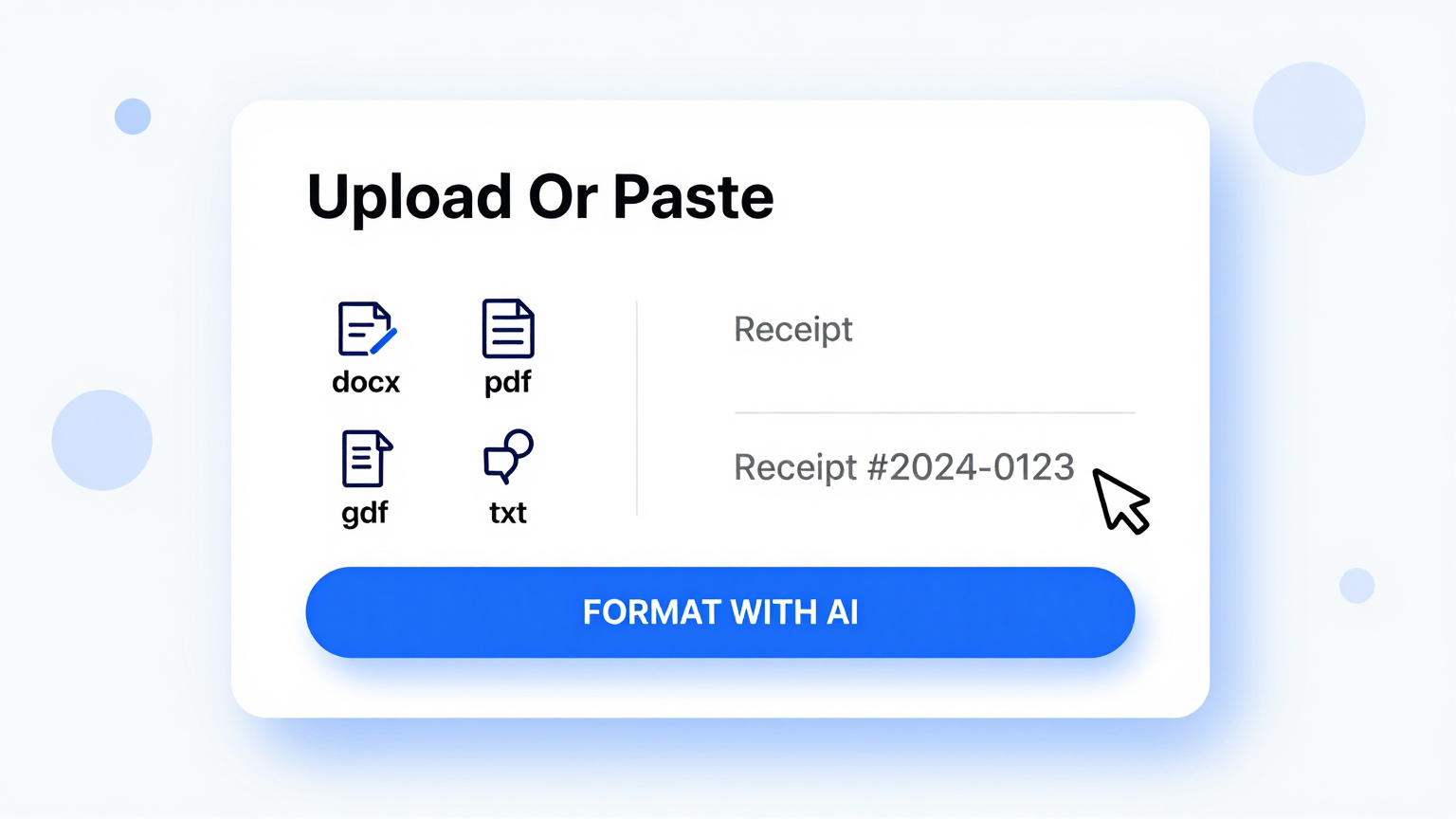
Import Data
Start by entering your personal details, work history, and education into the tool. You can type your information directly into the structured fields or paste content from an existing document. The resume builder accepts your raw input and automatically formats it into a clean, organized layout that is ready for customization.
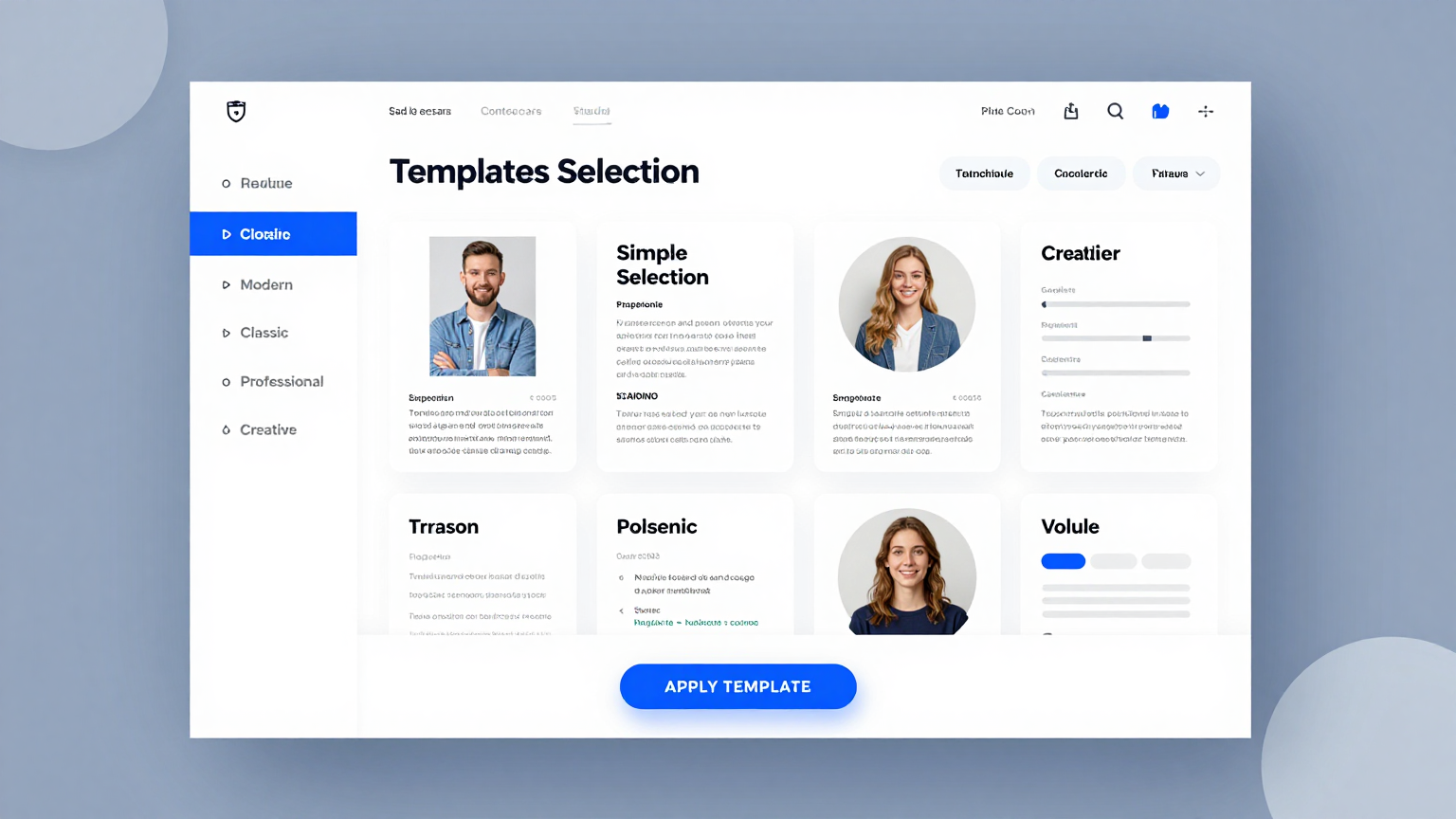
Professional Templates
Select from a range of clean, minimalist layouts designed to present your qualifications clearly. Each template is crafted with professional typography and logical section ordering that works across all industries. The designs are ATS-friendly so your application passes through automated screening systems.
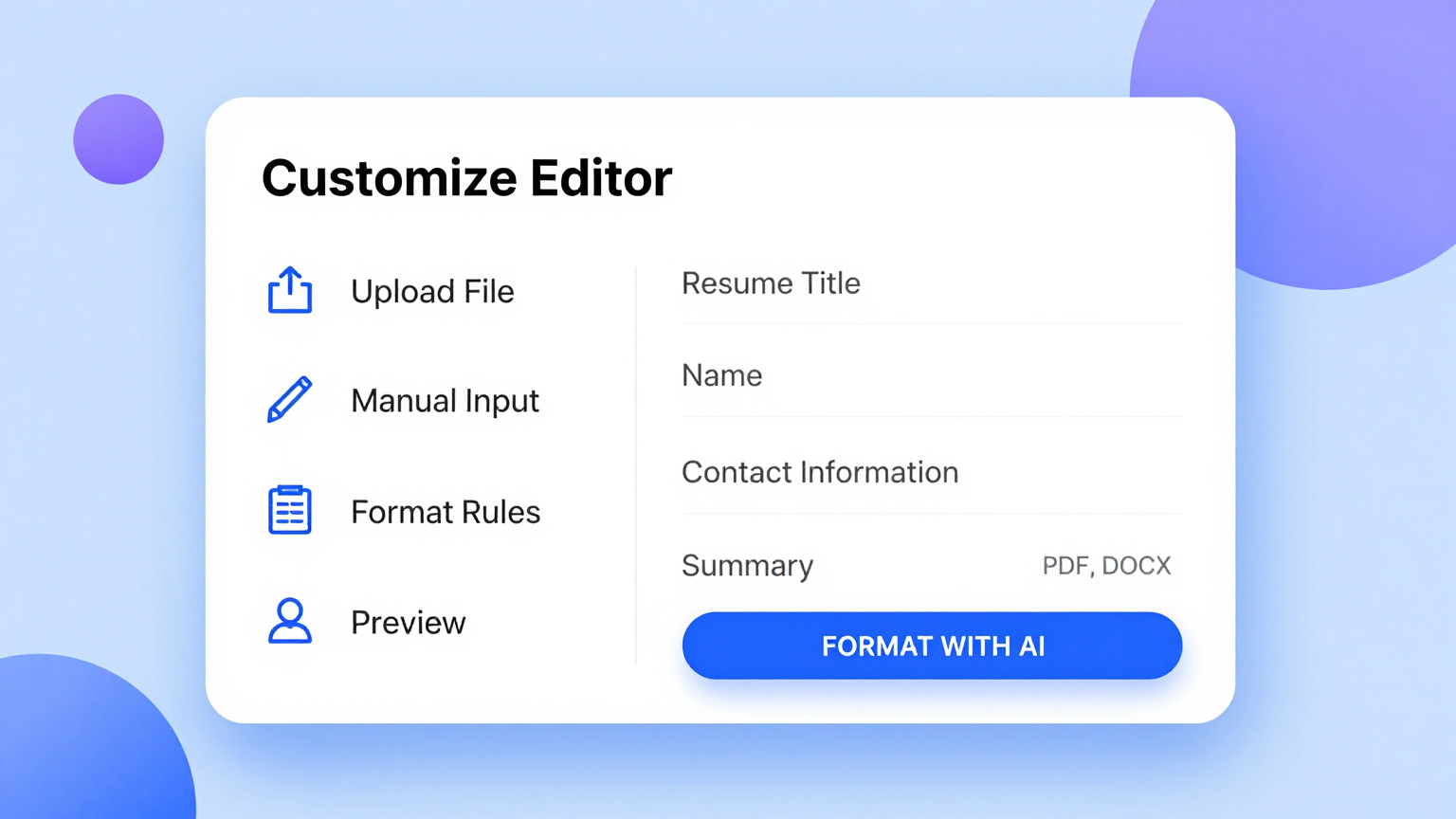
Edit Online
Personalize your resume with our built-in editor that gives you full control over every detail. You can modify text, rearrange sections, adjust fonts, and fine-tune the layout until your resume represents you perfectly. Every change updates in real time so you can see exactly how it will look.
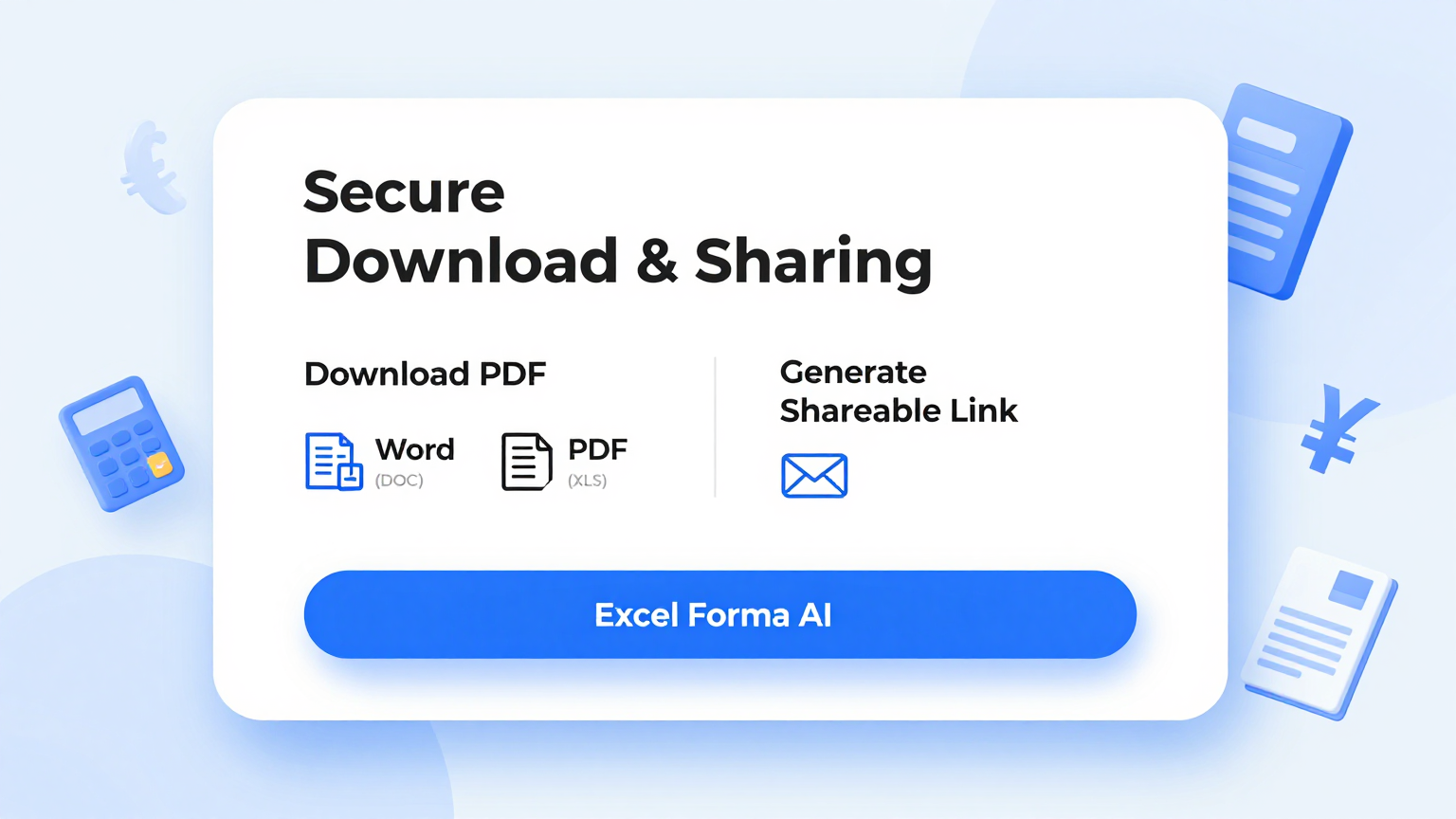
Download & Share
When your resume is complete, download it as a professional PDF file or share it with a direct link. The tool produces high-quality output that maintains consistent formatting on every device. Whether you email your resume, upload it to a job board, or print it for an interview, the final document always looks its best.
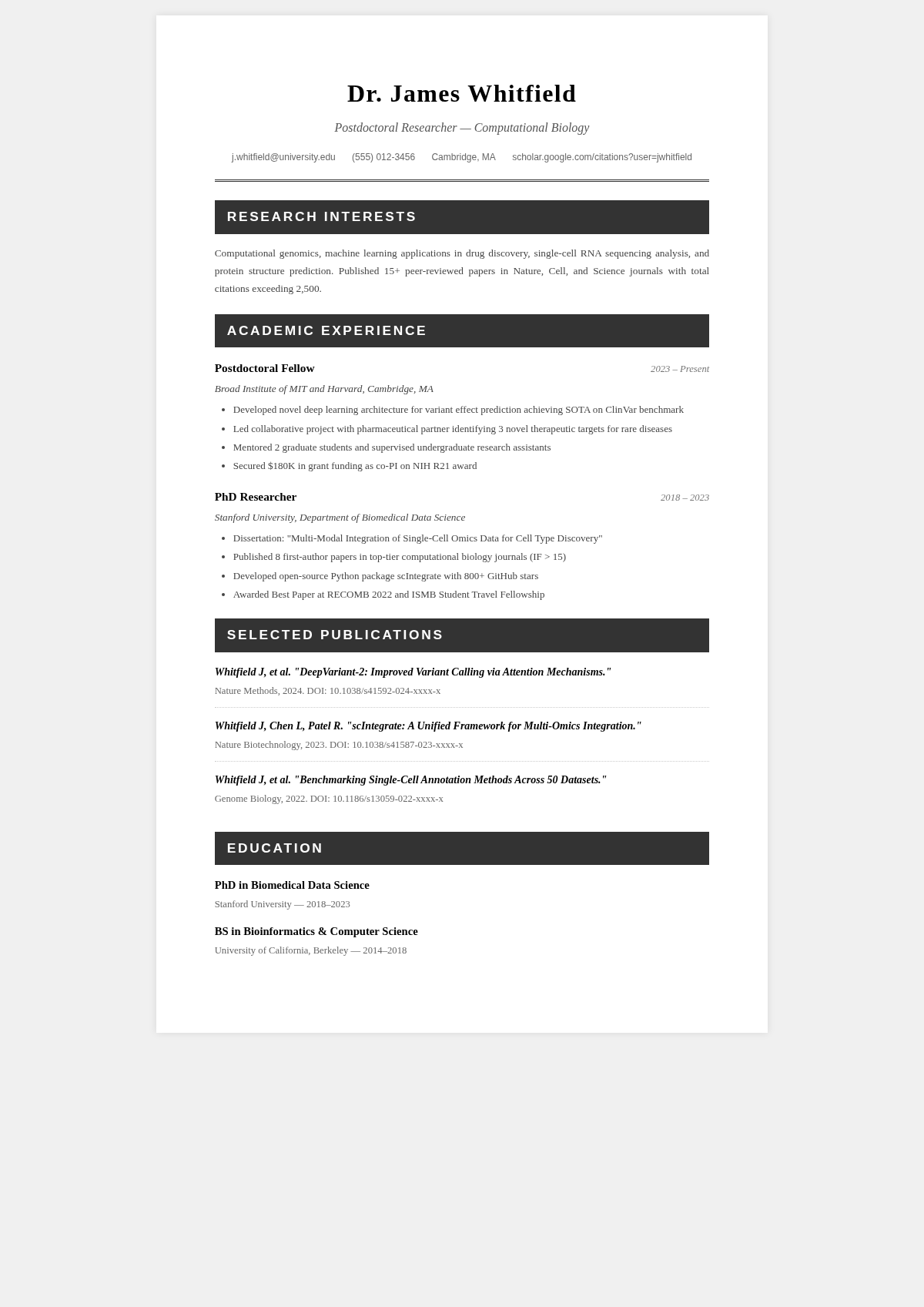
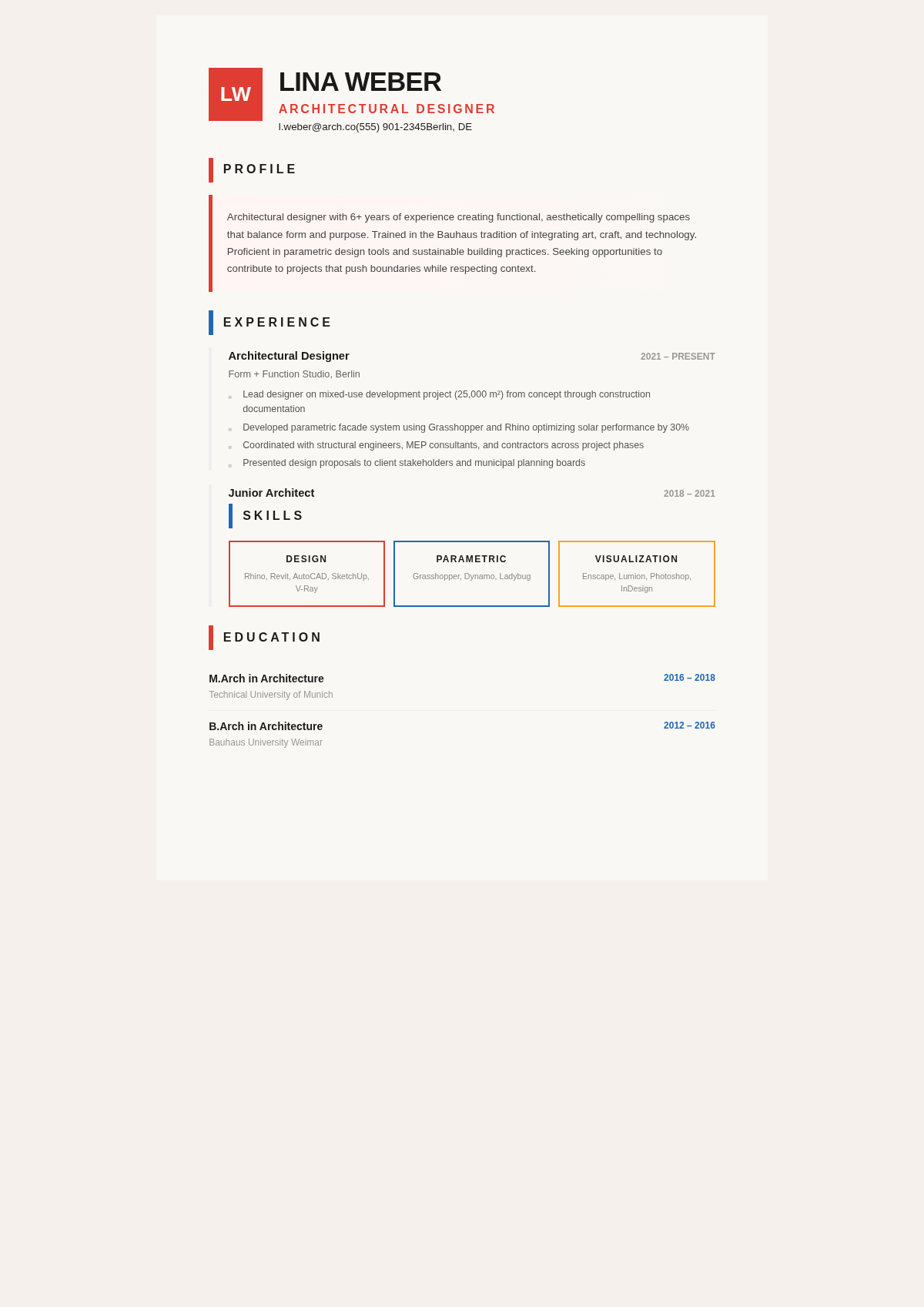
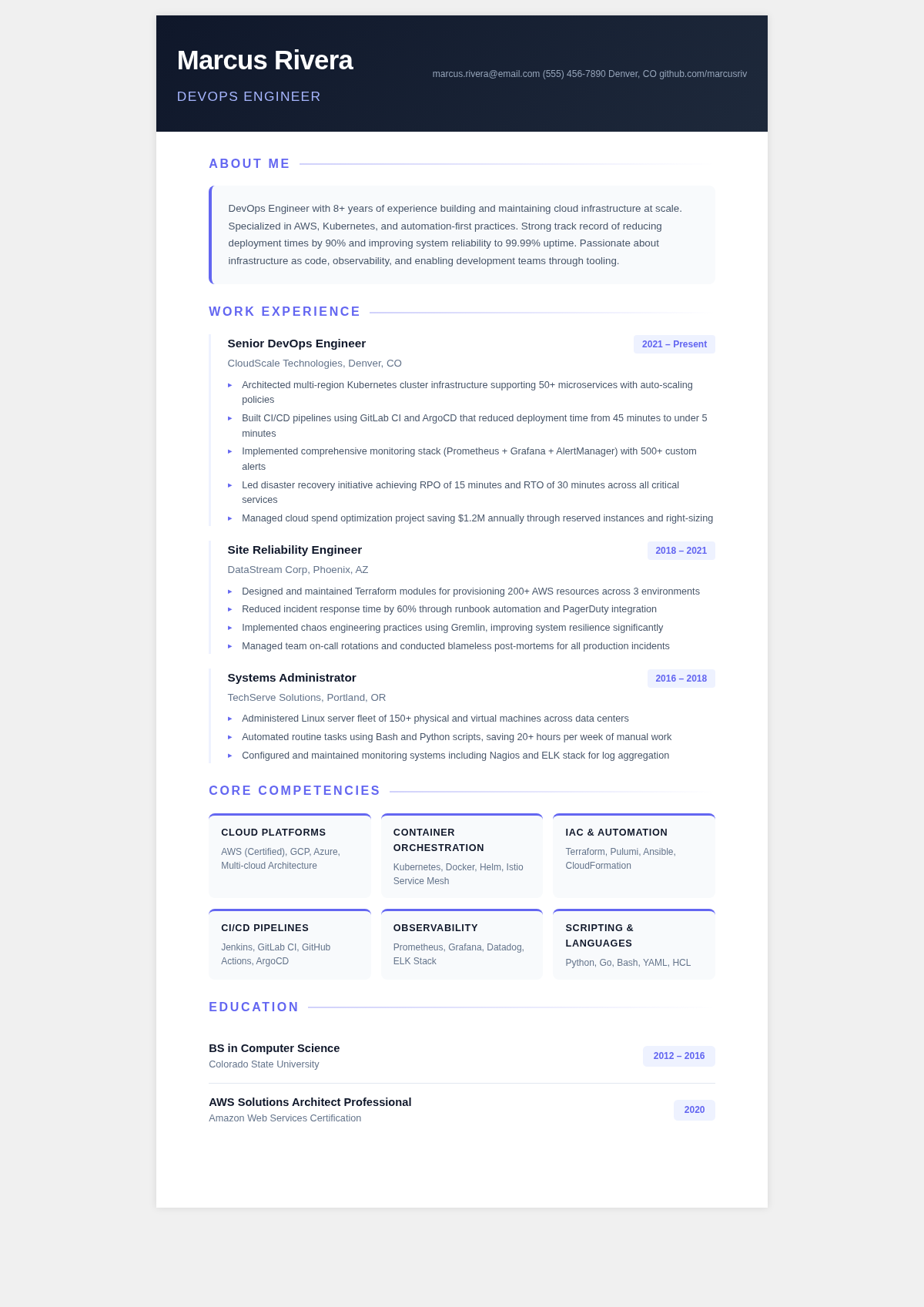
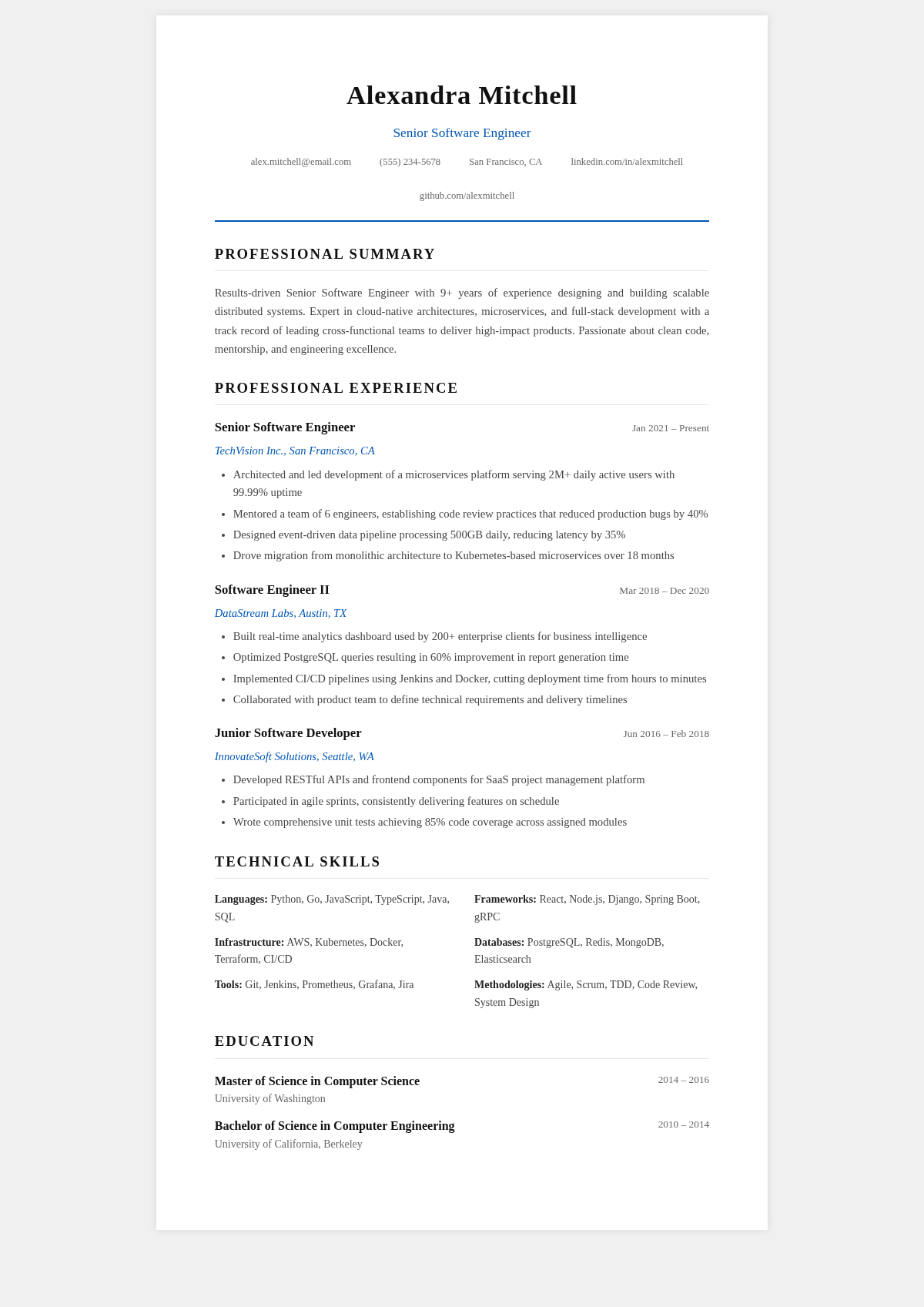
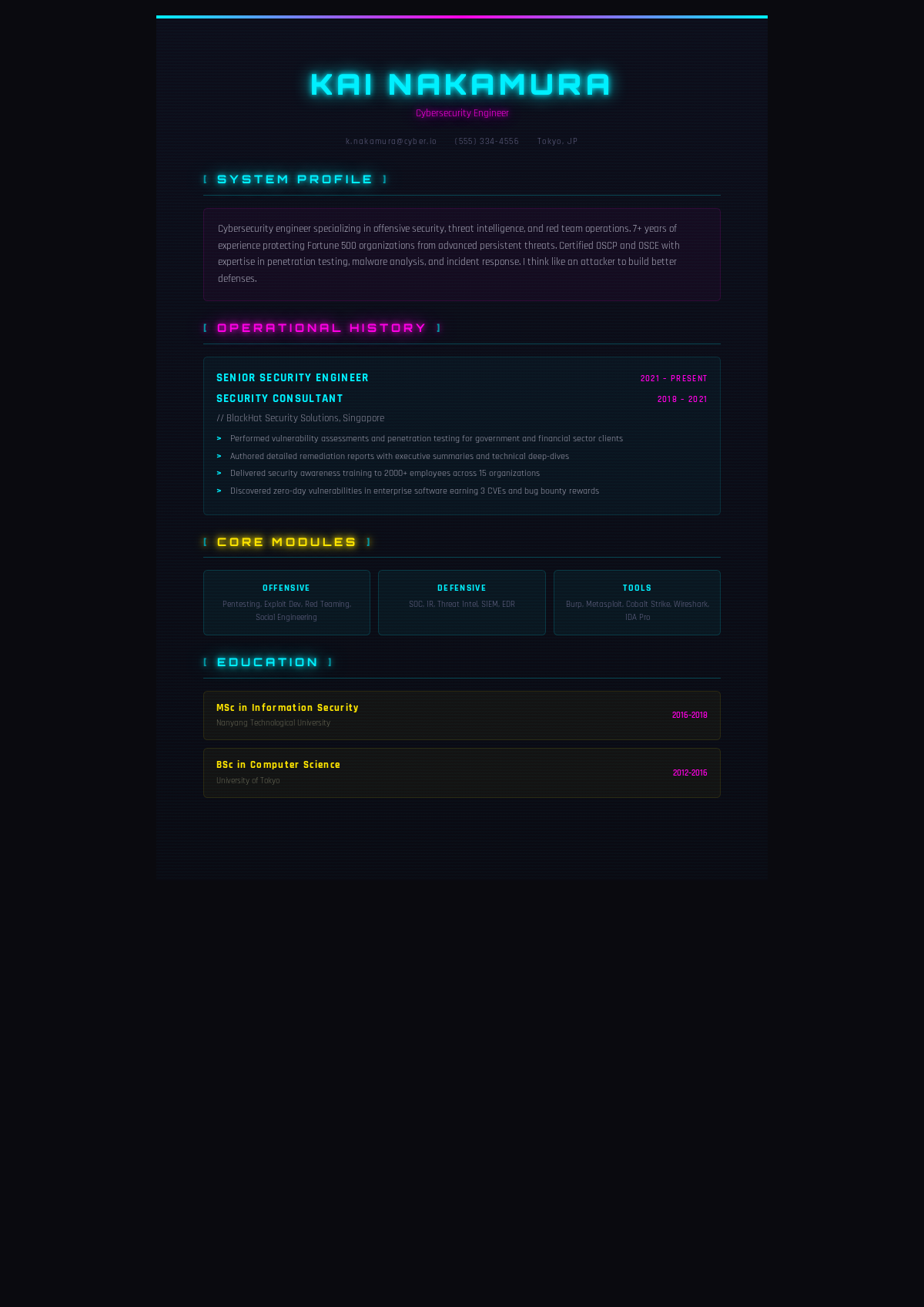
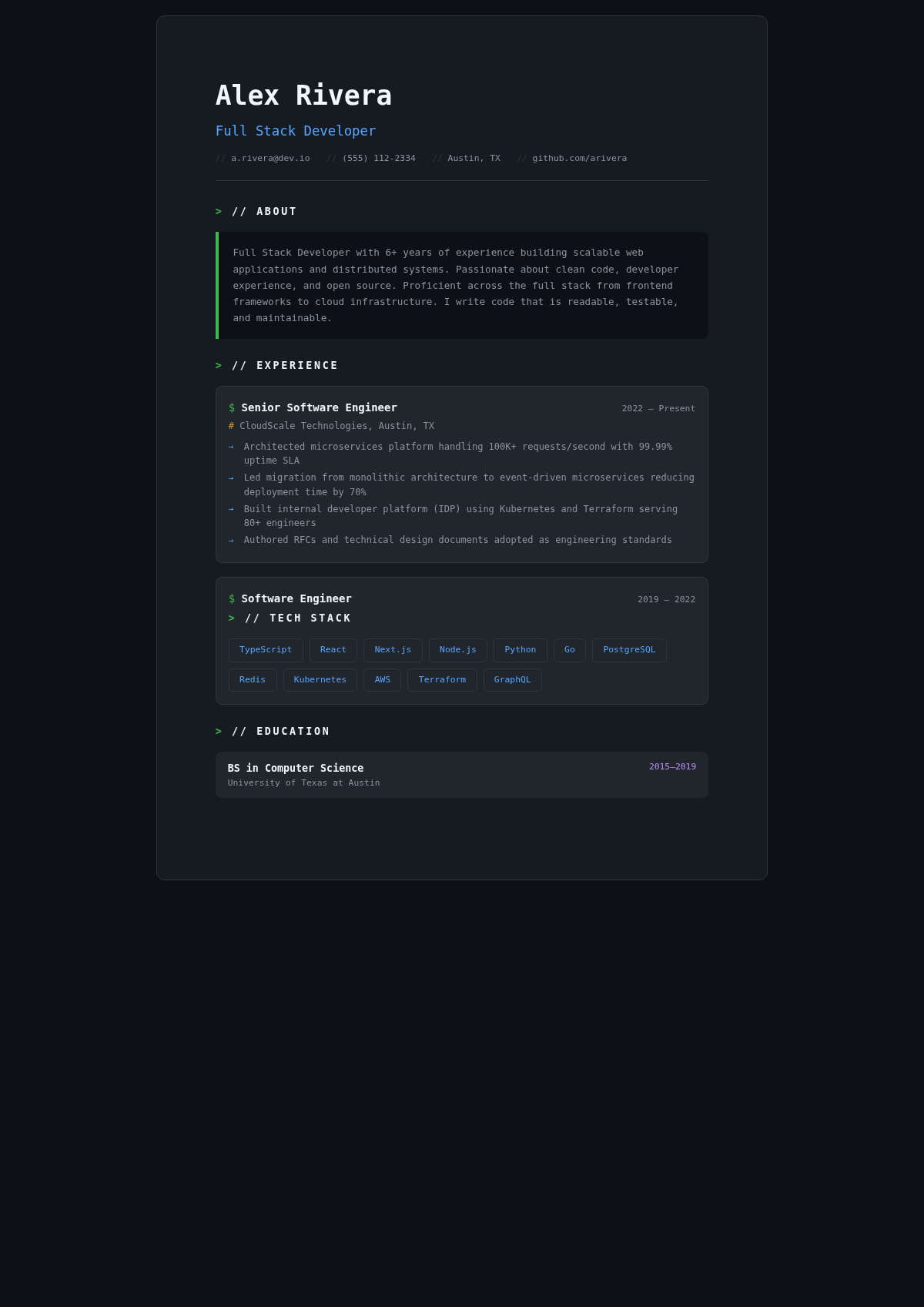
Explore Professional Simple Resume Templates
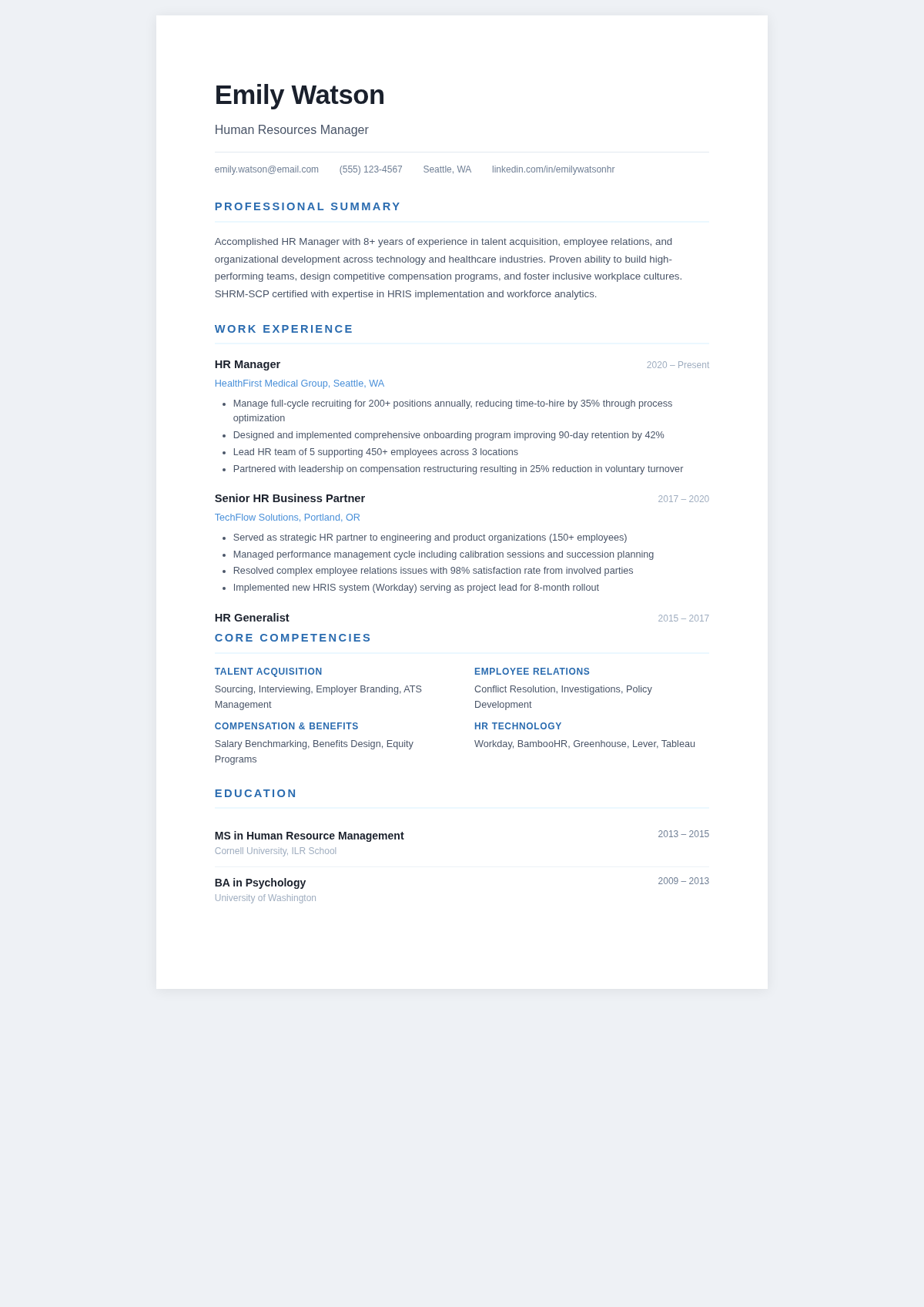
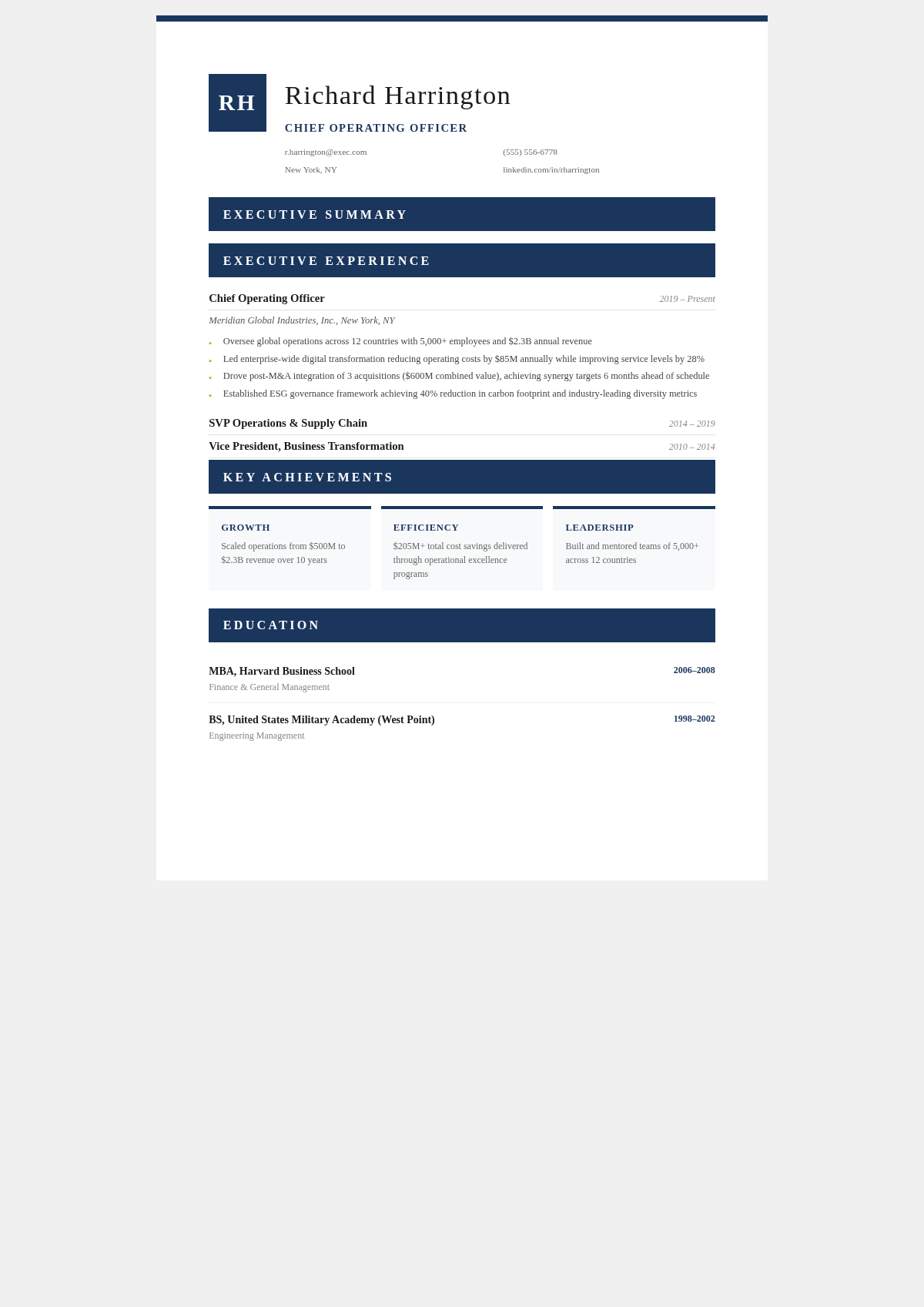
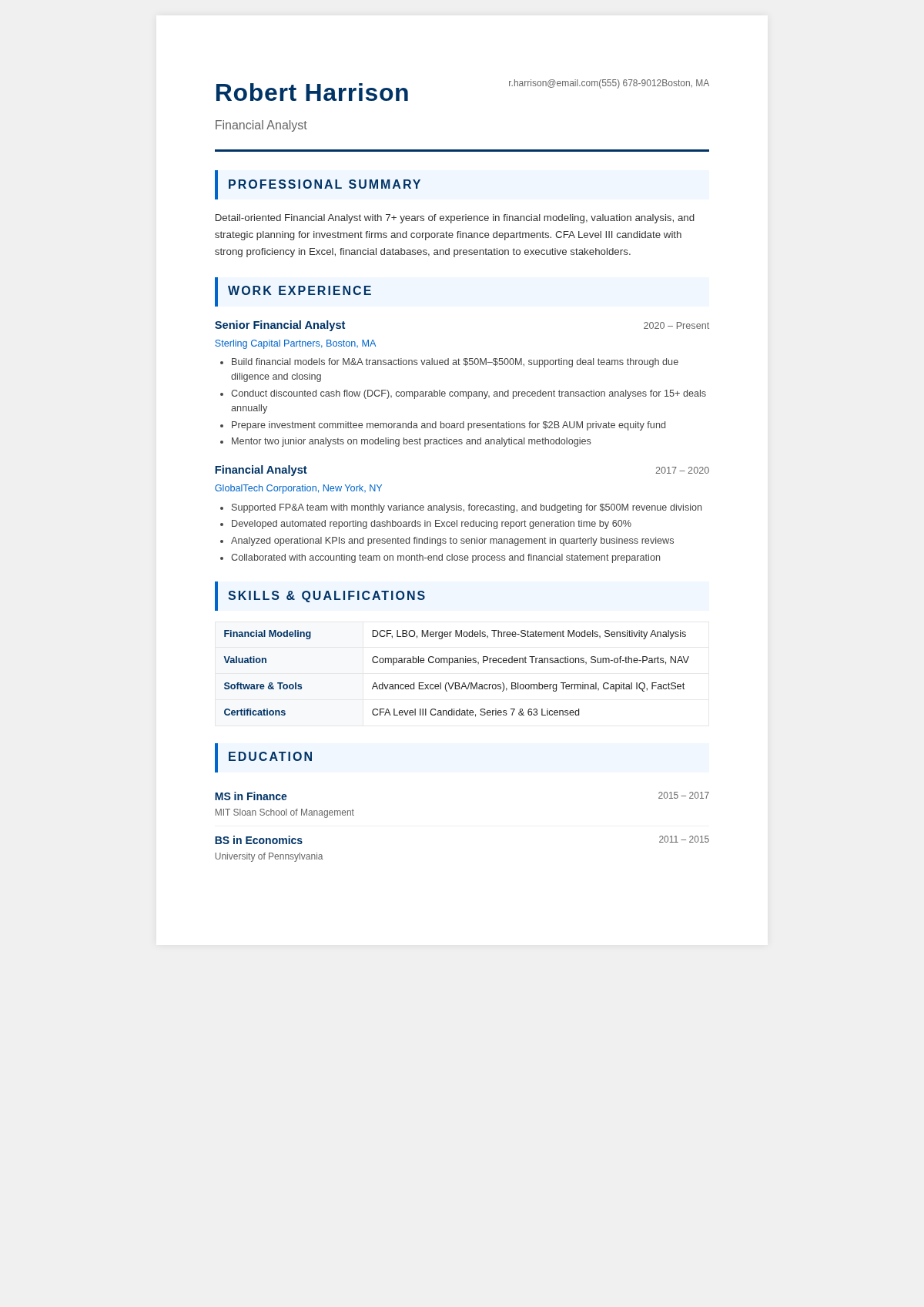
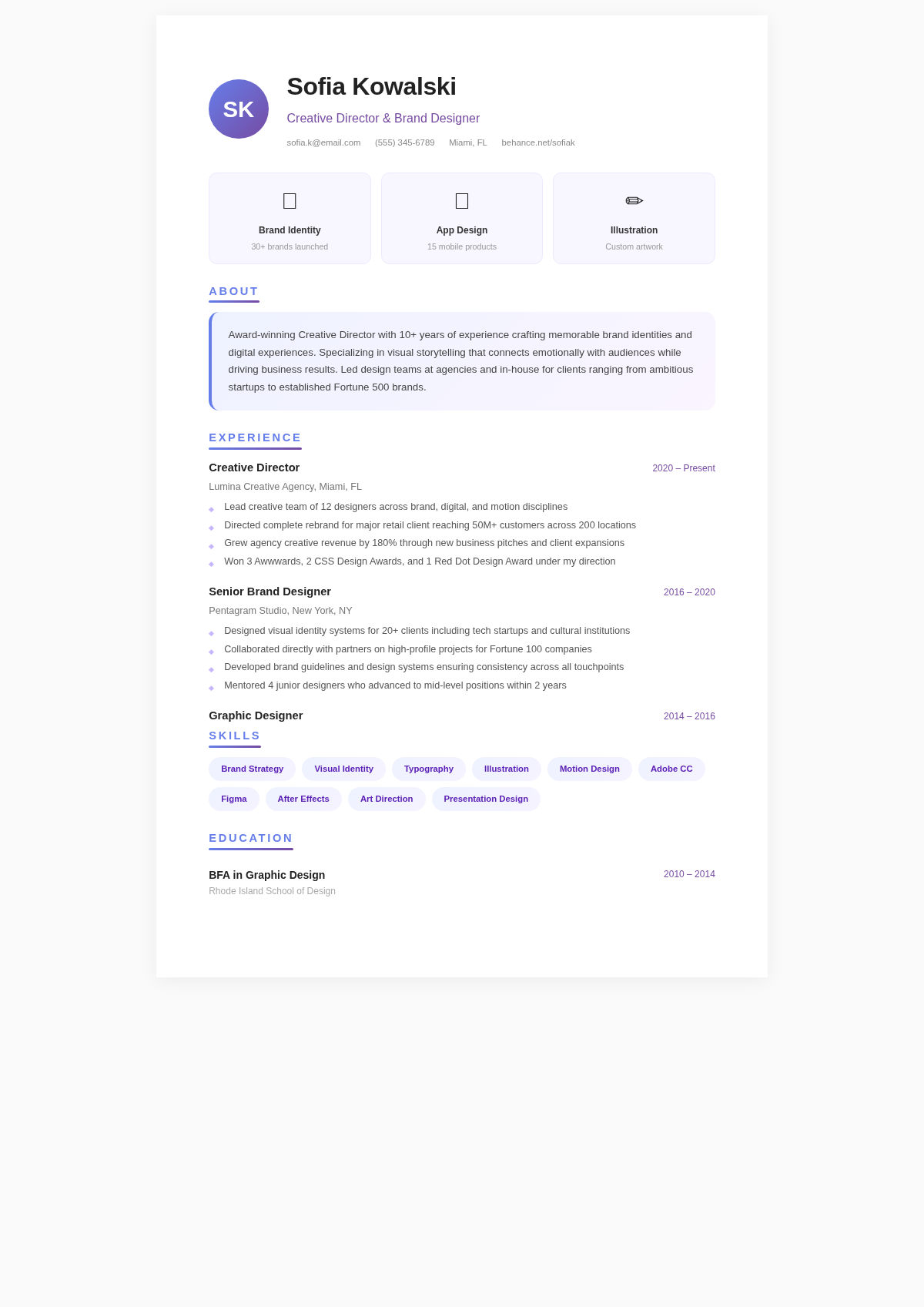
Need a starting point? Browse our collection of pre-made templates.
Frequently Asked Questions
Helpful information about using our tool to build a professional document.
- What is a simple resume generator?
- A simple resume generator is an online tool that helps you create a clean, professional resume without needing design skills or special software. Our tool provides structured input fields, minimalist templates, and formatting features so you can produce a polished document quickly. The layout is handled for you so you can concentrate on writing compelling content about your experience.
- Is the simple resume generator free?
- Yes, the tool is entirely free to use. There are no fees, subscriptions, or hidden charges. You can create, edit, and download as many resumes as you need without paying anything. We built this resume creator to be accessible to everyone who needs a professional-quality document for their job search.
- What makes this a simple resume generator?
- Our tool focuses on clean, straightforward designs without flashy graphics or complex layouts. The templates use clear typography, logical section ordering, and generous white space to create documents that are easy for hiring managers to read and ATS software to parse. Simplicity in design puts the focus on your qualifications.
- Can I use the simple resume generator for any industry?
- Yes, the tool creates resumes that work well across all industries. Clean, professional formatting is valued in every field, from technology and healthcare to finance and education. The documents produced are versatile enough for any job application while remaining professional enough for even the most conservative industries and traditional employers.
- How long does it take to create a resume?
- Most users complete a professional resume using our tool in just fifteen to thirty minutes. Since the templates and formatting are handled for you, you only need to enter your information and review the results. The resume builder significantly reduces the time compared to building a document from scratch in a word processor where you have to manage every detail of the layout yourself.
- Will my resume be ATS-friendly?
- Yes, the tool is specifically designed to produce ATS-friendly documents. Applicant tracking systems work best with clean, text-based resumes that follow standard section headings, which is exactly what our templates create. The designs avoid complex formatting elements like tables, text boxes, and images that can frequently cause ATS parsing errors and screening failures.
- Can I download my resume as a PDF?
- Absolutely. The tool allows you to download your finished resume as a PDF file. PDF is the recommended format for resume submissions because it preserves your exact formatting on every device and operating system. When you download the finished file from our tool, it will look exactly identical to what you see on your screen.
- Do I need to create an account?
- No account is needed. You can start using the tool immediately without signing up or providing personal information. We intentionally designed the resume creator to remove all barriers, so you can jump in and start building your document right away without filling out lengthy registration forms or confirming email addresses.
- Can I edit my resume after downloading it?
- Yes, you can return to the tool at any time to make updates to your resume. Simply open your previous work in the editor, make the changes you need, and download the updated version. The system makes it easy to keep your resume current as you gain new experience or tailor it for different job opportunities.
- Can I create different versions for different jobs?
- Yes, the tool makes it easy to create multiple versions of your resume tailored to different positions. You can modify your content to emphasize different skills and experiences for each application. Career experts recommend customizing your resume for each job, and the resume builder streamlines this process so you can quickly adapt your document.
- Is my information kept private?
- We take your privacy seriously. The tool does not store your personal information on our servers after your session ends. Your data is used solely to generate the resume you are creating and is not shared with third parties. You can use our resume creator with confidence that your personal and professional information remains secure.
- What if I have no work experience?
- The tool works great for people with no formal work experience. You can emphasize your education, volunteer work, relevant coursework, certifications, and transferable skills instead. The templates include sections specifically designed for people entering the workforce, so you can present your potential effectively even without an established employment history or prior work background.
Create Your Simple Resume Now
Start building a clean, professional resume in minutes with our free online tool. The formatting is handled for you so you can focus on presenting your best self to employers.
No credit card required • AI formatter tools included • Instant formatting