Generate Quick Reference Guides Instantly
Stop worrying about reference document formatting. Use our AI-powered Quick Reference Guide Generator to create concise guides in minutes for your documentation needs.
How to Create a Quick Reference Guide Online
Define Your Purpose
Start by entering your guide details into the tool including the topic, target audience, and primary use case. Describe what information users need to access quickly and what tasks they need to accomplish. The the tool uses this to structure focused content. These approaches support organizational goals and contribute to long-term success across all operational areas.
Select Guide Template
Choose from specialized templates in the tool designed for different purposes including software guides, procedure summaries, training materials, compliance references, and customer support guides. The the tool customizes the layout based on your selection. These professional methodologies ensure that your documentation meets industry standards while maintaining clarity and usability throughout your organization.
Organize Essential Content
Use the tool to organize critical information with clear headings, concise steps, key definitions, helpful tips, and visual aids. Prioritize frequently used information and structure content for quick scanning. The the tool ensures accessible formatting. These professional methodologies ensure that your documentation meets industry standards while maintaining clarity and usability throughout your organization.
Finalize and Distribute
Complete your reference guide with branding elements, version information, and contact details using the tool. Add screenshots, diagrams, or examples to enhance clarity and understanding for your users. Export the finished guide in your preferred format. These professional methodologies ensure that your documentation meets industry standards while maintaining clarity and usability throughout your organization.
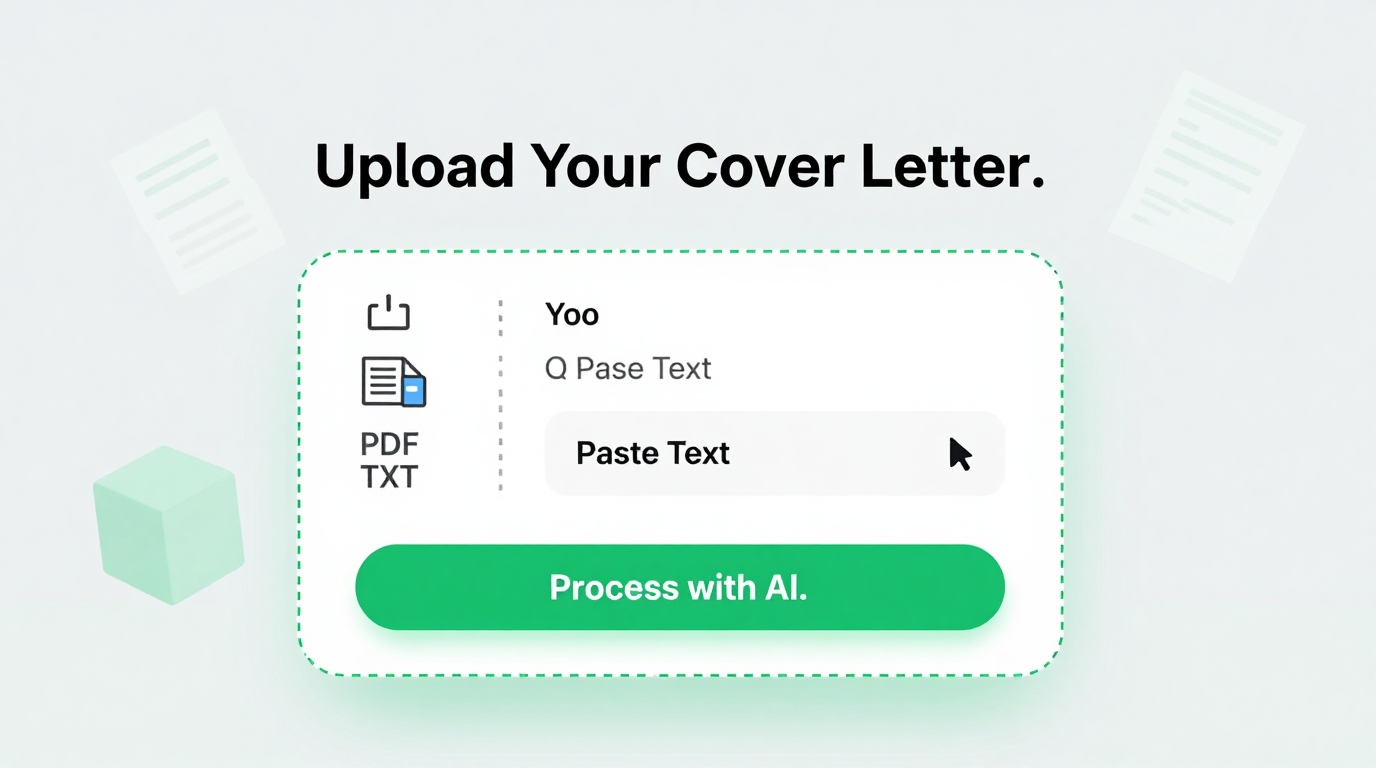
Import Content
Import your existing documentation, procedures, or reference materials directly into the tool. It analyzes your input to extract essential information for concise reference materials quickly and efficiently for better organization.
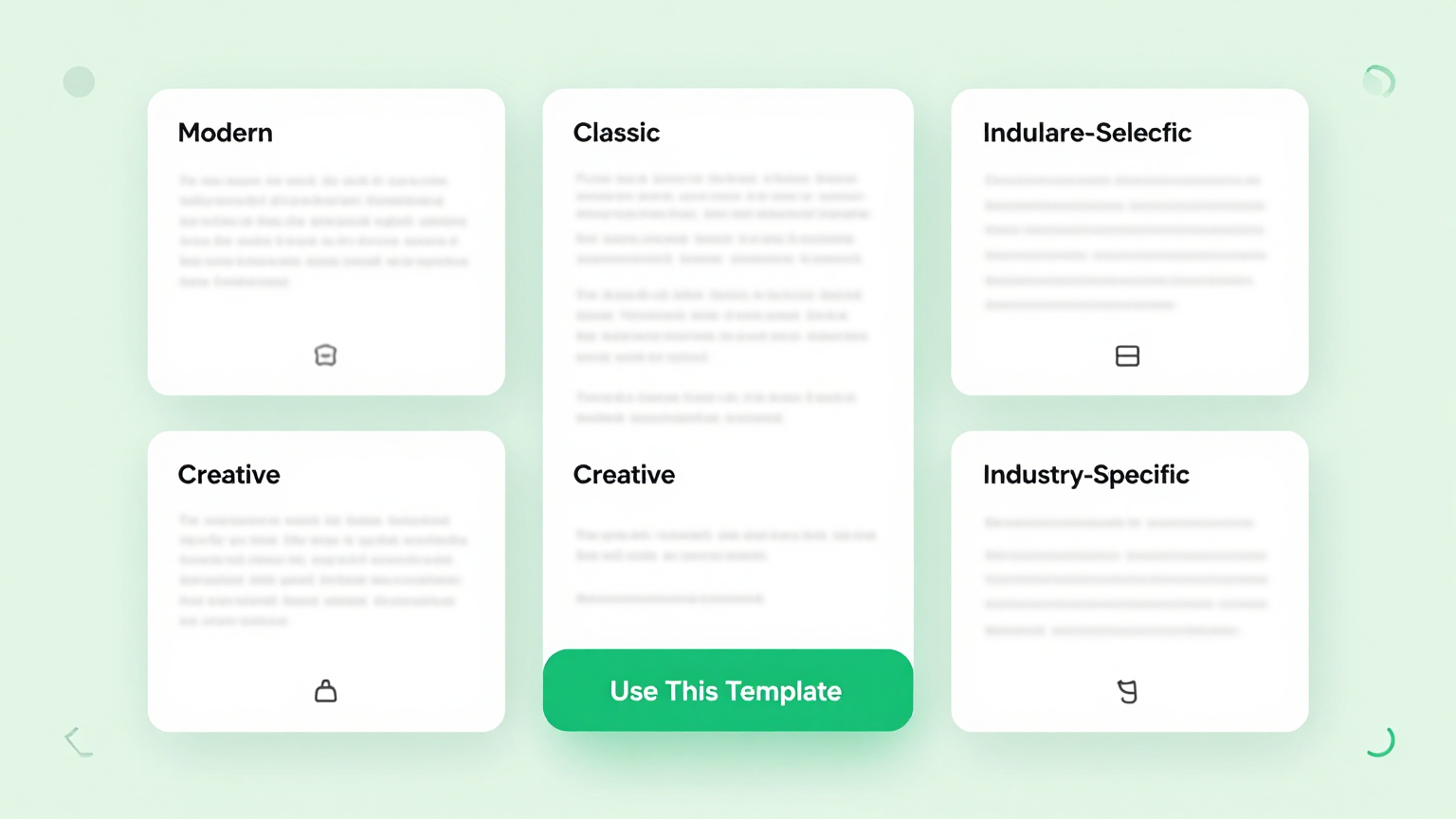
Professional Templates
Select from purpose-specific templates in the tool. Options include software guides, procedure summaries, training handouts, compliance references, and customer support layouts. The tool helps you organize and structure information effectively.
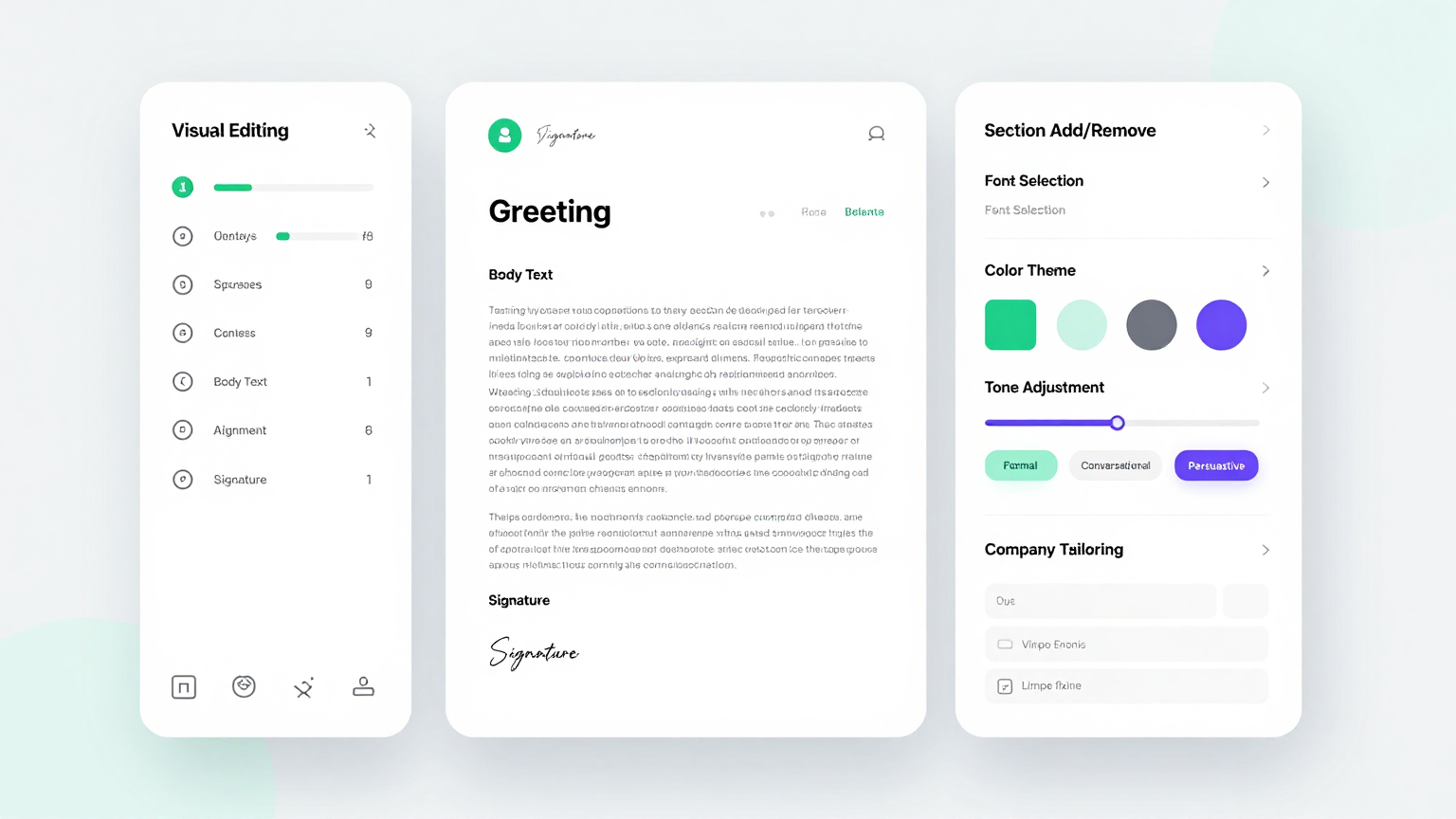
Edit Online
Refine your content with the tool editor. Easily adjust sections for clarity, add visual elements, organize information hierarchically, and optimize for quick scanning and reference. These professional methodologies ensure that your documentation meets industry standards while maintaining clarity and usability throughout your organization.
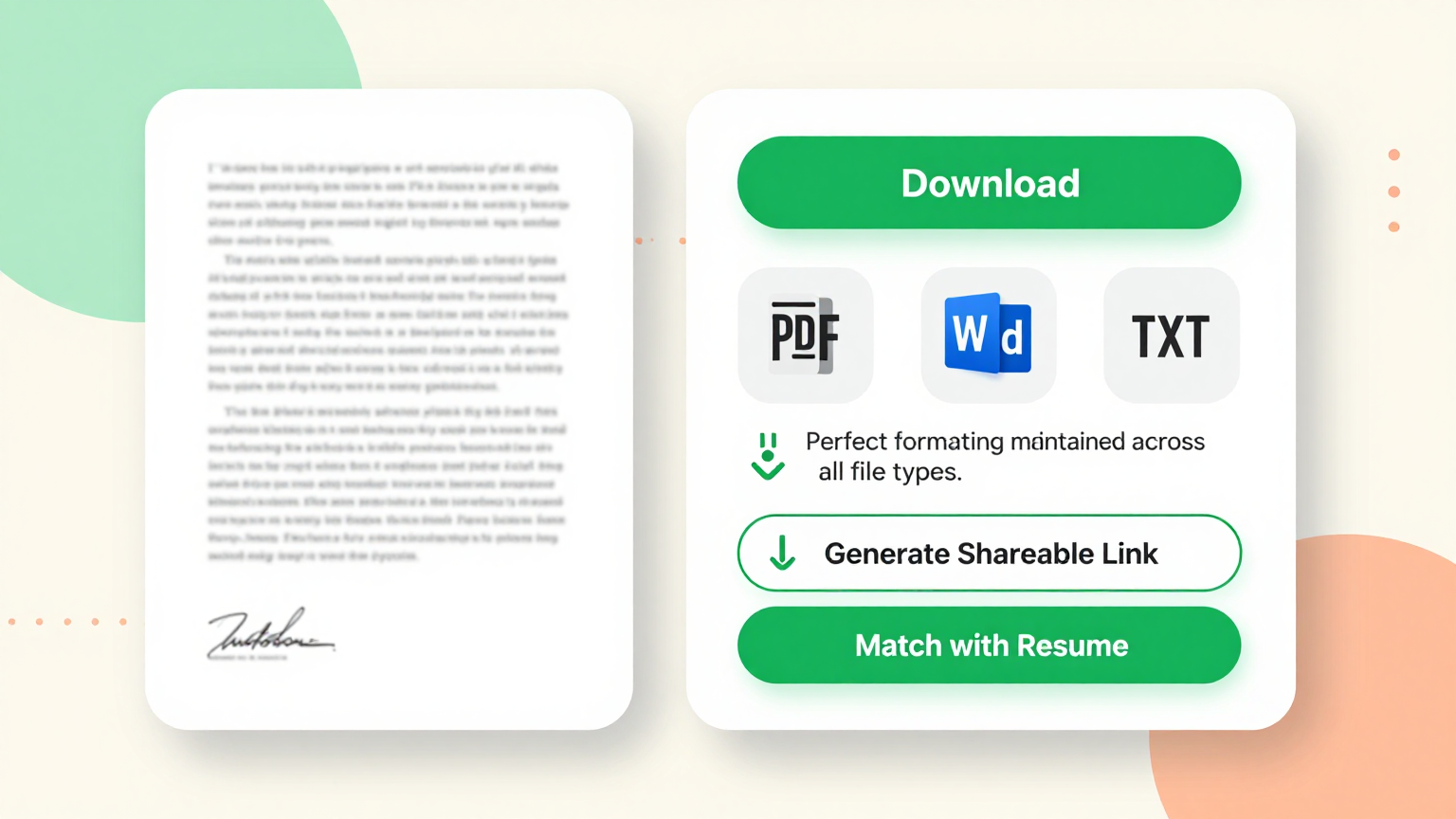
Download & Share
Download your final reference guide from the tool as a PDF or Word document. This allows you to distribute helpful resources to your team, customers, or training participants. This intuitive interface streamlines your workflow and saves valuable time while ensuring accuracy.
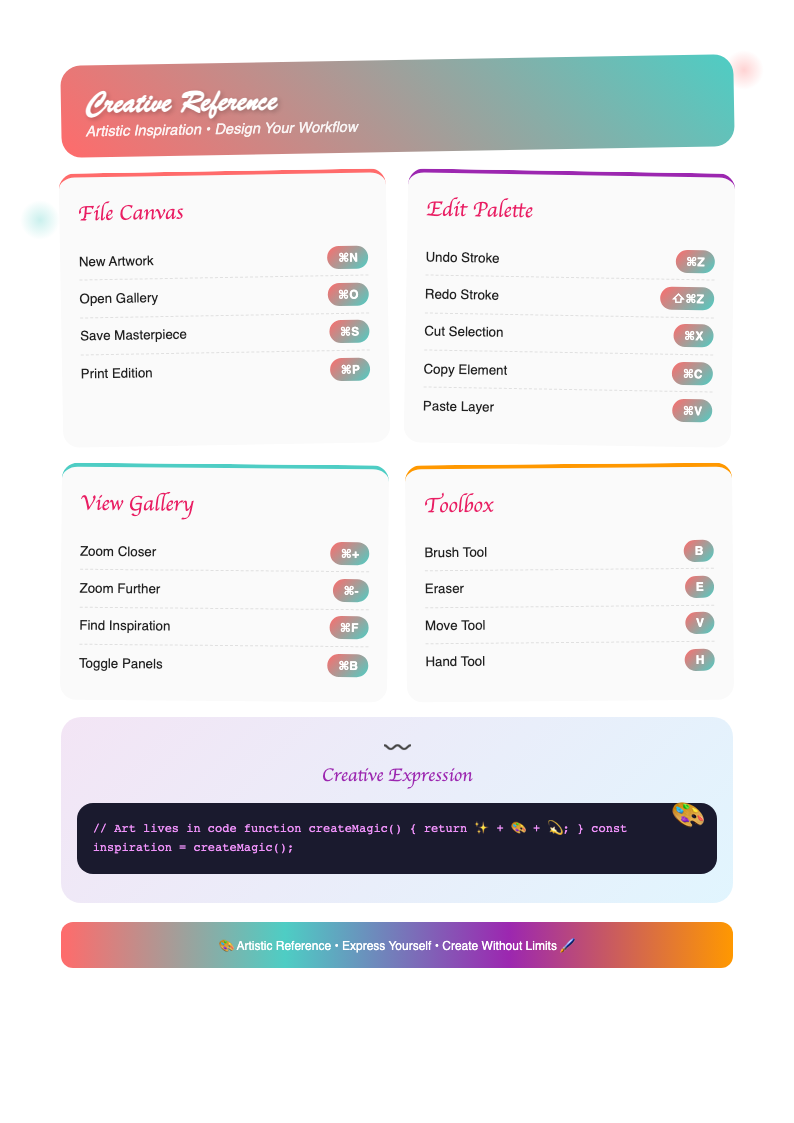
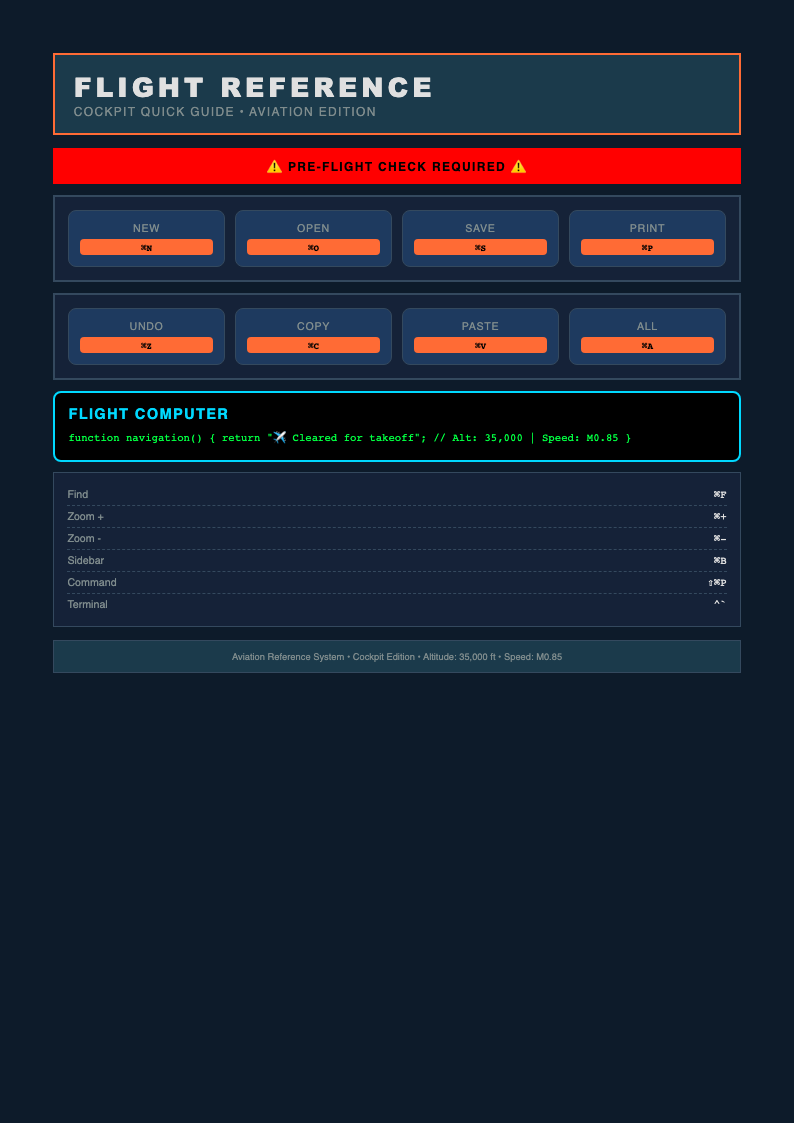
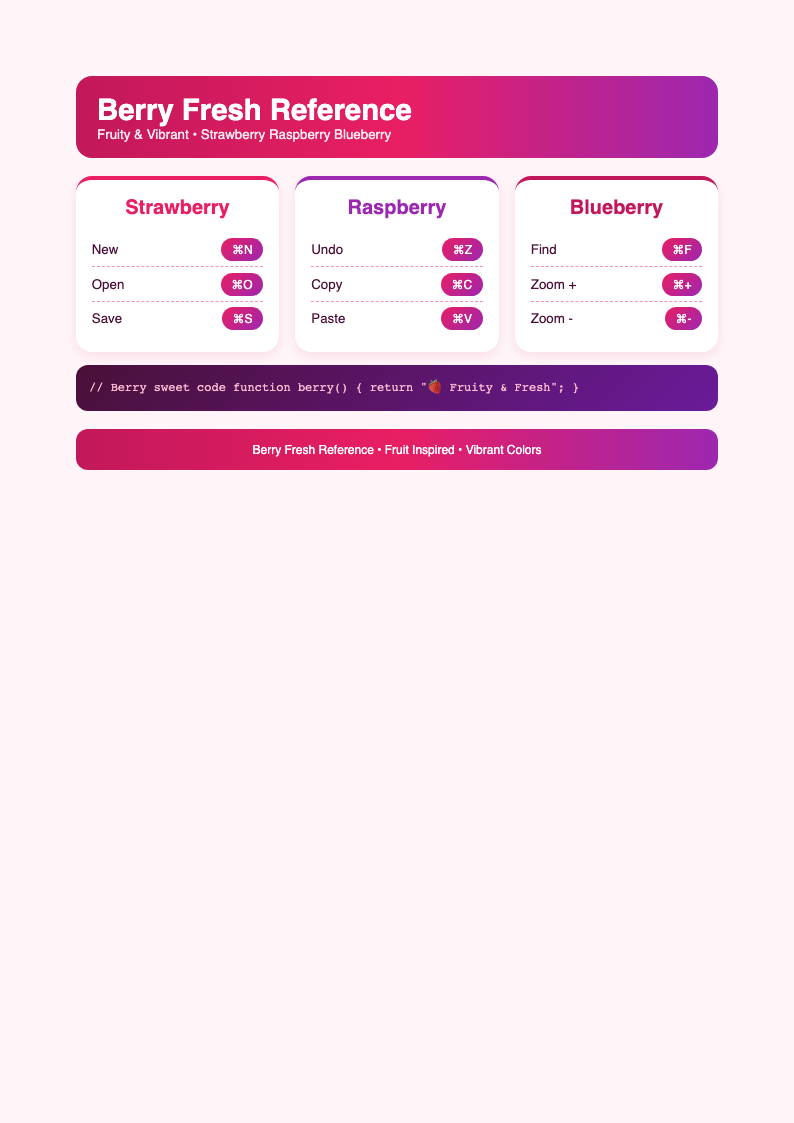
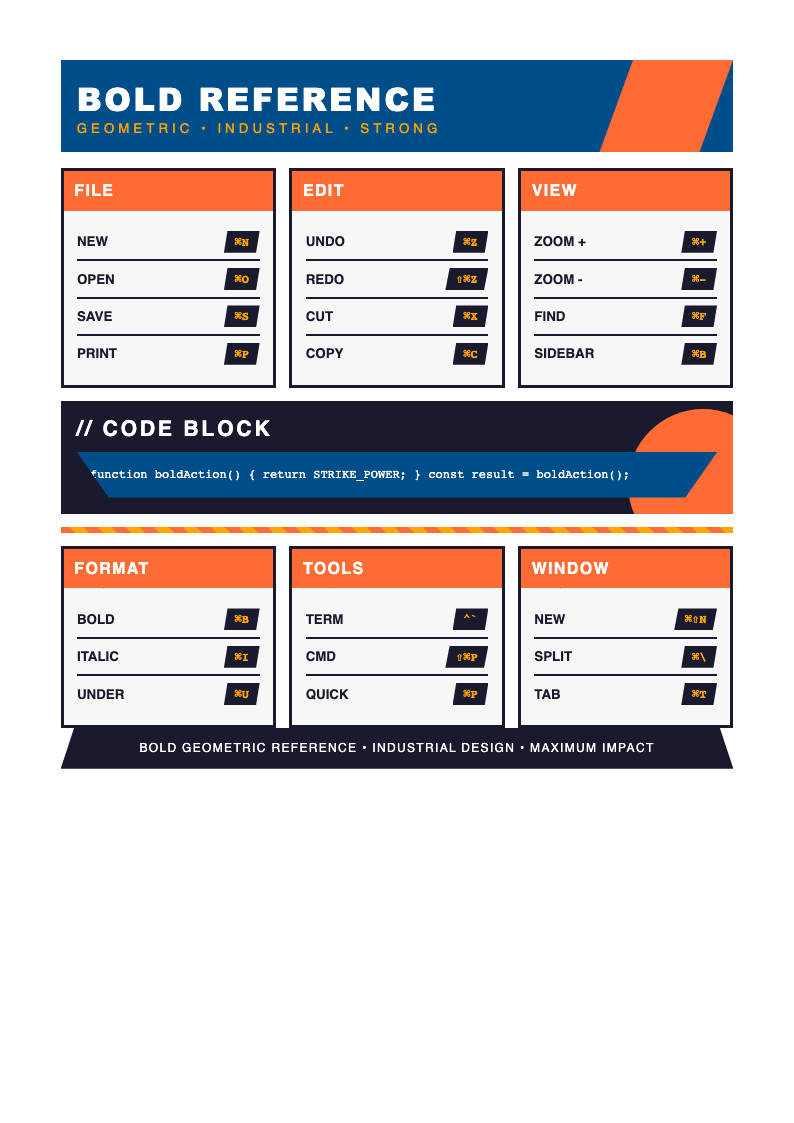
Explore Professional Reference Templates
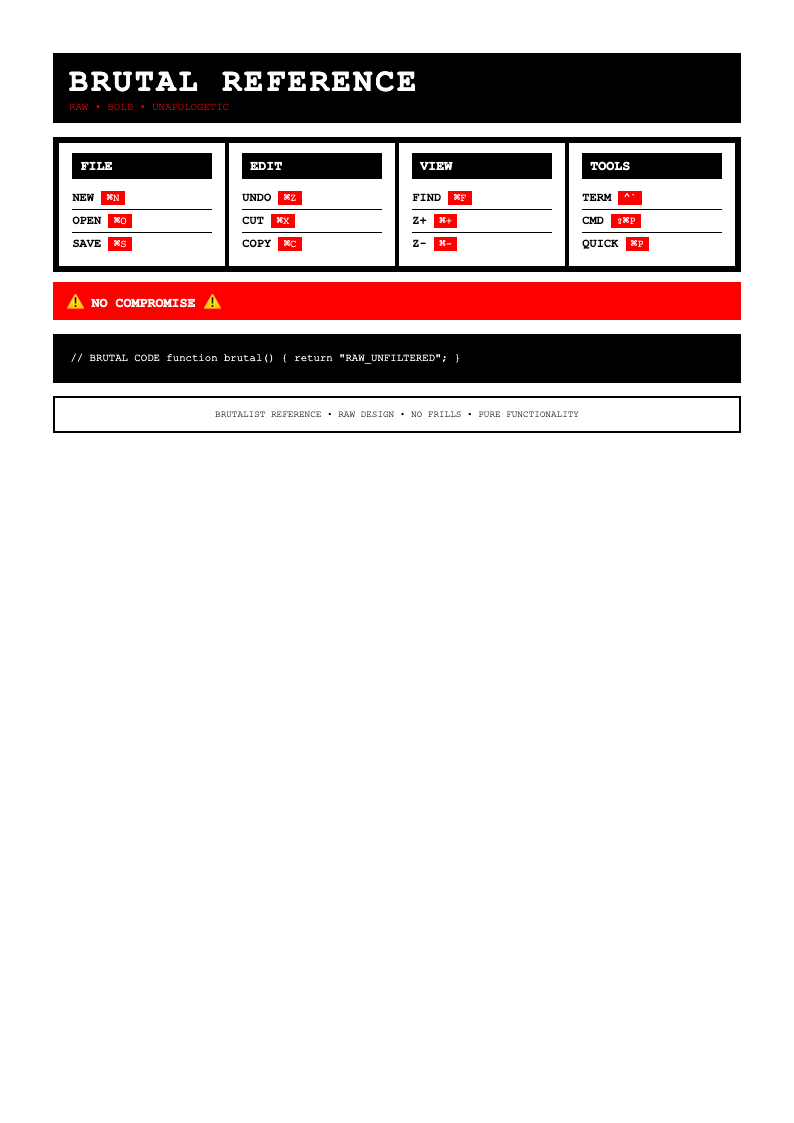
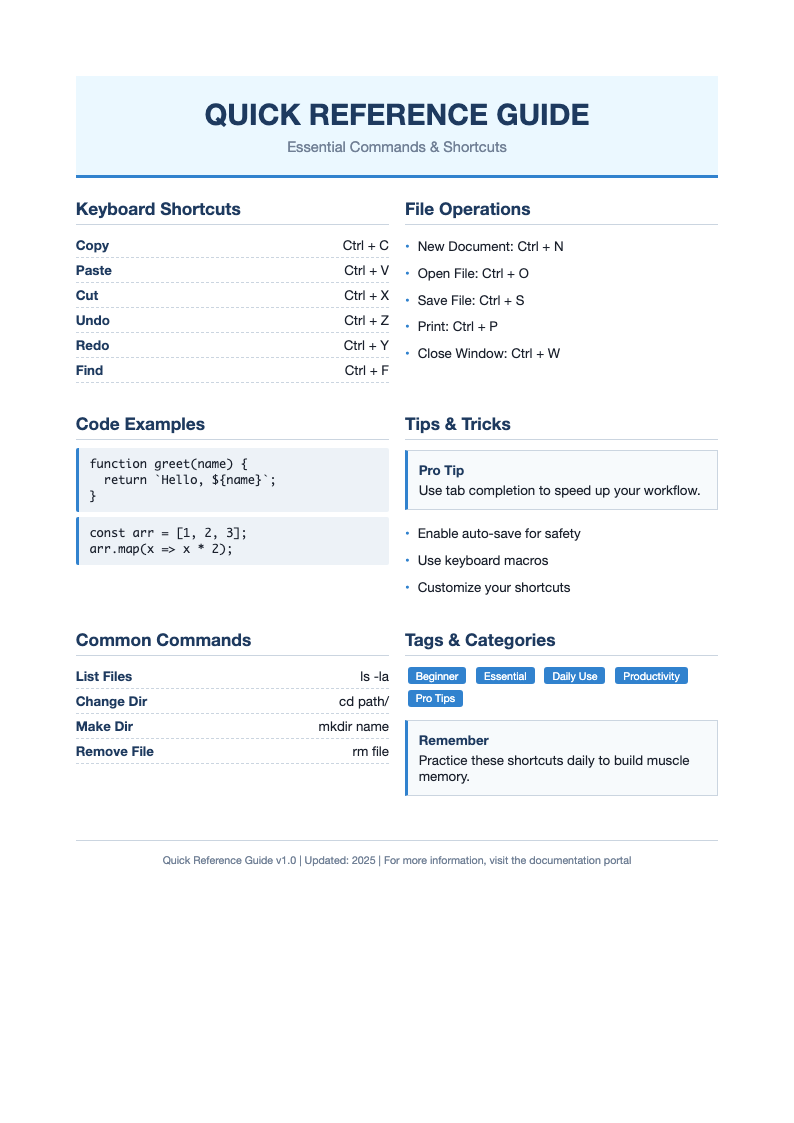
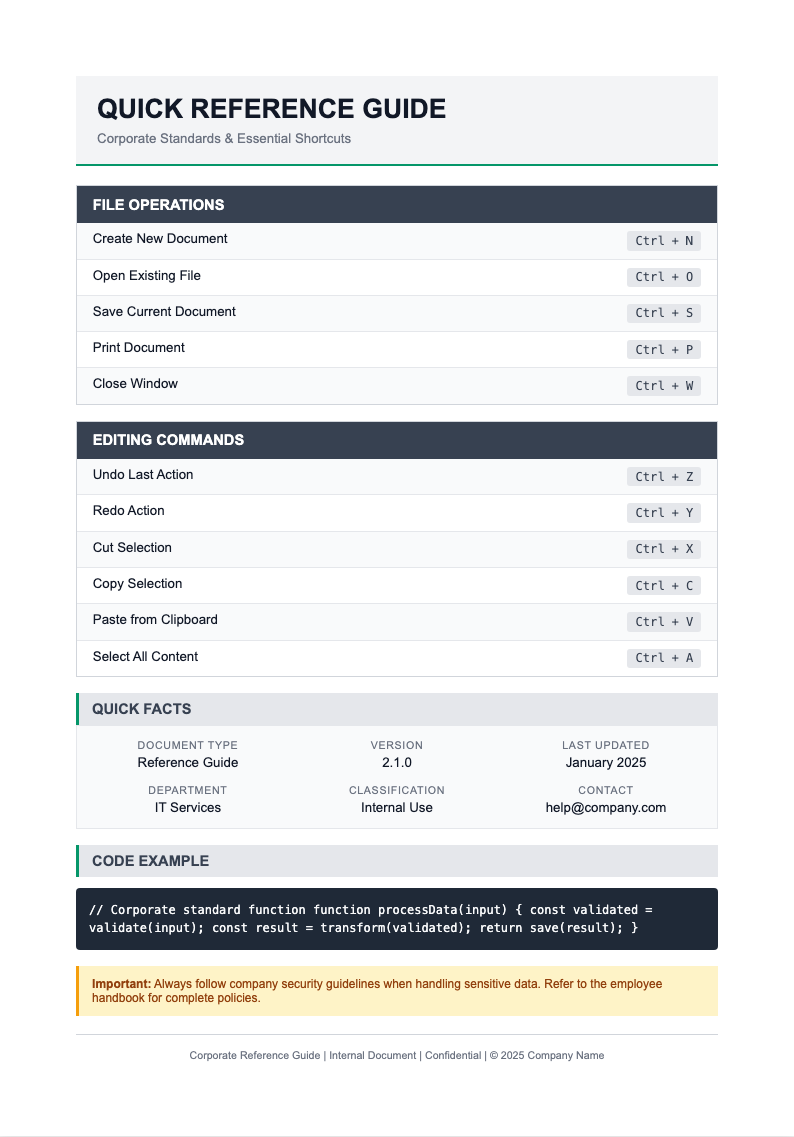
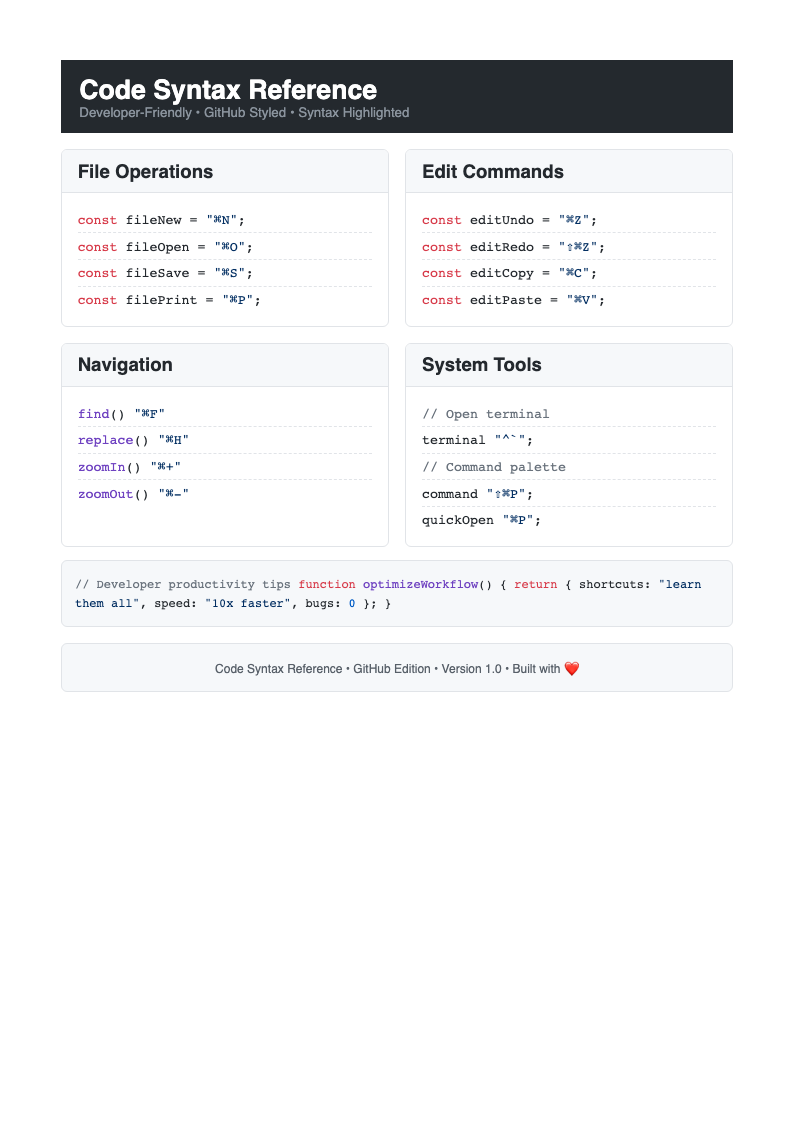
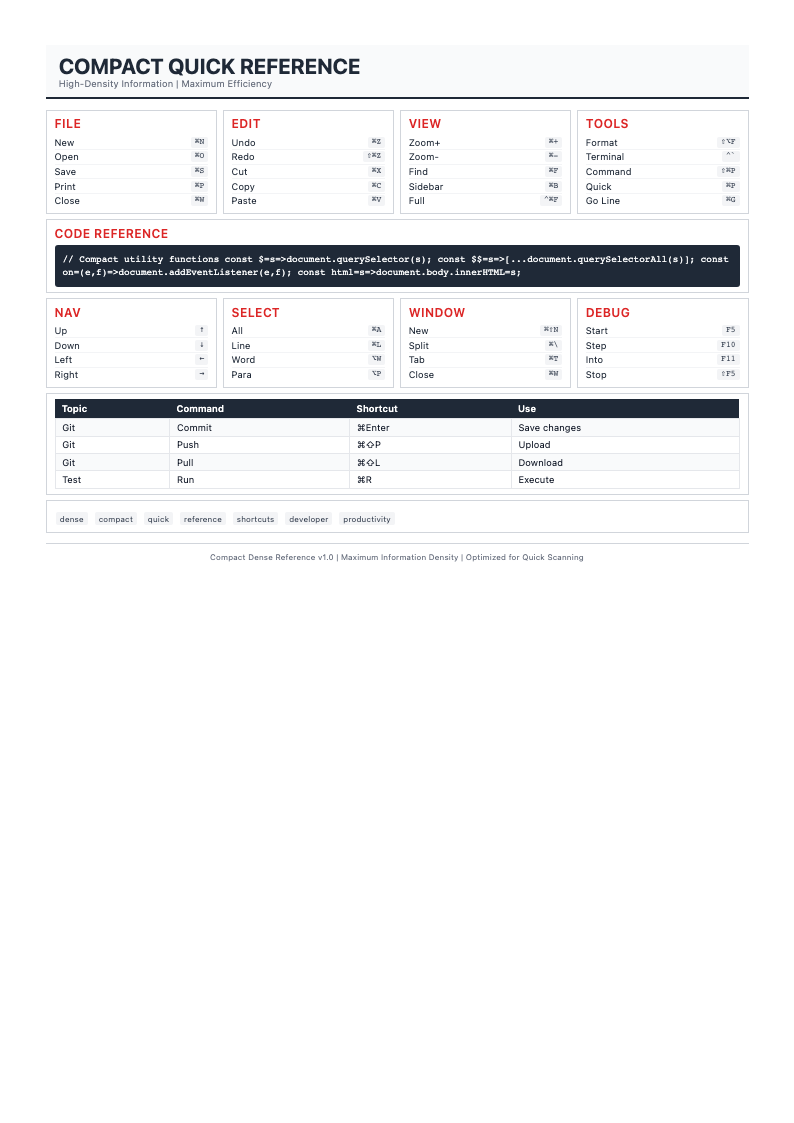
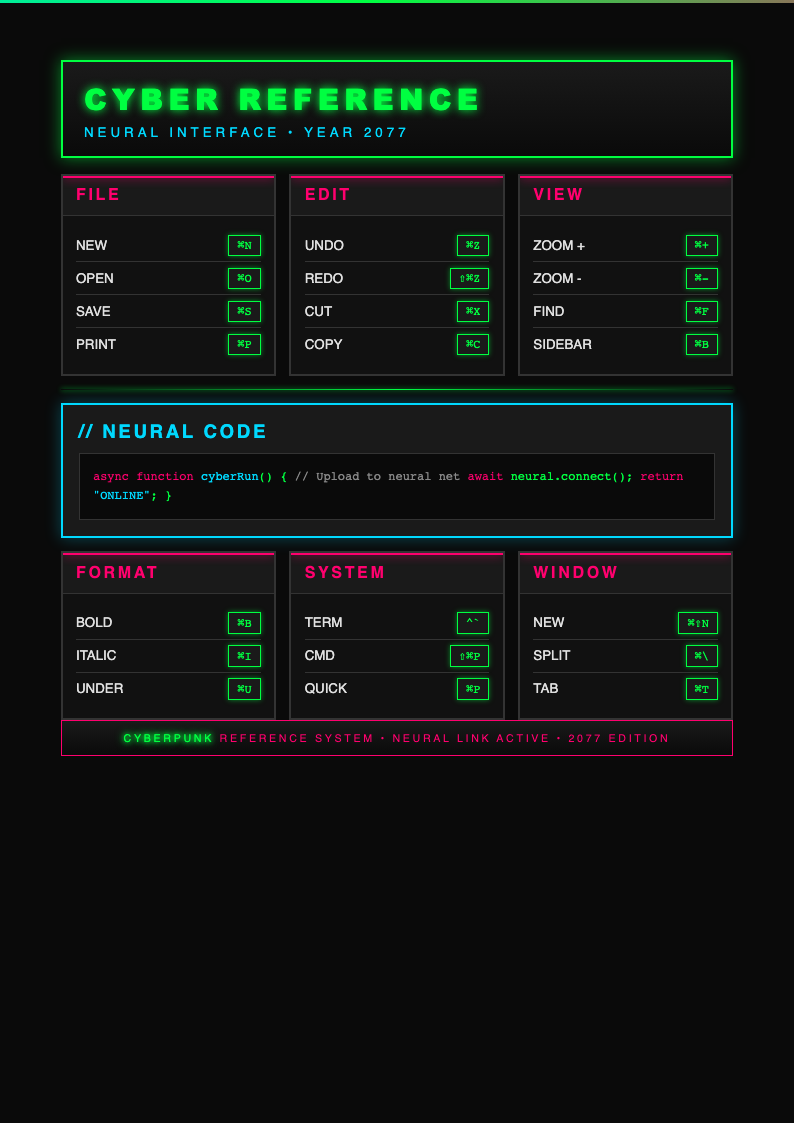
Need a starting point? Browse our collection of pre-made templates for various types of knowledge documentation.
Frequently Asked Questions
Helpful information about using our tool for creating professional guides and documentation. for Quick Reference Guide. Learn best practices and get answers to common questions about effective implementation.
- Is the Quick Reference Guide Generator free?
- Yes. This tool is completely free to use with no hidden fees or subscriptions required. You can generate unlimited reference guides without creating an account or providing credit card information. These approaches support organizational goals and contribute to long-term success across all operational areas.
- What types of guides can I create with the Quick Reference Guide Generator?
- The this tool supports various guide types including software tutorials, procedure summaries, training handouts, compliance references, troubleshooting guides, and customer support materials. Each this tool template is optimized for specific use cases.
- Can I include images in my reference guide?
- Yes. The this tool supports screenshots, diagrams, icons, and other visual elements that enhance understanding. Visual aids in your this tool output help users quickly grasp procedures and concepts. These approaches support organizational goals and contribute to long-term success across all operational areas.
- How do I ensure my guide is concise and focused?
- The this tool helps you focus on essential information by prioritizing frequently used content, using concise language, and organizing for quick scanning. The this tool structure eliminates unnecessary detail and highlights what matters most.
- Can I use the Quick Reference Guide Generator for customer-facing documentation?
- Absolutely. this tool outputs are perfect for customer support materials, user guides, and help resources that reduce support calls and improve customer satisfaction by providing immediate, accessible answers.
- Does the Quick Reference Guide Generator support multiple languages?
- Yes. After generating your guide with the this tool, you can export to editable Word format and translate the content for international audiences. The this tool structure maintains formatting across languages.
- What file formats can I export from the Quick Reference Guide Generator?
- The this tool exports to professional PDF format for distribution and editable Word format for ongoing updates. Both this tool output formats maintain proper formatting and visual appeal. These approaches support organizational goals and contribute to long-term success across all operational areas.
- Can I create branded reference guides with the Quick Reference Guide Generator?
- Yes. The this tool allows you to add company logos, brand colors, and custom styling. Branded reference guides from the this tool reinforce your professional identity while providing valuable information.
- How often should I update my Quick Reference Guide Generator output?
- Review and update this tool documentation whenever procedures, systems, or information change. Regular updates to this tool outputs ensure your reference materials remain accurate and continue to provide value.
- Can I create a library of reference guides with the Quick Reference Guide Generator?
- Yes. Generate individual guides for different topics using the this tool, then organize them into a comprehensive knowledge library. Consistent formatting from the this tool across all guides ensures professional presentation.
- Does the Quick Reference Guide Generator work for technical documentation?
- Yes. The this tool is ideal for technical documentation including API references, code syntax guides, configuration procedures, and troubleshooting steps. The this tool format makes complex technical information accessible.
- How can Quick Reference Guide Generator outputs support training?
- this tool outputs serve as excellent training support materials and job aids that reinforce learning and provide on-the-job reference. Concise guides from the this tool help learners apply new skills independently.
Create Your Quick Reference Guide Now
Don't stress over reference document formatting. Use our free Quick Reference Guide Generator to build helpful guides in minutes. Concise reference materials improve productivity and reduce errors by providing immediate access to critical information when needed.
No credit card required • AI formatter tools included • Instant guide creation