Design a Professional Letterhead in Minutes
Customize your business identity with elegant templates, real-time editing, and instant PDF export.
How to Create a Letterhead in 4 Simple Steps
Enter Your Business Information
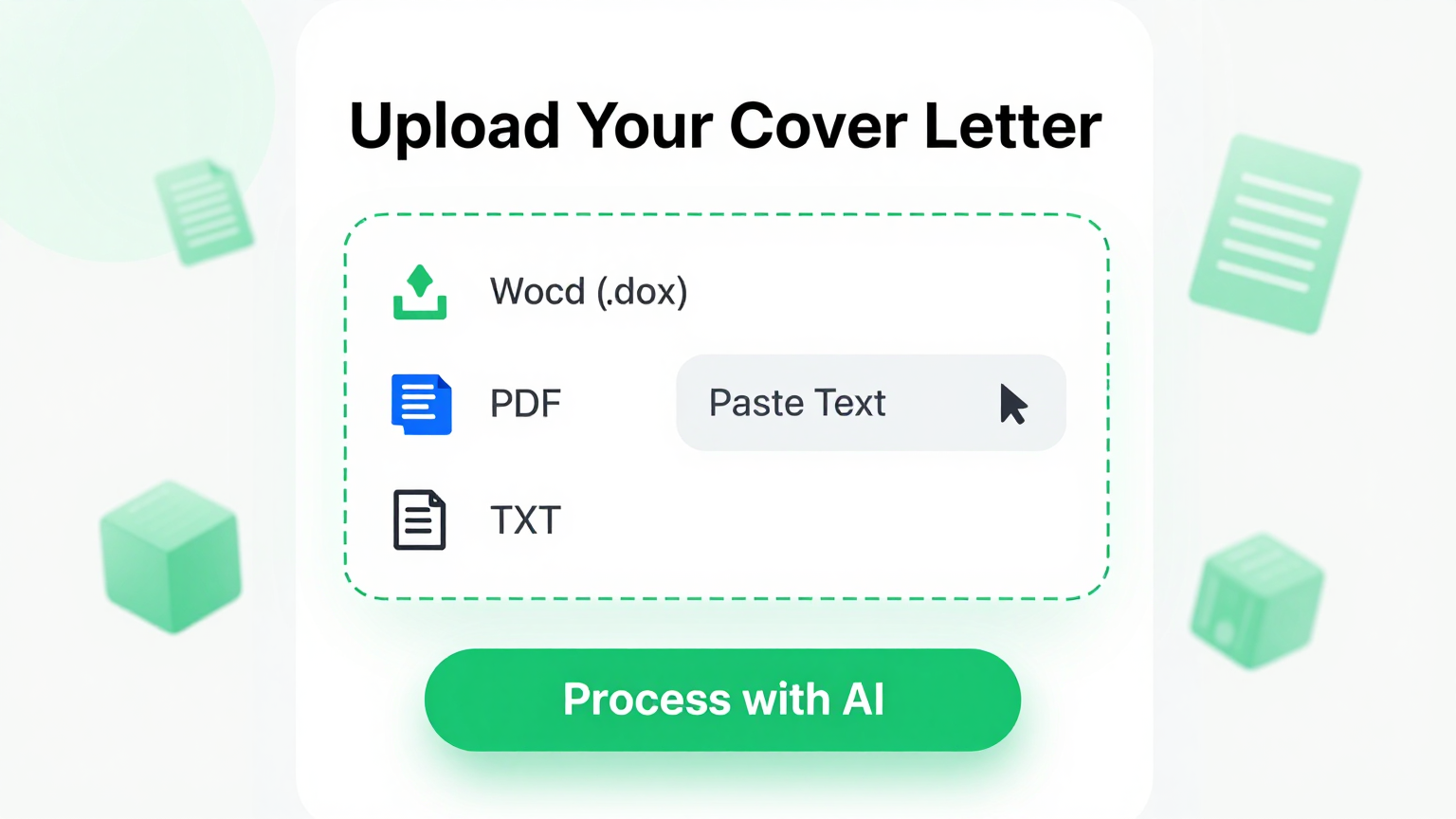
Start by typing your company name, address, phone number, email, and website. You can also upload a logo or copy-paste content from an existing document. This step ensures your letterhead includes all essential branding elements right from the start.
Select and Customize a Template
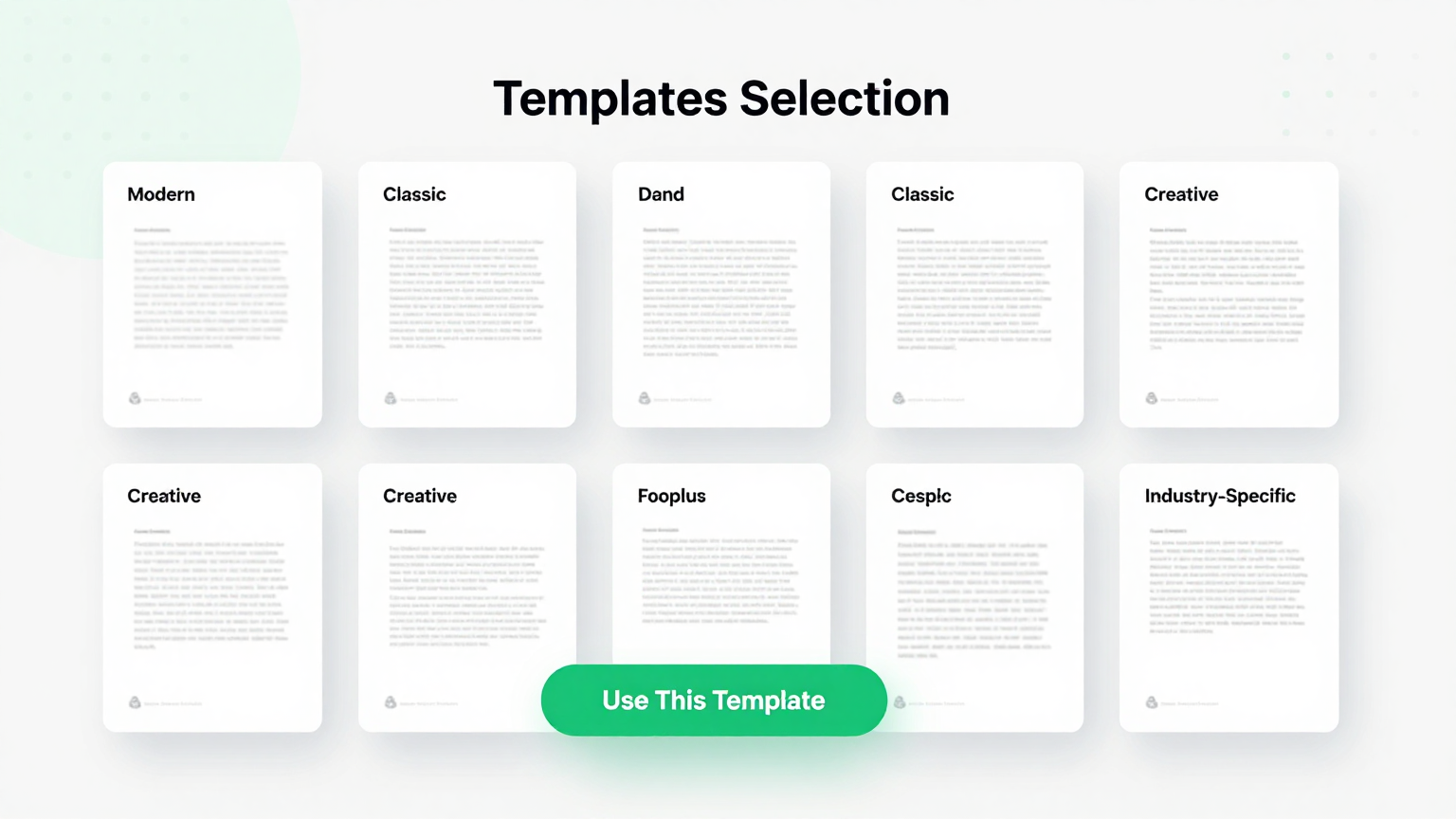
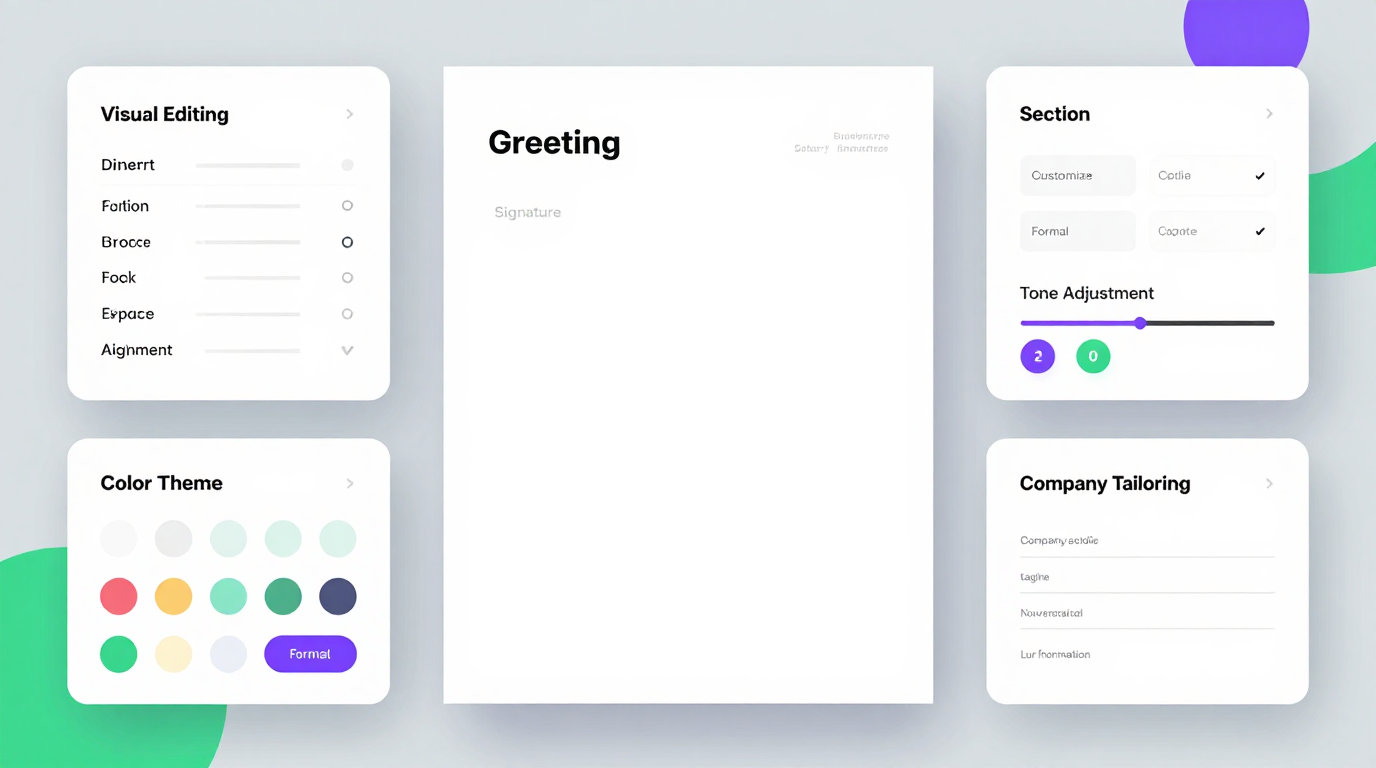
Browse our curated collection of professional letterhead templates. Pick one that matches your industry and style—then adjust colors, fonts, margins, and logo placement. The Letterhead Generator updates your preview in real time so you see every change immediately.
Review and Finalize Your Design
Take a final look at your letterhead in both print and digital views. Check alignment, spacing, and readability. Use our built-in proofing tools to catch typos or formatting issues before downloading. This ensures your Letterhead Generator output meets professional standards.
Download and Start Using It
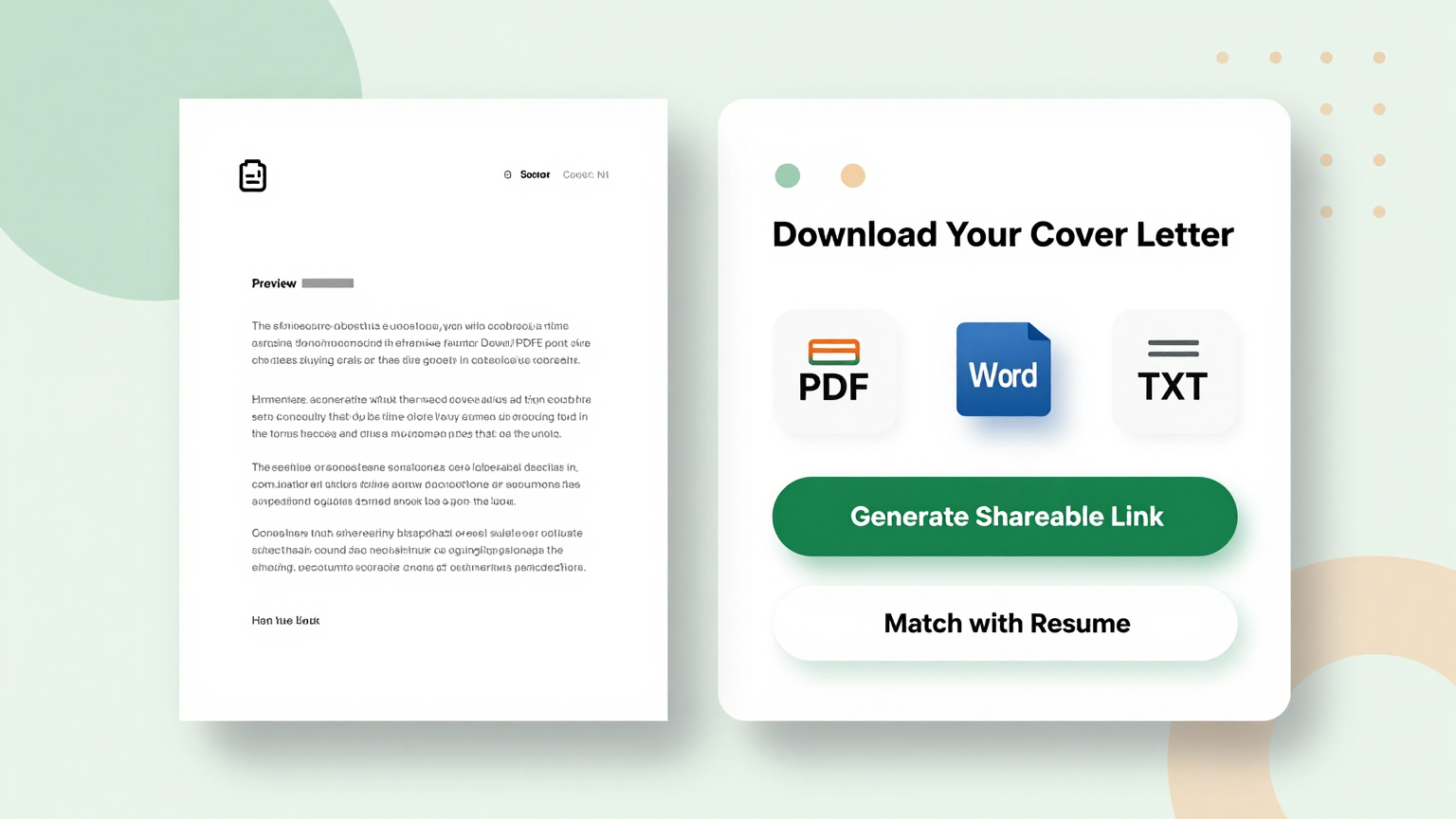
Once satisfied, export your letterhead as a print-ready PDF or high-quality PNG. You can save it to your device, share it with colleagues, or use it as a base for official letters, invoices, or proposals—all without needing design software.
Import Data
Input your brand details into the Letterhead Generator. It captures your logo and contact info to build a cohesive identity for your business docs.
Professional Templates
Select a stylish layout from the Letterhead Generator templates. These designs ensure your business correspondence looks professional and consistent.
Edit Online
Customize your design with the Letterhead Generator editor. Adjust colors and fonts to align perfectly with your company's unique branding guidelines.
Download & Share
Download your new design from the Letterhead Generator as a PDF or PNG. Use it immediately for digital emails or high-quality printed documents.
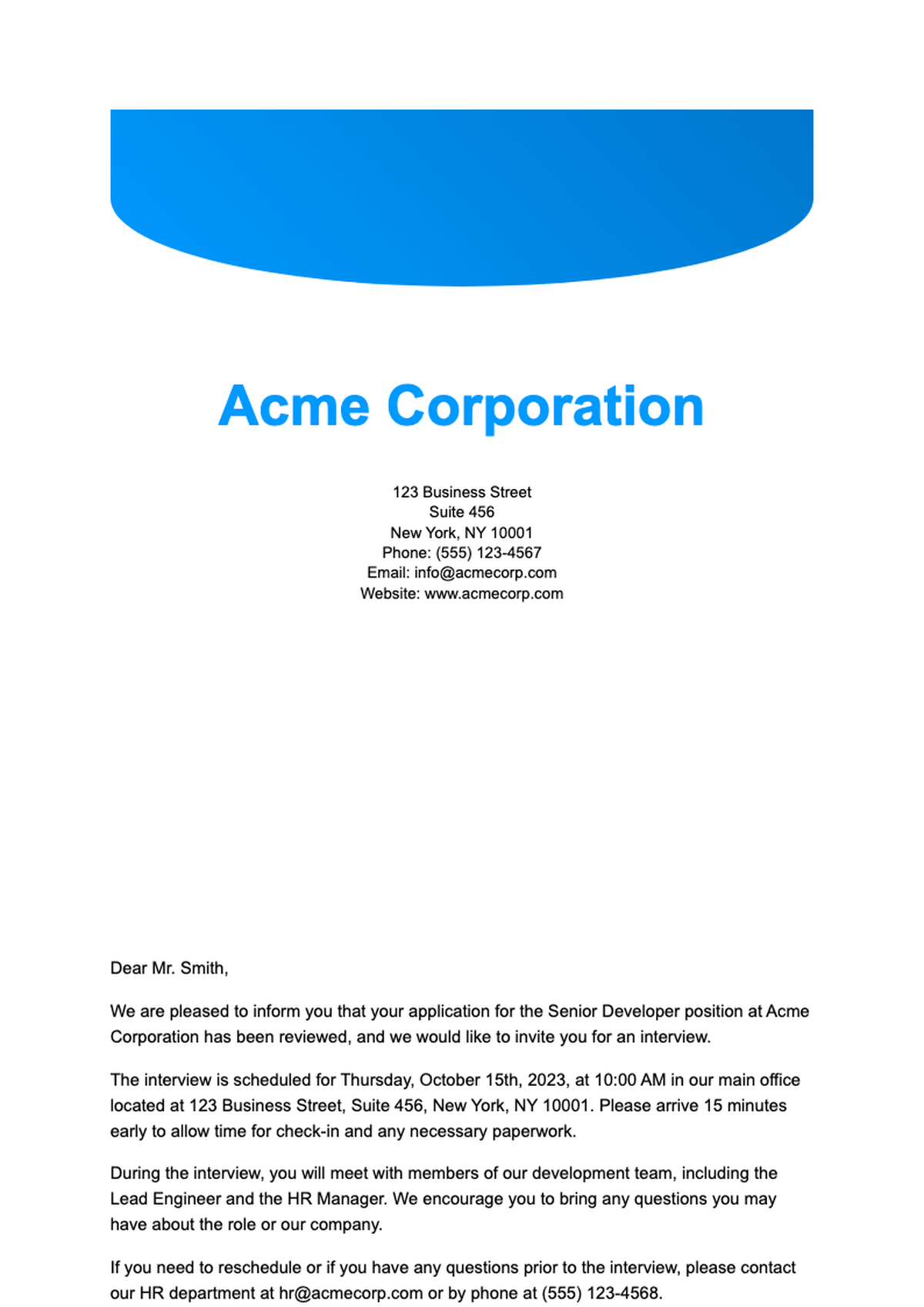
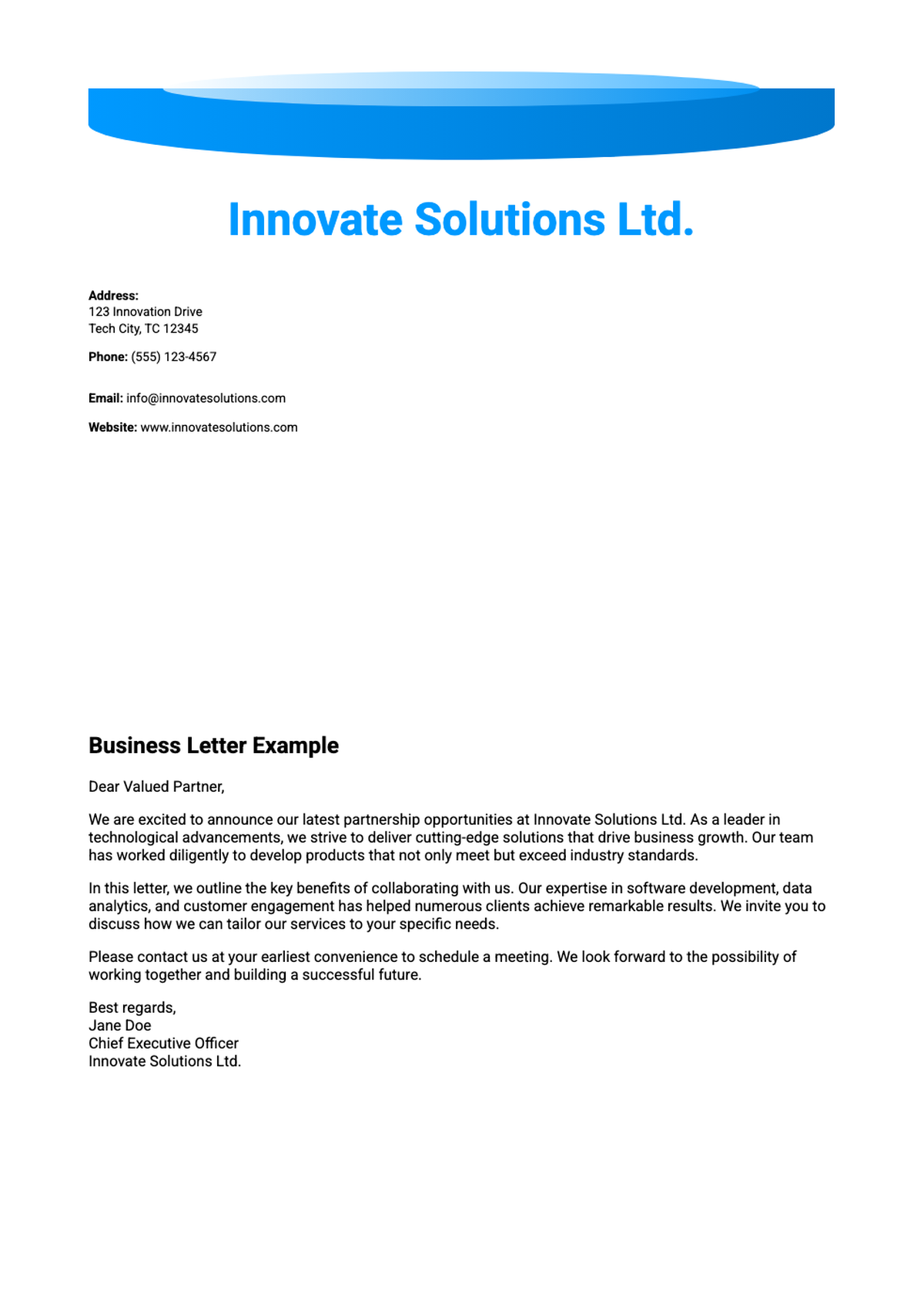
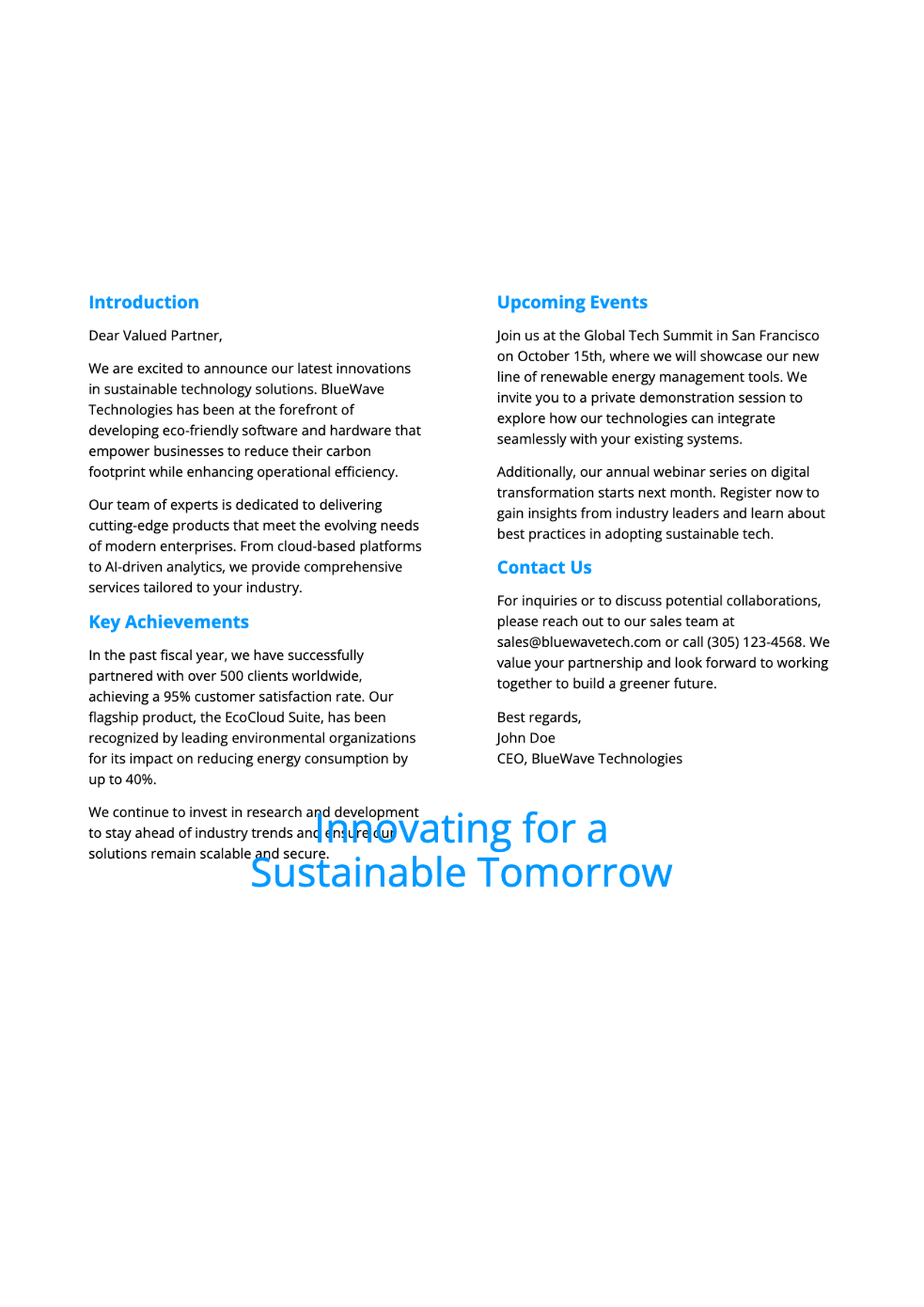
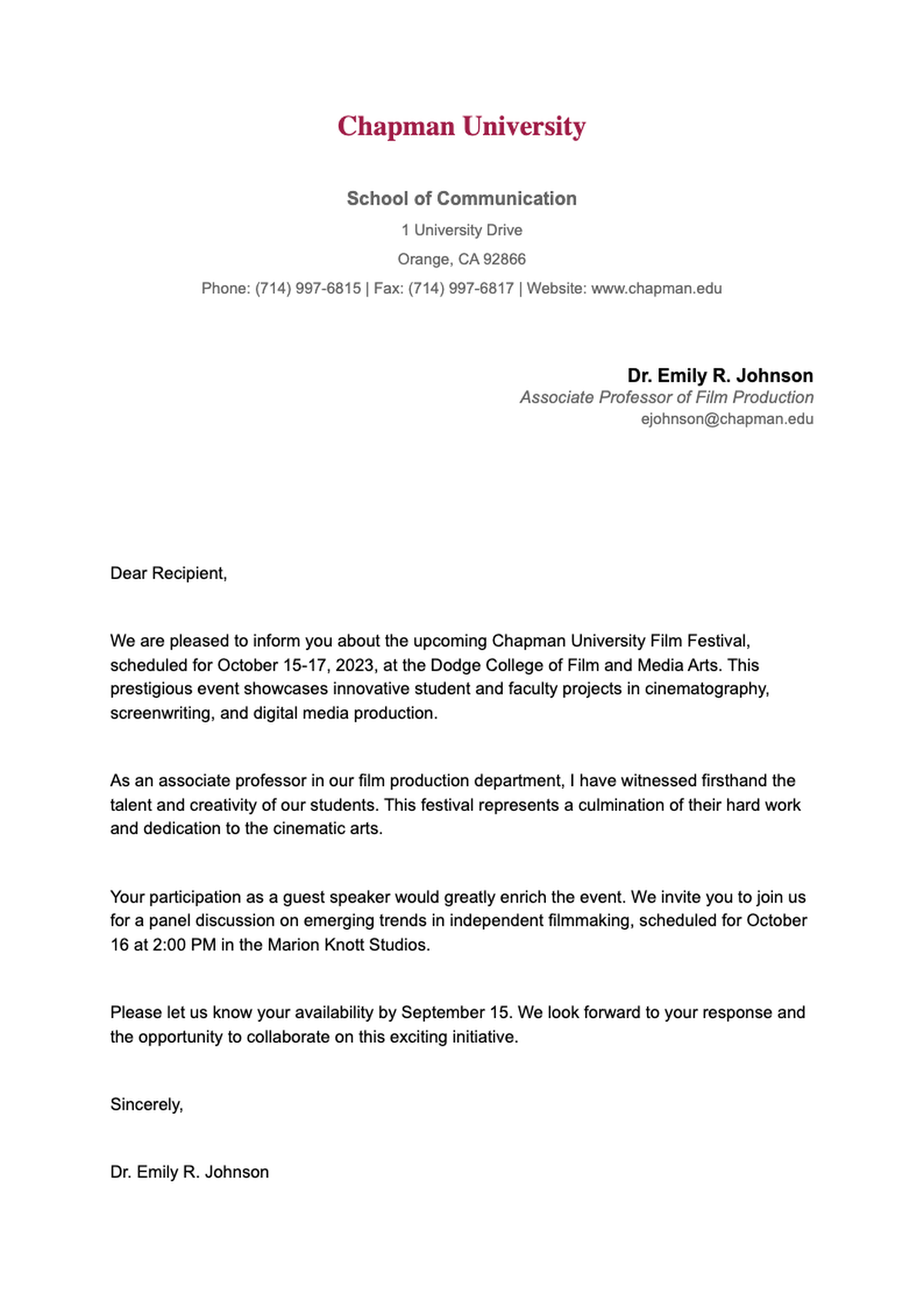
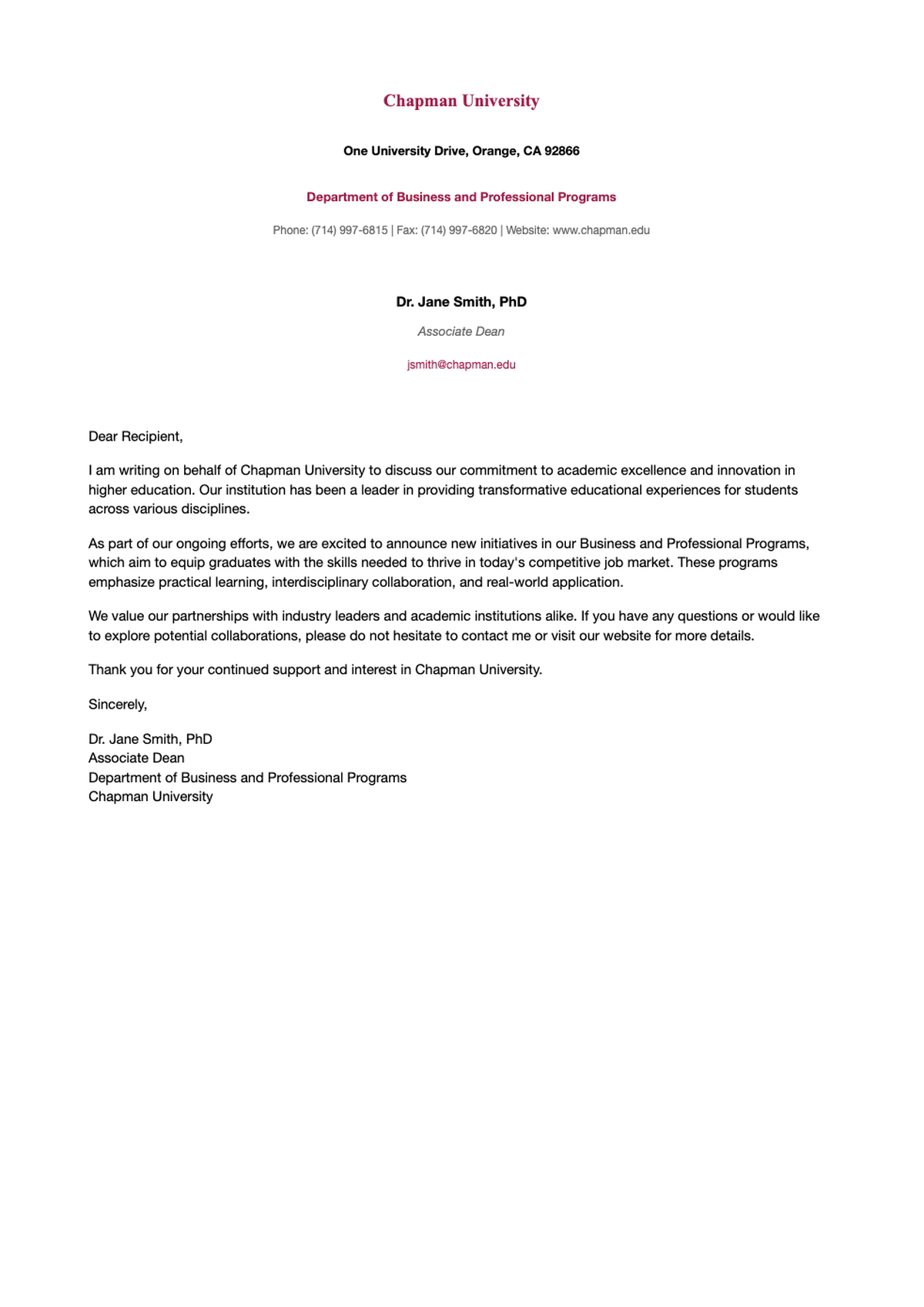
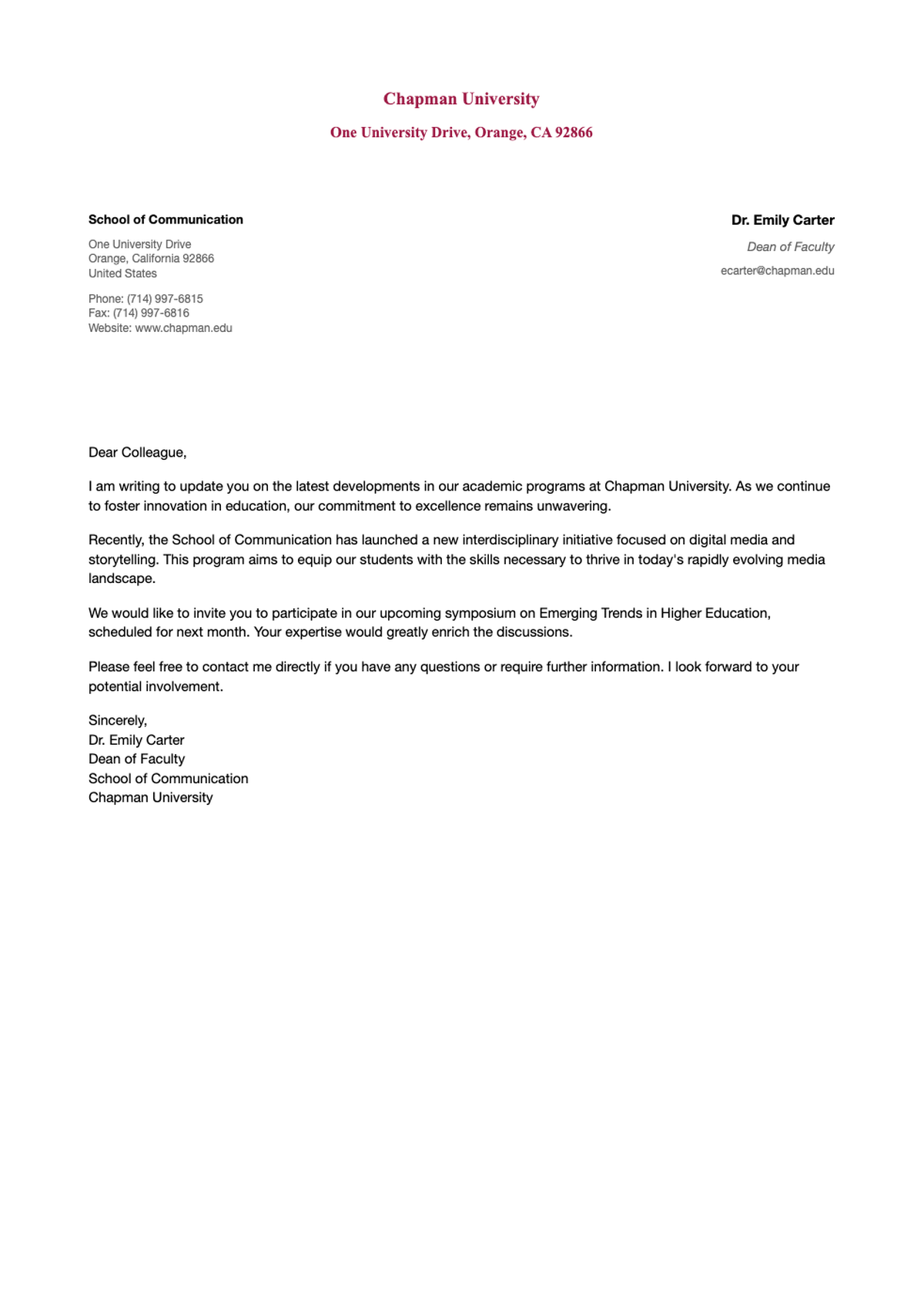
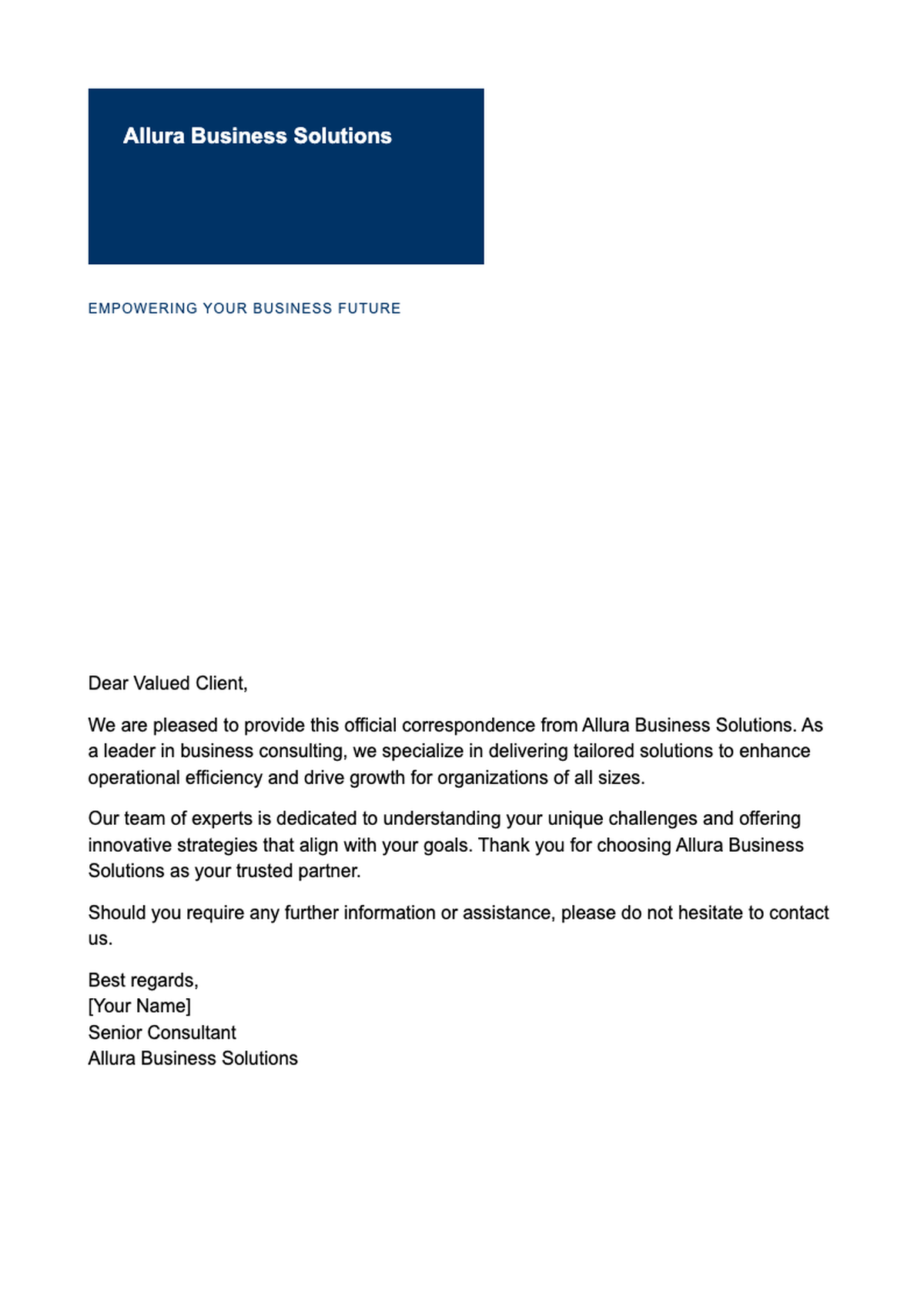
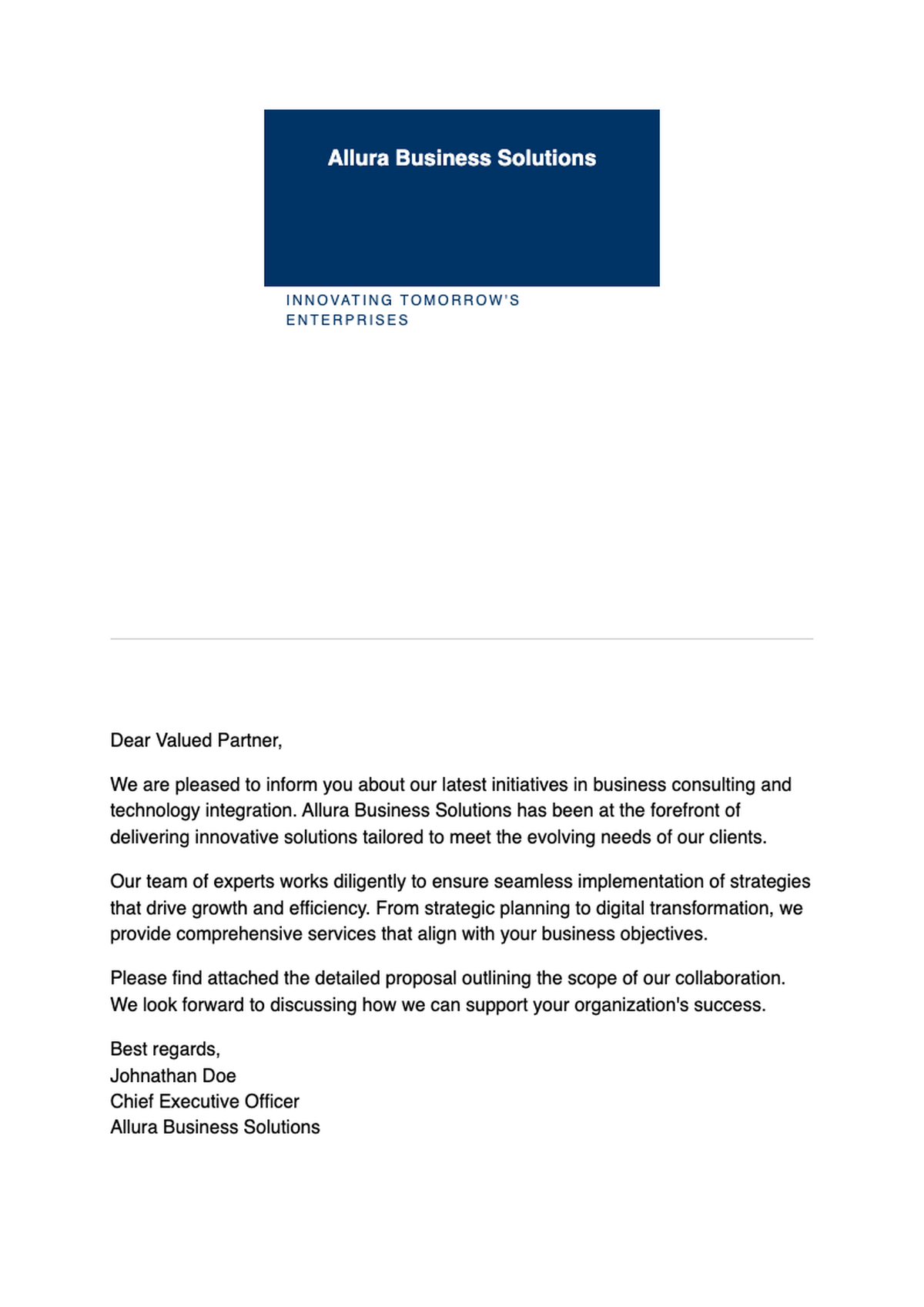
Browse Professional Letterhead Templates
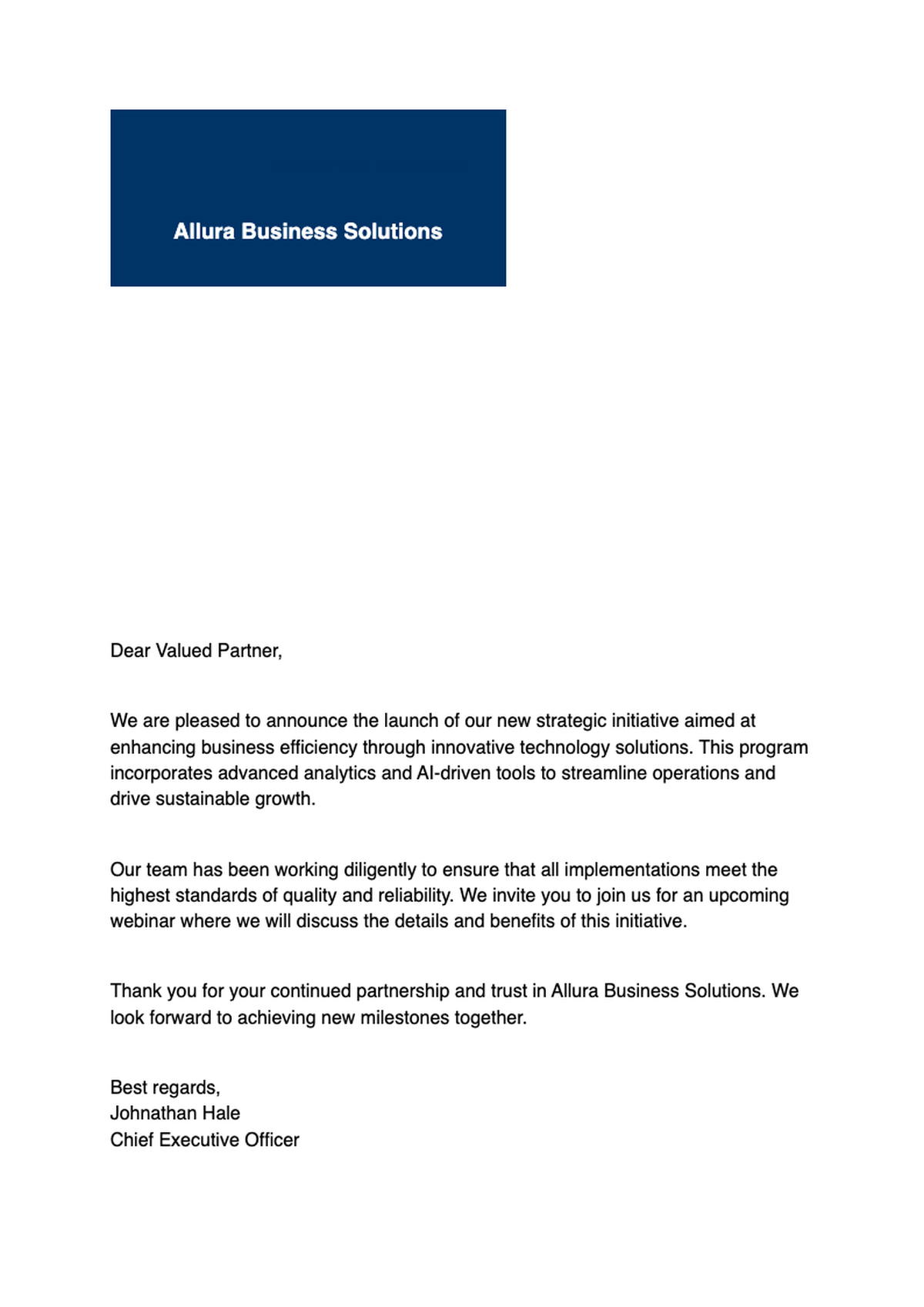
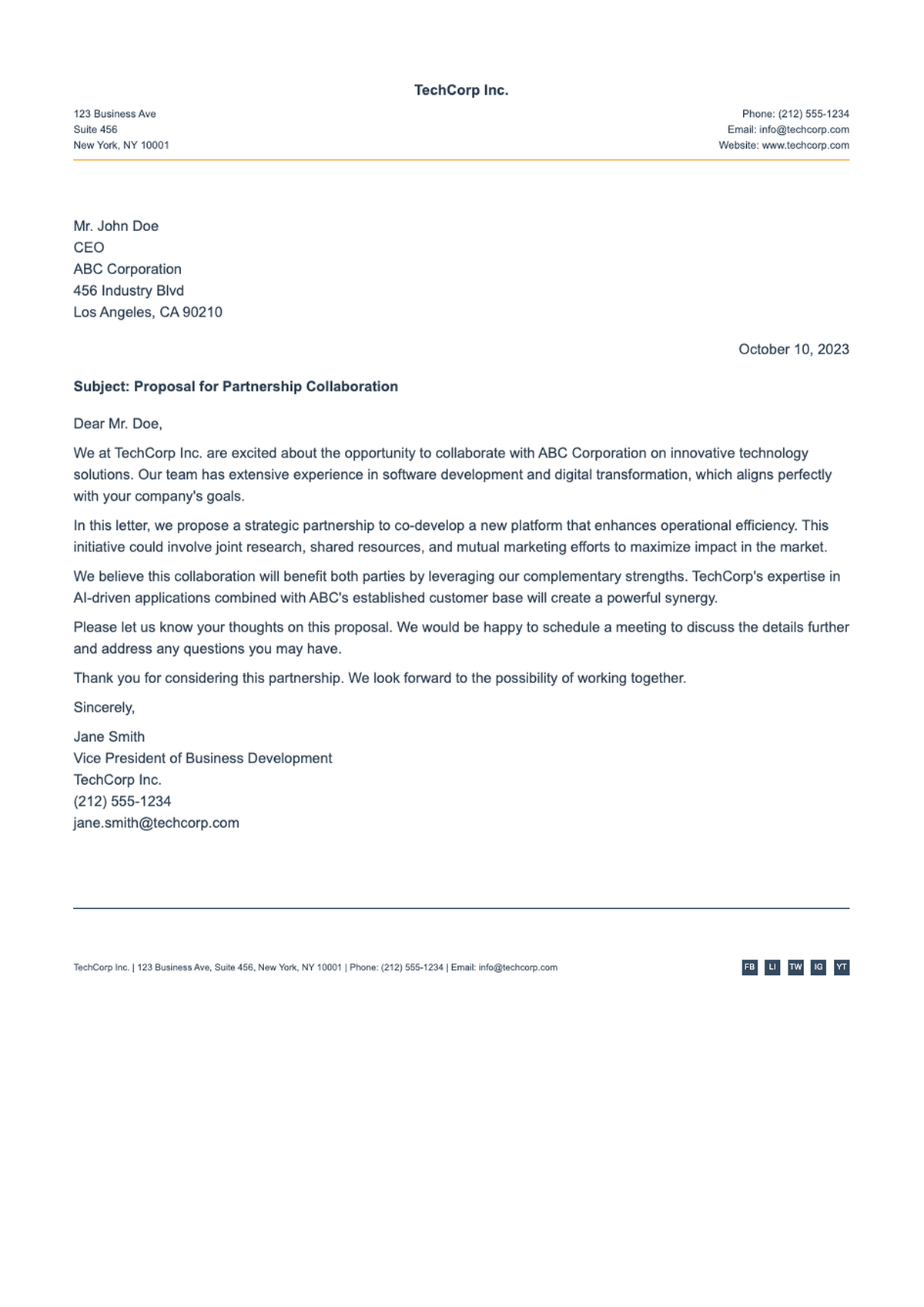
Explore our library of free, professionally designed letterhead templates—perfect for law firms, startups, nonprofits, healthcare providers, and more. All templates are fully customizable and optimized for the Letterhead Generator.
Frequently Asked Questions
Everything you need to know about creating, customizing, and using your letterhead.
- Is the Letterhead Generator really free?
- Yes! Our Letterhead Generator is completely free to use with no hidden fees, watermarks, or required sign-ups. You can create, customize, and download as many professional letterheads as you need—forever. Premium features like advanced branding controls may be available later, but the core functionality remains free for everyone to use.
- What file formats can I export my letterhead in?
- You can export your finished letterhead as a high-resolution PDF (ideal for printing) or a PNG image (great for digital use). Both formats preserve your design quality and are compatible with email clients, word processors, and cloud storage services. Choose PDF for professional printing or PNG for quick digital sharing.
- Do I need design experience to use this tool?
- Not at all. The Letterhead Generator is built for everyone—from small business owners to HR managers. Just enter your details, pick a template, and make simple tweaks. No knowledge of Photoshop, Illustrator, or graphic design is required. The intuitive interface makes professional branding accessible to everyone regardless of design experience.
- Can I add my company logo to the letterhead?
- Absolutely. You can upload your logo in JPG, PNG, or SVG format and position it anywhere on the page. The tool automatically adjusts sizing and spacing to keep your layout clean and professional. This feature ensures your brand identity is prominently displayed on all your official business communications and documents.
- Is my data secure when using the Letterhead Generator?
- Yes. We don't store your personal or company information after you leave the page. All processing happens in your browser, and files are never uploaded to our servers unless you explicitly choose to save them. Your privacy is our priority, ensuring your sensitive business data remains completely secure and confidential.
- Can I use the letterhead for official business documents?
- Yes. Every letterhead created with our tool meets standard business formatting guidelines and professional standards. Whether you're sending client letters, legal notices, or internal memos, your document will always look credible and polished. The professional appearance helps establish trust with recipients and reinforces your brand identity effectively in all your business communications.
- How long does it take to create a letterhead?
- Most users finish in under 5 minutes from start to finish. After entering basic info and selecting a template, customization takes just a few clicks. The Letterhead Generator streamlines the entire process so you spend less time designing and more time communicating. You'll have a professional letterhead ready to use.
- Are the templates mobile-friendly?
- While letterheads are primarily designed for print and desktop viewing, all templates render clearly on mobile devices when viewed as PDFs or images. However, editing is best done on a laptop or desktop for precision control over layout elements. The responsive design ensures your letterhead looks professional across all devices and platforms.
- Can I edit my letterhead after downloading it?
- You can always return to the Letterhead Generator and re-edit your design using the same inputs. However, once exported as PDF or PNG, the file becomes static. For ongoing edits, we recommend saving your project link if the feature is enabled. This flexibility allows you to update your branding whenever needed.
- Does the tool support international addresses and languages?
- Yes. You can enter addresses in any country format and use special characters or non-Latin scripts. While templates are in English by default, the content fields fully support multilingual text input and international address formats. This makes the tool suitable for international businesses and organizations operating in multiple countries or regions globally.
Create Your Professional Letterhead Today
Join thousands of businesses that trust our free Letterhead Generator to build consistent, credible branding—fast and hassle-free.
No credit card required • AI formatter tools included • Instant formatting