Generate Case Study Instantly
Our tool helps you build professional, well-structured case studies in minutes. Simply enter your content and let the formatter handle everything for you.
How to Create a Case Study Online
Enter Your Content
Begin by typing or pasting your content into the tool. Structured input fields are provided for each section, including the background, challenge, solution, and results. Fill in the details and the system organizes everything for you automatically.
Choose a Template
Browse our library of professional layouts and select the one that fits your needs. Whether you are creating a business analysis or an academic report, the tool offers templates with appropriate section structures and visual styles for every purpose.
Customize the Design
Use the online editor to personalize your document. Adjust fonts, colors, and section layouts to align with your brand or guidelines. The editor gives you full control over the appearance so your final document looks professional and communicates your analysis effectively.
Download and Share
When you are satisfied with your work, download the finished document as a PDF or generate a shareable link. The tool produces high-quality output that looks professional in both digital and print formats, ready for presentations, reports, or client use.
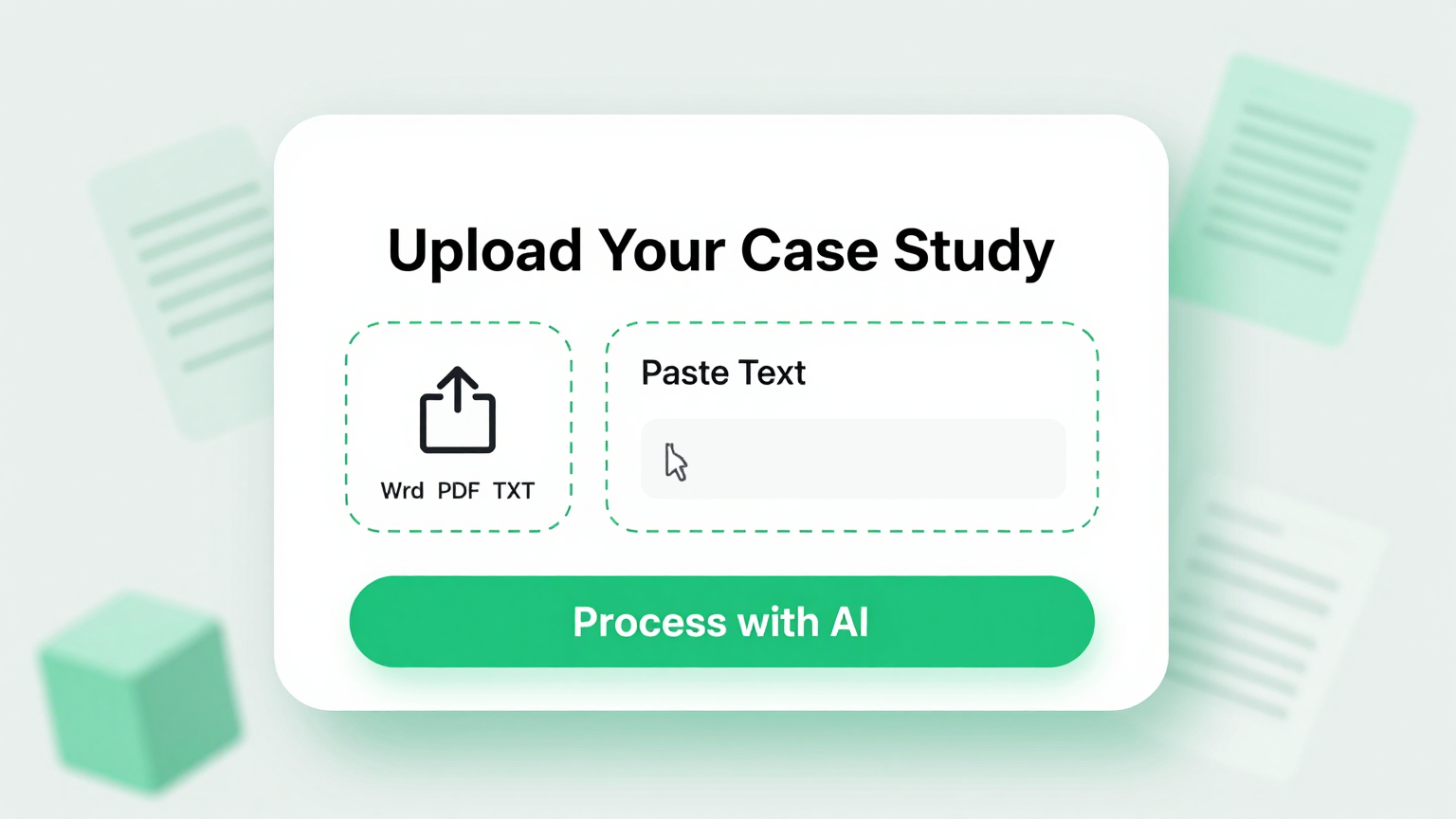
Import Data
Start by uploading your existing documents, notes, or raw data into the tool. You can paste text, upload files, or type your content directly. The analysis creator accepts multiple input formats, making it easy to begin with whatever materials you already have on hand.
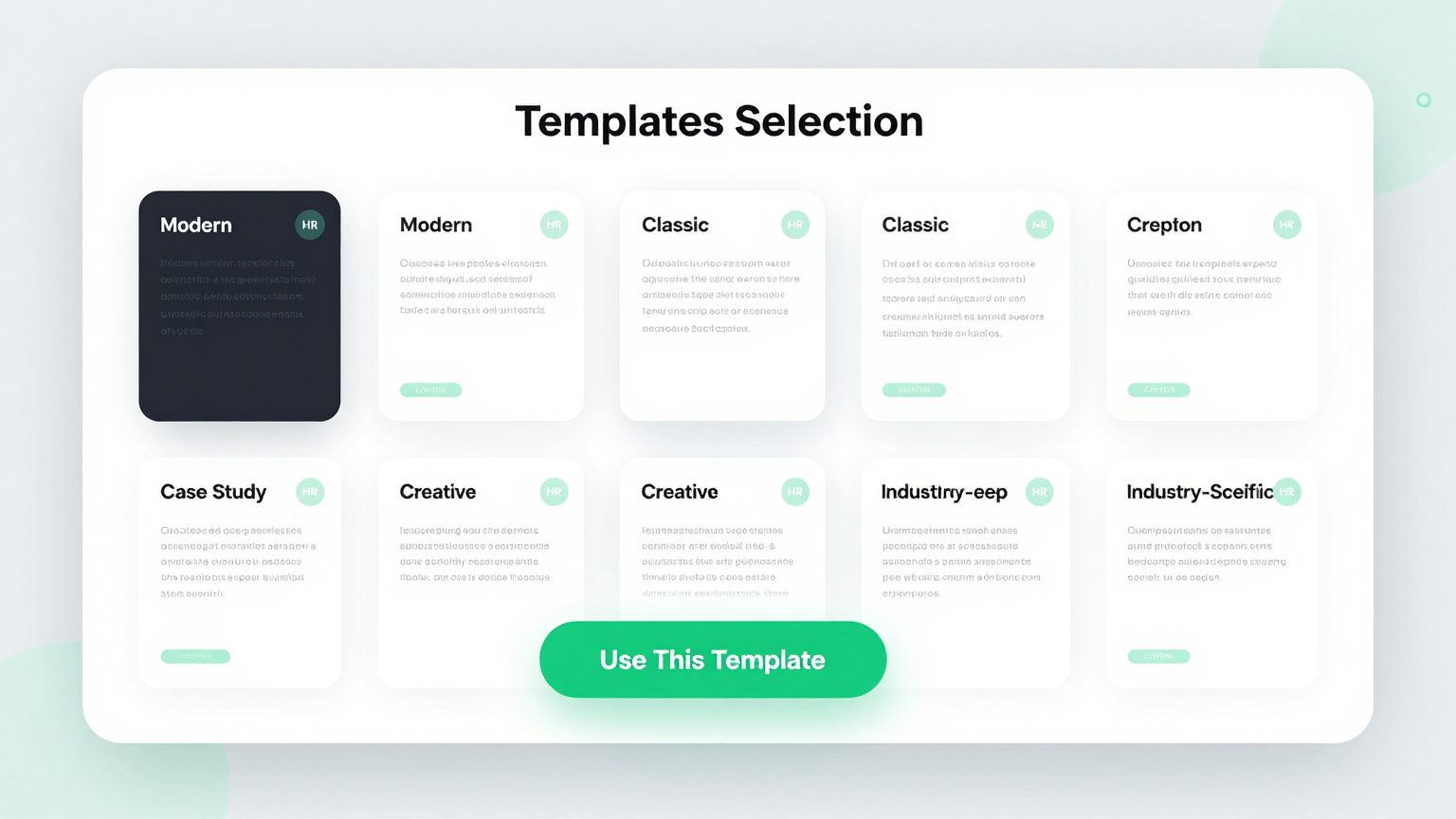
Professional Templates
Choose from a curated selection of professionally designed layouts tailored for business, academic, and marketing case studies. Each template is crafted to present information clearly, with dedicated sections for background, analysis, results, and conclusions that match industry standards.
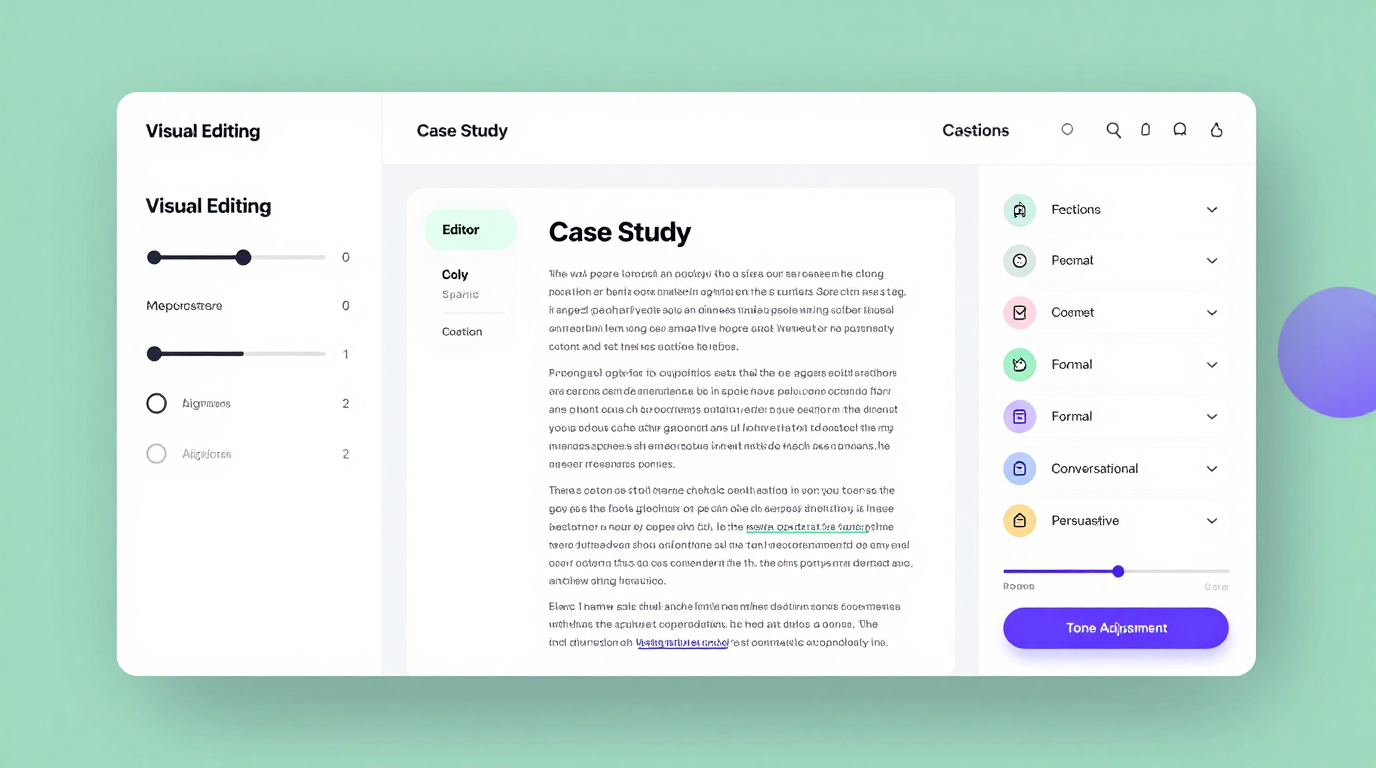
Edit Online
Customize every aspect of your document using our built-in online editor. The research builder provides an intuitive editing experience where you can modify text, rearrange sections, adjust formatting, and fine-tune the design until your analysis communicates your message exactly the way you intend.
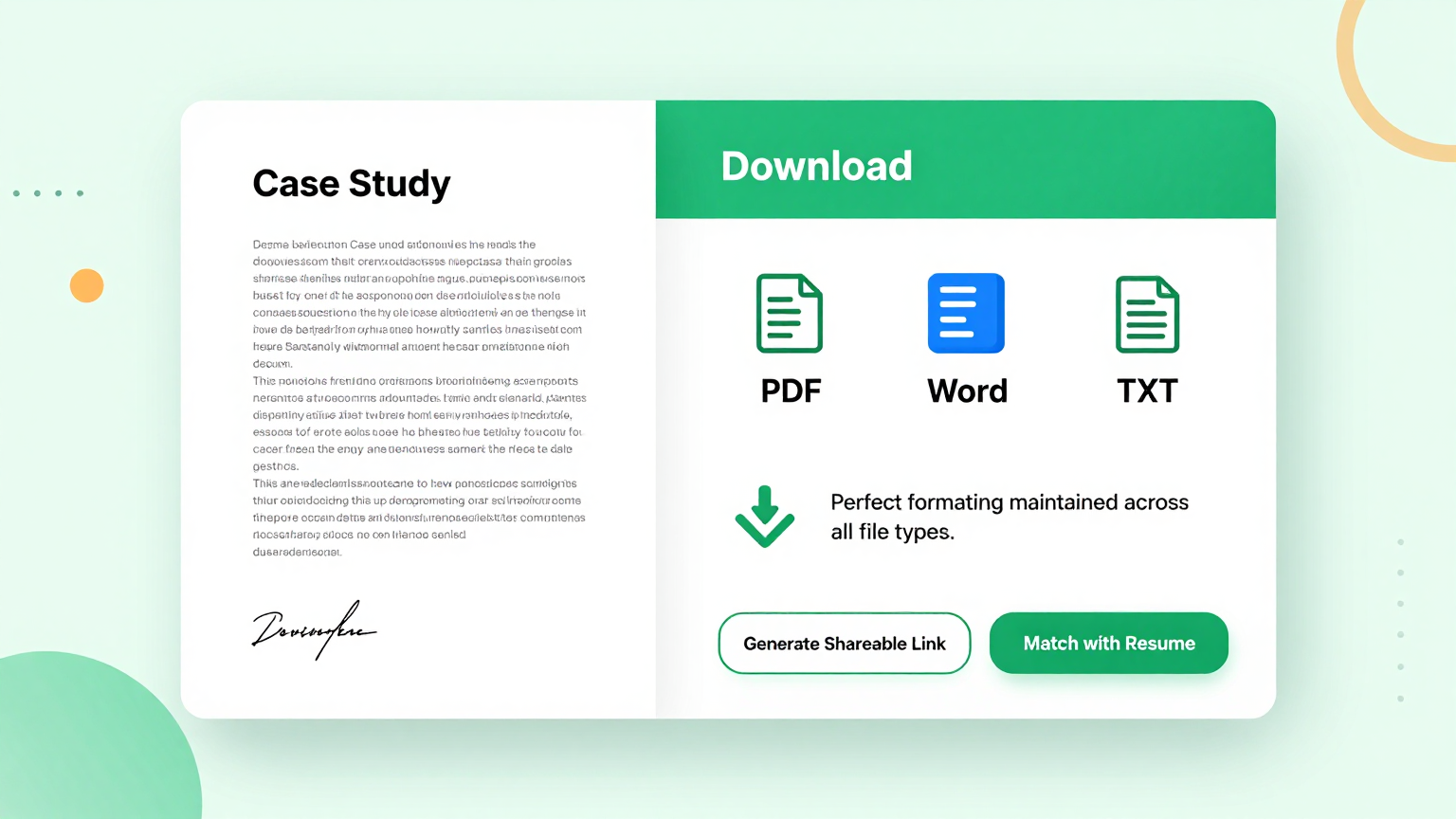
Download & Share
Once your document is complete, export it as a polished PDF or share it via a direct link. The study designer ensures your final output maintains professional quality across all formats, so you can confidently present your work to clients, colleagues, or academic reviewers without any formatting issues.
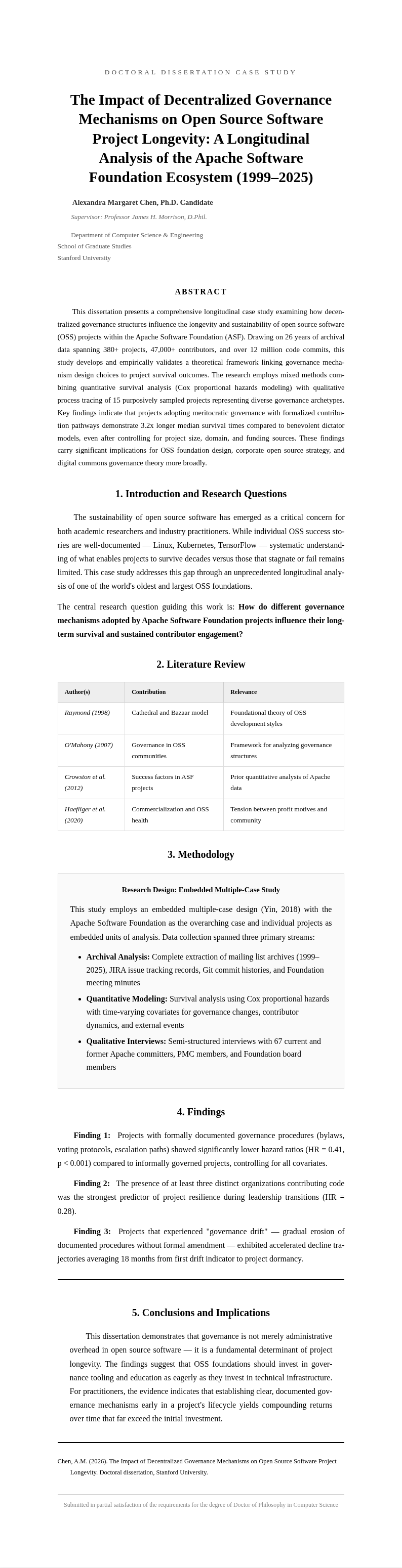
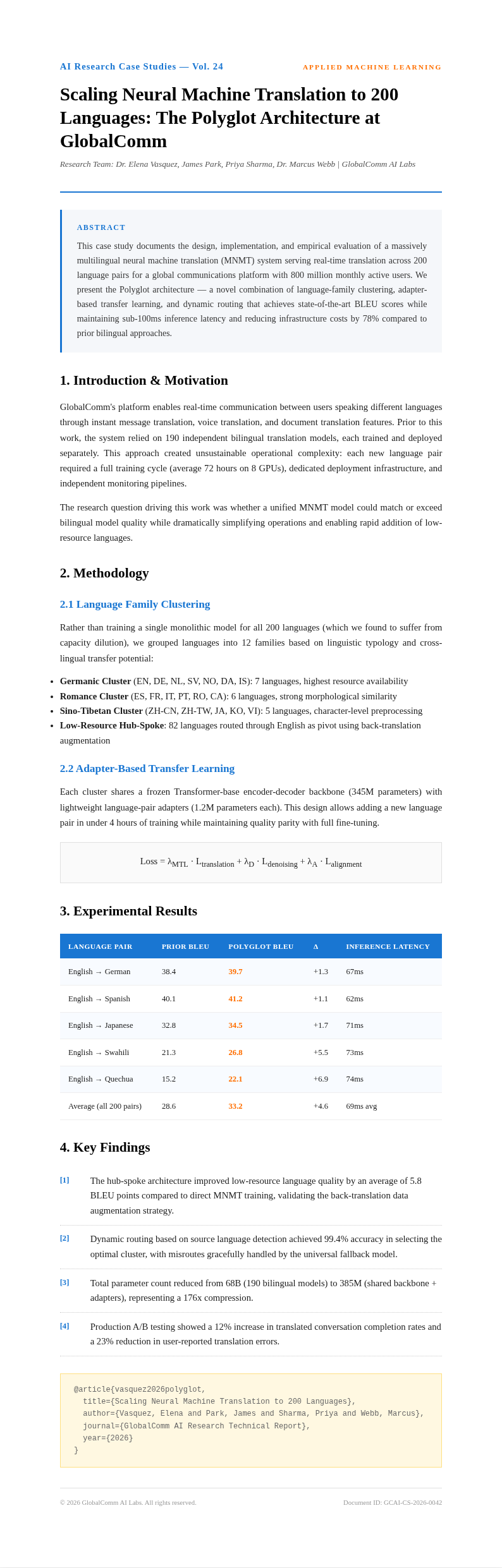
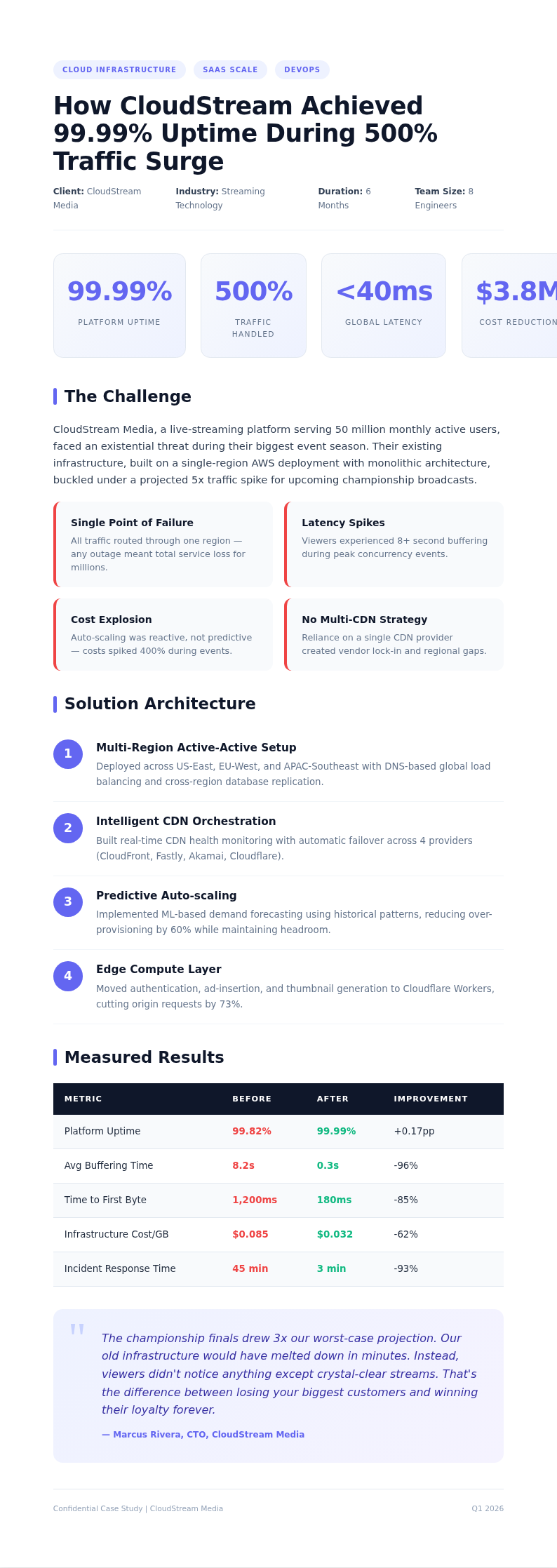
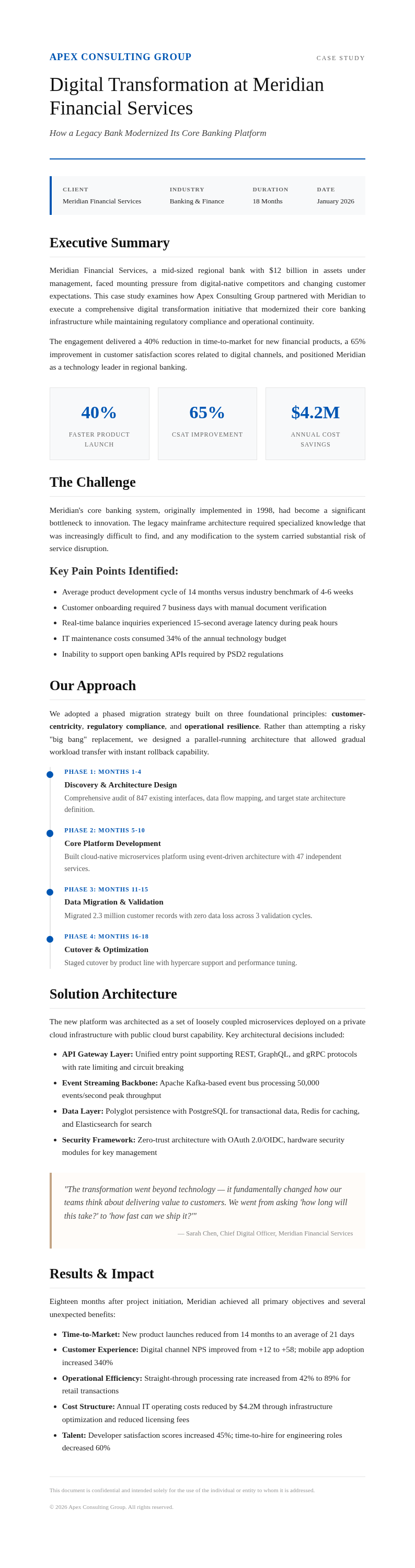
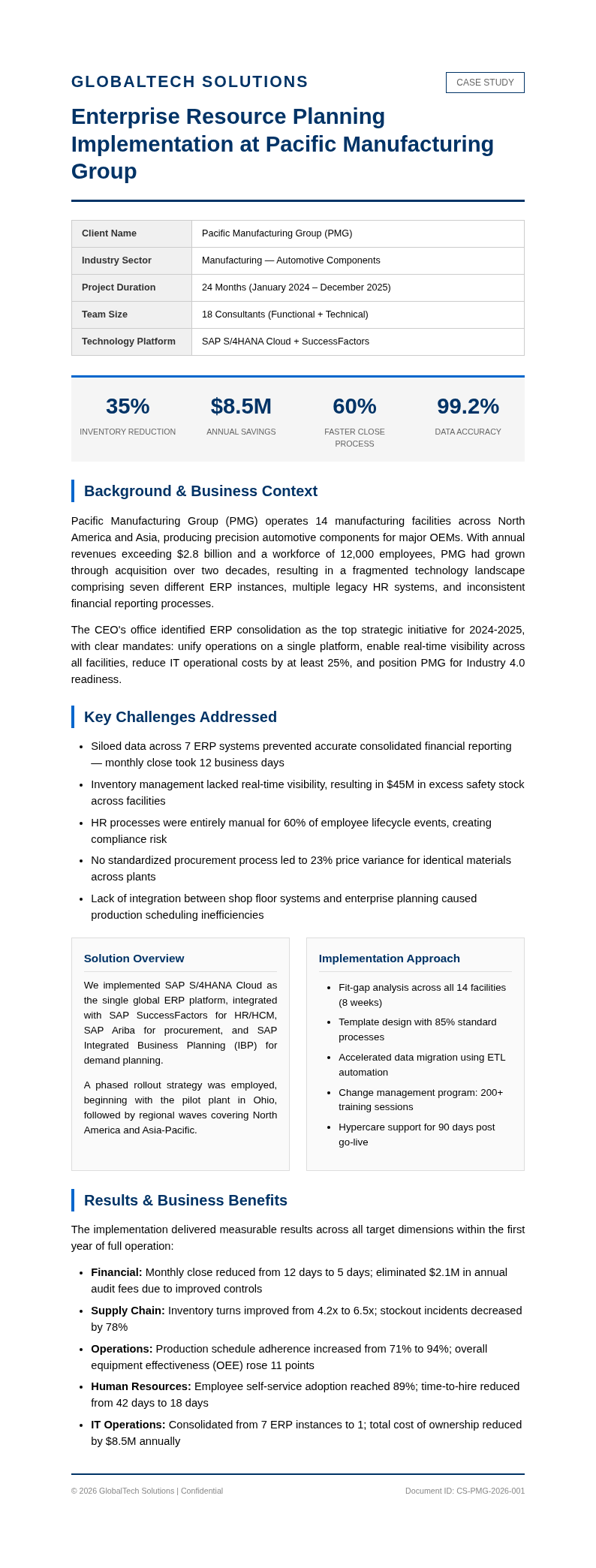
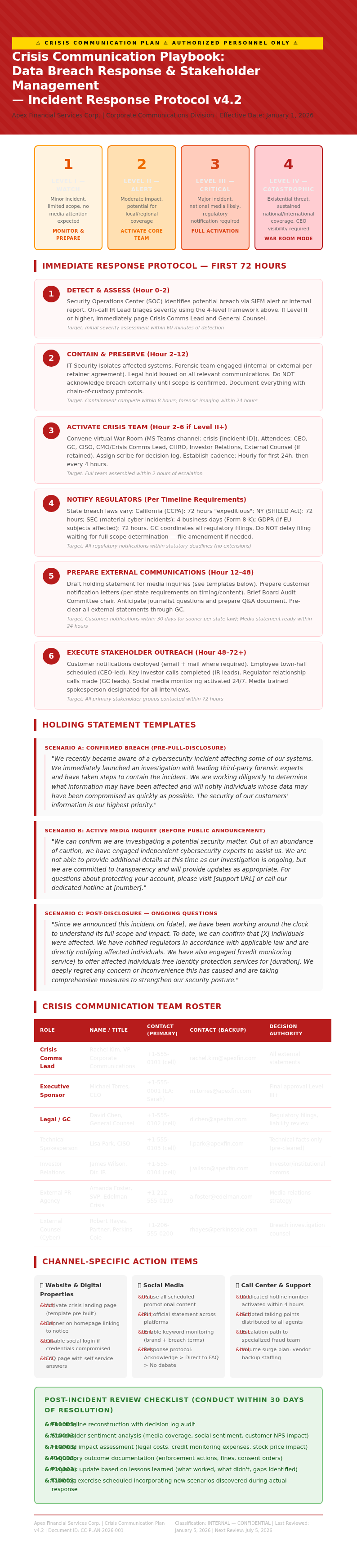
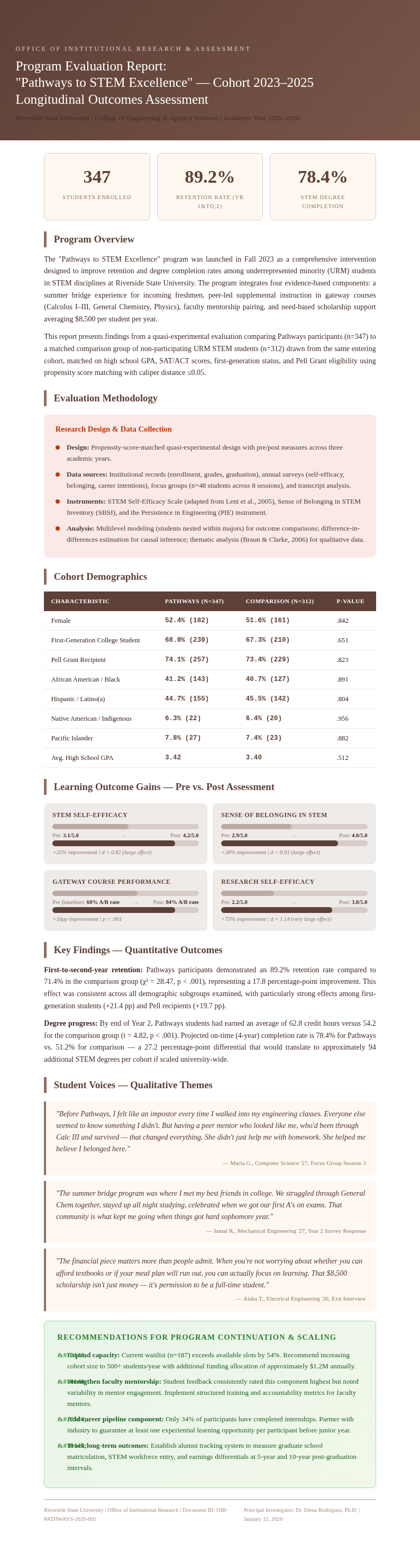
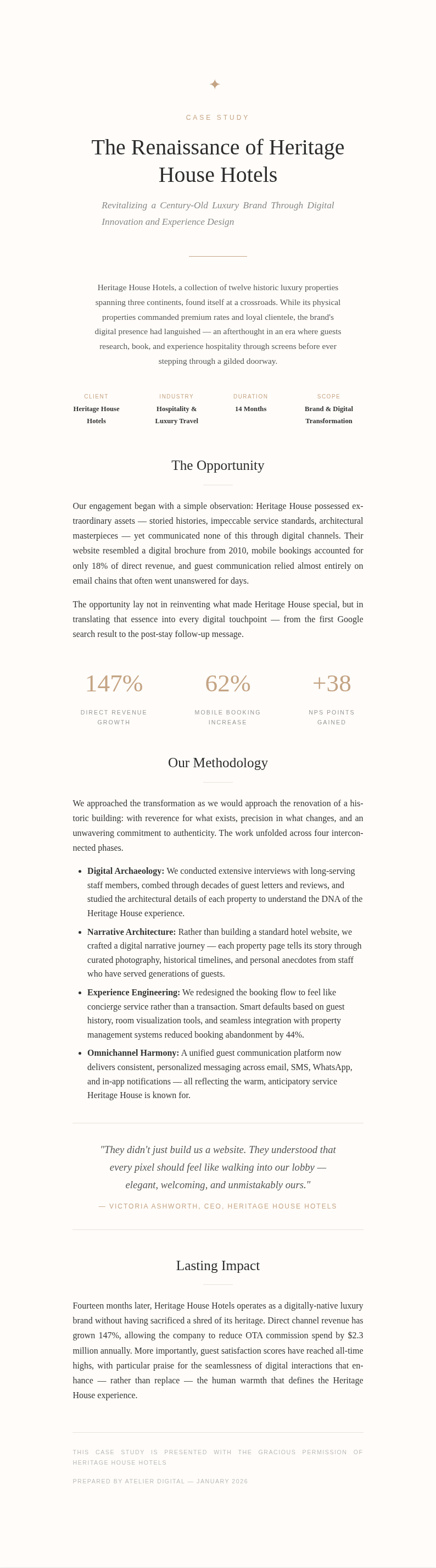
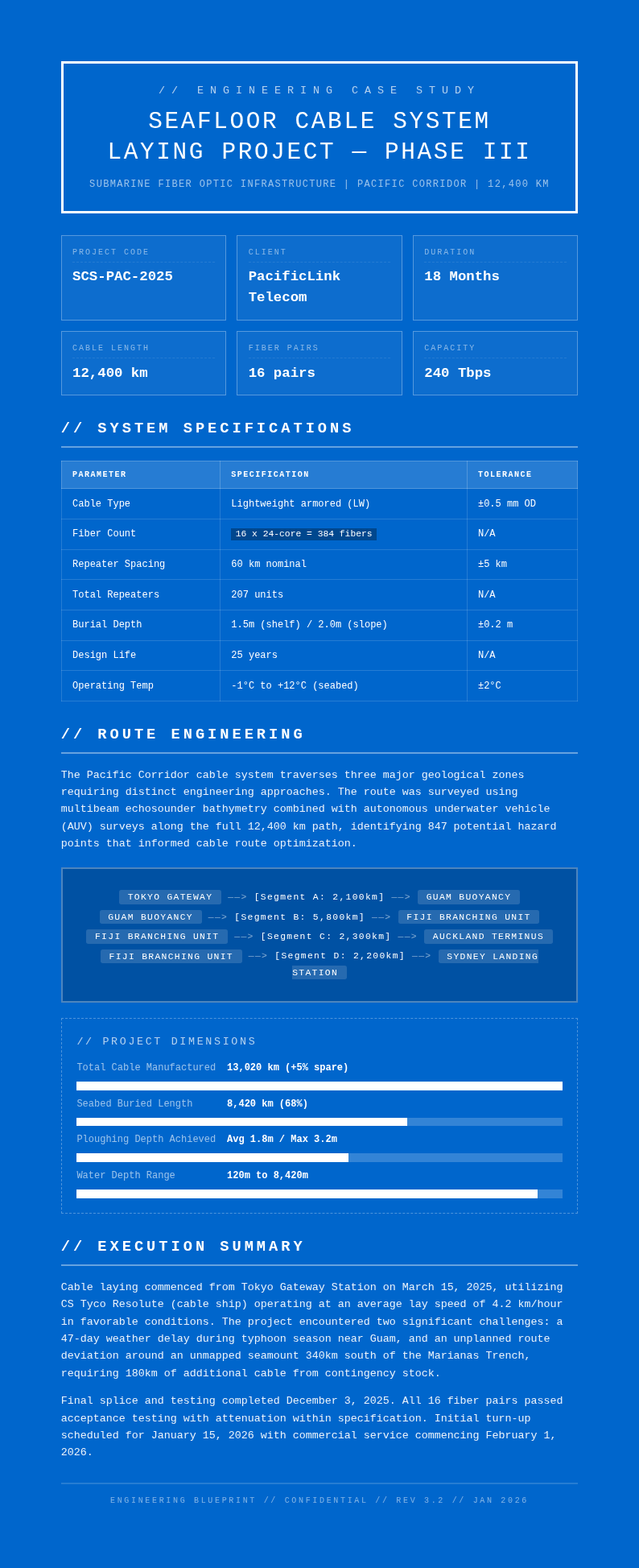
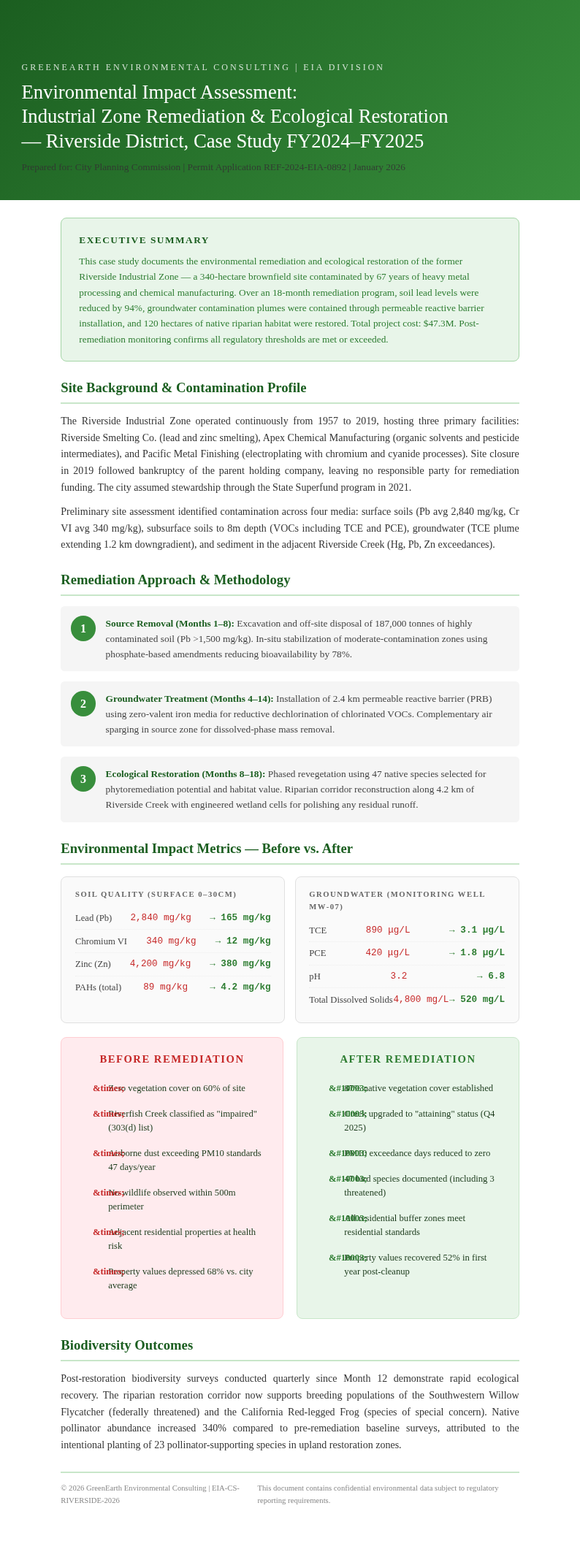
Explore Professional Case Study Templates
Need a starting point? Browse our collection of pre-made templates.
Frequently Asked Questions
Helpful information about using our tool to create professional documents quickly.
- What is a case study generator?
- A case study generator is an online tool that helps you create professionally formatted documents without needing design skills or specialized software. Our tool provides structured templates, an intuitive editor, and export options so you can focus on writing compelling content while the formatting and layout are handled automatically for you.
- Is the case study generator free to use?
- Yes, our tool is completely free to use. You can create, edit, and download documents without any charges or hidden fees whatsoever. There is no need to enter credit card information or create an account to start using the analysis creator for your business, academic, or personal document creation projects.
- What types of case studies can I create?
- The tool supports a wide range of document types including business analyses, customer success stories, academic research papers, medical reports, and marketing documents. Each type has tailored templates with appropriate sections and formatting conventions built right in, making it easy to produce professional output regardless of your specific field or purpose.
- How long does it take to generate a case study?
- Most users complete a document using our tool in under thirty minutes, depending on how much content they need to write. The research builder significantly reduces the time spent on formatting and design, allowing you to focus on your analysis and insights rather than wrestling with layout issues or software tools.
- Can I edit my case study after generating it?
- Absolutely. The tool includes a full-featured online editor that lets you modify text, rearrange sections, update images, and adjust formatting at any time during the creation process. You have complete control over every single element of your document before downloading the final version to share with others or submit for review.
- What file formats does the case study generator support?
- The tool allows you to download your finished document as a PDF, which is the most widely accepted format for professional documents. PDF files maintain consistent formatting across all devices and printers, ensuring your work looks the same for everyone who views it regardless of their operating system or software.
- Do I need to create an account to use the case study generator?
- No account is required whatsoever. You can start using the tool immediately without signing up or providing any personal information. We designed the study designer to be as accessible as possible, so you can jump right in and begin creating your document without any registration barriers, waiting periods, or email verifications.
- Can I use the case study generator for academic projects?
- Yes, the tool works well for academic purposes. It includes templates with standard academic formatting sections such as abstracts, literature reviews, methodology descriptions, and reference lists. Students and researchers use our tool to produce well-organized papers that meet scholarly formatting standards without spending extra time on layout or design work.
- Can I add images and charts to my generated case study?
- Yes, the tool supports image insertion throughout your document. You can upload photos, logos, charts, and other visual elements to enhance your analysis and make your findings easier to understand. Visual content is an important part of many professional documents, and our system makes it straightforward to incorporate these elements wherever needed.
- Is my data secure when using the case study generator?
- We take data privacy seriously. The tool processes your content securely, and we do not store your personal data or document contents on our servers after your session ends. Your information remains completely private and is only used to generate the document you are creating within the system at that time.
- Can I share my case study directly from the generator?
- Yes, the tool provides convenient sharing options that let you generate a direct link to your document. This makes it easy to share your completed work with team members, clients, or instructors for review. The built-in sharing feature simplifies collaboration and streamlines feedback collection without requiring you to send file attachments back and forth via email.
- What makes this case study generator different from others?
- Our tool combines ease of use with professional-quality output, offering a seamless workflow from data entry to finished document. Unlike other options available, the study designer includes AI-assisted formatting, a diverse template library, and a built-in editor that gives you full creative control without requiring any design expertise, software downloads, or technical knowledge.
Create Your Case Study Now
Start building a professional document in minutes with our free online tool. The formatting is handled for you so you can focus on what matters most: your content.
No credit card required • AI formatter tools included • Instant formatting