Create Professional Appointment Letters in Seconds
Professional templates, AI-powered writing assistance, instant PDF download.
How to Generate Your Appointment Letter in 4 Steps
Enter Candidate and Role Details
Start by providing essential information such as the candidate’s name, job title, start date, salary, and reporting structure. The Appointment Letter Generator uses this data to populate key fields automatically, reducing manual entry and minimizing errors. You can type directly into the form or paste from another source for quick setup.
Customize Using Smart Editing Tools
Review the auto-generated draft and personalize it to match your company’s voice and policies. Add custom clauses about probation periods, benefits, or confidentiality using the built-in editor. The Appointment Letter Generator offers contextual tips and formatting guidance to ensure legal compliance and professional tone throughout.
Review and Finalize Content
Carefully proofread your letter before finalizing. Check that all dates, names, and terms are accurate and consistent. The Appointment Letter Generator highlights potential inconsistencies and suggests improvements for clarity. This step ensures your document is polished, error-free, and ready for official use.
Download or Share Instantly
Once satisfied, export your appointment letter as a high-quality PDF suitable for printing or digital signing. You can also generate a shareable link or send it directly via email—all without leaving the tool. The entire process takes less than two minutes from start to finish.
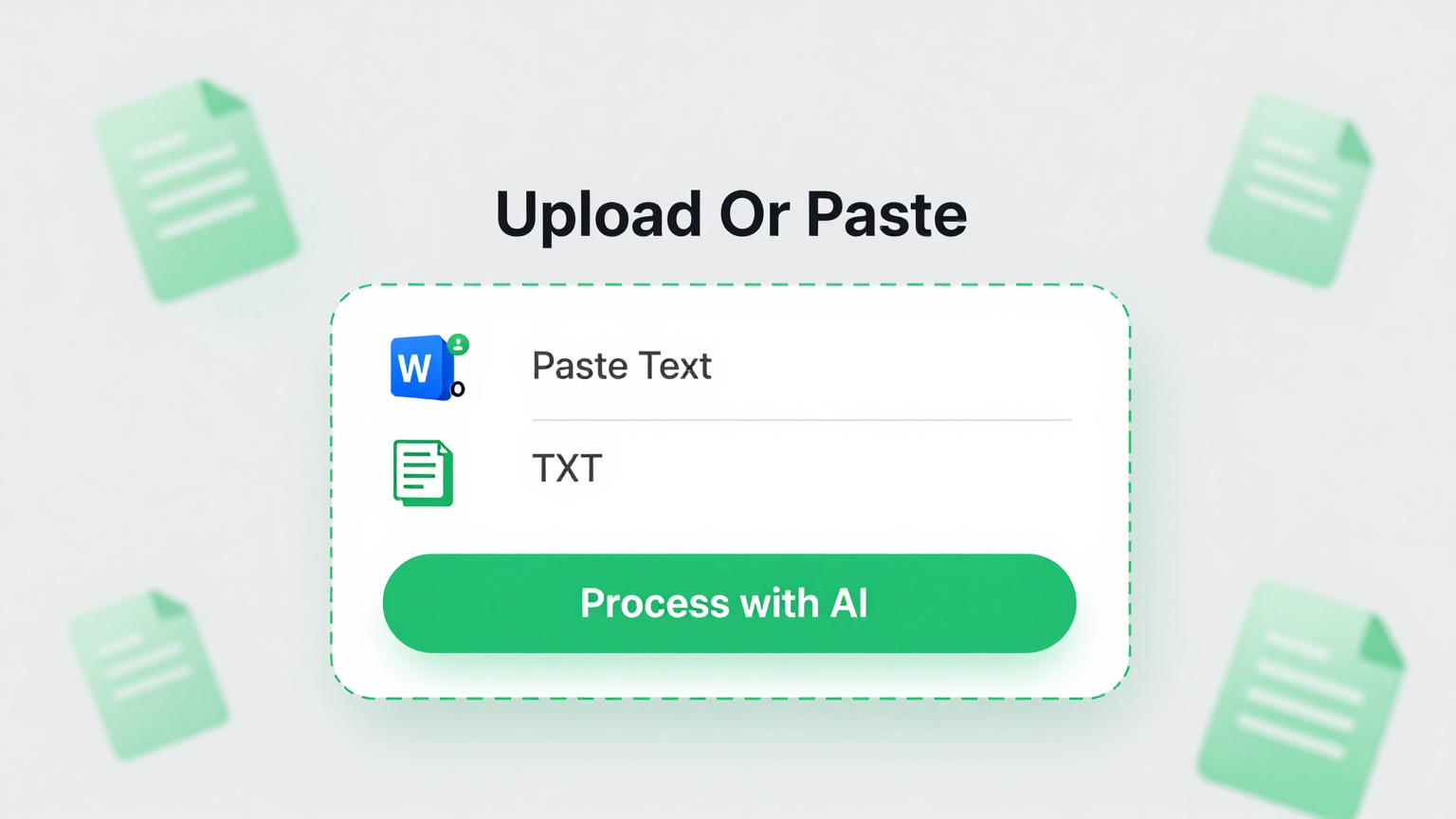
Import Data
Easily input candidate and company information manually or upload structured data to auto-fill your appointment letter using the Appointment Letter Generator.
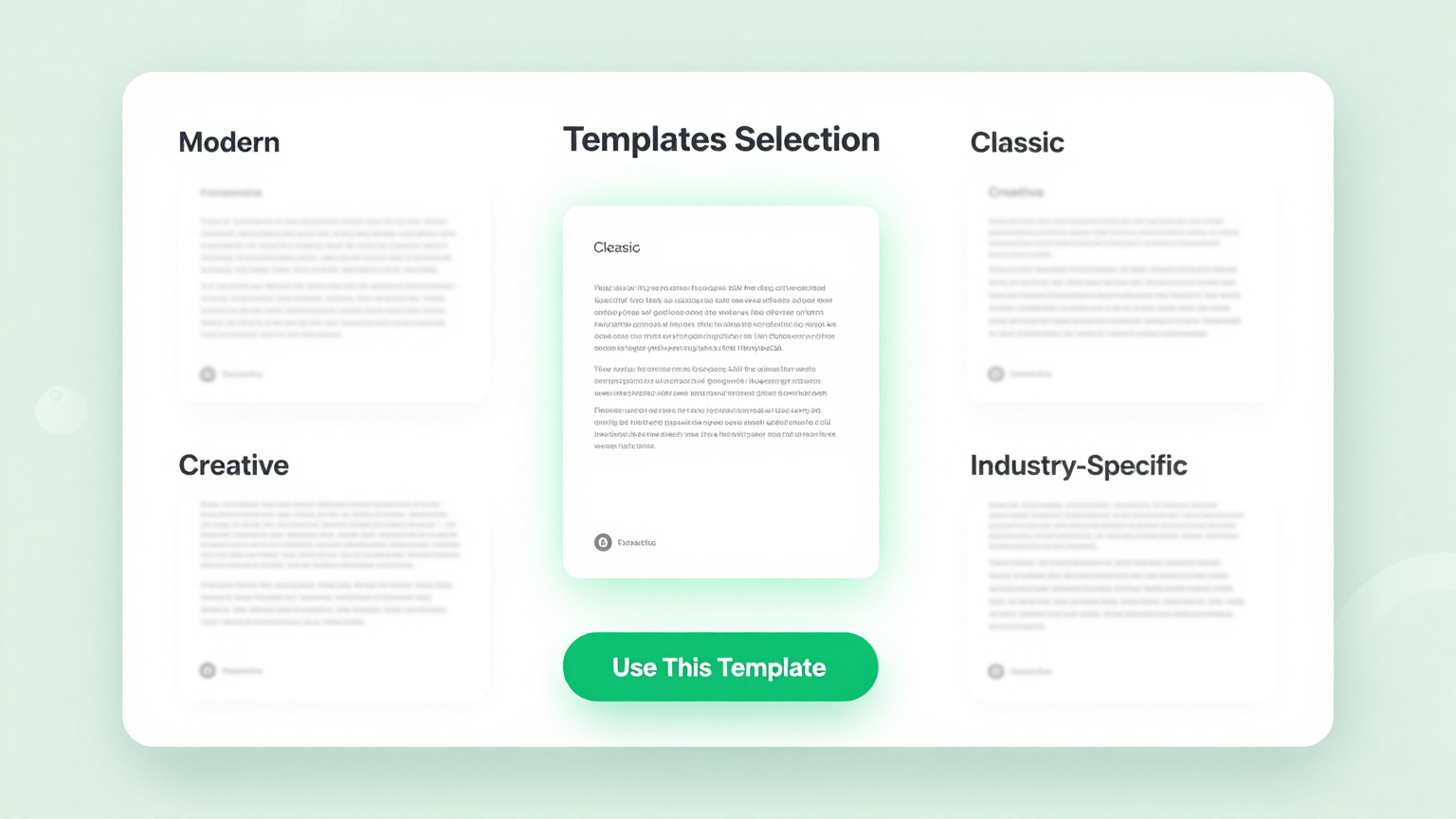
Professional Templates
Choose from a curated library of legally compliant, industry-specific templates designed for clarity and professionalism within the Appointment Letter Generator.
Edit Online
Customize every detail in real time—adjust tone, add clauses, or modify formatting—with smart suggestions powered by our AI-driven Appointment Letter Generator.

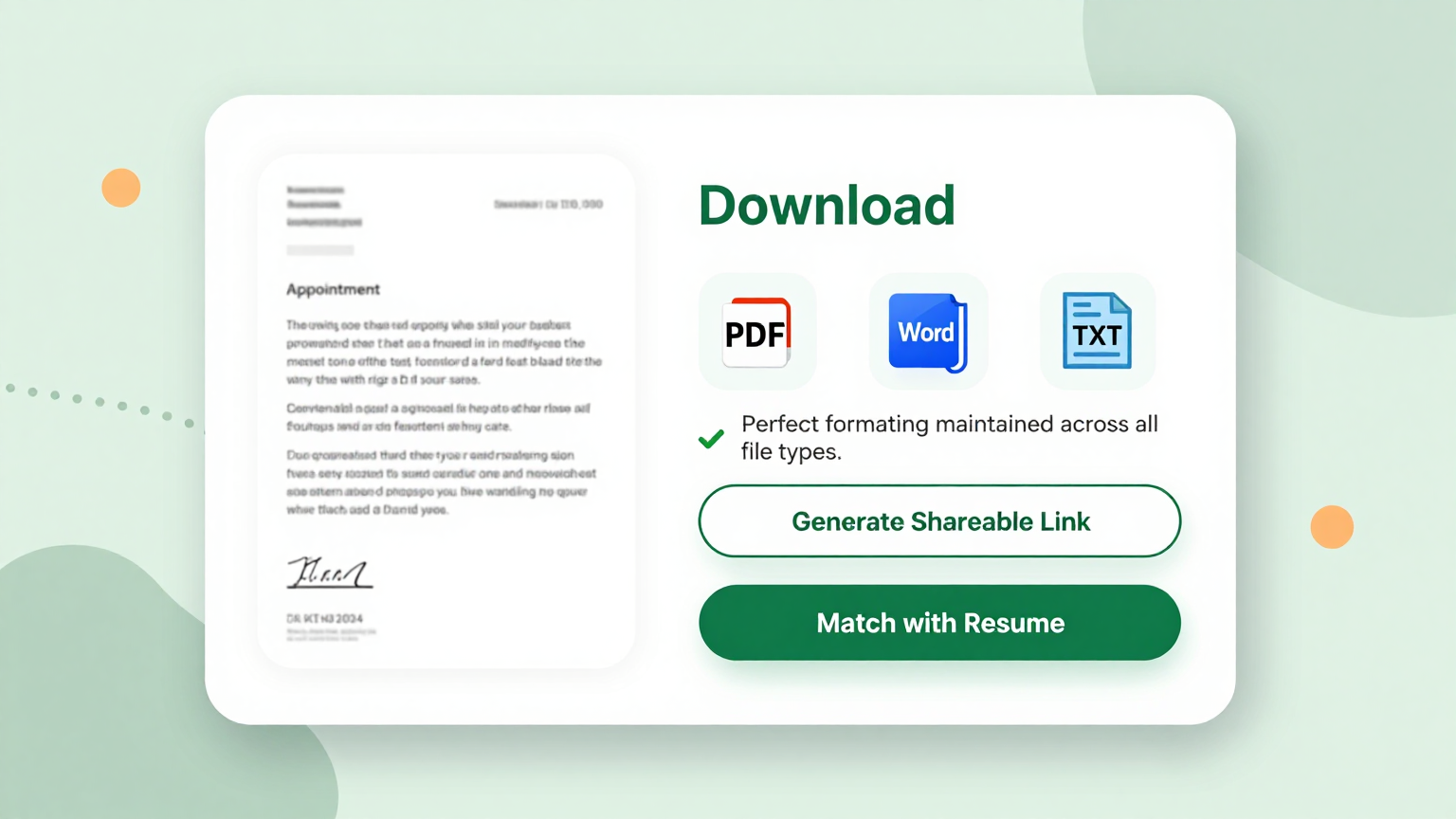
Download & Share
Export your finalized document as a print-ready PDF or share it directly via email—all from the same intuitive Appointment Letter Generator interface.
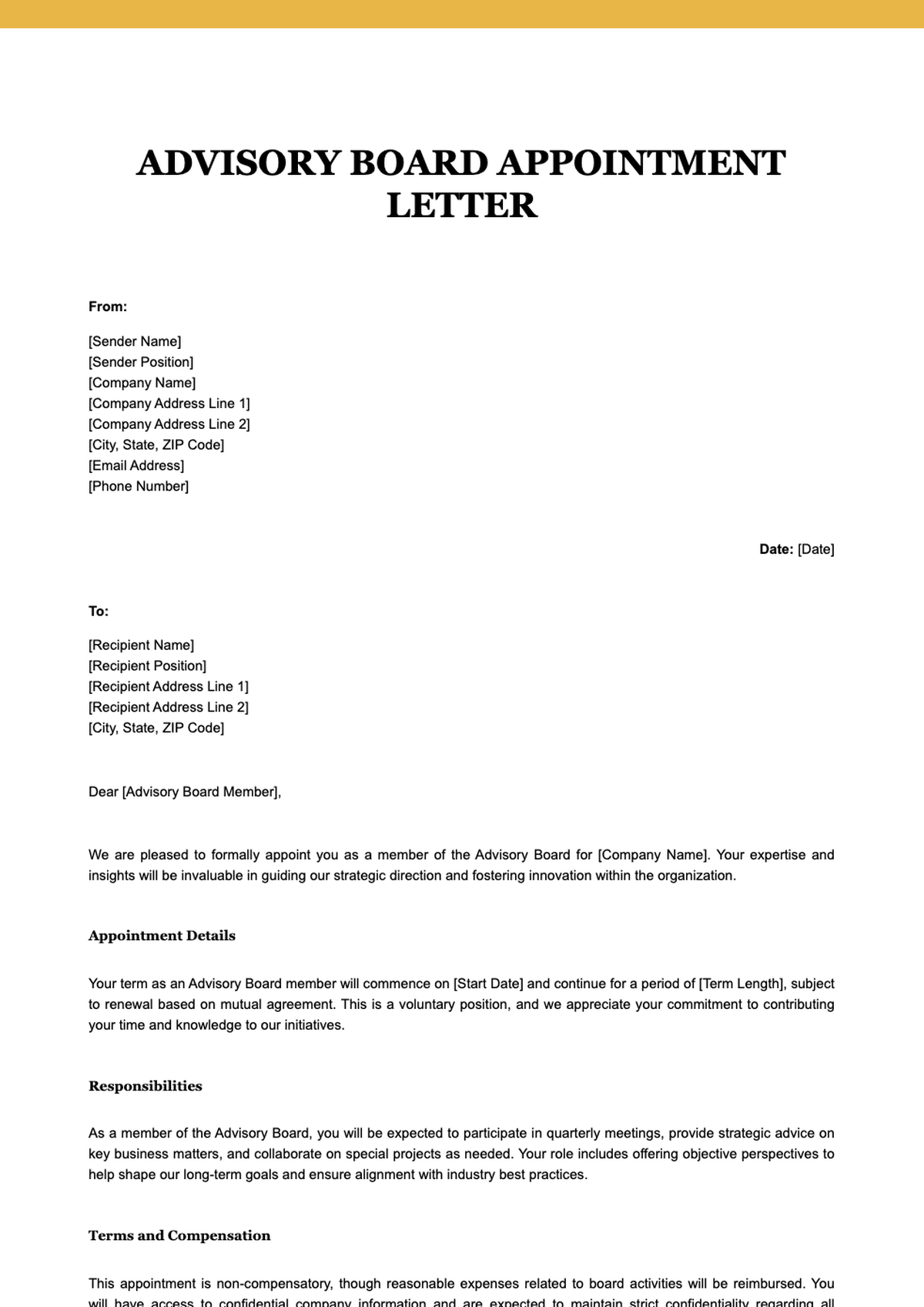
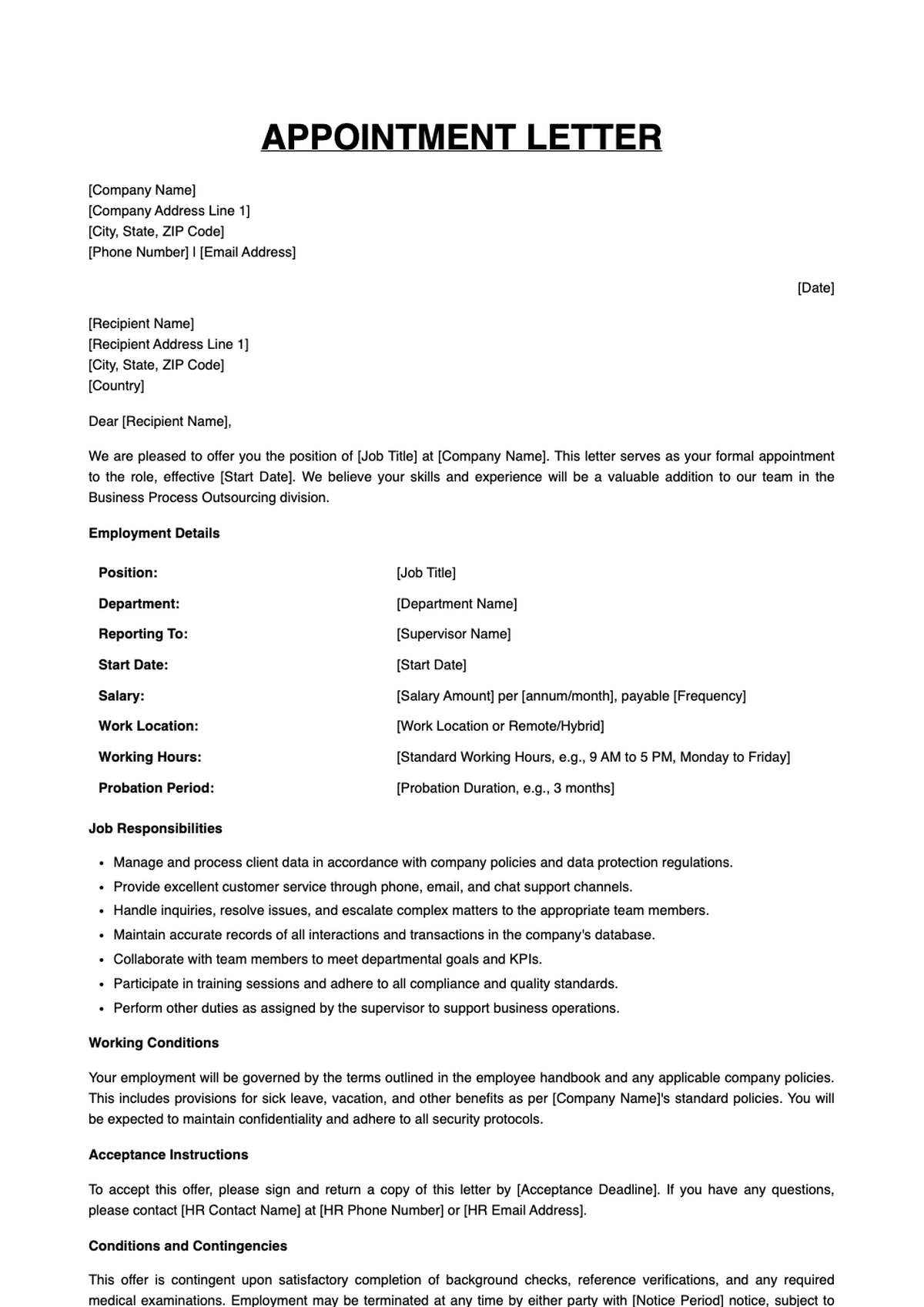
Browse Professional Appointment Letter Templates
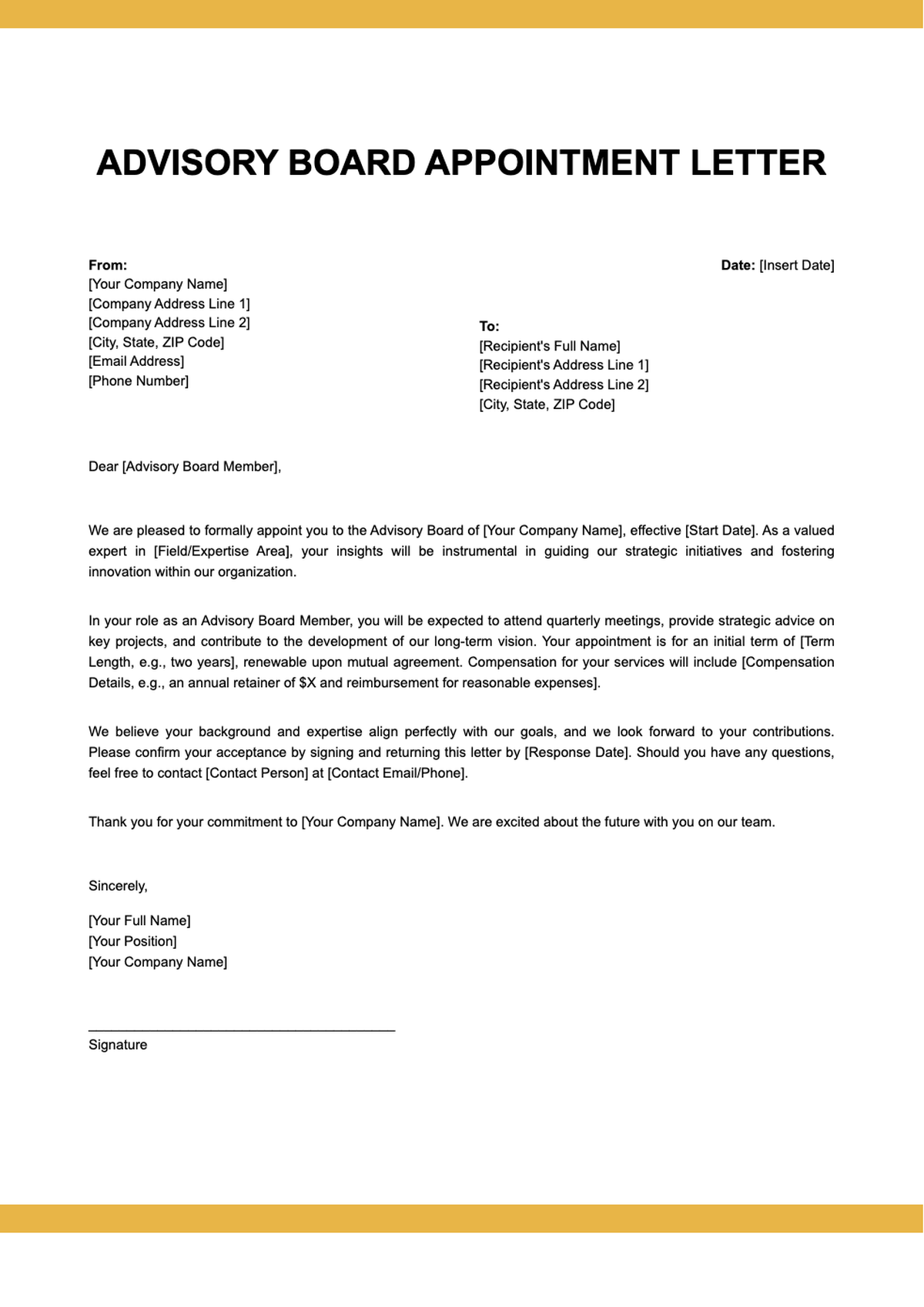
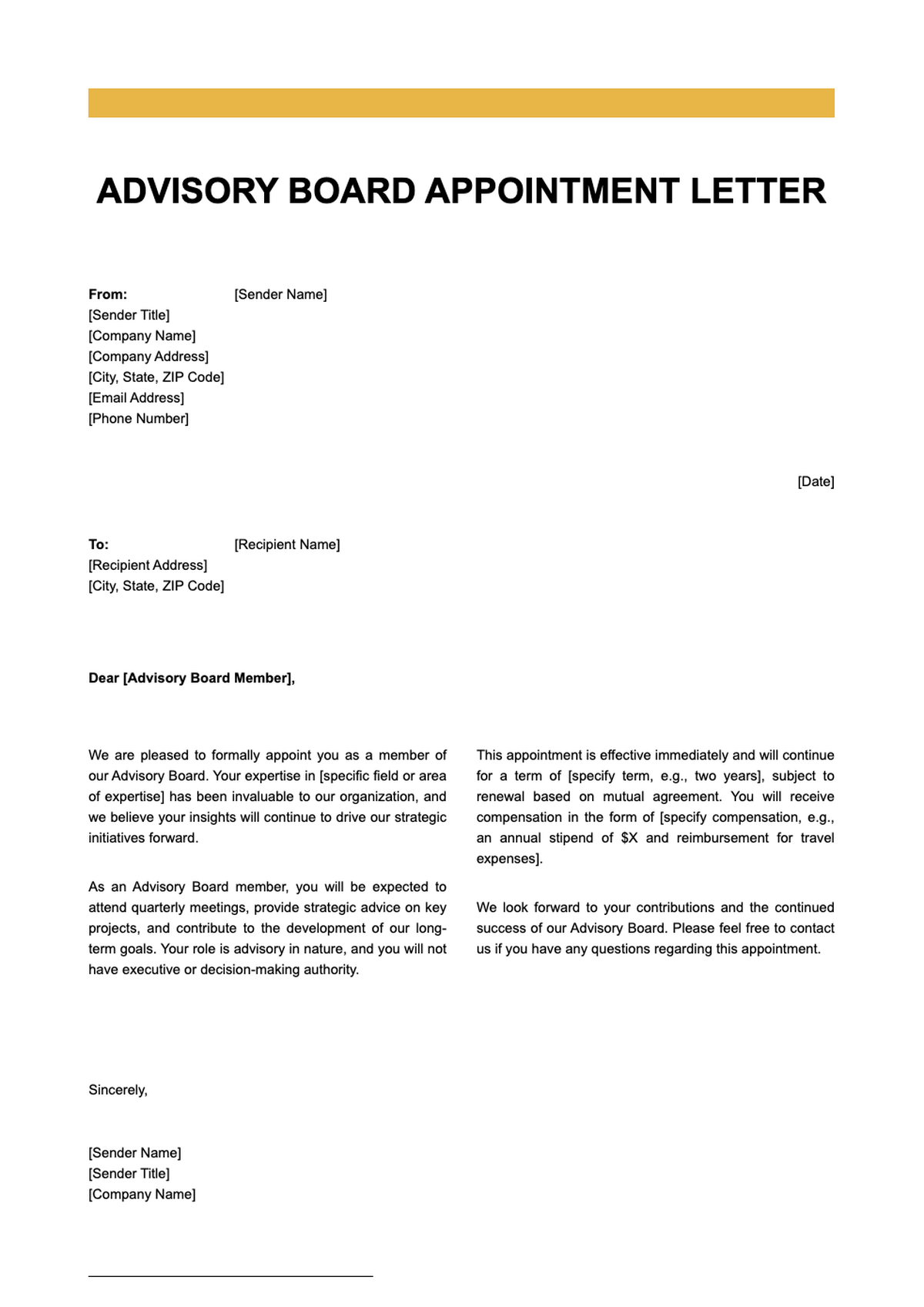
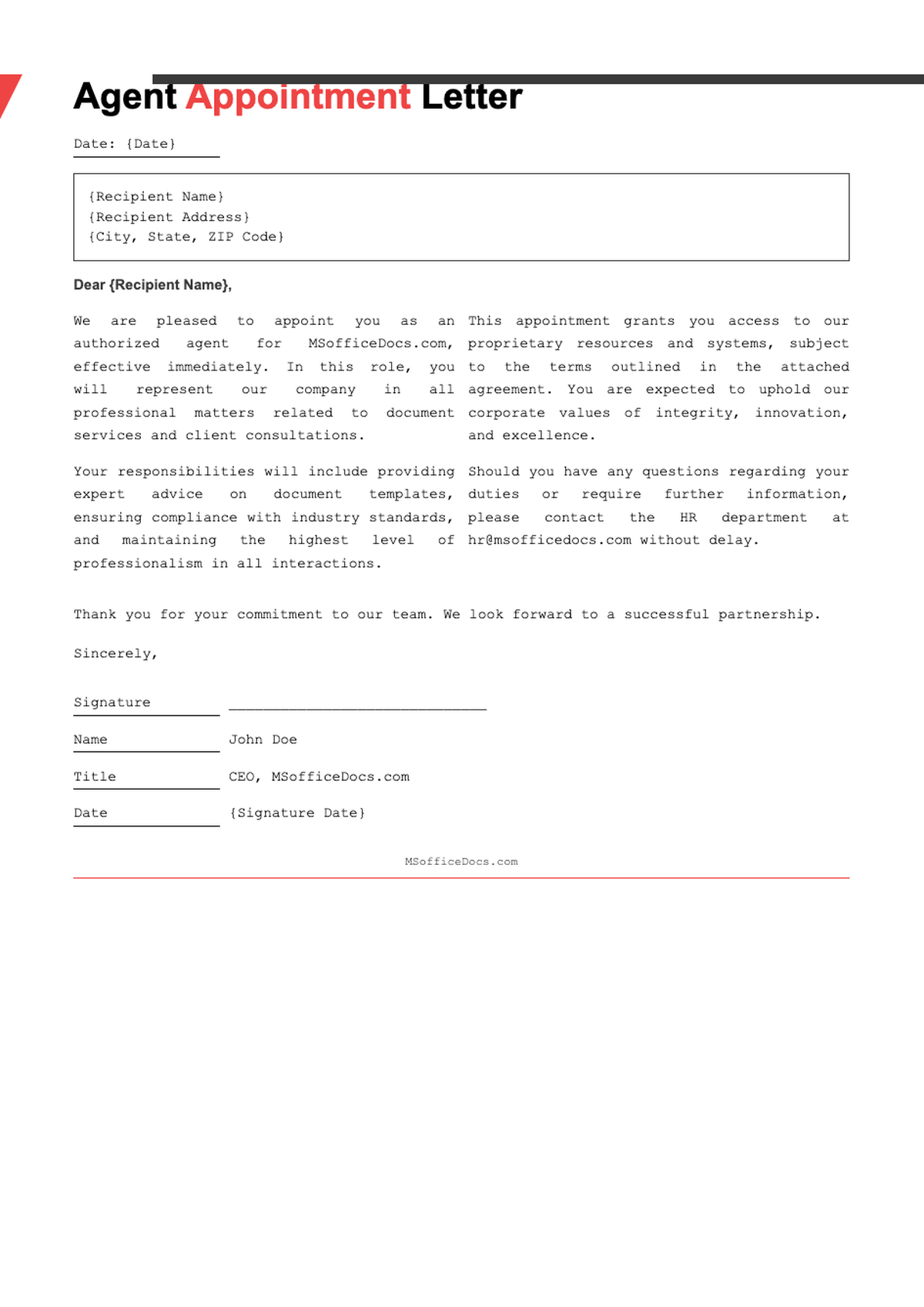
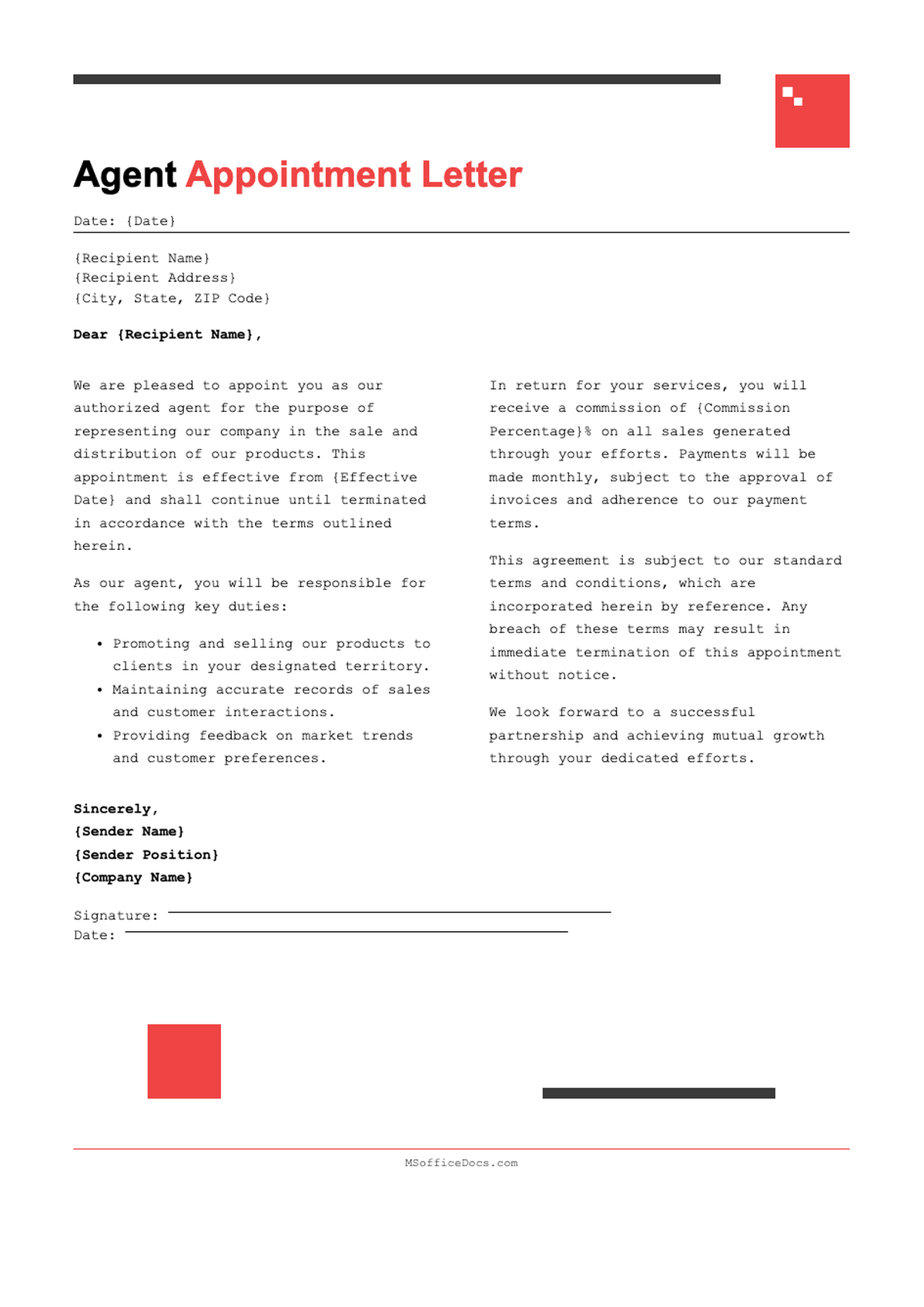
Explore our collection of free, customizable appointment letter templates designed for startups, enterprises, and everything in between. Each template is crafted for clarity, compliance, and ease of use—perfect for HR professionals and hiring managers using the Appointment Letter Generator.


Frequently Asked Questions
Everything you need to know about creating appointment letters quickly and securely.
- Is the Appointment Letter Generator really free?
- Yes, our core Appointment Letter Generator is completely free to use with no hidden fees or watermarks. You can create, edit, and download unlimited appointment letters without requiring a credit card. Premium features like advanced branding or bulk generation may be available in future paid plans, but the essential functionality remains free.
- What file formats does the tool support for export?
- The tool currently exports documents exclusively in PDF format, which is ideal for printing, emailing, or digital signatures. PDF ensures consistent formatting across all devices and operating systems. While we don’t support Word (.docx) or other editable formats at this time, the PDF output is clean, professional, and universally accepted.
- How secure is my data when using this tool?
- We prioritize your privacy and security. All data entered into the Appointment Letter Generator is processed in real time and not stored on our servers after your session ends. We do not collect personal information unless voluntarily provided, and we never share your content with third parties. Your documents remain confidential and under your control at all times.
- Can I use this for international appointments?
- Absolutely. Our templates are designed to be adaptable to various countries and employment laws. While we provide general best practices, we recommend reviewing local labor regulations before finalizing your letter. You can customize clauses related to notice periods, benefits, and jurisdiction to align with your region’s requirements.
- Do I need legal expertise to use this tool?
- No legal background is required. The Appointment Letter Generator includes clear, plain-language templates based on standard HR practices. However, for complex roles or regulated industries (like finance or healthcare), we advise consulting your legal team to ensure full compliance with applicable laws and internal policies.
- Can I save my progress and return later?
- Currently, the tool operates in a single session—your work isn’t saved between visits unless you download it. To preserve your draft, simply export it as a PDF and re-upload key details next time. We’re exploring account-based saving for future updates, but for now, immediate download is the best way to retain your document.
- Are the templates legally binding?
- The templates themselves are not legally binding—they serve as professional drafts that become official once signed by both parties. Their enforceability depends on accurate content, mutual agreement, and compliance with local labor laws. Always ensure all terms reflect the actual offer and have been reviewed by relevant stakeholders before distribution.
- How long does it take to generate a letter?
- Most users complete their appointment letter in under three minutes. After entering basic details, the Appointment Letter Generator auto-fills the structure, allowing you to focus only on customization. With intuitive editing and one-click export, you can go from blank page to finalized PDF faster than drafting manually in a word processor.
- Can I add my company logo to the letter?
- Yes! During the editing phase, you can upload your company logo to appear at the top of the letter. This helps reinforce brand identity and adds a layer of professionalism. The tool automatically resizes and positions your logo for optimal presentation within the template layout.
- Is there a mobile version of the tool?
- Yes, the Appointment Letter Generator is fully responsive and works seamlessly on smartphones, tablets, and desktops. Whether you're finalizing an offer during a commute or in the office, the interface adapts to your screen size without losing functionality or ease of use.
Ready to Create Your Appointment Letter?
Join thousands of HR professionals who trust our tool for fast, compliant, and professional hiring documentation.
No credit card required • AI formatter tools included • Instant formatting