Edit Travel Itinerary Templates Online for Free
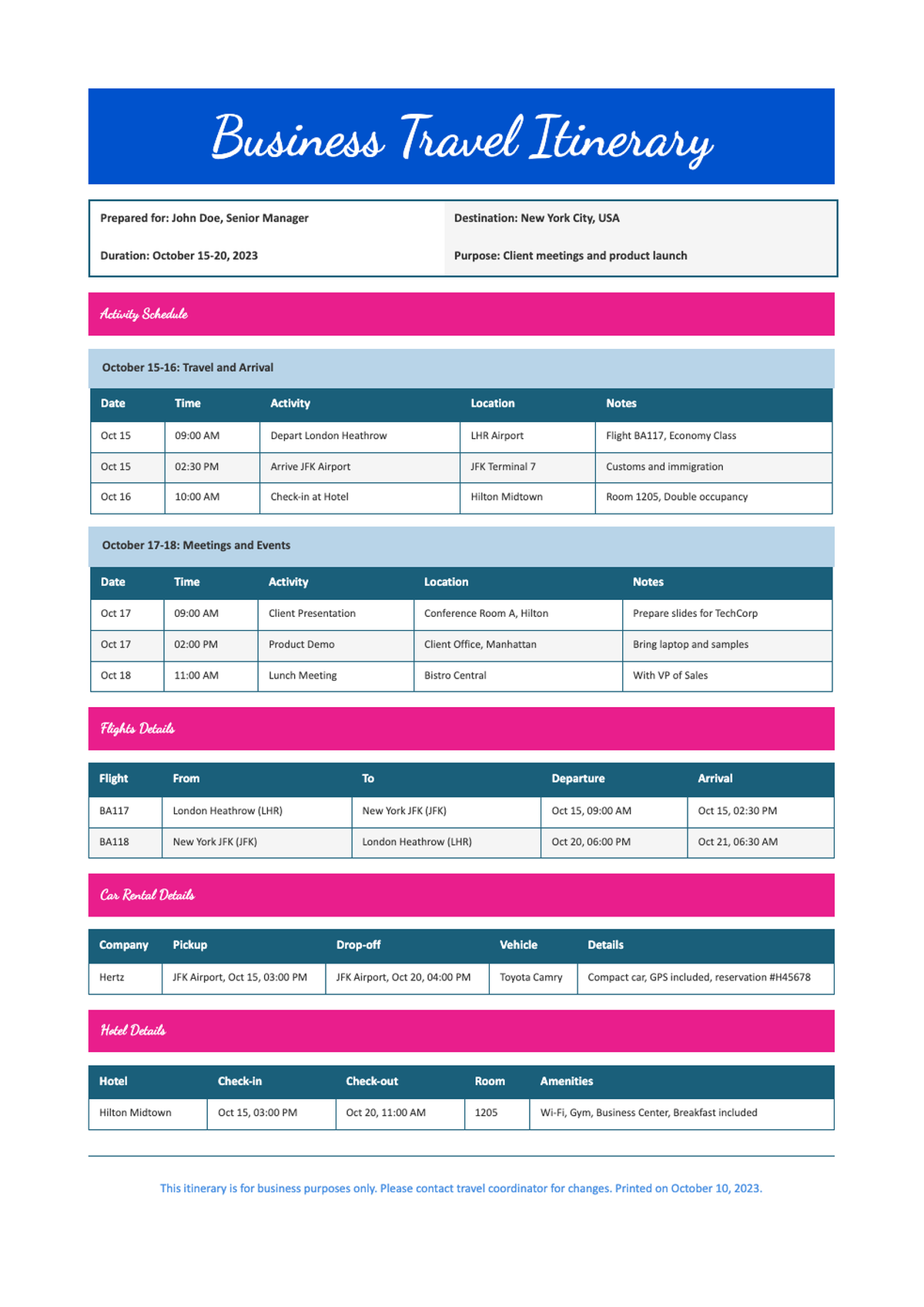
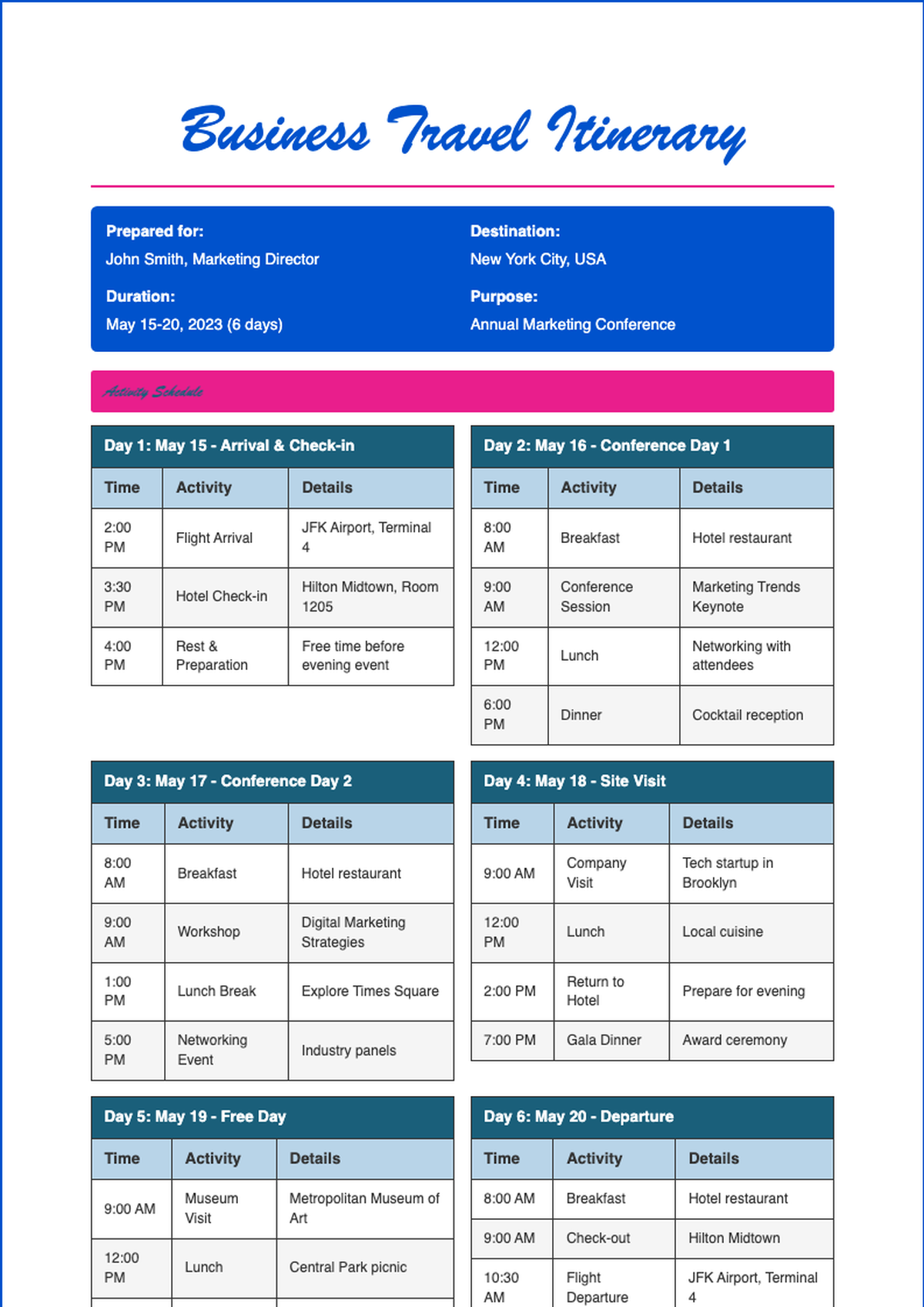
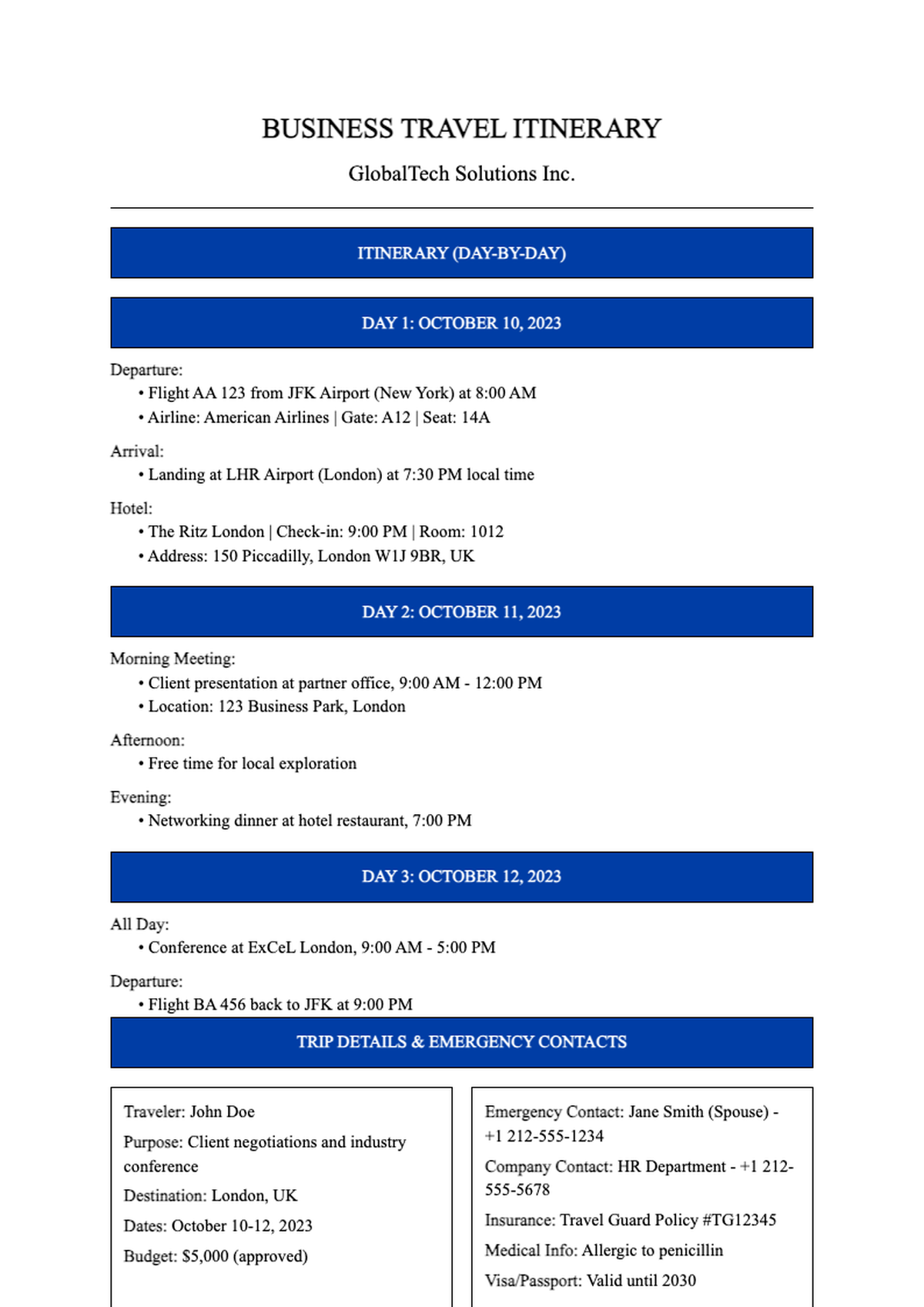
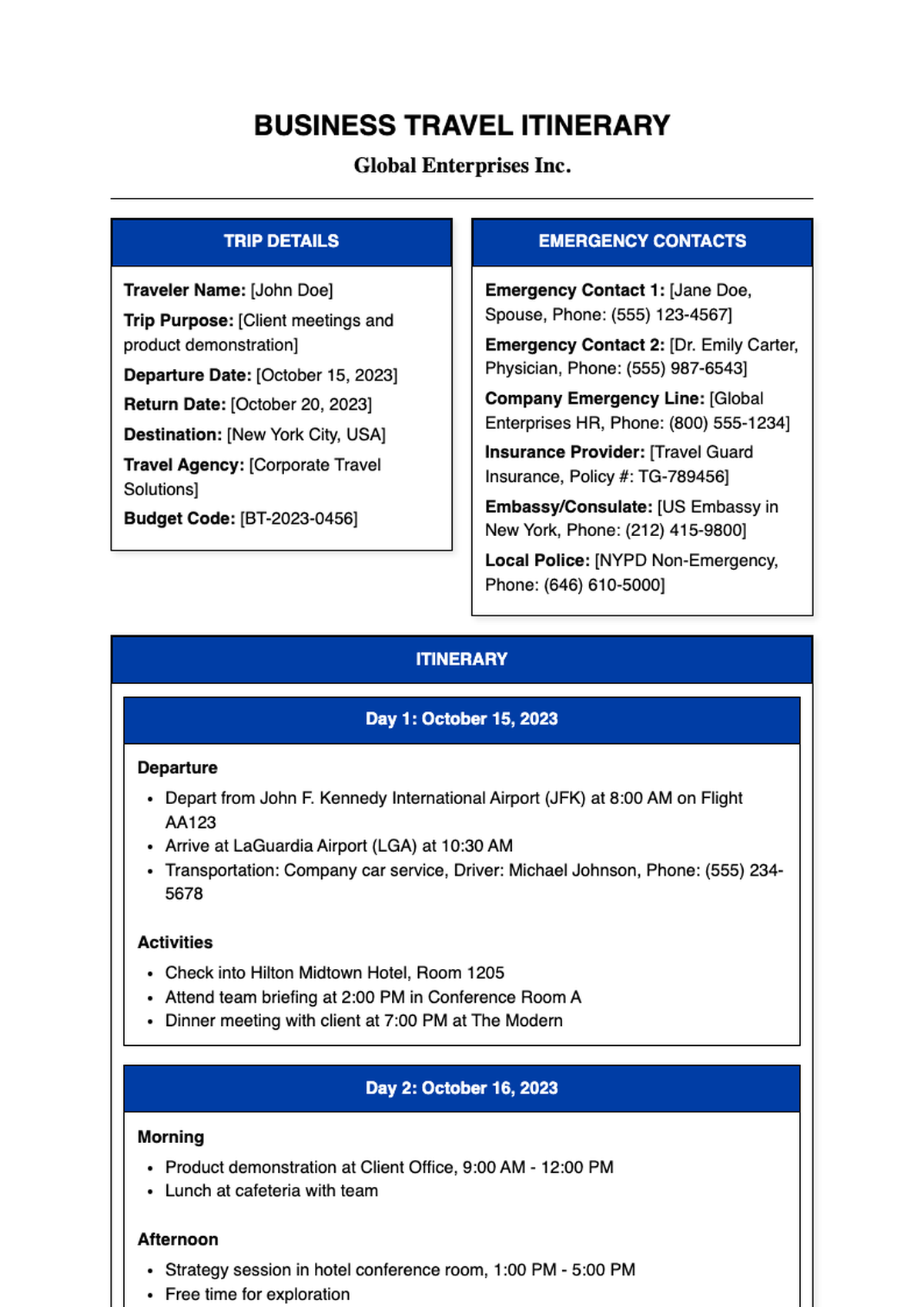
Use AI Formatter to instantly customize professional Travel Itinerary templates online—no downloads or sign-ups needed. Edit, format, and export your itinerary in seconds with smart tools that save time and ensure clarity for every trip.
Showing 20 of 125 templates

Frequently Asked Questions About Our Templates
Get answers to common questions about our professional template collection and how to use them effectively.
- Are your Travel Itinerary templates really free to use?
- Yes, all our Travel Itinerary templates are completely free to use with no hidden fees or premium locks. You can access, edit, and download them without creating an account or providing payment information. We believe everyone should have easy access to professional planning tools for personal or group travel.
- Can I edit a Travel Itinerary template in Microsoft Word?
- Absolutely! Every Travel Itinerary template is available in a fully compatible .docx (Word) format. Once downloaded, you can open it in Microsoft Word, Google Docs, or any other word processor to customize dates, destinations, activities, and notes. Formatting remains intact so your document looks polished right away.
- How do I customize a Travel Itinerary template to fit my trip?
- Customizing a Travel Itinerary template is simple: just replace the placeholder text with your own travel details—like flight numbers, hotel names, daily schedules, and contact info. You can also adjust colors, fonts, and layout using our online editor or your preferred word processor to match your personal style or branding needs.
- Do you offer Travel Itinerary templates for different types of trips?
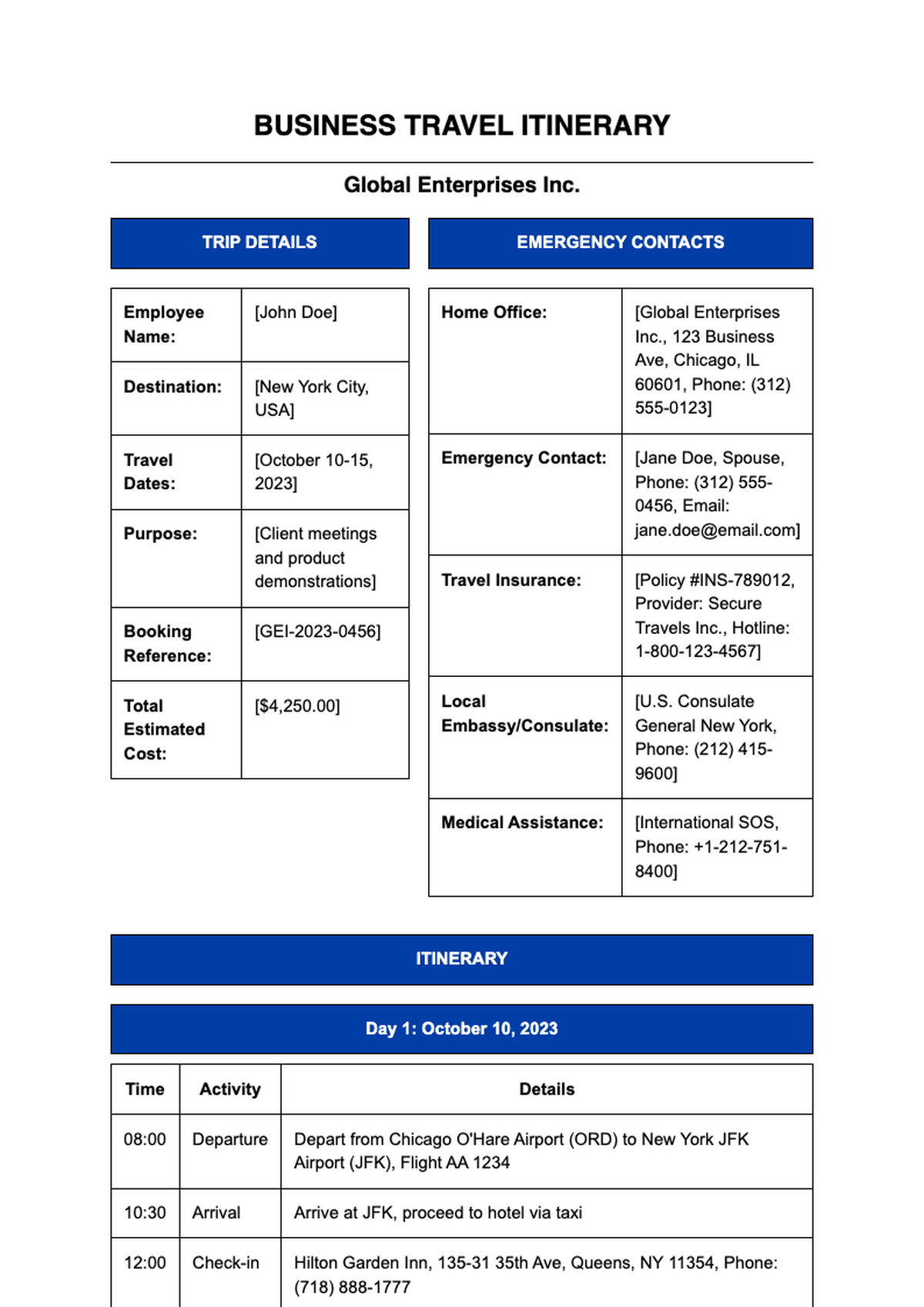
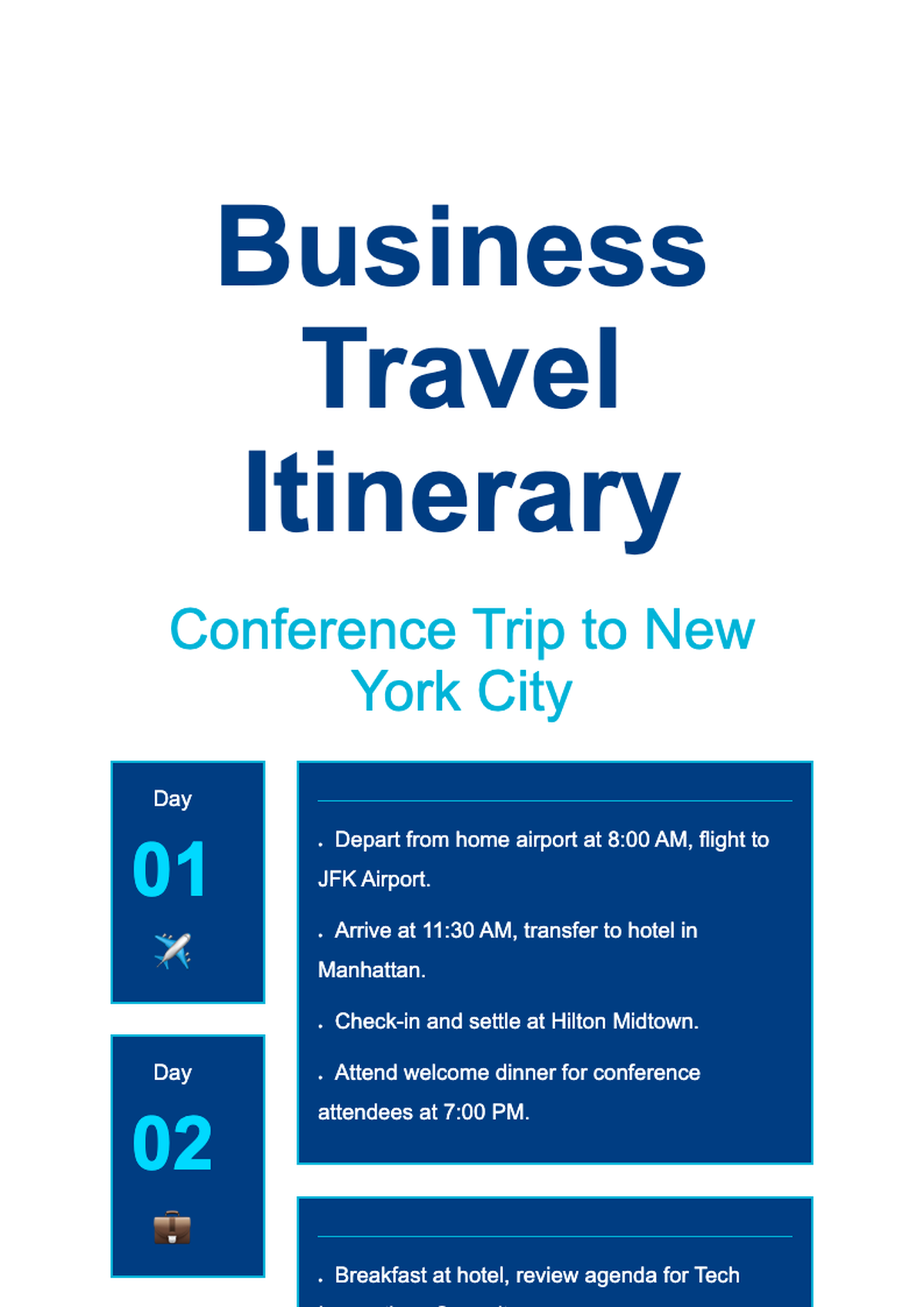
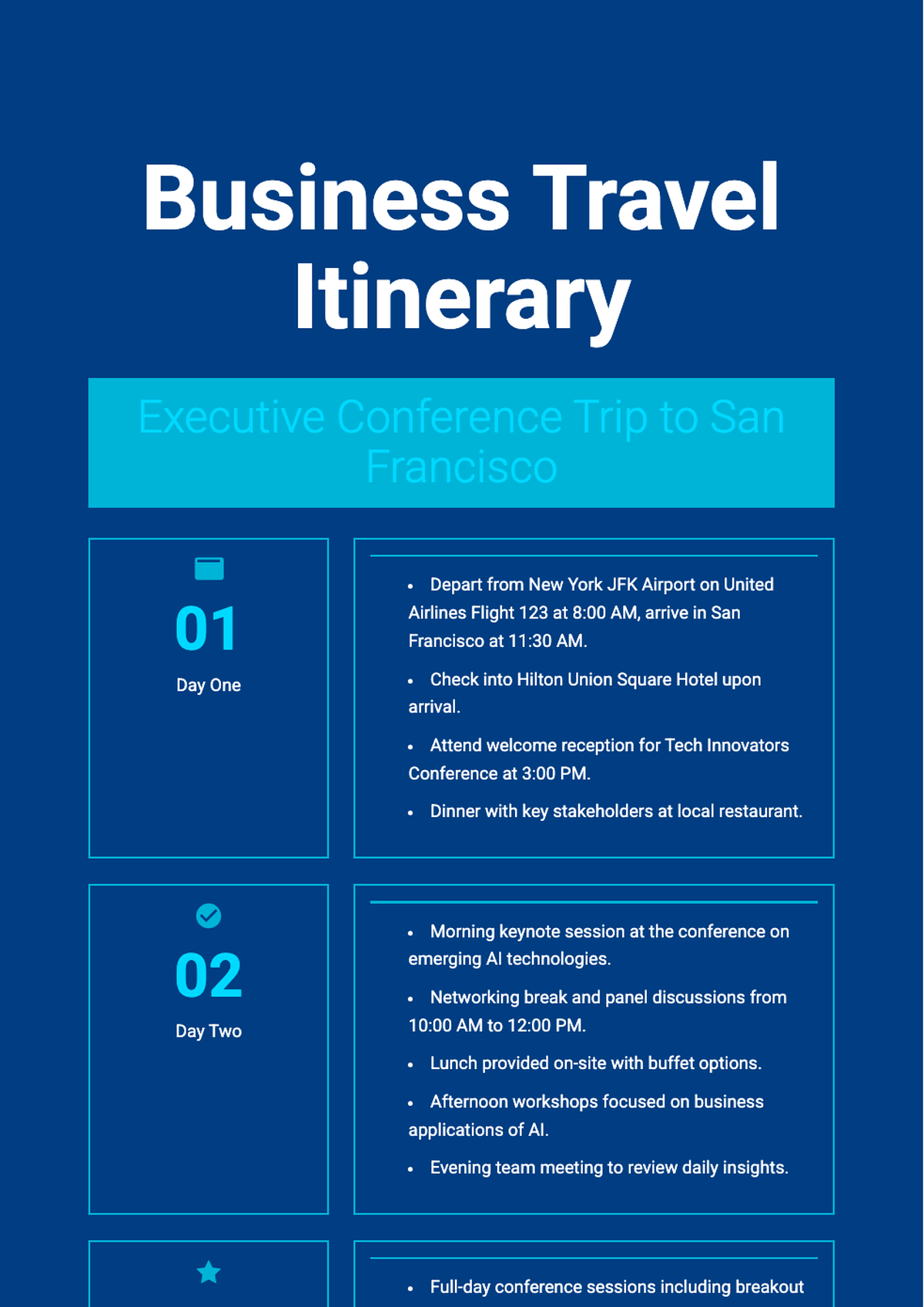
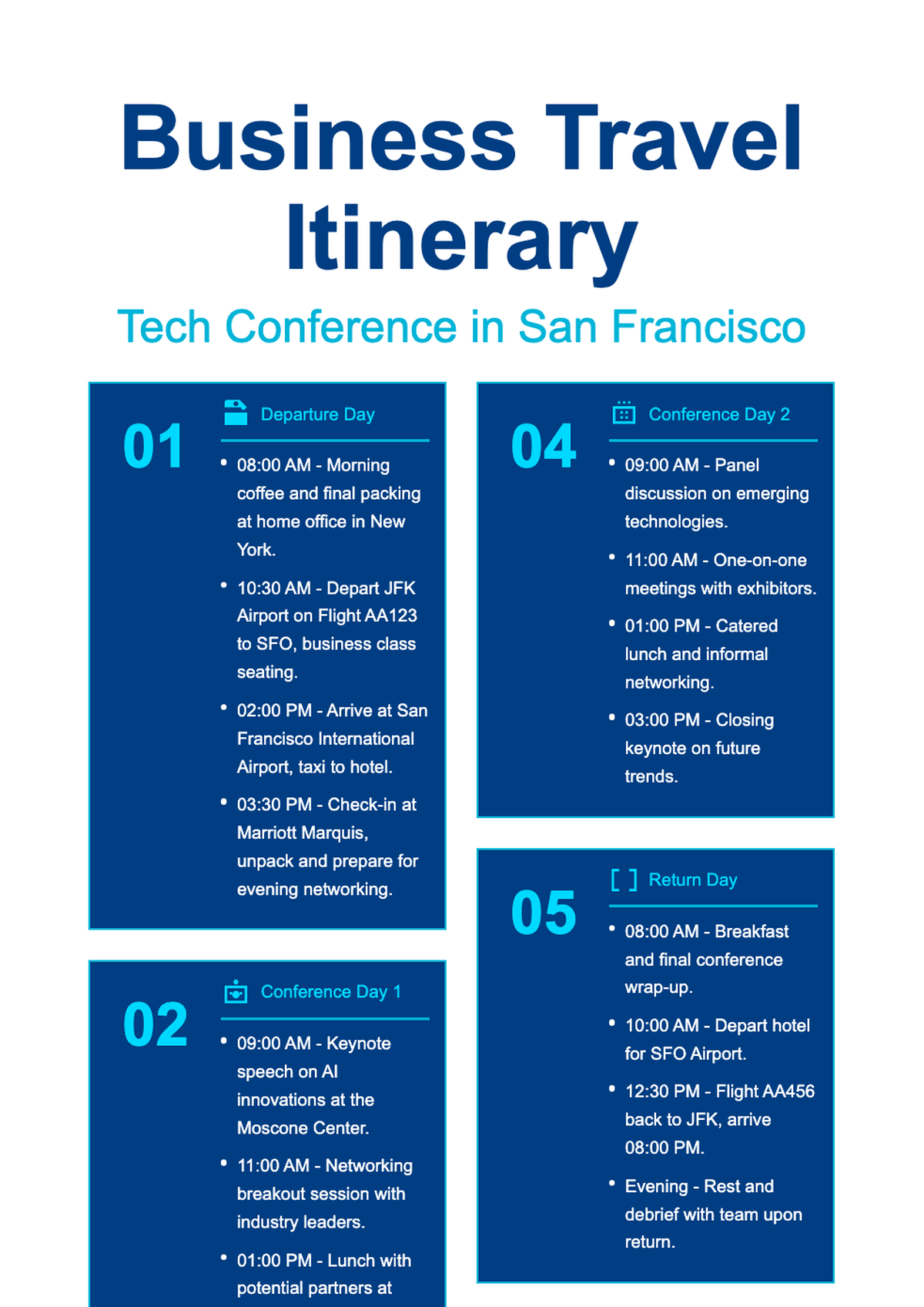
- Yes! We provide Travel Itinerary templates tailored for various trip styles, including family vacations, business travel, solo backpacking, romantic getaways, and multi-city tours. Each template includes relevant sections—like packing lists, emergency contacts, or meeting schedules—so you can choose the one that best fits your specific journey.
- Can I share my edited Travel Itinerary with others?
- Definitely. After customizing your Travel Itinerary, you can download it as a PDF or Word file and share it via email, messaging apps, or cloud storage. Some travelers even print copies for their group. Sharing a clear, well-organized itinerary helps everyone stay informed and reduces travel-day confusion.
- Is there an AI tool to help me fill out a Travel Itinerary?
- While our templates are designed for manual customization, AI Formatter’s smart editing features help streamline formatting, spacing, and styling as you type. Though we don’t auto-generate full itineraries from scratch, the clean structure and intuitive layout guide you to input your travel plans quickly and professionally.
- What’s included in a standard Travel Itinerary template?
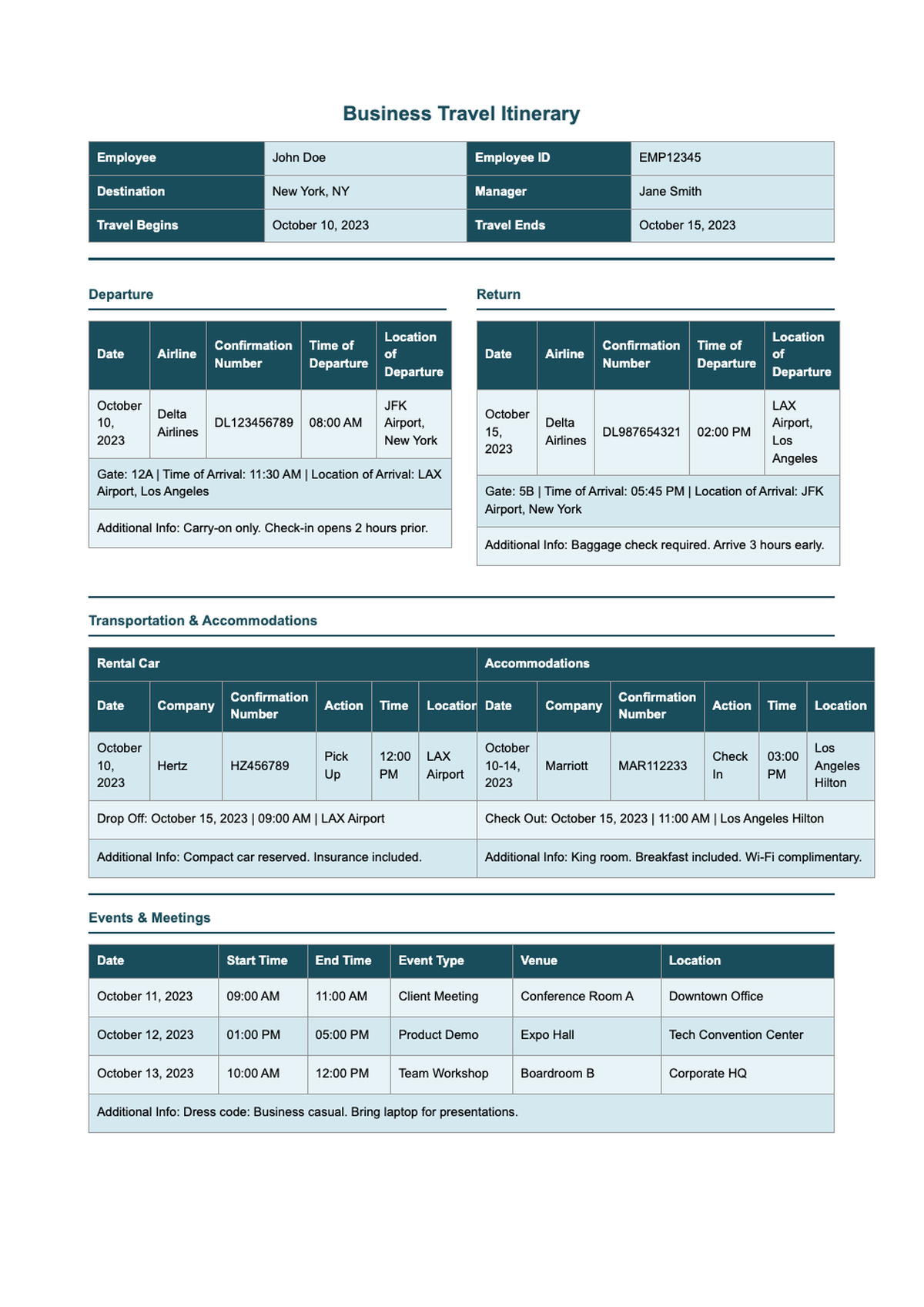
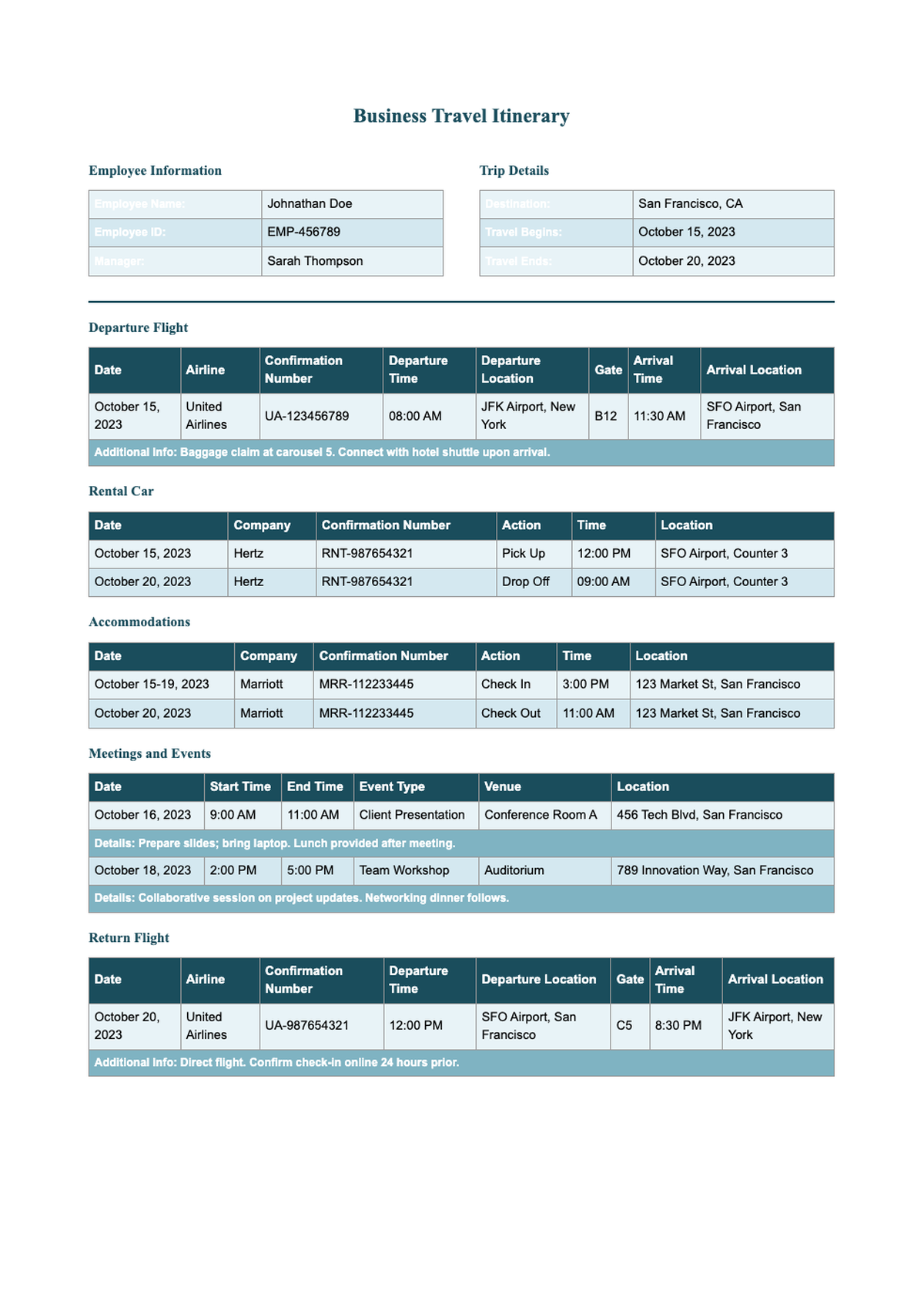
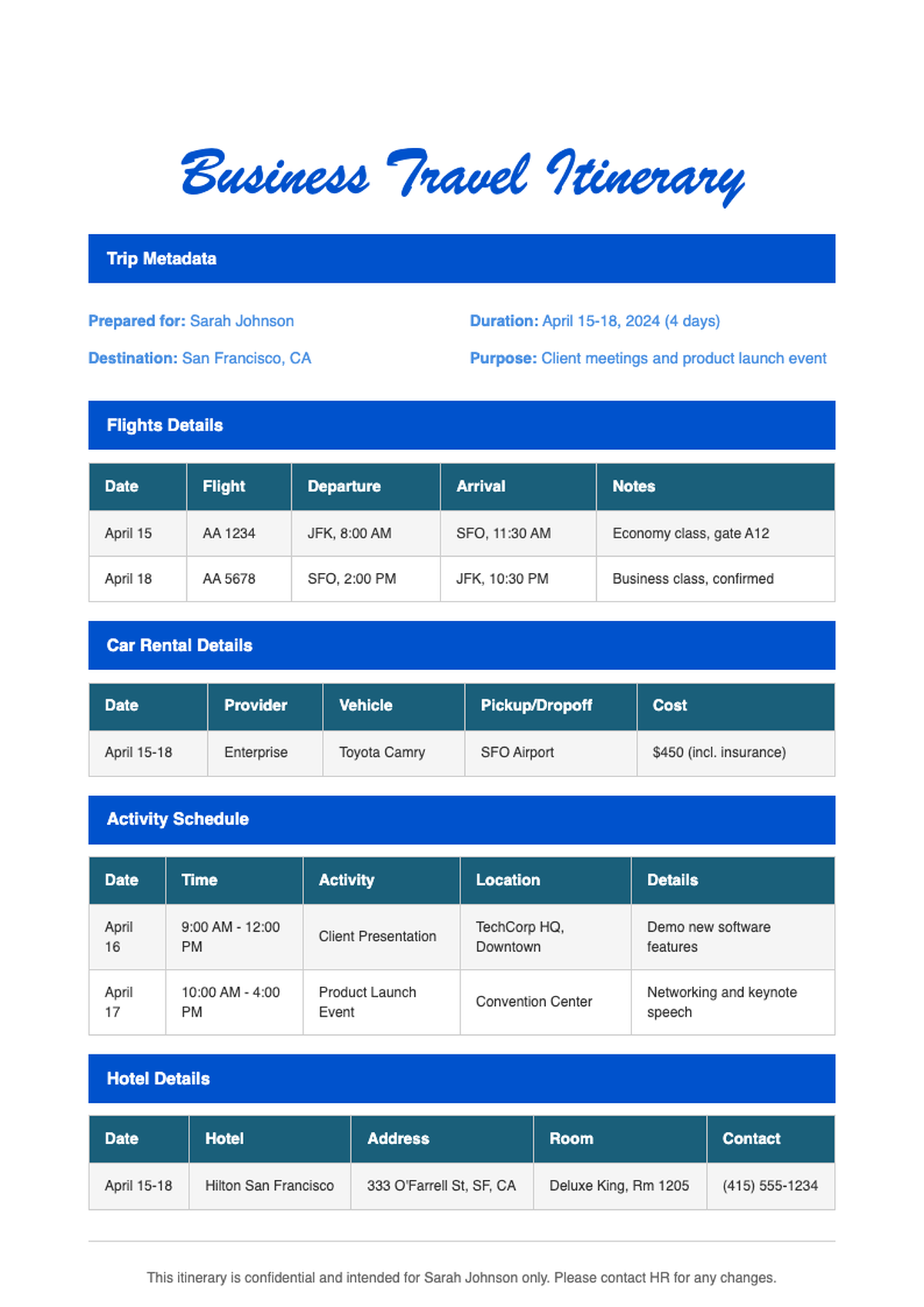
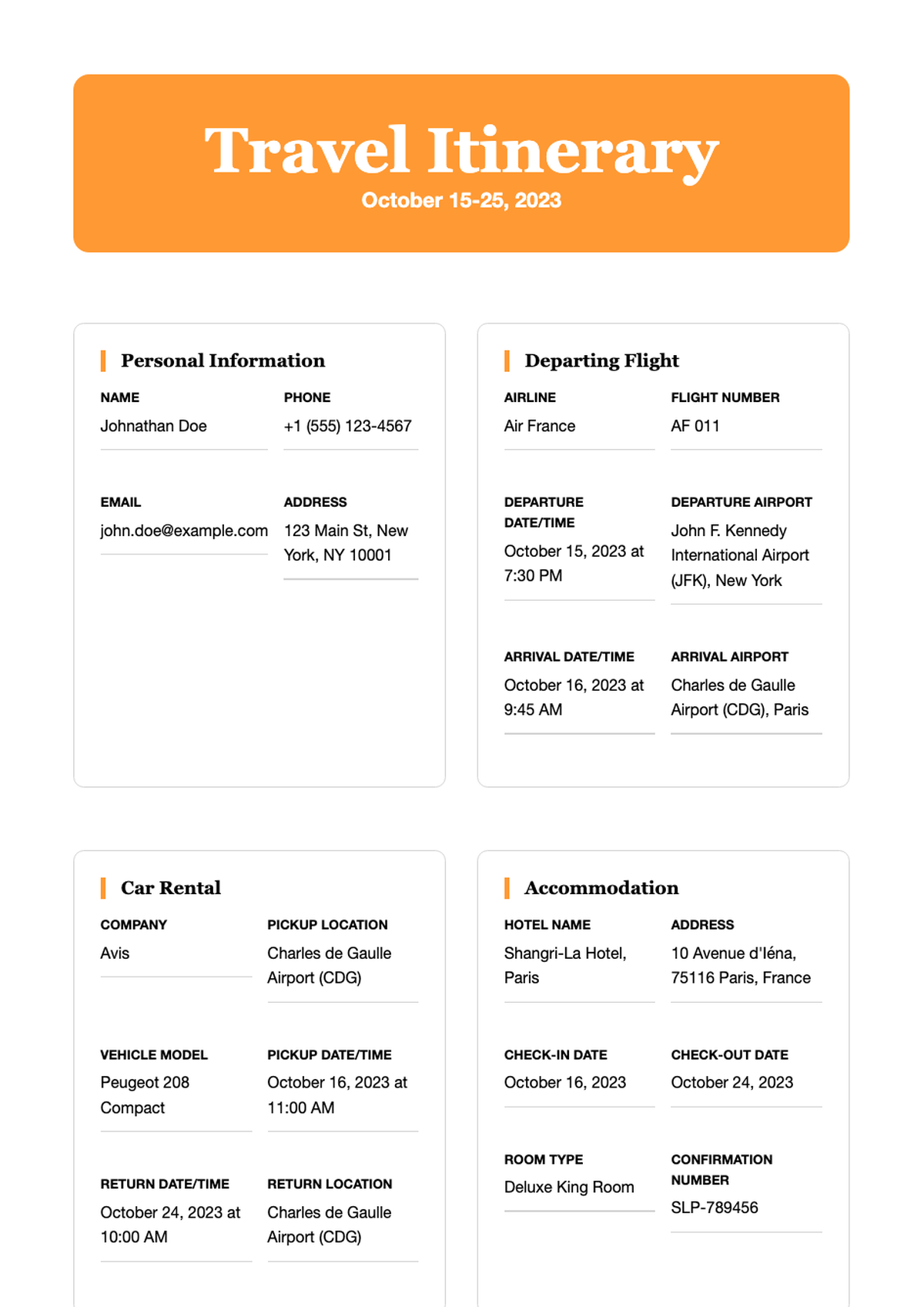
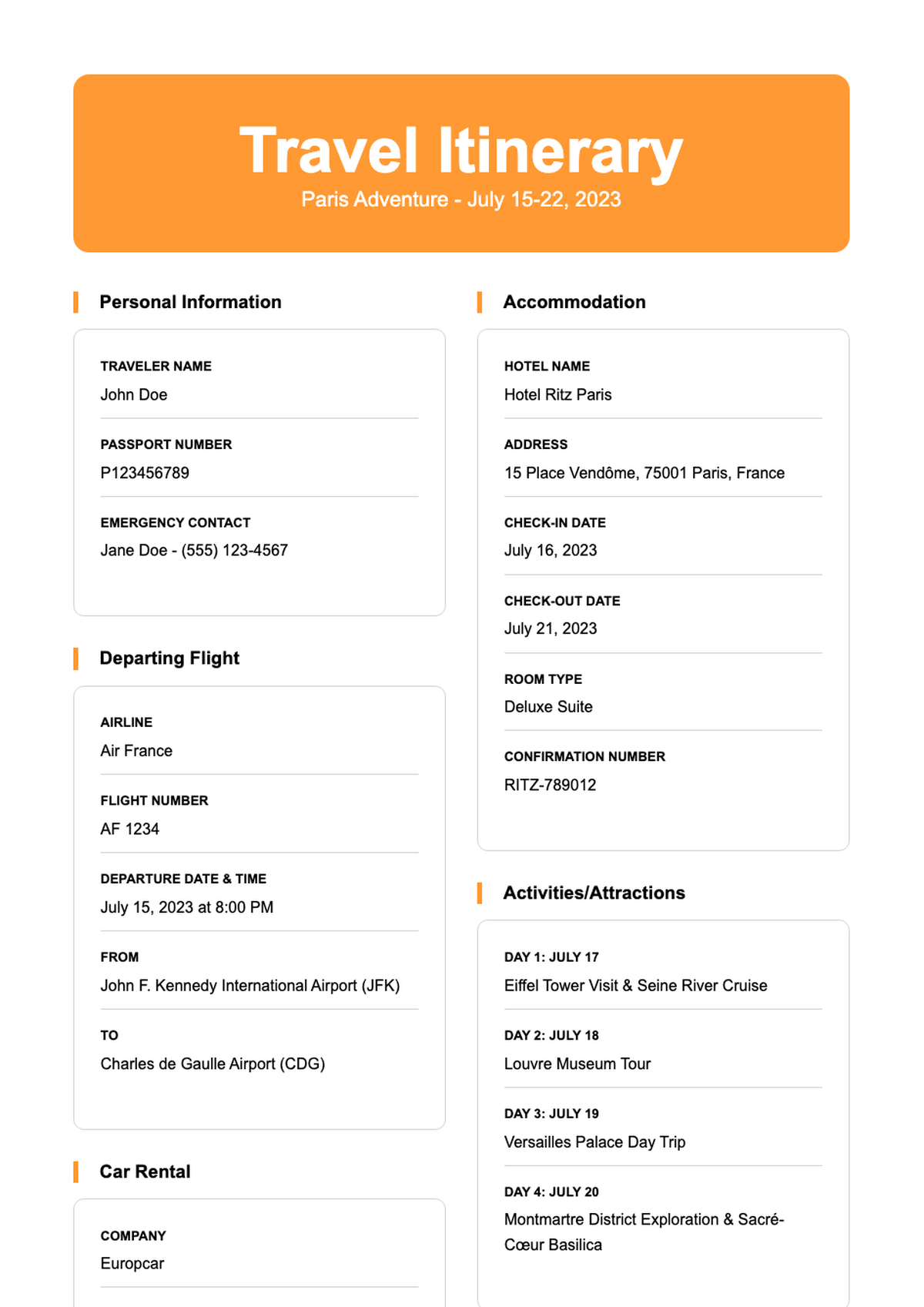
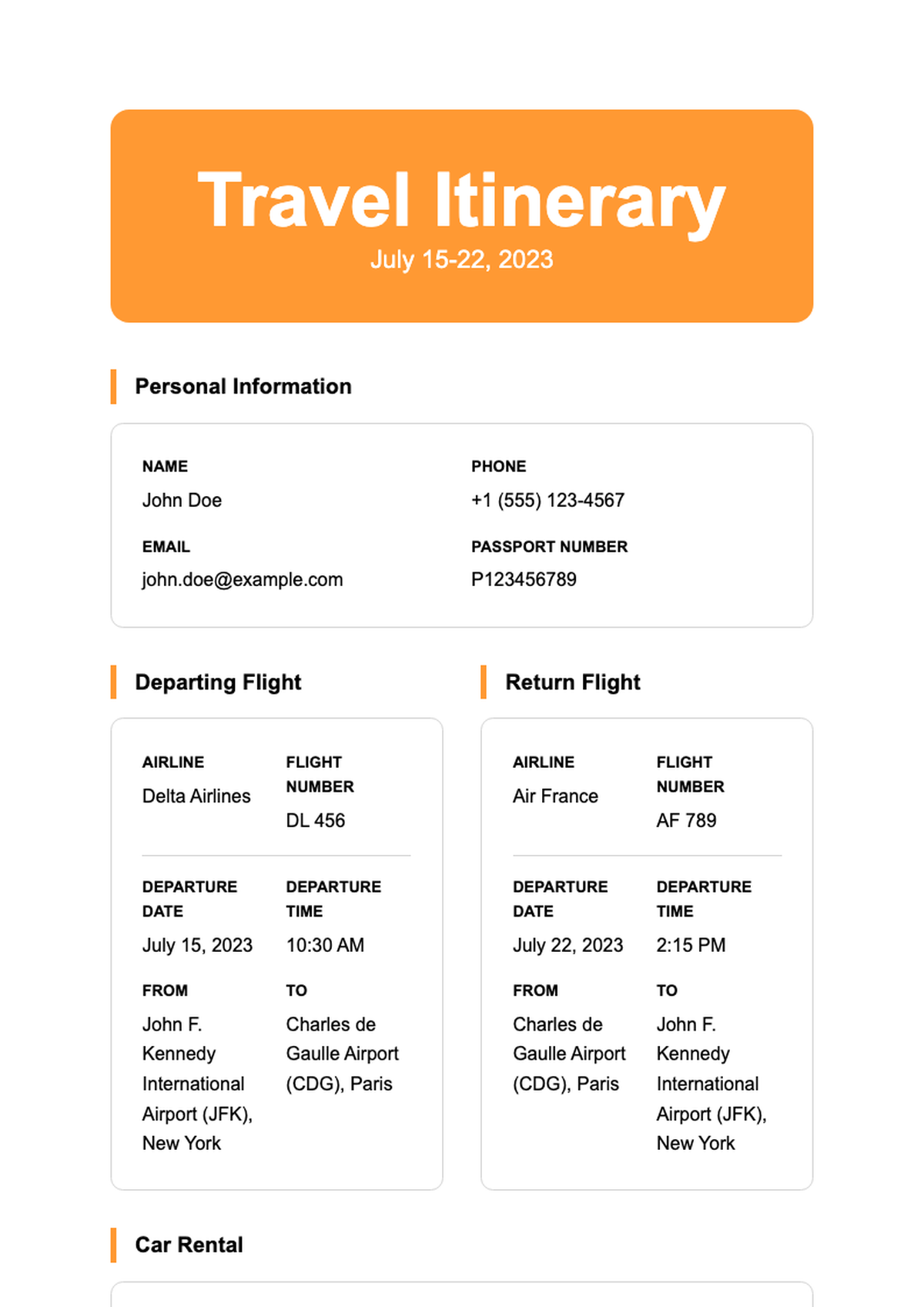
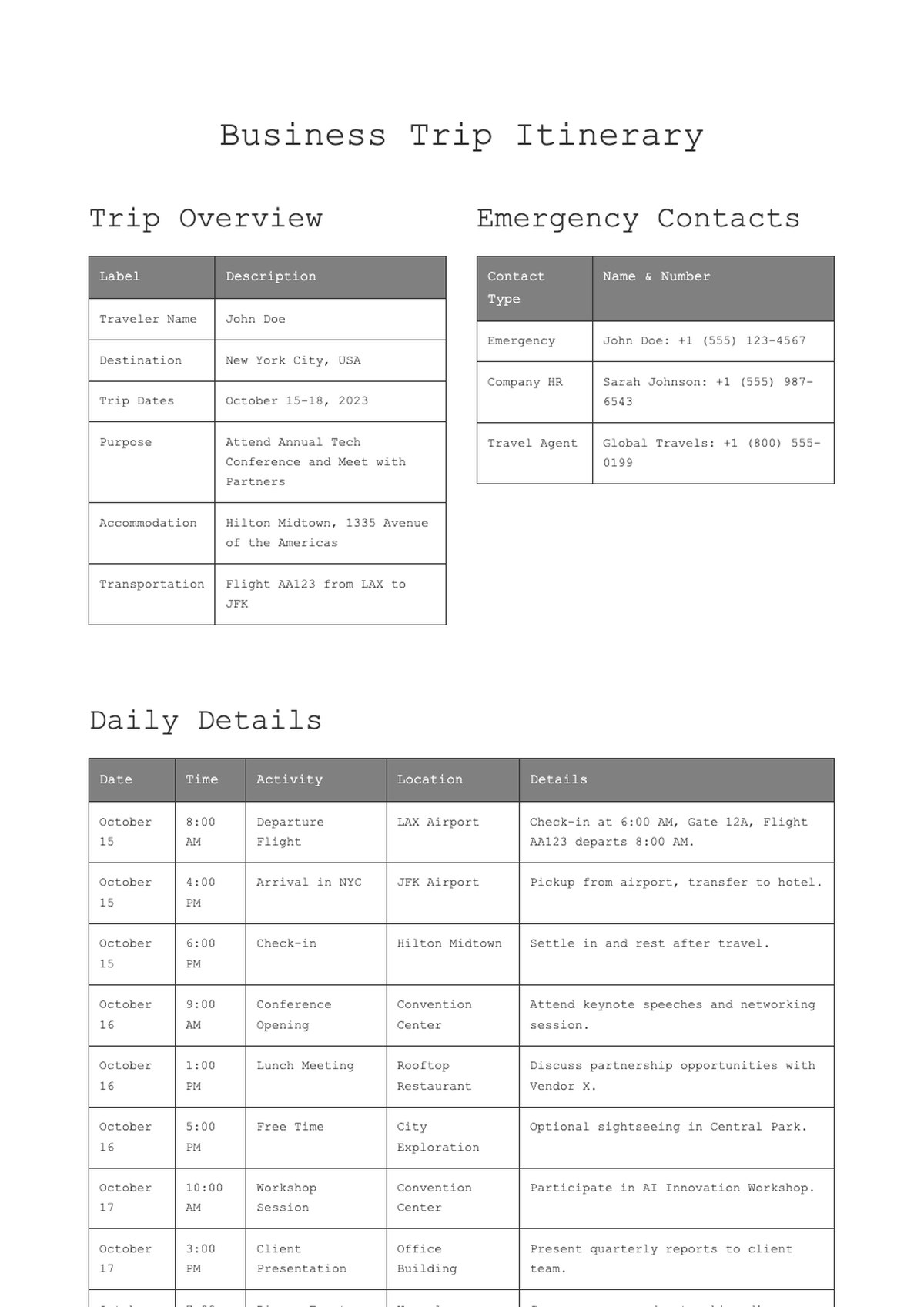
- A typical Travel Itinerary template includes sections for traveler info, trip overview, day-by-day schedules, transportation details (flights, trains, rental cars), accommodation addresses, key contacts, emergency info, and optional extras like packing checklists or local tips. This ensures you have everything in one organized, printable document.
- Can I use these Travel Itinerary templates for commercial purposes?
- Our Travel Itinerary templates are free for both personal and commercial use. Travel agents, tour operators, or corporate planners can use them to create client-facing documents without licensing concerns. Just remember not to resell the template files themselves as standalone products—they’re meant to be customized and used as part of your service.
- Do I need to install software to edit a Travel Itinerary template?
- No installation is required. You can edit any Travel Itinerary template directly in your web browser using our online editor powered by AI Formatter. Alternatively, if you prefer offline editing, simply download the Word version and open it in Microsoft Word, Google Docs, or LibreOffice—no special software needed.
- Are the Travel Itinerary templates mobile-friendly?
- Yes, our online editor works seamlessly on smartphones and tablets, so you can update your Travel Itinerary on the go. Additionally, the final PDF or Word output is optimized for readability on all devices, ensuring your travel companions can easily view plans whether they’re on a phone, tablet, or laptop.
- How often are new Travel Itinerary templates added?
- We regularly update our library with fresh Travel Itinerary templates based on user feedback and emerging travel trends—such as digital nomad itineraries, eco-tourism guides, or festival-focused plans. Check back monthly to discover new designs that keep your trip planning modern and efficient.
- Can I add my logo to a Travel Itinerary template?
- Yes, all our Travel Itinerary templates include designated spaces or flexible layouts where you can easily insert your company logo or personal branding. Whether you're a travel blogger, agency, or just want a personalized touch, uploading and positioning your logo takes just a few clicks in the online editor or Word.
- What file formats are available for Travel Itinerary templates?
- Each Travel Itinerary template is offered in both Microsoft Word (.docx) and PDF formats. The Word version allows full editing, while the PDF is ideal for sharing a finalized, print-ready version. You can switch between formats depending on whether you’re still customizing or ready to distribute your itinerary.
- Do the templates support multiple time zones or international travel?
- Yes, our Travel Itinerary templates are designed with global travelers in mind. They include fields for time zones, local currency notes, visa info, and country-specific emergency numbers. This makes them especially useful for international trips where clarity across regions is essential for smooth coordination.
- Can I collaborate with others on a Travel Itinerary template?
- While our current editor doesn’t support real-time collaboration, you can download the Word version and share it via Google Drive or Dropbox for team editing. Many users co-edit itineraries with travel companions this way, adding comments or suggestions before finalizing the master copy for distribution.
Ready to Create Professional Documents with Our Templates?
Choose from our extensive collection of professionally designed templates. Start building polished, professional documents today with our free templates and AI-powered formatting tools.
Free templates • AI-powered editing • No sign-up required