Edit To Do List Templates Online for Free
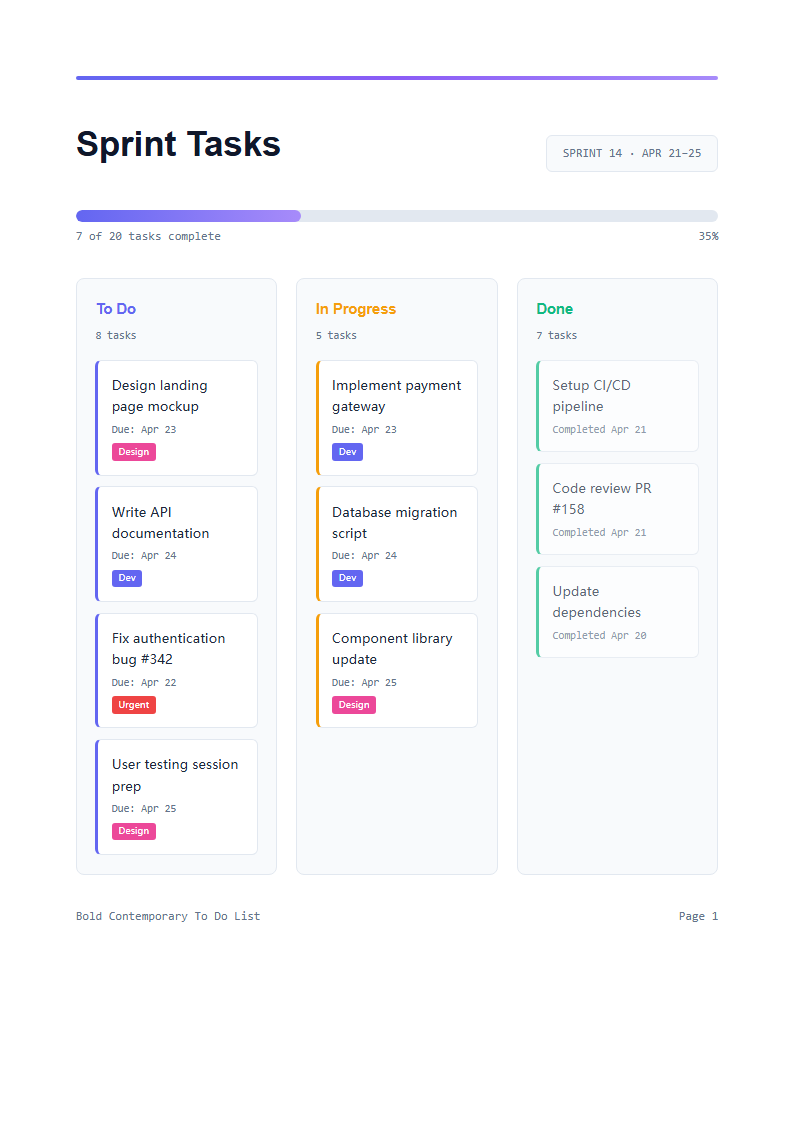
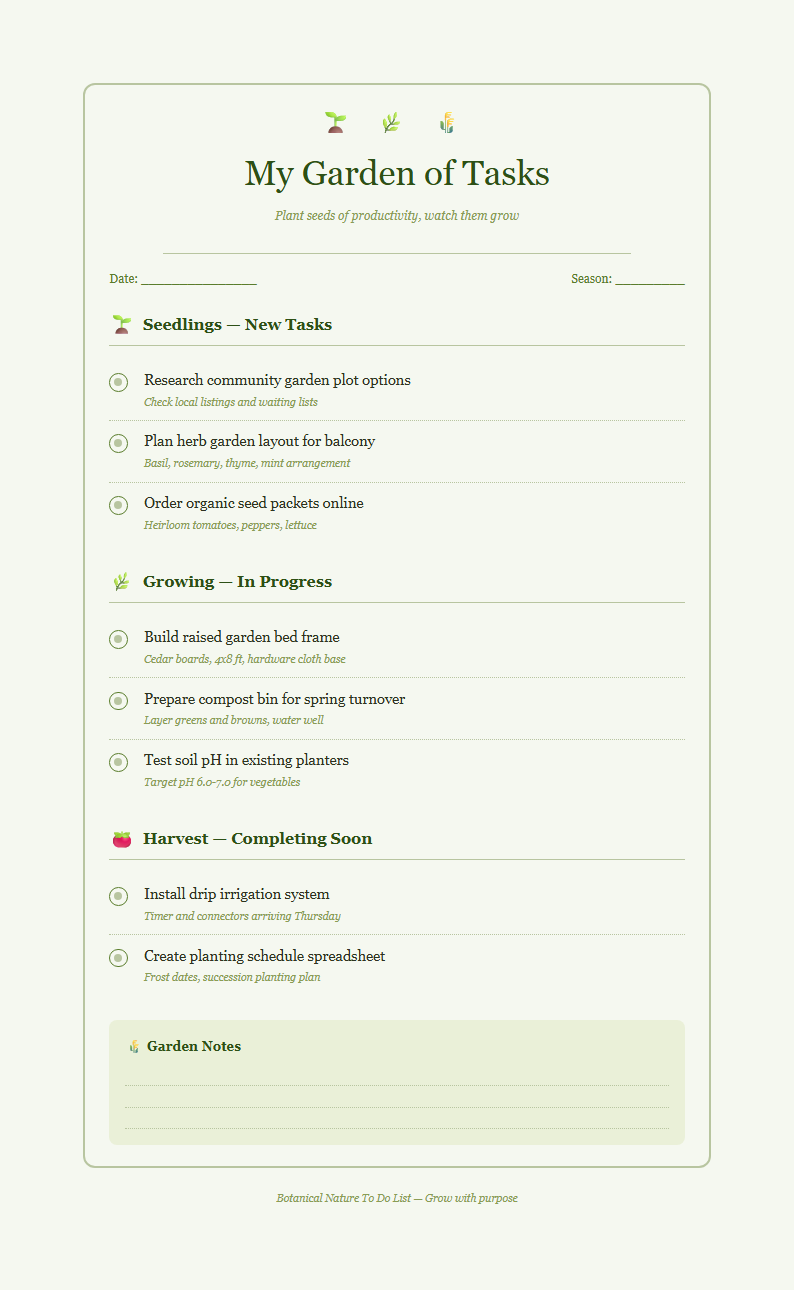
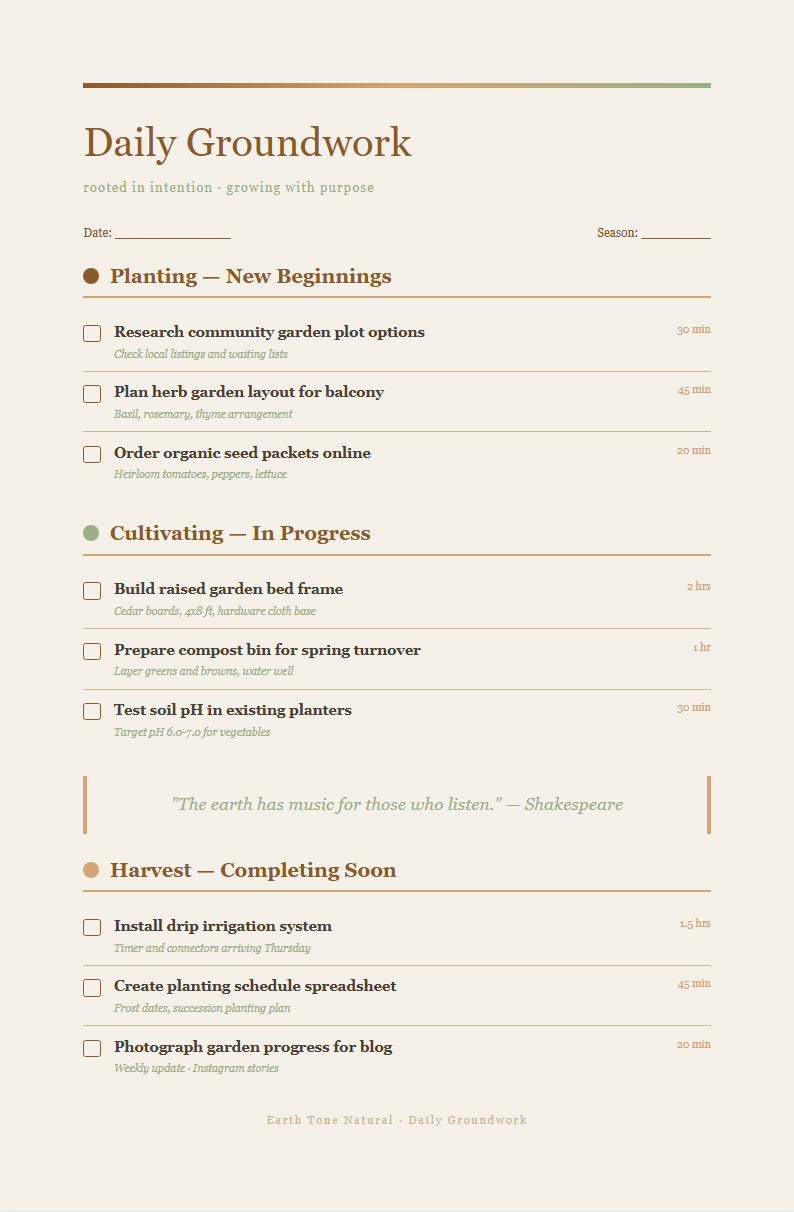
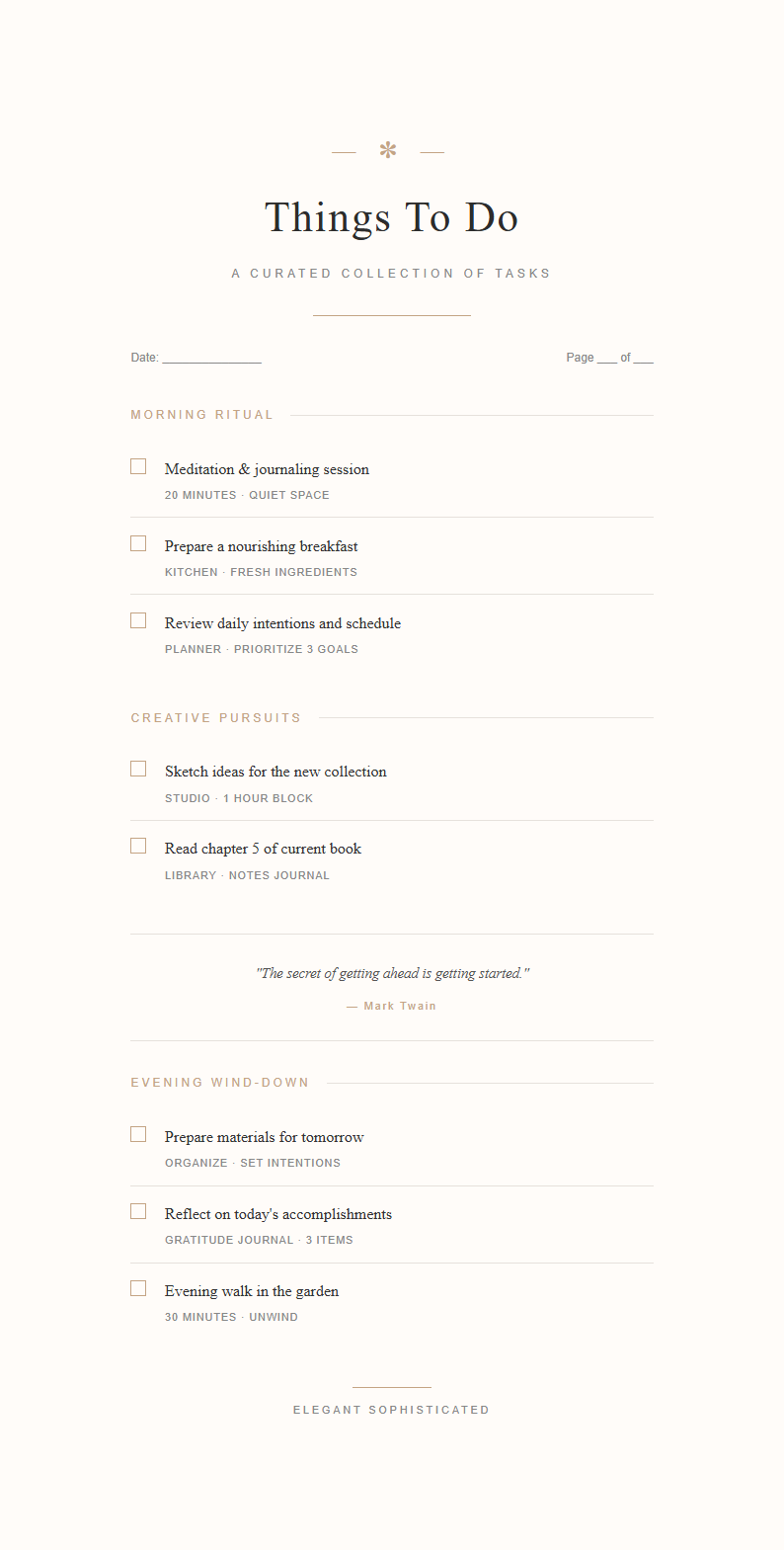
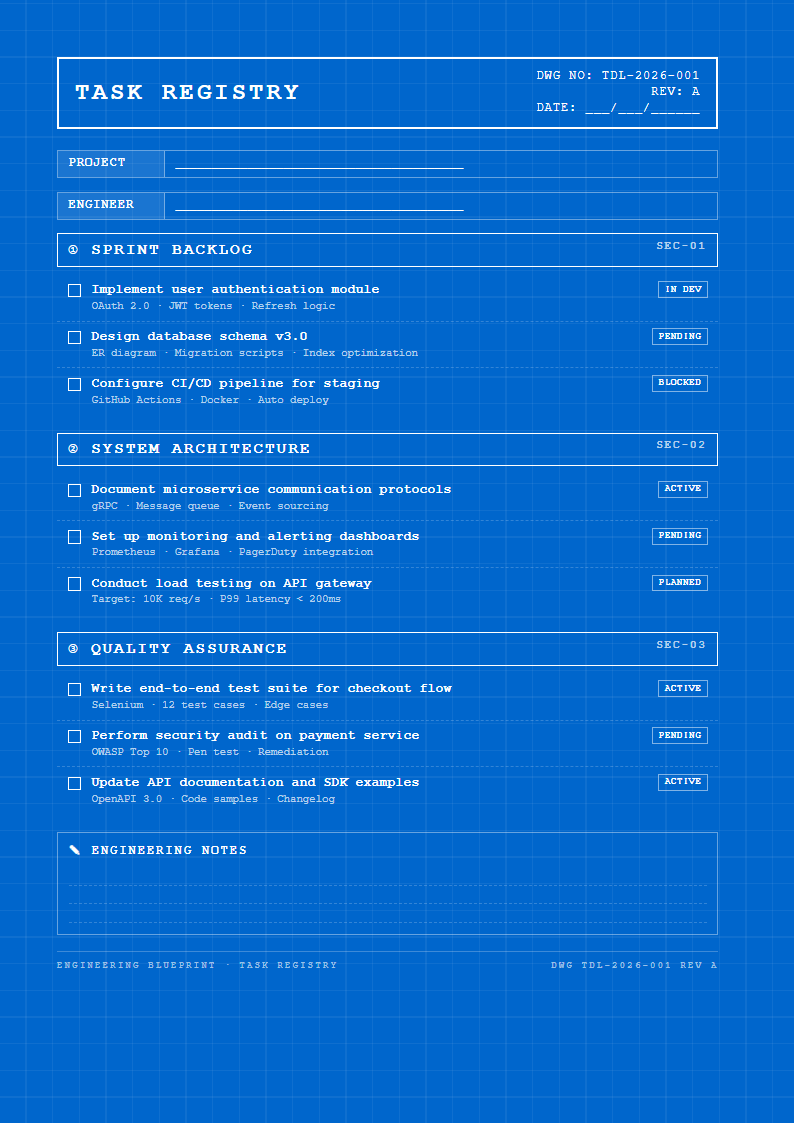
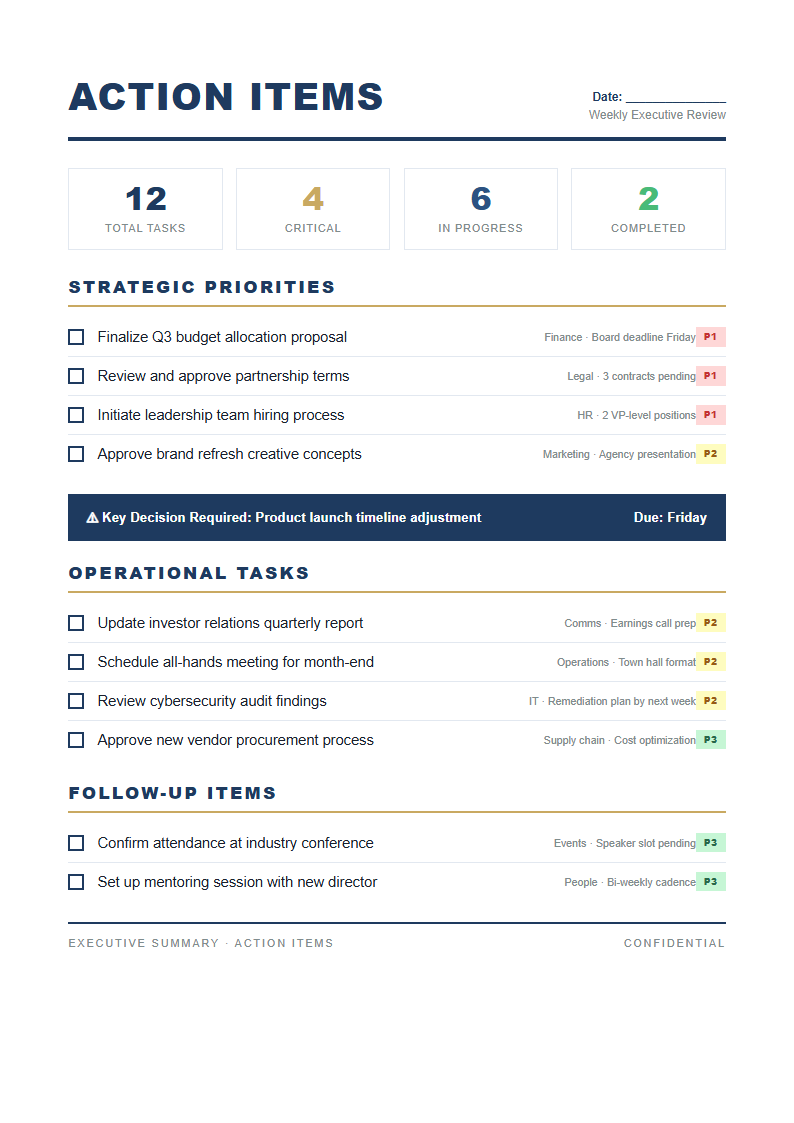
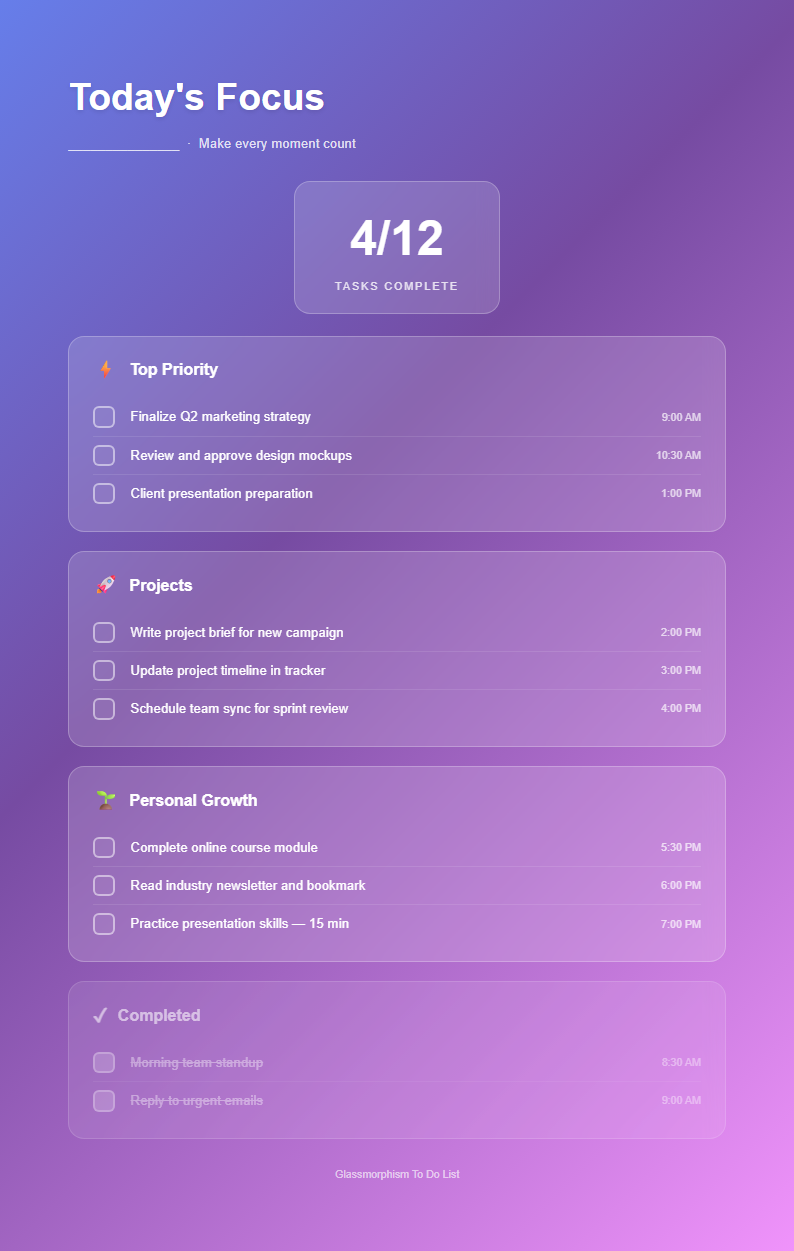
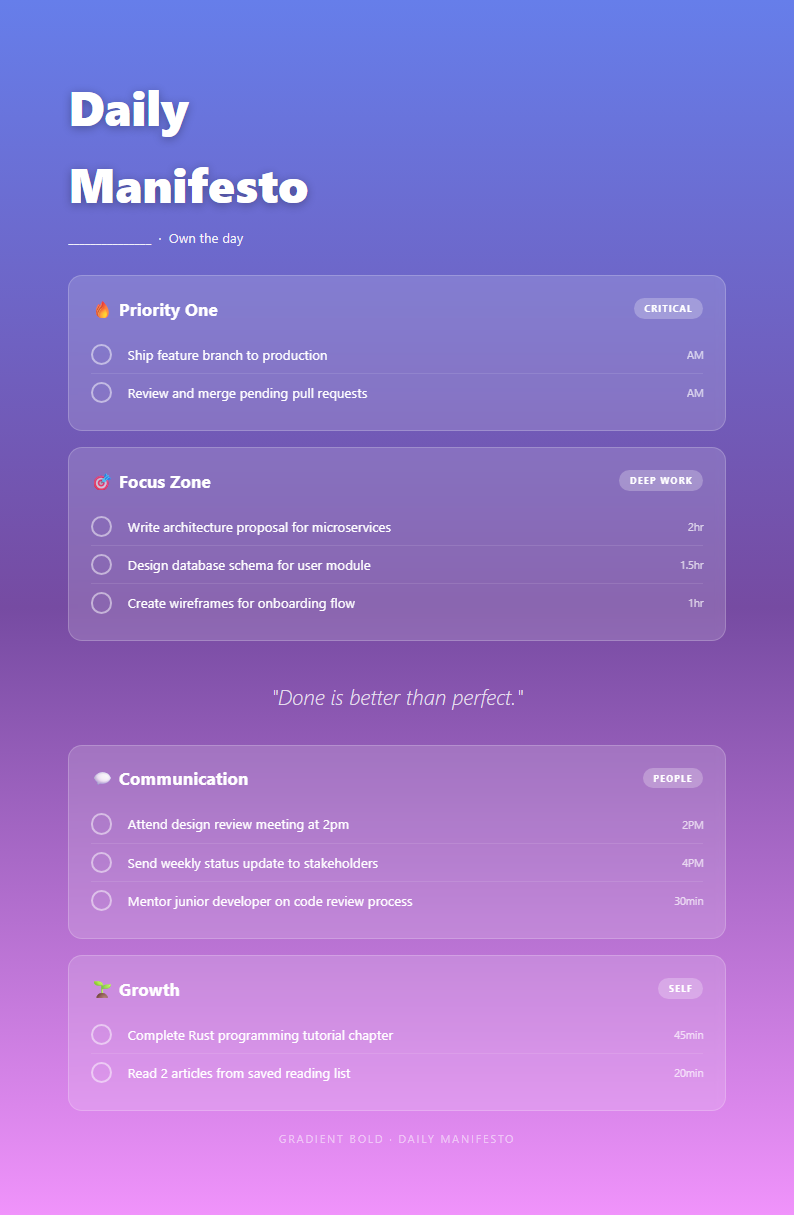
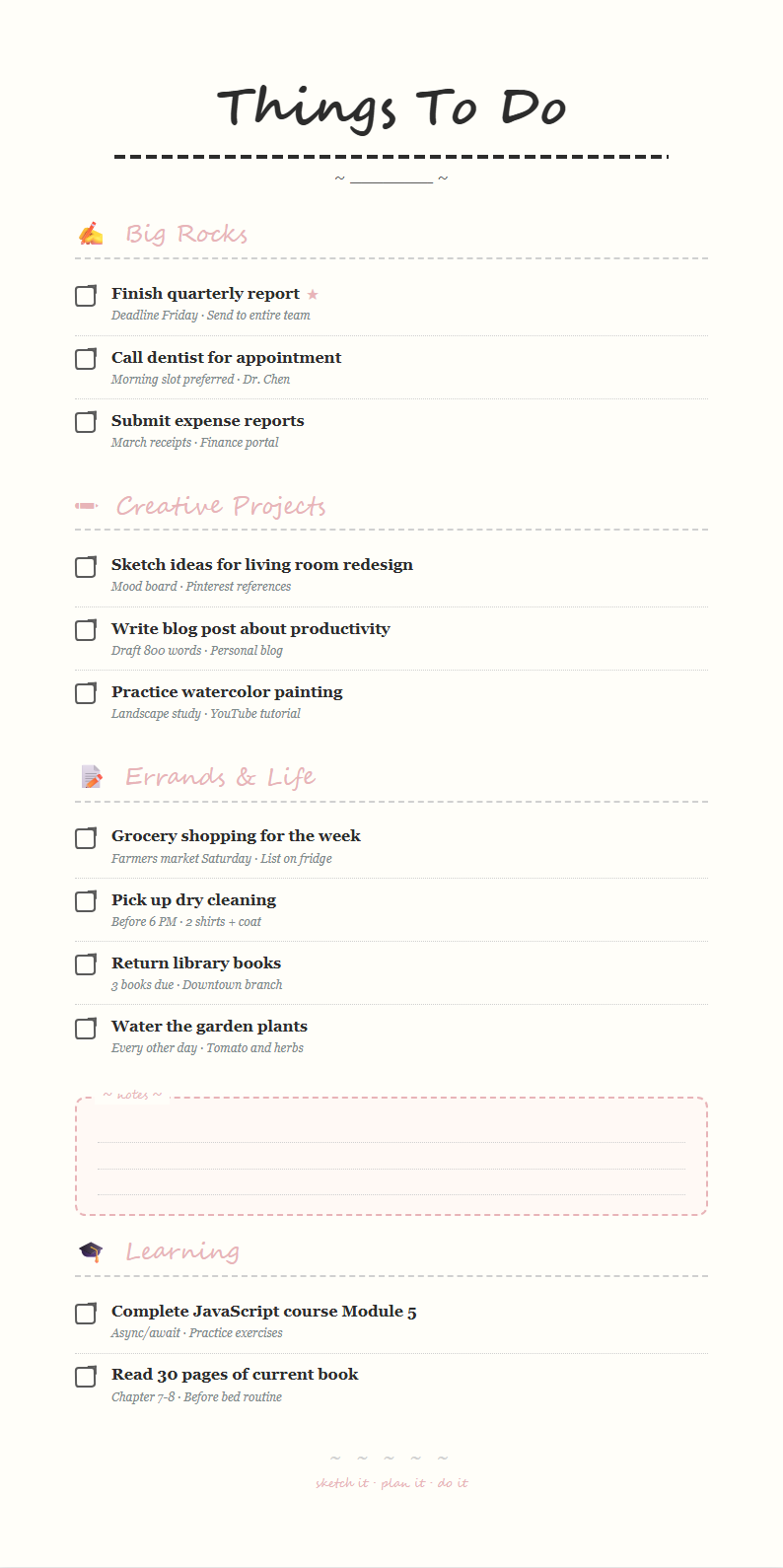
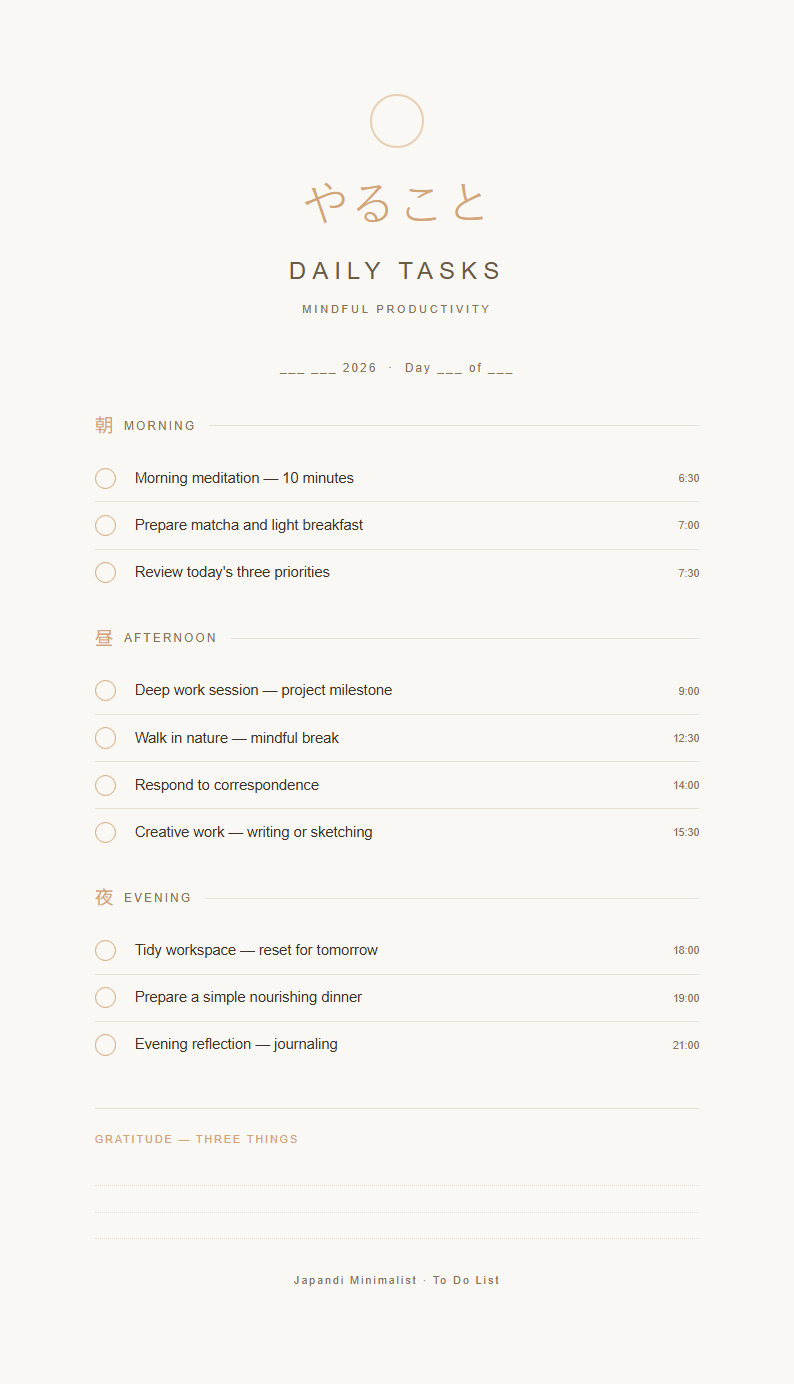
Organize your tasks and boost your daily productivity with our collection of professionally designed task management templates. Each layout provides a clear structure for prioritizing work, tracking progress, and ensuring nothing falls through the cracks, whether you are managing personal errands or complex team projects.
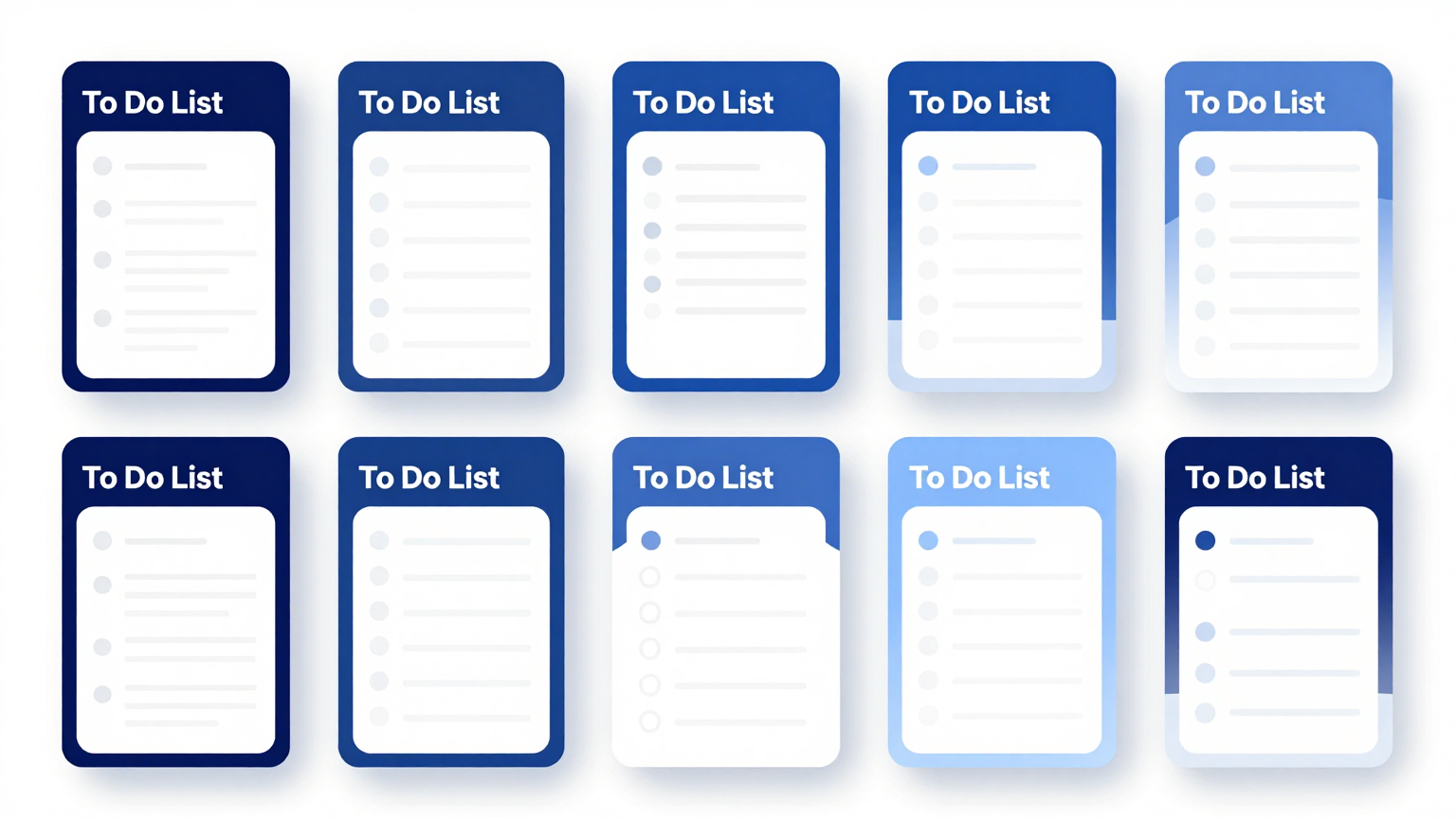
Showing 20 of 30 templates
Frequently Asked Questions About Our Templates
Find answers to common questions about using our our collection collection.
- What is a To Do List Template?
- A this template format is a pre-designed document that helps you organize tasks, set priorities, and track completion status in a structured format. It provides a consistent framework for recording everything you need to accomplish. Using this kind of document saves time compared to creating a new layout from scratch each day and ensures your task management stays organized and efficient.
- How do I customize a To Do List Template?
- Customizing a this template format is simple with our online editor. You can add or remove columns for task descriptions, due dates, priority levels, and status checkboxes. The editor lets you rename headings, change colors, and tailor the document to fit your personal workflow or team project requirements without any design experience.
- Can I download a free To Do List Template?
- Yes, every layout in our collection is completely free to use, edit, and download. There are no subscriptions, hidden charges, or account requirements. You can choose a this template format, customize it to your liking, and export it in your preferred format at absolutely no cost to you. This ensures a comprehensive and professional result every time you use our platform.
- What formats are available for the To Do List Template?
- Our documents can be exported in PDF, DOCX, and other popular document formats. This means you can print your task list for a physical planner, share it digitally with team members, or attach it to project management tools. Each this template format preserves its clean formatting across all supported export types.
- Is the To Do List Template suitable for project management?
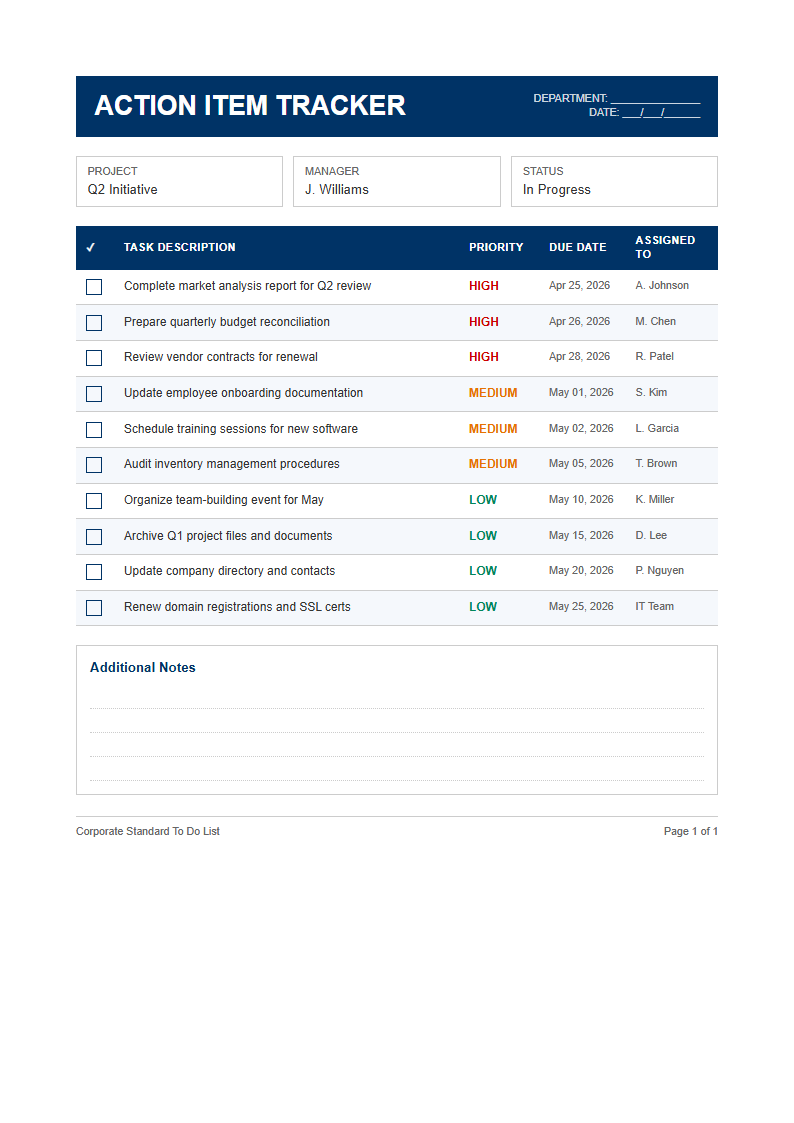
- Yes, we offer project-focused variations that include sections for task assignments, deadlines, dependencies, and progress tracking. A project-oriented this template format helps managers distribute work clearly among team members while maintaining a single source of truth for what needs to be done and by when, improving overall team coordination and accountability.
- Can I use the To Do List Template for daily planning?
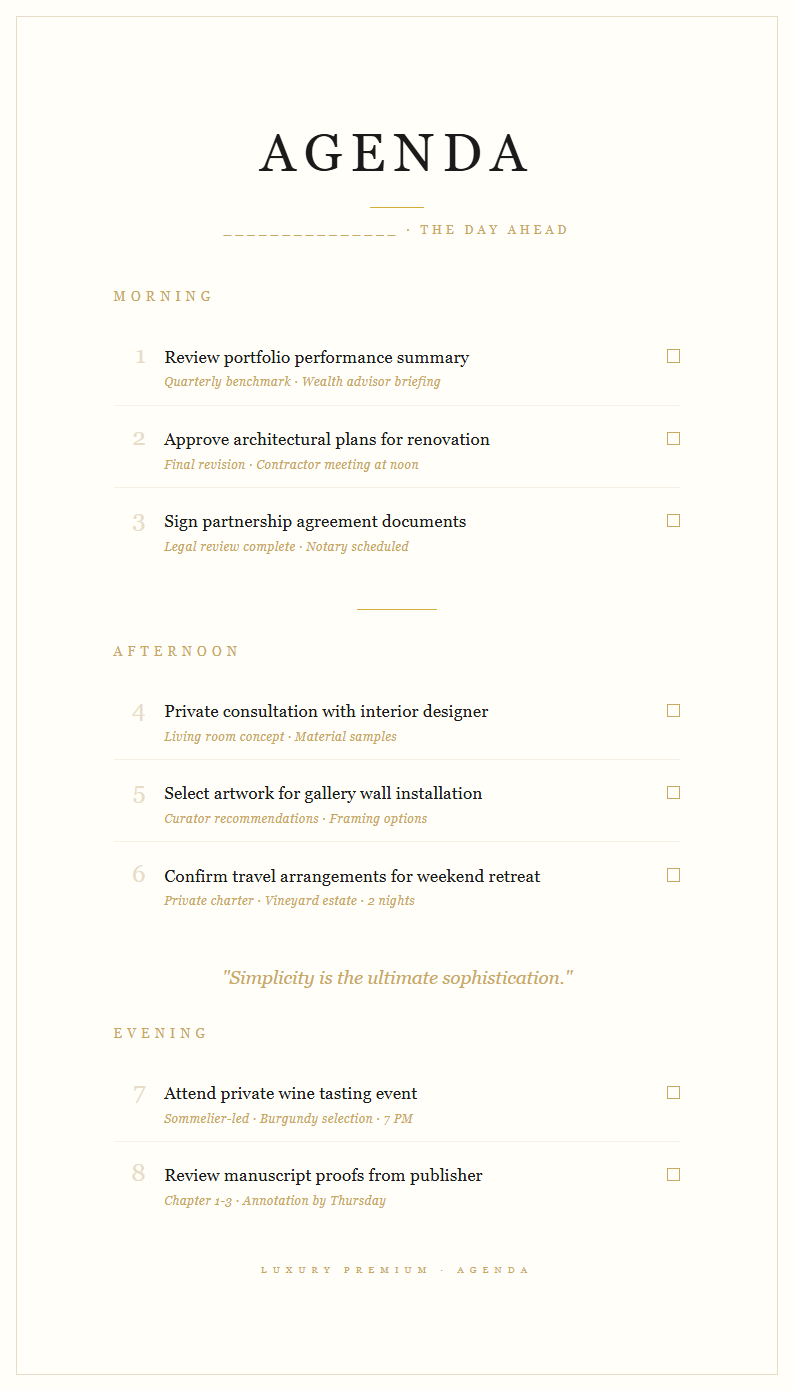
- Absolutely. A daily this template format is one of the most popular formats we offer. It provides space for morning priorities, afternoon tasks, and end-of-day reviews. Using a daily planner each morning helps you start your day with a clear plan, reduces decision fatigue, and gives you a satisfying way to check off completed tasks as you progress.
- What information should I include in my To Do List Template?
- A well-organized this template format should include the task description, priority level, due date, and a completion checkbox or status indicator. You might also add categories, estimated time, and notes for context. A thorough template captures enough detail to act on each task without needing to recall the specifics from memory, keeping you focused and productive.
- Can I share the To Do List Template with my team?
- Yes, once you have customized your this template format, you can download it and share it via email, messaging platforms, or cloud storage tools. The template produces clean, professional documents that team members can reference and update collaboratively, ensuring everyone stays informed about shared responsibilities and upcoming deadlines. This ensures that all team members are aligned on their responsibilities and can update their progress in real time for better collaboration.
- Do I need an account to use the To Do List Template?
- No account or sign-up is required to use any To Do List Template from our collection. You can browse, select, customize, and download templates instantly without creating an account. This makes our library one of the most accessible productivity tools available for anyone who wants to get organized quickly and without any barriers.
- What makes a good task list layout?
- A good To Do List Template should be simple enough to fill out quickly but structured enough to keep you focused on priorities. It should have clear sections for task names, due dates, and status tracking. The best layouts strike a balance between providing helpful structure and staying flexible enough to adapt to different types of tasks and workflows.
- Can I use the To Do List Template for weekly planning?
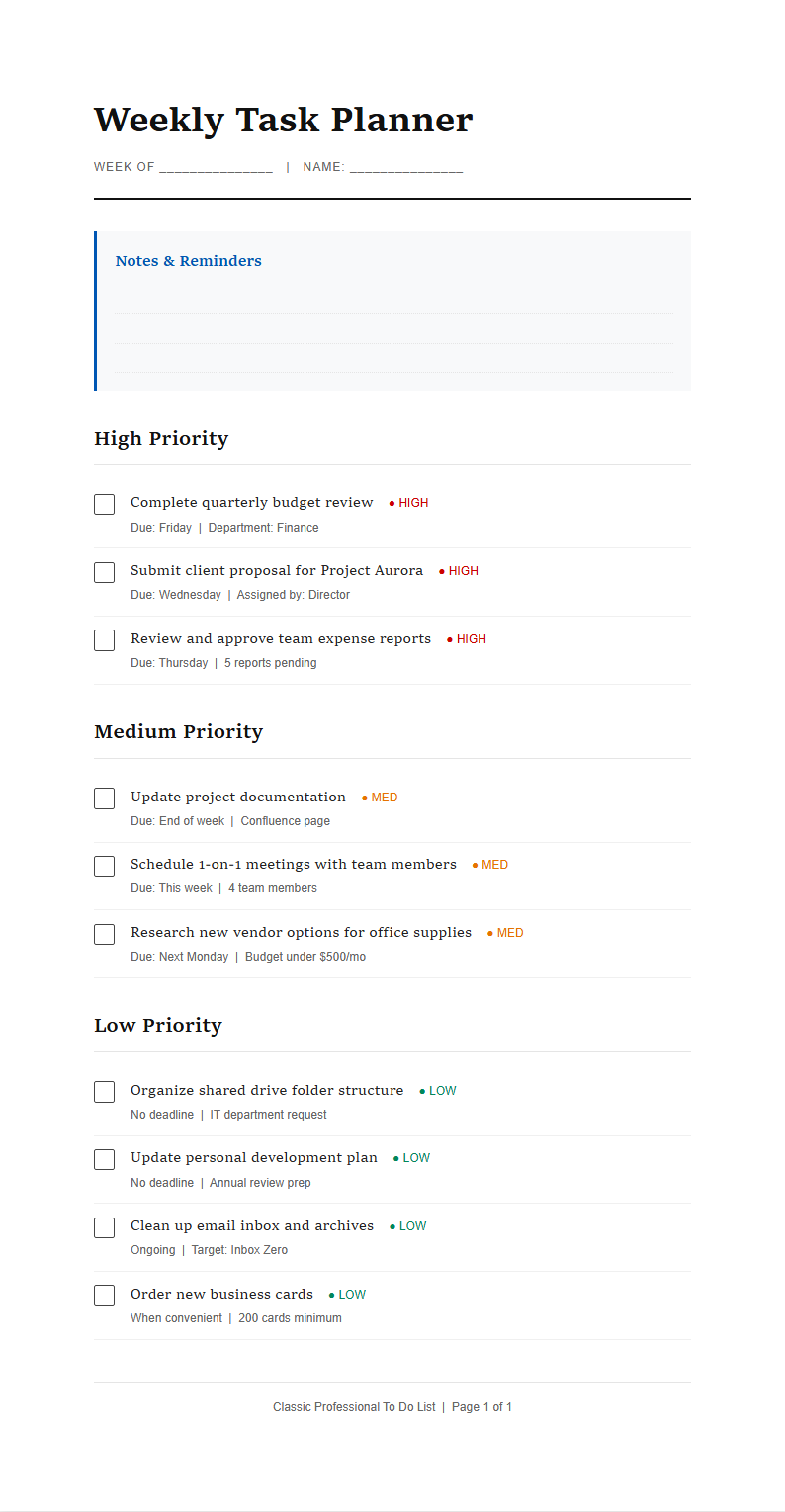
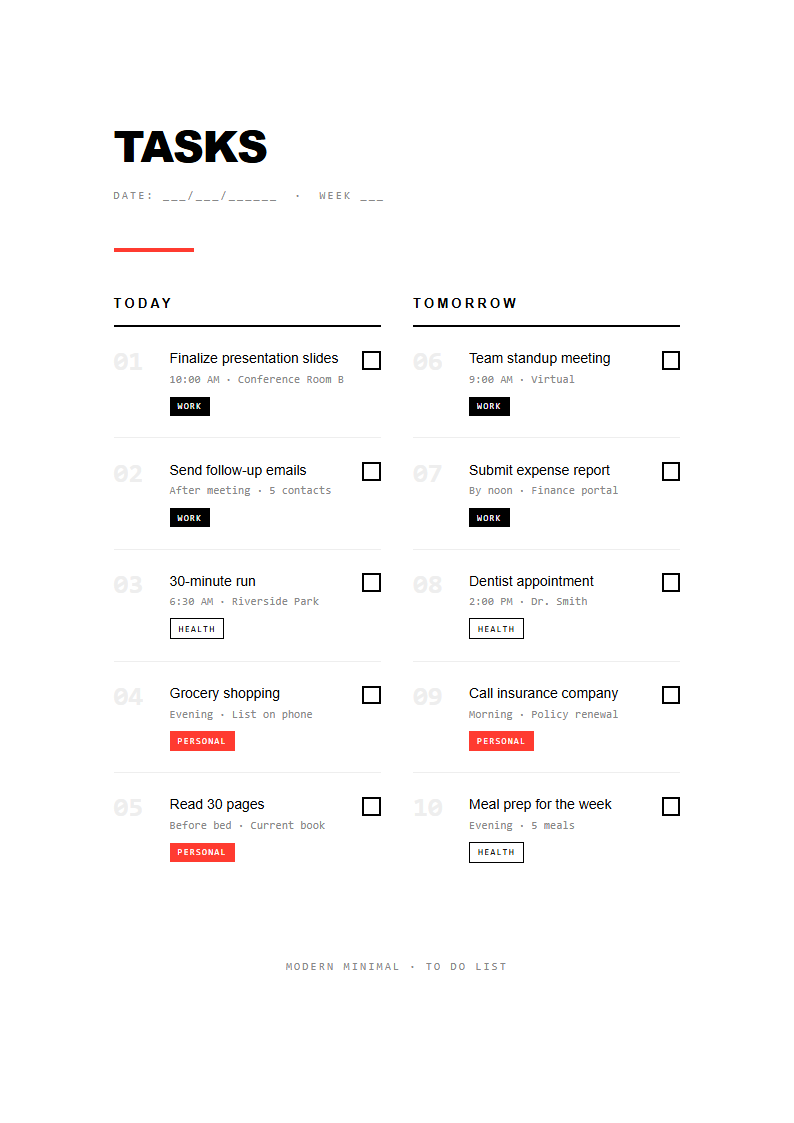
- Yes, we offer weekly To Do List Template layouts that divide tasks across Monday through Friday or Monday through Sunday columns. A weekly planner gives you a broader view of your commitments and helps you distribute work evenly across the week, preventing overload on any single day while ensuring important deadlines are met on time.
- Are there To Do List Template options for students?
- Our collection includes designs specifically created for students, with sections for assignments, exam preparation, study schedules, and extracurricular activities. A student-focused To Do List Template helps learners balance academic responsibilities with personal commitments, reducing stress and improving time management throughout the entire school semester and beyond. These student-oriented designs include visual priority markers and deadline highlights to help learners stay on top of multiple responsibilities.
- Can I add checkboxes and priority labels to the To Do List Template?
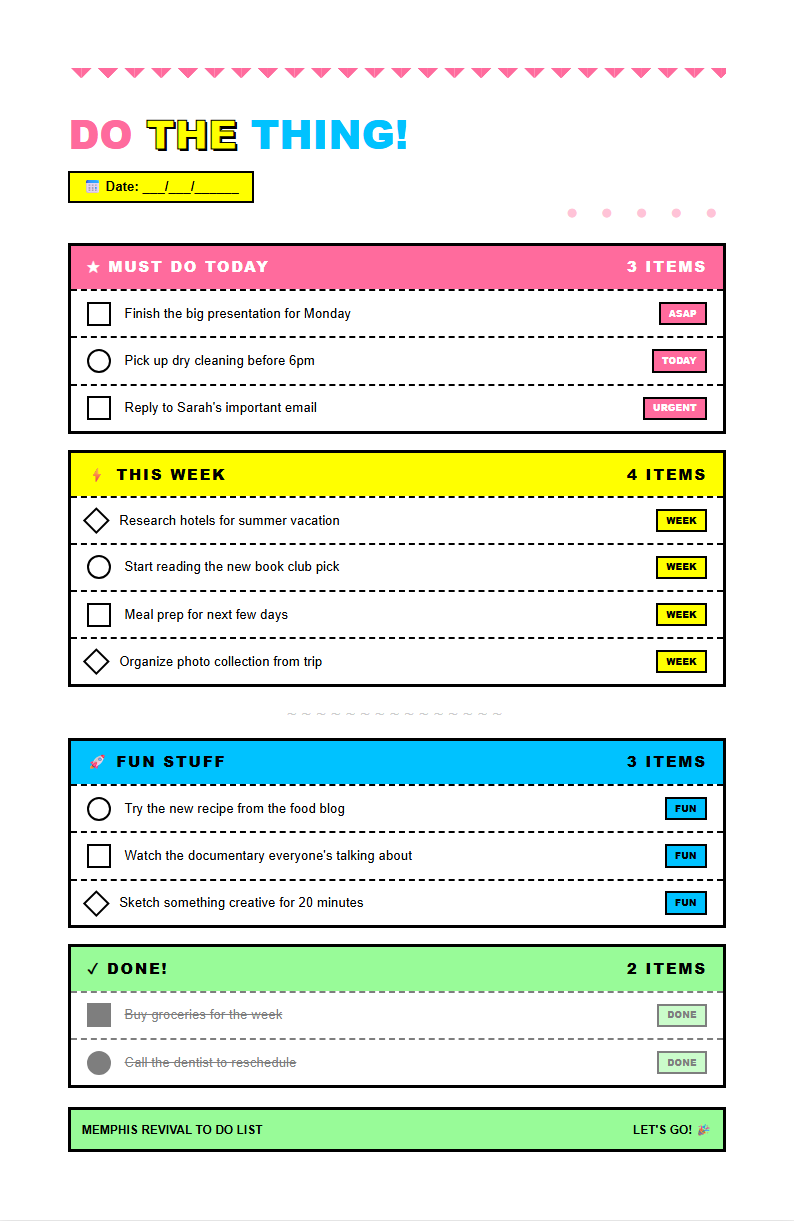
- Yes, our online editor supports adding checkboxes, priority indicators, color labels, and other organizational elements to your To Do List Template. These visual features help you quickly identify urgent tasks and track completion at a glance, making the document a powerful tool for managing both simple errands and complex multi-step projects.
- What is the difference between a to do list and a checklist?
- A to do list focuses on tasks that need to be completed, often organized by priority or chronology. A checklist is typically a verification tool used to confirm that steps in a process have been followed correctly. While they share similarities, a To Do List Template is designed for planning and task management, whereas a checklist serves more as a quality assurance reference.
- Can I print the task list?
- Yes, every To Do List Template can be exported as a PDF and printed on standard paper sizes. Many users prefer a printed version because having a physical copy on their desk serves as a constant visual reminder of pending tasks. You can print a fresh template each day or week to keep your planning routine consistent.
Ready to Organize Your Tasks?
Pick from our professional options and start managing your tasks with clarity and confidence.
Free templates • AI-powered editing • No sign-up required