Generate Quitclaim Deeds Instantly
Transfer property interests without the hassle of complex legal paperwork. Our AI-powered tool helps you create properly formatted deeds for property transfers between family members, spouses, trusts, and other parties in minutes.
How to Create a Quitclaim Deed Online
Enter Property Information
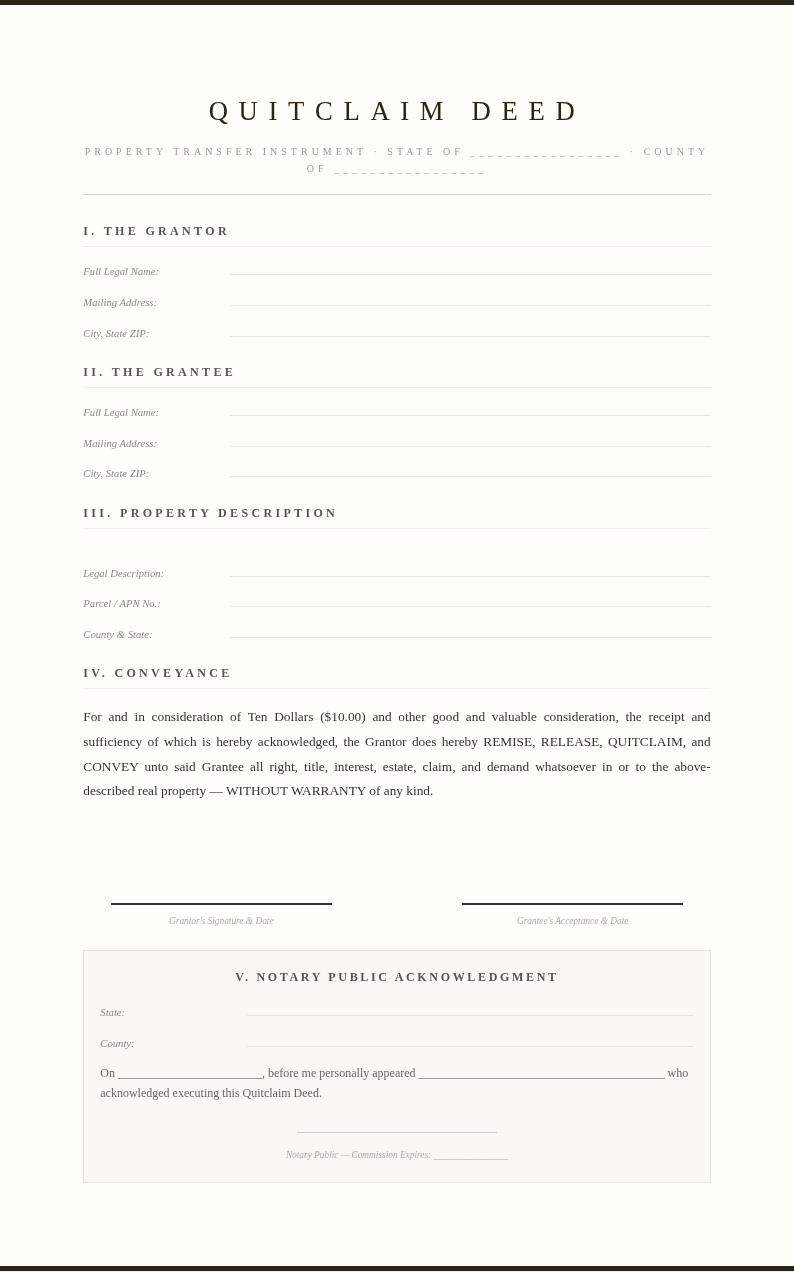
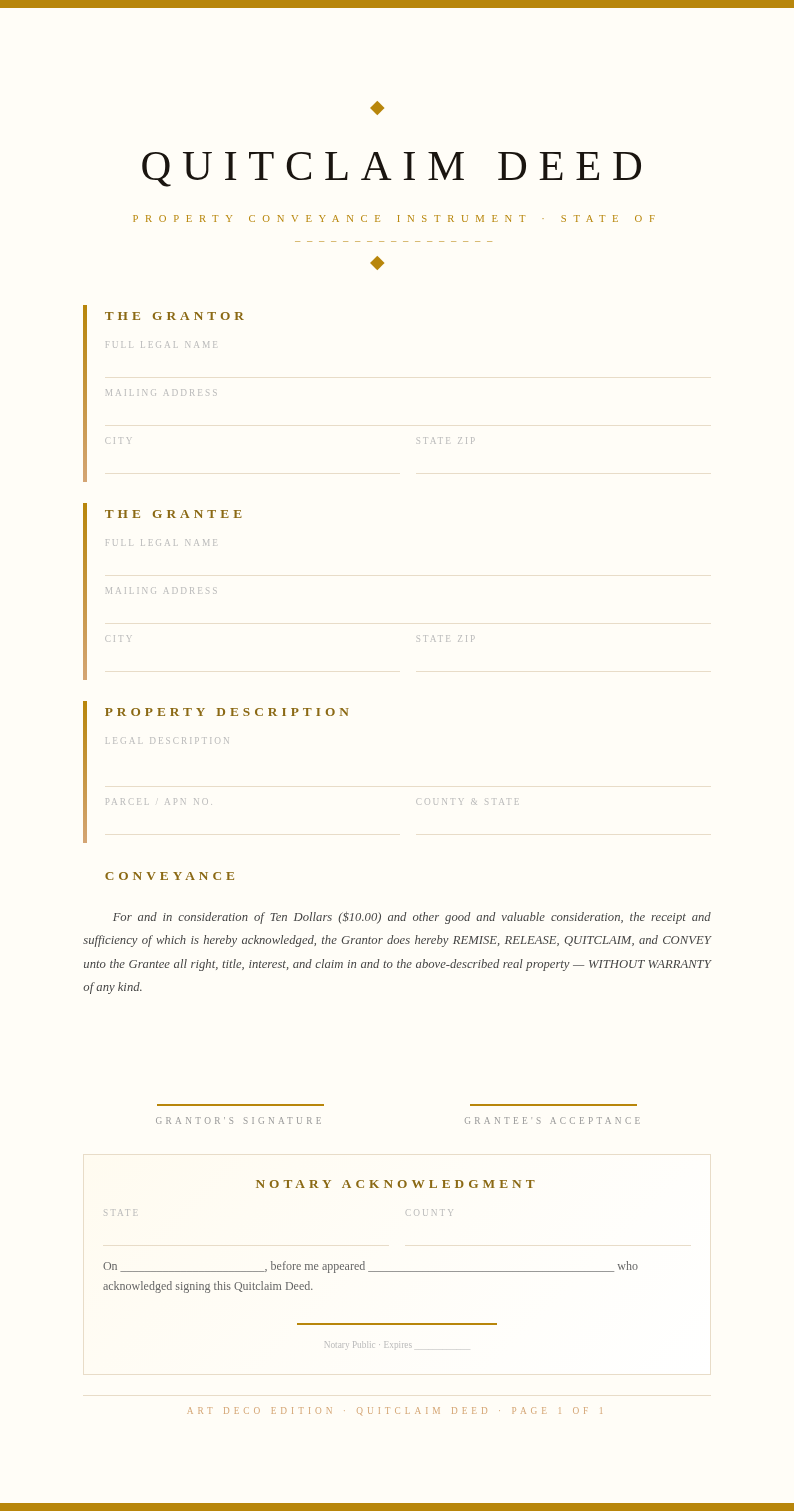
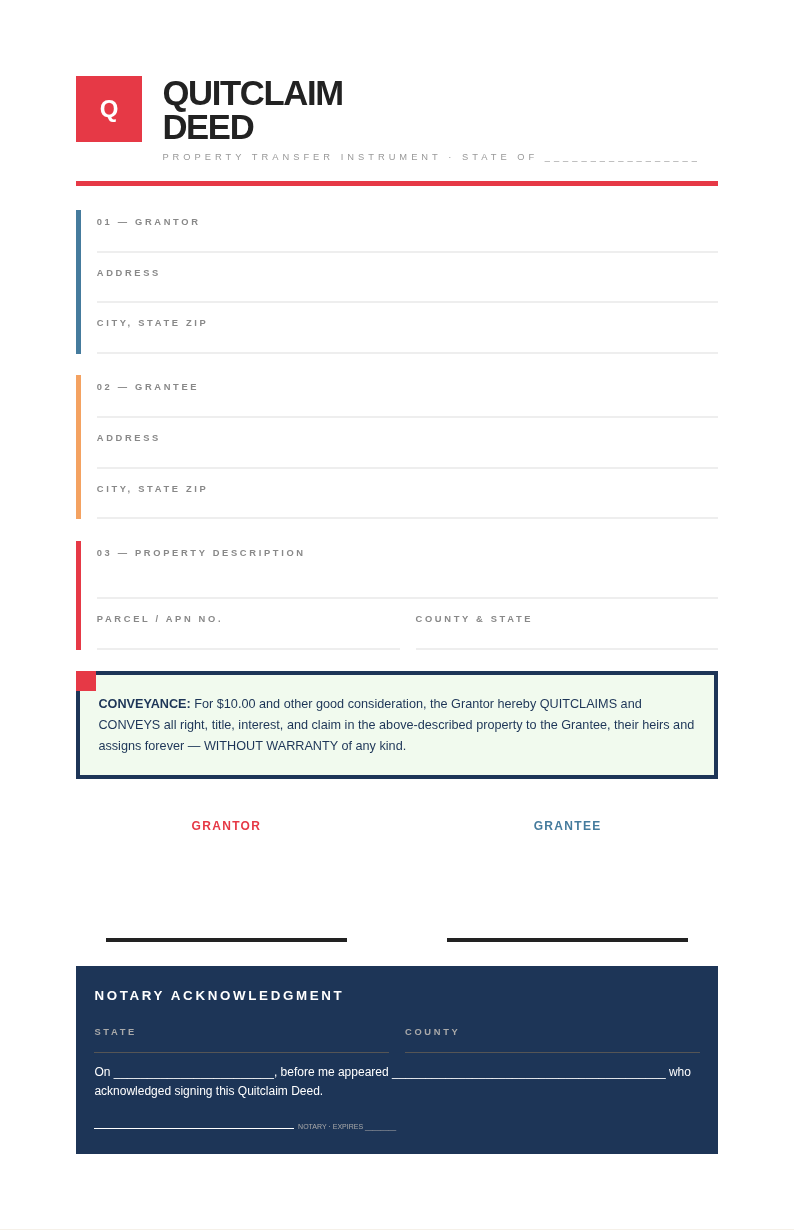
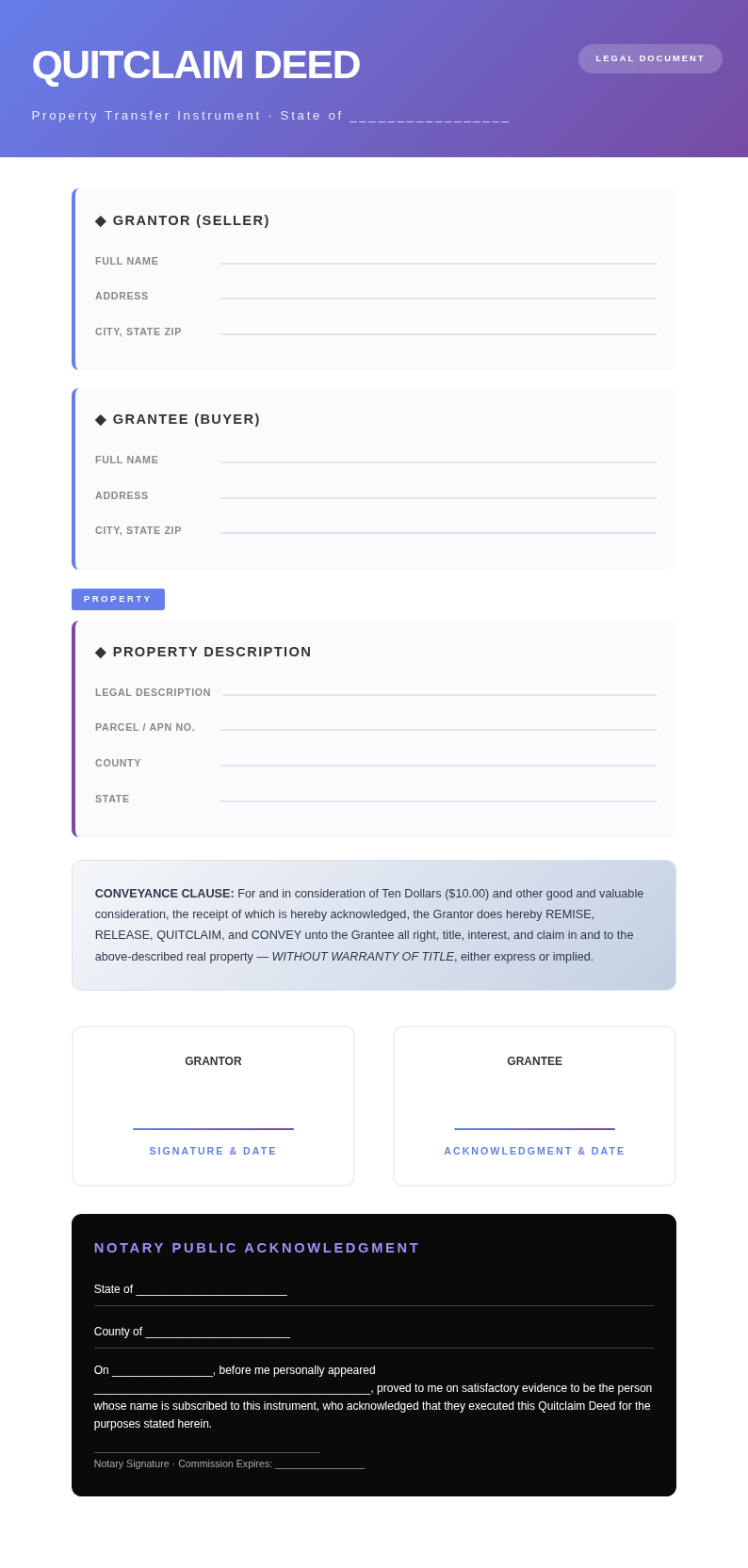
Provide the full legal names of the grantor and grantee, property address, and legal description from the current deed. Enter the parcel number and county. Accurate details help the tool produce a valid document accepted by the county recording office.
Select Your State Template
Choose the template matching the state where the property is located. Each state has specific requirements for deed formatting, notary language, and witness provisions. The correct template ensures your document meets local county recording standards.
Review and Customize
Read through the generated deed and verify all names, descriptions, and details. Use the editor to add special provisions, update the consideration amount, or adjust the legal description. The tool produces a clean draft you can refine until complete.
Download for Notarization
Download your deed as a PDF for notarization and county recording. The the generator preserves legal formatting including the notary section. After notarization, submit the deed to the county recorder to document the property transfer officially.
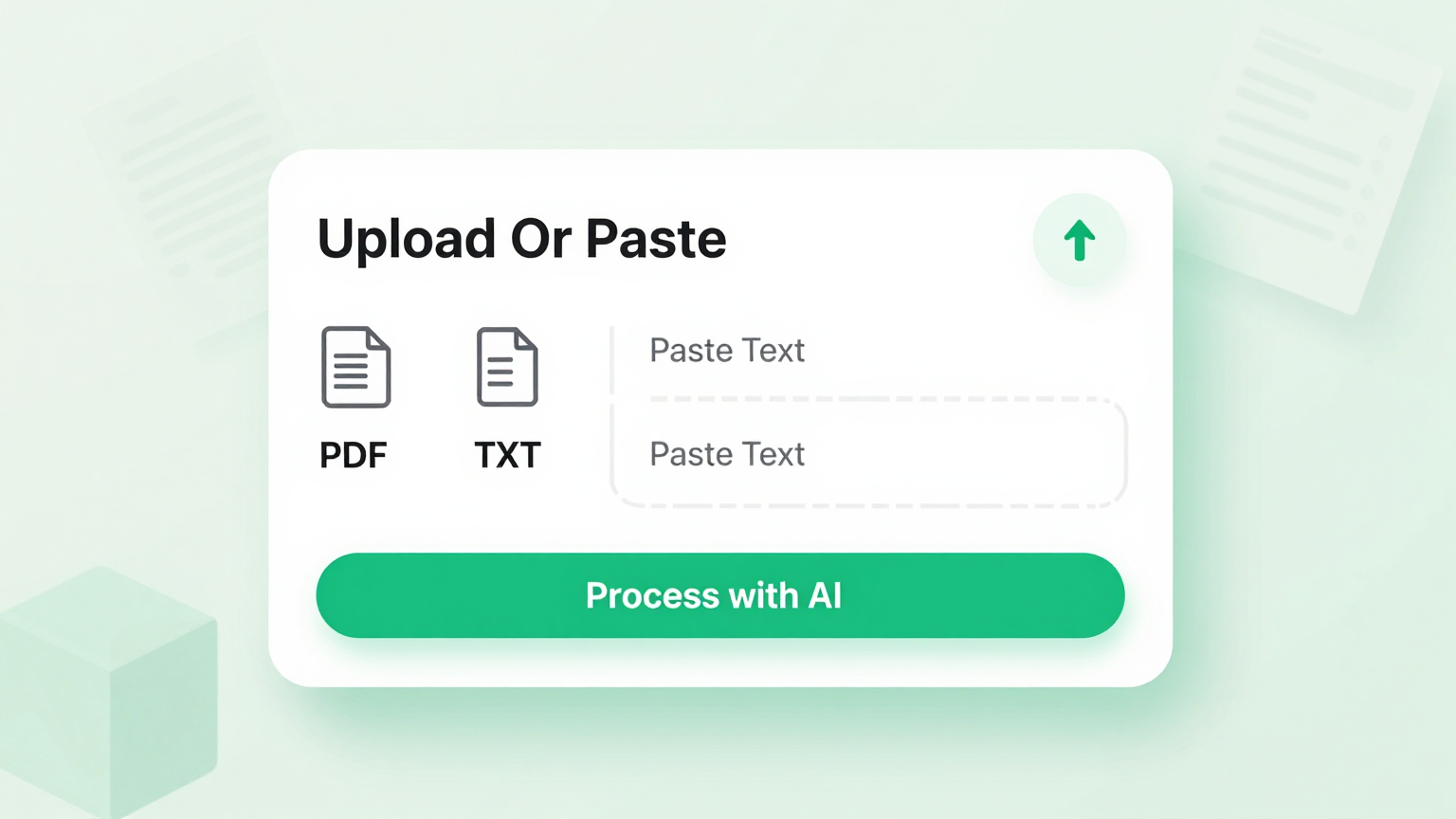
Enter Property Details
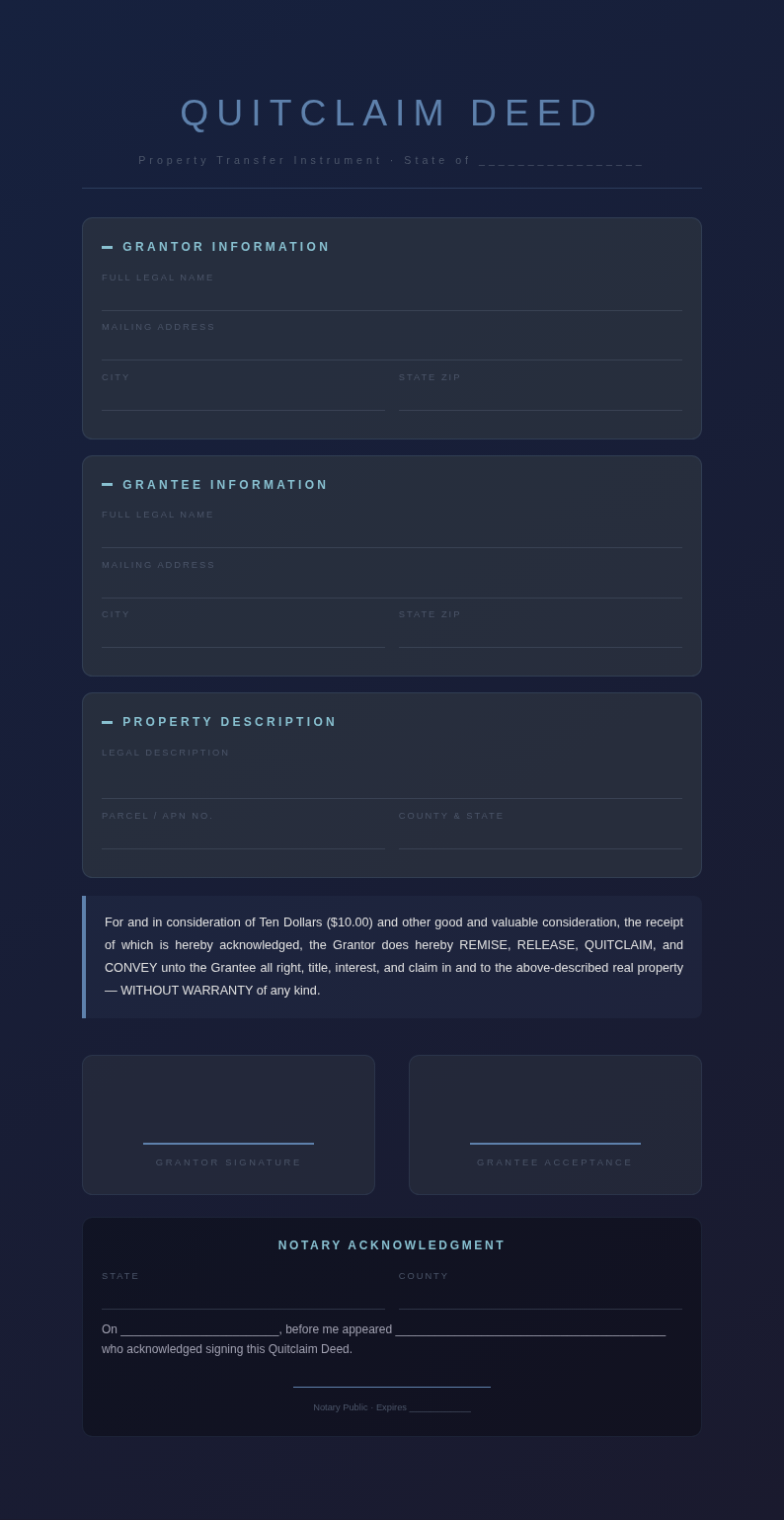
Input the grantor and grantee information, property address, legal description, and parcel number into Quitclaim Deed Generator. Paste existing deed details or property records and the tool automatically organizes the information into the correct legal format for your property transfer document.
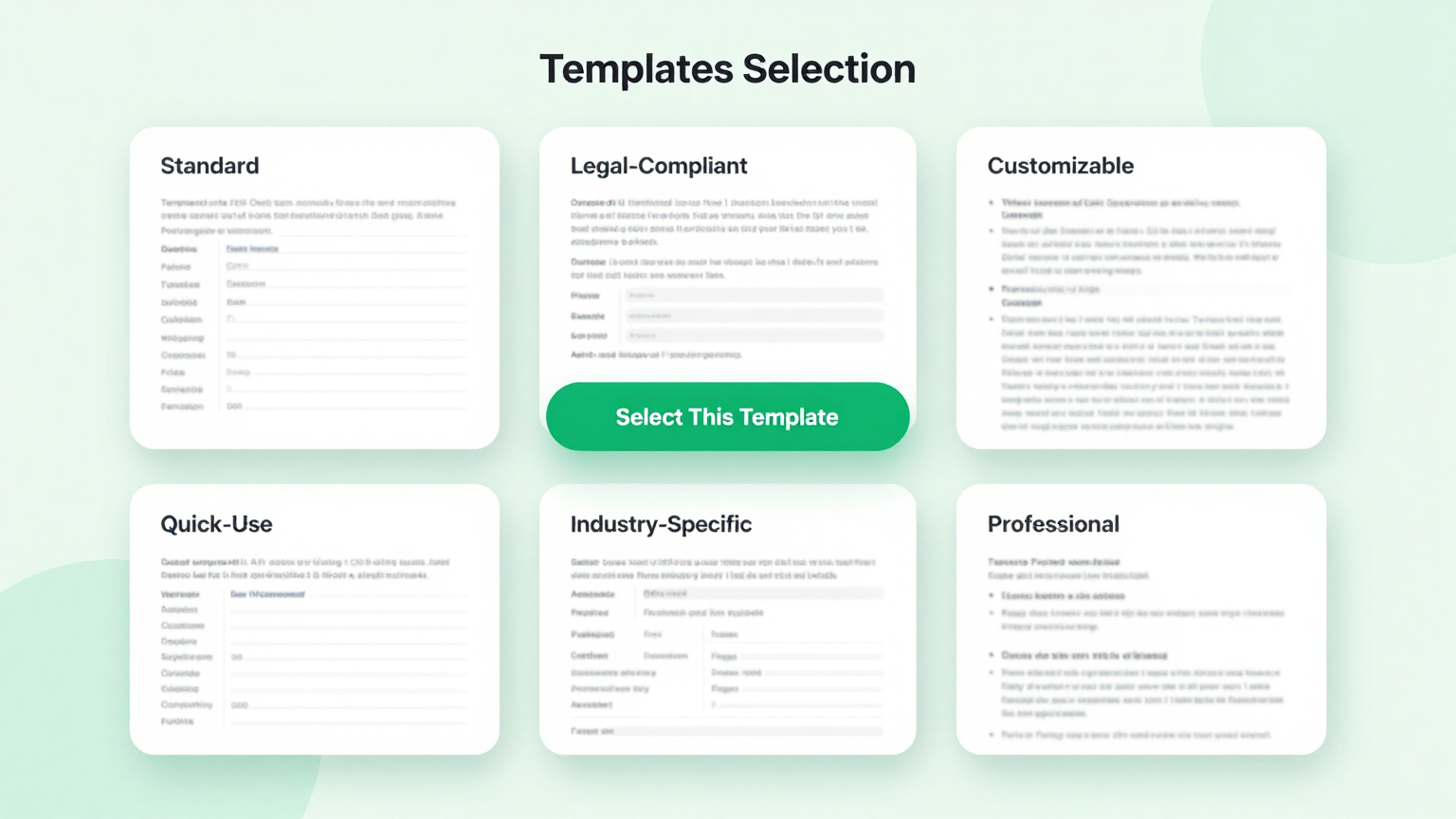
State-Specific Templates
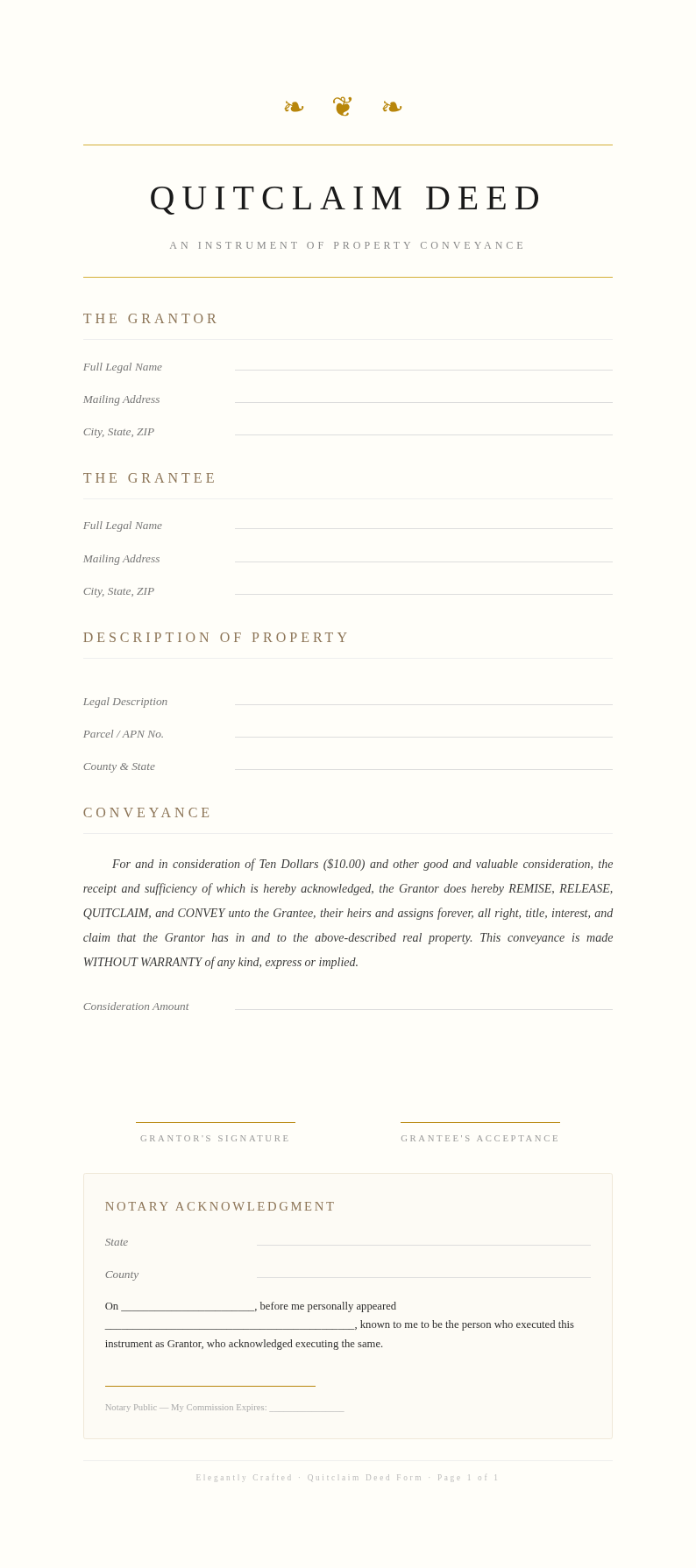
Choose from templates tailored to meet the recording requirements of different states. The Quitclaim Deed Generator provides each template includes the proper notary acknowledgment wording, witness provisions, and formatting standards required by county recording offices across the country.
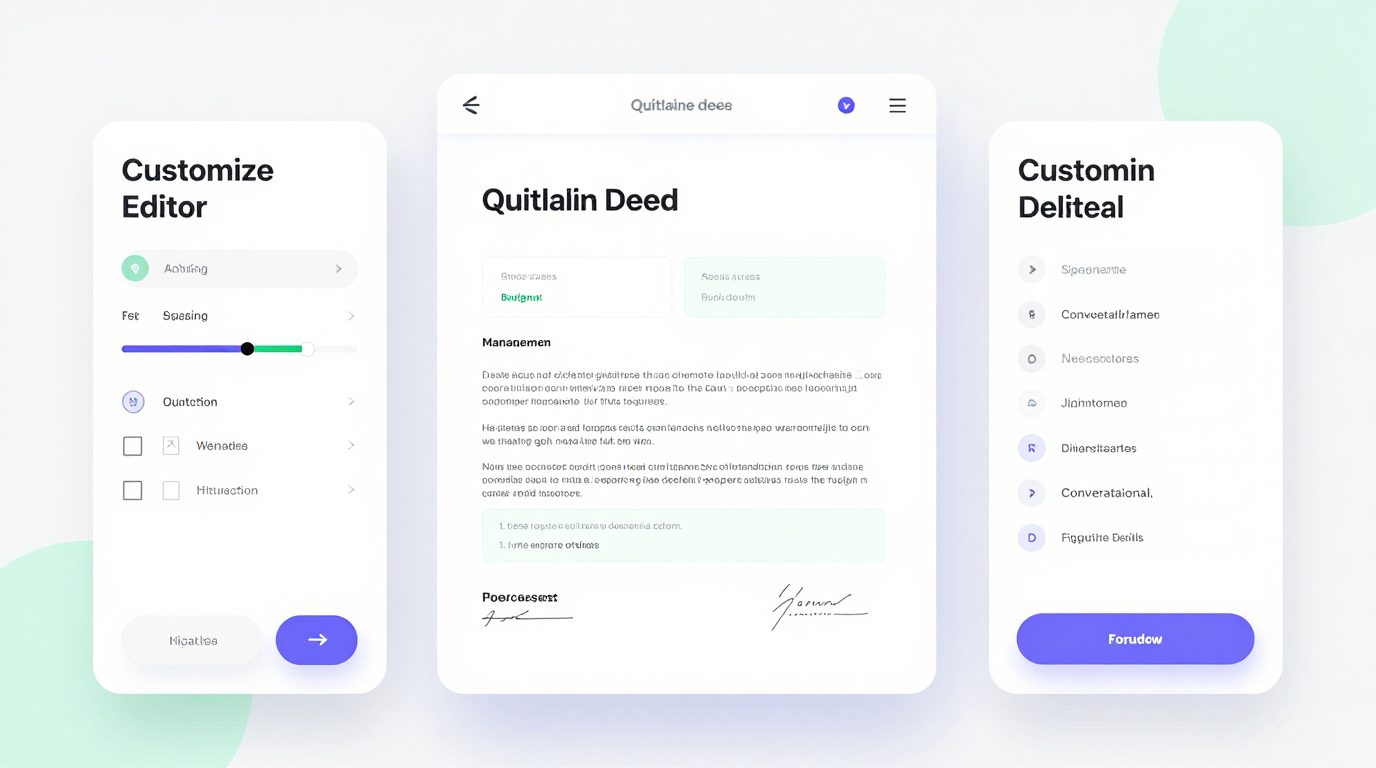
Edit Online
Refine every section of your deed with the built-in editor. Adjust the legal description, update consideration amounts, add special provisions or conditions, and preview the complete document in real time. Quitclaim Deed Generator gives you full control over the final document.
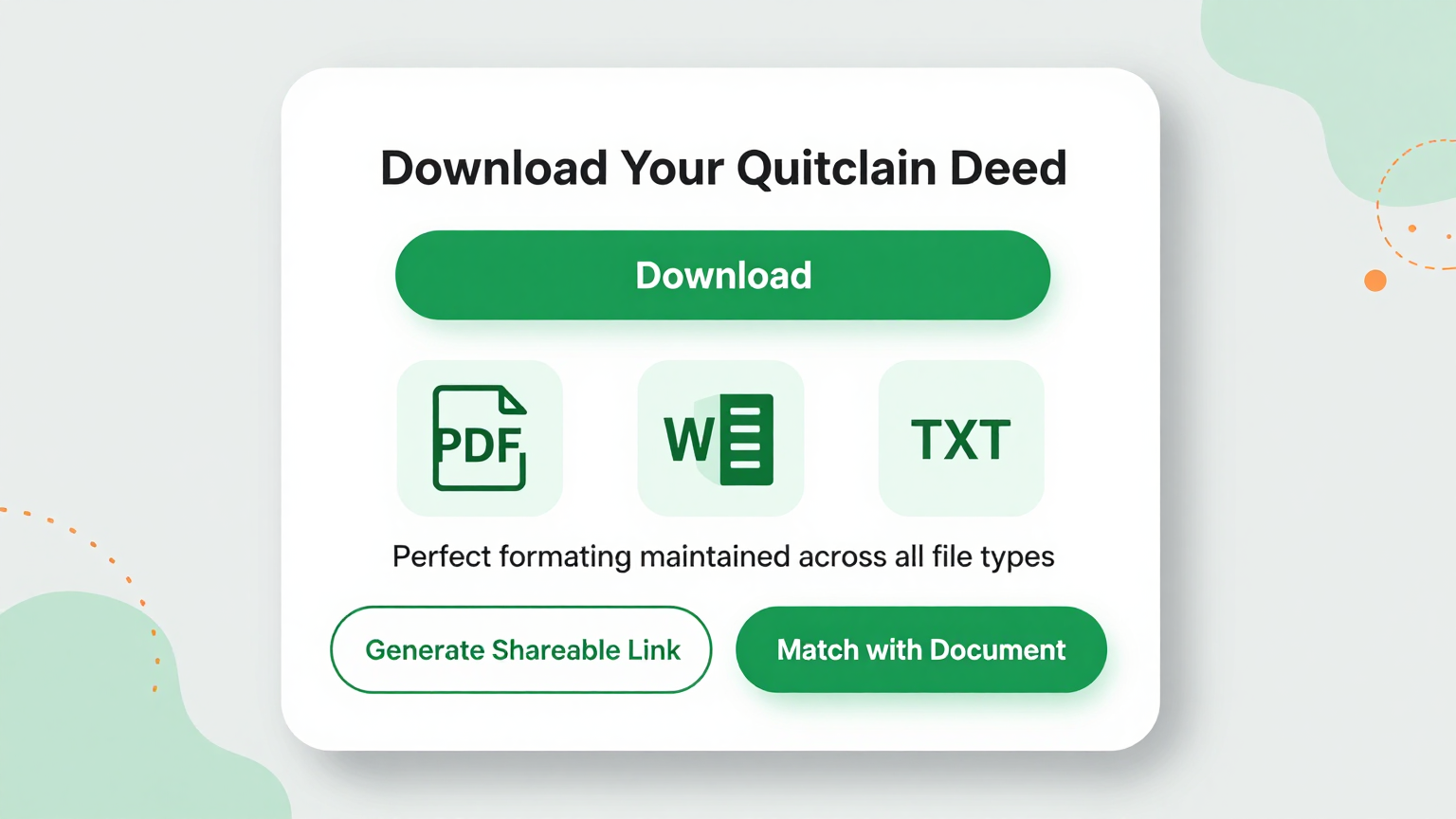
Download & Record
Export your completed deed as a polished PDF ready for notarization and county recording, or as a Word file for additional review by your attorney. The Quitclaim Deed Generator preserves all legal formatting so the document is ready for official use immediately after download.
Explore Professional Quitclaim Deed Templates
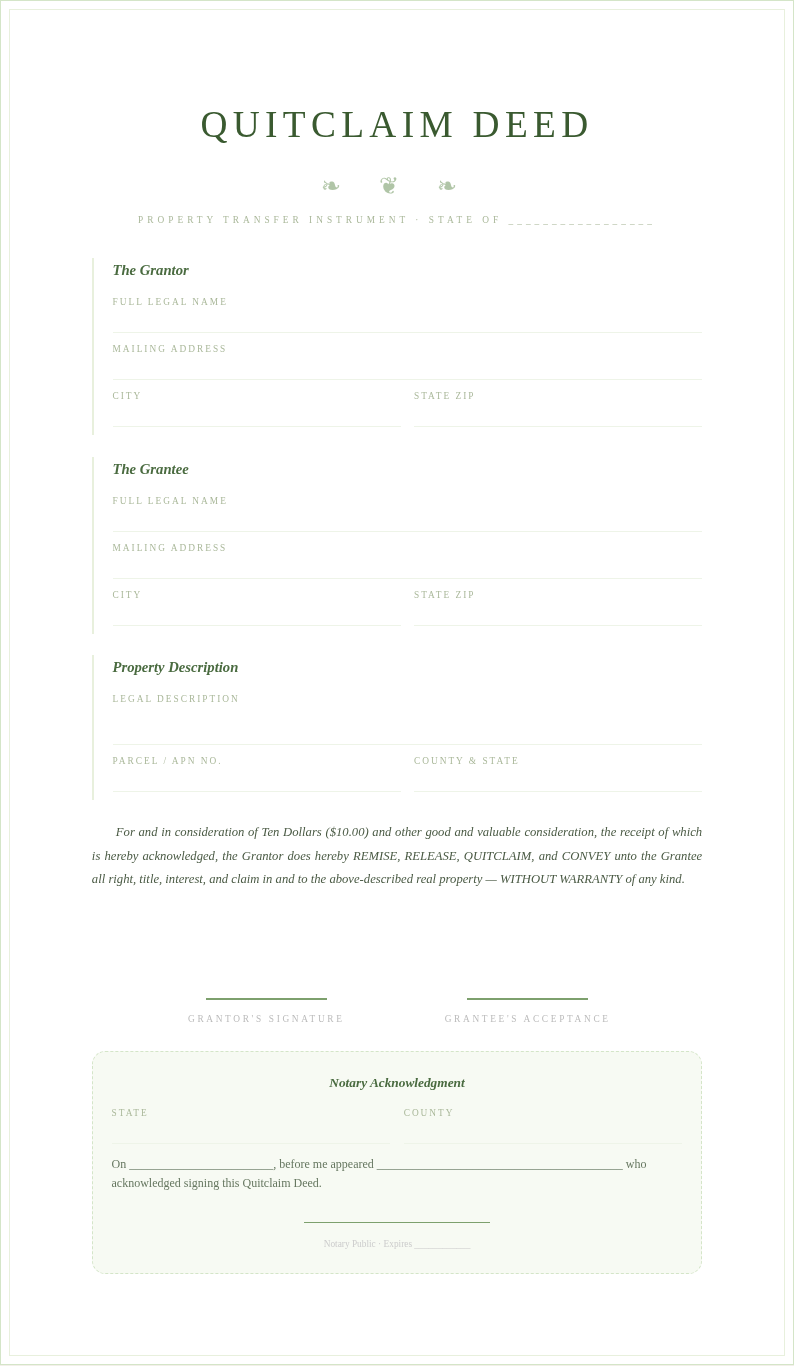
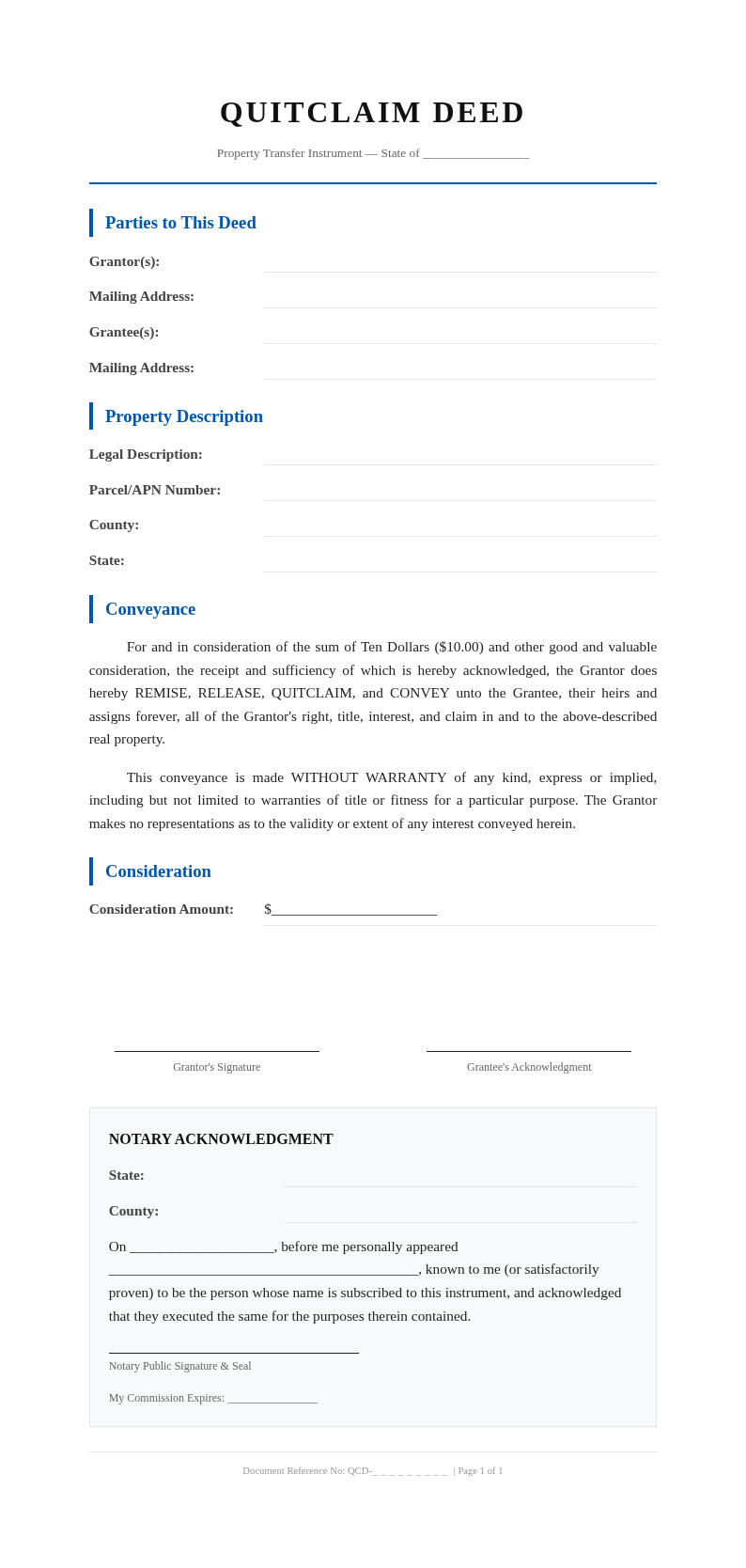
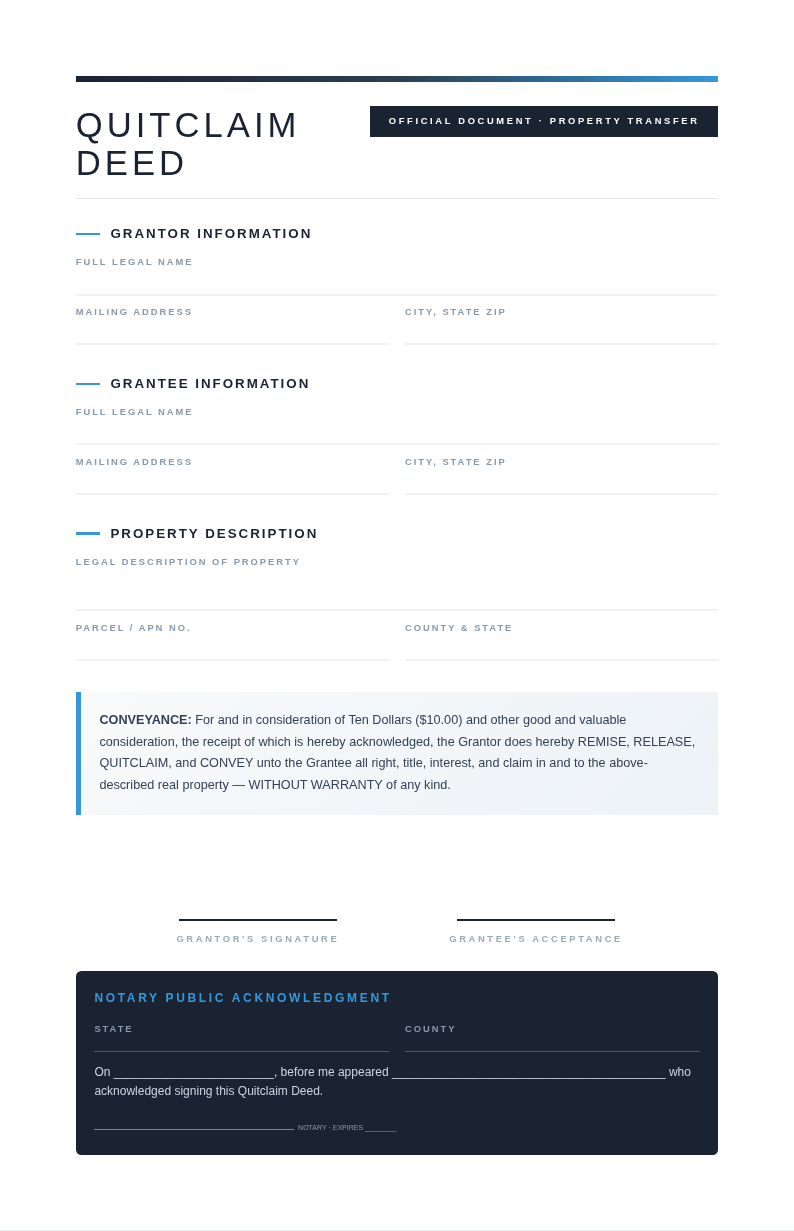
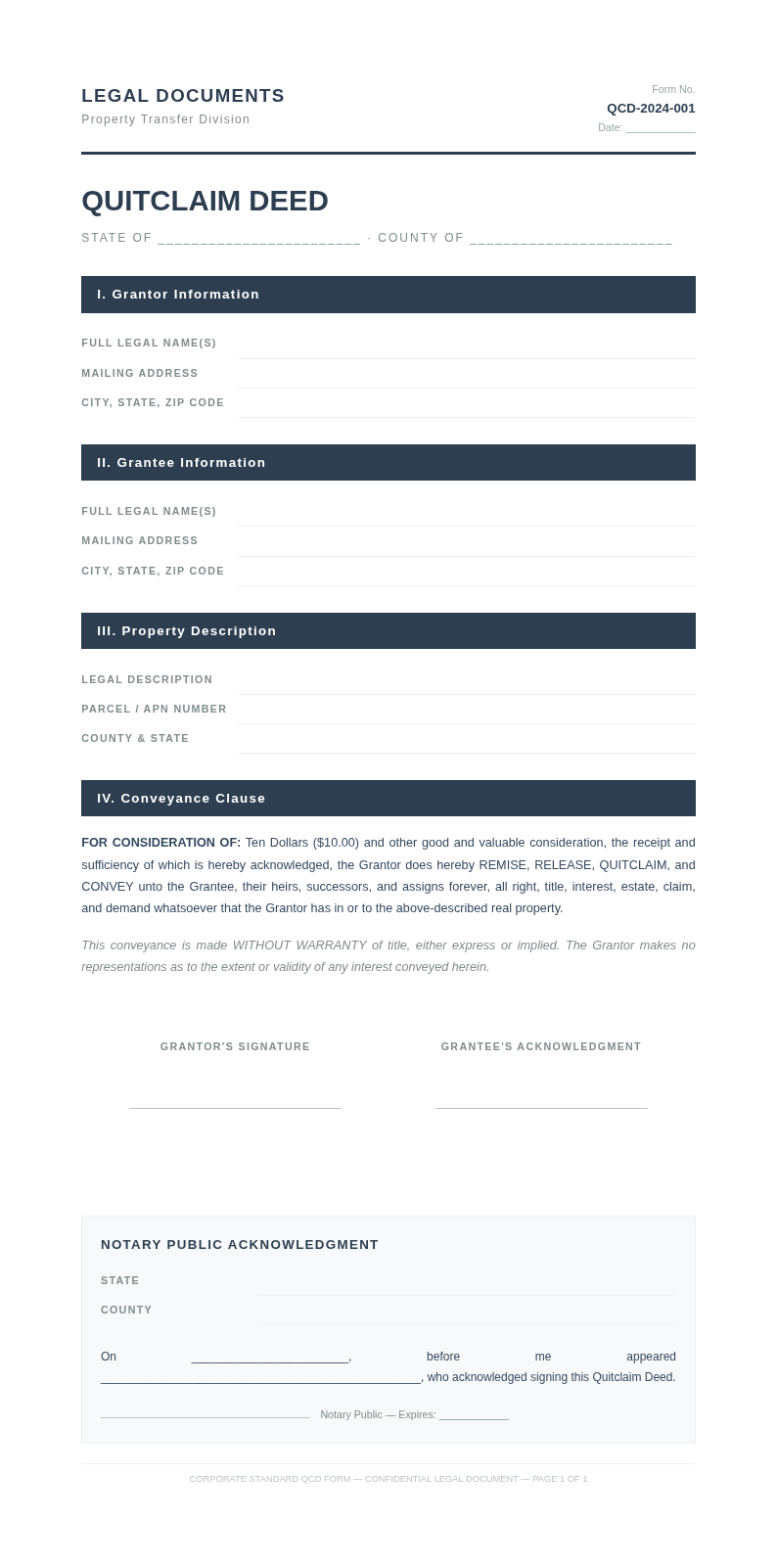
Prefer to start from a template? Browse our full collection of quitclaim deed layouts and find one that fits your state.
Frequently Asked Questions
Helpful information about using our deed creation tool.
- Is the Quitclaim Deed Generator free to use?
- Yes. The the generator is completely free with no hidden charges, subscriptions, or account requirements. You can generate, edit, and download as many quitclaim deeds as you need without paying anything at all. Quitclaim Deed Generator provides full access to every template and export option at absolutely no cost, with no limitations on the number of deeds you can create.
- What types of transfers can I make with the Quitclaim Deed Generator?
- The this tool supports transfers between family members, adding or removing a spouse from a title, transferring property into a living trust, removing a name from a joint title, correcting name errors on a deed, and transferring personal property interests. Each transfer type has appropriate template options that include the correct language and provisions.
- Do I need to install anything to use the Quitclaim Deed Generator?
- No installation is needed. The tool runs entirely in your web browser with no plugins, extensions, or software downloads required. Simply open the page, select your state, fill in the property details, and download your completed deed right away. The our tool works on desktops, tablets, and mobile devices without any setup or special configuration needed.
- Are the deeds from the Quitclaim Deed Generator legally valid?
- The the tool produces properly formatted documents that follow standard legal conventions for quitclaim deeds in each supported state. However, the deed must be signed in the presence of a notary public and recorded with the county to become legally effective. We recommend having an attorney review the completed output for complex transactions or unusual circumstances.
- Can I save and edit my deed later?
- You can download your deed as a Word document and reopen it anytime for further editing before notarization. While the the generator does not store documents on our servers for privacy and security reasons, keeping the downloaded Word file lets you return to your deed whenever you need to make corrections or updates before signing and recording.
- Does the Quitclaim Deed Generator work for transfers to a trust?
- Yes, transferring property into a living trust is one of the most common uses for this purpose using the this tool. You simply list yourself as the grantor and your trust as the grantee, and the tool produces a properly formatted deed for this purpose. This is a standard estate planning strategy that many property owners use to help their beneficiaries avoid probate proceedings.
- How long does it take to generate a quitclaim deed?
- Most users complete their deed in under ten minutes using the our tool. Once you enter the grantor and grantee information along with the property description and select your state template, the generator produces a formatted draft instantly. You then review the details, make any necessary adjustments, and download the final version for notarization.
- What export formats does the Quitclaim Deed Generator support?
- the tool lets you export your completed deed as a PDF ready for notarization and recording or as a Microsoft Word file for further editing and attorney review. Both export formats preserve the precise legal formatting, notary sections, and layout that the generator applies, ensuring the document meets county recording standards when you submit it.
- Can I use the Quitclaim Deed Generator for a divorce?
- Yes. The Quitclaim Deed Generator is frequently used in divorce situations where one spouse needs to transfer their ownership interest in a property to the other spouse. You can generate a deed listing the transferring spouse as the grantor and the retaining spouse as the grantee. Many attorneys and mediators accept properly executed deeds as part of property settlement agreements.
- Does the Quitclaim Deed Generator include the notary section?
- Yes, every deed produced by the Quitclaim Deed Generator includes a proper notary acknowledgment section with space for the notary public seal, signature, commission expiration date, and the date of notarization. This section follows the standard format accepted by county recording offices so your deed is ready for notarization immediately after printing.
- Does the Quitclaim Deed Generator work on mobile devices?
- Yes, the Quitclaim Deed Generator is fully responsive and works seamlessly on smartphones, tablets, and other mobile devices. You can enter property details, select a template, and download your deed from any device with a modern web browser, making it convenient to prepare property transfer documents from anywhere without needing a desktop computer.
- What makes this Quitclaim Deed Generator better than filling out forms manually?
- The Quitclaim Deed Generator saves significant time and reduces errors by providing state-specific templates with proper legal language, automatic field organization, and instant formatting. Instead of searching for the correct deed format and manually typing legal descriptions, it gives you a polished, properly structured document where you simply fill in the specific details for your transfer.
Create Your Quitclaim Deed Now
Stop struggling with complex legal forms. Use our free tool to produce a valid, properly formatted quitclaim deed in minutes.
No credit card required • AI-powered formatting • Instant download