Edit Apa Title Page Templates Online for Free
Create a flawless first impression with AI Formatter's collection of Apa Title Page templates. Adheres to the latest APA edition guidelines for students and researchers.
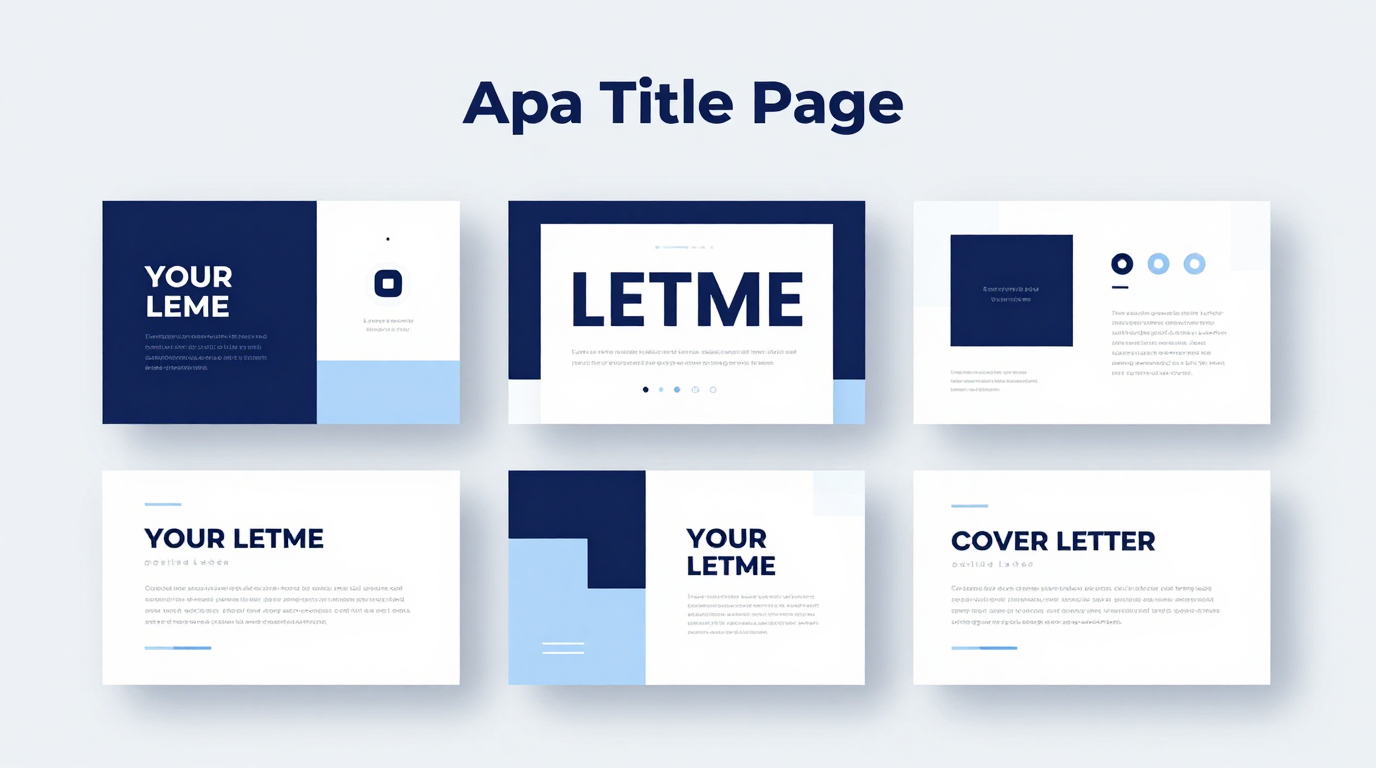
Showing 20 of 30 templates

Frequently Asked Questions About Our Templates
Common questions about using our APA title page templates.
- Are these title page templates free to download?
- Yes, all our Apa Title Page templates are completely free to download and use. We want to help you ensure your paper's formatting is correct without any barrier to entry. You can access professional-quality title pages for all your assignments. Simply download the file and start editing right away to create a polished cover sheet.
- Do these templates follow the 7th Edition rules?
- Yes, our Apa Title Page templates are meticulously updated to reflect the latest APA 7th Edition guidelines. We offer specific versions for both Student Papers and Professional Papers, as the formatting requirements differ slightly between the two. Each template ensures your document meets academic standards. The 7th edition simplified several rules from the 6th edition, including changes to running heads and title page formatting. Using an up-to-date template is crucial for maintaining academic integrity and meeting instructor expectations.
- Can I edit the template in Google Docs?
- Yes, the Apa Title Page templates are provided in standard .docx format, which is fully compatible with Google Docs. Simply upload the file to your Google Drive and you can edit it directly in your browser without any issues. This flexibility allows you to work from any device with internet access, making it convenient for students and professionals who need to access their documents on multiple computers or while on the go. You can also collaborate with others in real-time.
- What information goes on the title page?
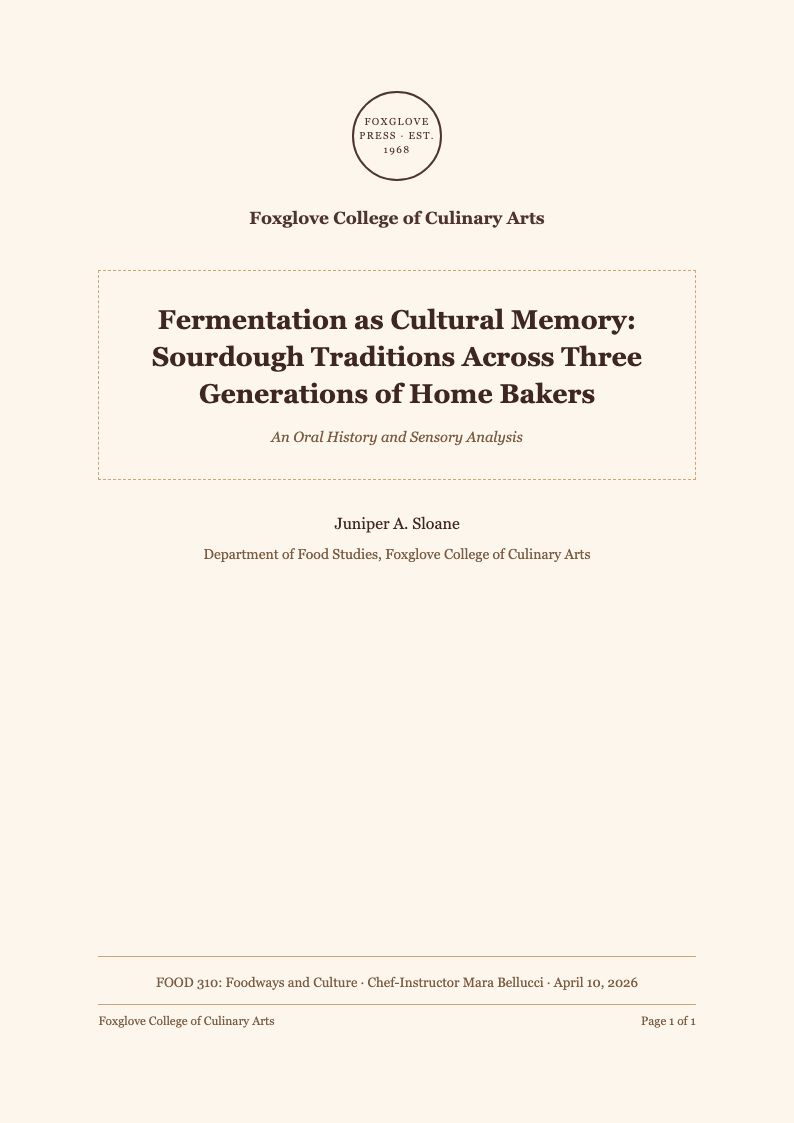
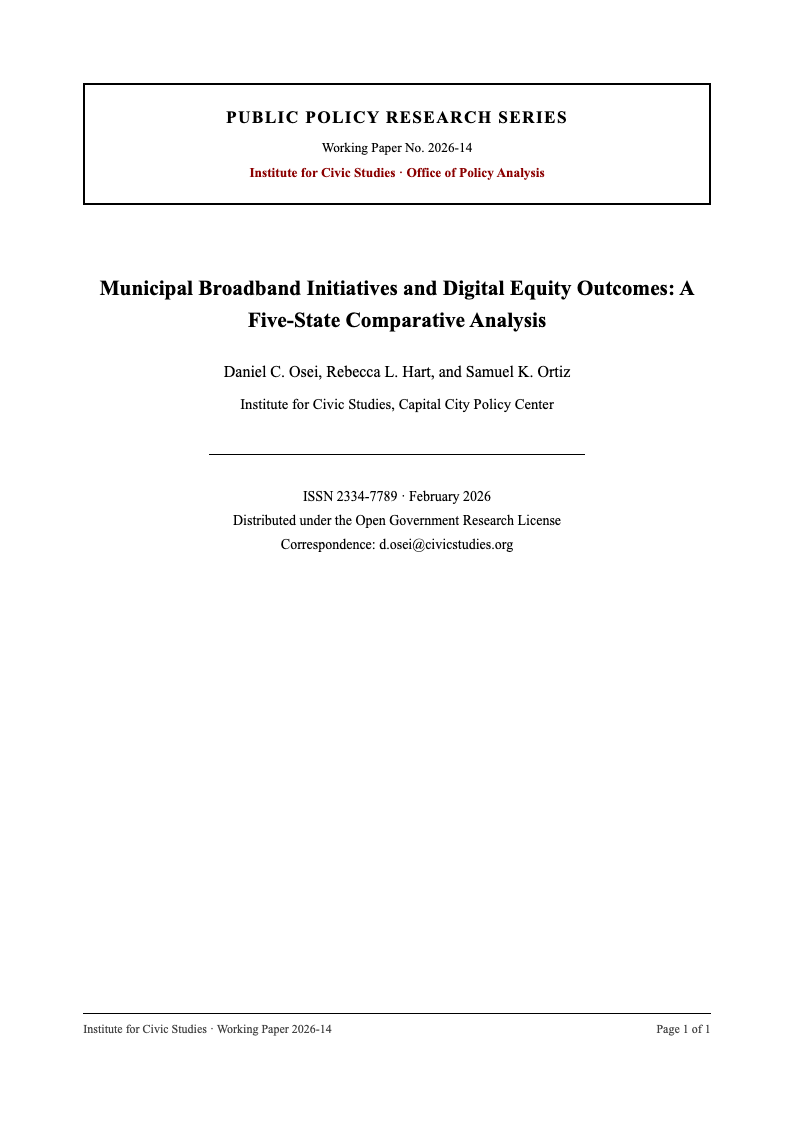
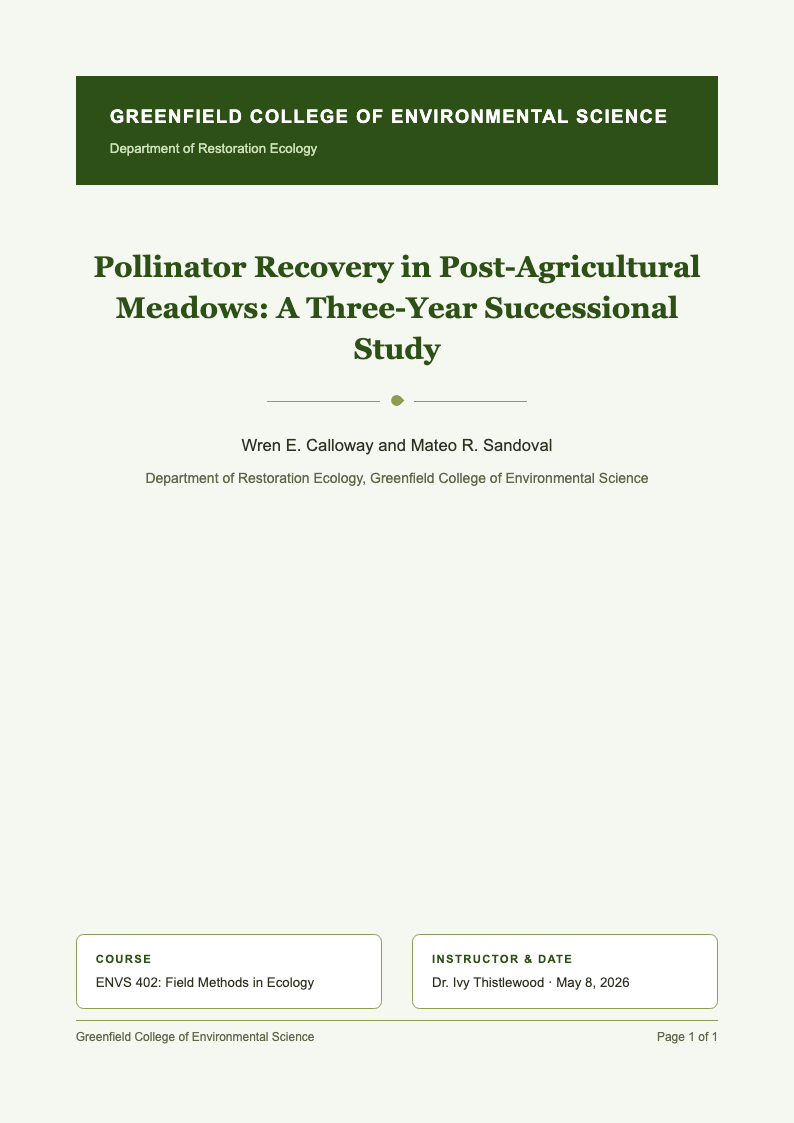
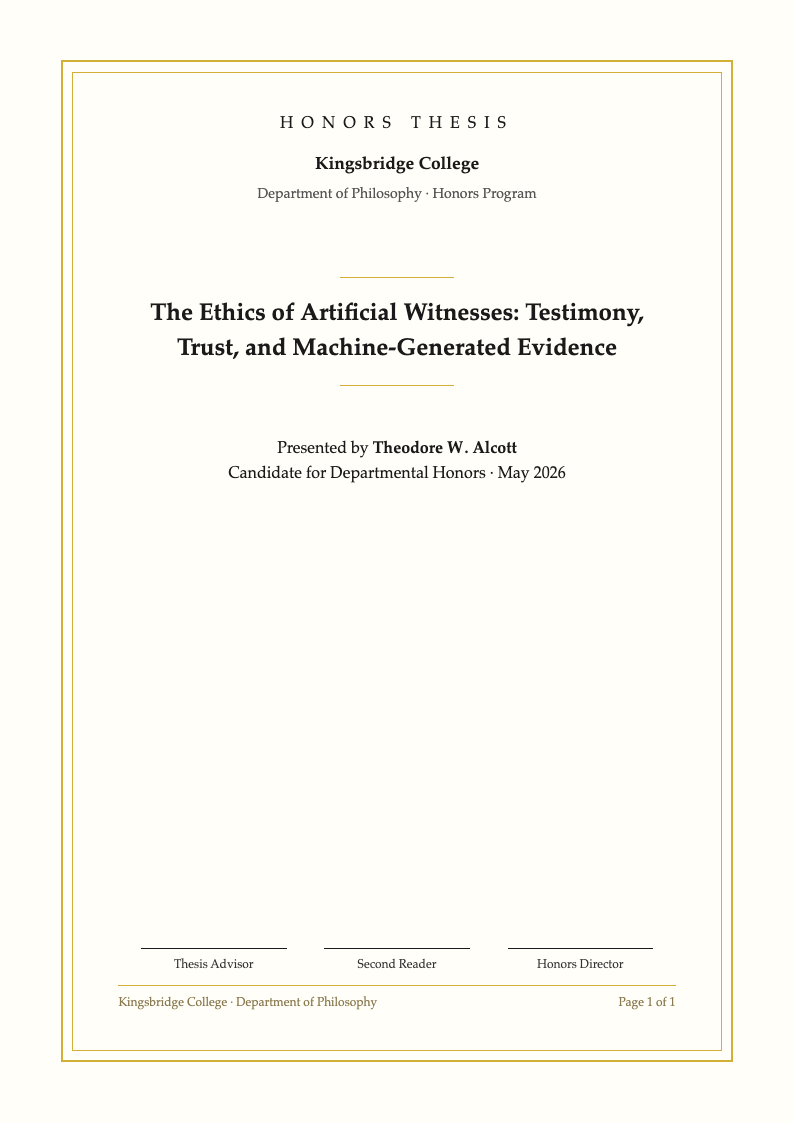
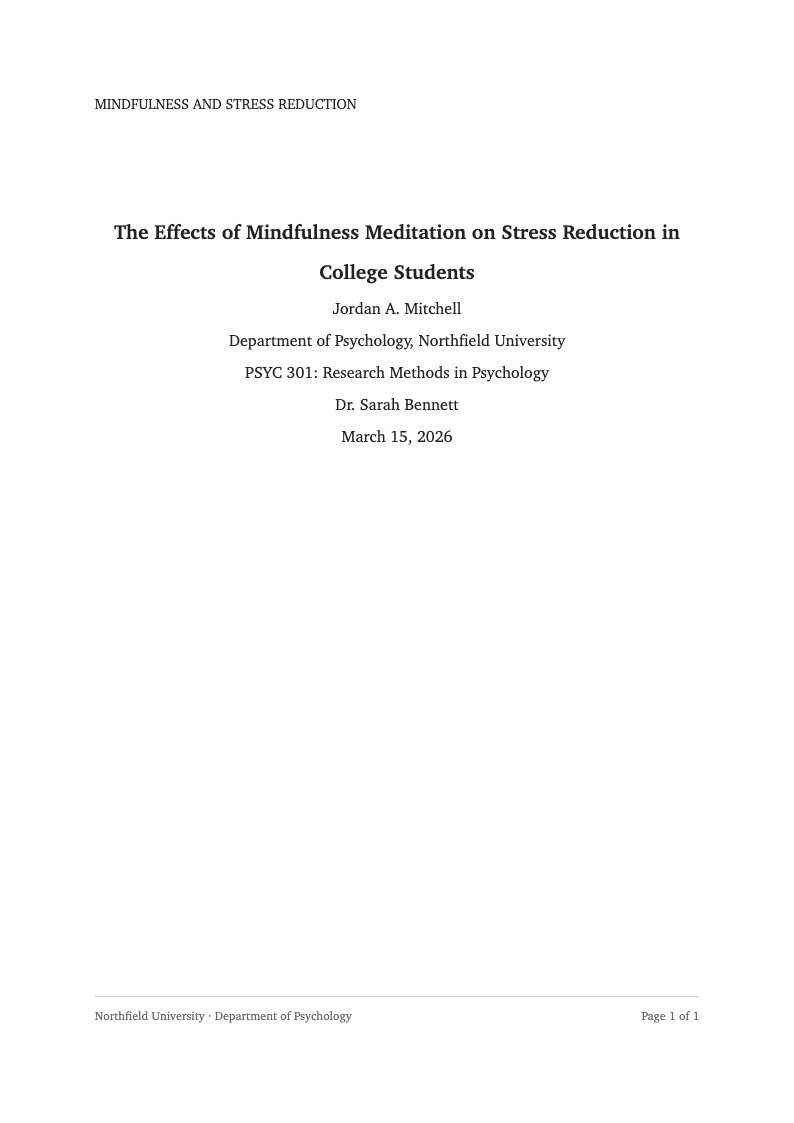
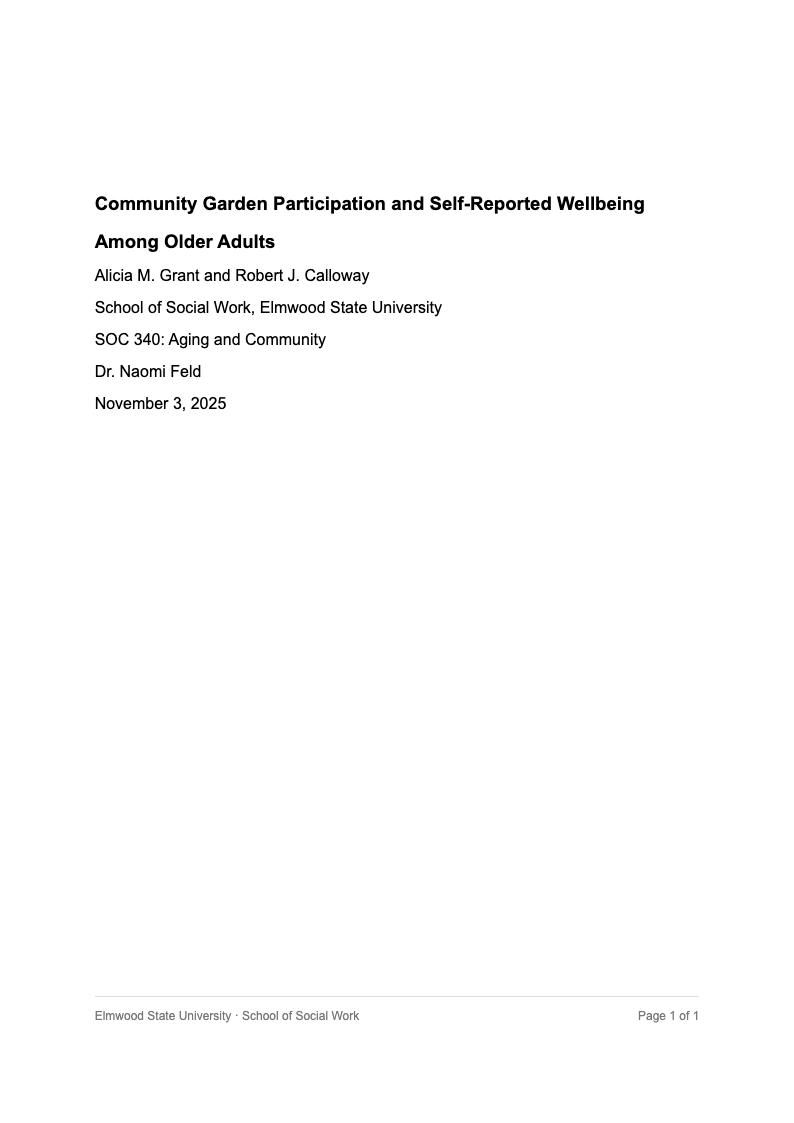
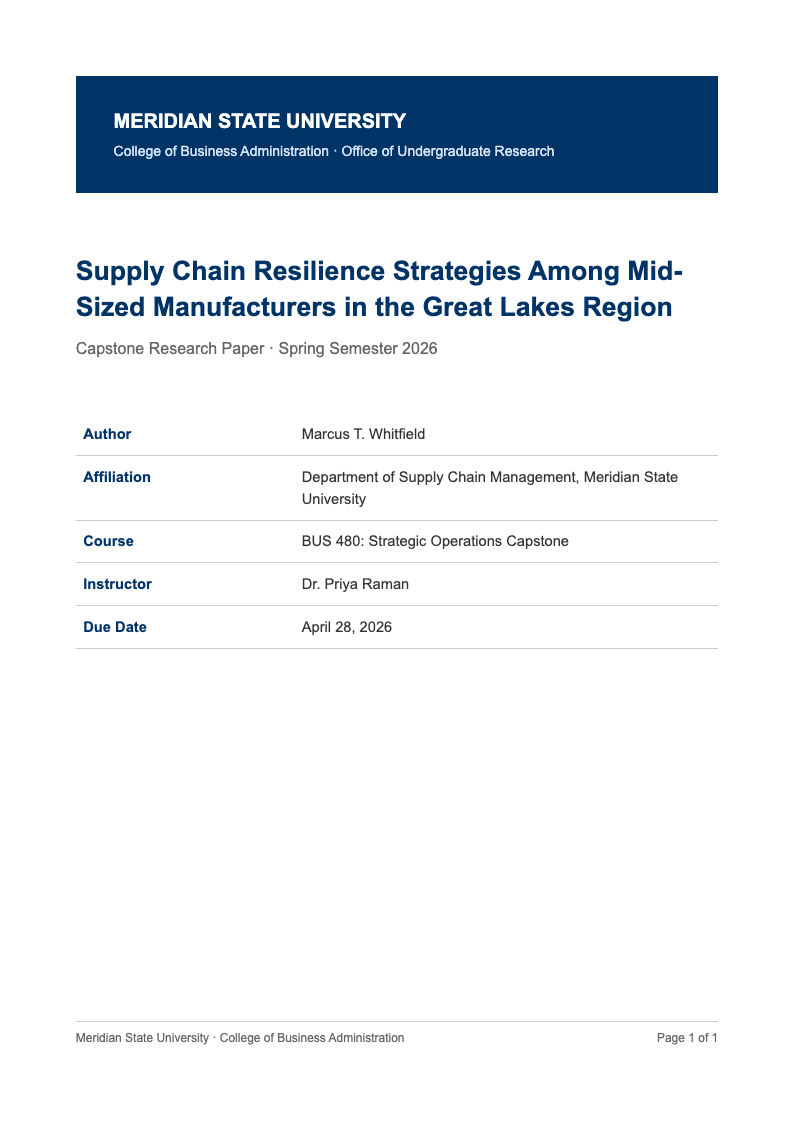
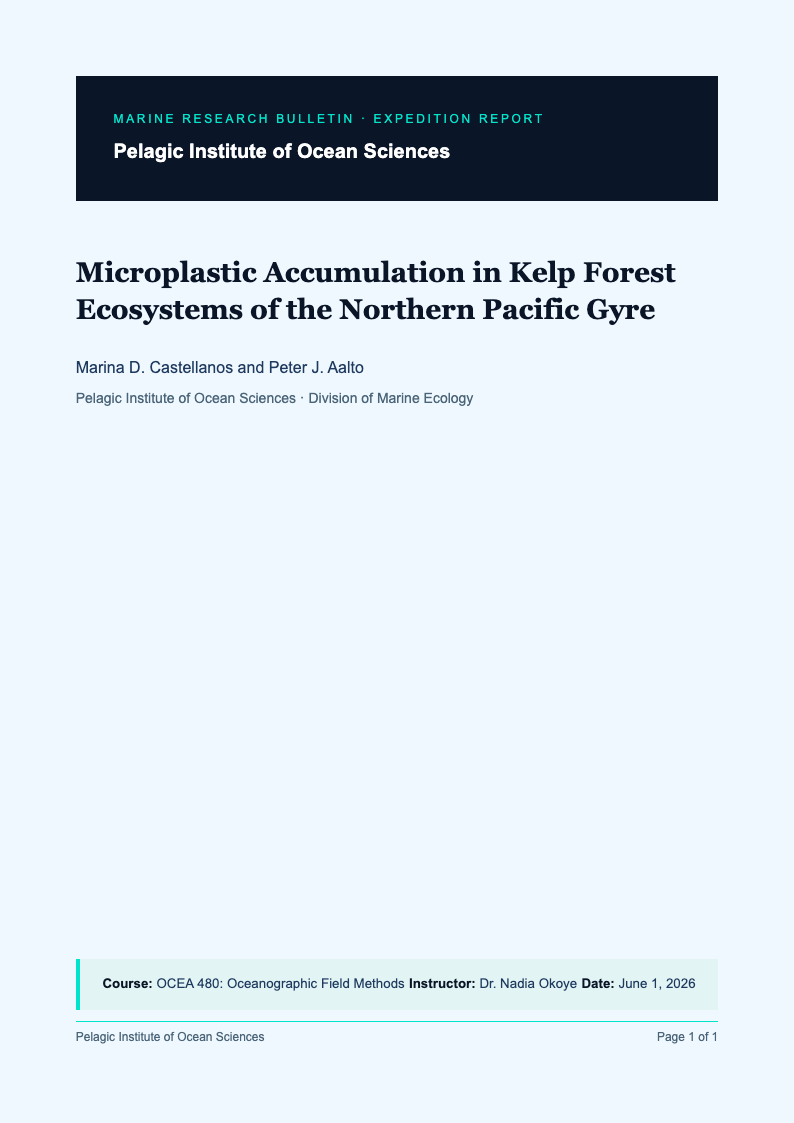
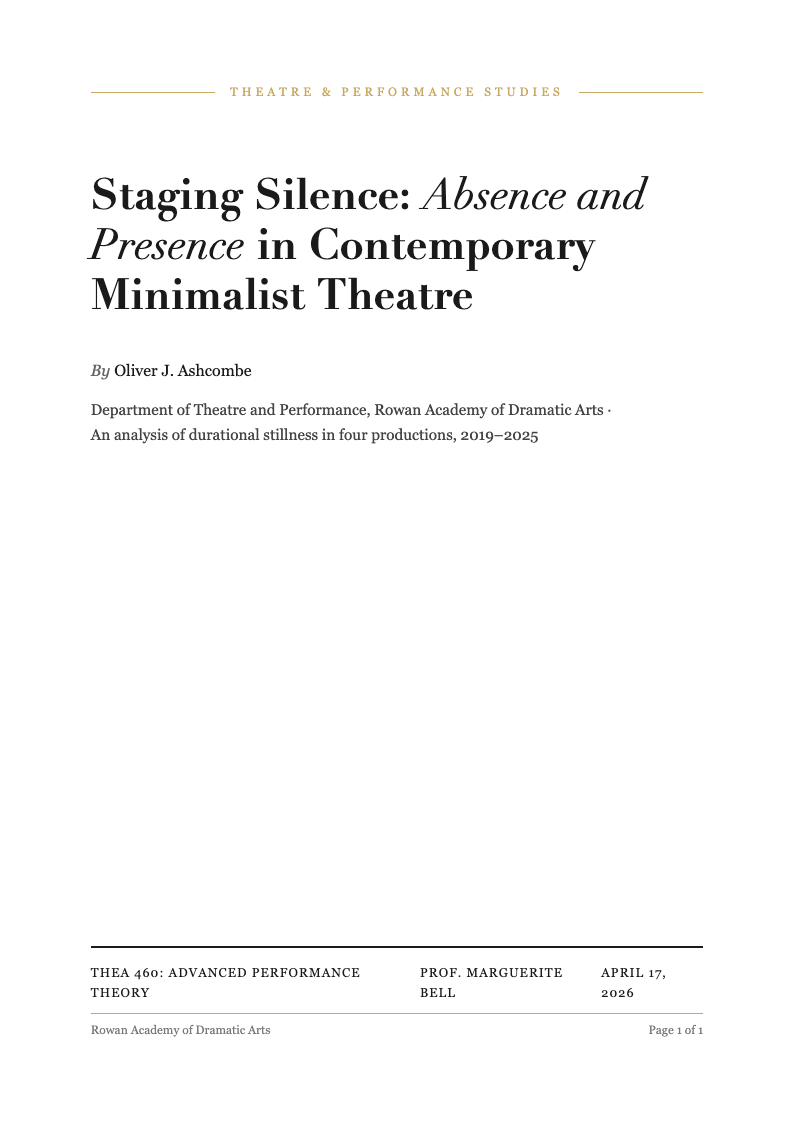
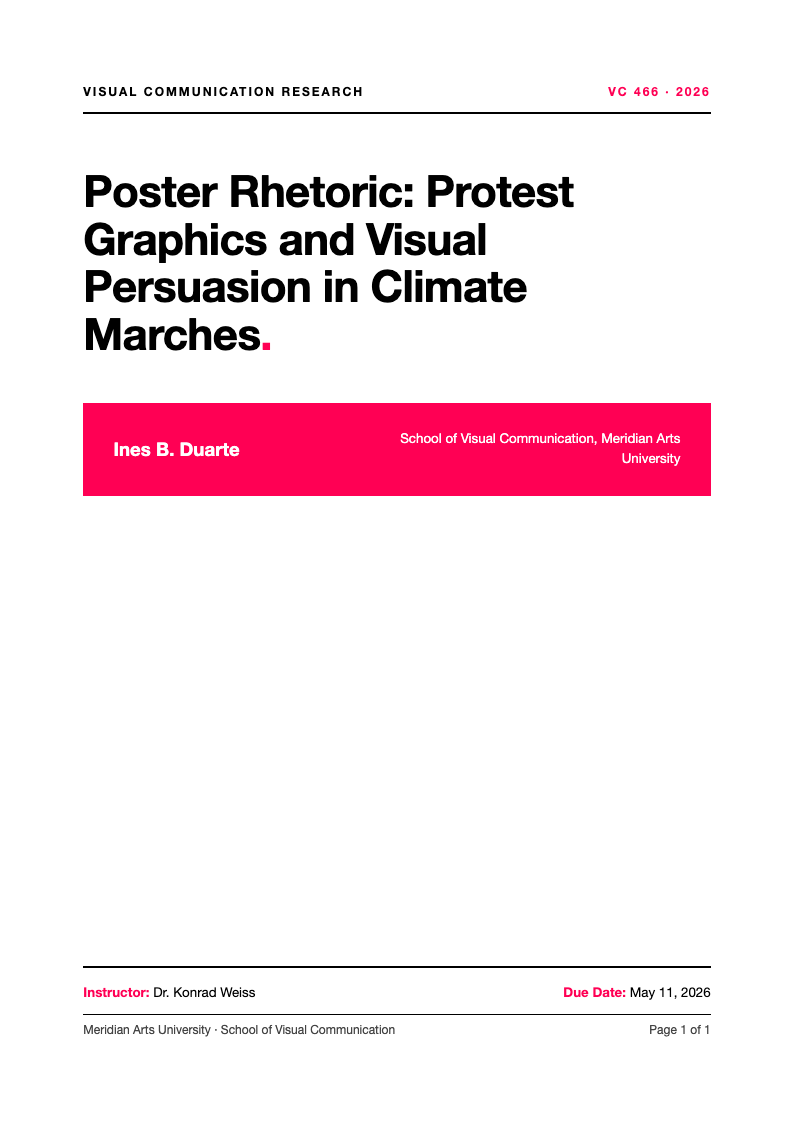
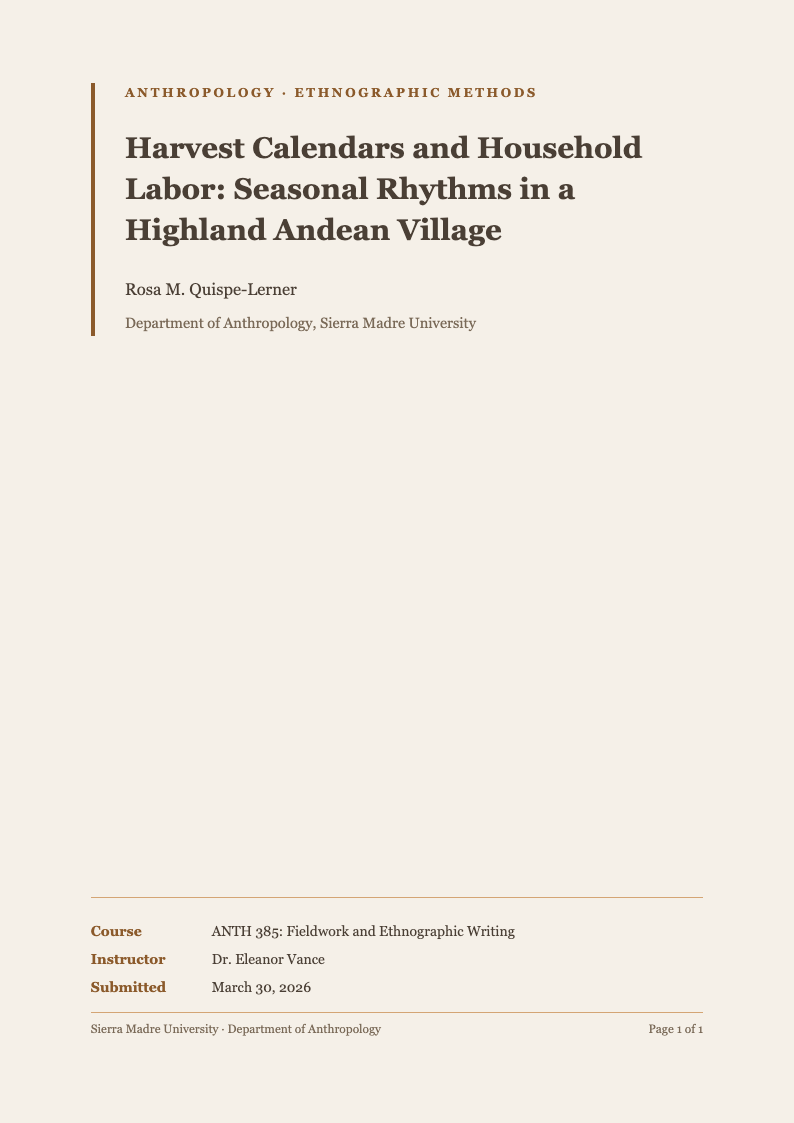
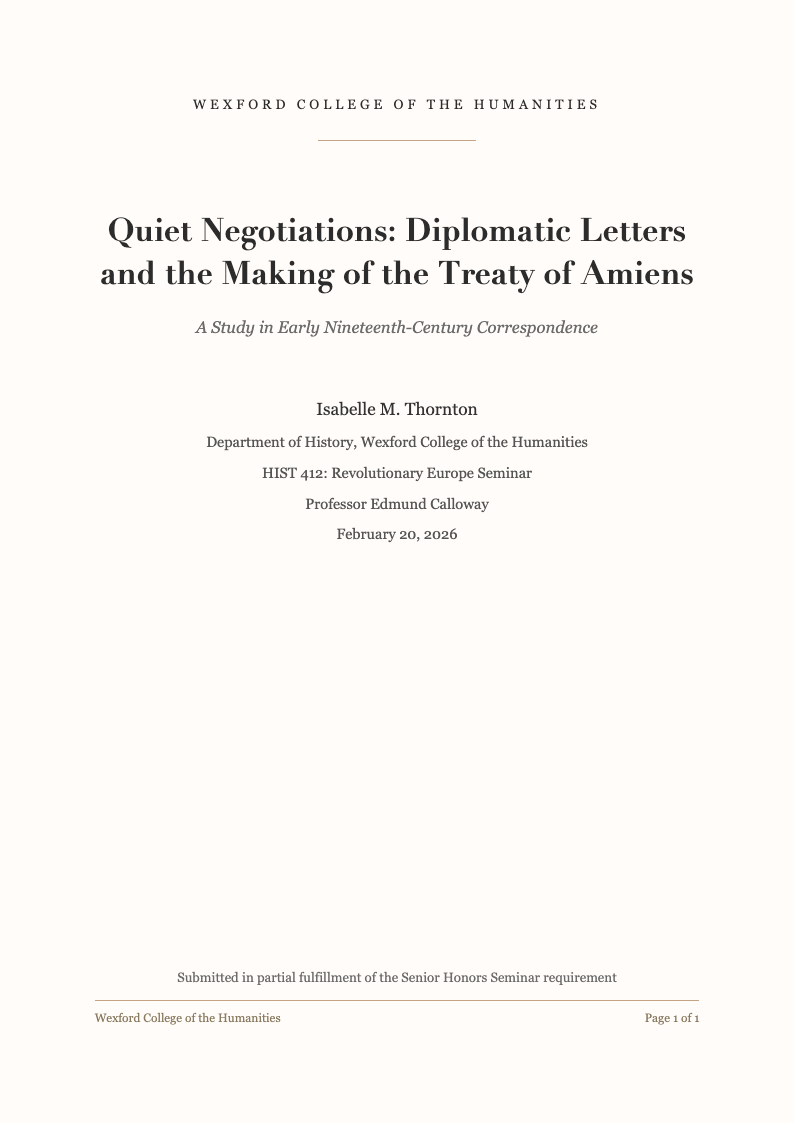
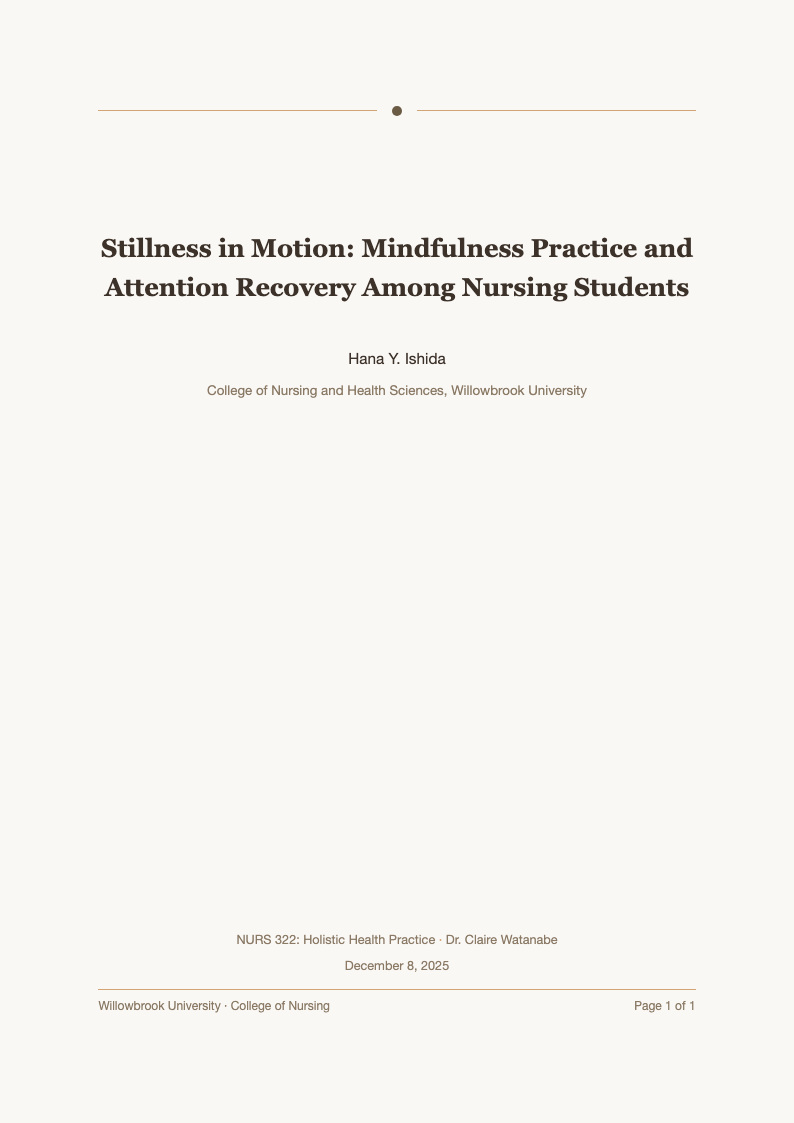
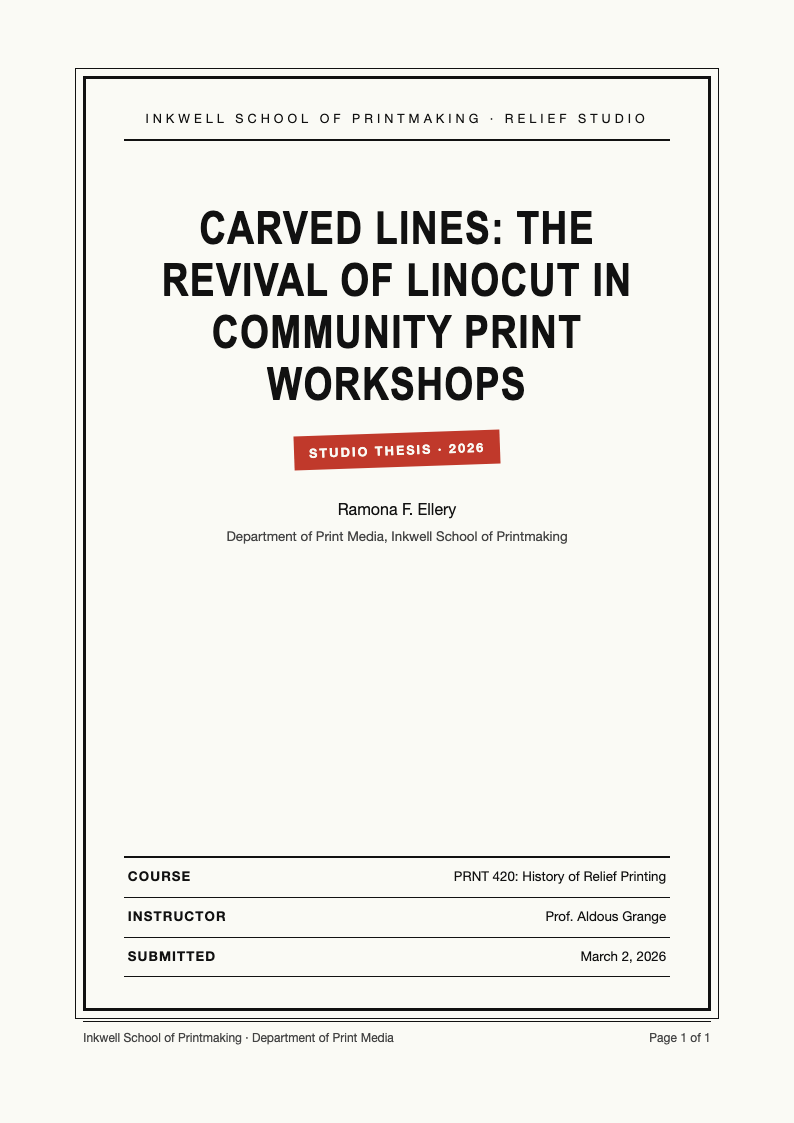
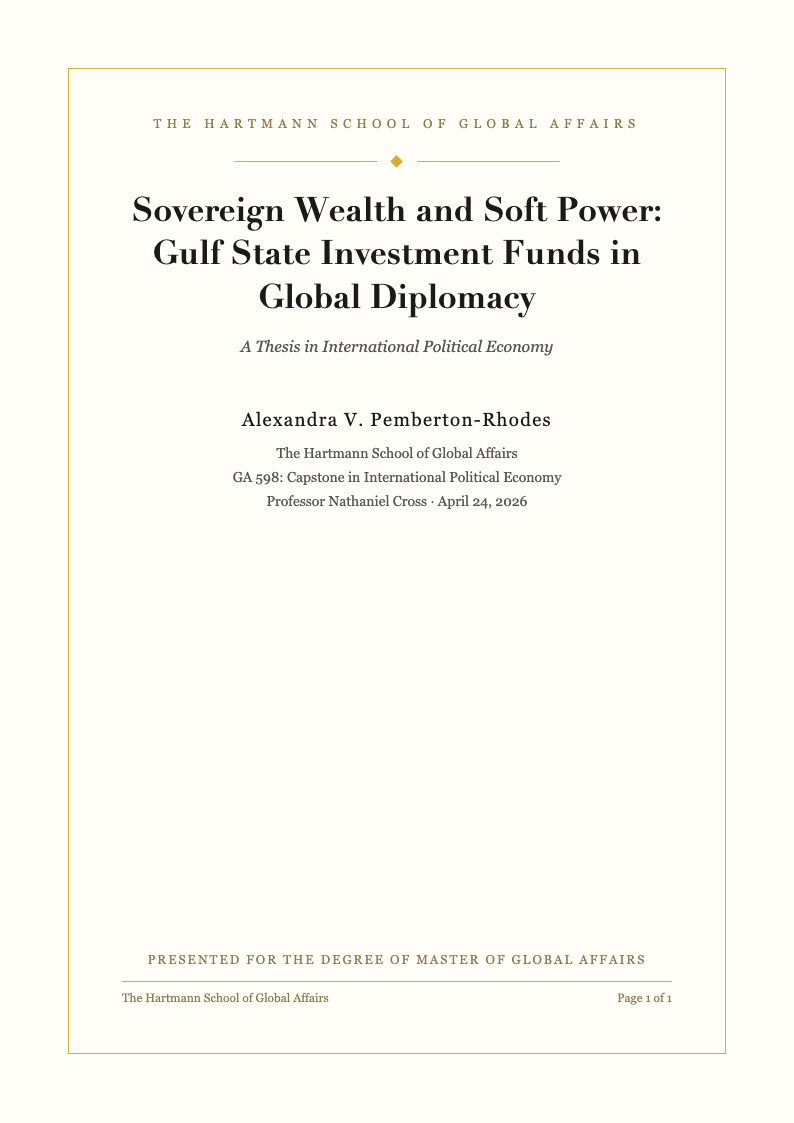
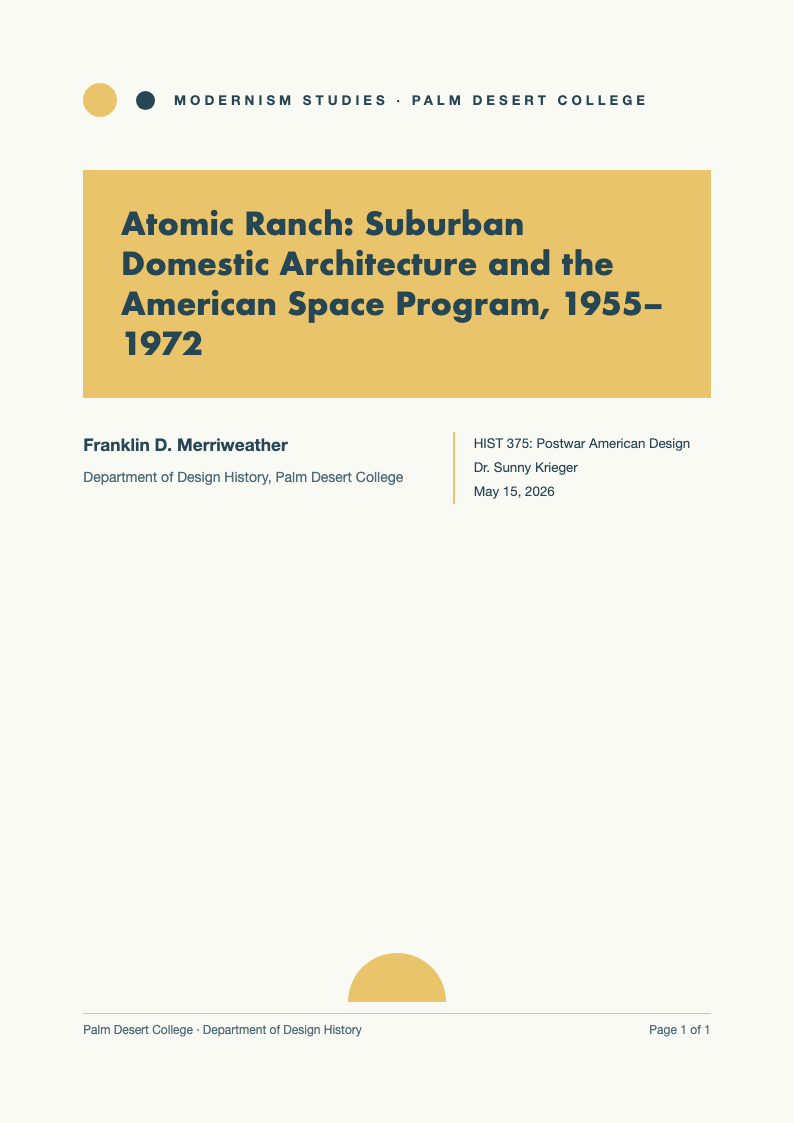
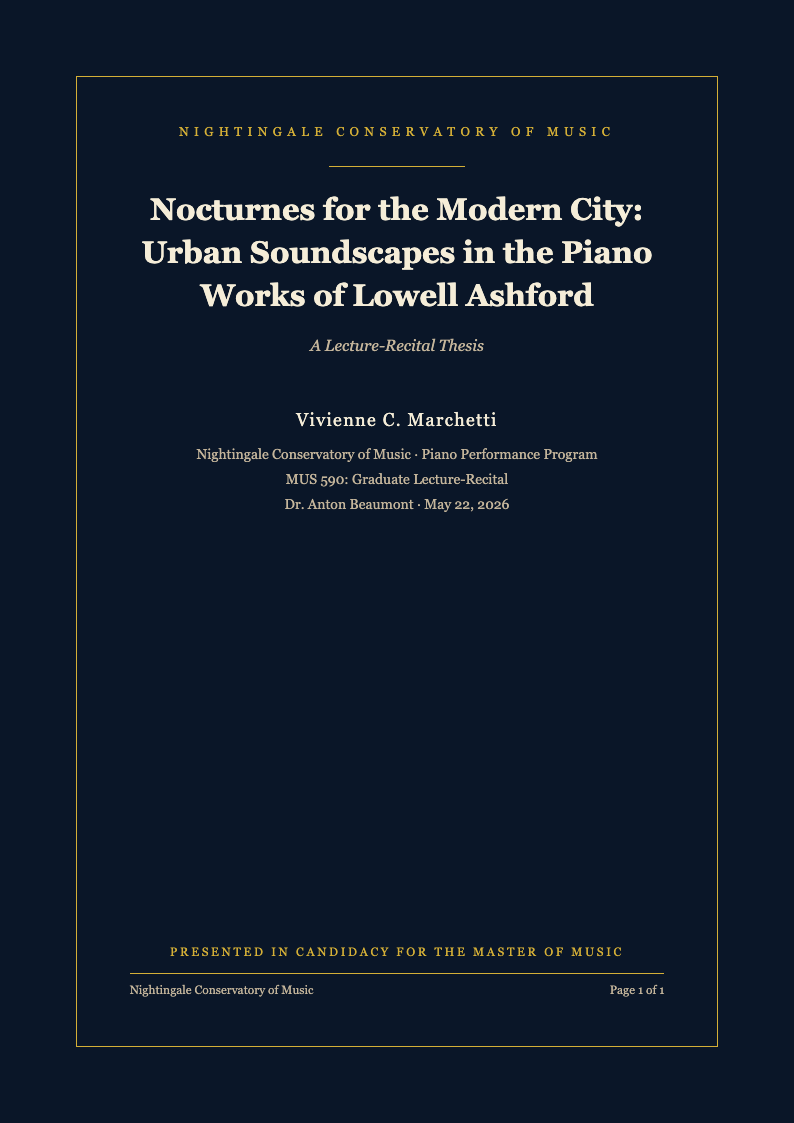
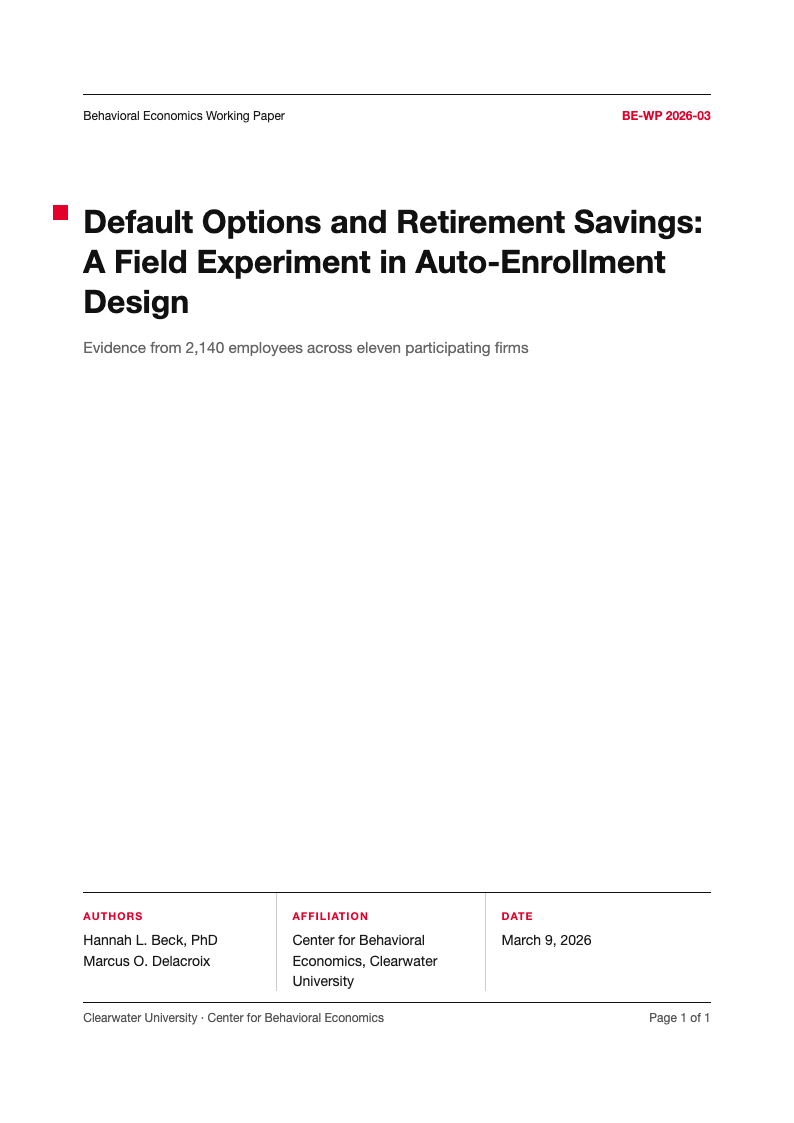
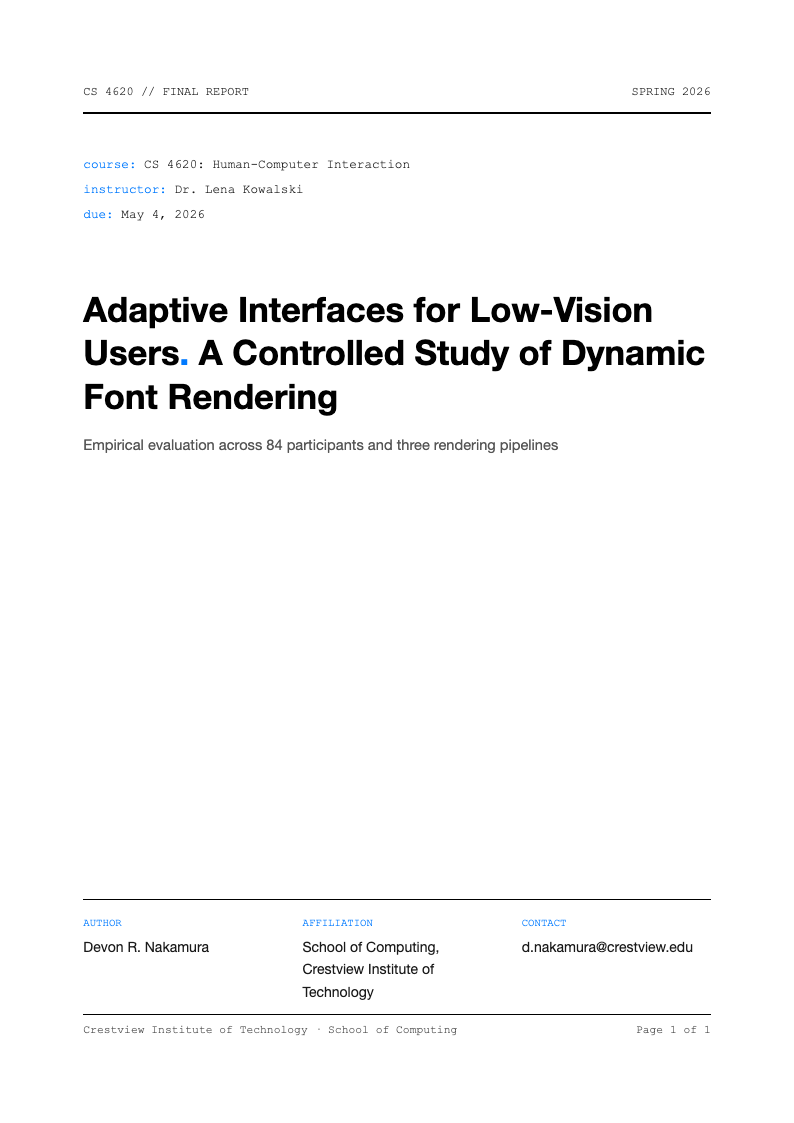
- Typically, an Apa Title Page requires the paper title, author name, affiliation (school/department), course number and name, instructor name, and due date. Our templates have clear placeholders for all these fields to ensure you do not miss anything important from your cover sheet. Some versions may also require a running head for professional papers, though student papers under the 7th edition generally do not. Double-check your specific assignment requirements.
- Is the running head included?
- For professional papers, yes, the running head is included. For student papers, the 7th edition APA style generally does not require a running head unless requested by the instructor. Our templates cover both scenarios to suit your specific needs and assignment requirements. The running head is a shortened version of your title that appears at the top of each page, helping readers identify the document. It should be 50 characters or fewer and aligned left.
- Can I use the template for my thesis?
- Absolutely. Our Apa Title Page templates are suitable for all types of academic papers, including essays, research reports, and theses. They provide a professional starting point for any major project you are working on. Simply customize the fields to match your document details. Whether you are an undergraduate student working on a term paper or a graduate student completing your dissertation, these templates will help you begin with the correct formatting.
- How do I format the page number?
- Our Apa Title Page templates come with the page number already formatted in the top right corner, starting at page 1. You do not need to manually set this up; it is pre-configured to follow APA standards. The numbering continues automatically throughout your document, ensuring consistency across all pages. This feature saves time and prevents common formatting errors that can occur when setting up page numbers manually.
- Can I change the font?
- Yes, while our templates use standard fonts like Times New Roman or Arial, you can easily change the font to any APA-approved typeface. The layout will remain intact, allowing you to customize the look while maintaining proper formatting guidelines. APA 7th edition allows several fonts including Calibri, Arial, Times New Roman, and Georgia. Just ensure you choose a font that is professional and easy to read.
- Do I need to credit AI Formatter?
- No, you do not need to provide attribution to us on your final paper. The Apa Title Page templates are yours to use for your academic work. We are happy to help you succeed in your studies without any additional requirements or obligations. Your professors are interested in your content, not where you found your template. Feel free to use these resources as needed without any concern about citing our service.
- Are there different designs available?
- While APA style dictates a specific layout, we provide a few variations of the Apa Title Page to ensure compatibility with different versions of Word and other software. All versions adhere to strict formatting rules while offering slight visual differences. Some templates may have different spacing or margin settings to accommodate various printers or institutional requirements. Choose the one that best fits your needs while maintaining APA compliance.
- How do I download the template?
- Simply click the download button next to the template you want. The Apa Title Page file will save to your device immediately. You can then open it and start editing right away in your preferred word processor or online editor. The file format is .docx, which works with most modern word processing software. If you encounter any issues opening the file, ensure your software is up to date or try an online editor like Google Docs.
- Can I share the template with classmates?
- Yes, you are welcome to share our Apa Title Page templates with your friends and classmates. We encourage you to spread the word so everyone can benefit from correct formatting. Sharing resources helps create a better academic environment where students can focus on content rather than struggling with formatting. Feel free to post the link on social media, share in study groups, or recommend to anyone who needs help with APA formatting.
- Does the template include margins?
- Yes, all our Apa Title Page templates are set up with the standard 1-inch margins on all sides, as required by APA guidelines. You do not need to adjust the page setup manually. The margins are correctly configured for professional printing. Proper margins are essential for APA compliance and ensure your document looks professional when printed or viewed digitally. These settings also provide adequate whitespace for readability and instructor comments.
- What if my instructor has specific rules?
- Our templates follow the standard guidelines, but they are fully editable. If your instructor has specific requirements that differ from the standard Apa Title Page, you can easily adjust the template to match them. The flexible design accommodates custom formatting needs. Some instructors may request additional information or prefer different spacing. Always prioritize your instructor specific requirements over general template guidelines, as they determine your grade.
- Is the template compatible with Mac?
- Yes, the .docx files work perfectly on Mac computers using Microsoft Word for Mac or Apple Pages. You can use our Apa Title Page templates regardless of your operating system. Cross-platform compatibility ensures you can work from any device. If you do not have Microsoft Word installed, you can also use free alternatives like Google Docs or LibreOffice, both of which support the .docx format. The templates will maintain their formatting across different platforms.
Start Your Paper Correctly
Download a professional APA title page template today and ensure your assignment meets all formatting requirements.
Free templates • AI-powered editing • No sign-up required