Generate Dignified Obituary Tributes Instantly
Create heartfelt, professional obituaries that honor your loved one's memory with customizable templates and instant PDF export.
How to Create an Obituary in 4 Steps
Enter Basic Information and Dates
Begin by entering your loved one's full name, date of birth, date of passing, and location into the Obituary Generator. Include their age at passing and residence. This fundamental information establishes the formal announcement and provides essential details that readers expect in a death notice for proper identification and records.
Add Biography and Life Story
Describe your loved one's life journey in the Obituary Generator including birthplace, education, career, marriages, and significant achievements. Highlight their passions, hobbies, community involvement, and the qualities that made them special. This biographical section transforms a simple announcement into a meaningful tribute celebrating a unique life.
Include Family and Service Details
List surviving family members and those who predeceased your loved one in the Obituary Generator. Add funeral or memorial service information including date, time, location, and officiant. Include any requests for charitable donations in lieu of flowers, providing complete details for organizations and memorial contributions.
Review and Download Your Tribute
Carefully review your Obituary Generator output for accuracy in names, dates, and details. Ensure all family relationships are correctly stated and service information is complete. Download the final tribute as a PDF ready for newspaper submission, funeral program printing, or sharing with family and friends as a lasting memorial keepsake.
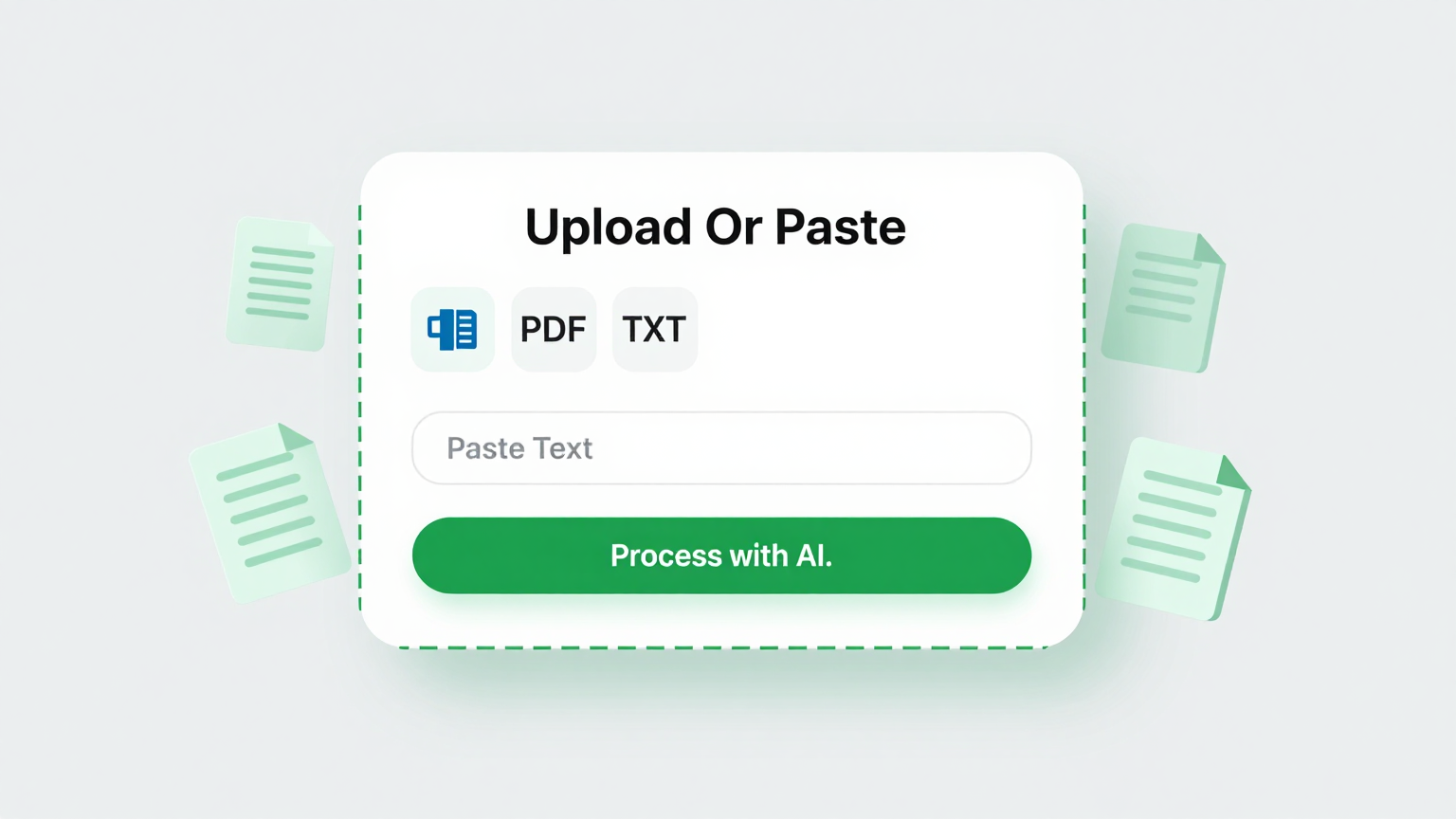
Enter Life Details
Input information about your loved one into the Obituary Generator including their full name, dates, biography, family members, and service details. The tool captures essential information to create a comprehensive tribute.
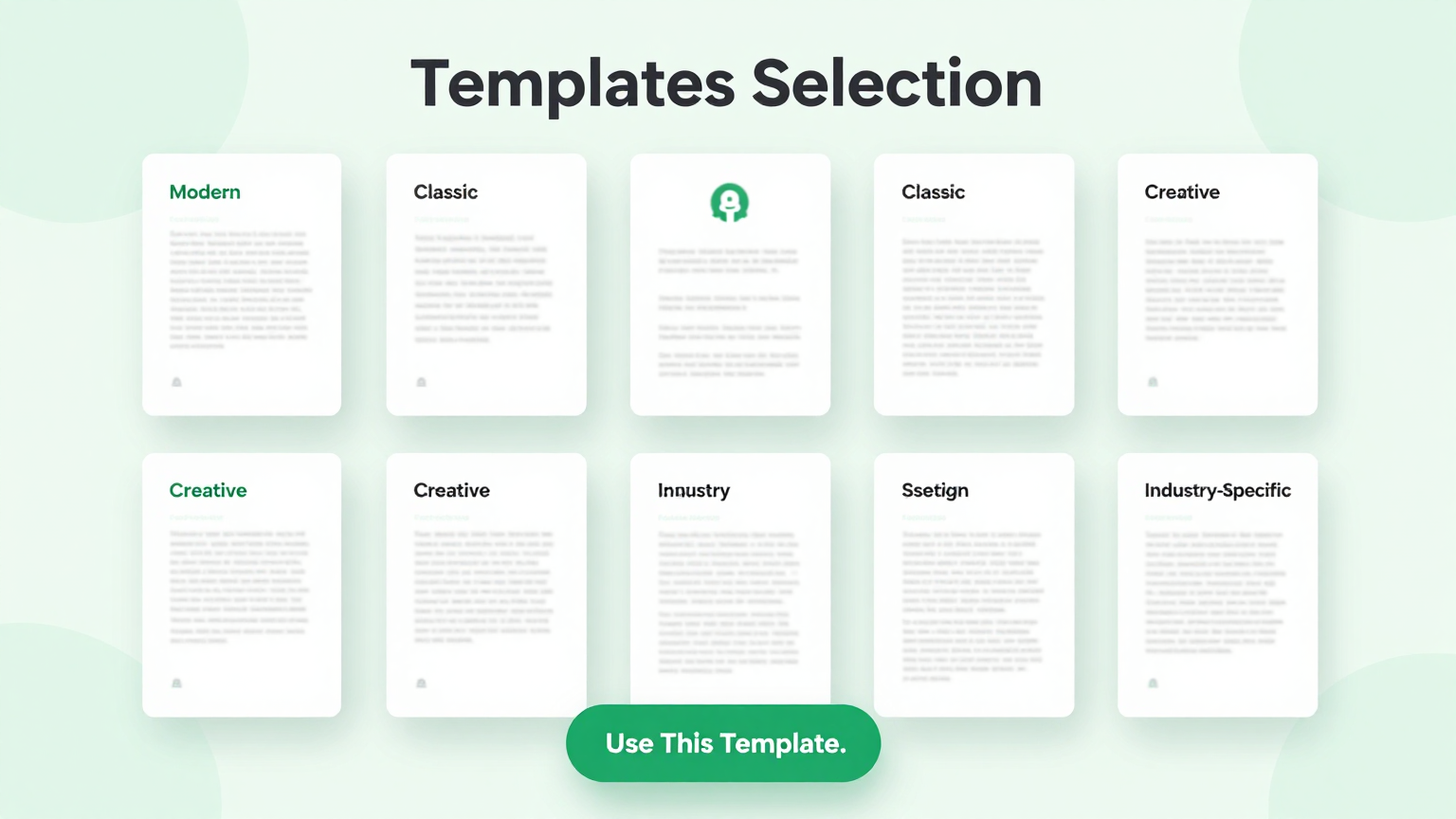
Professional Templates
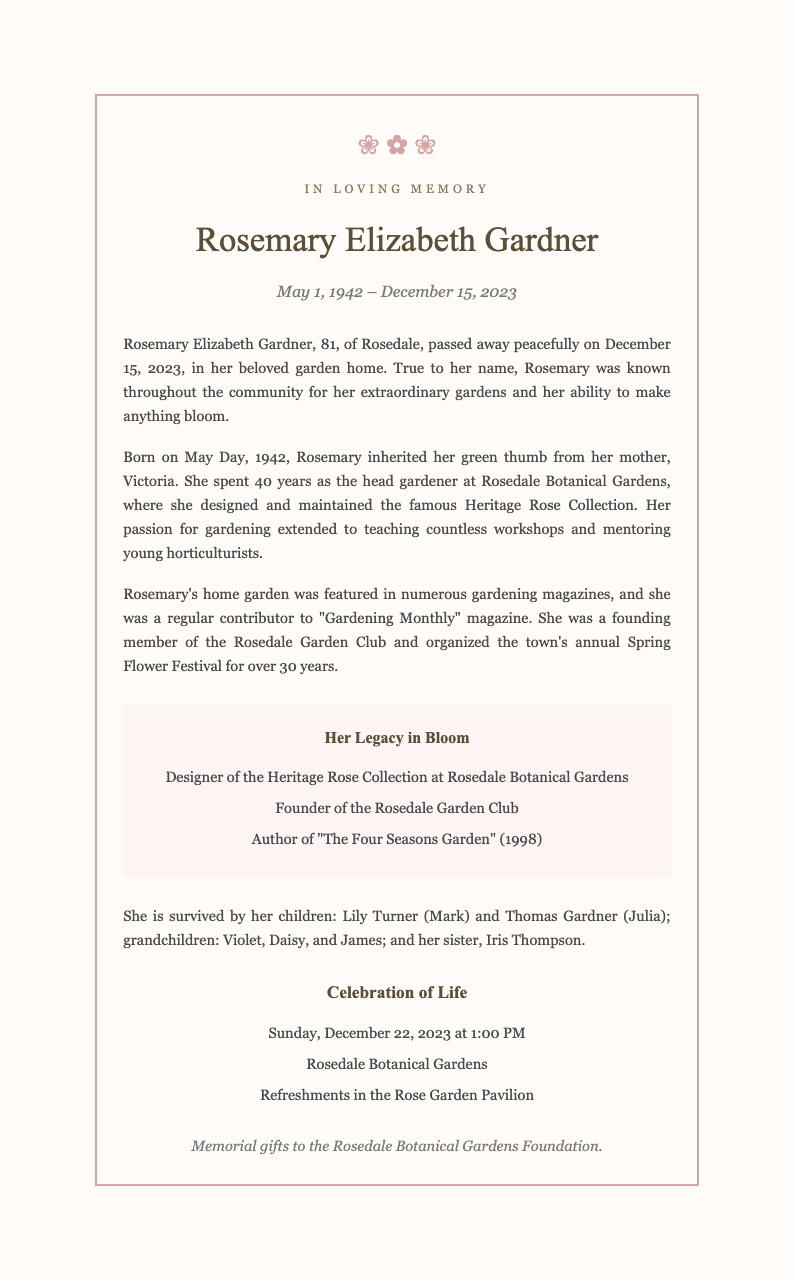
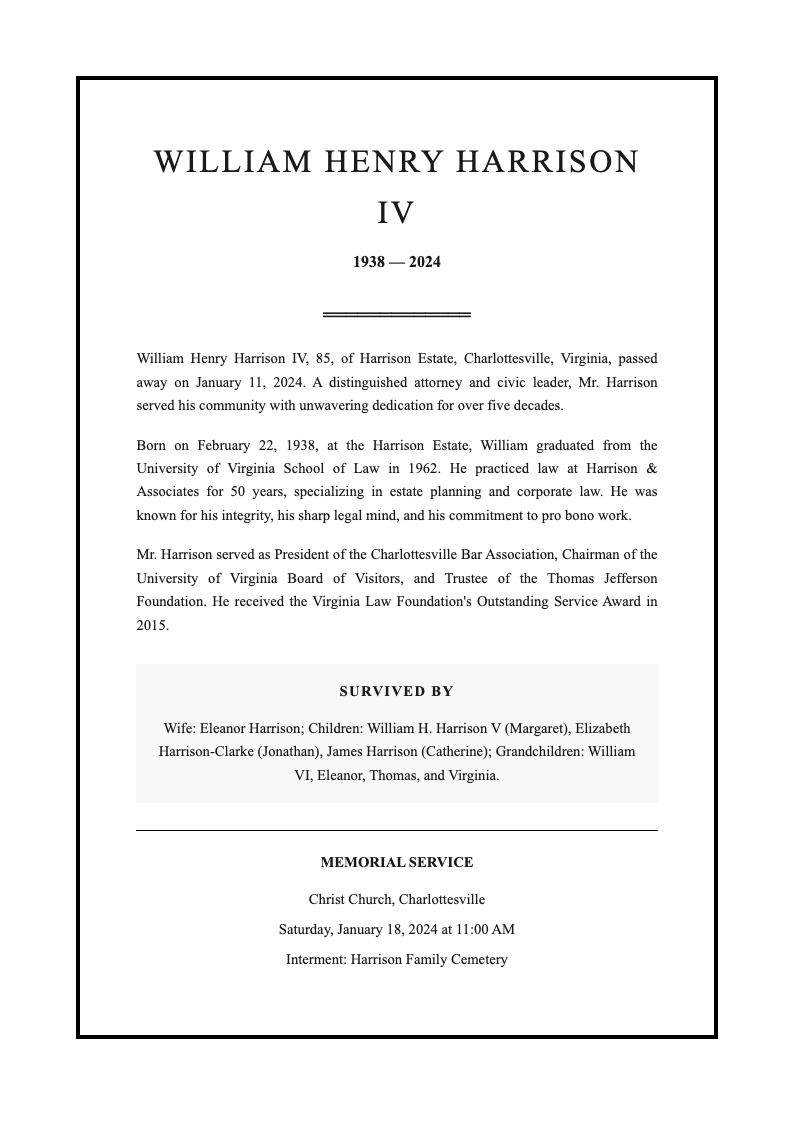
Select from dignified templates in the Obituary Generator. Choose designs appropriate for newspaper publication, funeral programs, or online memorials with respectful, elegant formatting.
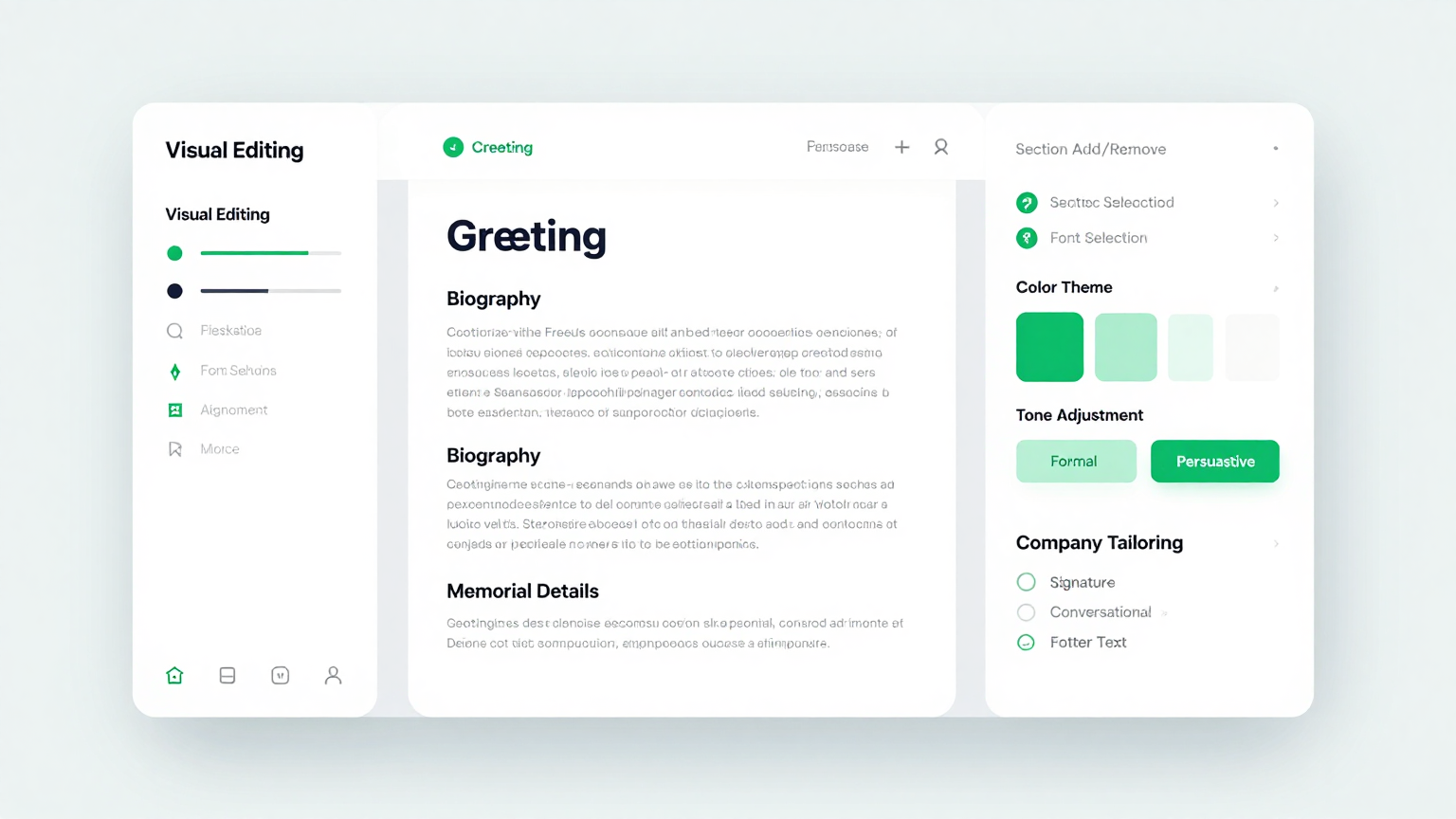
Edit Online
Personalize your tribute using the Obituary Generator editor. Add meaningful memories, life achievements, special qualities, and personal touches that capture the unique spirit of your loved one.
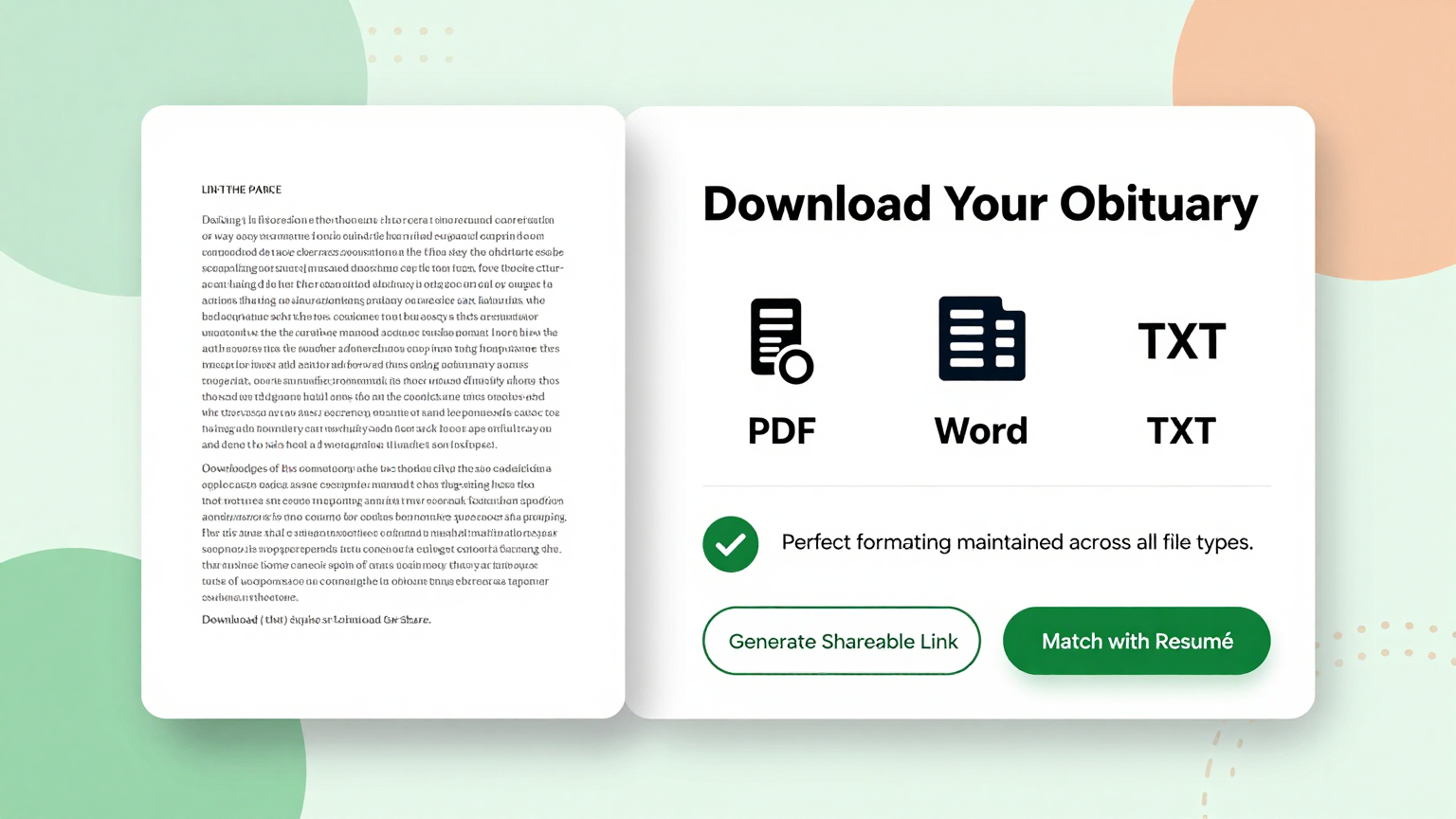
Download & Share
Download your completed Obituary as a professional PDF ready for newspaper submission, funeral home printing, or sharing with family. Create a lasting keepsake that honors your loved one's memory.
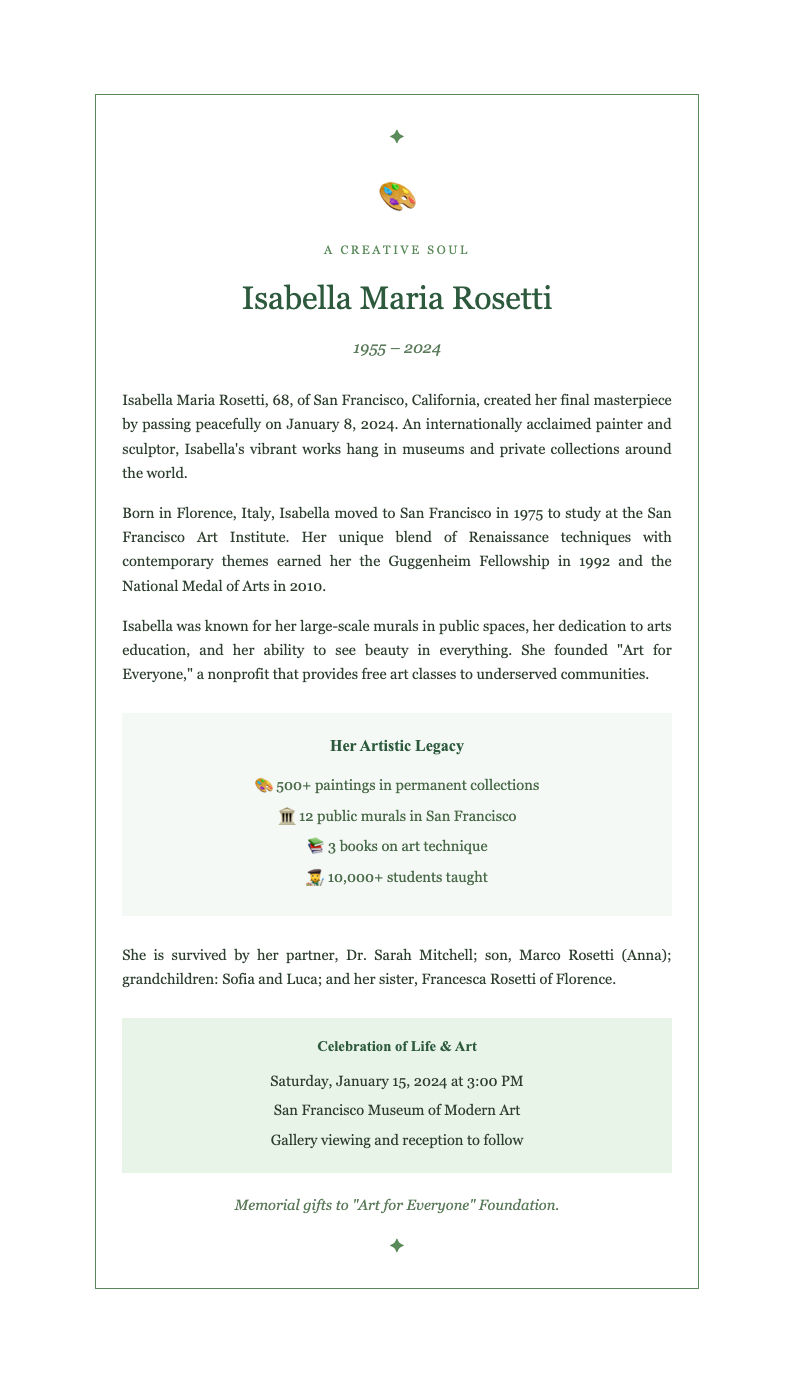
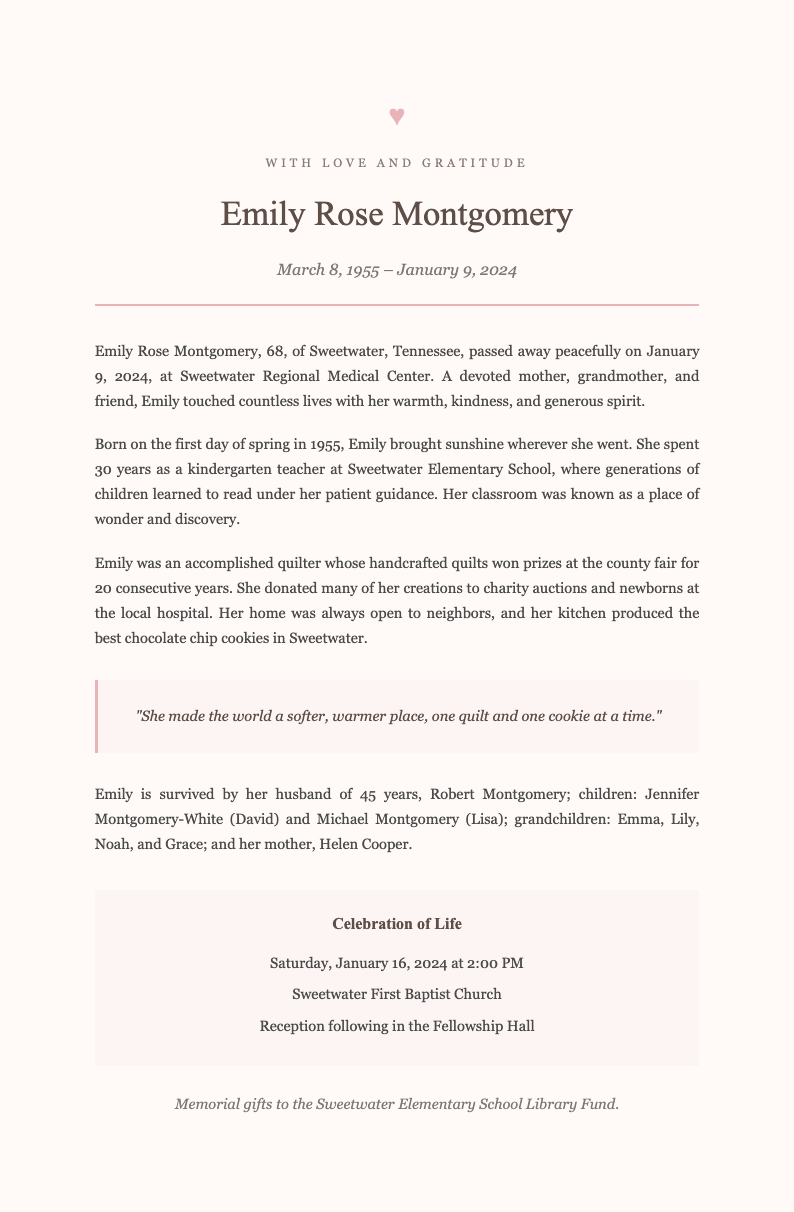
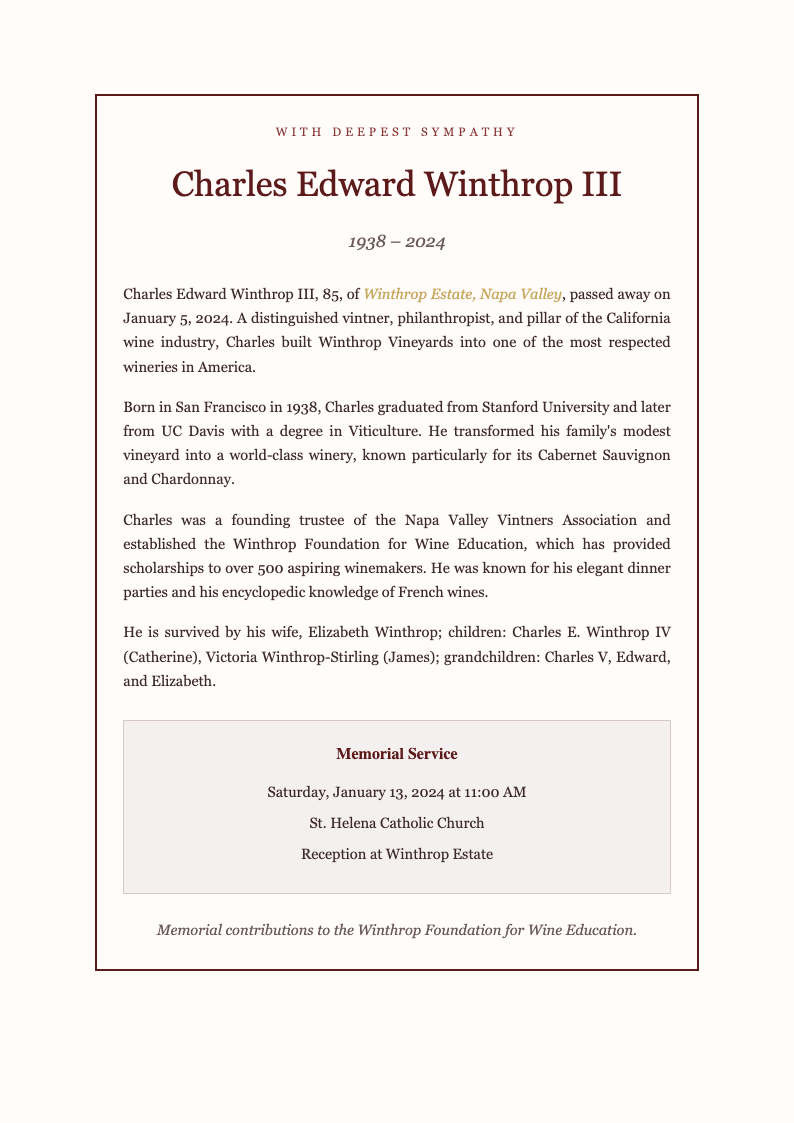
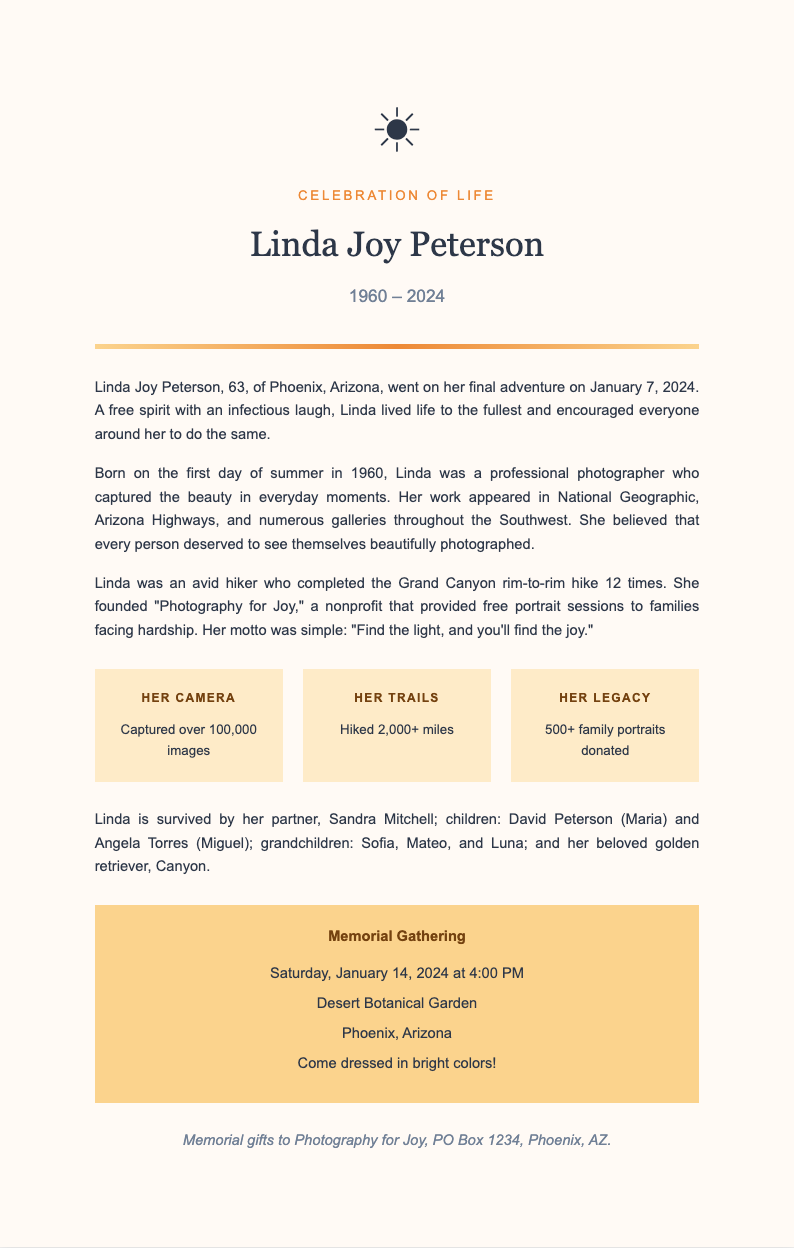
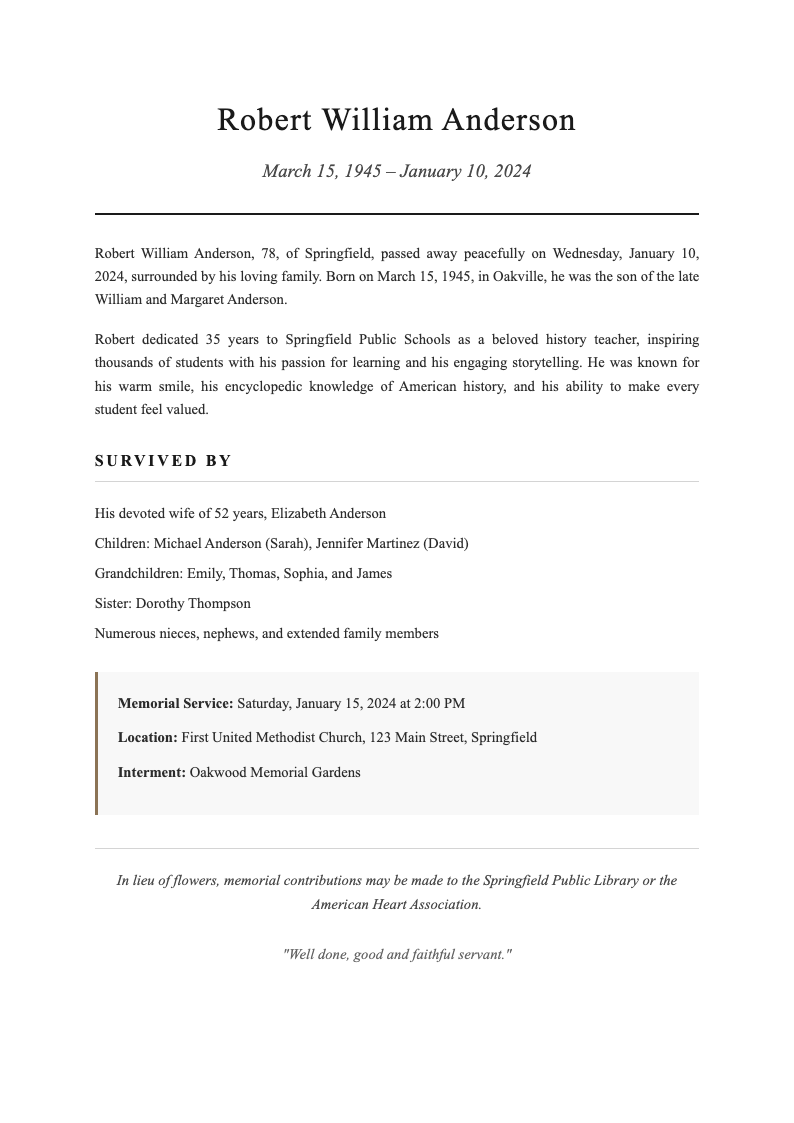
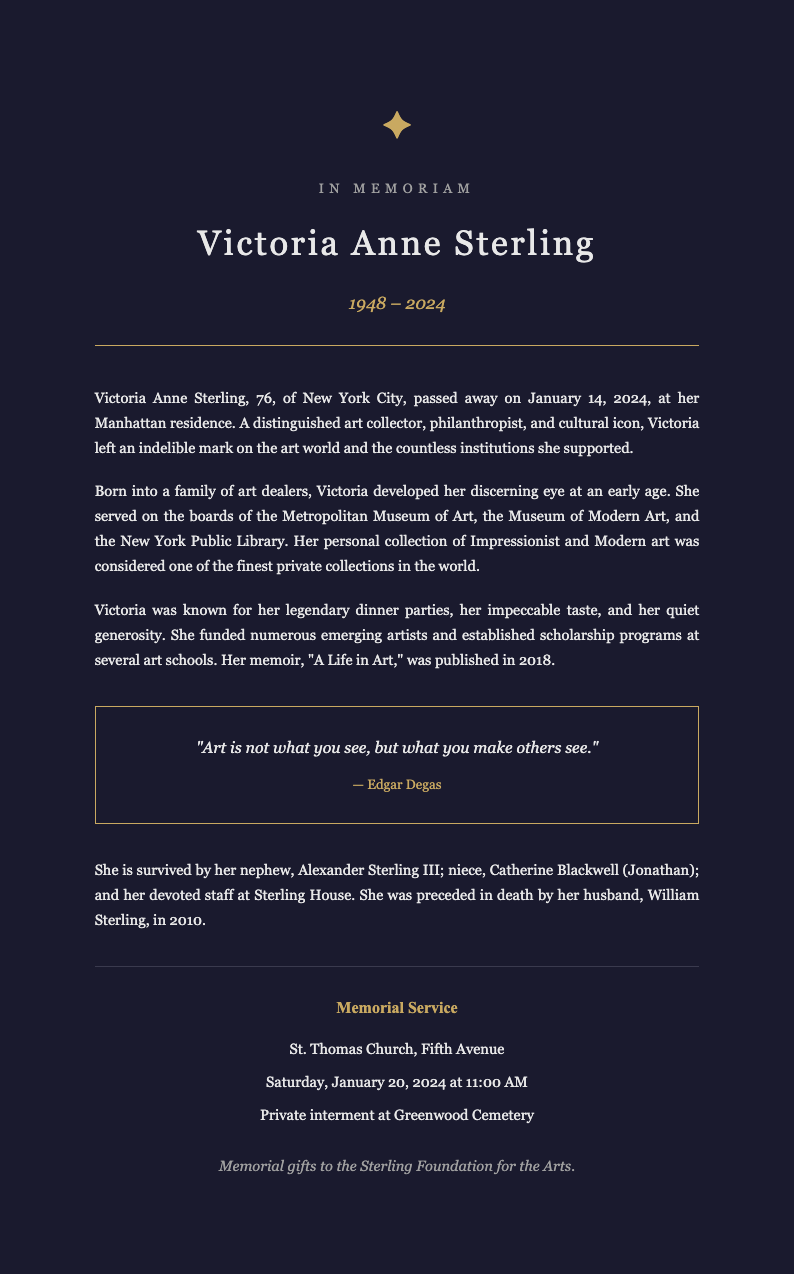
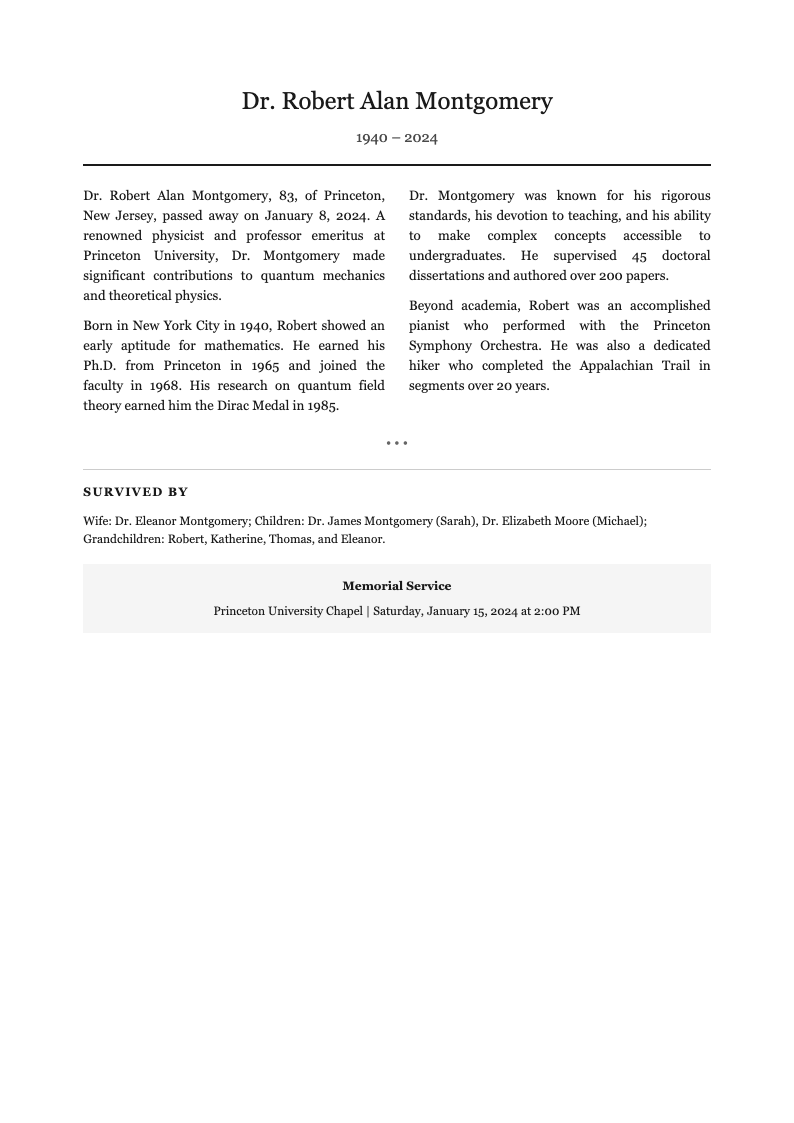
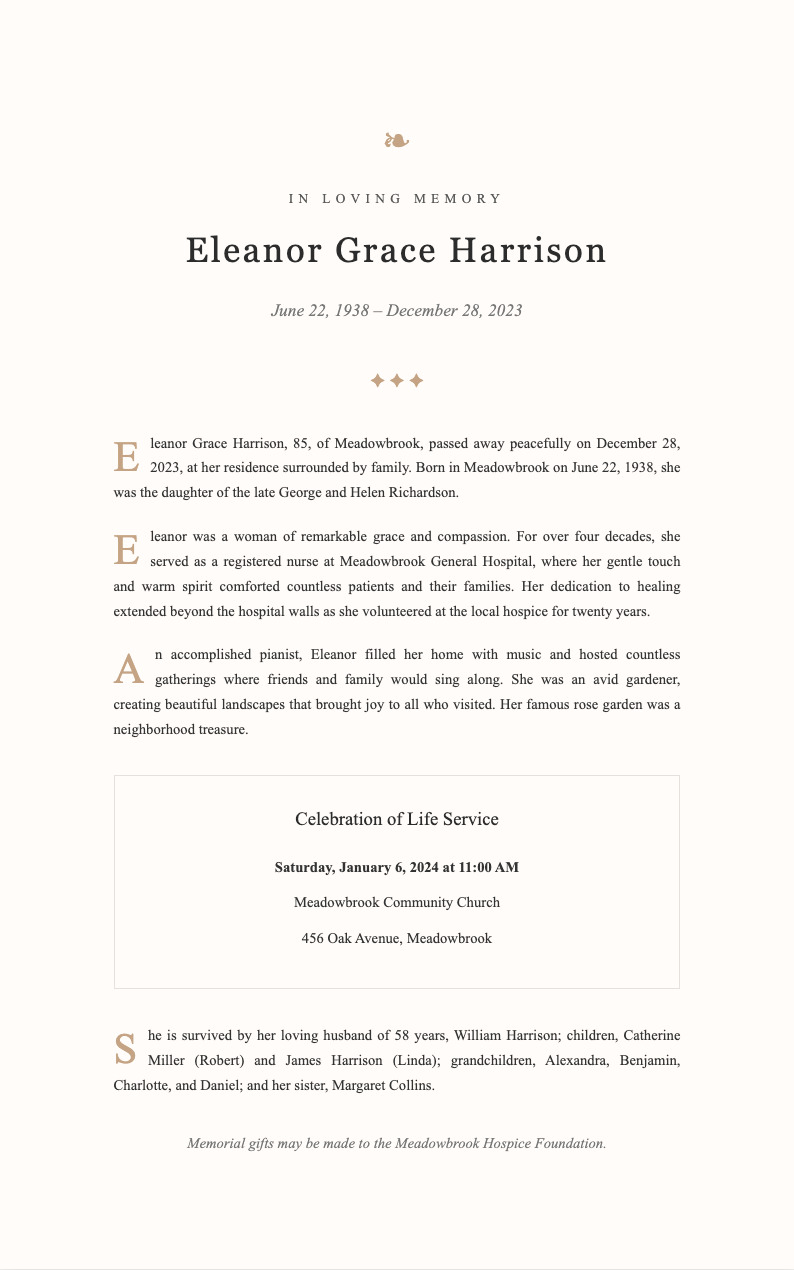
Browse Professional Obituary Templates
Explore our collection of free, dignified obituary templates designed for newspaper publication, funeral programs, and online memorials. Each template provides a respectful foundation for honoring your loved one.
Frequently Asked Questions
Everything you need to know about creating meaningful obituary tributes.
- Is the Obituary Generator free to use?
- Yes, the Obituary Generator is completely free during this difficult time with no hidden fees or subscription requirements. You can create unlimited obituaries without providing payment information. All core features including template selection, editing, and PDF download are available at no cost to help families honor their loved ones.
- How long does it take to create an obituary?
- Using the Obituary Generator, you can create a complete tribute in as little as 15-30 minutes. Simply enter the essential information, select a template, and customize the content. The structured format ensures you include all necessary details while making the process as smooth as possible during an emotional time.
- Can I use this for newspaper publication?
- Yes, the Obituary Generator produces documents suitable for newspaper submission. Most newspapers accept obituaries in standard format, and our templates meet typical publication guidelines. Check with your local newspaper for specific word count requirements and submission deadlines for timely publication.
- What if I need to write an obituary for a child?
- The Obituary Generator can be adapted for children and infants with appropriate sensitivity. Focus on their brief life, the joy they brought, and the love surrounding them. Our templates allow you to customize the content appropriately while maintaining a dignified tone suitable for such heartbreaking circumstances.
- Can multiple family members collaborate?
- While the Obituary Generator doesn't support real-time collaboration, you can share the downloaded document with family members for their input. Many families find it helpful to have one person create the initial draft, then circulate it for additions, corrections, and approval from relatives before final publication.
- What file formats can I export?
- The Obituary Generator currently supports PDF export, which preserves formatting and is accepted by most newspapers and funeral homes. PDF format ensures your tribute appears exactly as designed when submitted for publication or printed for funeral programs and memorial keepsakes.
- How do I handle divorced or blended families?
- The Obituary Generator allows flexible family listings to accommodate various family situations. You can list surviving spouses, ex-spouses, stepchildren, and other family members as appropriate. We recommend focusing on accuracy and respect while avoiding potentially sensitive relationship details that might cause discomfort.
- Should I include cause of death?
- Including cause of death in an Obituary Generator output is entirely optional and a personal family decision. Some families prefer to share this information, while others choose to keep it private. Our templates accommodate either approach, allowing you to include or omit this detail based on your family's wishes.
- Can I add a photo to the obituary?
- While the Obituary Generator primarily creates text documents, you can note in your tribute that a photo accompanies the obituary when submitting to newspapers. Many publications include photographs, and you can provide the image separately according to their submission guidelines for a more personal tribute.
- How do I submit to newspapers?
- After creating your tribute with the Obituary Generator, contact your local newspaper's obituary department for submission instructions. Most accept email submissions with the text and any photo. Be prepared to provide your contact information and verify publication deadlines and any associated costs for longer tributes.
- Can I use this for online memorial pages?
- Absolutely. The Obituary Generator creates content perfect for online memorial websites, funeral home tribute pages, and social media memorials. The digital-friendly format allows easy copying and pasting to various online platforms where friends and family can share memories and condolences.
- What if I make a mistake after publication?
- If you discover an error in your Obituary Generator output after publication, contact the newspaper immediately about running a correction. For funeral programs or online memorials, you can create a corrected version. Keep in mind that newspapers may charge for corrections or have specific policies about post-publication changes.
Ready to Honor Your Loved One?
Create a dignified, heartfelt obituary that celebrates a life well-lived and provides comfort to family and friends.
No credit card required • AI formatter tools included • Instant formatting