Generate Professional Briefs Instantly
Stop staring at blank pages. Use our AI-powered Brief Generator to produce structured, professional briefs for legal cases, creative projects, or business initiatives in minutes.
How to Create a Brief Online
Enter Your Brief Details
Start by entering the purpose of your brief, key objectives, and any background information into the the app.
Select Brief Type
Choose the type of brief you need in the the generator, such as legal, creative, project, or campaign. Each brief type has its own section structure tailored to the information that matters most for that specific use case and audience.
Review and Refine
Review the generated brief in the the app and make any adjustments needed. Add specific requirements, refine the language, adjust the scope, or include additional context that the brief needs to communicate clearly to its intended audience.
Download and Share
Download your finished brief from the our generator as a Word document or PDF. Share the file with your team, agency, or client for review. The the app produces a polished document ready for professional use in meetings, court filings, or project kickoffs.
Import Data
Paste your project details, case notes, or campaign requirements directly into the our generator. The tool processes your input and structures it into a comprehensive brief that covers all essential elements for your specific use case.
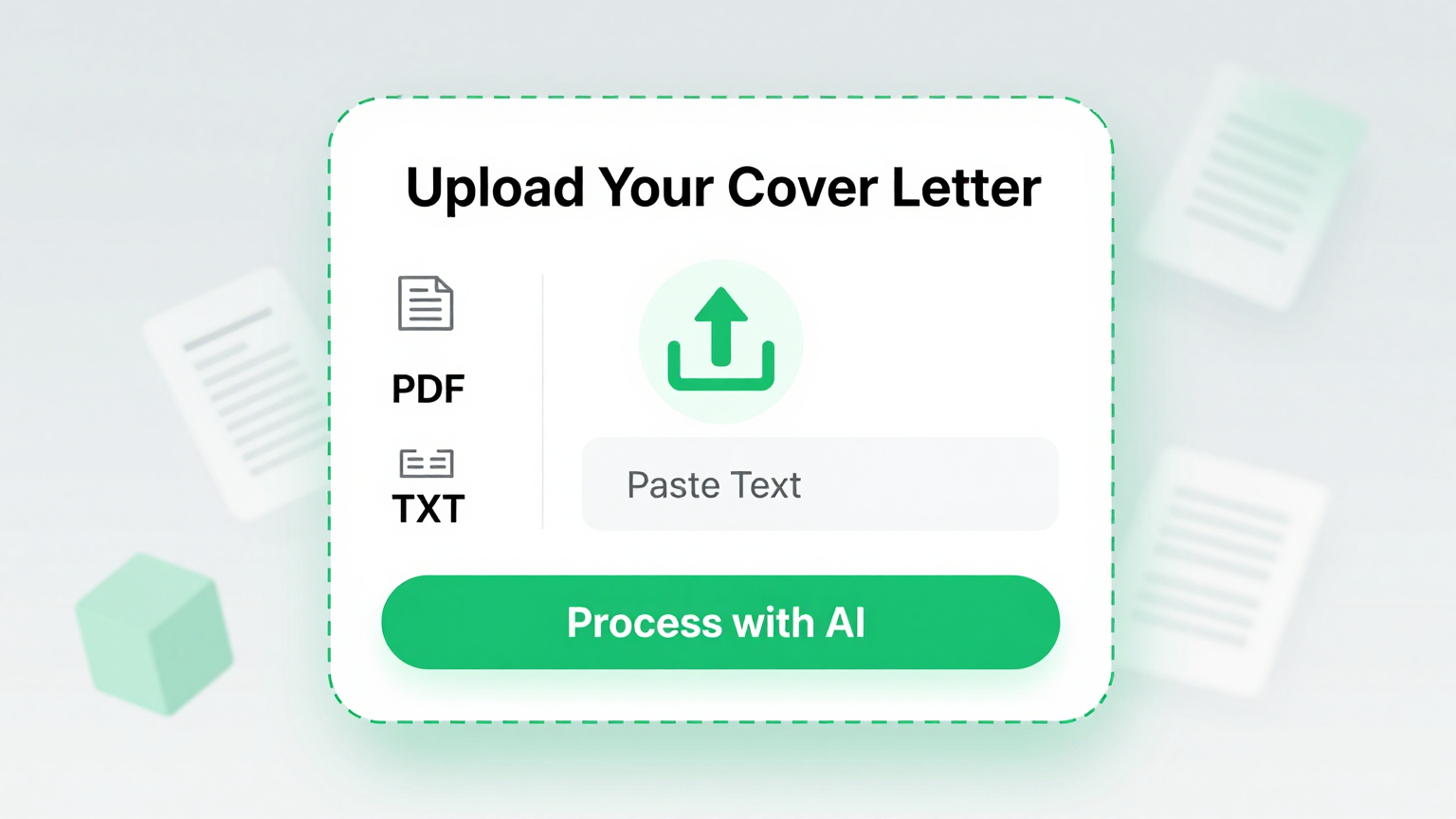
Professional Templates
Choose from specialized formats in the the app including legal brief layouts, creative brief structures, project scoping documents, and campaign brief templates. Each option is tailored to its specific industry and purpose.
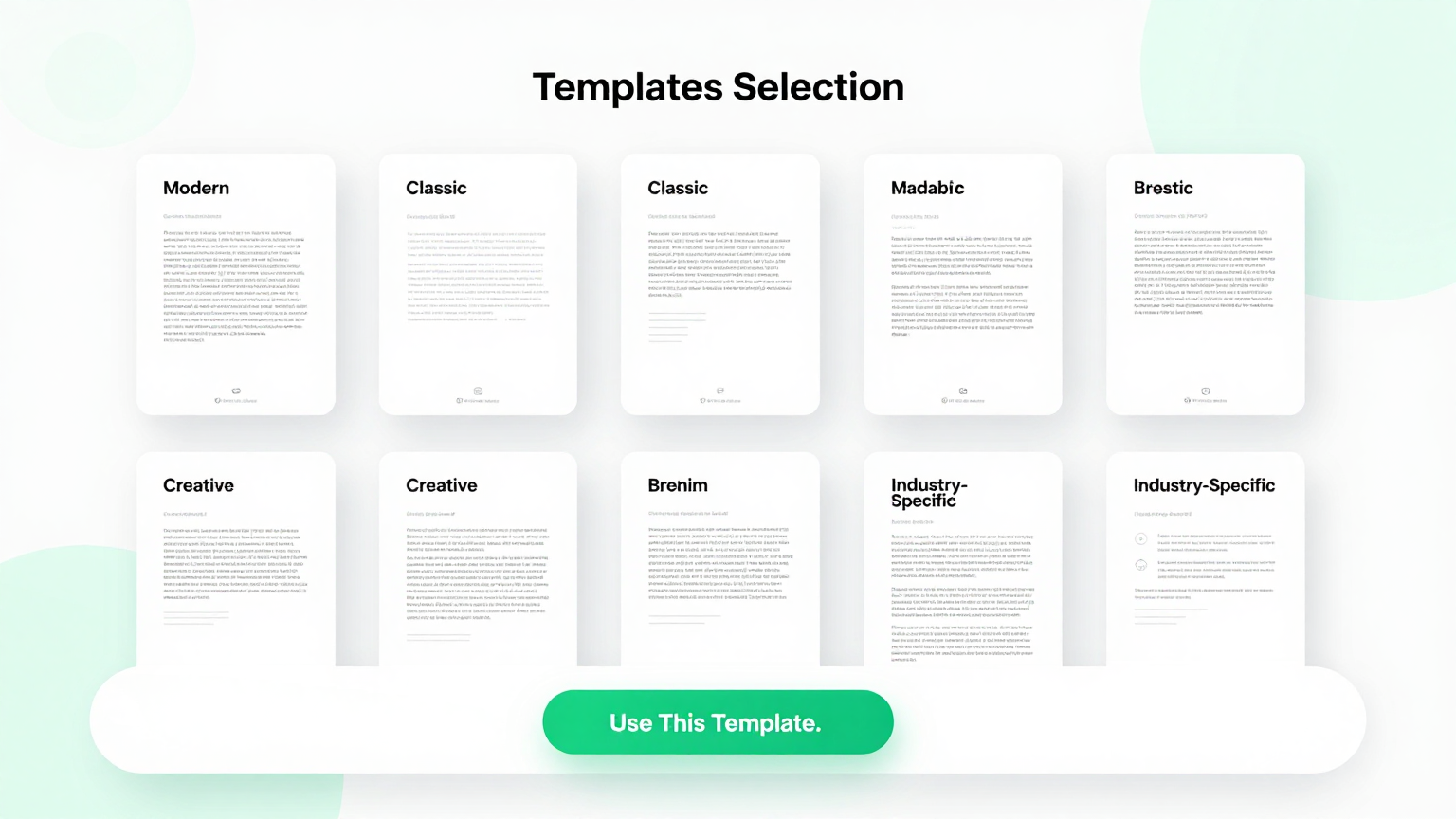
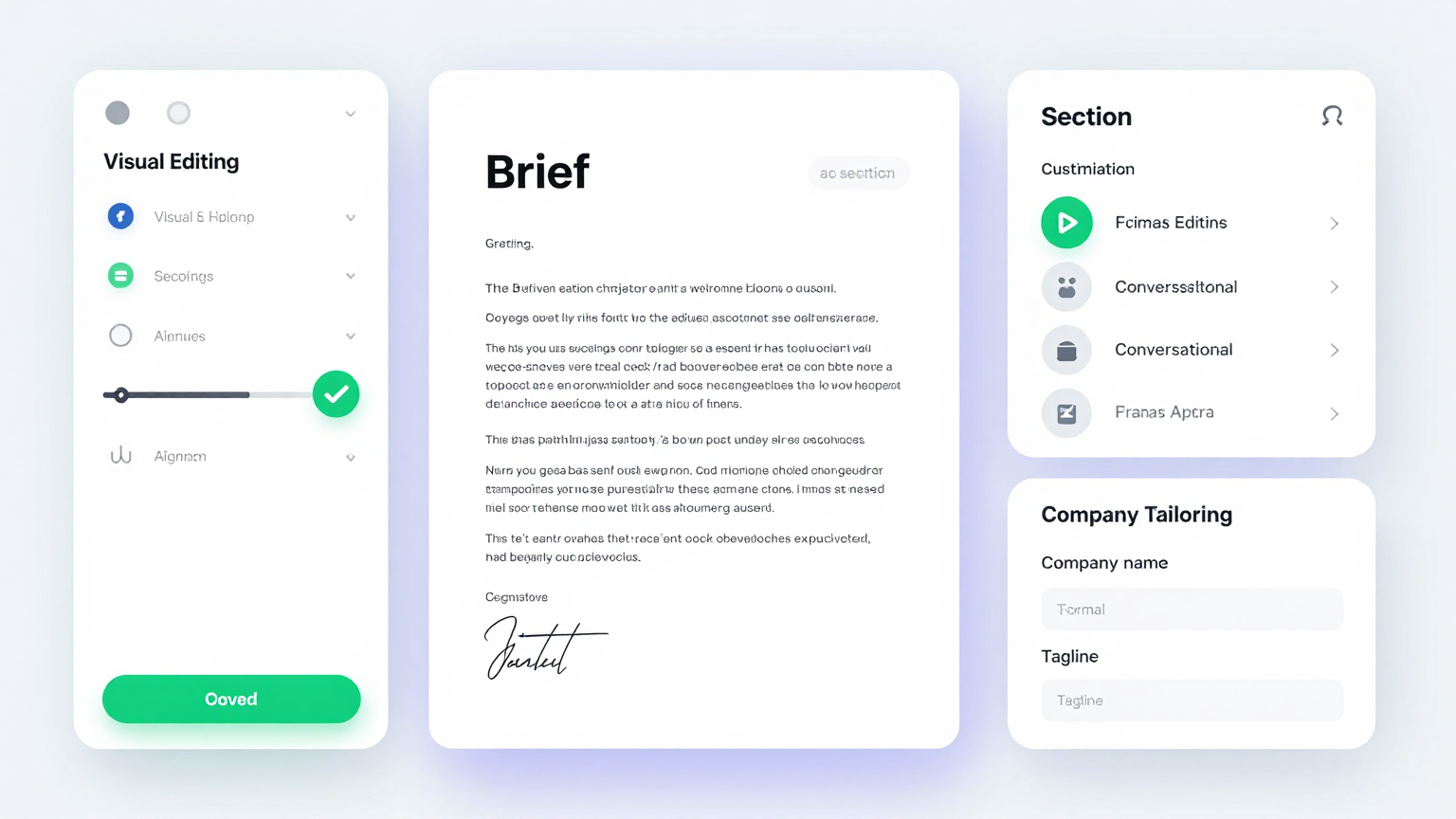
Edit Online
Fine-tune every section in the the generator editor. Adjust arguments, refine project scope, modify target audience descriptions, and add specific deliverables until the brief communicates your vision precisely and effectively.
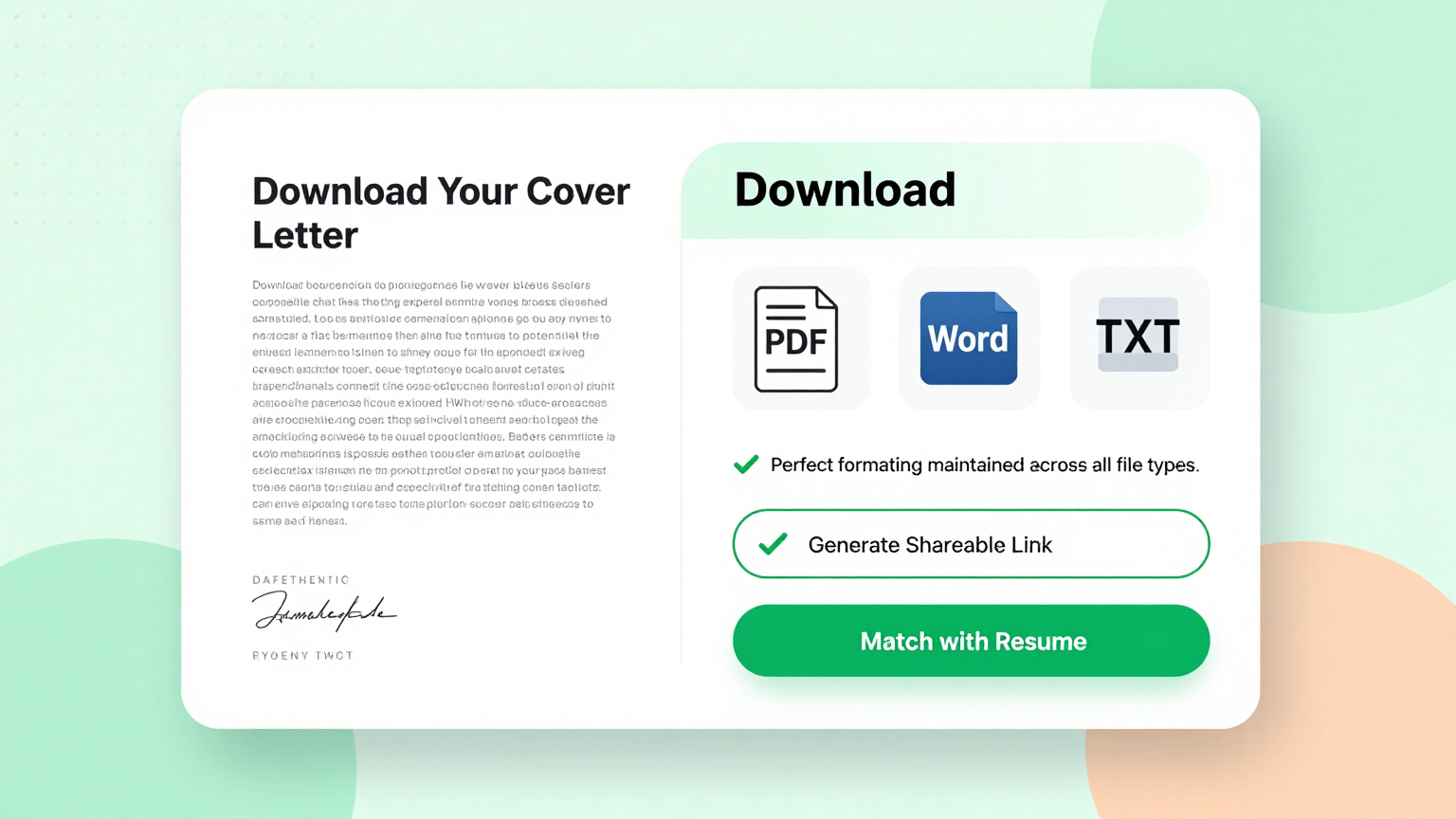
Download & Share
Download your completed brief from the this tool as a Word document or PDF. Share it with your legal team, creative agency, project stakeholders, or clients for review, collaboration, and approval.
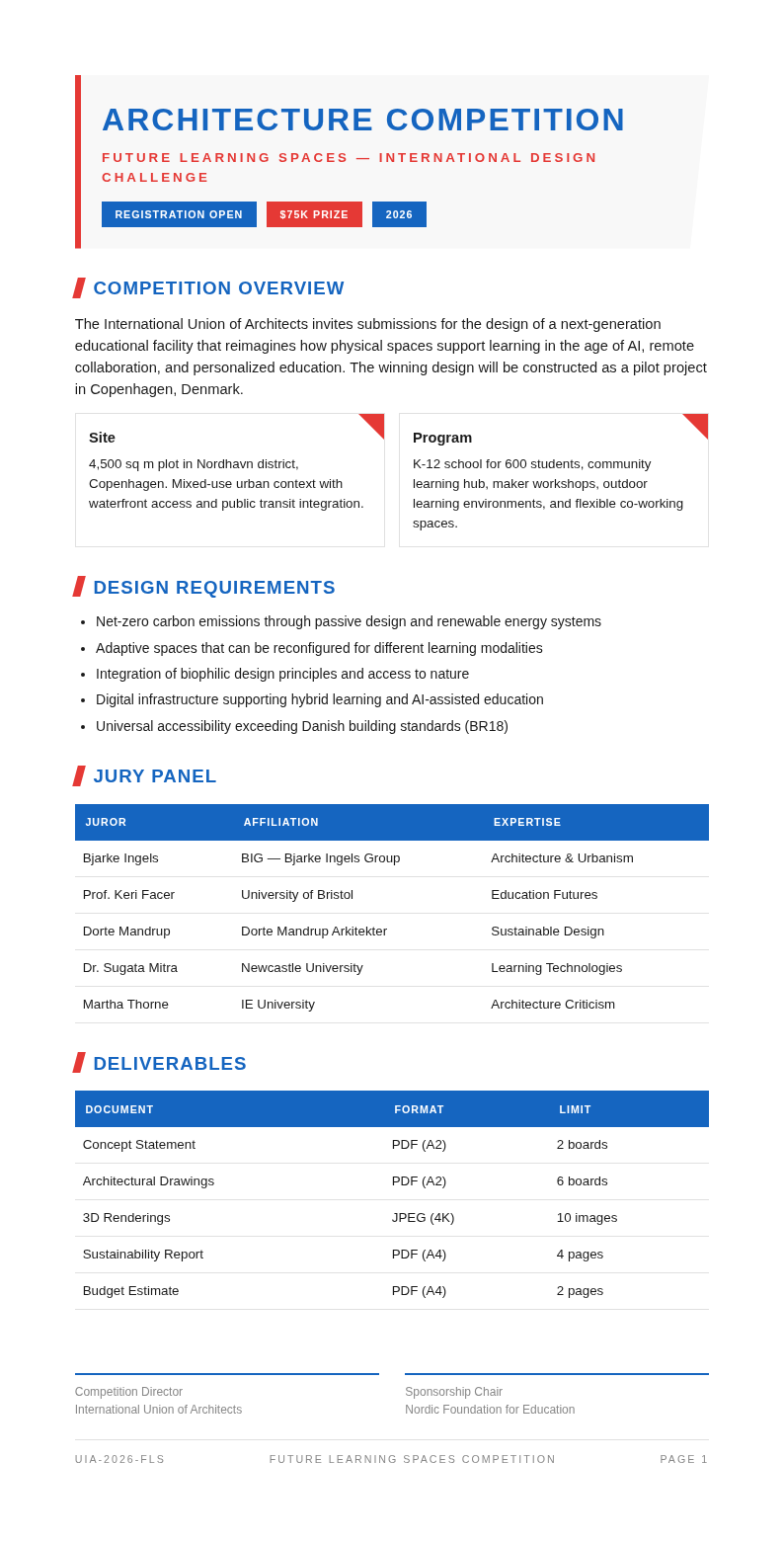
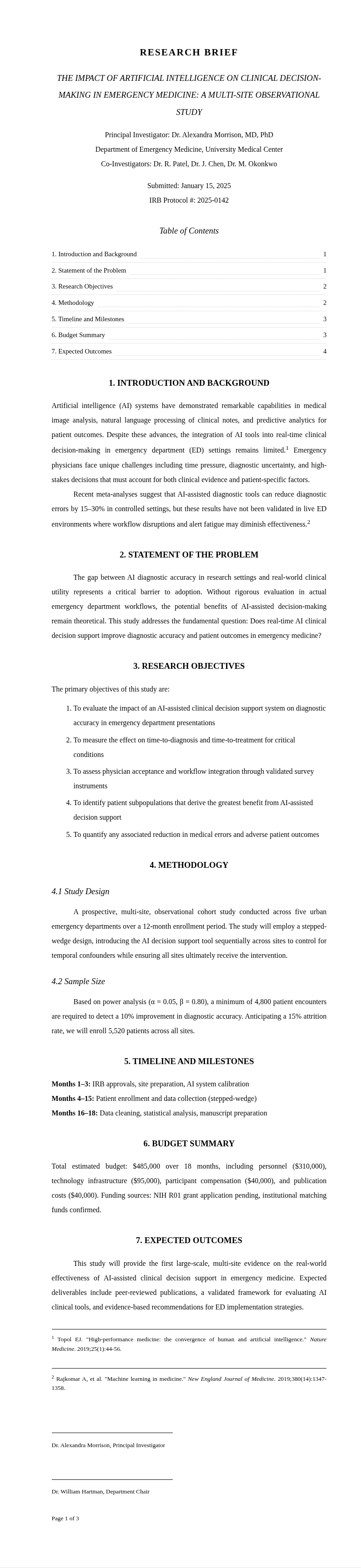
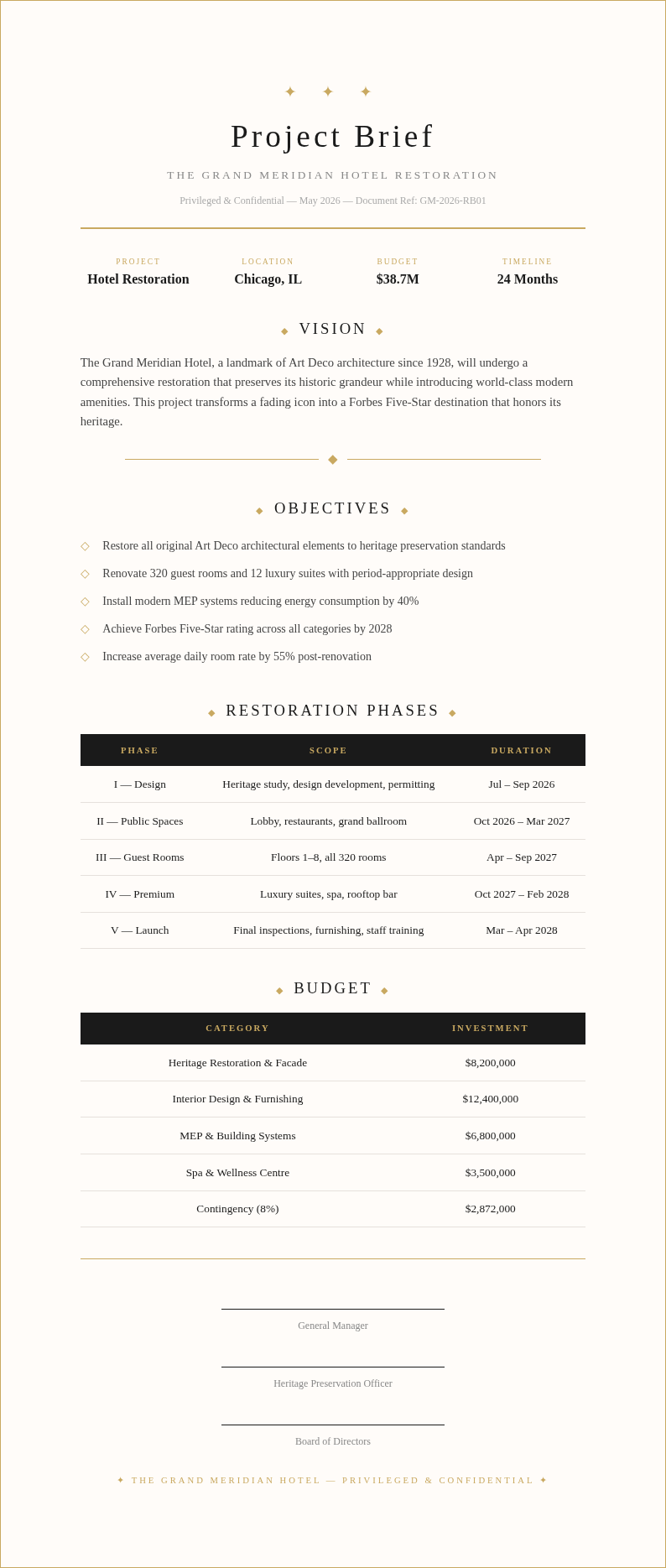
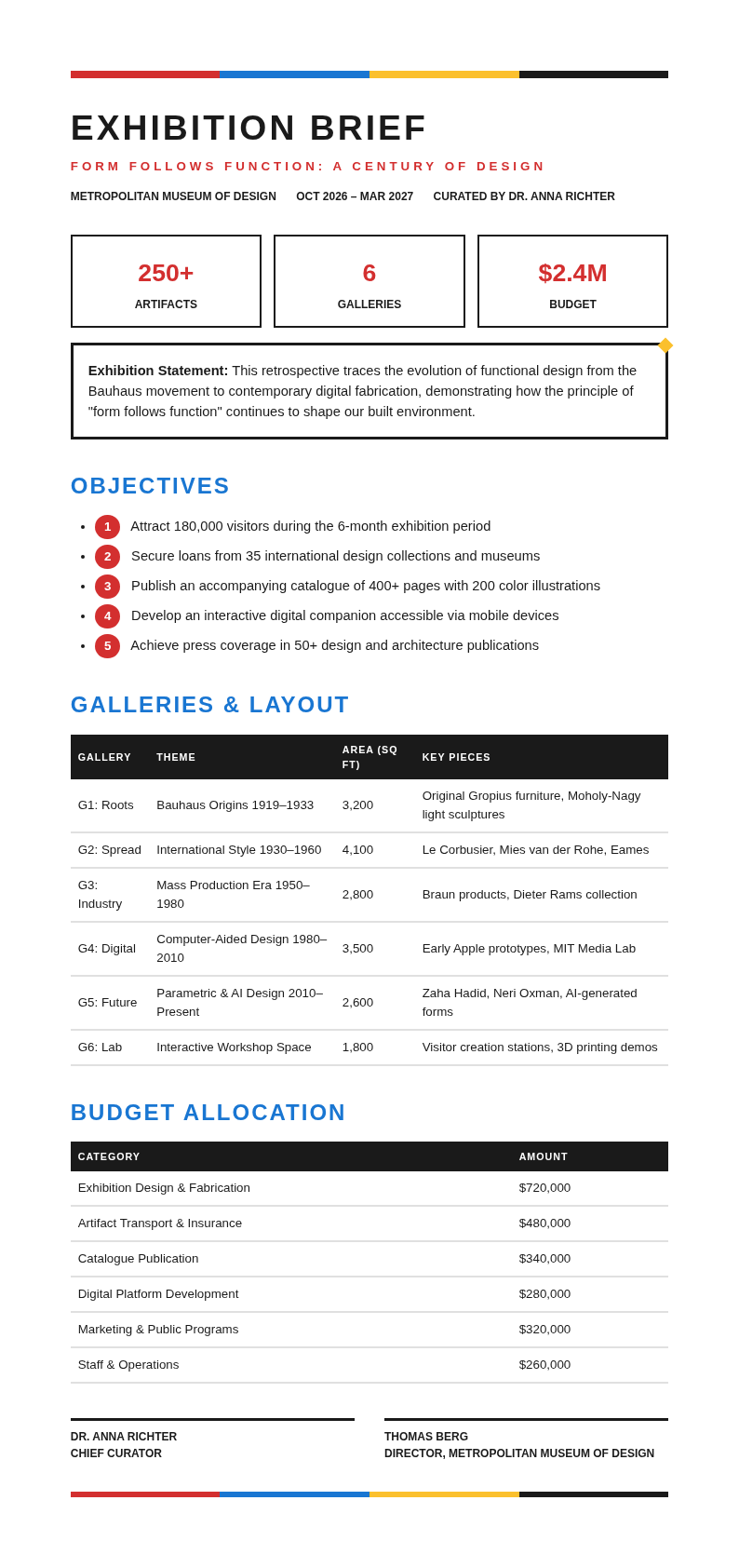
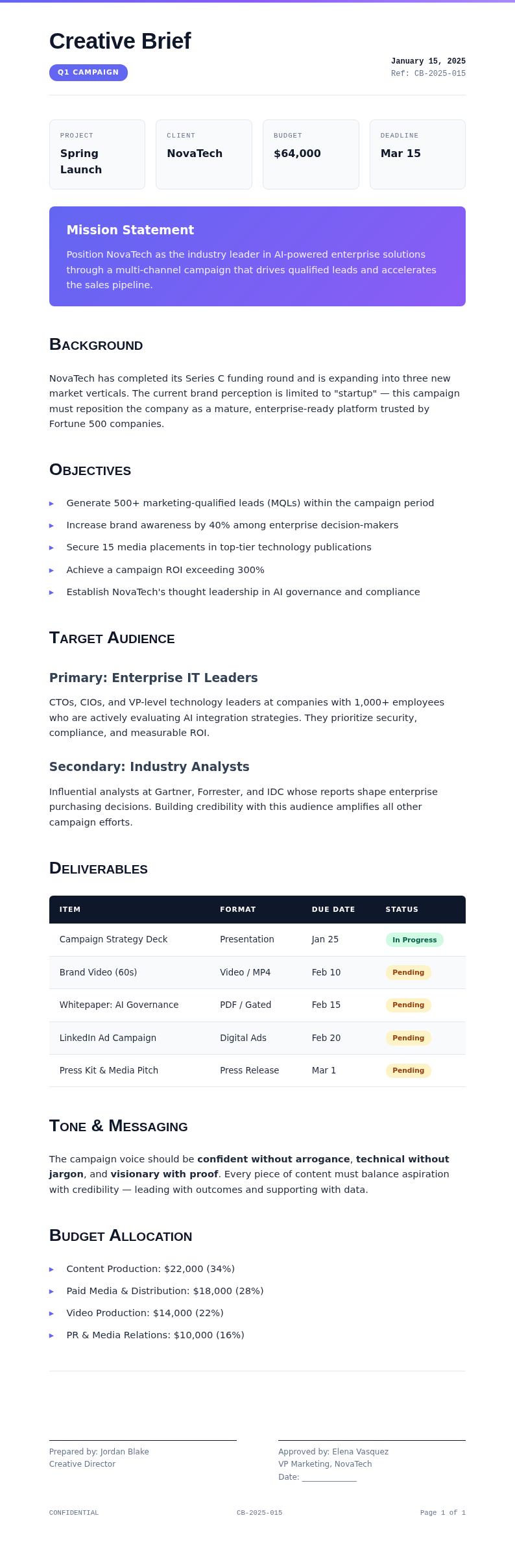
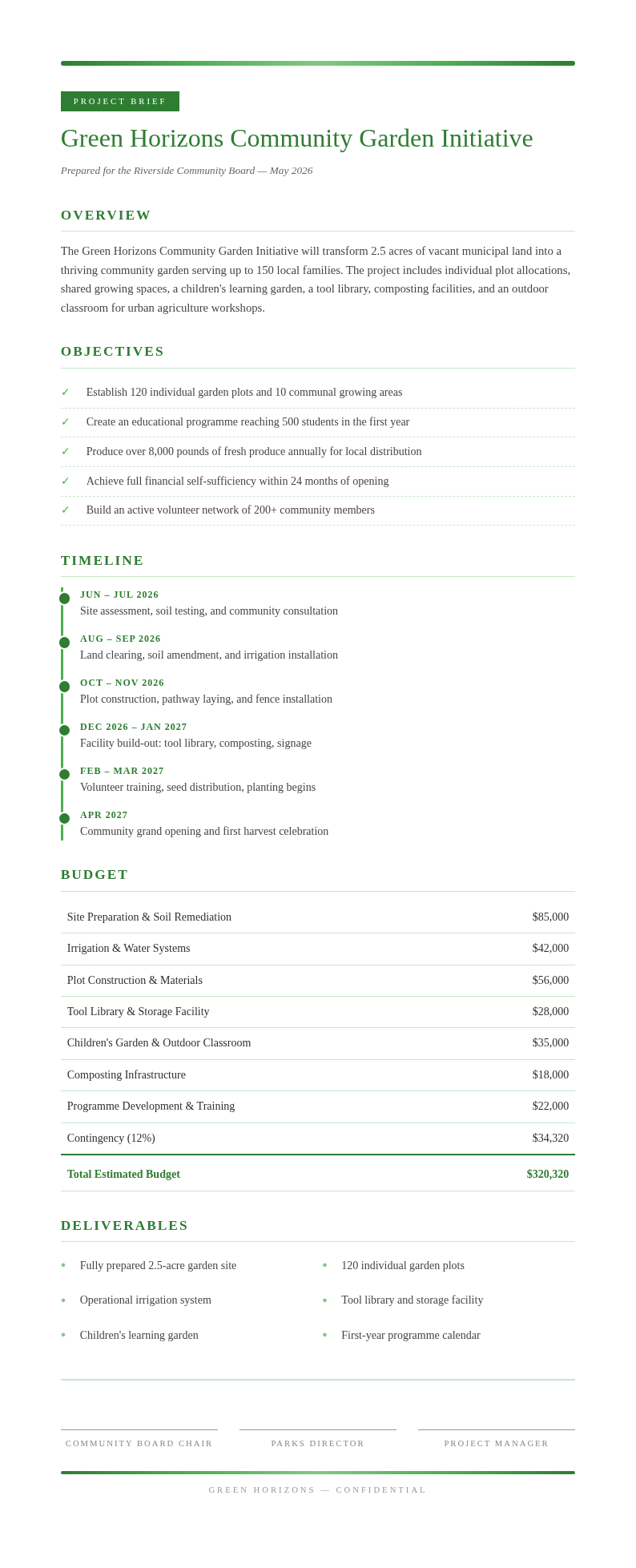
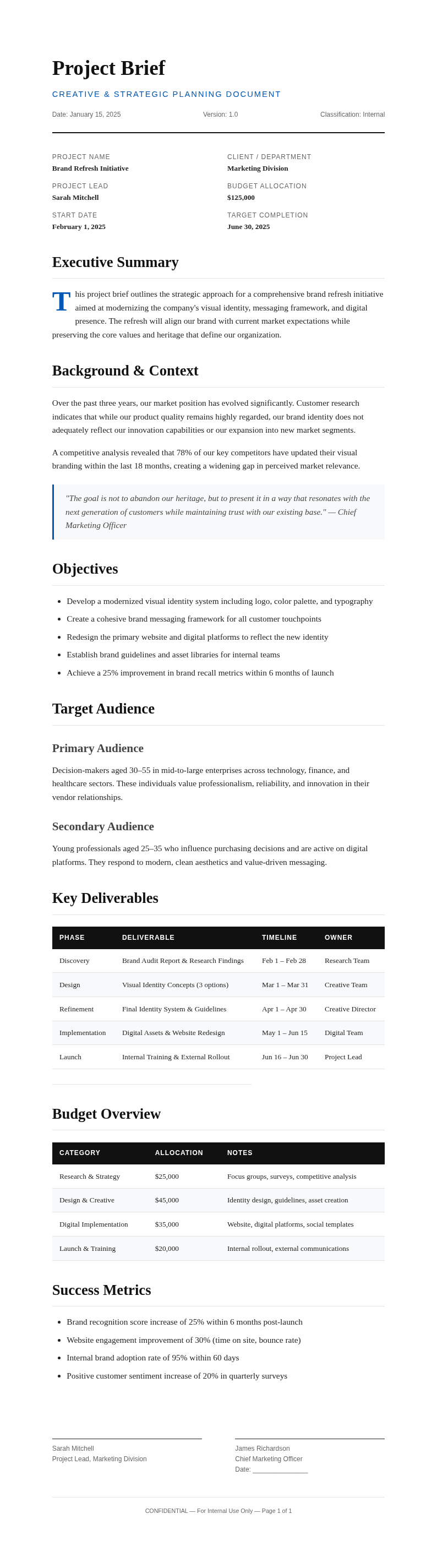
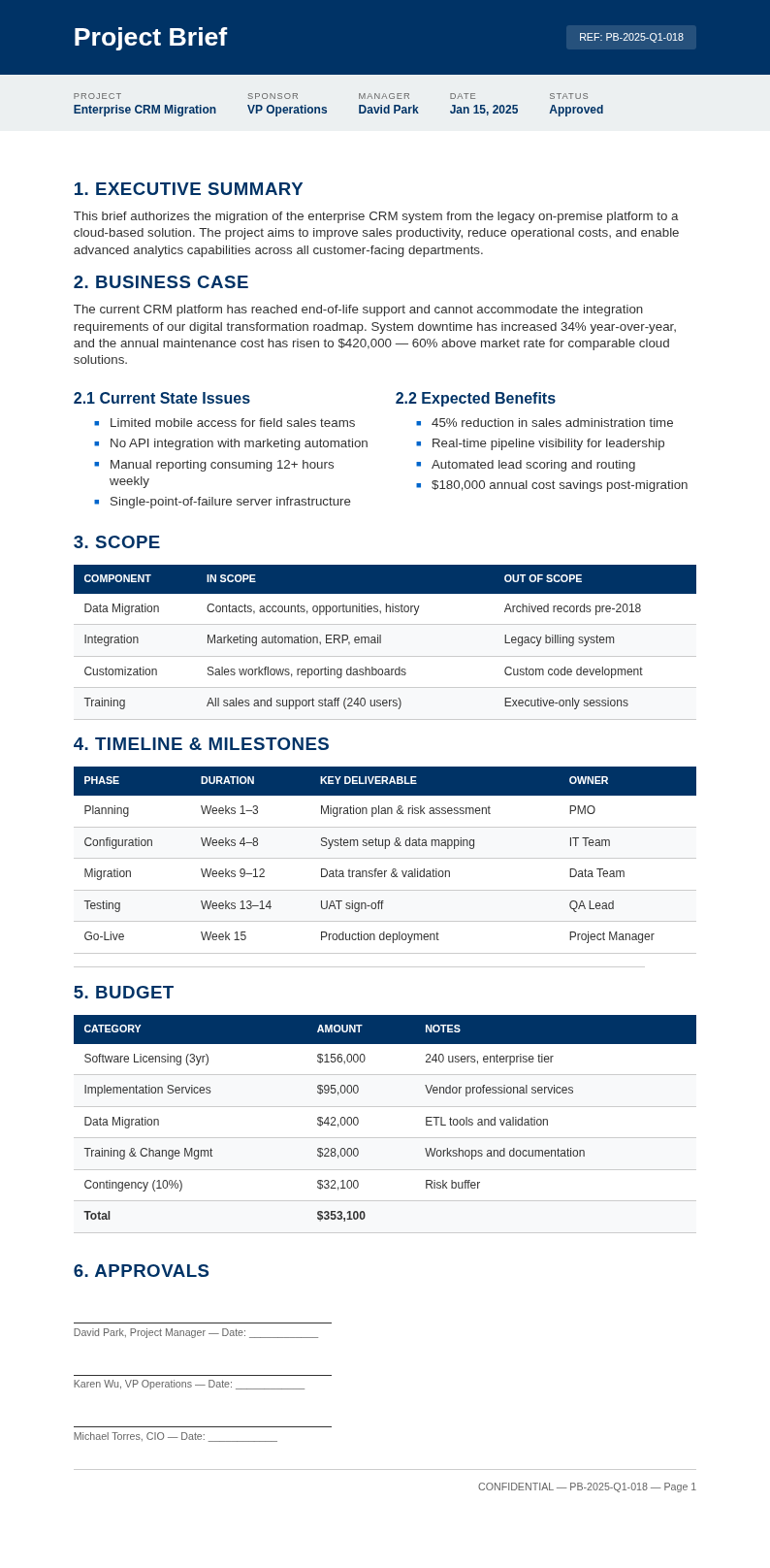
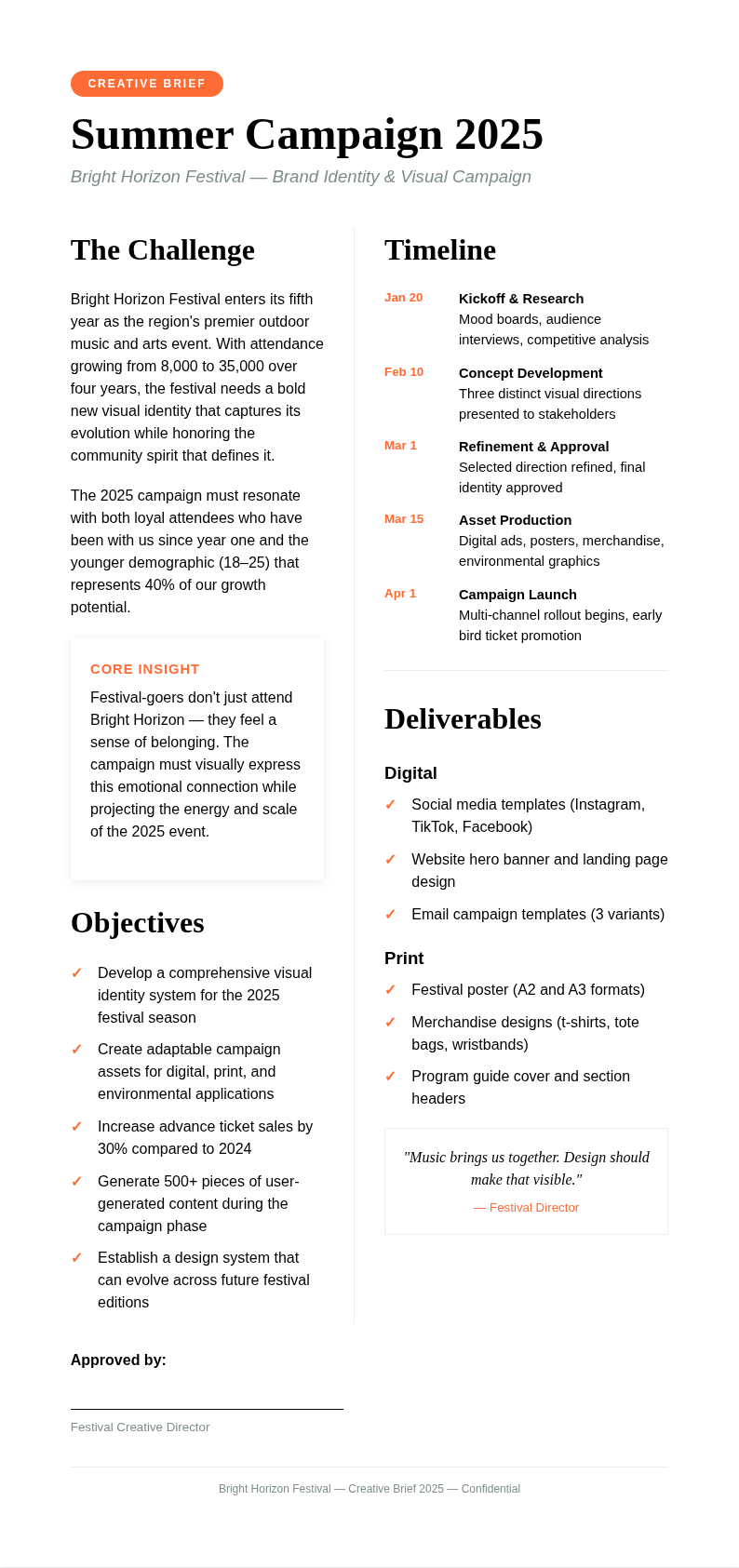
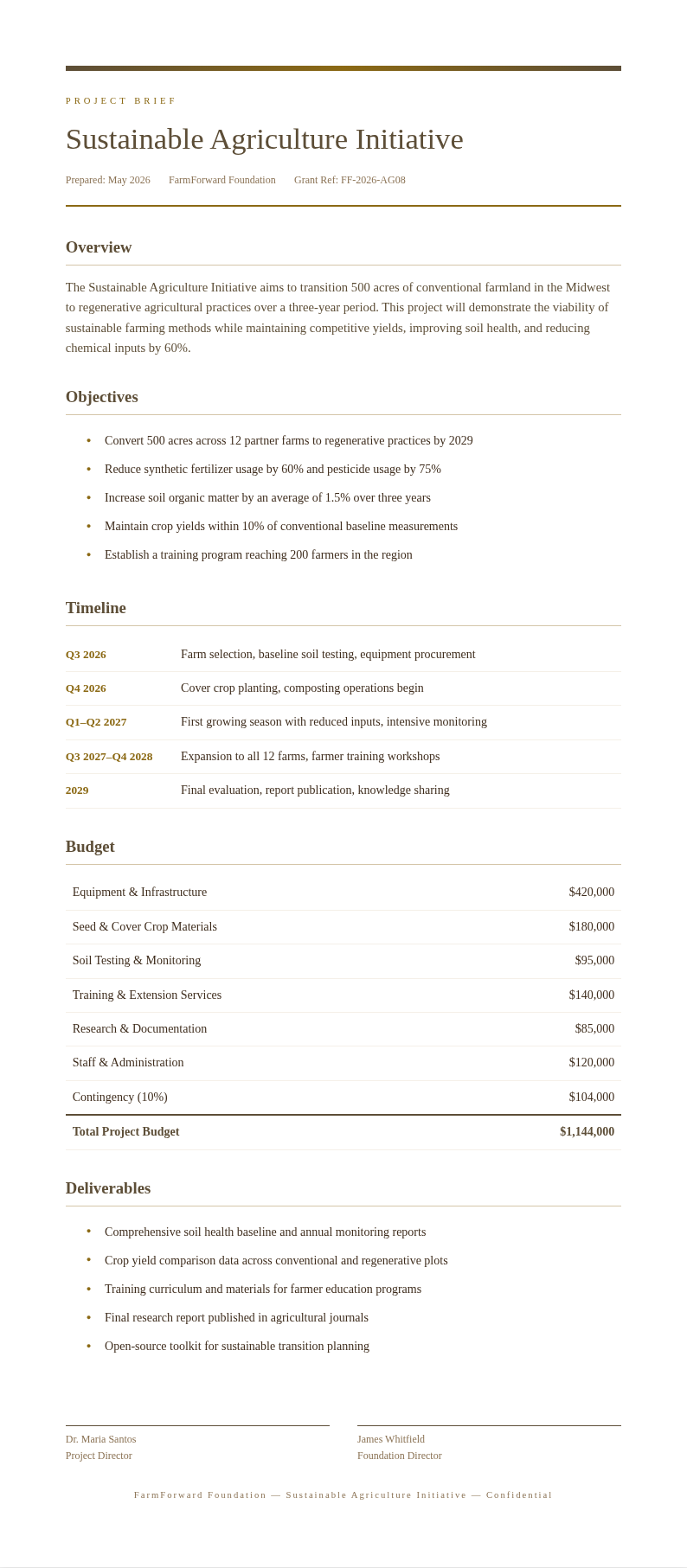
Explore Professional Brief Templates
Prefer to start from a pre-designed layout? Browse our collection of brief templates for legal, creative, project, and business use.
Frequently Asked Questions
Helpful information about using our Brief Generator.
- Is the Brief Generator free?
- Yes. This Brief Generator is completely free to use with no subscriptions or hidden fees. You can generate unlimited briefs without creating an account. The this tool provides full access to all features so you can create professional legal, creative, and project briefs at no cost. You can create as many documents as you need without any usage limits or restrictions.
- What types of briefs can I create with the Brief Generator?
- The Brief Generator supports legal briefs, creative briefs, project briefs, design briefs, campaign briefs, and executive briefs. You can select the brief type and the our tool will produce a document with the appropriate structure and sections for your specific use case. The tool handles all the formatting so you can focus on your content instead of layout.
- Can I use the Brief Generator for legal cases?
- Yes, the Brief Generator includes legal brief formats with sections for case information, statement of facts, legal arguments, and conclusion. While the it creates a well-structured starting point, always have a qualified attorney review legal documents before filing. You can create as many documents as you need without any usage limits or restrictions. Most users go from initial input to a polished, downloadable document in just a few minutes using this tool.
- How long does it take to generate a brief?
- The Brief Generator produces a complete, structured brief in seconds after you enter your details. Most users go from initial input to a polished, downloadable document in under five minutes using the the tool, compared to hours of manual drafting. The tool handles all the formatting so you can focus on your content instead of layout.
- Can I edit the brief after the Brief Generator creates it?
- Yes, every brief is fully editable through our online editor. You can modify sections, add details, adjust the tone, and restructure content. The the Brief Generator creates a comprehensive starting point that you can refine until it perfectly matches your requirements. You can create as many documents as you need without any usage limits or restrictions.
- What file formats does the Brief Generator export?
- The our generator exports your brief as a Word document (.docx) or PDF. The Word format is ideal if you want to continue editing in Microsoft Word, while the PDF from the the Brief Generator is perfect for sharing a final, polished version with stakeholders. You can create as many documents as you need without any usage limits or restrictions.
- Can I use the Brief Generator for client projects?
- Yes, the this Brief Generator is excellent for creating client-facing project briefs that document scope, objectives, deliverables, and timelines. Sending a our tool document to clients before starting work ensures clear alignment on expectations and reduces the risk of misunderstandings. Most users go from initial input to a polished, downloadable document in just a few minutes.
- Is the Brief Generator suitable for advertising agencies?
- Yes, the the generator includes campaign and creative brief formats specifically designed for advertising and marketing agencies. You can use the our tool to create briefs that communicate strategy, target audience, messaging, and deliverable specifications to creative teams. The tool handles all the formatting so you can focus on your content instead of layout. Most users go from initial input to a polished, downloadable document in just a few minutes using this Brief Generator.
- Does the Brief Generator work on mobile devices?
- Yes, the this Brief Generator is fully responsive and works on smartphones and tablets. You can create, review, and download briefs from any device with a web browser, making it convenient to draft documents while traveling or between meetings. Most users go from initial input to a polished, downloadable document in just a few minutes. You can create as many documents as you need without any usage limits or restrictions whatsoever.
- Can I reuse a brief created with the Brief Generator?
- Yes, you can download your brief and use it as a template for future projects. Re-import a previous brief into the the Brief Generator, update the relevant sections, and generate a new document quickly for similar projects or recurring client engagements. You can create as many documents as you need without any usage limits or restrictions.
- How is the Brief Generator different from writing a brief manually?
- The the Brief Generator saves hours of formatting and structuring work by automatically organizing your input into a professional document. Instead of starting from a blank page, the the generator gives you a complete framework that you only need to review and refine, dramatically speeding up the briefing process. The tool handles all the formatting so you can focus on your content instead of layout.
- Can I collaborate with my team using the Brief Generator?
- Yes, you can download the generated brief and share it with team members for collaborative editing in Word or Google Docs. After collecting feedback, you can re-import the revised content into the our generator for final formatting and export as a polished PDF. You can create as many documents as you need without any usage limits or restrictions.
Create Your Brief Now
Generate a professional, well-structured brief in minutes with our free our generator. No blank page anxiety — just clear, organized documents.
No credit card required • Multiple brief types • Instant results