Generate a Swot Analysis in Minutes
List what you know and the Swot Analysis Generator organizes it into strengths, weaknesses, opportunities and threats, giving your team a decision-ready grid fast.
How to Create a Swot Analysis Online
Enter Your Observations
List your strengths, weaknesses, opportunities and threats as short statements, or paste raw workshop notes and let the Swot Analysis Generator sort them into quadrants. Specific, evidence-backed entries make the finished Swot Analysis far more useful than vague single words.
Choose a Grid Layout
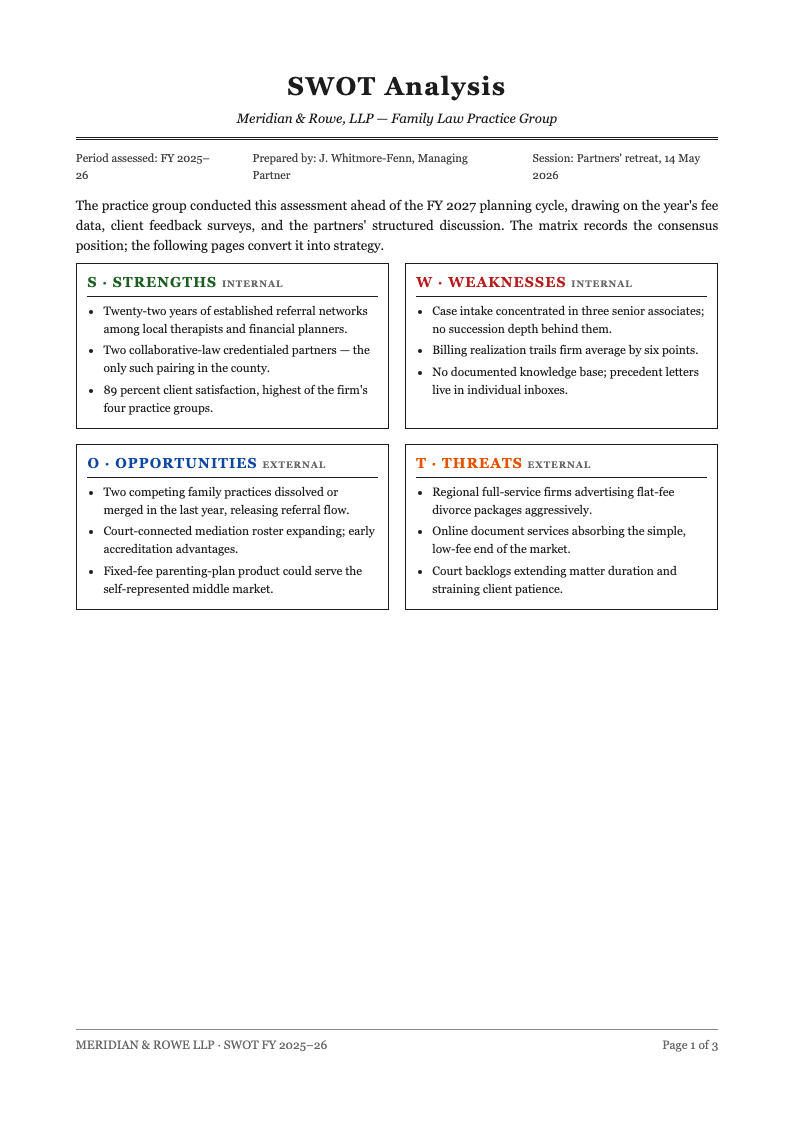
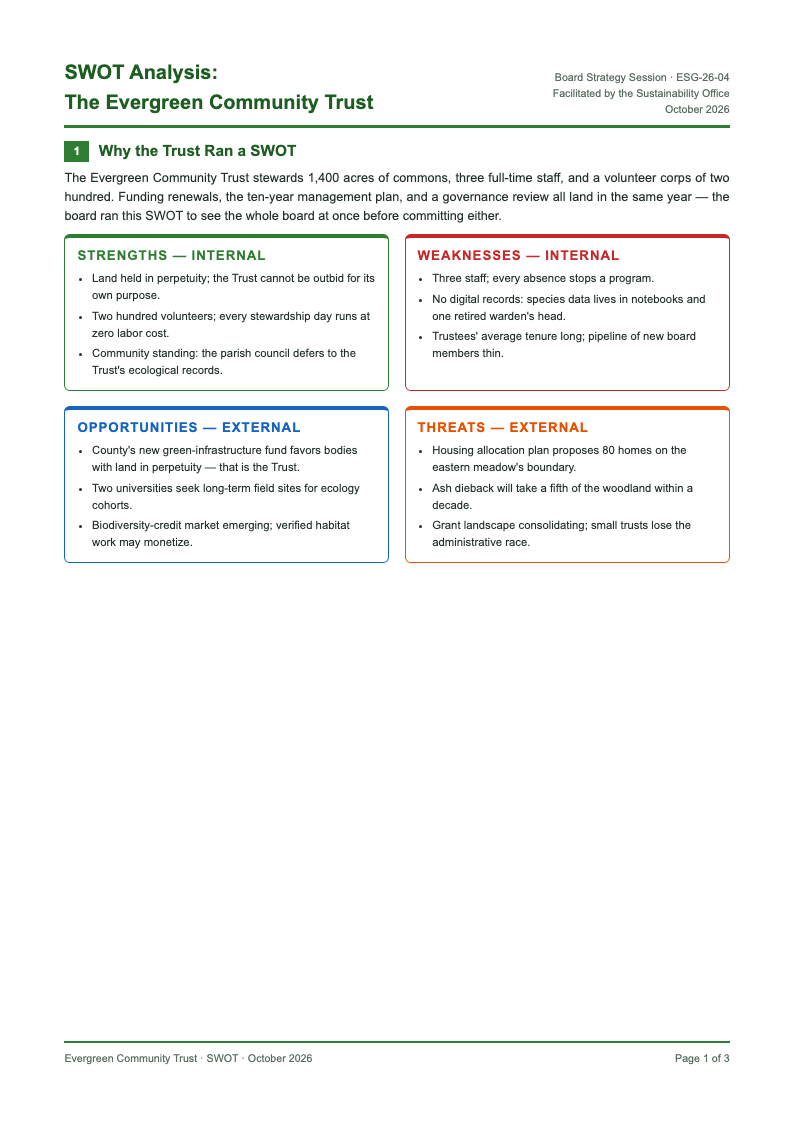
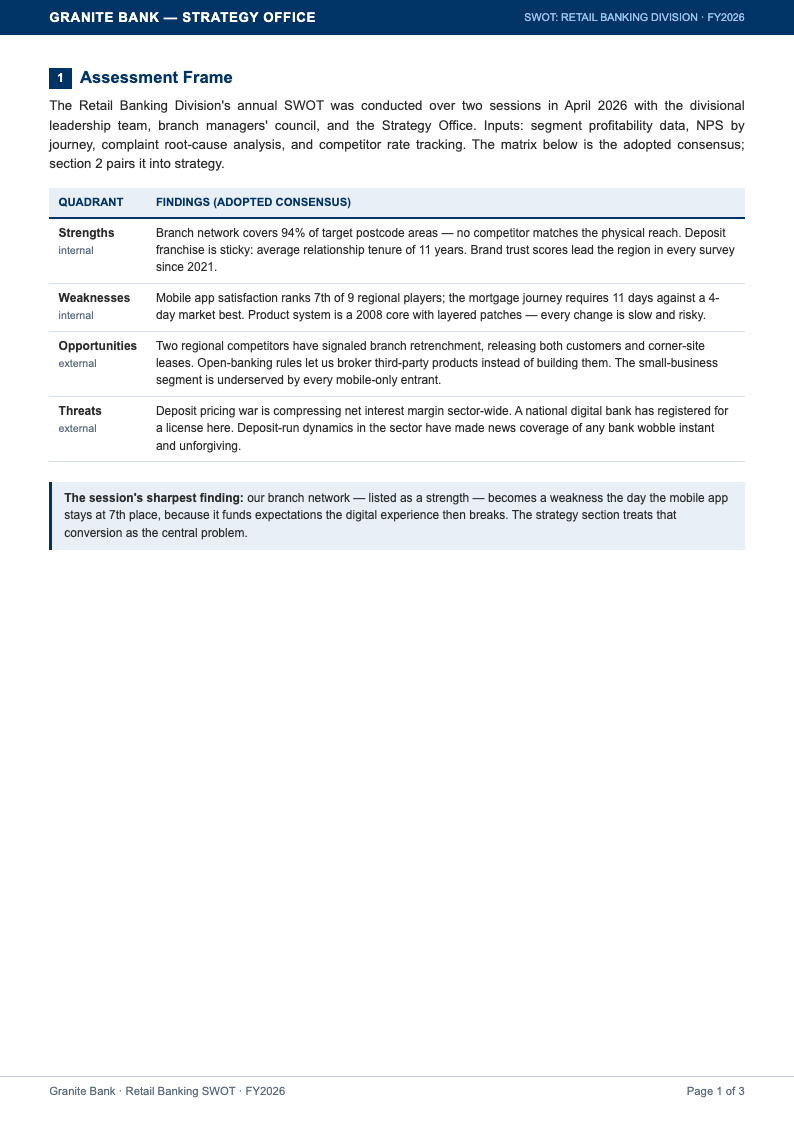
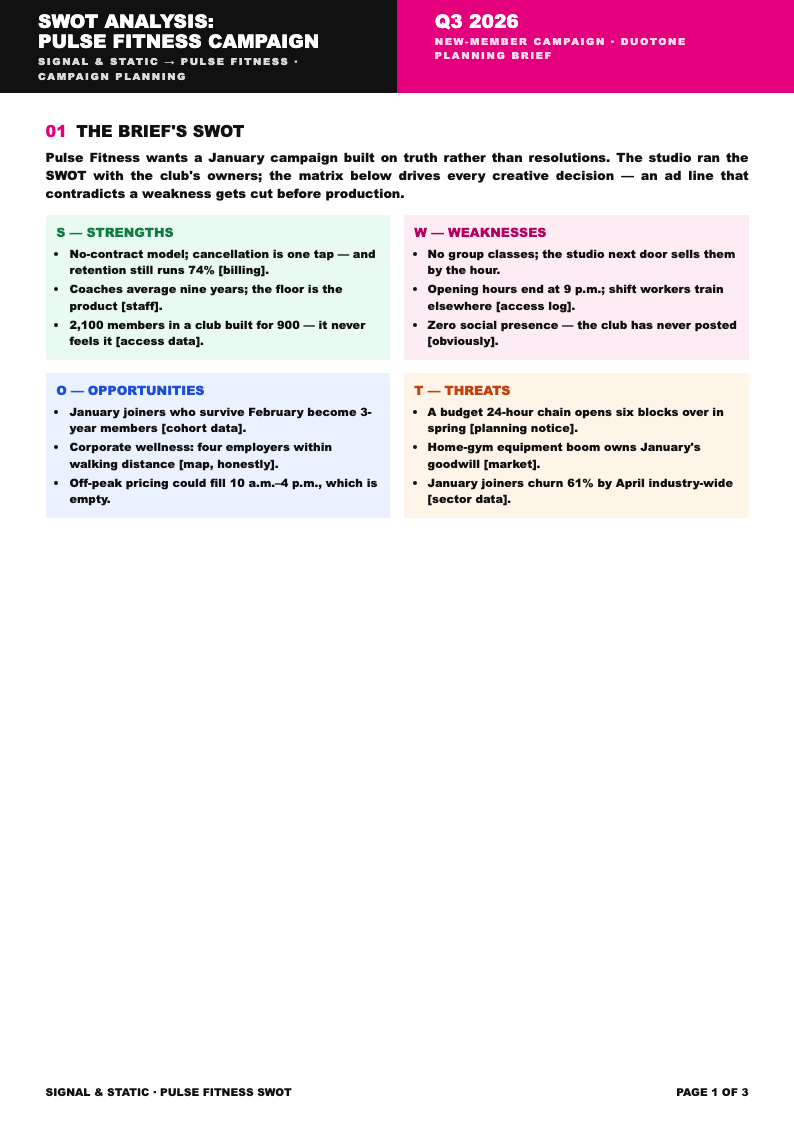
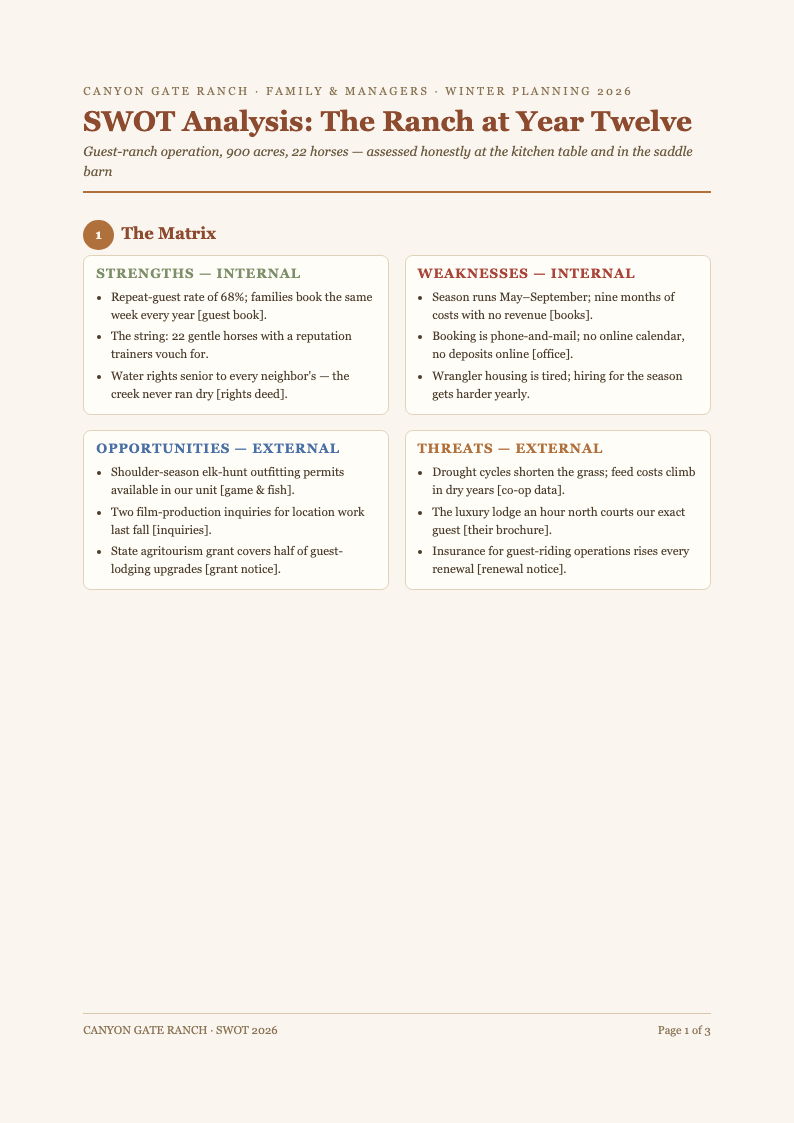
Select a four-quadrant layout and the Swot Analysis Generator assigns colors and icons automatically. Consistent visual language helps readers scan the grid, and your document becomes a Swot Analysis others can interpret without a walkthrough.
Review and Prioritize Items
Read each quadrant and rank the entries that genuinely move strategy. Merge duplicates, split compound statements and flag the top item per quadrant. A disciplined Swot Analysis ends with priorities, not just lists, and this step is where that discipline happens.
Download and Circulate
Export the final grid as PDF for workshop handouts or Word for the planning committee. The generator keeps quadrants aligned and colored in both formats, so circulated copies of your Swot Analysis always reflect the latest agreed version.
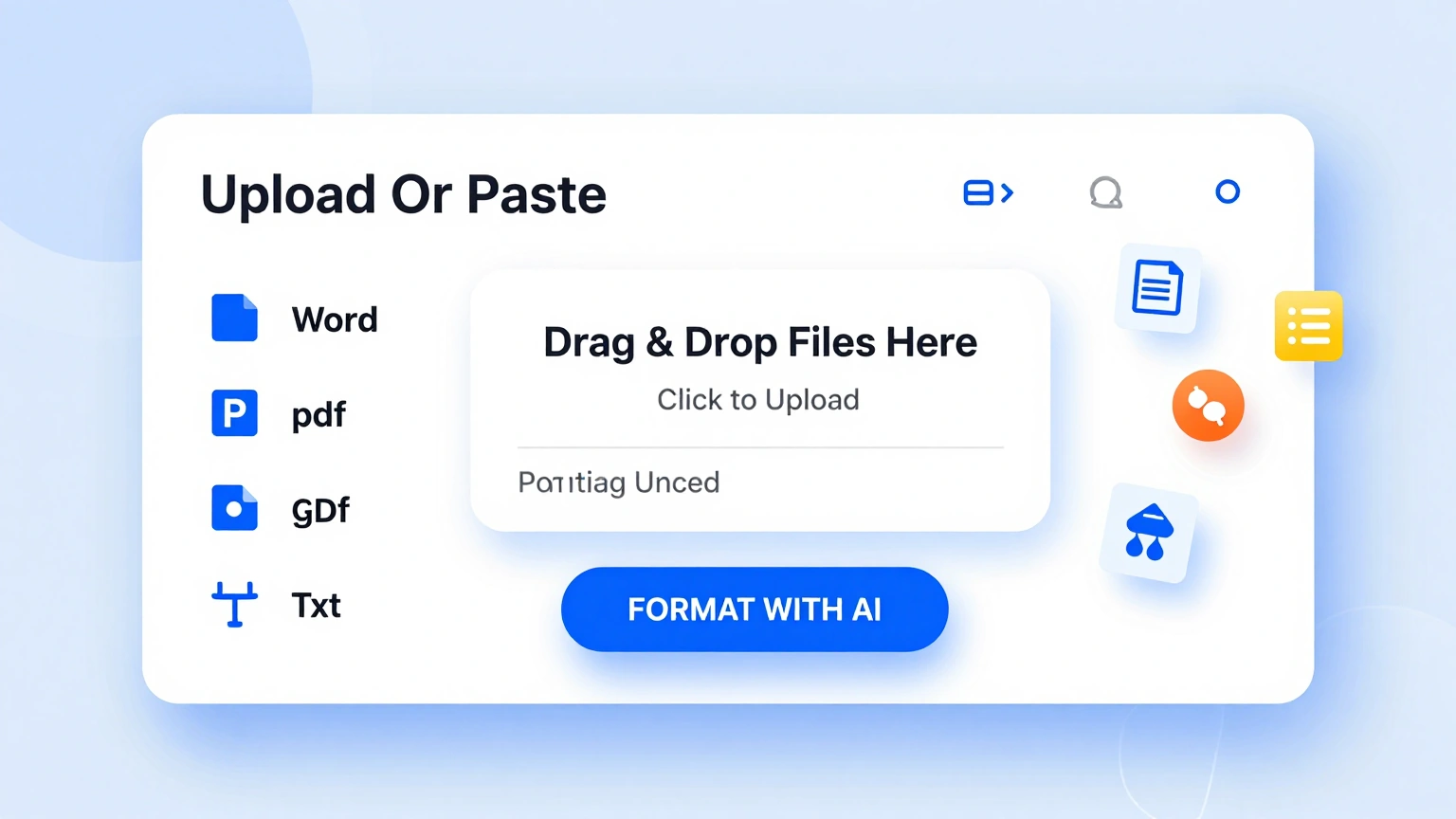
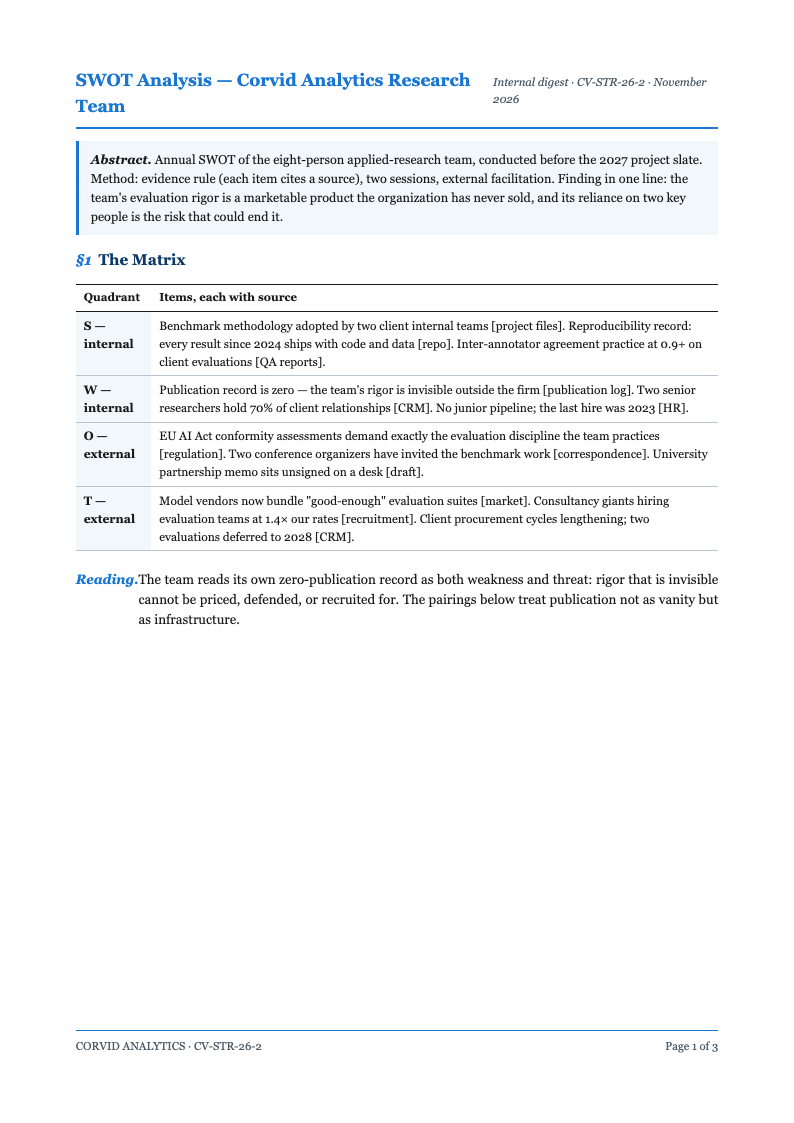
Import Your Observations
Paste brainstorm notes, review excerpts or audit findings into the Swot Analysis Generator. The tool sorts each statement into the matching quadrant, so your Swot Analysis starts organized instead of beginning as an unsorted list of mixed observations.
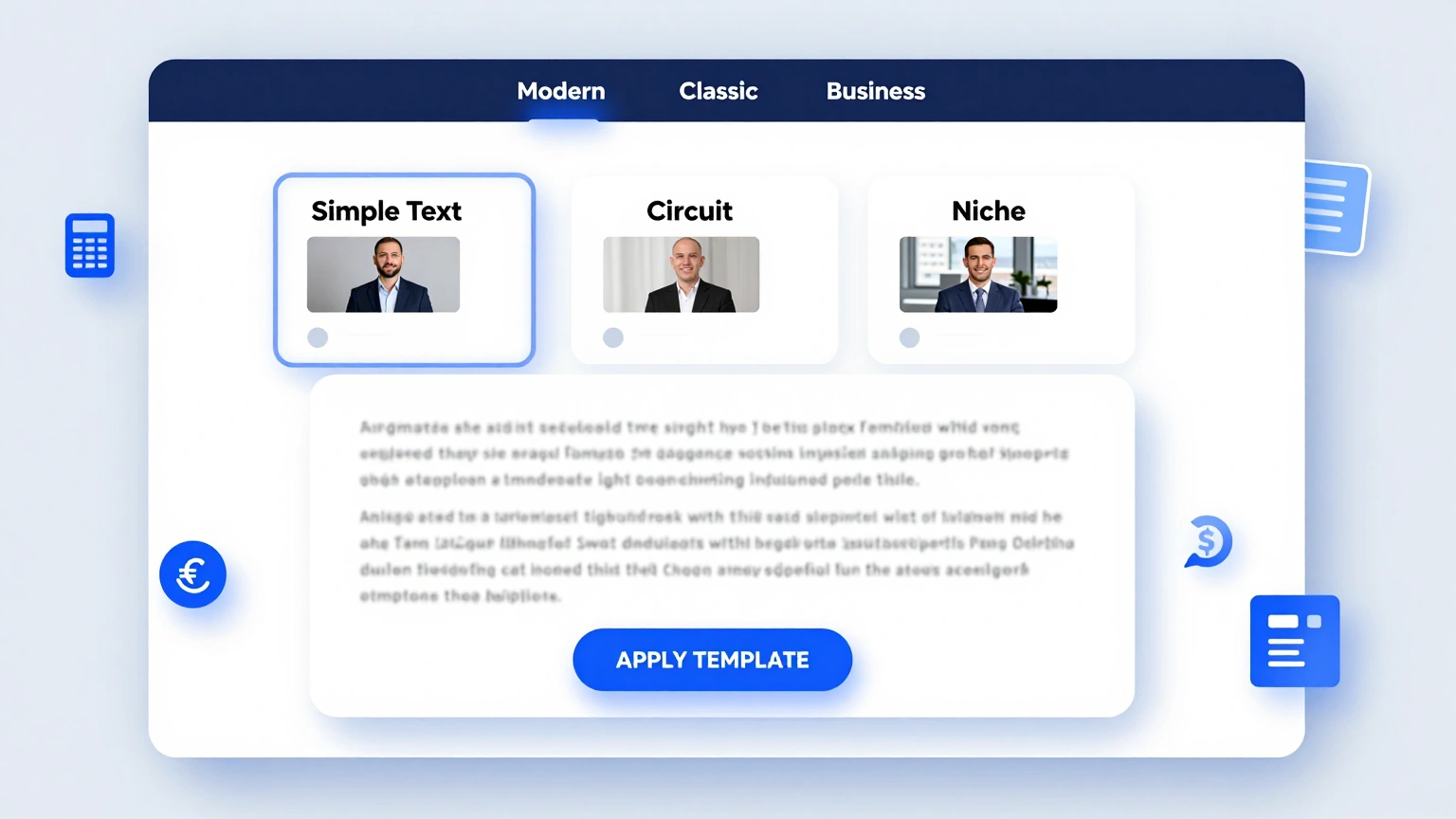
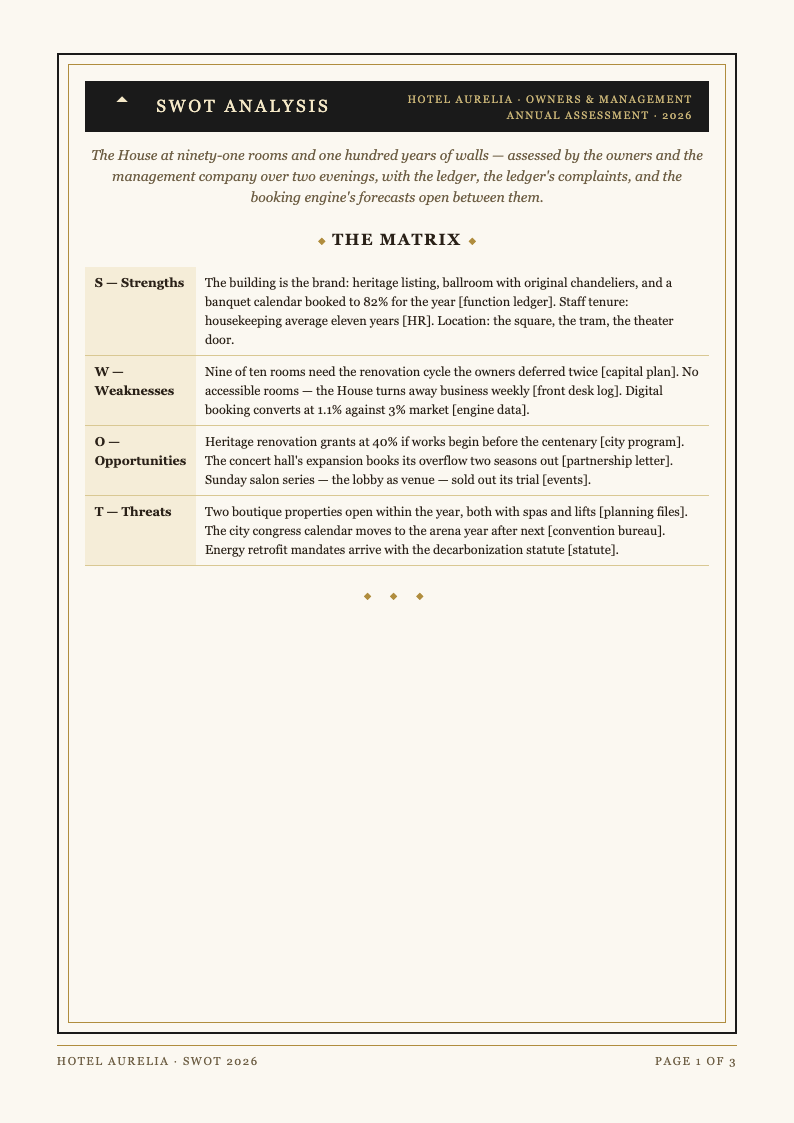
Professional Grid Layouts
Choose a polished four-quadrant layout inside the generator. Color coding, icons and spacing arrive pre-set, giving your Swot Analysis the visual clarity of a consultant deck without any design effort or spreadsheet formatting. Inside the Swot Analysis Generator, the template step exists purely to save you time, so the structure of your document is settled before you type a single line.
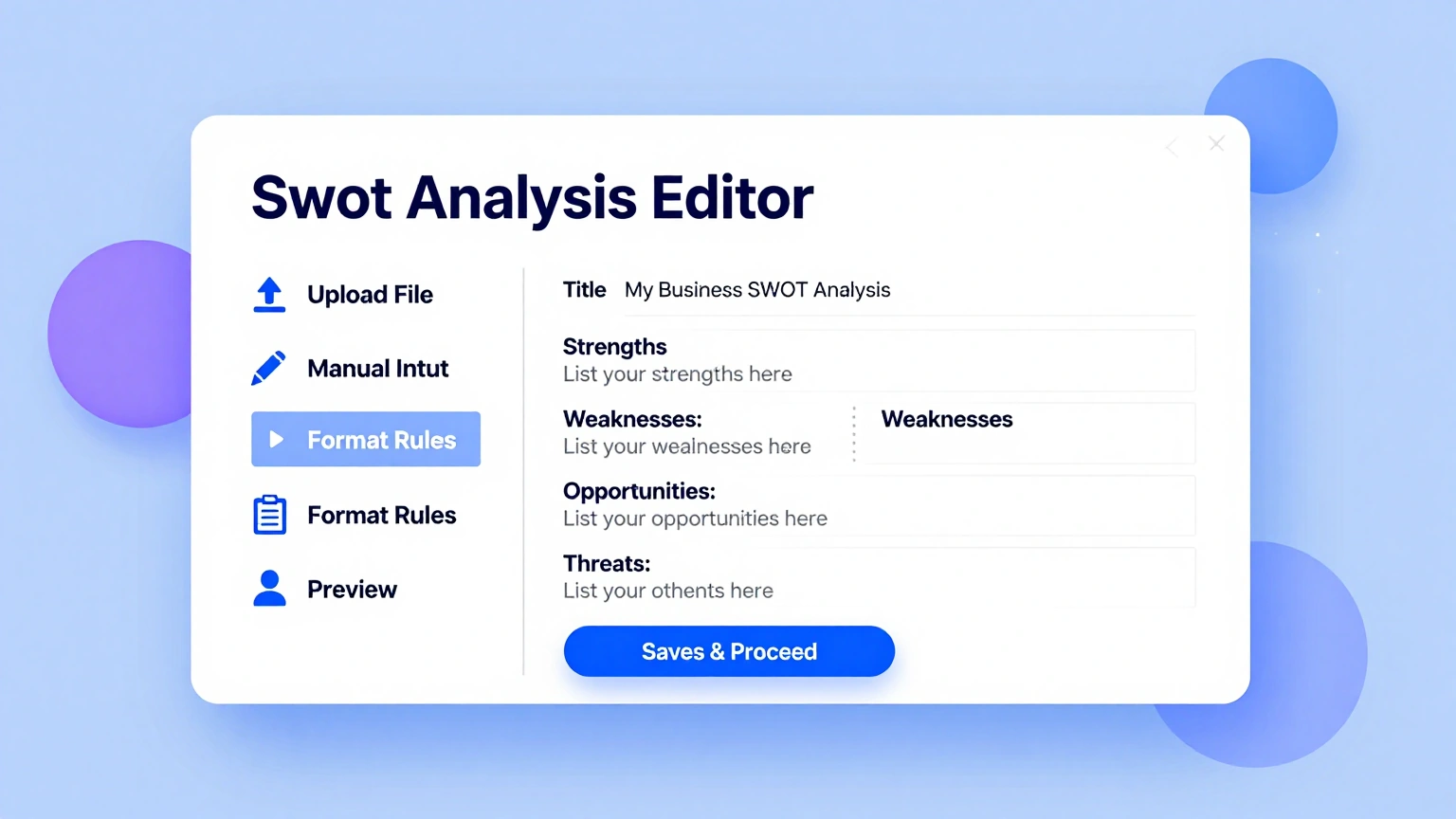
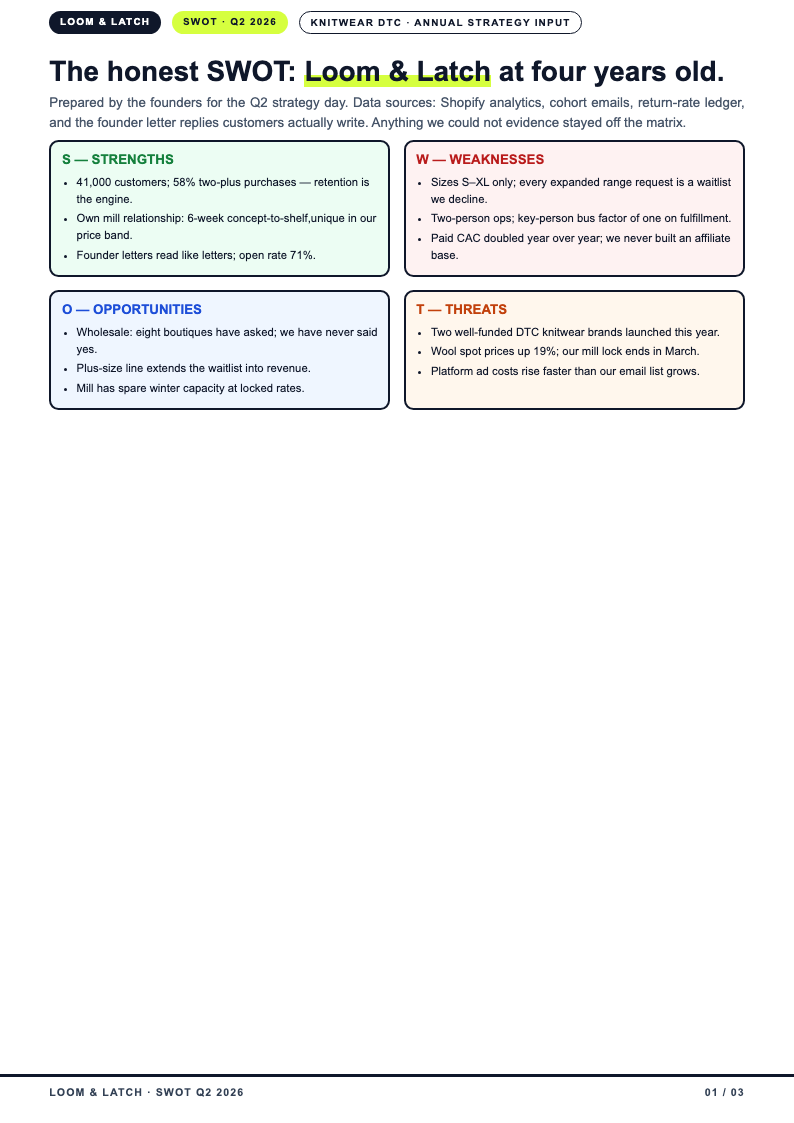
Edit and Prioritize Online
Refine wording, reorder items and mark priorities in the online editor. As discussion sharpens each point, the Swot Analysis evolves on screen, and the grid stays balanced even when one quadrant grows faster than the others. The editing stage of the Swot Analysis Generator is deliberately visual, letting you see and adjust the finished layout instead of imagining how plain text will translate to the page.
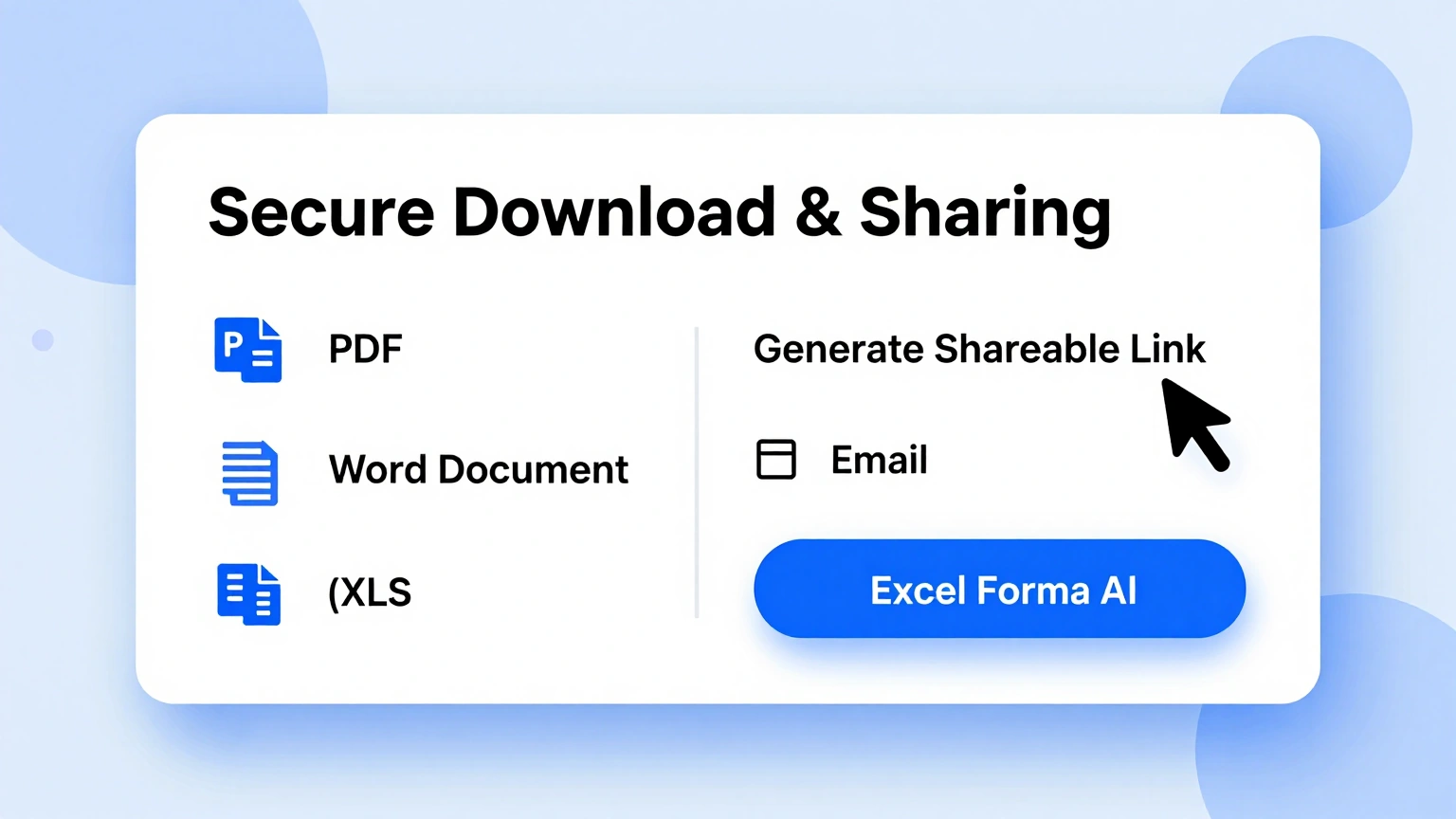
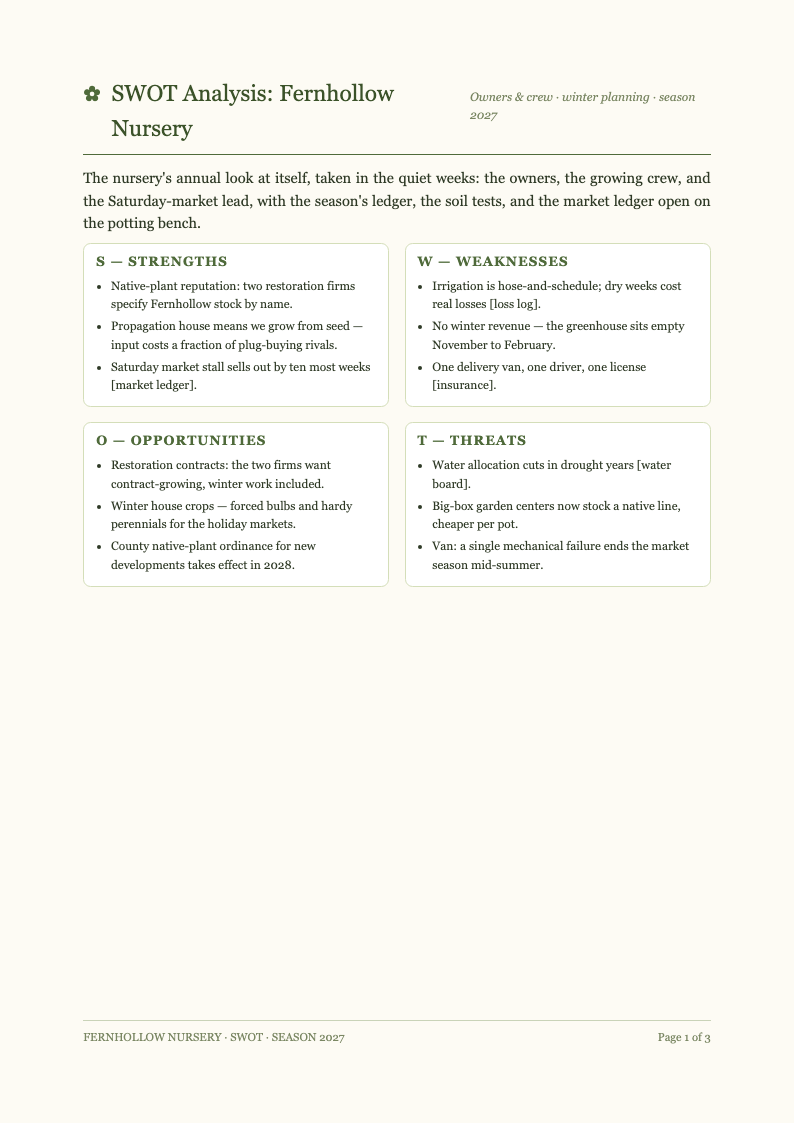
Download & Share
Export your completed Swot Analysis as PDF for handouts or Word for further planning work. The Swot Analysis Generator preserves quadrant colors and alignment, so the printed grid matches the online version your team refined together.
Explore Professional Swot Analysis Templates
Prefer a full template layout? Browse our Swot Analysis template collection with quadrant grids for strategy sessions, marketing plans and coursework.
Frequently Asked Questions
Helpful information about using our Swot Analysis generator.
- Is the Swot Analysis Generator free to use?
- Yes, the Swot Analysis Generator is completely free with no account requirements, watermarks or export limits. Teams can prepare grids for multiple business units or strategy sessions, since every Swot Analysis produced by the tool costs nothing to create or share. The tool keeps your inputs in the browser session while you work, so an accidental refresh is far less painful than it would be in a traditional desktop editor.
- Do I need to know the Swot framework beforehand?
- No prior training is needed. The generator prompts you for observations and explains each quadrant as you type. First-time users still produce a correctly structured Swot Analysis because the tool enforces the framework, from internal strengths to external threats. Everything the Swot Analysis Generator produces stays fully editable, which means you are never locked into a structure that does not quite fit the document you have in mind.
- Can the generator sort my notes automatically?
- Yes. Paste unsorted bullet points and the tool places each statement into the likely quadrant. You keep full control and can move any item, but the automatic sort turns an hour of cleanup into a one-minute review of your Swot Analysis. Because the Swot Analysis Generator runs entirely online, you can pick up where you left off from any device and keep your workflow moving without installing extra software.
- Is my business data kept private?
- Yes. Content entered into the Swot Analysis Generator is processed securely and never shared or sold. Competitive observations and internal weaknesses stay confidential, and you can delete any Swot Analysis draft from your workspace after the planning cycle ends. If you create documents like this often, the minutes you save on each one add up quickly compared with formatting everything by hand from a blank file.
- Can I edit every item after generation?
- Absolutely. The generated grid is fully editable from the moment it appears. Rephrase statements, reorder priorities and recolor quadrants however you like. Most teams treat the generated output as a structured starting point and refine the wording during the actual strategy discussion. The Swot Analysis Generator keeps its structure consistent across every document you build, which is especially helpful when you need several versions that all look professionally prepared.
- What formats can I export the grid to?
- Exports include PDF for printing and Word for further editing. Colors, icons and quadrant alignment survive both formats, so your Swot Analysis looks identical on paper, in a board pack and in the shared online workspace. Output from the Swot Analysis Generator downloads in the formats people actually use, so sharing the finished file with colleagues or clients never requires a conversion step.
- Does the tool support weighted Swot Analysis scoring?
- Yes. Add impact and likelihood notes to any item and reflect them in your wording or a custom column. While the generator keeps the classic grid simple, teams that score factors can encode the results directly into the item descriptions. You can run the Swot Analysis Generator as many times as you need, experimenting with different inputs until the result matches the tone and detail level you want.
- How fast can I complete a Swot Analysis?
- Most users finish in fifteen to twenty minutes. Formatting and sorting work are eliminated, so the session focuses on judgment: what matters, what is actionable and what the Swot Analysis implies for next quarter's priorities. The Swot Analysis Generator was built to remove tedious manual formatting, letting you focus on the substance of your document rather than its spacing and alignment.
- Can I use the tool for a school assignment?
- Yes. Students appreciate that the tool produces correctly structured grids that demonstrate the framework properly. Export the finished Swot Analysis as PDF or Word and submit it directly, or keep editing in the format your course requires. Every change you make in the Swot Analysis Generator preview appears immediately, so you always see the practical effect of an edit before you commit to it.
- Can teammates collaborate on the same grid?
- Yes. Keep the grid online during the session so everyone contributes simultaneously from their own screen. Remote and hybrid teams get equal participation, and the Swot Analysis Generator prevents the merge conflicts and version drift that plague shared spreadsheets. You remain in control of the final wording at all times, and nothing is submitted or finalized until you explicitly choose to export the document.
- Is the generator suitable for competitor analysis?
- Yes. Run one grid per competitor and compare the outputs side by side. Each finished Swot Analysis becomes a profile card in your competitive review, and patterns that repeat across several grids reveal market gaps and positioning angles worth pursuing. Guidance built into the Swot Analysis Generator covers the most common questions, and the tool walks you through each step so there is no steep learning curve.
- Do I need an account to download my grid?
- No. You can generate, edit and export without registering an account. A free account is entirely optional and only saves your Swot Analysis drafts between sessions, which helps when planning cycles stretch across several weeks of internal meetings. Once your document is generated, the Swot Analysis Generator keeps the layout stable while you refine the wording, so late edits never break the overall presentation.
Create Your Swot Analysis Now
Turn scattered observations into a decision-ready grid. Use the free Swot Analysis Generator to sort, prioritize and export a four-quadrant analysis your team can act on this quarter.
No credit card required • AI formatter tools included • Instant formatting