Ask for Bids the Right Way
A vague request attracts vague proposals. The proposal request generator structures your scope, evaluation criteria, and timeline so vendors answer the questions you actually asked.
How to Create a Proposal Request Online
Define the Project
Tell the proposal request generator what you need and why: the problem to solve, the outcome you expect, and any constraints on budget or schedule. Clear inputs here become the scope section vendors will quote against, so a little precision now saves weeks of clarification later.
Set the Rules
Add your evaluation criteria, submission deadline, and contact rules in the proposal request generator. Stating how bids will be scored and when questions close keeps the process fair, shortens the Q&A cycle, and protects you from late or misdirected submissions.
Review the Draft
Read the assembled request as a bidder would. The editor highlights missing pieces such as acceptance criteria or payment terms, and the editor lets you fix them before the document ever reaches an inbox.
Publish and Track
Export the proposal request as a PDF, post it to your procurement portal, and log the question deadline on your calendar. When responses arrive, score them against the published criteria and keep the record with the document for audit readiness.
Start From Your Notes
Drop in your project notes, requirements list, or an old request, and the proposal request generator organizes them into scope, deliverables, and submission instructions in one clean document.
Professional Templates
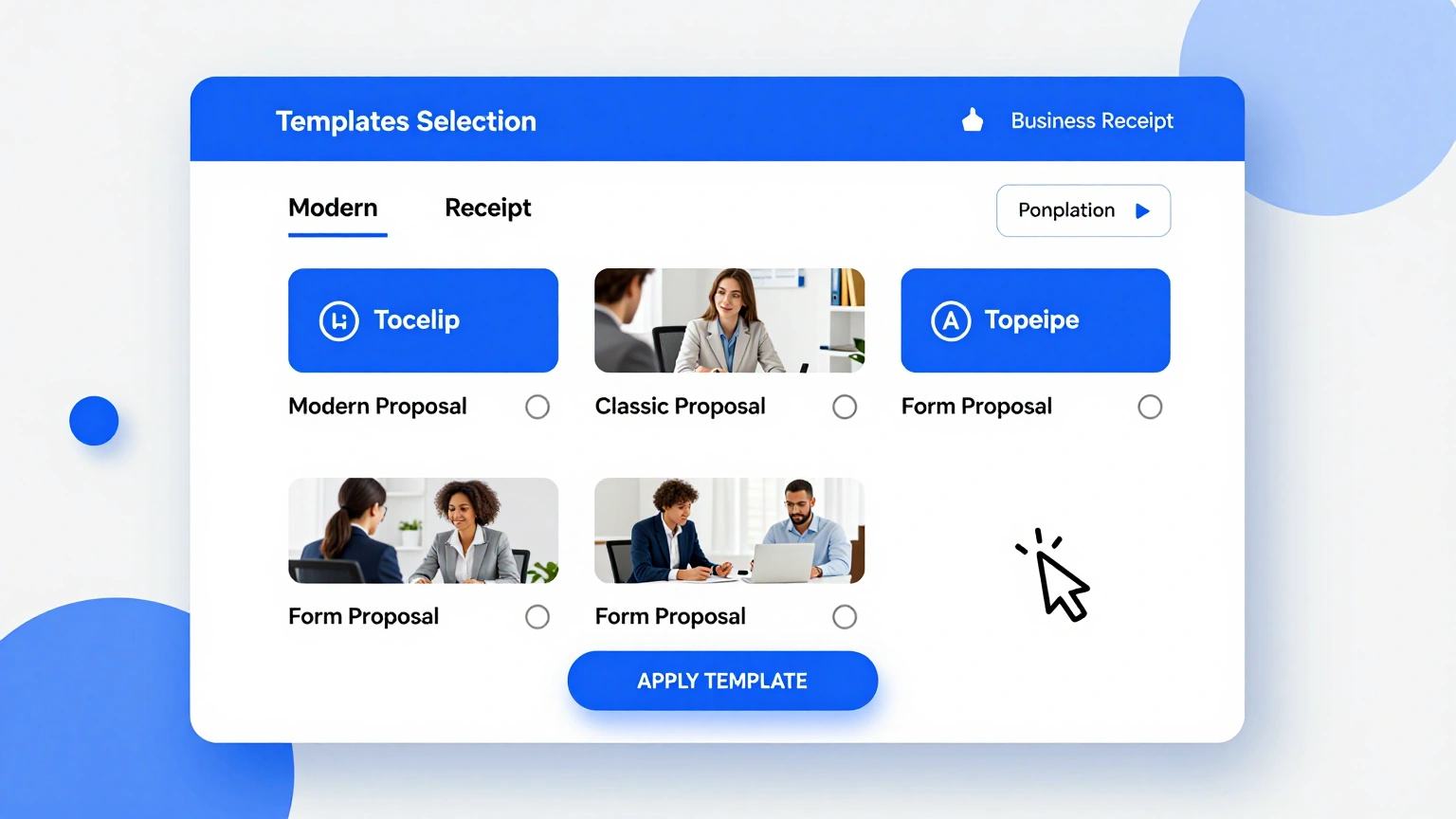
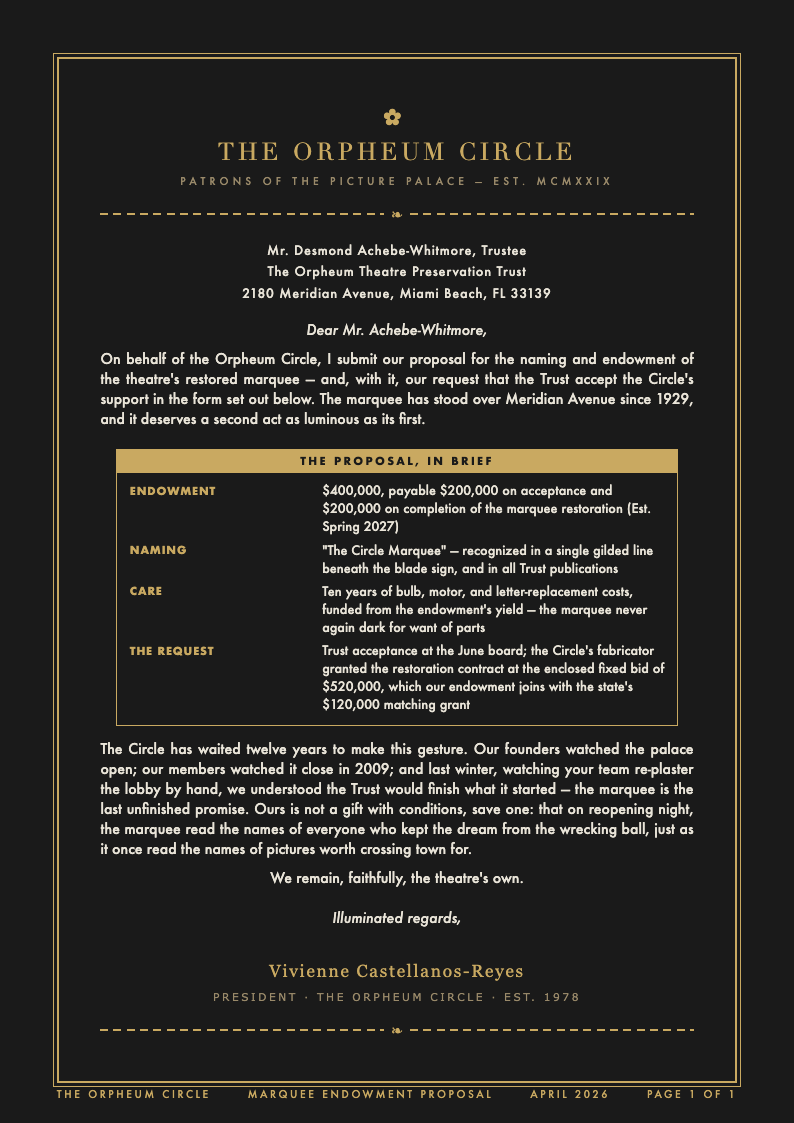
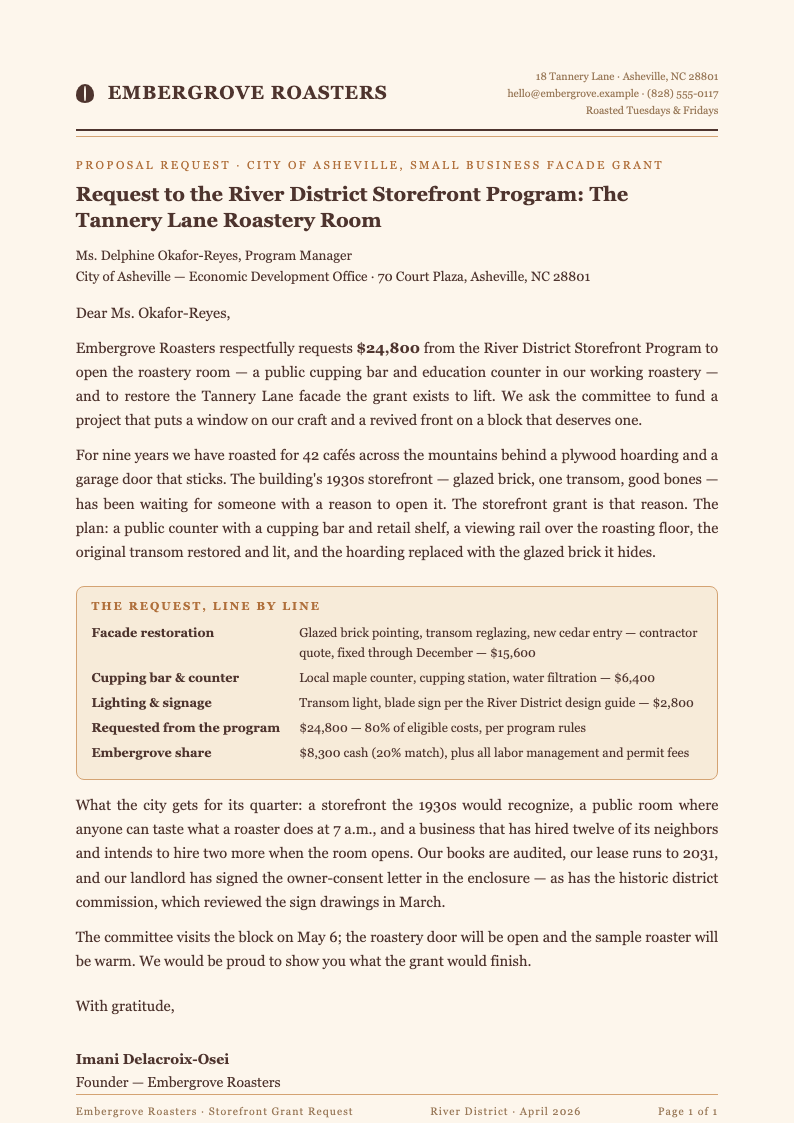
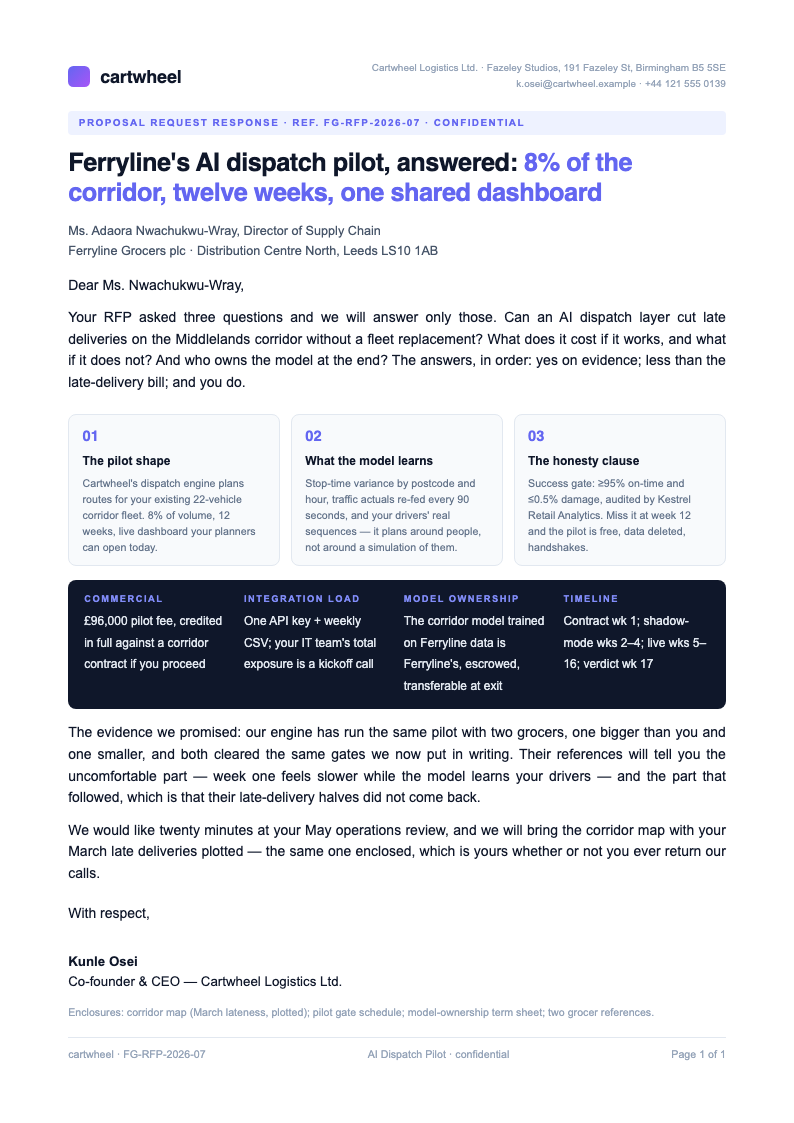
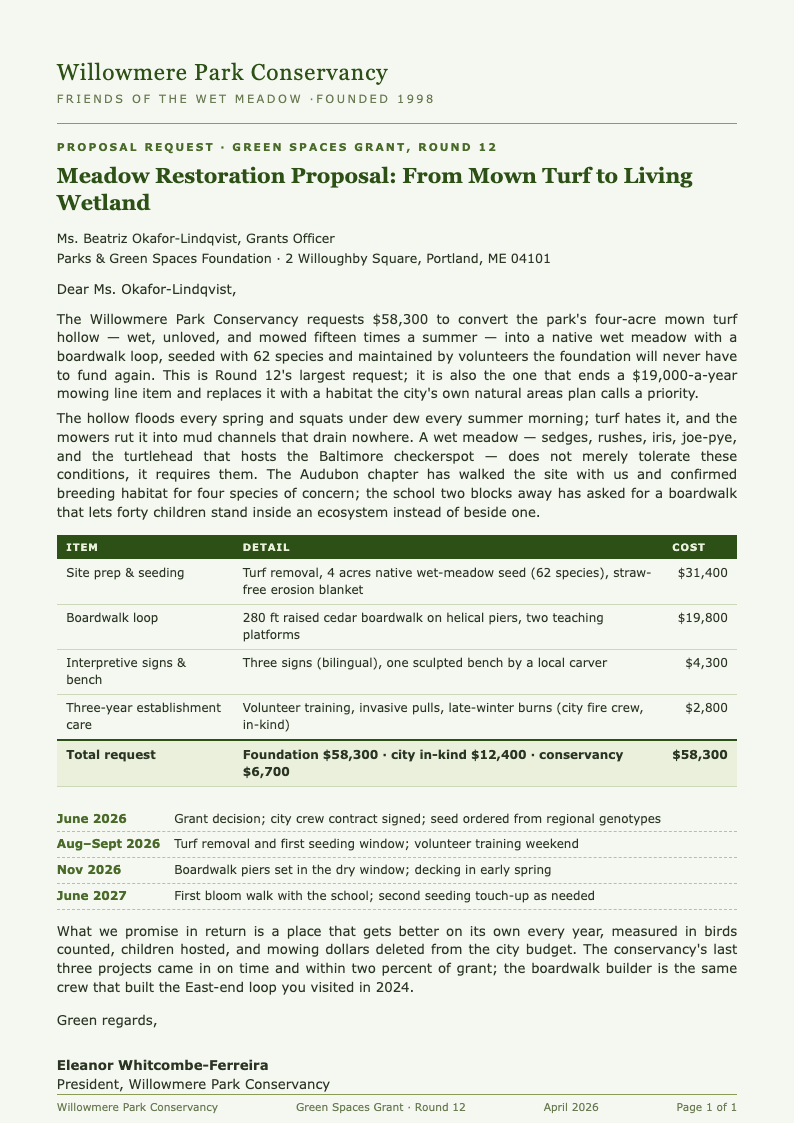
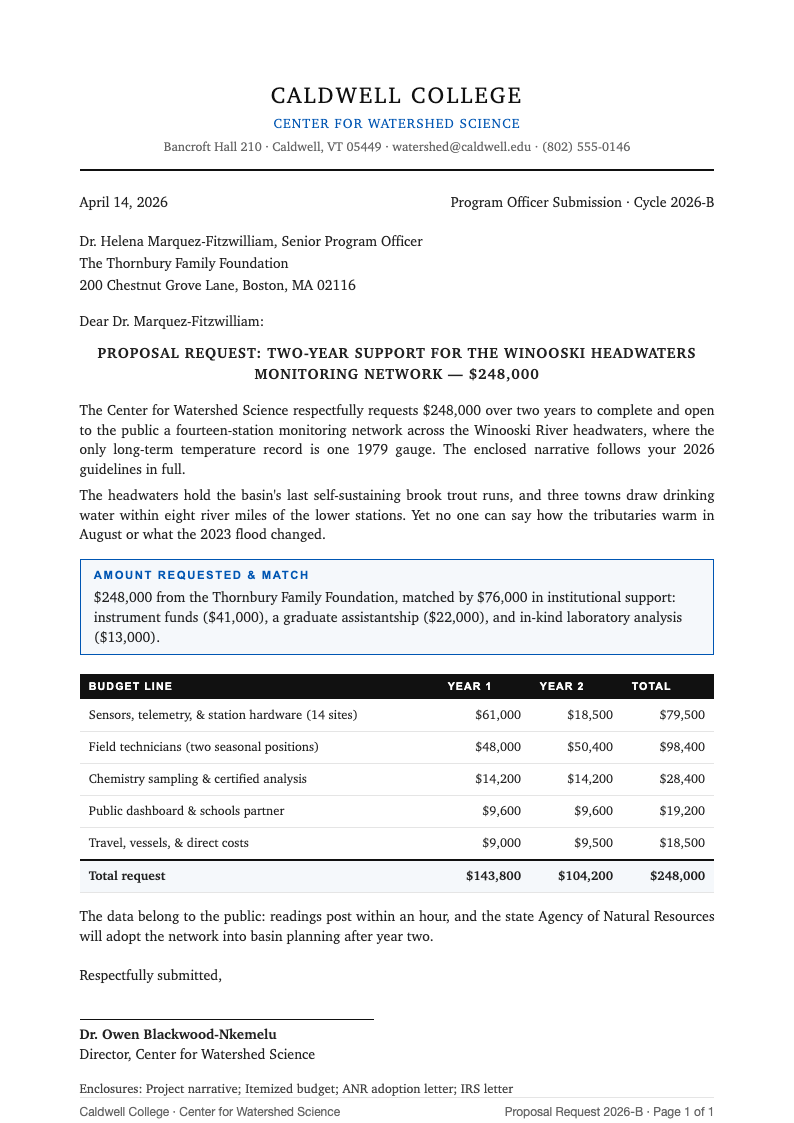
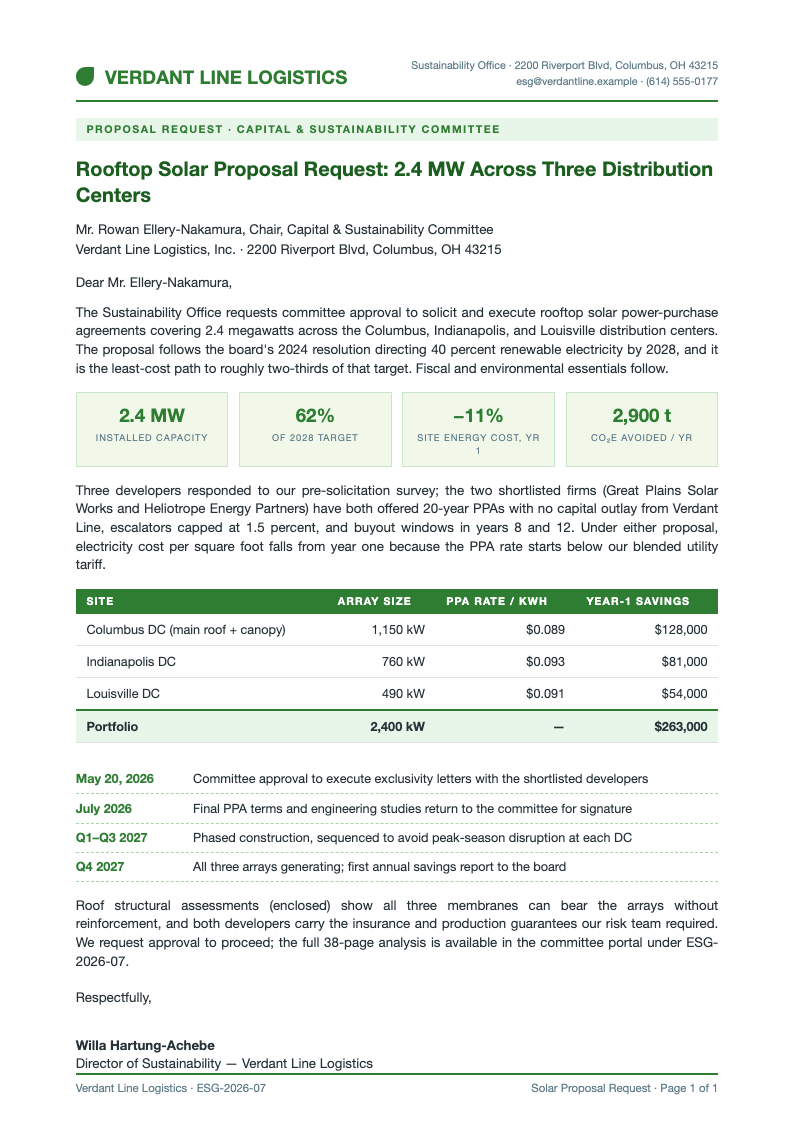
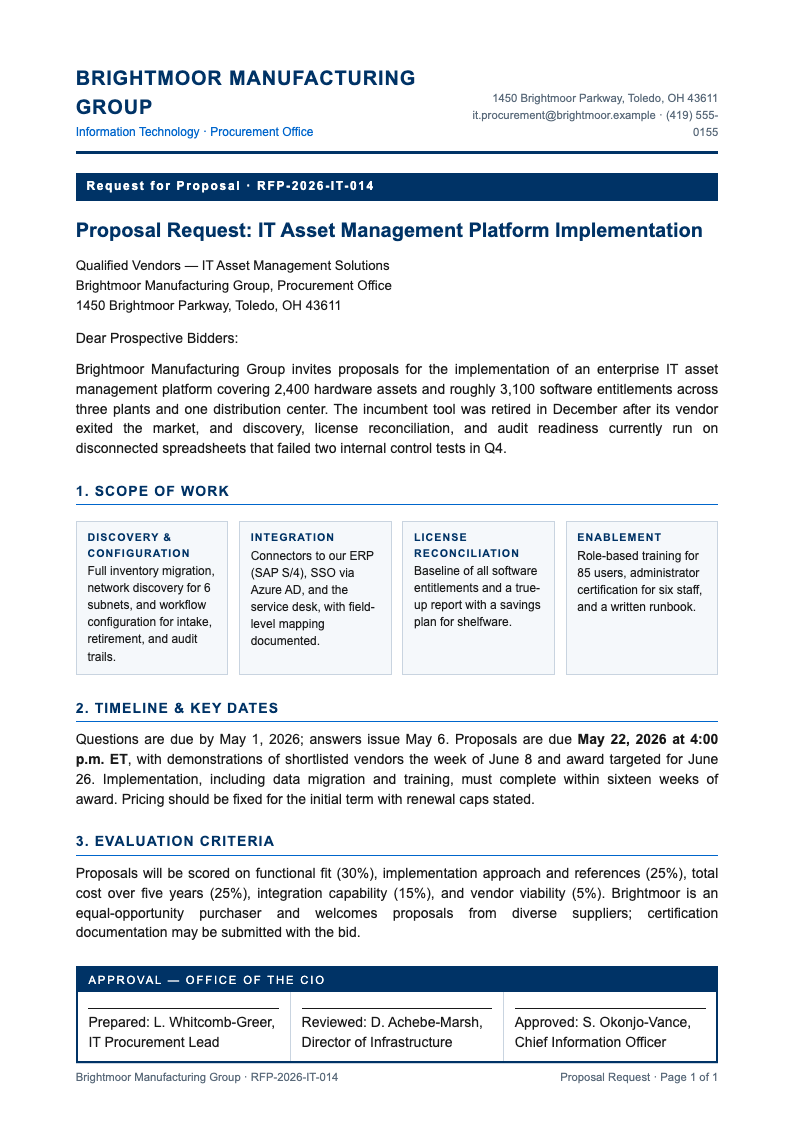
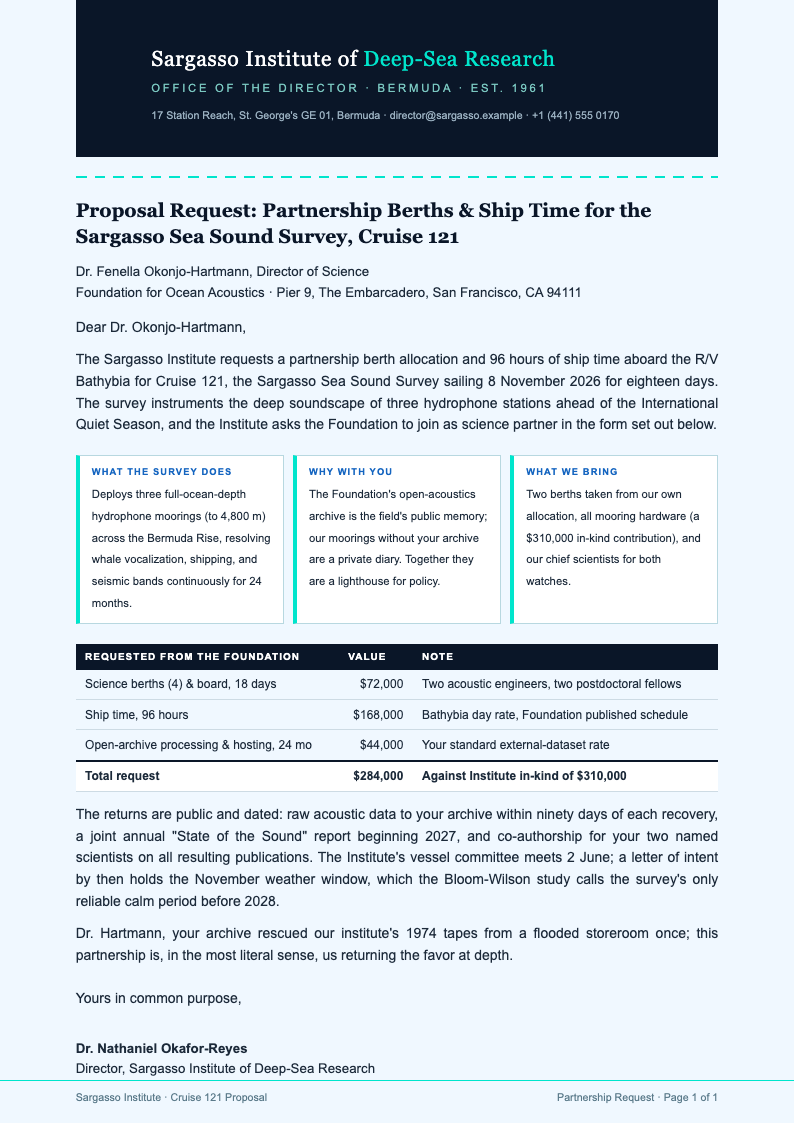
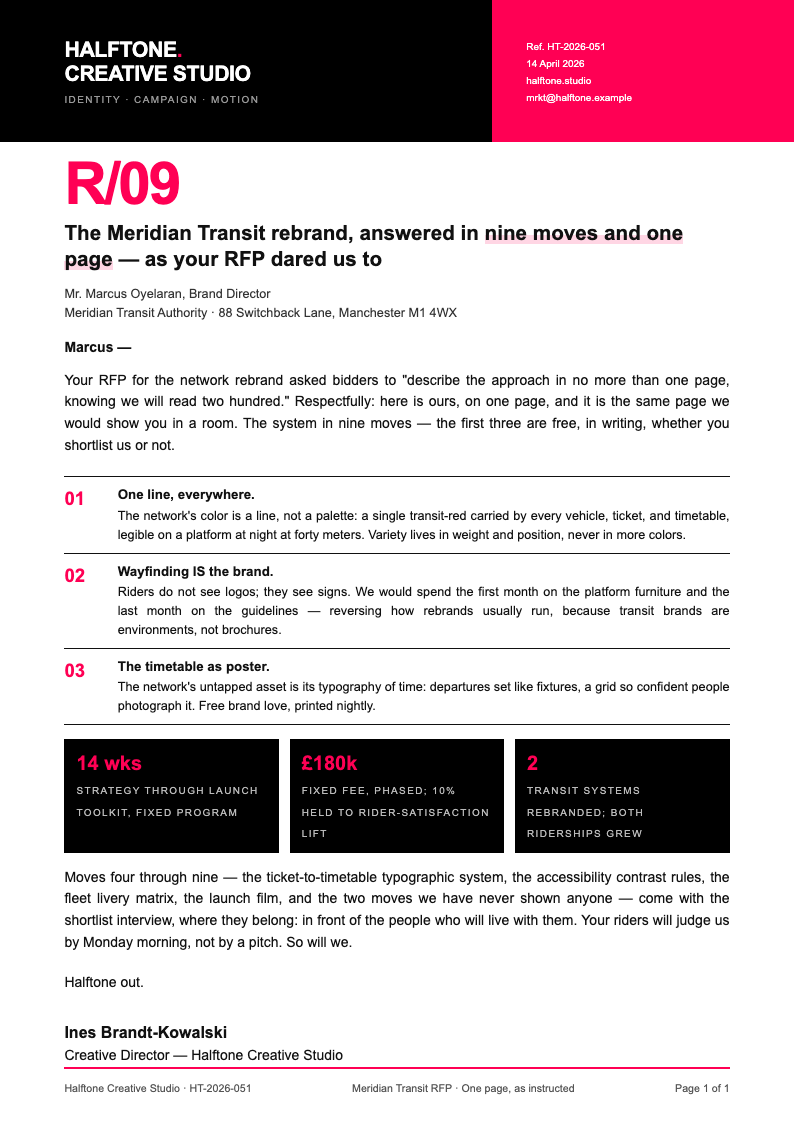
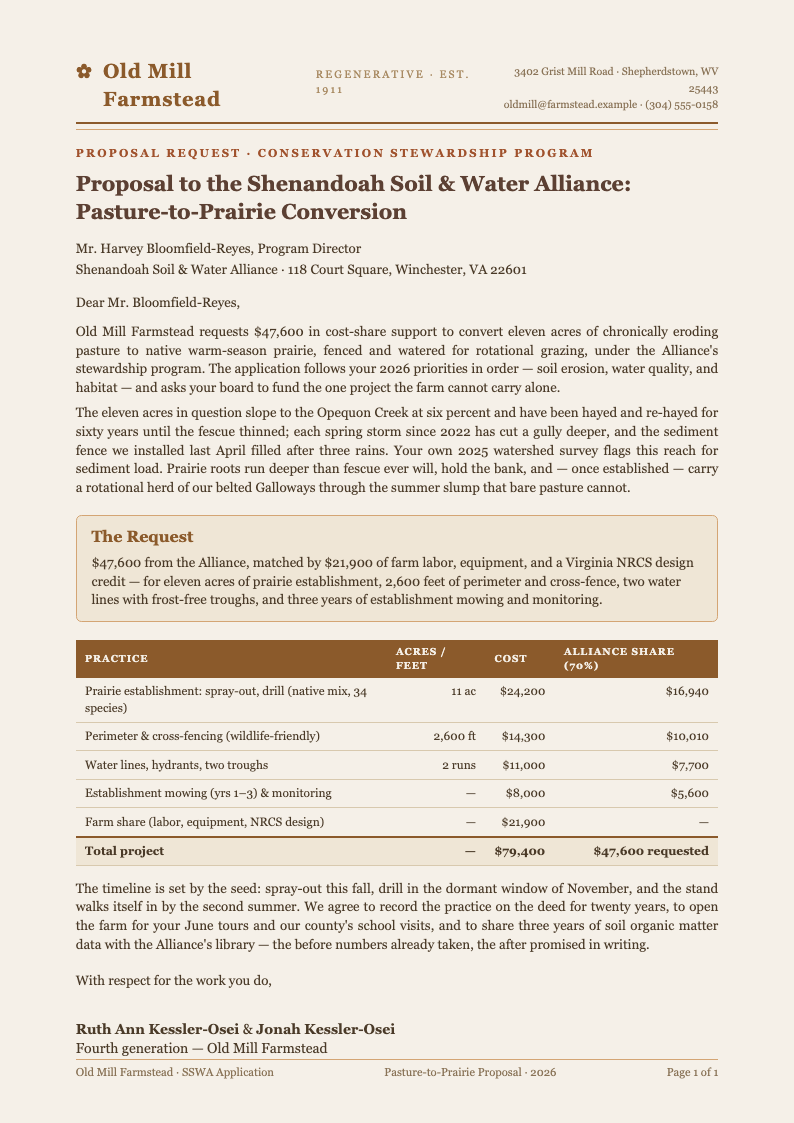
Choose from RFP, grant, sponsorship, and services layouts in the proposal request generator, each with the sections reviewers expect: background, scope, budget format, and award timeline.
Edit Online
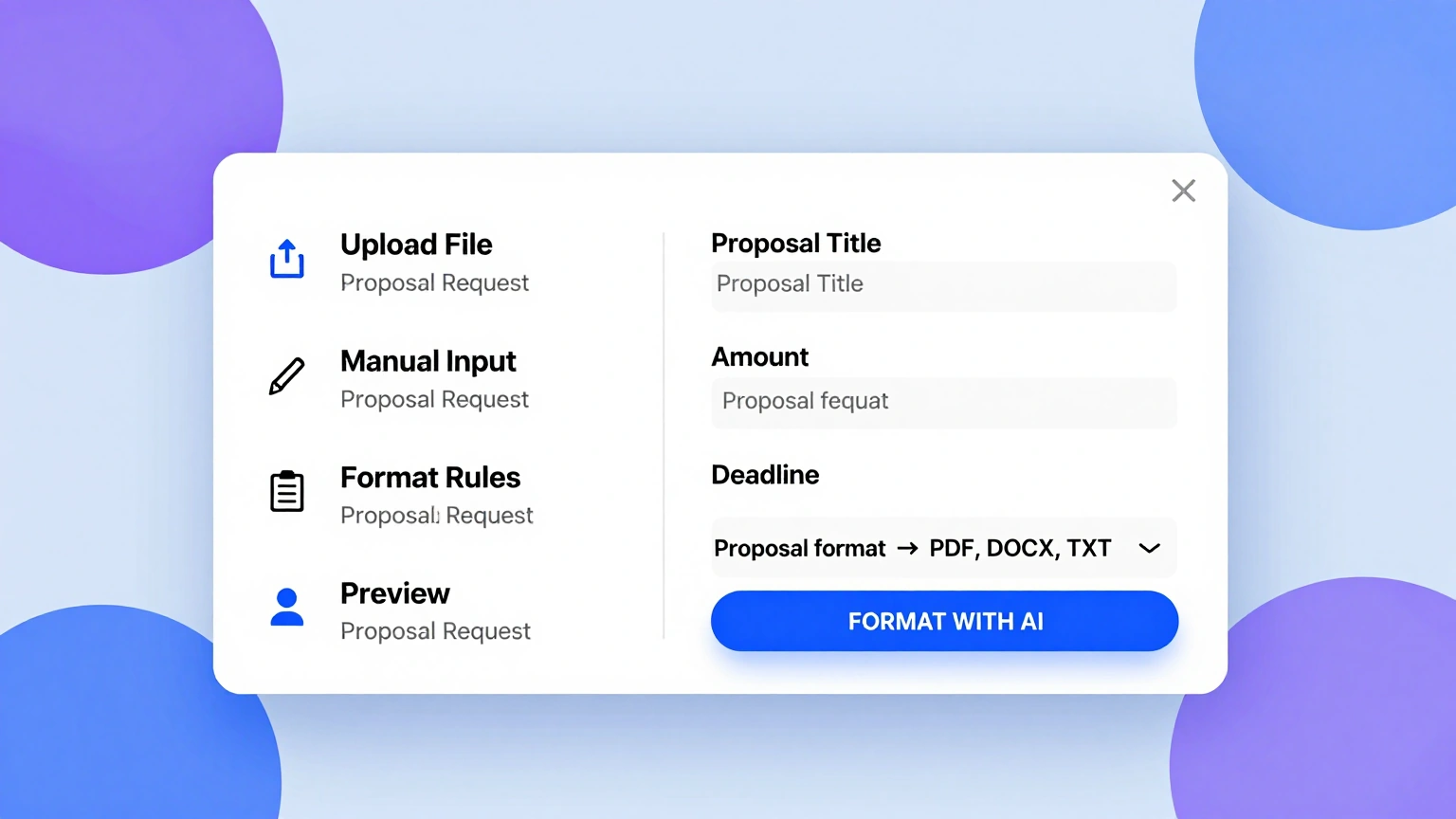
Refine requirements and tighten wording in the editor while the proposal request generator keeps numbering, cross-references, and deadlines consistent across every section.
Download & Share
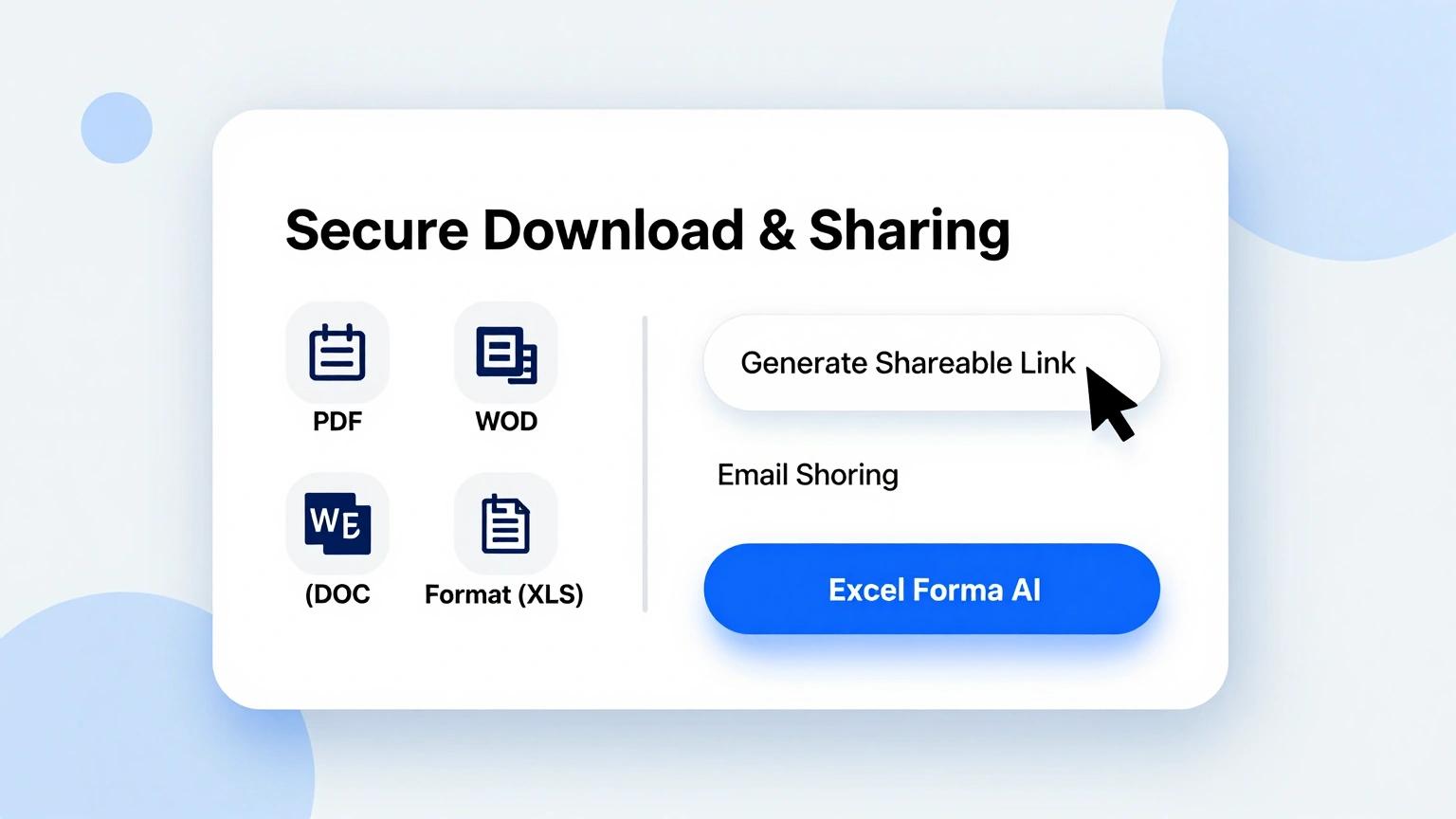
Export your finished document from the proposal request generator as a PDF or Word file and circulate it to vendors, grant officers, or partners with submission dates already highlighted.
Explore Professional Proposal Request Templates
Browse the full collection of proposal request templates for RFPs, grants, sponsorships, and services, each structured for fair scoring and fast review.
Frequently Asked Questions
Quick answers about using the proposal request generator.
- Is the proposal request generator free?
- Yes. The proposal request generator is free with no account required and no watermarks. Draft one request or fifty, edit them as often as you like, and download every version at no cost, which makes trial runs of your wording completely painless. Every layout, criteria block, and export format stays available whether you issue one request a year or one every week. There are no usage caps to worry about.
- What is a proposal request?
- A proposal request is a document that invites vendors or partners to submit a structured offer: it describes the need, defines the scope, states the evaluation criteria, and sets a deadline. The proposal request generator turns that checklist into a complete, professional document, and it keeps every section in the order experienced reviewers expect, which saves a first-time buyer from the most common structural mistakes. It is the cleanest way to compare offers fairly.
- Can I use it for grants and sponsorships?
- You can. Beyond vendor RFPs, the proposal request generator covers grant applications, sponsorship packages, and internal funding requests, with section templates that match what funders and sponsors expect to review before they commit money to a project. Each funding scenario carries its own suggested sections and order, so a grant reviewer sees need, method, budget, and reporting laid out exactly the way they prefer to read. Nothing important gets left out by accident.
- How detailed should the scope be?
- Detailed enough that two different vendors would describe the same work. The proposal request generator prompts you for deliverables, exclusions, and acceptance criteria, which is the level of precision that keeps change orders and disputes to a minimum. It also stores your scope language for reuse, so the definitions you settle once keep paying off in every later request you issue. Vendors quote tighter numbers when the scope leaves no room for guessing.
- Does it help with evaluation criteria?
- Yes. A good request states how bids will be scored before any bid arrives. The proposal request generator includes criteria blocks for functional fit, cost, references, and timeline, with suggested weightings you can adjust to your own priorities. Publishing the scoring rules up front keeps the process fair, shortens vendor questions, and protects your award decision if it is ever challenged later on. Committees thank you at scoring time.
- Can my team collaborate on one request?
- Export a DOCX version and your team can review and comment in Word or Google Docs, then you can re-import the final wording. The proposal request generator keeps the structure stable so revisions do not break the numbering or the deadline table, which means a lawyer, a finance lead, and a project manager can all mark up the same draft without creating three conflicting versions. One file, one truth, no merge chaos.
- Is my project information kept private?
- Yes. Your draft stays in your browser while you work, and exports are created only on demand, so nothing is archived after you close the tab. The proposal request generator does not store confidential budgets, vendor strategies, or internal timelines on any server, which matters most in the exact cases where the document is most sensitive, such as competitive procurement or pre-announcement funding bids. Clear your history and every trace is gone.
- What file formats can I download?
- The proposal request generator exports print-ready PDF for circulation and editable DOCX for internal redlines. Both keep tables, numbering, and bold deadlines intact, so the version a vendor reads matches the version your committee approved. File names follow a clear pattern of project, date, and revision, which keeps a season of procurement documents organized without any manual filing discipline on your part. Send either format with equal confidence.
- How long should a proposal request be?
- As short as clarity allows. A small services request fits on two pages; a construction RFP may need ten. The proposal request generator keeps every section tight, flags padding as you write, and lets you delete any optional block your project does not need. Shorter requests get more complete responses, because vendors can hold your entire ask in mind while they draft their offer to you. Trim ruthlessly; clarity is the goal.
- Can I reuse last year's request?
- Yes. Save the exported file, update the dates and any changed scope, and issue it again. The proposal request generator recognizes the saved structure, so a renewal cycle takes minutes instead of an afternoon of reformatting. Teams that reuse our requests typically keep one master document per vendor category, which makes each annual search faster than the last and preserves the improvements you made along the way. Nothing is ever lost between cycles.
- Do I need procurement experience to use it?
- No. The proposal request generator embeds procurement good practice from the start: a questions deadline, a clarification window, a scoring grid, and award notification. First-time buyers produce documents that experienced vendors take seriously on the first pass, and the built-in guidance notes explain each convention as you go, so the finished request teaches you the process while you write it, not afterward. Your second request will feel routine.
- Can I attach drawings or specifications?
- You can list them as enclosures with file names and revision dates, which the proposal request generator formats in a dedicated block near the submission rules. Attach the actual files when you circulate the PDF, and reference the enclosure list in your cover email. Keeping every attachment named and dated prevents the version confusion that quietly ruins an otherwise disciplined procurement process. Bidders and reviewers both stay aligned.
Create Your Proposal Request Now
Define the scope once, publish clean rules, and let the builder handle structure and numbering while you collect better bids.
Free templates • AI-powered editing • No sign-up required