Edit Payslip Templates Online for Free
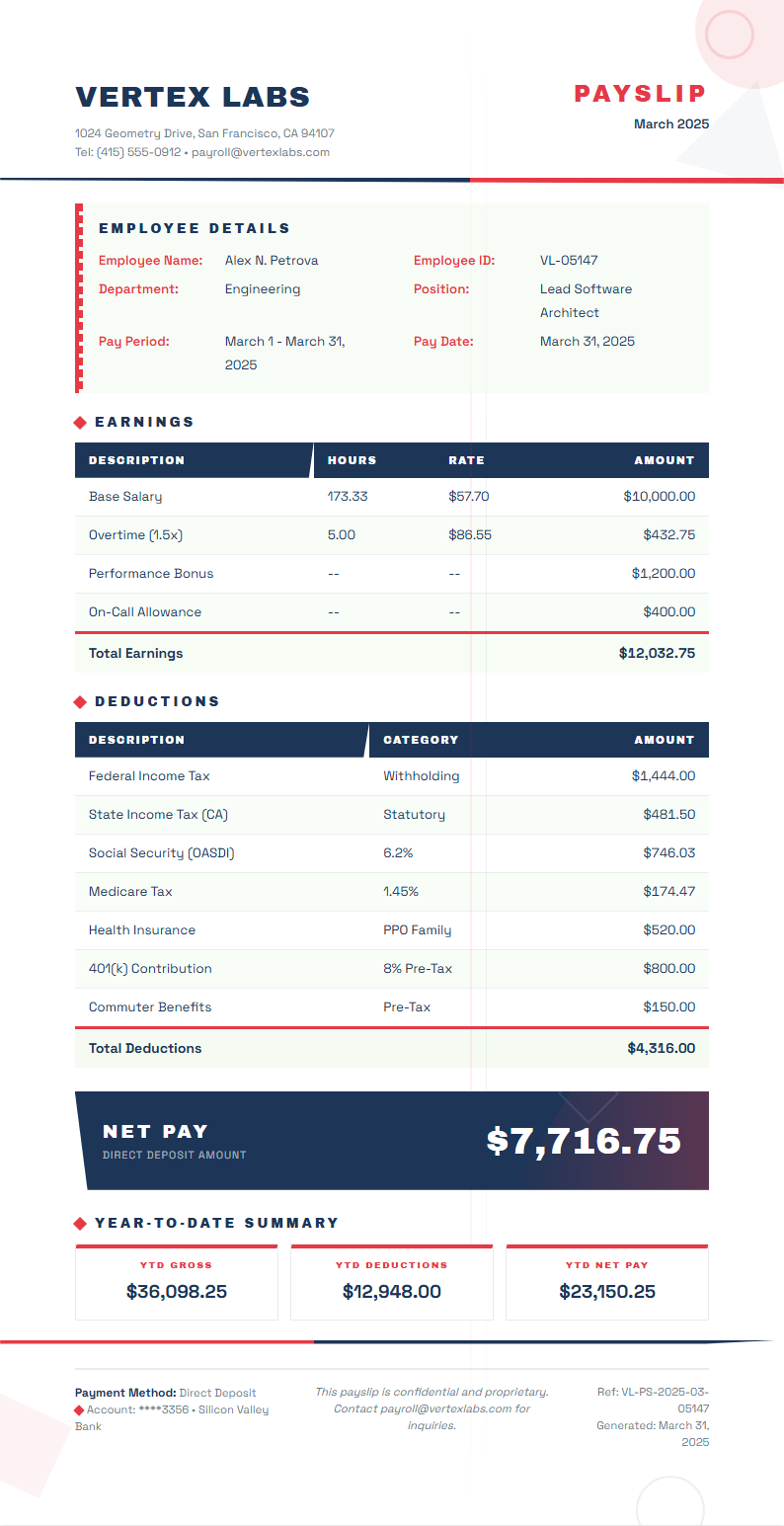
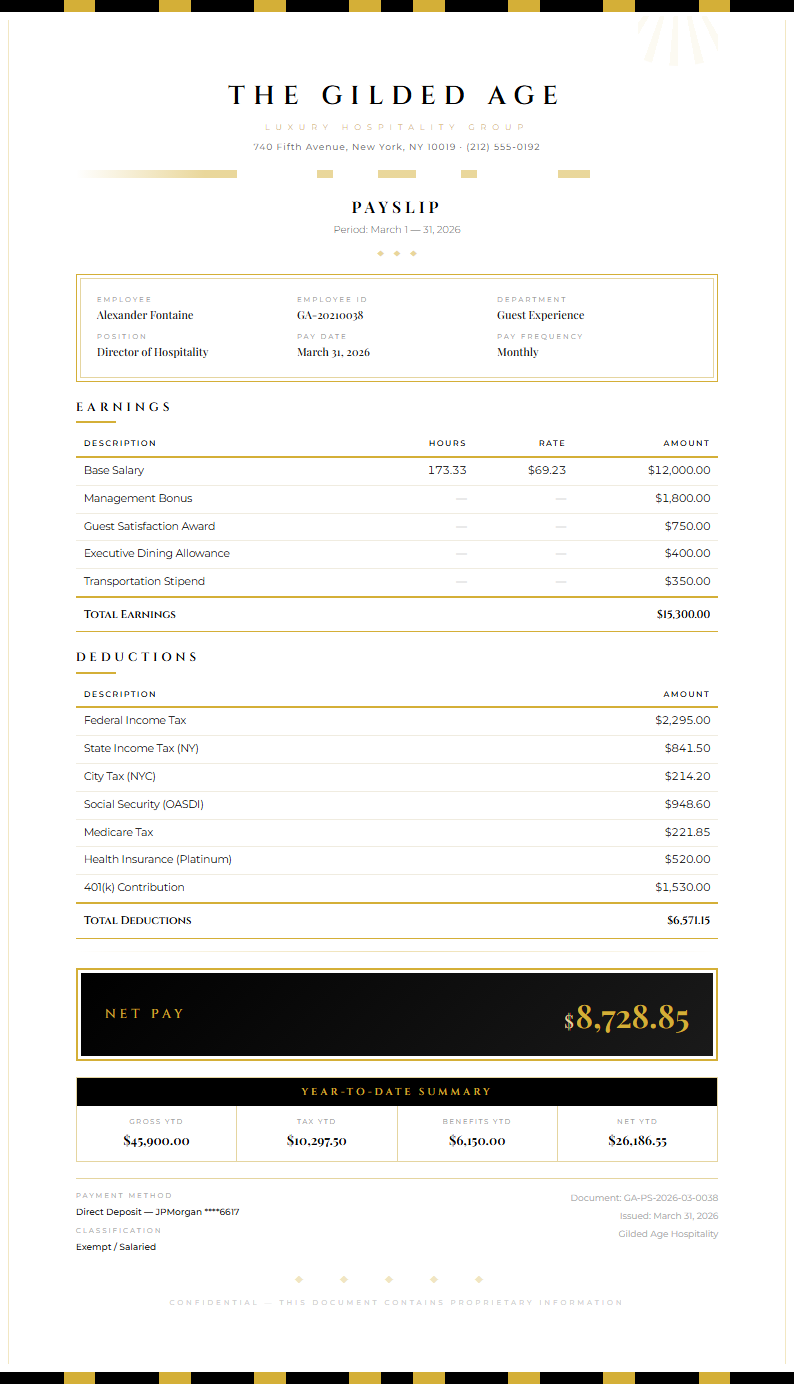
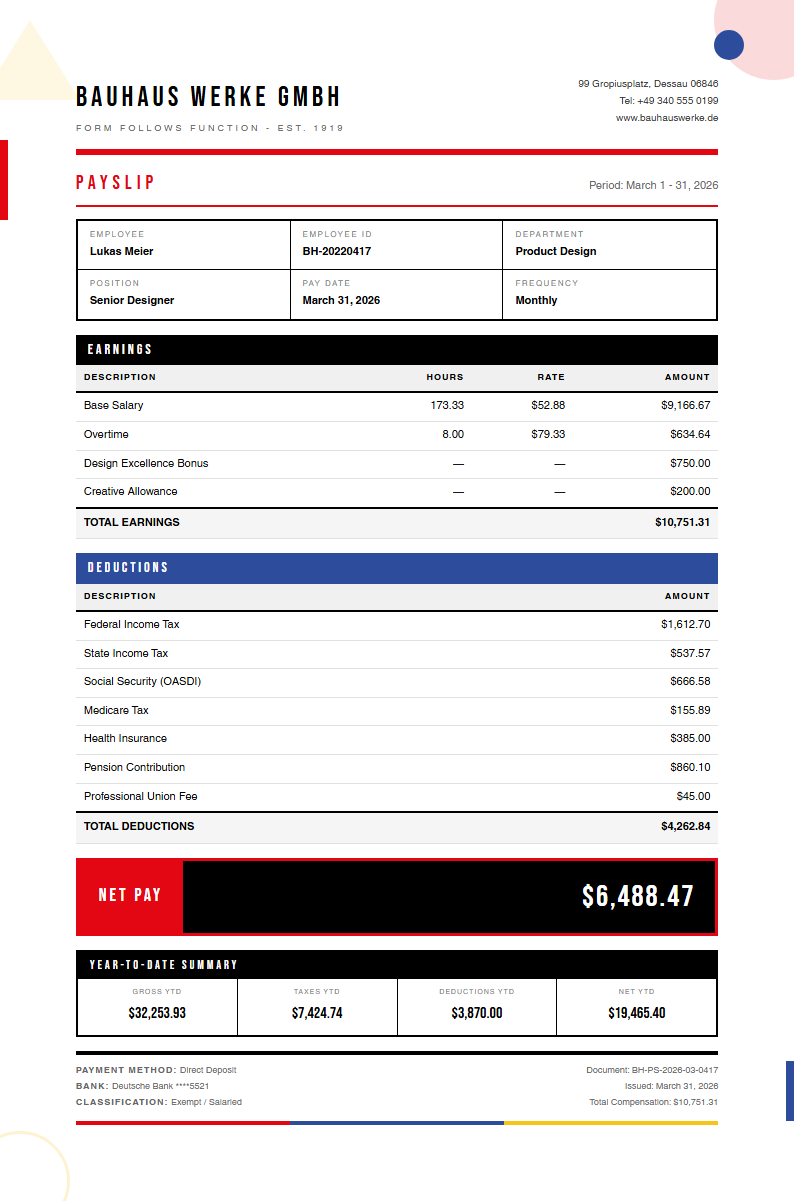
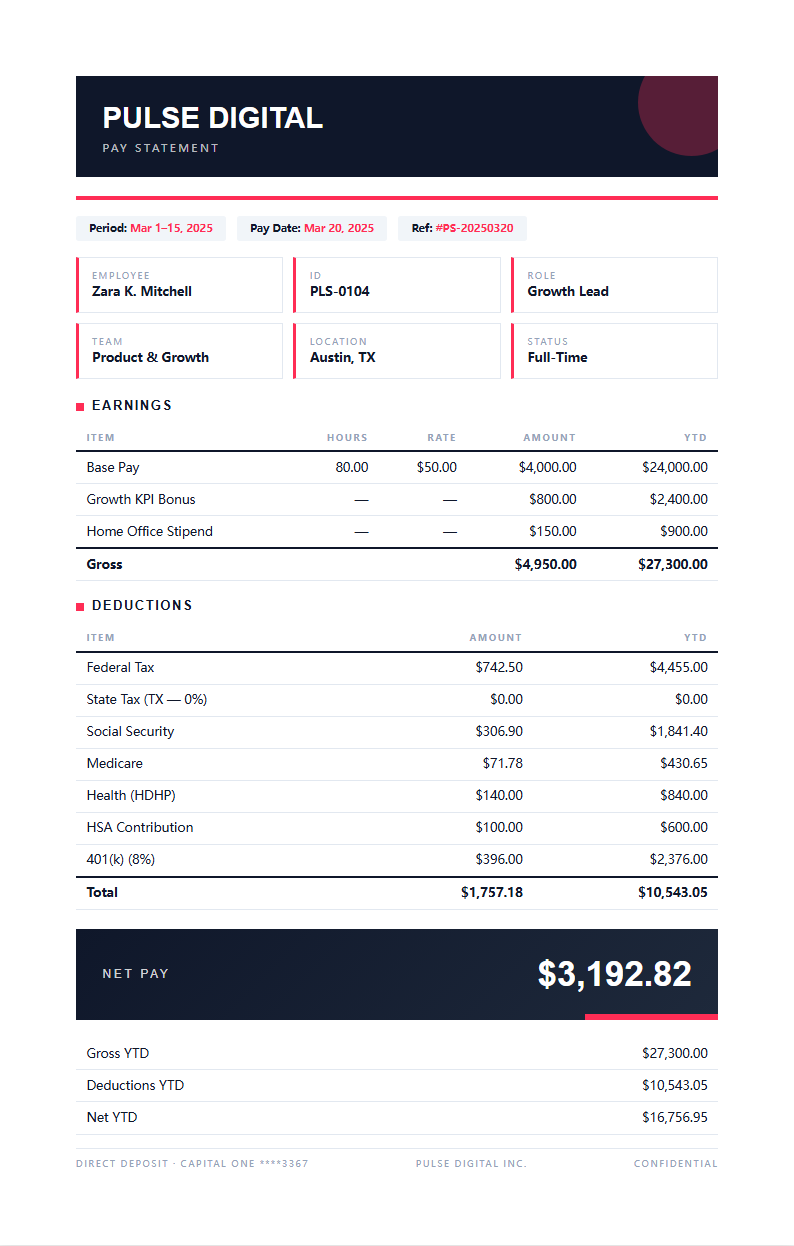
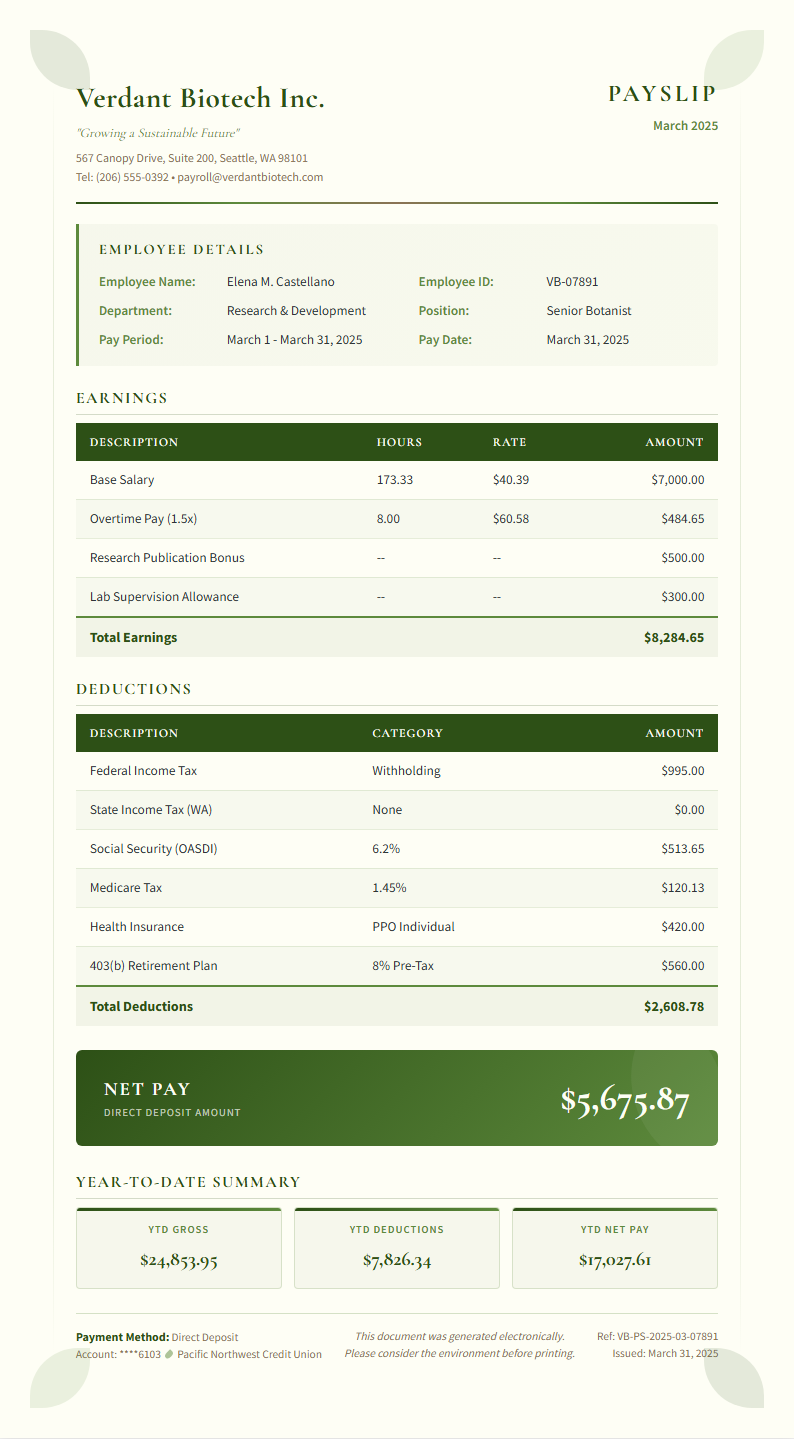
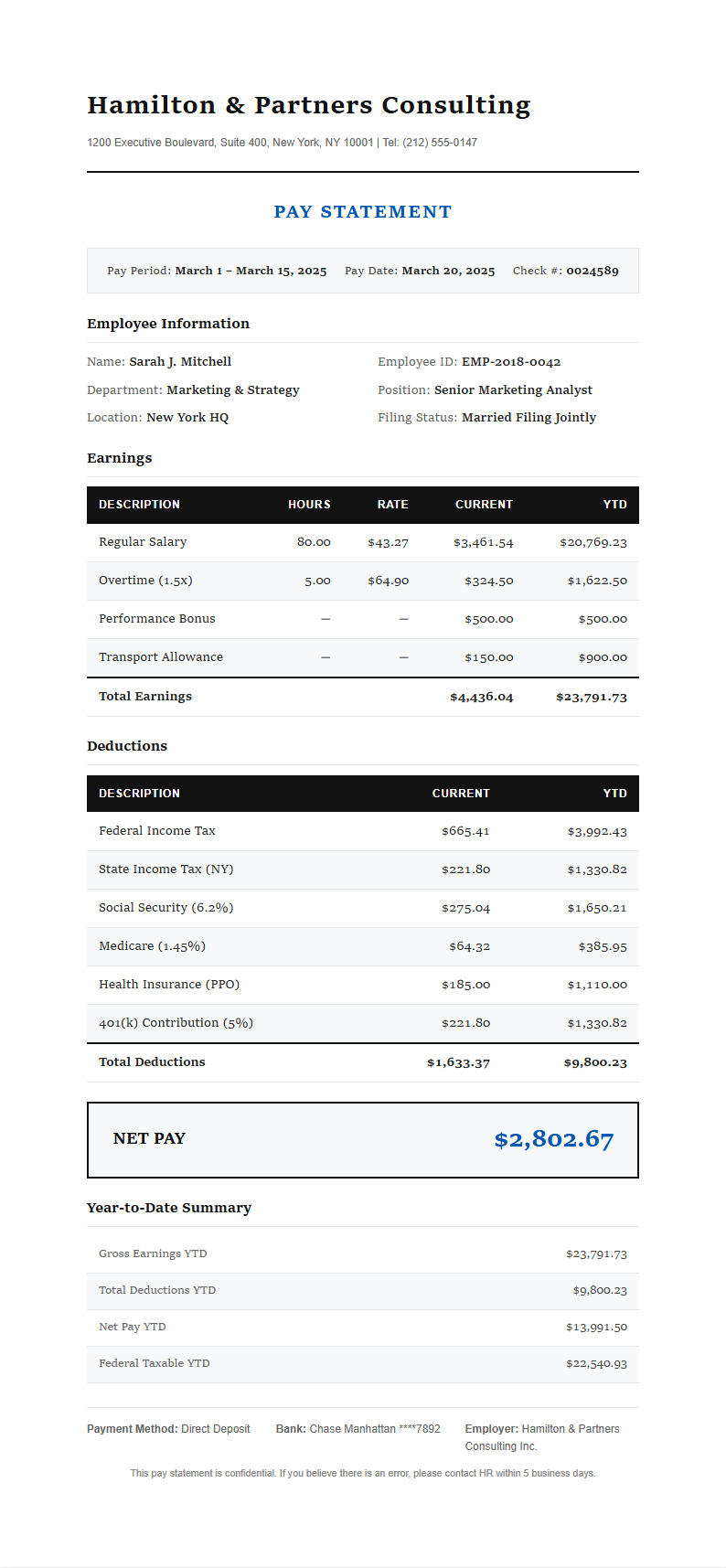
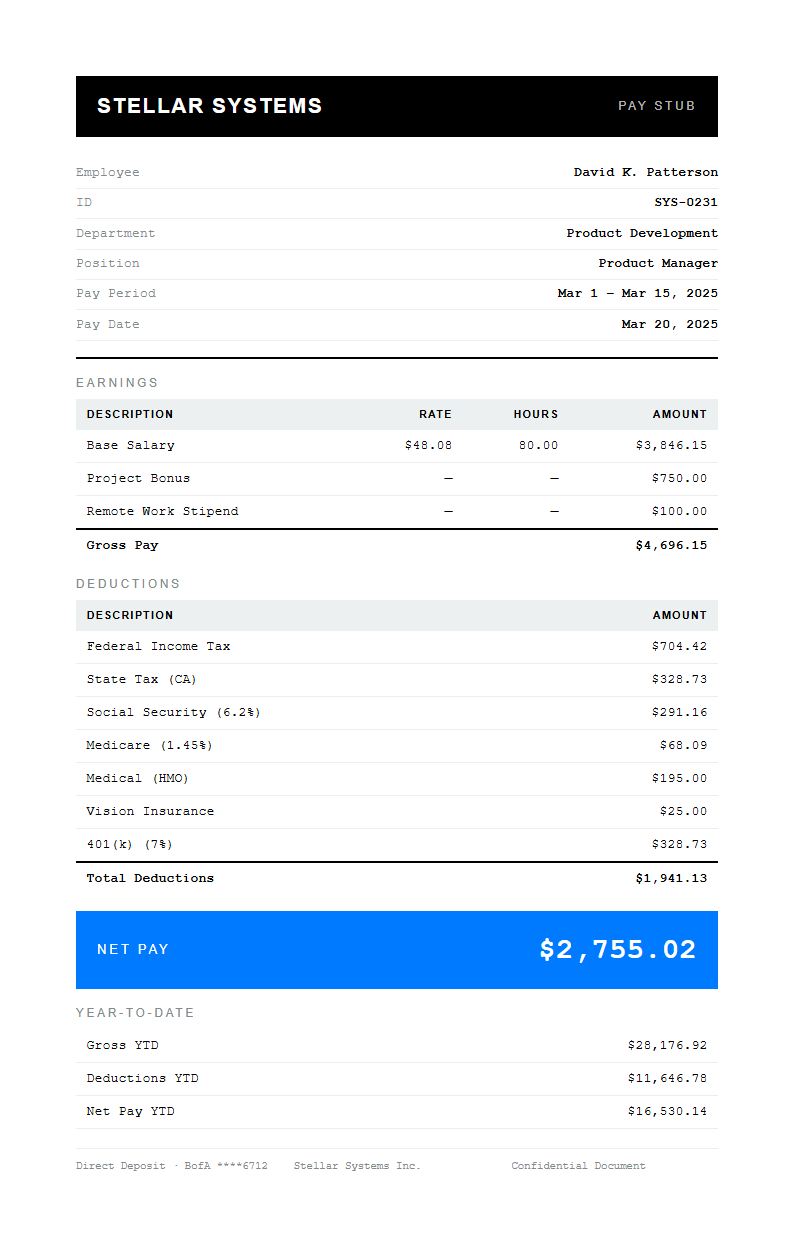
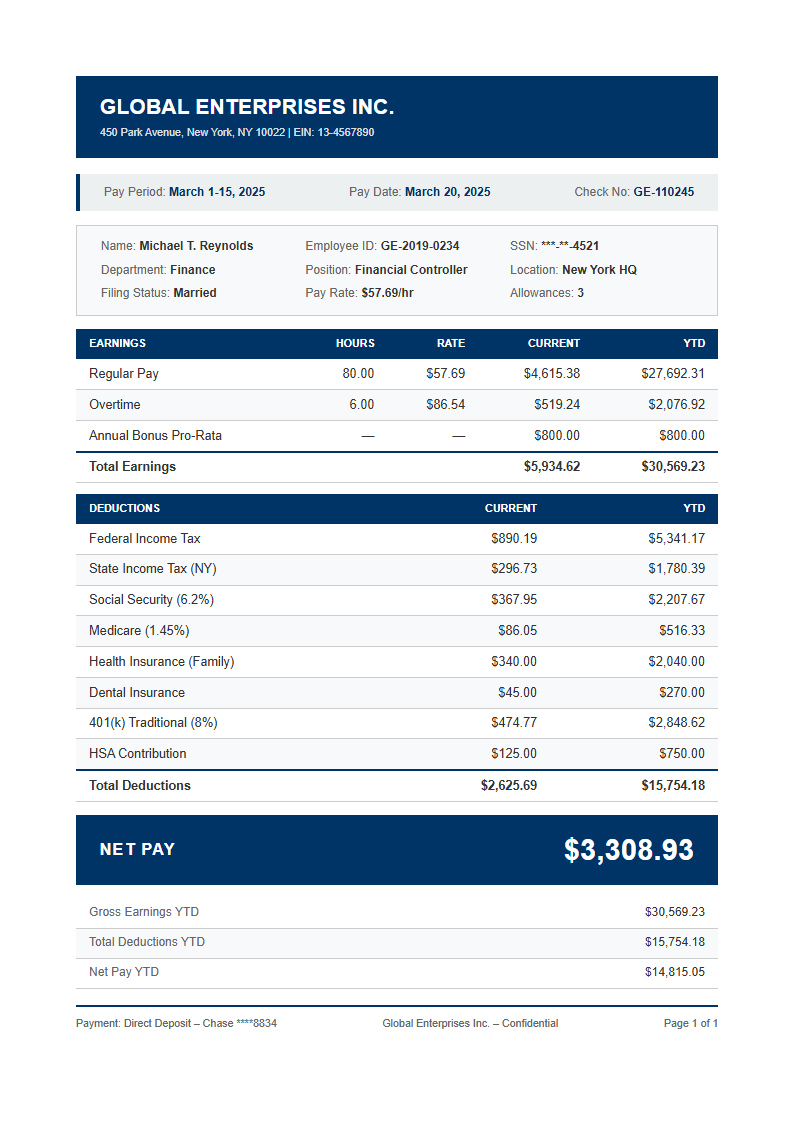
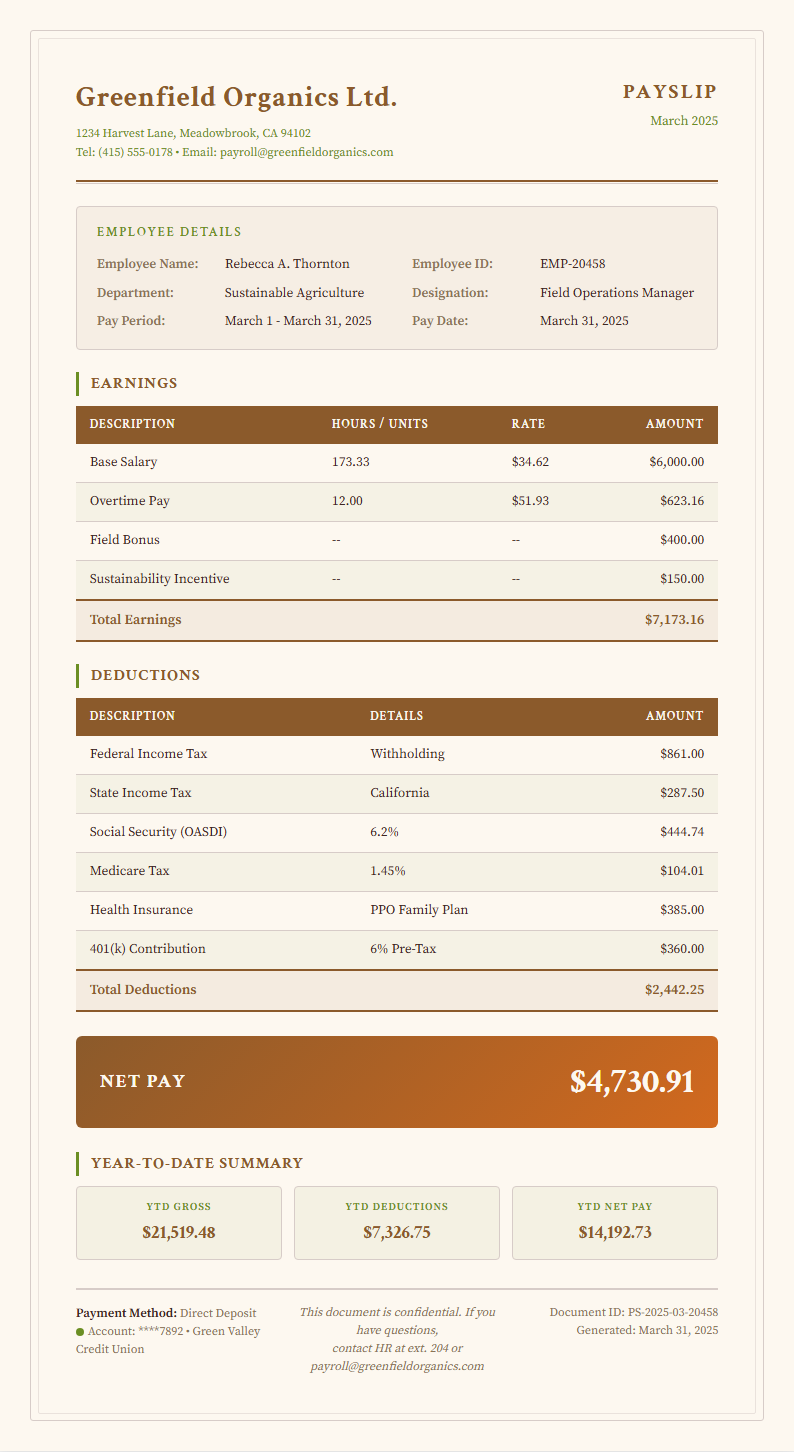
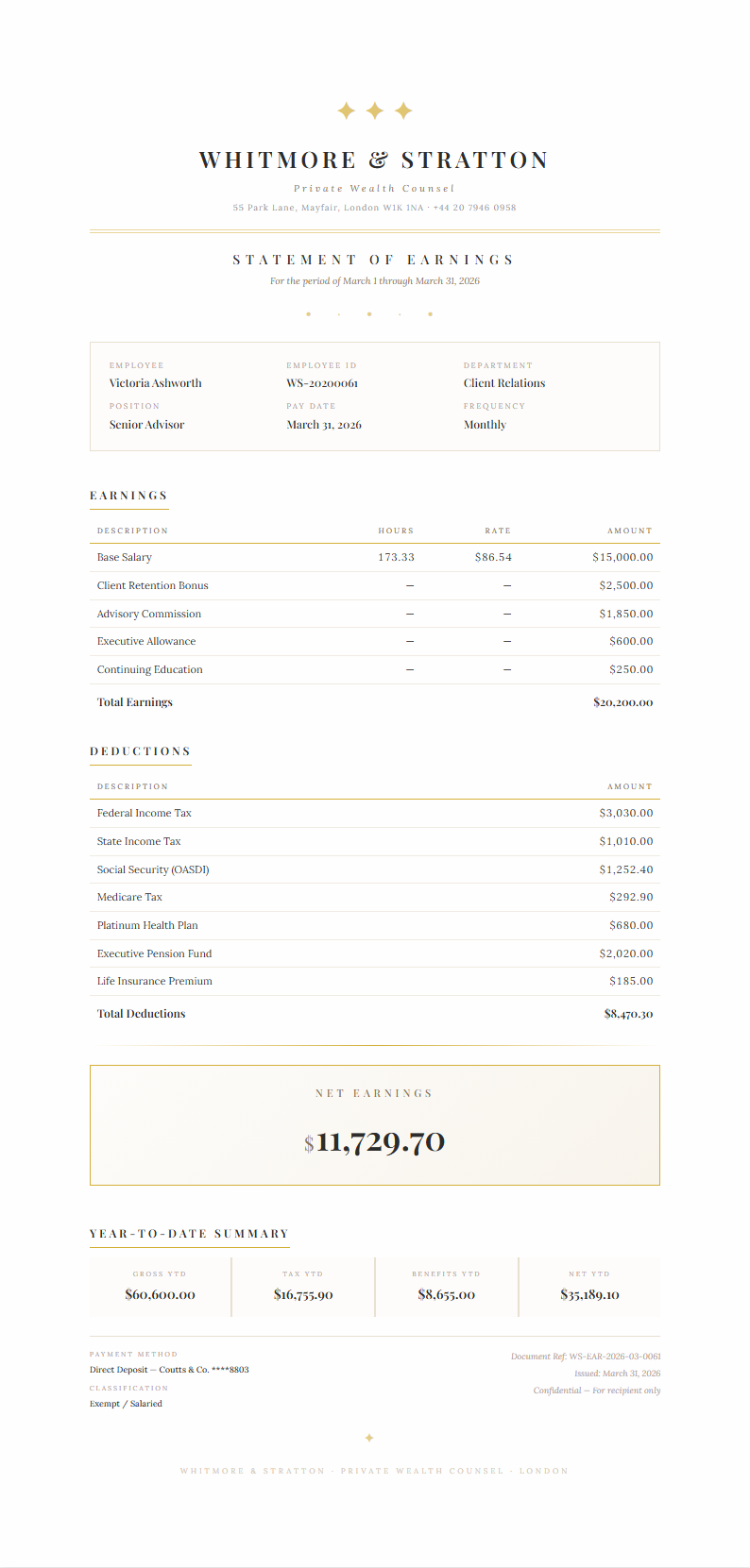
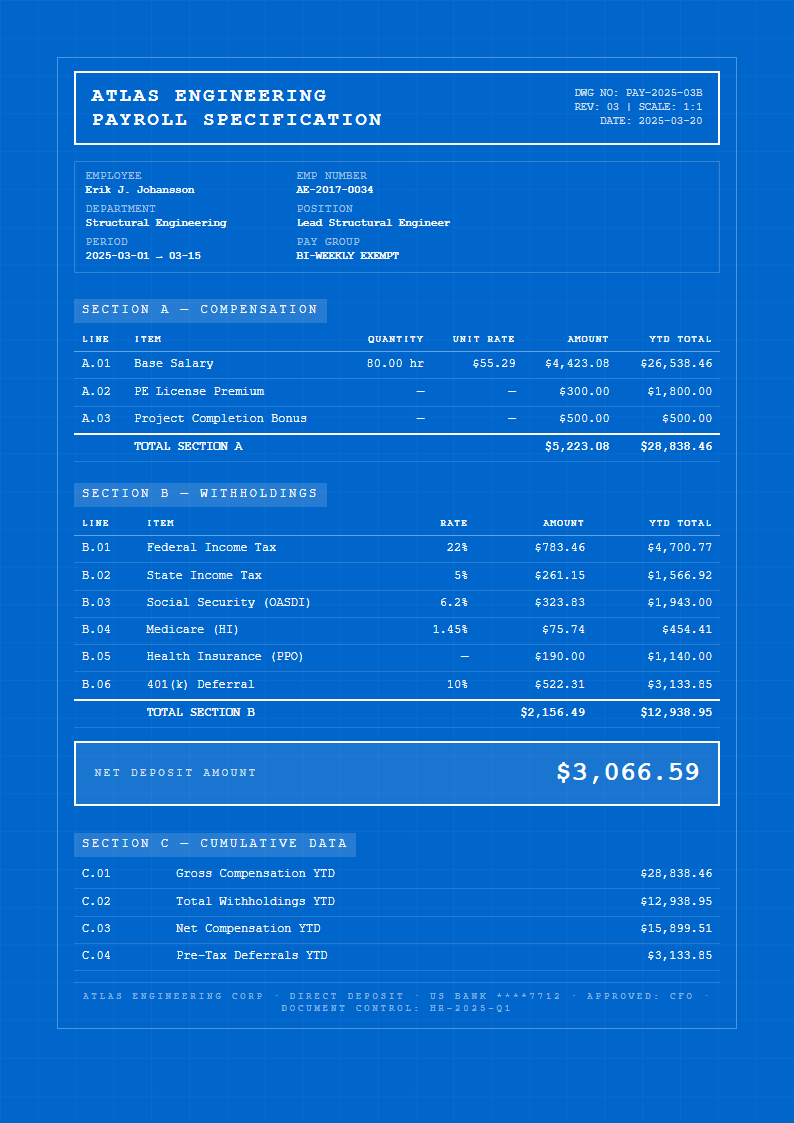
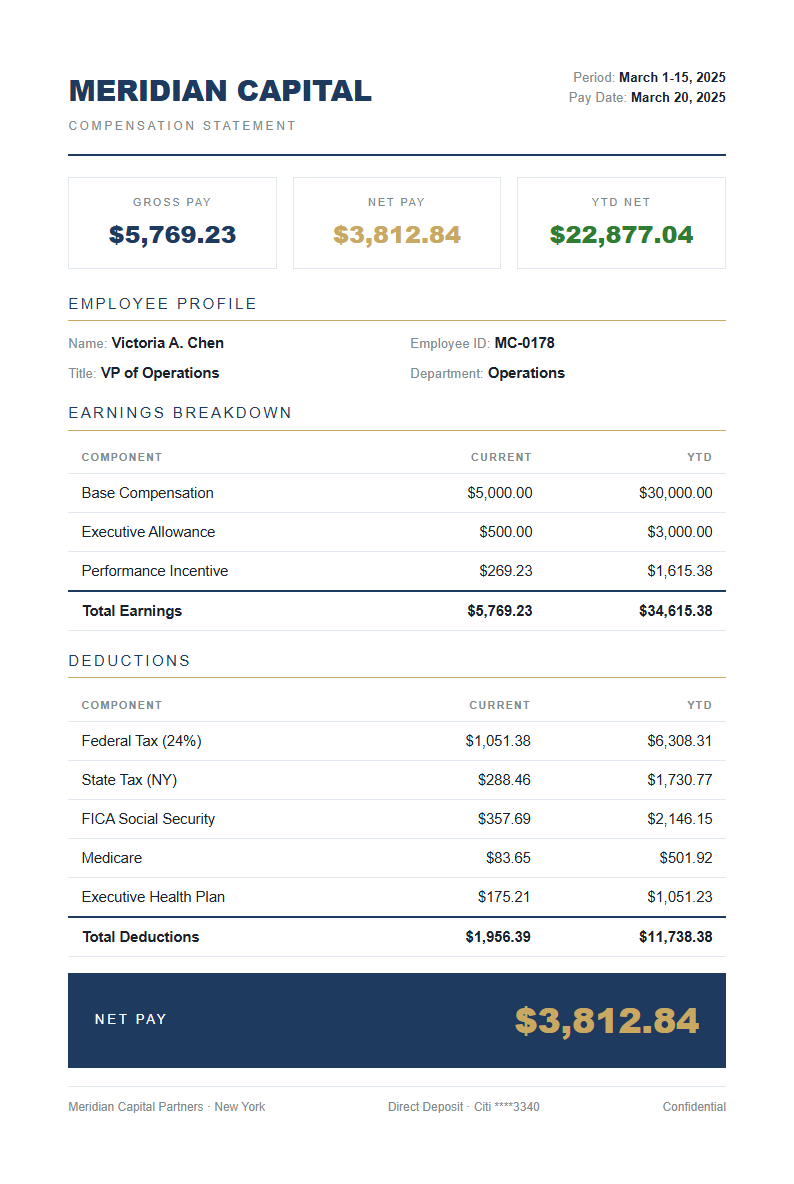
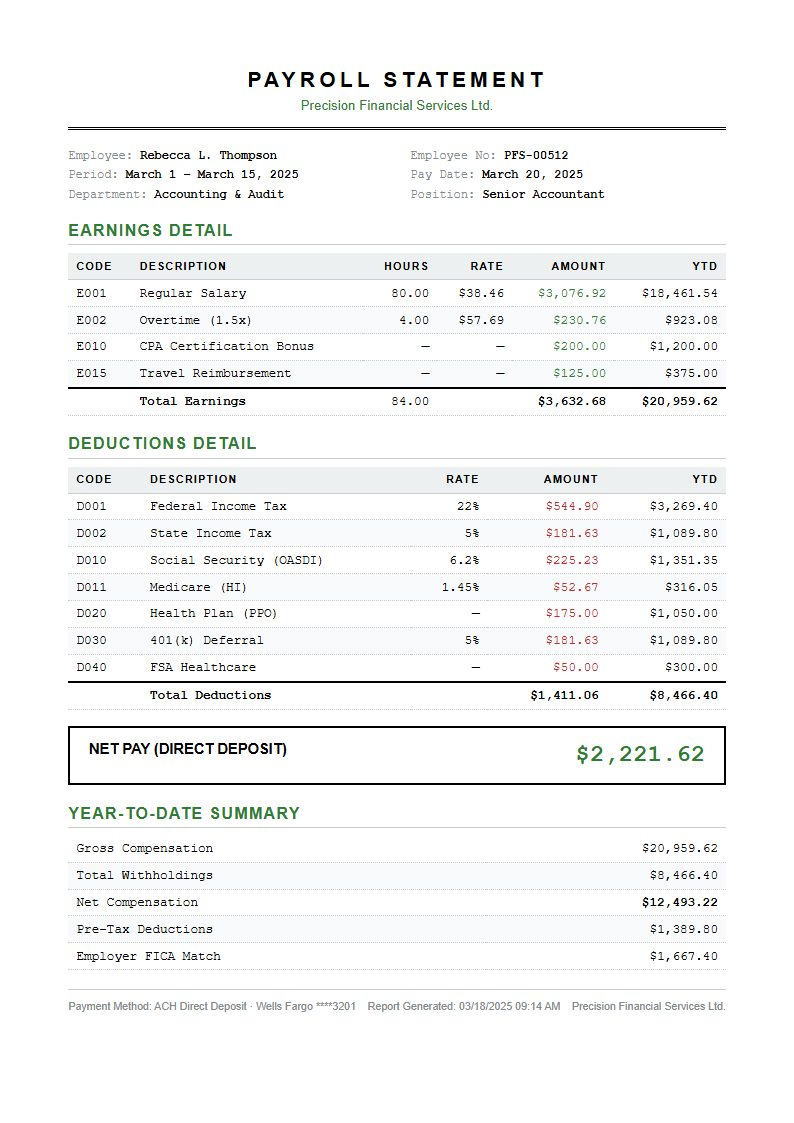
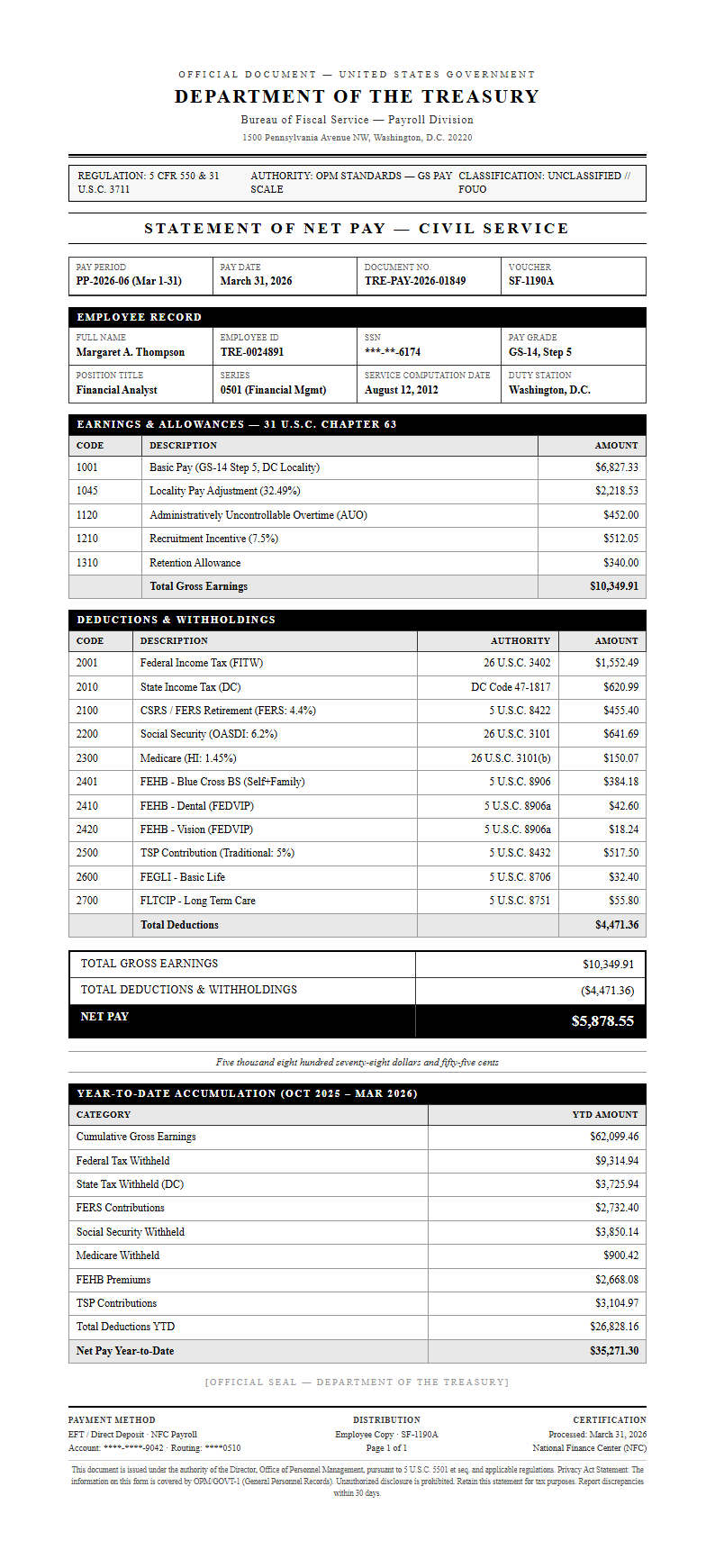
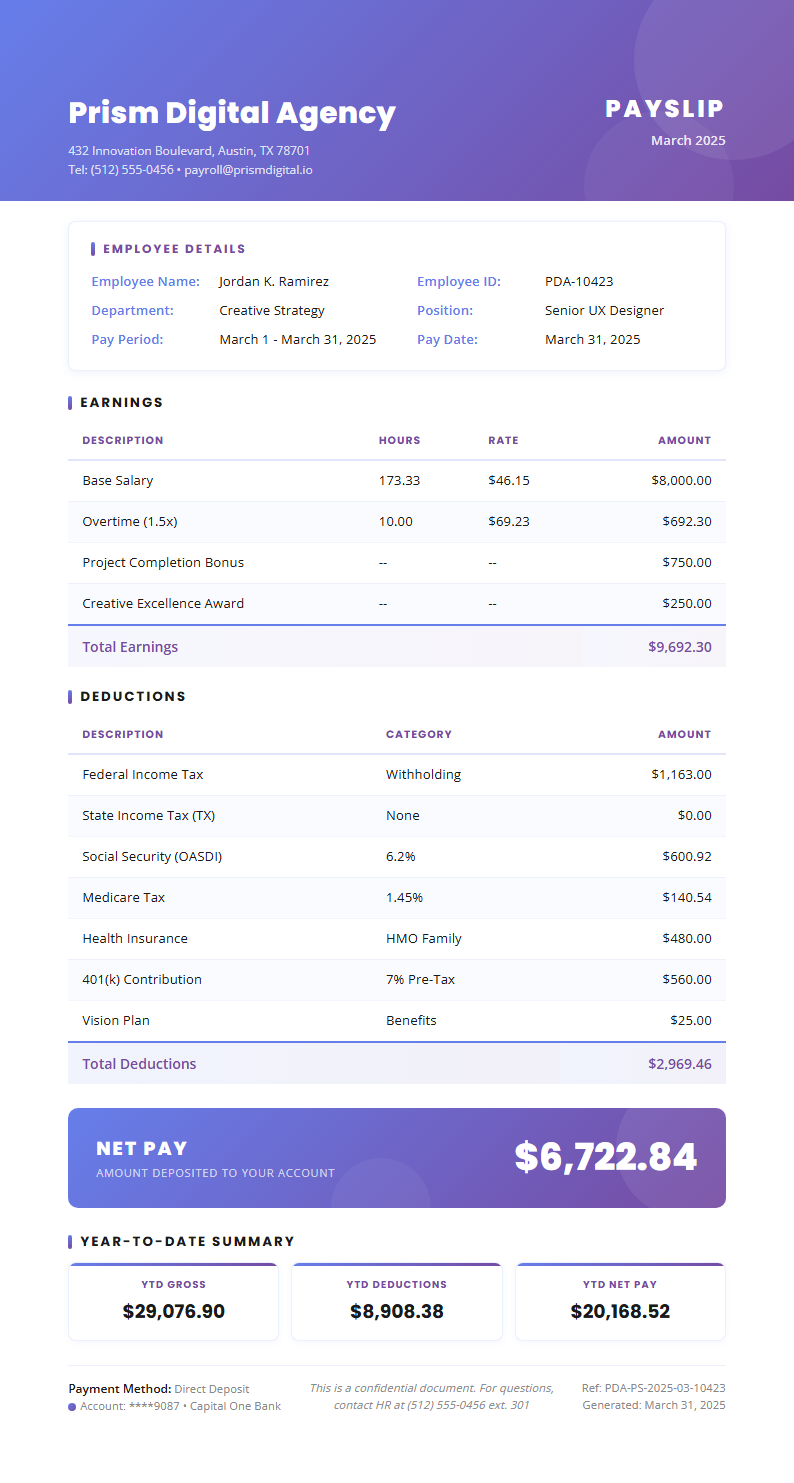
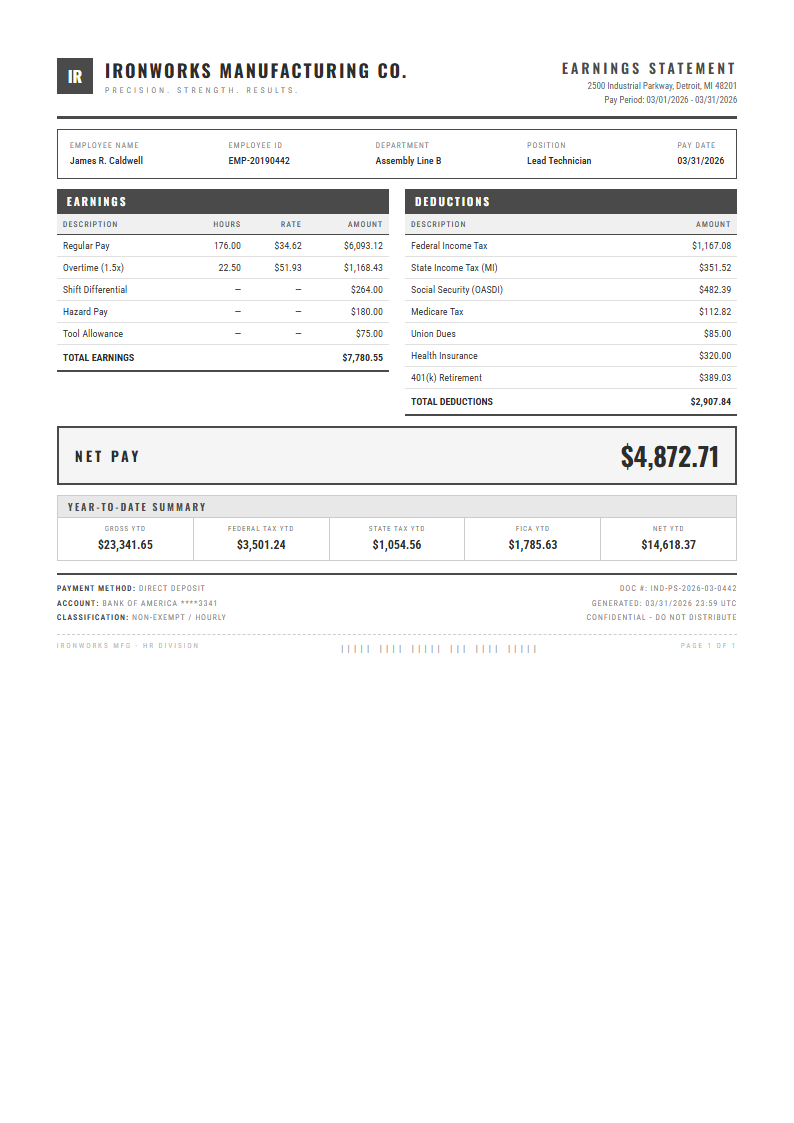
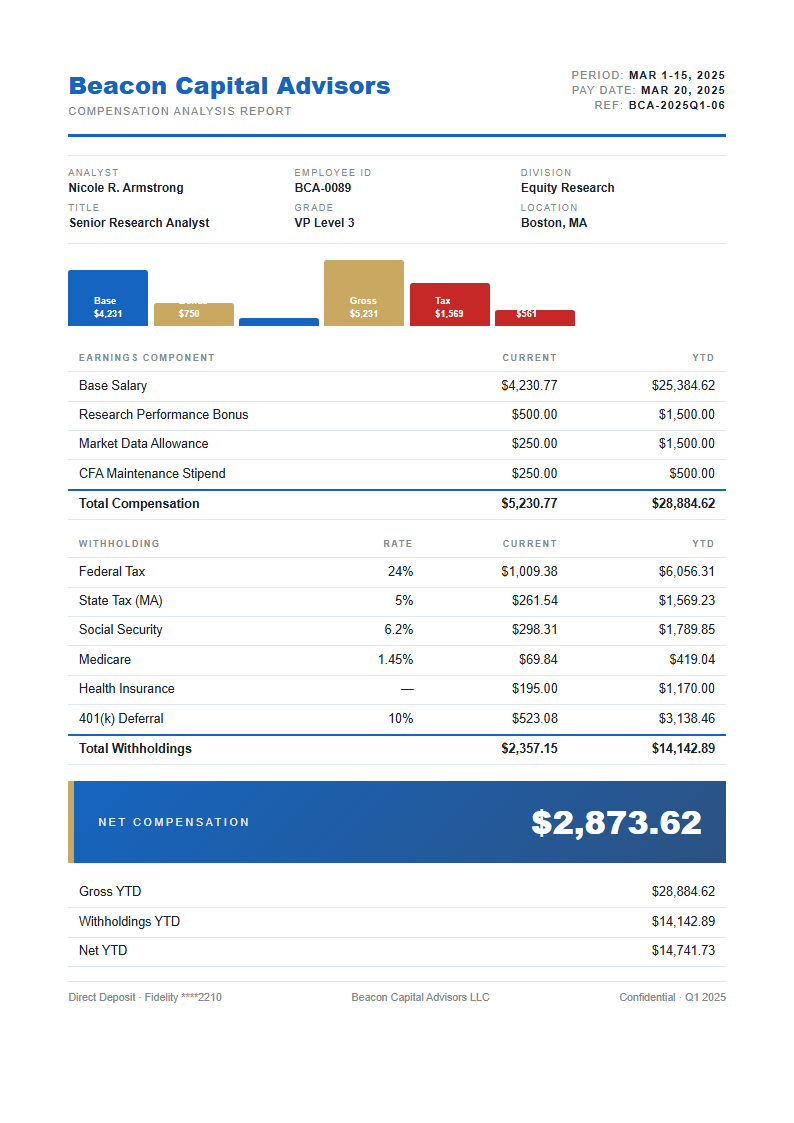
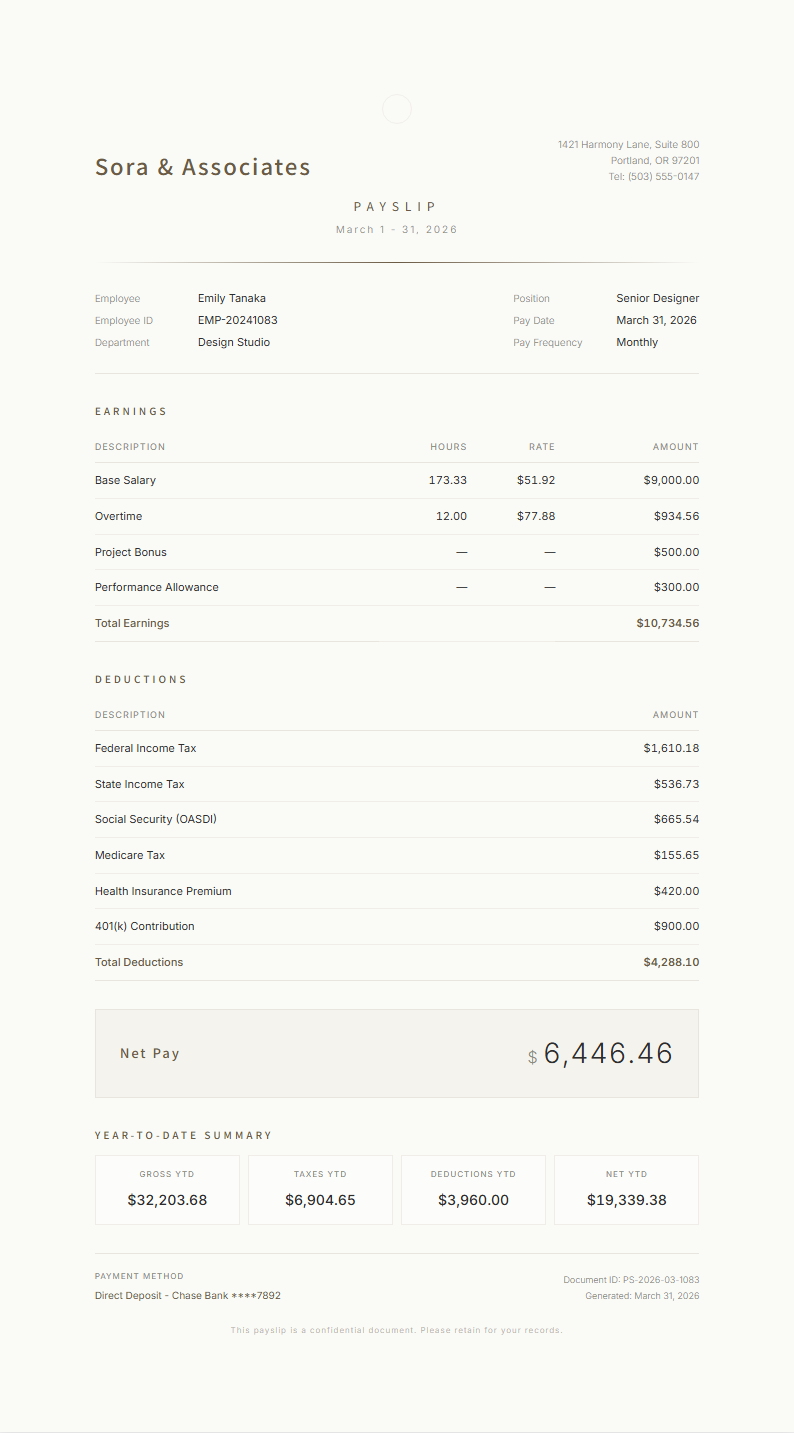
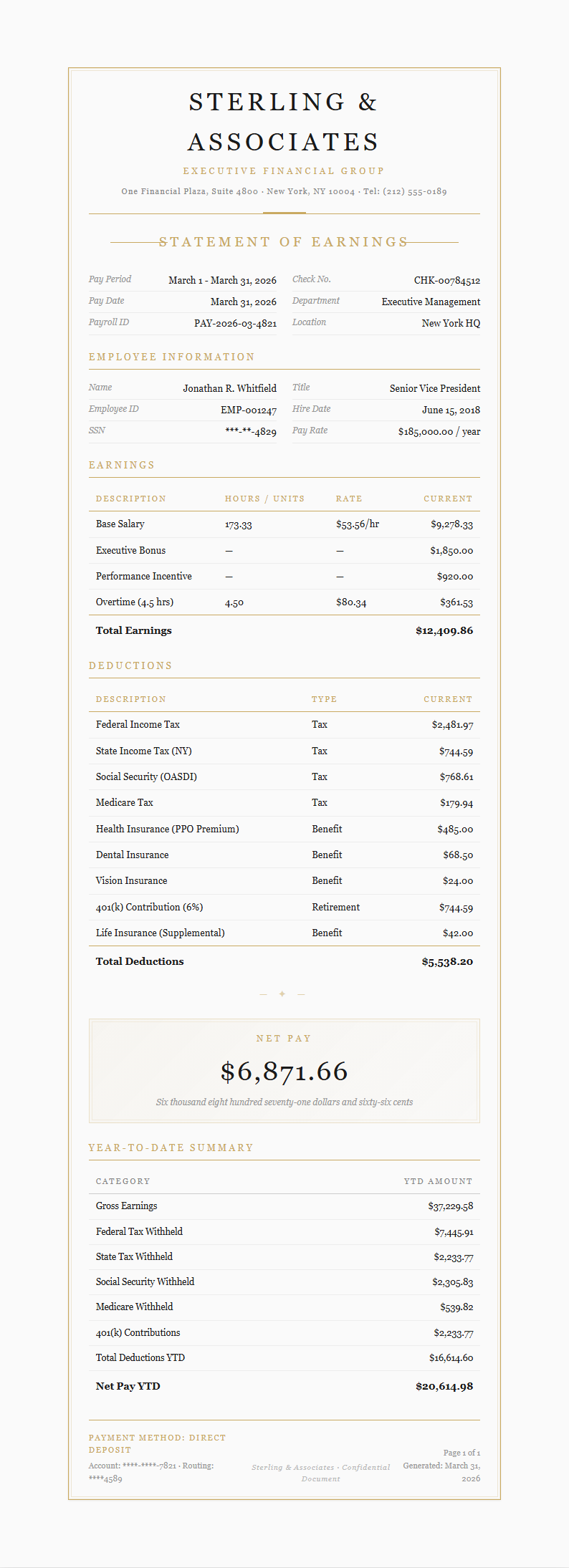
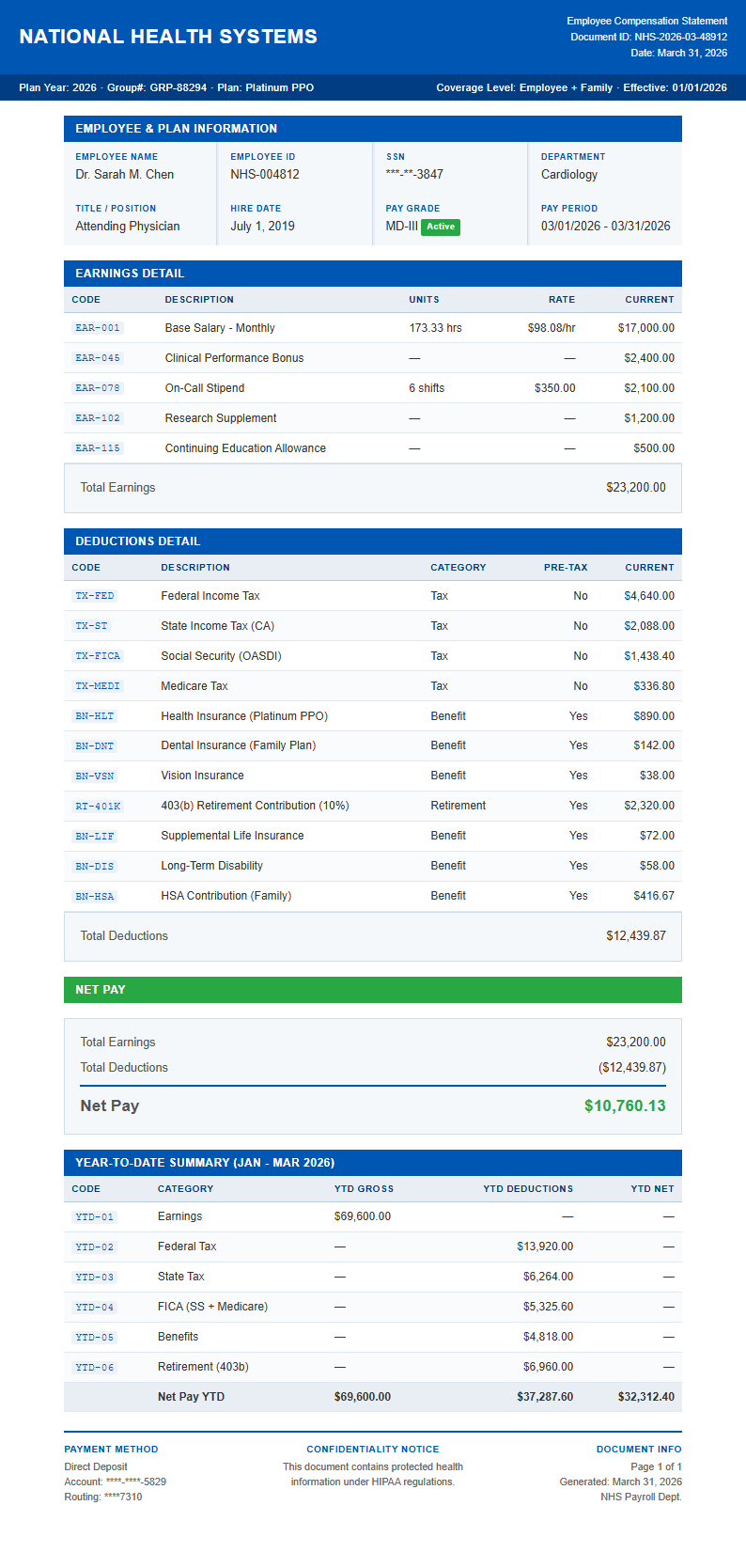
Create professional salary documentation with our collection of ready-to-use templates designed for businesses of all sizes. Each Payslip Template provides a clear breakdown of earnings, deductions, taxes, and net pay, helping employers maintain accurate payroll records while giving employees full transparency into their compensation.
Showing 20 of 30 templates
Frequently Asked Questions About Our Templates
Find answers to common questions about using our Payslip Template collection.
- What is a Payslip Template?
- A Payslip Template is a pre-formatted document used to detail an employee's earnings, deductions, taxes, and net pay for a specific pay period. It provides a standardized layout that employers can fill in for each payroll cycle. Using a Payslip Template ensures consistency across all employee wage statements and helps maintain compliant payroll records for your organization.
- How do I customize a Payslip Template?
- Customizing a Payslip Template is straightforward with our online editor. You can modify sections for basic salary, overtime, bonuses, tax withholdings, insurance deductions, and net pay. The editor allows you to add your company logo, adjust column layouts, and tailor the Payslip Template to match your specific payroll structure without needing any design or technical skills.
- Can I download a free Payslip Template?
- Yes, every Payslip Template in our collection is entirely free to use, edit, and download. There are no subscriptions, hidden charges, or account requirements. You can select a Payslip Template that suits your business needs, customize it with your company details, and export it in your preferred format at absolutely no cost.
- What formats are available for the Payslip Template?
- Our Payslip Template options can be exported in PDF, DOCX, and other popular document formats. This flexibility allows you to print payslips for physical distribution or email them digitally to employees. Each Payslip Template preserves its professional formatting across all export types, ensuring your payroll documents always look polished and official.
- Is the Payslip Template compliant with payroll regulations?
- Our Payslip Template designs include all the standard fields required for payroll compliance, such as gross pay, itemized deductions, tax withholdings, and net pay. While regulations vary by region, the Payslip Template provides a comprehensive layout that covers the most common legal requirements. We recommend reviewing your local labor laws to confirm any additional fields your jurisdiction may mandate.
- What information should I include on a Payslip Template?
- A complete Payslip Template should include the employee's name and ID, pay period dates, gross earnings, itemized deductions such as taxes and insurance, and the final net pay amount. Depending on your business, you may also want to include year-to-date totals, leave balances, and employer contributions. A well-structured Payslip Template ensures employees can clearly understand how their compensation is calculated.
- Can I use the Payslip Template for small businesses?
- Absolutely. A Payslip Template is especially valuable for small businesses that may not have dedicated payroll software. You can manually enter wage details for each employee using a clean and professional Payslip Template, producing accurate salary documentation without investing in expensive payroll systems. It is an ideal solution for startups, sole proprietors, and growing teams.
- How often should I generate payslips using a Payslip Template?
- The frequency depends on your pay schedule, whether that is weekly, biweekly, semimonthly, or monthly. Each time you process payroll, you should fill out a Payslip Template for every employee to document their earnings and deductions for that period. Consistent use of a Payslip Template creates a reliable payroll history that benefits both employer and employee records.
- Can I add my company branding to the Payslip Template?
- Yes, our editor allows you to fully customize the appearance of your Payslip Template. You can upload your company logo, adjust fonts and colors to match your brand identity, and add custom header or footer text. A branded Payslip Template reinforces your company's professionalism and gives employees a sense of consistency with every payroll document they receive.
- Do I need an account to use the Payslip Template?
- No account or sign-up is required to use any Payslip Template from our collection. You can browse, select, customize, and download templates instantly without creating an account. This makes our Payslip Template one of the most accessible options for business owners and HR professionals who need a fast, reliable payroll documentation solution.
- What makes a good Payslip Template?
- A good Payslip Template should be clear, organized, and easy to read at a glance. It needs to present earnings and deductions in a logical order with proper labels and calculations that add up correctly. The best Payslip Template balances completeness with simplicity, giving employees all the information they need about their pay without overwhelming them with unnecessary detail.
- Can I use the Payslip Template for hourly employees?
- Yes, our Payslip Template collection includes layouts specifically designed for hourly workers. These templates feature sections for hourly rate, total hours worked, overtime hours, and calculated gross pay. An hourly-focused Payslip Template makes it easy to document variable earnings from pay period to pay period while keeping records accurate and transparent for your workforce.
- Are there Payslip Template options for different countries?
- Our Payslip Template collection includes variations tailored for different regional requirements, covering common tax structures, currency symbols, and deduction categories. While no single Payslip Template can cover every country's specific regulations, our options provide a strong foundation that you can adapt to your local payroll requirements with minimal customization effort.
- Can I share the Payslip Template with my accounting team?
- Yes, once you have customized your Payslip Template, you can download it and share the file with your accounting or HR team for collaborative use. The Payslip Template produces documents that are easy to store, organize, and reference during audits or employee inquiries, making it a practical tool for any payroll department managing multiple employee records.
- What is the difference between a payslip and a payroll register?
- A payslip is an individual document given to each employee showing their personal earnings and deductions for a specific period. A payroll register is an internal summary listing all employees' payroll data in one place. The Payslip Template is designed for the individual document, providing each employee with a clear and personal record of their compensation, while a register serves as an internal administrative tool.
Ready to Create Your Payslip?
Pick from our professional Payslip Template options and generate accurate, well-formatted salary documentation in minutes.
Free templates • AI-powered editing • No sign-up required