Generate Instruction Manuals Instantly
Stop struggling with blank pages. Use our AI-powered Instruction Manual Generator to create clear, professional manuals for products, software, and equipment in minutes.
How to Create an Instruction Manual Online
Enter Your Details
Type your product name, model number, and key features into the Instruction Manual Generator. You can also paste existing notes about functionality and safety requirements. Clear details help the documentation tool build an accurate first draft.
Select a Template
Browse the template library and pick the format matching your product type, such as consumer electronics, household appliances, or software applications. Each template in the Instruction Manual Generator comes pre-structured with the right sections.
Review and Edit
Read through the generated document carefully. Use the editor to adjust procedures, update safety warnings, add diagrams, or remove irrelevant sections. The manual builder gives you full control over every chapter in your manual.
Download Your Manual
Download your Instruction Manual as a PDF for distribution or as a Word file for further editing. The guide generator preserves your formatting, so what you see on screen matches what your readers see in the final document.
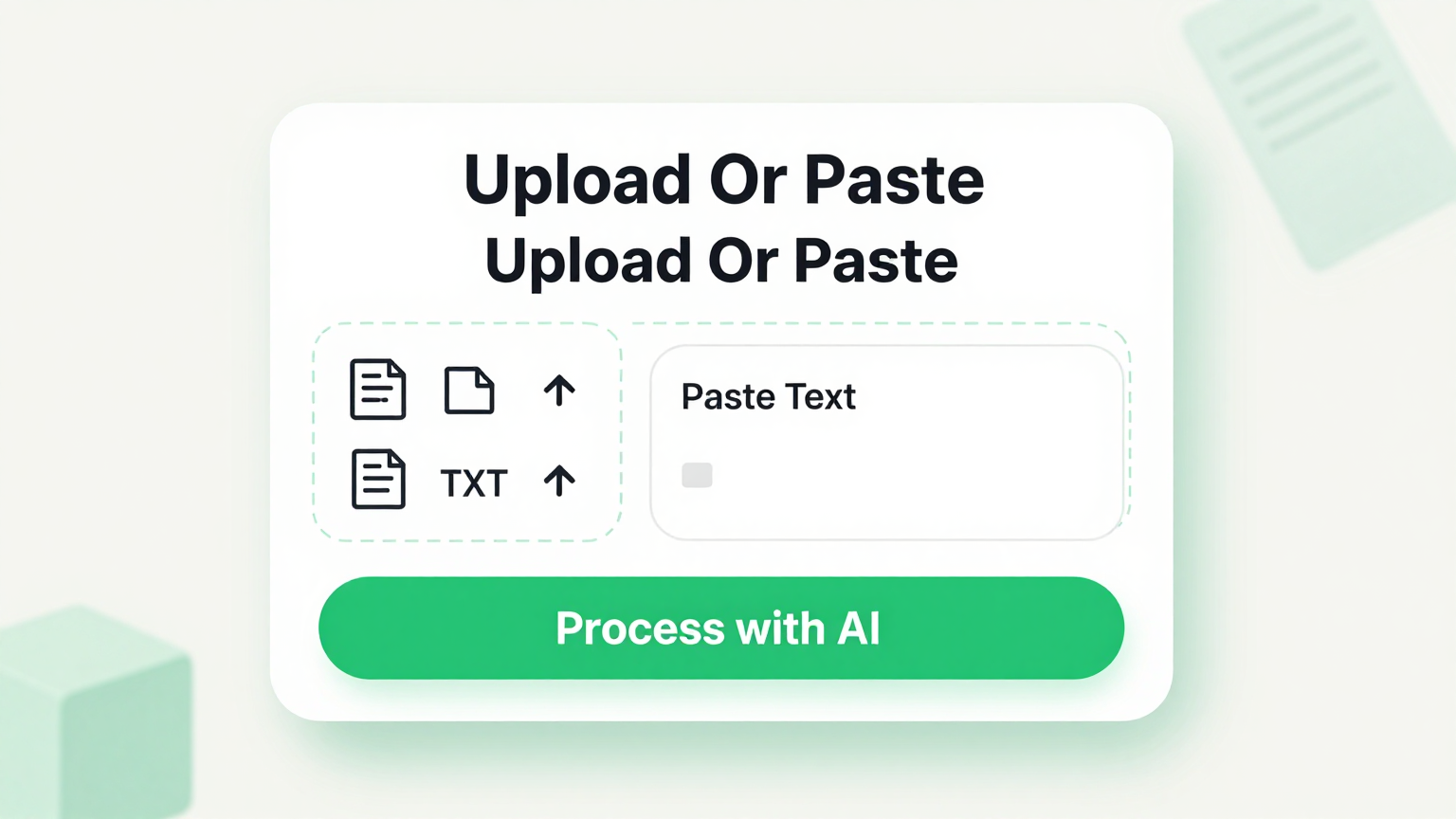
Import Data
Paste your raw product notes, technical specifications, or existing documentation drafts directly into the tool. It parses your input and organizes it into a structured manual with the proper sections, headings, and formatting already in place for your Instruction Manual.
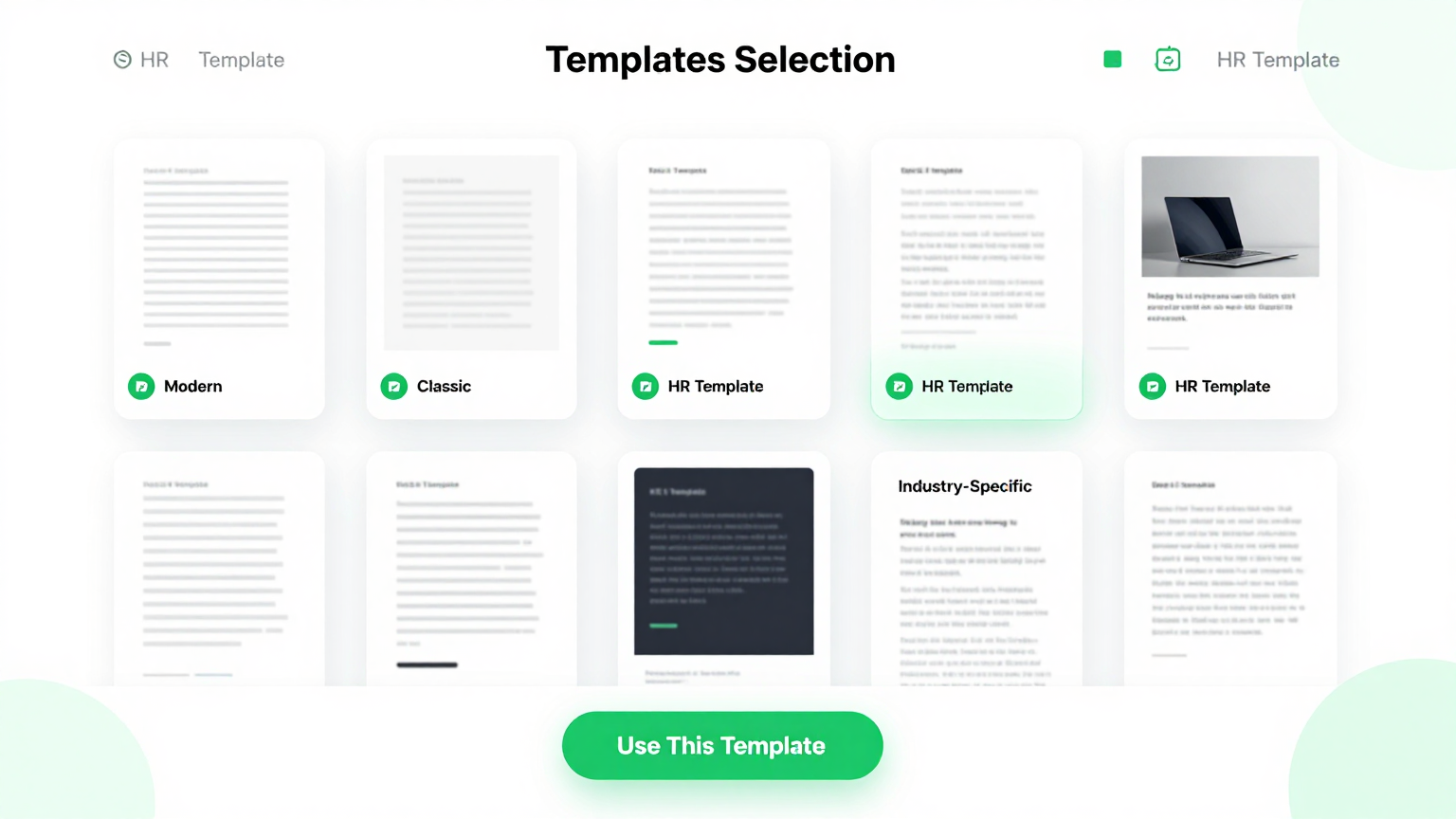
Professional Templates
Choose from a library of professionally designed layouts in the Instruction Manual Generator. Each template is tailored for specific scenarios like consumer electronics, software guides, and industrial equipment, so your Instruction Manual meets professional documentation standards.
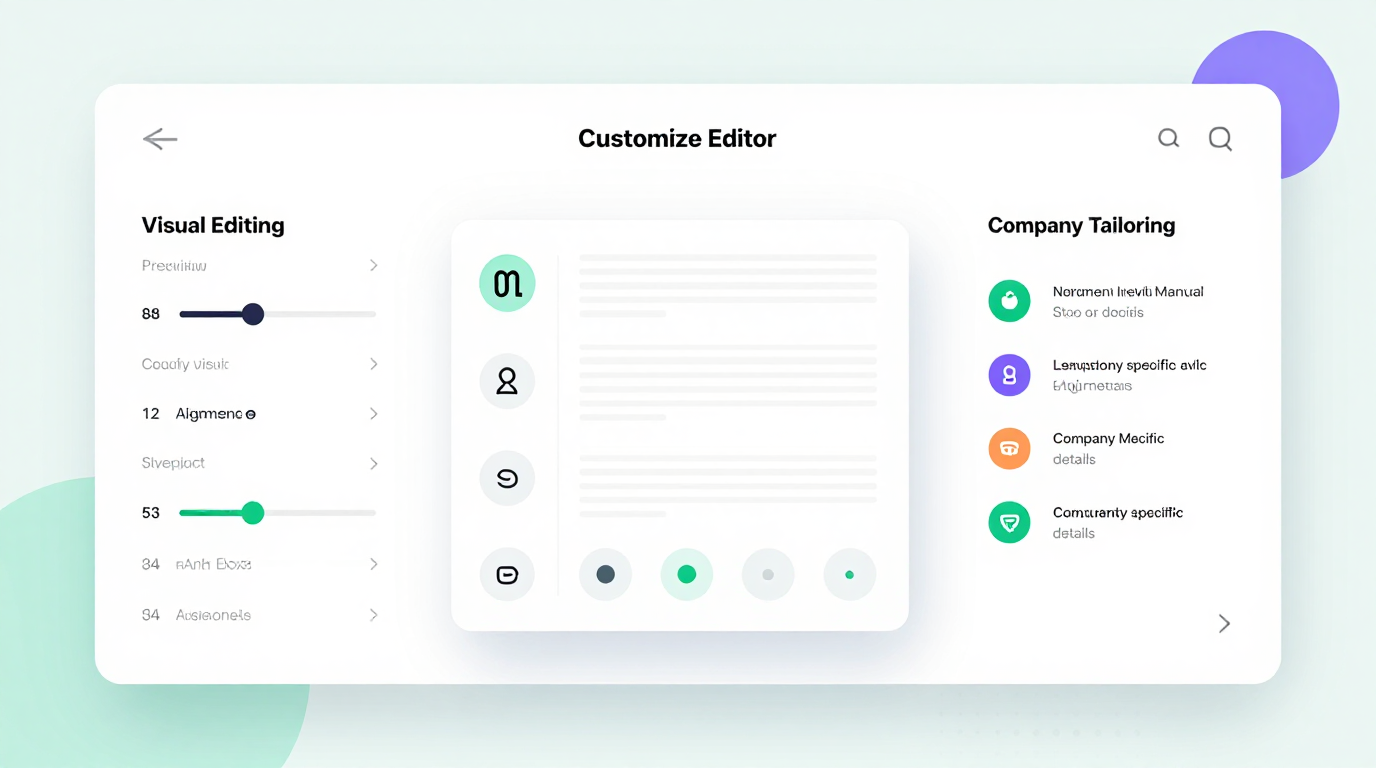
Edit Online
Refine every section of your document with the Instruction Manual Generator's built-in editor. Adjust step-by-step procedures, add safety warnings, reorder chapters, and preview your Instruction Manual in real time before finalizing it for export and distribution to your users.
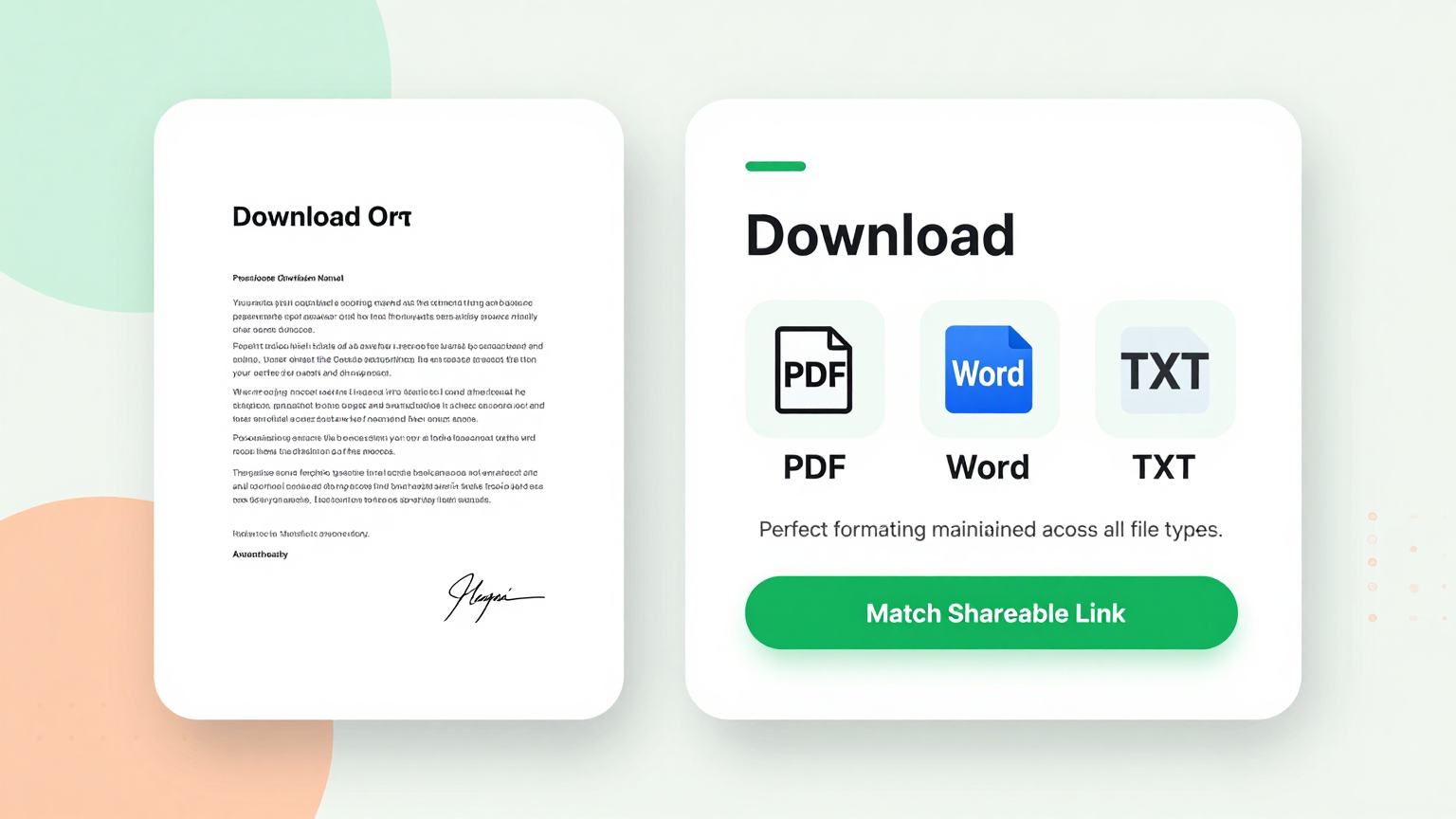
Download & Share
Export your finished document from the Instruction Manual Generator as a polished PDF or editable Word file. Share the Instruction Manual with your team, clients, or end users directly from the tool without needing additional software or complicated conversion steps.
Explore Professional Instruction Manual Templates
Prefer to start with a blank template? Browse our full collection of instruction manual layouts and customize one that fits your needs.










Frequently Asked Questions
Helpful information about using our documentation creation tool.
- Is the Instruction Manual Generator free?
- Yes. This tool is completely free to use with no hidden charges, subscriptions, or account requirements. You can generate, edit, and download as many instruction manuals as you need without paying anything. The tool provides full access to all templates and export options at no cost whatsoever, making it accessible to everyone who needs professional documentation.
- What types of manuals can I create with the Instruction Manual Generator?
- The tool supports consumer electronics guides, software walkthroughs, industrial equipment manuals, household appliance instructions, automotive accessory guides, and medical device documentation. Each type has a dedicated template with pre-configured sections and content prompts tailored for that specific product category, target audience, and documentation standard. This ensures your manual follows the expected structure and conventions for your particular industry.
- Do I need to install anything to use the Instruction Manual Generator?
- No installation is needed. The Instruction Manual Generator runs entirely in your web browser with no plugins or extensions required. Simply open the tool, choose a template, fill in your details, and download your finished manual. The guide builder works on desktops, tablets, and mobile devices without any software downloads.
- Can I save and edit my Instruction Manual later?
- You can download your Instruction Manual as a Word document and reopen it anytime for further editing. While the tool does not store documents on our servers for privacy reasons, keeping the downloaded Word file lets you return to your manual whenever you need to make updates or revisions to your documentation.
- Is the Instruction Manual Generator suitable for regulated industries?
- The tool creates well-formatted, professional documents suitable for product documentation and general user guidance. For regulated industries such as medical devices, aerospace, or automotive, we strongly recommend having the output reviewed by your compliance team before distributing it to end users or customers. This extra review step helps ensure that all safety warnings, regulatory disclaimers, and industry-specific requirements are properly addressed.
- How long does it take to generate an Instruction Manual?
- Most users complete their instruction manual document in under ten minutes using the user guide tool. Once you input your product details and select a template, the guide generator produces a formatted draft instantly. You then review the content, make any necessary edits, and download the final version of your manual.
- Can multiple people collaborate on an Instruction Manual?
- You can share the downloaded Word file from the documentation builder with colleagues for collaborative editing in Google Docs or Microsoft Word. While the documentation generator itself is designed for single-user sessions, the exported files support standard collaboration workflows within your team for review, feedback, and contributions to the documentation.
- What export formats does the Instruction Manual Generator support?
- The documentation tool lets you export your finished document as a PDF for official distribution or as a Microsoft Word file for further editing and team collaboration. Both export formats preserve the professional layout, styling, and formatting that the manual maker applies to your document automatically during the generation process.
- Are the templates in the Instruction Manual Generator professionally designed?
- Yes. The tool allows you to fully customize your document with product photos, technical diagrams, flowcharts, and annotated screenshots. You can upload images directly and position them alongside the relevant text sections for clear, visually supported step-by-step documentation. Adding well-placed visuals helps your readers understand complex procedures and significantly improves the overall clarity of your finished manual.
- Can I add images and diagrams to my Instruction Manual?
- Yes. The guide builder allows you to fully customize your document with product photos, technical diagrams, flowcharts, and annotated screenshots. You can upload images directly within the documentation builder and position them alongside the relevant text sections for clear, visually supported step-by-step documentation that your end users can easily follow.
- Does the Instruction Manual Generator work on mobile devices?
- Yes, the documentation creator is fully responsive and works on smartphones, tablets, and other mobile devices. You can create, edit, and download an Instruction Manual from any device with a modern web browser, making it convenient to draft and review documentation while away from your desk or on the production floor.
- What makes this Instruction Manual Generator different from writing manually?
- This documentation tool saves significant time by providing pre-structured templates, AI-powered content organization, and instant formatting. Instead of starting from a blank page and figuring out section order, you get a polished first draft that you simply review and customize. This approach reduces errors, ensures consistency across documents, and lets you focus on the accuracy of your content rather than formatting details.
Create Your Instruction Manual Now
Don't waste time formatting from scratch. Use our free Instruction Manual Generator to produce a clear, professional document in minutes.
No credit card required • AI-powered formatting • Instant download