Generate Guest Lists Instantly
Create organized guest tracking documents for any event. Use our AI-powered Guest List Generator to manage attendees, track RSVPs, and organize your guest information professionally.
How to Create a Guest List Online
Enter Your Guest Information
Start by entering your guest names and details into the Guest List Generator. Include full names, contact information, and any special notes like dietary restrictions or plus-ones. The Guest List Generator organizes this information into a structured tracking document.
Choose Your Event Type
Select an event template in the Guest List Generator that matches your occasion. Choose from wedding, corporate event, birthday party, or custom formats. The Guest List Generator configures appropriate columns for your specific event tracking needs.
Customize and Organize
Edit your guest list in the Guest List Generator editor. Update RSVP status, assign table numbers, add meal selections, and organize guests by category. The Guest List Generator keeps everything organized and easy to manage as your event approaches.
Download and Share
Download your finished guest list from the Guest List Generator as a PDF for check-in tables or Word for your planning team. The Guest List Generator creates professional documents ready to share with vendors and event staff for seamless coordination.
Import Your Guests
Import your guest information directly into the Guest List Generator. Whether you have names in a spreadsheet, contact list, or written notes, the Guest List Generator organizes your guest data into a professional tracking document with all the fields you need.
Professional Templates
Select from event-specific templates in the Guest List Generator designed for different occasions. These Guest List Generator templates include columns for names, contact information, RSVP status, meal preferences, and table assignments tailored to your event type.
Edit Online
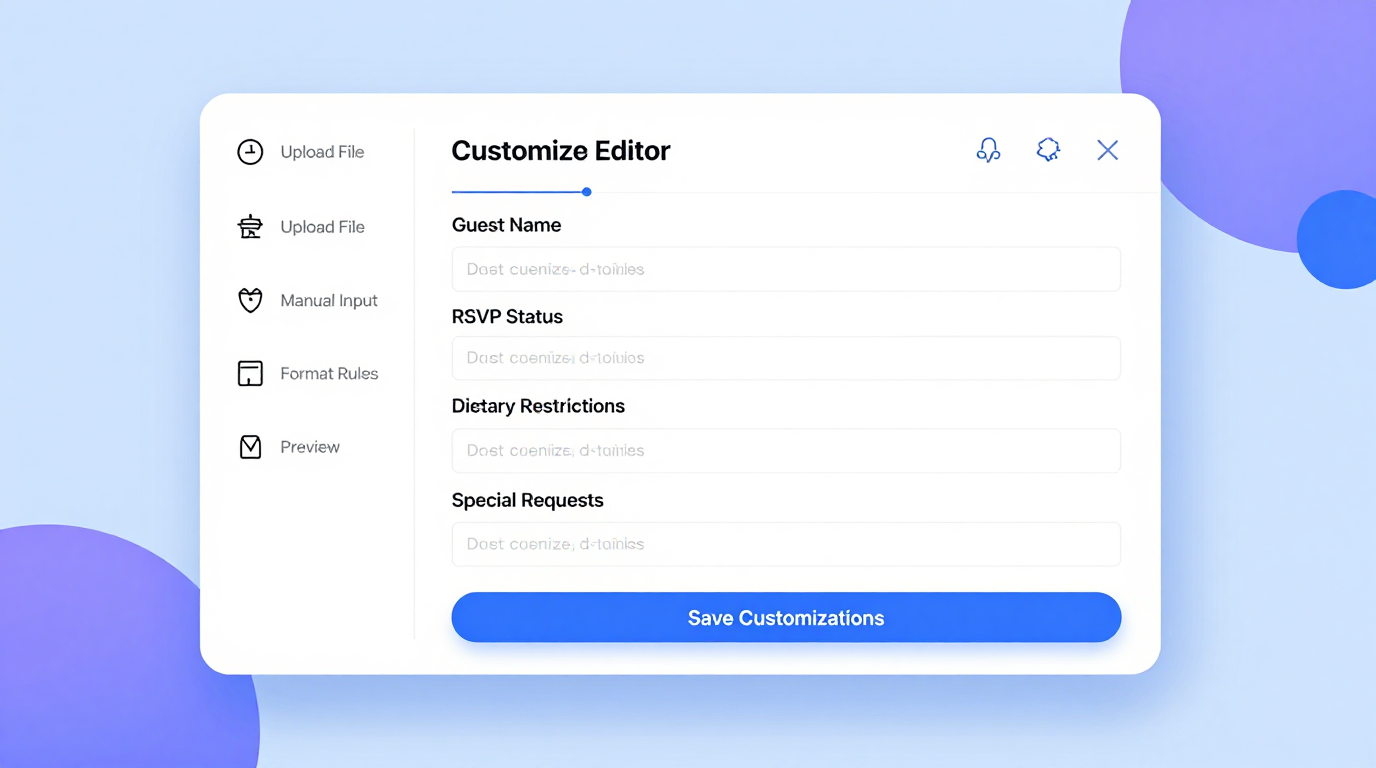
Customize your guest list with the Guest List Generator's intuitive editor. Add or remove guests, update RSVP status, assign tables, and add notes while the Guest List Generator maintains organized formatting throughout your edits.
Download & Share
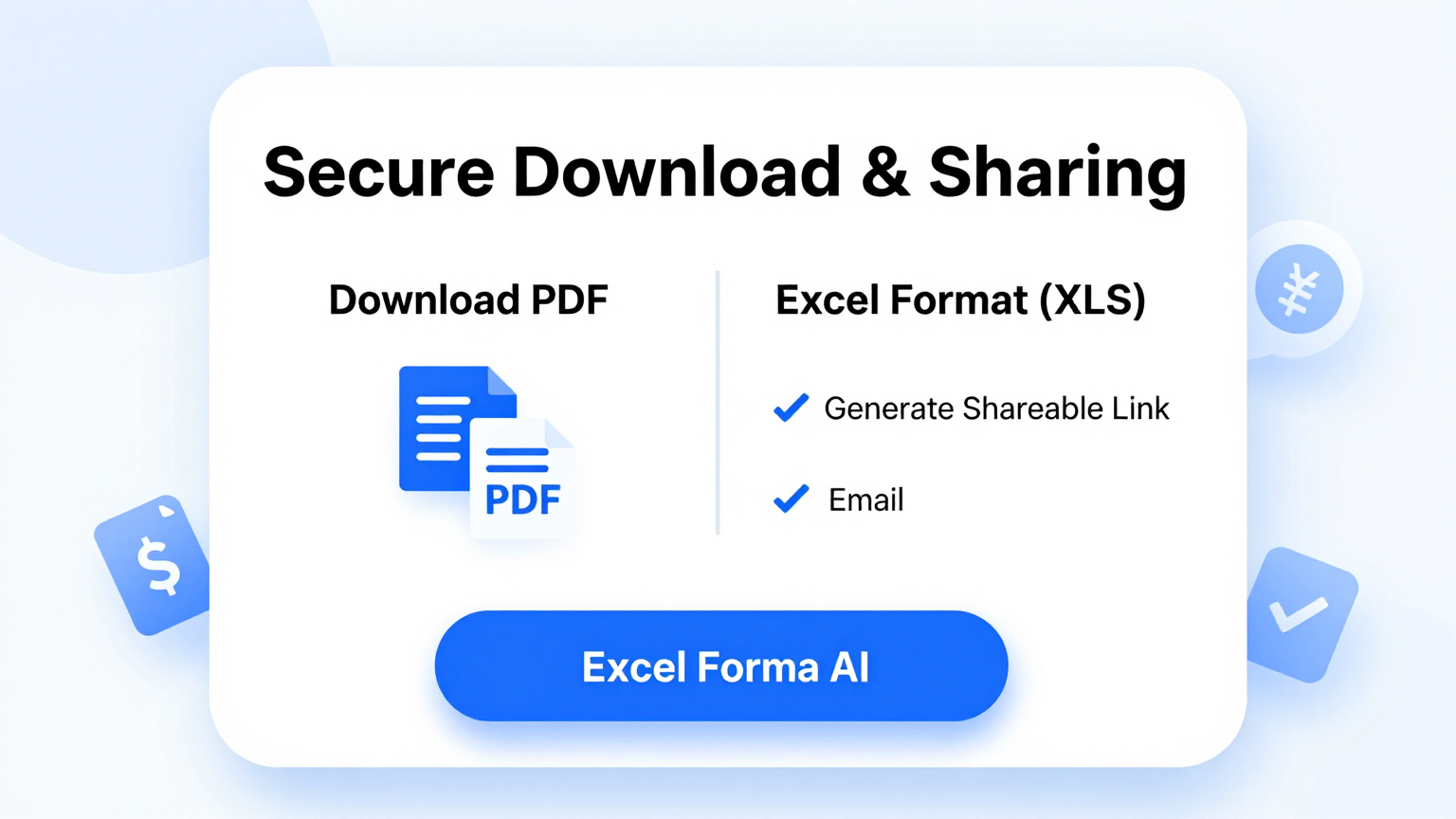
Download your completed guest list from the Guest List Generator as a PDF for printing or Word for further editing. The Guest List Generator creates professional documents ready to share with caterers, venue staff, and your event planning team.
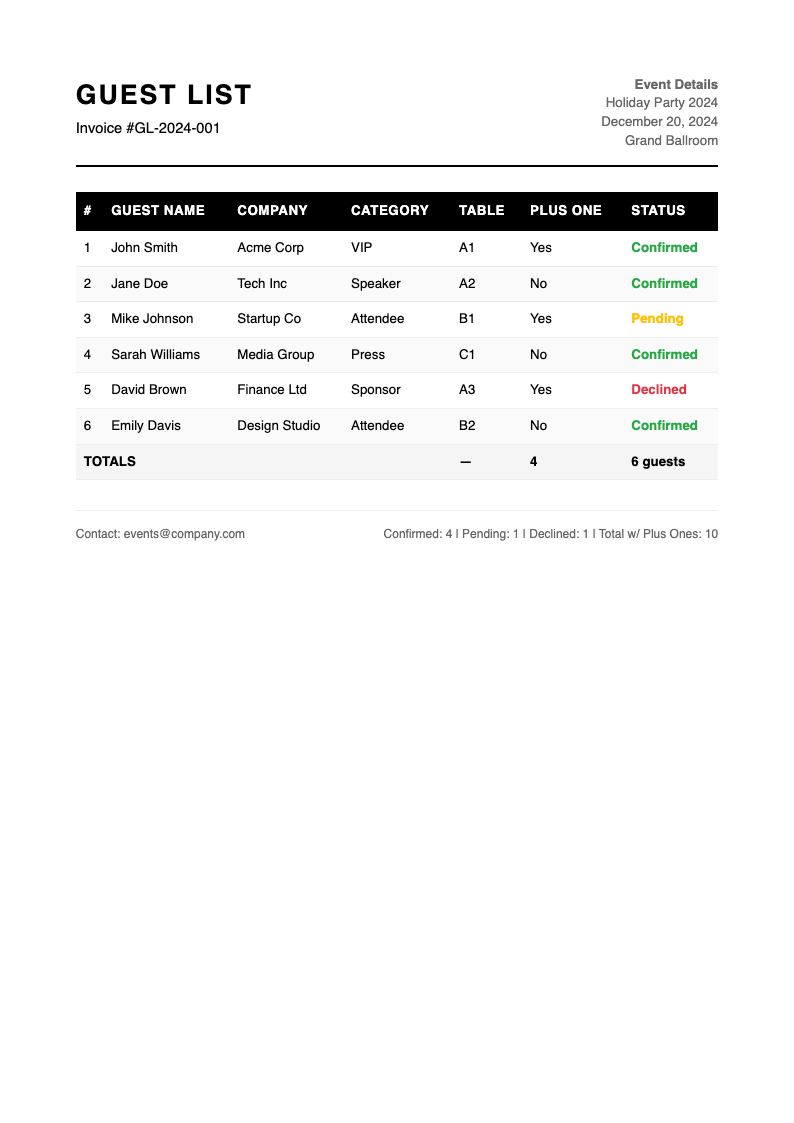
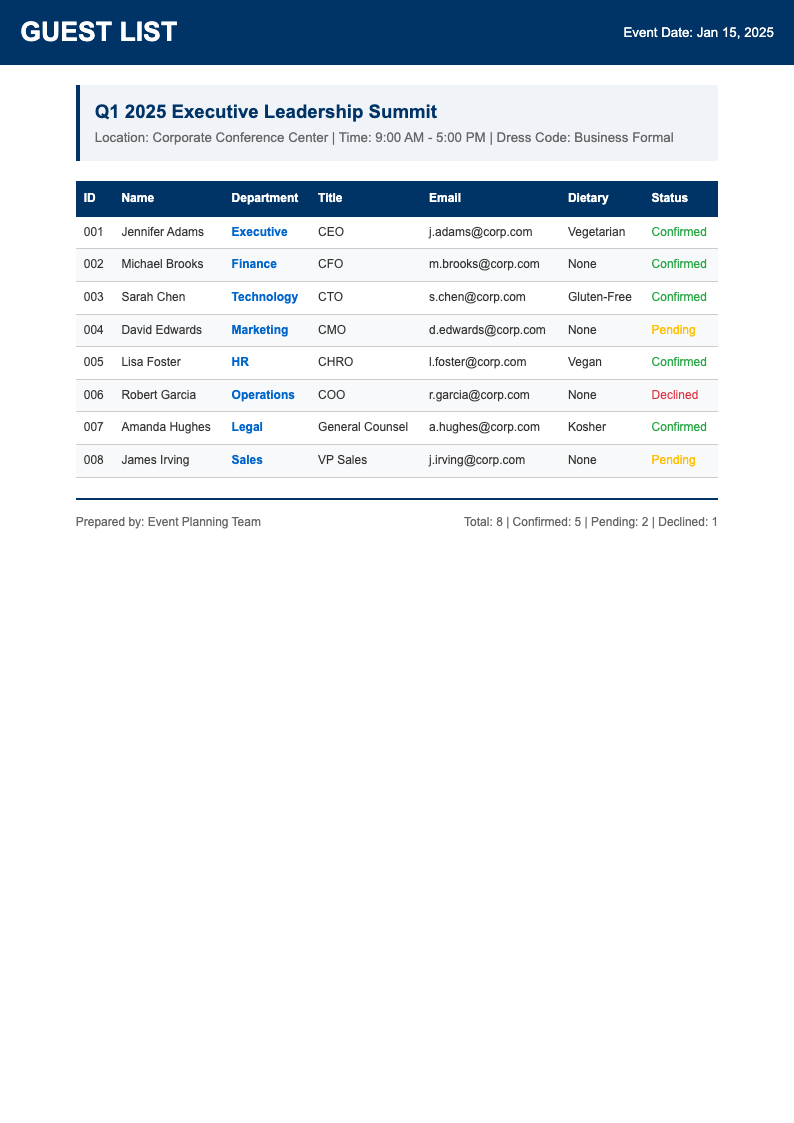
Explore Professional Guest List Templates
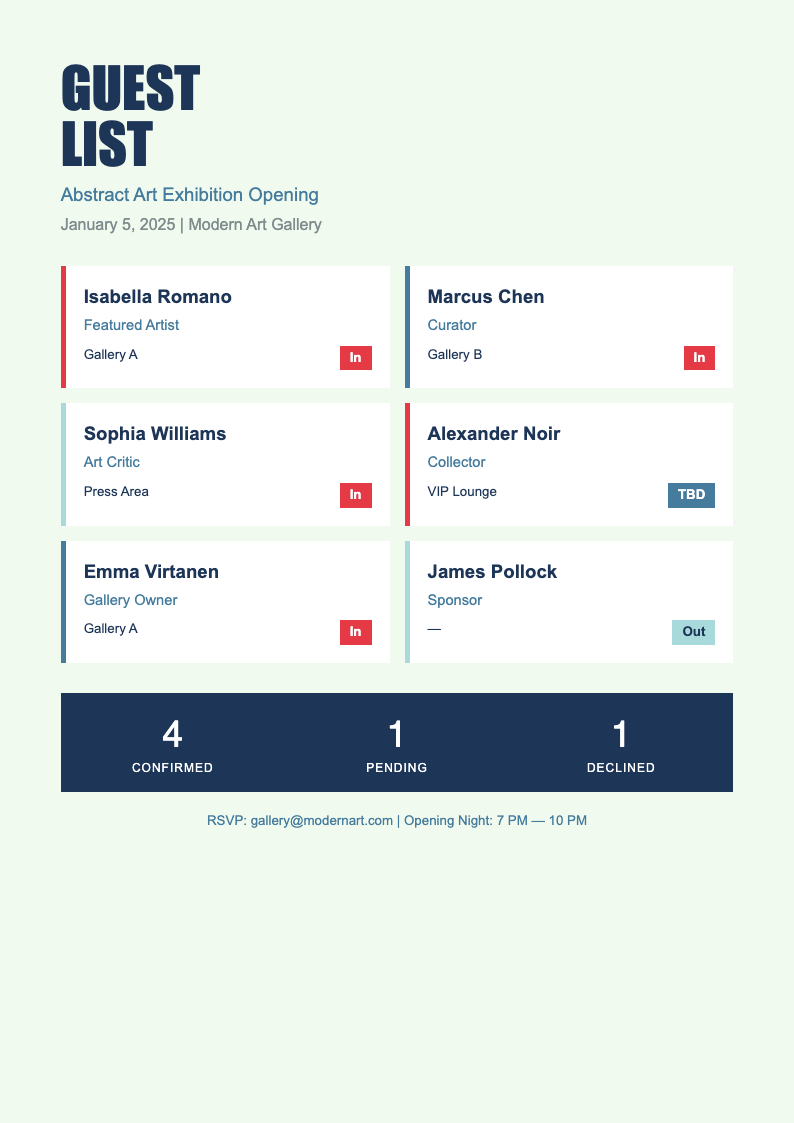
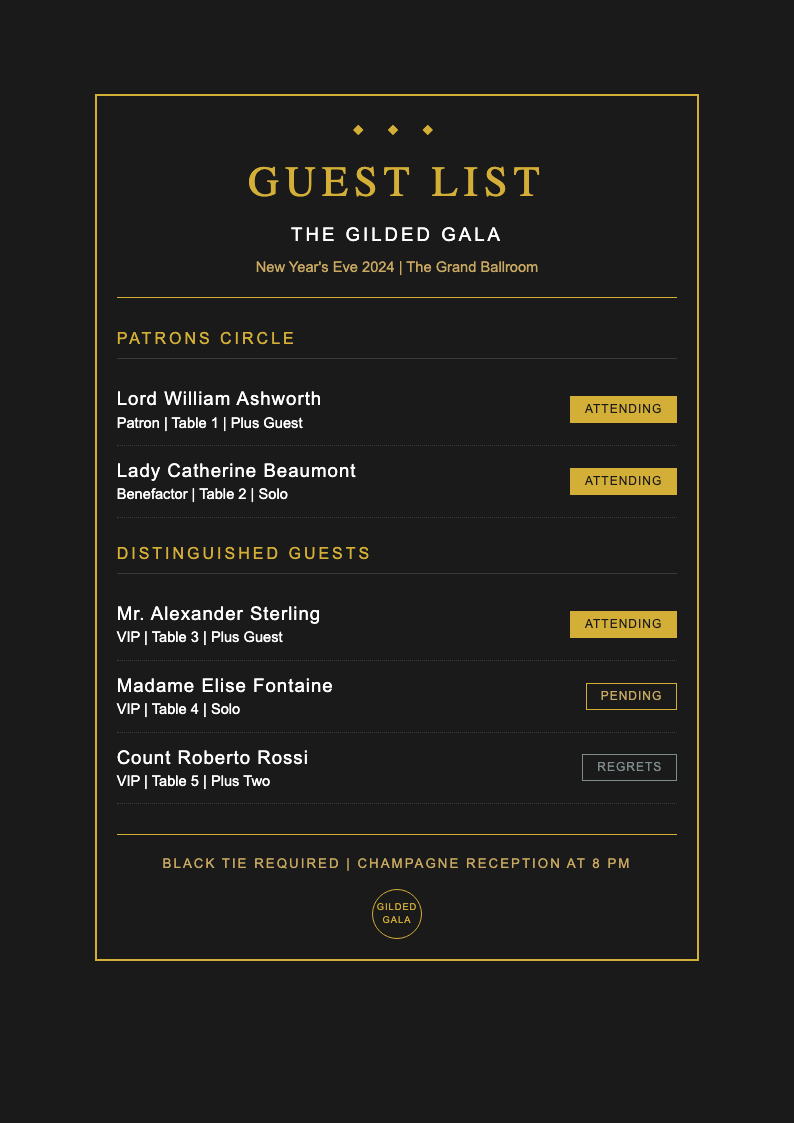
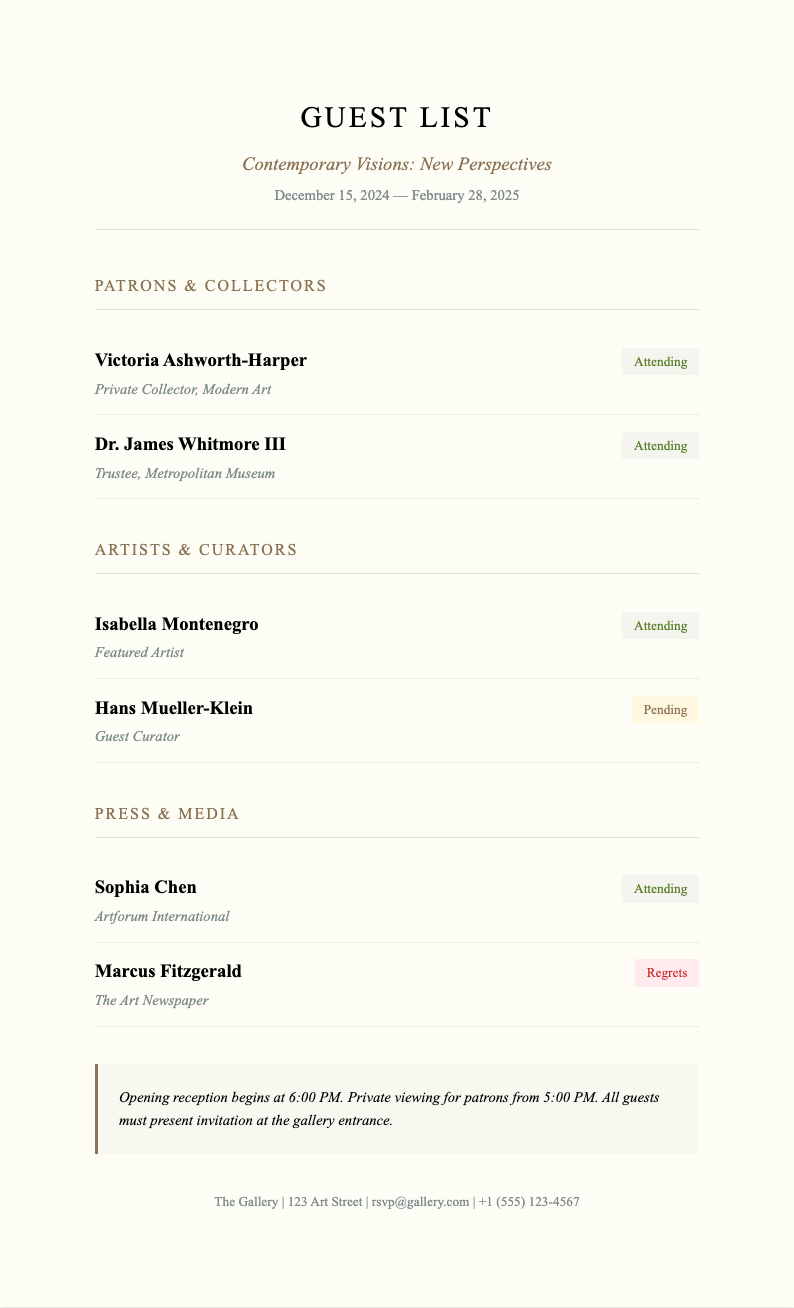
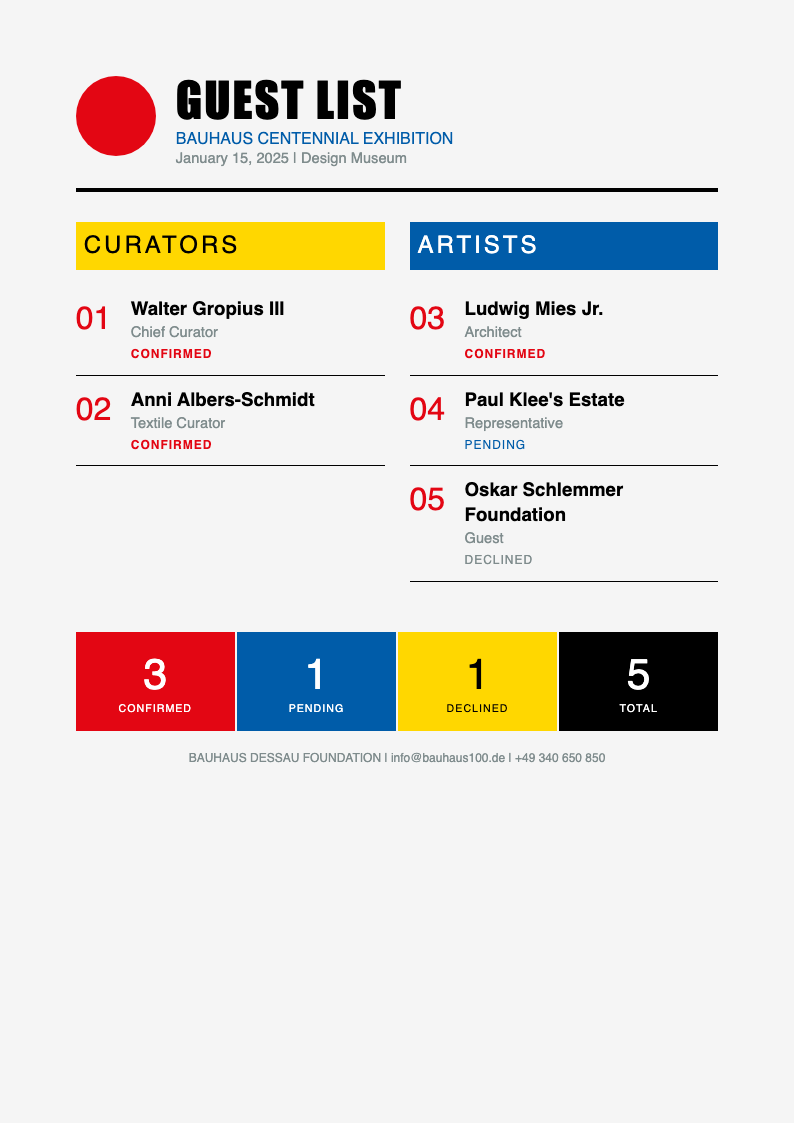
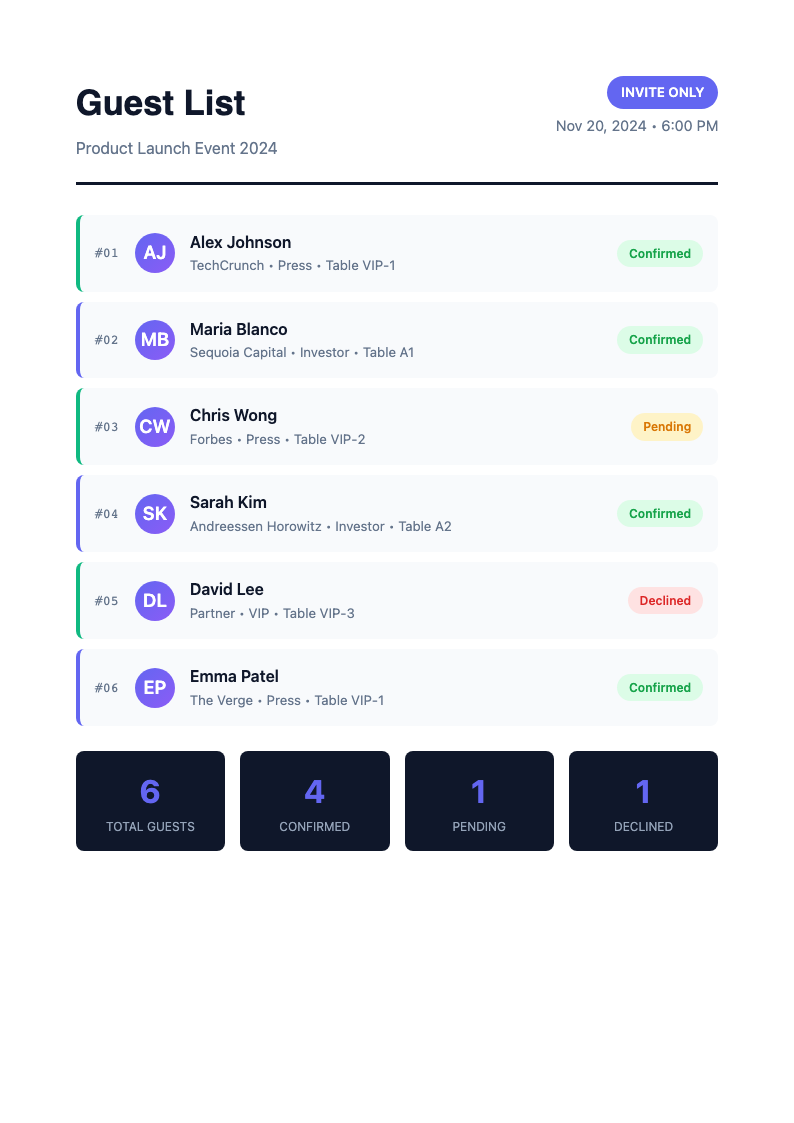
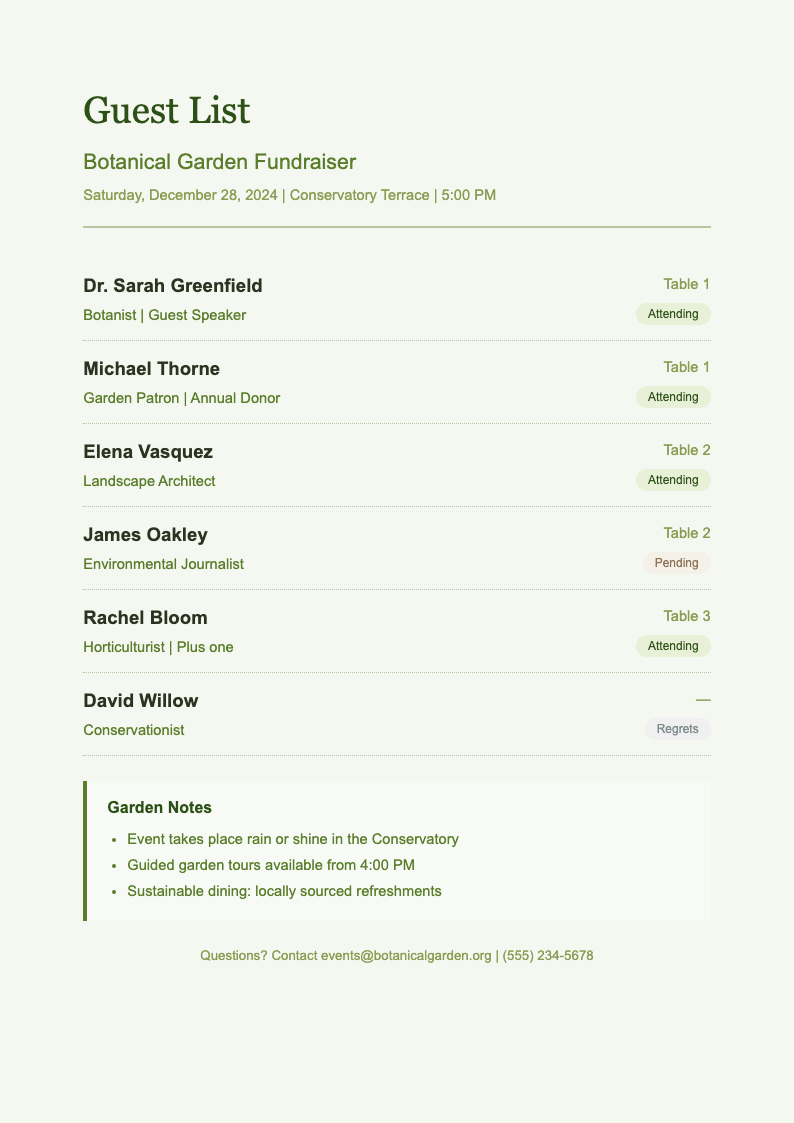
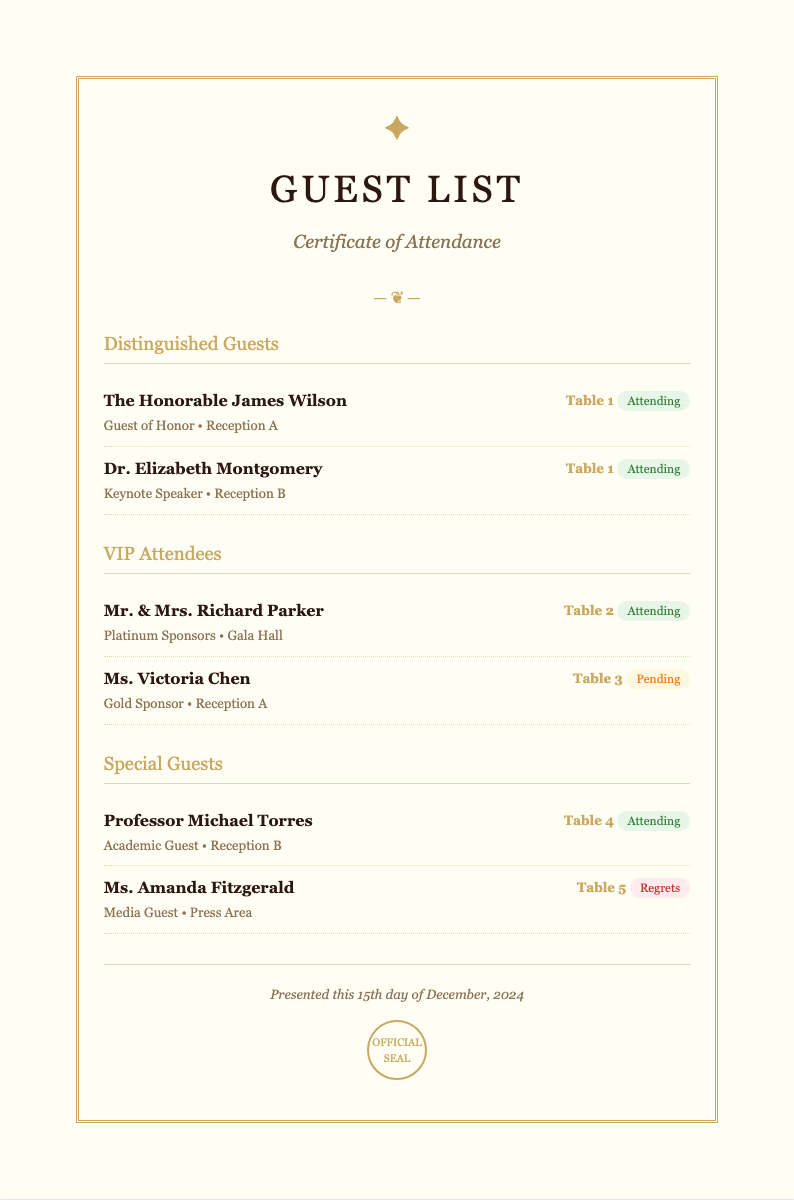
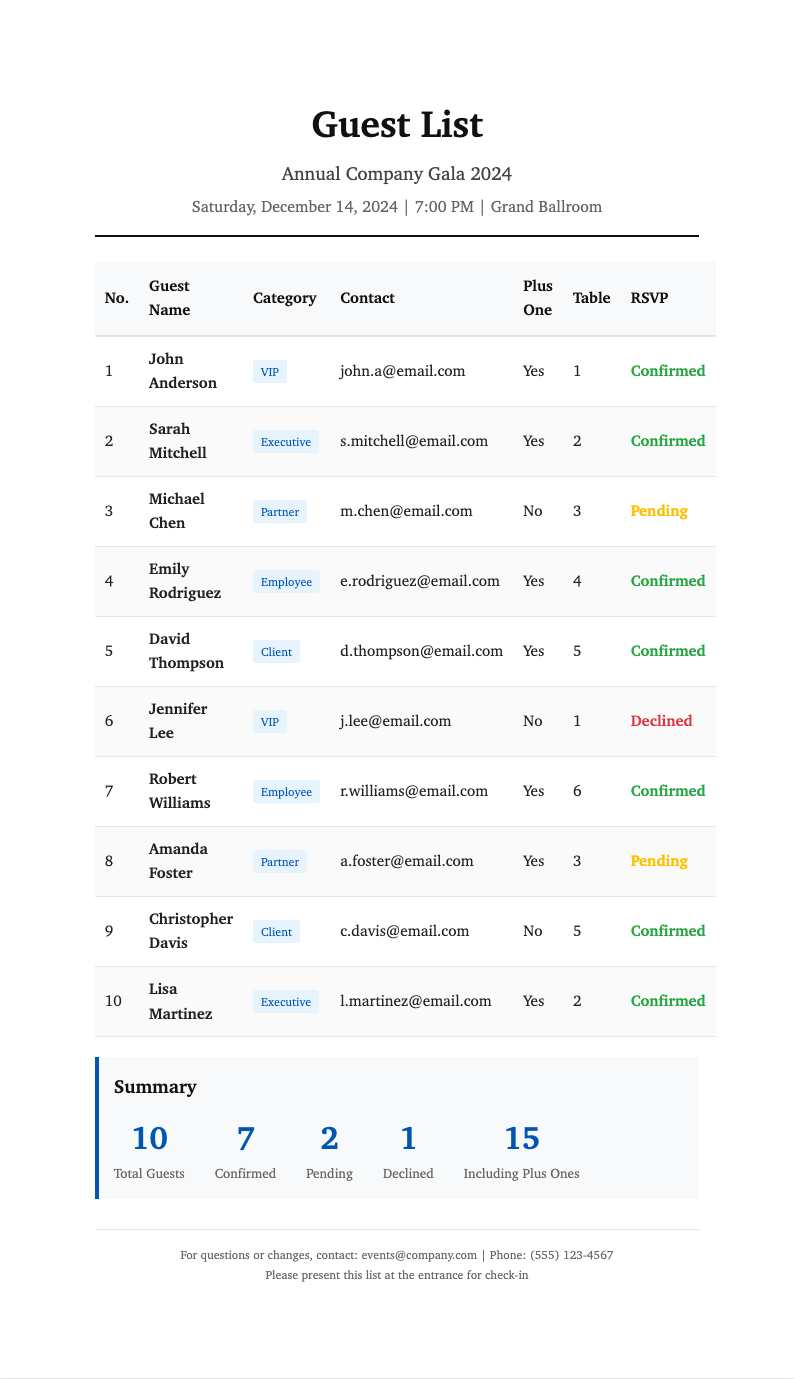
Need a starting point? Browse our collection of pre-made guest list templates.
Frequently Asked Questions
Helpful information about using our guest list generator.
- Is the Guest List Generator free?
- Yes. This Guest List Generator is completely free to use with no hidden fees or subscriptions. You can create unlimited guest lists without creating an account. The Guest List Generator provides full access to all features at no cost.
- What types of events can I create lists for?
- The Guest List Generator creates lists for weddings, birthday parties, corporate events, conferences, holiday gatherings, and any event with attendees. The Guest List Generator adapts to your specific event tracking needs.
- Can I import guests from a spreadsheet?
- Absolutely. The Guest List Generator can import guest names and information from spreadsheet data. Copy and paste from Excel or Google Sheets directly into the Guest List Generator for quick setup.
- What export formats are available?
- The Guest List Generator lets you download your list as a PDF for printing or Word for further editing. Both formats from the Guest List Generator maintain professional formatting and organization.
- Is my guest information kept private?
- Yes, your guest information processed through the Guest List Generator is not stored on our servers after your session ends. The Guest List Generator respects your event privacy and guest data confidentiality.
- Can I track RSVP status?
- Yes, the Guest List Generator includes RSVP tracking columns. Mark guests as attending, declined, or pending response. The Guest List Generator helps you monitor responses as they come in.
- How long does it take to create a guest list?
- The Guest List Generator creates organized guest lists in minutes. Enter your guest names, choose a template, and the Guest List Generator generates a complete tracking document almost instantly.
- Can I add custom columns?
- Yes, the Guest List Generator allows you to add custom columns for any information you need to track. Add dietary restrictions, table assignments, parking needs, or any other custom fields to your Guest List Generator document.
- Can I save my progress and return later?
- Yes, you can save your work in the Guest List Generator and return to complete it later. Download a draft from the Guest List Generator to continue editing in Word if needed.
- Are there templates for wedding guest lists?
- Yes, the Guest List Generator offers specialized wedding templates with columns for meal selections, table assignments, and plus-one tracking. Each Guest List Generator wedding template addresses common wedding planning needs.
- Can I share the list with vendors?
- Yes, after creating your list with the Guest List Generator, you can share the downloadable file with caterers, venues, and other vendors. The Guest List Generator creates professional documents suitable for vendor coordination.
- Does it calculate guest counts automatically?
- Yes, the Guest List Generator provides guest count summaries as you add entries. The Guest List Generator helps you track total guests, confirmed attendees, and pending responses for event planning.
Create Your Guest List Now
Don't struggle with spreadsheets. Use our free Guest List Generator to create organized guest tracking documents in minutes.
No credit card required • AI formatter tools included • Instant formatting