Generate Meeting Minutes Instantly
Stop struggling to capture every detail during meetings. Our AI-powered tool helps you create structured, professional meeting records for any type of meeting in minutes, so your team stays aligned on decisions and action items.
How to Create Meeting Minutes Online
Enter Meeting Details
Start by entering the meeting title, date, time, and location along with the list of attendees and agenda items. You can also paste raw notes taken during the meeting. Providing complete details helps produce an accurate, well-organized first draft.
Select a Template
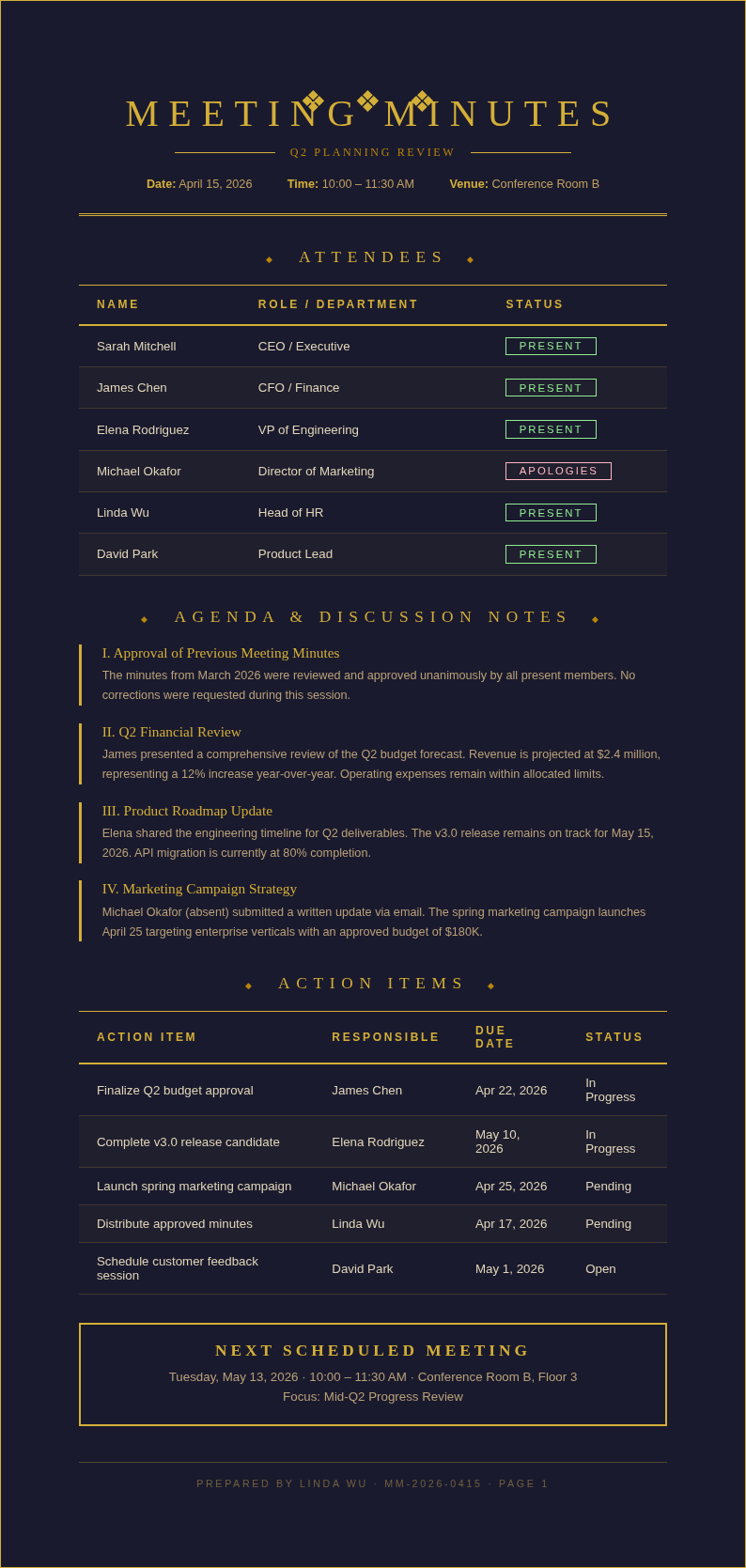
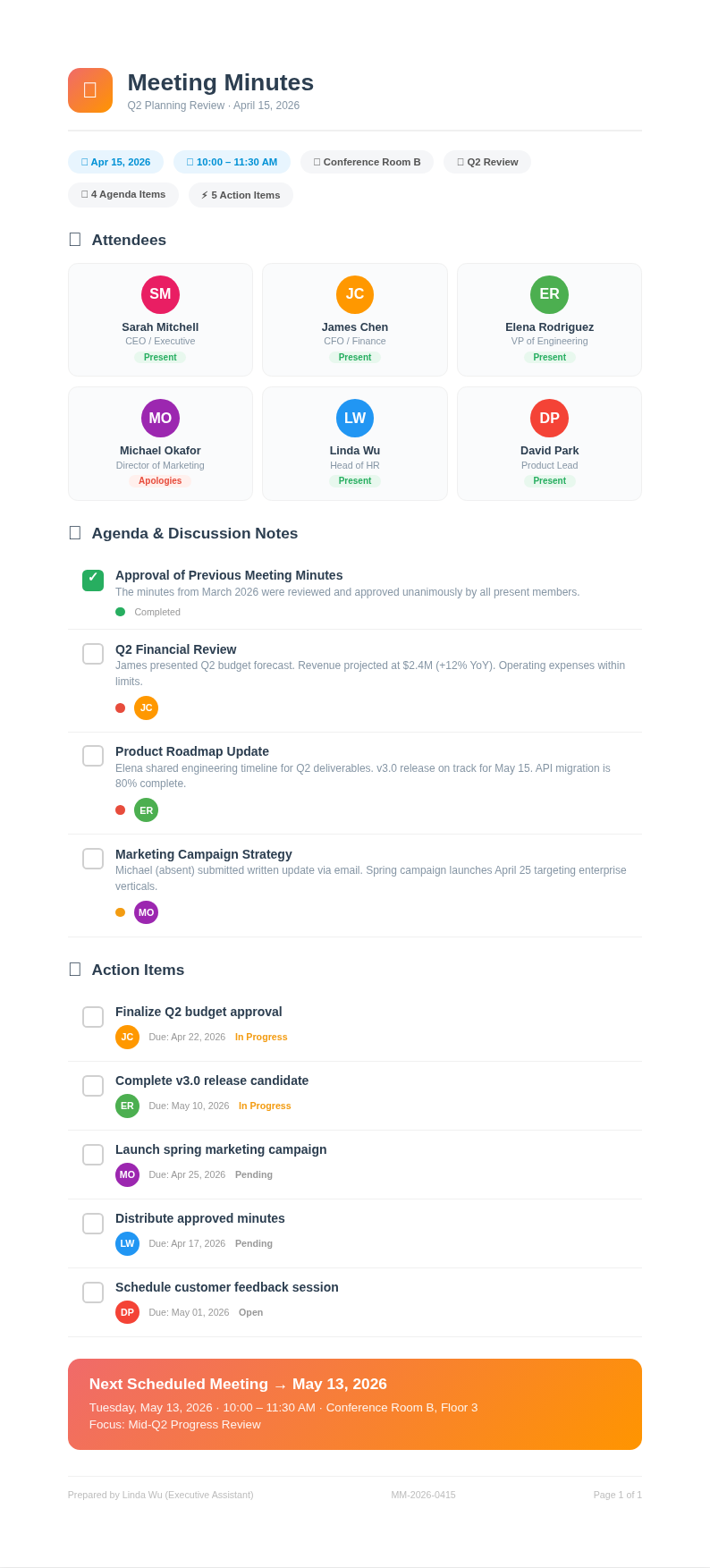
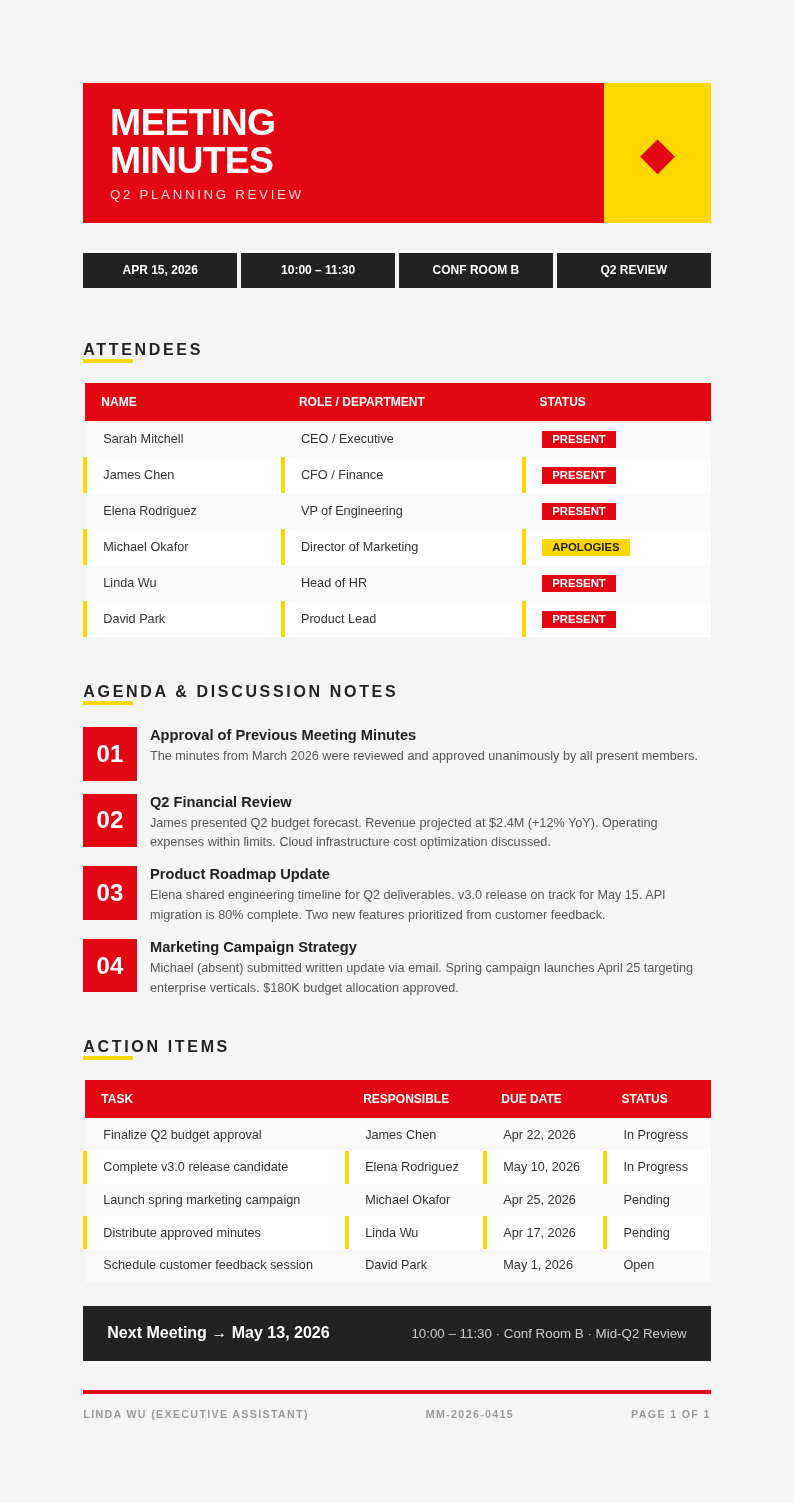
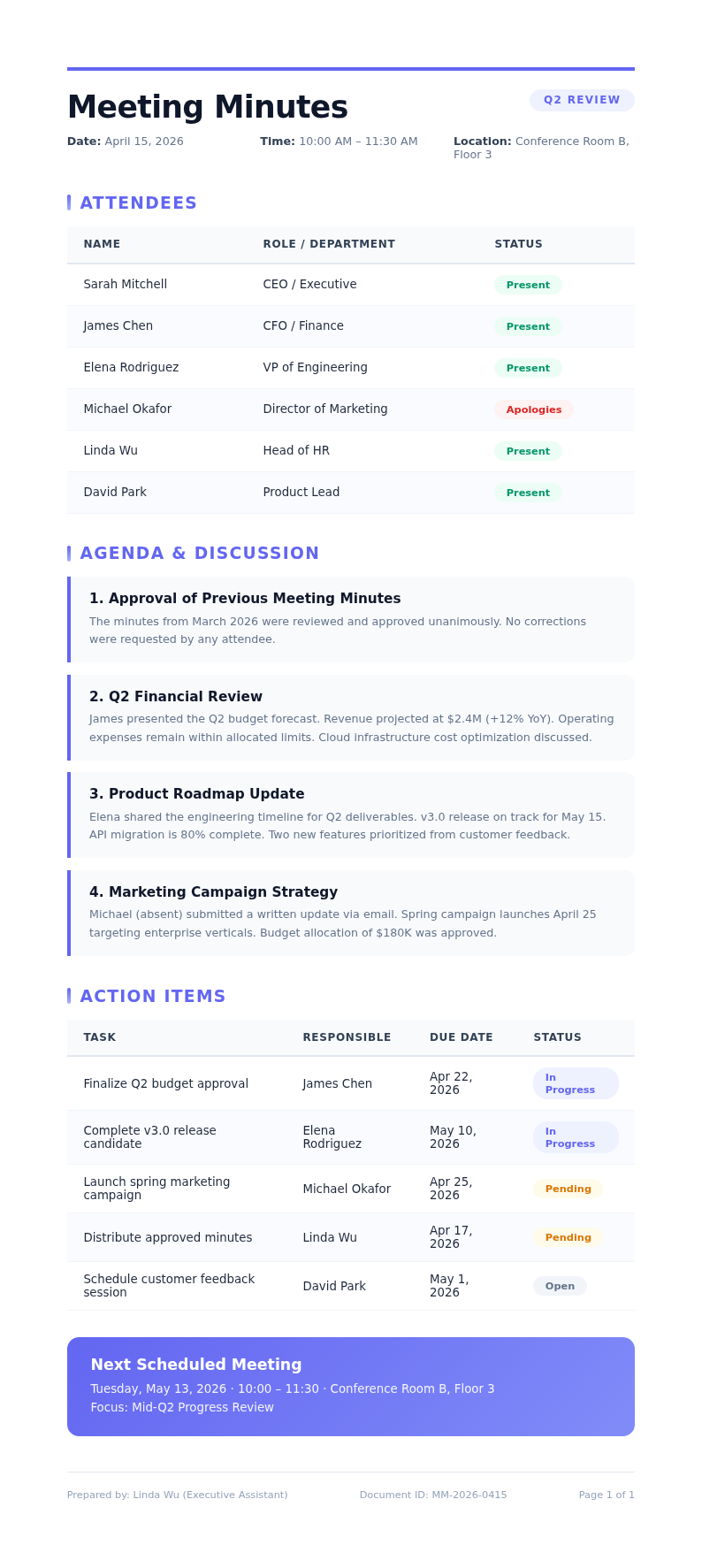
Browse the template library and pick the format that matches your meeting type. Options include formal board meeting layouts, informal team standup formats, and project review templates. Each template comes pre-structured with the appropriate sections for that meeting style.
Review and Edit
Read through the generated minutes and make any necessary adjustments to discussion summaries, decisions recorded, and action item assignments. Use the editor to ensure accuracy and completeness so the document faithfully represents what occurred during your meeting.
Download Your Document
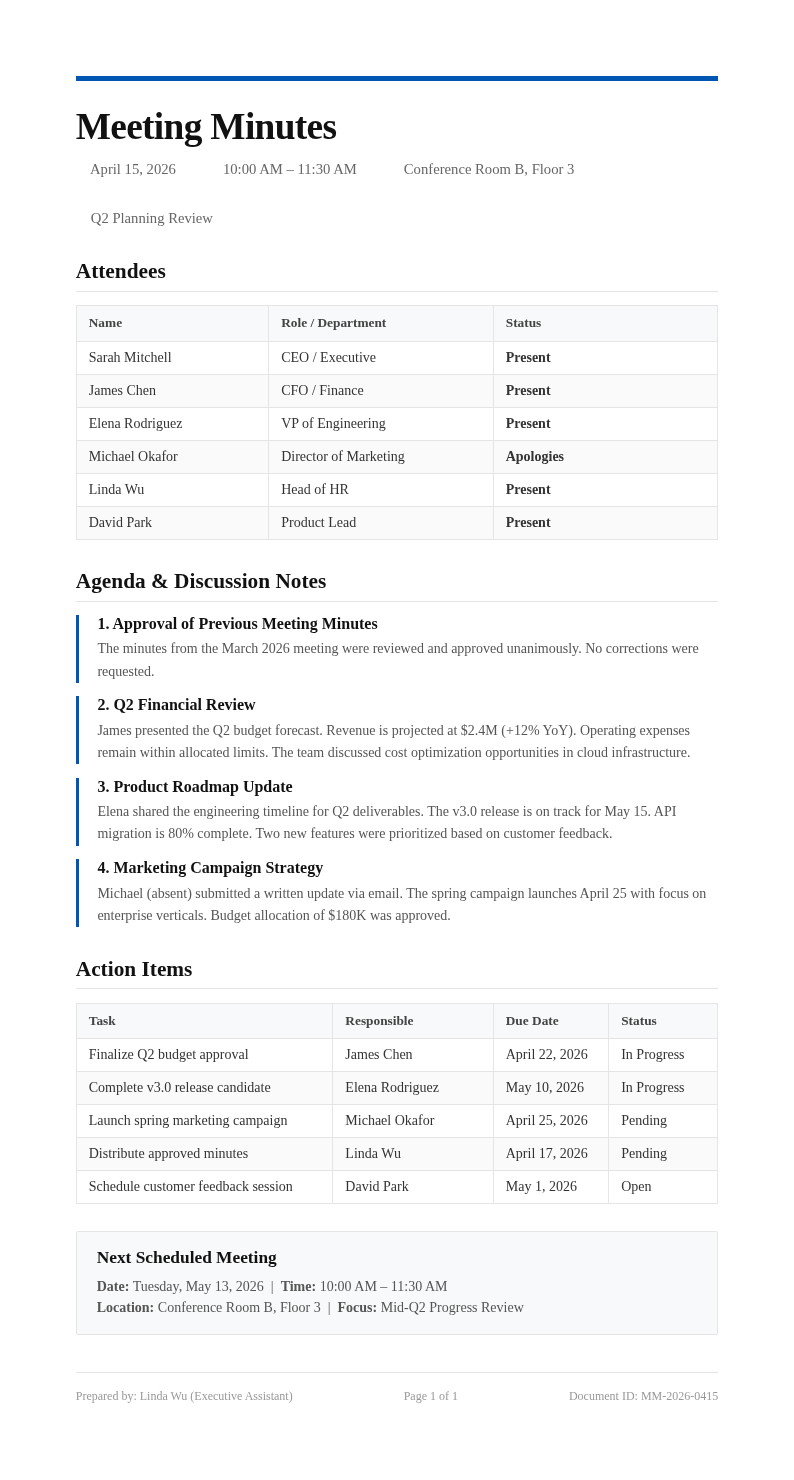
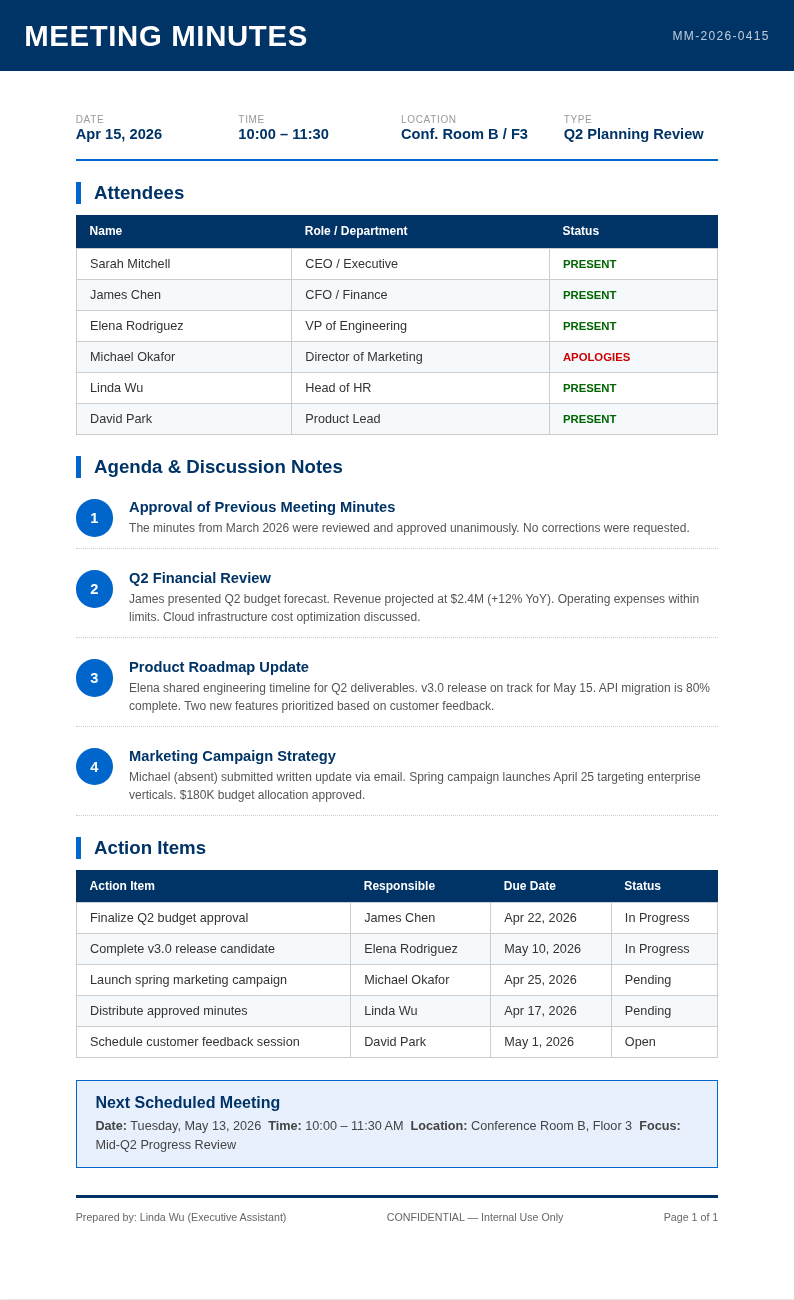
Once satisfied with the content, download your meeting minutes as a PDF for the official record or as a Word file for further editing. The the generator preserves all formatting, tables, and action item assignments so the document matches exactly what you previewed.
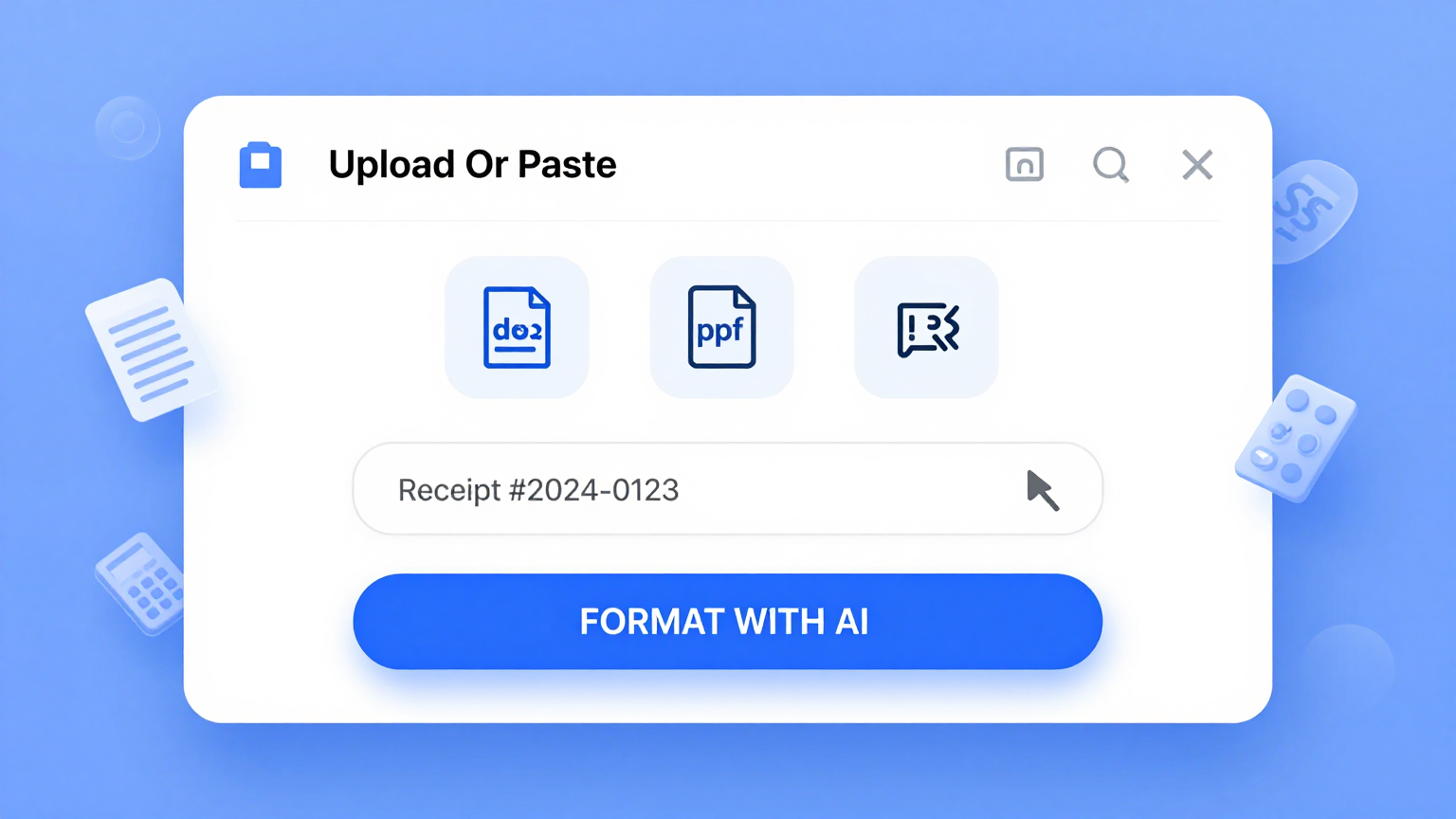
Import Meeting Notes
Quickly input your raw meeting notes, agenda items, or discussion points into Meeting Minutes Generator. Paste text from your notebook, email threads, or chat logs and the the tool automatically organizes the information into a properly structured document with sections for attendees, discussions, decisions, and follow-up actions.
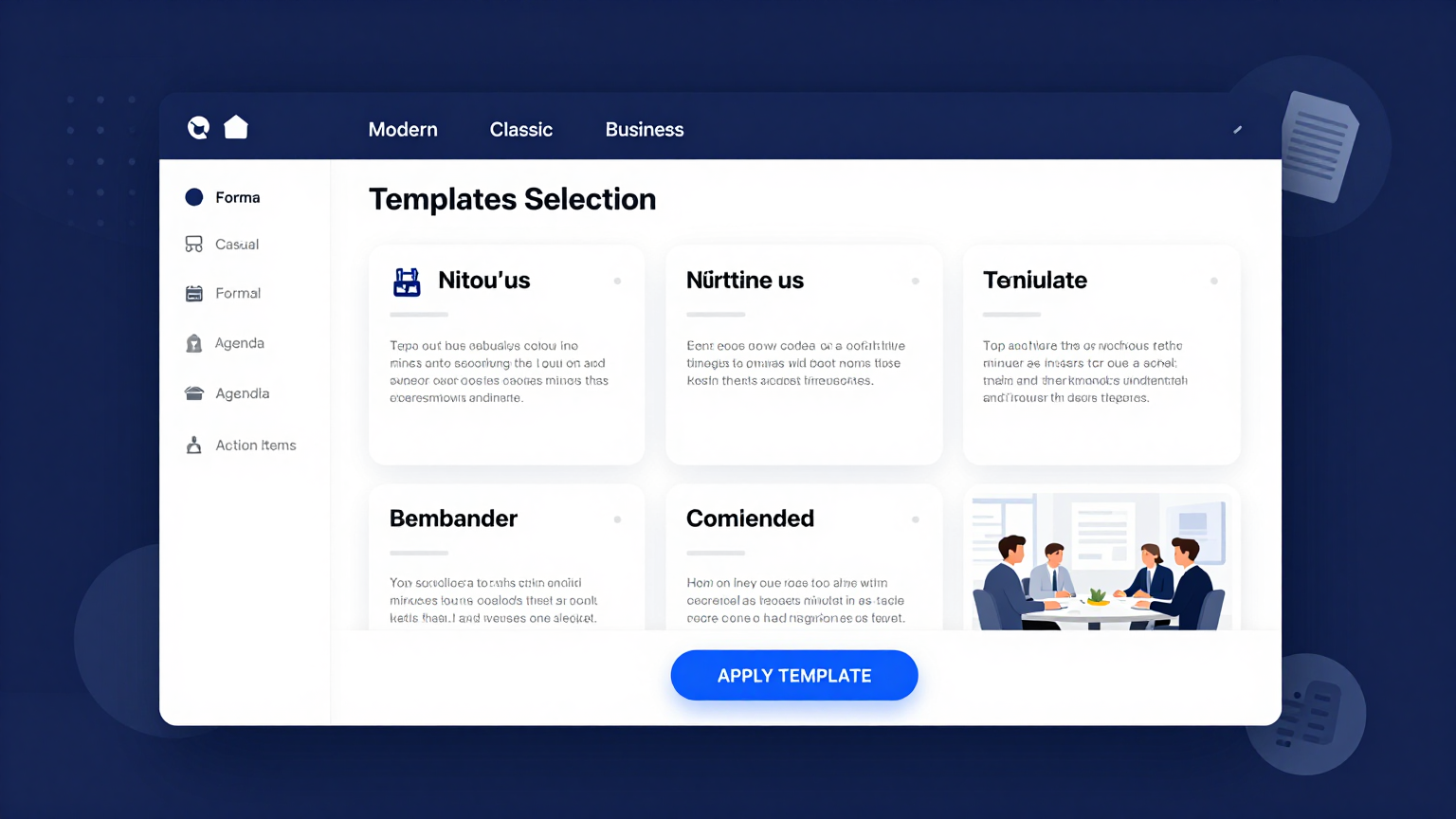
Professional Templates
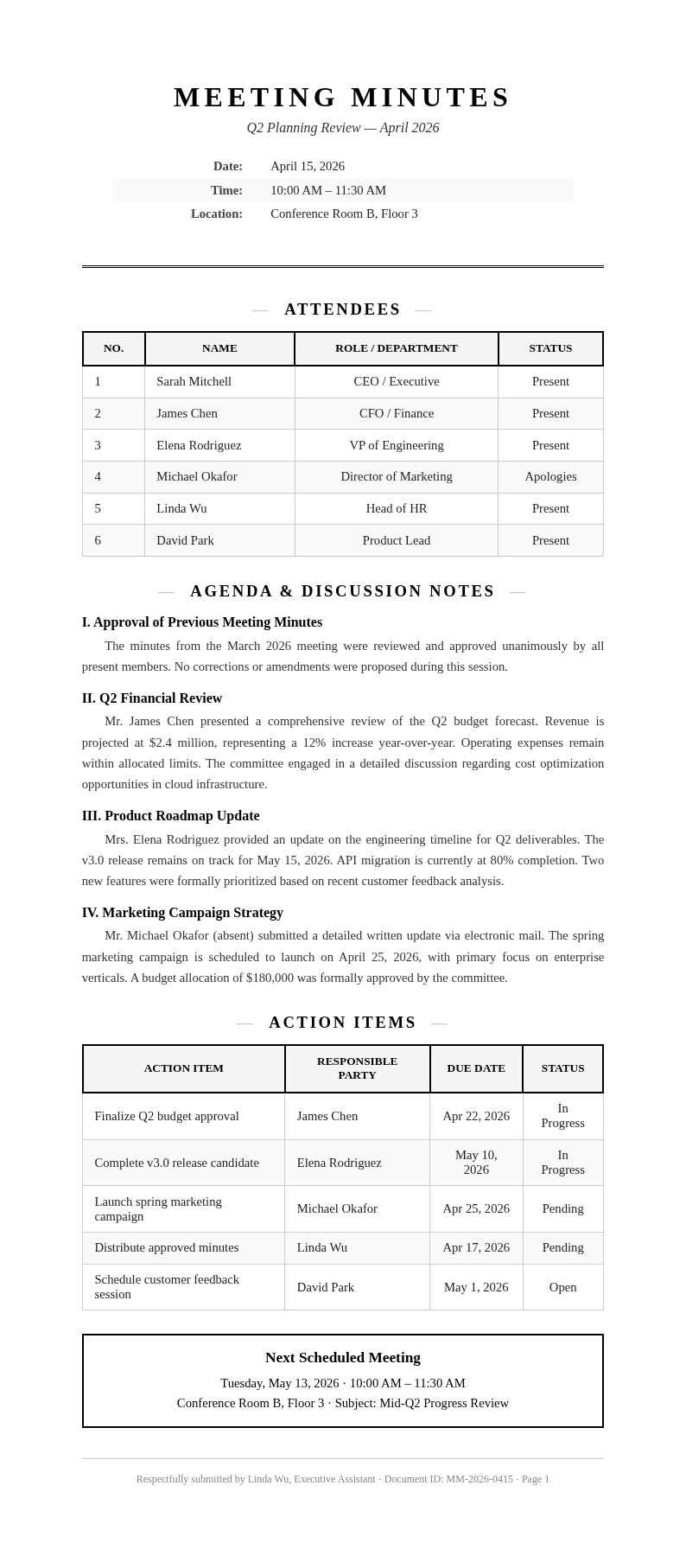
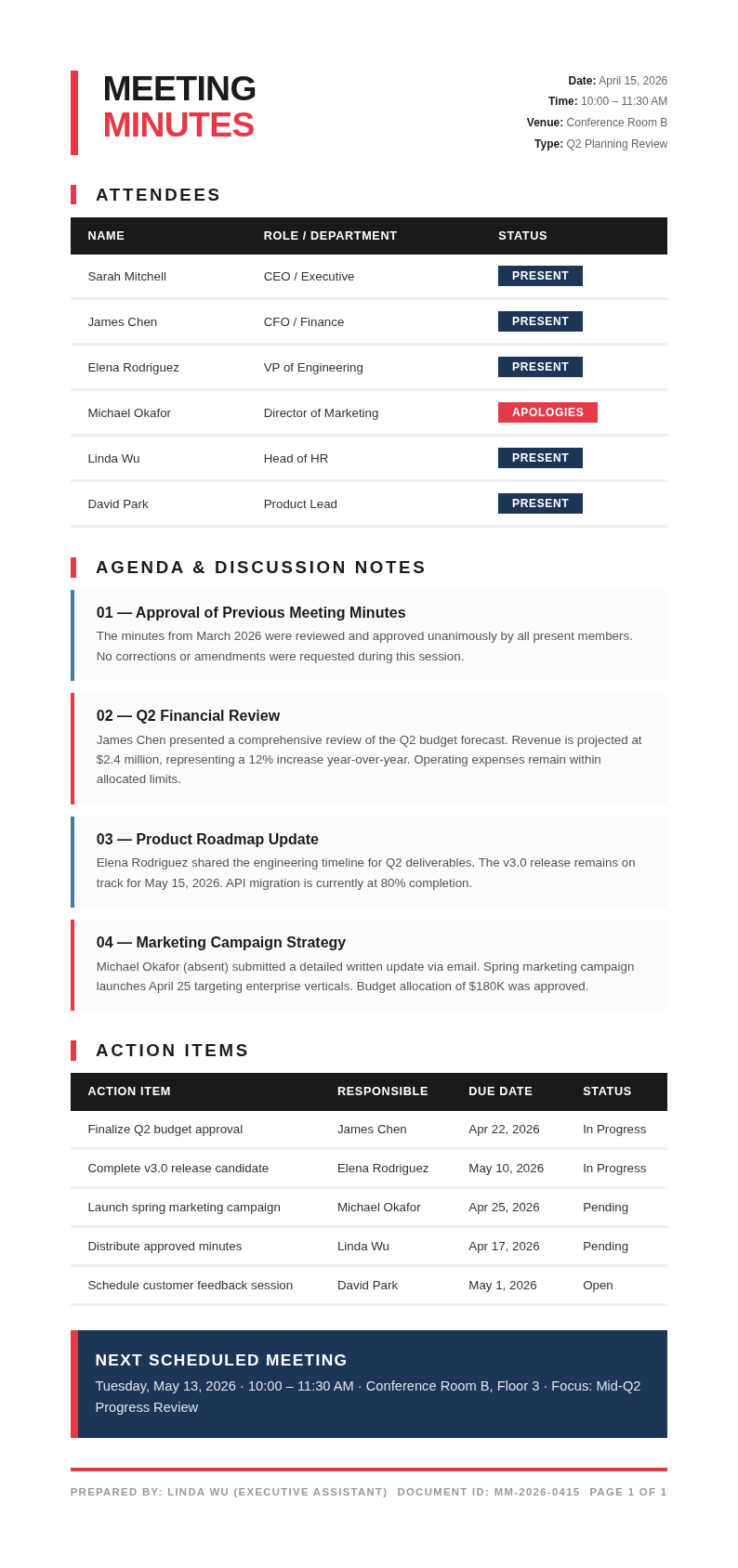
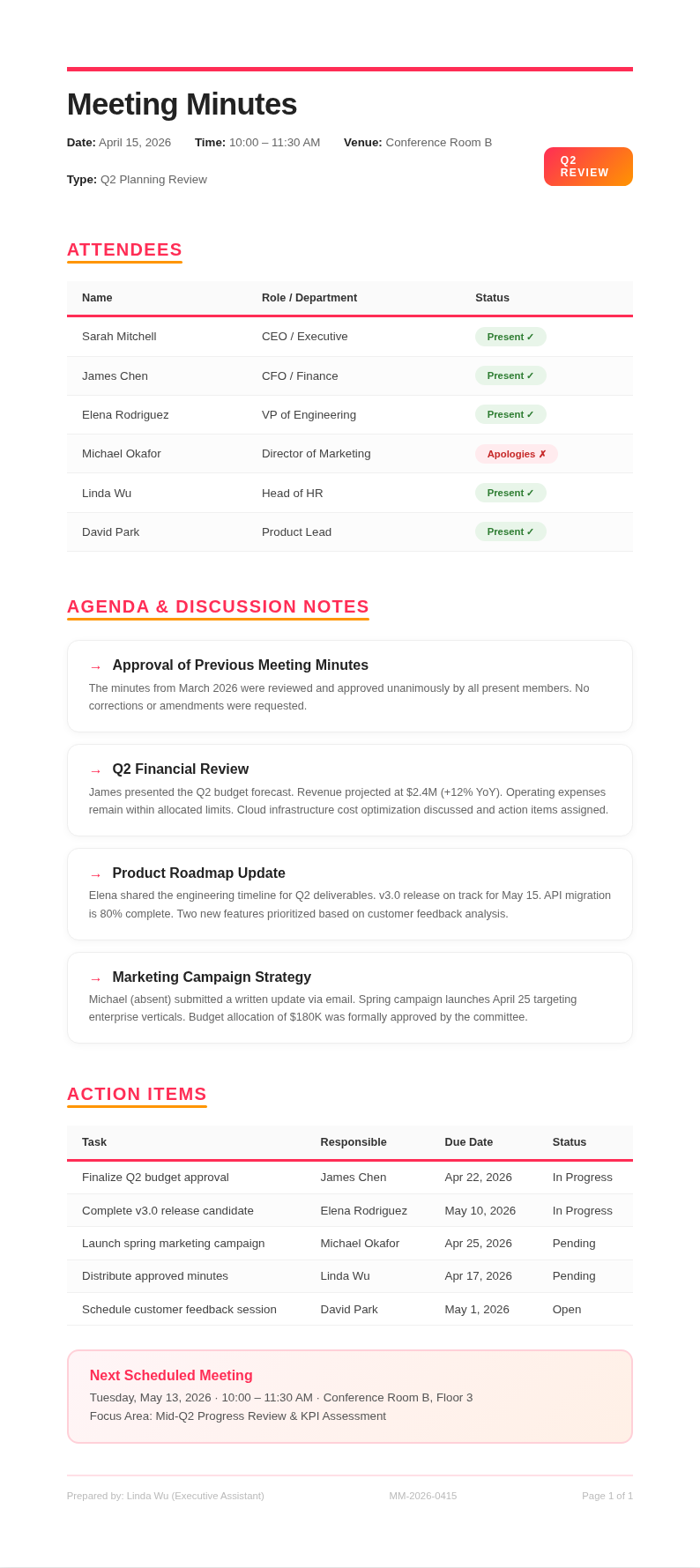
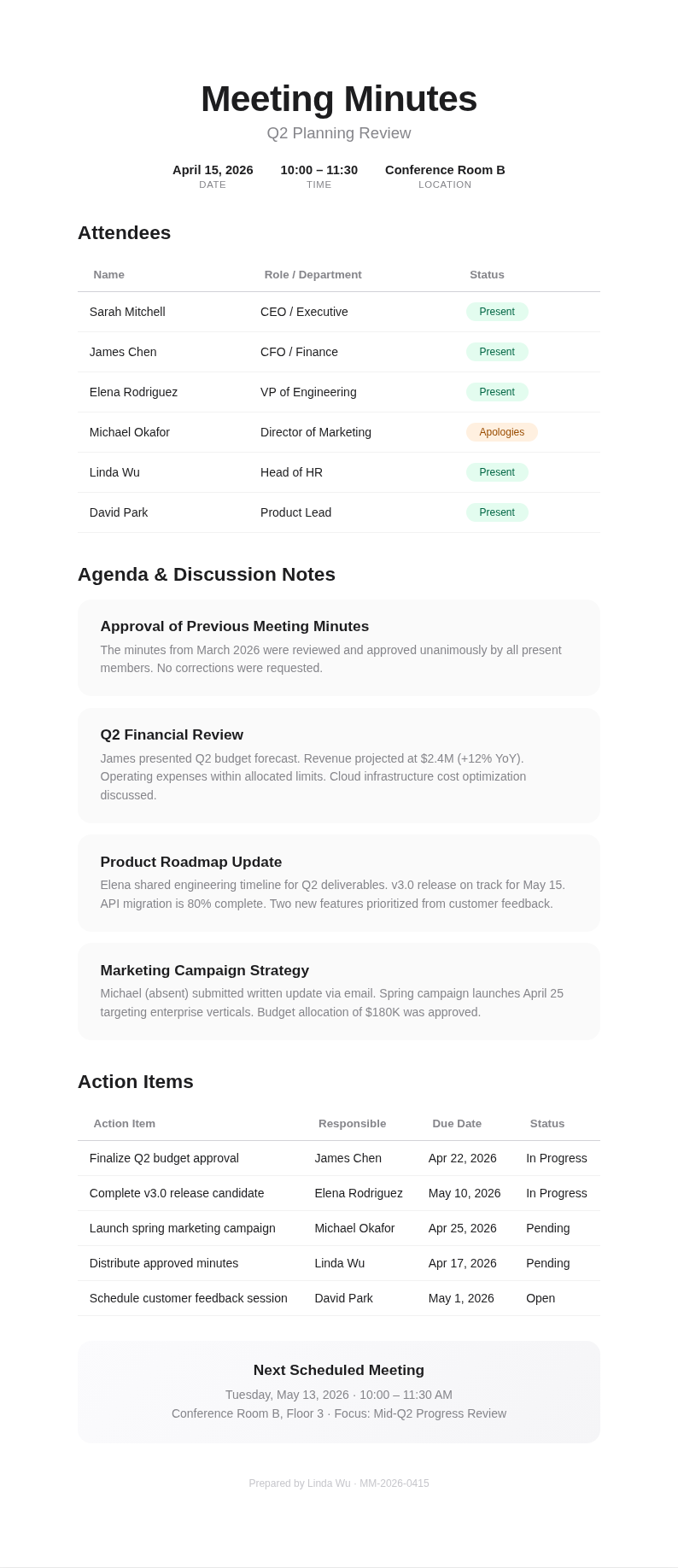
Choose from a wide selection of professionally designed layouts tailored for different meeting types including board meetings, team standups, project check-ins, and client calls. Each template comes pre-configured with the right sections and formatting so your Meeting Minutes Generator output always looks polished and appropriate for the audience.
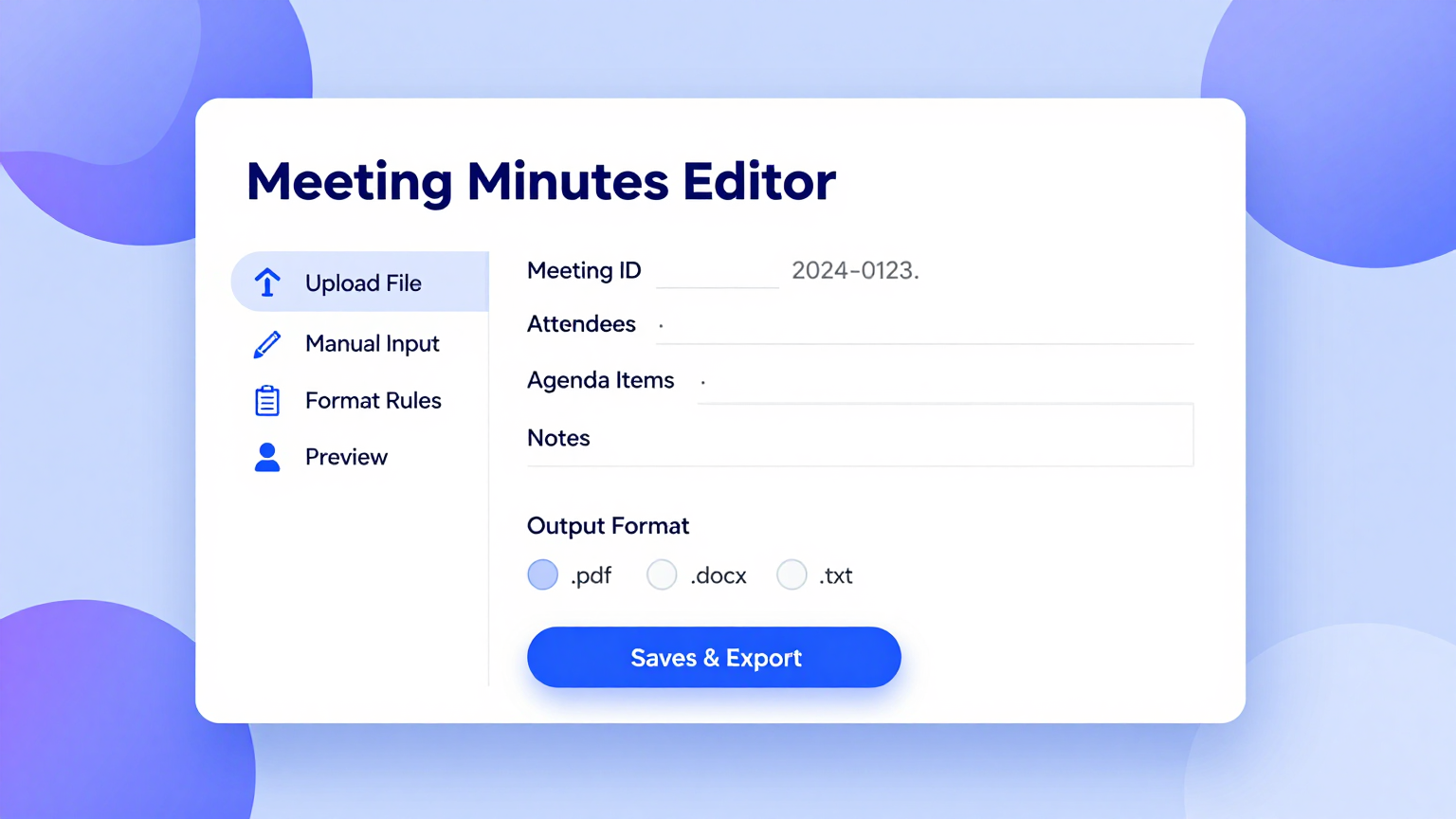
Edit Online
Refine every section of your meeting document with the built-in editor. Update action item owners, add or remove discussion points, adjust motion records, and preview your Meeting Minutes Generator output in real time before finalizing the document for distribution to attendees and stakeholders.
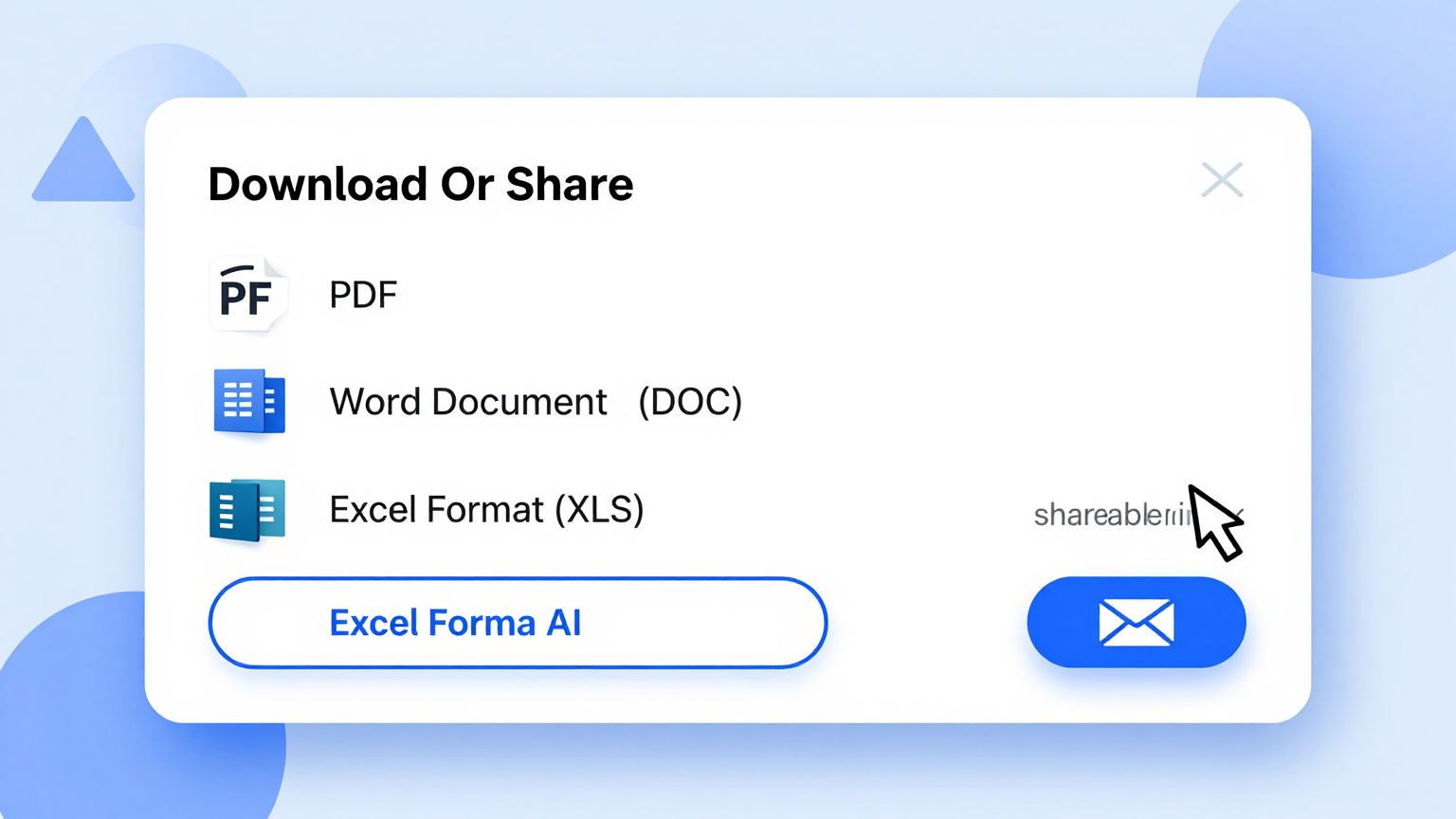
Download & Share
Export your completed meeting minutes as a polished PDF for formal record-keeping or as an editable Word file for further collaboration. Share your Meeting Minutes Generator output directly with attendees, supervisors, or board members, making your meeting documentation workflow fast, consistent, and professional.
Explore Professional Meeting Minutes Templates
Prefer to start from a template? Browse our full collection of meeting minutes layouts and find one that fits your meeting style.
Frequently Asked Questions
Helpful information about using our tool.
- Is the Meeting Minutes Generator free to use?
- Yes. the generator is completely free with no hidden charges, subscriptions, or account requirements. You can generate, edit, and download as many sets of meeting minutes as you need without paying anything. Meeting Minutes Generator provides full access to every template and export option at absolutely no cost to you, with no limitations on the number of documents you can create.
- What types of meetings does the Meeting Minutes Generator support?
- this tool supports board meetings, team standups, project reviews, committee sessions, client calls, one-on-one meetings, and departmental check-ins. Each type has a dedicated template with pre-configured sections and formatting carefully tailored for that specific meeting format, so you always get the right structure for your particular situation and intended audience.
- Do I need to install anything to use the Meeting Minutes Generator?
- No installation is needed. our tool runs entirely in your web browser with no plugins, extensions, or software downloads required. Simply open the page, choose a template that suits your meeting, fill in the details, and download your finished minutes. The tool works on desktops, tablets, and mobile devices without any setup or configuration.
- Can I save and edit my meeting minutes later?
- You can download your meeting minutes as a Word document and reopen it anytime for further editing. While the the tool does not store documents on our servers for privacy and security reasons, keeping the downloaded Word file lets you return to your minutes whenever you need to make updates before distributing the final version to attendees and stakeholders.
- Is the Meeting Minutes Generator suitable for formal board meetings?
- Yes. the generator includes templates specifically designed for formal board meetings that cover call to order, roll call, approval of previous minutes, motions, votes, resolutions, and adjournment. The tool helps corporate secretaries and board administrators produce accurate, properly formatted records that meet governance requirements and can be filed for official reference.
- How long does it take to generate meeting minutes?
- Most users complete their meeting minutes in under five minutes using the this tool. Once you input the meeting details and select a template, a formatted draft is produced instantly. You then review the content, make any adjustments to the details and action items, and download the final version for distribution to your team or organization.
- Can multiple team members use the Meeting Minutes Generator?
- Each team member can independently use our tool to create meeting minutes for the sessions they attend or facilitate. You can share the downloaded Word files among team members for collaborative editing in Google Docs or Microsoft Word. The tool ensures consistent formatting across all team members' documents, keeping your organization's records uniform and professional.
- What export formats does the Meeting Minutes Generator support?
- the tool lets you export your finished minutes as a PDF for formal distribution and archiving or as a Microsoft Word file for further editing and collaboration. Both export formats preserve the professional layout, table structures, and formatting that the the tool applies automatically, ensuring a polished result ready for immediate distribution to all meeting attendees.
- Does the Meeting Minutes Generator work for virtual meetings?
- Absolutely. Meeting Minutes Generator is particularly useful for virtual and hybrid meetings where participants join from different locations. You can use the the tool to document video conference discussions, capture chat-based decisions, and record action items assigned to remote team members, helping distributed teams maintain clear documentation and accountability regardless of where participants are located.
- Can I add my company logo to the meeting minutes?
- Yes. The Meeting Minutes Generator allows you to customize the header, footer, and branding of your document. You can add your company logo, adjust colors, and include custom text so that your meeting minutes match your organization's visual identity while maintaining a clean and professional appearance throughout the entire document for all stakeholders.
- Does the Meeting Minutes Generator work on mobile devices?
- Yes. The Meeting Minutes Generator allows you to customize the header, footer, and branding of your document. You can add your company logo, adjust colors, and include custom text so that your meeting minutes match your organization's visual identity while maintaining a clean and professional appearance throughout the entire document.
- What makes this Meeting Minutes Generator better than writing manually?
- Meeting Minutes Generator saves significant time by providing pre-structured templates, AI-powered content organization, and instant formatting. Instead of starting from a blank page after every meeting, the tool gives you a polished draft where you simply fill in the specifics, ensuring your meeting minutes are thorough, consistent, and professionally formatted every single time you use it.
Create Your Meeting Minutes Now
Stop struggling with formatting after every meeting. Use our free tool to produce clean, professional minutes in minutes.
No credit card required • AI-powered formatting • Instant download