Generate Business Reports Instantly
Stop spending hours formatting reports and start delivering clear, data-driven business insights. Our AI-powered Business Report Generator helps you create thorough, professional business documents for executive reviews, quarterly summaries, project updates, and strategic analysis in minutes.
How to Create a Business Report Online
Enter Business Data
Provide the report title, reporting period, key metrics, and financial data. Include quantitative results and context about performance. Comprehensive data helps the Business Report Generator produce a thorough draft covering all critical aspects of your organization's results.
Select a Template
Choose the format that fits your purpose. Options include executive summaries, quarterly reviews, and financial analysis documents. Each Business Report Generator template has the right sections, from executive overview to detailed findings, tailored for your specific audience.
Review and Customize
Read through the generated report and add your insights and recommendations. Use the editor to refine data interpretations, update figures, and strengthen conclusions. The tool creates a solid foundation that you enhance with organizational knowledge.
Download Your Report
Download your report as a PDF for formal presentations or a Word file for collaborative editing. The Business Report Generator preserves all formatting, charts, and data tables so the document you share with executives and stakeholders looks exactly like what you reviewed.
Input Your Data
Enter your business metrics, financial figures, project milestones, and operational data into the Business Report Generator. Paste spreadsheet data, meeting notes, or performance statistics and the tool automatically structures your input into organized report sections ready for analysis and presentation.

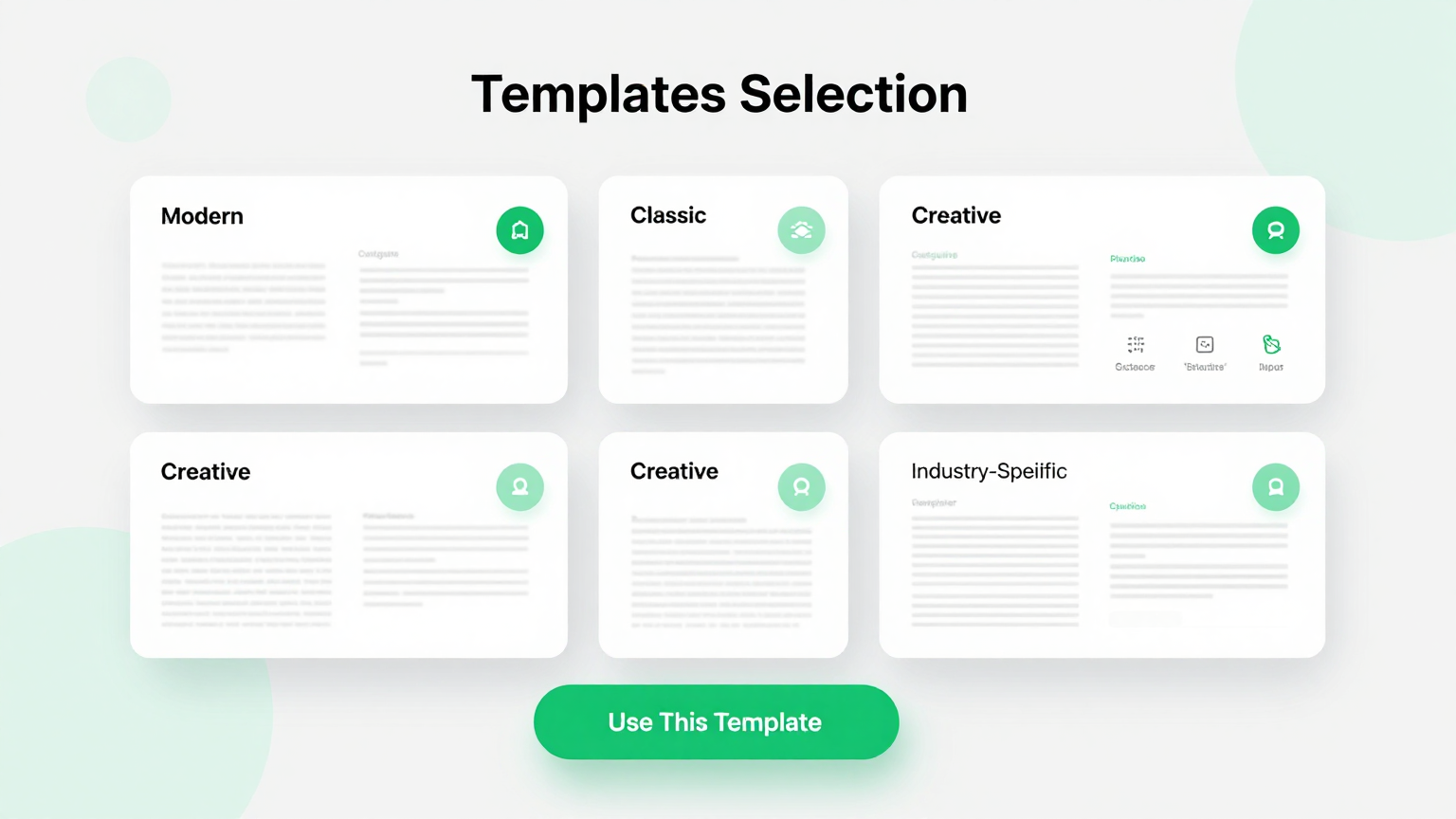
Professional Templates
Choose from templates designed for executive summaries, quarterly reviews, project status reports, and financial analyses. Each template in the Business Report Generator includes the professional structure, section headings, and formatting that stakeholders and leadership teams expect in formal business reporting.
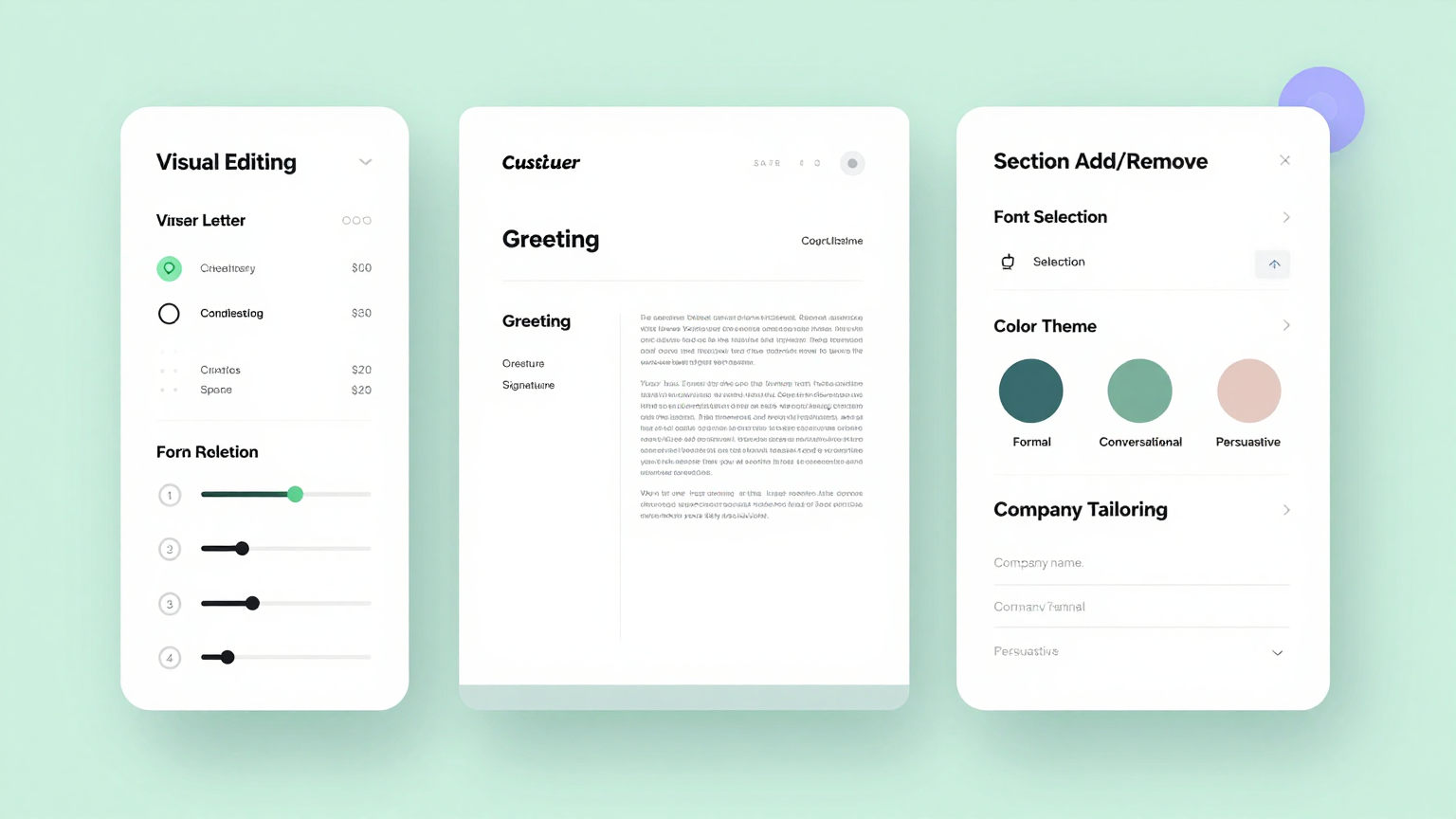
Edit Online
Refine every section of your report with the built-in editor. Update financial figures, adjust analysis text, add charts and data tables, and preview the complete document in real time. The Business Report Generator gives you full control over how your findings and recommendations are presented to your audience.
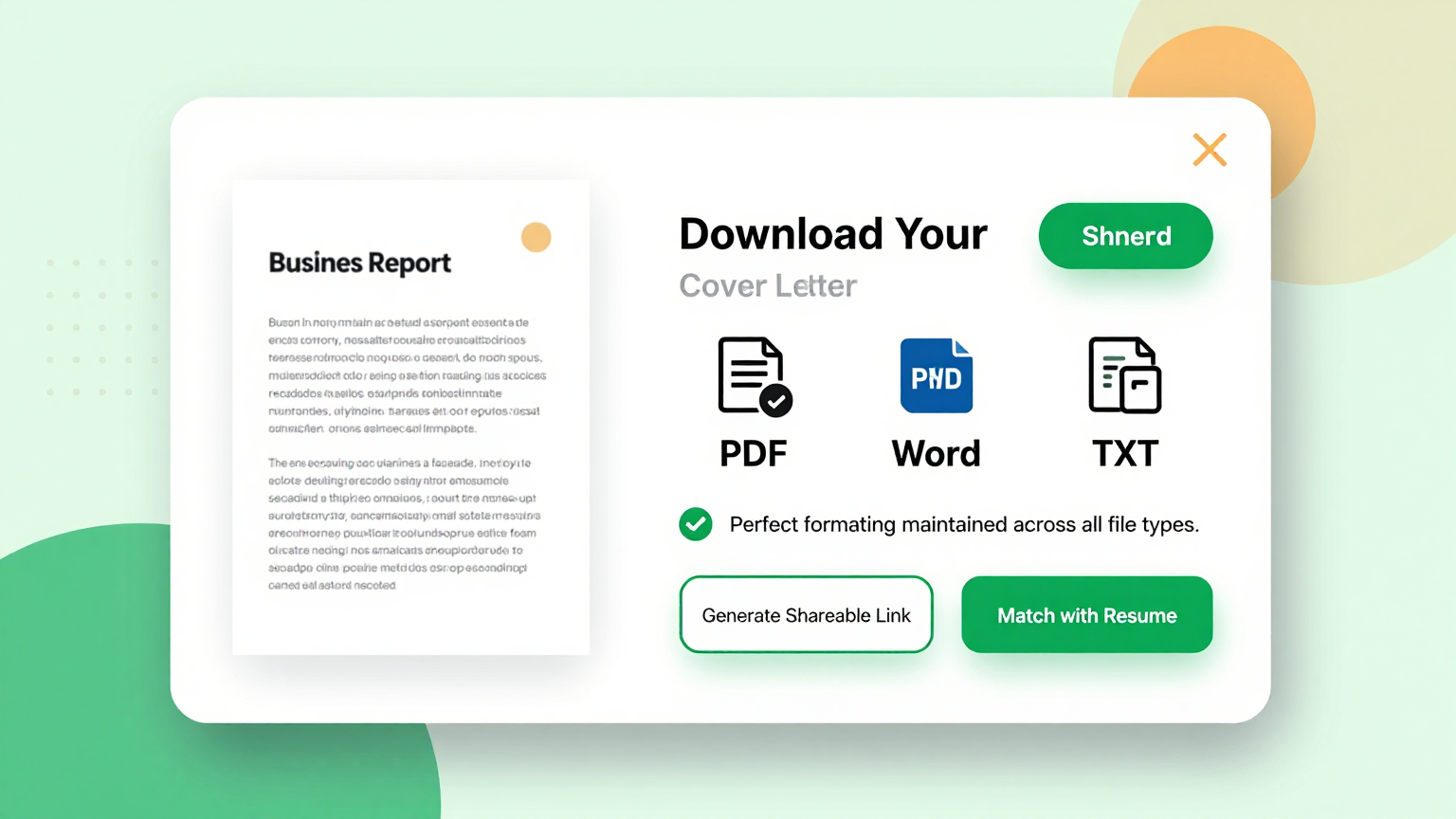
Download & Share
Export your finished business report as a polished PDF for board presentations or as a Word file for team collaboration and further editing. The Business Report Generator preserves all charts, tables, and professional formatting so your document looks polished and credible when it reaches stakeholders.
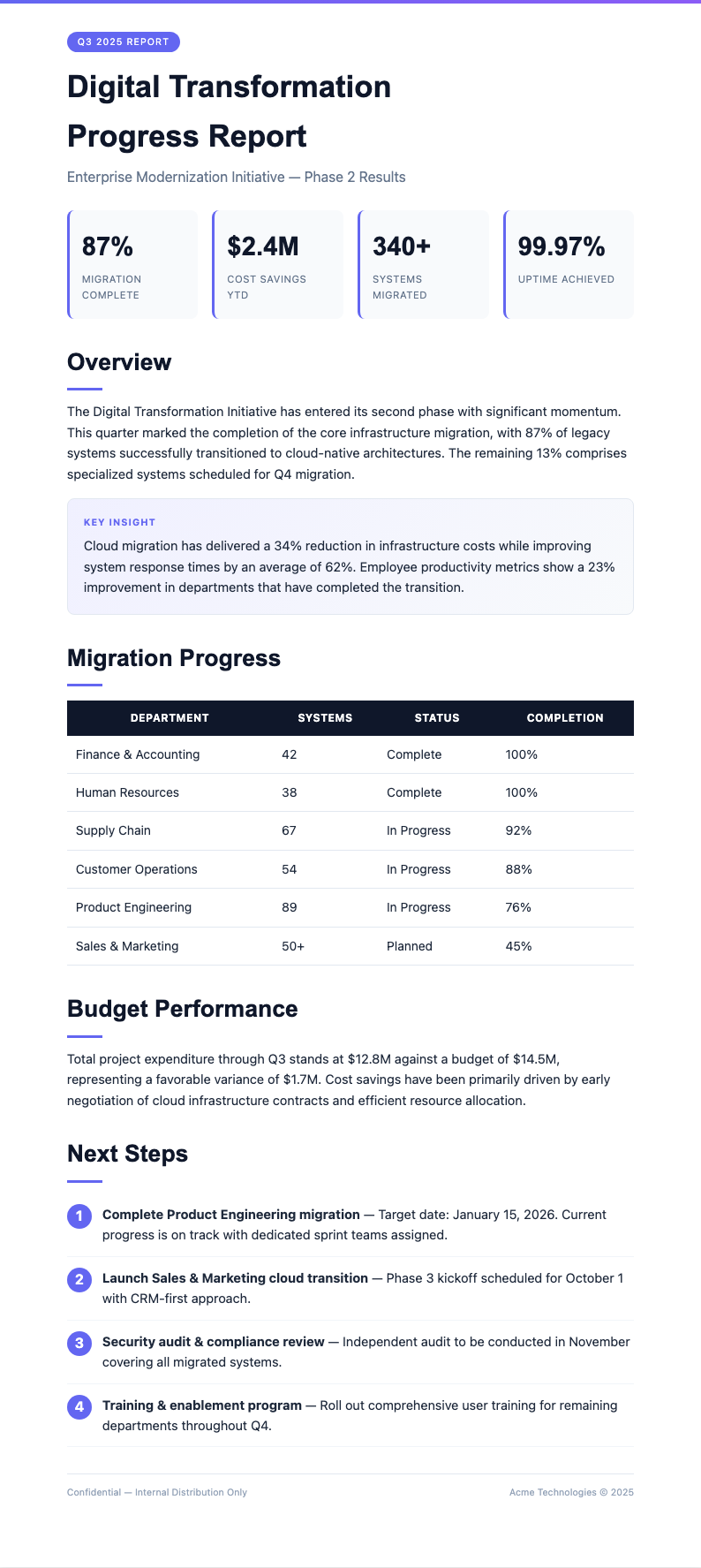
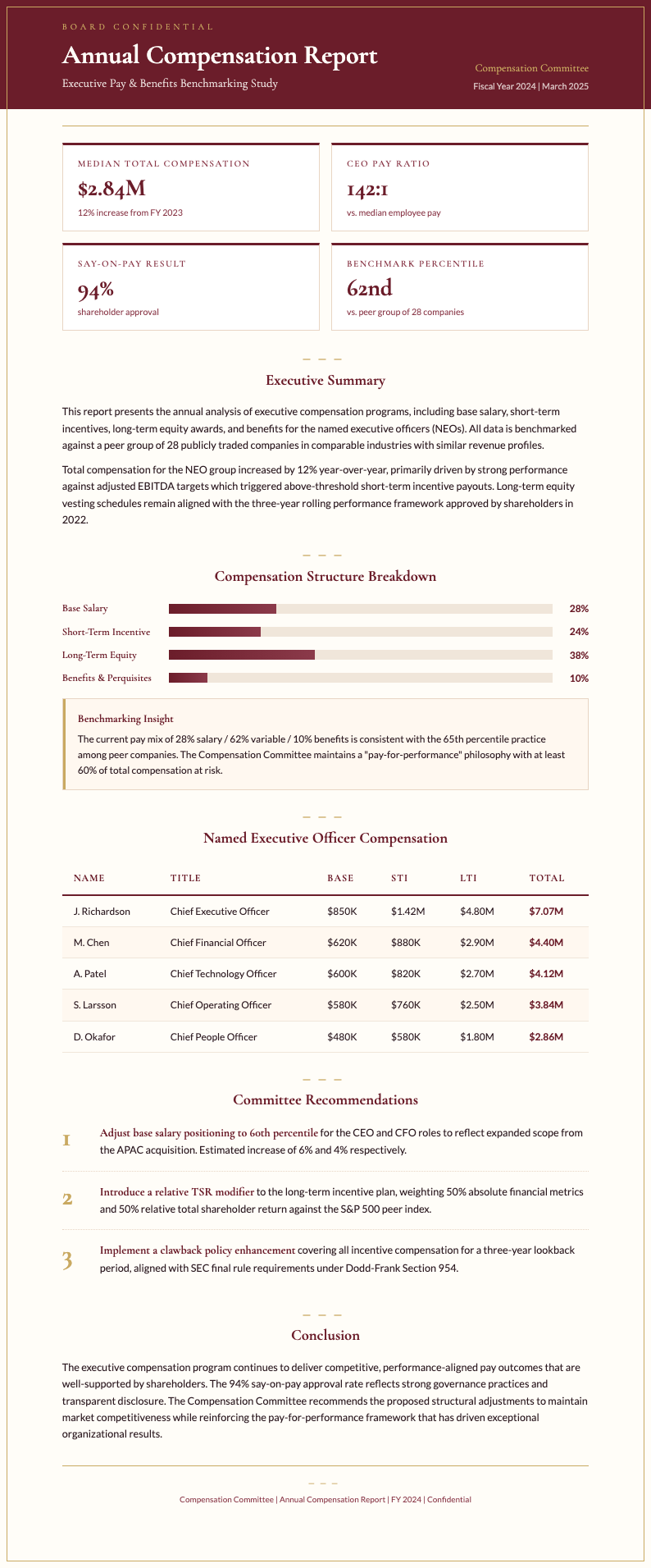
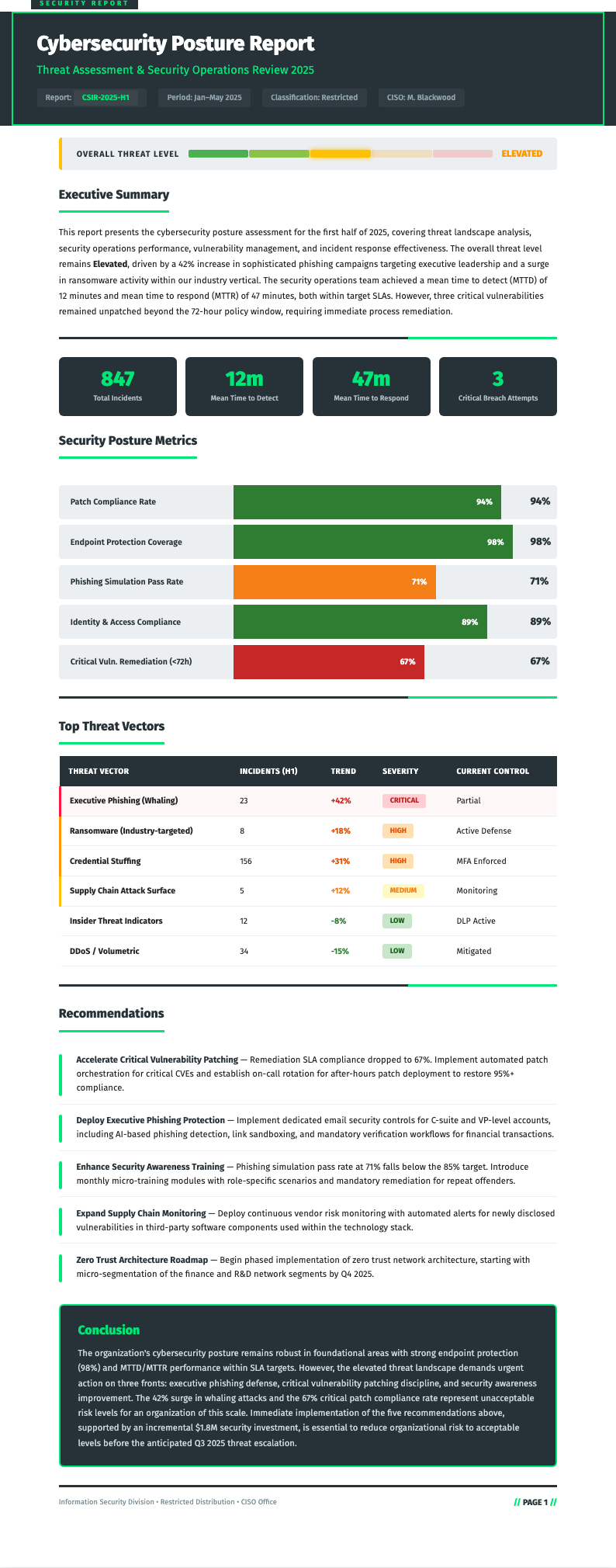
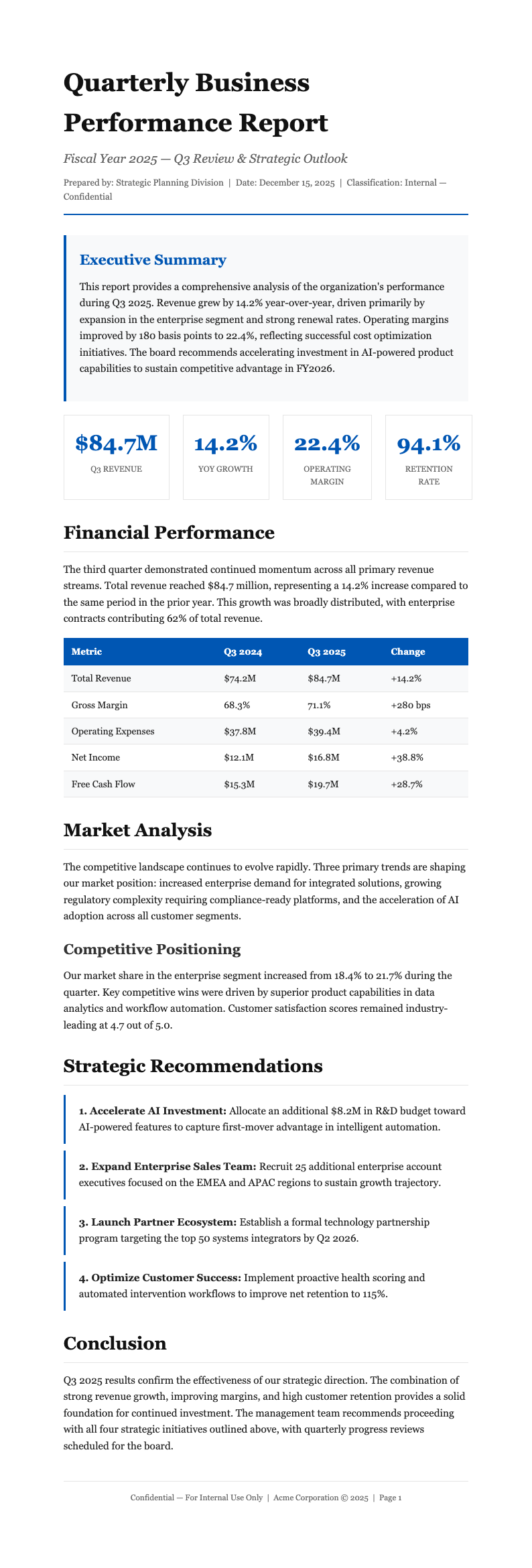
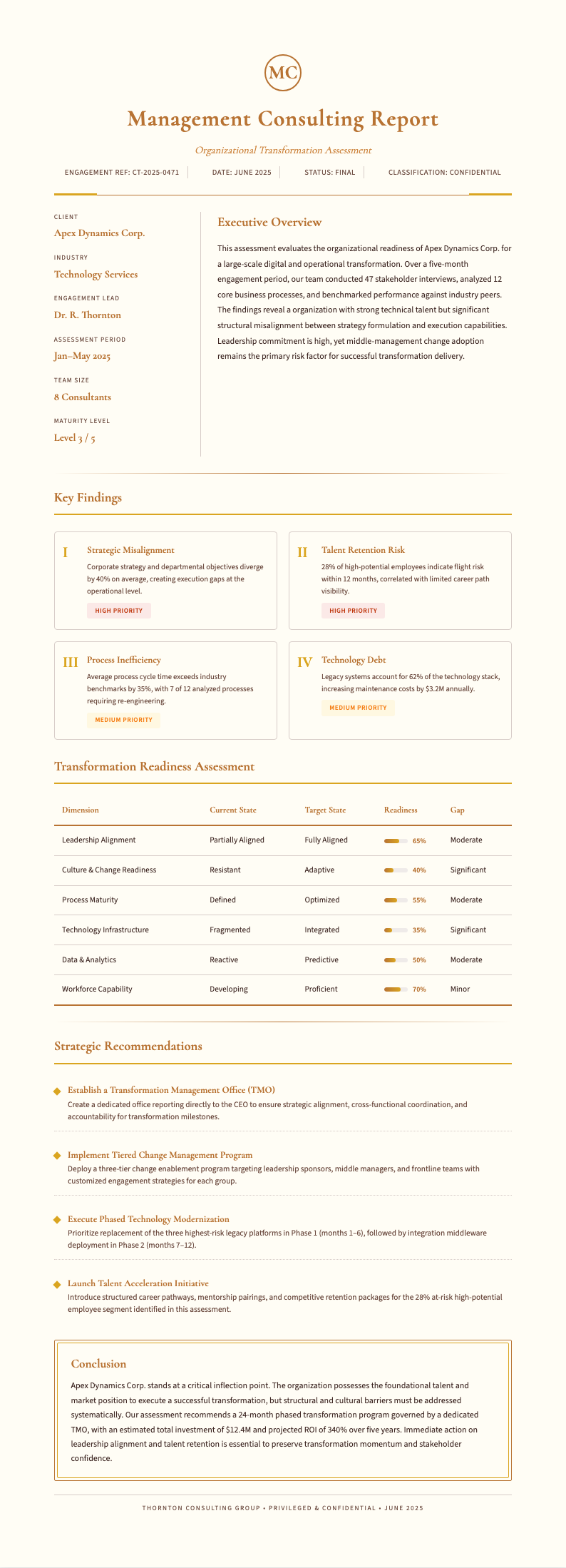
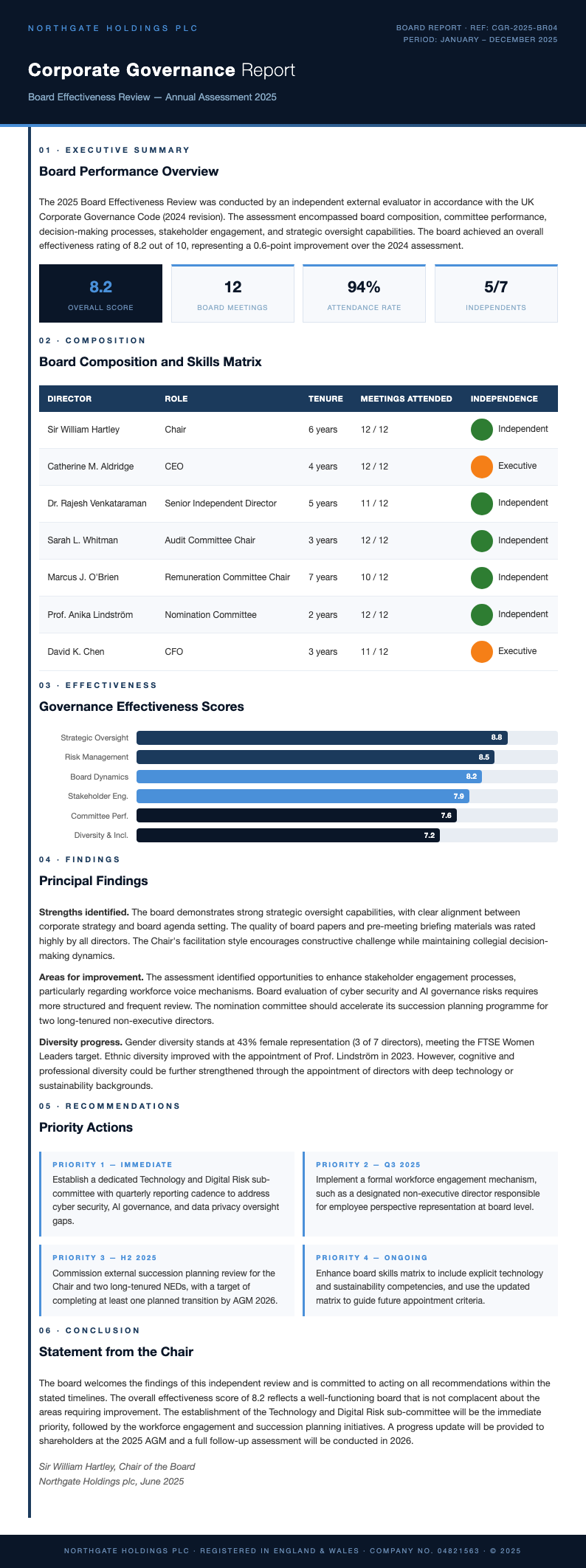
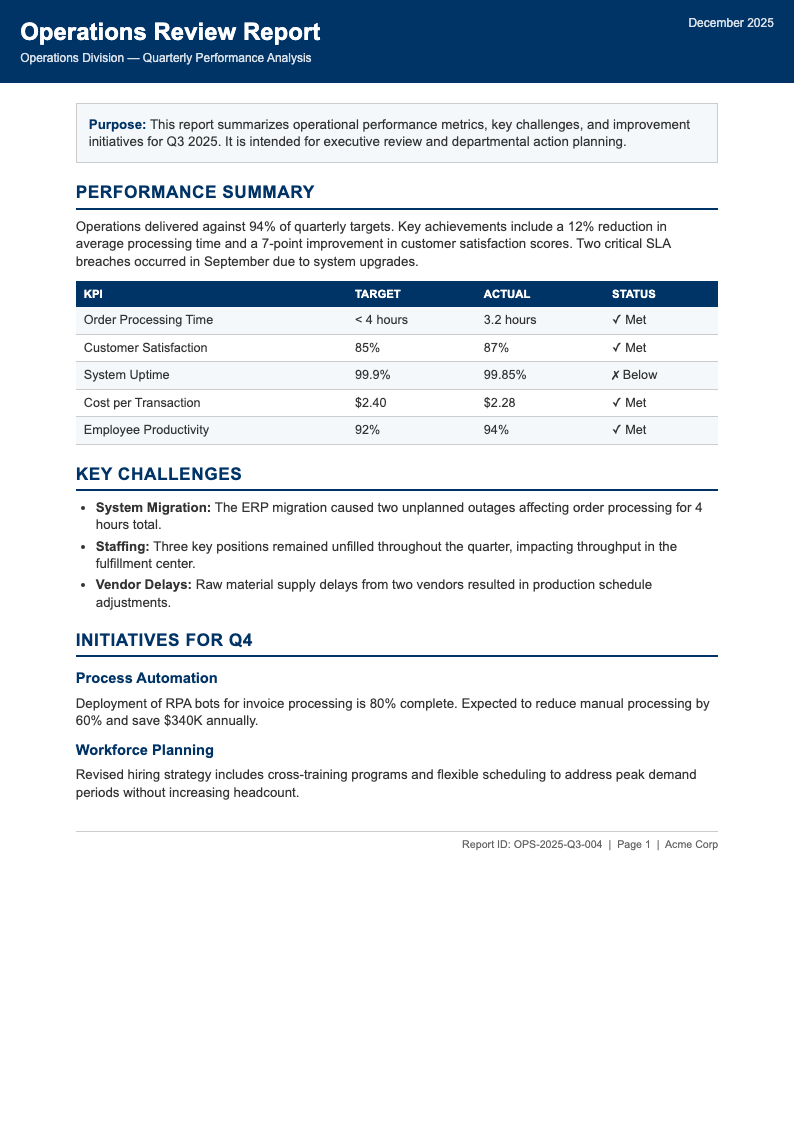
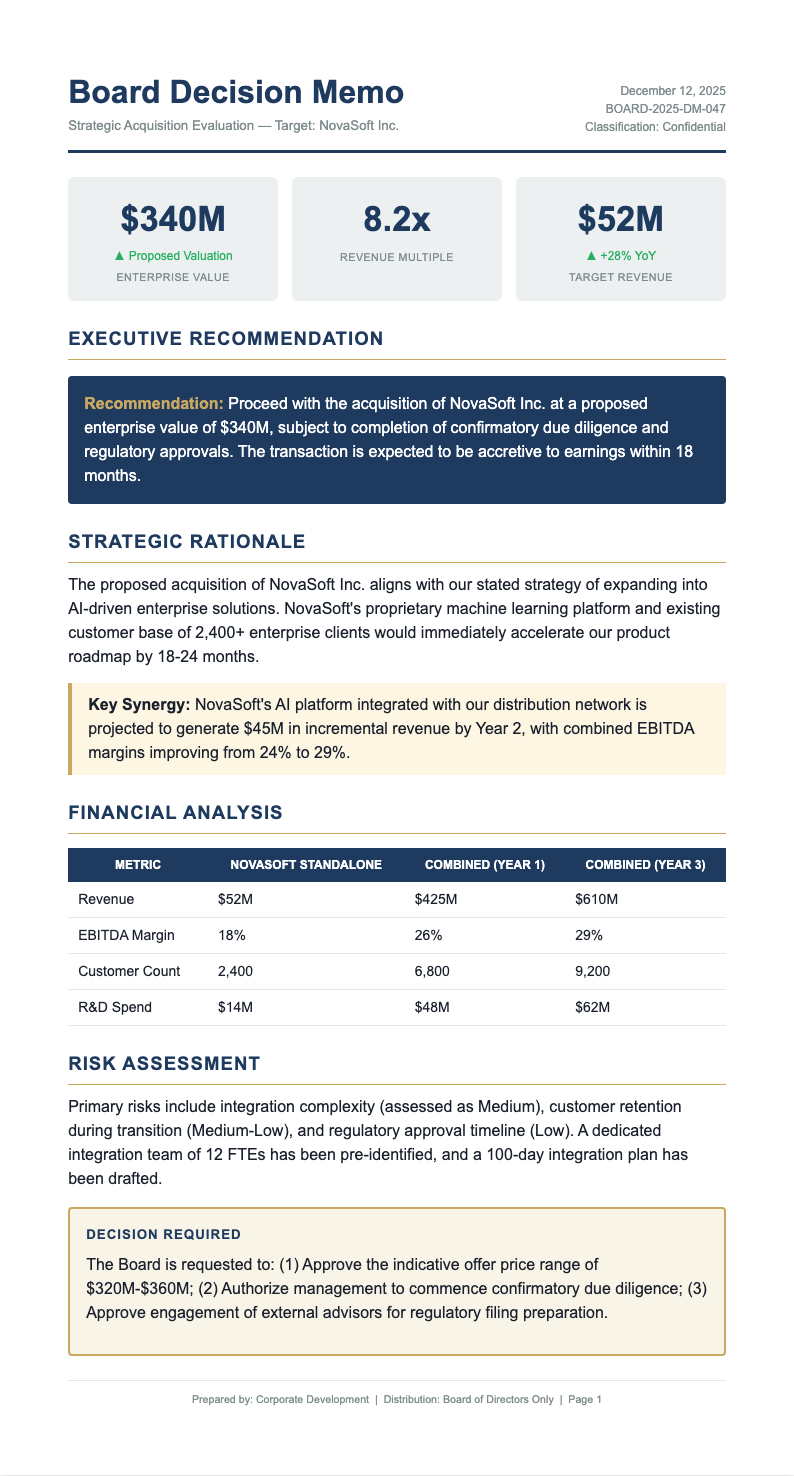
Explore Professional Business Report Templates
Prefer to start from a template? Browse our full collection of business report layouts and find one that fits your reporting needs.


Frequently Asked Questions
Helpful information about using our tool.
- Is the Business Report Generator free to use?
- Yes. The tool is completely free with no hidden charges, subscriptions, or account requirements. You can generate, edit, and download as many business reports as you need without paying anything at all. The Business Report Generator provides full access to every template and export option at absolutely no cost, with no limitations on usage or the number of reports you can create.
- What types of business reports can I create?
- The Business Report Generator supports executive summaries, quarterly business reviews, annual performance reports, project status updates, financial analysis documents, operational reviews, and strategic planning reports. Each type has a dedicated template with pre-configured sections and formatting carefully structured for that specific reporting purpose, so your document always covers the right topics in the right order.
- Do I need to install anything to use the tool?
- No installation is needed. Our Business Report Generator runs entirely in your web browser with no plugins, extensions, or software downloads required. Simply open the page, select a template, enter your data, and download your finished report right away. It works on desktops, tablets, and mobile devices without any setup or special configuration needed.
- Can I add charts and data tables to my report?
- Yes. The Business Report Generator supports adding data visualizations including performance charts, financial trend graphs, comparison tables, and metric dashboards. Visual elements make your report more compelling and easier for stakeholders to understand. The tool helps you present complex business data in a clear, visually appealing format that strengthens your overall presentation.
- Can I save and edit my business report later?
- You can download your business report as a Word document and reopen it anytime for further editing and data updates. While the Business Report Generator does not store documents on servers for privacy and security reasons, keeping the downloaded Word file lets you return to your report whenever you need to update figures, refine analysis, or add new data points.
- Is the tool suitable for small businesses?
- Absolutely. Small business owners frequently use the Business Report Generator to create monthly performance summaries, quarterly reviews for investors, and annual reports for stakeholders. The tool includes templates designed for businesses of all sizes, with sections for revenue tracking, expense analysis, and growth metrics that help small companies communicate their progress effectively.
- How long does it take to generate a business report?
- Most users complete a solid first draft in under fifteen minutes using the Business Report Generator. Once you input your business data and select a template, the generator produces a structured draft instantly. The time you save on formatting and section organization allows you to focus more energy on gathering accurate data and refining your strategic insights.
- What export formats does the tool support?
- The Business Report Generator lets you export your finished report as a PDF for formal board presentations or as a Microsoft Word file for further editing and team collaboration. Both export formats preserve the professional layout, data tables, charts, and formatting that the generator applies, ensuring a polished and credible result ready to share with stakeholders.
- Can I include financial statements in my report?
- Yes, financial data is a core component of many templates in the this online tool. You can include revenue summaries, expense breakdowns, profit margins, balance sheet highlights, and cash flow analysis. The tool provides structured formats for presenting financial information in a way that clearly communicates your company's fiscal performance to readers and decision-makers.
- Does the tool work on mobile devices?
- Yes, the our tool is fully responsive and works seamlessly on smartphones, tablets, and other mobile devices. You can enter data, select templates, and download your report from any device with a modern web browser, making it convenient to work on your business documents from the office, at home, or while traveling.
- Can I share the report directly with my team?
- Yes. After generating your report, you can download it and share the file via email, cloud storage, or collaboration platforms. The the online tool produces documents in universally compatible formats that any team member can open, review, and provide feedback on, streamlining the collaborative review process for your business reporting workflow.
- What makes this Business Report Generator better than writing manually?
- The this tool saves significant time by providing professionally structured templates with proper section organization, automatic data formatting, and instant layout generation. Instead of building a report section by section from scratch, the tool gives you a comprehensive draft where you fill in your specific data and analysis, ensuring your report is thorough, well-organized, and professionally presented every time.
Create Your Business Report Now
Stop struggling with report formatting and data presentation. Use our free tool to produce a thorough, professional business report in minutes.
No credit card required • AI-powered formatting • Instant download