Edit Fax Cover Page Templates Online for Free
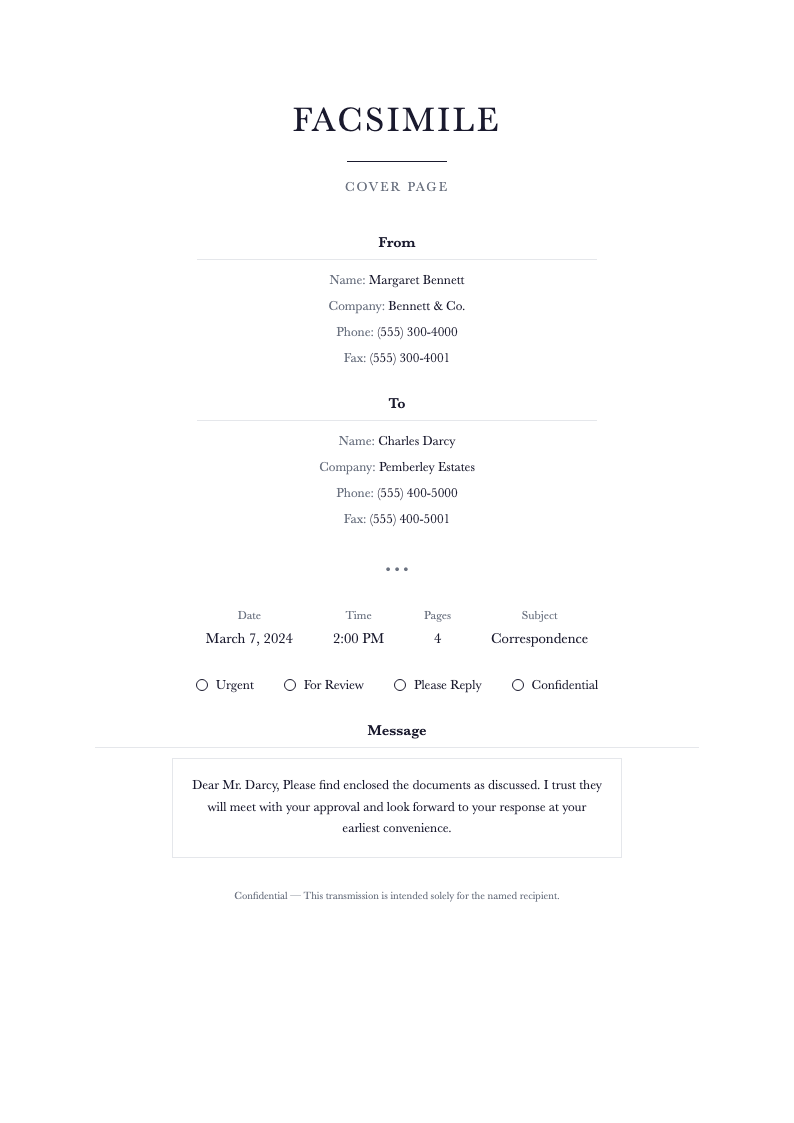
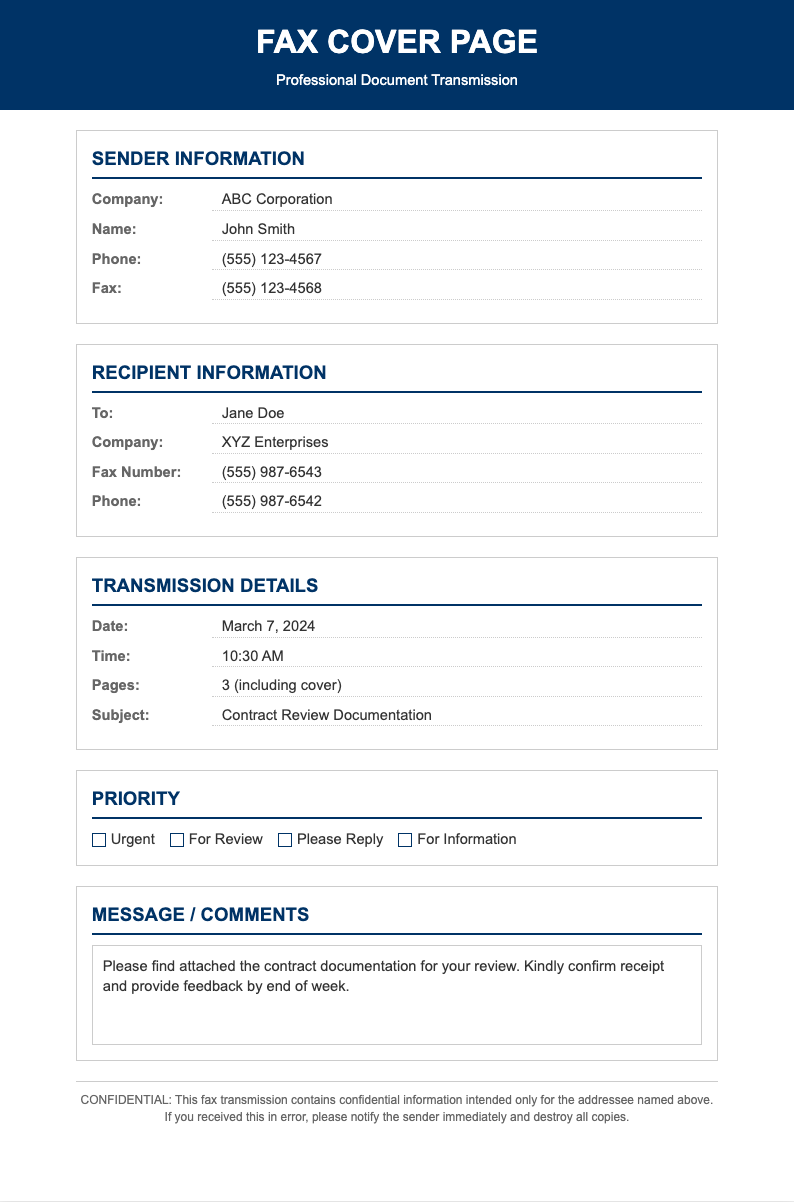
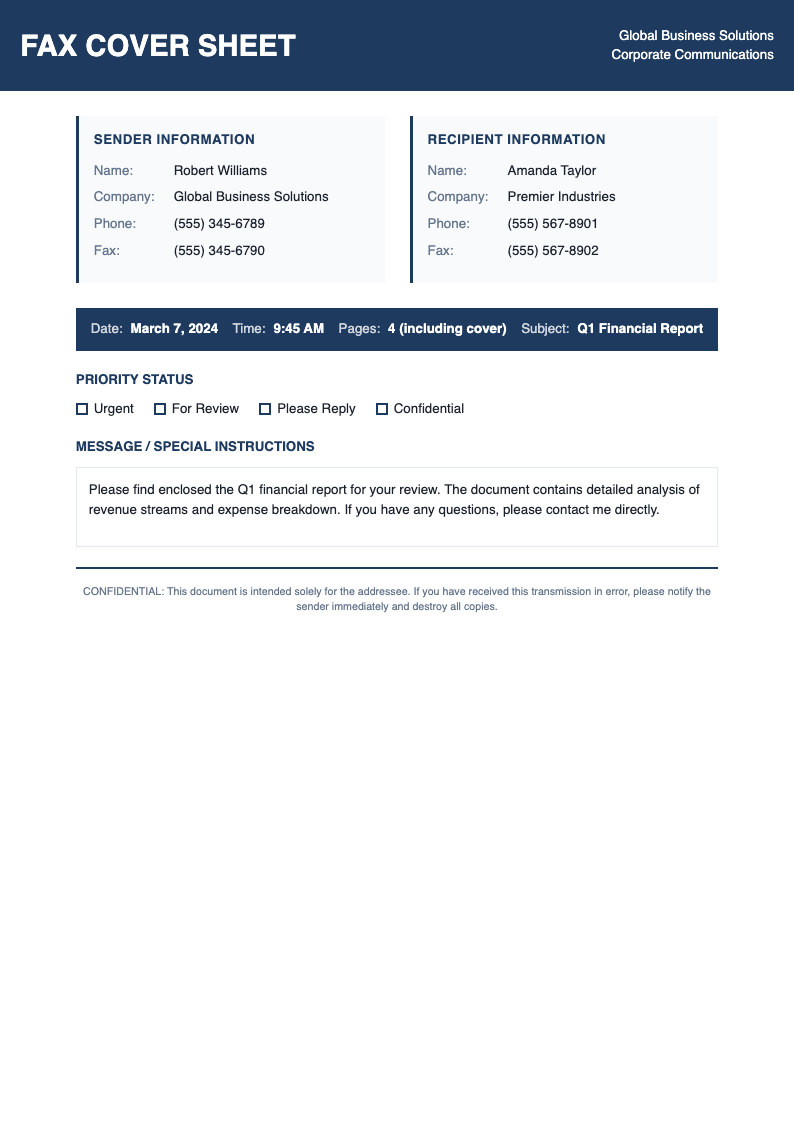
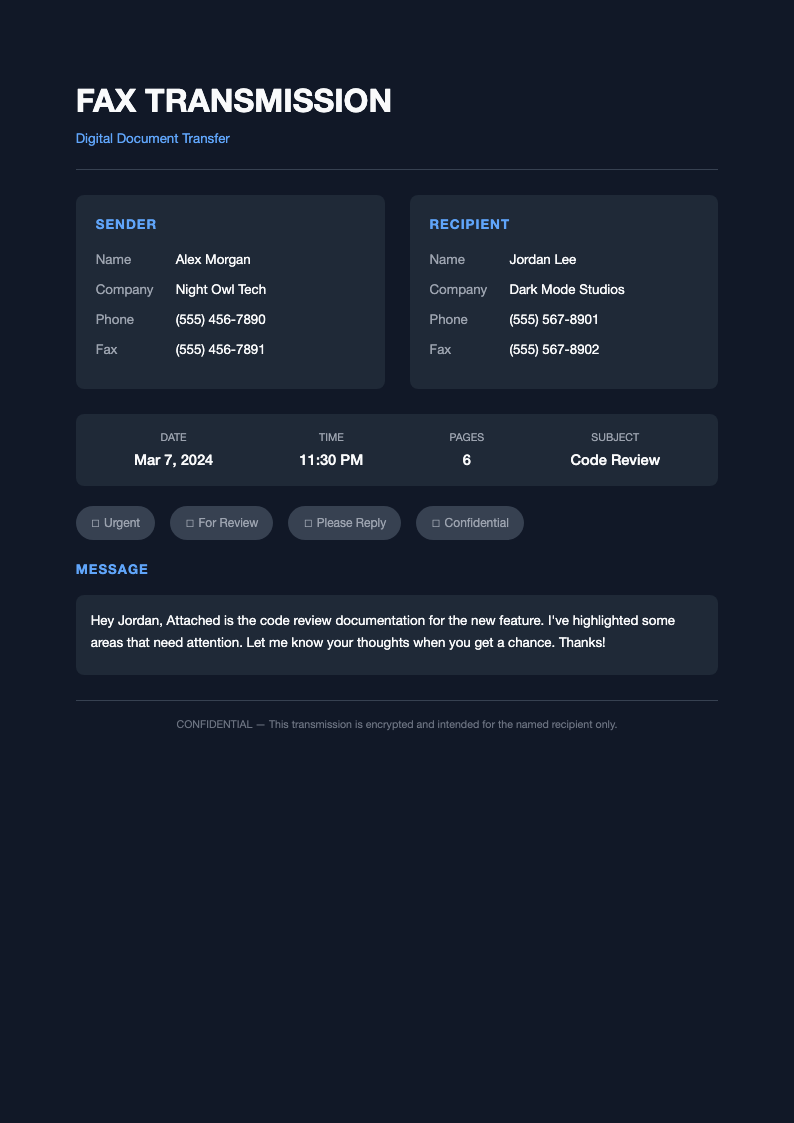
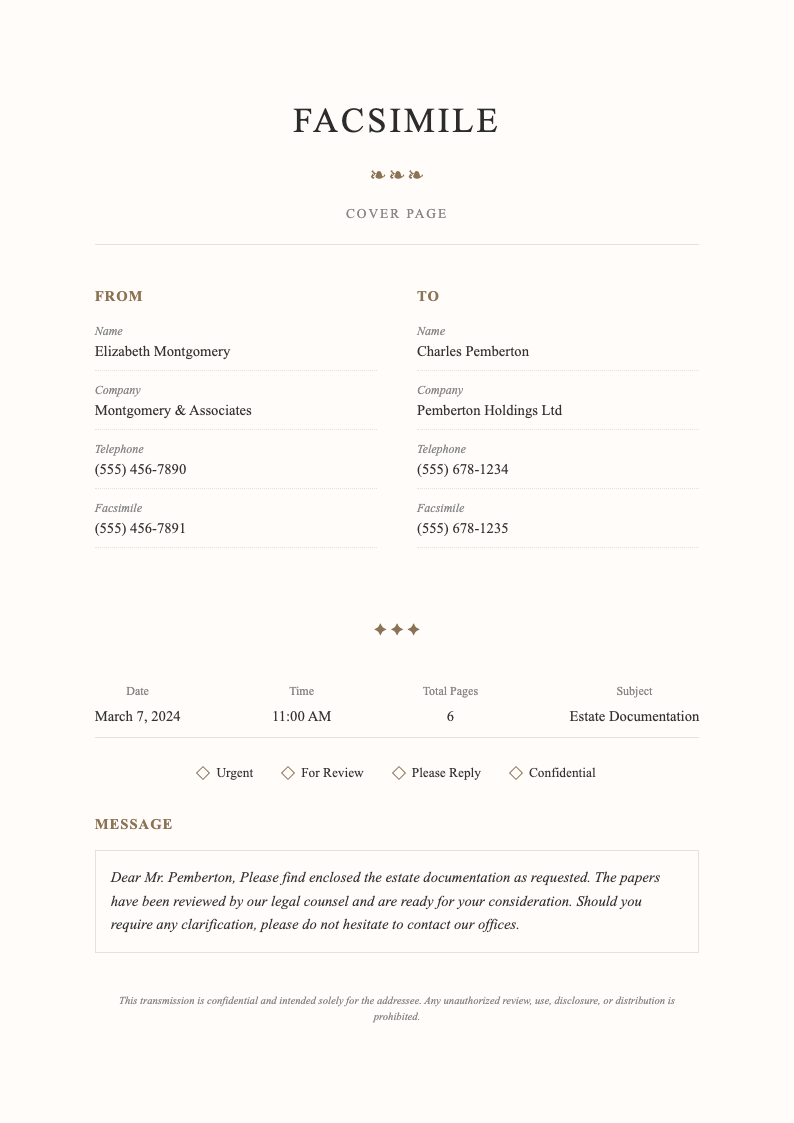
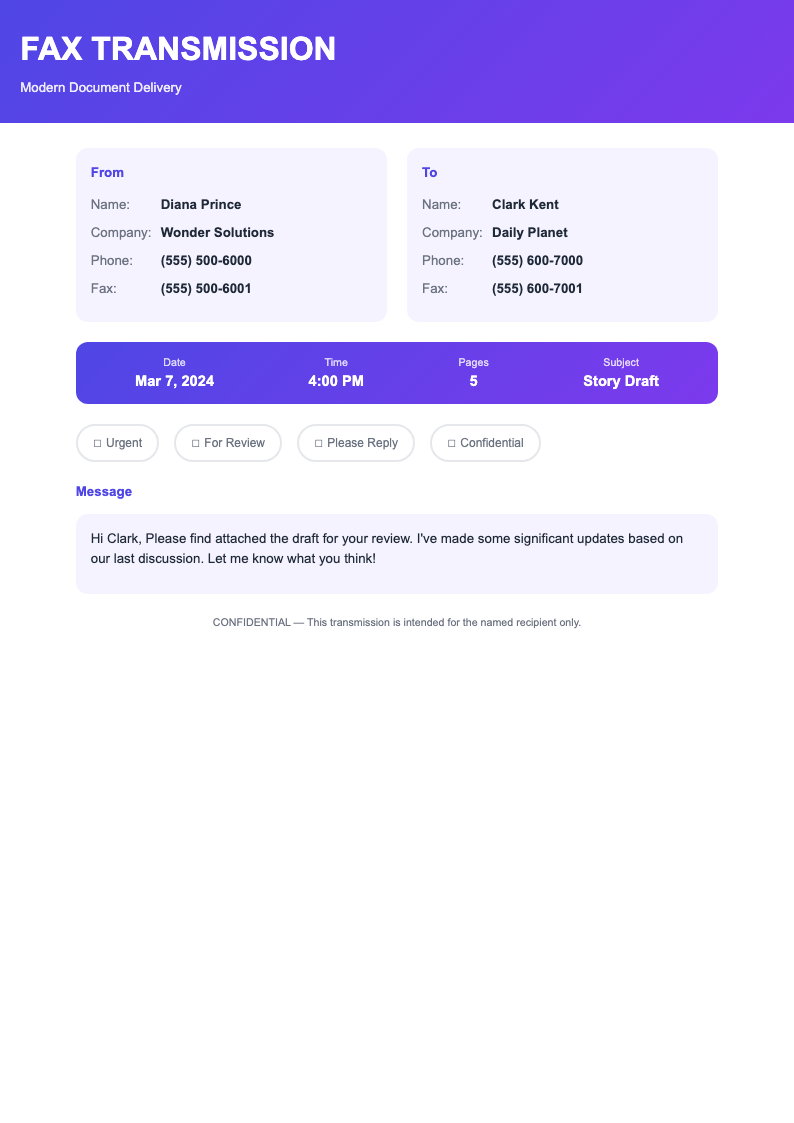
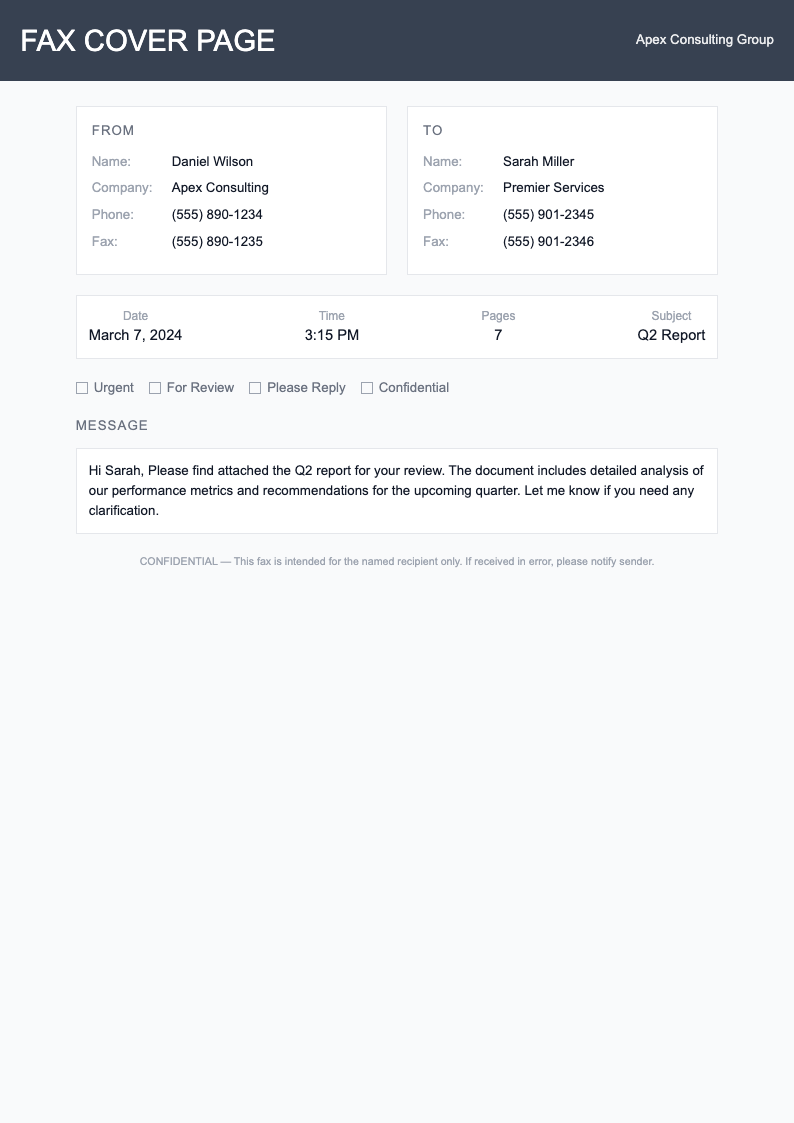
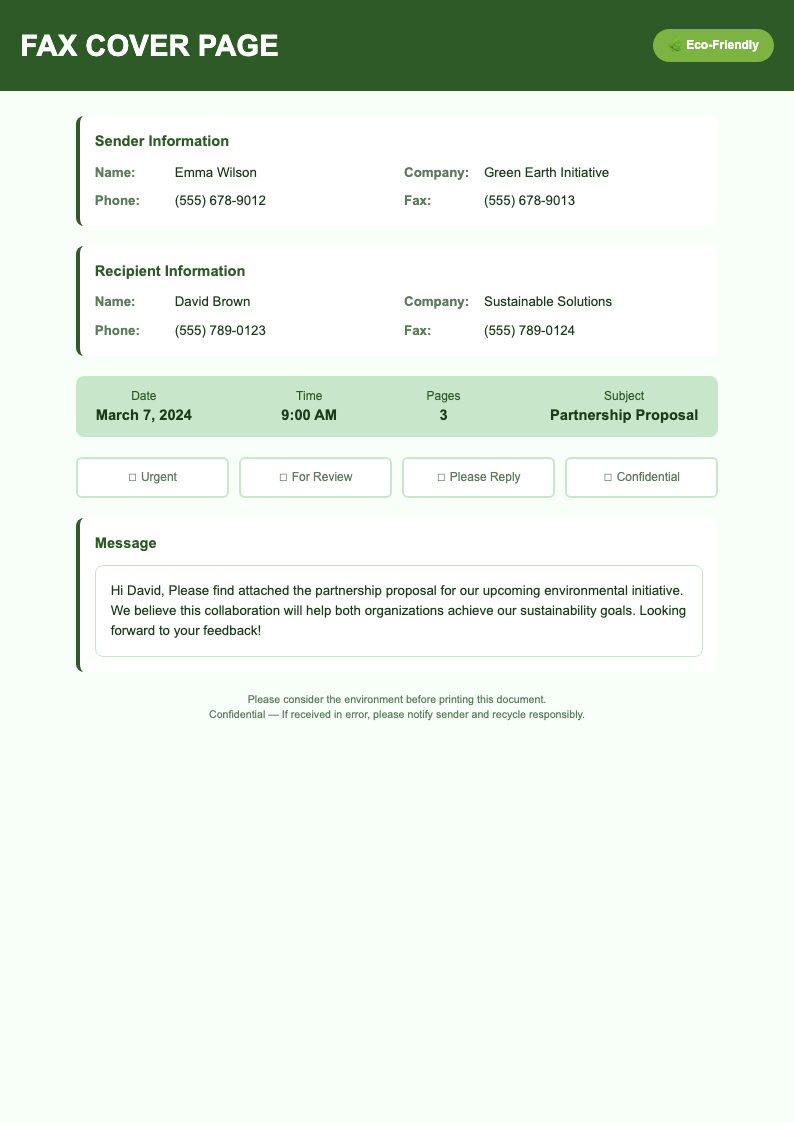
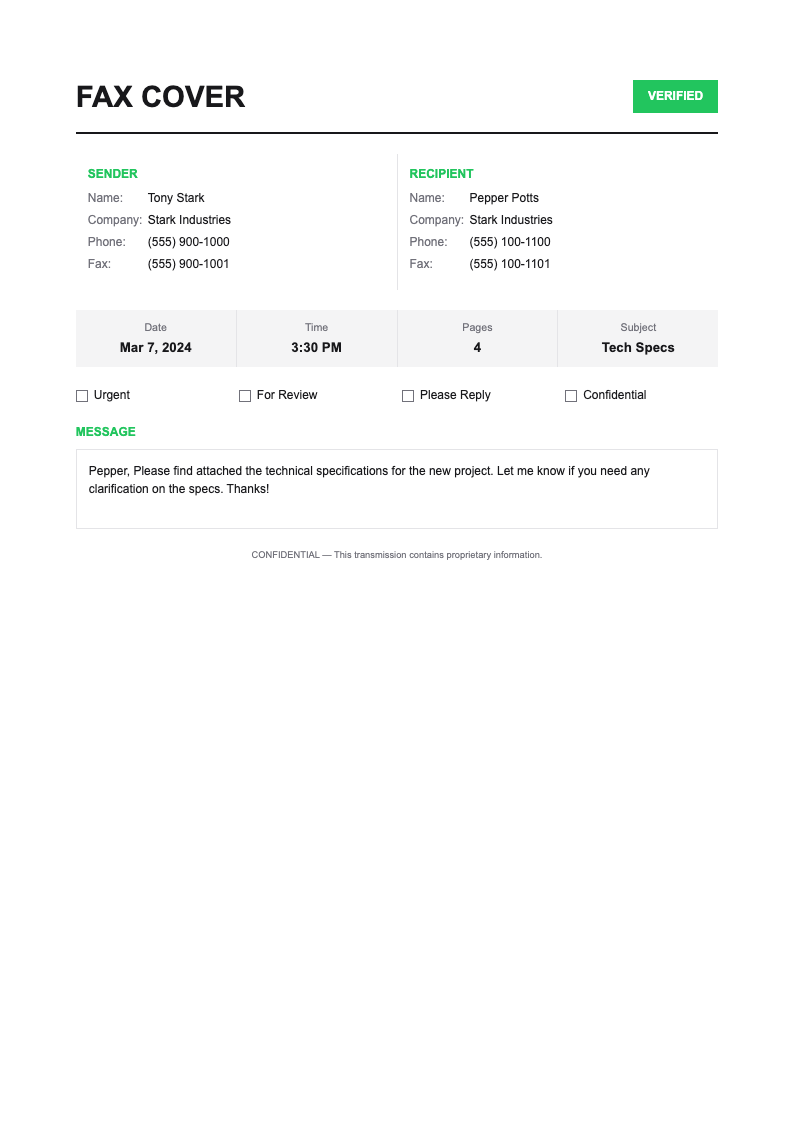
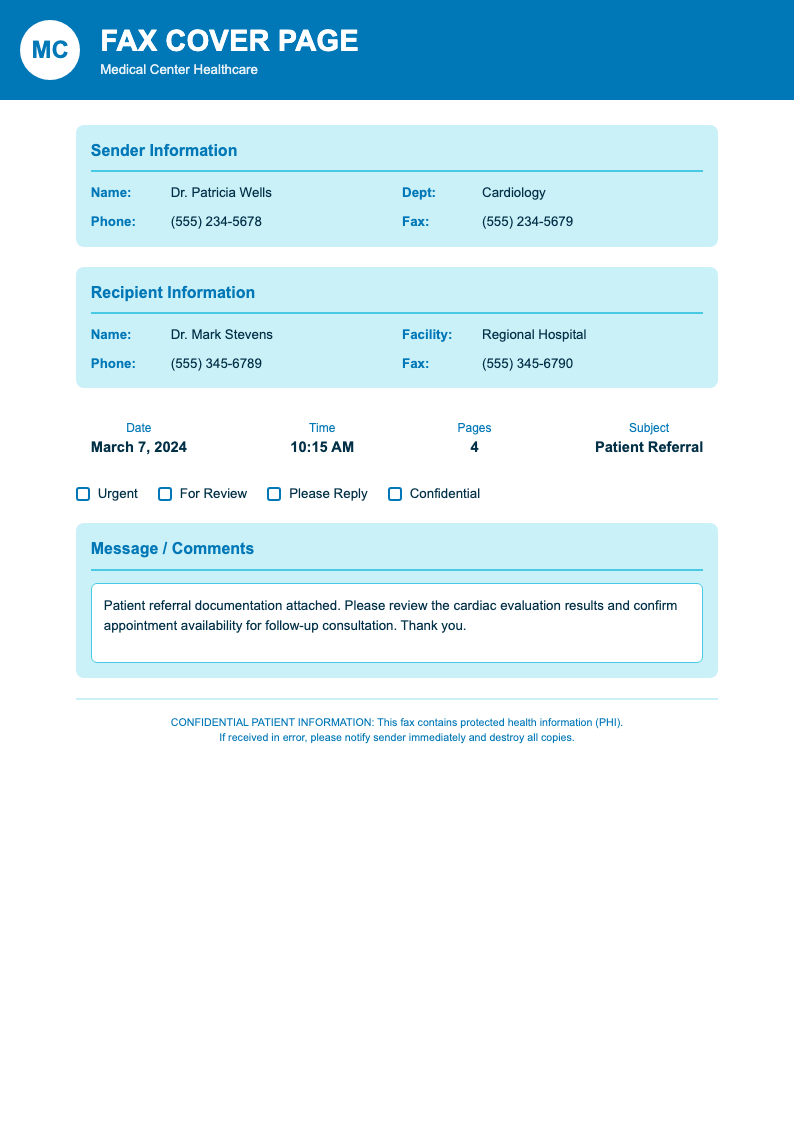
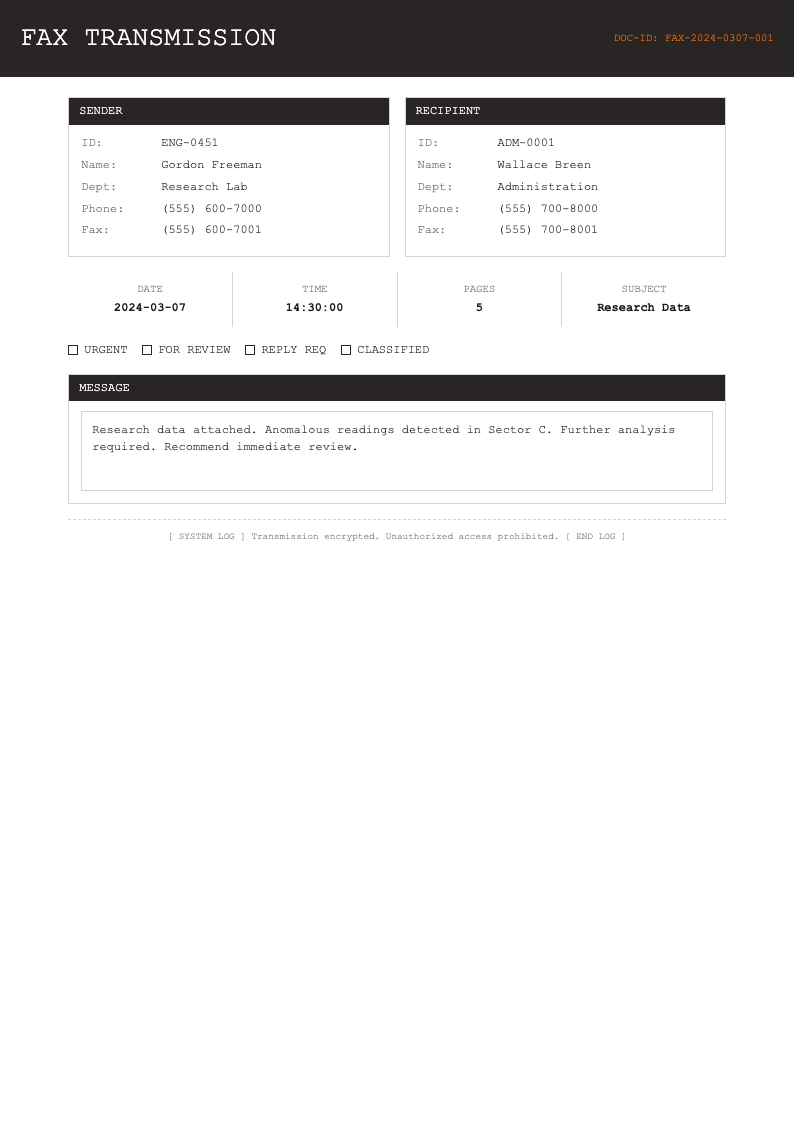
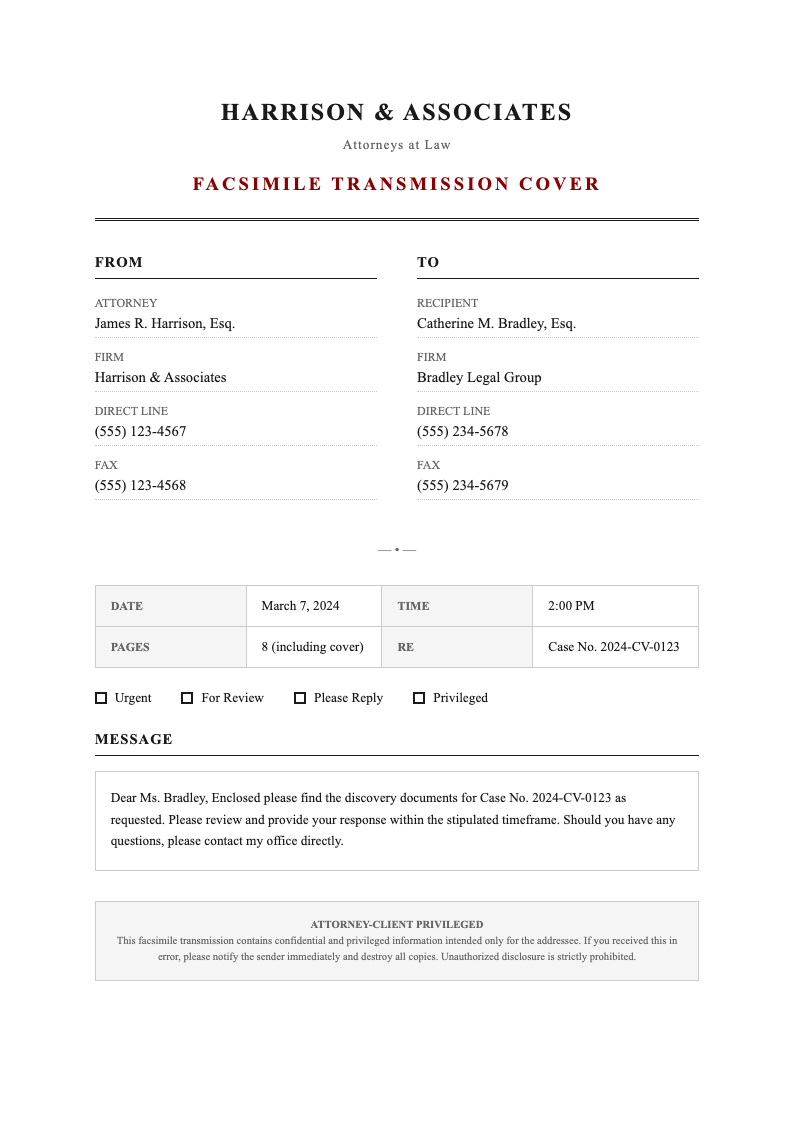
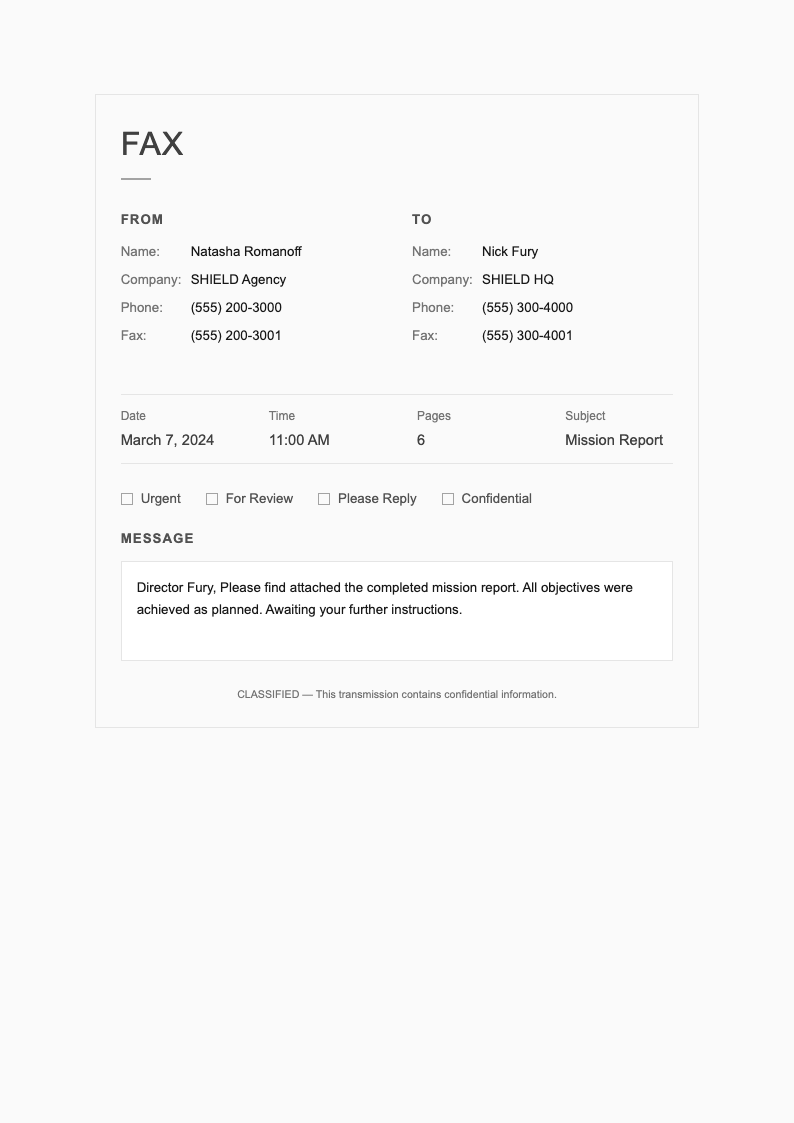
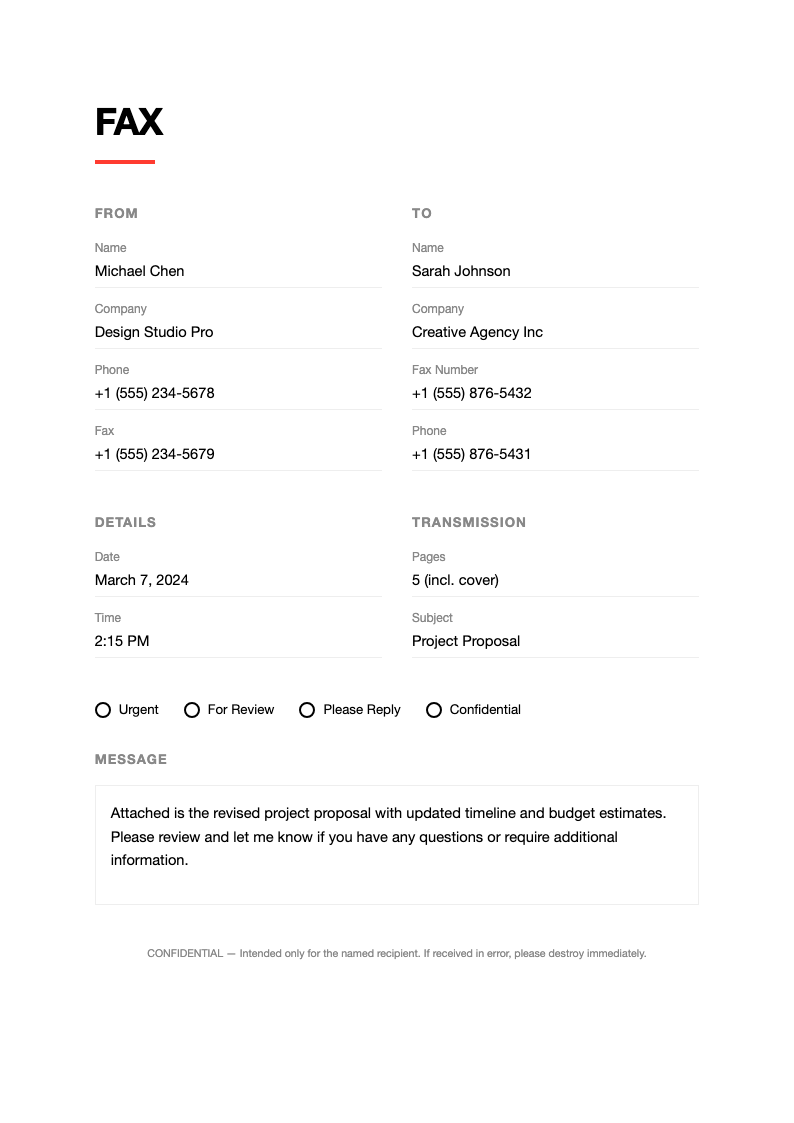
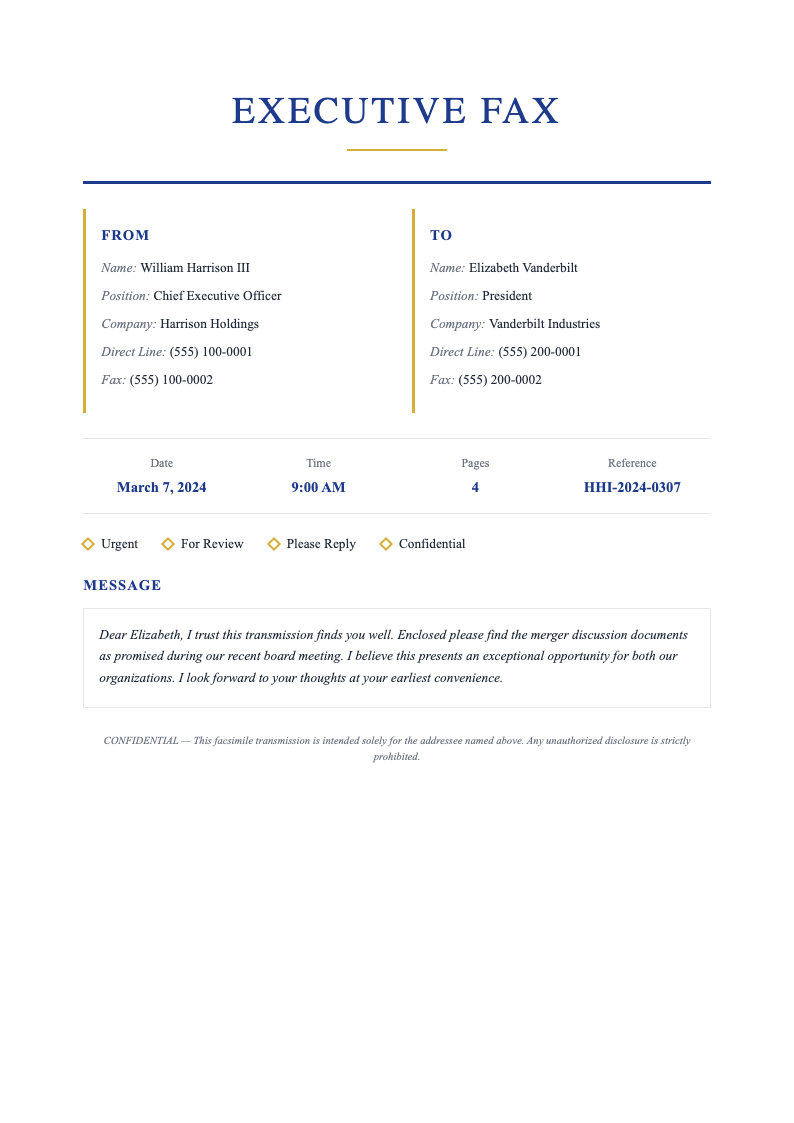
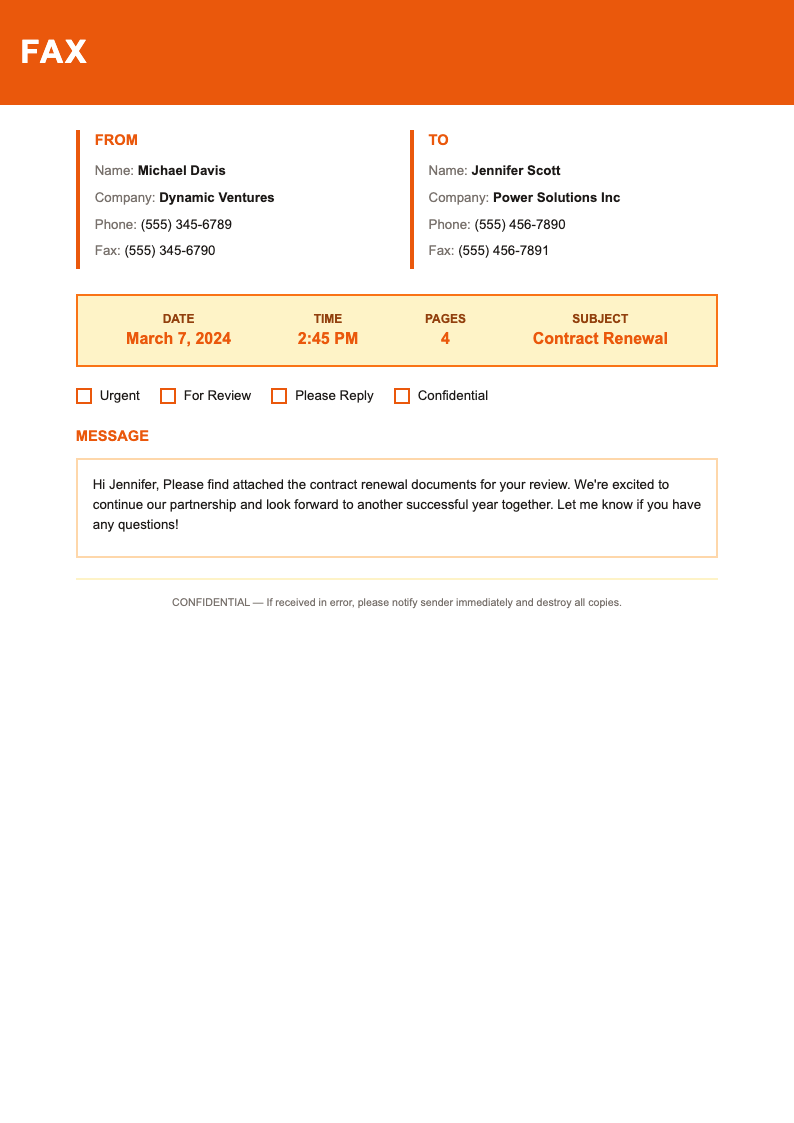
Professionalize your fax communications with AI Formatter's collection of Fax Cover Page templates. Create clear, organized cover sheets that identify sender, recipient, and document contents for efficient business correspondence.
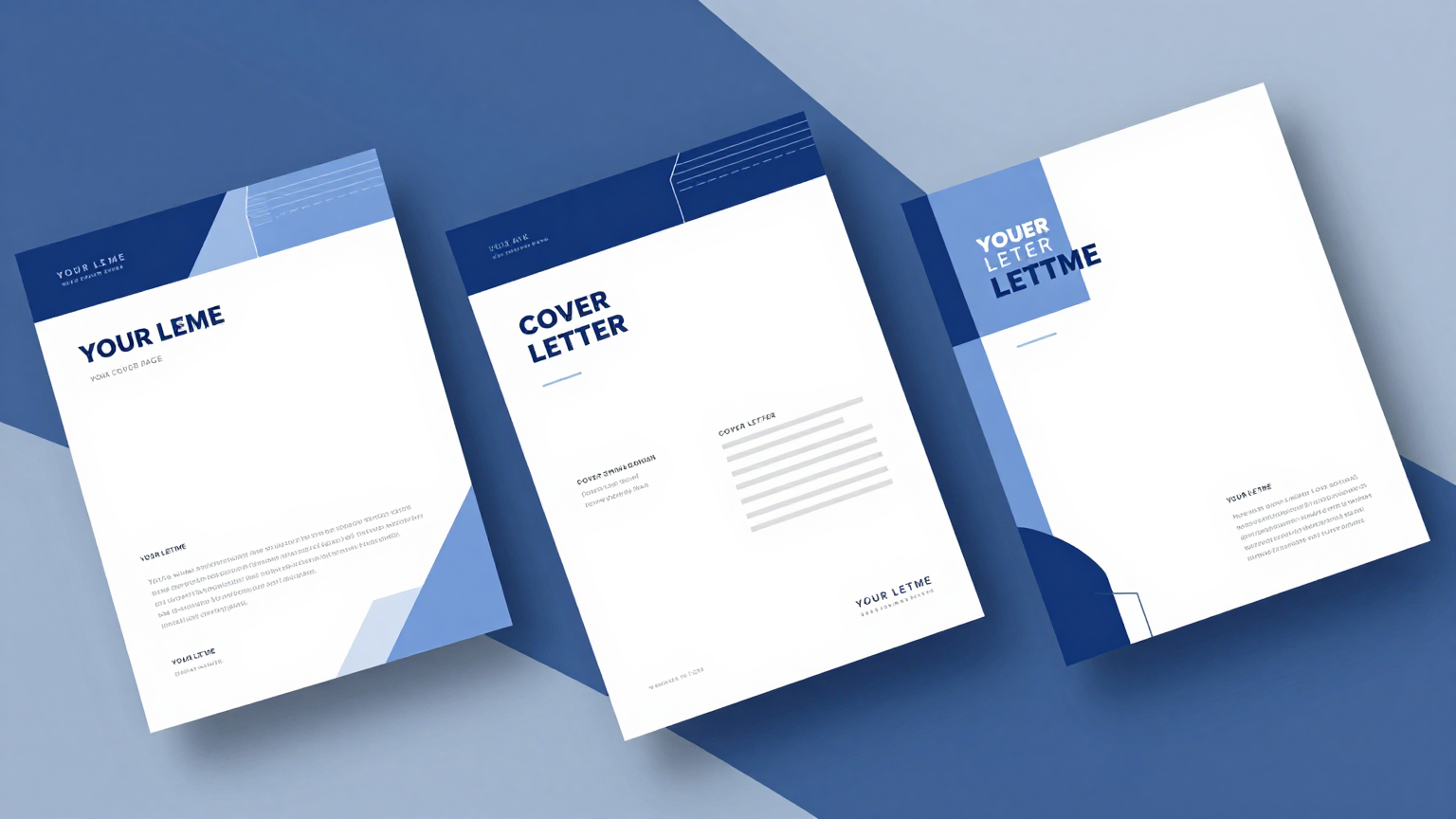
Showing 20 of 30 templates
Frequently Asked Questions About Our Templates
Common questions about using our fax cover page templates for business communications.
- Are these Fax Cover Page templates free to use?
- Yes, all our Fax Cover Page templates are completely free to download and use for your business communications. We provide these professional resources at no cost to help individuals and organizations maintain clear, professional fax correspondence without additional expense.
- What information should be on a fax cover page?
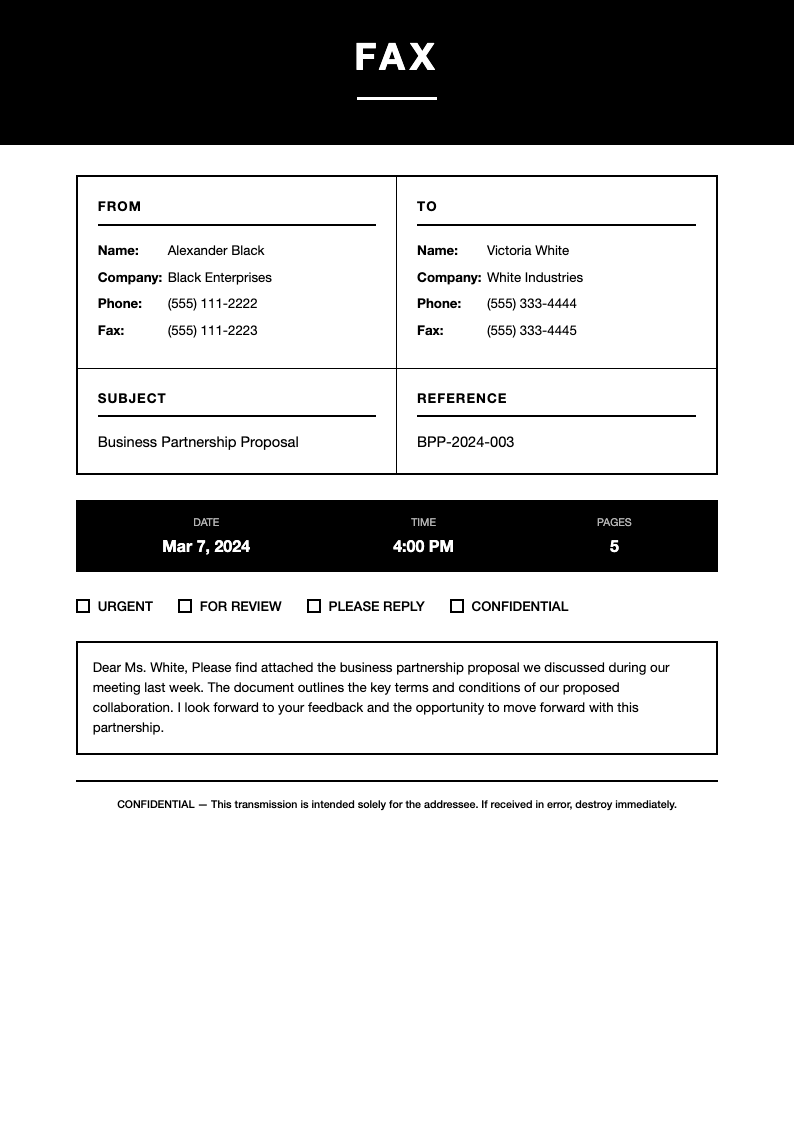
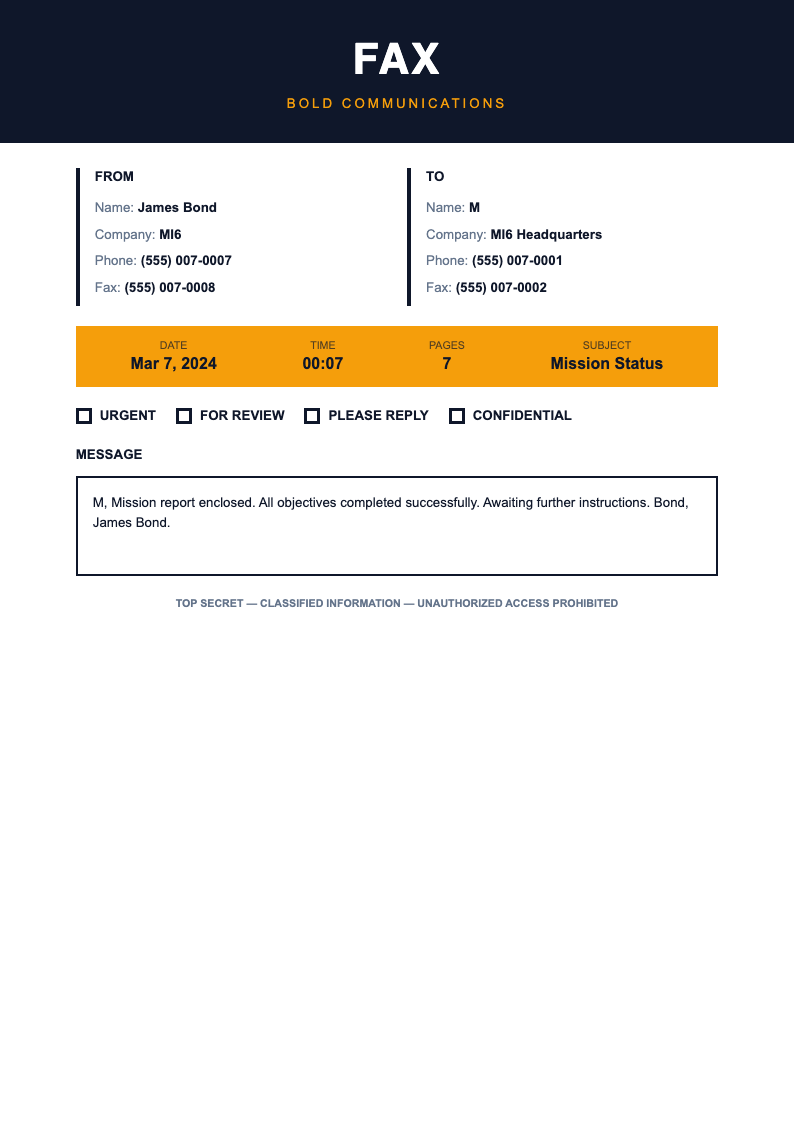
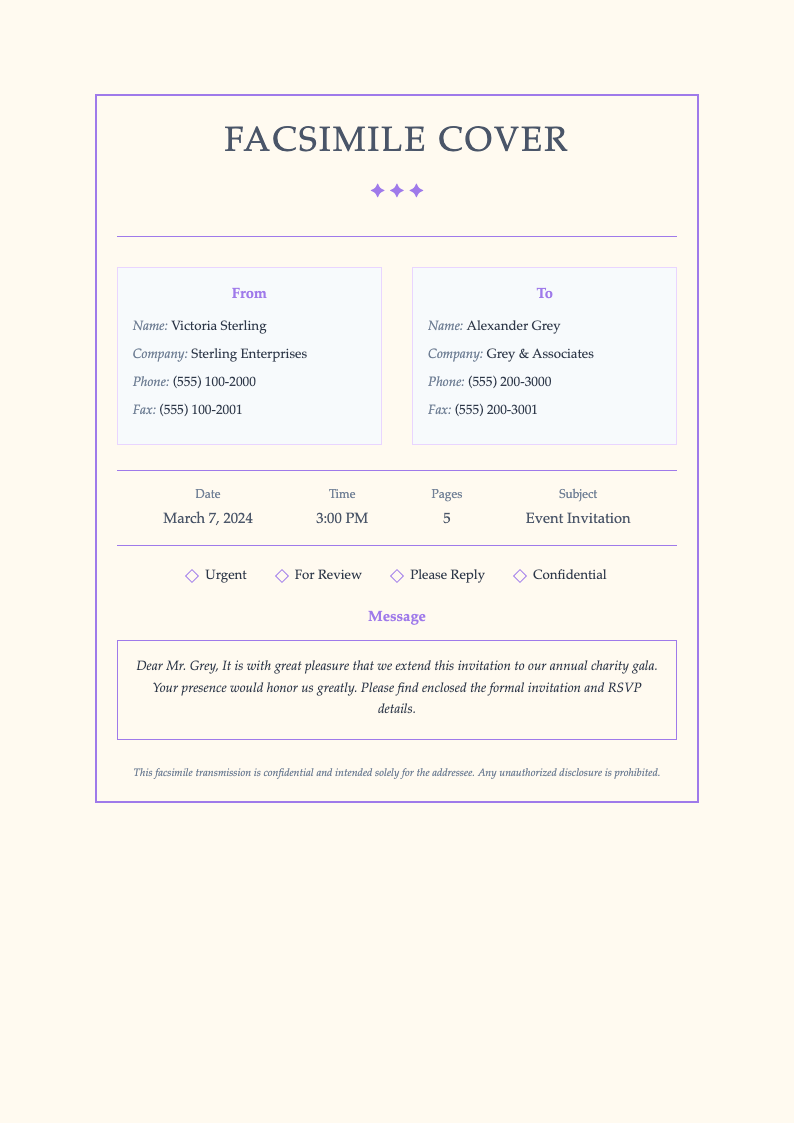
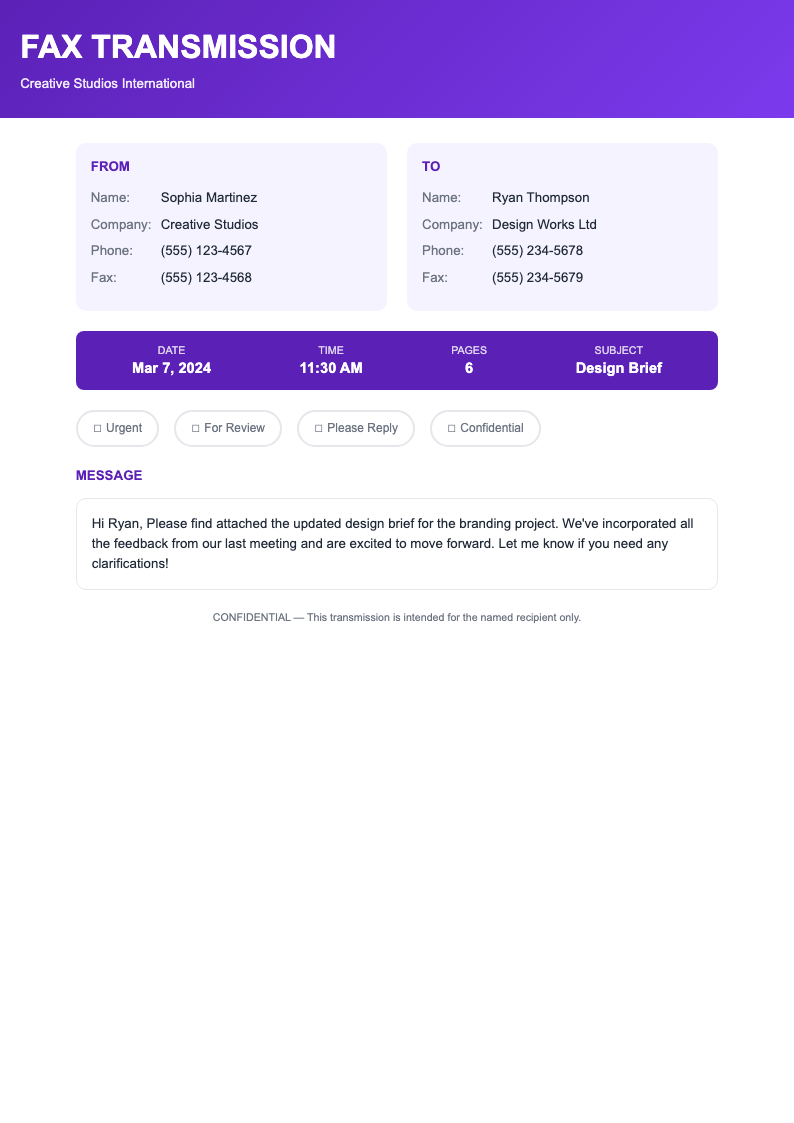
- A complete Fax Cover Page template should include sender name and fax number, recipient name and fax number, date, number of pages, subject line, and any special instructions like urgency level or confidentiality notices. Our templates include all these essential fields in organized layouts.
- Can I customize these templates with my company logo?
- Absolutely. Our Fax Cover Page templates are fully editable in Microsoft Word format, allowing you to add your company logo, adjust colors to match your brand, and customize the layout to reflect your organization's professional identity and visual standards.
- Are these templates suitable for confidential documents?
- Yes, our Fax Cover Page templates include confidentiality notices and disclaimer sections that help protect sensitive information. You can customize these notices according to your organization's requirements for handling confidential or legally privileged documents transmitted via fax.
- Do I need a Fax Cover Page for every fax?
- While not legally required, using a Fax Cover Page template for every transmission is professional best practice. Cover sheets ensure the fax reaches the intended recipient, provide context for the contents, and protect the privacy of sensitive documents that may pass through multiple hands before delivery.
- Are these templates compatible with Microsoft Word?
- All our Fax Cover Page templates are fully compatible with Microsoft Word and other major word processing applications like Google Docs and LibreOffice. The templates are provided in standard .docx format, making it easy to download, customize, and print cover sheets as needed.
- Can these templates be used for electronic faxing?
- Yes, our Fax Cover Page templates work well with electronic fax services and online fax platforms. Simply fill out the template, save it as a PDF, and attach it to your digital fax transmission. The professional formatting ensures clear communication regardless of the fax method.
- What size are these fax cover page templates?
- Our Fax Cover Page templates are designed for standard letter size (8.5 x 11 inches), which is the most common format for business fax transmissions. The templates print clearly and maintain proper margins and spacing on standard office printers and fax machines.
- Should I include my phone number on the fax cover?
- Yes, including your phone number on a Fax Cover Page template allows recipients to contact you if there are transmission problems or questions about the contents. Most of our templates include fields for both fax number and phone number for complete contact information and professional communication.
- Can I add a message section to the cover page?
- Our Fax Cover Page templates include message or notes sections where you can add brief instructions, context, or comments about the fax contents. This space helps recipients understand the purpose of the transmission and any actions they need to take upon receiving the documents.
- Are there templates for different business purposes?
- Yes, our Fax Cover Page template collection includes designs for various business purposes including general correspondence, medical offices, legal firms, real estate transactions, and government submissions. Each template addresses the specific information needs of different professional contexts.
- How do I indicate urgent faxes?
- Many of our Fax Cover Page templates include priority or urgency indicators. You can mark a fax as urgent by checking the appropriate box or highlighting the priority level. This helps recipients identify time-sensitive documents that require immediate attention and quick response.
- Can these templates be used for international faxing?
- Our Fax Cover Page templates work for international faxing. You can customize the fax number fields to include country codes and international dialing prefixes. The professional format and clear organization remain effective for cross-border business communications and international correspondence.
- What about HIPAA-compliant fax cover sheets?
- We offer Fax Cover Page templates with HIPAA-compliant confidentiality notices for healthcare and medical office use. These templates include appropriate disclaimers regarding protected health information and the legal requirements for handling sensitive medical documents transmitted via fax.
- Can I save customized templates for future use?
- Yes, once you customize a Fax Cover Page template with your company information, logo, and standard settings, you can save it as a master copy for future use. This saves time on repeated fax transmissions and ensures consistent professional appearance across all your fax communications.
Ready to Create Professional Fax Cover Sheets?
Choose from our collection of professionally designed Fax Cover Page templates. Create organized, clear cover sheets for efficient business fax communications.
Free templates • AI-powered editing • No sign-up required