Generate FAQ Sections Instantly
Stop wrestling with blank pages. Use our AI-powered FAQ Generator to create clear, organized question-and-answer sections for your website, product pages, and documentation in minutes.
How to Create an FAQ Section Online
Enter Your Questions
Start by typing or pasting your questions and answers into the tool. You can import content from a spreadsheet, a text file, or simply type each question and its corresponding answer directly into the provided fields.
Select a Template
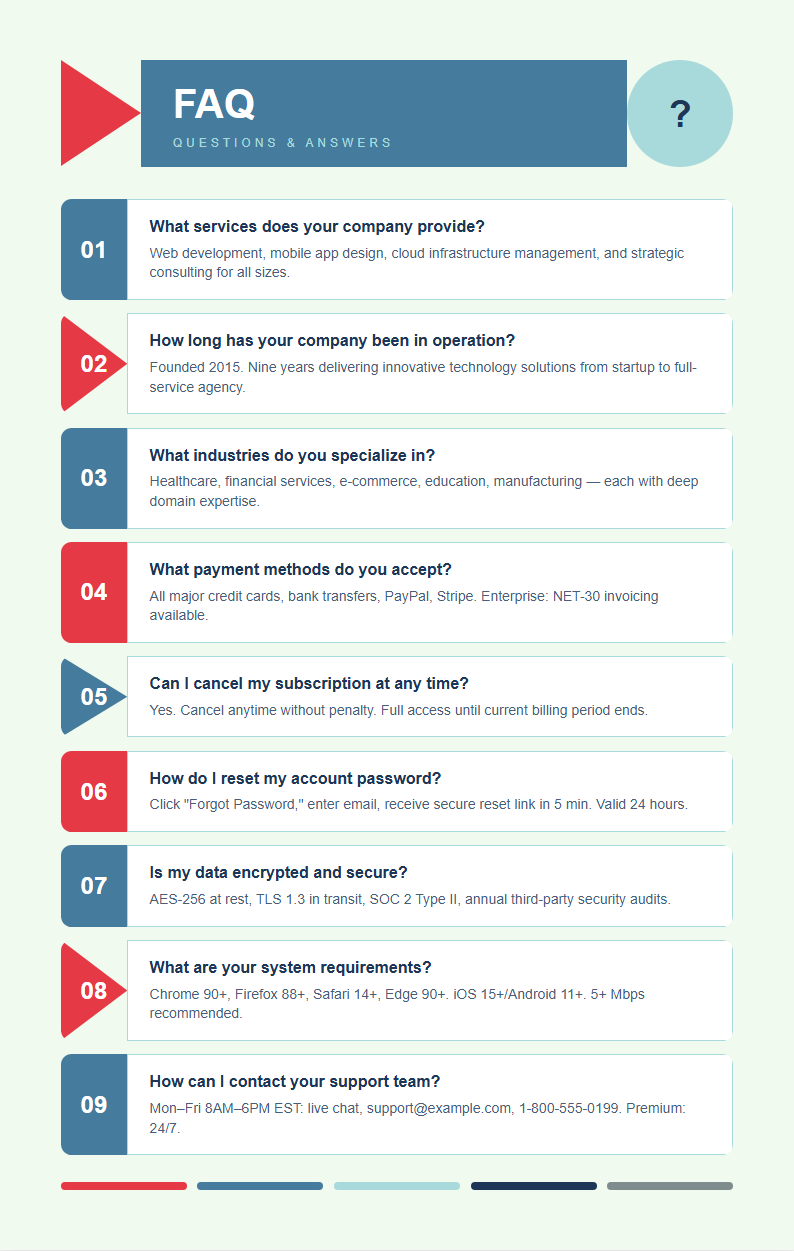
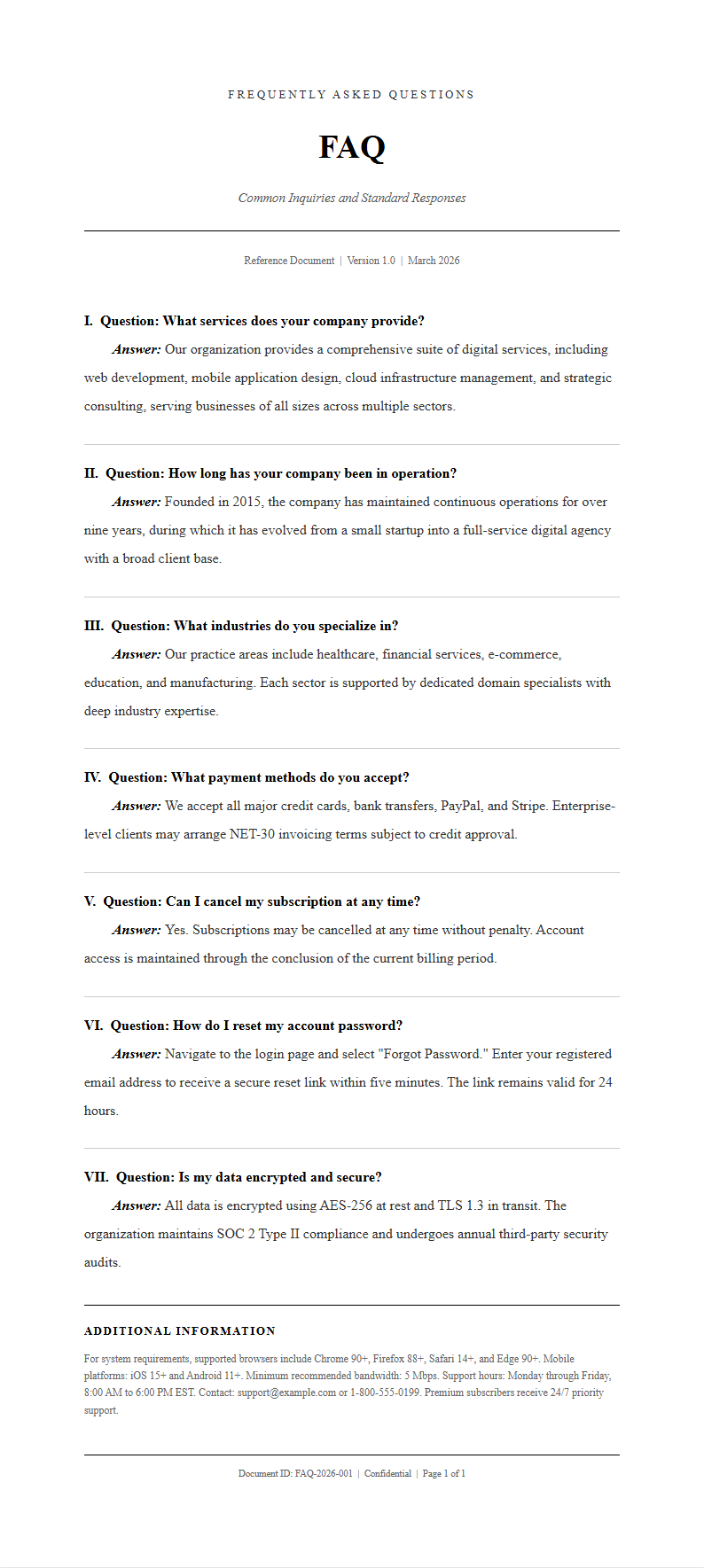
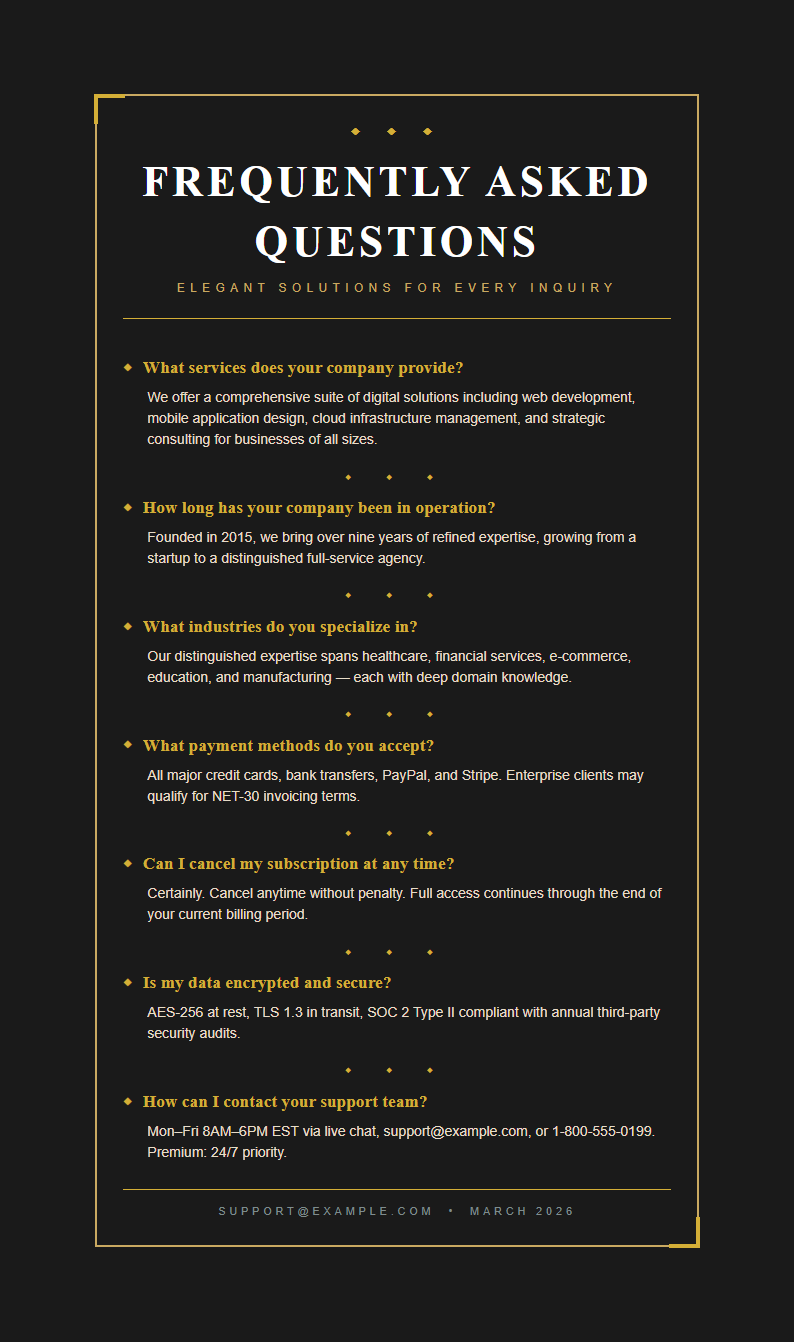
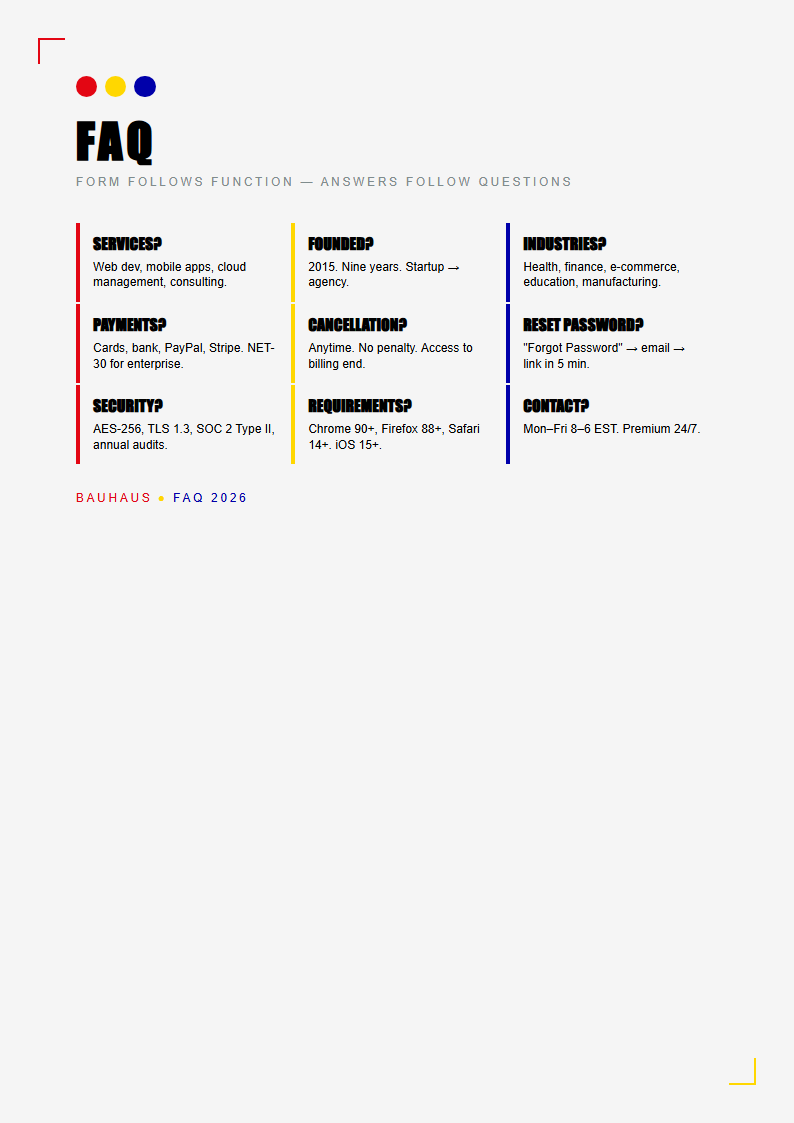
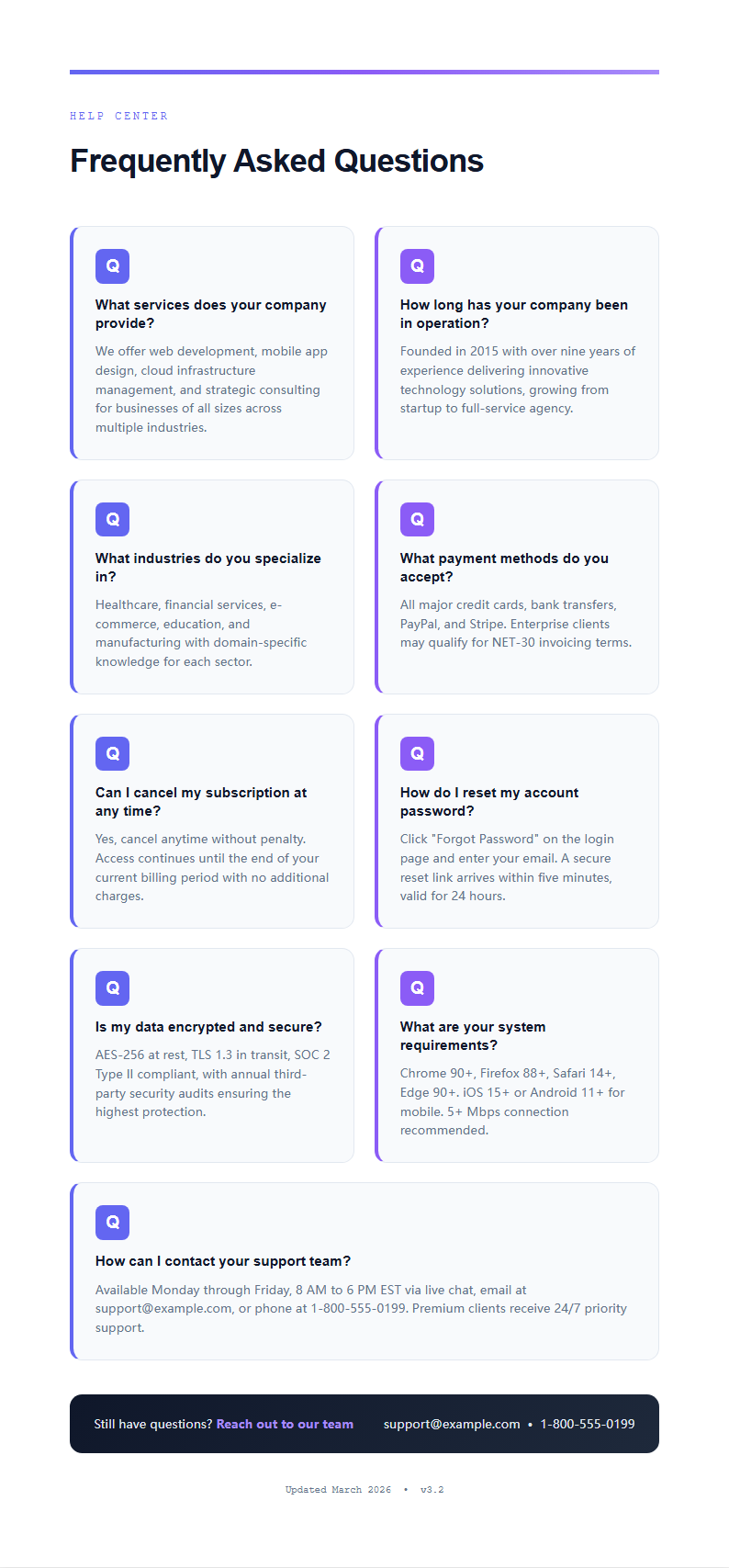
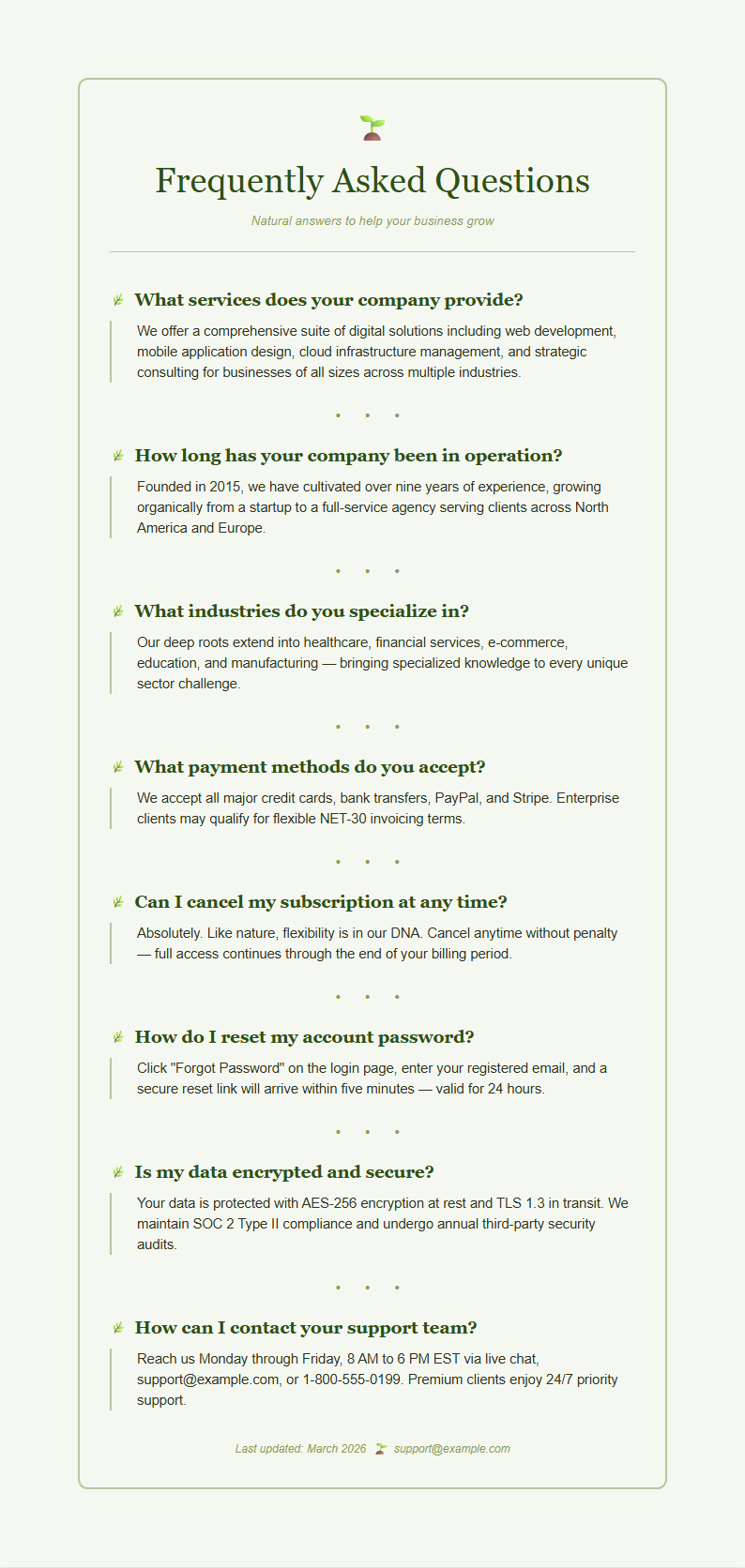
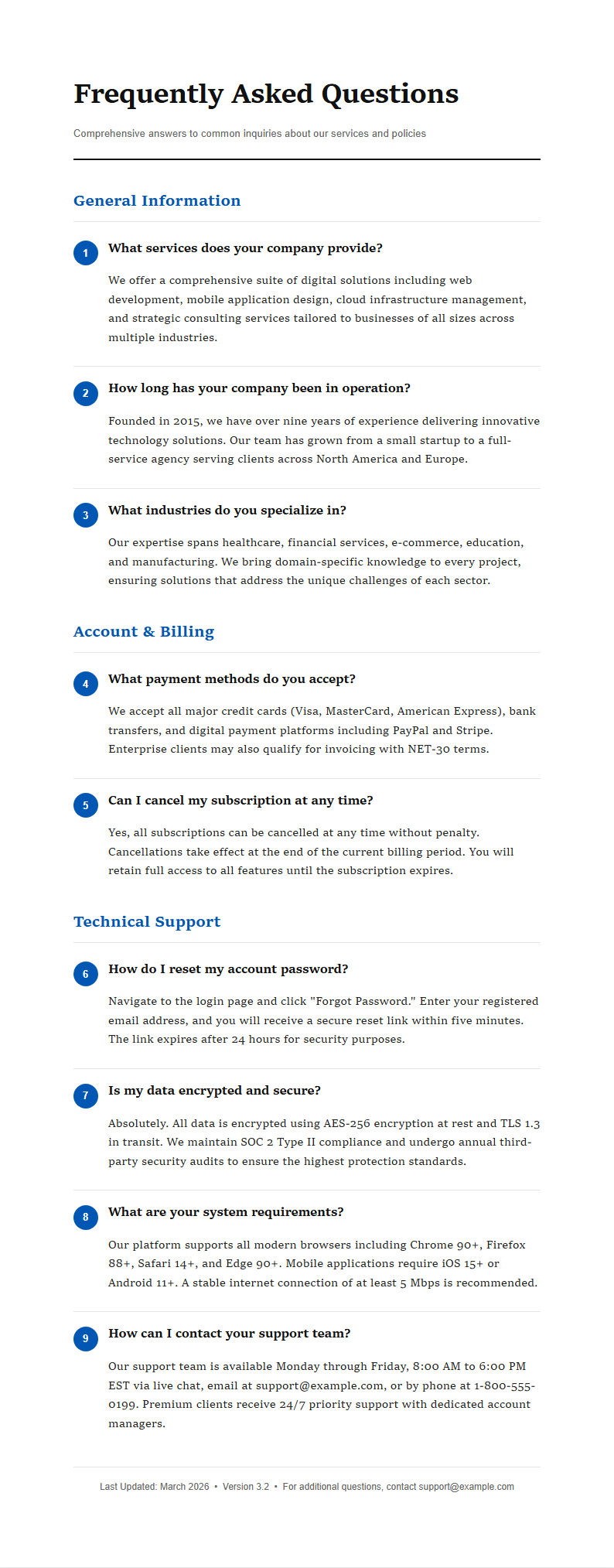
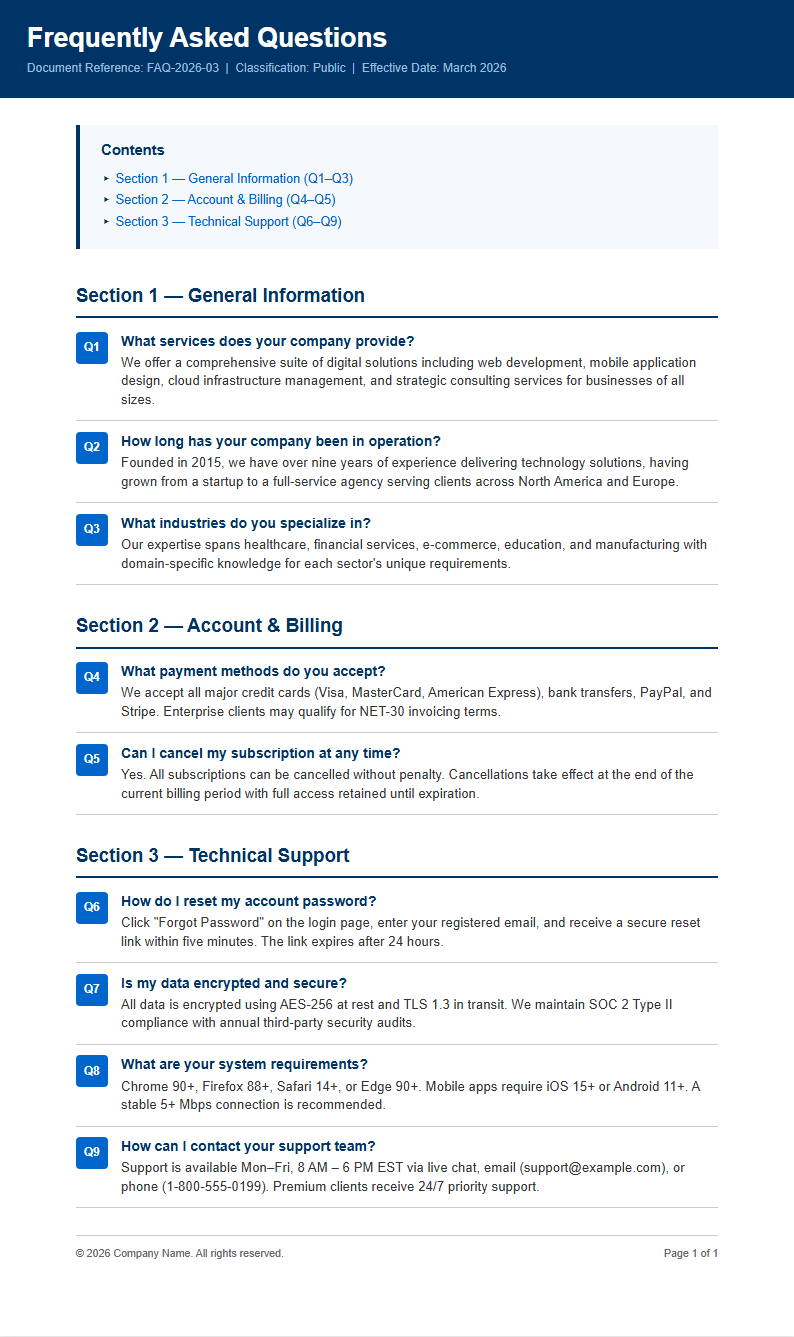
Browse the template library and pick a layout that fits your needs. Choose from accordion-style sections, categorized groupings, or simple question-and-answer lists depending on where you plan to publish your FAQ page.
Review and Edit
Read through the generated FAQ section carefully. Use the built-in editor to refine question wording, clarify answers, reorder items by importance, and adjust formatting to ensure your content is accurate and easy for visitors to scan.
Download Your FAQ
Once you are satisfied with the content, download your FAQ section as a PDF for official use or as a Word document if you need to make further edits before publishing it on your website or sharing it with your team.
Import Your Questions
Import your questions and answers directly into the FAQ Generator from text files, spreadsheets, or existing documents. The tool automatically parses and structures your content into a clean Q&A format, saving you hours of manual formatting work.
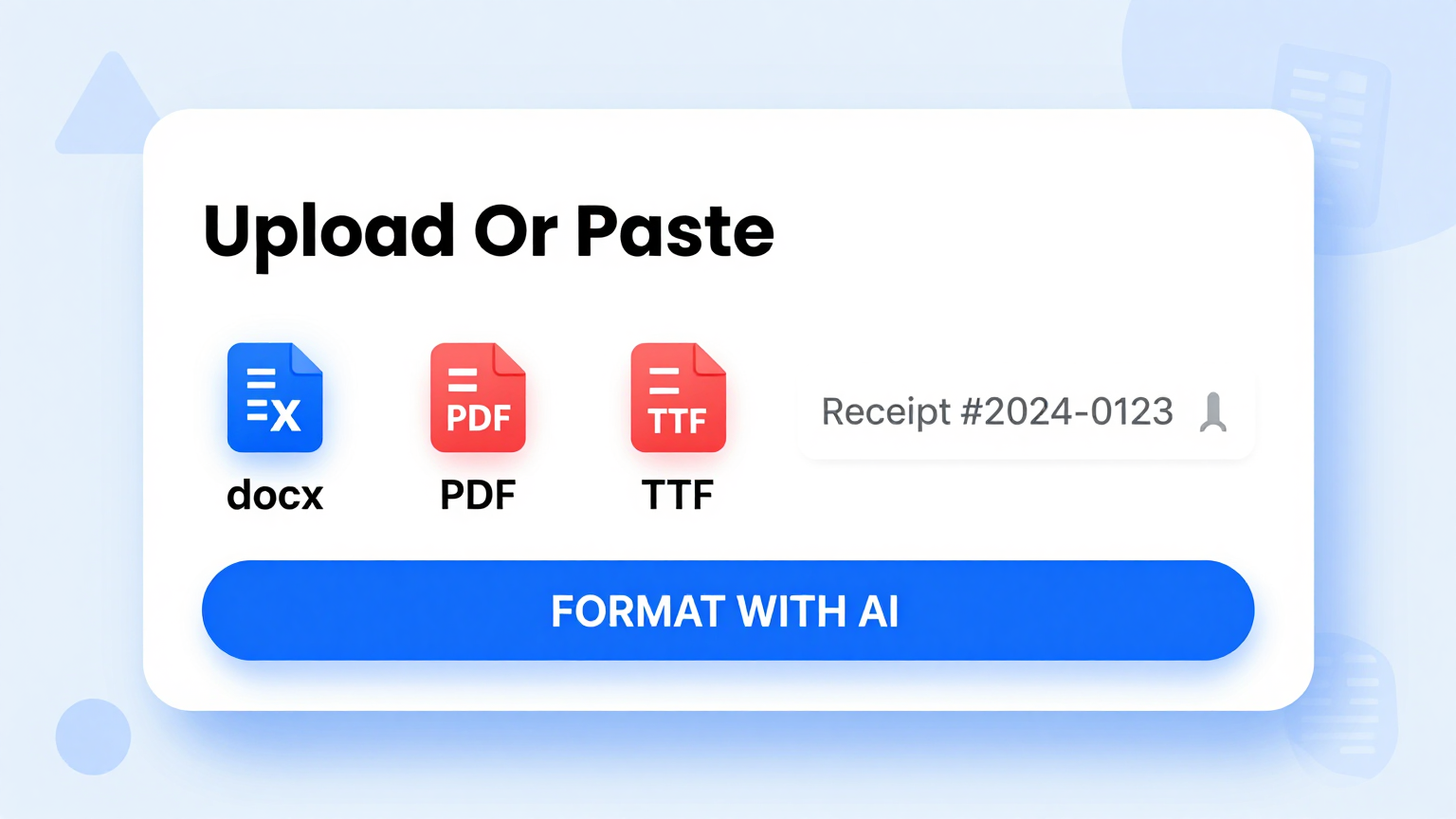
Professional Templates
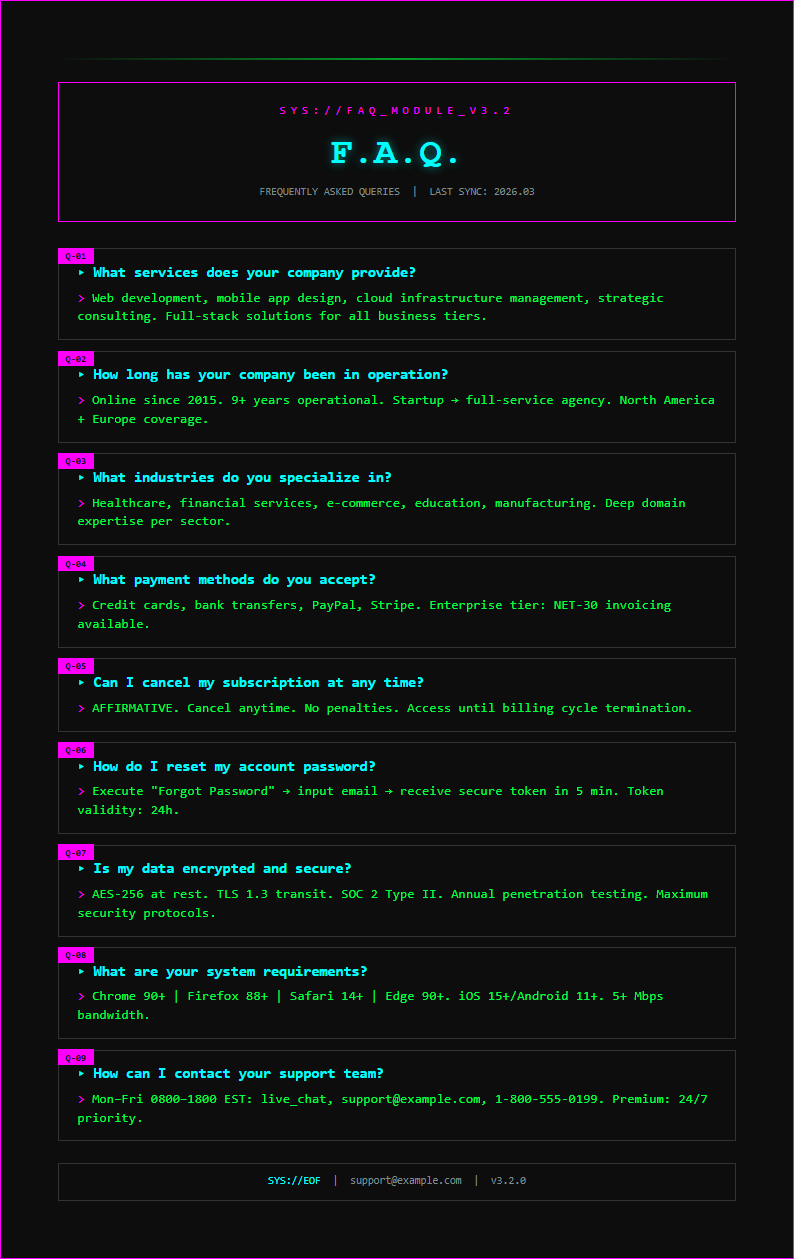
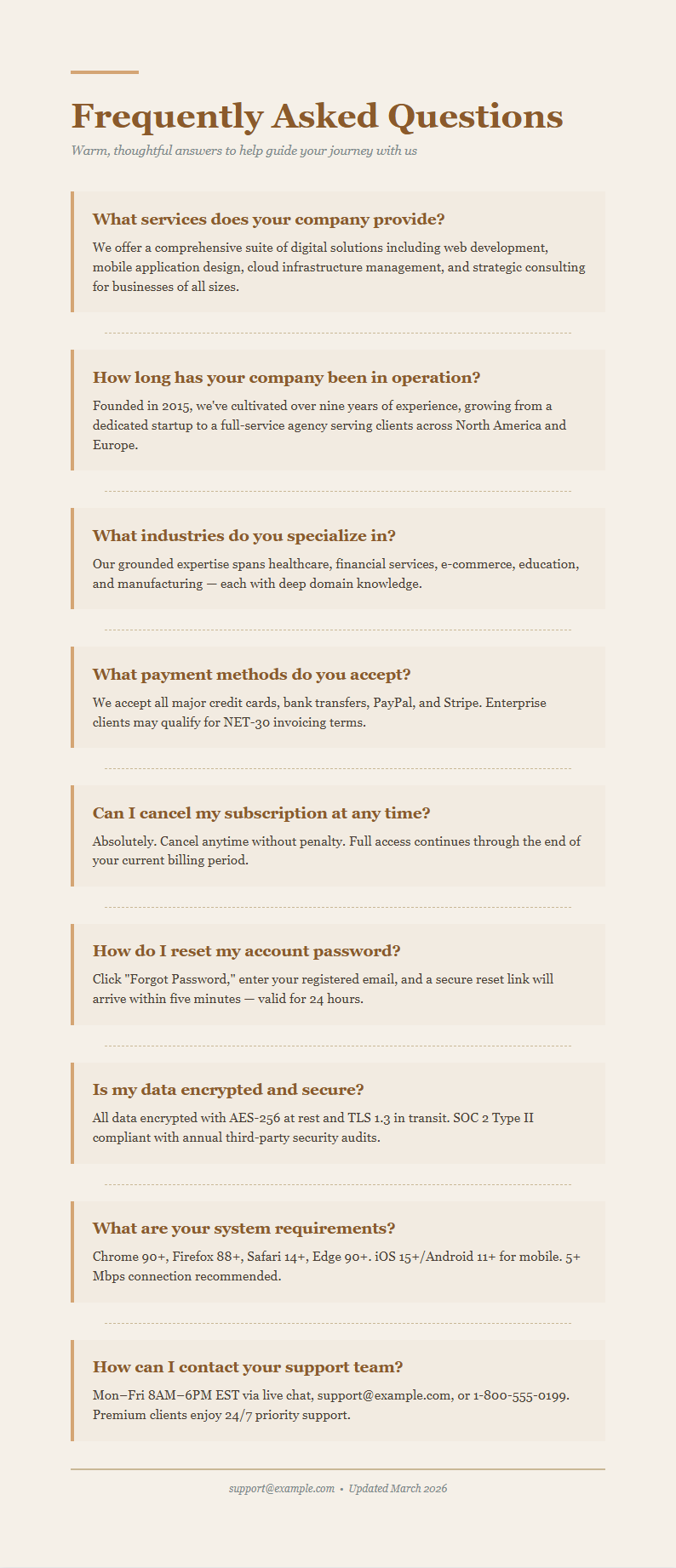
Select from professionally designed layouts in the FAQ Generator. Each template offers different styles including accordion views, categorized sections, and simple list formats so your FAQ page matches your brand and website design.
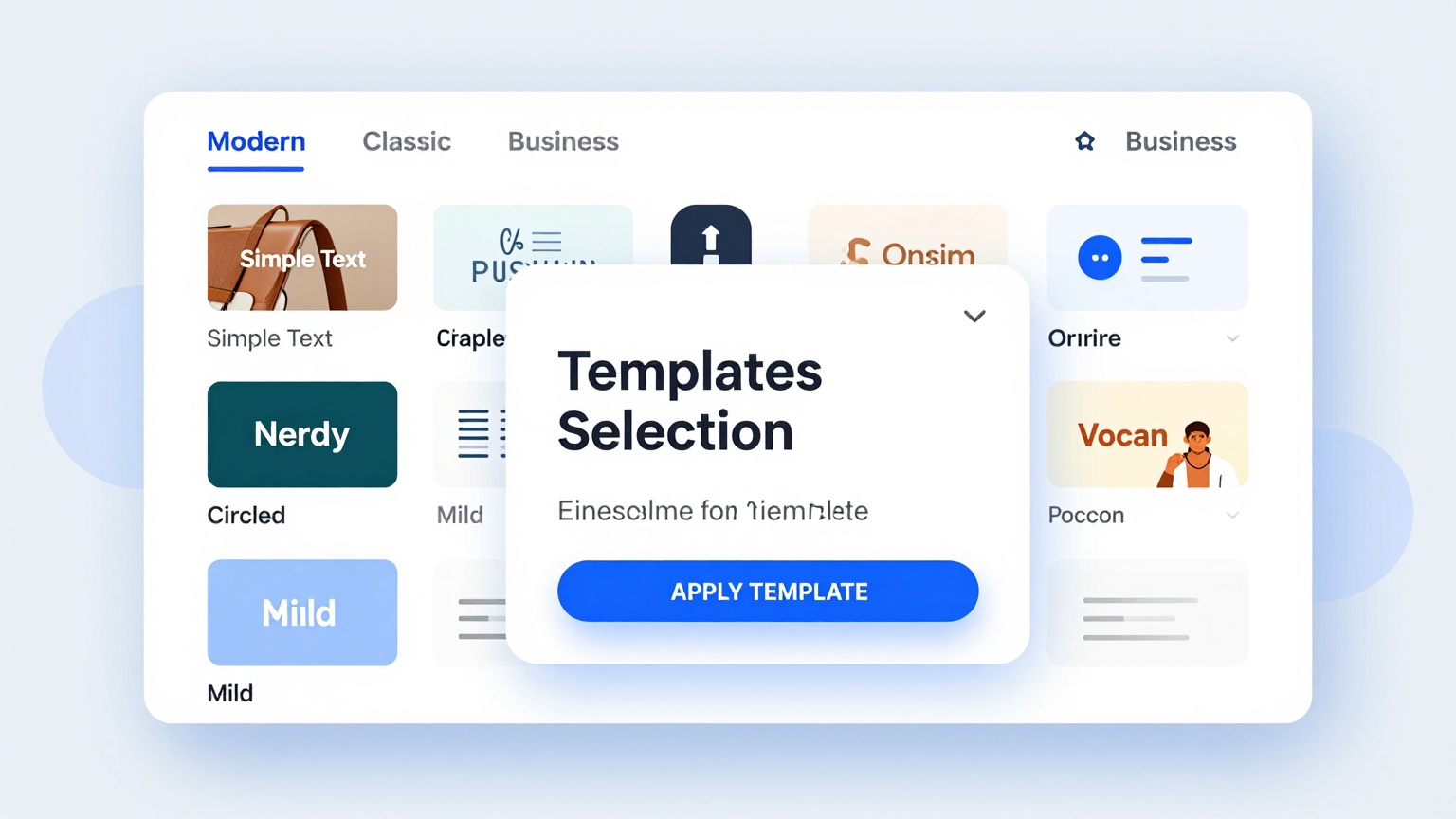
Edit Online
Refine your FAQ content with the intuitive online editor built into the FAQ Generator. Adjust question wording, rewrite answers, reorder items, and format text while the tool maintains consistent styling throughout your entire document.
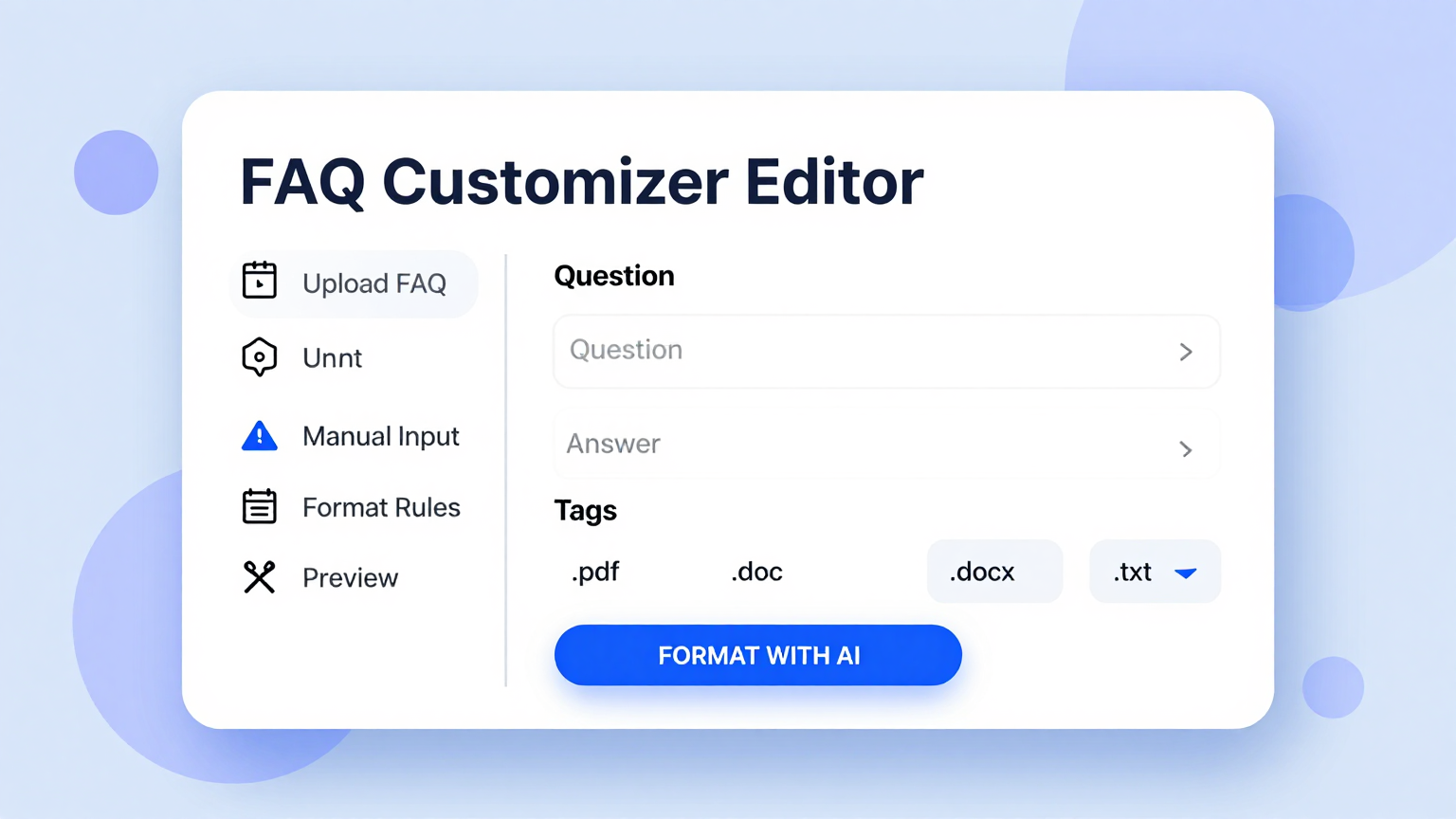
Download & Share
Export your completed FAQ document from the FAQ Generator as a PDF or Word file, ready for printing and sharing with your team members, customers, or website visitors without any additional formatting steps.
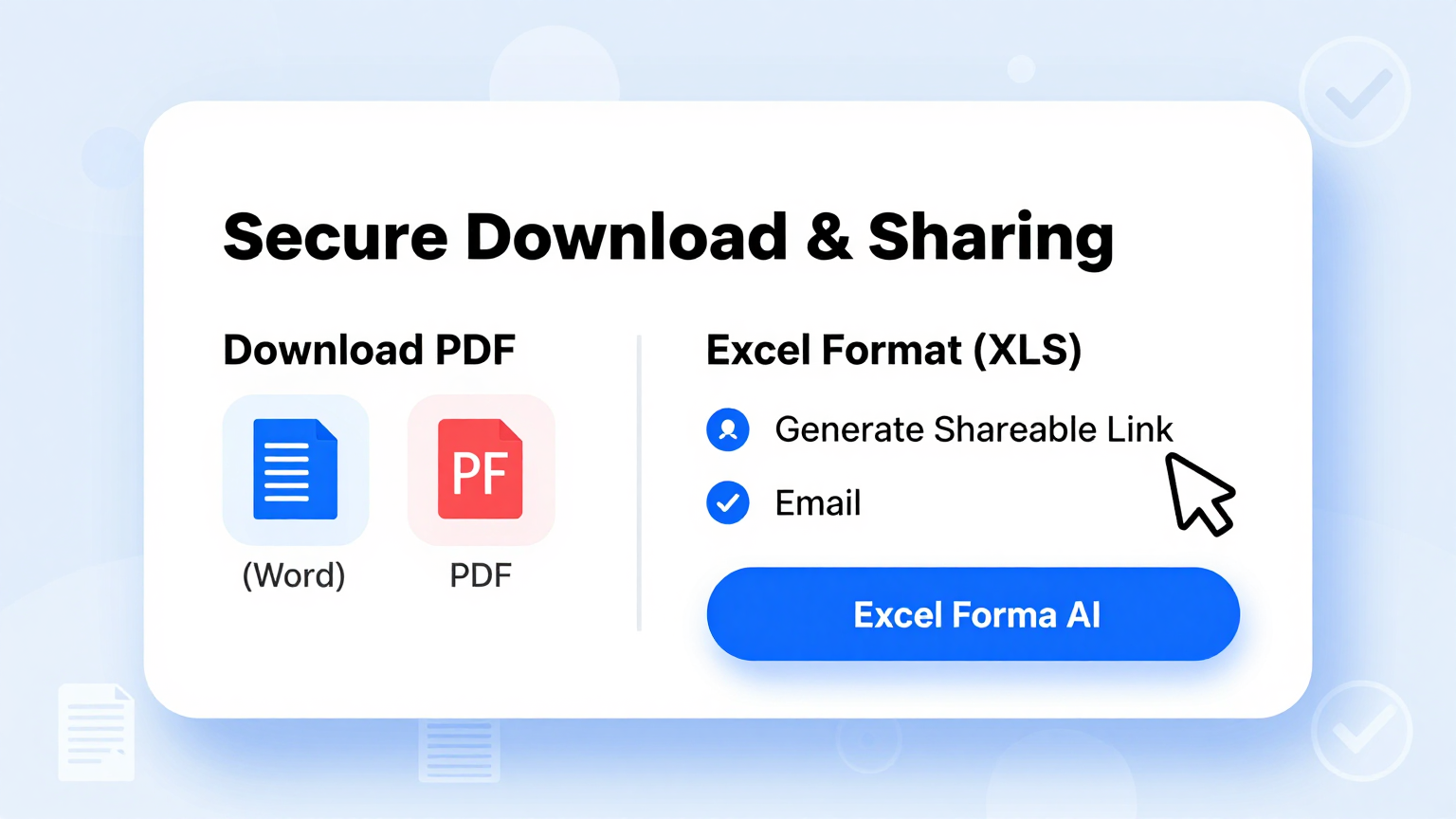
Explore Professional FAQ Templates
Prefer to start with a blank template? Browse our full collection of FAQ layouts and customize one that fits your needs.
Frequently Asked Questions
Helpful information about using our FAQ Generator.
- Is the FAQ Generator free?
- Yes. This FAQ Generator is completely free to use with no hidden charges, subscriptions, or account requirements. You can generate, edit, and download as many FAQ sections as you need without paying anything. The tool provides full access to all templates, layout options, and export formats at no cost whatsoever.
- What types of FAQ pages can I create with the FAQ Generator?
- The FAQ Generator supports product FAQ pages, service FAQ sections, website help centers, onboarding documentation, and support knowledge bases. Each type has a dedicated template with pre-configured sections designed for that specific use case, so you can get started quickly and produce polished, professional results without any prior design experience.
- Do I need to install anything to use the FAQ Generator?
- No installation is needed whatsoever. The FAQ Generator runs entirely in your web browser without any plugins or extensions. Simply open the tool, choose a template, fill in your questions and answers, and download your finished FAQ section. It works on desktops, tablets, and mobile devices without any software downloads.
- Can I save and edit my FAQ section later?
- You can download your FAQ section as a Word document and reopen it anytime for further editing. While the tool does not store documents on our servers for privacy reasons, keeping the downloaded Word file lets you return to your content whenever you need to make updates or add new questions.
- How many questions can I include in my FAQ section?
- There is no strict limit on the number of questions you can add. Whether you need five questions for a simple product page or fifty for a comprehensive knowledge base, the FAQ Generator handles it easily. We recommend grouping large FAQ sections into categories so visitors can find answers quickly and navigate your content without frustration.
- Can I customize the design of my FAQ page?
- Yes. The FAQ Generator offers multiple layout options including accordion toggles, categorized lists, and flat Q&A formats to suit your needs. You can adjust colors, fonts, and spacing to match your brand identity, and the tool maintains consistent styling across all questions and answers in your final document so everything looks cohesive.
- What export formats does the FAQ Generator support?
- The FAQ Generator lets you export your finished document as a PDF for official use or as a Microsoft Word file for further editing. Both formats preserve the professional layout and consistent formatting that the tool applies to your questions and answers, so your document looks polished wherever you share it.
- Can I import questions from an existing document?
- Yes. The FAQ Generator allows you to paste content from spreadsheets, text files, or existing web pages directly into the tool. It parses your input and organizes it into a structured Q&A format automatically, so you do not have to retype everything from scratch or spend time copying individual items.
- Is the FAQ Generator suitable for e-commerce websites?
- Absolutely. The FAQ Generator includes templates specifically designed for e-commerce use cases such as shipping policies, return policies, payment questions, and order tracking. These templates come with pre-filled placeholder content that you can easily customize to match your store policies and provide clear, helpful answers to your customers right away.
- How long does it take to generate an FAQ section?
- Most users complete their FAQ section in under five minutes using the tool. Once you input your questions and answers and select a template, the tool produces a formatted draft instantly. You then review, make any edits, and download the final version for publishing on your website or sharing with your audience.
- Does the FAQ Generator work on mobile devices?
- Yes, the FAQ Generator is fully responsive and works smoothly on smartphones and tablets of all screen sizes. You can create, edit, and download FAQ sections from any device with a modern web browser, making it convenient to update your content while on the go or away from your desk.
- What makes this FAQ Generator different from writing manually?
- The FAQ Generator saves significant time by providing pre-structured templates, AI-powered content suggestions, and instant formatting for your pages. Instead of starting from a blank page, the tool gives you a polished first draft that you simply review and customize, reducing errors and ensuring consistency across all your FAQ content.
Create Your FAQ Section Now
Don't waste time formatting from scratch. Use our free FAQ Generator to produce a clean, professional Q&A section in minutes.
No credit card required • AI-powered formatting • Instant download