Edit Instruction Manual Templates Online for Free
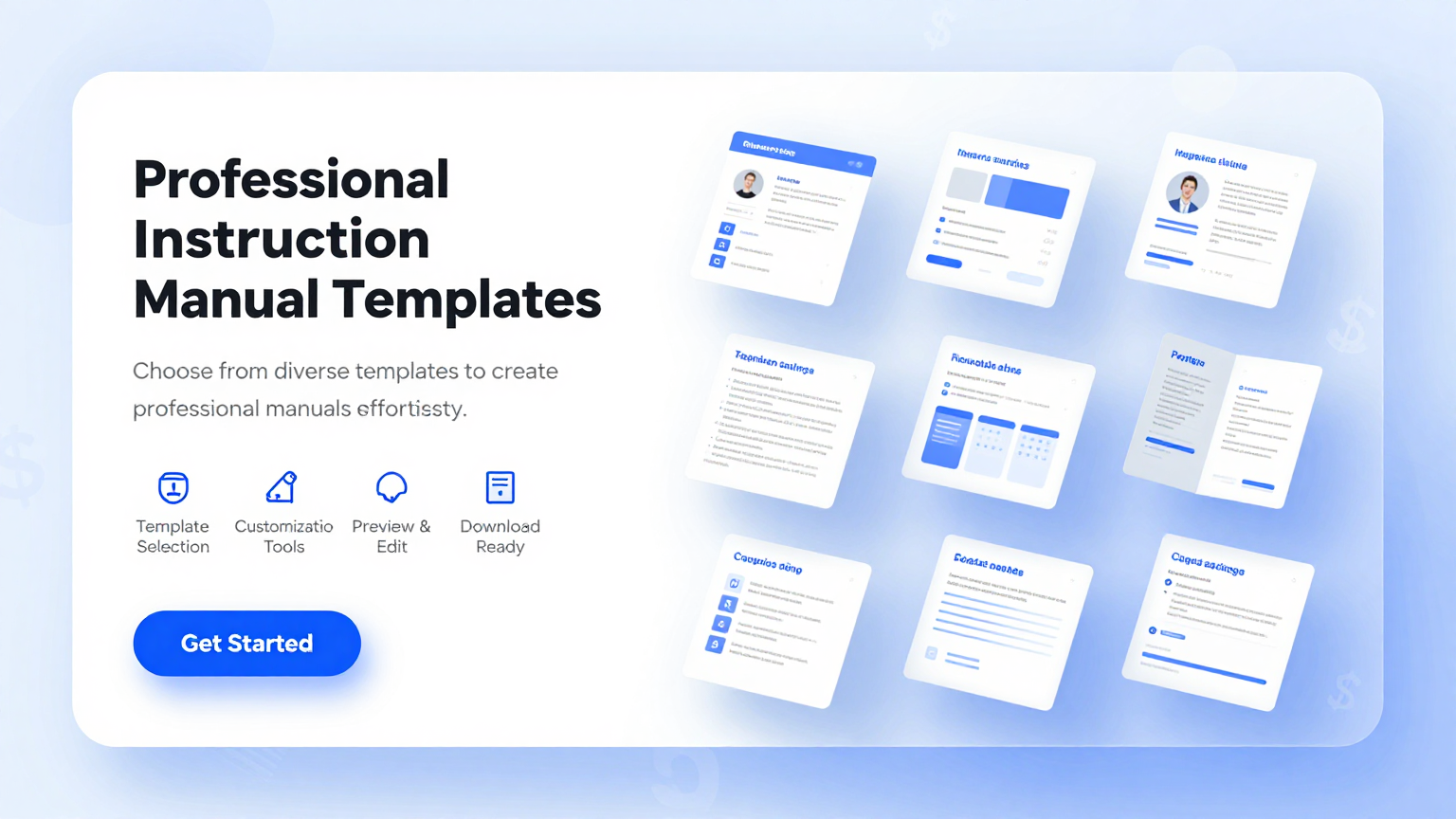
Create clear, professional documentation with AI Formatter's collection of Instruction Manual templates. Whether you need a product user guide, a software walkthrough, or an equipment operation manual, our documentation formats are designed to be easily customized. Each layout includes pre-structured sections for setup, operation, troubleshooting, and safety information.
Showing 20 of 30 templates




















Frequently Asked Questions About Our Templates
Common questions about using our instruction manual templates for your documentation needs.
- Are these Instruction Manual templates free to use?
- Yes, all Instruction Manual templates on AI Formatter are completely free to download, edit, and use for your documentation projects. There are no hidden fees, watermarks, or subscription requirements to access any documentation format in our collection. You can customize and export as many documents as you need without paying anything at all.
- What types of Instruction Manual templates are available?
- Our collection includes Instruction Manual templates for consumer electronics, software applications, industrial equipment, household appliances, automotive accessories, and medical devices. Each manual design is designed for a specific use case and can be fully adapted to fit your product requirements, brand guidelines, and regulatory compliance needs. Whether you are documenting a simple household device or complex industrial machinery, you will find a suitable starting point in our library.
- Can I edit an Instruction Manual template in Word or Google Docs?
- Absolutely. Every Instruction Manual template can be downloaded in Microsoft Word format, making it easy to edit in Word, Google Docs, or any compatible word processor. You can also edit your chosen product manual layout directly in our online editor before downloading, which gives you full control over formatting, images, and content layout.
- Is my data secure when I use an Instruction Manual template?
- Yes, your privacy is our priority. When you use an Instruction Manual template through AI Formatter, your information is processed securely and is not stored on our servers after your session ends. Each user guide template is handled with strict data protection measures to safeguard proprietary product details, technical specifications, and other sensitive information.
- How do I write an effective Instruction Manual?
- An effective Instruction Manual should include a clear table of contents, step-by-step procedures, safety warnings, diagrams or screenshots, troubleshooting tips, and contact information for support. Using an Instruction Manual template helps ensure you cover all necessary sections, such as installation instructions and maintenance schedules, while keeping the document organized and easy to follow for your end users.
- Can I add images and diagrams to an Instruction Manual template?
- Yes, you can insert product photos, technical diagrams, flowcharts, and annotated screenshots into any Instruction Manual template using our online editor. Visual aids are essential for creating clear and effective documentation, and our editing tools support drag-and-drop image placement, resizing, and captioning. Adding well-placed visuals helps your readers understand complex procedures and improves the overall quality of your finished document.
- Do Instruction Manual templates work for both digital and printed manuals?
- Yes, our documentation blueprints are designed to work for both formats. You can export your finished guide layout as a PDF for digital distribution or high-quality printing. The layouts are optimized for screen reading as well as standard paper sizes, so your documentation looks great whether viewed on a device or printed on paper.
- How quickly can I generate an Instruction Manual document?
- With AI Formatter, you can select an manual outline, fill in your product details using our online editor, and download the finished document in under ten minutes. The process is designed to be efficient so you can focus on the accuracy of your content rather than spending hours on formatting and layout design.
- Can I share an Instruction Manual template with my team?
- Yes, you are welcome to share any Instruction Manual template with colleagues and team members across your organization. Since our templates are free and fully downloadable, your entire team can use the same consistent format across all product lines. This ensures uniform style, terminology, and branding throughout your organization's documentation library, making it easier to maintain quality and consistency across different departments.
- What format options are available for downloading an Instruction Manual?
- Every user guide layout can be exported as a PDF for distribution and printing, or as a Word document for further editing and collaboration. Some manual outline layouts also support additional export options depending on the complexity of the document, the number of sections, and your specific technical documentation requirements. You can choose the format that best suits your workflow and distribution channels.
- Are Instruction Manual templates suitable for regulated industries?
- Our documentation formats follow common technical writing standards and include sections for safety warnings, compliance information, and regulatory disclaimers. While each guide structure provides a solid foundation for your documentation, we recommend having your final document reviewed by your compliance team to ensure it meets the specific regulations of your industry.
- Do I need to create an account to use an Instruction Manual template?
- No account is required. You can browse, select, and edit any manual design directly without signing up or providing any personal information. We believe accessing a quality user guide layout should be as simple and straightforward as possible for every technical writer, product manager, and business owner who needs professional documentation.
- Can I customize the branding on an Instruction Manual template?
- Yes, you can add your company logo, brand colors, custom fonts, and header details to any product manual layout using our online editor. Our editor lets you fully personalize the appearance of your documentation format so it aligns with your brand identity while maintaining a clean, professional document structure throughout all sections.
- What makes AI Formatter's Instruction Manual templates different from others?
- AI Formatter offers AI-powered editing, a clean online interface, and instant export options that make customizing an user guide template significantly faster and easier than traditional word processors. Every manual design in our library is designed for clarity, logical structure, and ease of use right in your browser, with no software installation needed whatsoever.
- How often are new Instruction Manual templates added?
- We regularly update our library with new documentation templates based on user feedback and evolving documentation best practices. If you need a specific type of product manual layout that is not currently available in our collection, you can reach out to our team with your request and we will consider adding it in a future update.
Ready to Create Your Instruction Manual?
Choose from our professionally designed Instruction Manual templates and customize your document in minutes. Save time on formatting and produce clear, accurate documentation with AI Formatter.
Free templates • AI-powered editing • No sign-up required