Generate Professional Fax Cover Pages Instantly
Create clear, organized cover sheets for business fax communications with customizable templates and instant PDF export.
How to Create a Fax Cover Page in 4 Steps
Enter Sender and Recipient Details
Begin by entering your complete contact information into the Fax Cover Page Generator including your name, company, fax number, and phone number. Then add the recipient's name, company, and fax number. This routing information is essential for ensuring your fax reaches the intended person and allows them to contact you if needed regarding the transmission.
Select Template and Add Transmission Details
Choose a template in the Fax Cover Page Generator that matches your business needs, whether general business, medical, legal, or industry-specific. Add the date, total number of pages including the cover sheet, subject line, and any relevant reference numbers. This information helps recipients organize and track the documents they receive through their fax system.
Add Message and Special Instructions
Use the message section in the Fax Cover Page Generator to provide context about the fax contents or instructions for the recipient. Indicate urgency level if the document requires immediate attention, add confidentiality notices if the content is sensitive, and note any requested actions or response deadlines. Clear instructions help ensure proper handling of your transmission.
Download and Attach to Your Fax
Export your finalized Fax Cover Page as a PDF ready for printing. Place the cover sheet as the first page of your fax transmission before the actual documents. This professional cover sheet identifies the sender and recipient, summarizes the contents, and ensures your fax is delivered to the appropriate person with clear handling instructions for sensitive or urgent materials.
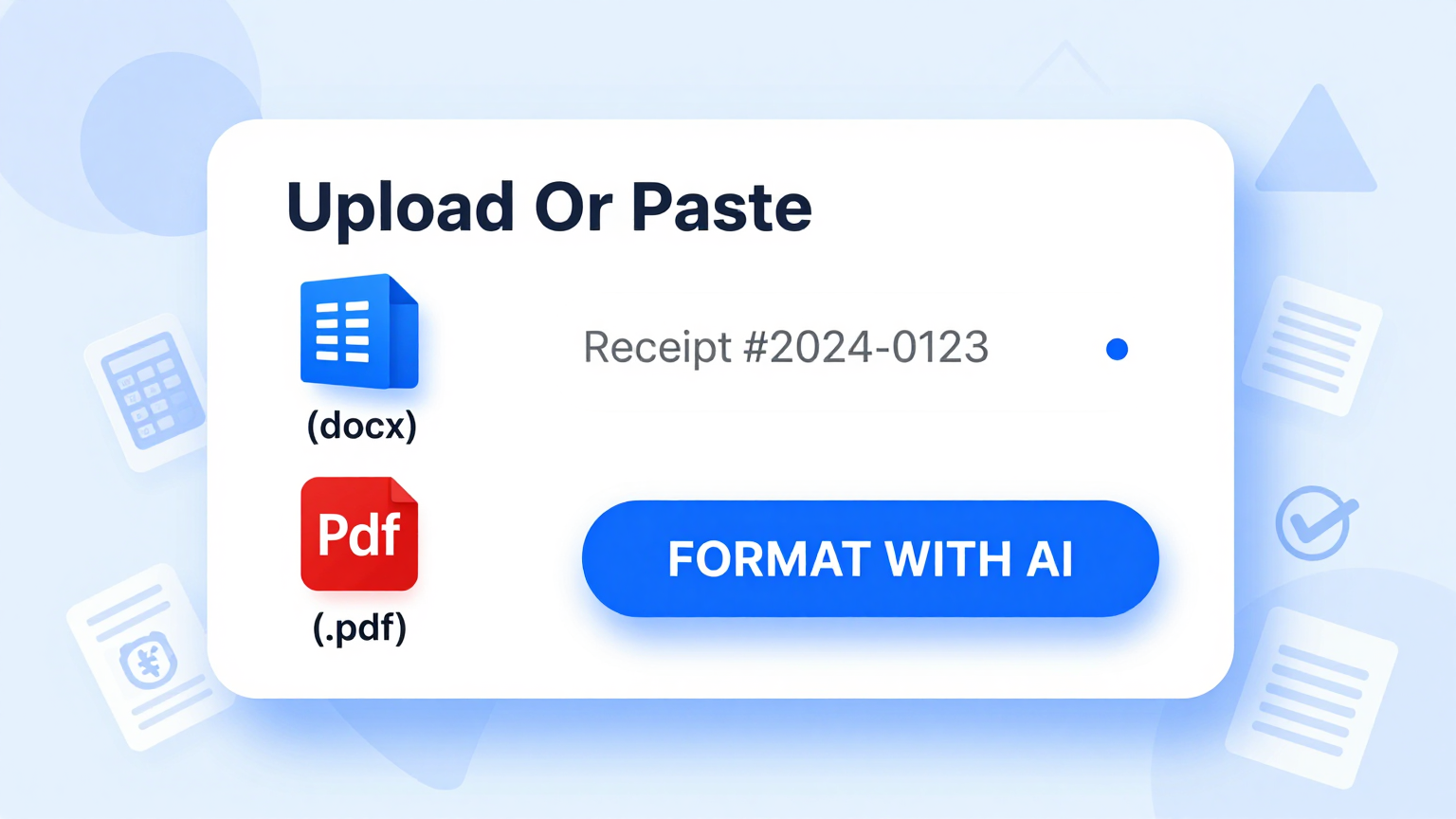
Enter Sender and Recipient Info
Input your contact information and the recipient's details into the Fax Cover Page Generator including names, fax numbers, phone numbers, and company names. The tool captures all essential routing information for successful fax transmission.
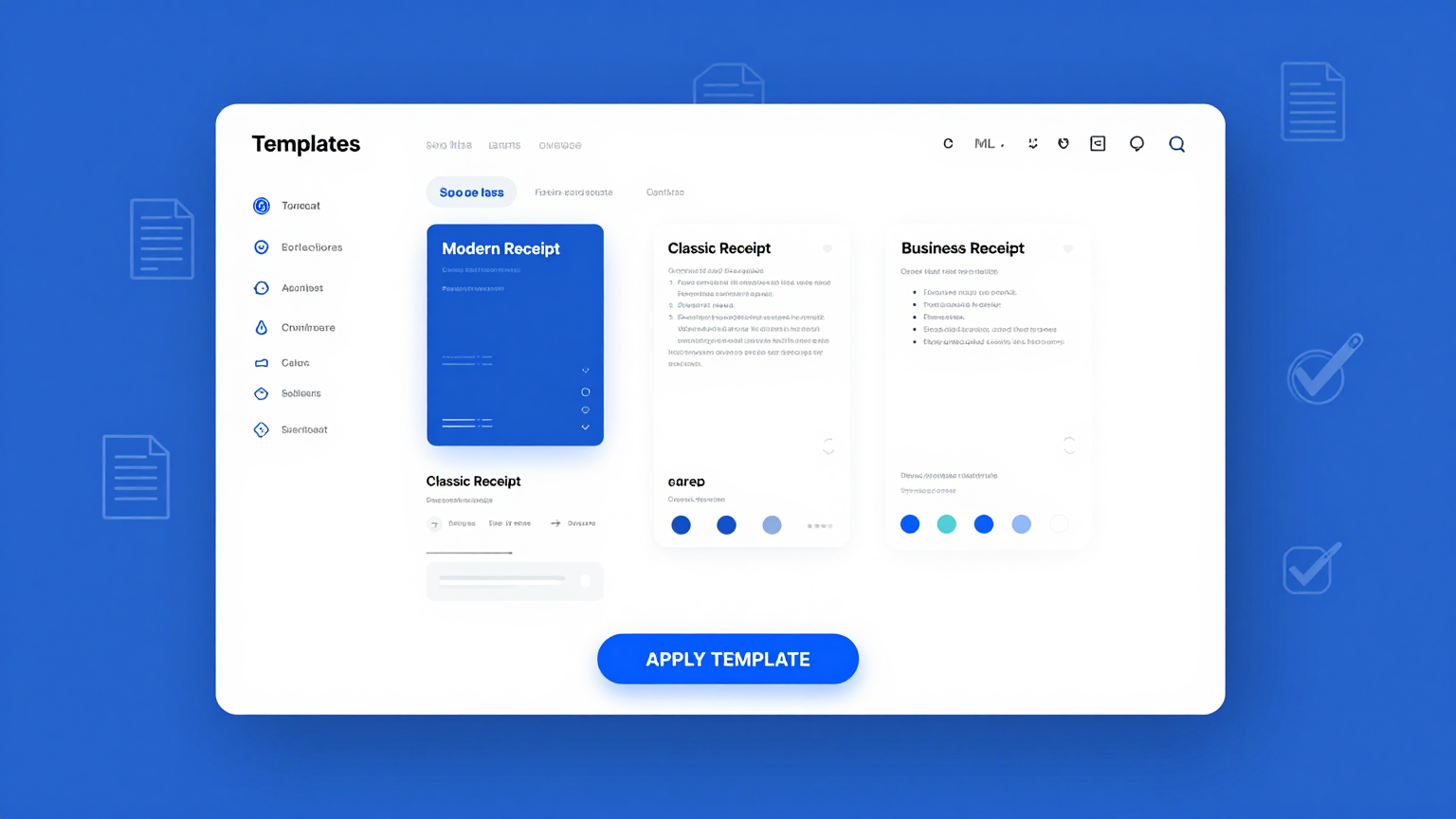
Professional Templates
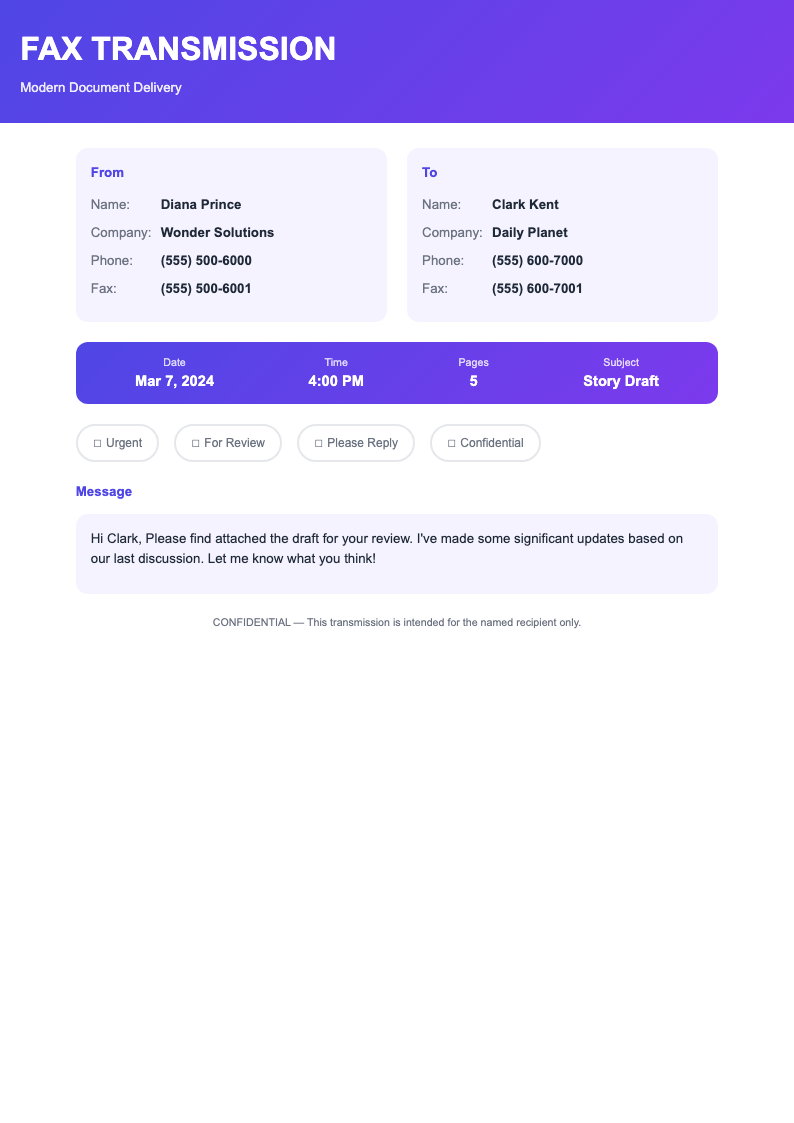
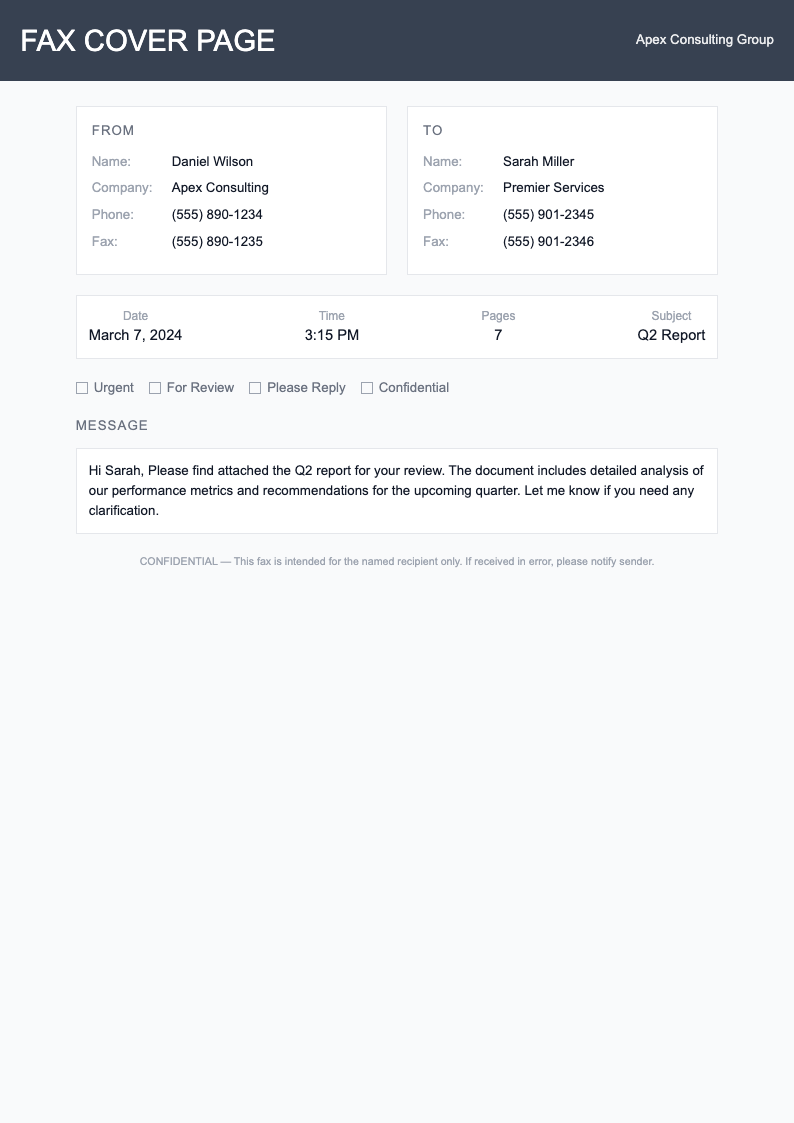
Select from professionally designed templates in the Fax Cover Page Generator. Choose formats appropriate for general business, medical offices, legal firms, or specific industries with proper fields and professional layouts.
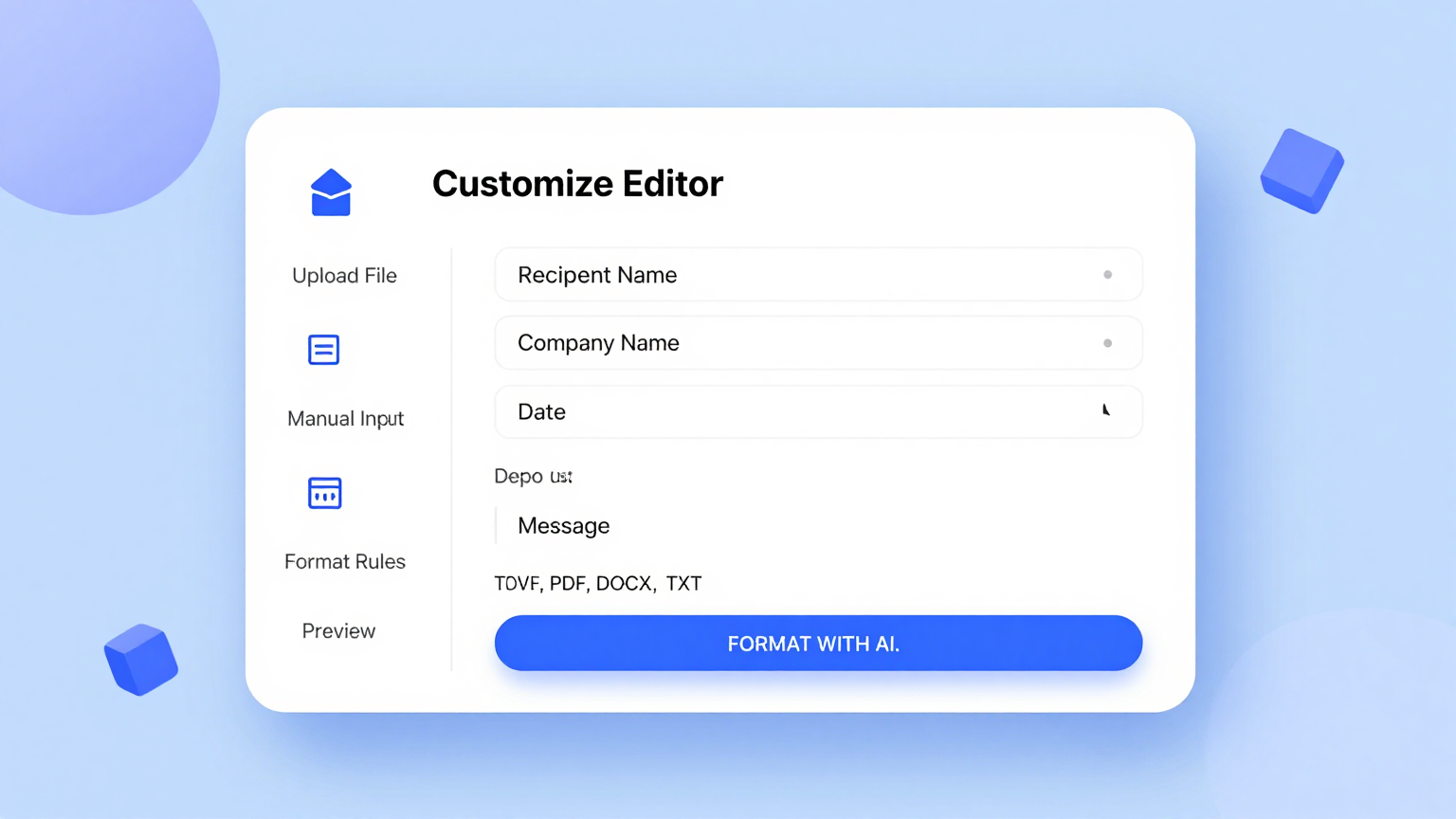
Edit Online
Customize your cover sheet using the Fax Cover Page Generator editor. Add the number of pages, subject line, message content, urgency indicators, and confidentiality notices to clearly communicate the purpose and handling requirements of your fax transmission.
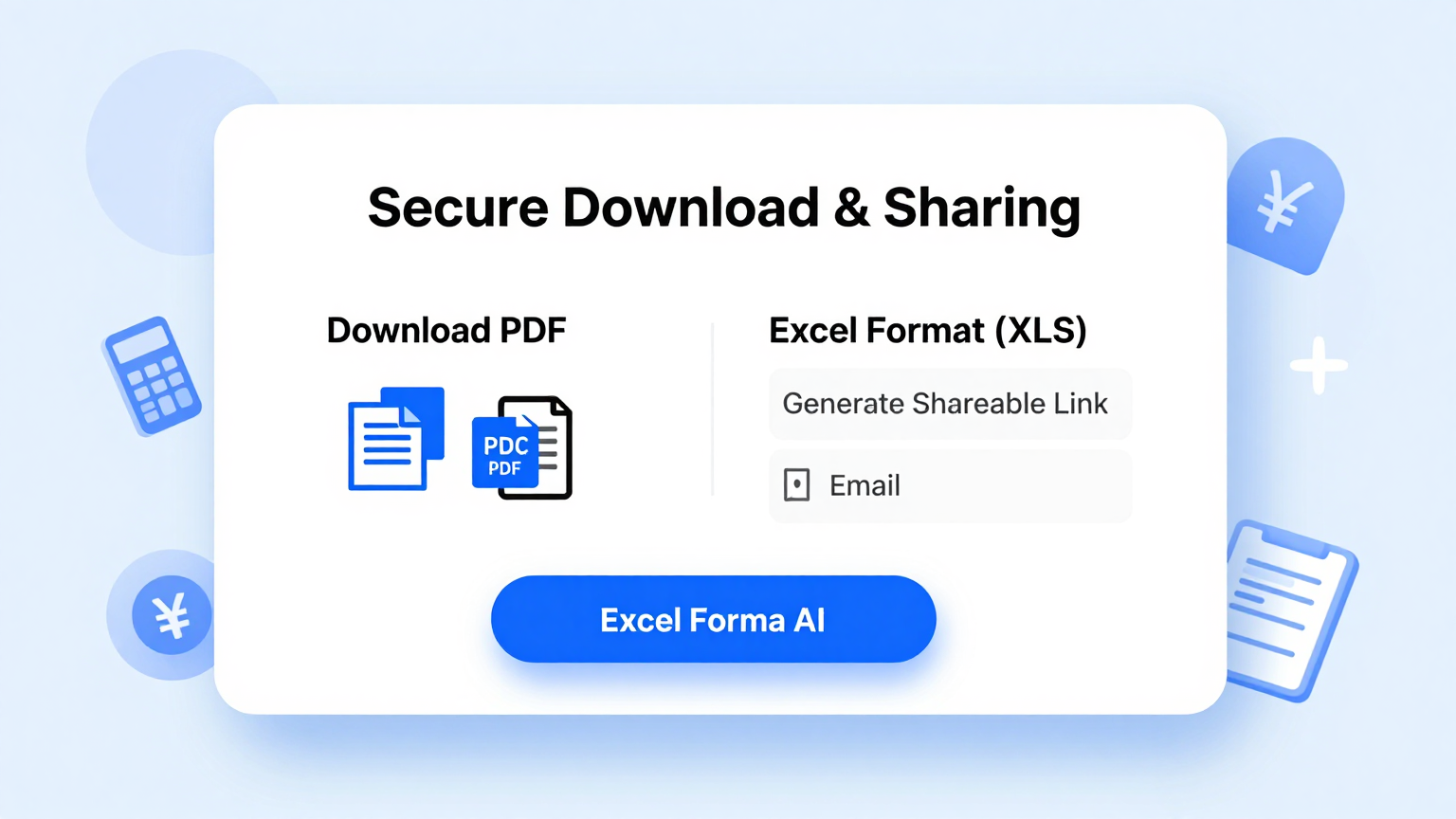
Download & Share
Download your completed Fax Cover Page as a professional PDF ready to print and place at the front of your fax transmission. The clear, organized format ensures recipients understand the contents and handle the document appropriately.
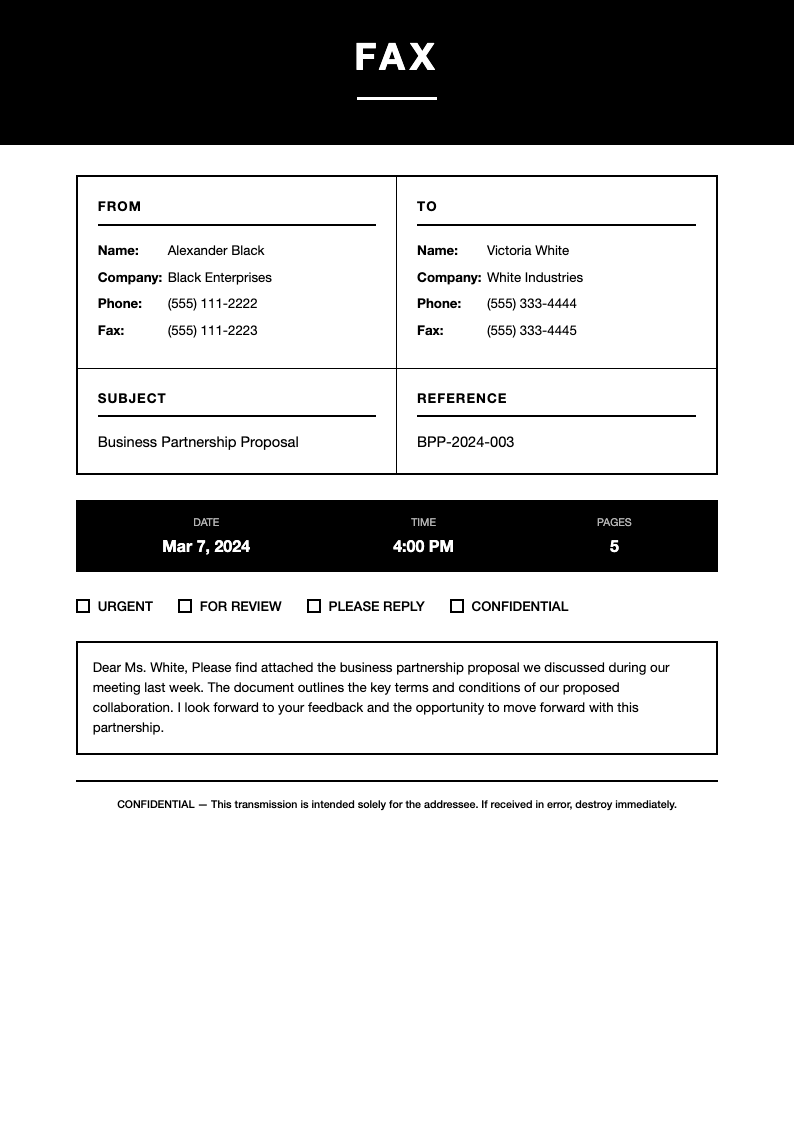
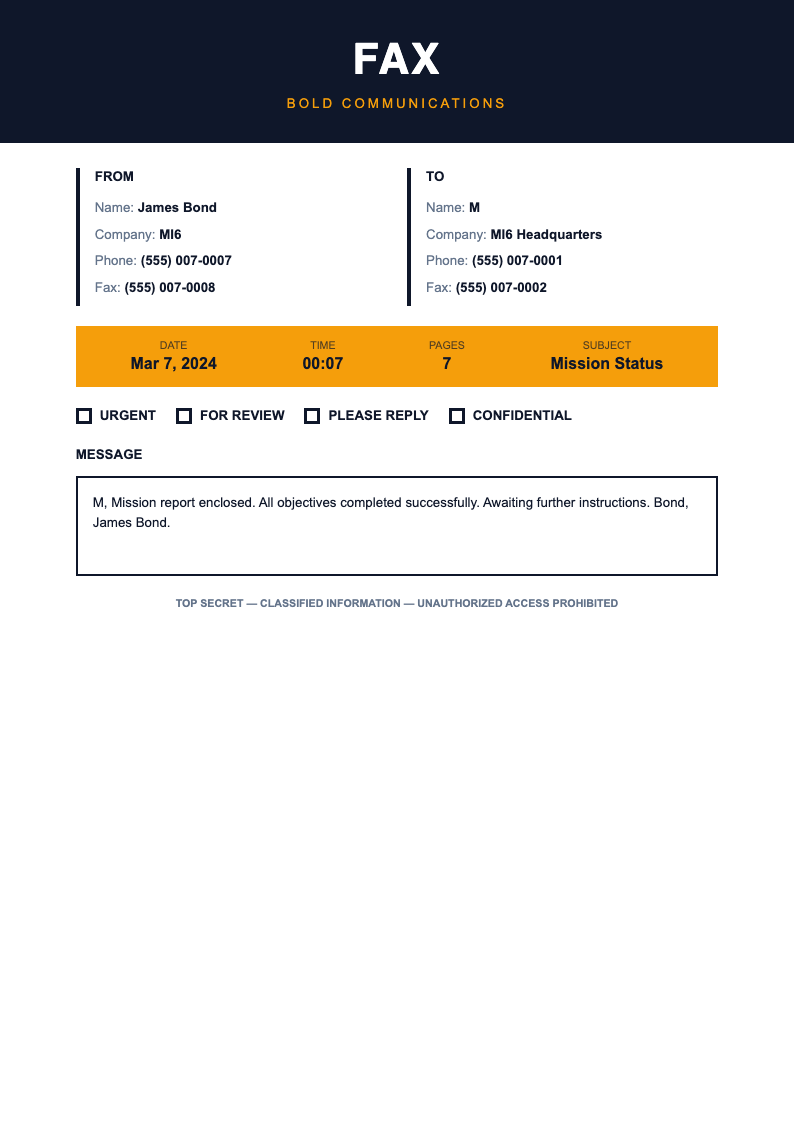
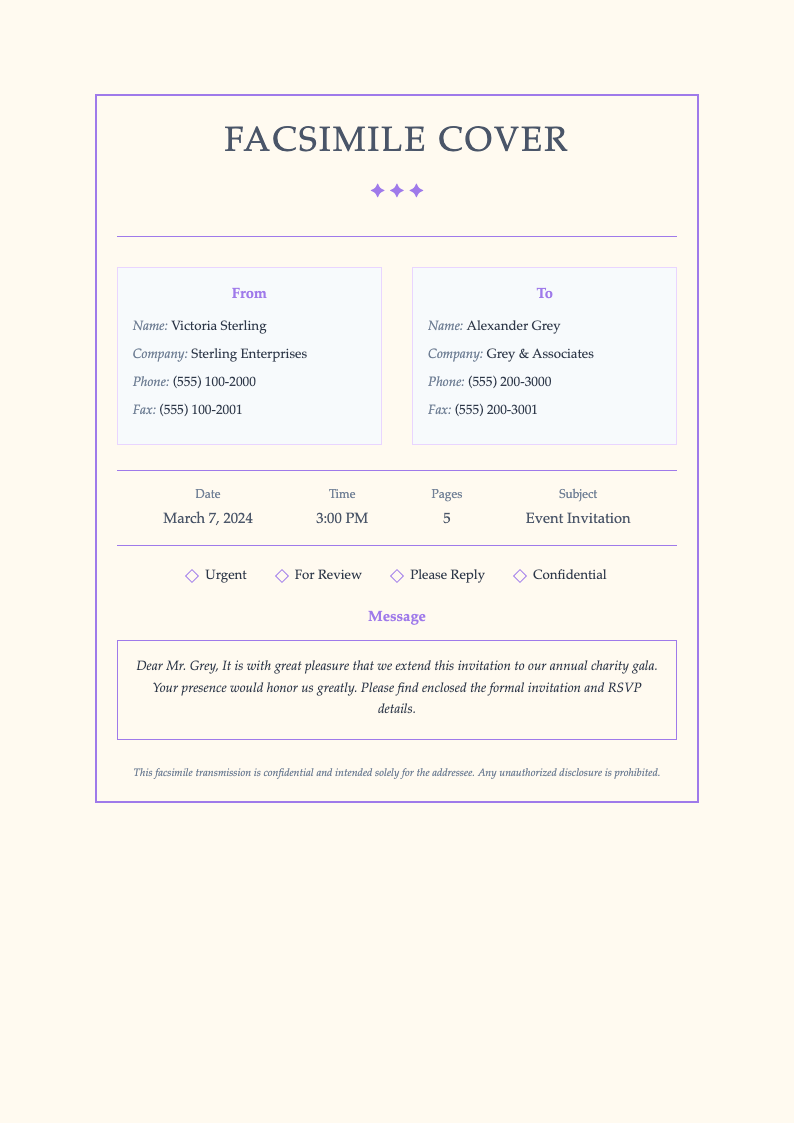
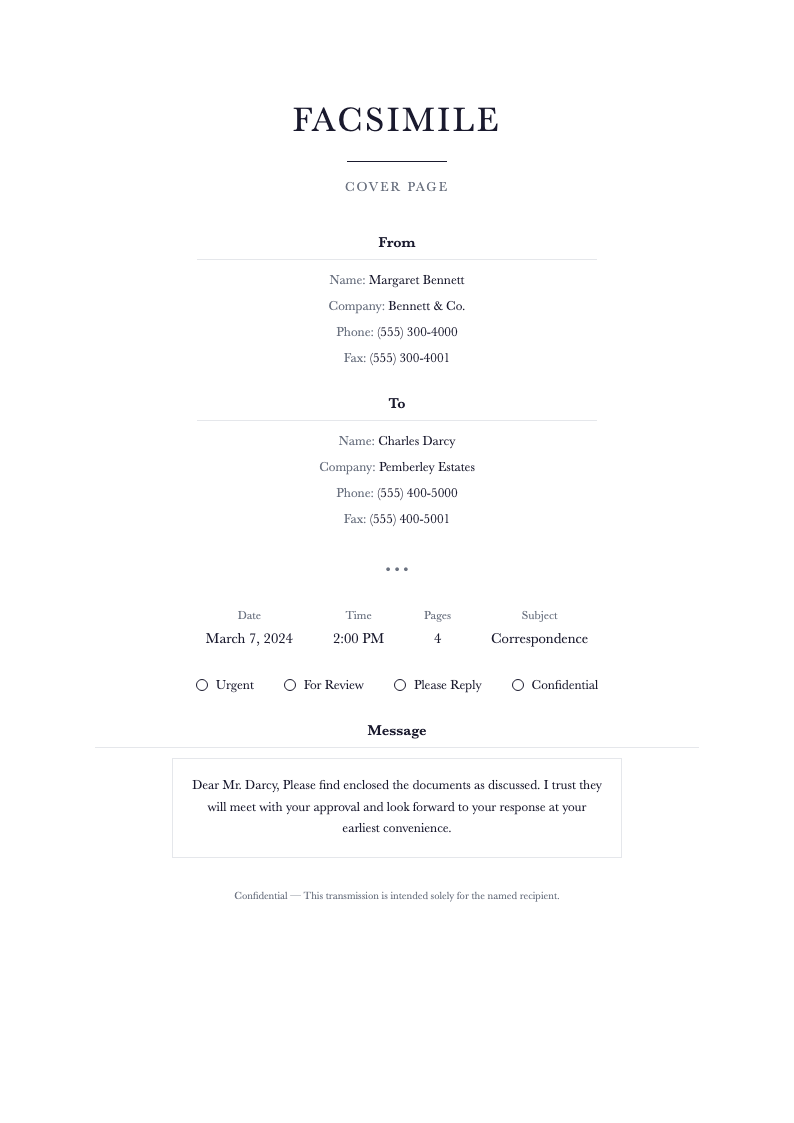
Browse Professional Fax Cover Page Templates
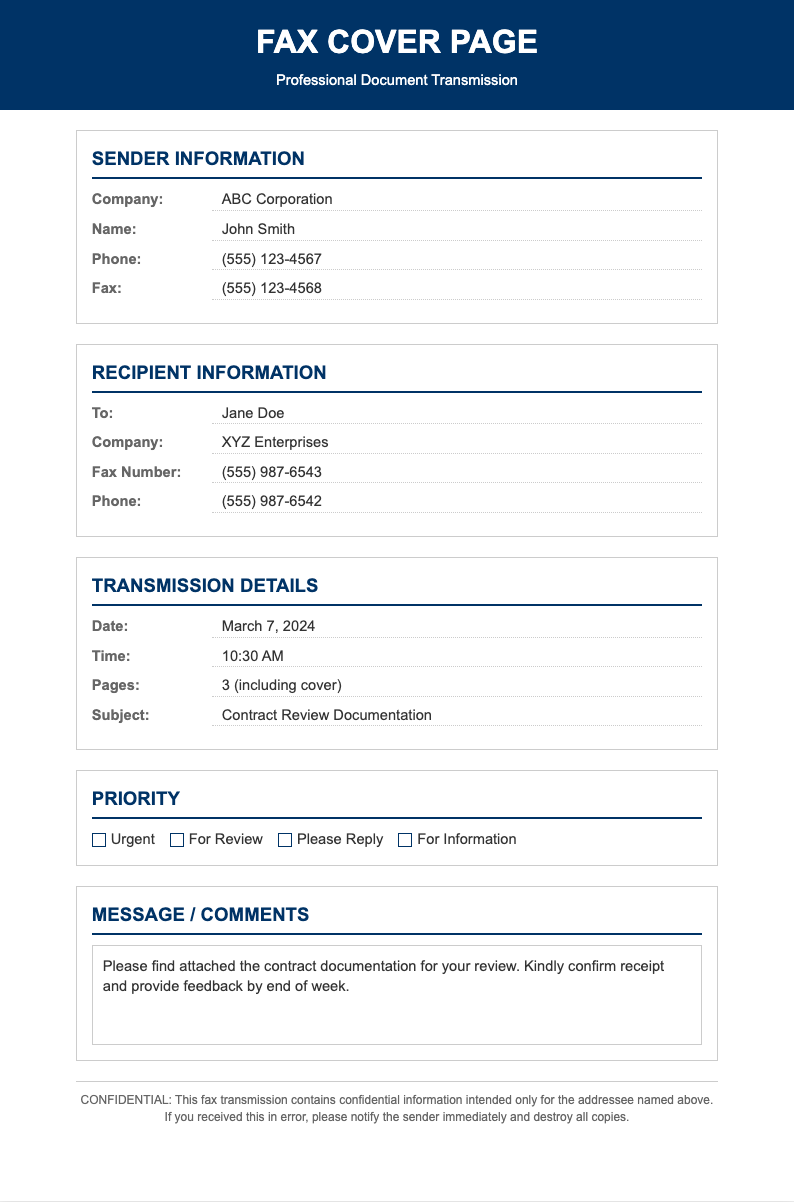
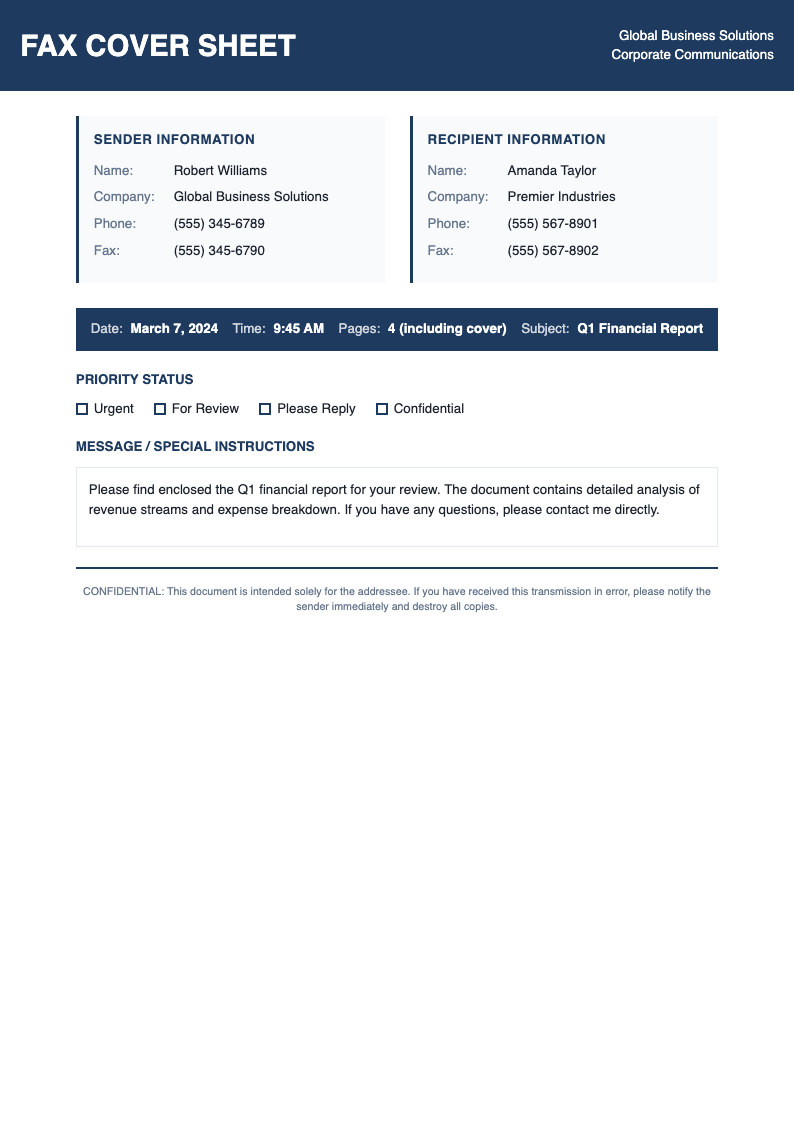
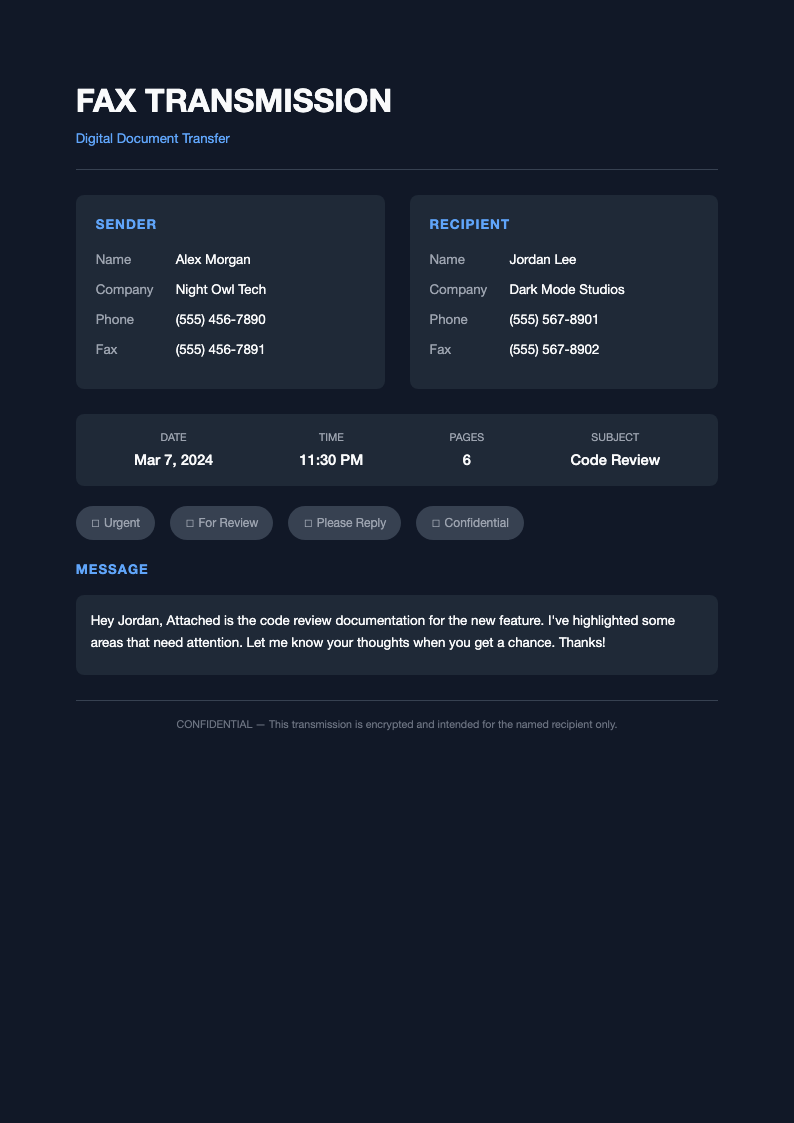
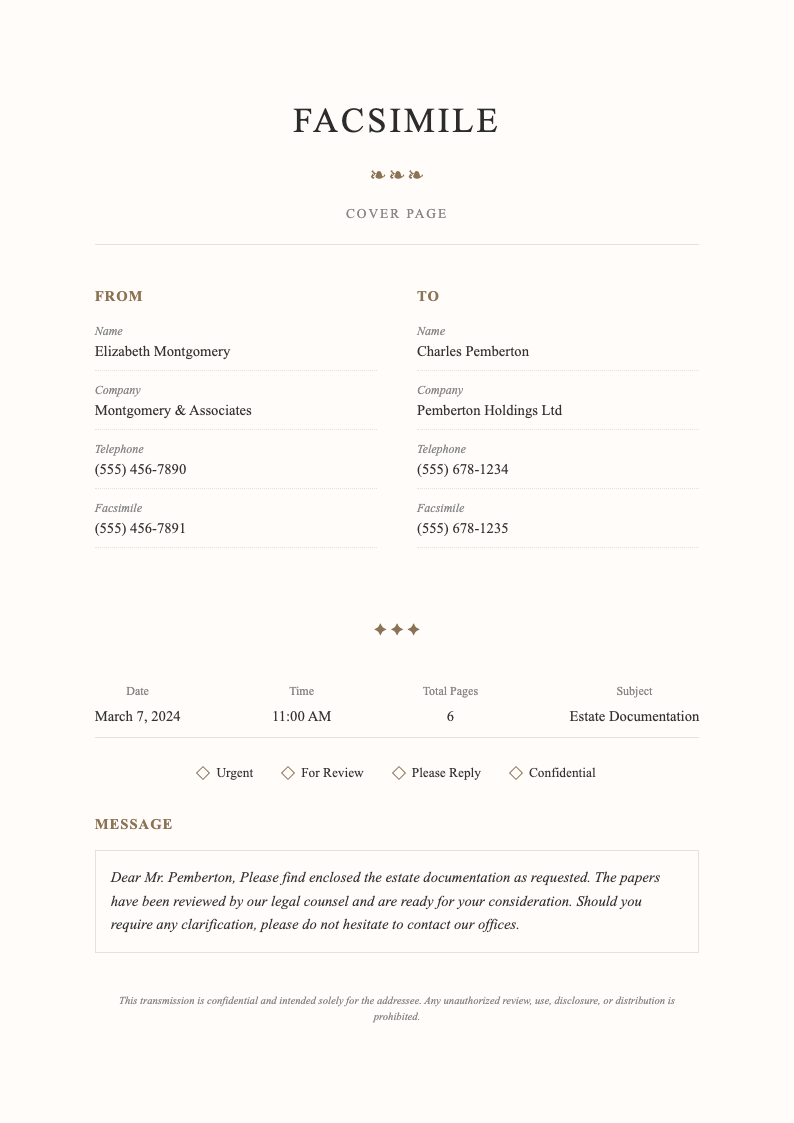
Explore our collection of free, customizable fax cover page templates designed for general business, medical, legal, and industry-specific communications.
Frequently Asked Questions
Everything you need to know about creating professional fax cover pages.
- Is the Fax Cover Page Generator free to use?
- Yes, the Fax Cover Page Generator is completely free with no hidden fees or subscription requirements. You can create unlimited fax cover sheets without providing payment information. All core features including template selection, editing, and PDF download are available at no cost to help you maintain professional fax communications in your business.
- Why do I need a fax cover page?
- A Fax Cover Page Generator output serves several important purposes. It ensures your fax reaches the intended recipient, provides context for the documents being sent, protects confidential information with appropriate notices, and gives the recipient your contact information in case of transmission problems or questions about the contents of the fax.
- What should I include in the message section?
- When using the Fax Cover Page Generator, the message section should briefly explain the purpose of the fax, list the documents included, note any actions required by the recipient, mention deadlines if applicable, and provide any special handling instructions. Keep the message concise but informative enough for the recipient to understand the transmission context.
- How do I mark a fax as urgent?
- The Fax Cover Page Generator includes urgency indicators in many templates. Simply check or highlight the urgent or priority option when creating your cover sheet. Some templates also allow you to add custom urgency text. Urgent markings help recipients identify time-sensitive documents that require immediate attention and prompt response.
- Can I use this for electronic fax services?
- Absolutely. The Fax Cover Page Generator creates PDF documents that work perfectly with electronic fax services and online fax platforms. Create your cover sheet, download the PDF, and attach it as the first page when sending faxes through digital services like eFax, MyFax, or other internet fax providers.
- Should I include a confidentiality notice?
- Yes, including a confidentiality notice on your Fax Cover Page Generator output is recommended for any business communications, especially those containing sensitive information. The notice warns recipients that the fax may contain privileged information and provides legal protection. Our templates include standard confidentiality language you can customize for your needs.
- What if the fax number is wrong?
- The Fax Cover Page Generator includes your contact information precisely for this situation. If a fax is misdirected, the unintended recipient can use the cover sheet to notify you of the error. Always double-check fax numbers before sending, and include your phone number so recipients can call if they receive a fax not intended for them.
- Can I add my company logo?
- Yes, you can customize the Fax Cover Page Generator output to include your company logo. While the generator creates the basic structure, you can add branding elements either during editing or after downloading. A professional logo enhances brand recognition and makes your fax communications look more polished and professional.
- How many pages should I list on the cover?
- When using the Fax Cover Page Generator, list the total number of pages including the cover sheet itself. For example, if you are sending a cover sheet plus three document pages, enter four total pages. This helps recipients verify they received the complete transmission and know if any pages are missing from the fax.
- Are there templates for medical offices?
- Yes, the Fax Cover Page Generator includes templates designed for healthcare and medical office use. These templates feature appropriate fields for patient information, HIPAA-compliant confidentiality notices, and medical-specific formatting. Medical fax cover sheets help protect patient privacy while facilitating necessary healthcare communications between providers.
- Can I save my information for future faxes?
- While the Fax Cover Page Generator doesn't store your data on our servers, you can download a completed cover sheet with your standard information and save it locally as a template. For future faxes, simply open this saved file, update the recipient details and message, and your customized cover sheet is ready for use.
- What file format is the output?
- The Fax Cover Page Generator exports your cover sheet as a PDF document, which is the standard format for fax transmissions. PDF ensures your formatting remains consistent when printed or sent electronically, maintaining the professional appearance of your cover sheet regardless of the fax system or printer used by the recipient.
Ready to Create Professional Fax Cover Sheets?
Generate clear, organized cover pages that ensure your fax communications are professional and effective.
No credit card required • AI formatter tools included • Instant formatting