Your Month, Reconciled
For budgeting, bookkeeping, and proof-of-funds practice layouts. The builder turns your raw transactions into a clean, clearly marked sample statement with every total in its right place.
How to Create a Sample Bank Statement Online
Enter the Period and Balances
Give the bank statement generator the statement month and your opening balance. Those two facts anchor everything else, because every running balance in the ledger is measured from the figure you start with.
Add the Transactions
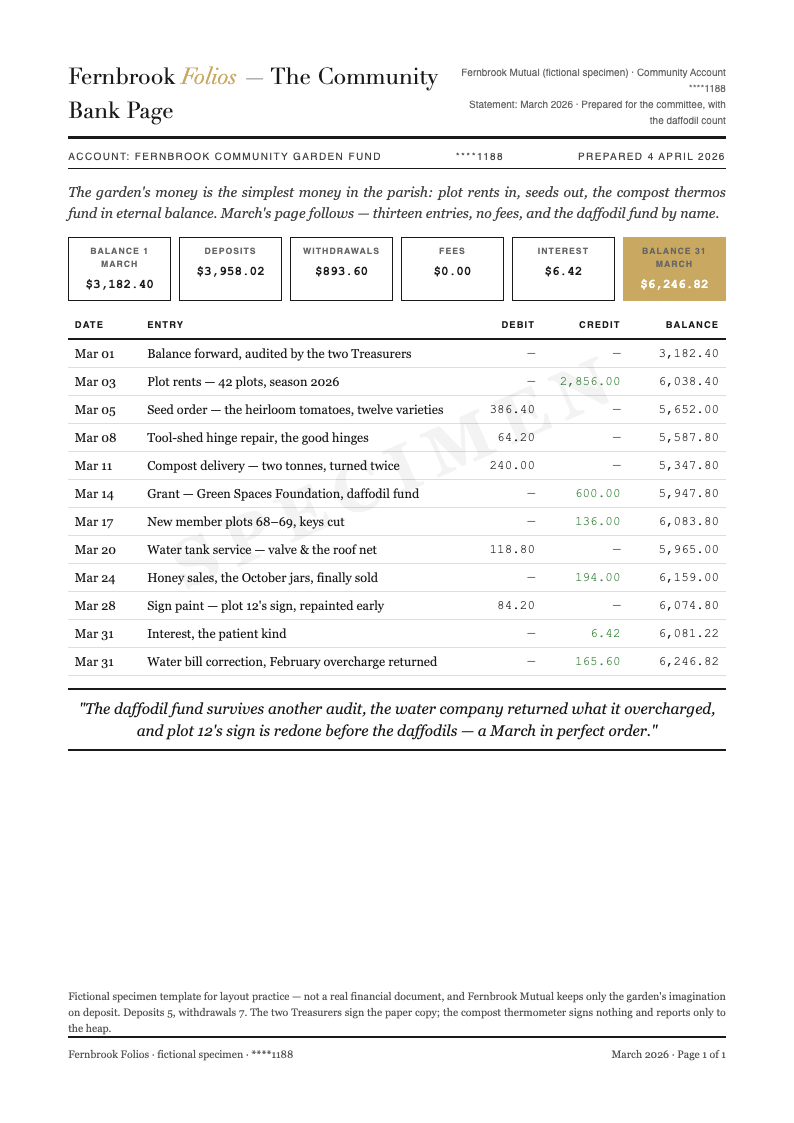
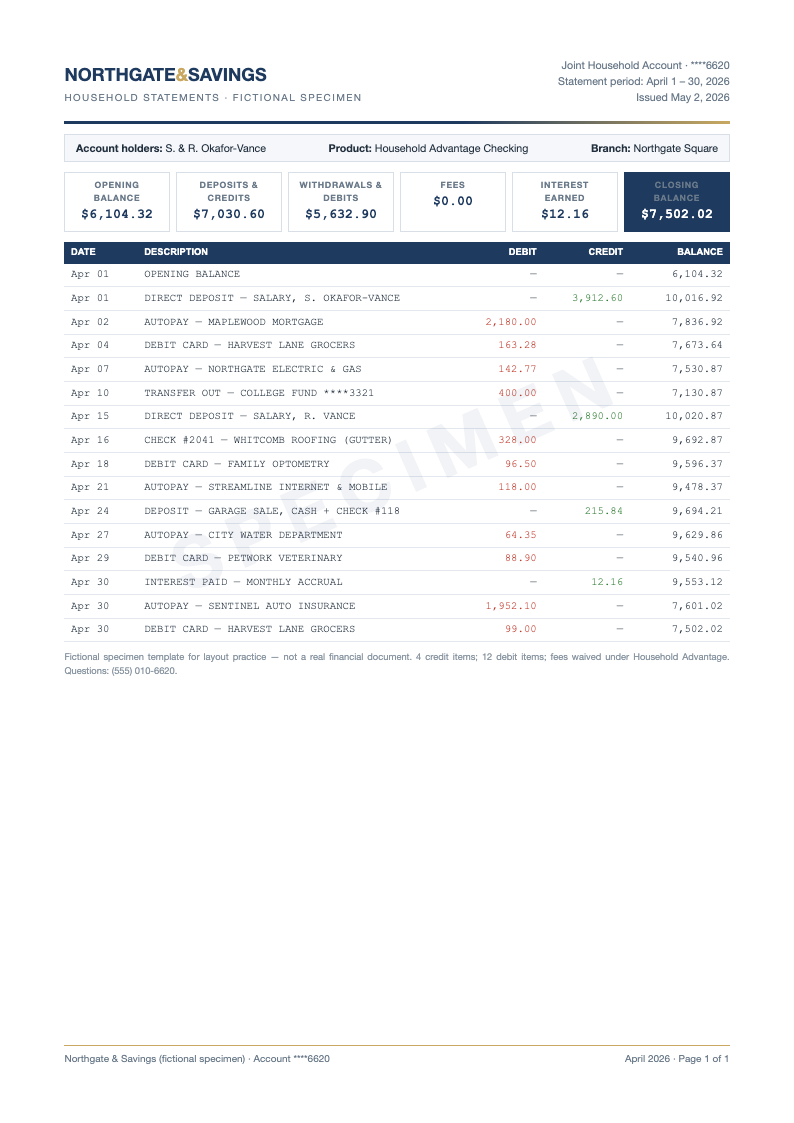
List each credit and debit with its date and description. The bank statement generator orders them chronologically and updates the running balance after every row, so mistakes surface immediately instead of hiding until month-end.
Reconcile the Totals
Check the summary box against the ledger: opening balance, plus credits, minus debits, plus interest, minus fees, equals closing balance. The tool computes all six so the arithmetic can never quietly disagree with the rows.
Export the Specimen
Download the finished sample statement as a PDF. The specimen marking stays visible by design, because the document exists for budgeting practice, bookkeeping classes, and record-keeping layouts rather than to impersonate any real institution.
Start From Your Records
Paste transactions from a spreadsheet or type them by hand, and the bank statement generator sorts them by date, totals the credits and debits, and carries the running balance line by line.
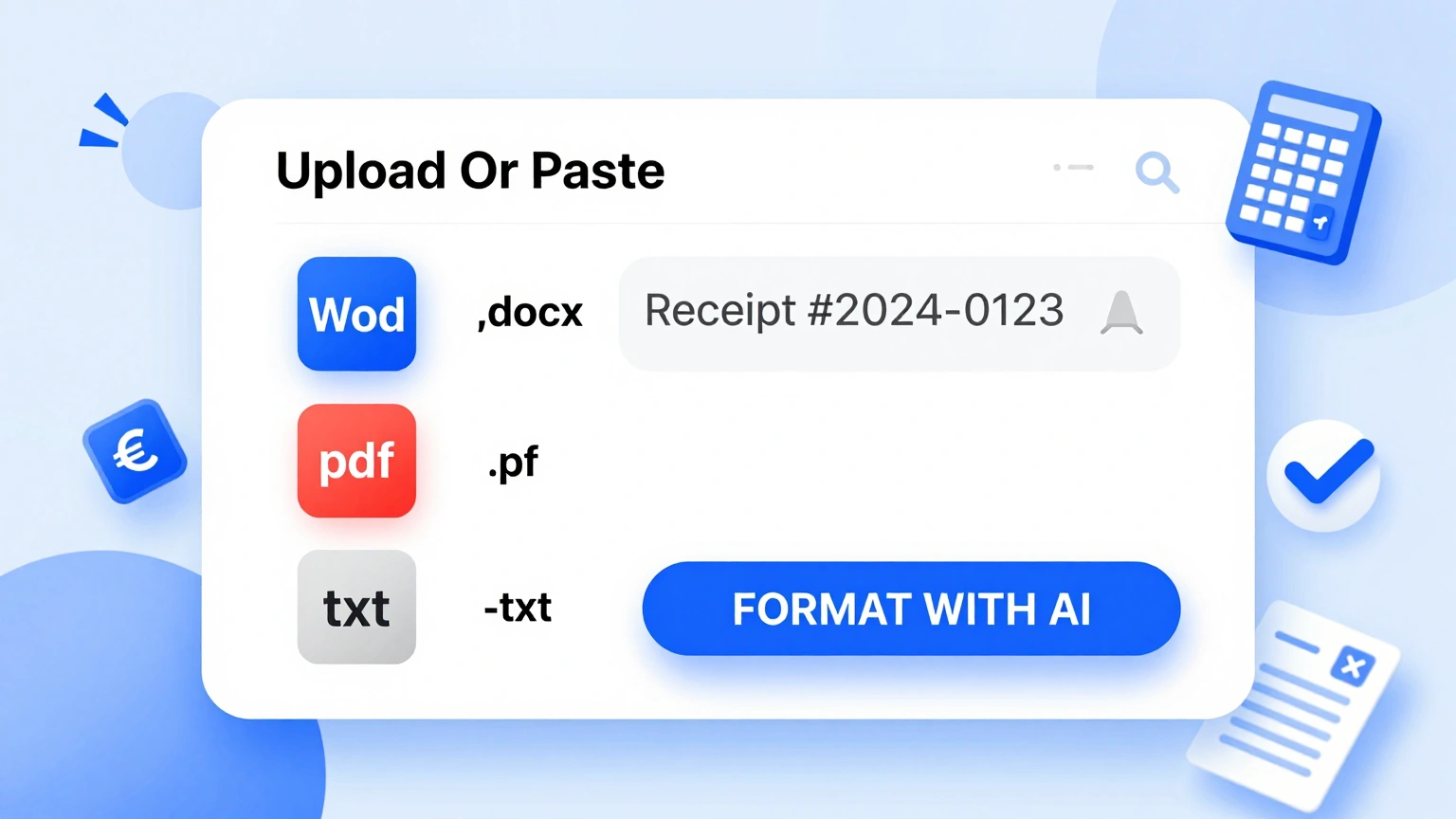
Professional Templates
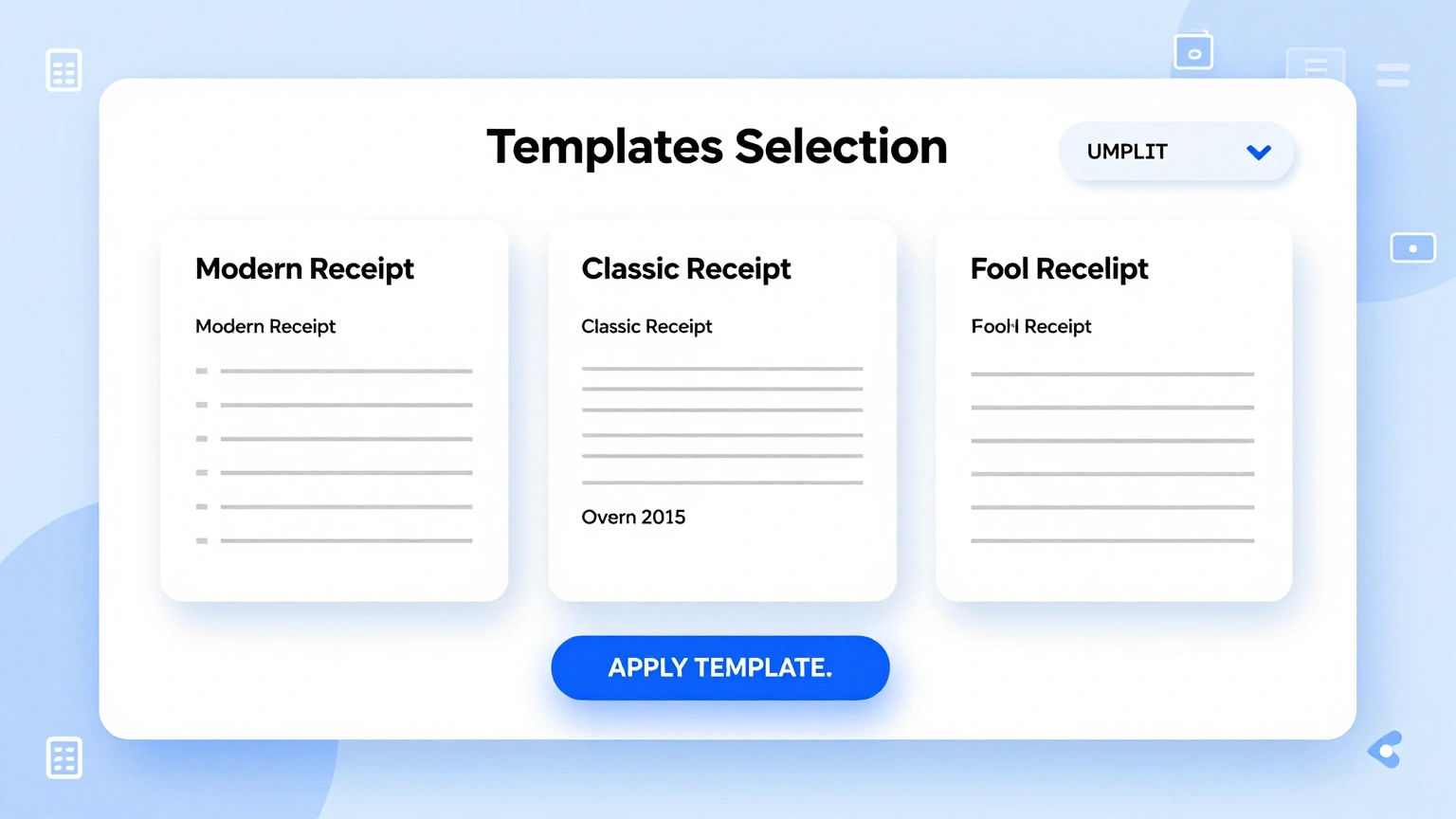
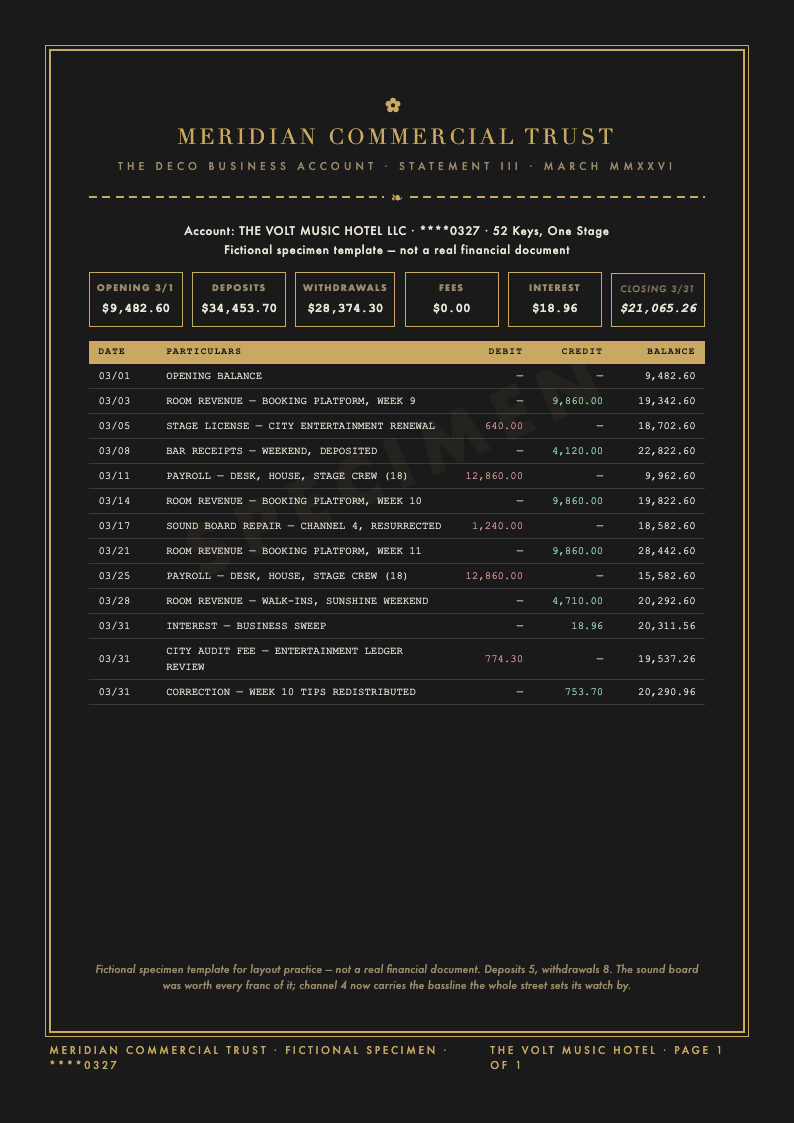
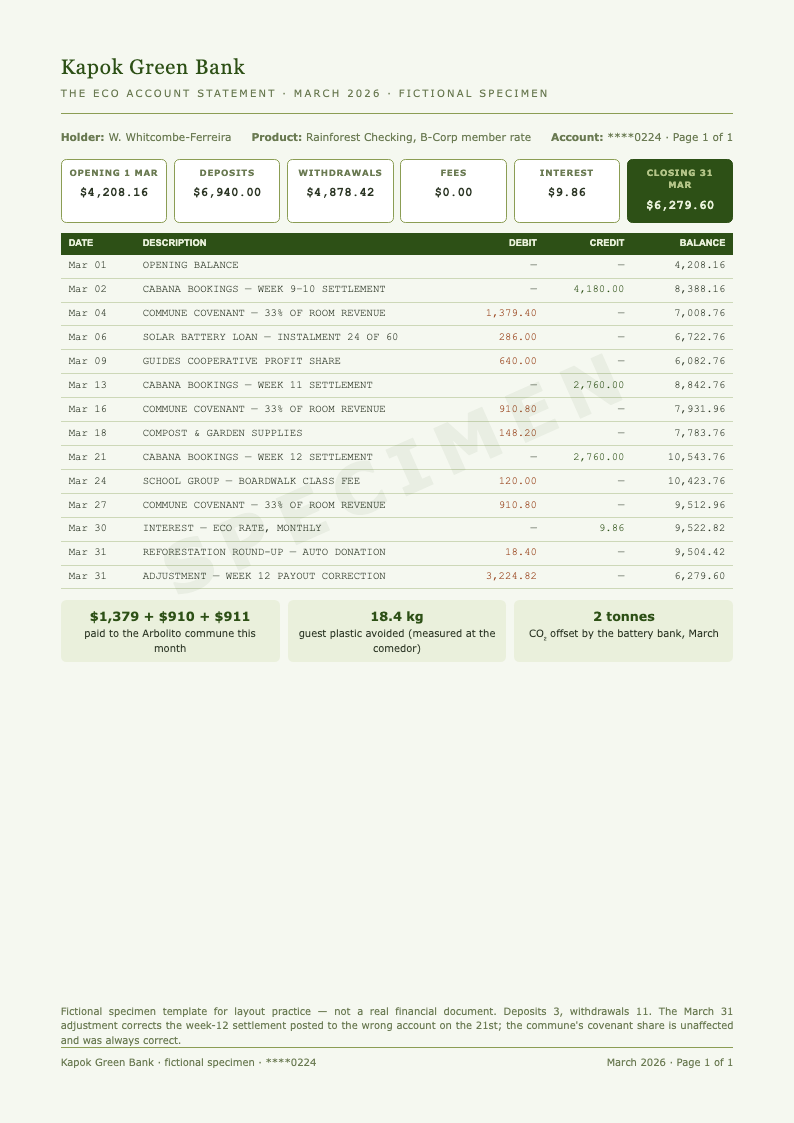
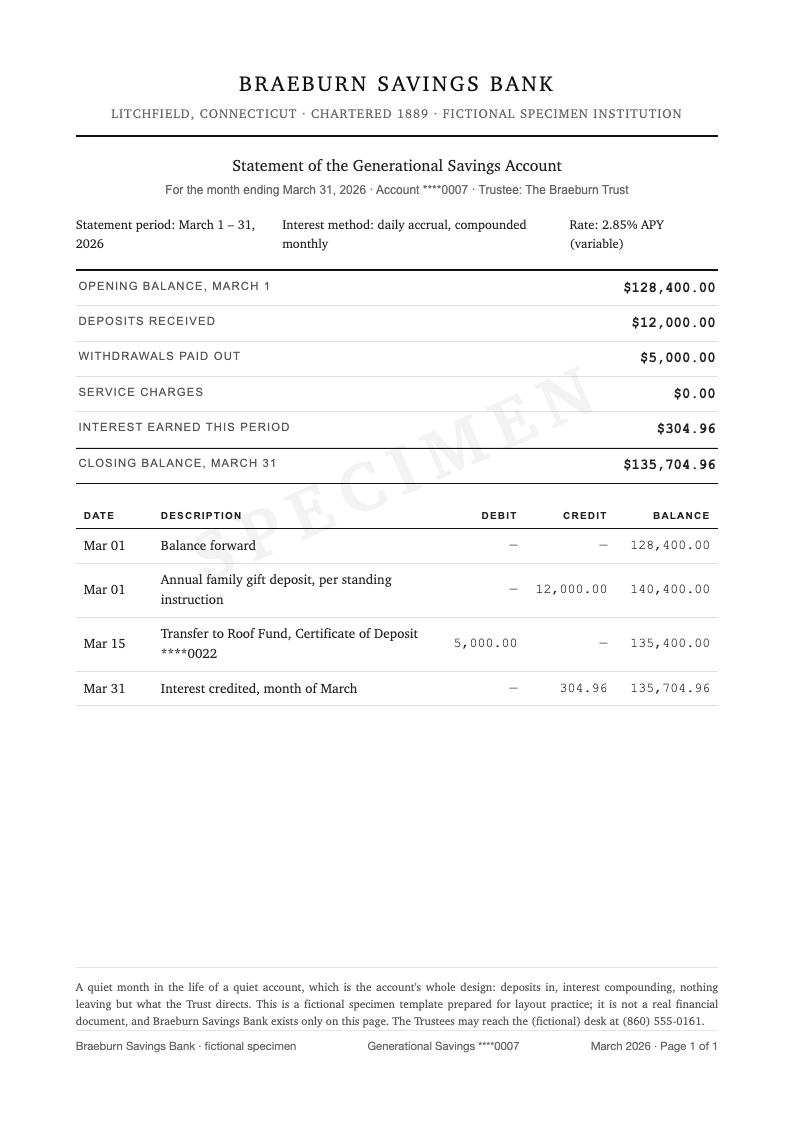
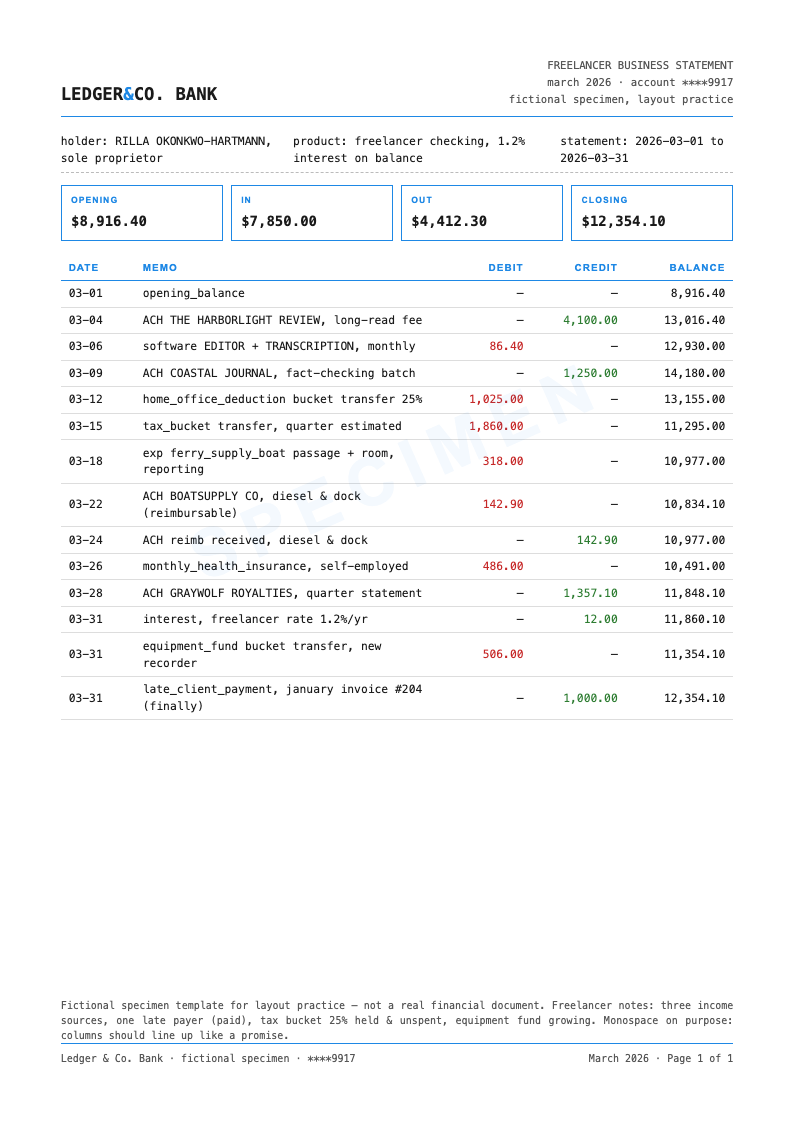
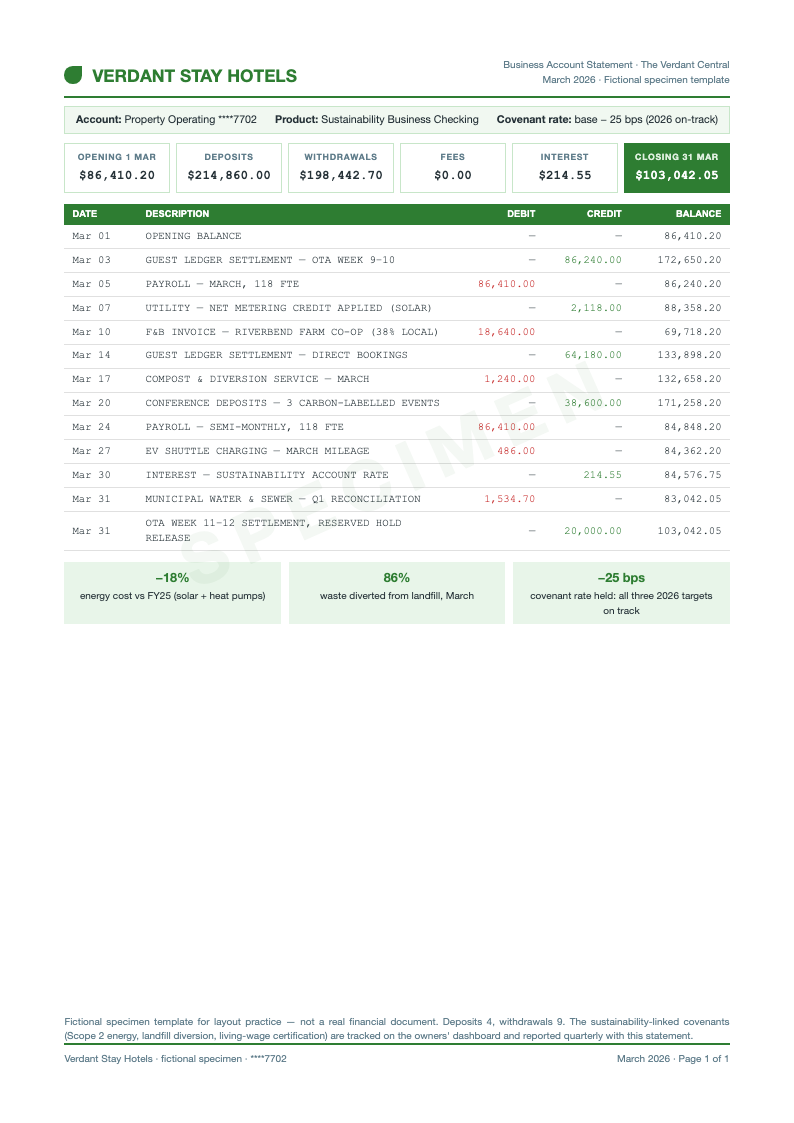
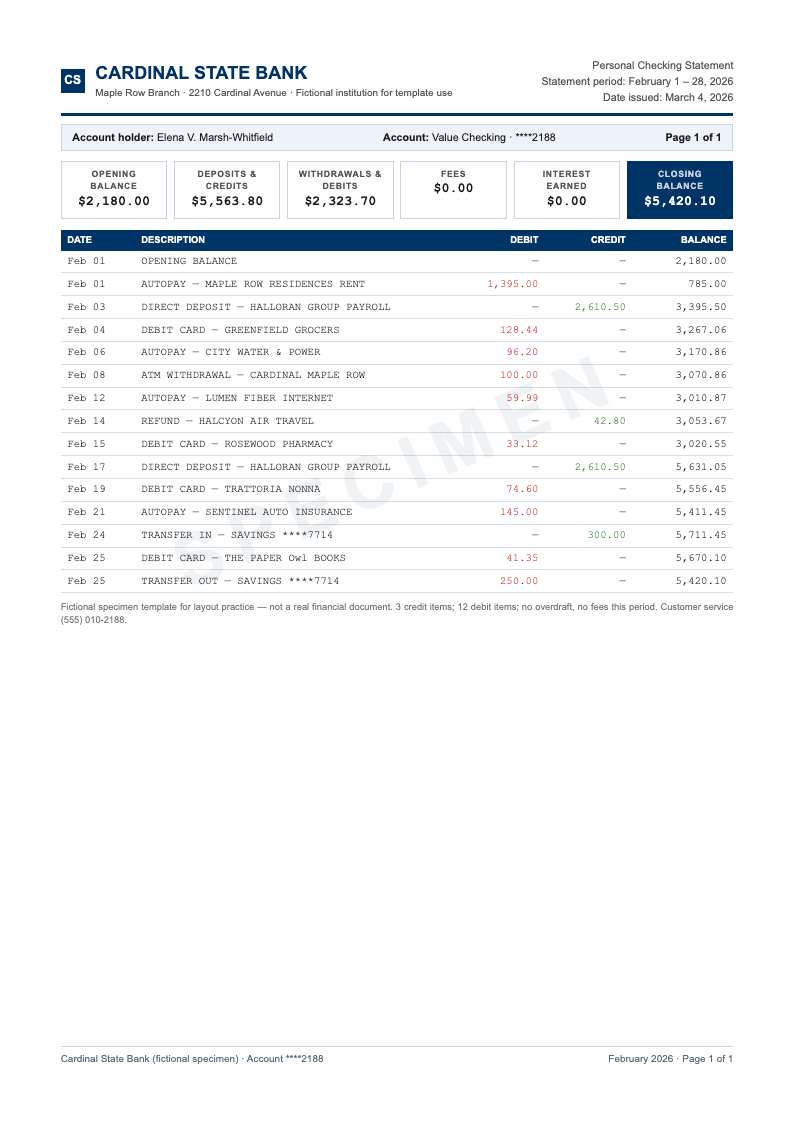
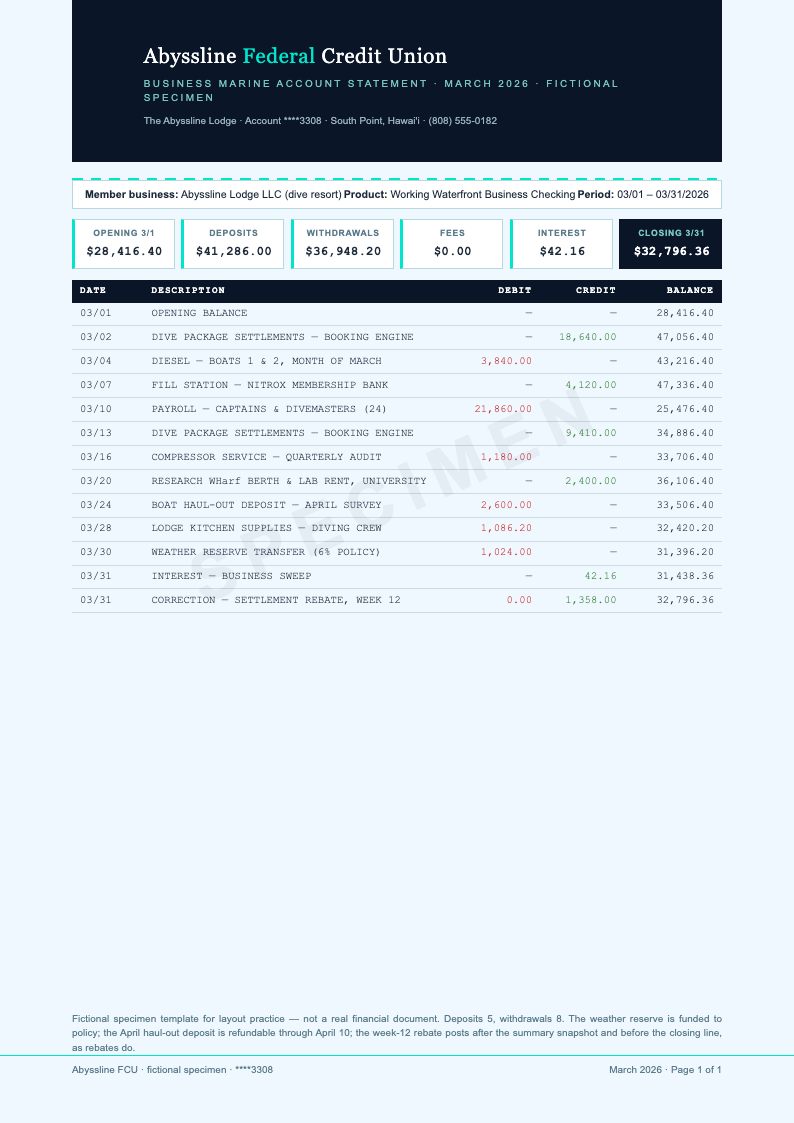
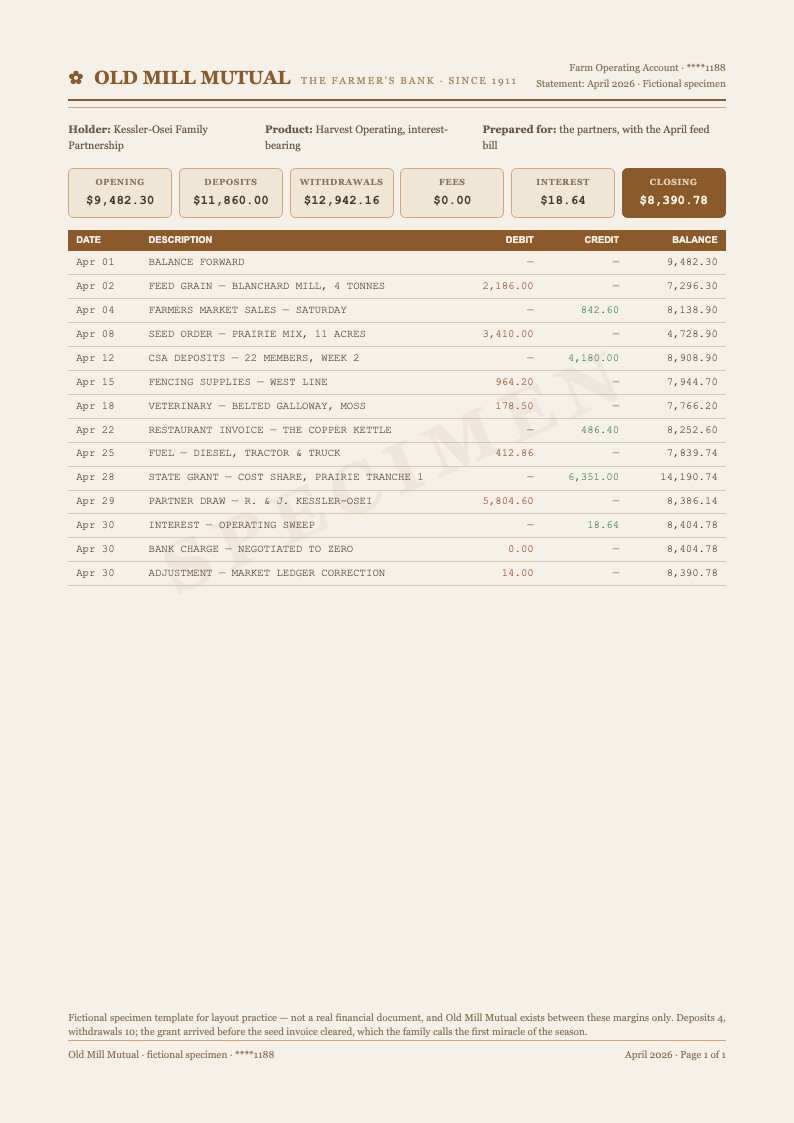
Choose personal checking, business, savings, or multi-currency layouts in the bank statement generator, each with an account summary box, dated ledger, and disclosure footer preformatted.
Edit Online
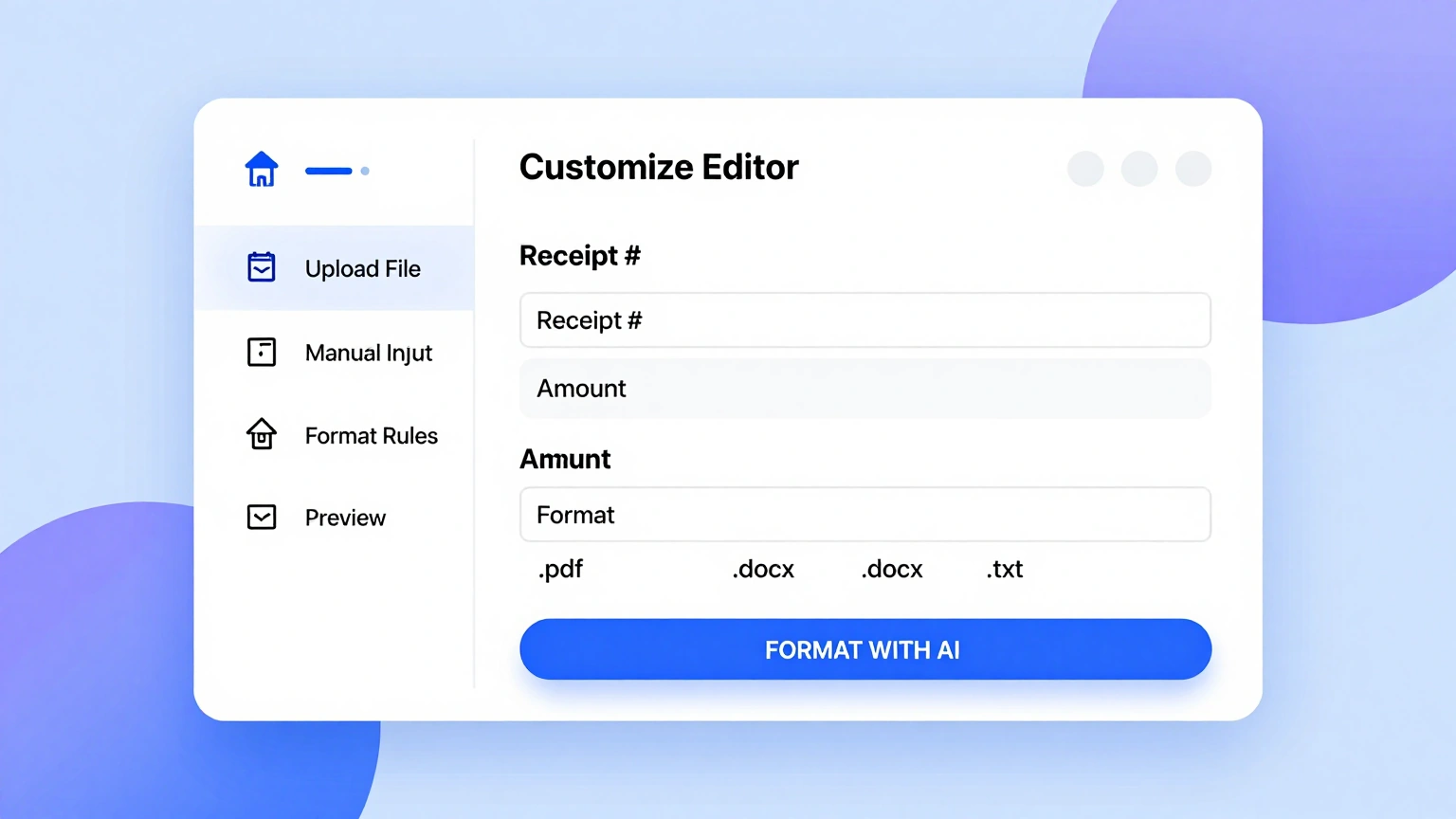
Fix a description, redate a charge, or correct an amount in the editor, and the bank statement generator recalculates every running balance from that row to the closing figure.
Download & Share
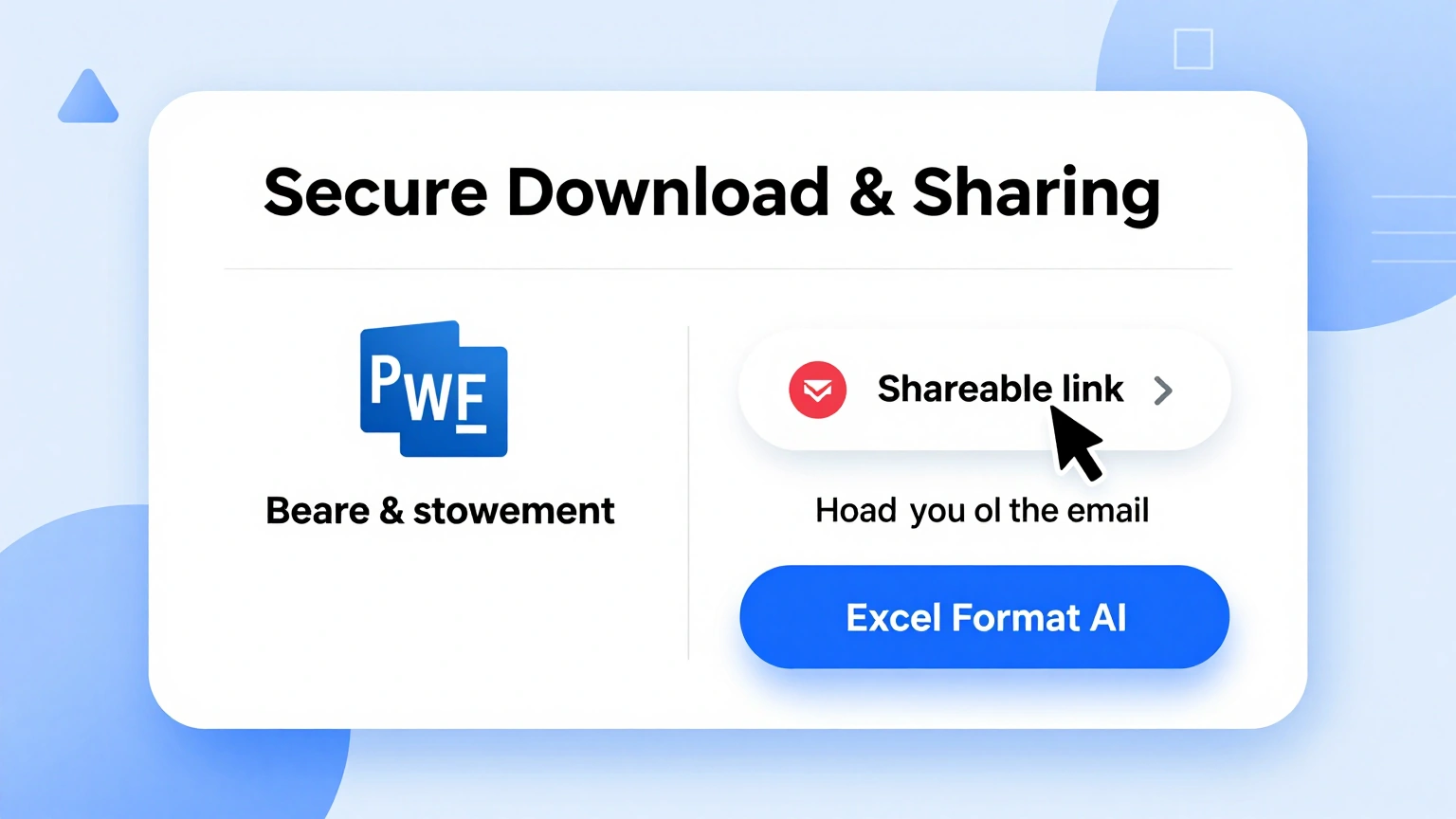
Export the finished sample from the bank statement generator as a PDF with the specimen marking clearly displayed, ready for budgeting practice, bookkeeping classes, or record-keeping drills.
Explore Bank Statement Templates
Browse bank statement templates for personal checking, business accounts, savings, and multi-currency layouts, each preformatted with summary and ledger.
Frequently Asked Questions
Quick answers about using the bank statement generator.
- Is the bank statement generator free?
- Yes. The bank statement generator is free for unlimited sample statements, with no account required. Build one month of practice records or a full year of bookkeeping layouts and download every version without paying anything. Every template, currency, and export format stays available whether you build one practice page a semester or prepare a full curriculum of exercises for an entire class this term. There are no limits of any kind.
- What is a bank statement?
- A bank statement is a periodic summary of an account: the opening balance, every credit and debit in date order, any fees or interest, and the closing balance. The bank statement generator reproduces that structure for your own records and practice, labeling every section so a learner can point to exactly where each number comes from on the printed page. The anatomy is the lesson itself, page by page.
- Can I use the output as a real bank statement?
- No, and the tool makes that clear by design. Every export carries a specimen marking because the bank statement generator creates practice and bookkeeping layouts, not financial documents. Real statements come only from your actual institution, and the specimen mark stays visible on every page of every export, so a finished exercise could never be mistaken for a document that moves real money. Practice is the purpose, clearly stated.
- Who uses a tool like this?
- Bookkeeping students learning ledger discipline, landlords organizing rent records, teachers building finance lessons, and anyone reconciling a month of spending. The bank statement generator exists wherever a clean transaction table teaches something useful. Finance instructors assign it because a labeled page teaches the anatomy of a statement faster than any lecture slide ever could, and the practice rows make the lesson permanent. One printed page carries the whole class.
- How does the running balance work?
- Each row adds its credit or subtracts its debit from the previous balance, exactly as real statements do. The bank statement generator recalculates the entire chain whenever you edit any amount, so a typo cannot hide halfway down the page. The running balance is also the built-in answer key: when the closing figure lands where the summary box says it should, every row above it is proven correct. The math checks itself, row by row.
- Can I include fees and interest?
- Yes. The bank statement generator has dedicated rows for service charges and interest accrual, and the summary box separates them from ordinary deposits and withdrawals so the month's cost of banking stays visible at a glance. Practice sets that include fees teach learners to read the whole summary box, not just the closing figure, which is exactly the habit careful budgeting requires. Small numbers teach big lessons, and the summary box makes them impossible to ignore.
- Is my financial data kept private?
- Yes. Your figures stay in your browser while you work in the editor, and exports are produced on demand. The bank statement generator archives nothing after the tab closes, so even practice records and made-up merchant names never leave your own device. That privacy matters most in shared computer labs, where a whole class practices on the same machines between periods every single week. Close the tab and every trace of the exercise is gone from the machine.
- Can I use it for small-business bookkeeping?
- You can. The business template carries the same ledger discipline with categories that suit invoicing, expenses, and transfers, and the bank statement generator totals each month so quarterly reconciliation starts from organized rows instead of a shoebox. Freelancers also use the monthly totals to sanity-check estimated tax set-asides, which turns a practice layout into a genuinely useful small-business habit over the year. Orderly rows save quarter-end scrambles.
- What file formats can I download?
- The bank statement generator exports PDF for printing and sharing in class, plus a spreadsheet version for continued bookkeeping. Both keep the summary box and the ledger aligned, so the numbers never split between two documents. File names follow a clear pattern of account, month, and version, which keeps a semester of practice exercises organized without any manual filing effort. Print it for class or keep editing in the spreadsheet, whichever the lesson needs.
- Can I make statements in other currencies?
- Yes. Choose the currency and symbol before you enter transactions, and the bank statement generator formats every amount consistently, which keeps a euro or pound account as readable as a dollar one. The currency symbol stays uniform across the summary box and every ledger row, so a mixed exercise never mixes two currencies in the same column by accident. Symbols stay consistent from top to bottom.
- How many transactions fit on one page?
- Comfortably fifteen to twenty rows with the summary box included. The bank statement generator continues longer months onto additional pages, and page numbering and carried balances stay aligned across all of them, exactly the way real institutions paginate a busy month. Continuation pages also repeat the column headers, so a reader never loses track of which column is which mid-statement. Multi-month practice sets stay in order from the very first page to the last.
- Do I need accounting knowledge to use it?
- No. The bank statement generator explains each column as you go, in plain words, and the running balance teaches double-entry thinking by example, which is exactly why finance instructors so often assign a first month of records as homework. A student who completes one statement page understands credits, debits, and running balances without a single lecture slide, which is the quiet goal of the whole exercise. The page itself is the teacher.
Create Your Sample Bank Statement Now
Enter a month of transactions and let the builder produce a clean, clearly marked ledger for budgeting, classes, or bookkeeping practice.
Free templates • AI-powered editing • No sign-up required