Generate NDAs Instantly
Protect your confidential information with our AI-powered tool. Create legally sound NDAs in minutes without hiring expensive legal counsel.
How to Create an NDA Online
Enter Party Details
Start by entering the names and contact information of all parties involved. You can type in the details manually or paste them from your records. Providing accurate party information ensures the generated NDA is properly addressed and legally valid from the start.
Define Confidential Info
Clearly describe what information should be protected under the agreement. Include trade secrets, business plans, client lists, or any proprietary data. A well-defined scope prevents disputes later and ensures both parties understand their obligations.
Customize Terms
Adjust the duration, exclusions, and remedies to fit your specific situation. Review each clause carefully and modify language to match your industry standards. This step ensures the agreement balances protection with practicality for all parties involved.
Download & Sign
Download the finished NDA as a Word or PDF file, then share it with all parties for signatures. Both formats are print-ready and professional. Keep a signed copy for your records and distribute copies to every party who signed the agreement.
Import Details
Import your business details, party information, and confidentiality terms directly into the tool. It parses your input to pre-fill the agreement, saving you time on manual data entry.
Professional Templates
Choose from a library of professionally drafted templates. Each one covers different NDA types including mutual, unilateral, and employee confidentiality agreements.
Edit Online
Refine every clause and provision using the built-in editor. Adjust confidentiality periods, add specific exclusions, and modify remedies for breach to match your exact needs.
Download & Share
Export your completed NDA as a Word document or PDF. The tool produces print-ready files you can share with all parties for immediate signing and execution.
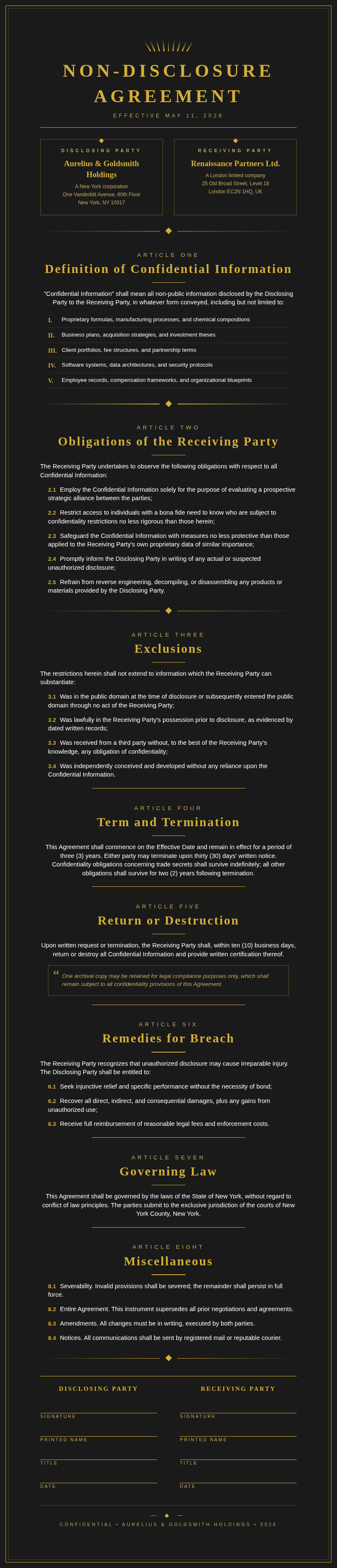
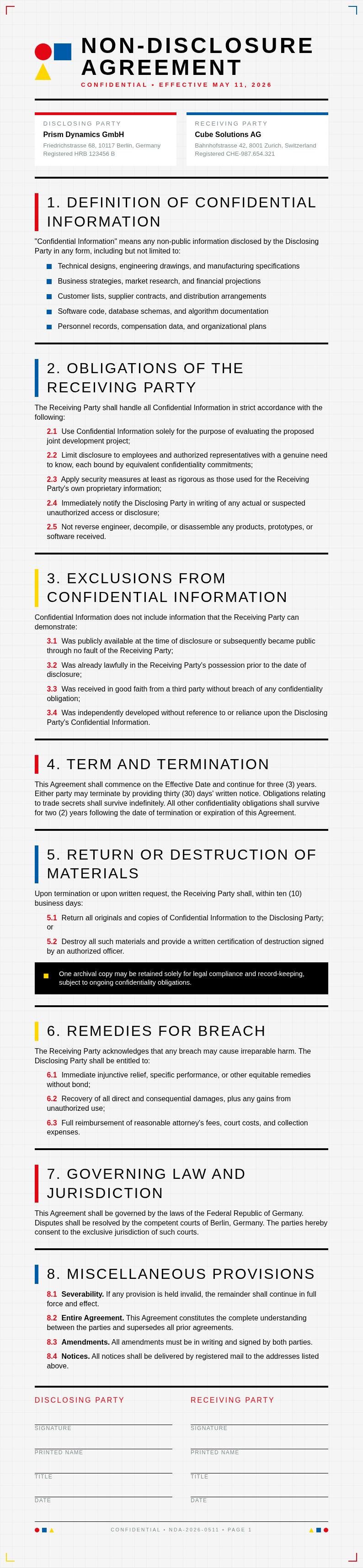
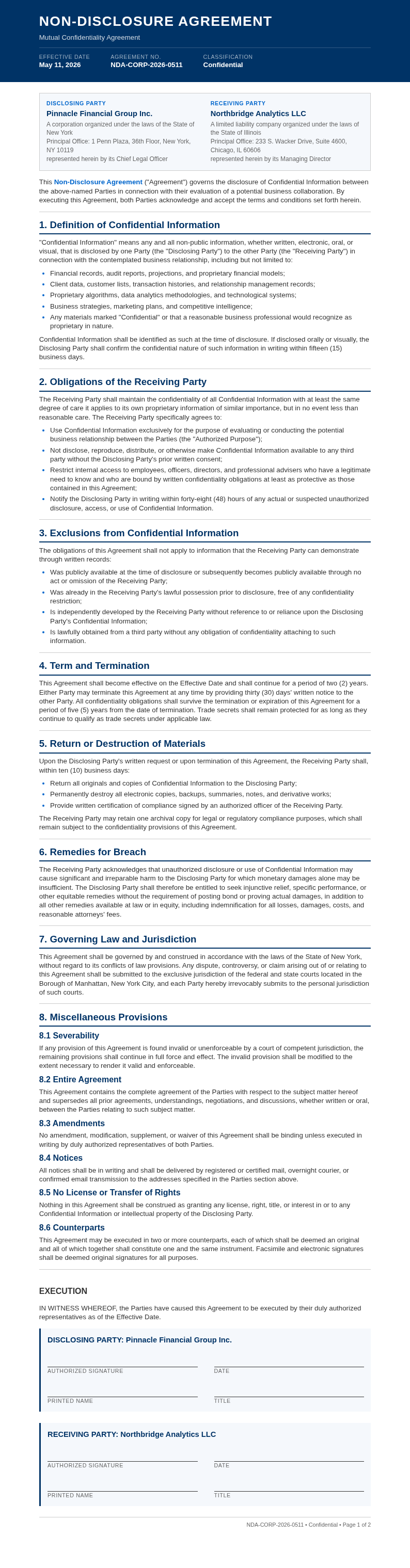
Explore Professional NDA Templates
Need a starting point? Browse our collection of pre-made NDA templates for various business scenarios.







Frequently Asked Questions
Helpful information about using our NDA generator tool.
- Is the Non-Disclosure Agreement Generator free?
- Yes. This tool is completely free to use with no hidden fees or subscriptions required. You can create unlimited NDAs without creating an account or providing payment information. It gives everyone access to professional confidentiality agreements at zero cost, making legal protection accessible to businesses of all sizes and individuals alike.
- What types of NDAs can I create with the Non-Disclosure Agreement Generator?
- The tool supports mutual NDAs, unilateral NDAs, employee confidentiality agreements, and contractor NDAs. Each template is tailored for different business scenarios, so you can protect your information regardless of the relationship type. Simply select the category that matches your needs and start filling in the details to generate a customized document.
- Are the generated NDAs legally binding?
- Yes, NDAs created by this tool include standard legal provisions and are legally binding when properly signed by all parties involved. The documents feature enforceable confidentiality clauses that hold up in court, though we recommend legal review for complex transactions. Having a lawyer check high-stakes agreements adds an extra layer of protection and confidence.
- Can I edit the NDA after generating it?
- Absolutely. The tool includes a full online editor that lets you modify any clause, add custom provisions, or adjust terms before downloading. You can return anytime to make changes until the document is signed. This flexibility ensures the final agreement reflects exactly what you and the other parties have agreed upon.
- What formats can I export from the Non-Disclosure Agreement Generator?
- You can download your completed NDA as a Microsoft Word document or a PDF file. Both formats are professionally formatted and ready for printing, emailing, or uploading to e-signature platforms. Choose Word if you need further edits down the line, or PDF for a finalized, shareable version that preserves formatting across all devices.
- How long does it take to generate an NDA?
- Most users complete an NDA in under five minutes. The tool pre-fills standard clauses and guides you through each section, so you only need to provide the specific details relevant to your agreement. This streamlined process saves significant time compared to drafting a document from scratch or waiting for a lawyer.
- Can I use the Non-Disclosure Agreement Generator for employee NDAs?
- Yes, this tool includes templates specifically designed for employer-employee relationships. These documents cover workplace confidentiality, trade secret protection, and post-employment obligations to safeguard your company information. They are particularly useful during the onboarding process for new hires who will access sensitive data as part of their daily role and responsibilities.
- Does the Non-Disclosure Agreement Generator work for startups?
- Absolutely. This tool is ideal for startups that need to protect intellectual property and business plans when engaging with investors, partners, or contractors. It helps create professional NDAs without the cost of hiring legal counsel, which is especially valuable in the early stages when budgets are tight and resources limited.
- Can I generate a mutual NDA with this tool?
- Yes, the tool offers mutual NDA templates where both parties agree to protect each other's confidential information during the course of business. Simply select the mutual option and enter details for both parties to create a balanced agreement. This type is commonly used in joint ventures, collaborative partnerships, and supplier negotiations.
- What information do I need to provide to the Non-Disclosure Agreement Generator?
- You need the names and addresses of all parties, a description of the confidential information, the purpose of disclosure, the duration of confidentiality, and any specific exclusions. The tool guides you through each field so nothing is missed, making the process straightforward even if you have never drafted an NDA before.
- Can I save my progress in the Non-Disclosure Agreement Generator?
- Yes, you can save your work and return later to complete it. Your partially completed NDA stays in the system so you can gather any missing information before finalizing and downloading the document. This is helpful when you need to confirm details with colleagues or legal advisors before submitting the final version.
- Is my data secure when using the Non-Disclosure Agreement Generator?
- Yes. Your information is processed securely and not stored after you download the completed document. Encryption is used to protect your information while you work, ensuring your confidential details remain private throughout the entire process. We take data security seriously and follow industry best practices to safeguard all user inputs.
Create Your NDA Now
Don't leave your confidential information unprotected. Use our free tool to create a professional NDA in minutes.
No credit card required • AI-powered formatting • Instant download