Edit Course Creator Templates Online for Free
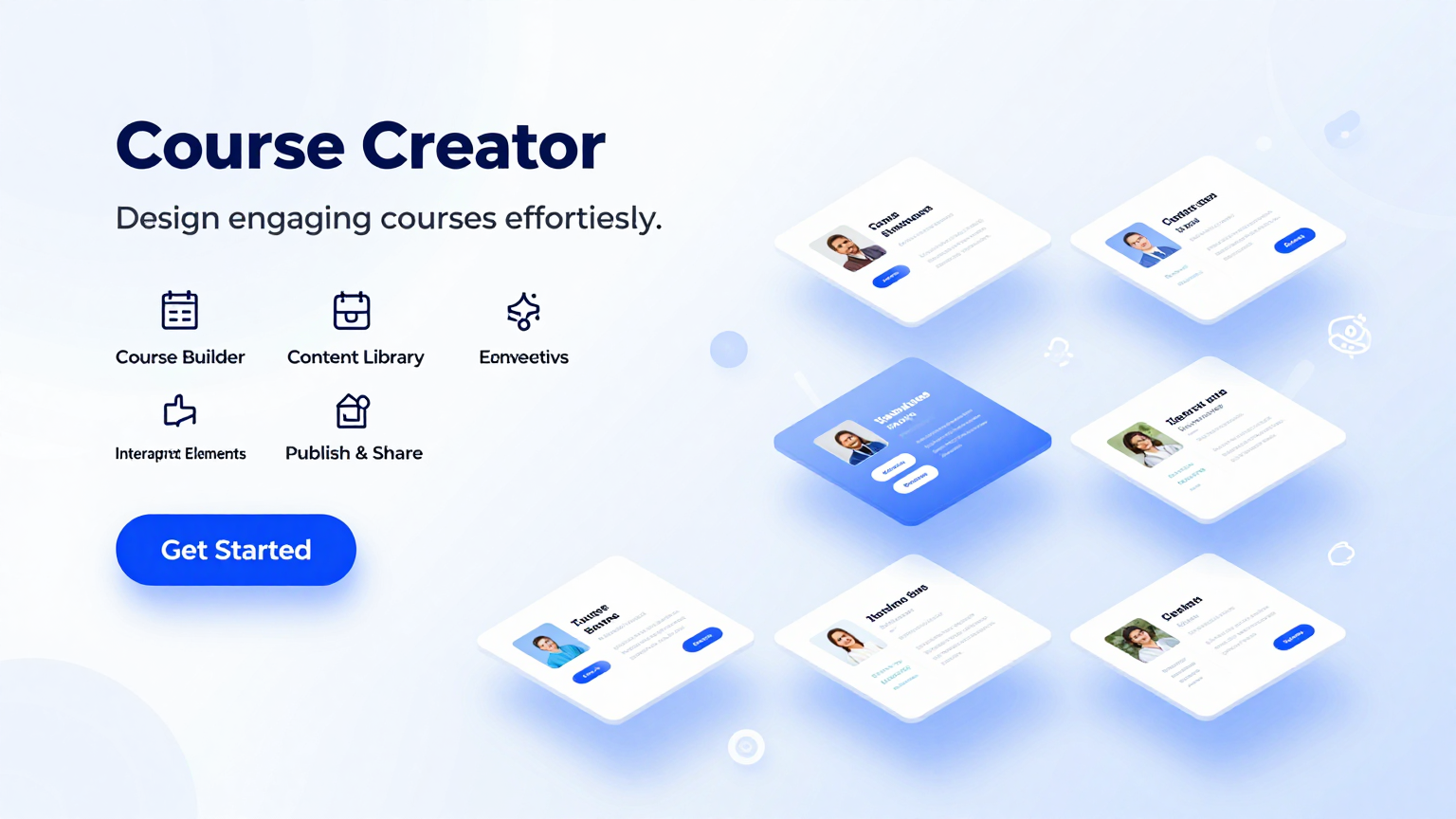
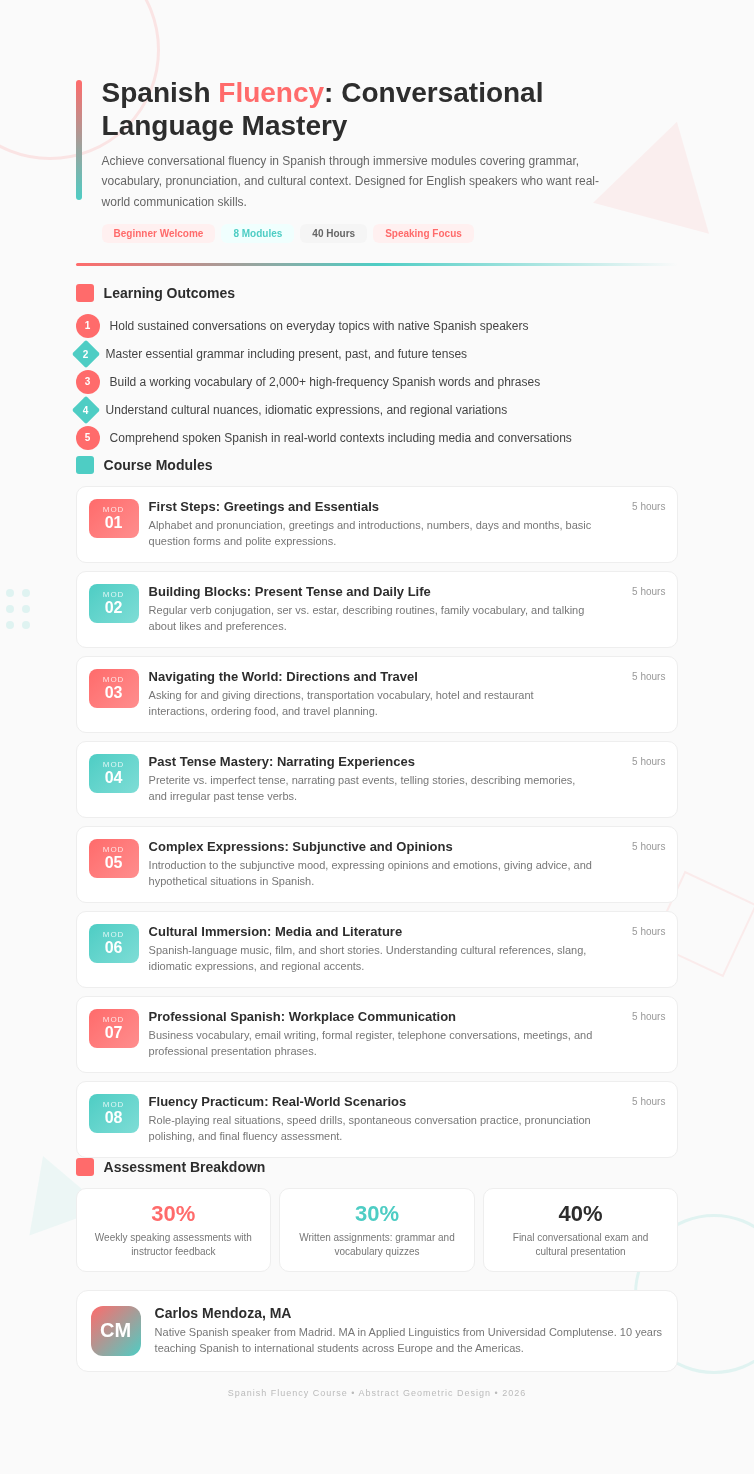
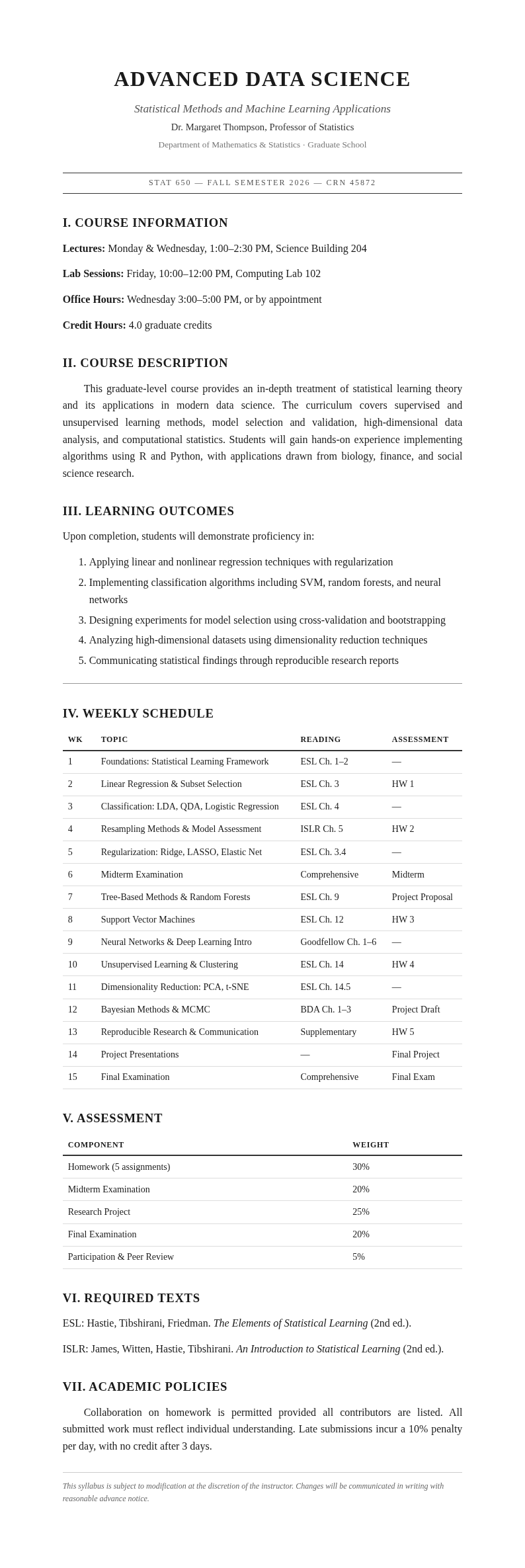
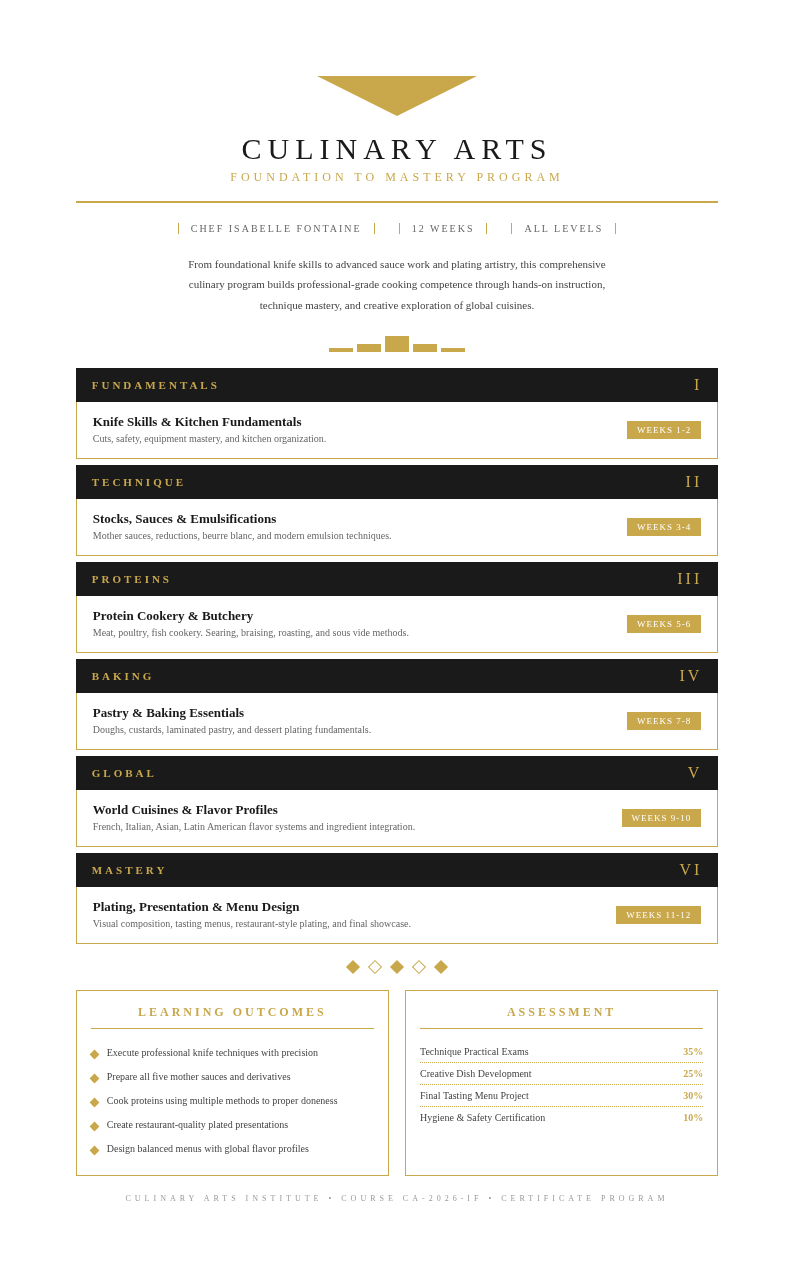
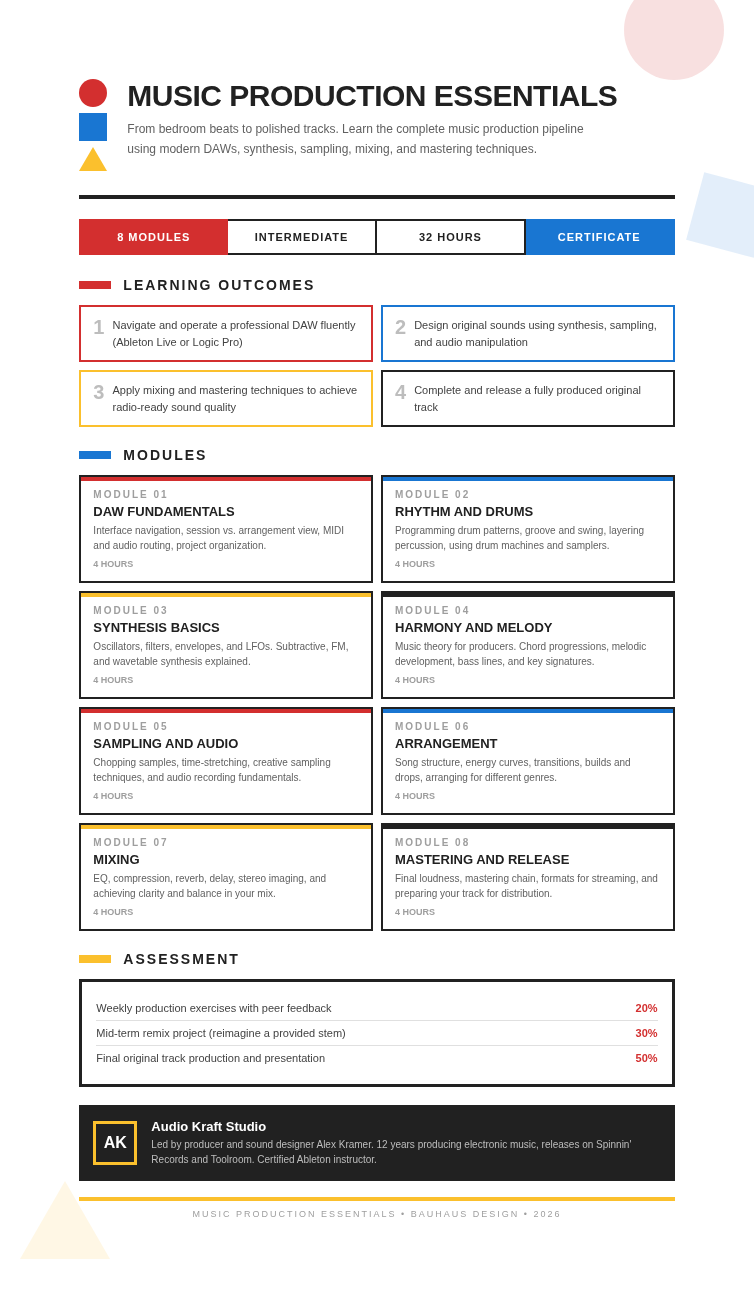
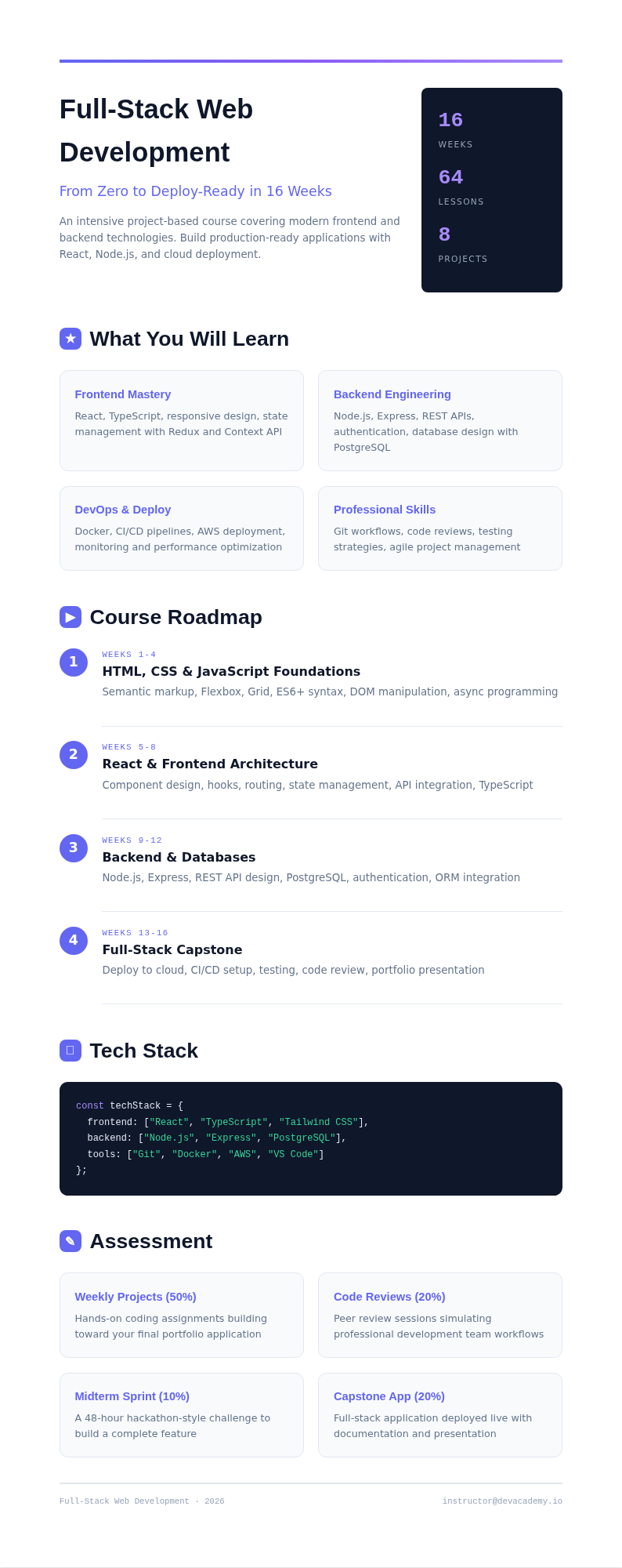
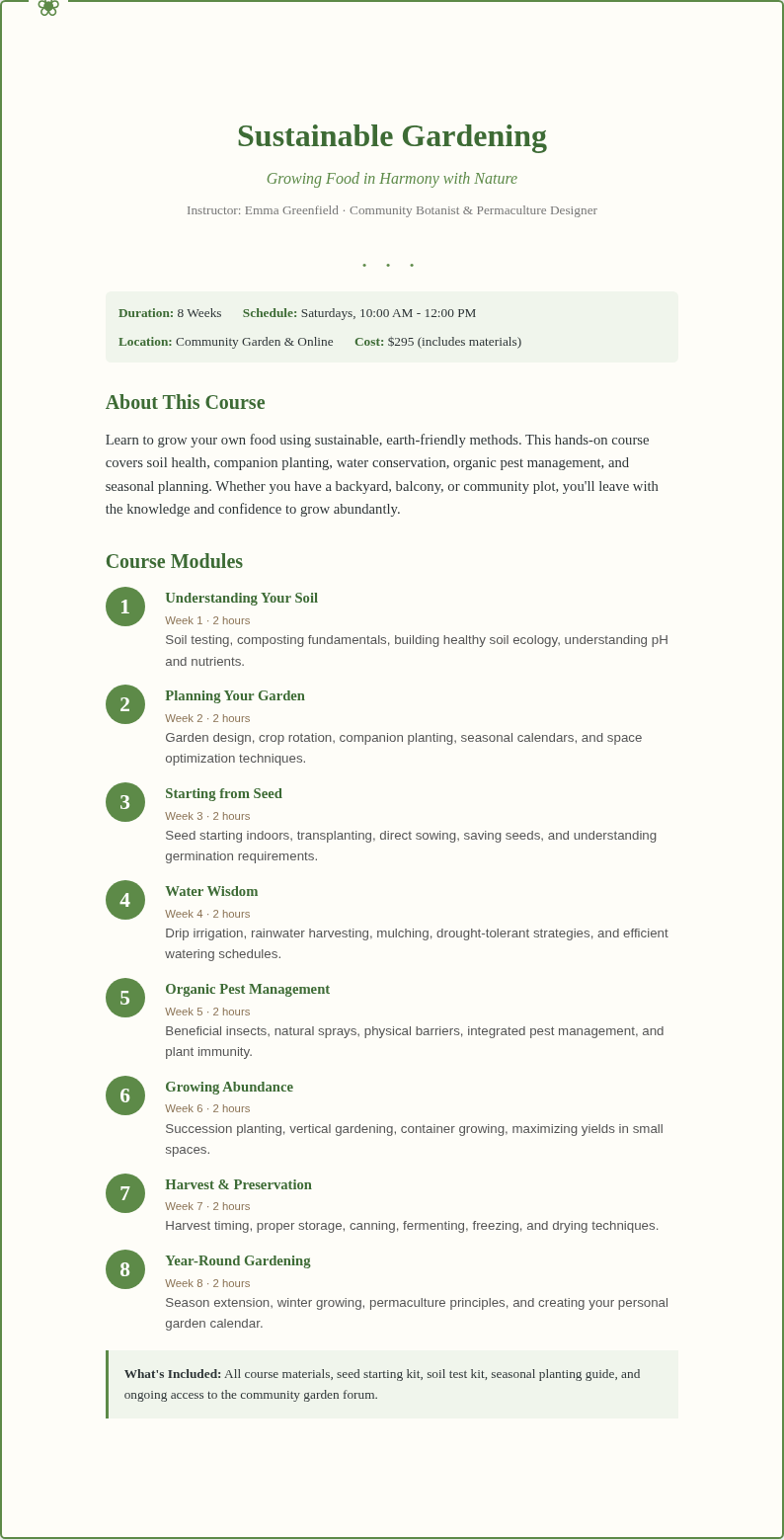
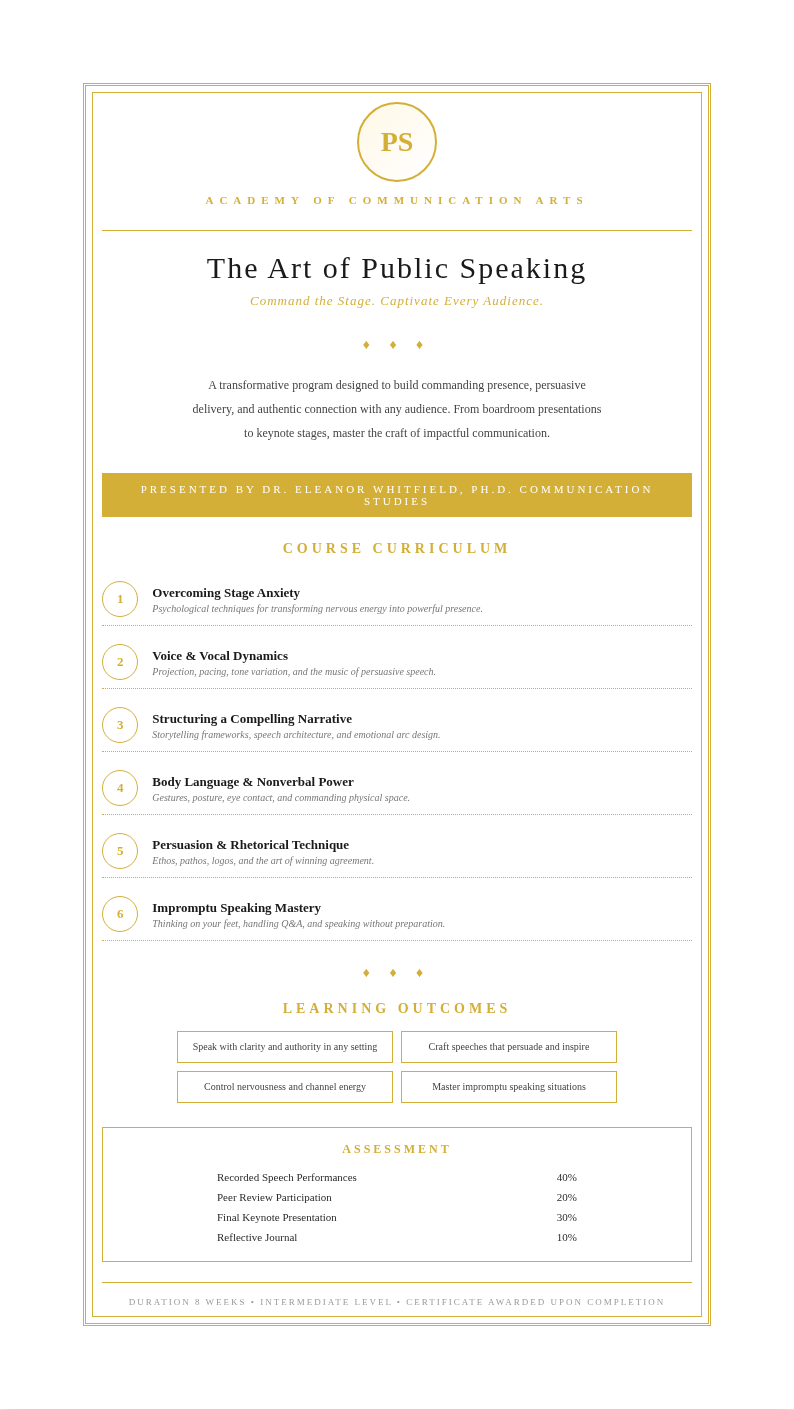
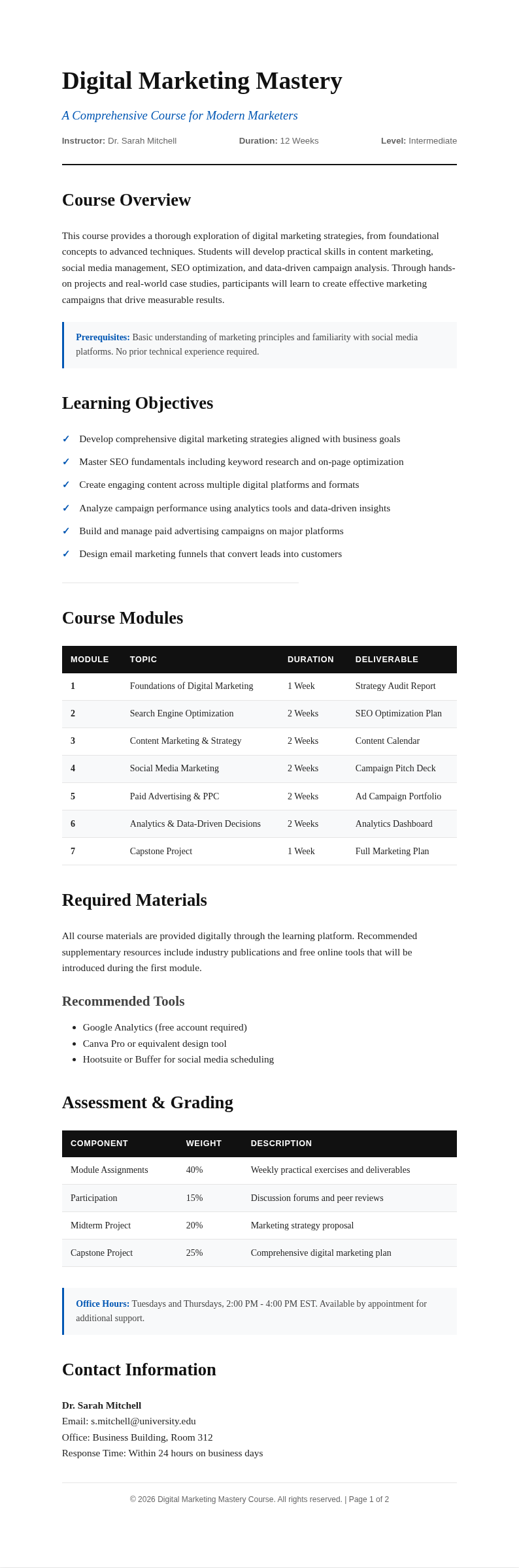
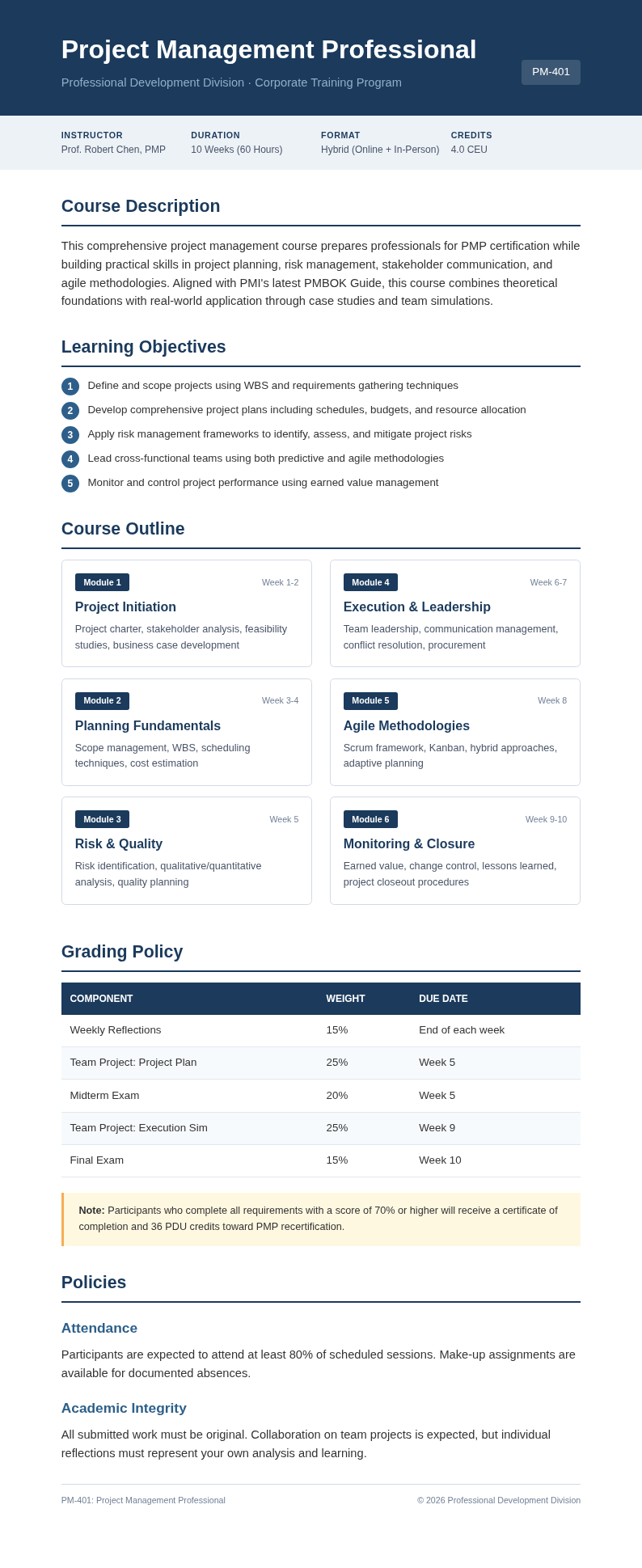
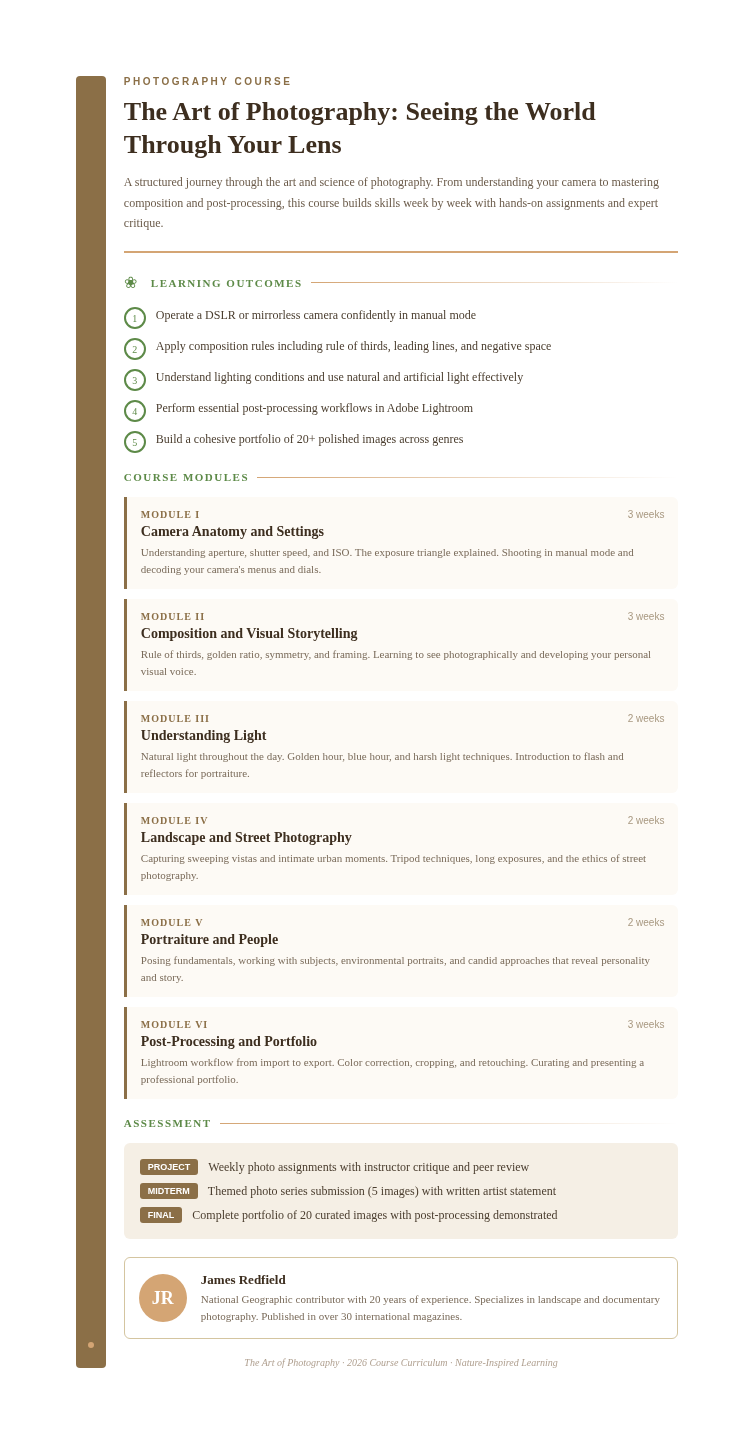
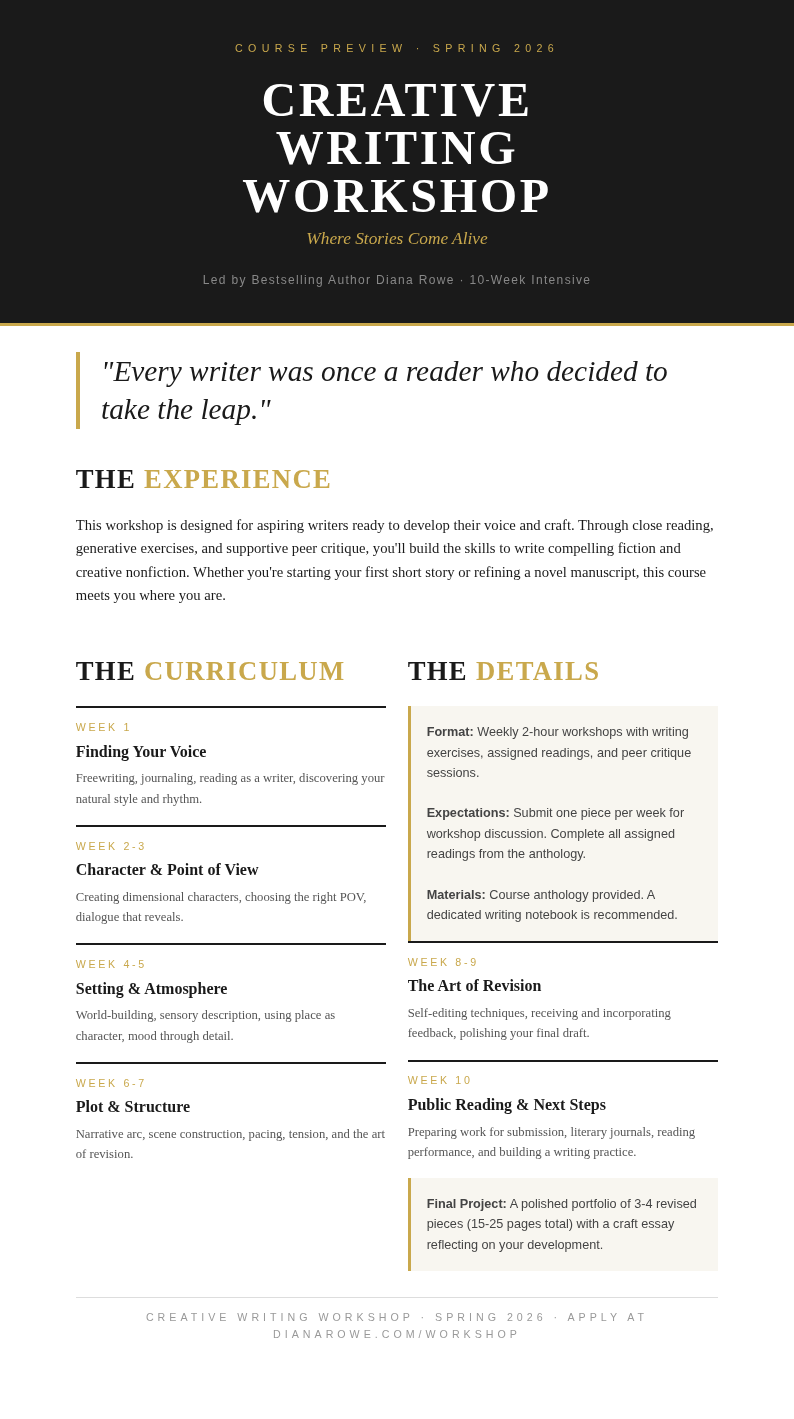
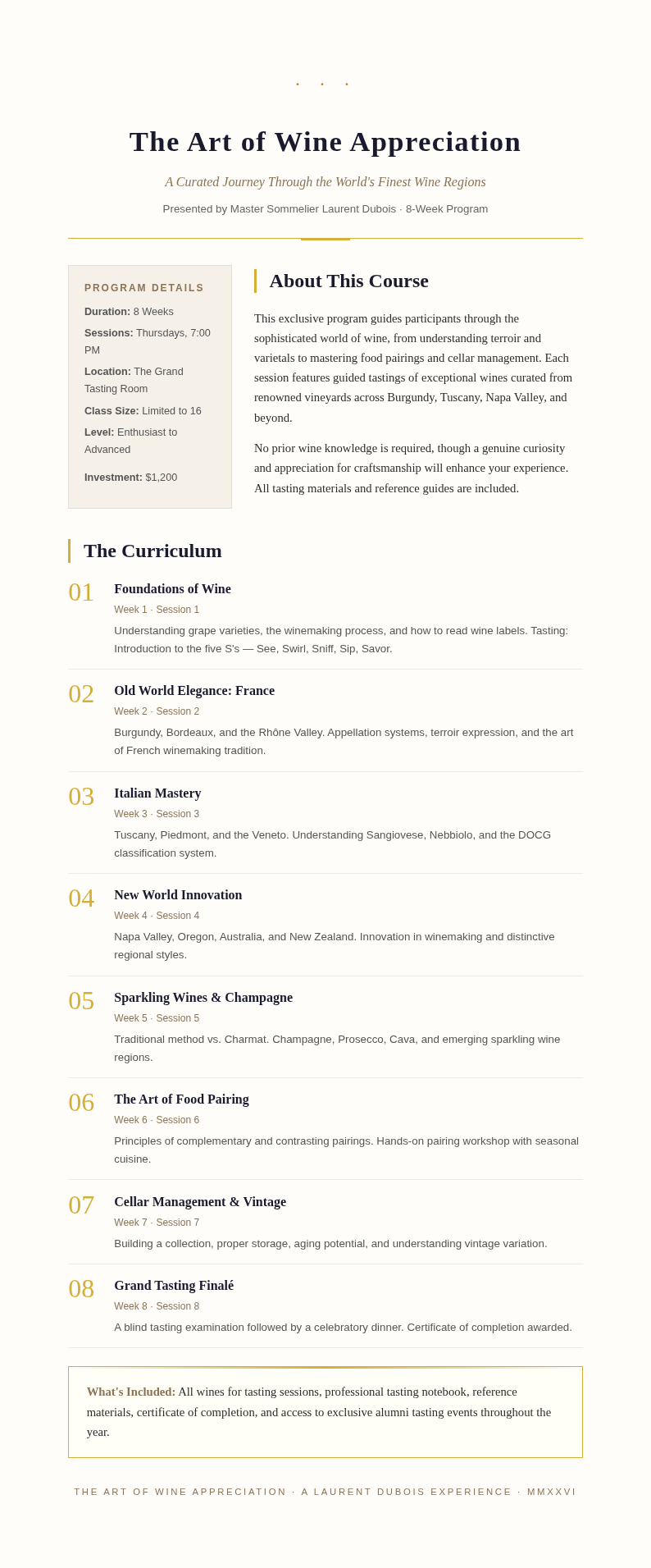
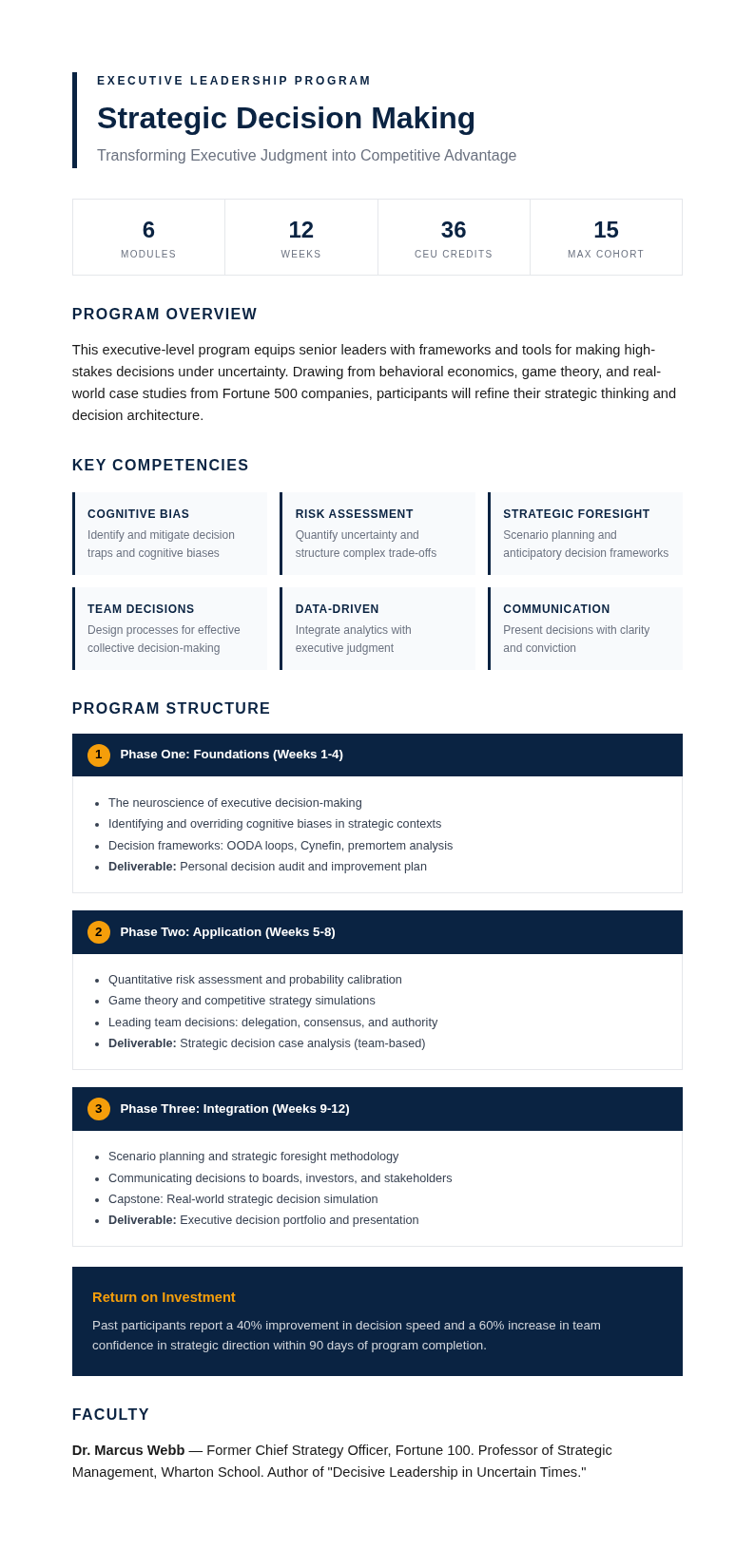
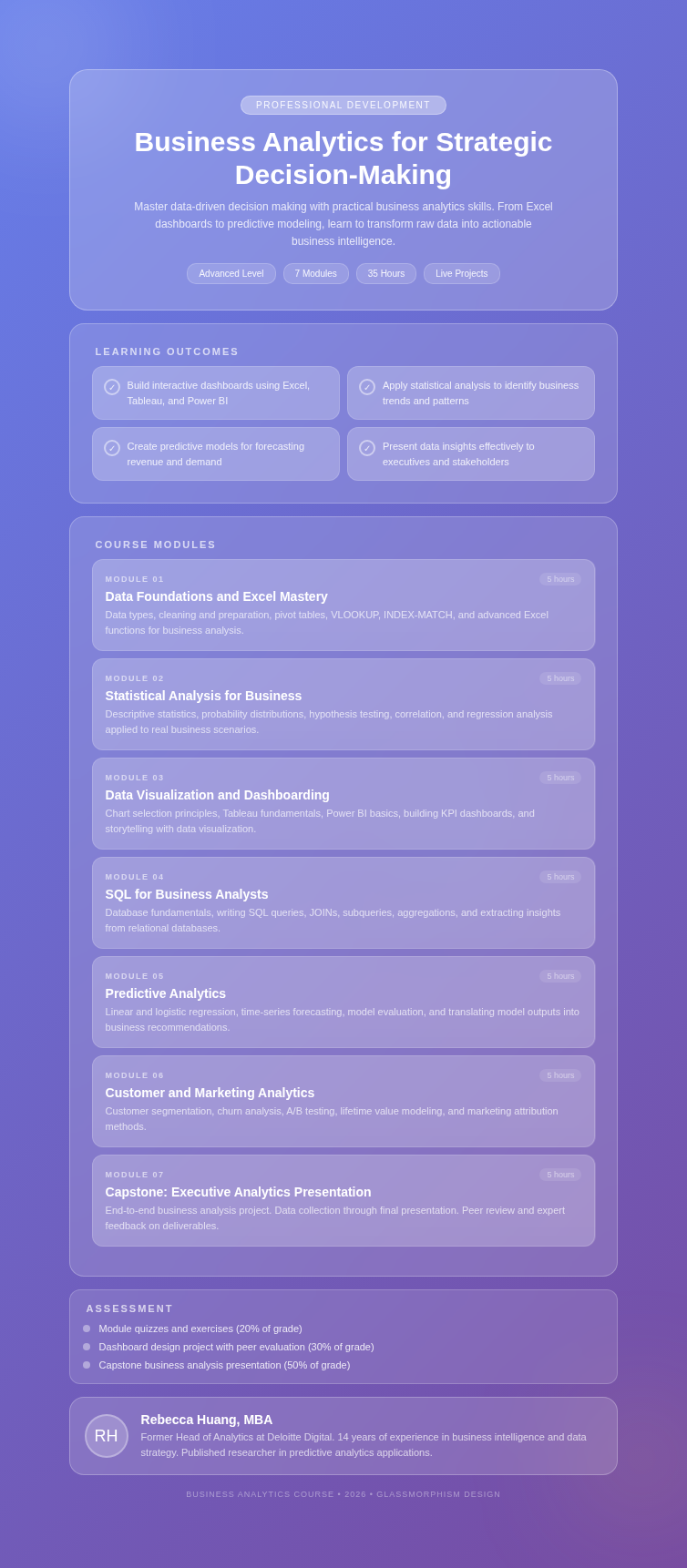
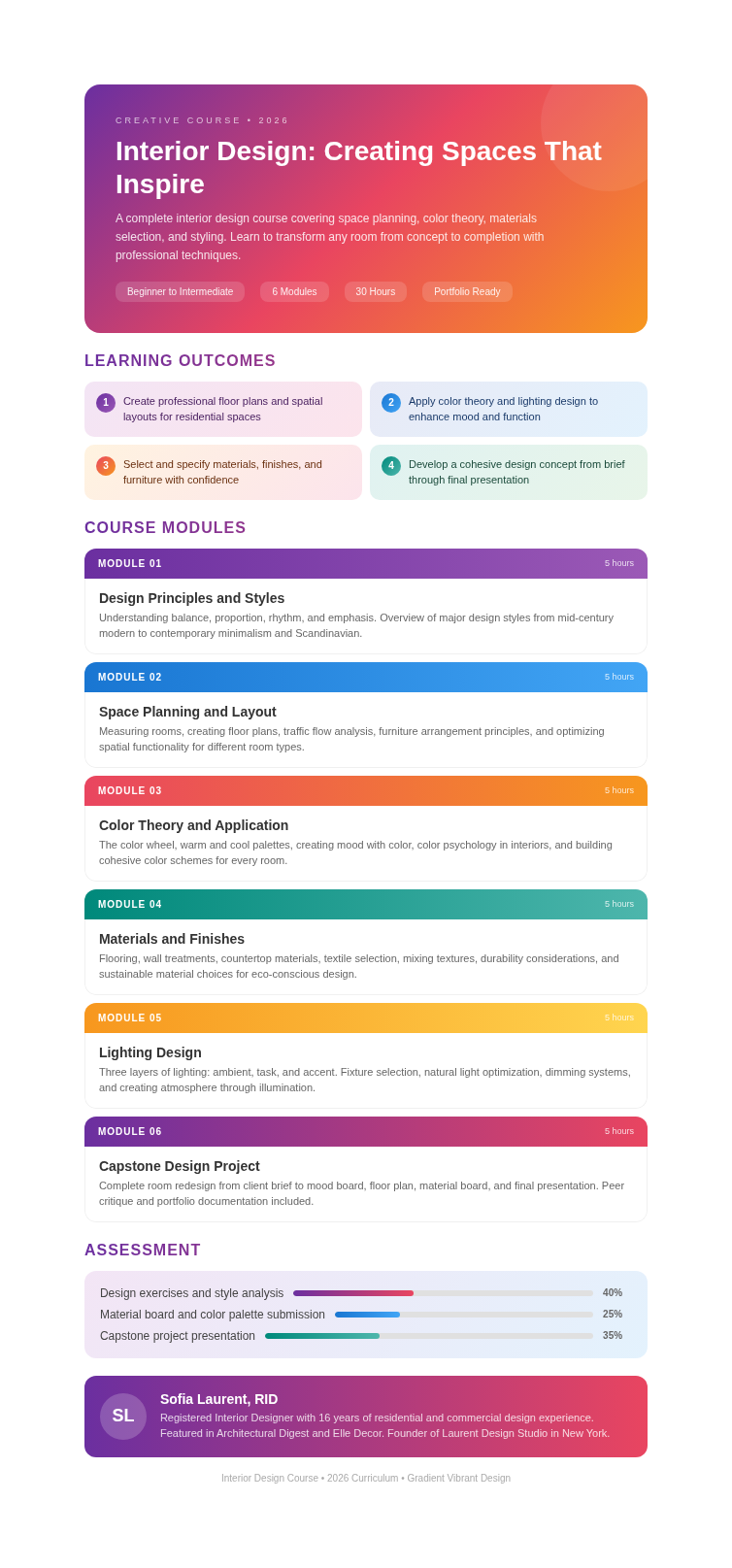
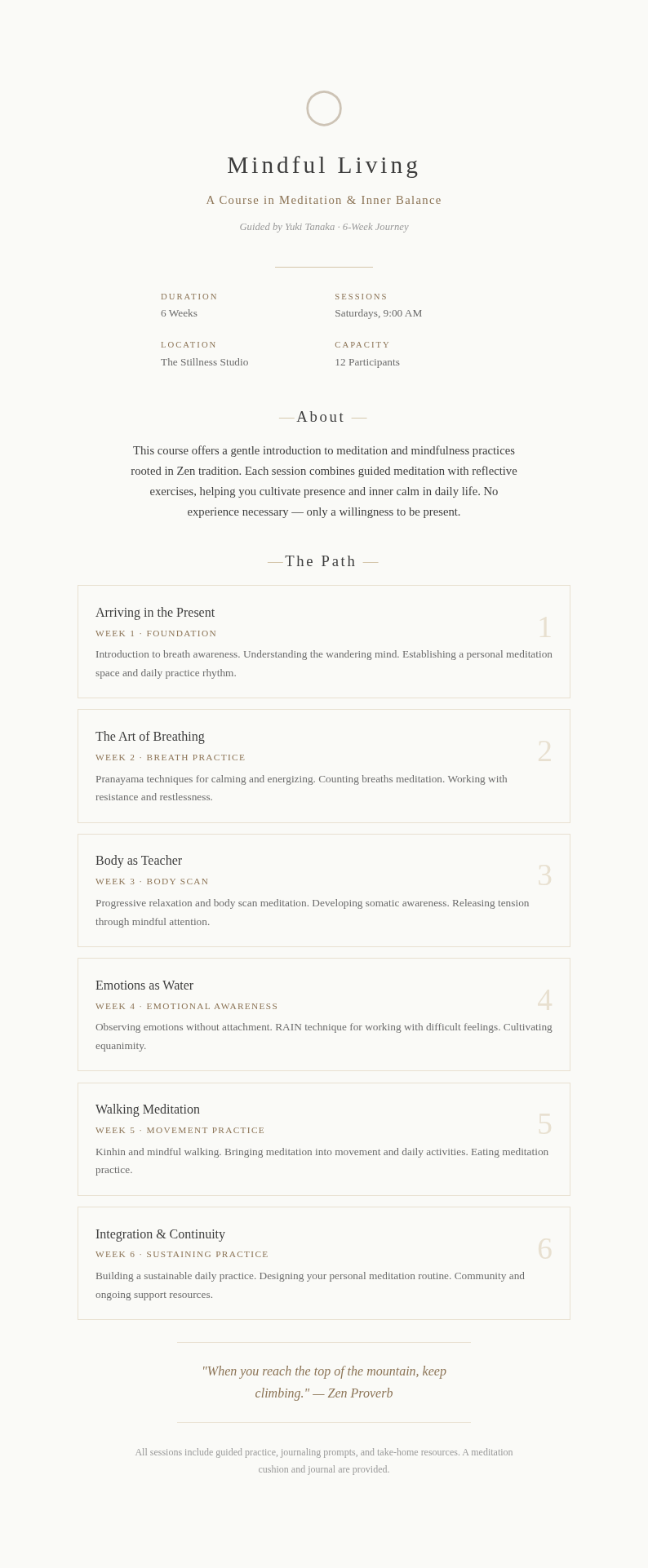
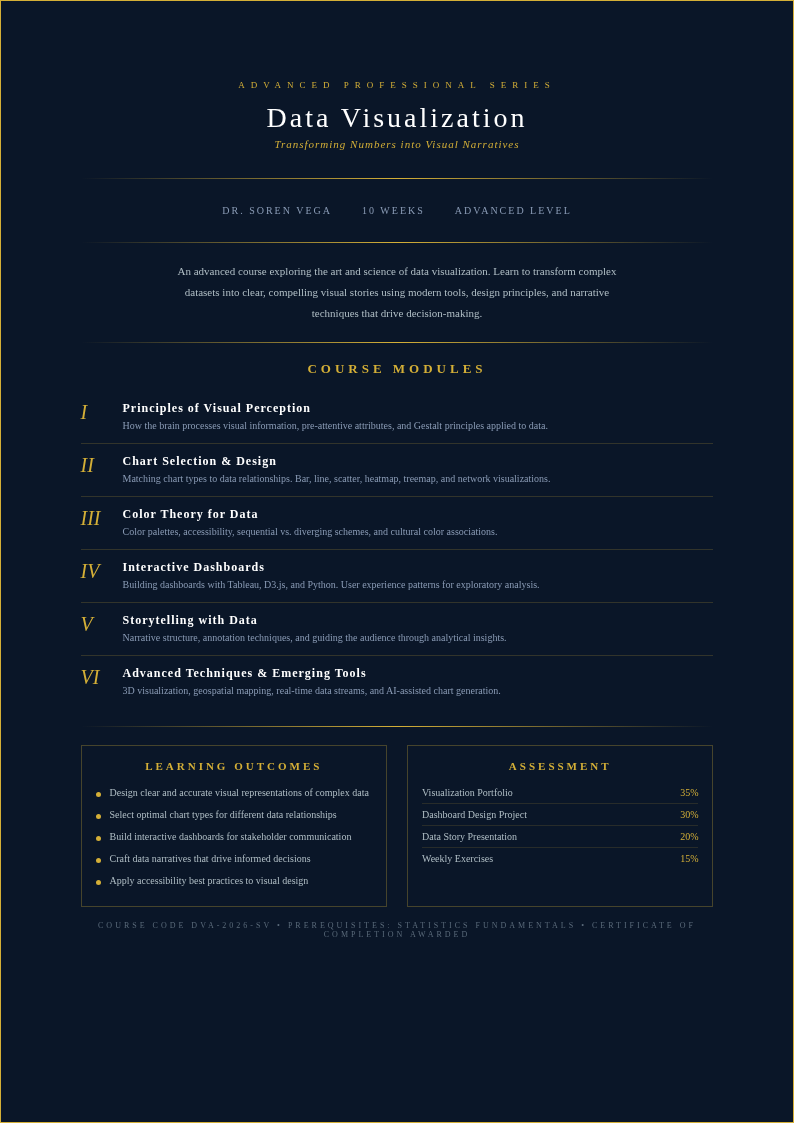
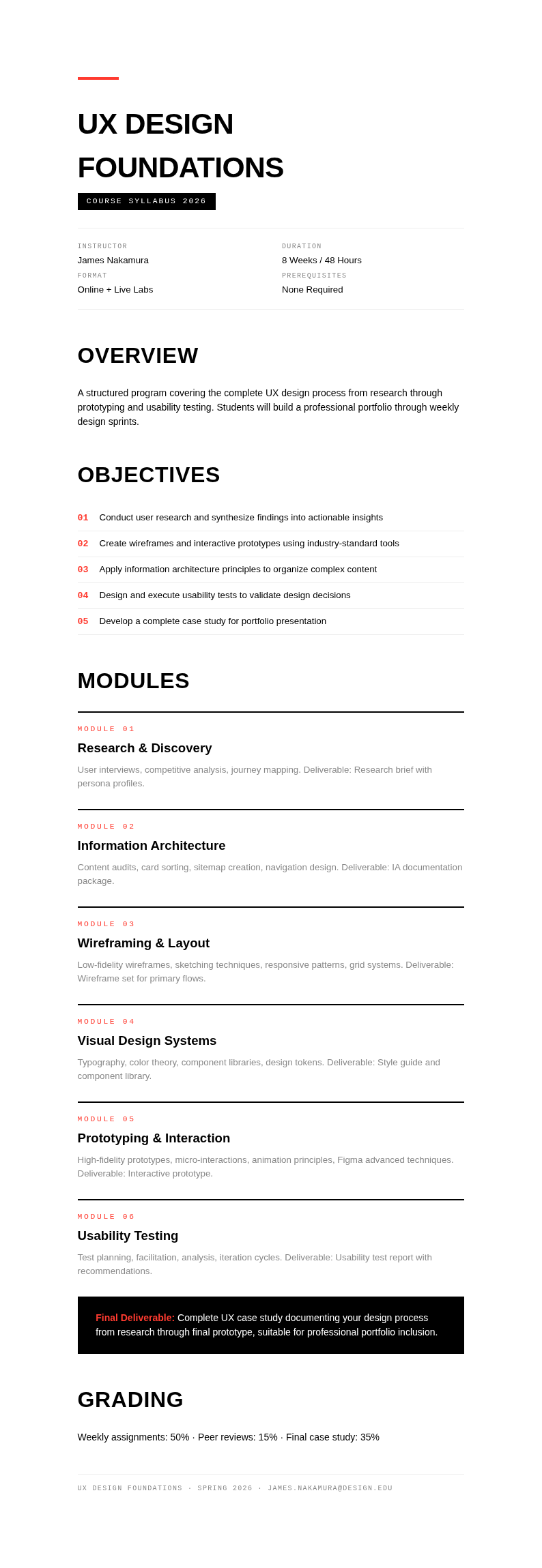
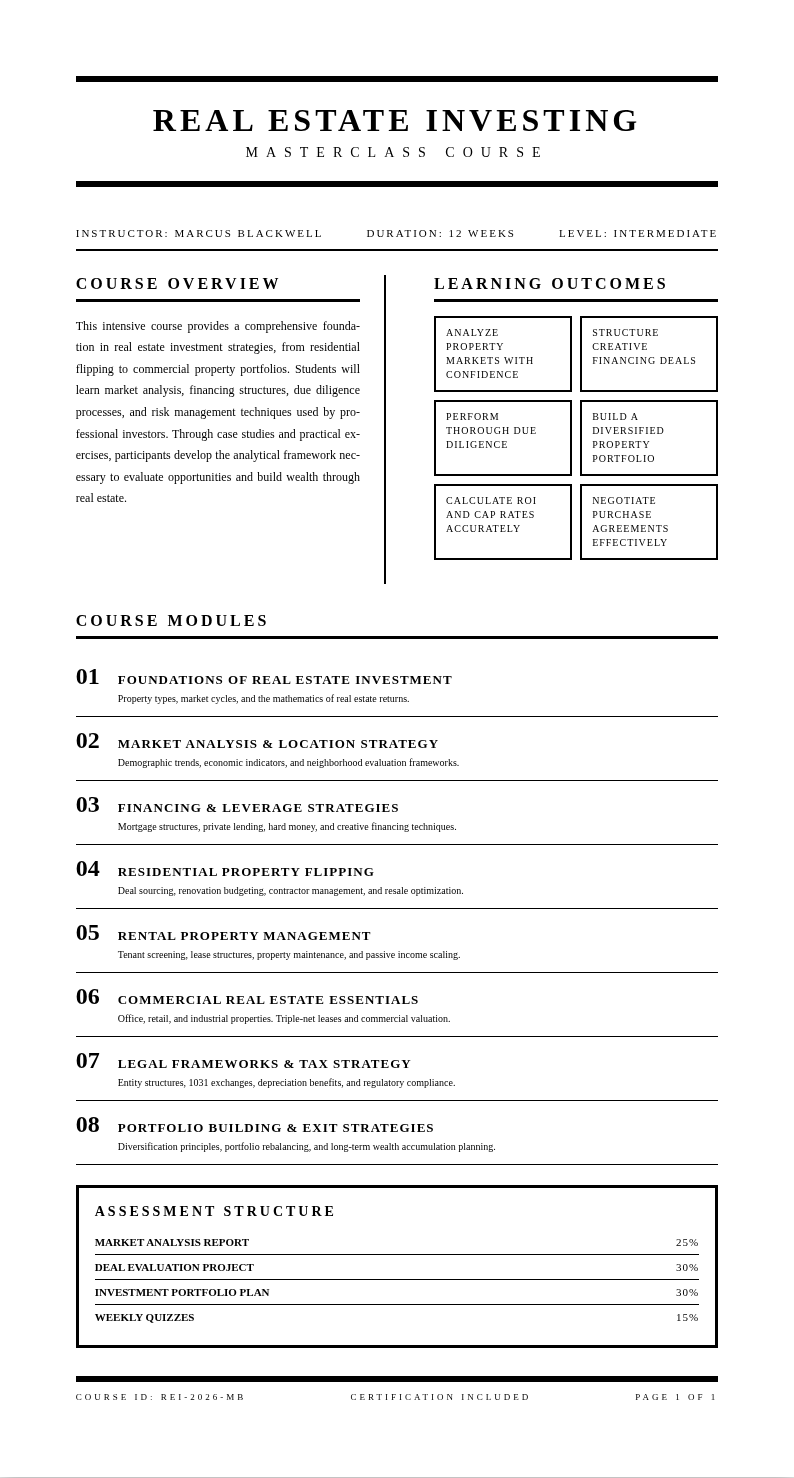
Build professional online courses with AI Formatter's collection of Course Creator templates. Choose from structured lesson plans, module layouts, and syllabus designs that you can edit online or download for Word to launch your course faster.
Showing 20 of 30 templates
Frequently Asked Questions About Our Templates
Common questions about using our Course Creator templates for building online courses.
- Are these Course Creator templates free to use?
- Yes, all Course Creator templates are completely free to download, edit, and use for personal or commercial course creation. There are no hidden fees, watermarks, or required sign-ups to access our full collection. You can customize any the layout directly through AI Formatter without paying anything, making professional course design accessible to educators everywhere. You can download and start using it right away for your specific needs and requirements.
- What formats are available for Course Creator templates?
- Our Course Creator templates are available in Microsoft Word (.docx), PDF, and plain text formats. You can download any our layout in your preferred format and open it in common editing software. The Word format allows full editing of the it layout, while PDF is ideal for sharing a polished version with collaborators. Users appreciate how much time they save by starting with a pre-formatted layout.
- Can I customize a Course Creator template for my specific subject?
- Absolutely. Each Course Creator template is fully editable through our online editor. You can modify headings, lesson descriptions, module structures, and assessment sections to match your subject matter. The the template designs are flexible enough to work for any topic, from coding bootcamps to language courses and business training programs. You can download and start using it right away for your specific needs.
- Do Course Creator templates include lesson plan sections?
- Yes, every Course Creator template comes with dedicated sections for lesson plans, learning objectives, and module breakdowns. The it structure helps you organize content logically so students can follow along easily. You can add or remove sections to fit the length and depth of your particular course. This ensures you get a professional result every time without spending hours on formatting.
- How do I use a Course Creator template for an online course?
- Simply select a Course Creator template that matches your course style, open it in our online editor, and fill in your content section by section. The it guides you through adding course titles, descriptions, module outlines, and assessment criteria. Once finished, download your completed it and upload it to your preferred learning management system. Users appreciate how much time they save by starting with a pre-formatted layout for their documents.
- Are Course Creator templates suitable for beginner educators?
- Yes, our Course Creator templates are designed with simplicity in mind. Each the design includes placeholder text and clear section labels so even first-time course creators know exactly what to fill in. The structured format of every the template removes the guesswork from course design, helping beginners produce professional results. You can download and start using it right away for your specific needs.
- Can I share my completed Course Creator template with co-instructors?
- Yes, you can share your finished Course Creator template by downloading it as a PDF or Word file and sending it to collaborators. Since the it is fully editable, co-instructors can add their own sections or modify existing content. This makes it easy to co-develop a course using a shared this template. You can download and start using it right away for your specific needs.
- Do Course Creator templates work for corporate training programs?
- Yes, many of our Course Creator templates are designed with corporate training in mind. You can use a it to structure onboarding modules, compliance training, leadership development, and skills workshops. The professional layout of each the template ensures your training materials look polished and organized. This ensures you get a professional result every time without spending hours on formatting.
- What makes your Course Creator templates different from others?
- Our the templates are specifically built for use with AI Formatter, which means you can edit them directly online with AI assistance. Each our layout is structured for clarity and completeness, covering all essential course components. Unlike generic templates, a the layout from our collection is optimized for modern online learning formats. Users appreciate how much time they save by starting with a pre-formatted layout.
- Can I add multimedia placeholders to a Course Creator template?
- Yes, our its support placeholder sections where you can note where videos, images, quizzes, and interactive elements should go. The our layout layout includes labeled sections for multimedia integration, making it easy to plan your course content before building it in your LMS. You can download and start using it right away for your specific needs.
- How many modules can I include in a Course Creator template?
- There is no fixed limit. Each the template can be expanded to include as many modules as your course requires. You can duplicate module sections within the our layout to add more content. Whether your course has 3 modules or 30, the it scales to fit your needs. Users appreciate how much time they save by starting with a pre-formatted layout.
- Are Course Creator templates compatible with popular LMS platforms?
- Yes, the content structure in every the layout aligns well with common LMS formats like Moodle, Canvas, Teachable, and Thinkific. After completing your the design, you can transfer the structured content into your LMS. The this template serves as a planning document that maps directly to course sections in most platforms. You can download and start using it right away for your specific needs.
- Can I preview a Course Creator template before editing?
- Yes, each the template includes a preview option so you can see the layout and structure before making changes. Browsing different each layout options helps you choose the one that best fits your course format and teaching style before committing to edits. Users appreciate how much time they save by starting with a pre-formatted layout.
- Do you update Course Creator templates regularly?
- Yes, we periodically add new our layouts and update existing ones to reflect current best practices in online education. When instructional design trends change, we refresh our the design collection so educators always have access to modern, effective layouts for their courses. You can download and start using it right away for your specific needs.
- Where can I get help if I have questions about a Course Creator template?
- You can reach out through our support channels if you need assistance with any the template. We also provide guides on how to get the most from each the design, including tips for structuring lessons, writing learning objectives, and organizing module content effectively for student engagement. This ensures you get a professional result every time without spending hours on formatting.
Ready to Build Your Course?
Start with a professionally designed our template from AI Formatter. Save hours on course structure and focus on delivering great content to your students.
Free templates • AI-powered editing • No sign-up required