Generate a Credit Report Summary in Minutes
Enter your account details and the Credit Report Generator builds an organized summary with tables, statuses and dispute notes ready for lenders or advisors.
How to Create a Credit Report Summary Online
List Your Accounts and Statuses
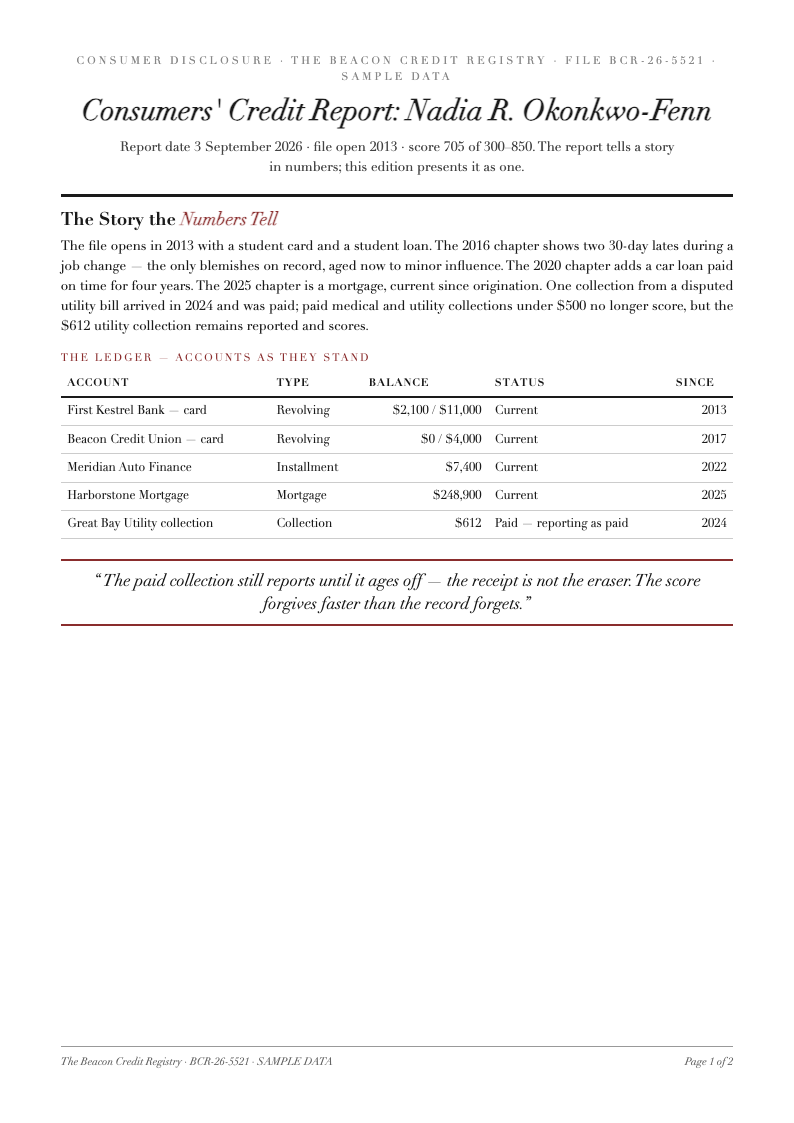
Enter each account with its type, balance, limit and payment status into the Credit Report Generator. Copy details straight from your bureau file. Accurate inputs produce an accurate summary, and the Credit Report structure keeps every entry consistent and comparable.
Choose a Report Layout
Select a professional layout and the Credit Report Generator organizes accounts, inquiries and notes into logical sections. The structure matches how lenders review credit files, so your Credit Report summary reads naturally to a mortgage officer or financial advisor.
Review Figures and Add Notes
Check each entry against your bureau statements and annotate anything you intend to dispute. Flagging questionable items inside your Credit Report turns it into a working document, guiding your correction requests to each bureau methodically.
Download and Use It
Export the finished Credit Report as PDF for appointments or Word for quarterly updates. The generator preserves every table and note, so your Credit Report is ready for lenders the moment you download it, with formatting that survives printing.
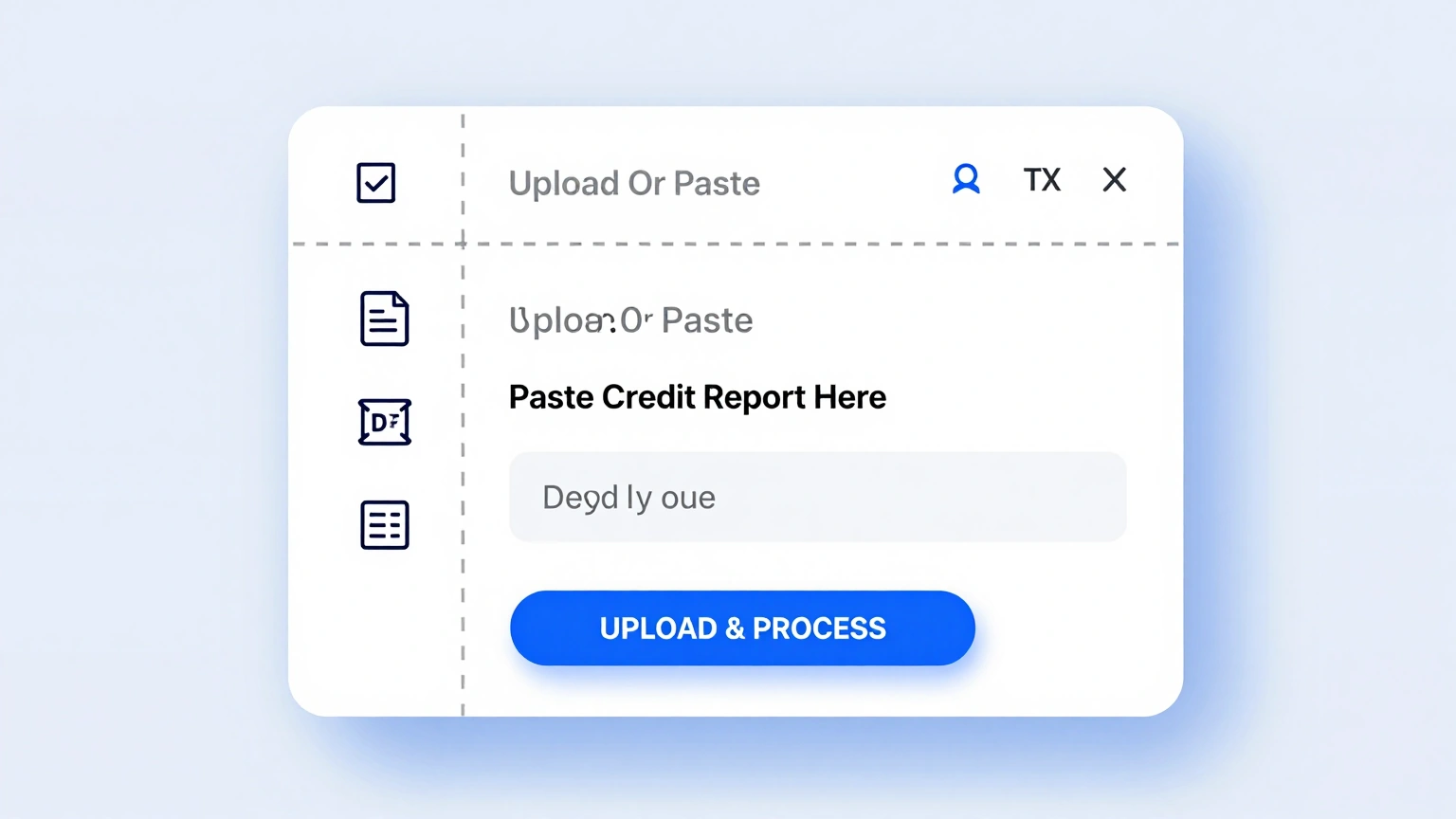
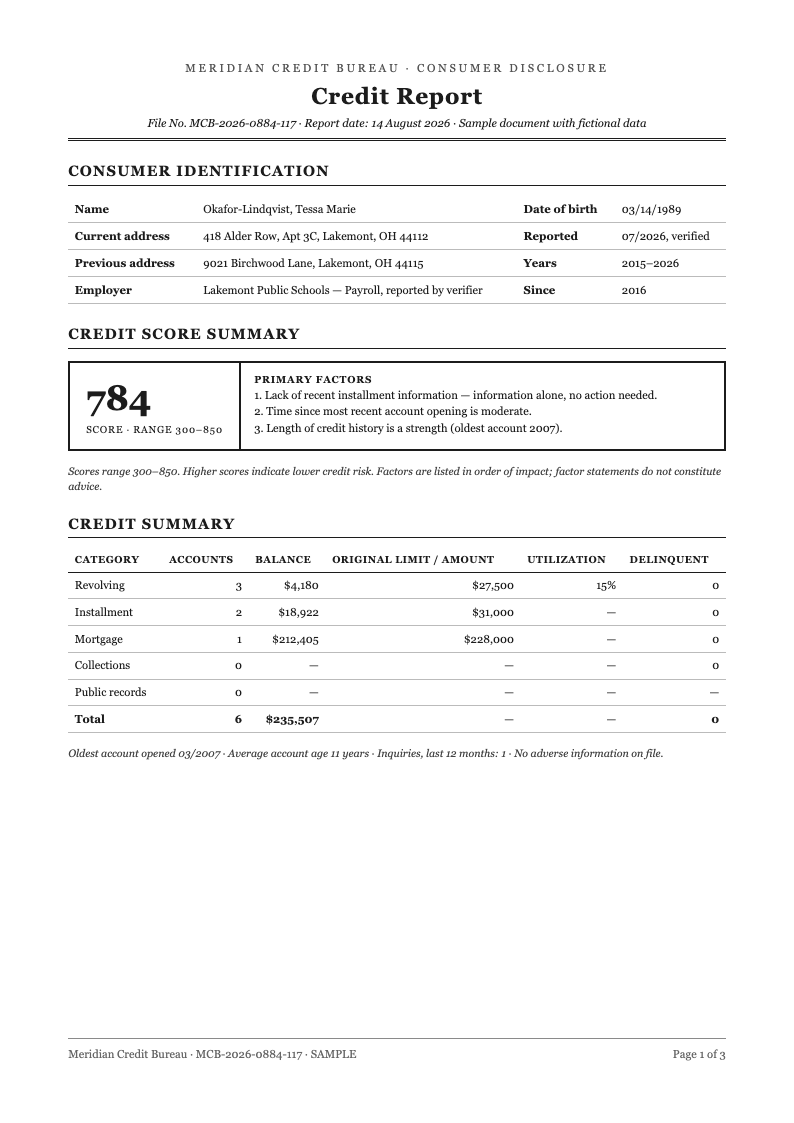
Import Account Details
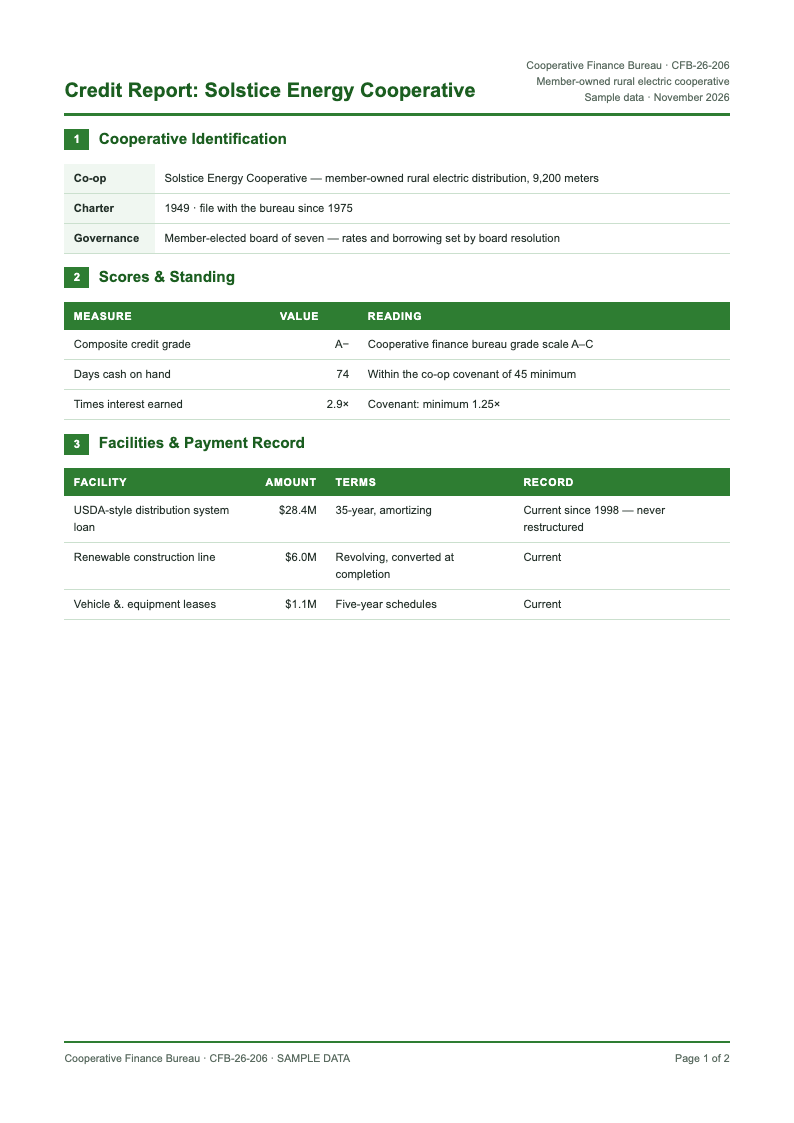
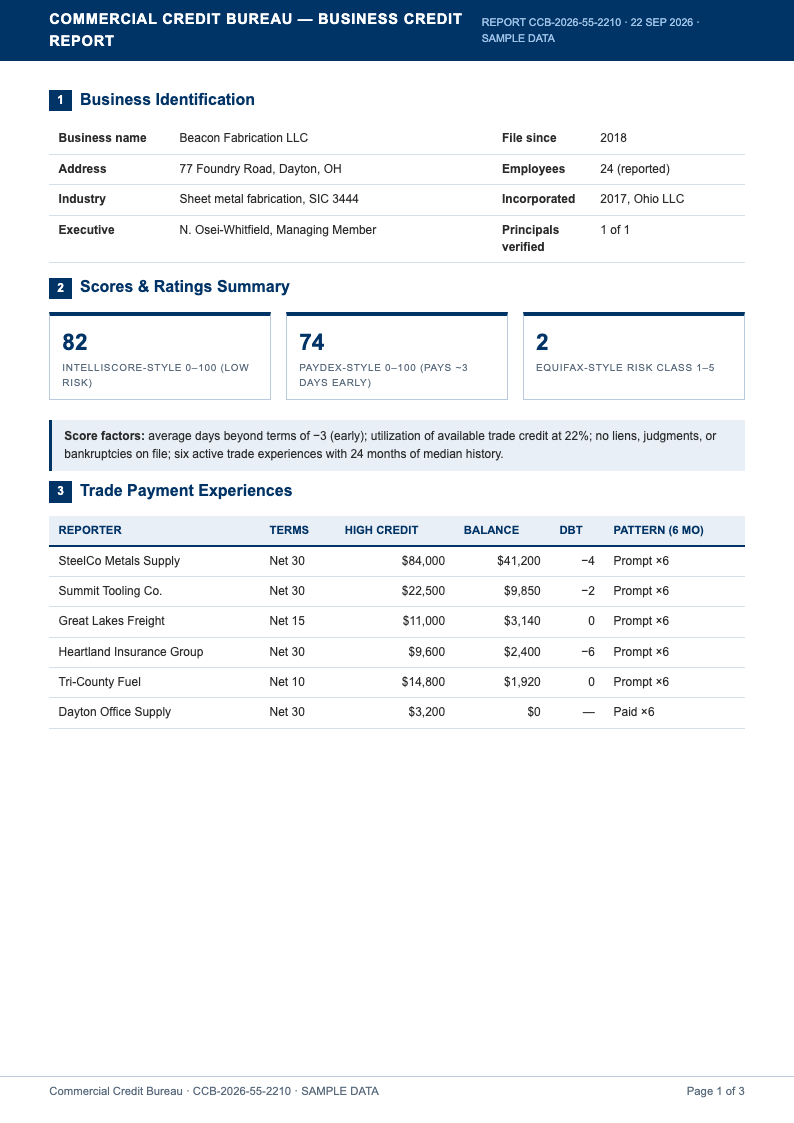
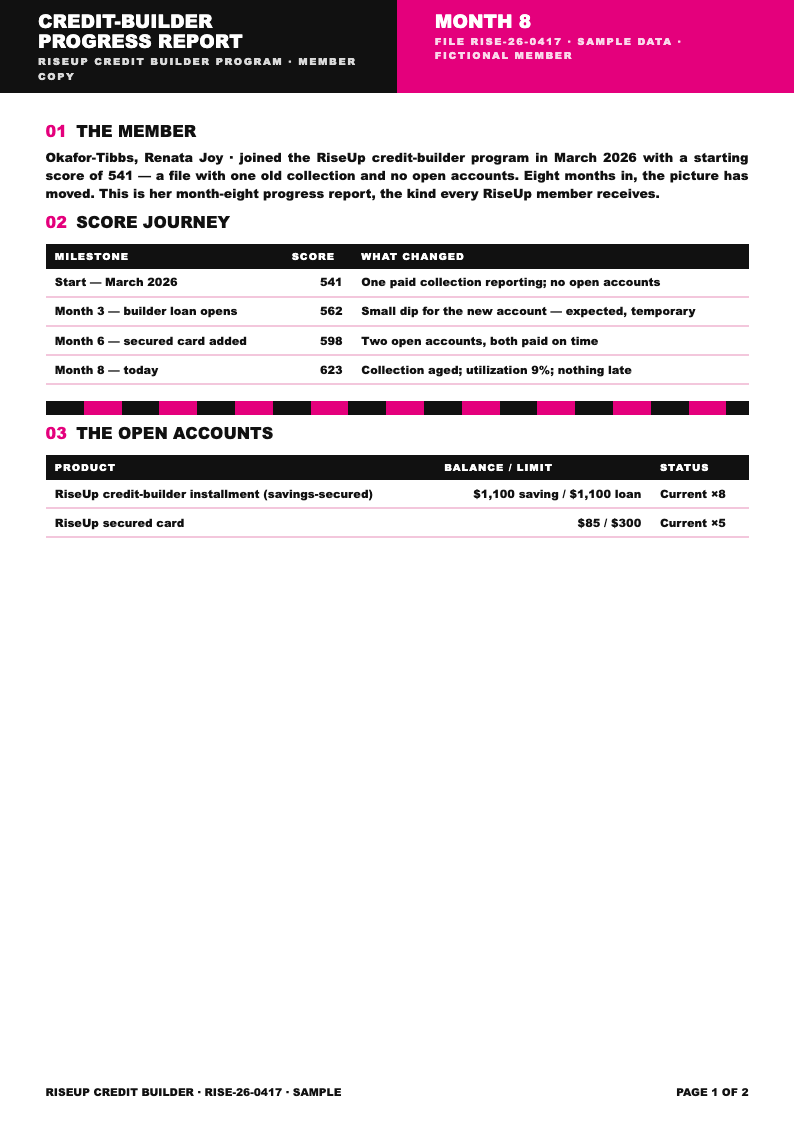
Enter your accounts, balances and payment statuses into the Credit Report Generator. The tool arranges each entry into a clean summary table, so your Credit Report document starts structured instead of scattered across statements and bureau printouts.
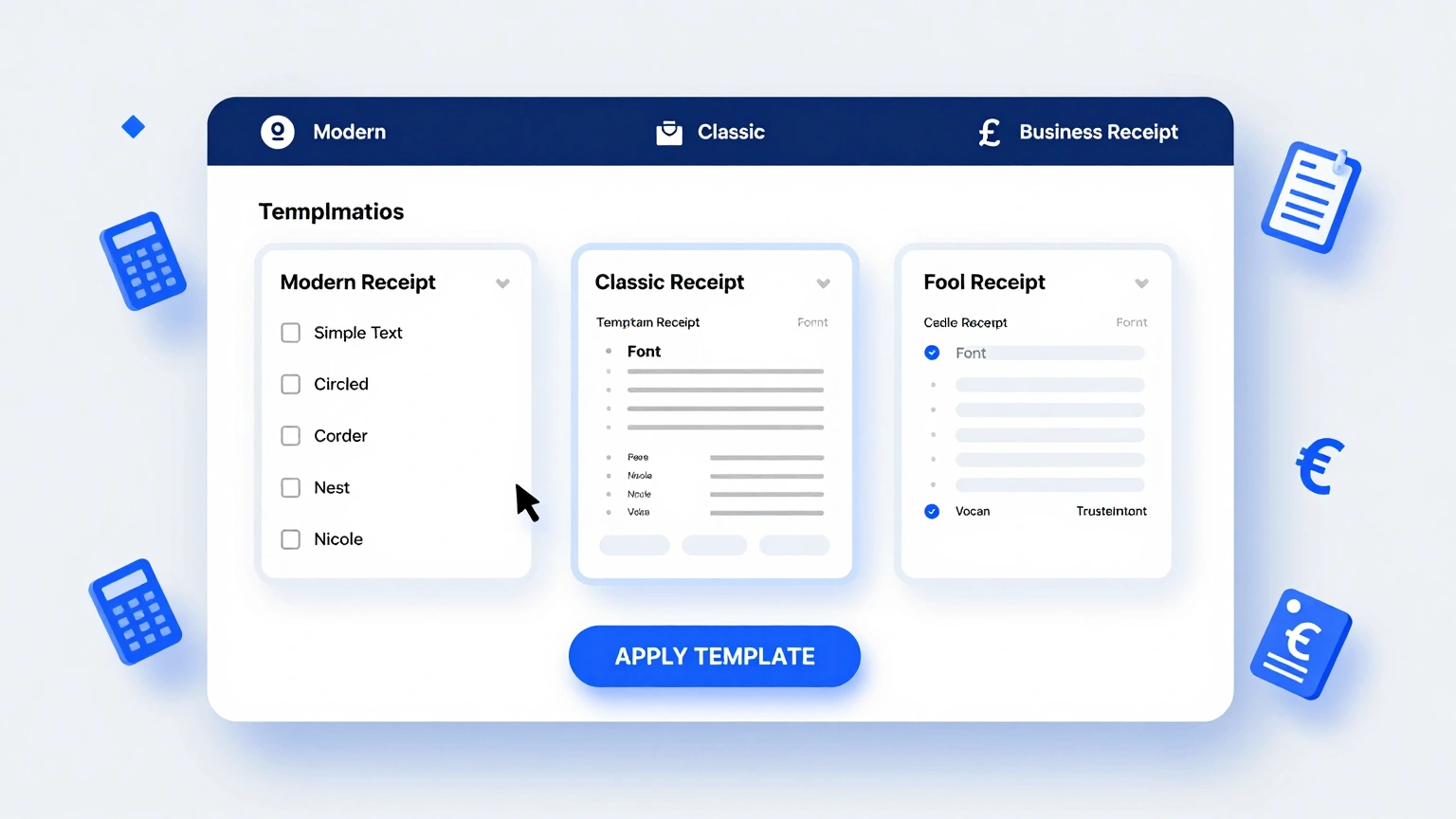
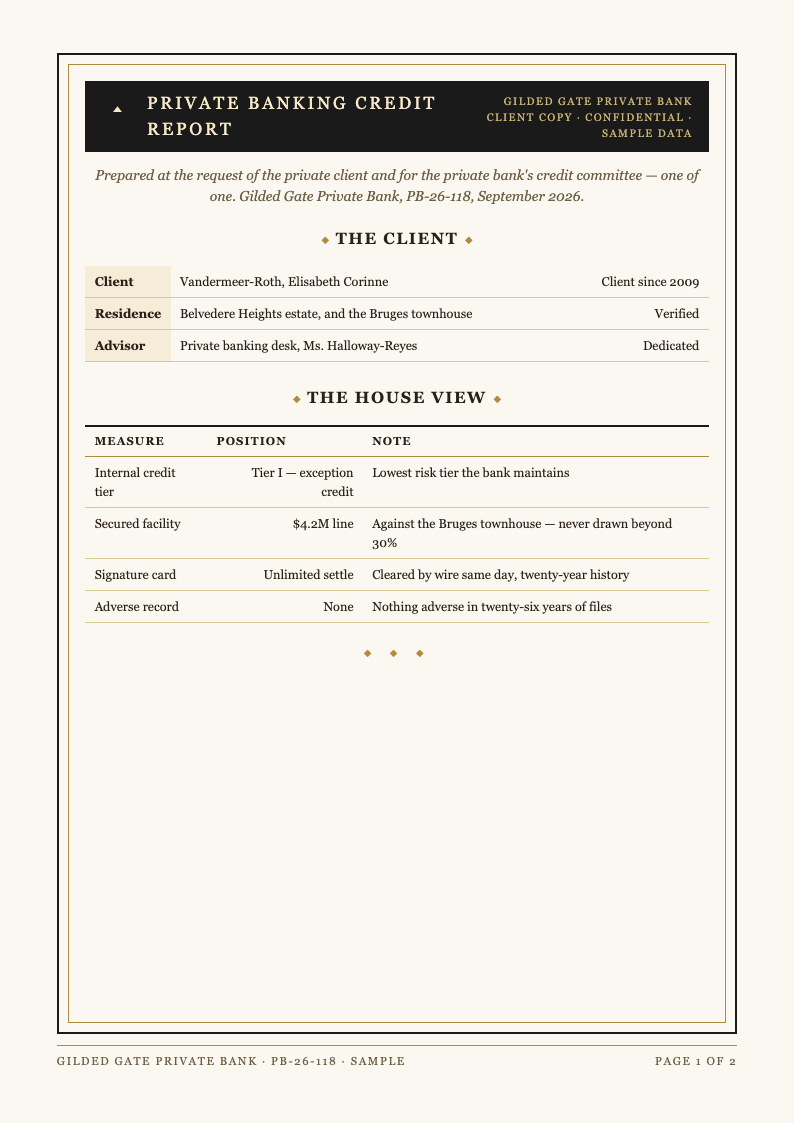
Professional Report Layouts
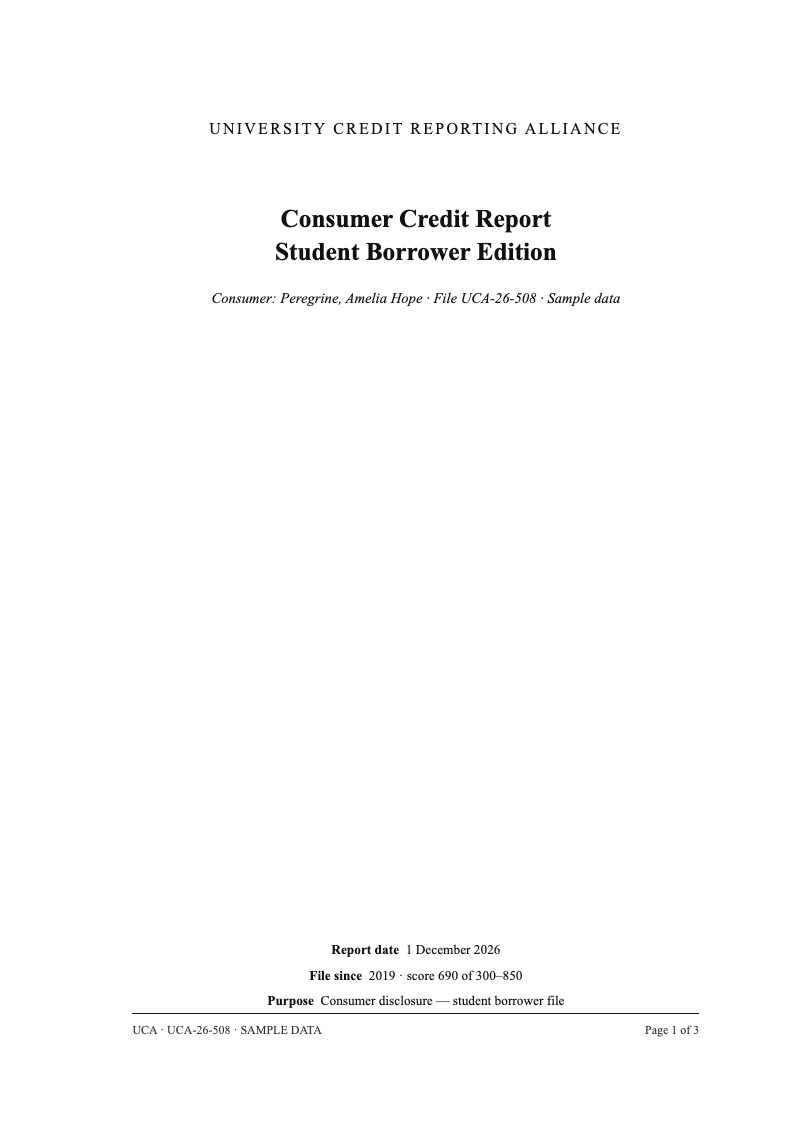
Choose from polished report layouts inside the Credit Report Generator. Summary tables, inquiry logs and notes sections come pre-formatted, giving your Credit Report the organized look of a financial advisor document without any design work.
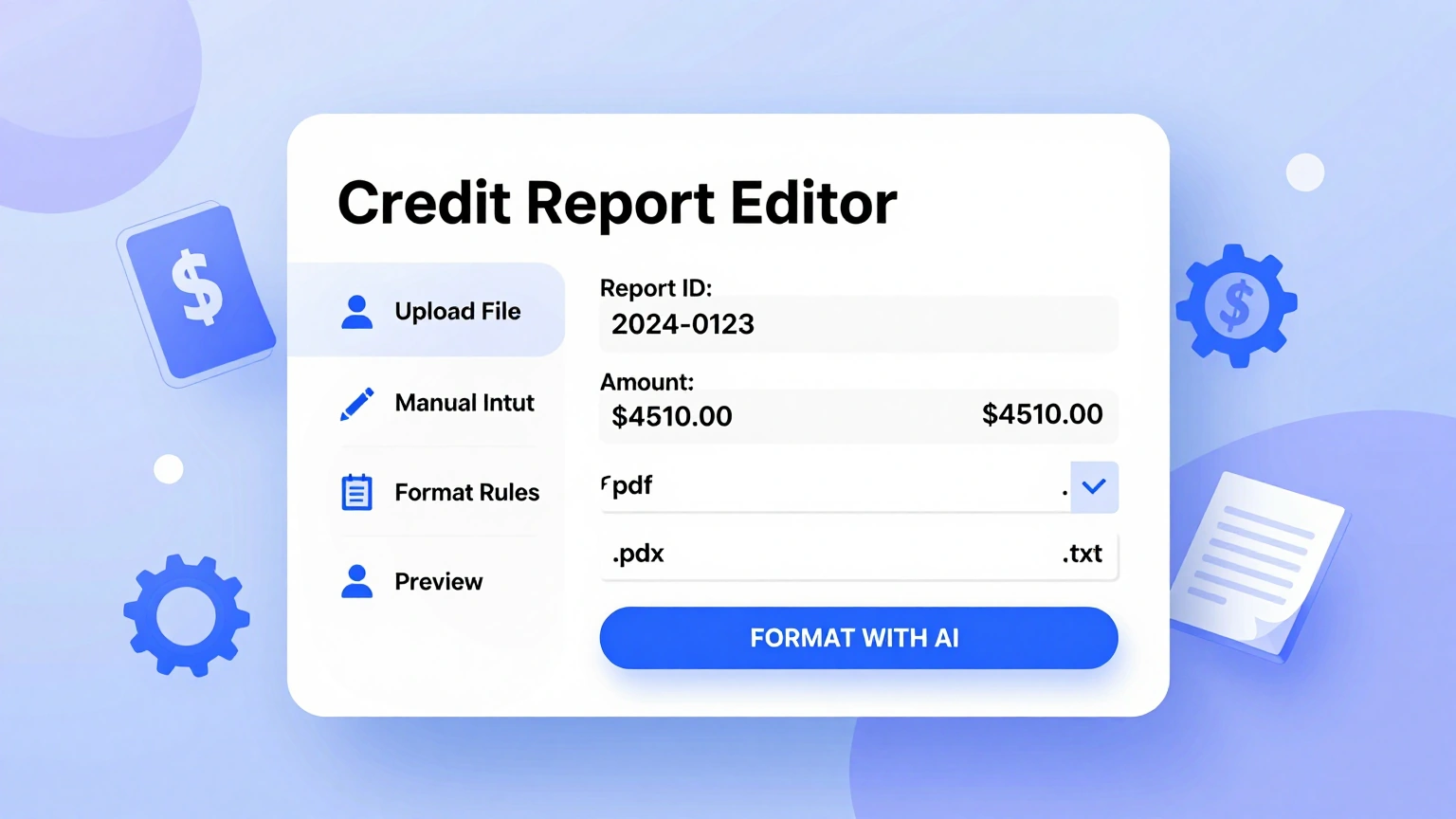
Edit Tables and Notes Online
Update balances, adjust statuses and record dispute progress in the Credit Report Generator editor. Every revision keeps tables aligned and readable, so your Credit Report stays current from the first draft through the final loan application.
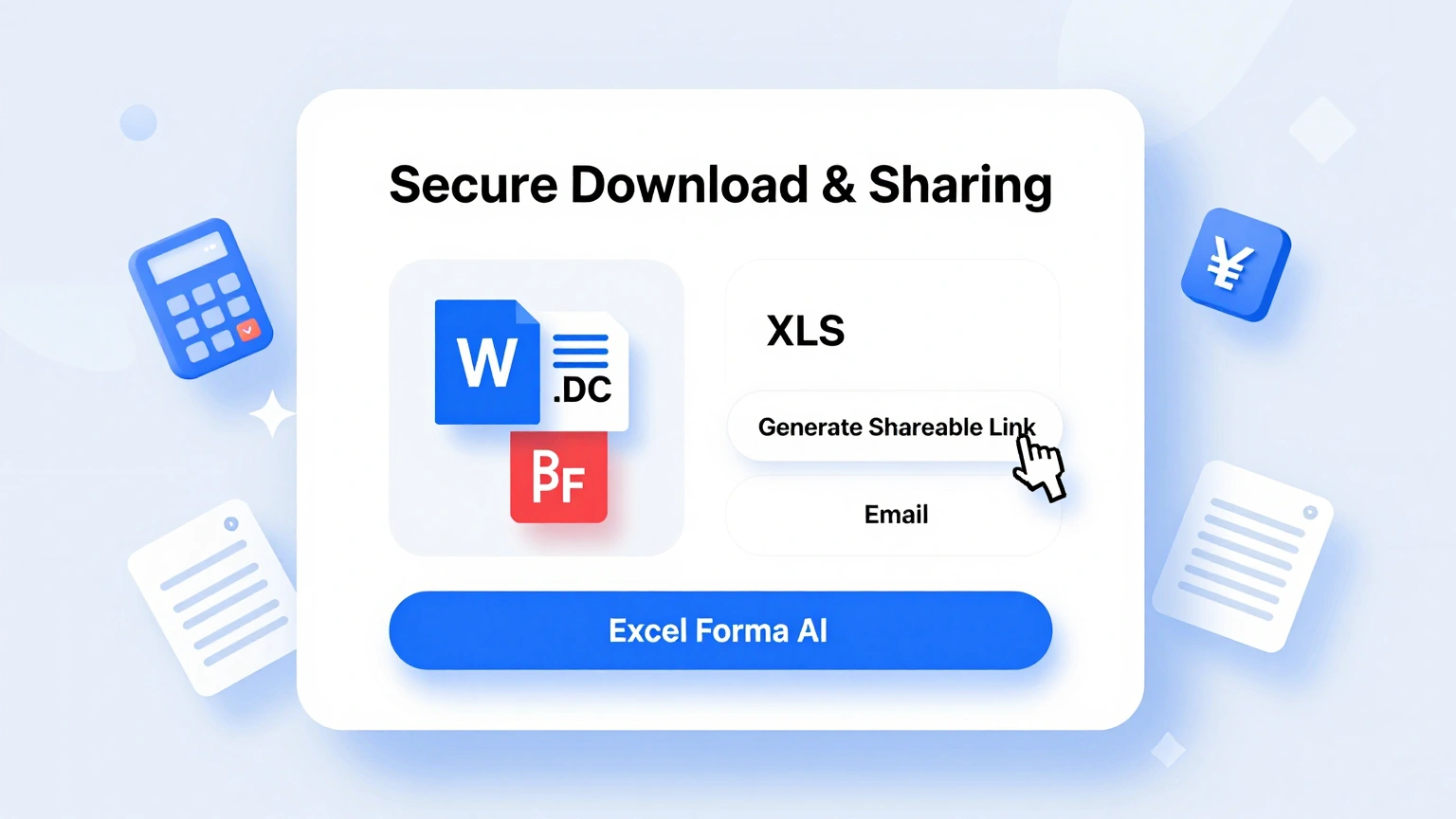
Download & Share
Export your finished Credit Report as PDF for lenders and advisors or Word for ongoing updates. The Credit Report Generator preserves table formatting and page layout, so recipients see exactly the clean summary you approved.
Explore Professional Credit Report Templates
Looking for full layouts instead? Browse our Credit Report template collection with account summaries, inquiry logs and dispute tracking formats.
Frequently Asked Questions
Helpful information about using our Credit Report generator.
- Is the Credit Report Generator free?
- Yes, the Credit Report Generator is completely free with no registration walls or export limits. You can build and rebuild summaries as often as your finances change, and every Credit Report document you produce is yours to download and keep. The tool keeps your inputs in the browser session while you work, so an accidental refresh is far less painful than it would be in a traditional desktop editor.
- Does the generator pull my actual credit file?
- No. The Credit Report Generator never connects to bureaus or requests your file. You enter the details yourself from your official reports. This keeps the tool safe, and your Credit Report summary contains only what you choose to include. There is no account requirement to get started, which means you can test the whole workflow immediately and decide later whether it fits your regular routine. Every option is labeled in plain language on screen, so even people who rarely produce formatted documents can move through the steps without getting stuck.
- Can the generator help me organize disputes?
- Yes. Add status notes to any account and the Credit Report Generator keeps them attached in the notes section. Tracking what was disputed, when and with which bureau turns your Credit Report into a working case file for corrections. Every option is labeled in plain language on screen, so even people who rarely produce formatted documents can move through the steps without getting stuck. If you create documents like this often, the minutes you save on each one add up quickly compared with formatting everything by hand from a blank file.
- Is my financial information private?
- Yes. Whatever you enter into the Credit Report Generator is processed securely and never shared or sold. Many users list partial account numbers only, so even a completed Credit Report document reveals nothing sensitive if misplaced. If you create documents like this often, the minutes you save on each one add up quickly compared with formatting everything by hand from a blank file. There is no account requirement to get started, which means you can test the whole workflow immediately and decide later whether it fits your regular routine.
- Can I edit the generated report afterwards?
- Absolutely. Every table, status and note is editable. Update balances as they change and refine notes as disputes progress. Your Credit Report remains a living document rather than a one-time snapshot of a single month. The Credit Report Generator keeps its structure consistent across every document you build, which is especially helpful when you need several versions that all look professionally prepared. The tool keeps your inputs in the browser session while you work, so an accidental refresh is far less painful than it would be in a traditional desktop editor.
- What formats can I export to?
- The Credit Report Generator exports to PDF for sharing and Word for editing. Both preserve tables and page layout, so the Credit Report your lender receives looks exactly like the version you reviewed and approved online. The tool keeps your inputs in the browser session while you work, so an accidental refresh is far less painful than it would be in a traditional desktop editor.
- Is the tool useful before a mortgage application?
- Yes. Loan officers genuinely value organized borrowers. A prepared Credit Report summary lets you spot high utilization and stray inquiries before underwriting does, giving you months to correct those issues rather than scrambling during the final days of the application itself. You can run the Credit Report Generator as many times as you need, experimenting with different inputs until the result matches the tone and detail level you want.
- How long does creating a summary take?
- Most users finish their first summary in about fifteen minutes. The generator handles structure and formatting automatically, so your time goes into verifying figures against statements. Once the first Credit Report is built, quarterly refreshes take only a few minutes each. The Credit Report Generator was built to remove tedious manual formatting, letting you focus on the substance of your document rather than its spacing and alignment.
- Can I track multiple people on one document?
- Yes. Households preparing for a joint mortgage can summarize each person's accounts in clearly separated sections. Comparing both profiles inside one Credit Report document highlights whose utilization or payment history needs attention before lenders review the combined file together. Every change you make in the Credit Report Generator preview appears immediately, so you always see the practical effect of an edit before you commit to it.
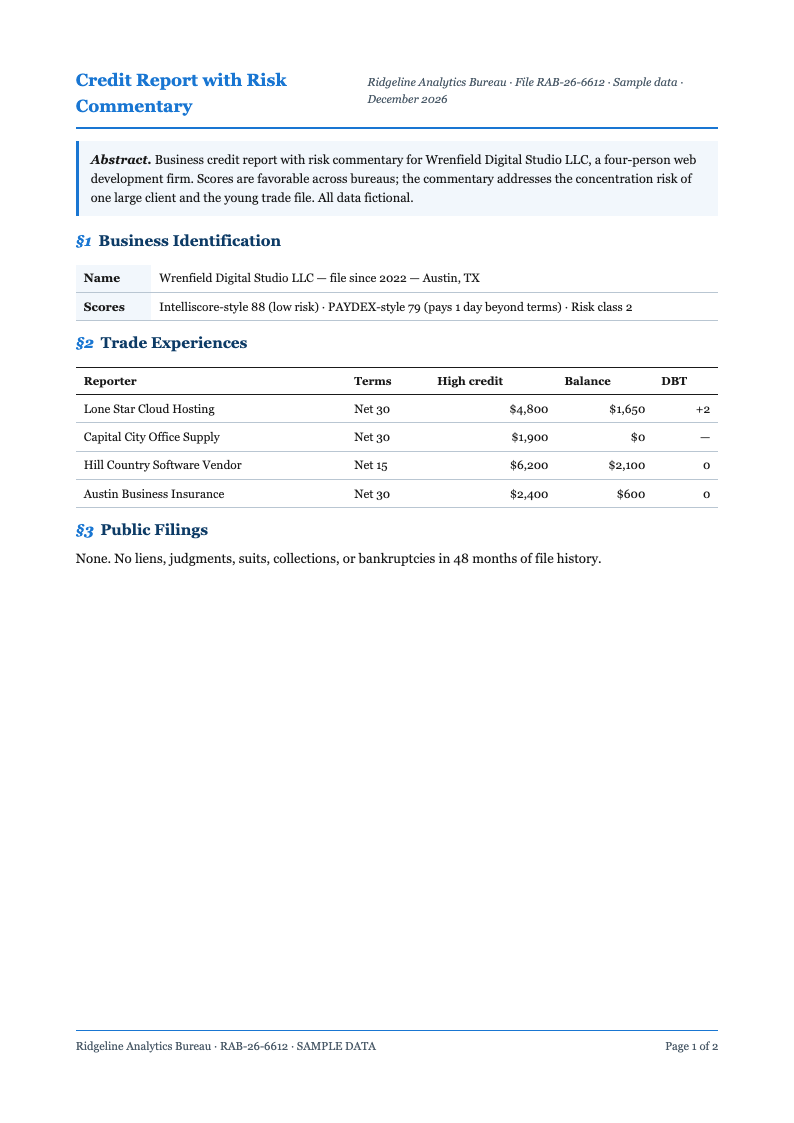
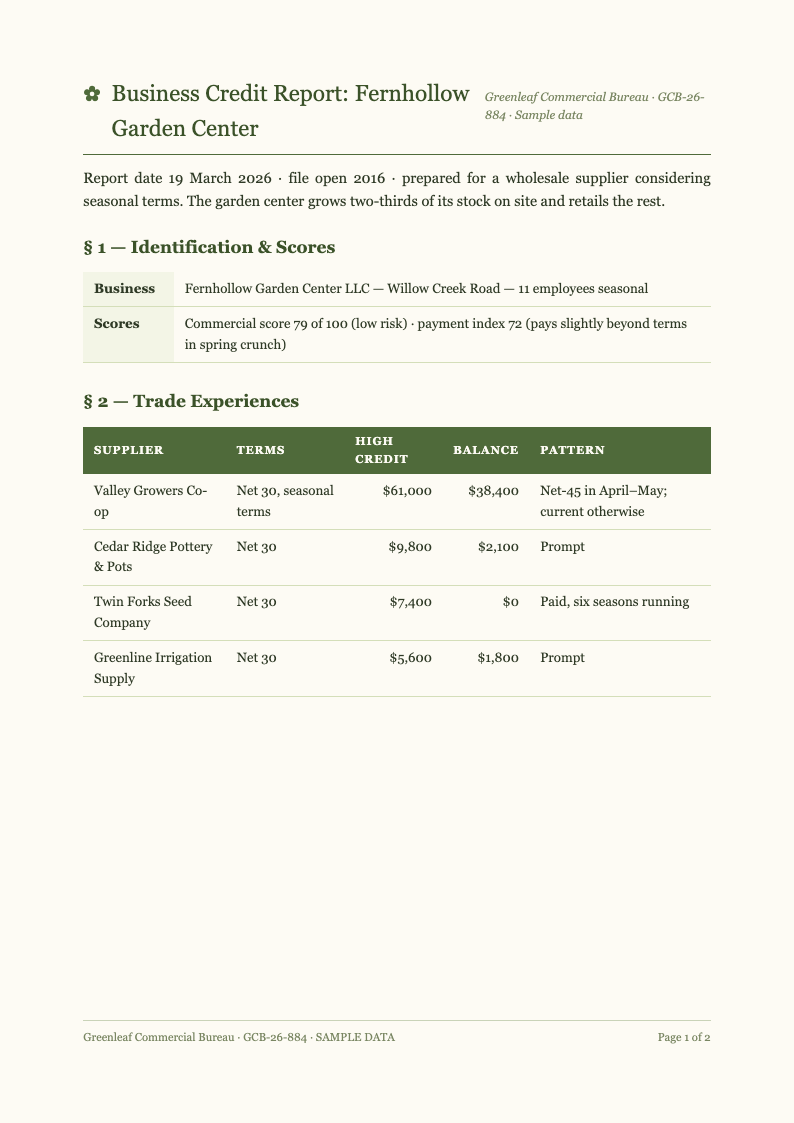
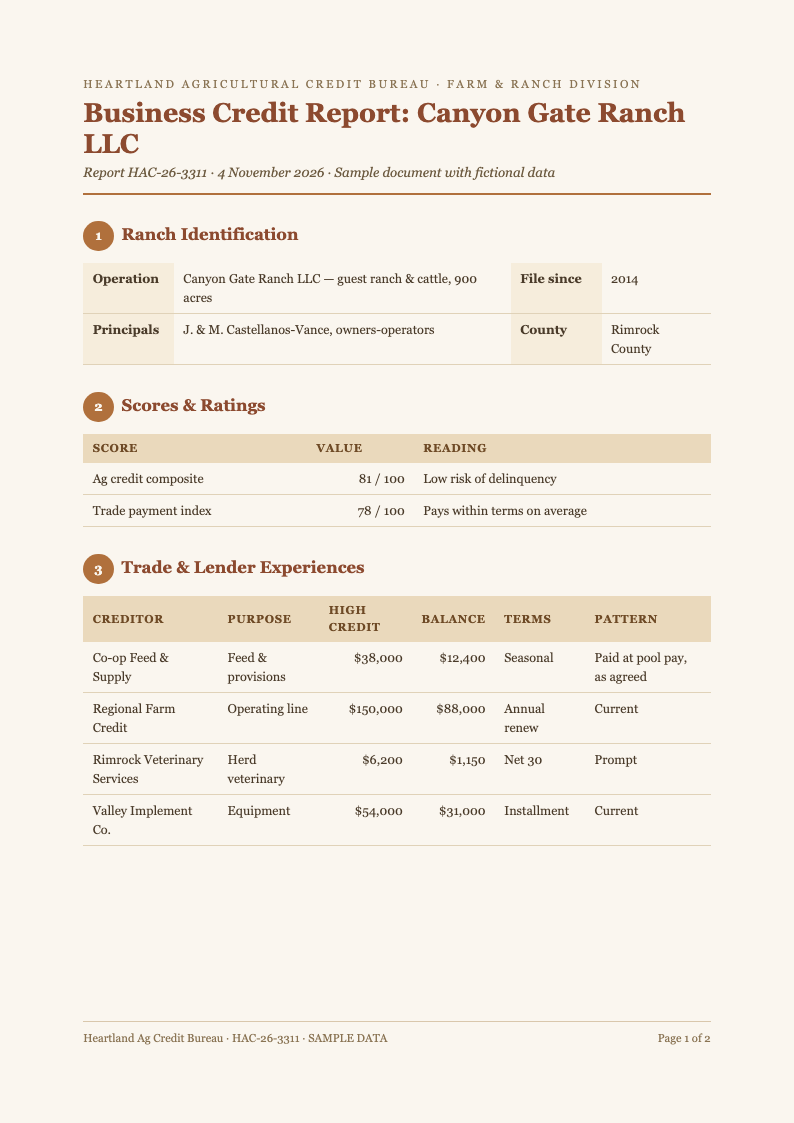
- Can I use it for business credit accounts?
- Yes. Summarize trade lines, supplier terms and business card accounts in exactly the same structured way. A business Credit Report overview builds confidence when meeting lenders, and keeping it updated quarterly shortens every financing or vendor onboarding conversation. The Credit Report Generator works equally well for quick one-off documents and longer projects, giving you the same dependable structure no matter how tight your timeline is.
- Does the generator store my data?
- Drafts stay in your workspace only if you create a free account, and you can delete them anytime. Without an account, nothing persists after you finish. You control exactly how long any Credit Report draft exists in the tool. Guidance built into the Credit Report Generator covers the most common questions, and the tool walks you through each step so there is no steep learning curve.
- Do I need an account to download?
- No account is needed. You can generate, edit and download without registering anything. A free account is entirely optional and simply saves your Credit Report drafts between sessions, which helps when correction cycles with the bureaus stretch across several weeks. Once your document is generated, the Credit Report Generator keeps the layout stable while you refine the wording, so late edits never break the overall presentation.
Create Your Credit Report Summary Now
Bring order to your credit profile in minutes. Use the free Credit Report Generator to build a structured summary with dispute notes, then walk into every lender meeting prepared.
No credit card required • AI formatter tools included • Instant formatting