Generate a Sick Leave Request in Minutes
Enter your dates and reason and the Sick Leave Generator drafts a clear, professional request with a handover plan that keeps your manager and HR informed.
How to Create a Sick Leave Request Online
Enter Your Leave Details
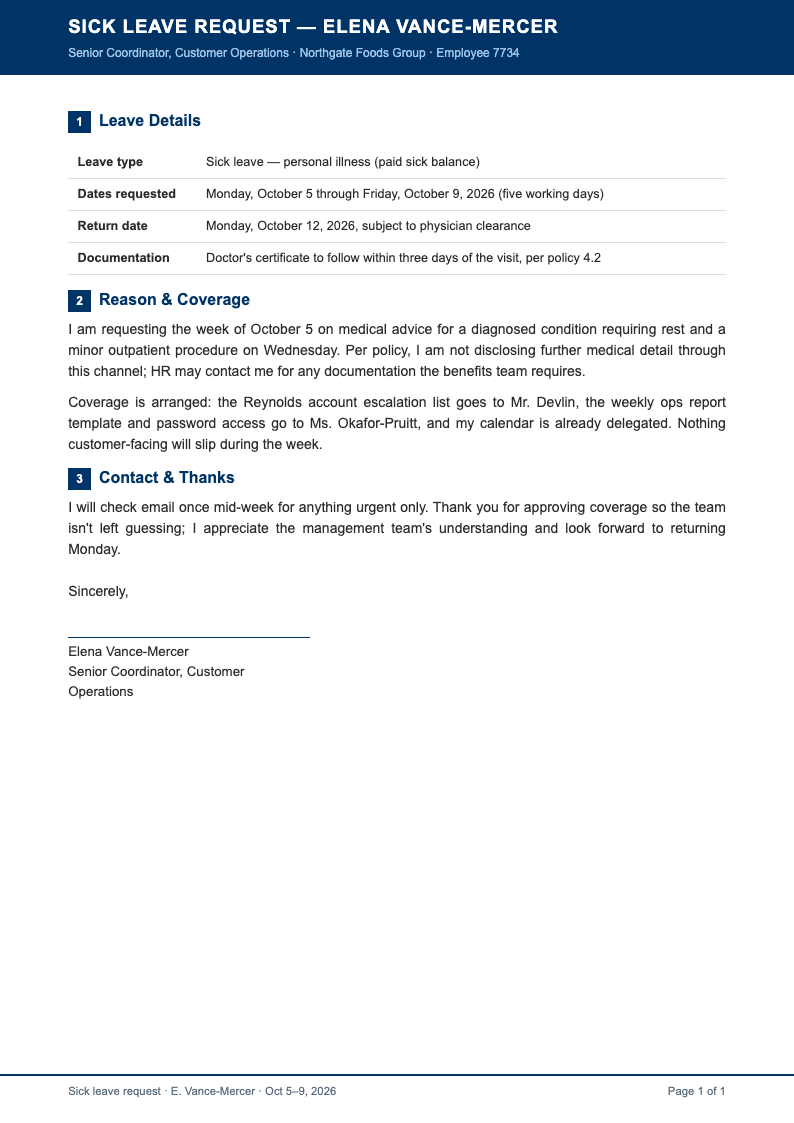
Add your name, role, affected dates and a brief reason into the Sick Leave Generator. Include whether a doctor's note will follow. Complete inputs produce a complete request, and the structured Sick Leave format ensures nothing important is missing.
Choose a Request Layout
Select a professional layout and the tool formats the greeting, body and closing correctly. A structured Sick Leave request signals that you take your responsibilities seriously, even on a day when you are unwell.
Refine the Handover Plan
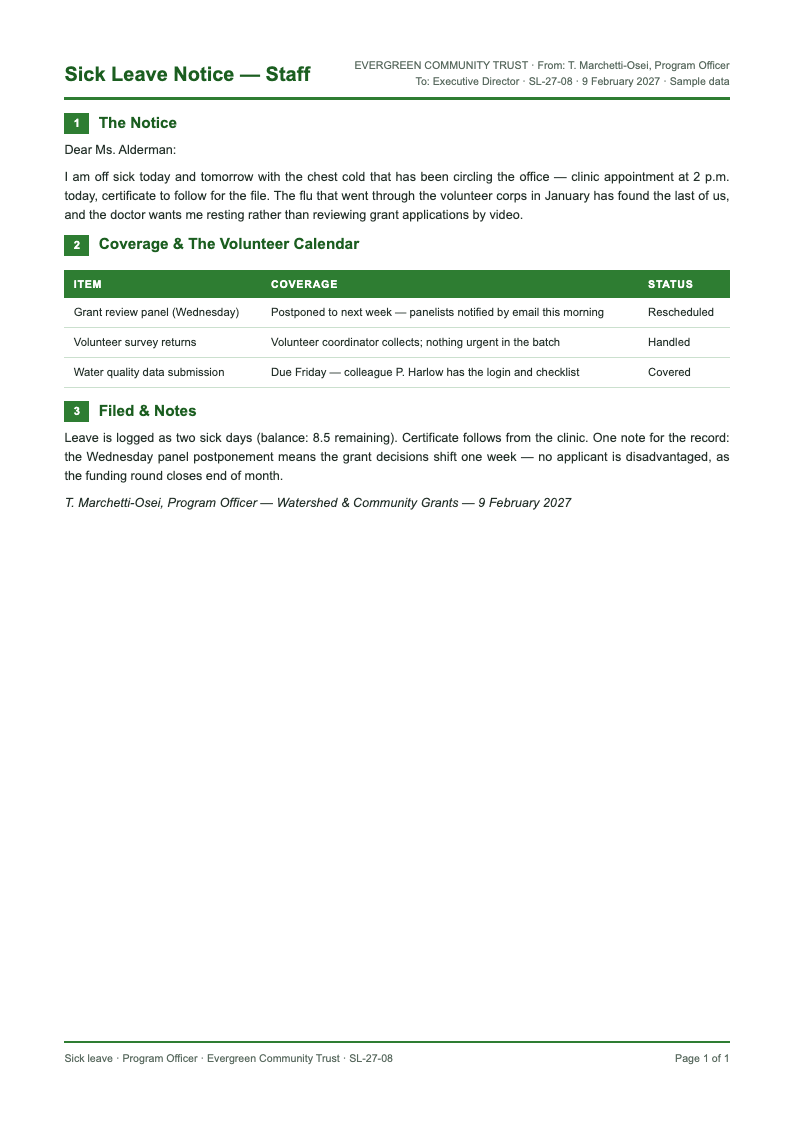
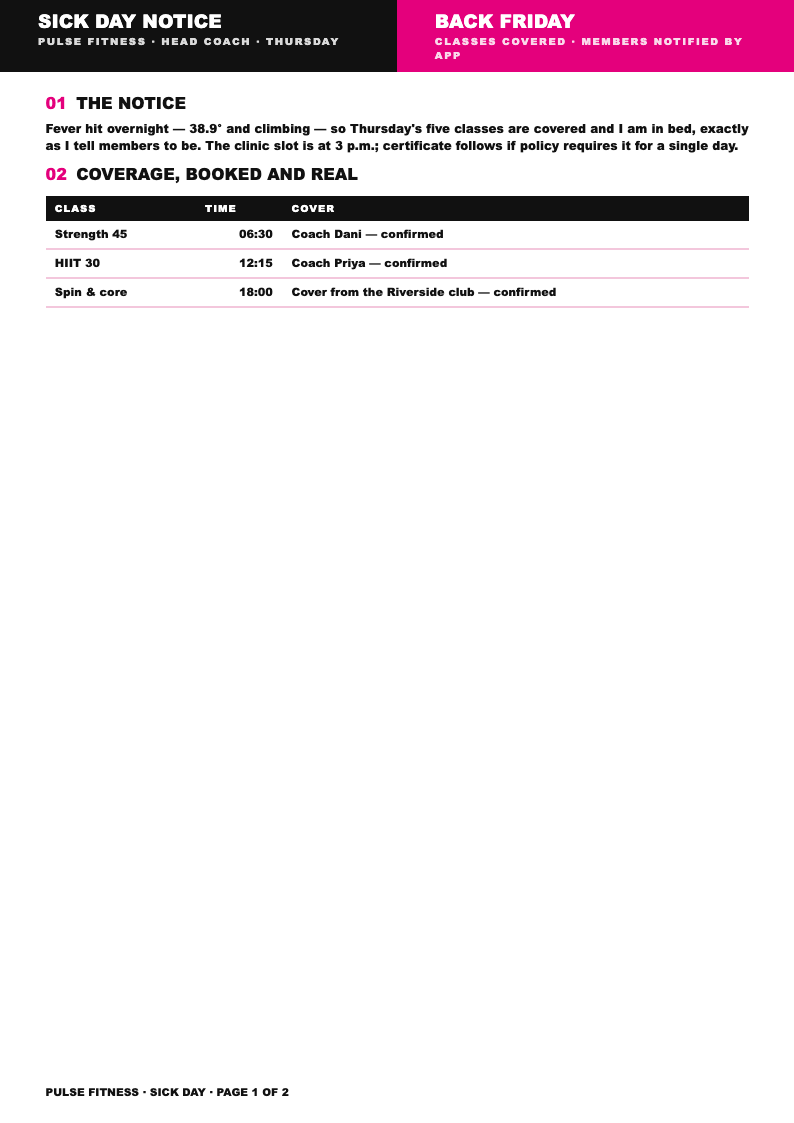
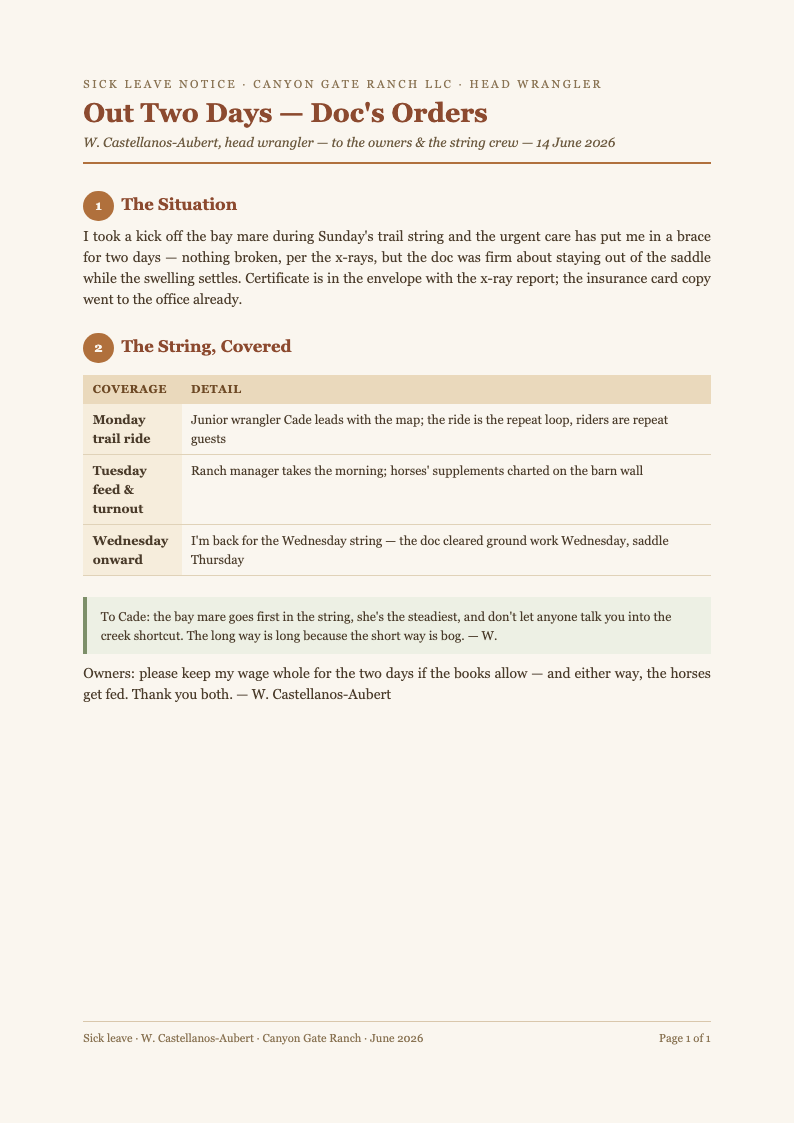
Name the colleague covering urgent work, list delegated tasks and flag meetings to reschedule. Managers approve leave faster when the Sick Leave Generator output already answers their main question: who is handling your work while you recover.
Download and Send
Export the finished Sick Leave request as PDF and send it to your manager and HR. The generator turns a stressful morning message into a two-minute task, so you can put the phone down and focus on getting better.
Import Leave Details
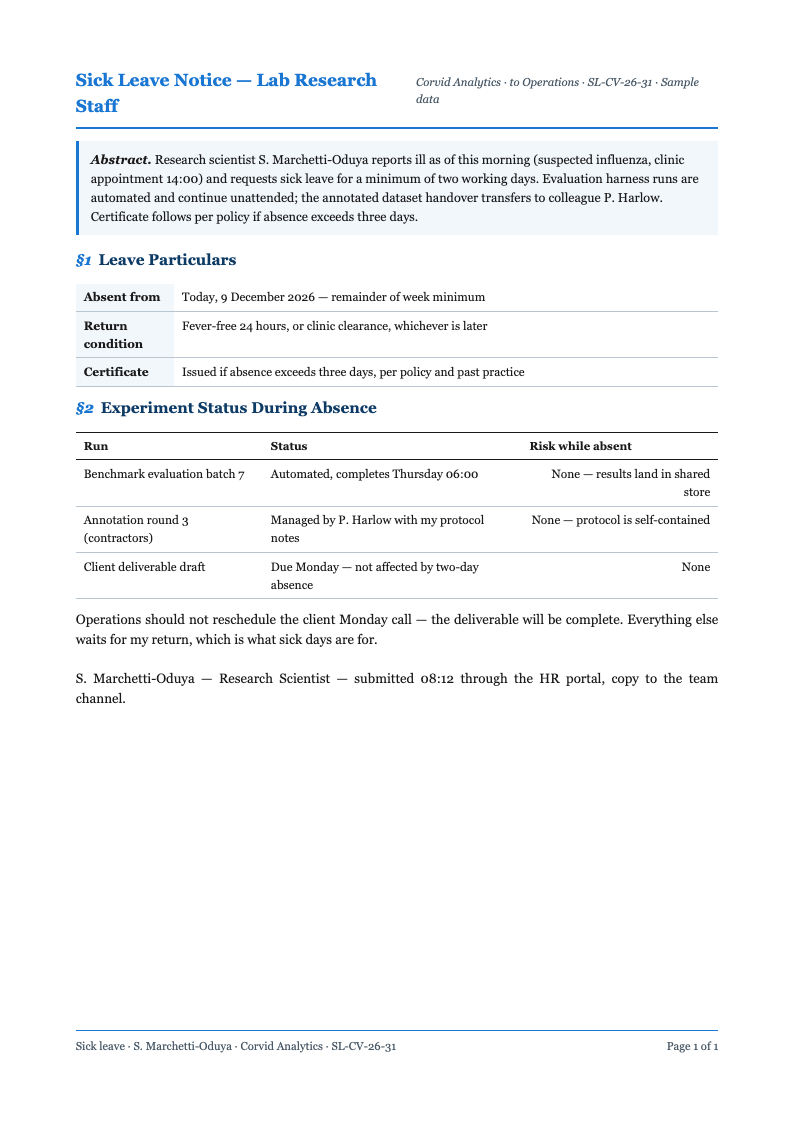
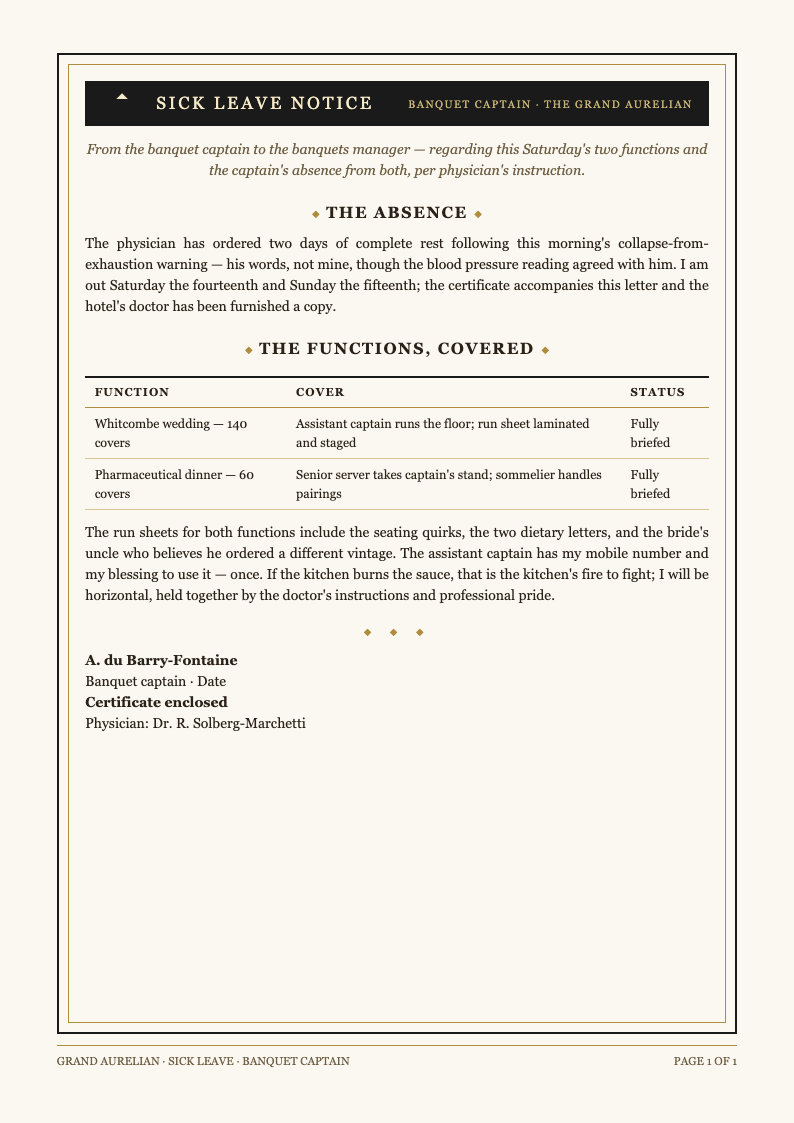
Enter your dates, reason and coverage plan into the Sick Leave Generator. The tool arranges each detail into the right paragraph, so your Sick Leave request reads complete and organized instead of a rushed message sent from your phone.
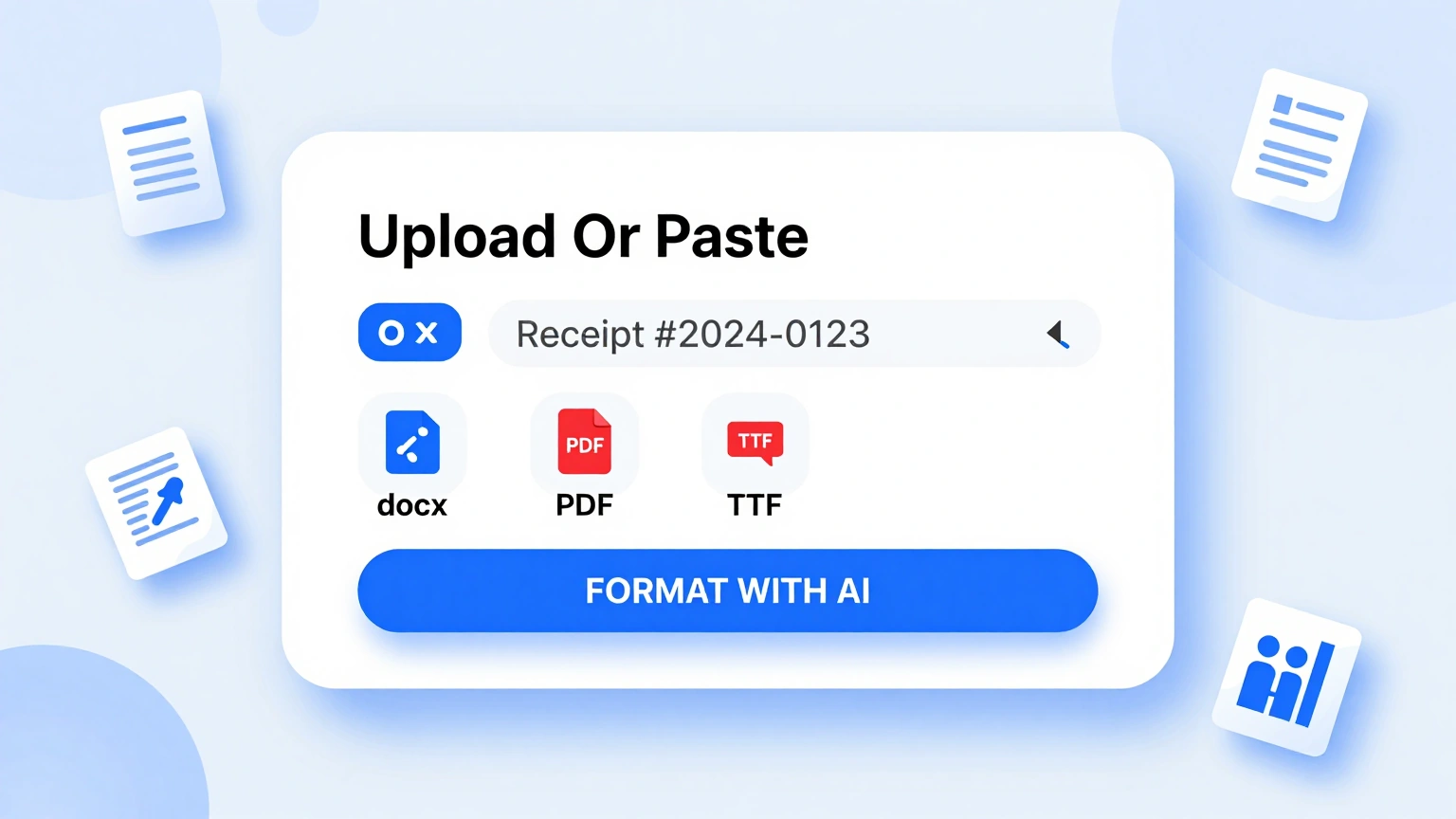
Professional Letter Layouts
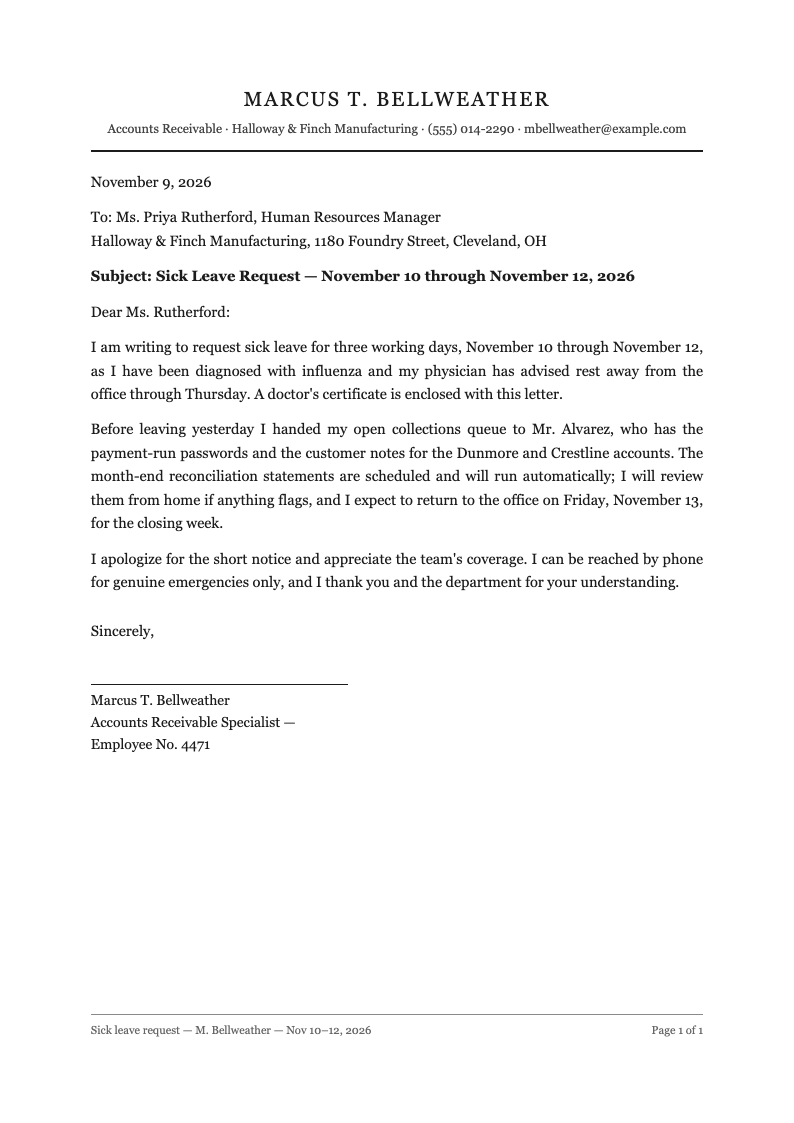
Choose a polished layout inside the Sick Leave Generator. Headers, salutations and sign-offs arrive correctly formatted, giving your Sick Leave request the same professional standard as any formal workplace correspondence.
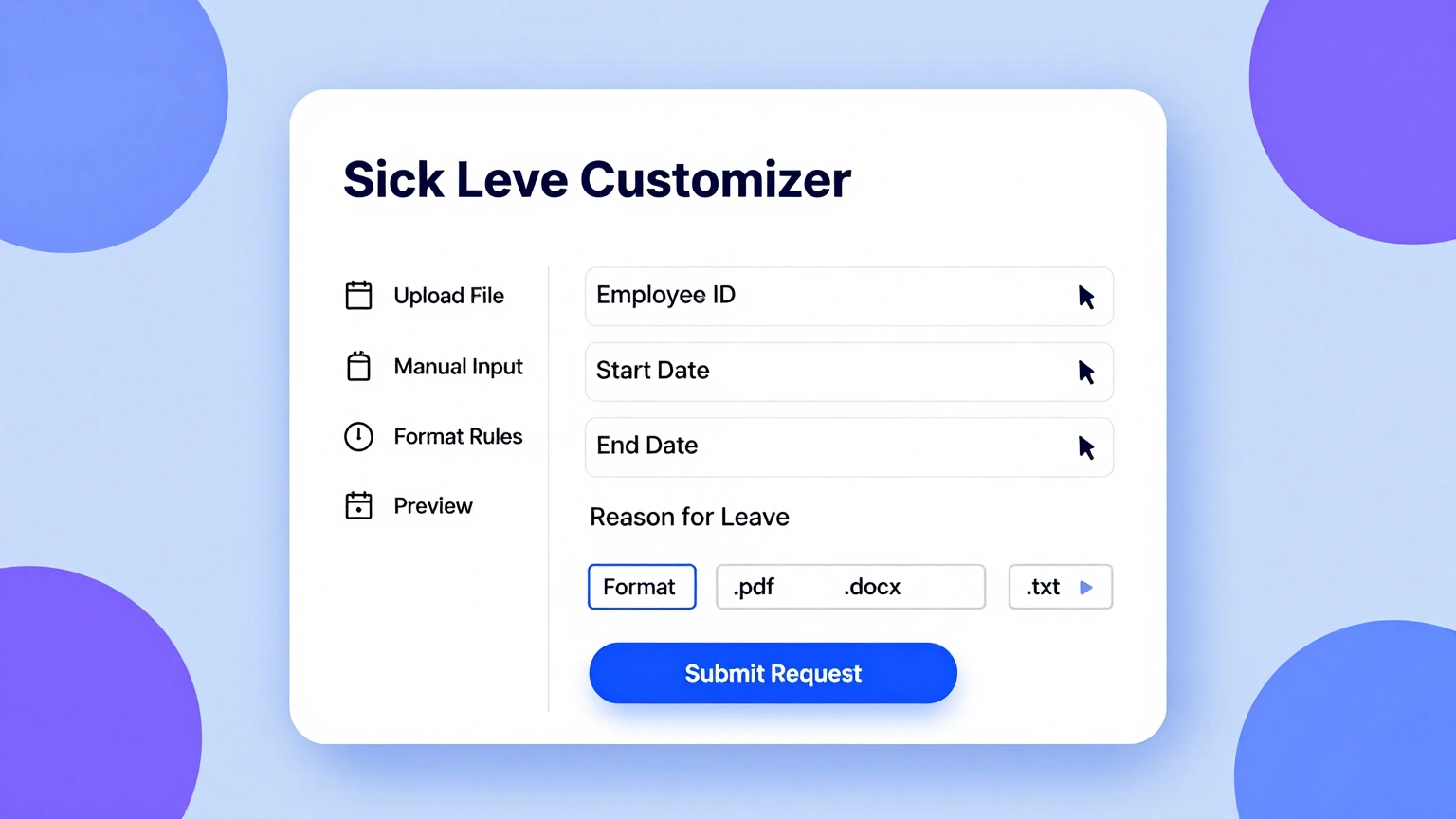
Edit Every Detail Online
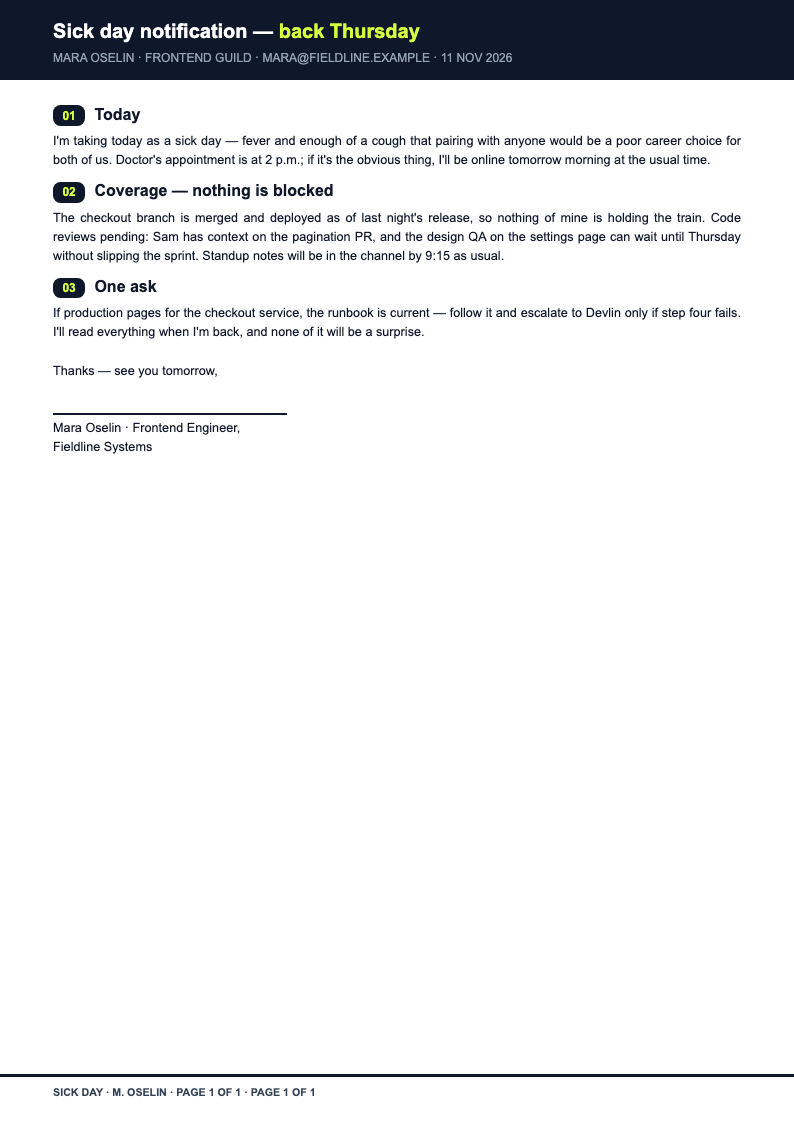
Adjust dates, refine the reason and update handover notes in the Sick Leave Generator editor. If your recovery takes longer, extending the request takes a minute, and the revised Sick Leave document stays clean and consistent.
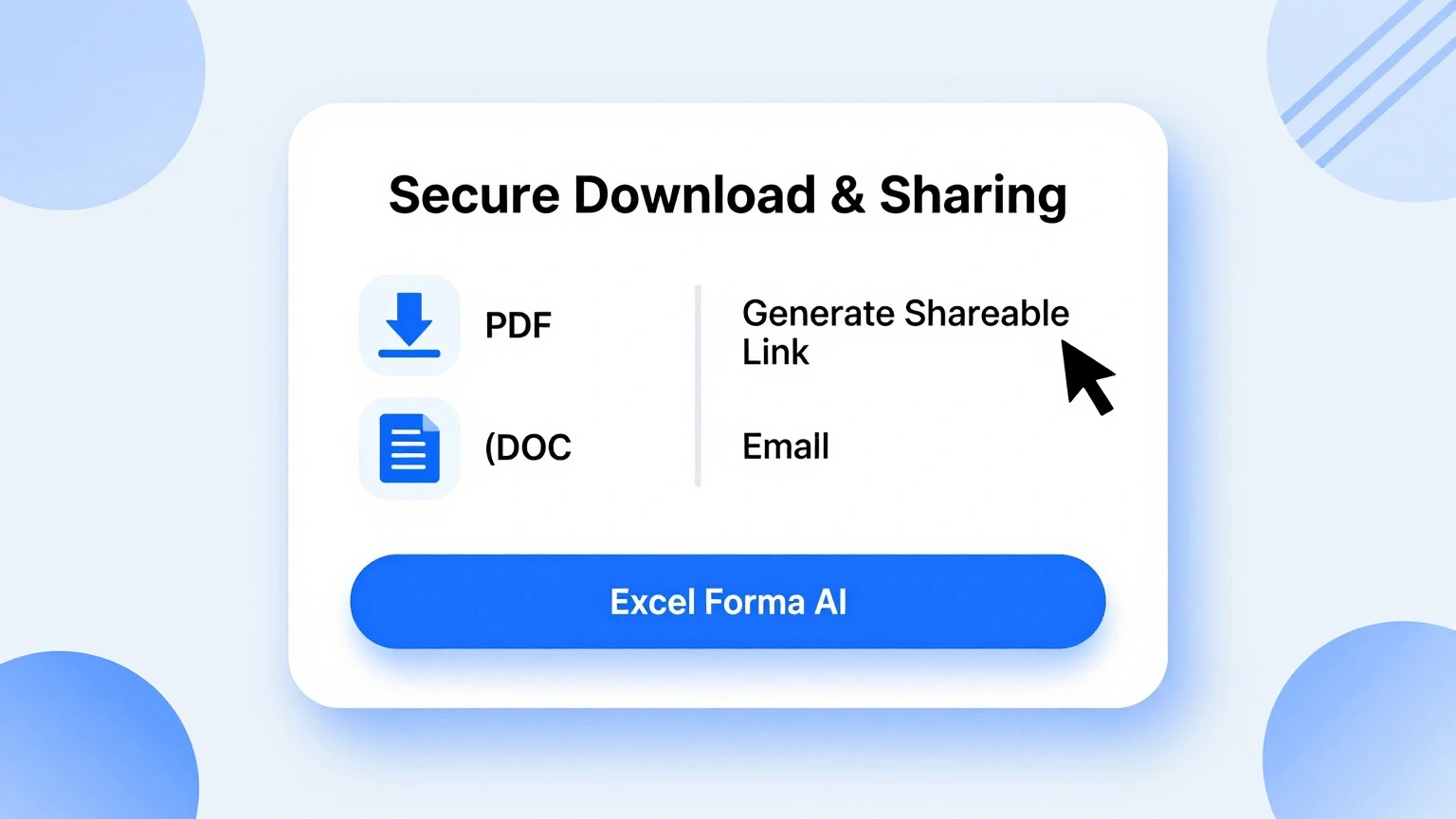
Download & Share
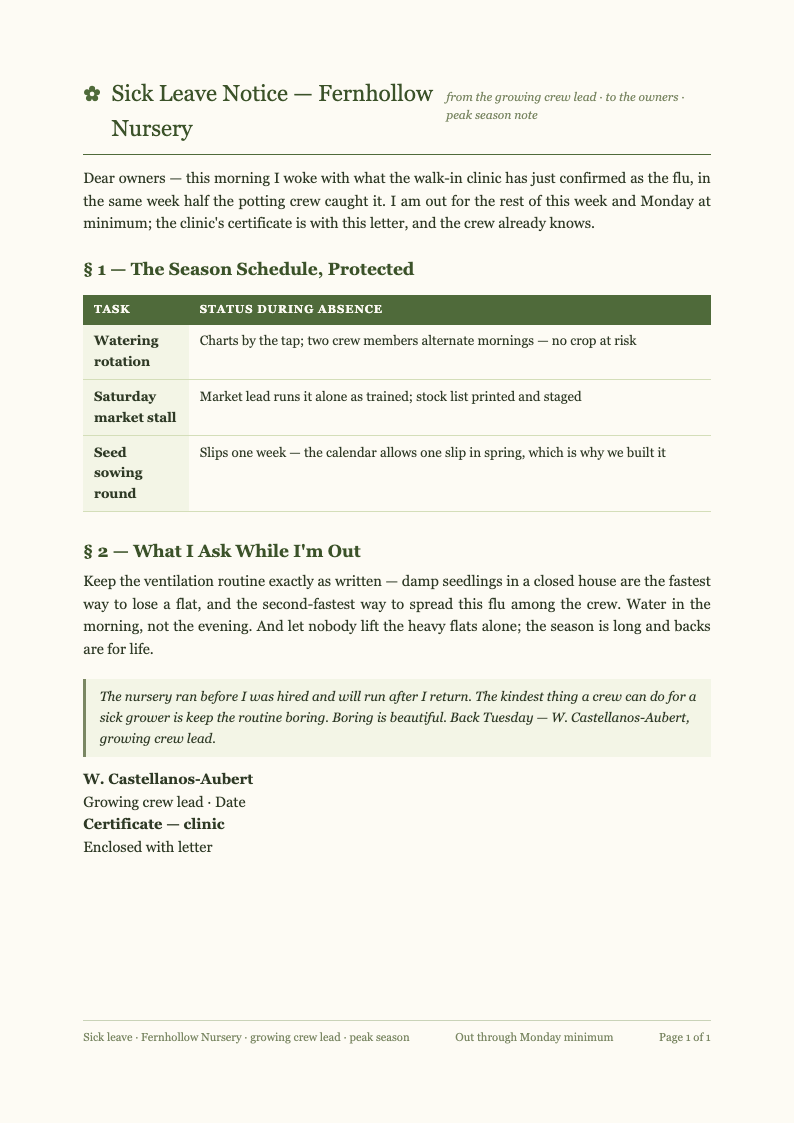
Export your finished Sick Leave request as PDF for email or Word for company forms. The generator preserves structure and spacing, so HR receives a tidy document that files neatly into your employment record. When the Sick Leave Generator exports your file, the formatting you approved on screen is exactly what arrives in the downloaded document, with nothing shifted or lost.
Explore Professional Sick Leave Templates
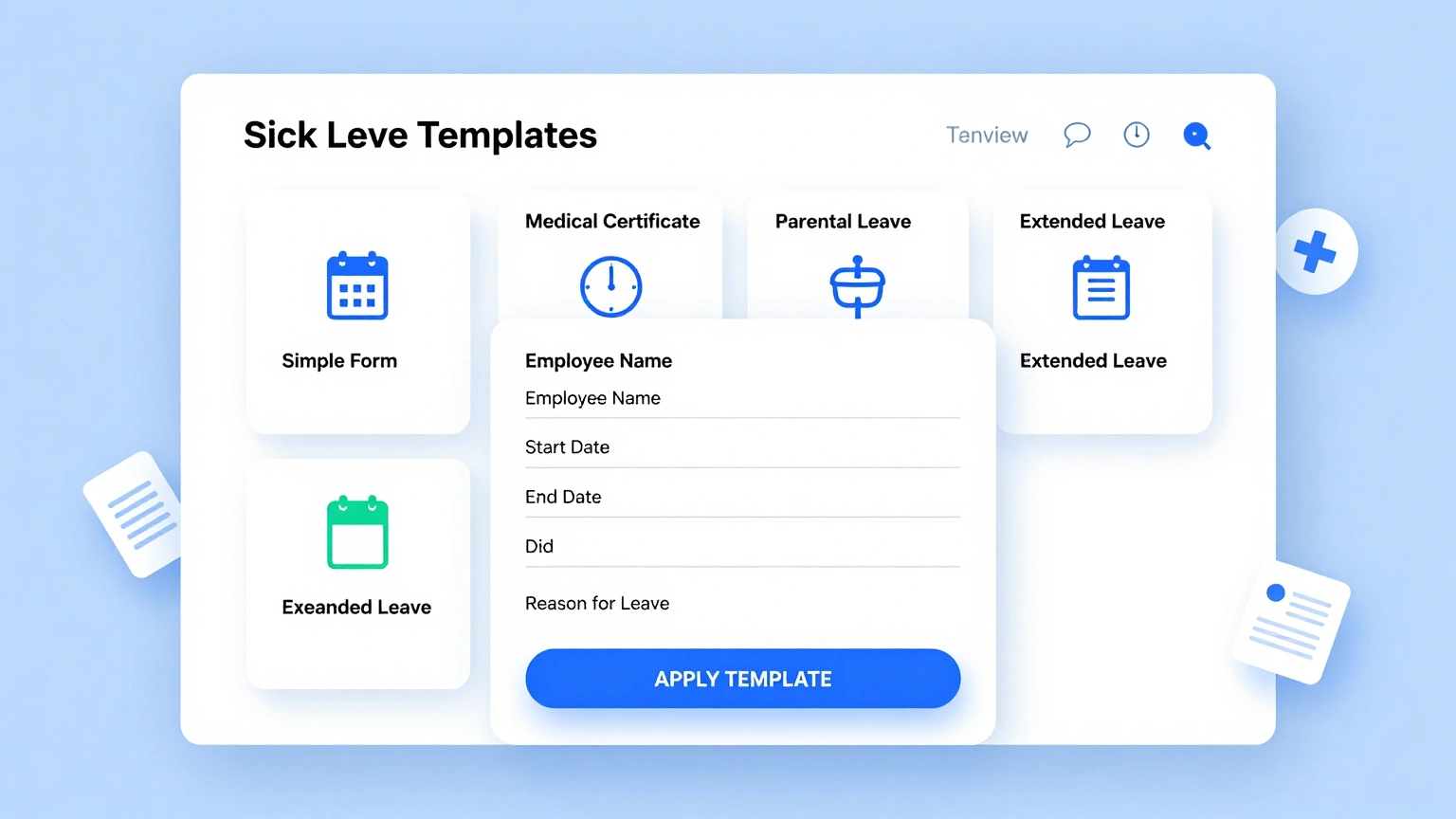
Prefer a full template layout? Browse our Sick Leave template collection covering same-day notifications, scheduled procedures and caregiver absences.
Frequently Asked Questions
Helpful information about using our Sick Leave generator.
- Is the Sick Leave Generator free to use?
- Yes, the Sick Leave Generator is completely free with no registration requirements or export limits. Every Sick Leave request you create is yours to download, whether it is a one-day absence or a multi-week medical leave. The tool keeps your inputs in the browser session while you work, so an accidental refresh is far less painful than it would be in a traditional desktop editor.
- What information do I need to prepare?
- Your affected dates, a brief reason and, ideally, your coverage plan. With those inputs the Sick Leave Generator produces a structured draft immediately. You can refine wording afterwards, and adding a doctor's note reference takes seconds. There is no account requirement to get started, which means you can test the whole workflow immediately and decide later whether it fits your regular routine. Every option is labeled in plain language on screen, so even people who rarely produce formatted documents can move through the steps without getting stuck.
- Can the generator extend my leave if recovery takes longer?
- Yes. Reopen your draft, update the return date and export a revised request in under two minutes. The tool keeps the new document consistent with your original paperwork, so HR sees a clear, continuous trail rather than contradictory email messages. Because the Sick Leave Generator runs entirely online, you can pick up where you left off from any device and keep your workflow moving without installing extra software.
- Is my health information kept private?
- Yes. Anything entered into the Sick Leave Generator is processed securely and never shared or sold. Your Sick Leave request contains only the detail you choose to include, and you can delete drafts from your workspace once leave ends. If you create documents like this often, the minutes you save on each one add up quickly compared with formatting everything by hand from a blank file.
- Can I edit the generated request afterwards?
- Absolutely. Every paragraph, date and note remains editable. Adjust the tone for a formal corporate HR department or a small close-knit team, and the Sick Leave document stays polished and consistent through every revision you make. The Sick Leave Generator keeps its structure consistent across every document you build, which is especially helpful when you need several versions that all look professionally prepared. There is no account requirement to get started, which means you can test the whole workflow immediately and decide later whether it fits your regular routine.
- What formats can I export to?
- The Sick Leave Generator exports to PDF for email attachments and Word for company leave forms. Formatting survives both, so your Sick Leave request looks equally professional in an inbox, a printout or an HR filing system. The tool keeps your inputs in the browser session while you work, so an accidental refresh is far less painful than it would be in a traditional desktop editor.
- Does the tool work for school absence notes?
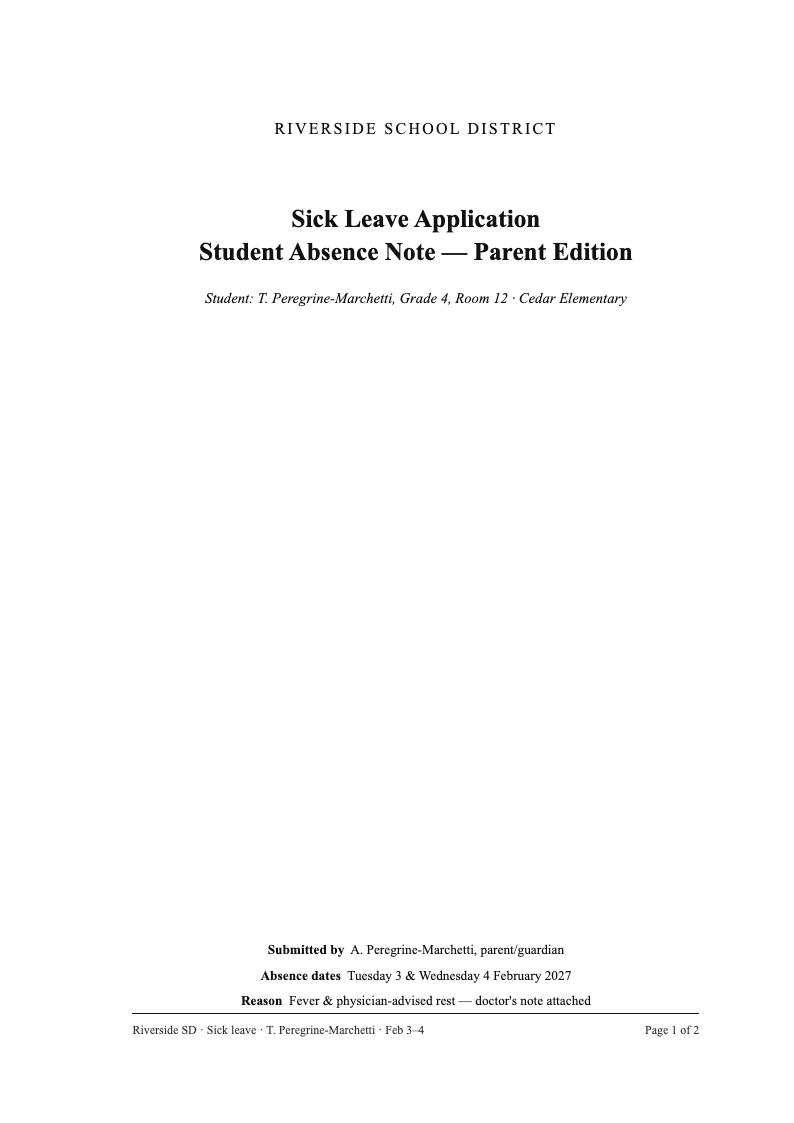
- Yes. Parents can adapt the request for school use, addressing teachers or the administration directly. The structured format translates perfectly to school settings: dates, reason, expected return and makeup work arrangements are all covered clearly. You can run the Sick Leave Generator as many times as you need, experimenting with different inputs until the result matches the tone and detail level you want. If you create documents like this often, the minutes you save on each one add up quickly compared with formatting everything by hand from a blank file.
- How fast can I create a request?
- Most users finish in three to five minutes. The generator removes every formatting decision, so on a sick morning you answer a few prompts, review the draft and send. Speed matters most when you should be resting, not formatting documents. The Sick Leave Generator was built to remove tedious manual formatting, letting you focus on the substance of your document rather than its spacing and alignment.
- Can I create requests for family care leave?
- Yes. State that you are caring for a sick child or relative and the Sick Leave Generator adapts the phrasing accordingly. Caregiver absences deserve the same professional documentation as personal illness, and the tool supports both. If you create documents like this often, the minutes you save on each one add up quickly compared with formatting everything by hand from a blank file.
- Does the request include a handover section?
- Yes. Every generated request includes a dedicated coverage section naming delegated duties and rescheduled meetings. Managers consistently approve documented handovers noticeably faster, because the Sick Leave paperwork already answers their operational questions before they even ask them. The Sick Leave Generator works equally well for quick one-off documents and longer projects, giving you the same dependable structure no matter how tight your timeline is.
- Can managers generate approval letters too?
- Yes. Supervisors can produce written approvals or team notifications using the same workflow. A documented Sick Leave approval prevents payroll disputes later and gives the whole team clarity about who is off and who covers what. Guidance built into the Sick Leave Generator covers the most common questions, and the tool walks you through each step so there is no steep learning curve.
- Do I need an account to download?
- No. You can generate and download without registering. A free account is optional and only saves your Sick Leave drafts between sessions, which helps when extended recovery requires updating the same request over several weeks. Once your document is generated, the Sick Leave Generator keeps the layout stable while you refine the wording, so late edits never break the overall presentation. The tool keeps your inputs in the browser session while you work, so an accidental refresh is far less painful than it would be in a traditional desktop editor.
Create Your Sick Leave Request Now
Handle a sick day professionally in minutes. Use the free Sick Leave Generator to draft a clear request with dates, reason and handover plan, then get back to resting.
No credit card required • AI formatter tools included • Instant formatting