Generate Incident Reports Instantly
Create professional incident documentation with our Incident Report Generator. The tool produces properly structured reports with essential details including incident descriptions, witness statements, contributing factors, and corrective actions in just minutes, helping safety officers and supervisors handle incident documentation efficiently.
How to Create an Incident Report Online
Enter Incident Details
Start by entering the date, time, and location of the incident along with names of individuals involved and witnesses. The Incident Report Generator organizes all your inputs into the correct sections, ensuring nothing is missing from your official record.
Select a Template
Choose from our collection of professionally designed templates that match your incident type. The Incident Report Generator offers options for workplace accidents, near-miss events, and safety violations, each pre-loaded with appropriate fields.
Review and Edit
Use the Incident Report Generator editor to refine descriptions, add contributing factors, and document corrective actions. Review each section to ensure details accurately reflect what occurred and what preventive steps are planned.
Download Your Document
Preview your completed report to verify all details are correct. Then download from the Incident Report Generator as a PDF or Word file ready for supervisory review, compliance archiving, and distribution to relevant departments.
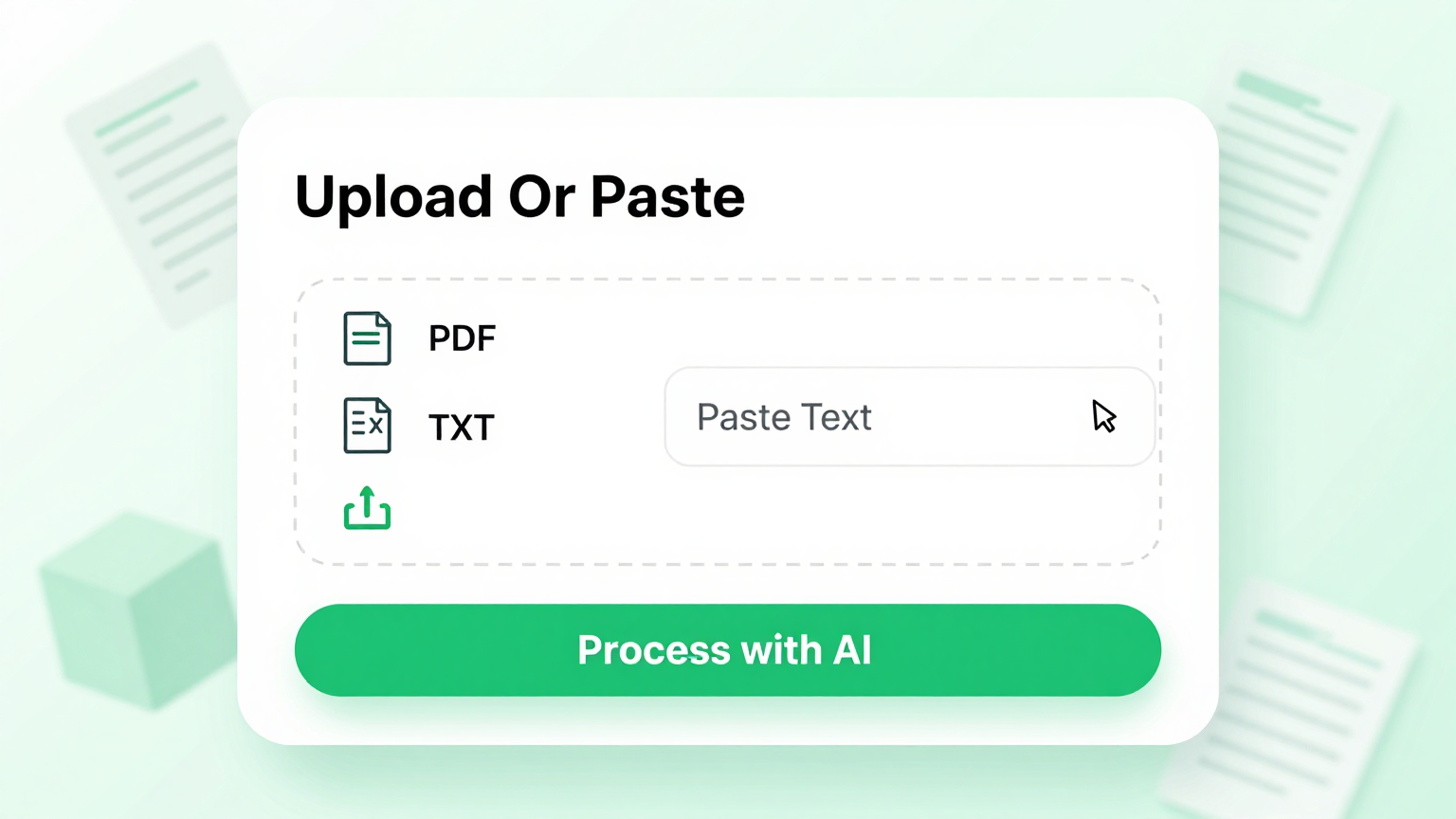
Input Your Incident Details
Enter incident information including date, time, location, people involved, and event descriptions directly into the platform. Whether you have preliminary notes or detailed observations, the Incident Report Generator organizes all your inputs into a properly structured document that is ready for customization and professional review by safety officers and supervisors.
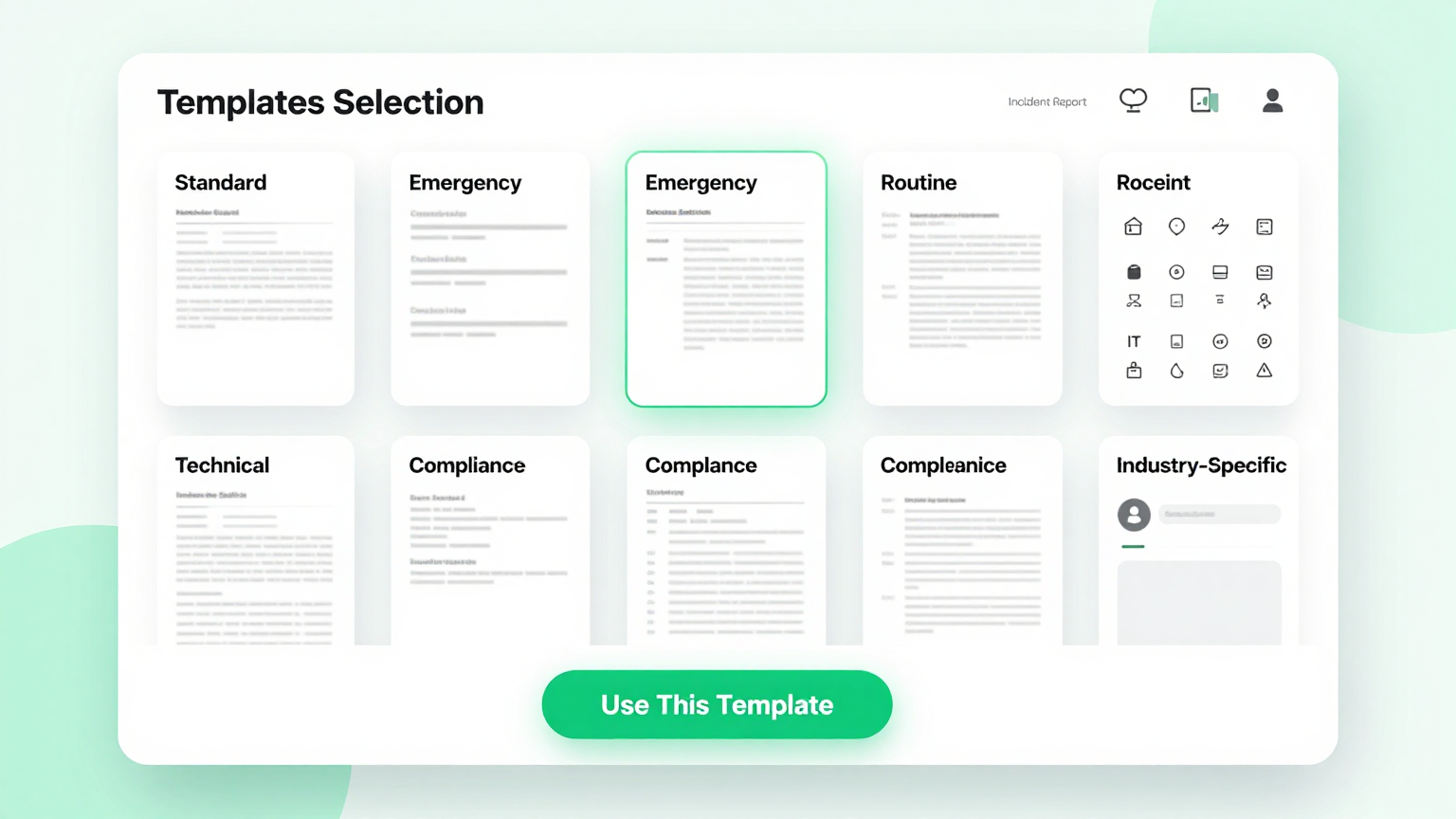
Professional Incident Templates
Select from professionally structured templates designed for different incident scenarios within the Incident Report Generator. These templates include standard fields for incident type, severity level, witness information, contributing factors, and corrective actions that serve as a solid foundation for your workplace, school, or construction site incident documentation.
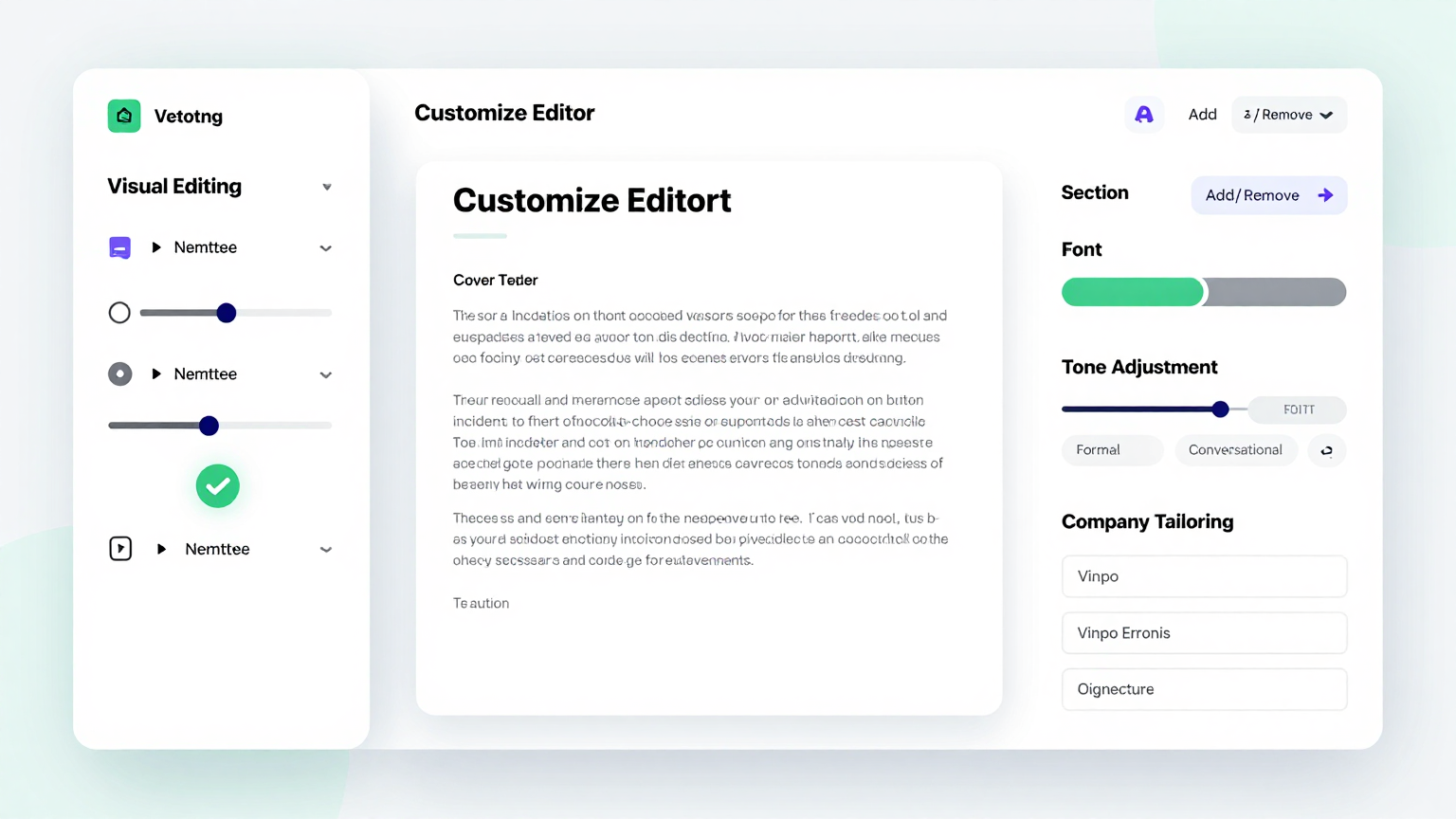
Edit Online
Customize every section of your incident document with the built-in editor in the Incident Report Generator. Modify incident descriptions, add witness statements, specify contributing factors, and adjust corrective action items while the tool maintains proper document formatting throughout your entire editing session for a polished and professional result.
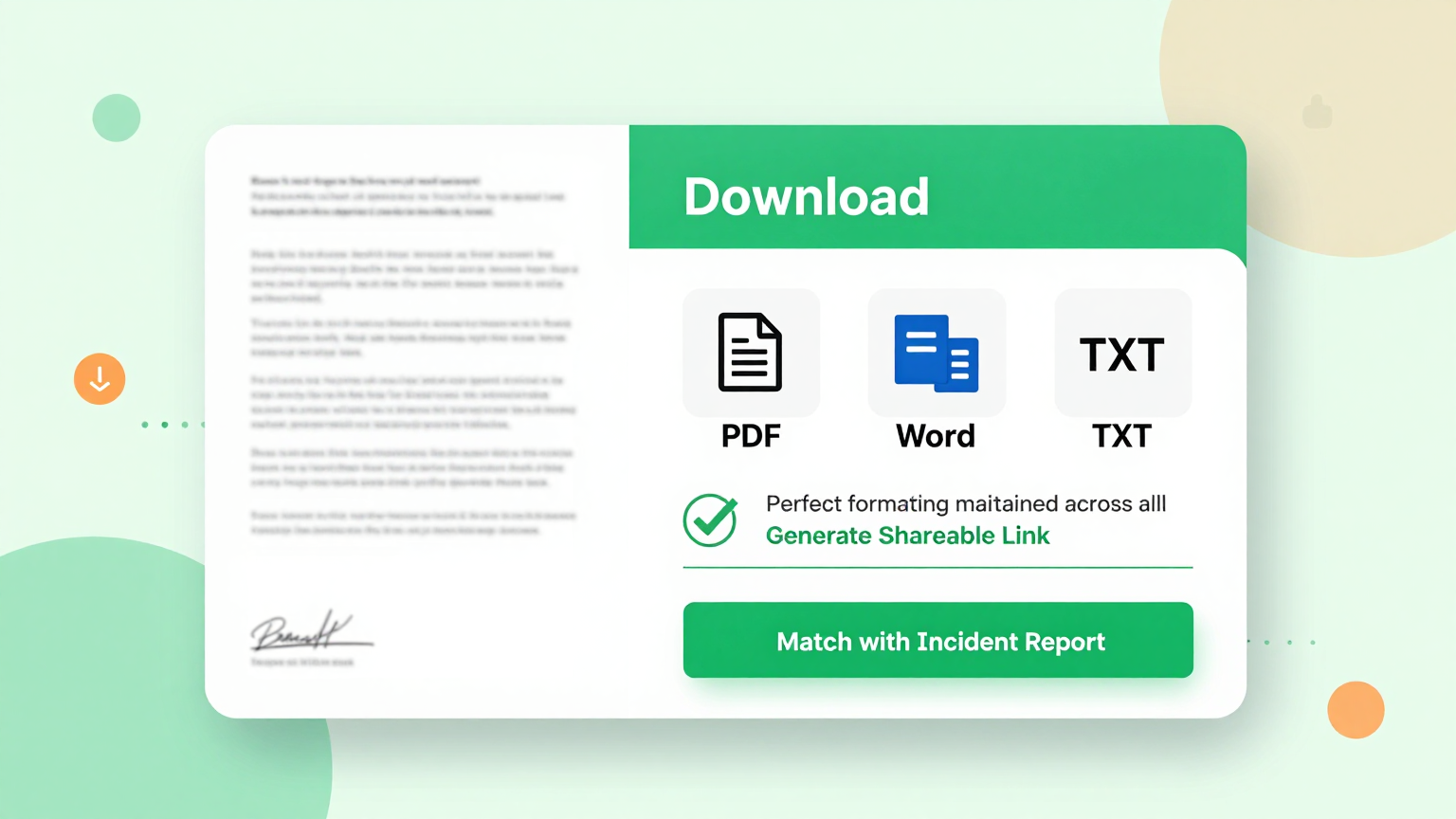
Download and Share
Download your completed document from the Incident Report Generator as a PDF or Word file ready for supervisory review and distribution. The tool produces professional reports suitable for both digital and print records, giving safety managers and administrators flexibility in how they archive and share finalized incident documentation across their organization.
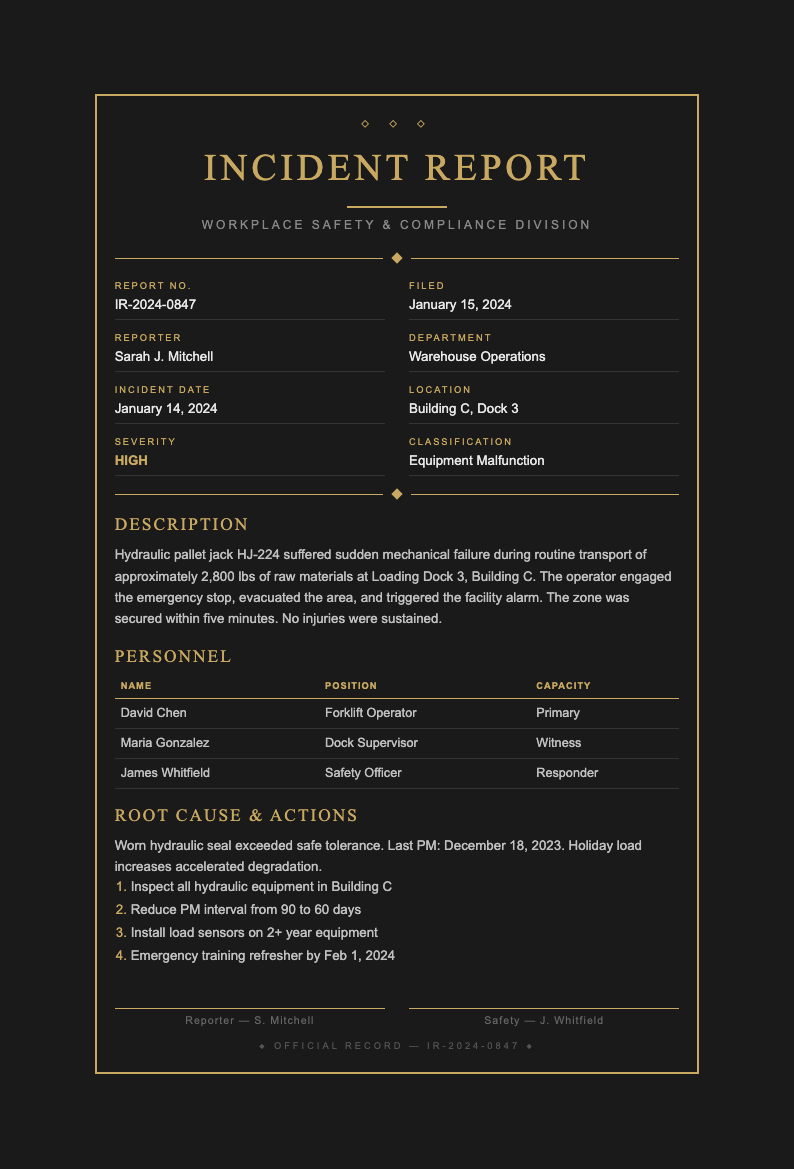
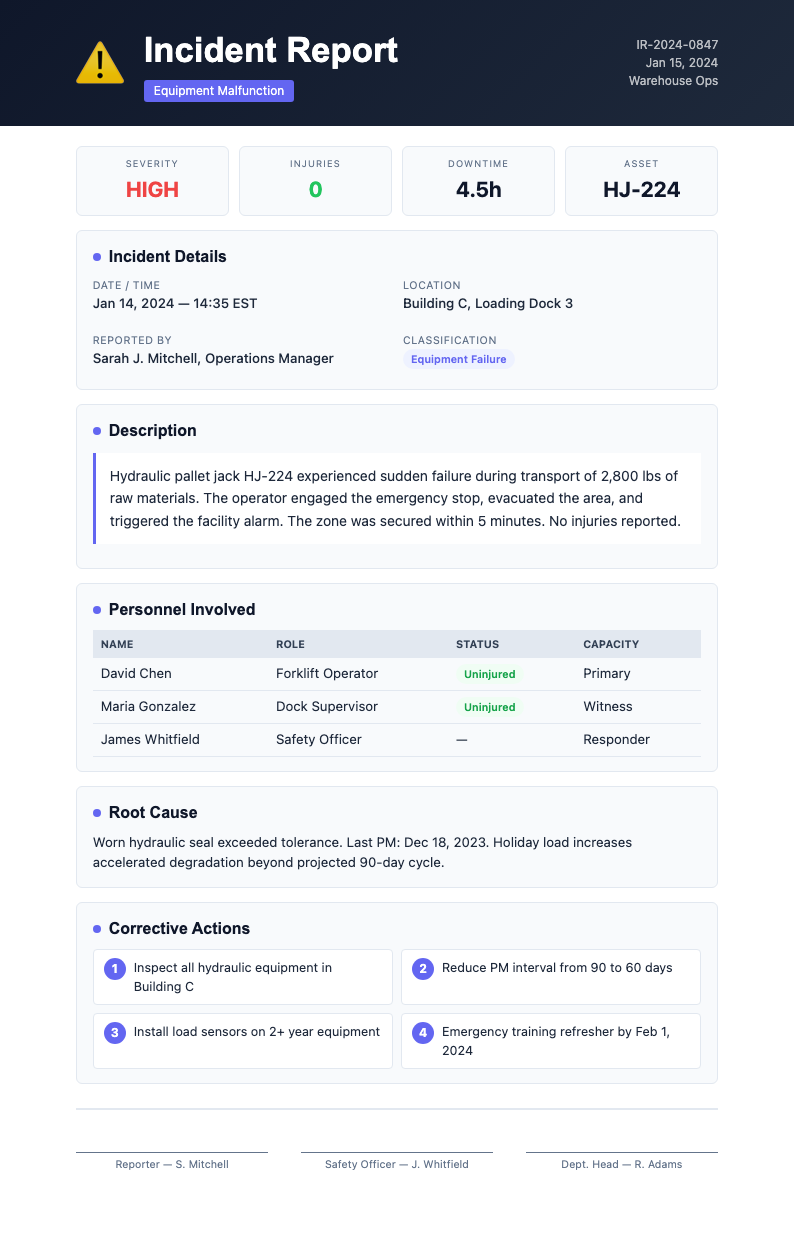
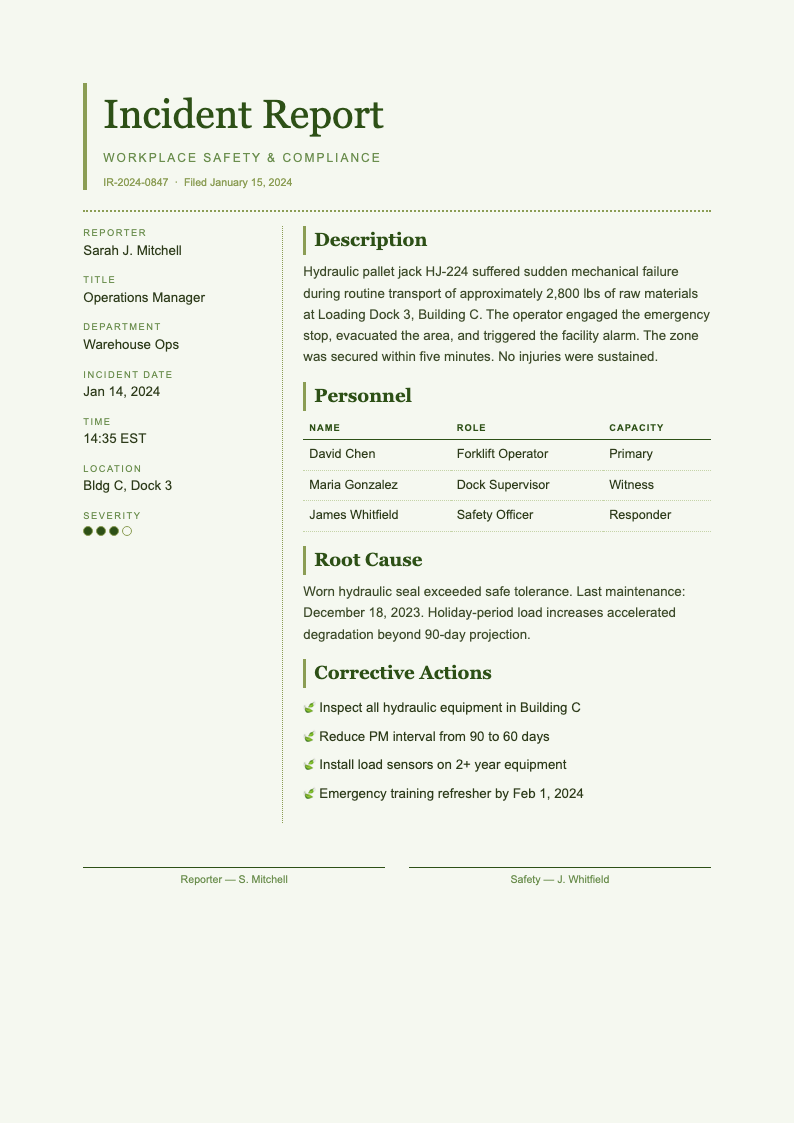
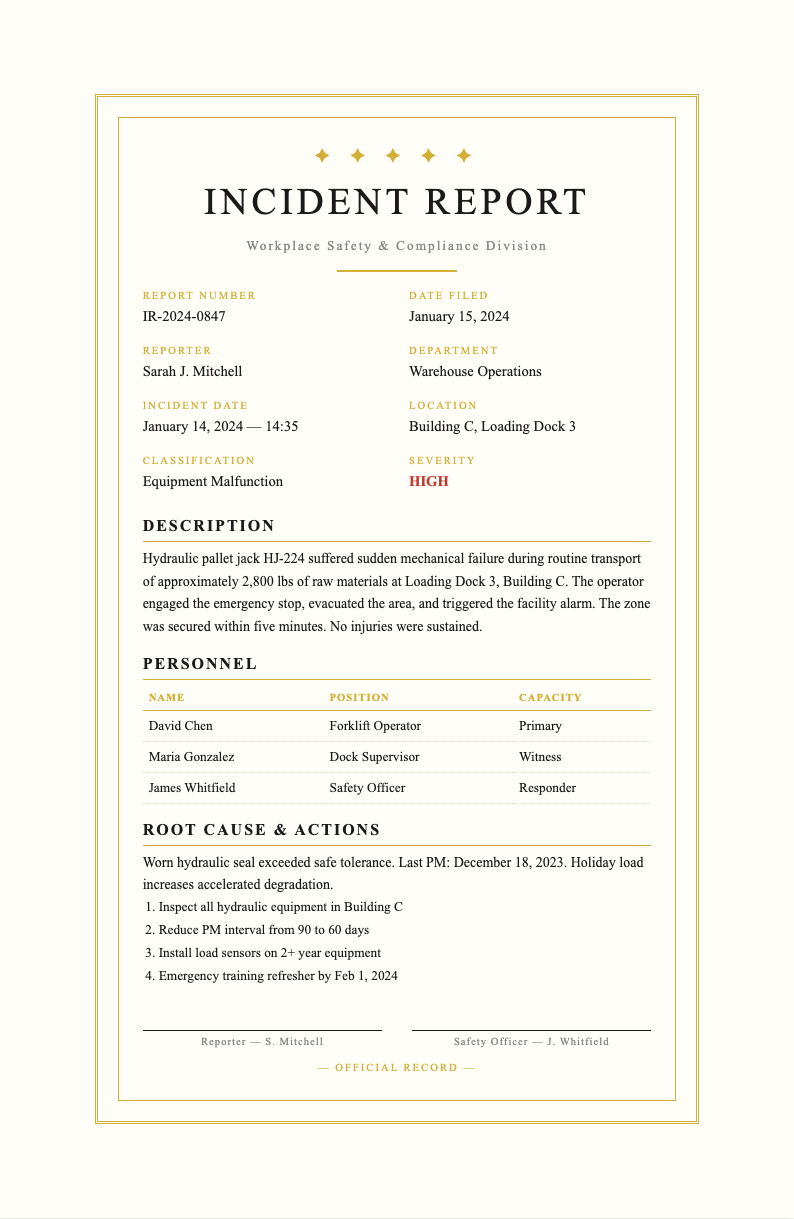
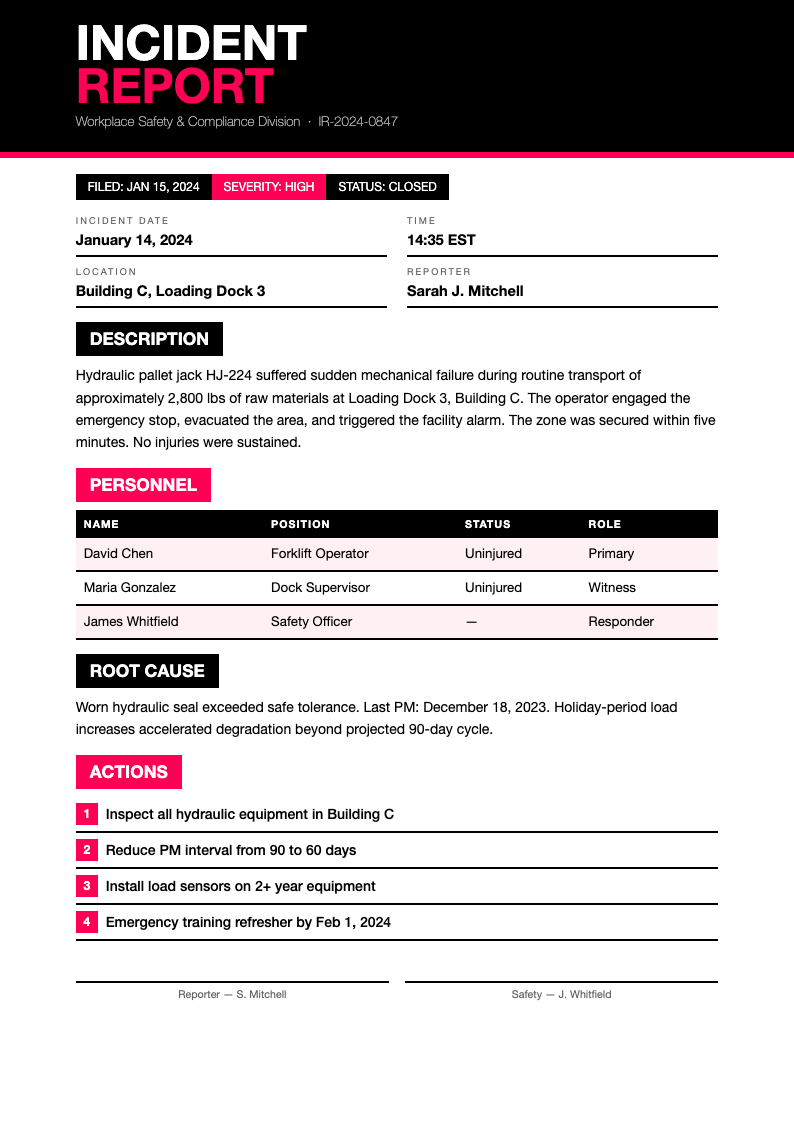
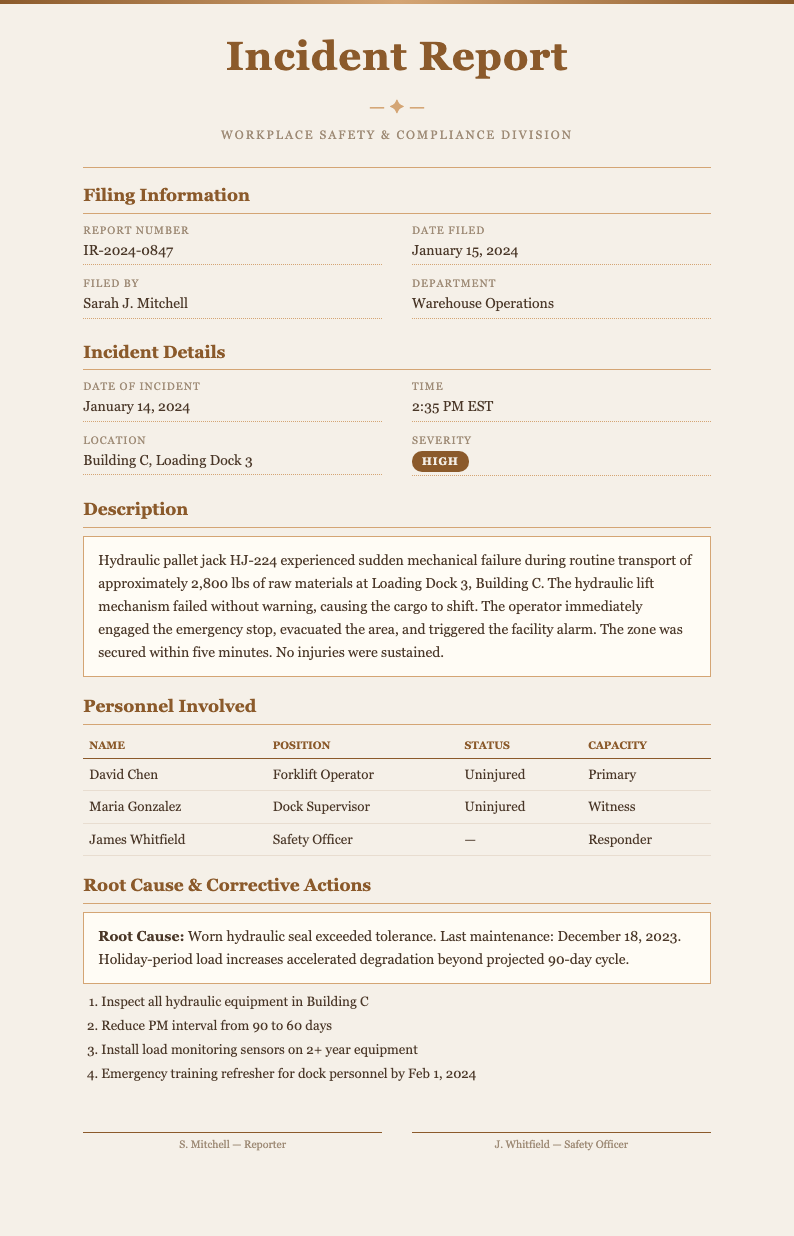
Explore Professional Incident Report Templates
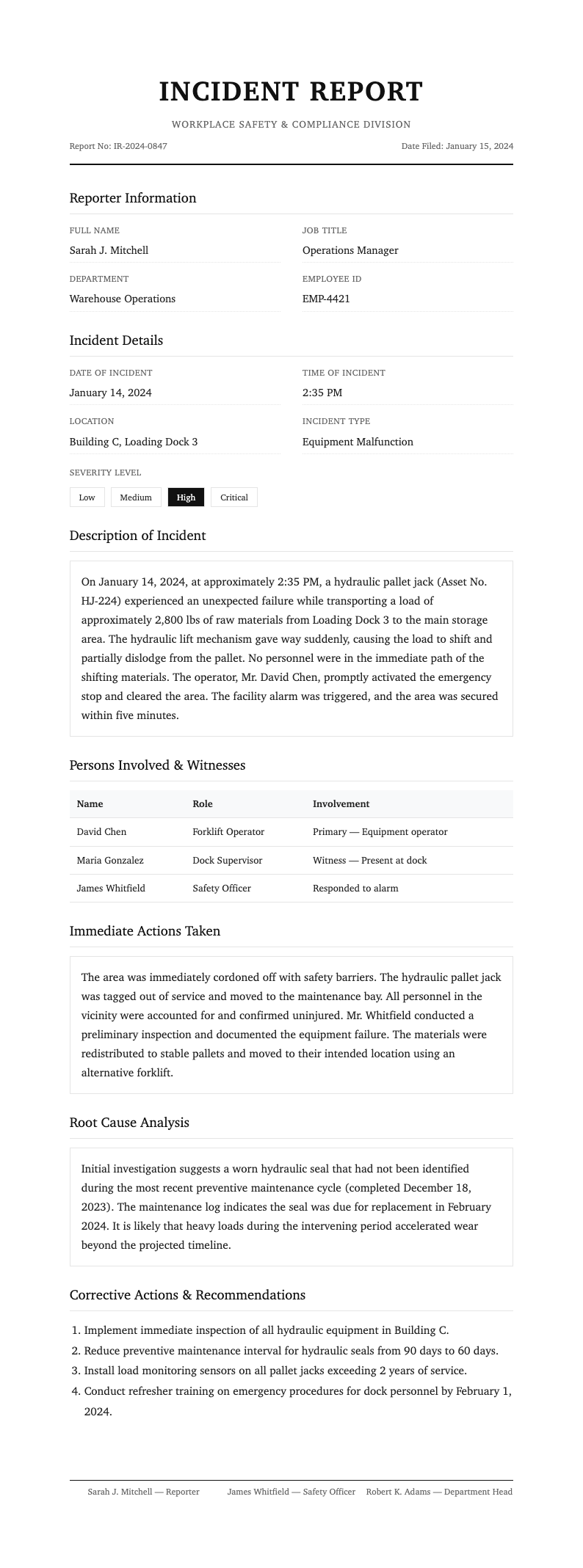
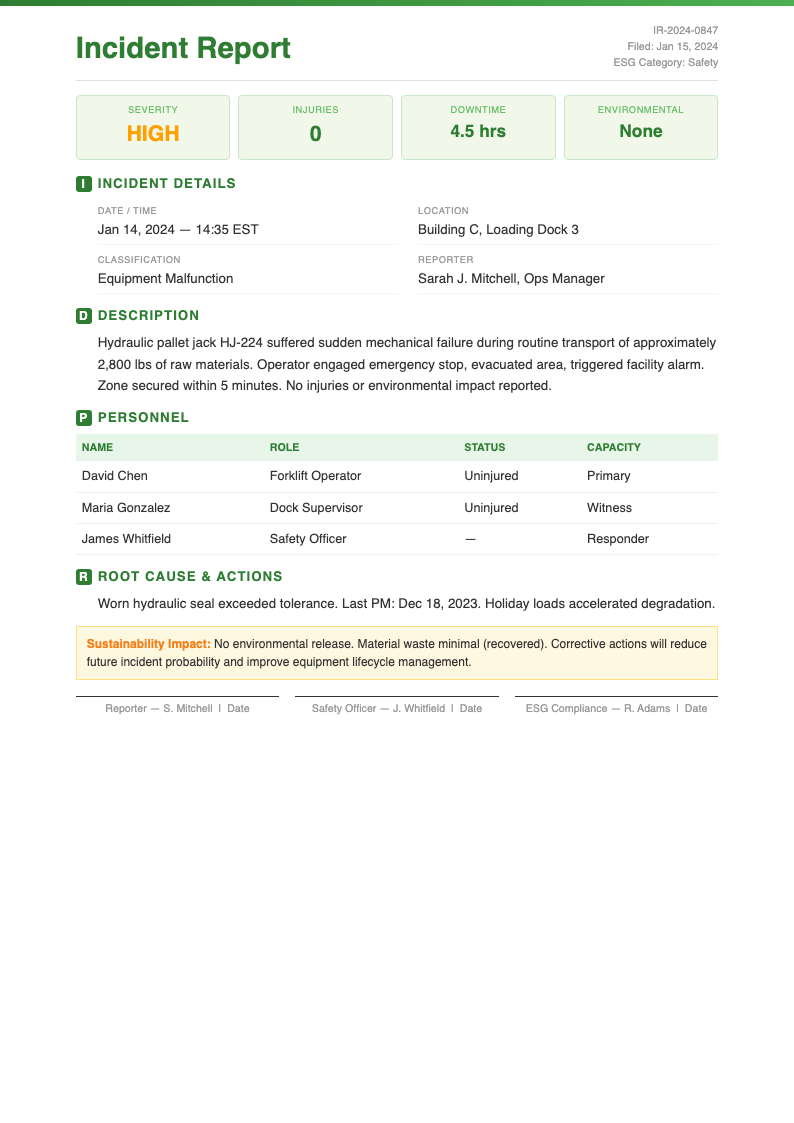
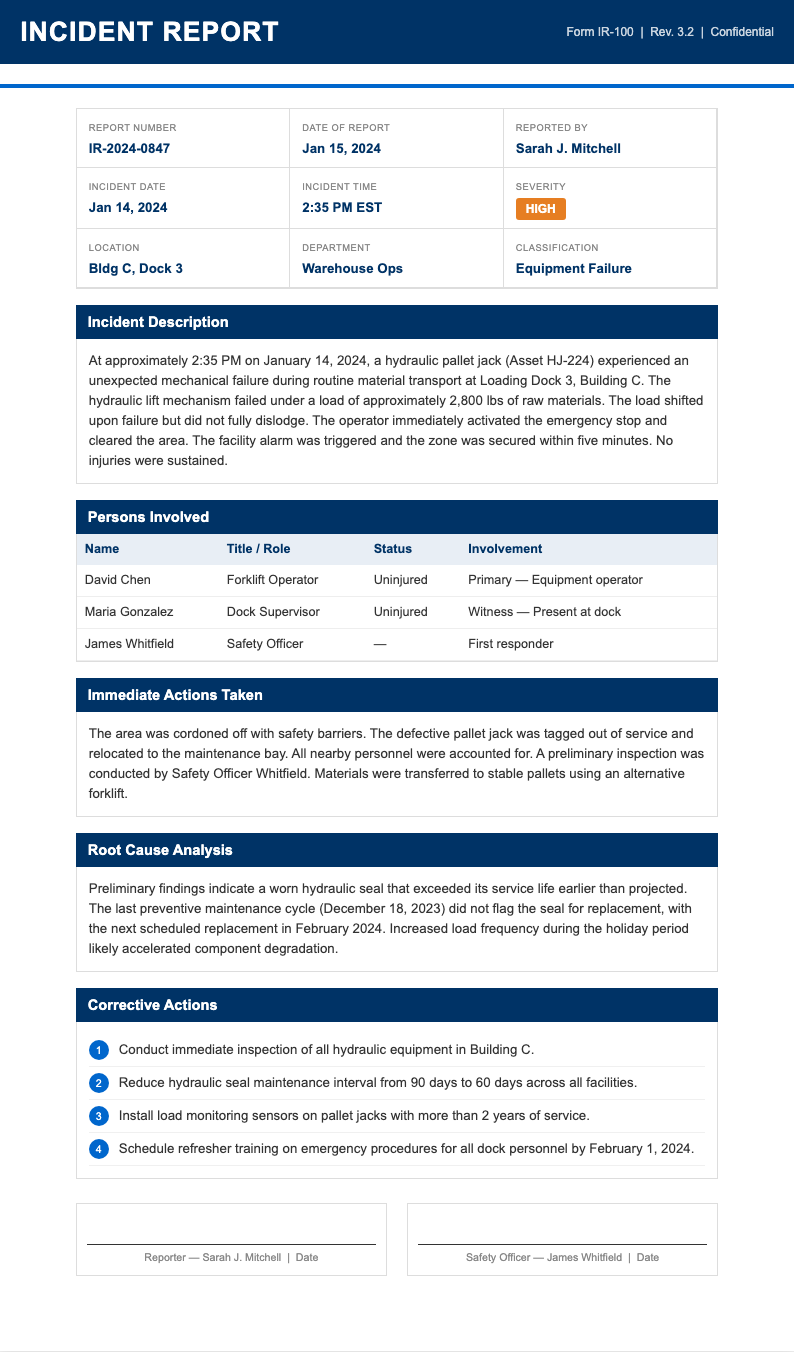
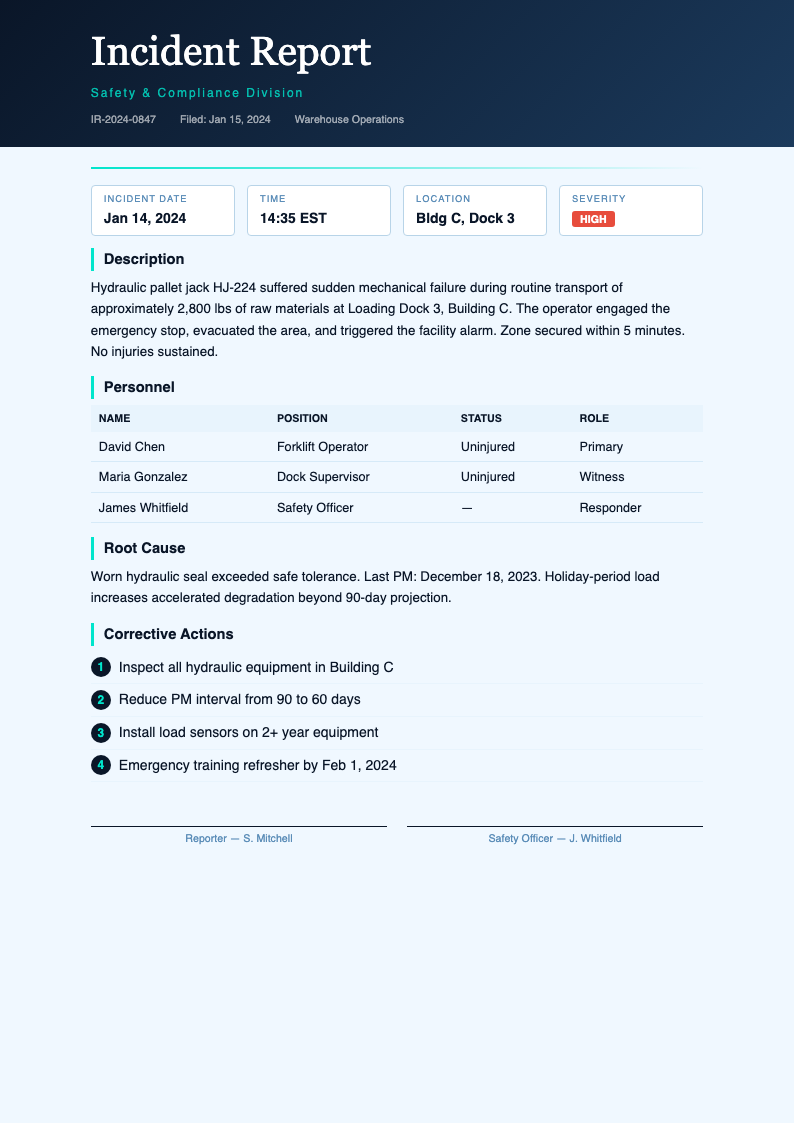
Need a starting point? Browse our collection of pre-made templates for workplace incident documentation.
Frequently Asked Questions
Helpful information about using our online tool for creating incident reports.
- Is the Incident Report Generator free to use?
- Yes, the Incident Report Generator is completely free with no hidden fees, subscriptions, or account requirements whatsoever. You can create unlimited incident reports and download them as professional documents at absolutely no cost. There are no watermarks or restrictions on the files you produce for your workplace safety documentation and compliance record-keeping needs.
- What types of incidents can I document with this tool?
- The Incident Report Generator supports documentation for a wide range of events including workplace accidents, near-miss occurrences, property damage, safety violations, equipment malfunctions, and environmental hazards. You can select from templates tailored to specific incident types, each containing the relevant fields and sections needed for thorough documentation of the event.
- Can I customize the report fields and sections?
- Absolutely. The Incident Report Generator allows full customization of all fields including incident descriptions, contributing factors, witness statements, severity levels, and corrective actions. You can modify any section of the report to match your organization's specific reporting requirements and documentation standards, ensuring the final document accurately captures all necessary information for your safety management program and compliance obligations.
- What file formats does the Incident Report Generator support?
- The Incident Report Generator lets you export your completed document as a PDF for immediate use or a Word document for further editing offline. Both formats maintain professional formatting suitable for printing, digital archiving, emailing to safety officers, or submitting to regulatory bodies as part of your compliance documentation and workplace safety record-keeping system.
- Can I include witness statements in the generated report?
- Yes, the Incident Report Generator includes dedicated sections for recording witness names, contact information, and their accounts of the incident. You can add multiple witness statements to a single report, ensuring that all perspectives are documented thoroughly and that your incident record contains comprehensive testimony from everyone who observed the event.
- Does the tool support corrective action tracking?
- Yes, the Incident Report Generator includes comprehensive corrective action sections where you can document immediate measures taken, assign responsible parties, set target completion dates, and describe long-term preventive strategies. This structured approach ensures that every identified hazard receives proper follow-through and that your organization maintains clear accountability for safety improvements.
- How long does it take to create an incident report?
- The Incident Report Generator can produce a complete incident report in just a few minutes. Simply enter the incident details and involved parties, describe what occurred and contributing factors, document corrective actions taken, and then download a professional document that is ready for immediate submission to your safety department and management team.
- Is incident data kept secure while using the tool?
- Yes, the the generator processes your data securely and does not store incident information on our servers after your session ends. The platform respects the sensitivity of workplace incident data, ensuring personal details, medical information, and organizational records remain fully protected throughout the entire document creation and download process at all times.
- Can I use this for construction site incident documentation?
- Yes, the this online tool offers templates specifically designed for construction environments with fields for equipment involved, work zone details, PPE status, weather conditions, and subcontractor information. Construction sites have unique hazards and OSHA reporting requirements, and our tool helps capture all necessary details for regulatory compliance on your job sites.
- Do I need training to use the Incident Report Generator?
- No specialized training is required to use the our tool. The tool provides guided prompts and structured fields throughout the entire document creation process from start to finish. The intuitive interface walks you through each section, making it easy for supervisors, safety officers, and employees to create thorough incident documentation without prior experience.
- Can I save my progress and return to finish later?
- Yes, you can save your work in the the online tool and come back to complete it at any convenient time for your schedule. You can also download a draft in Word format to continue editing offline, then re-upload when you are ready to finalize the document for submission to your safety department and compliance records.
- Does the Incident Report Generator help with OSHA compliance?
- Yes, the this tool creates documents structured to support OSHA recordkeeping requirements by capturing essential data points such as incident type, severity, contributing factors, and corrective actions. While the tool provides a strong foundation for compliance documentation, we recommend verifying that your completed reports meet all applicable federal and state regulatory requirements for your specific industry.
Create Your Incident Report Now
Stop writing incident reports from scratch. Use our free online tool to create professional, properly structured incident documentation for your workplace in minutes.
No credit card required • AI-powered formatting • Instant download