Generate Professional Emails Instantly
Write polished business and personal emails with our AI-powered tool. Create well-structured messages in minutes without spending time searching for the right words or tone.
How to Create a Professional Email Online
Select Email Type
Start by choosing the type of email you want to create, such as a business proposal, follow-up, or support reply. Enter the recipient name and purpose of your message. Providing clear context helps the tool draft a focused and relevant email.
Provide Key Details
Enter the specific details you want included in the email. Add your main points, any data or deadlines, and the desired tone such as formal, friendly, or urgent. The tool will weave these details into a professional message.
Review and Refine
Read through the generated email and adjust the wording, tone, and structure to match your style. Add specific details and make sure the call to action is clear. This step ensures the output reads naturally and professionally.
Copy & Send
Copy the finished email to your clipboard or download it as a document, then paste it into your email client and hit send. The output is clean text that works in Gmail, Outlook, and all major email platforms.
Import Context
Import your previous email threads, contact details, and communication context directly into the tool. It uses your input to craft relevant and personalized responses, saving you time on rewriting similar messages.
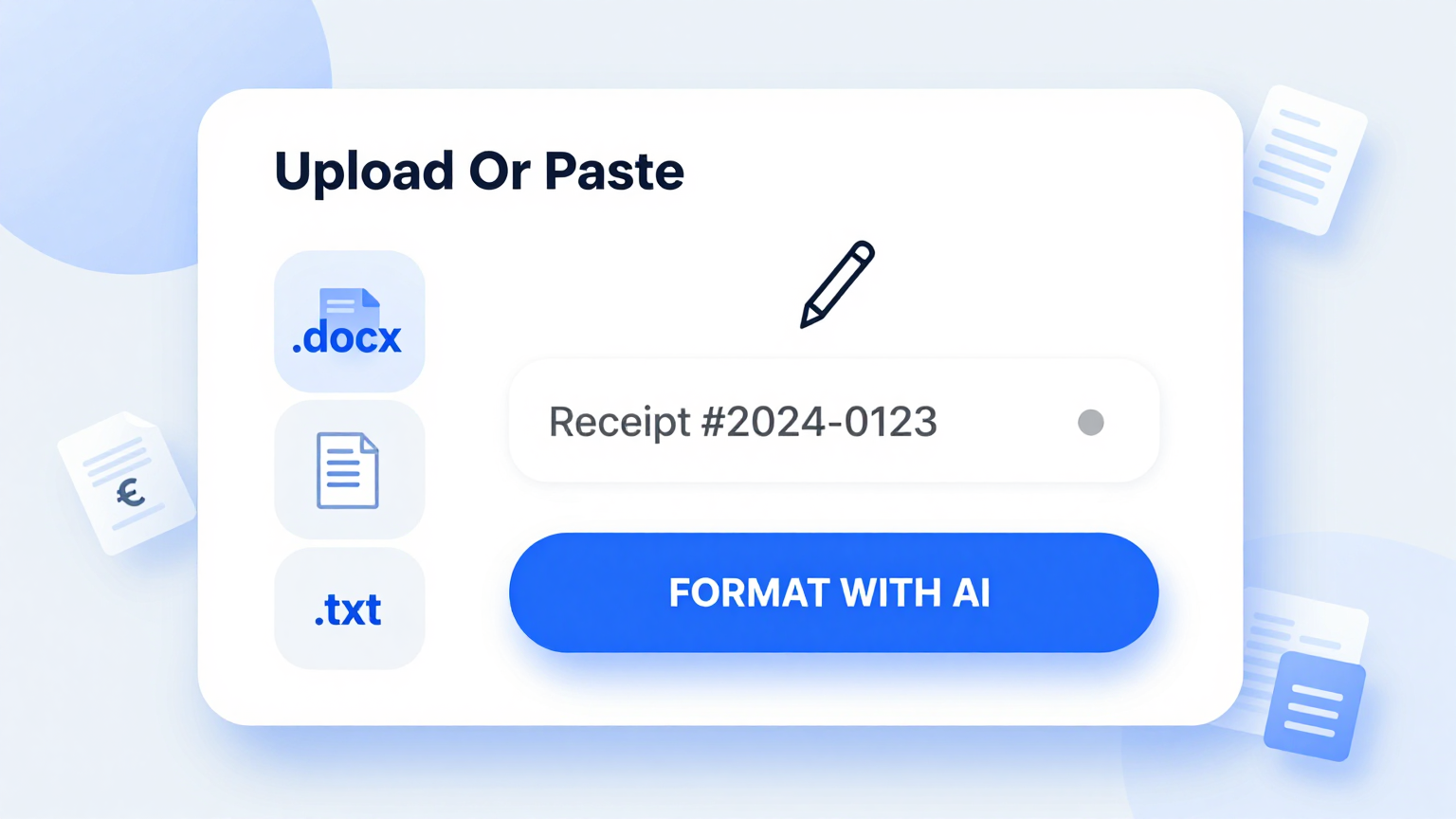
Message Templates
Choose from a library of professionally written templates. Each covers different email types including business proposals, follow-ups, thank you notes, and customer support responses.
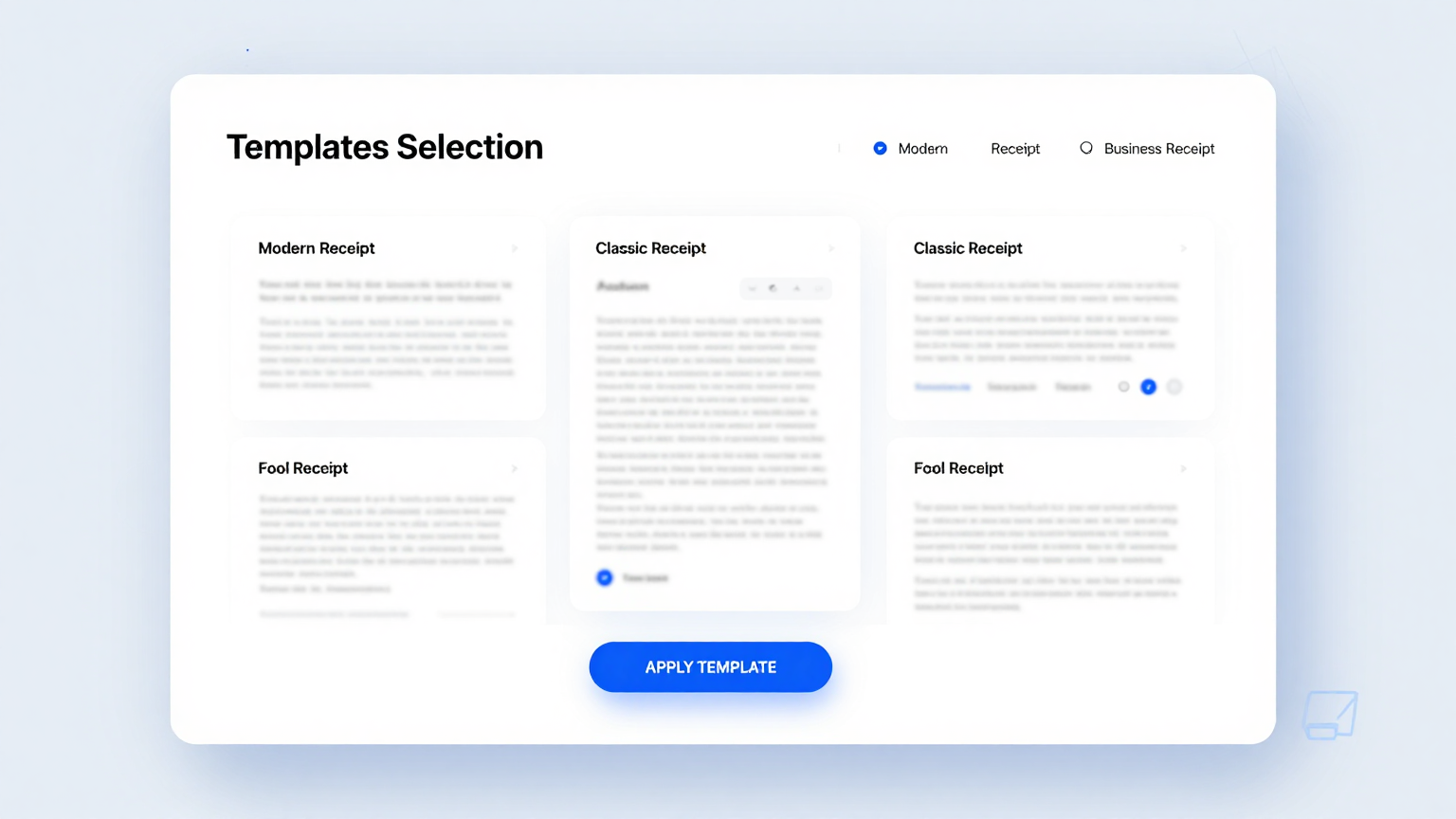
Edit Online
Refine every sentence and paragraph using the built-in editor. Adjust tone and formality, add personal details, and modify calls to action directly to ensure your message hits the right note with your recipient.
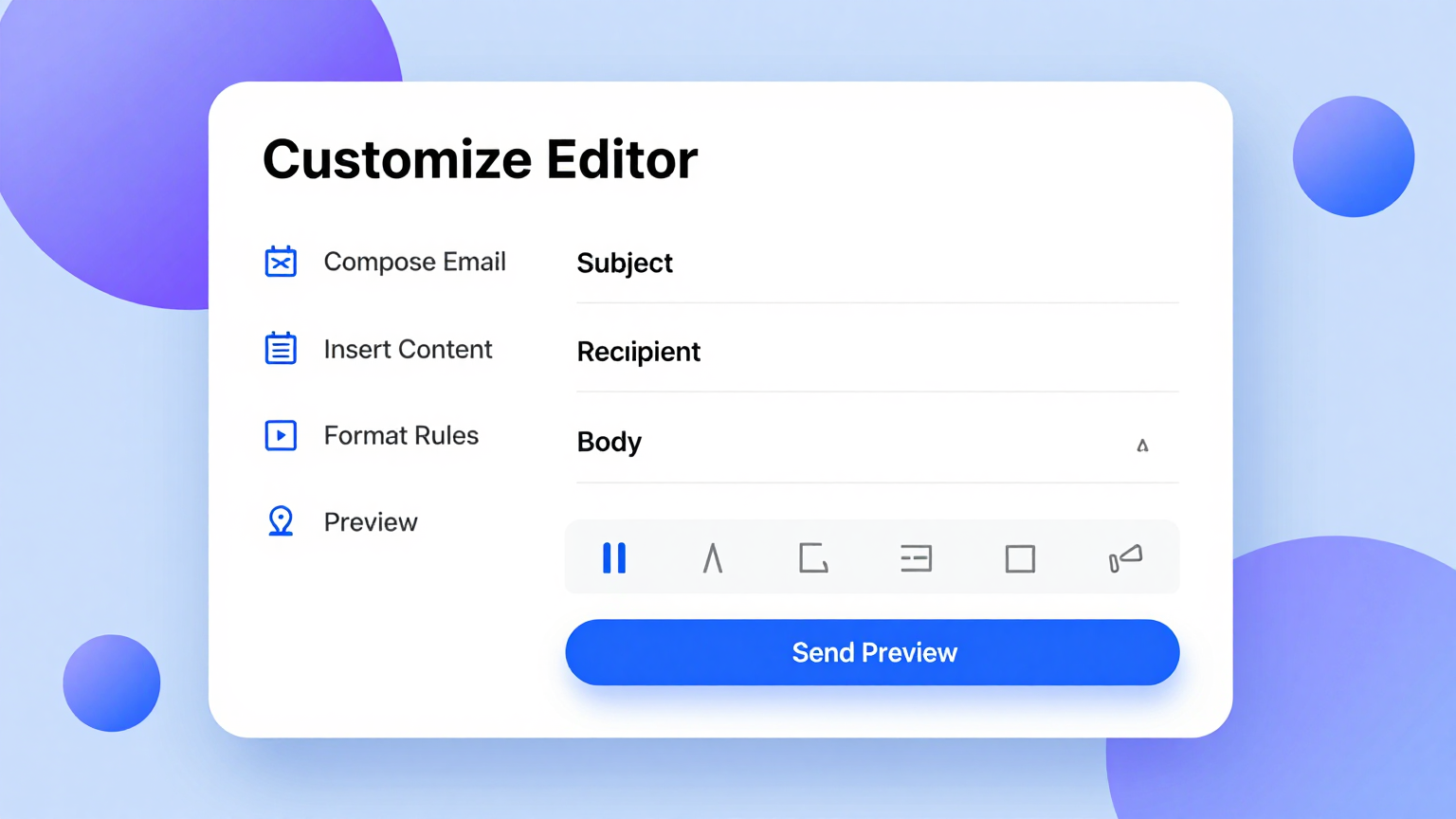
Download & Share
Export your completed email as a formatted document or copy it directly to your clipboard. The tool produces ready-to-send text you can paste into Gmail, Outlook, or any email client for immediate delivery.
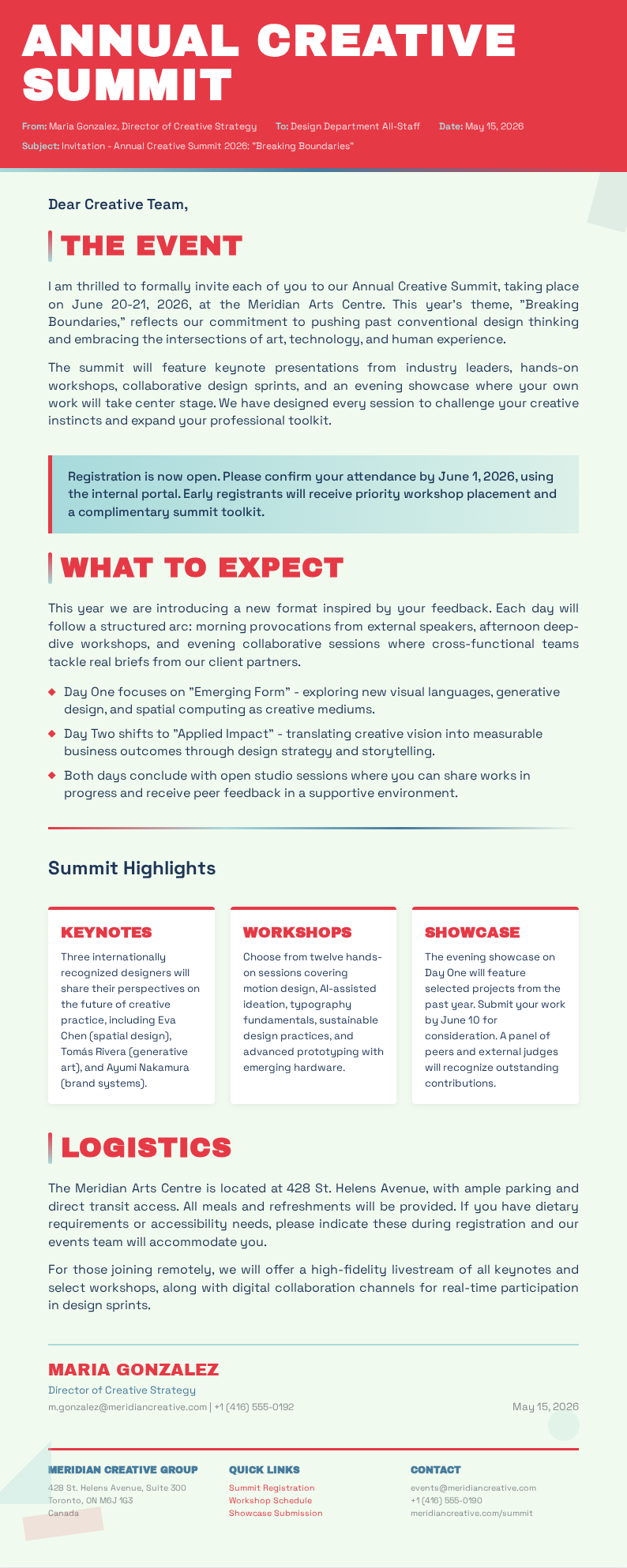
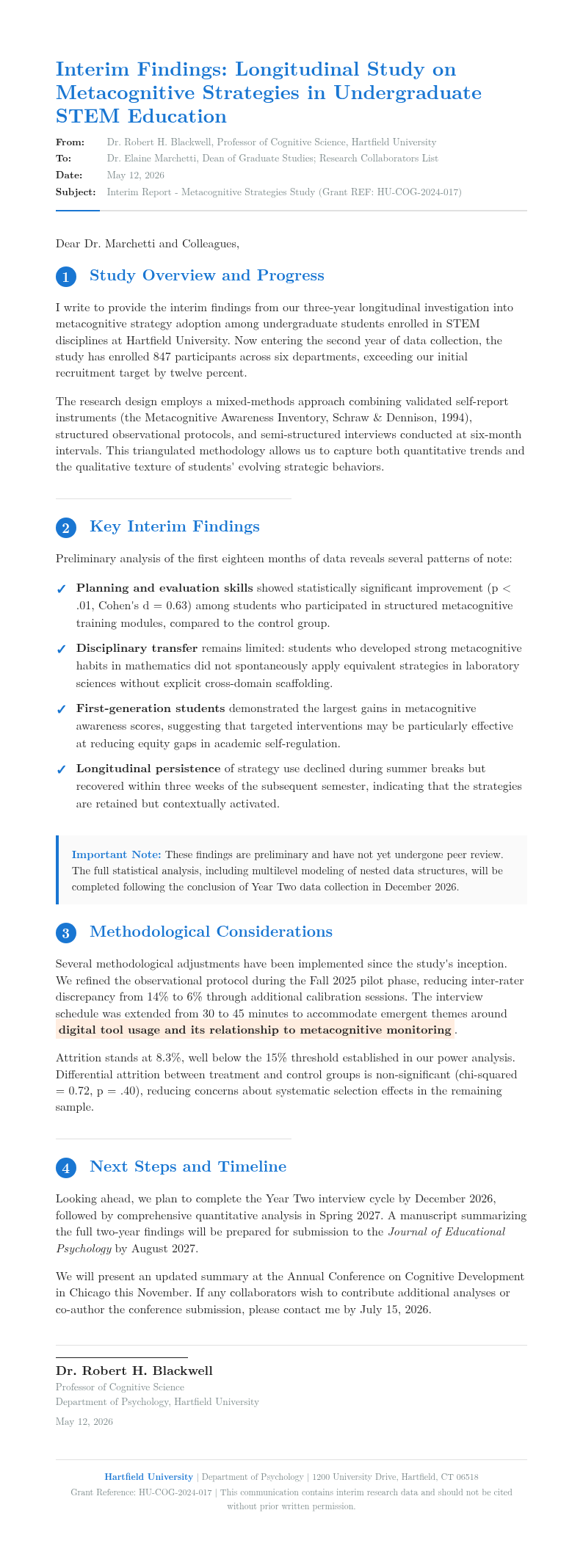
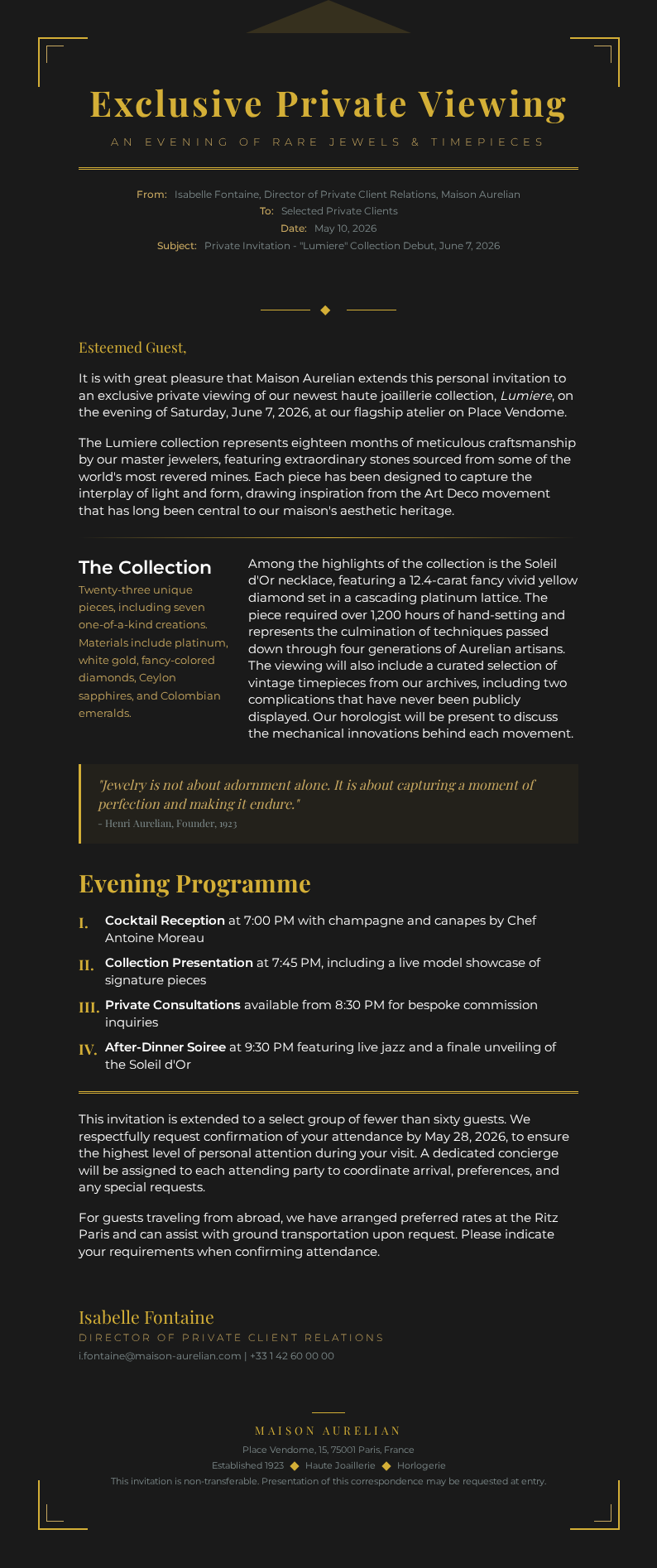
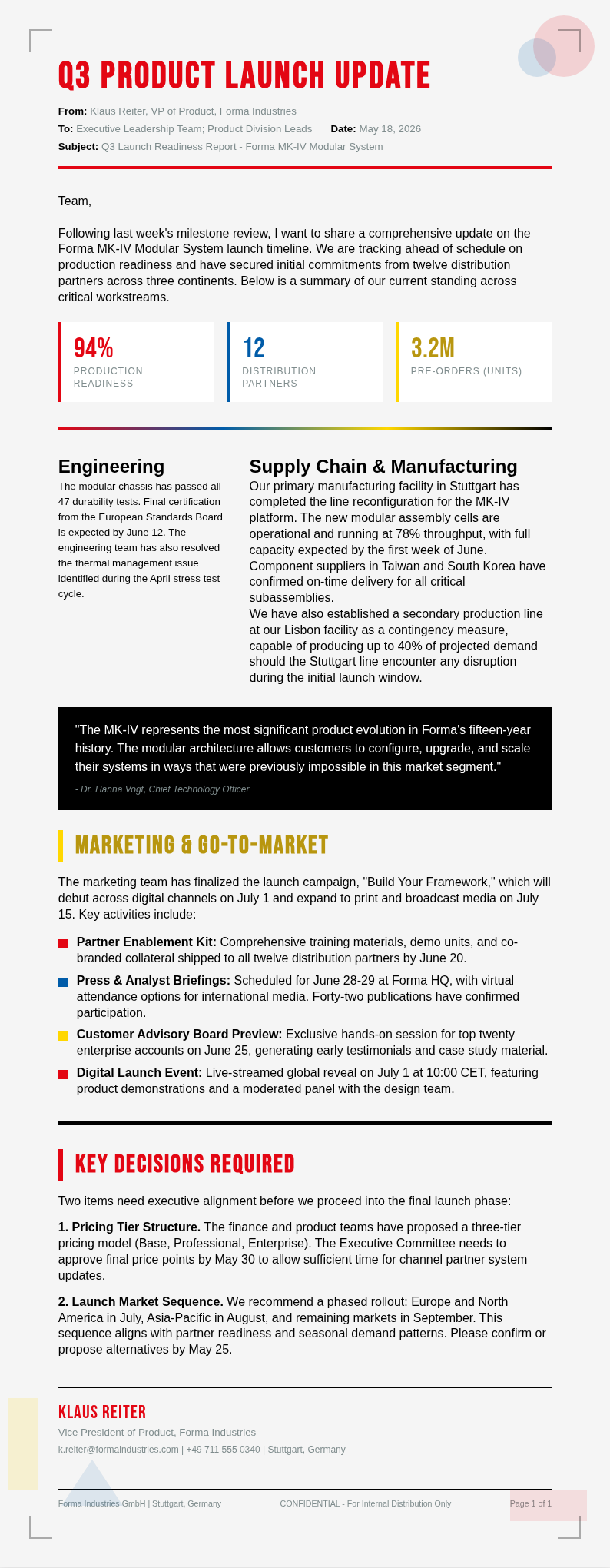
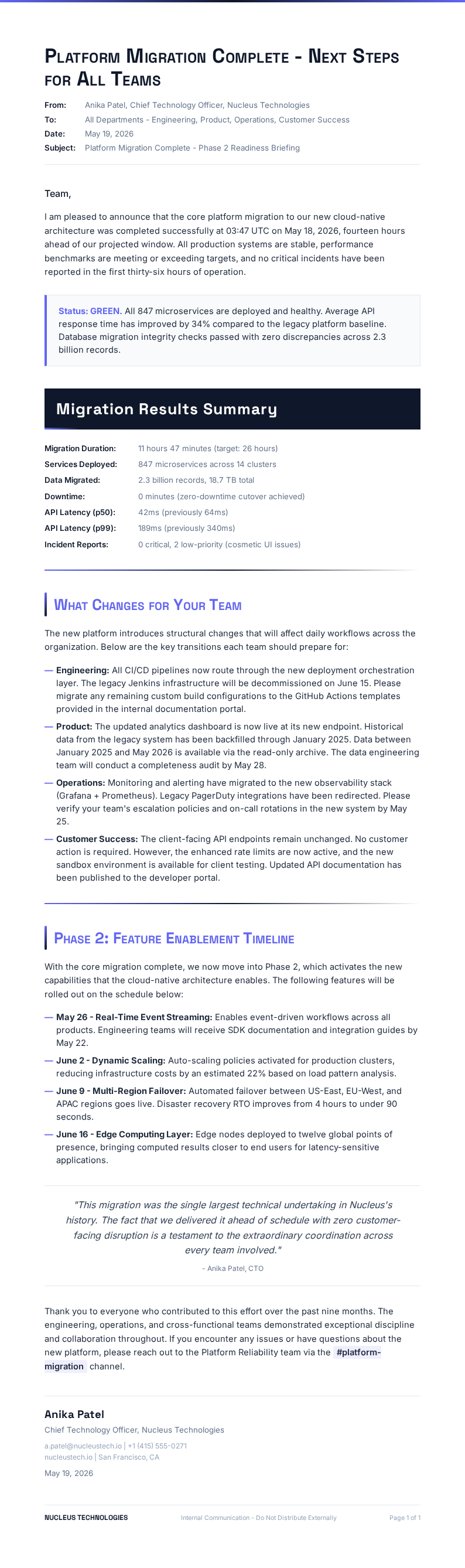
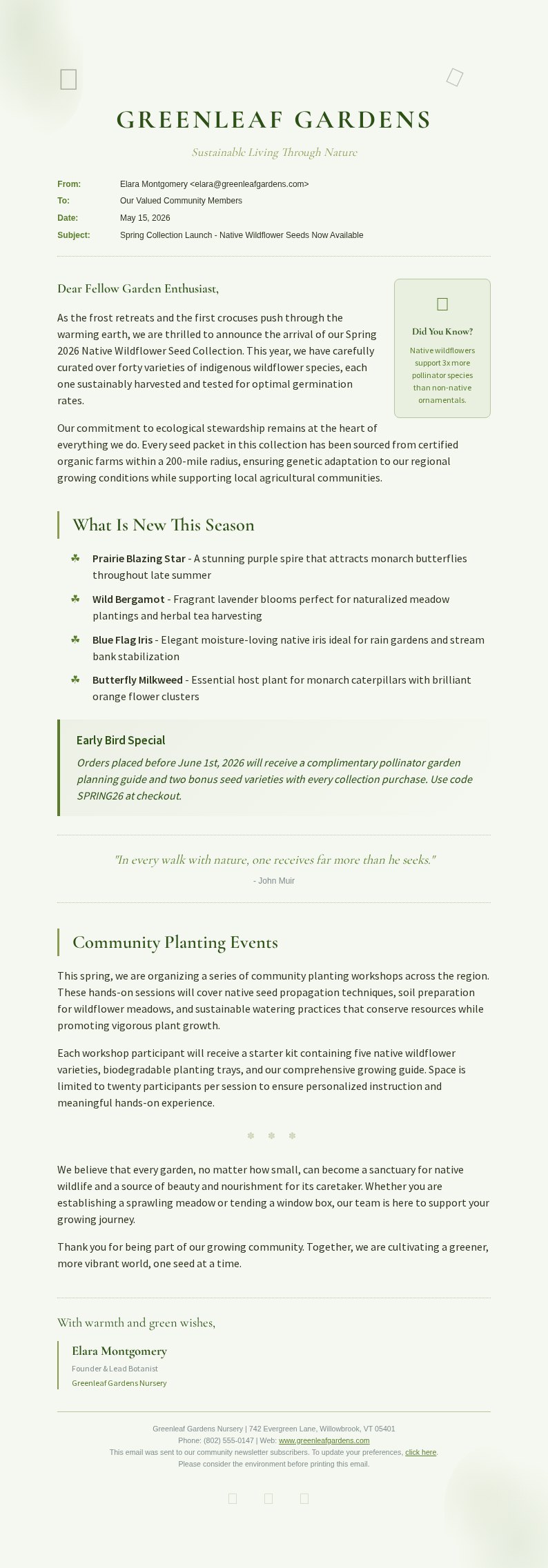
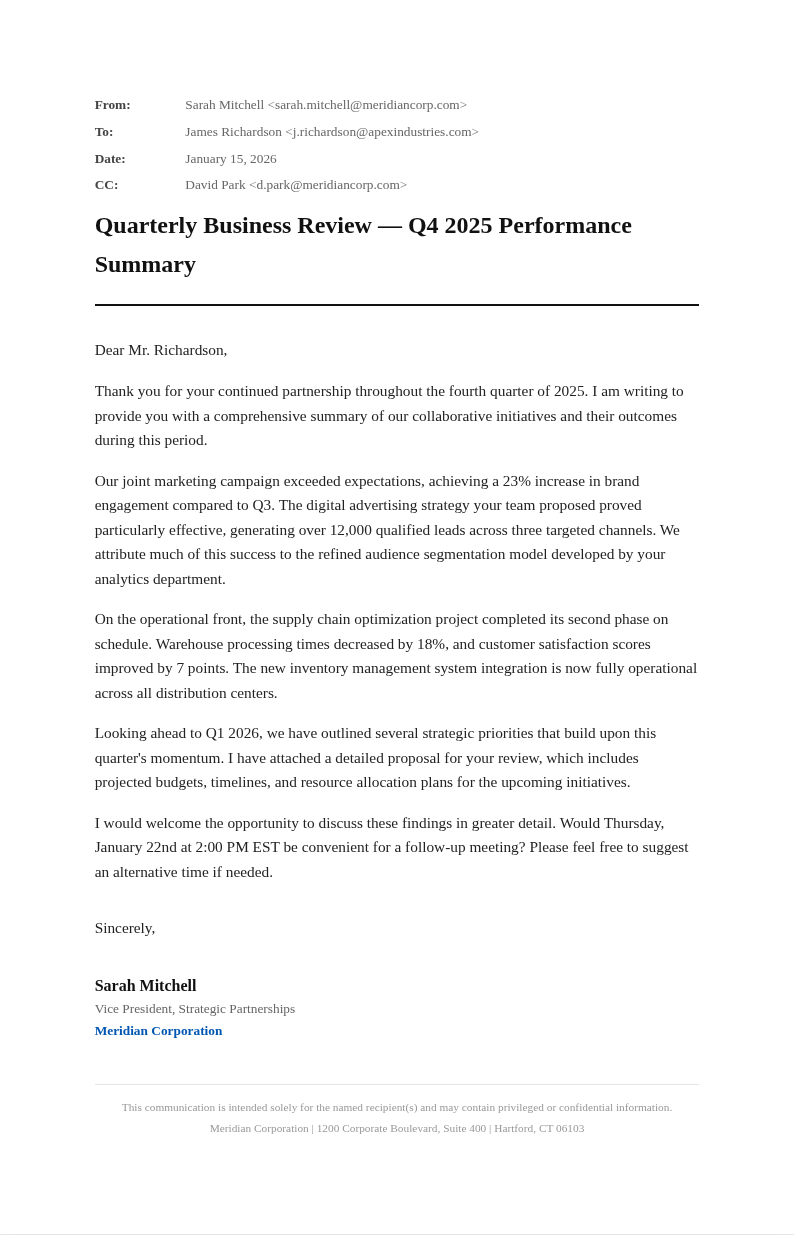
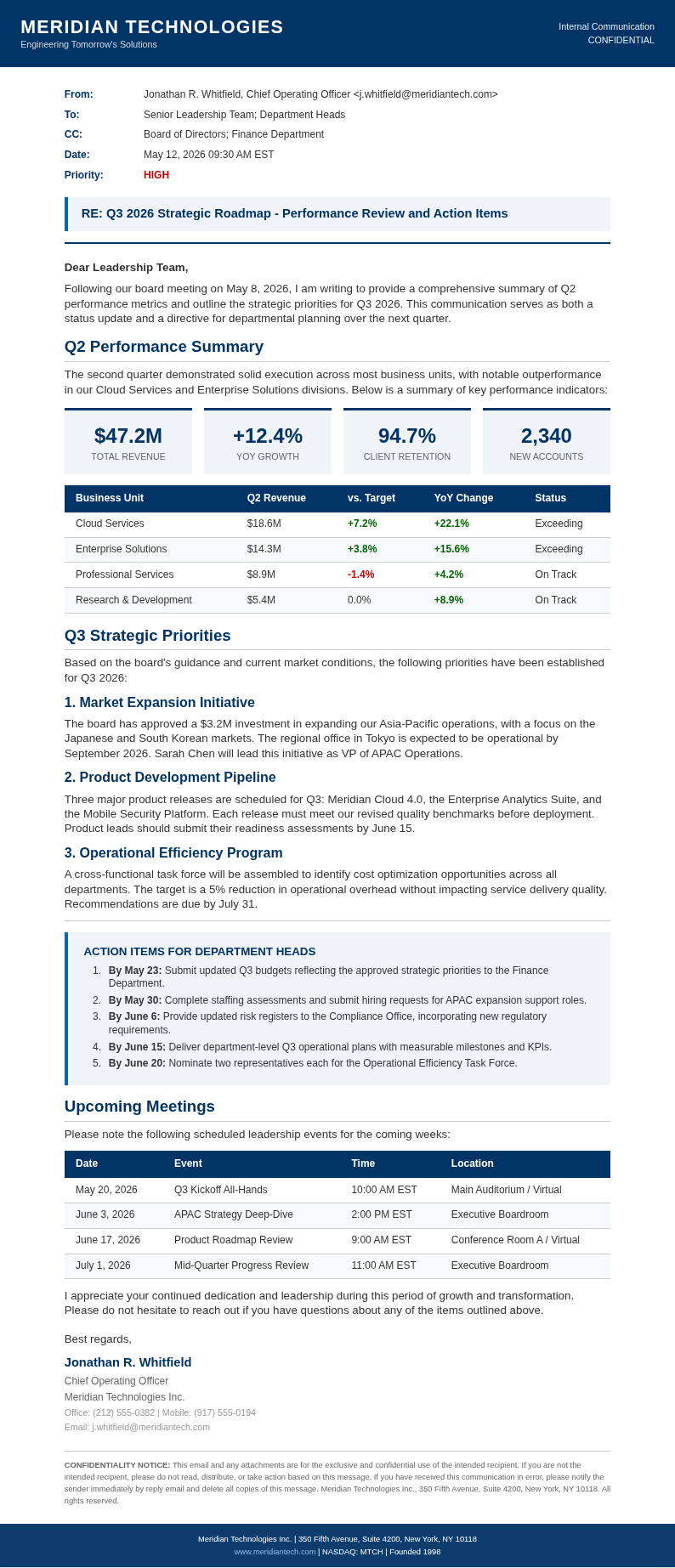
Explore Professional Email Templates
Need a starting point? Browse our collection of pre-made templates for business, personal, and marketing communication.
Frequently Asked Questions
Helpful information about using our email generator tool.
- Is the Email Generator free?
- Yes. This Email Generator is completely free to use with no hidden fees or subscriptions required. You can create unlimited emails without creating an account or providing payment information. It gives everyone access to professional email drafting tools at zero cost. This saves valuable time compared to starting from scratch or using outdated methods.
- What types of emails can I create with the Email Generator?
- The tool supports business proposals, follow-up messages, thank you notes, meeting requests, customer support responses, cold outreach emails, resignation letters, and sales introductions. Each template is tailored for different communication scenarios, so you can craft the right message every time. This ensures you have a reliable document ready for any professional or personal use.
- Can the Email Generator adjust the tone of my email?
- Yes, you can specify the desired tone for your email, including formal, friendly, persuasive, urgent, or empathetic. The tool adjusts vocabulary, sentence structure, and formality level accordingly, ensuring your message conveys exactly the right impression to your recipient. This approach ensures consistency and accuracy throughout your entire document preparation workflow.
- Can I edit the email after generating it?
- Absolutely. The built-in editor lets you modify any sentence, add personal touches, adjust the subject line, or rewrite sections before copying or downloading. You can return anytime to make changes until your message is exactly how you want it. A well-prepared document reflects professionalism and helps build trust with all parties involved.
- What formats can I export from the Email Generator?
- You can copy your completed email directly to your clipboard or download it as a Word document, PDF, or plain text file. All formats are clean and ready to paste into Gmail, Outlook, Yahoo Mail, or any other email client. This ensures you have a reliable document ready for any professional or personal use.
- How long does it take to generate an email?
- Most users generate a complete email in under one minute. The tool produces a well-structured draft instantly, so you only need to review and refine the content to add your personal touch before sending. This saves significant time compared to writing emails from scratch. This makes the entire process quick and hassle-free for all users.
- Can I use the Email Generator for cold sales outreach?
- Yes, the tool includes templates specifically designed for cold sales emails, prospecting messages, and partnership proposals. These use proven outreach frameworks that grab attention and encourage responses without sounding spammy or overly aggressive. A well-prepared document reflects professionalism and helps build trust with all parties involved. Users consistently report high satisfaction with the speed and ease of the entire workflow.
- Does the Email Generator work for customer support?
- Absolutely. The tool is ideal for customer support teams that need to respond to common inquiries quickly and consistently. It provides templates for order confirmations, refund processing, complaint resolution, and service updates that maintain a professional and helpful tone. This ensures you have a reliable document ready for any professional or personal use.
- Can I save frequently used emails in the Email Generator?
- Yes, you can save your customized emails as personal templates for future use. Your saved templates stay available so you can quickly generate similar messages for recurring communication scenarios without starting from scratch each time. This approach ensures consistency and accuracy throughout your entire document preparation workflow. The straightforward interface means anyone can produce professional results without prior experience or training.
- What information do I need to provide to the Email Generator?
- The tool needs the type of email you want to write, the recipient's name, your main message points, the desired tone, and any specific details like deadlines or action items. It guides you through each field so your final email includes all necessary information and reads naturally. You can complete everything in just a few minutes without any prior experience.
- Can I use the Email Generator for multiple languages?
- The tool currently produces emails primarily in English, but the templates can be adapted for bilingual communication. You can edit any output to include phrases in other languages, making it a flexible option for international business communication. Taking the time to complete every section properly results in a much stronger final document.
- Is my data secure when using the Email Generator?
- Yes. Your information is processed securely and not stored after you finish your session. Encryption is used to protect your data while you work, ensuring your private correspondence and business communication remain confidential at all times. This approach ensures consistency and accuracy throughout your entire document preparation workflow. This streamlined approach has helped thousands of users create professional documents quickly and efficiently.
Create Your Email Now
Stop staring at a blank screen. Use our free tool to create a polished, professional email in minutes.
No credit card required • AI-powered writing • Instant copy and download