Generate Online Courses Instantly
Stop building courses from scratch. Use our AI-powered Course Creator Generator to produce structured lesson plans, module outlines, and syllabi in minutes.
How to Create a Course Online
Input Your Course Topic
Start by entering your course topic, target audience, and key learning goals into the this tool. You can paste existing notes or bullet points and the tool will organize them into a logical course structure.
Organize Your Modules
Review the auto-generated module structure and drag sections into the best order. Rename modules, split long sections, or merge related topics until the course flow feels natural.
Review and Customize
Check that every module includes clear objectives, content sections, and assessment ideas. Use the our generator editor to adjust wording, add resource links, and refine lesson descriptions.
Download Your Course
Download your completed course outline as a Word document or PDF from the this tool. Use the Word version for further editing in your preferred software, or share the PDF directly with collaborators and stakeholders for feedback and review.
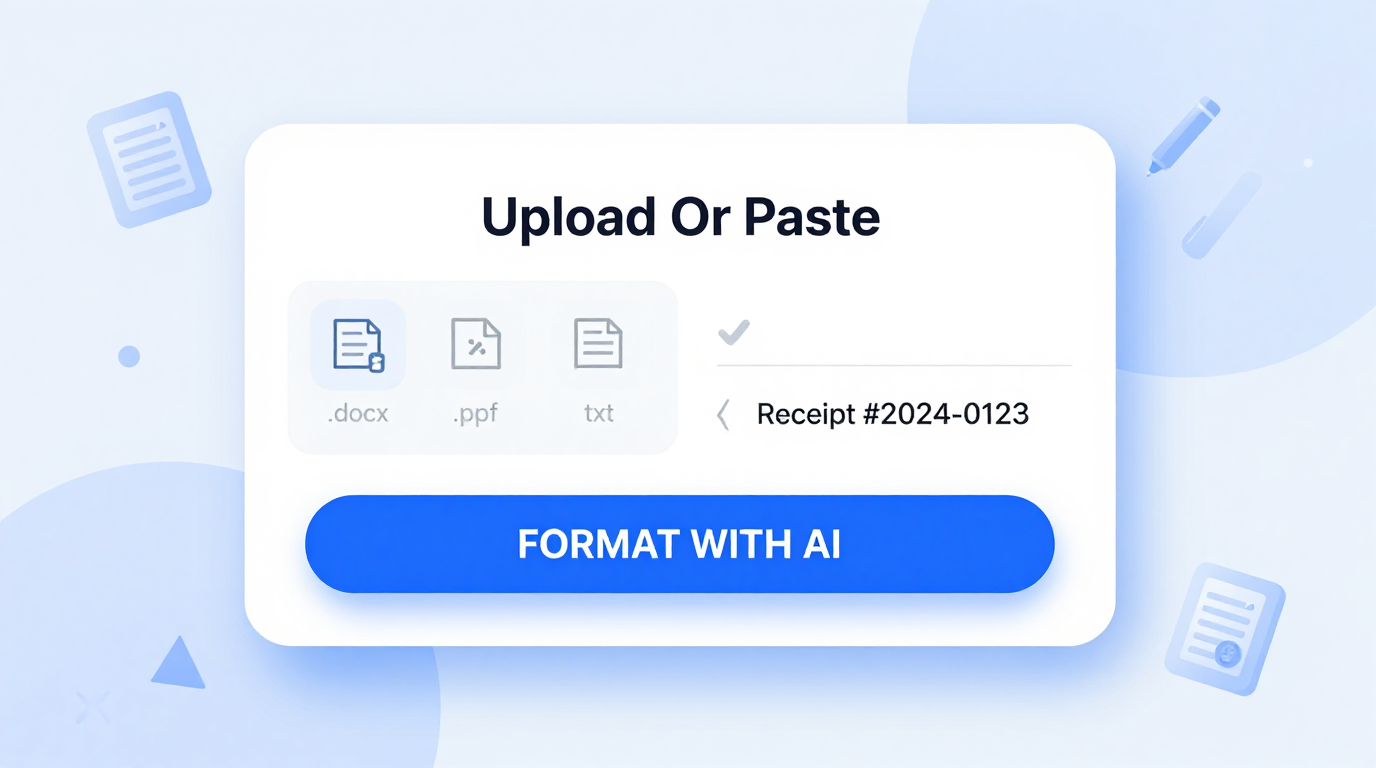
Import Data
Import your existing notes, slide decks, or rough outlines directly into the it. The tool analyzes your input and converts it into a structured course framework, saving you hours of manual formatting work.
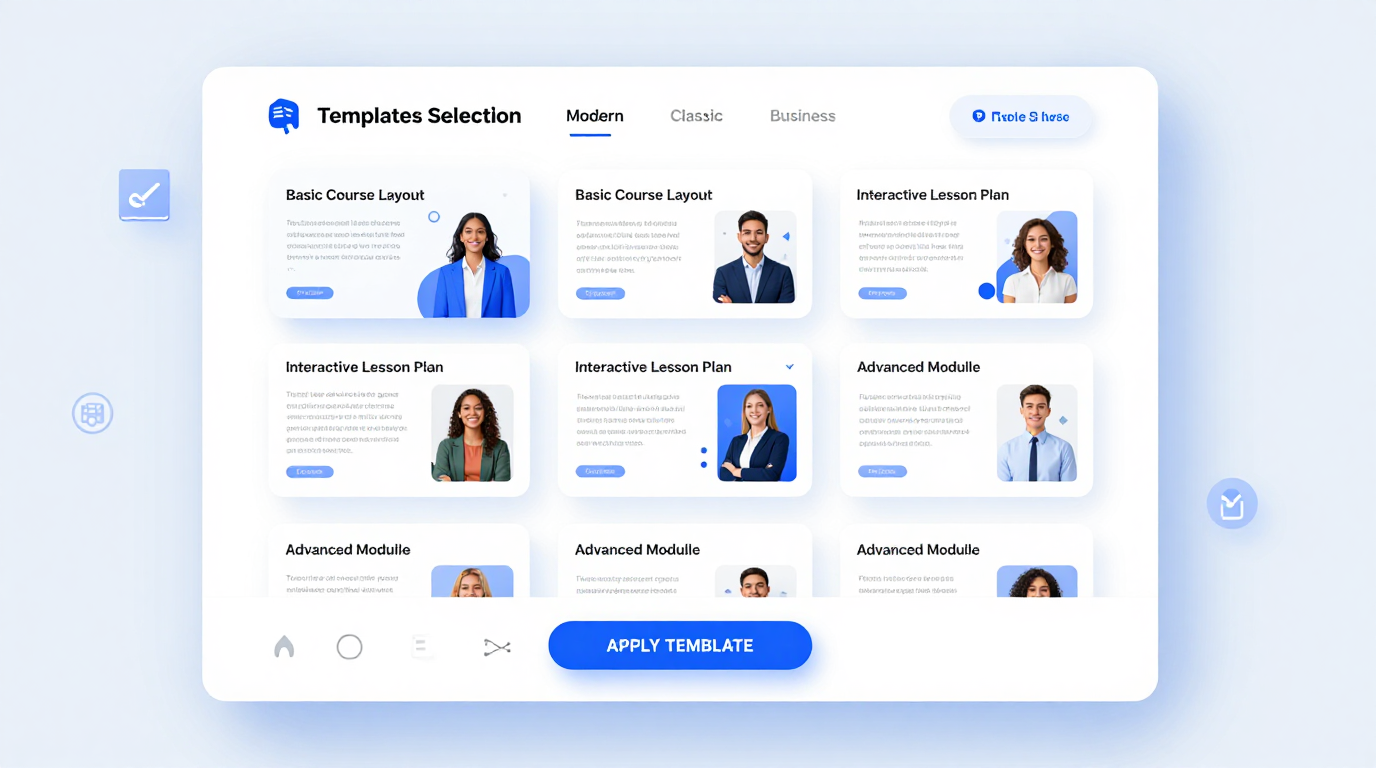
Professional Templates
Choose from a library of professionally designed course layouts in the it. Each template follows proven instructional design patterns to help you organize content clearly and keep students engaged from start to finish.
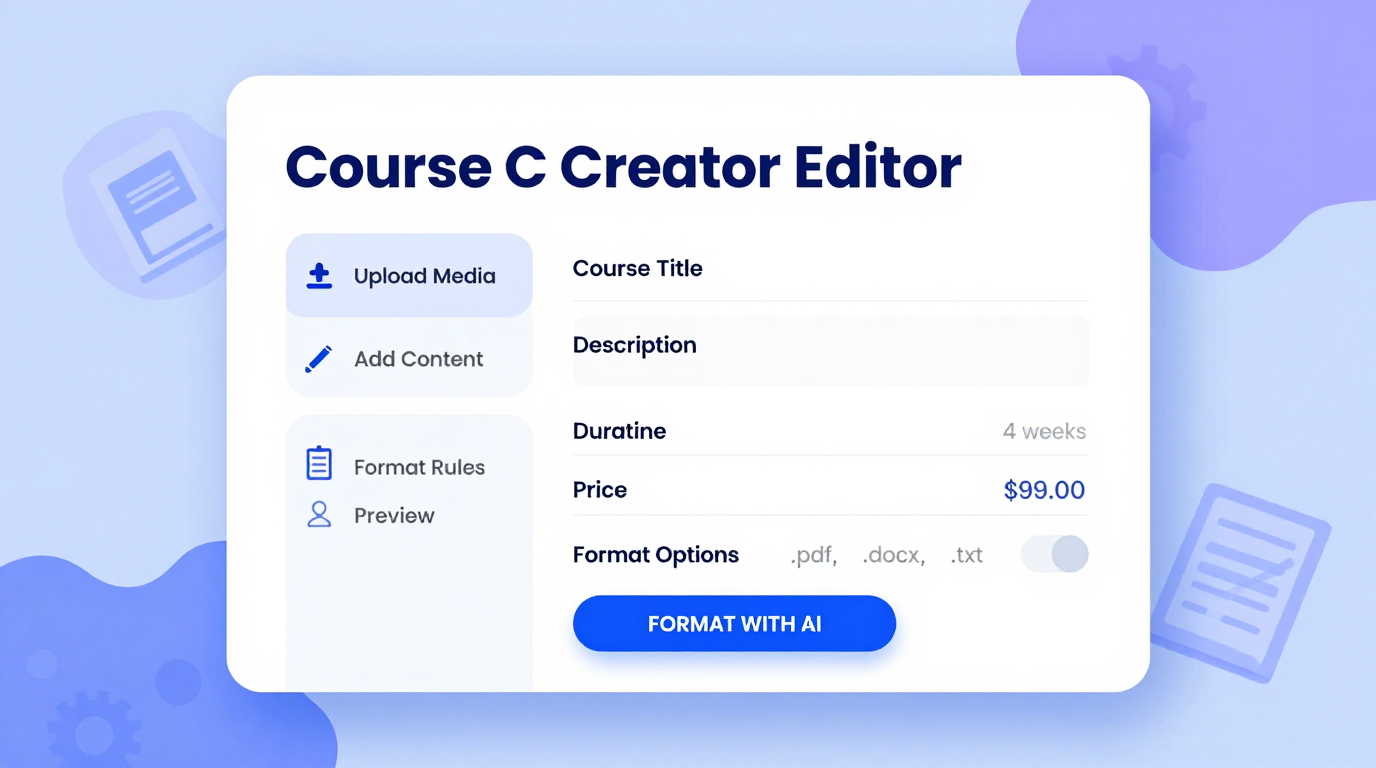
Edit Online
Refine your course structure using the the generator online editor. Adjust module titles, reorder lessons, add quizzes, and fine-tune learning objectives until every section meets your teaching goals.
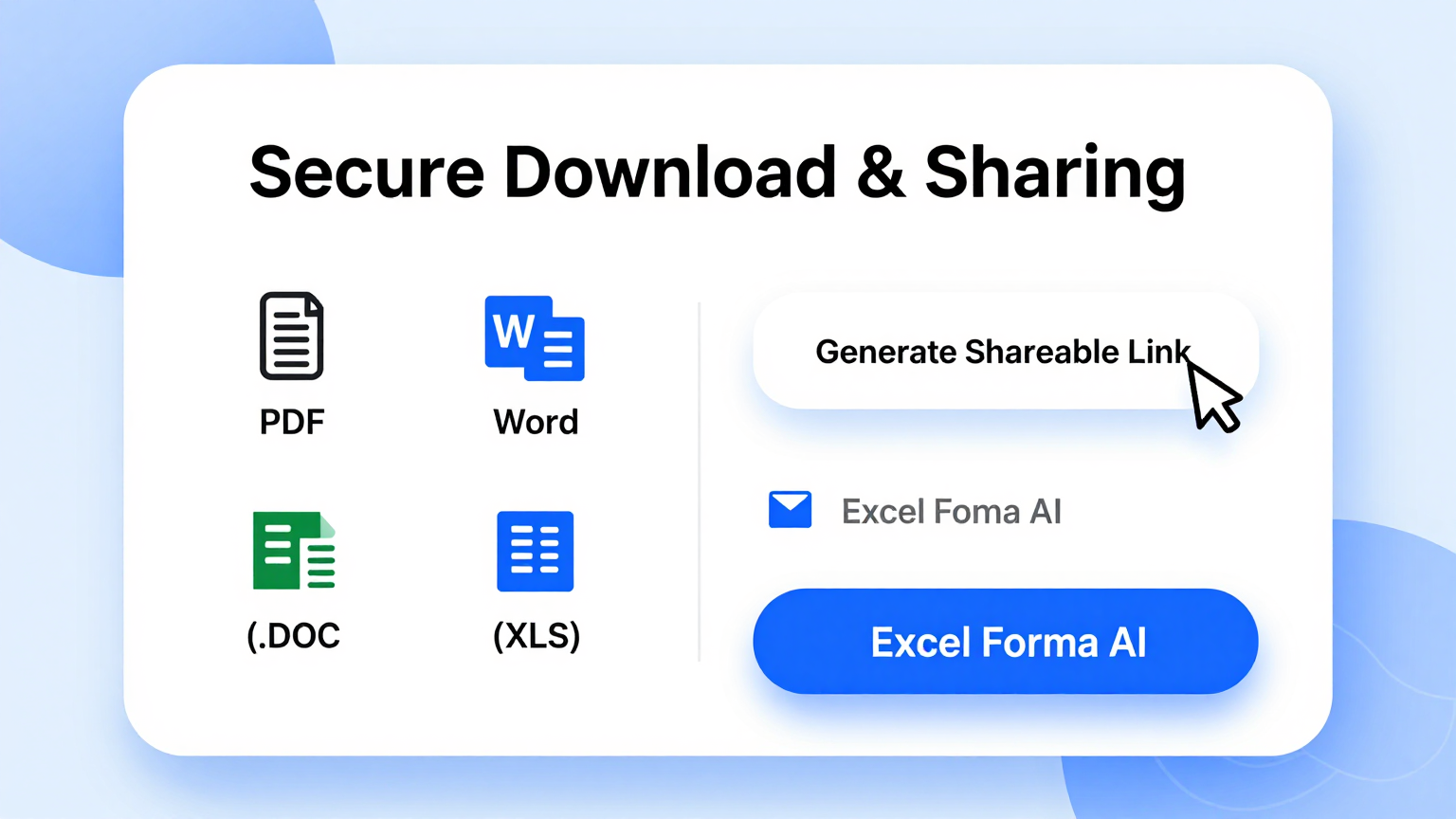
Download & Share
Export your finished course from the this tool as a Word document or PDF. Share the file with co-instructors, upload it to your LMS, or use it as a blueprint for building your course online.
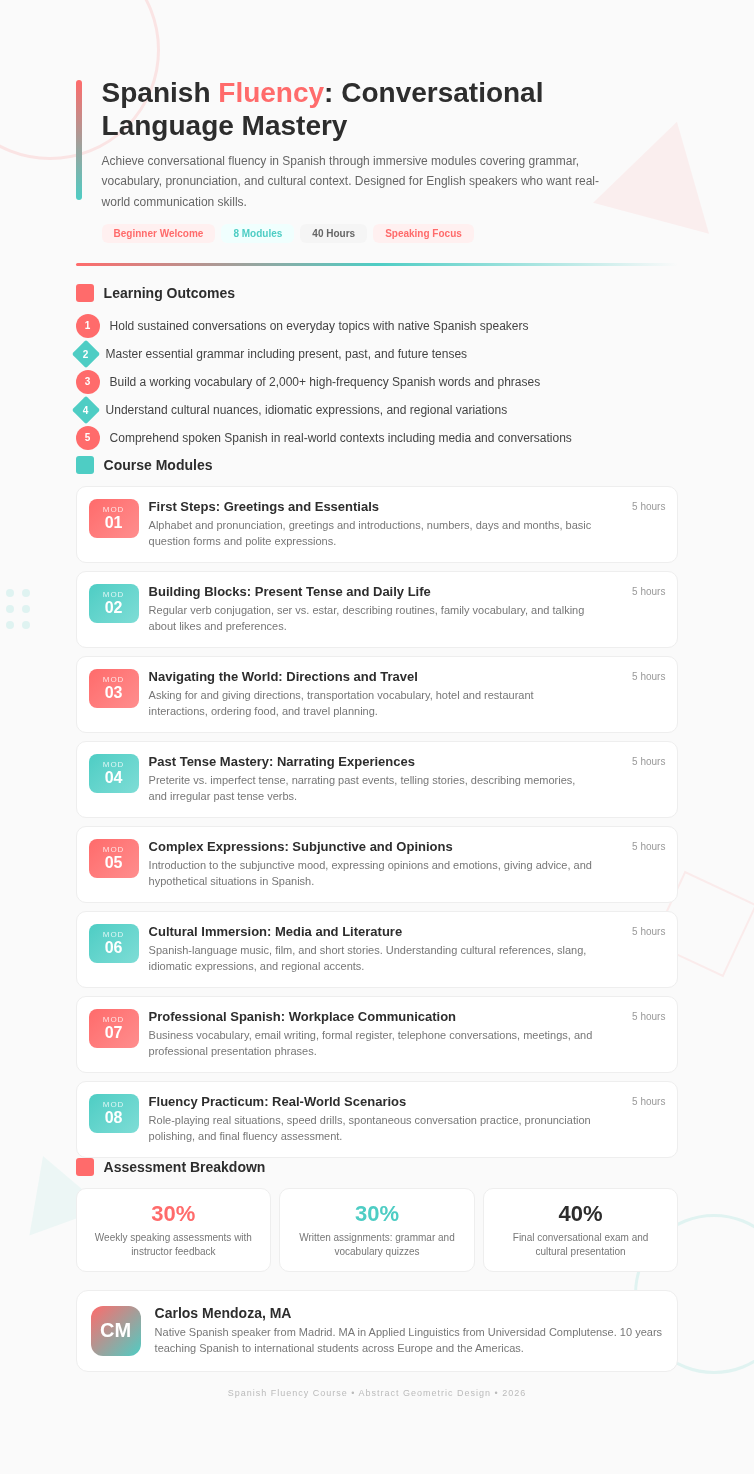
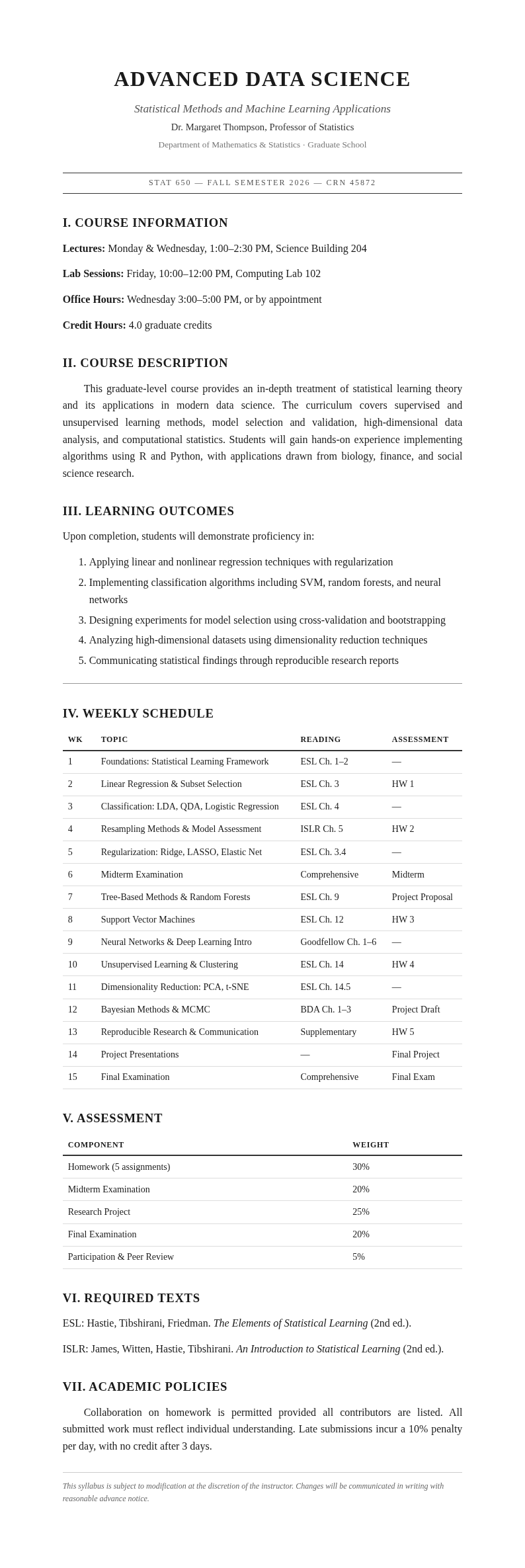
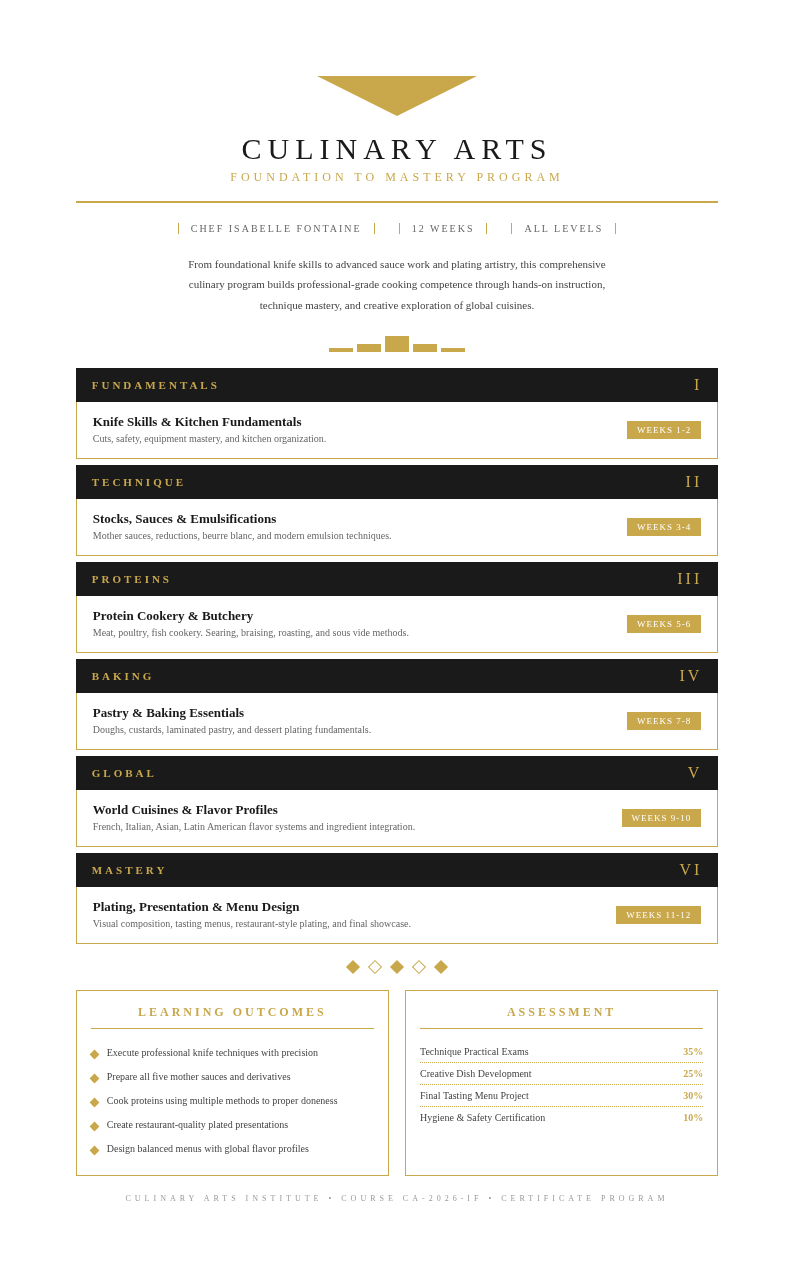
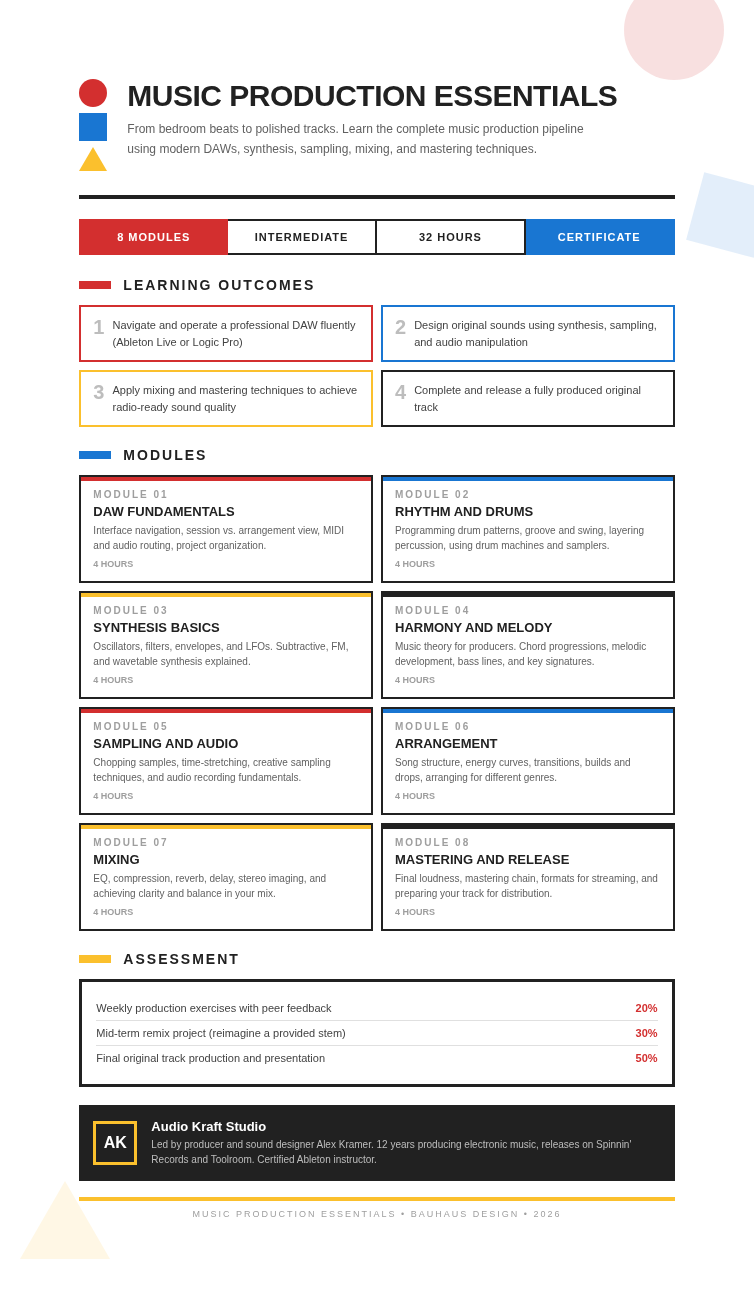
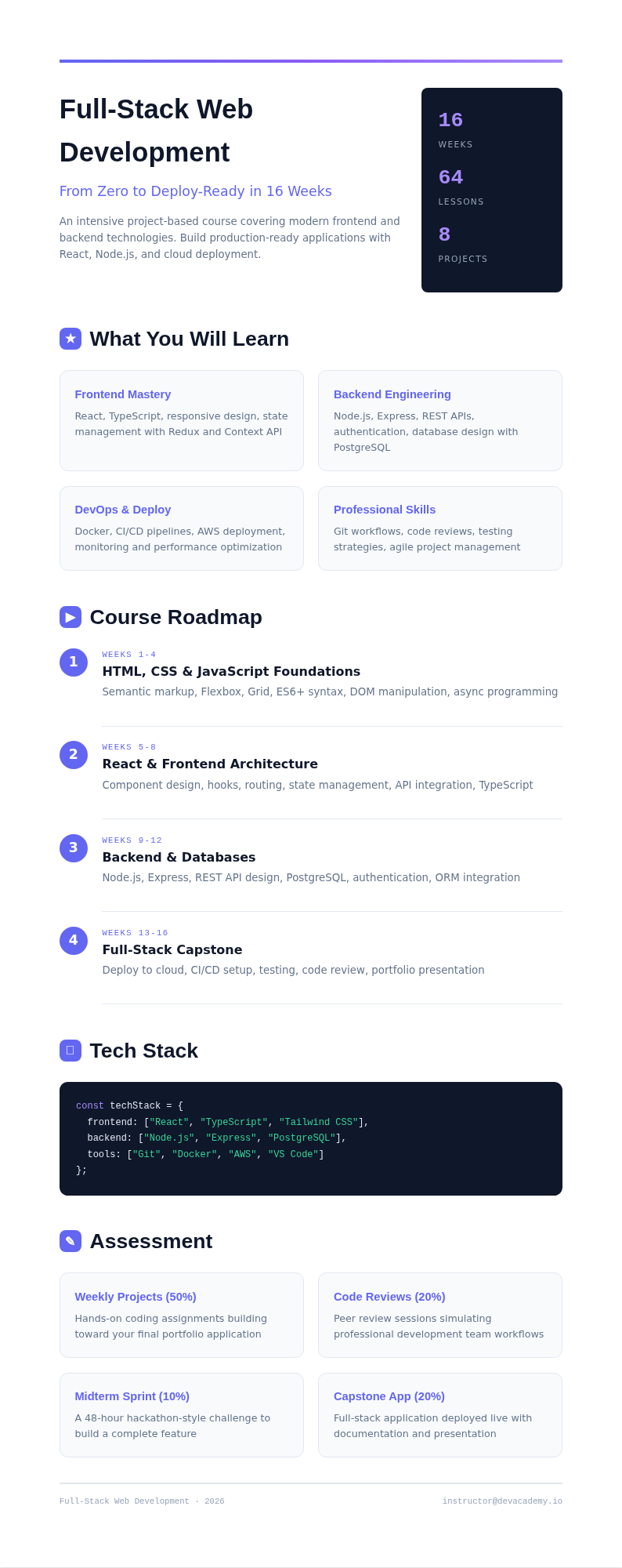
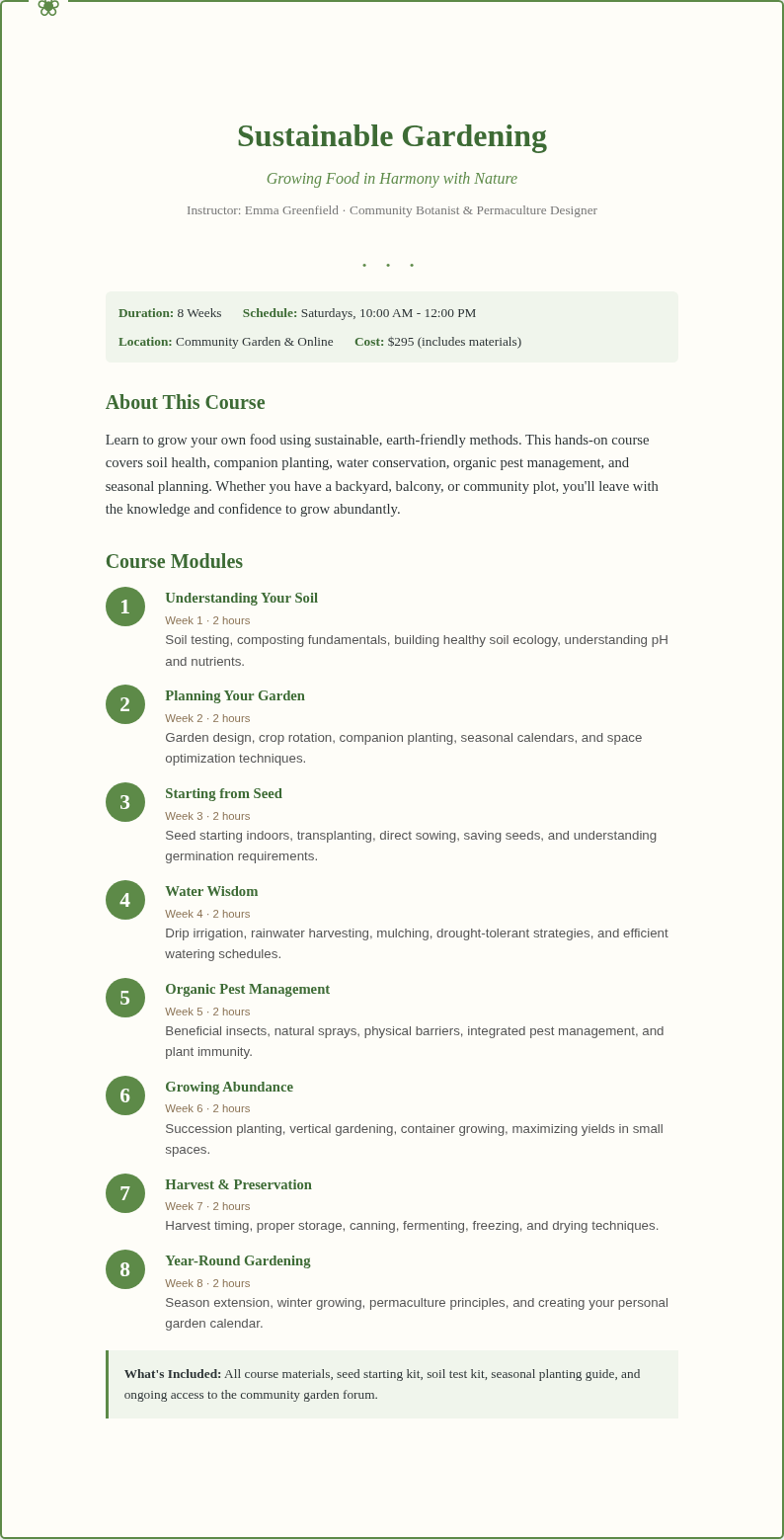
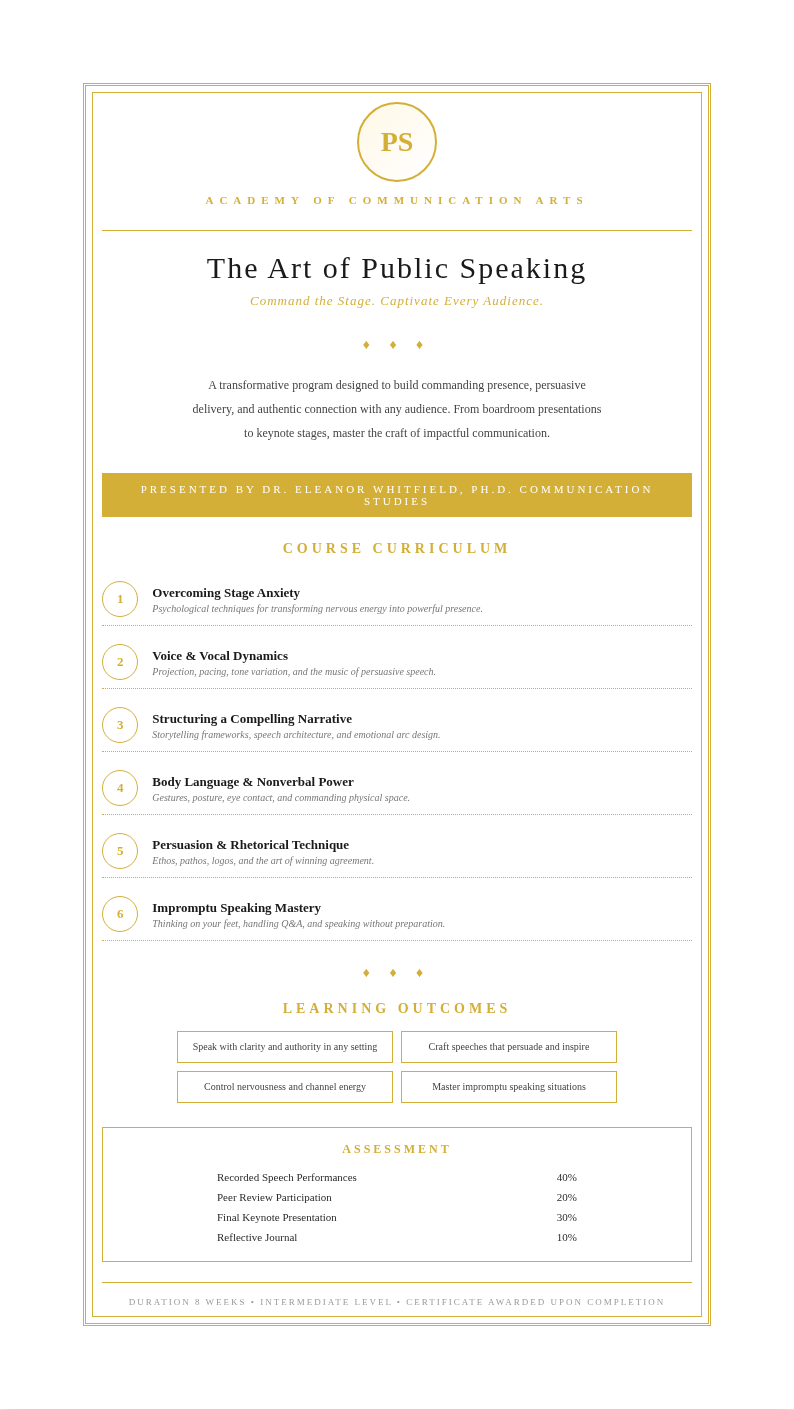
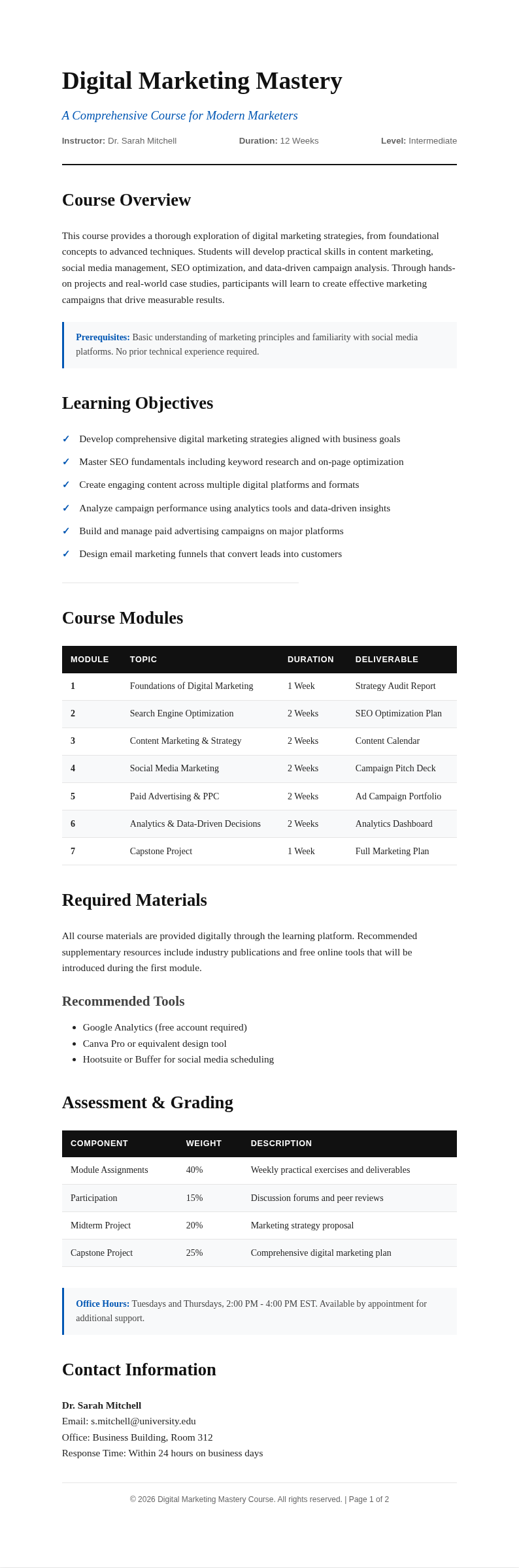
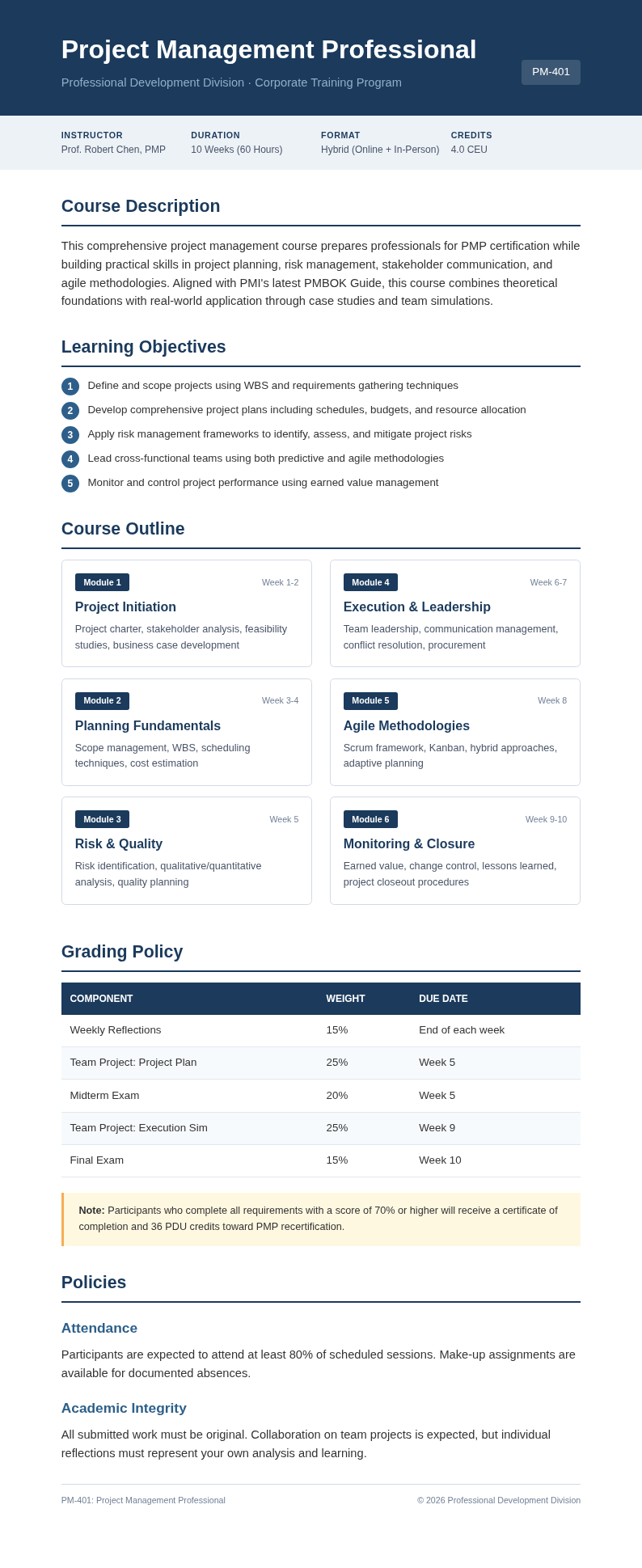
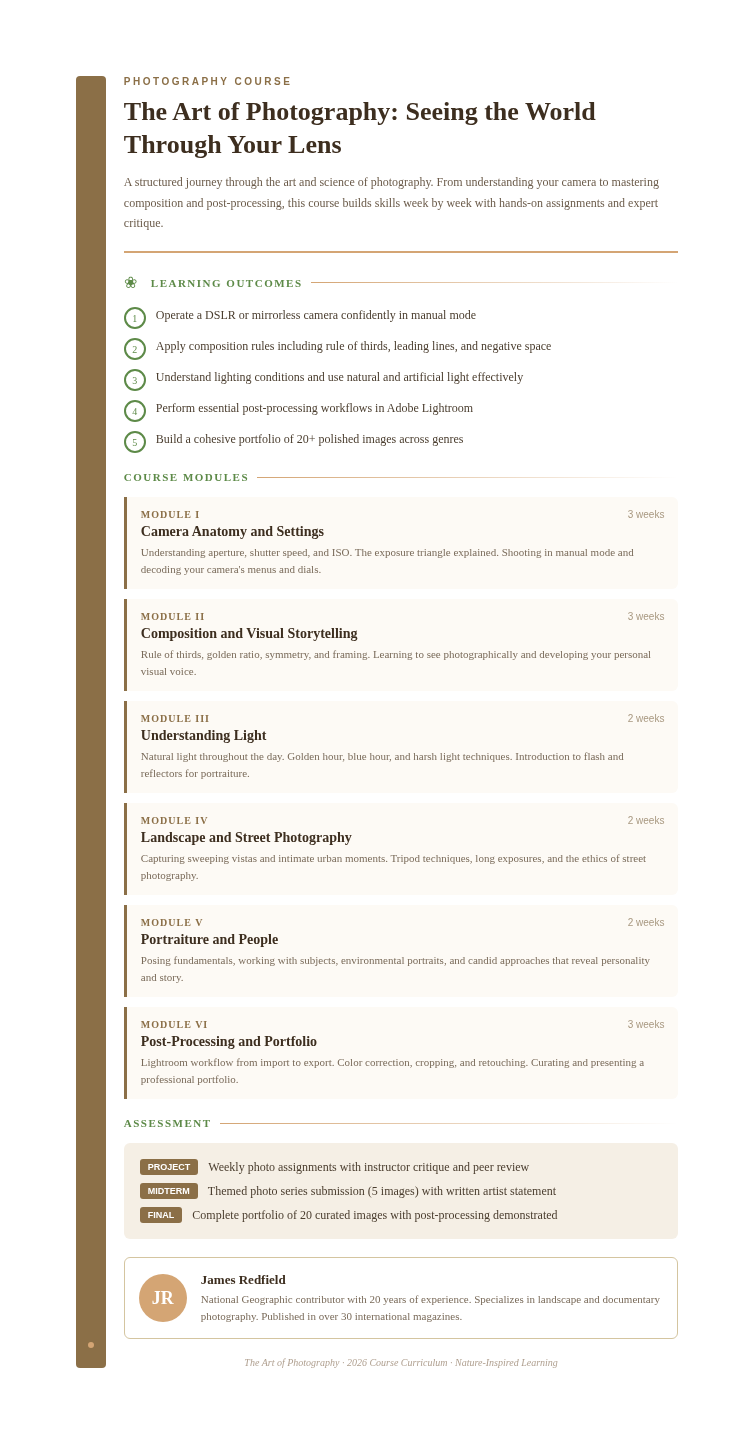
Explore Professional Course Templates
Need a starting point? Browse our collection of pre-made templates for various course formats and teaching styles.
Frequently Asked Questions
Helpful information about using our Course Creator Generator.
- Is the Course Creator Generator free?
- Yes. This Course Creator Generator is completely free to use with no hidden fees or subscriptions. You can generate unlimited course outlines without creating an account or providing payment information. The our tool provides full access to all features so educators at every level can design courses effortlessly. You can create as many documents as you need without any usage limits or restrictions.
- What types of courses can I create with the Course Creator Generator?
- The Course Creator Generator supports a wide range of course types including academic courses, corporate training programs, online workshops, coaching programs, and certification courses. You can customize each output from the it to match your specific subject and audience needs. Most users go from initial input to a polished, downloadable document in just a few minutes.
- Do I need design experience to use the Course Creator Generator?
- No design experience is needed. The Course Creator Generator handles layout and structure automatically, so you only need to provide your content and learning goals. The tool generates a polished, well-organized course document that looks professional without any manual formatting. You can create as many documents as you need without any usage limits or restrictions.
- Can I edit the course after the Course Creator Generator produces it?
- Yes, every course produced by the Course Creator Generator is fully editable through our online editor. You can modify text, reorder modules, add new sections, and adjust the overall structure. The the app creates a starting point that you can refine to perfectly match your vision. Most users go from initial input to a polished, downloadable document in just a few minutes.
- What file formats does the Course Creator Generator export?
- The the Course Creator Generator exports your finished course as a Word document (.docx) or PDF. The Word format is best if you want to continue editing in Microsoft Word or Google Docs, while the PDF format from the the app is ideal for sharing a final version with stakeholders. The tool handles all the formatting so you can focus on your content instead of layout.
- How long does it take to generate a course with the Course Creator Generator?
- The the Course Creator Generator produces a complete course outline in under a minute. After entering your topic and preferences, the the generator analyzes your input and generates a structured document instantly. You can then spend as much time as you like refining the output. Most users go from initial input to a polished, downloadable document in just a few minutes.
- Can I use the Course Creator Generator for live workshop planning?
- Yes, the it works well for planning live workshops, webinars, and in-person training sessions. You can use the it to outline agenda items, group activities, and discussion topics that keep participants engaged throughout the session. Most users go from initial input to a polished, downloadable document in just a few minutes. You can create as many documents as you need without any usage limits or restrictions whatsoever.
- Is there a limit to how many courses I can generate?
- No, there is no limit. You can use the it to create as many course outlines as you need without any restrictions. Whether you are building one course or an entire curriculum, the the app is available for unlimited use at no cost. the Course Creator Generator handles all the formatting so you can focus on your content instead of layout.
- Can I import existing materials into the Course Creator Generator?
- Yes, you can paste existing notes, slide outlines, or text documents directly into the the Course Creator Generator. The tool reads your content and restructures it into a professional course format, preserving your key points while improving the overall organization and flow. The tool handles all the formatting so you can focus on your content instead of layout.
- Does the Course Creator Generator work on mobile devices?
- Yes, the our tool is fully responsive and works on smartphones and tablets. You can generate and review course outlines on any device with a web browser, making it convenient to plan courses on the go using the this Course Creator Generator. You can create as many documents as you need without any usage limits or restrictions.
- Can I collaborate with others using the Course Creator Generator?
- You can download the course generated by the our generator and share it with collaborators for review. Each person can add feedback and edits in their preferred word processor, then re-import the revised content into the our Course Creator Generator for further refinement. Most users go from initial input to a polished, downloadable document in just a few minutes.
- What makes the Course Creator Generator different from other tools?
- The our tool combines AI-powered content structuring with an easy online editor and free export options, all in one tool. Unlike basic outline tools, the the app understands instructional design principles and produces course frameworks that are ready for real-world teaching. Most users go from initial input to a polished, downloadable document in just a few minutes.
Create Your Course Now
Don't spend hours structuring your course manually. Use our free the app to produce a professional course outline in minutes.
No credit card required • AI-powered structuring • Instant results