Edit Appointment Letter Templates Online for Free
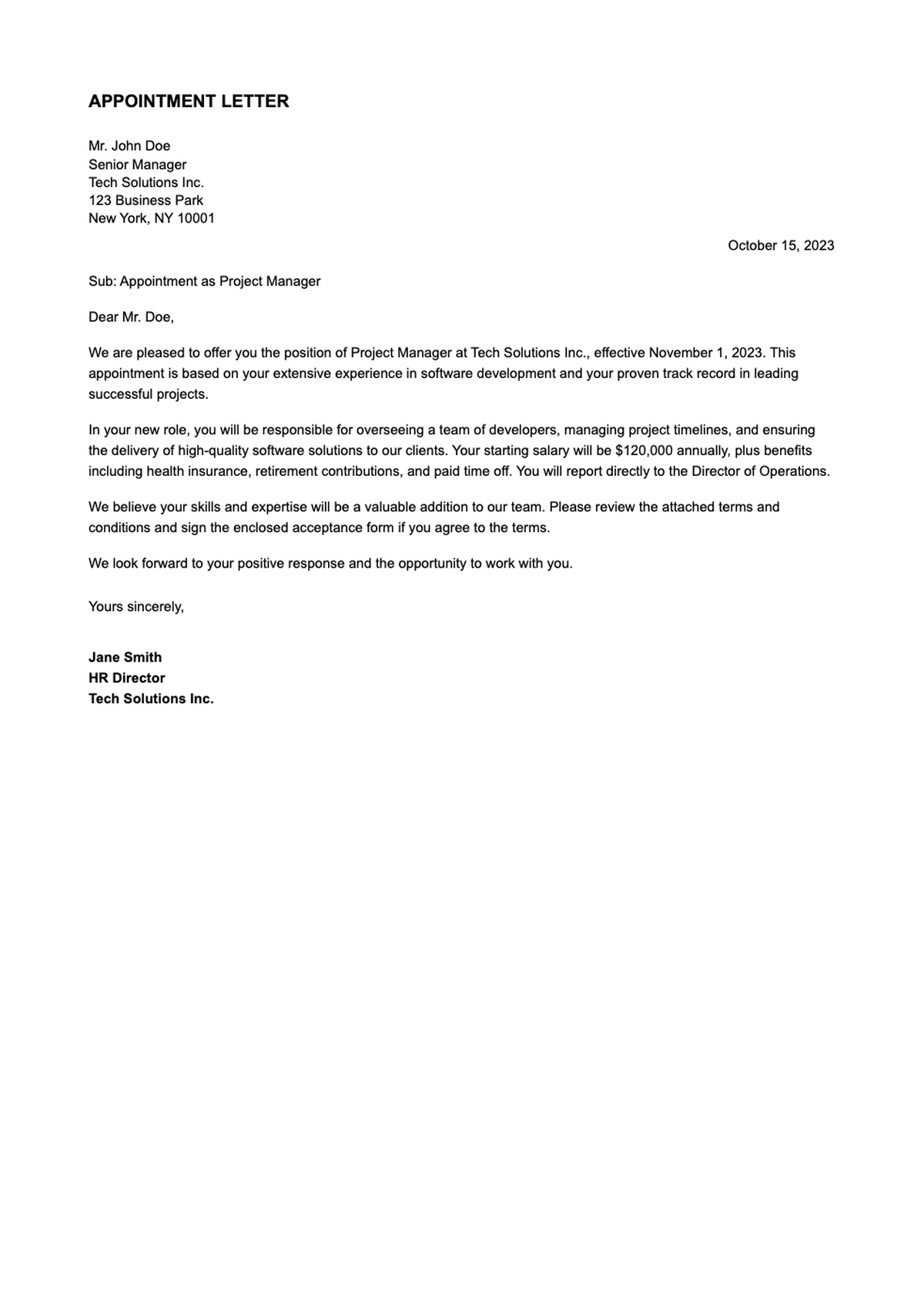
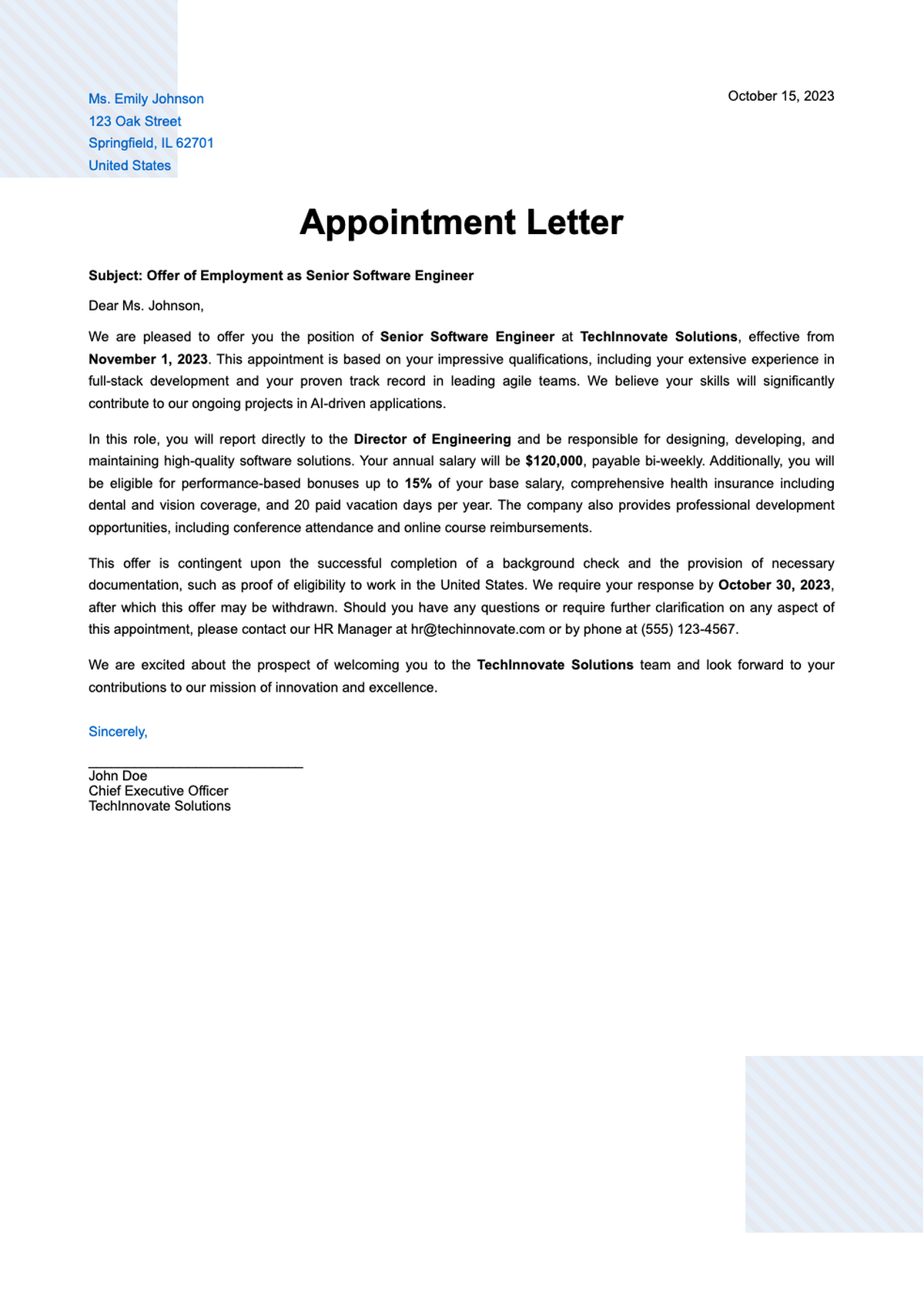
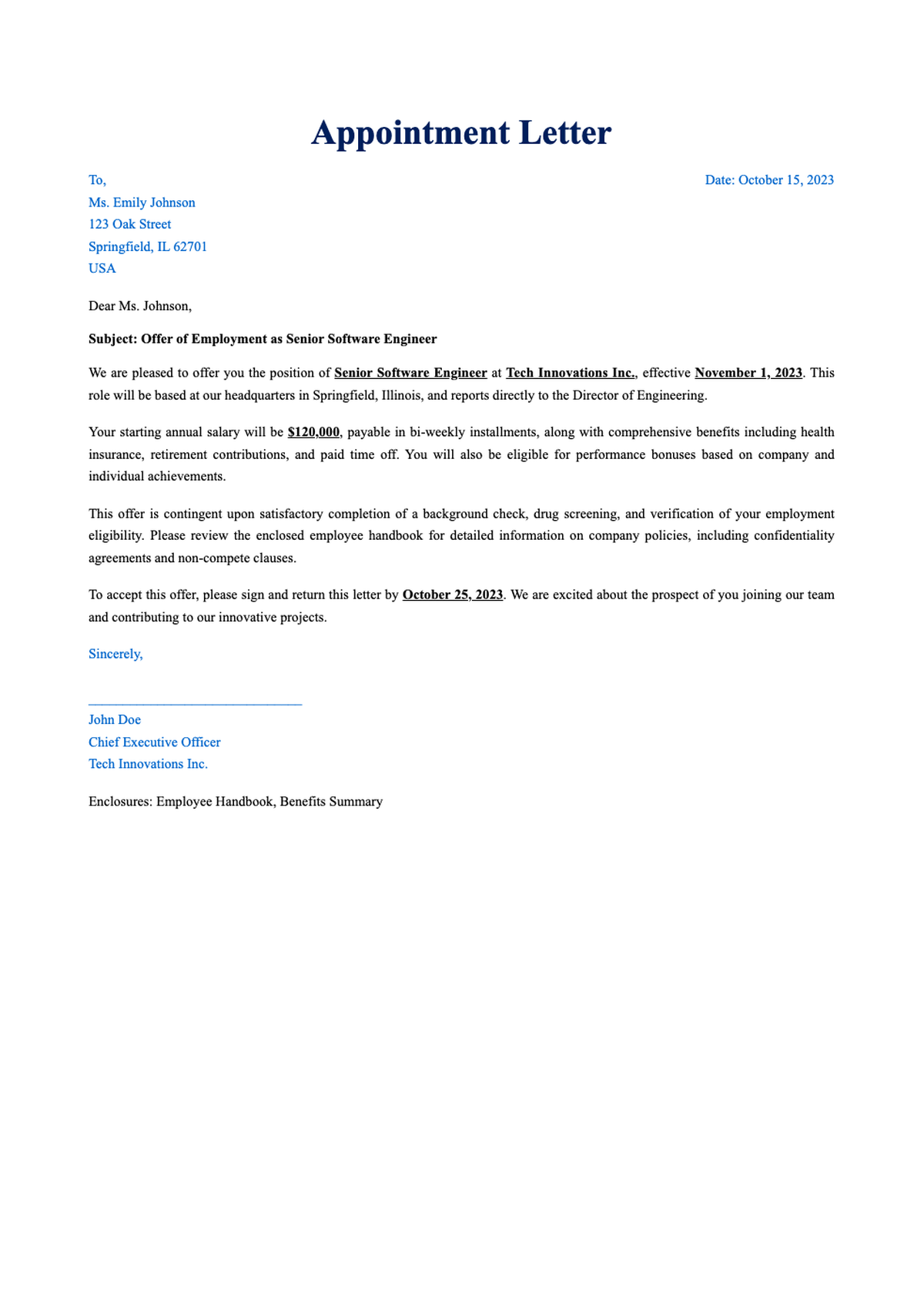
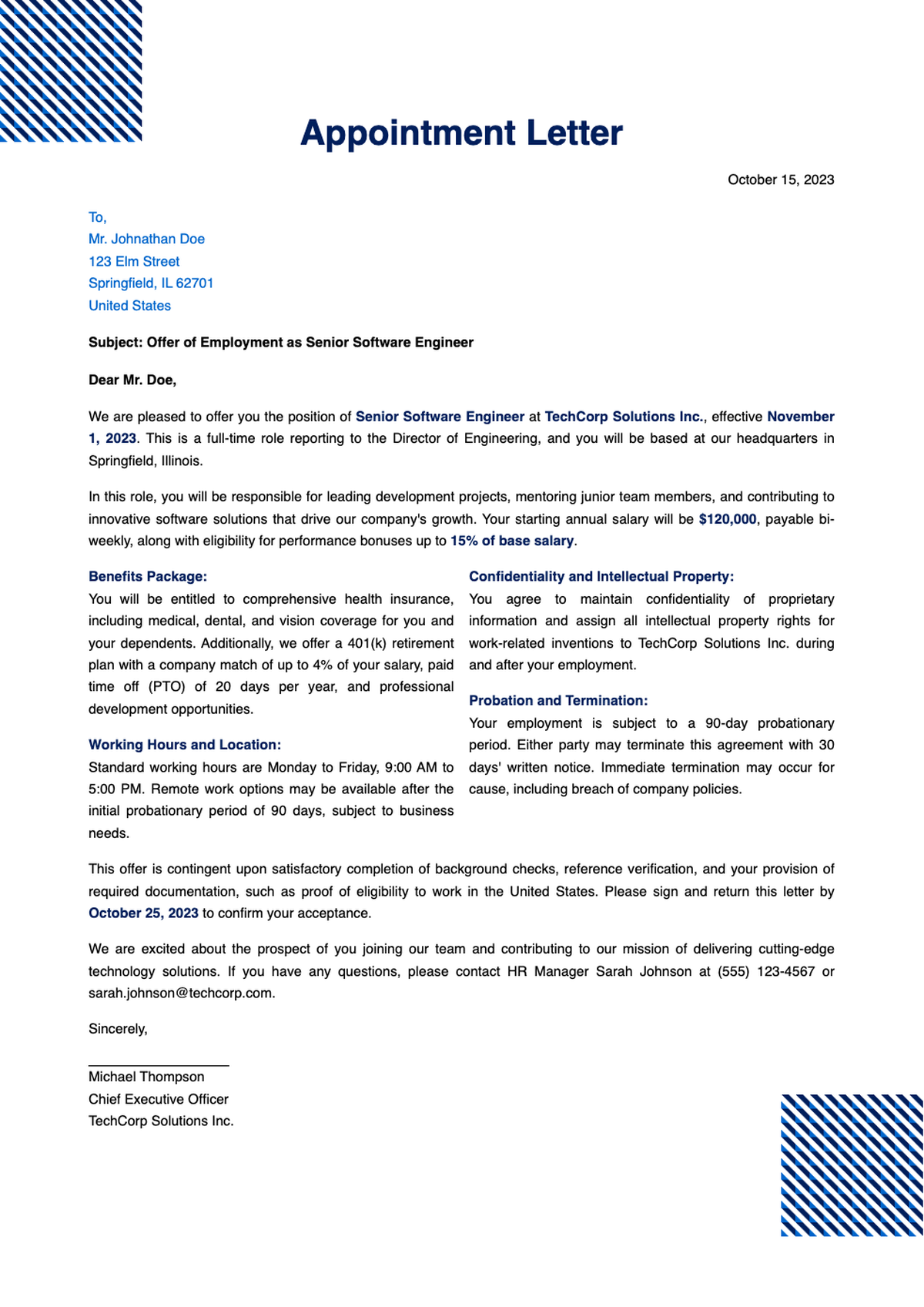
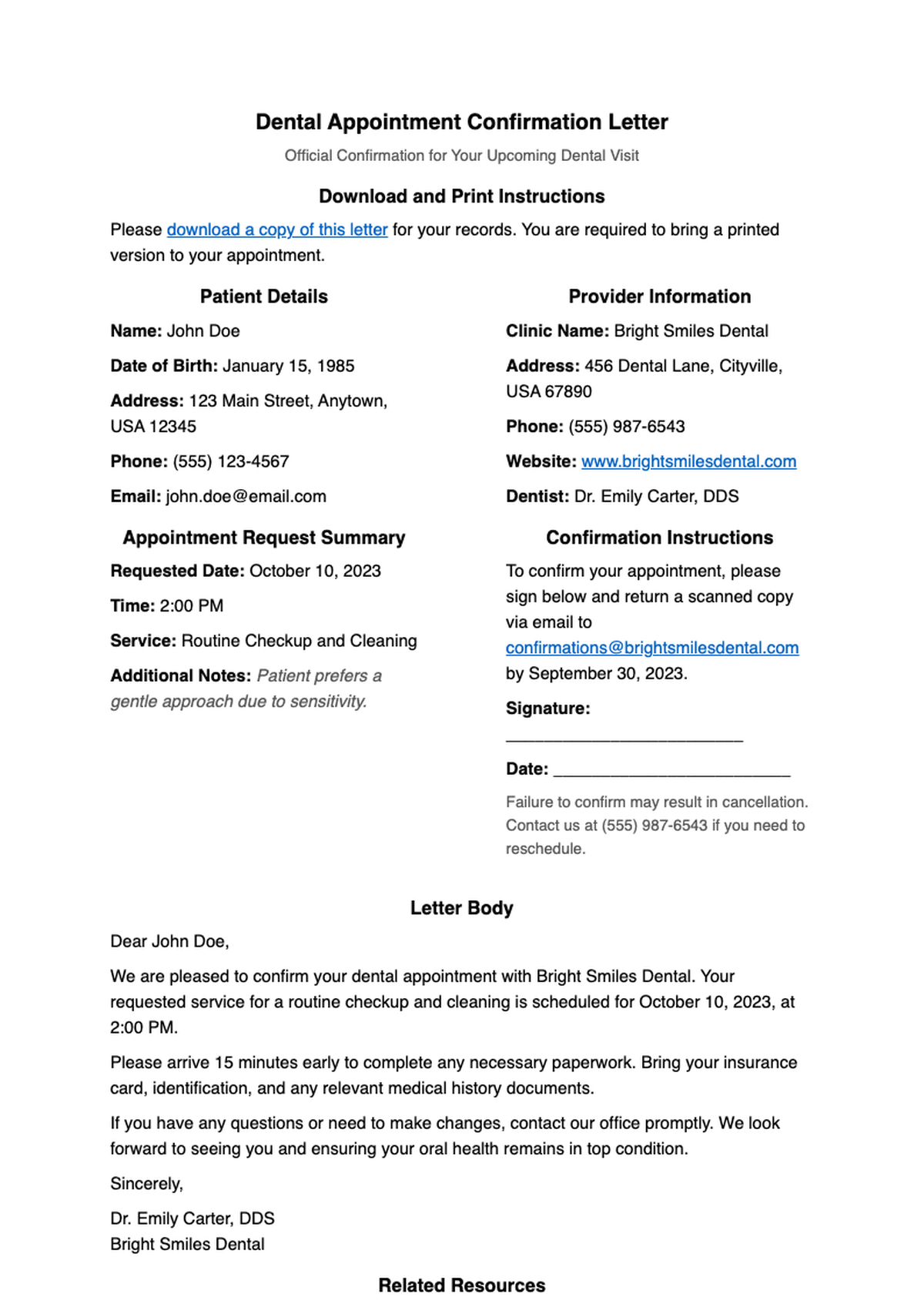
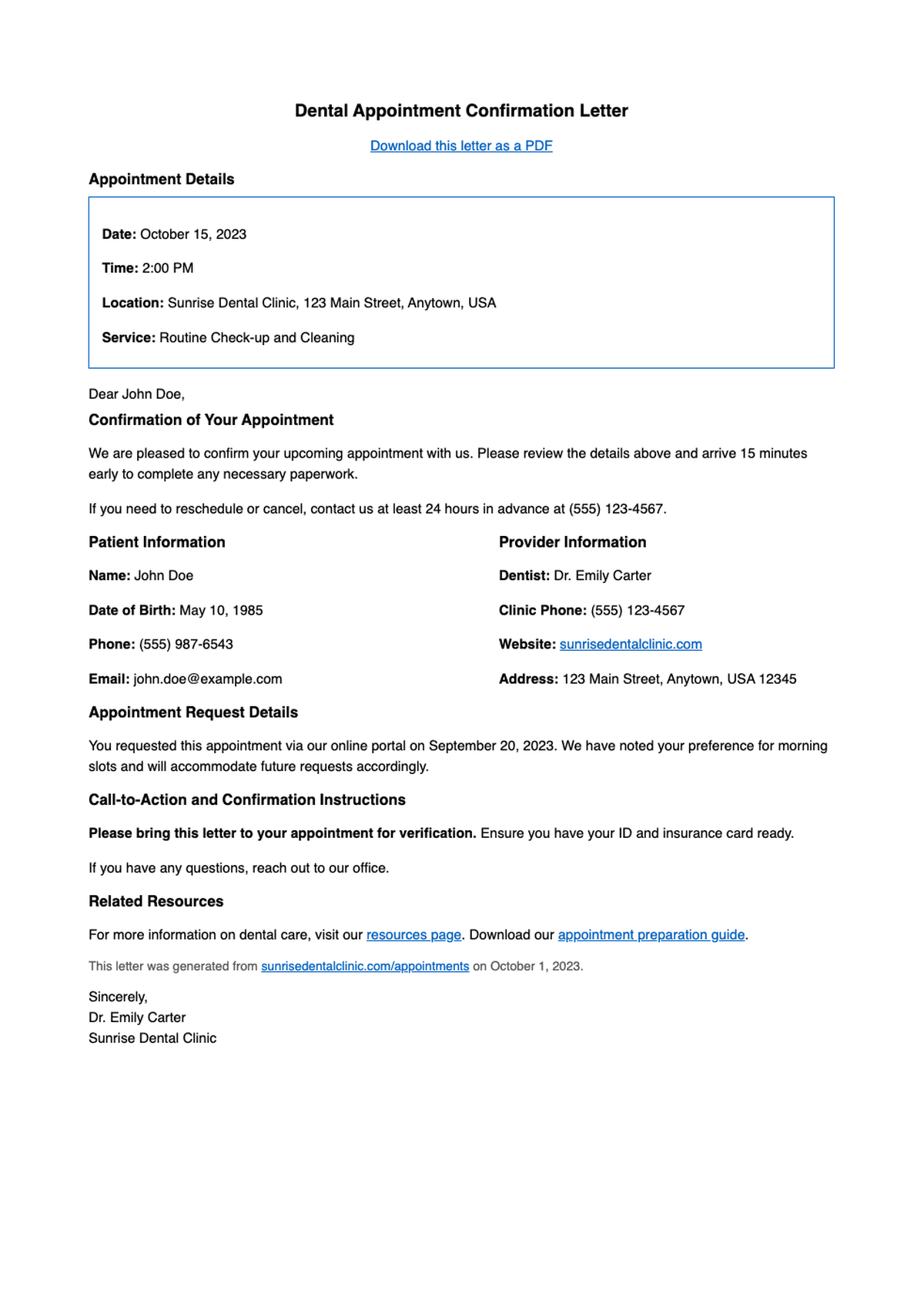
Use AI Formatter to customize professional Appointment Letter templates directly in your browser—no downloads or sign-ups needed. Save time, ensure consistency, and create polished documents instantly with smart formatting tools built for productivity.
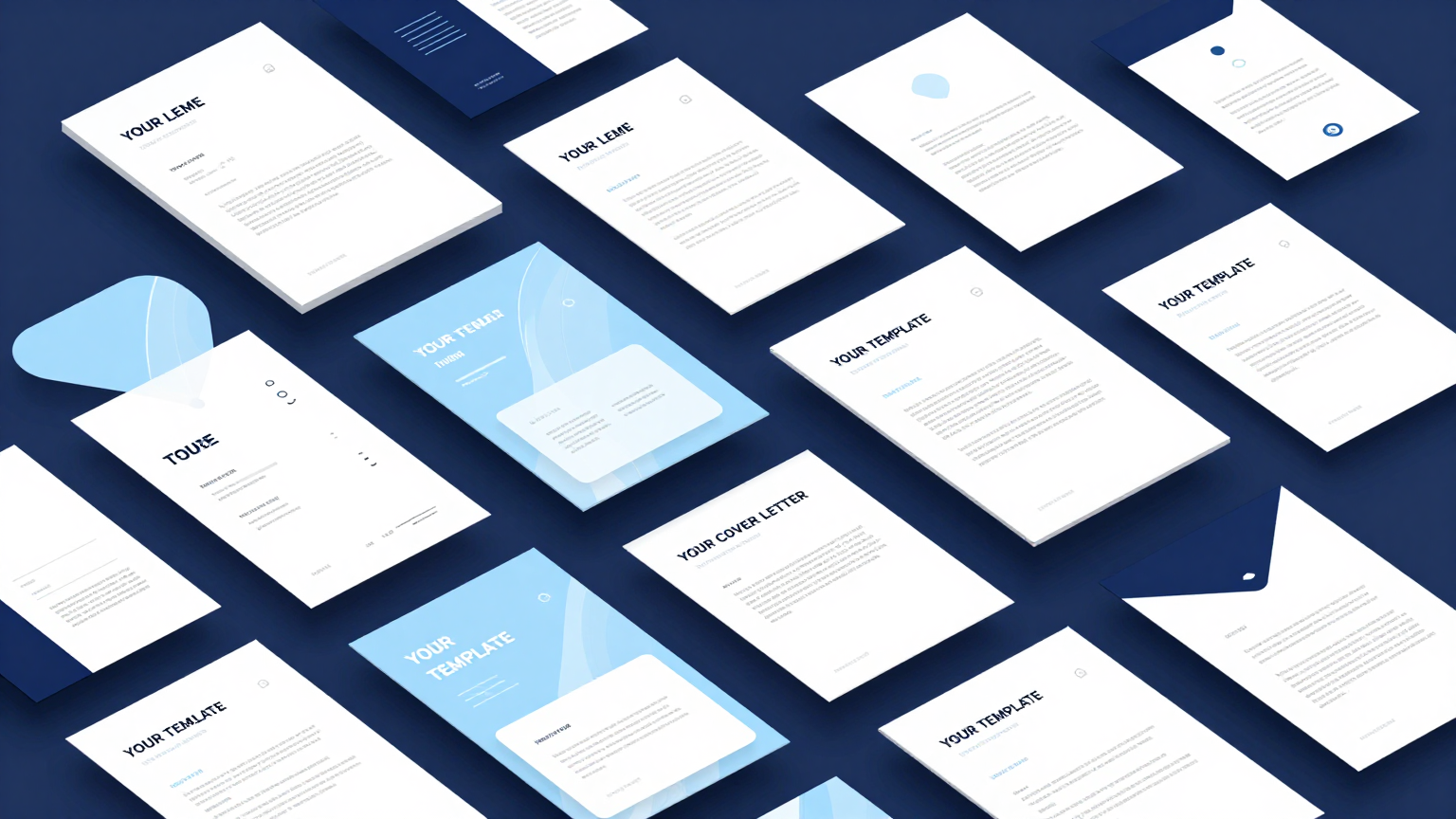
Showing 20 of 114 templates
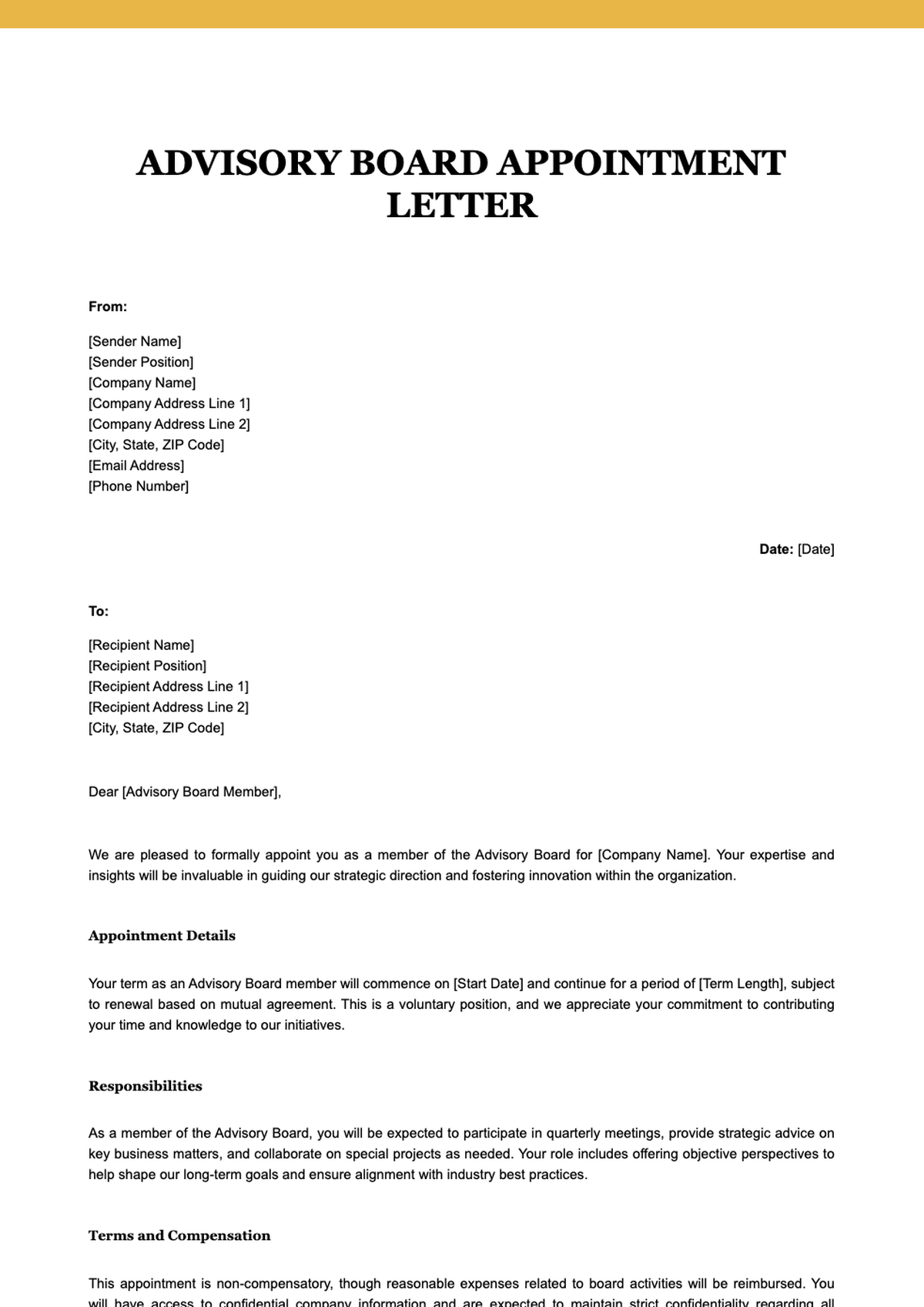
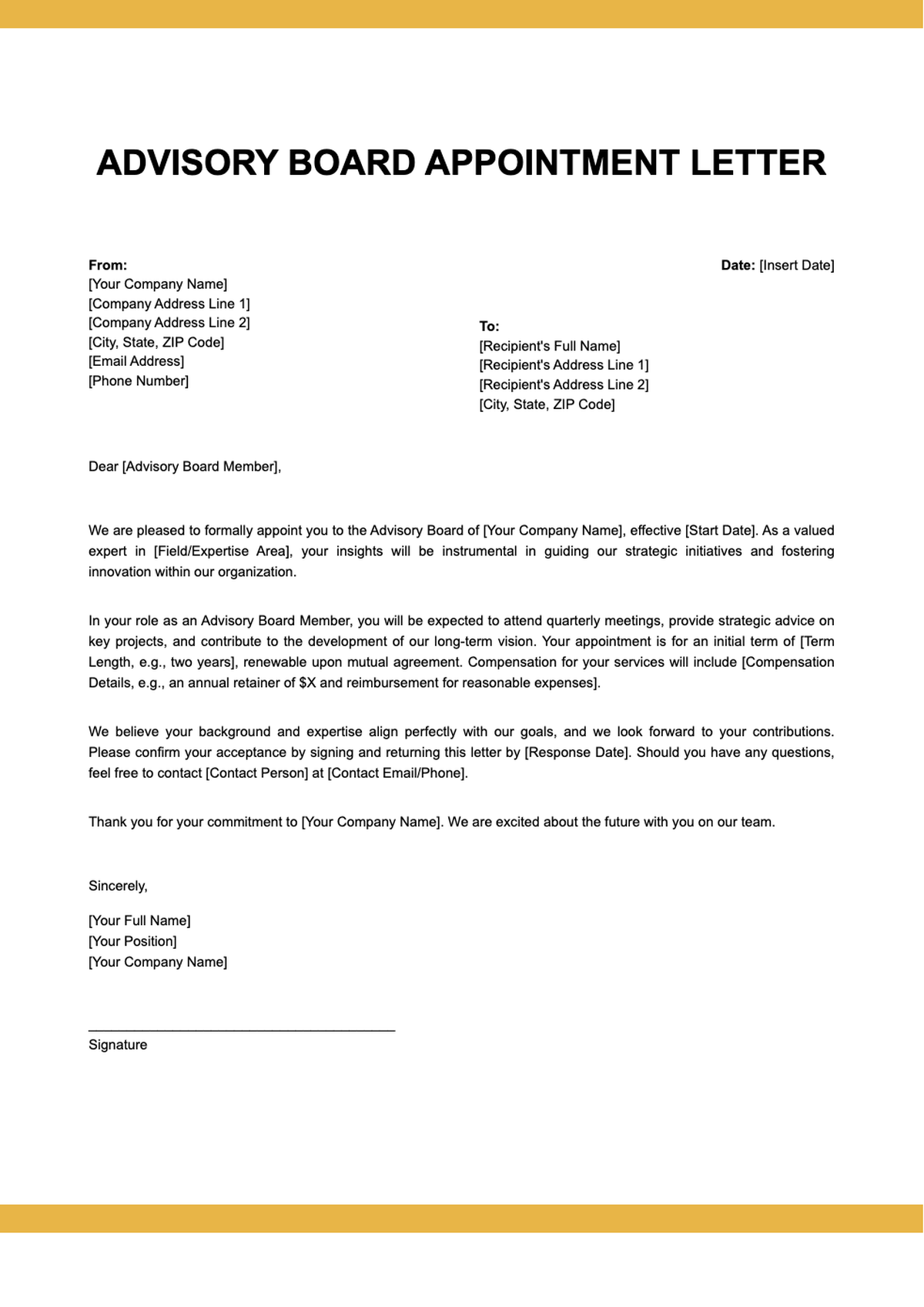
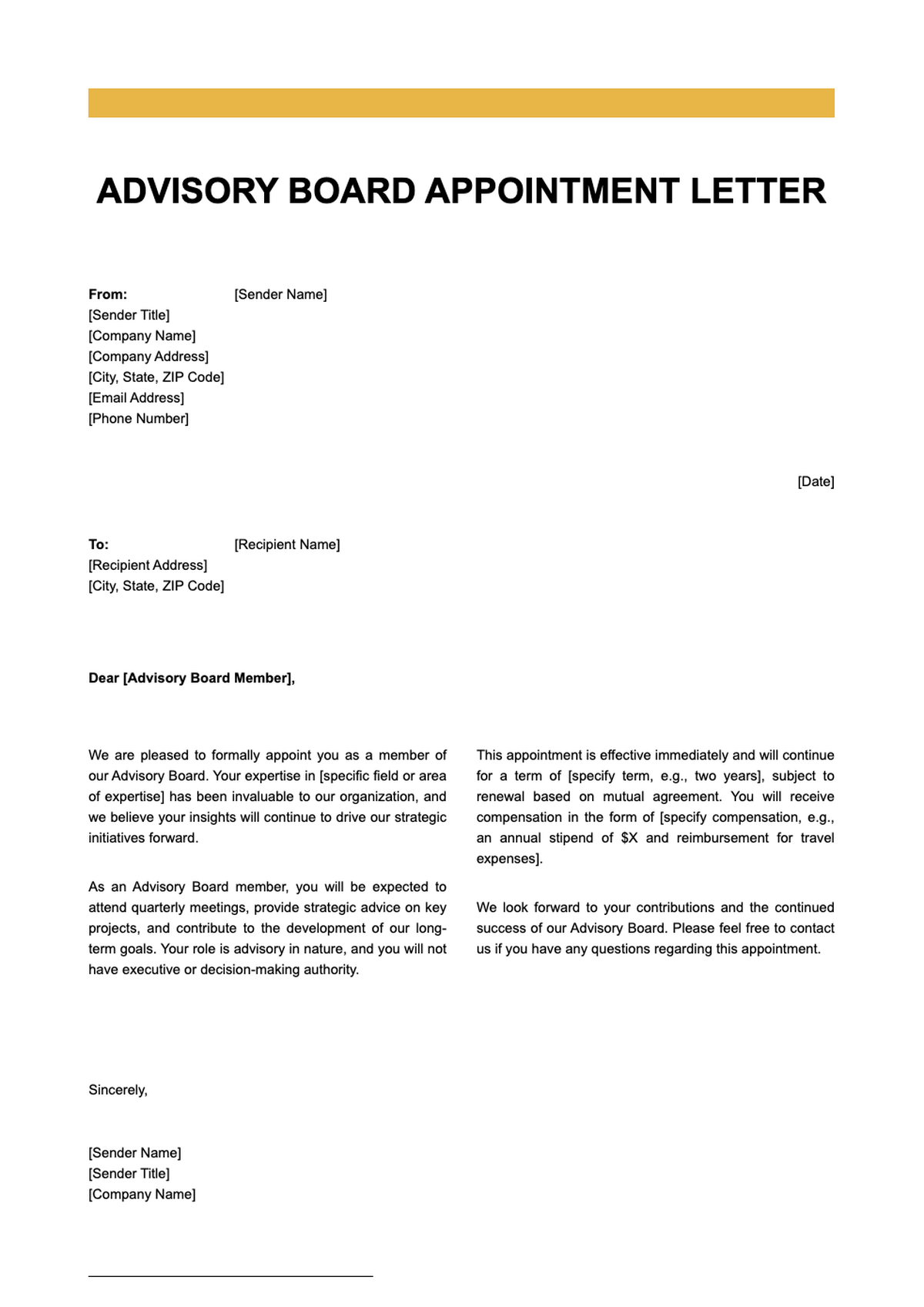





Frequently Asked Questions About Our Templates
Get answers to common questions about our professional template collection and how to use them effectively.
- Are your Appointment Letter templates really free to use?
- Yes, all our Appointment Letter templates are completely free to use. You can download, edit, and share them without any hidden fees or subscription requirements. We believe in making professional document creation accessible to everyone, whether you're an HR manager, small business owner, or individual hiring help.
- Can I edit the Appointment Letter templates in Microsoft Word?
- Absolutely! Every Appointment Letter template is available in standard .docx format, which works seamlessly with Microsoft Word. Once downloaded, you can open it in Word, customize names, dates, job details, and company information, and even adjust formatting to match your organization’s branding or style preferences.
- How do I customize an Appointment Letter template to fit my needs?
- Customizing an Appointment Letter is simple: just replace placeholder text with your specific details like candidate name, position title, start date, salary, and terms of employment. You can also modify fonts, colors, or layout using Word or our online editor. Each template is designed for easy personalization while maintaining a professional appearance.
- Do I need to create an account to access Appointment Letter templates?
- No account is required to browse, preview, or download any Appointment Letter template from our library. We offer instant access so you can get started right away. However, if you choose to use our advanced AI formatting features online, a quick sign-in may be optional—but never mandatory for basic template use.
- Are these Appointment Letter templates legally compliant?
- Our Appointment Letter templates are drafted based on widely accepted professional standards and include essential clauses such as job title, start date, compensation, and reporting structure. However, they are not legal advice. We recommend reviewing your final Appointment Letter with a legal professional to ensure compliance with local labor laws and regulations.
- Can I use the same Appointment Letter template for different roles?
- Yes, our Appointment Letter templates are designed to be versatile. You can reuse the same template across various positions by simply updating the role-specific details like job title, responsibilities, department, and compensation. This flexibility saves time while ensuring consistent communication with all new hires.
- What file formats are available for Appointment Letter templates?
- All Appointment Letter templates are provided in Microsoft Word (.docx) format for easy editing. Some also include PDF previews for reference. The .docx files are compatible with Word, Google Docs (via upload), and other word processors, giving you full control over customization and printing.
- How often are your Appointment Letter templates updated?
- We regularly review and update our Appointment Letter templates to reflect current best practices in HR communication, formatting trends, and employment norms. Updates may include improved clarity, inclusive language, or structural enhancements—ensuring you always have access to modern, professional templates.
- Can I add my company logo to an Appointment Letter template?
- Yes, every Appointment Letter template includes designated space (or instructions) for inserting your company logo. In Word, you can easily click the placeholder image box and insert your own logo file. This helps reinforce brand identity and adds a polished, official touch to your hiring documentation.
- Do the templates include placeholders for digital signatures?
- Many of our Appointment Letter templates include optional fields for digital or wet signatures from both the employer and the employee. While not all versions feature this by default, you can easily add a signature line in Word using the 'Insert > Signature Line' function or type '[Signature]' as a placeholder.
- Are there templates for both formal and informal Appointment Letters?
- We offer a range of Appointment Letter templates—from highly formal versions suitable for corporate environments to more concise, friendly formats ideal for startups or small teams. You can choose the tone that best matches your company culture while still conveying all necessary employment details clearly.
- Can I collaborate with others while editing an Appointment Letter?
- If you download the Appointment Letter template and upload it to Google Docs or Microsoft 365, you can invite colleagues to view or edit in real time. While our online editor currently supports individual use, exporting to cloud platforms enables seamless team collaboration on finalizing the letter.
- Will using a template make my Appointment Letter look generic?
- Not at all. Our Appointment Letter templates are professionally designed with clean layouts and customizable elements. By adding your company details, logo, specific job terms, and personalized notes, each letter becomes unique and tailored—far from generic—while benefiting from expert structure and clarity.
- How long does it take to create an Appointment Letter using your templates?
- With our pre-formatted Appointment Letter templates, you can create a complete, professional letter in under 10 minutes. Simply fill in the blanks with candidate and role-specific information, review for accuracy, and you’re ready to send. This saves hours compared to drafting from scratch while reducing the risk of missing key details.
- Can I save my edited Appointment Letter for future use?
- Yes, once you’ve customized an Appointment Letter template, you can save it locally on your device or in the cloud (e.g., Google Drive, OneDrive). This allows you to reuse it as a master copy for similar roles or quickly adapt it for future hires—streamlining your onboarding process over time.
Ready to Create Professional Documents with Our Templates?
Choose from our extensive collection of professionally designed templates. Start building polished, professional documents today with our free templates and AI-powered formatting tools.
Free templates • AI-powered editing • No sign-up required