Create Beautiful Certificates in Minutes
Professional templates, real-time editing, and instant PDF download—all powered by AI.
How to Use the Certificate Generator
Enter Recipient and Event Details
Start by typing the recipient’s name, the reason for recognition (e.g., course completion or achievement), date, and issuer information. You can also upload a list for batch processing. Accurate details ensure your certificate looks official and personalized from the start.
Select and Customize a Template
Browse our curated collection of Certificate Generator designs—ranging from classic to modern styles. Once you pick one, adjust colors, fonts, borders, and even add your logo. The live preview updates instantly so you always see exactly how your certificate will look.
Review and Finalize Your Certificate
Take a moment to proofread all fields—names, dates, titles—and ensure alignment and spacing meet your standards. Our Certificate Generator highlights potential errors and offers formatting tips. This step guarantees your document appears polished and credible before sharing or printing.
Download or Share Instantly
With one click, export your certificate as a print-ready PDF or high-quality PNG. You can also generate a shareable link or send it directly via email. All files are securely processed and never stored after your session ends.
Import Data
Import recipient names into the Certificate Generator for quick processing. This feature streamlines adding details for awards or course completions.
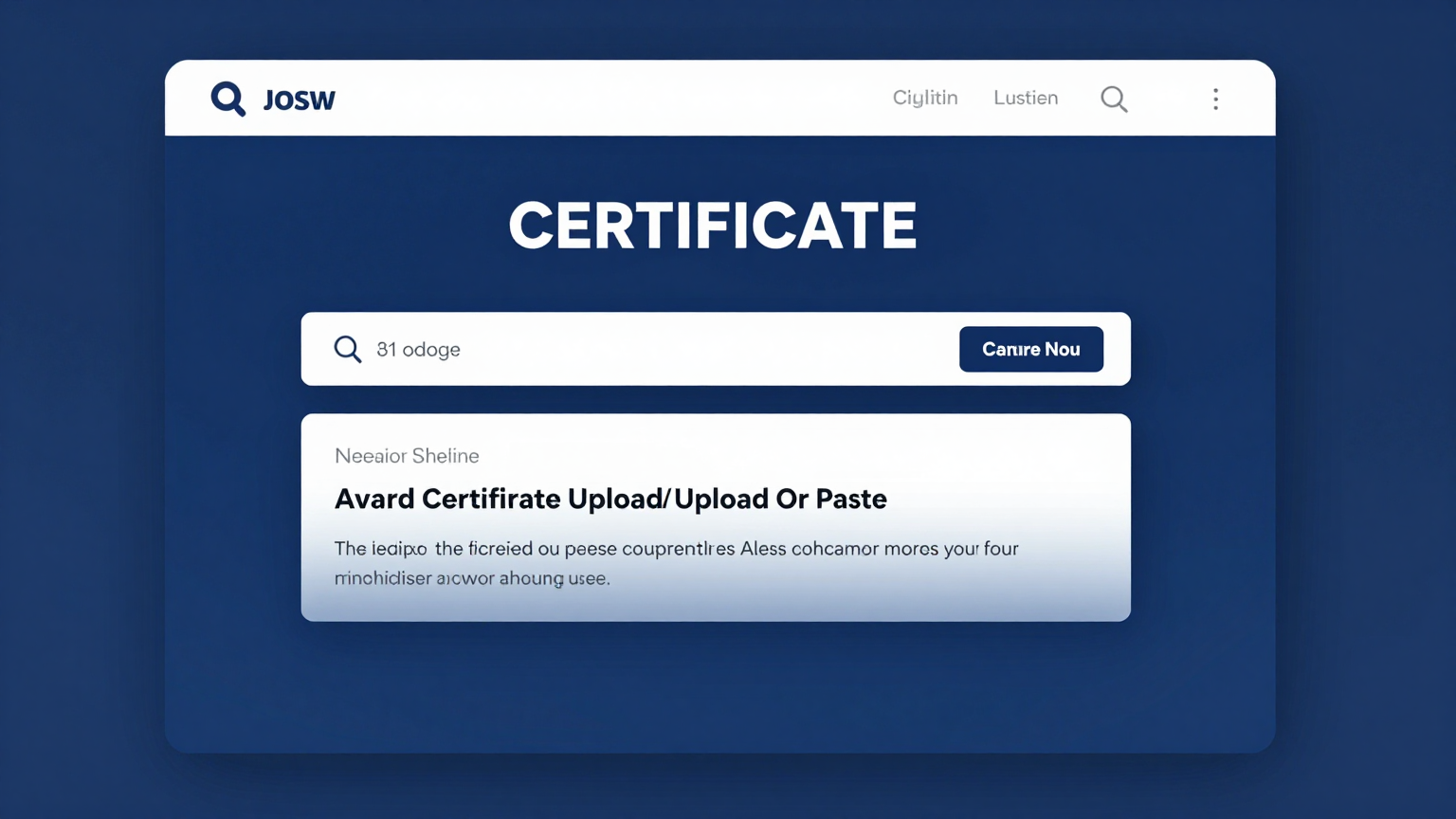
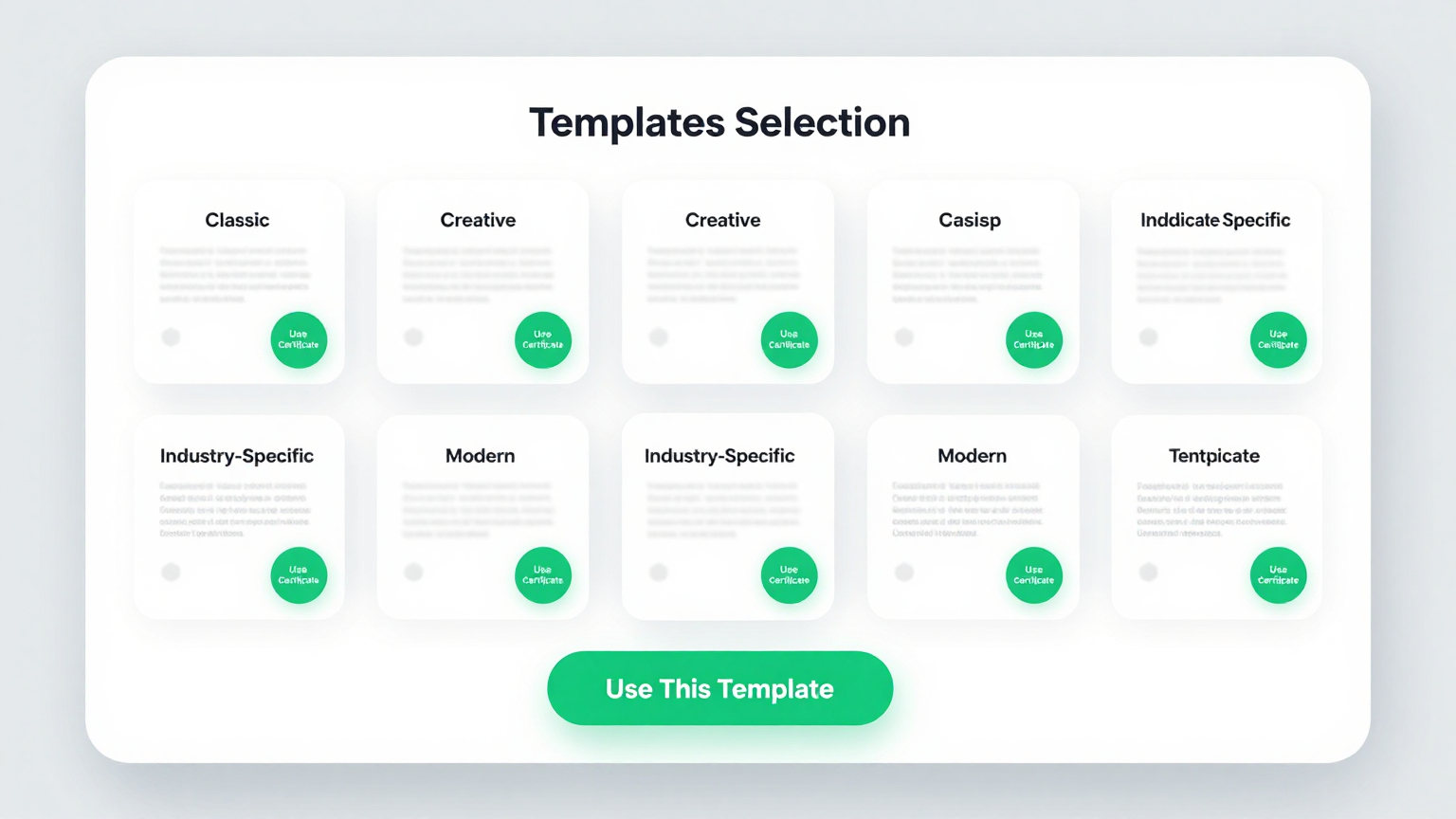
Professional Templates
Select a stunning design from the Certificate Generator template library. Each layout is crafted to make your awards look professional and polished.
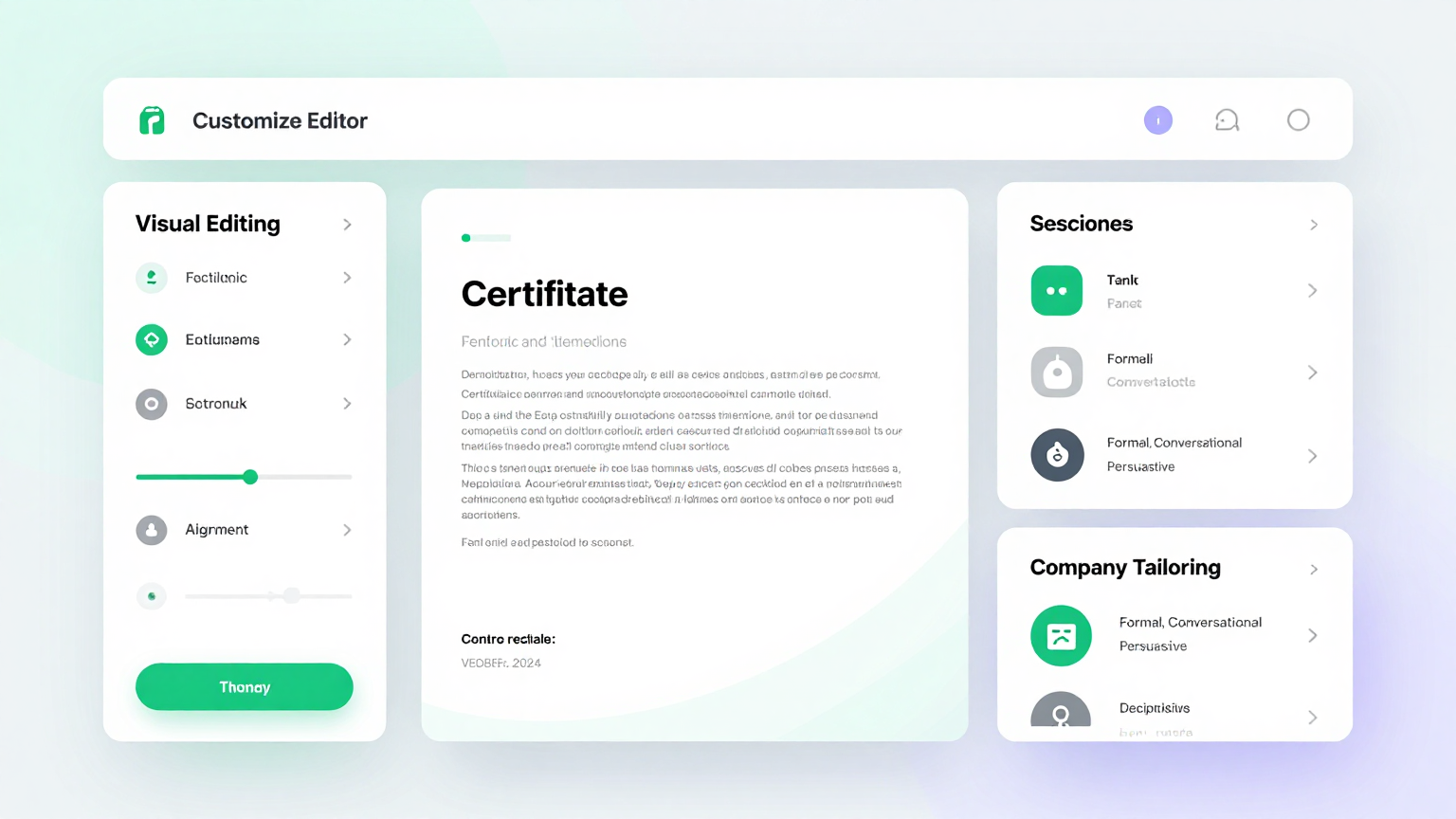
Edit Online
Personalize your design using the Certificate Generator editor. Adjust fonts and colors easily to match your organization's unique branding style.
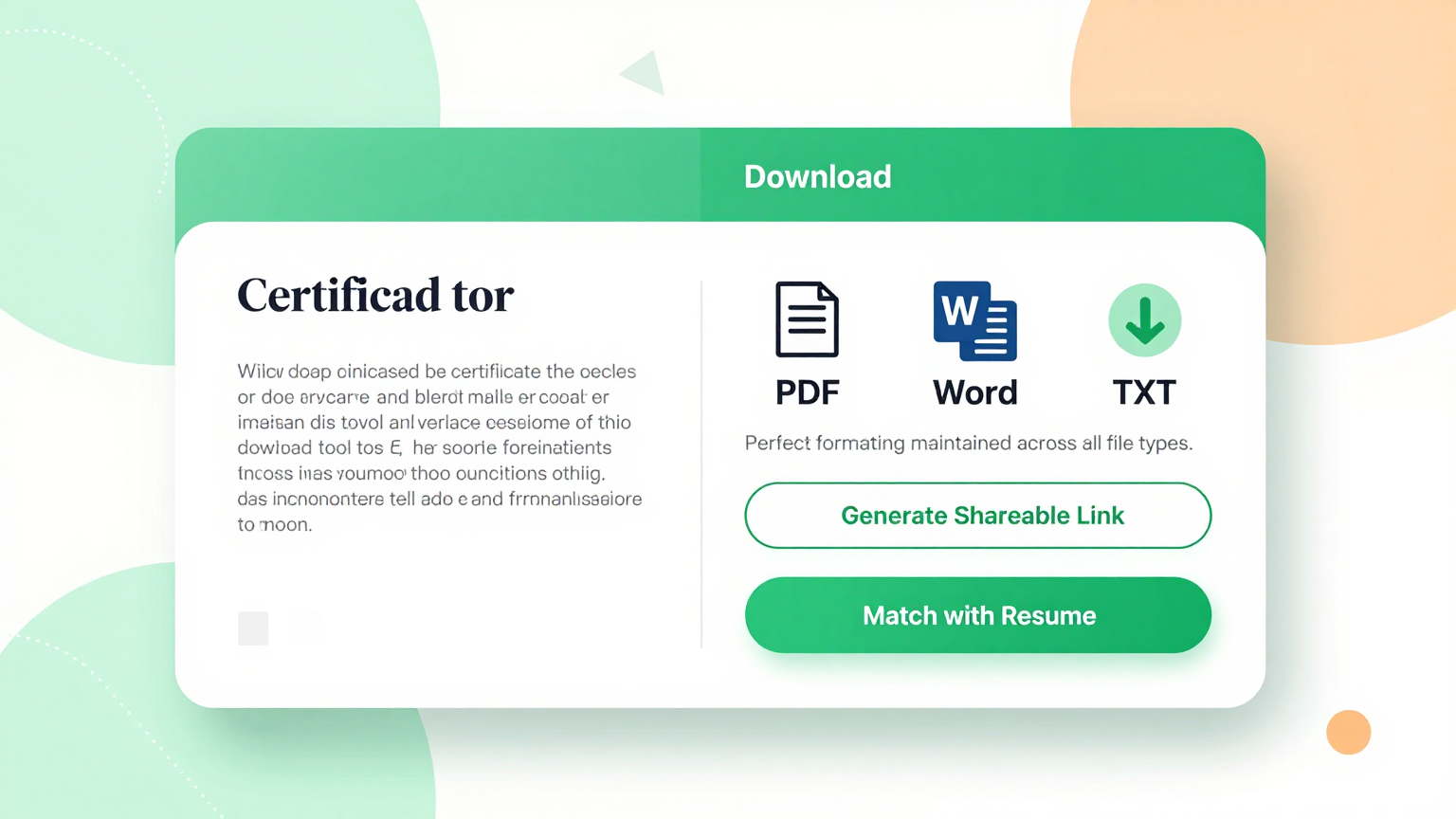
Download & Share
Download high-quality files from the Certificate Generator in PDF or PNG. This allows you to print or share your certificates digitally with ease.
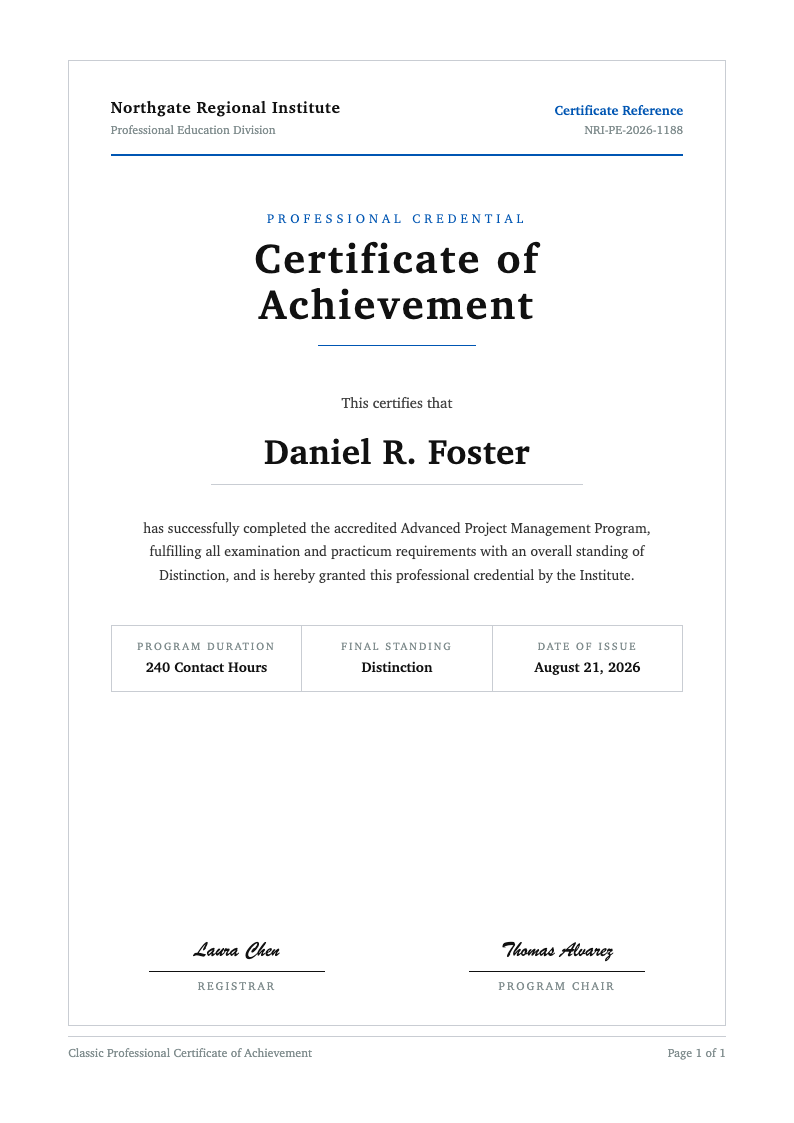
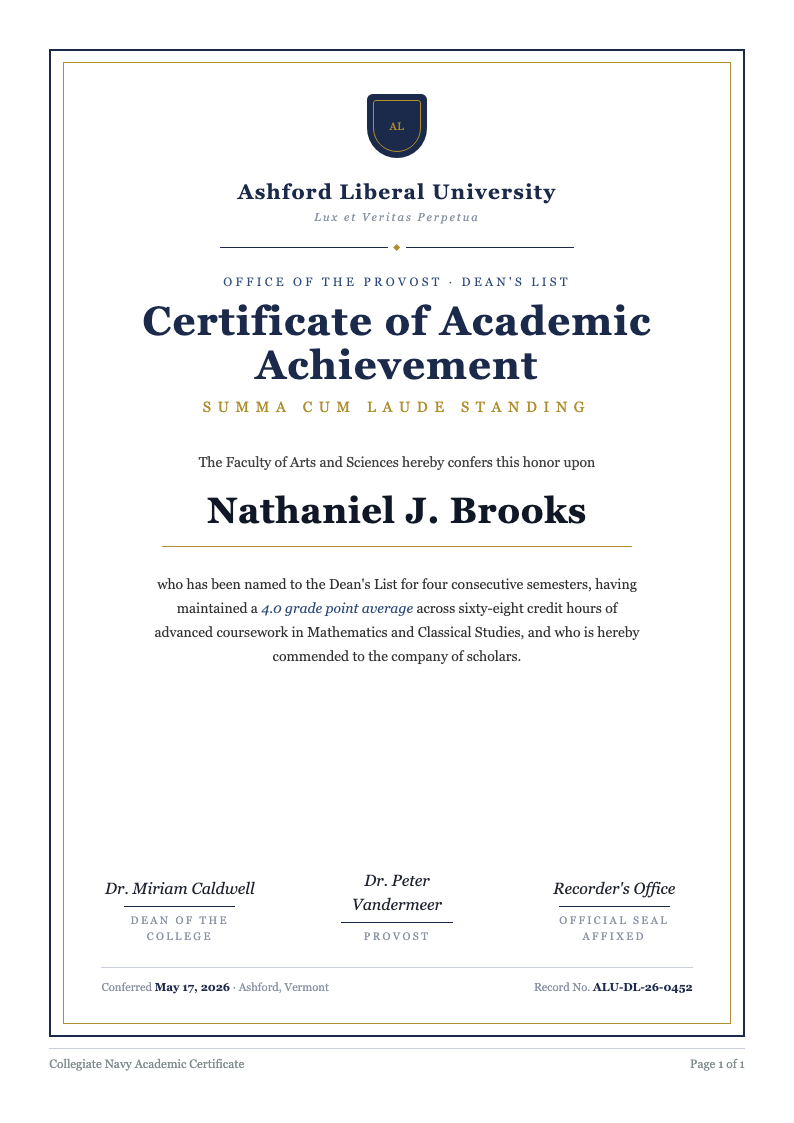
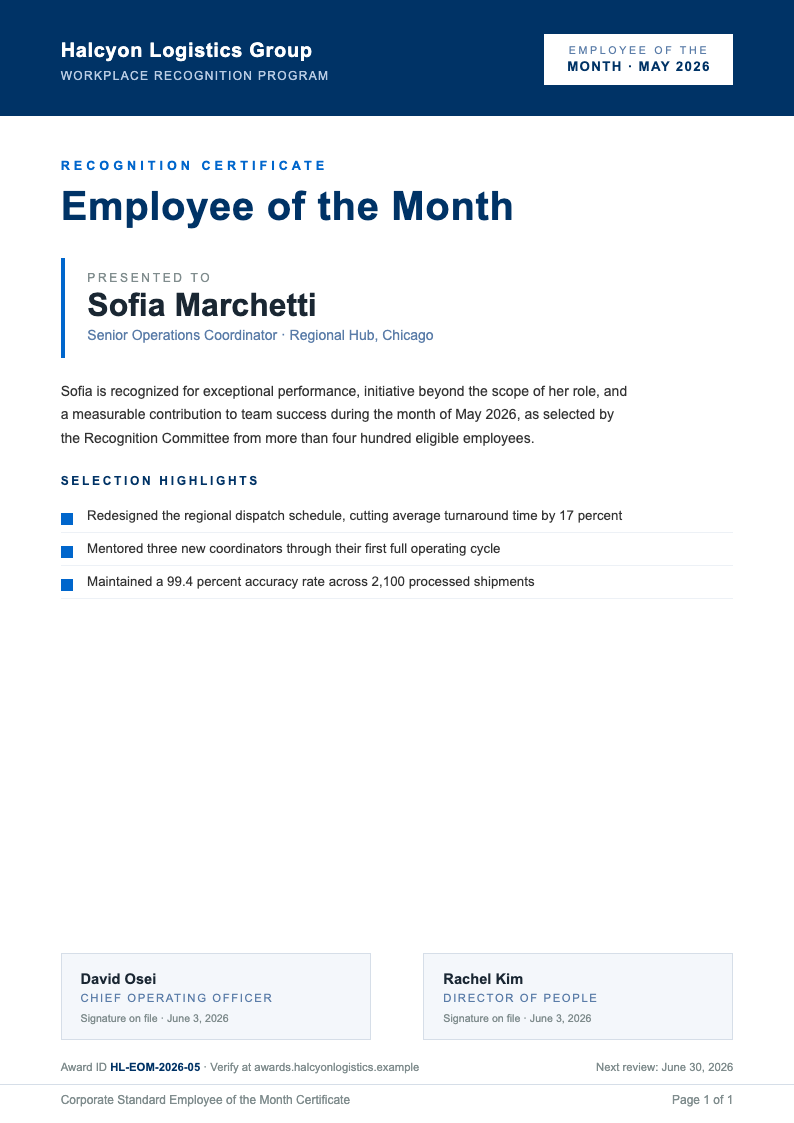
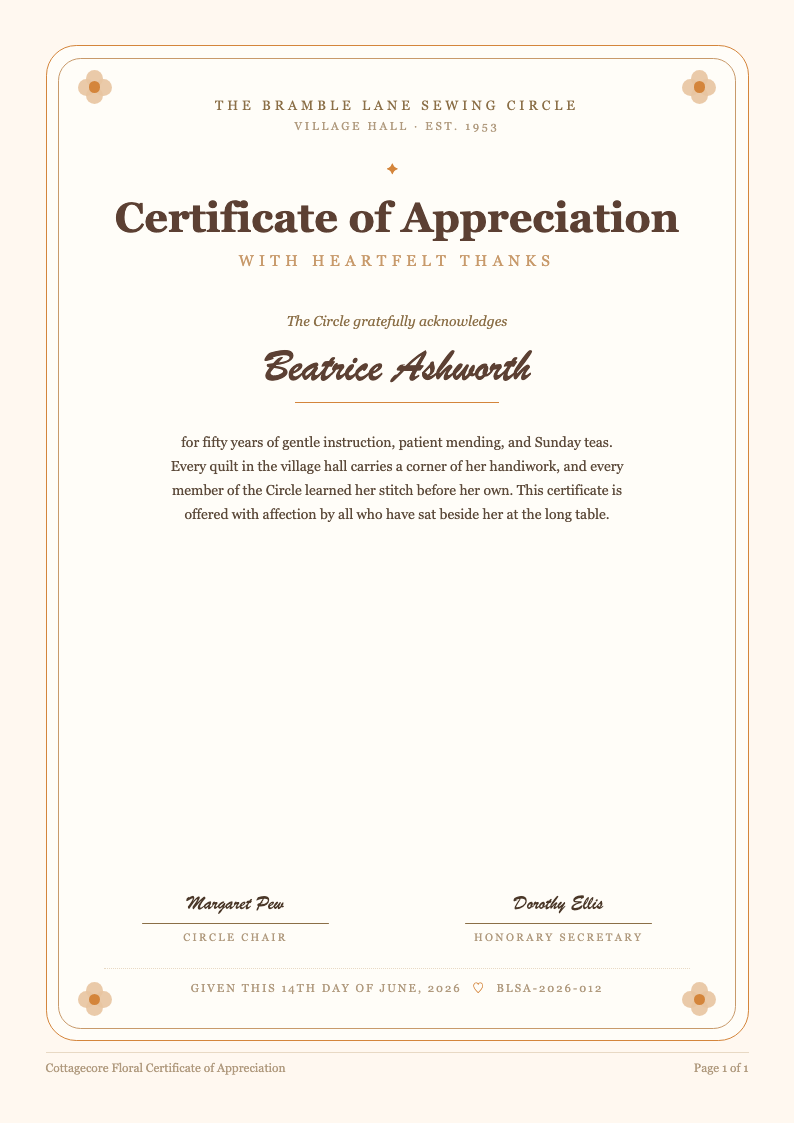
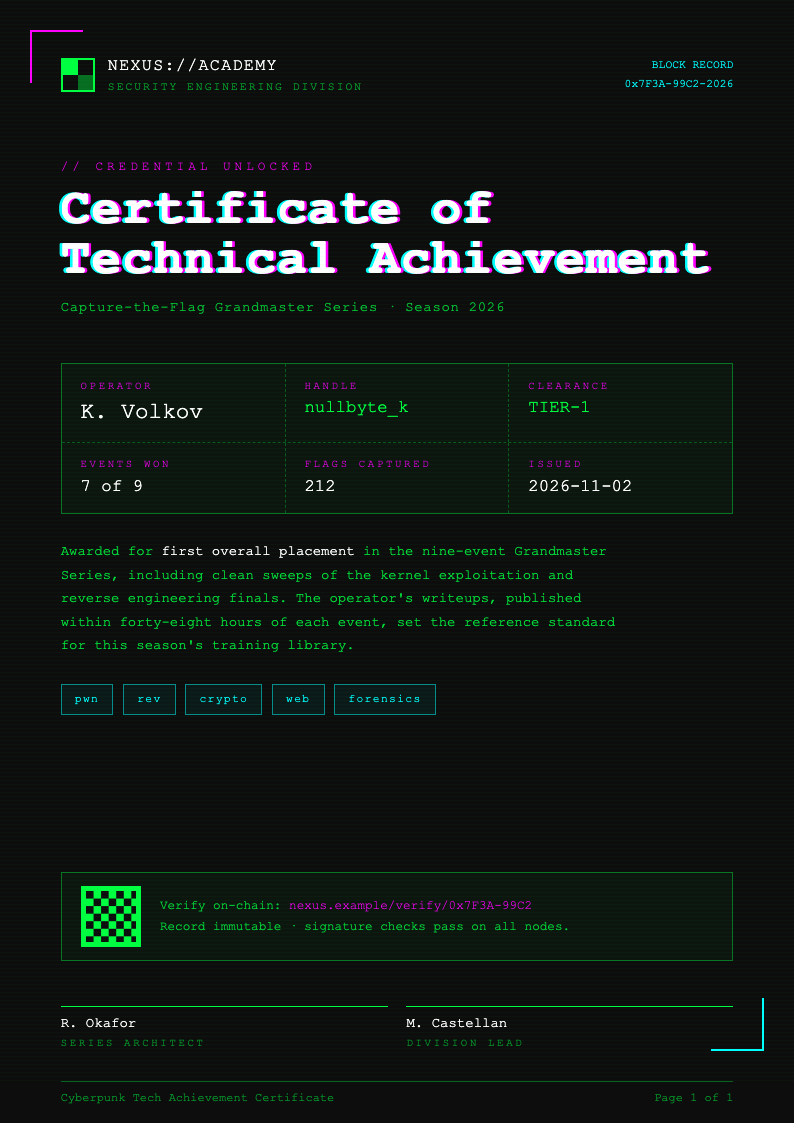
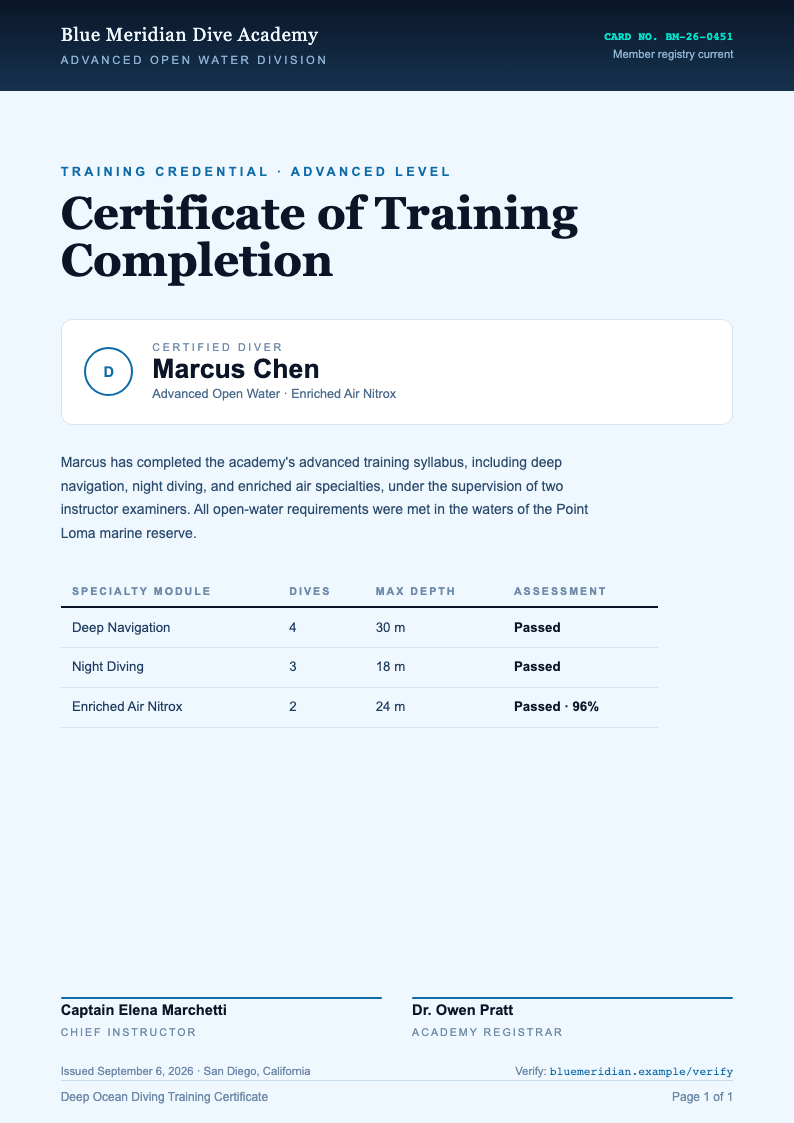
Browse Professional Certificate Templates
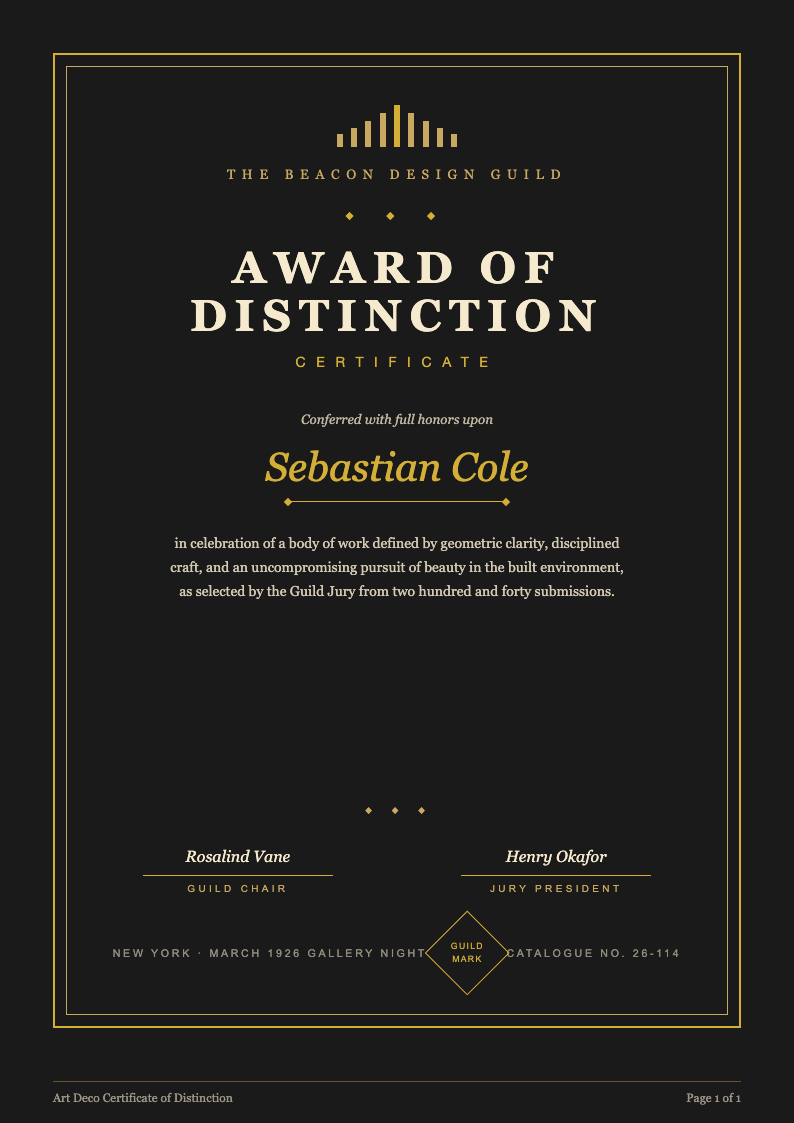
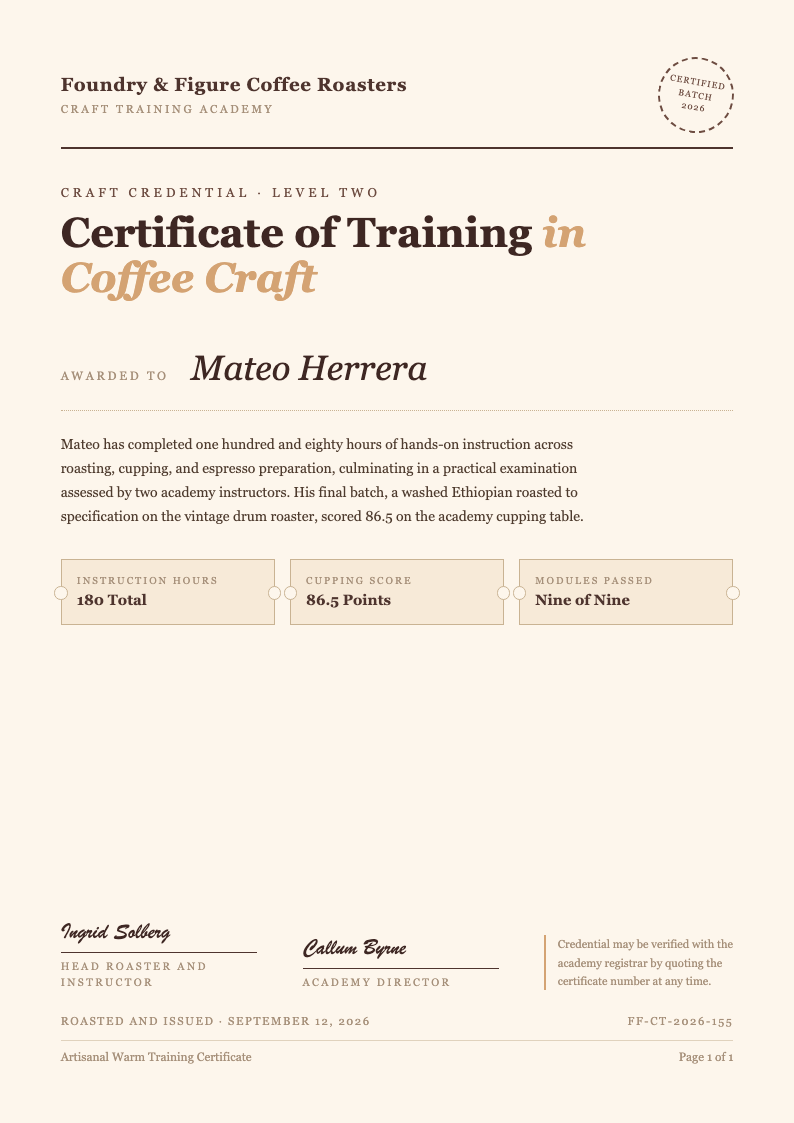
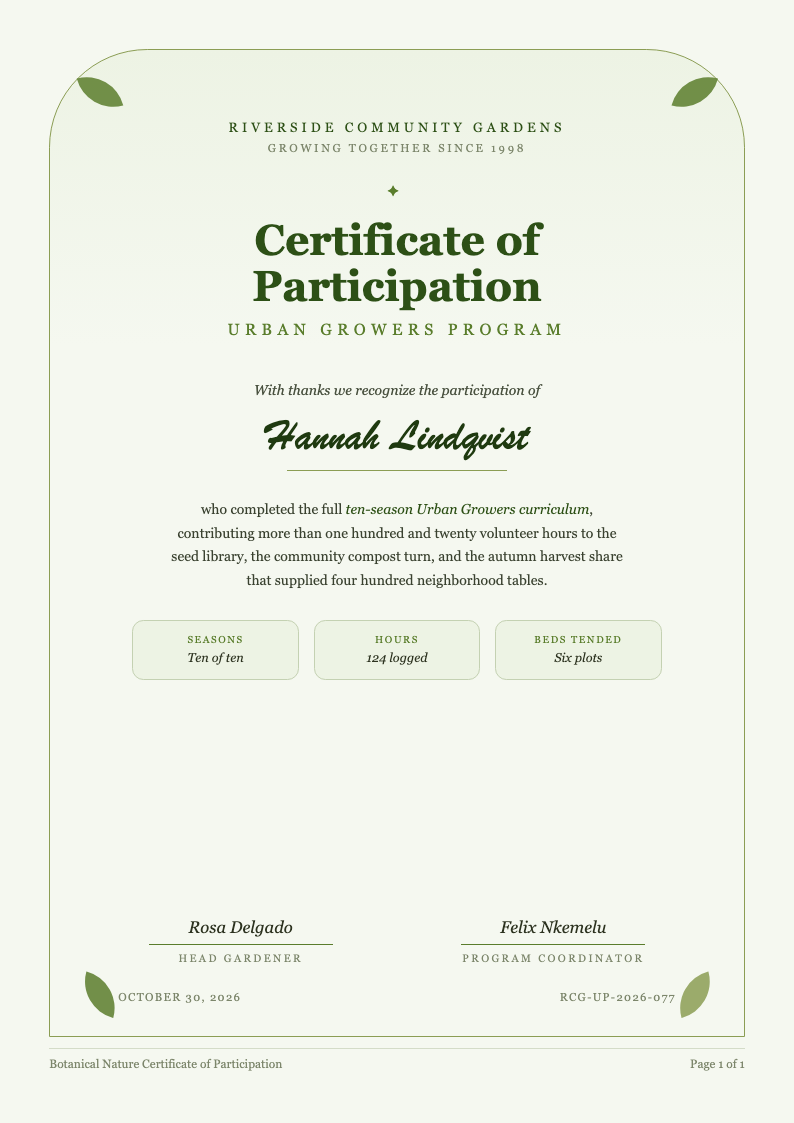
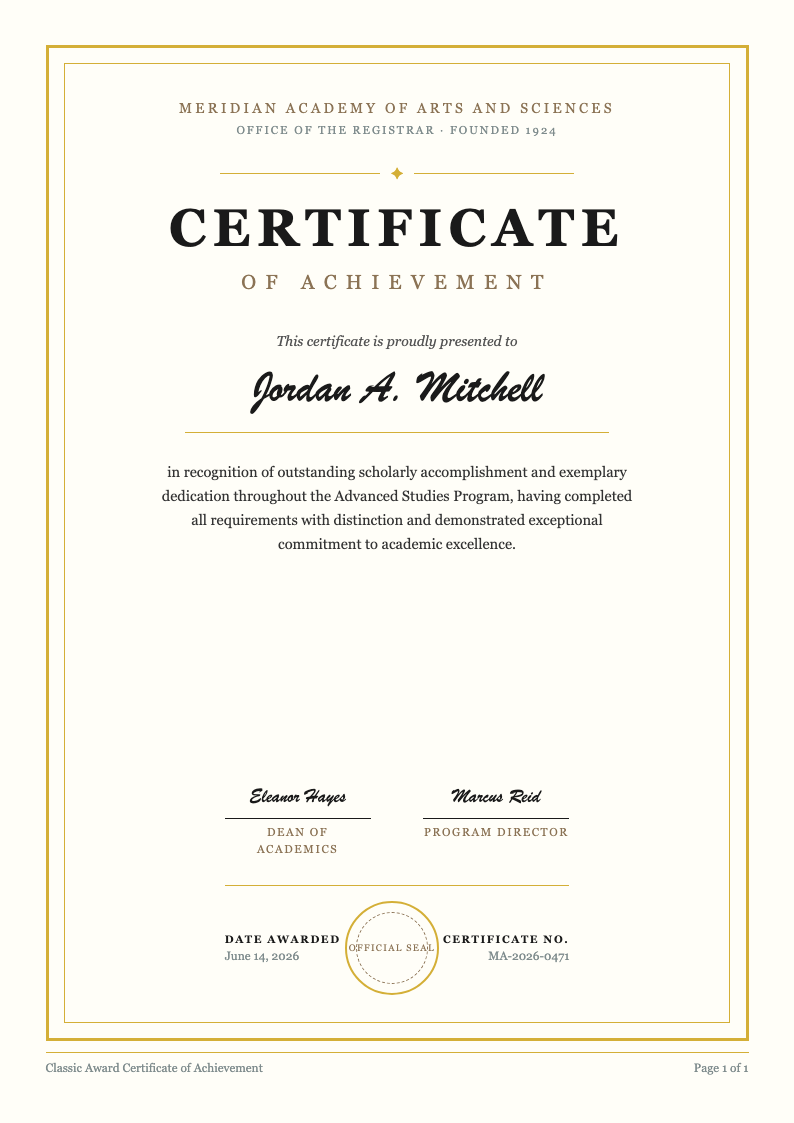
Explore our library of free, designer-crafted certificate templates—perfect for education, corporate training, events, and personal recognition. All templates work seamlessly with the Certificate Generator and require no design experience.
Frequently Asked Questions
Everything you need to know about creating certificates quickly and securely.
- Is the Certificate Generator really free?
- Yes. Our Certificate Generator is completely free to use with no hidden fees, watermarks, or required sign-ups. You can create, customize, and download as many certificates as you need for classes, events, or employee recognition. For the best result, double-check spelling of names, dates, and titles before exporting the final PDF or image.
- What file formats can I export my certificate in?
- You can export your finished certificate as a high-resolution PDF for printing or a PNG image for digital sharing. PDF is best when you need consistent margins and crisp text on paper, while PNG works well for email, websites, and presentations. Both formats preserve the design so the certificate looks professional on any device.
- Do I need design skills to use this tool?
- No design skills are required. The tool is built for teachers, HR professionals, event organizers, and individuals who need a clean certificate quickly. Pick a template, replace placeholder text, and adjust fonts, colors, and alignment with simple controls. You can still get a polished layout without learning complex design software.
- Can I create multiple certificates at once?
- Yes. You can upload a CSV file with recipient names and other details, and the tool can produce individualized certificates for each entry. This is helpful for classrooms, training programs, and events where consistency matters. After generating, review a few samples to confirm spelling and spacing before printing the full batch.
- Is my data secure when using the Certificate Generator?
- We prioritize privacy. Your text is used to generate the certificate you download, and it is not intended to be stored for unrelated purposes. If you are working with sensitive information, keep personal identifiers minimal and avoid including private numbers. Always review the final certificate before sharing it outside your organization.
- Can I add my organization's logo to the certificate?
- Yes. You can upload a logo during editing and place it wherever it fits the design. Common formats like PNG and JPG are supported, and a transparent PNG usually looks best. For printing, use a higher-resolution logo so it stays sharp. You can resize and align it to match your branding guidelines.
- Are the certificates printable?
- Yes. Certificates are optimized for printing on standard sizes like A4 and Letter. Export to PDF for the most reliable print output, because it keeps fonts, spacing, and borders consistent across devices. For best results, print a test copy first to confirm margins and colors before producing the final set.
- Does the Certificate Generator work on mobile devices?
- Yes. You can create and edit certificates on smartphones and tablets in a modern web browser, with no app download. Mobile is great for quick text updates, while desktop is usually easier for precise alignment and spacing adjustments. Either way, you can still export your final certificate as PDF or PNG.
- How long does it take to generate a certificate?
- Most users can finish a certificate in just a few minutes. Templates handle the layout, so you mainly enter names, dates, and an award title, then make small style changes if needed. If you are generating many certificates, uploading a list can save a lot of time compared with editing each one manually.
- Can I save my progress and come back later?
- Draft saving is limited because the tool is optimized for quick generation without requiring an account. A simple workaround is to download a draft PDF or keep a copy of the text you entered, then return later to make updates. If you need deeper revisions, export and continue editing in your preferred document editor.
Start Creating Your Certificate Today
Join thousands who’ve already created stunning, professional certificates in seconds—no cost, no hassle.
No credit card required • AI formatter tools included • Instant formatting