Edit Certificate Templates Online for Free
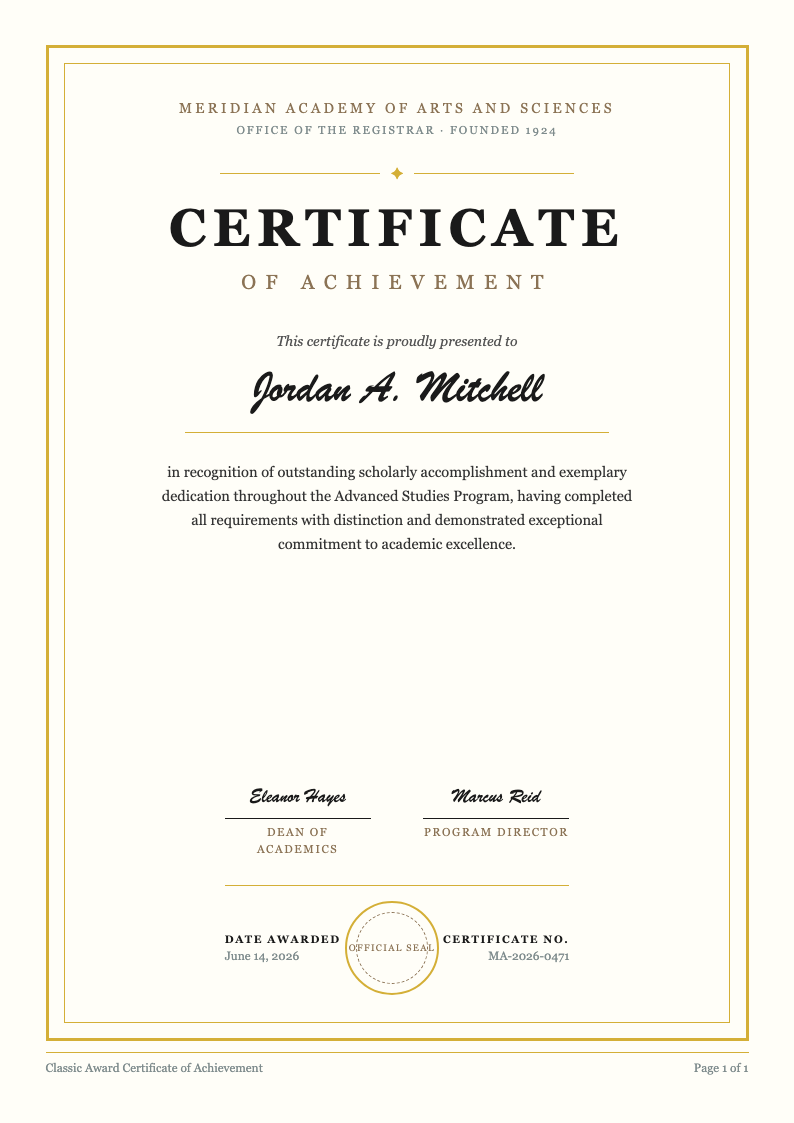
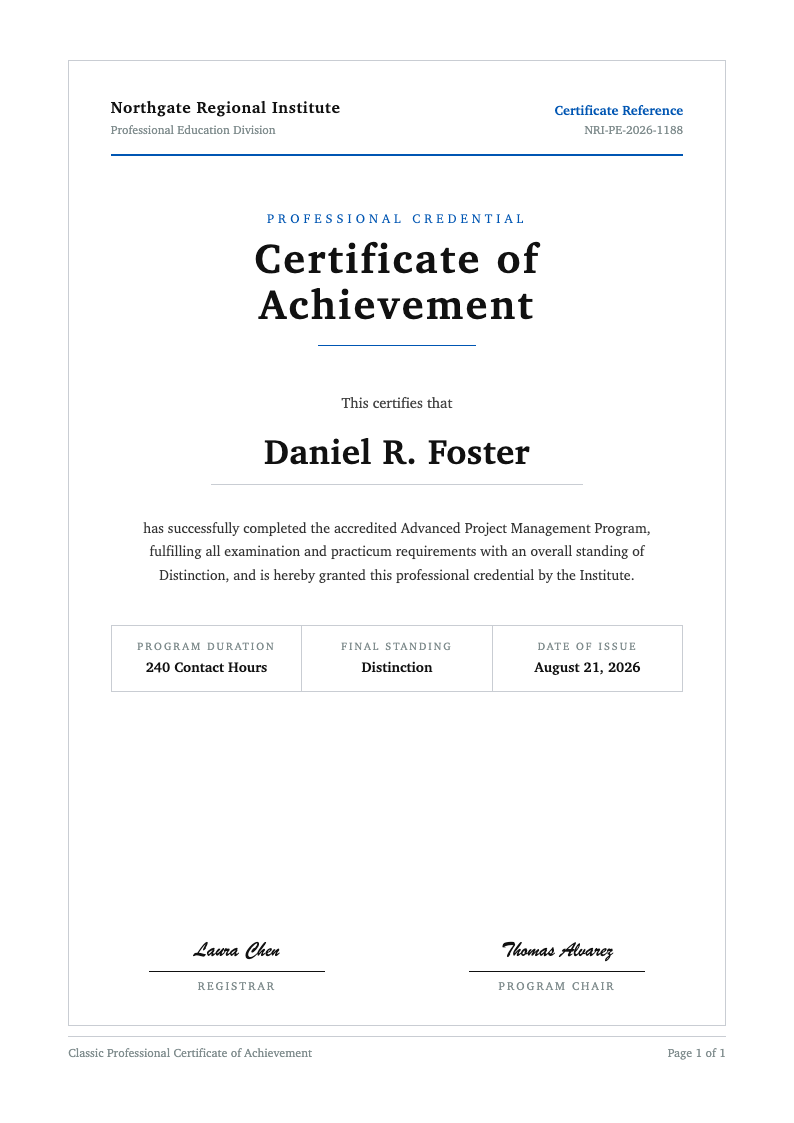
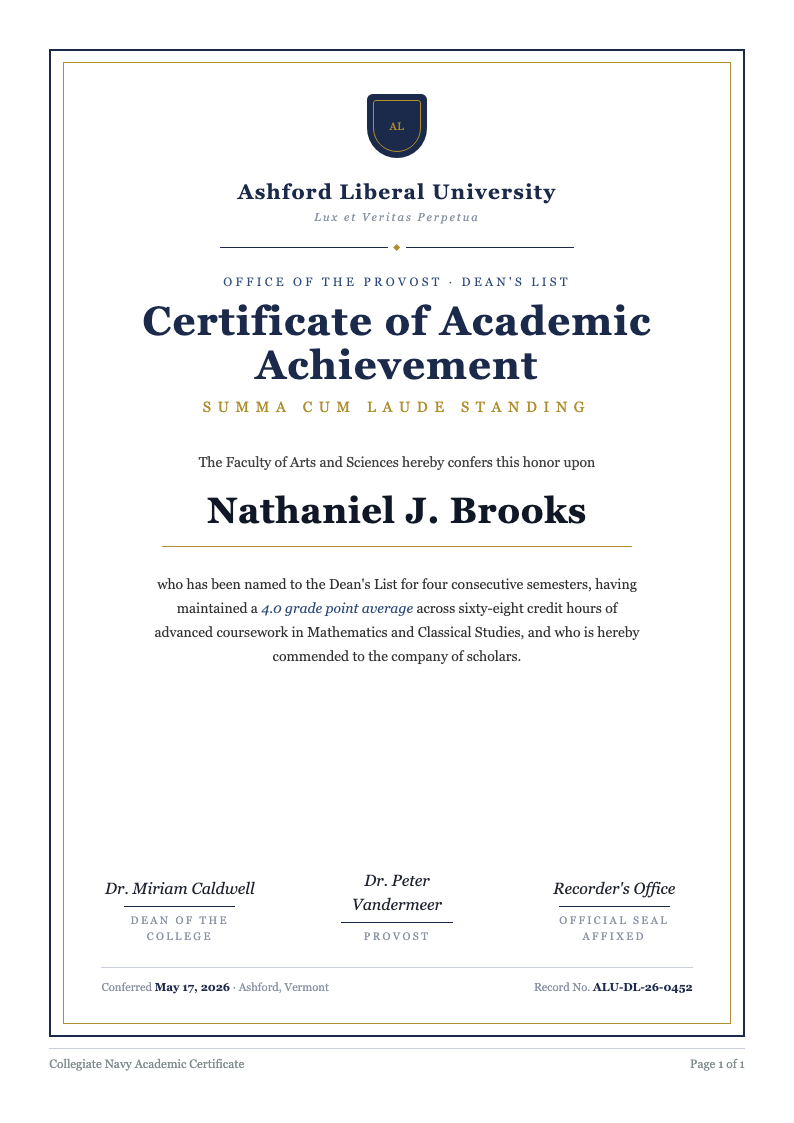
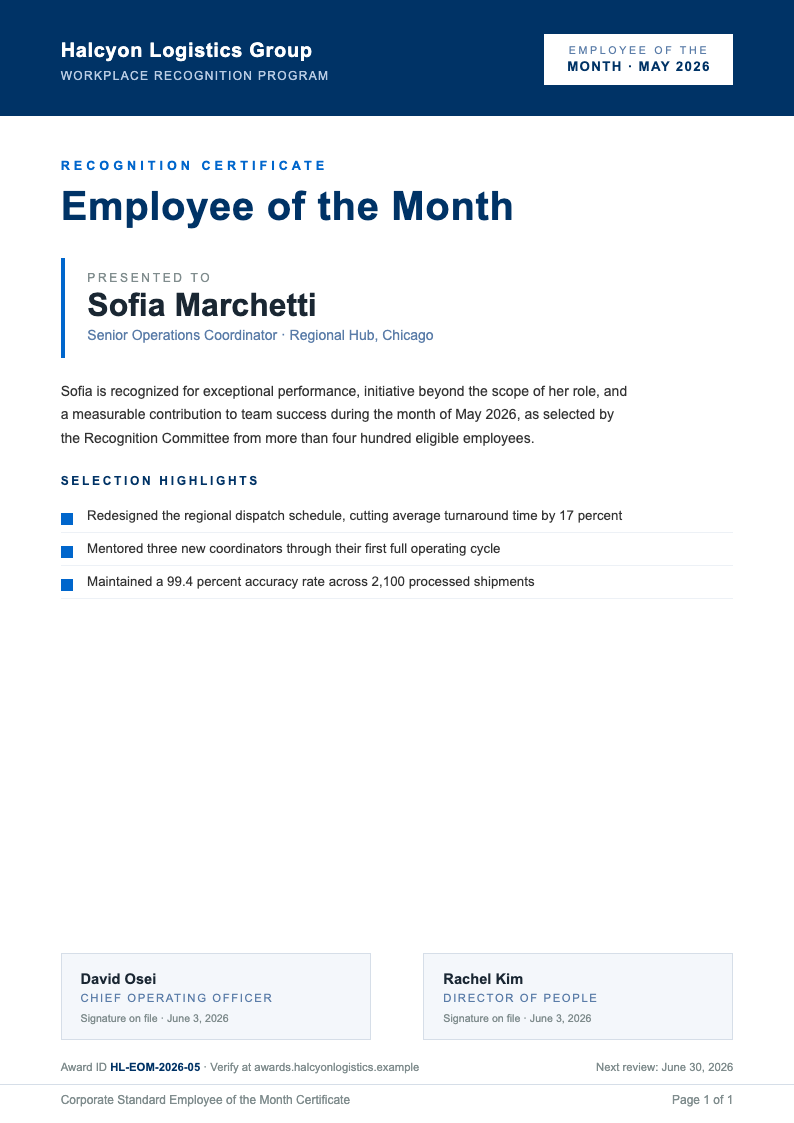
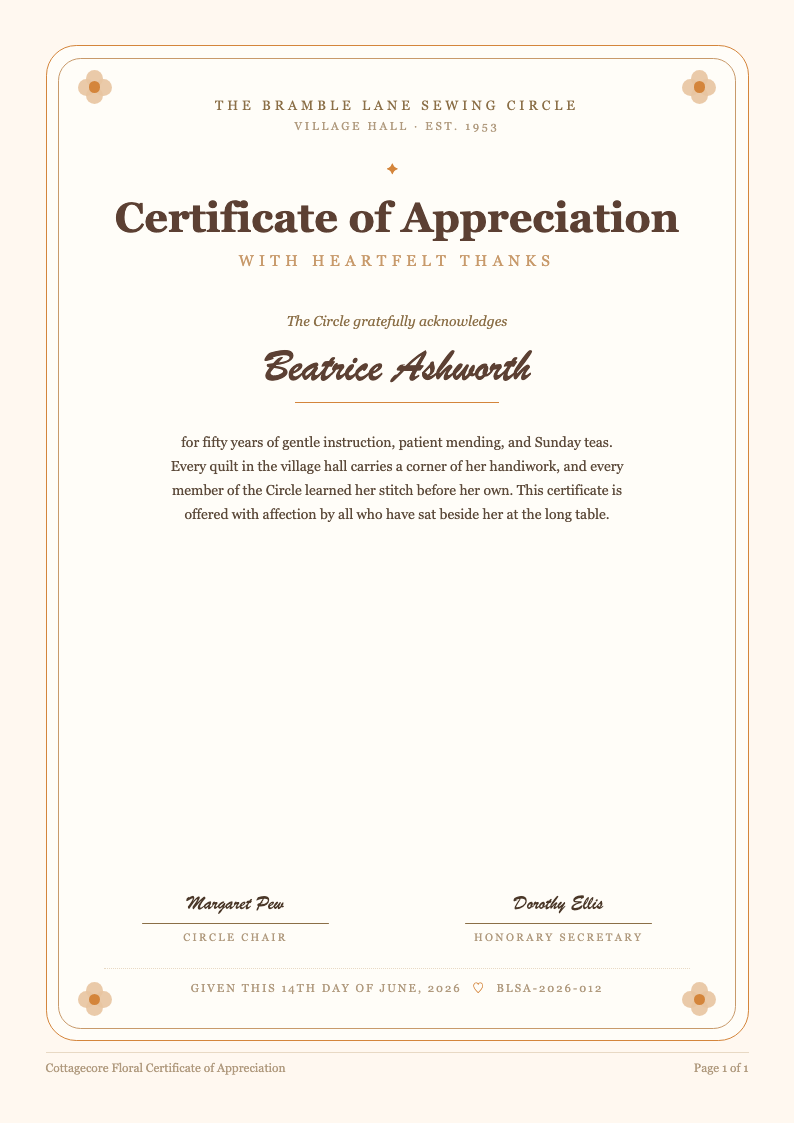
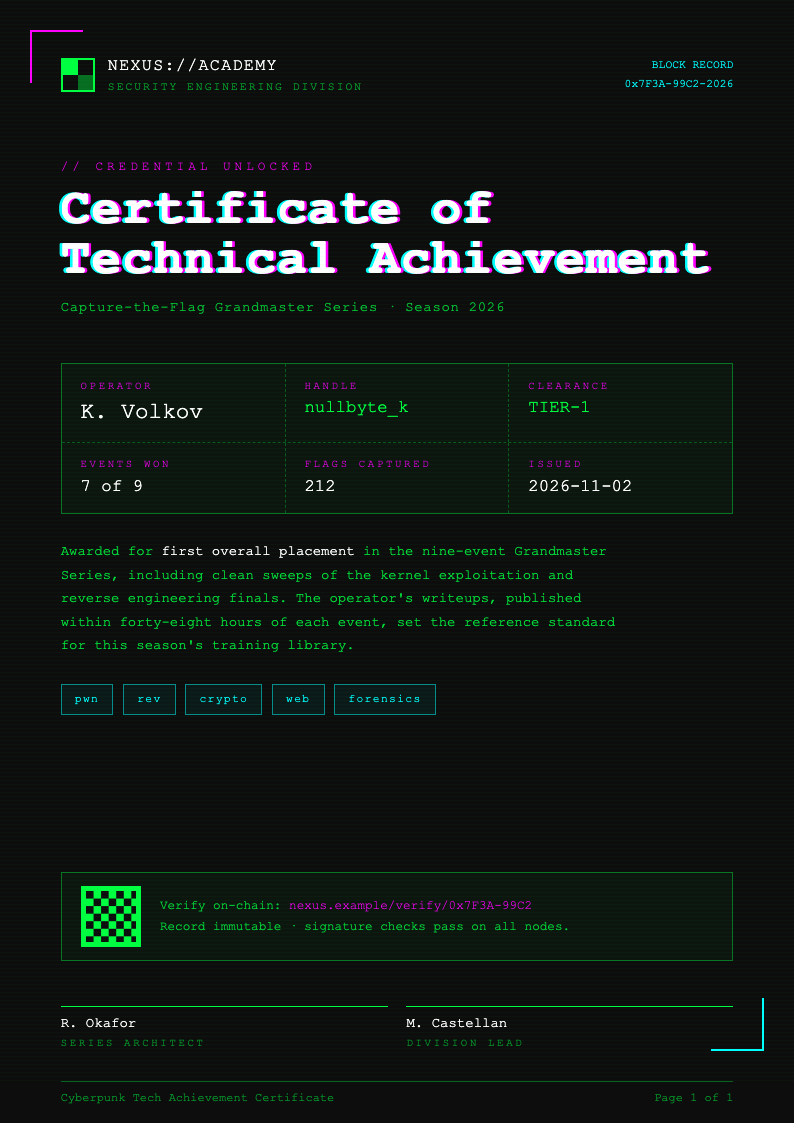
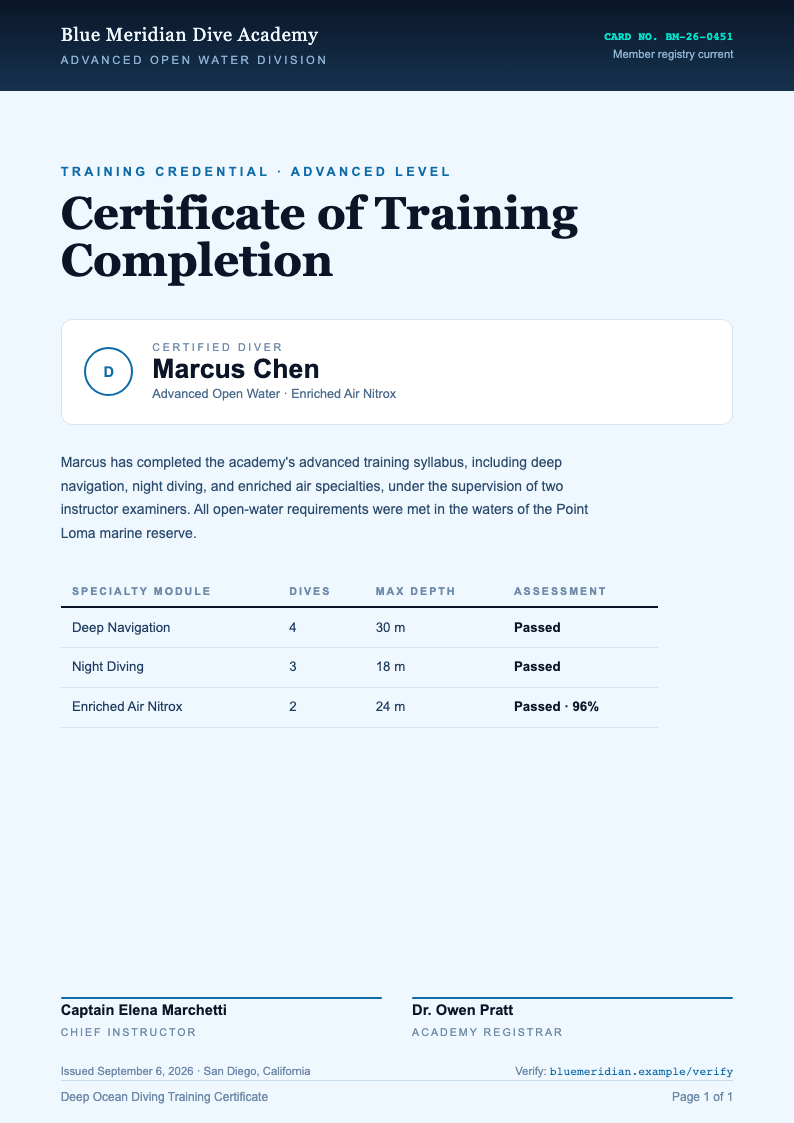
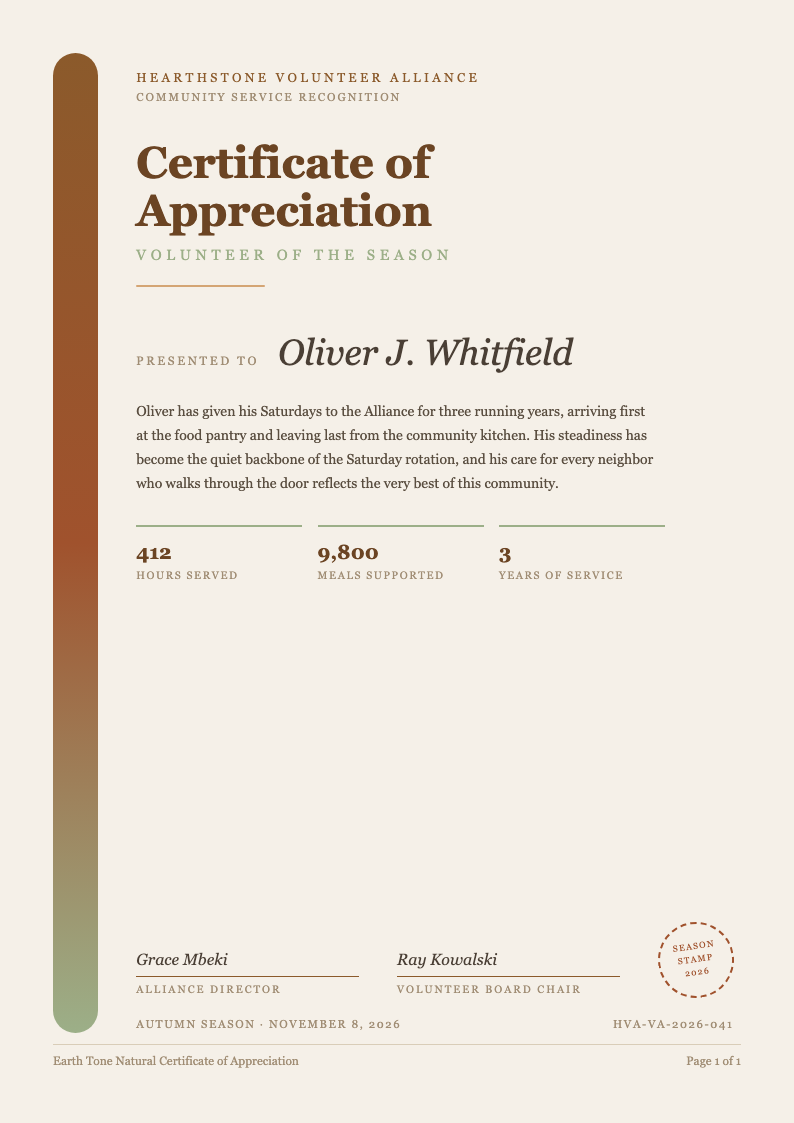
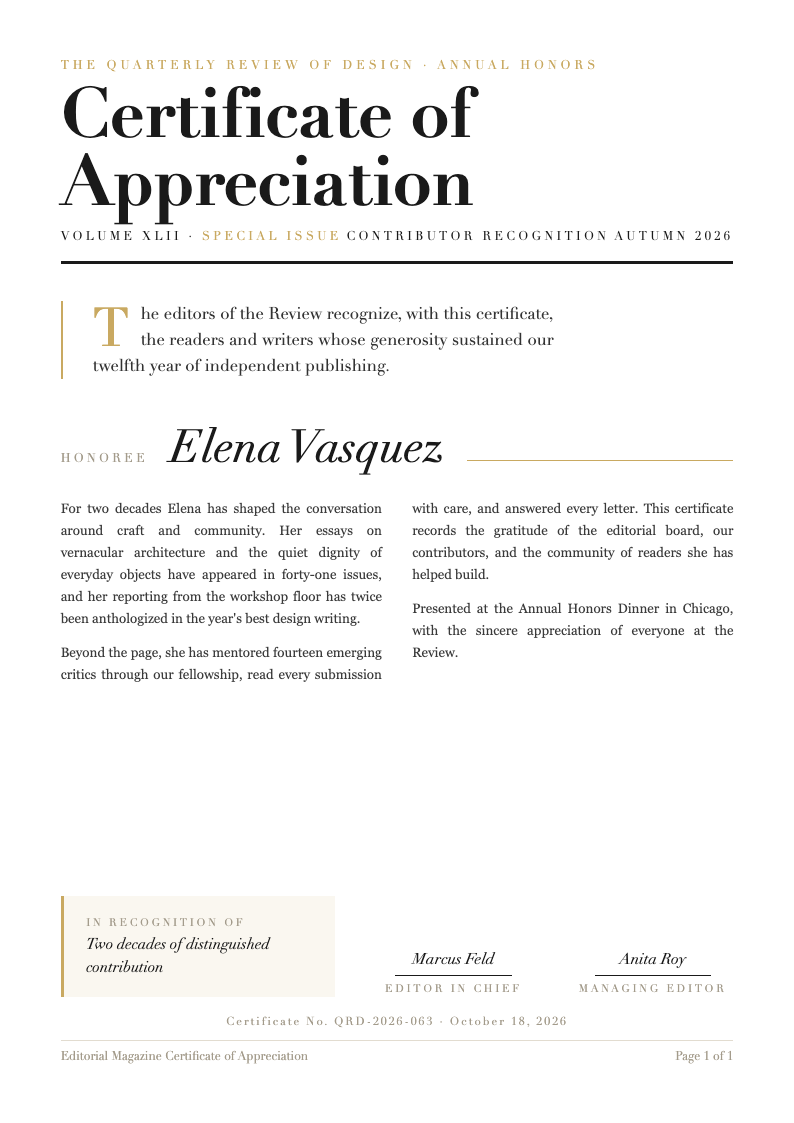
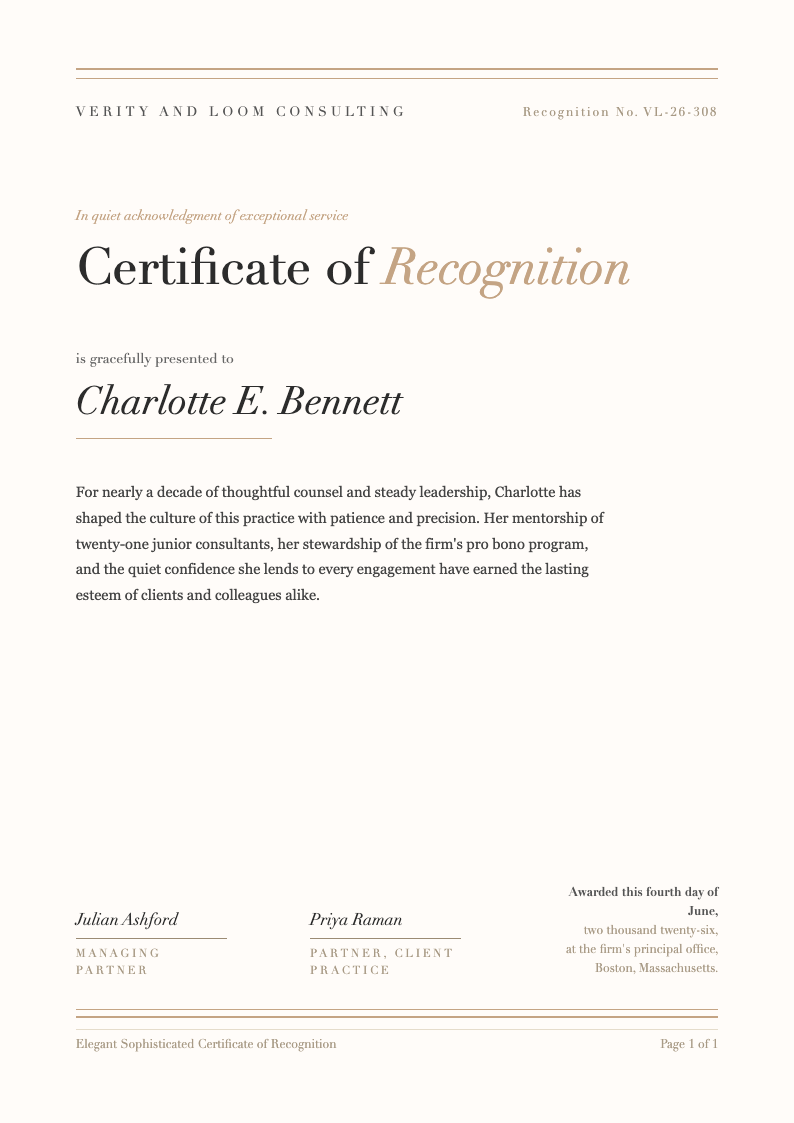
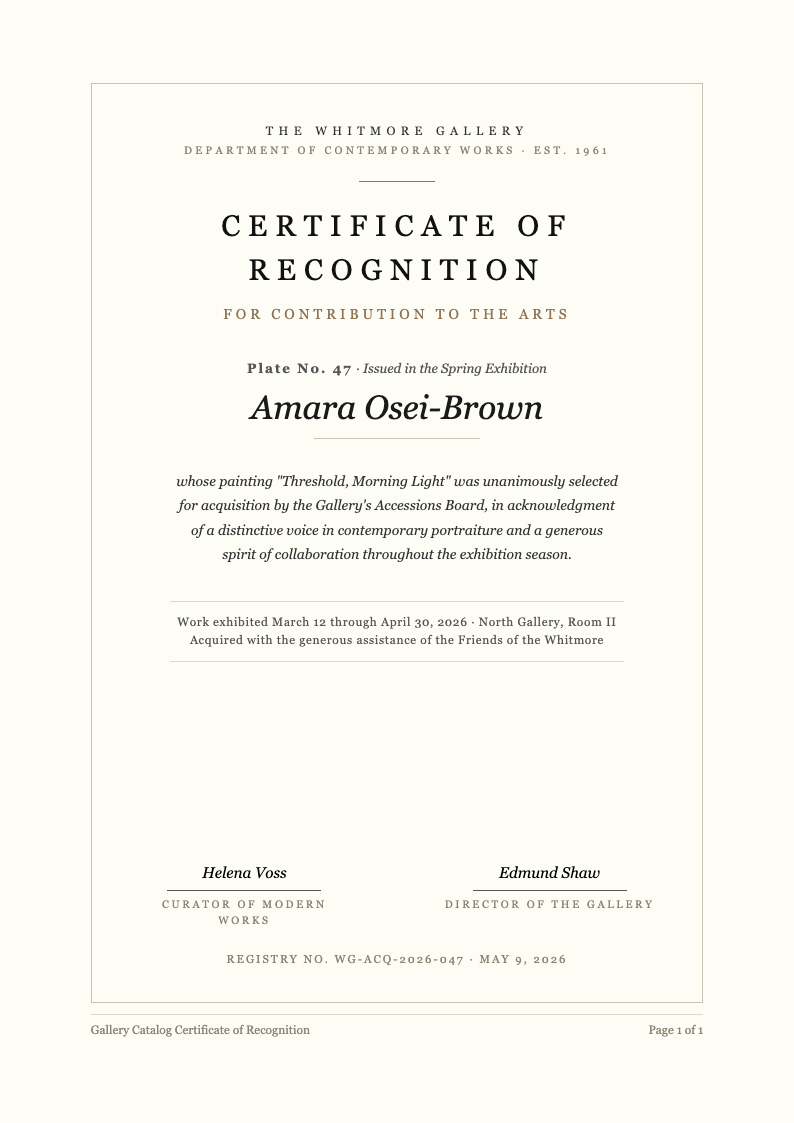
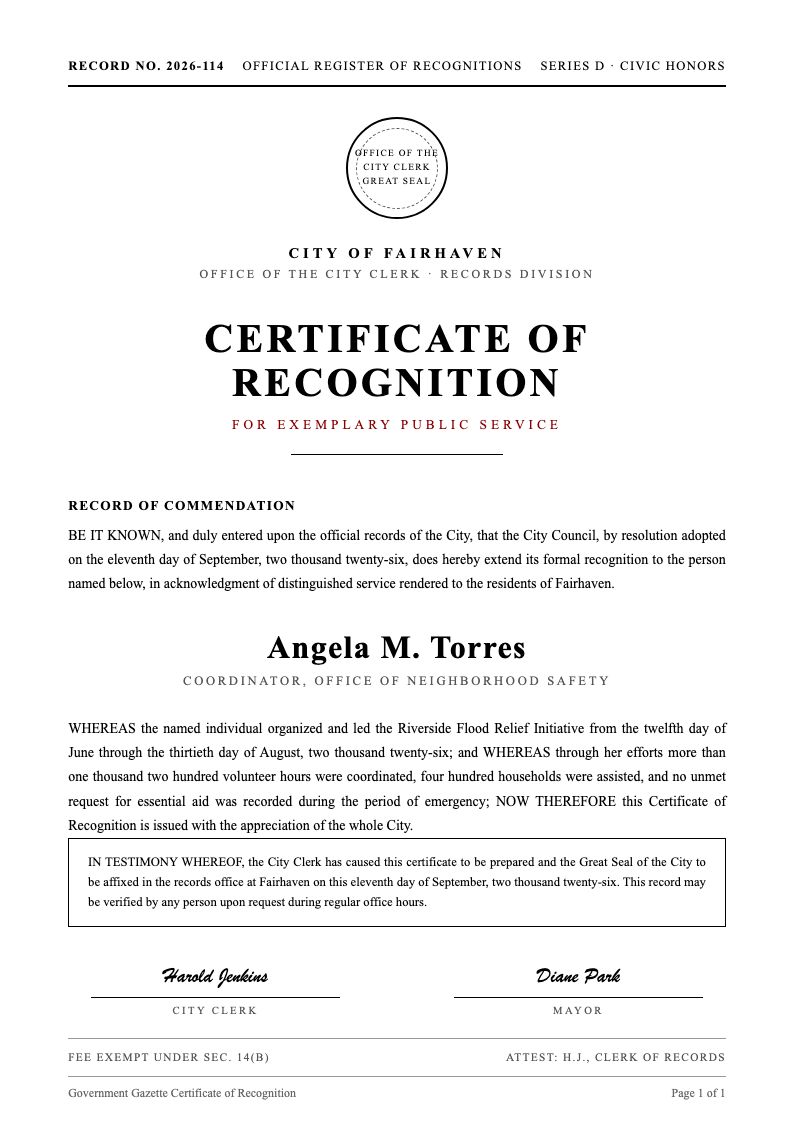
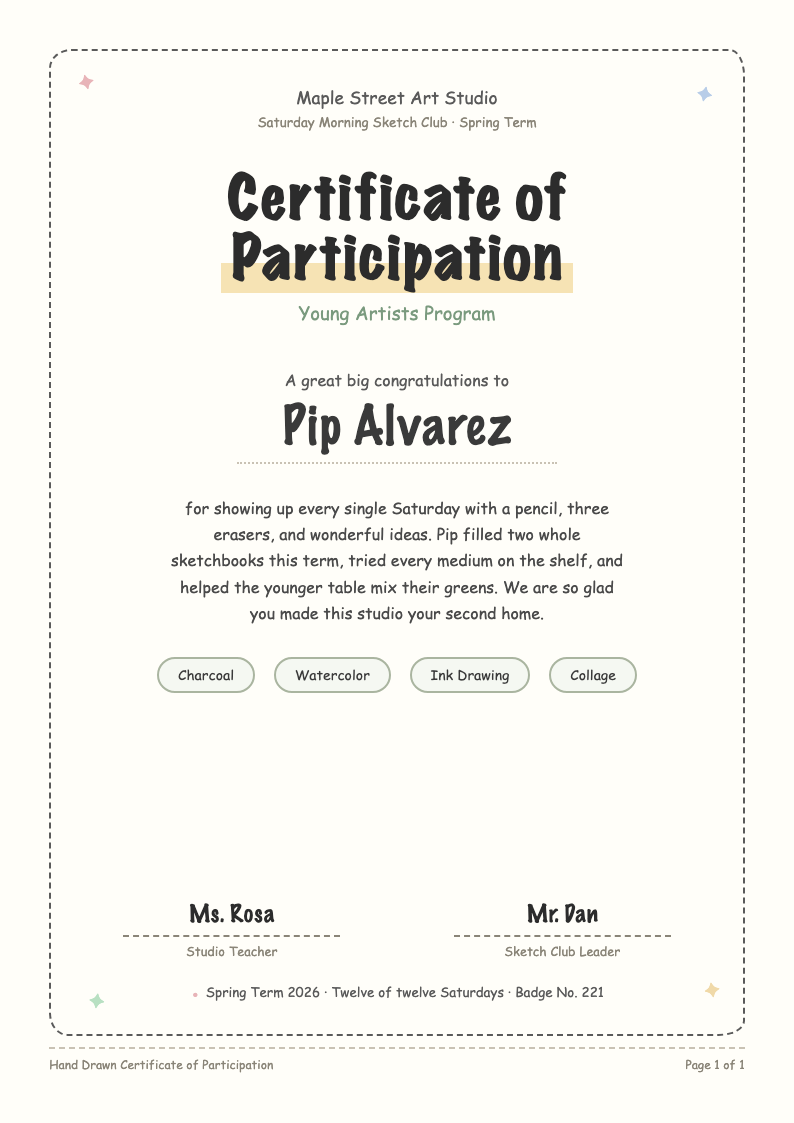
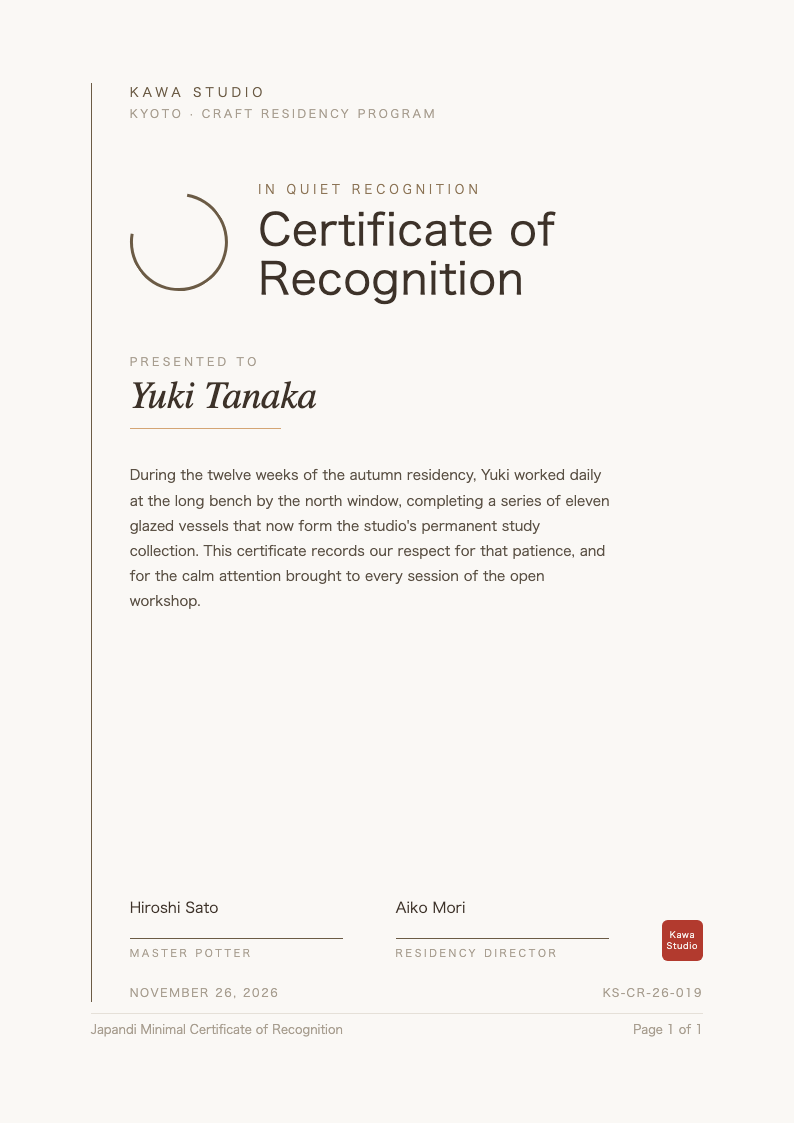
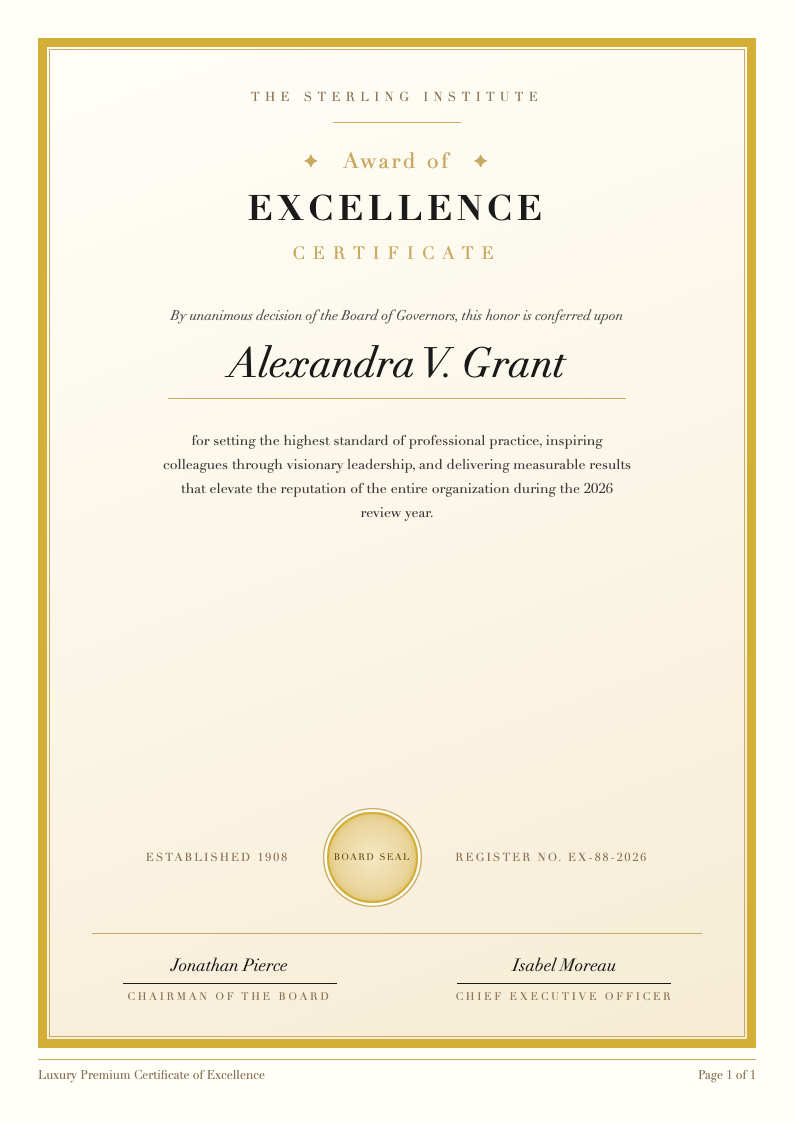
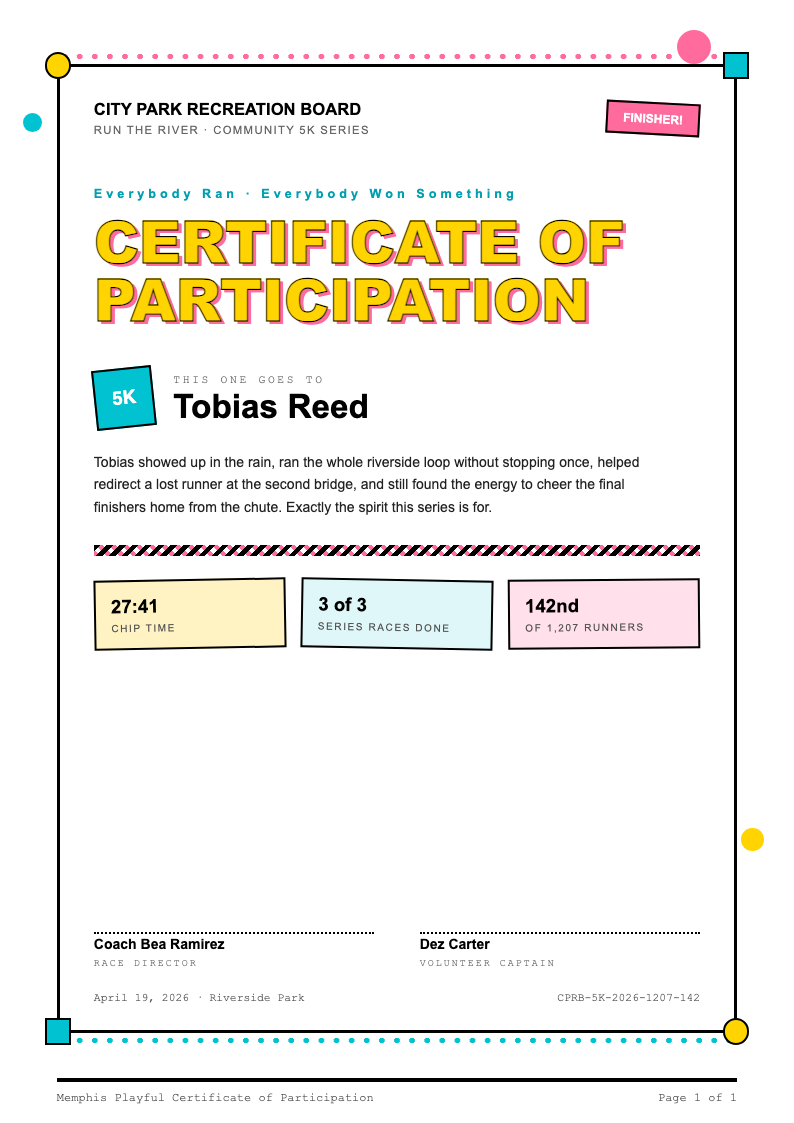
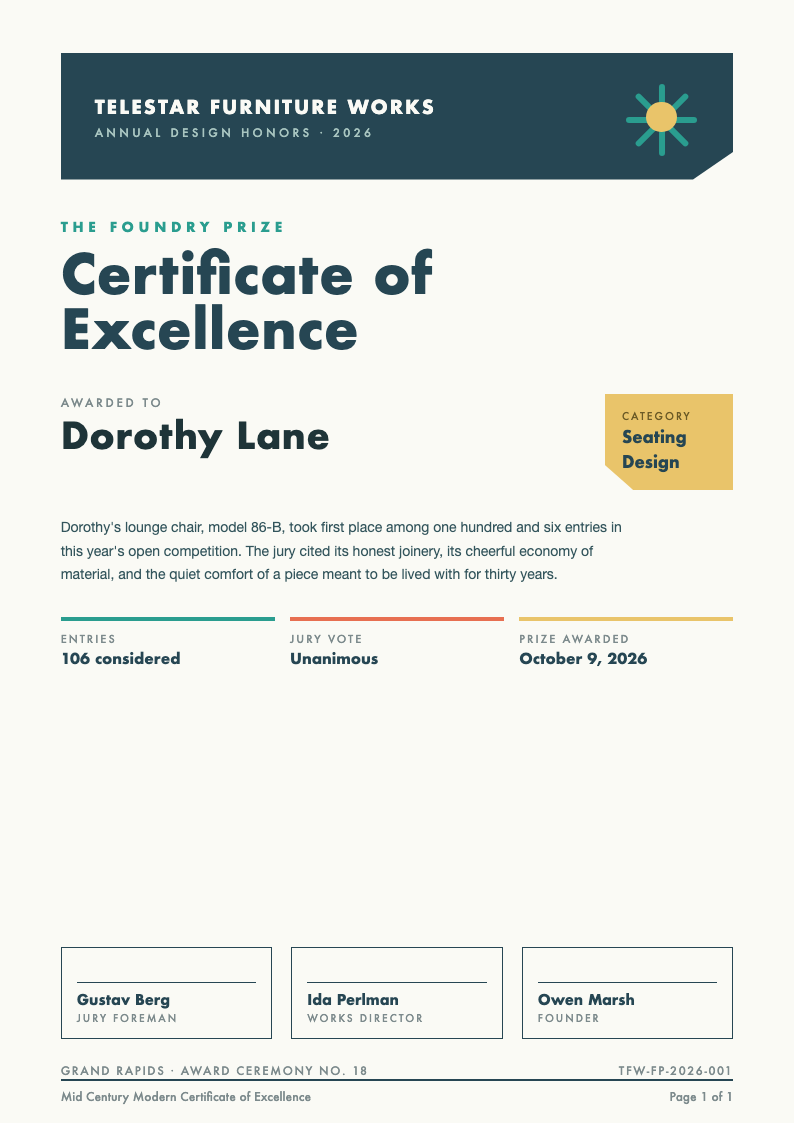
With AI Formatter, you can easily customize professional Certificate templates directly in your browser—no software needed. Choose from dozens of clean, printable designs, edit text and layout in seconds, and download your finished Certificate in Word or PDF format to save time and boost productivity.
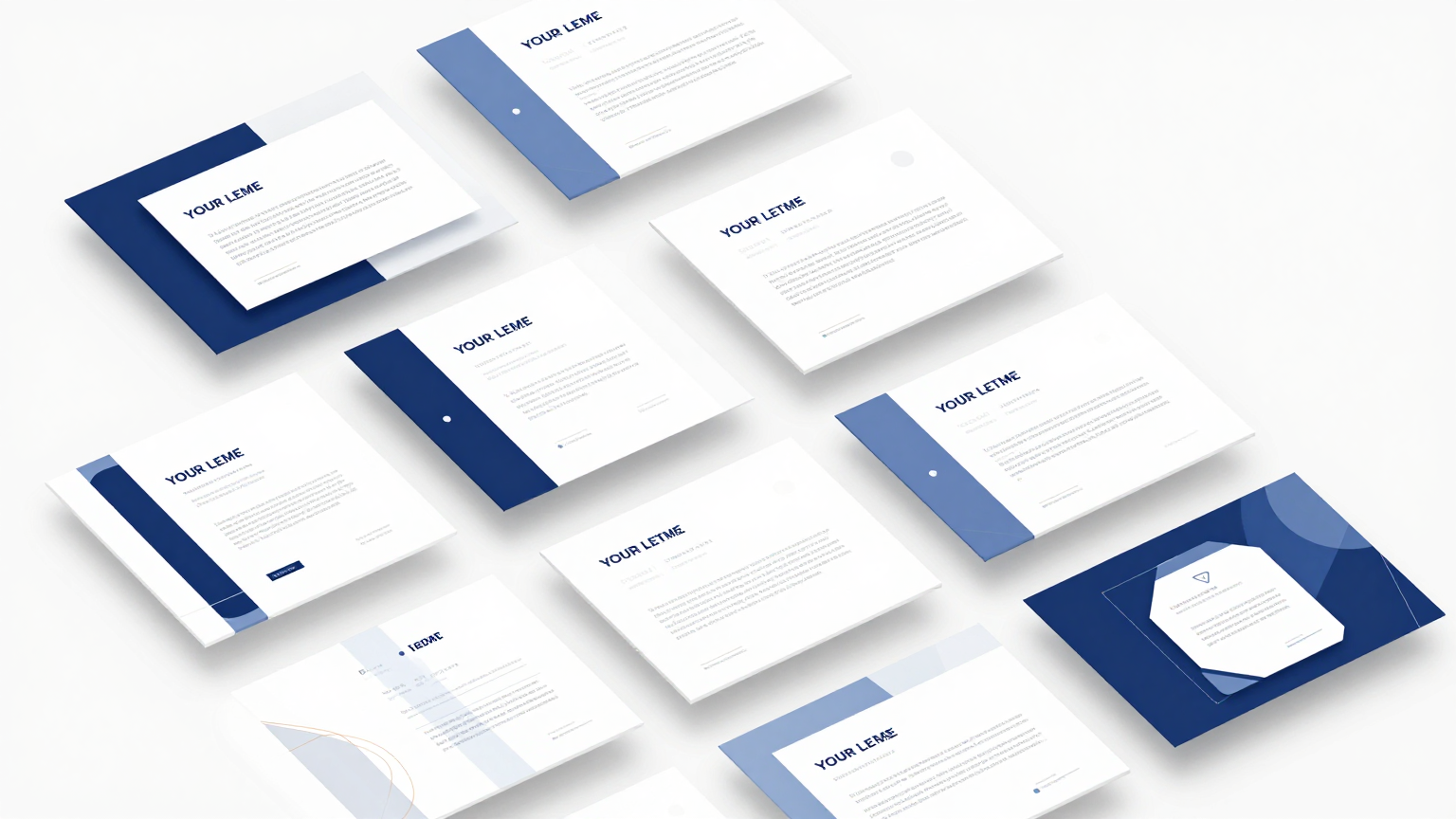
Showing 20 of 30 templates
Frequently Asked Questions About Our Templates
Get answers to common questions about our professional template collection and how to use them effectively.
- Are your Certificate templates really free to use?
- Yes, all our Certificate templates are completely free to download and use. You can edit, print, or share them without any hidden fees or watermarks. Whether you're creating a Certificate of Achievement, Participation, or Completion, our templates are designed to be accessible and practical for personal, educational, or small business needs.
- Can I edit a Certificate template in Microsoft Word?
- Absolutely. Every Certificate template is available in standard .docx (Word) format, so you can open it directly in Microsoft Word, Google Docs, or any compatible word processor. This makes editing text, fonts, colors, and layout simple and familiar. Just download the file, make your changes, and save or print your customized Certificate.
- How do I customize a Certificate template online?
- Customizing a Certificate template online with AI Formatter is straightforward. Browse our collection, click on a design you like, and use our built-in editor to change names, dates, titles, and other details. You don’t need to install anything—just edit in your browser and download the final version as a Word document or PDF when you’re done.
- Do I need to create an account to download a Certificate?
- No account is required. You can browse, edit, and download any Certificate template instantly without signing up or providing personal information. We believe in making professional documents easy and accessible, so everything—from previewing to downloading—is available with just a few clicks and zero barriers. Ensure that you review all information carefully before finalizing your document to maintain professionalism.
- What types of Certificate templates do you offer?
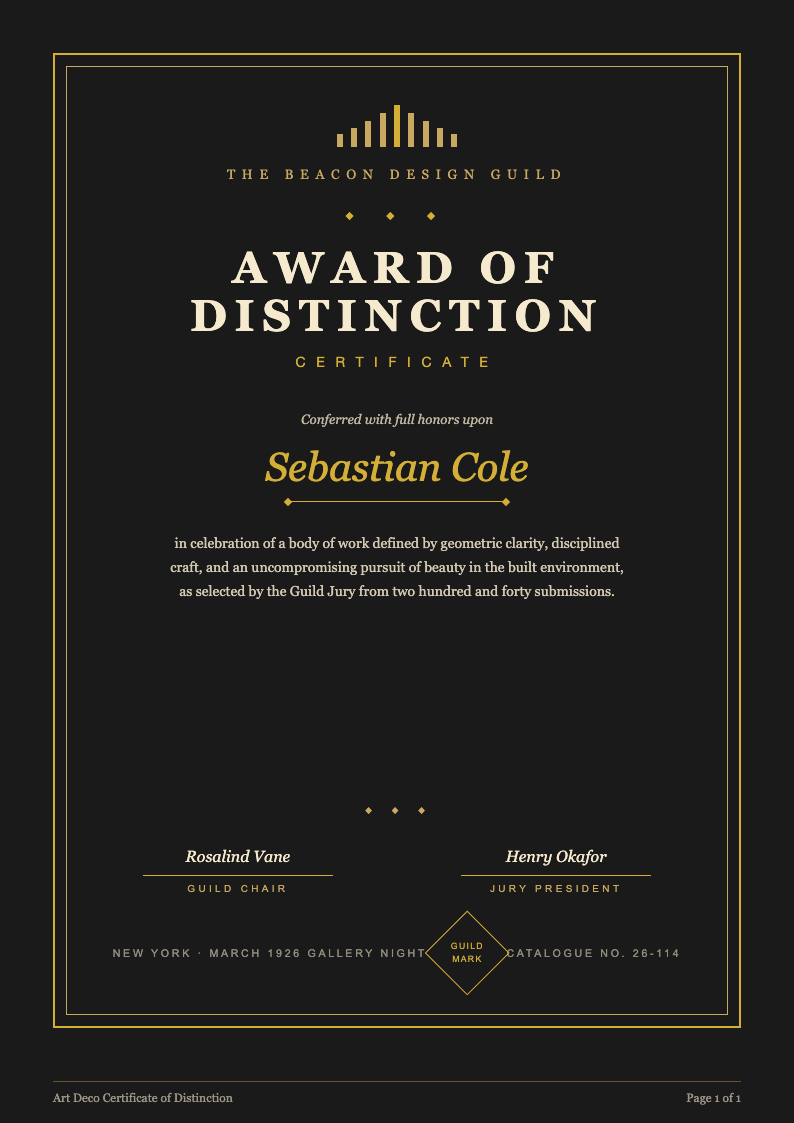
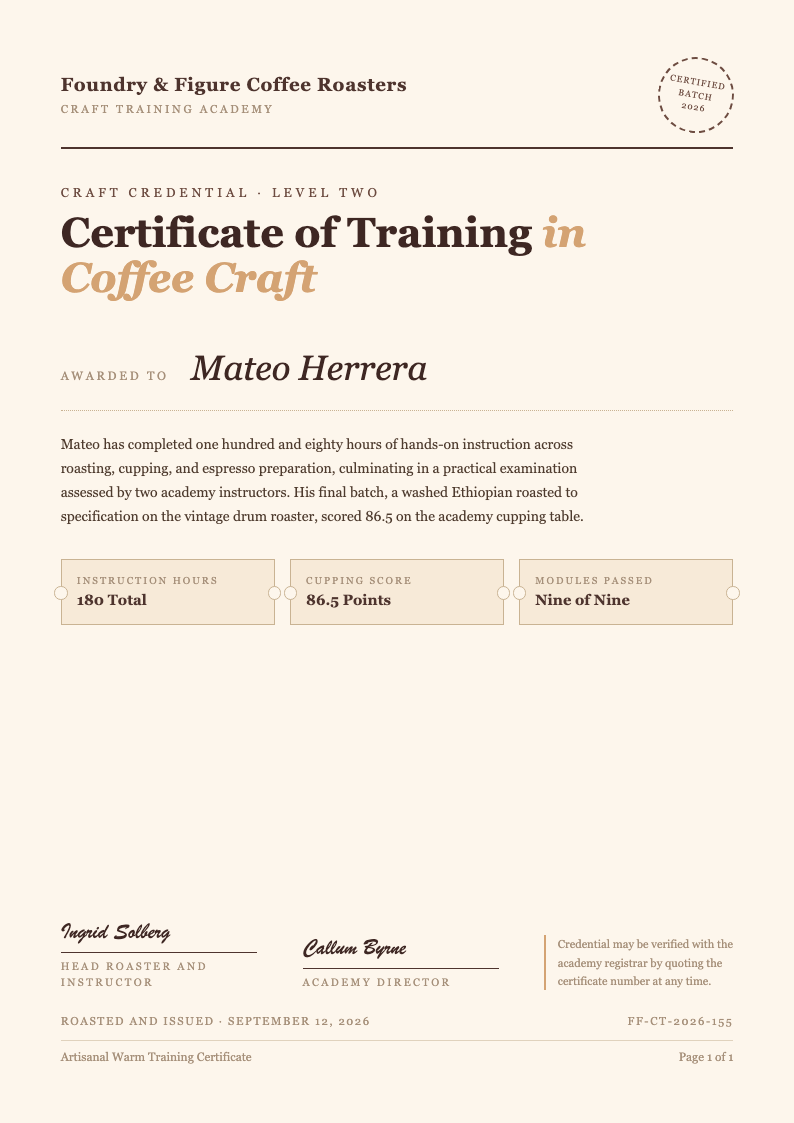
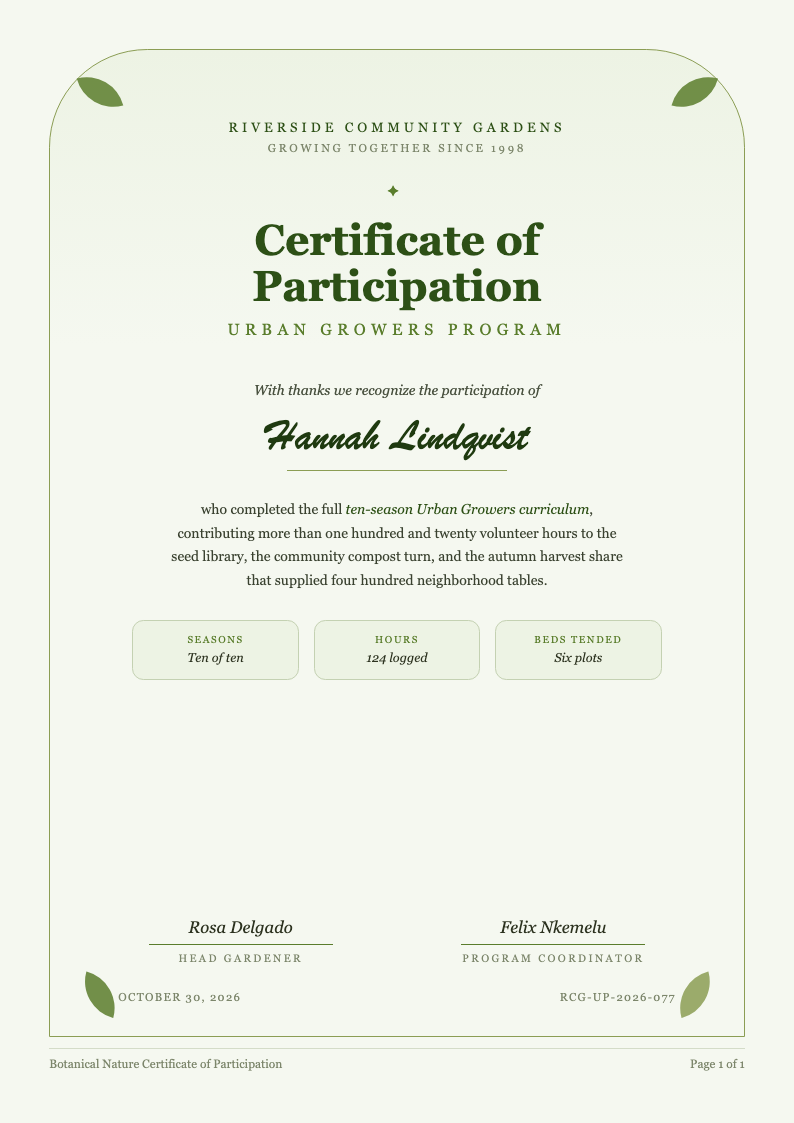
- We offer a wide variety of Certificate templates for different purposes, including academic awards, employee recognition, course completion, volunteer appreciation, and more. Each Certificate is professionally designed with clean layouts, balanced spacing, and elegant typography so you can present achievements with credibility and style. Take advantage of our free resources to enhance your productivity and achieve professional results instantly.
- Can I print the Certificate after editing it?
- Yes, all Certificate templates are optimized for printing. Once you’ve customized your Certificate online or in Word, you can print it on standard letter-size (8.5" x 11") or A4 paper using any home or office printer. The templates include proper margins and resolution-friendly design elements to ensure crisp, professional results every time.
- Are the Certificate templates editable on mobile devices?
- Yes, our online editor works on smartphones and tablets, so you can customize a Certificate anytime, anywhere. While complex formatting is easier on a desktop, basic edits like changing names, dates, or titles are fully supported on mobile browsers. You can also download the Word file and edit it later in your preferred app.
- Can I add my organization’s logo to a Certificate?
- Yes, you can easily add your school, company, or organization’s logo to any Certificate template. In the online editor, use the image upload feature to insert your logo. If editing in Word, simply click where you want the logo and insert it from your files. Make sure your logo is high-resolution for the best print quality.
- Do you provide instructions for using each Certificate template?
- Each Certificate template includes clear placeholder text (like '[Recipient Name]' or '[Date]') that guides you on what to replace. Additionally, our help section offers step-by-step tips for customization, printing, and formatting. If you’re new to using templates, you’ll find the process intuitive and well-supported. Our AI-powered tool is designed to simplify this process, saving you time and effort while ensuring high-quality results.
- Can I use these Certificate templates for commercial purposes?
- Yes, our Certificate templates can be used for both personal and commercial purposes. You’re free to issue them for paid courses, employee training programs, or client recognition without restrictions. However, you may not resell or redistribute the template files themselves as standalone products. We recommend double-checking the details to avoid any potential errors in your final output.
- How often do you add new Certificate templates?
- We regularly update our Certificate template library with fresh designs based on user feedback and seasonal needs—like graduation, holidays, or corporate events. Check back monthly to discover new layouts, color schemes, and formats that keep your Certificates looking current and professional. Our AI-powered tool is designed to simplify this process, saving you time and effort while ensuring high-quality results.
- Is there a limit to how many Certificate templates I can download?
- There’s no limit. You can download as many Certificate templates as you need, as often as you like. Whether you’re issuing ten or a hundred Certificates, our collection is here to support your workflow without caps, subscriptions, or paywalls. This tool provides a seamless experience, allowing you to focus on the content rather than the formatting.
- What file formats are available for Certificate downloads?
- All Certificate templates are provided in Microsoft Word (.docx) format for easy editing. After customizing online, you can also download your finished Certificate as a PDF for sharing or printing. The Word format ensures full editability, while PDF preserves formatting across devices. This step is crucial for ensuring that your final document meets all standard requirements and looks professional.
- Can I change the colors and fonts in a Certificate template?
- Yes, you have full control over colors, fonts, and styling. In the online editor, use the formatting toolbar to adjust text appearance. If you download the Word file, you can use Word’s native tools to modify fonts, sizes, colors, and even background elements to match your branding or event theme.
- Are your Certificate templates suitable for schools and nonprofits?
- Definitely. Our Certificate templates are widely used by teachers, school administrators, and nonprofit organizations to recognize student achievements, volunteer contributions, and program completions. They’re designed to be inclusive, professional, and easy to personalize—making them ideal for educational and community settings. Take advantage of our free resources to enhance your productivity and achieve professional results instantly.
Ready to Create Professional Documents with Our Templates?
Choose from our extensive collection of professionally designed templates. Start building polished, professional documents today with our free templates and AI-powered formatting tools.
Free templates • AI-powered editing • No sign-up required