Generate a Collective Bargaining Agreement in Minutes
Skip the blank page. Answer a few questions and the Collective Bargaining Agreement Generator assembles a structured draft with articles, wage schedules and grievance steps ready for the bargaining table.
How to Create a Collective Bargaining Agreement Online
List Your Bargaining Terms
Enter the topics your committee negotiated: wage increases, shift differentials, seniority rules and grievance timelines. The Collective Bargaining Agreement Generator groups each item into the right article, so nothing agreed at the table gets lost in the draft.
Choose a Contract Structure
Select a contract layout and the Collective Bargaining Agreement Generator organizes recognition, definitions, wages and arbitration into numbered articles. This mirrors the structure negotiators expect, so counsel and union leadership can review the draft without reformatting.
Review and Refine the Draft
Read through each article, tighten definitions and confirm that wage figures, effective dates and grievance deadlines match your tentative agreements. Edit wording freely, add side letters and renumber sections until the agreement reads exactly as both parties intend.
Export for Ratification
Download the final collective bargaining agreement as a Word file for last redlines or as a PDF for ratification meetings and signatures. Word is best when counsel still needs to track changes, while PDF gives members a clean, page-numbered contract ready to print and sign.
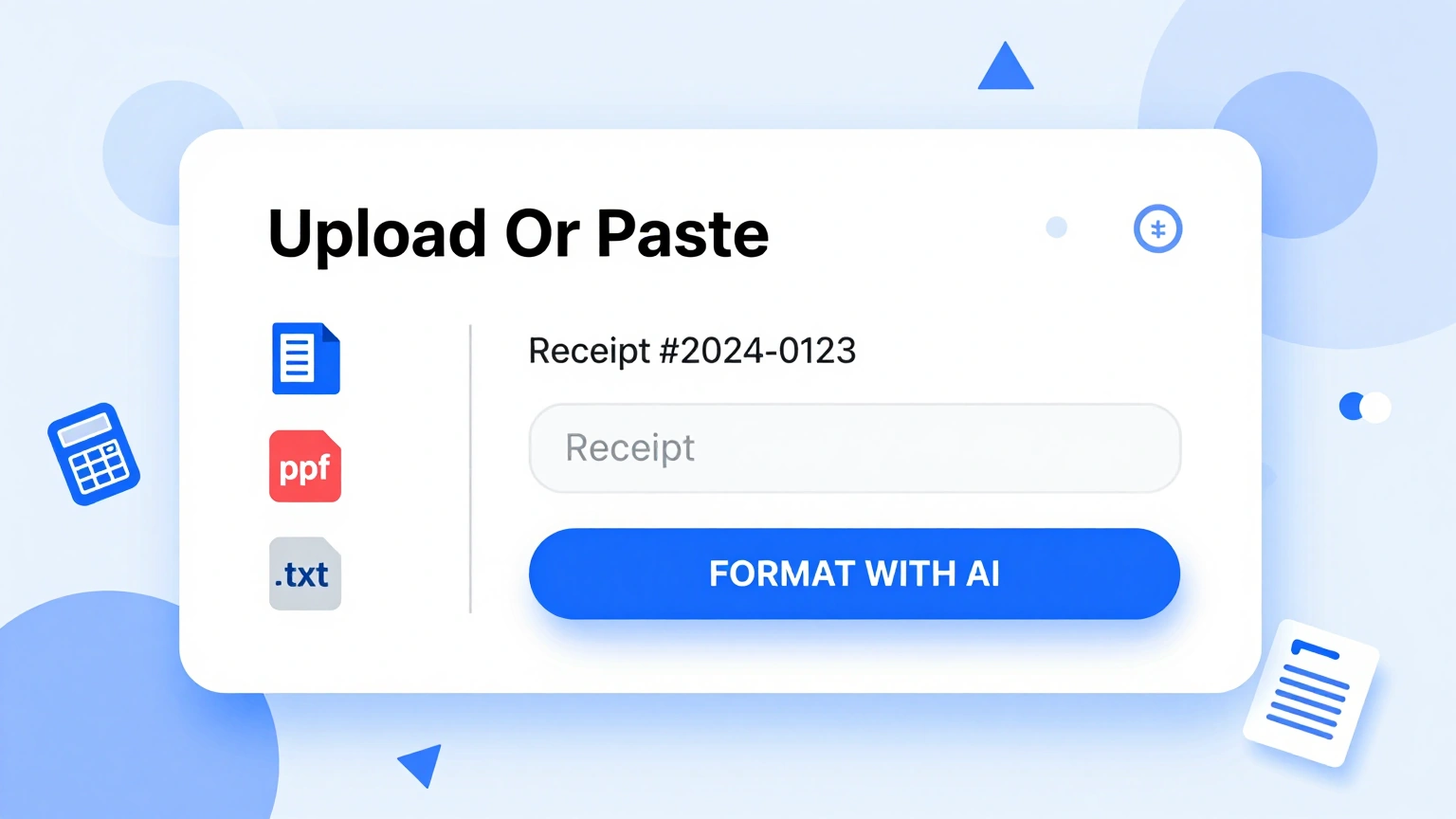
Import Negotiation Notes
Paste your proposals, counteroffers and tentative agreements directly into the Collective Bargaining Agreement Generator. The tool sorts your notes into recognition, wages, hours and grievance articles so the draft mirrors what was actually discussed across the bargaining sessions.
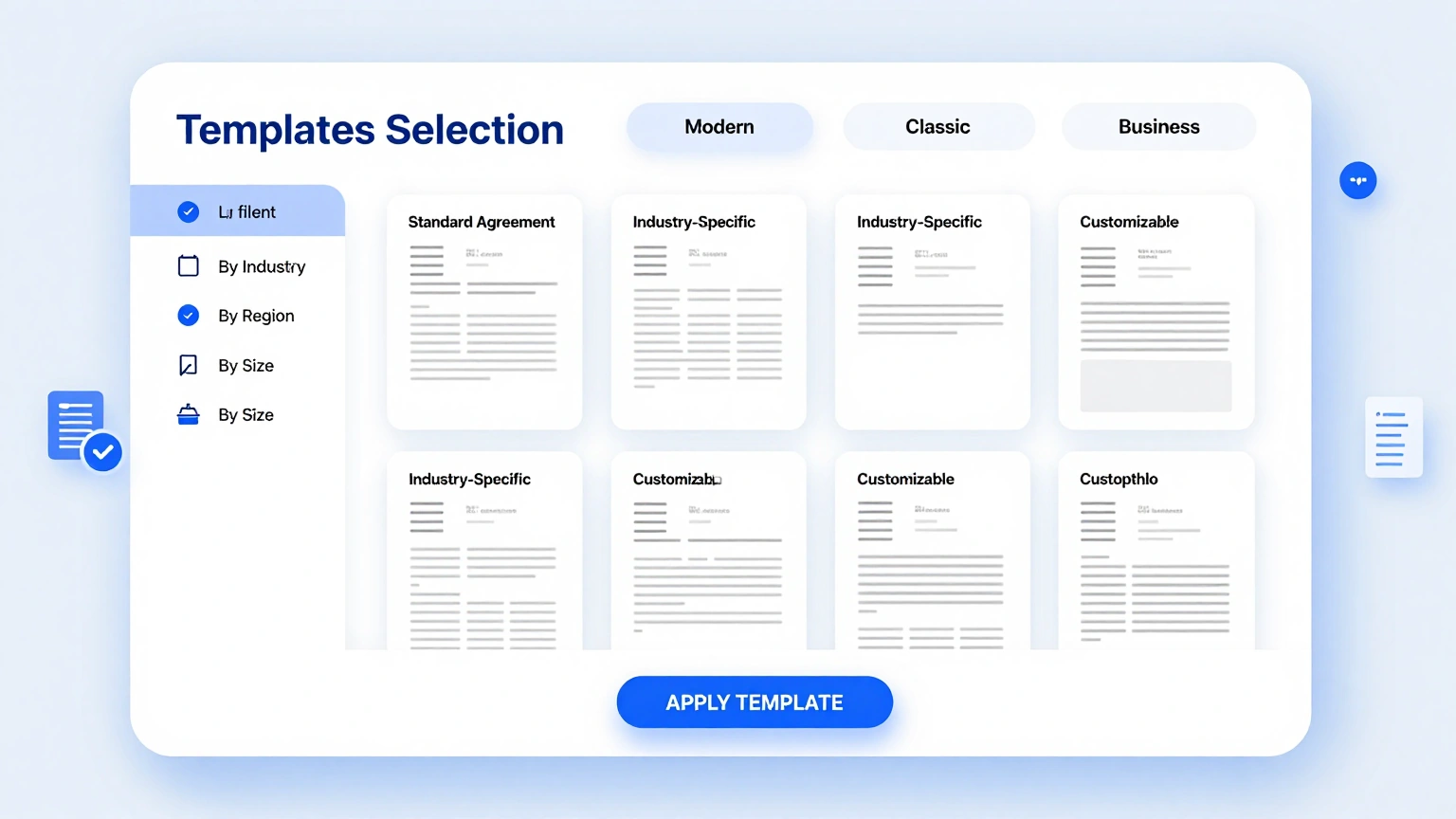
Professional Contract Layouts
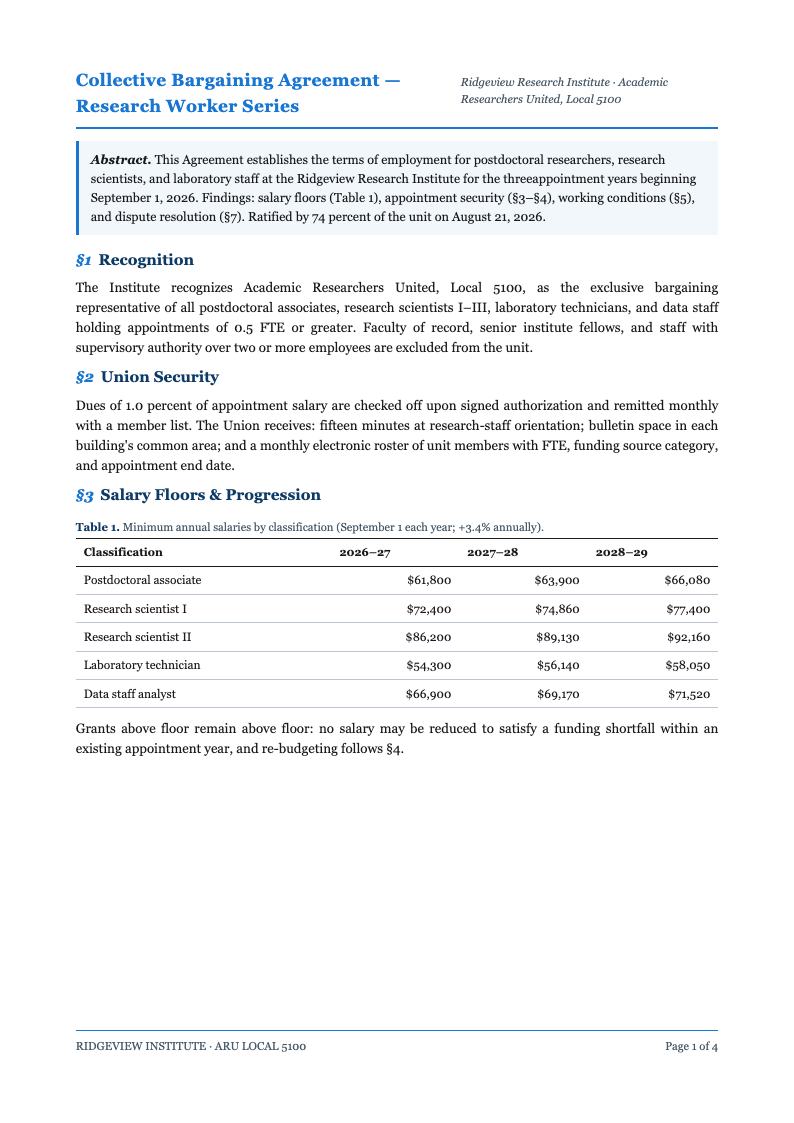
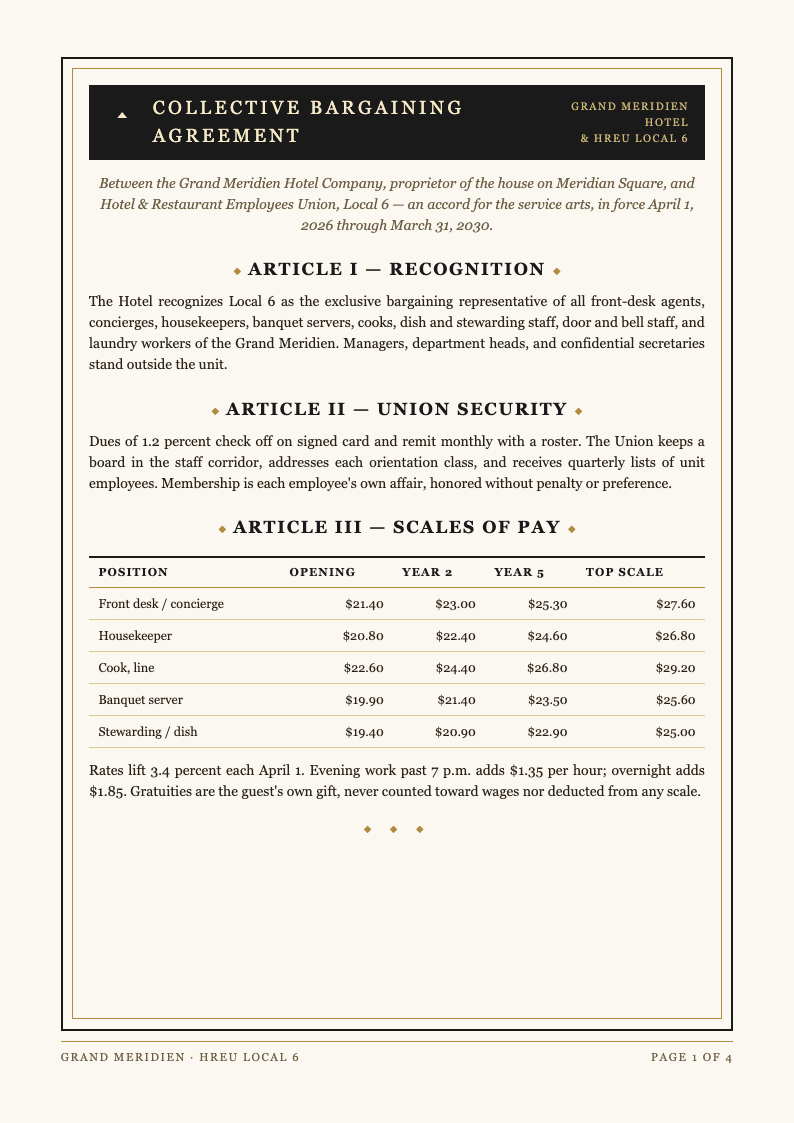
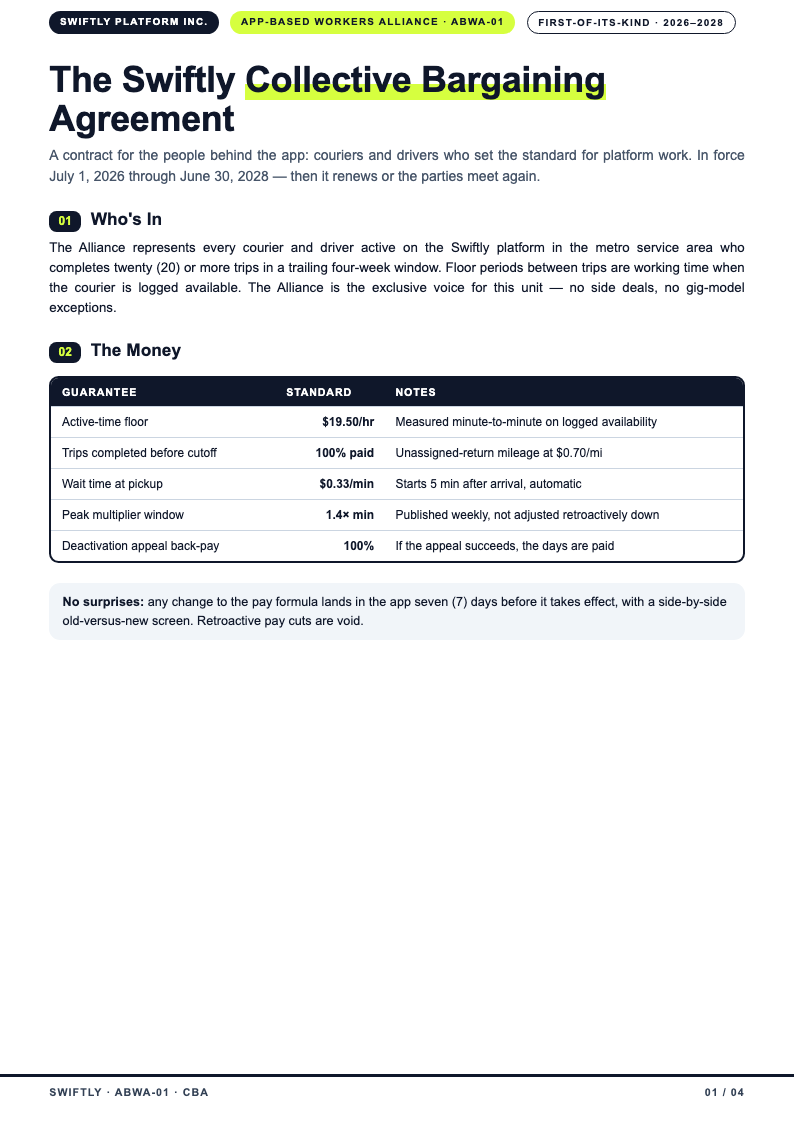
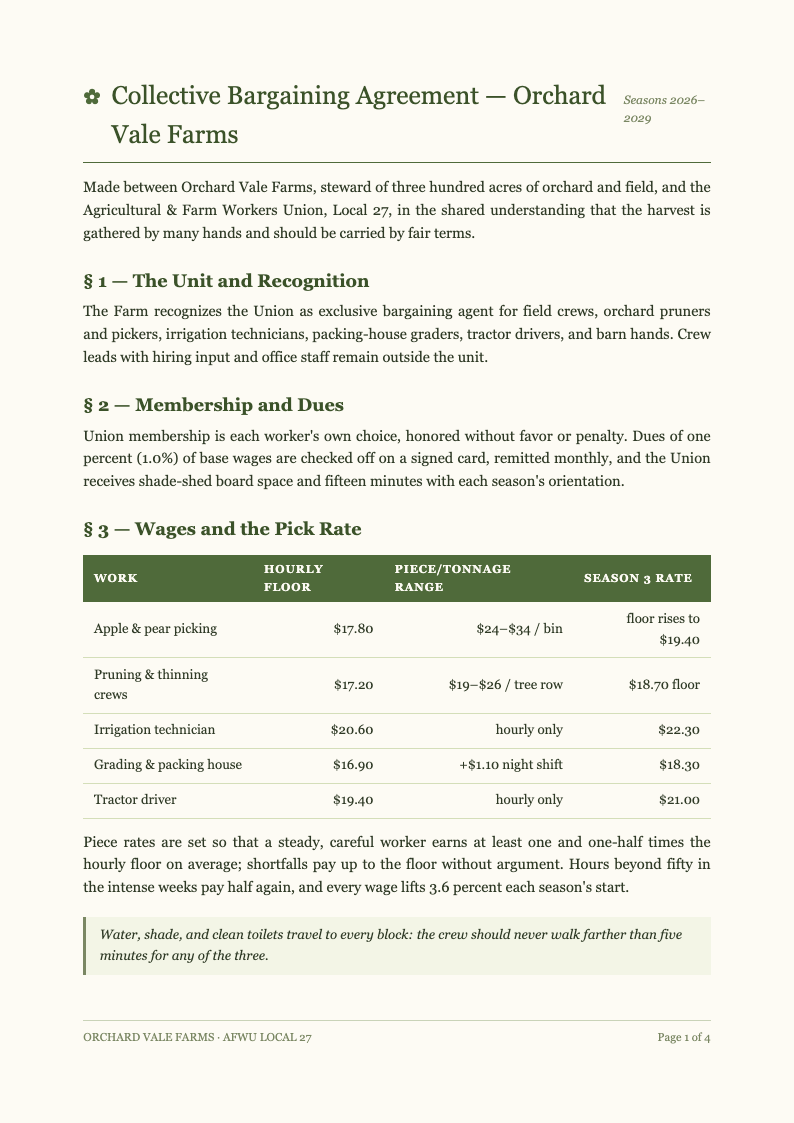
Choose from professionally structured contract layouts inside the generator. Standard article numbering, defined terms and signature pages come pre-organized, giving both bargaining teams a familiar document to mark up during negotiations. Inside the Collective Bargaining Agreement Generator, the template step exists purely to save you time, so the structure of your document is settled before you type a single line.
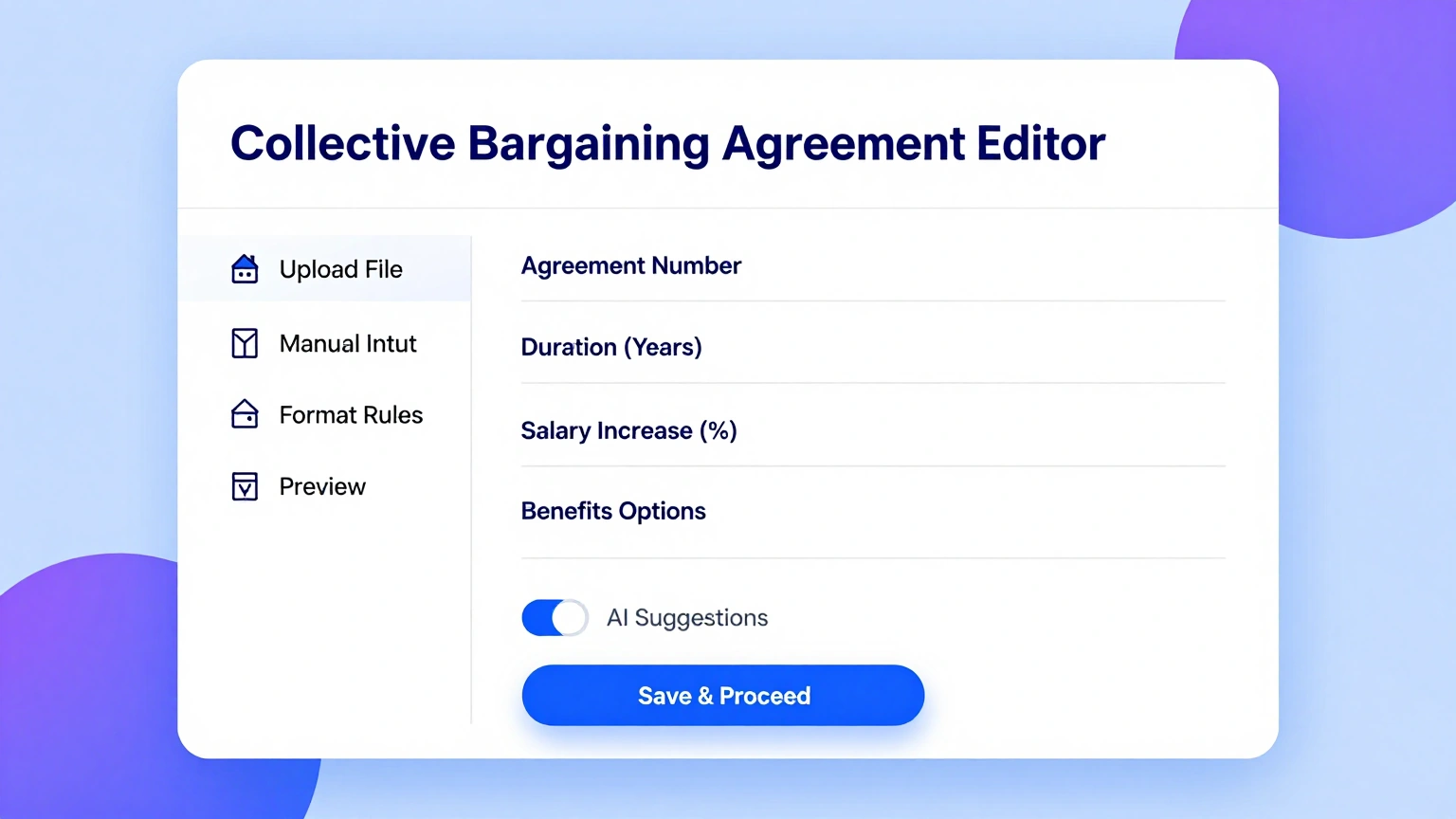
Edit Every Clause Online
Refine wage tables, seniority rules and arbitration language in the Collective Bargaining Agreement Generator editor. Adjust step increases, filing deadlines and no-strike scope, and the numbering stays consistent as your collective bargaining agreement takes final shape.
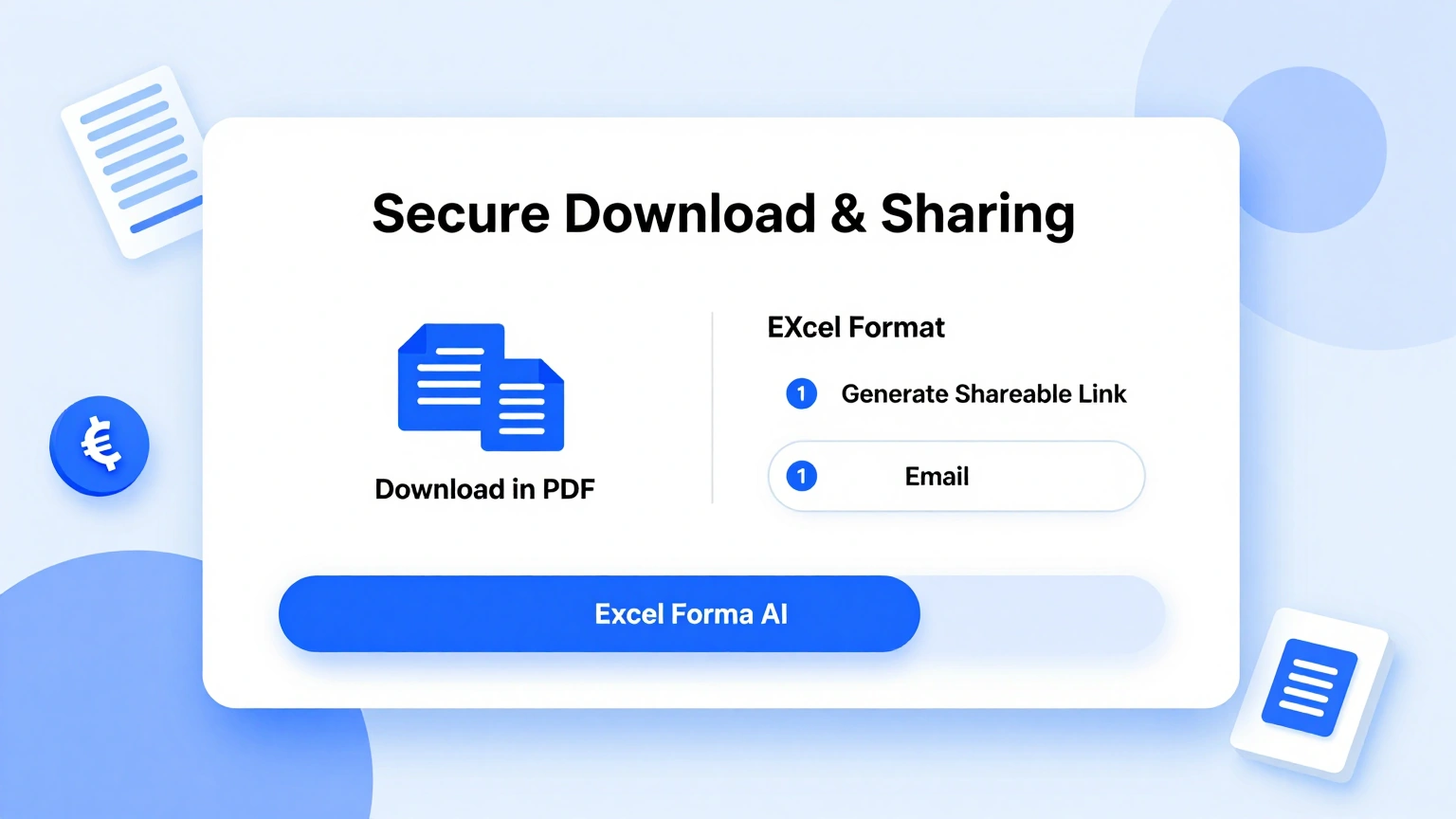
Download & Share
Export your finished collective bargaining agreement as Word for redlining or PDF for ratification votes. The generator produces a clean, print-ready contract that committees can circulate to members and counsel the same day. When the Collective Bargaining Agreement Generator exports your file, the formatting you approved on screen is exactly what arrives in the downloaded document, with nothing shifted or lost.
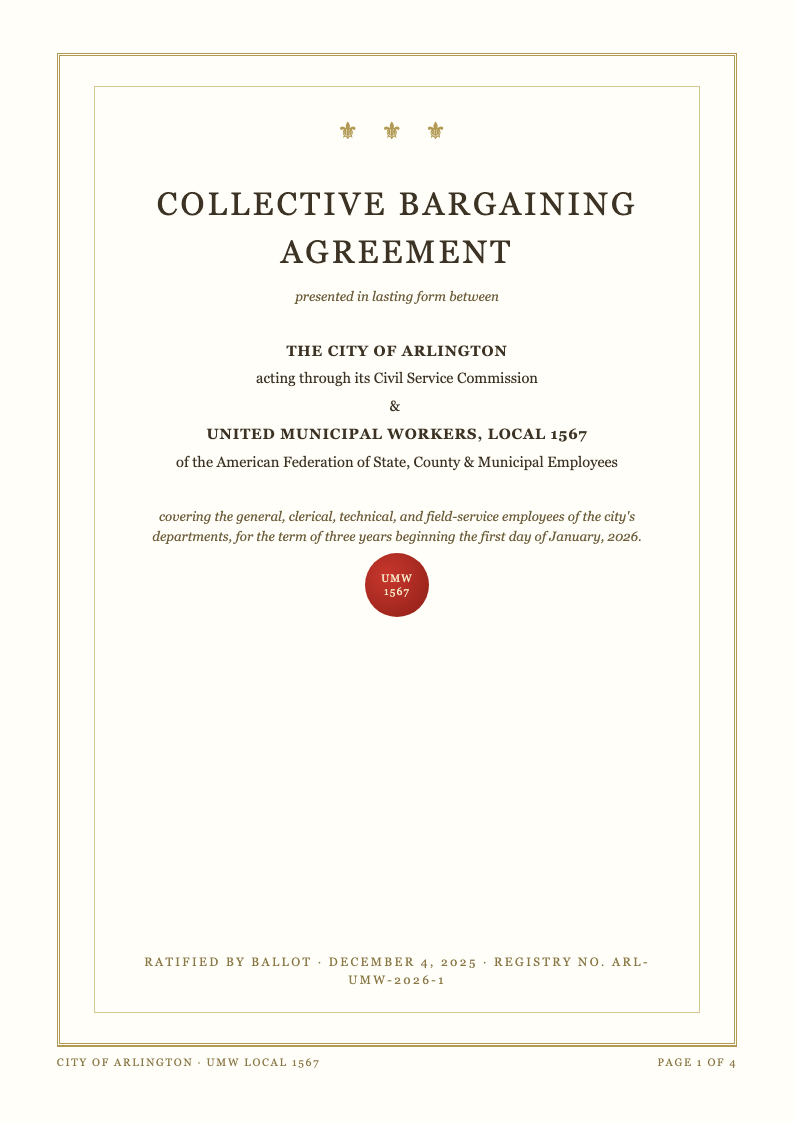
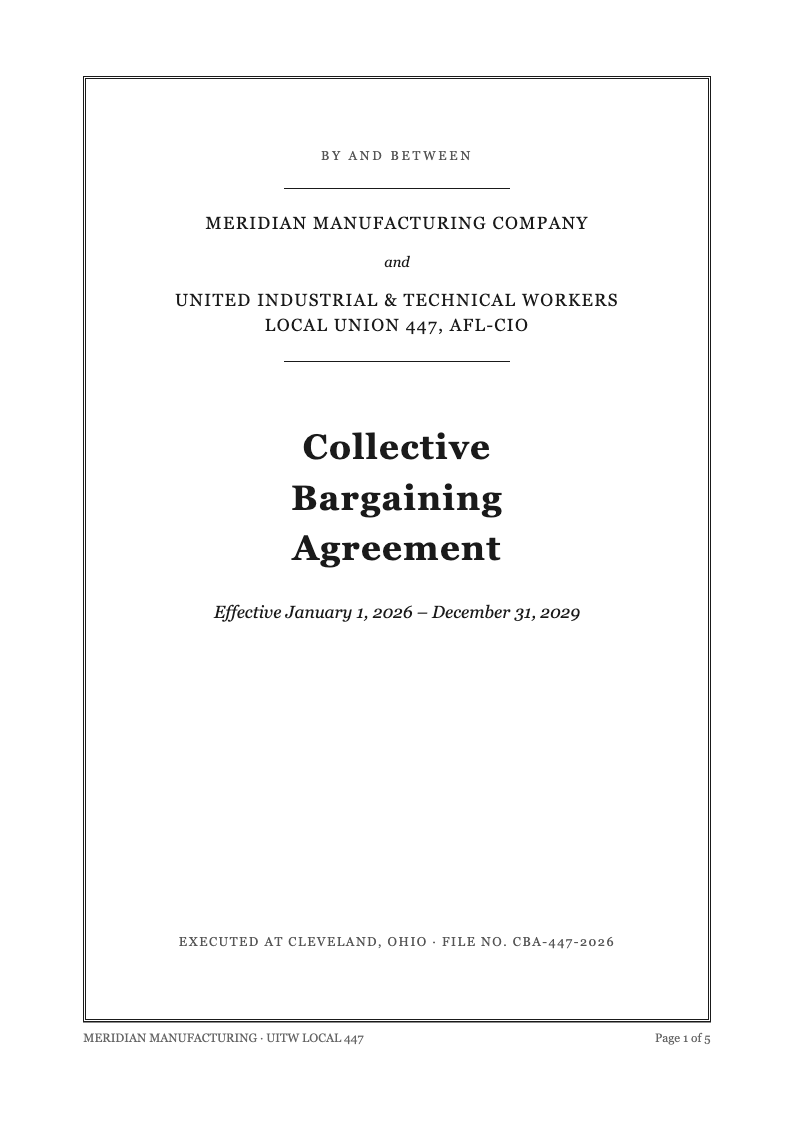
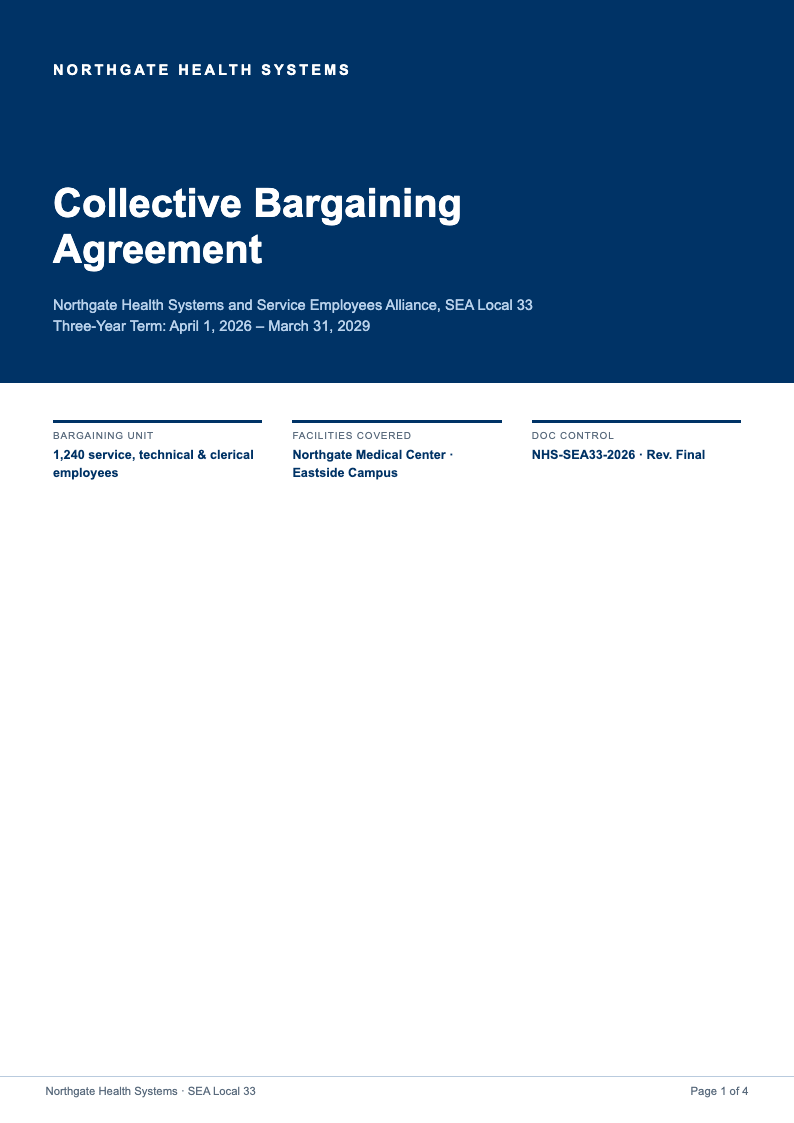
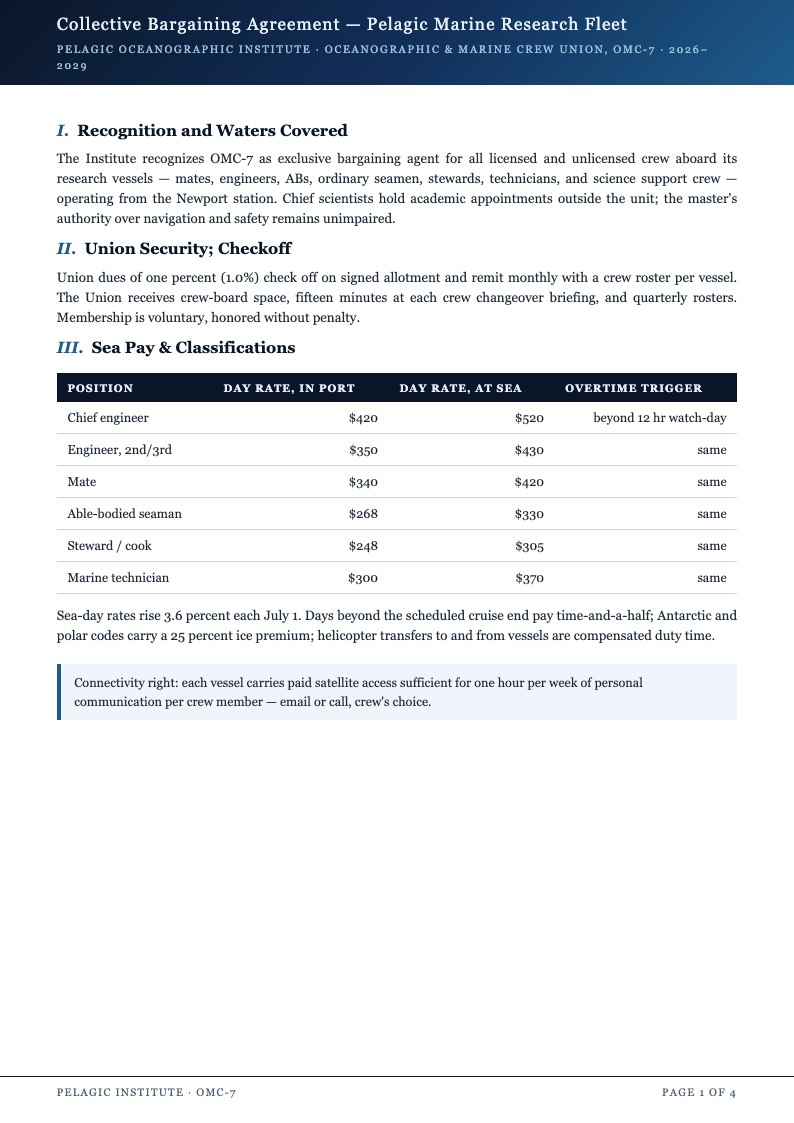
Explore Professional Collective Bargaining Agreement Templates
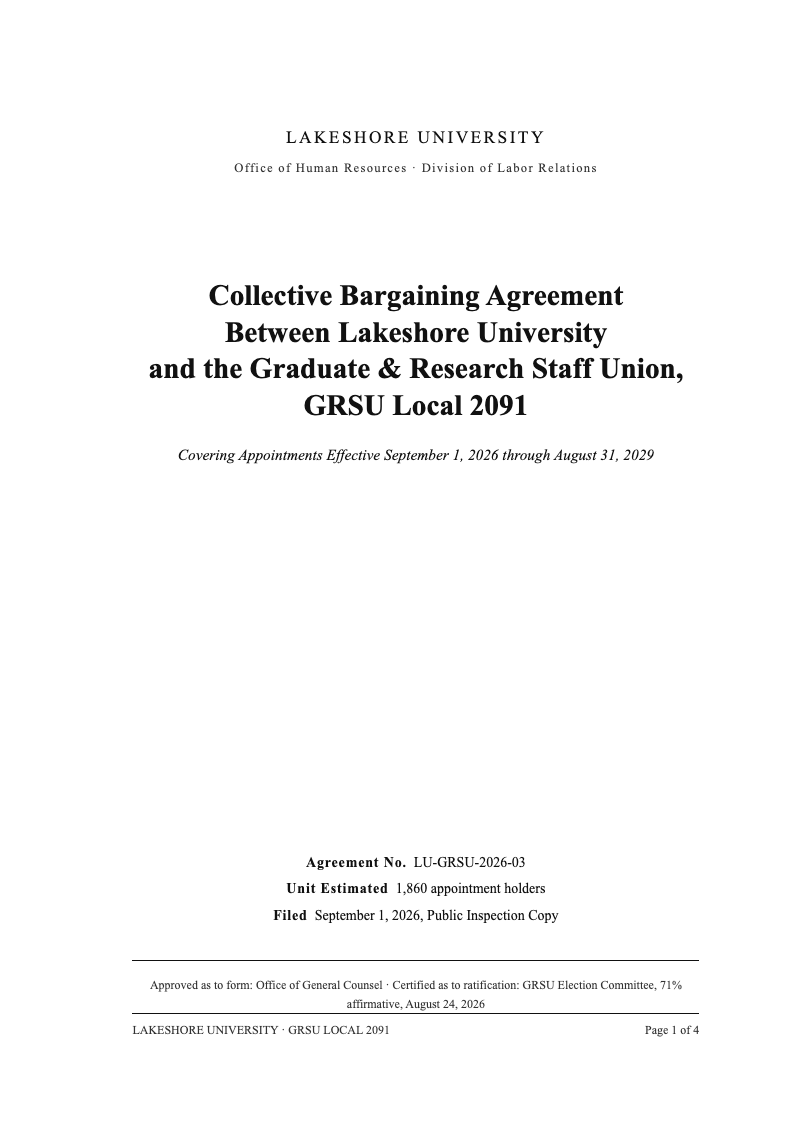
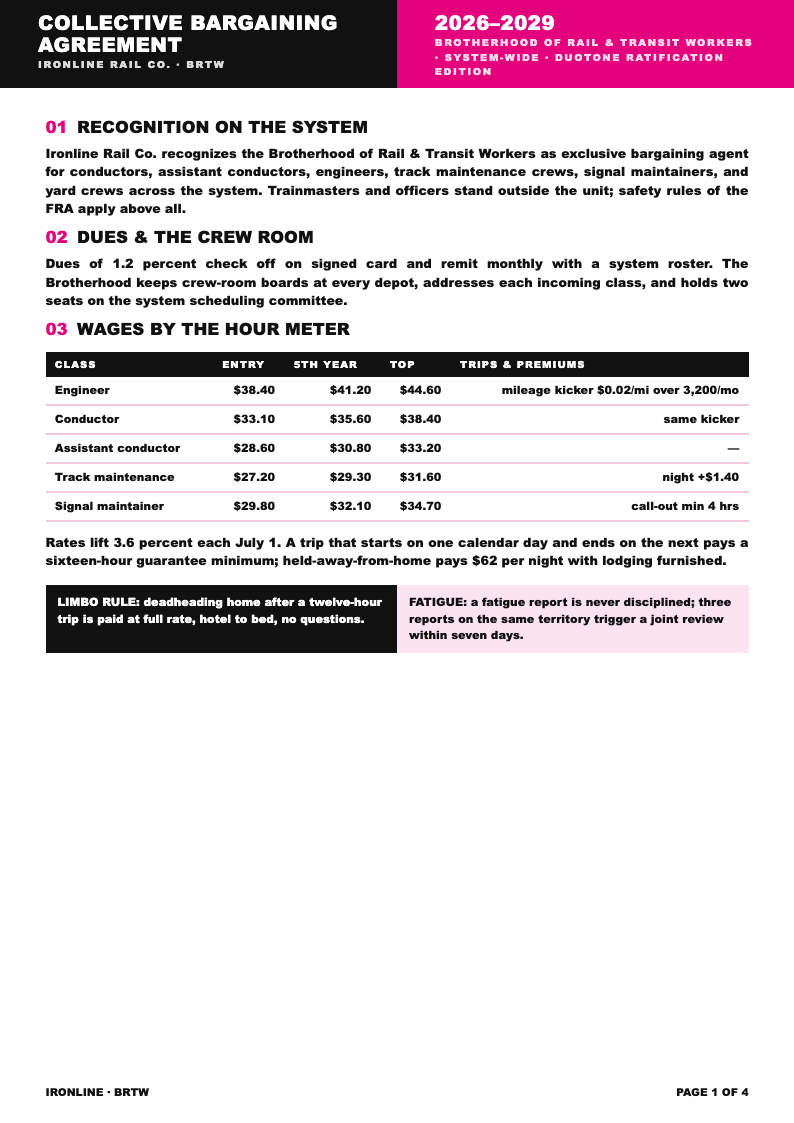
Need a starting point? Browse our full collection of collective bargaining agreement and labor contract layouts covering wages, grievances, arbitration and renewal terms.
Frequently Asked Questions
Helpful information about using our collective bargaining agreement generator.
- Is the Collective Bargaining Agreement Generator free?
- Yes, the Collective Bargaining Agreement Generator is completely free. There are no subscription tiers, watermark fees or account requirements. Union committees, labor relations staff and small employers can draft and export as many collective bargaining agreement versions as negotiations demand at no cost. The tool keeps your inputs in the browser session while you work, so an accidental refresh is far less painful than it would be in a traditional desktop editor. If you create documents like this often, the minutes you save on each one add up quickly compared with formatting everything by hand from a blank file.
- Do I need legal training to use the generator?
- No. The generator structures your terms into standard articles with plain prompts, so HR generalists and shop stewards can produce an organized draft. Counsel should still review the final collective bargaining agreement, but the formatting work is already done. Everything the Collective Bargaining Agreement Generator produces stays fully editable, which means you are never locked into a structure that does not quite fit the document you have in mind. There is no account requirement to get started, which means you can test the whole workflow immediately and decide later whether it fits your regular routine.
- Can the generator handle multi-year wage schedules?
- Yes. Enter each year's increases and the tool lays them out in a wage table inside the compensation article. Members reviewing the collective bargaining agreement can see step progression and anniversary dates for every classification at a glance. Because the Collective Bargaining Agreement Generator runs entirely online, you can pick up where you left off from any device and keep your workflow moving without installing extra software. The whole process happens in your browser, so there is nothing to install and nothing to configure before you start working on your document.
- What agreements can I create with the tool?
- The generator supports full master contracts, memoranda of understanding, side letters and reopeners. Whether you are drafting a first collective bargaining agreement for a newly organized unit or updating a decades-old contract, the same structured workflow applies. New users typically produce a complete first draft with the Collective Bargaining Agreement Generator within minutes, then spend a little longer polishing the wording until it reads exactly right. The tool keeps your inputs in the browser session while you work, so an accidental refresh is far less painful than it would be in a traditional desktop editor.
- Is my negotiation data kept private?
- Yes. Documents you create with the tool are processed securely and never sold or shared. Confidential wage proposals and grievance settlements stay between the parties, and you can delete drafts from your workspace once the collective bargaining agreement is signed. The Collective Bargaining Agreement Generator keeps its structure consistent across every document you build, which is especially helpful when you need several versions that all look professionally prepared. Most people finish their document in a single sitting, and the result stays available for any last-minute changes before you export it. You remain in control of the final wording at all times, and nothing is submitted or finalized until you explicitly choose to export the document.
- Can both parties work from the same draft?
- Yes. Export a shared copy or keep the draft online so management and union caucuses can review the same collective bargaining agreement text between sessions. Consistent article numbering means every counteroffer can cite exact sections instead of trading whole rewritten documents. Output from the Collective Bargaining Agreement Generator downloads in the formats people actually use, so sharing the finished file with colleagues or clients never requires a conversion step. Every option is labeled in plain language on screen, so even people who rarely produce formatted documents can move through the steps without getting stuck.
- Does the tool include grievance procedures?
- Yes. The tool inserts a complete grievance article with filing windows, step escalation and binding arbitration language. You choose the deadlines and panel selection method so the collective bargaining agreement reflects the process your parties actually negotiated. You can run the Collective Bargaining Agreement Generator as many times as you need, experimenting with different inputs until the result matches the tone and detail level you want. There is no account requirement to get started, which means you can test the whole workflow immediately and decide later whether it fits your regular routine.
- Can I export to Word and PDF?
- Yes. The generator exports polished Word files for tracked-changes review and PDF files for printing and signature pages. Formatting, tables and article numbering are preserved in both formats, so the signed collective bargaining agreement looks exactly like the draft. The Collective Bargaining Agreement Generator was built to remove tedious manual formatting, letting you focus on the substance of your document rather than its spacing and alignment. Every option is labeled in plain language on screen, so even people who rarely produce formatted documents can move through the steps without getting stuck.
- How long does drafting take?
- Most users produce a working draft in twenty to thirty minutes. Because the generator handles article structure, numbering and tables, your time goes into bargaining terms rather than formatting, and revisions between sessions take only a few minutes each. Every change you make in the Collective Bargaining Agreement Generator preview appears immediately, so you always see the practical effect of an edit before you commit to it. If anything looks off, you can adjust the wording, spacing, and section order until the result reads exactly the way you want it to.
- Does it work for public sector unions?
- Yes. Adjust the recognition and impasse articles to reference your state labor board and the tool produces a draft suited to public employment. Remove or edit any provision that your statute treats differently from private sector collective bargaining agreement norms. The Collective Bargaining Agreement Generator works equally well for quick one-off documents and longer projects, giving you the same dependable structure no matter how tight your timeline is. The tool keeps your inputs in the browser session while you work, so an accidental refresh is far less painful than it would be in a traditional desktop editor.
- Can I update an existing agreement?
- Yes. Paste the key terms of your current contract into the tool and produce an updated successor agreement with new dates and figures. This makes successor negotiations faster because the collective bargaining agreement skeleton is already in place. Guidance built into the Collective Bargaining Agreement Generator covers the most common questions, and the tool walks you through each step so there is no steep learning curve. If you create documents like this often, the minutes you save on each one add up quickly compared with formatting everything by hand from a blank file.
- Do I need an account to download?
- No account is required. You can draft, edit and download your collective bargaining agreement anonymously. Creating a free workspace is optional and simply lets you save drafts between bargaining sessions so your committee always has the current version available. Once your document is generated, the Collective Bargaining Agreement Generator keeps the layout stable while you refine the wording, so late edits never break the overall presentation. You remain in control of the final wording at all times, and nothing is submitted or finalized until you explicitly choose to export the document.
Draft Your Collective Bargaining Agreement Now
Turn tentative agreements into a signed contract faster. Use the free generator to structure articles, wage tables and grievance steps, then export a clean collective bargaining agreement draft your members can ratify.
No credit card required • AI formatter tools included • Instant formatting