Generate Professional Job Offer Letters Instantly
Customizable templates, real-time editing, and instant PDF export — create employment offers that impress candidates.
How to Create a Job Offer Letter in 4 Steps
Enter Candidate and Position Details
Begin by entering essential information into the Job Offer Letter Generator such as the candidate's full name, job title, department, reporting manager, compensation package, work location, and expected start date. This foundational data ensures your offer letter contains all necessary details for the candidate to make an informed decision about the position.
Select and Customize Your Template
Choose a template that matches your company culture in the Job Offer Letter Generator, whether formal corporate, modern startup, or industry-specific design. Personalize sections including benefits packages, probation periods, confidentiality requirements, and remote work policies to accurately reflect the employment terms and conditions being offered.
Review and Finalize Content
Carefully proofread your draft for accuracy in names, dates, salary figures, and legal terms using the preview function. Verify that all employment conditions are clearly stated and that the document reflects your intended offer. Using a structured template helps ensure consistency and adherence to professional HR standards.
Download or Share Your Letter
Export your finalized Job Offer Letter as a professional PDF document suitable for email attachment or printing on company letterhead. You can also generate a shareable link to send directly to the candidate or your HR team for collaborative review before extending the official employment offer.
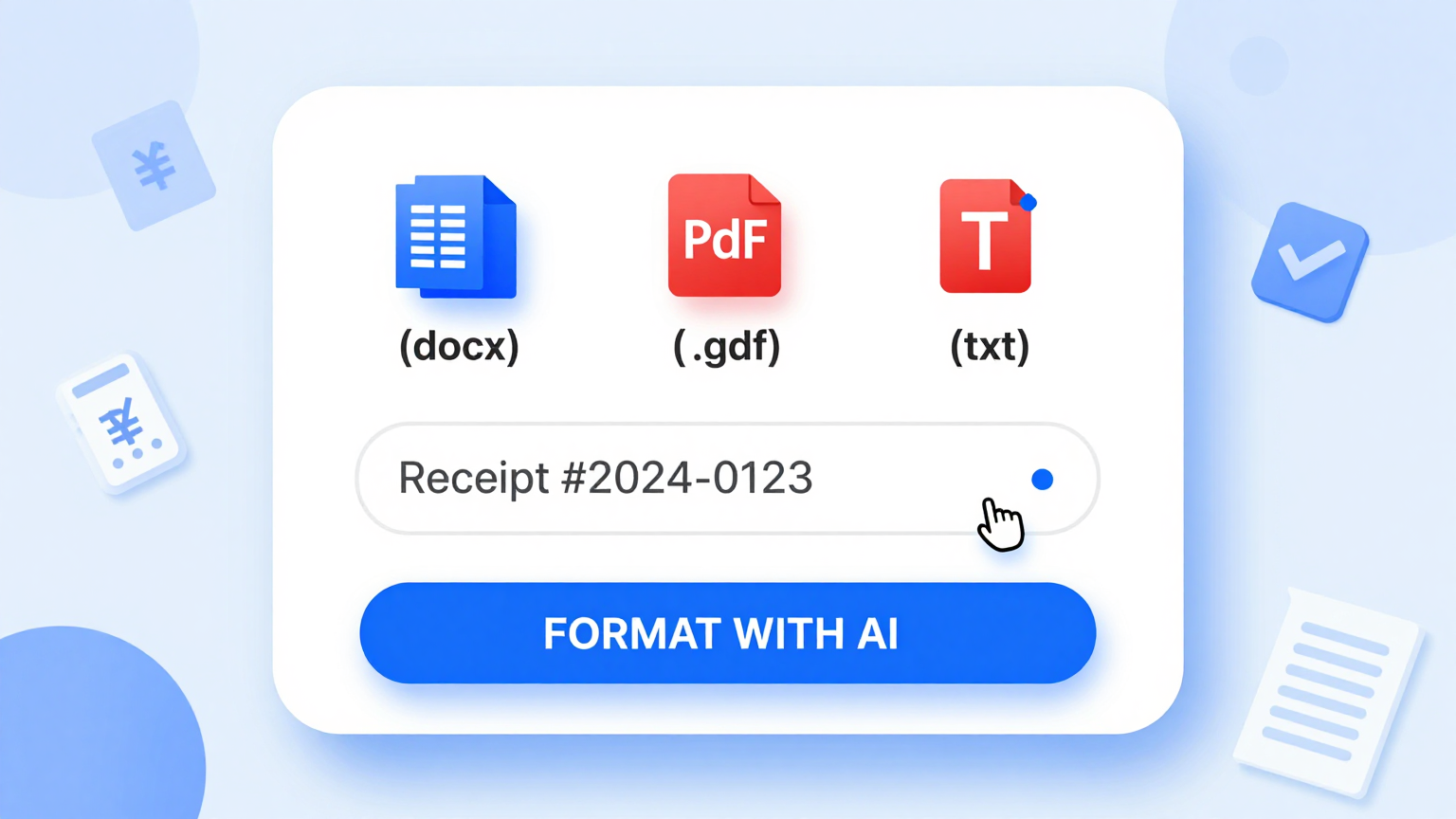
Import Candidate Data
Enter candidate information into the Job Offer Letter Generator including name, position, salary, and start date. The tool captures all essential employment terms to structure your offer correctly and professionally.
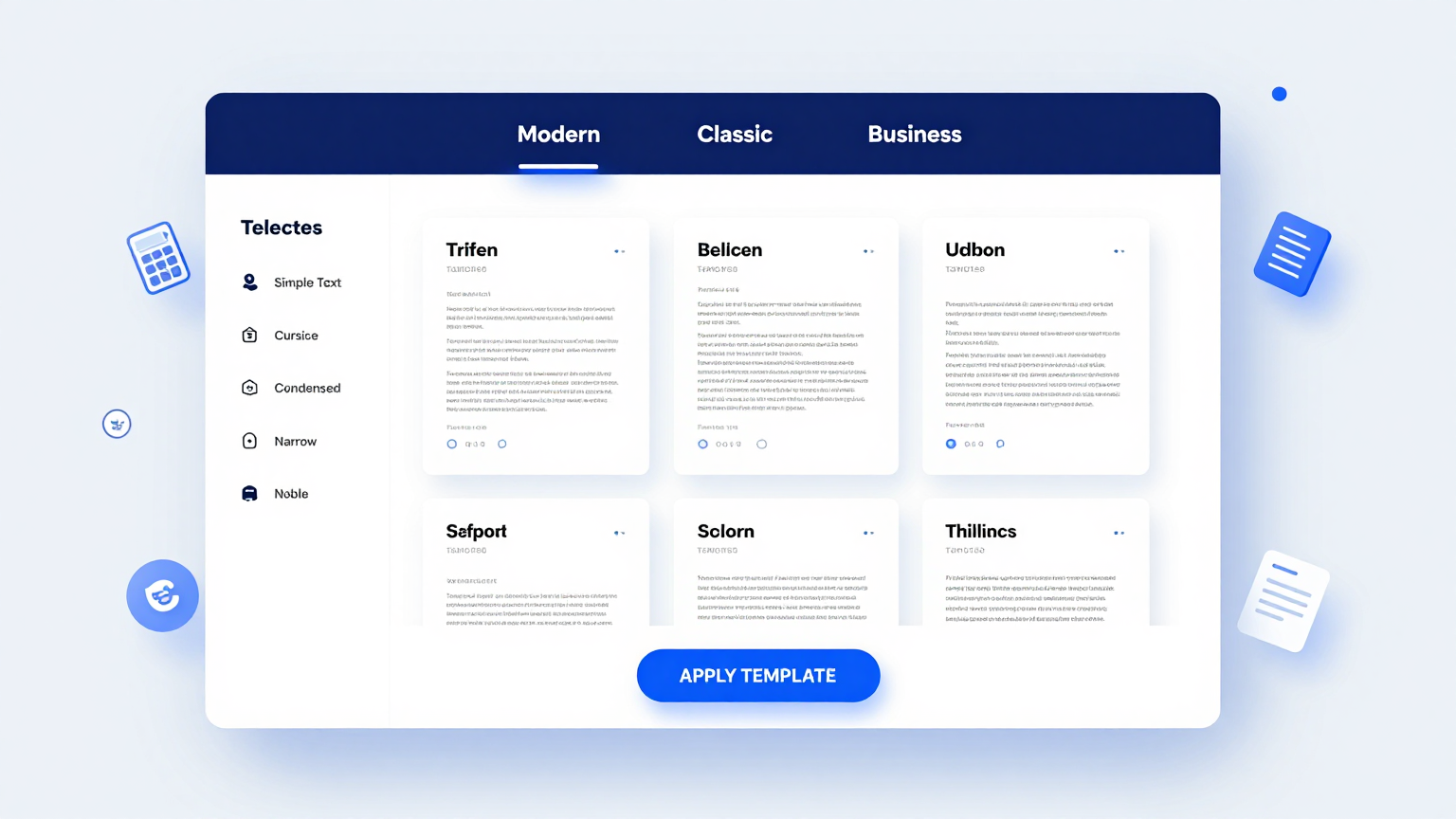
Professional Templates
Select from professional designs in the Job Offer Letter Generator. These templates meet HR standards for various industries and employment types, ensuring your offer looks polished and credible.
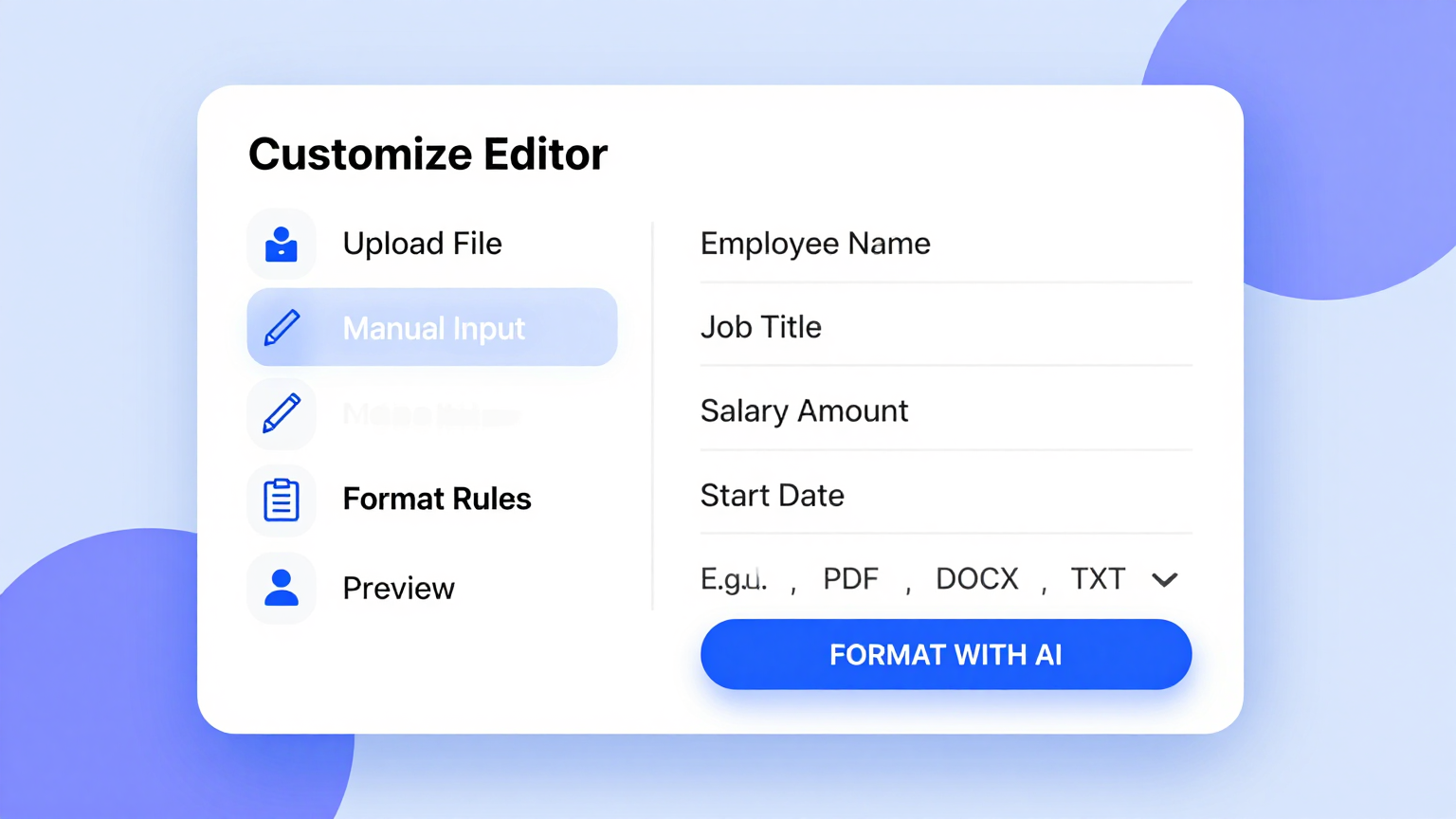
Edit Online
Customize terms using the Job Offer Letter Generator editor. Adjust compensation clauses, benefits details, and company-specific policies to create an offer that accurately reflects the position.
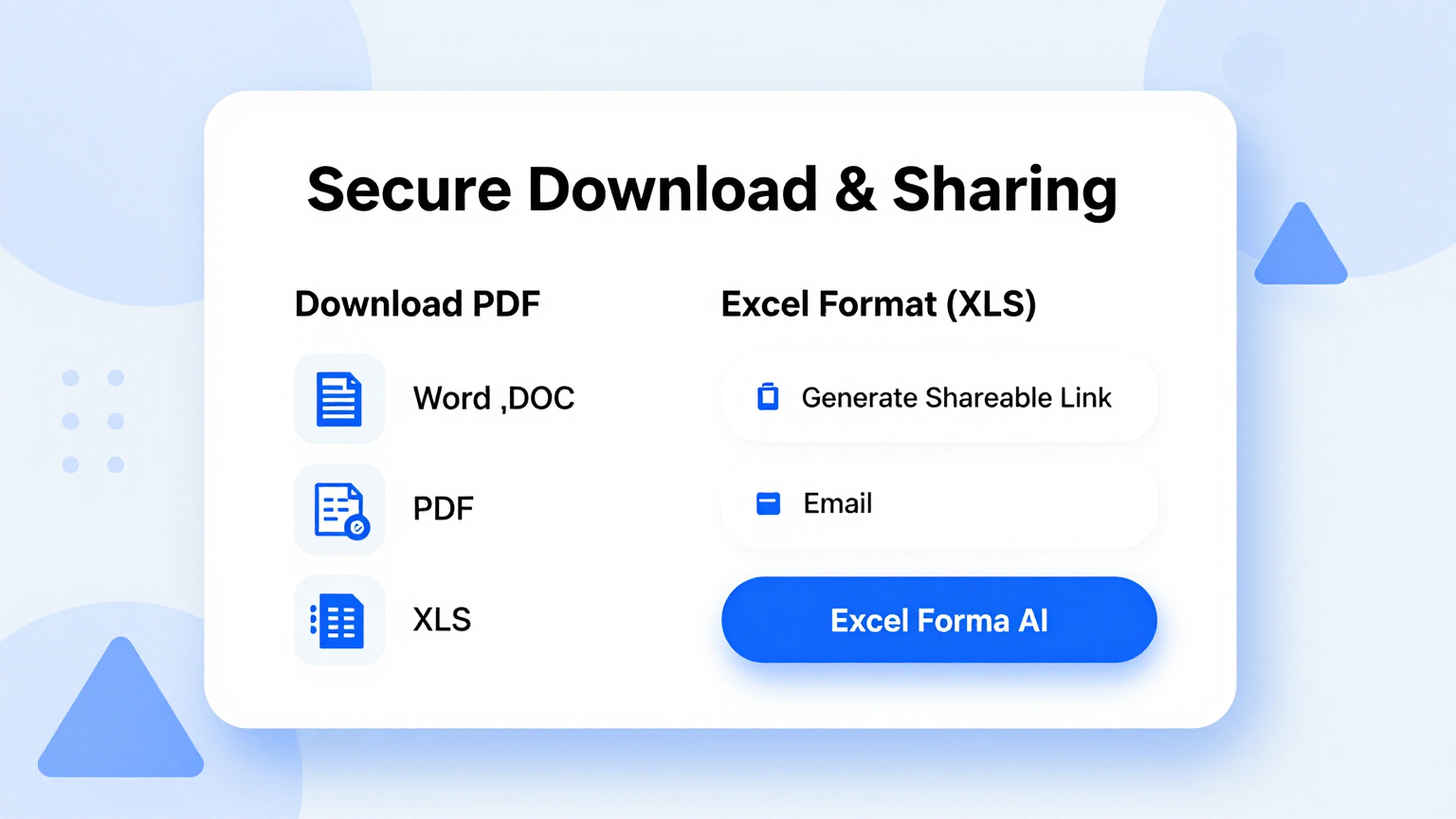
Download & Share
Download your final offer from the Job Offer Letter Generator as a high-quality PDF. Share the document with candidates for digital review and signature, streamlining your hiring workflow.
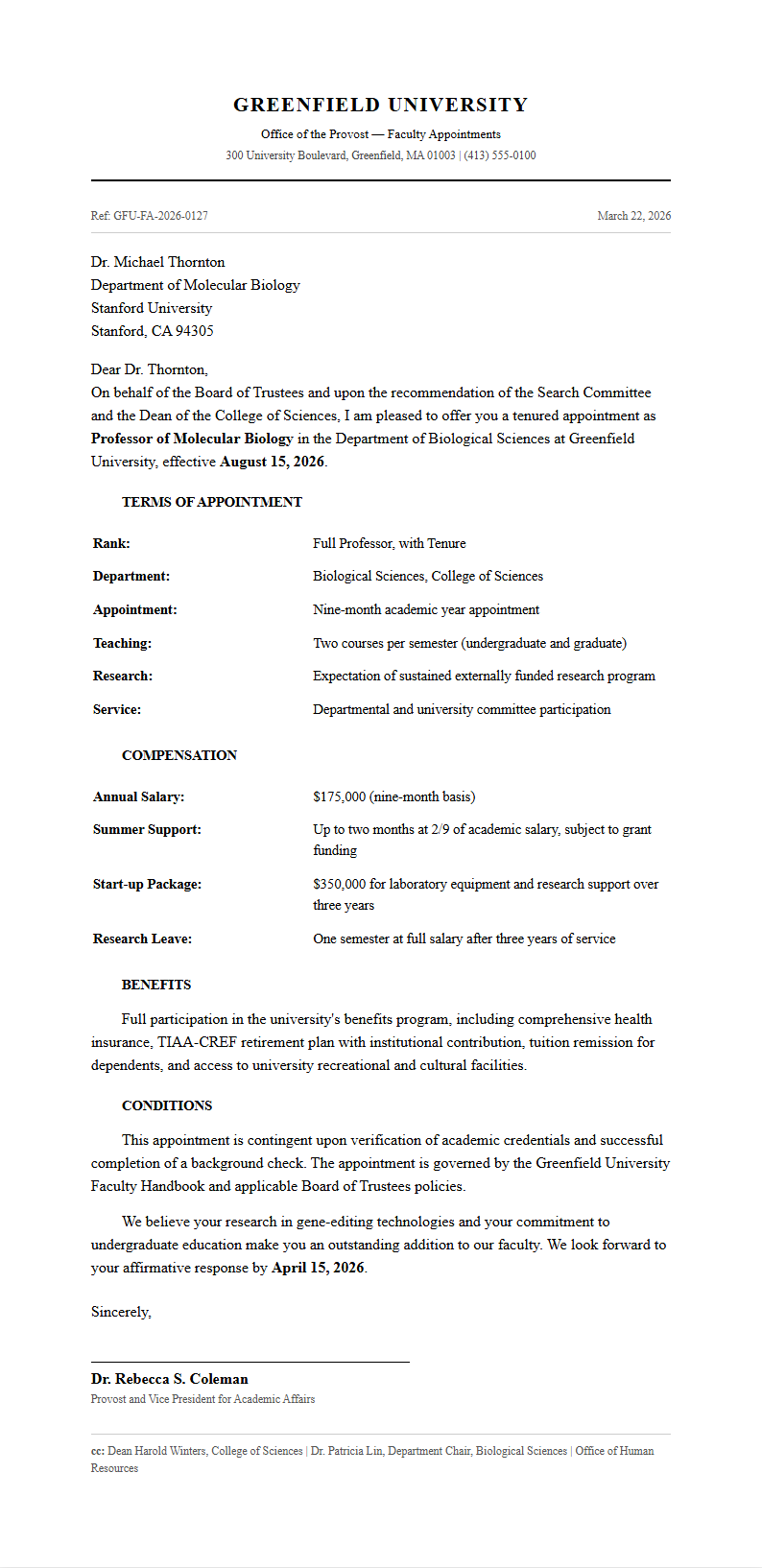
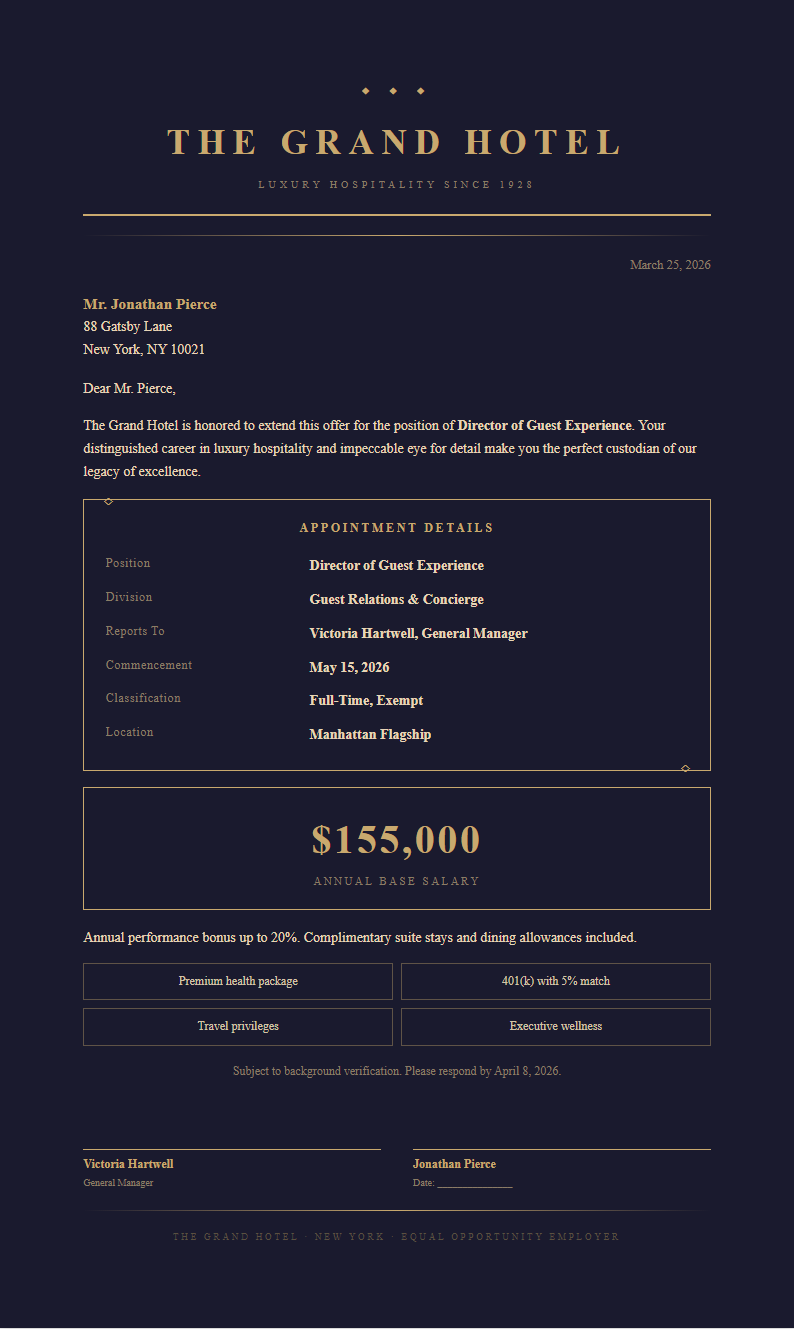
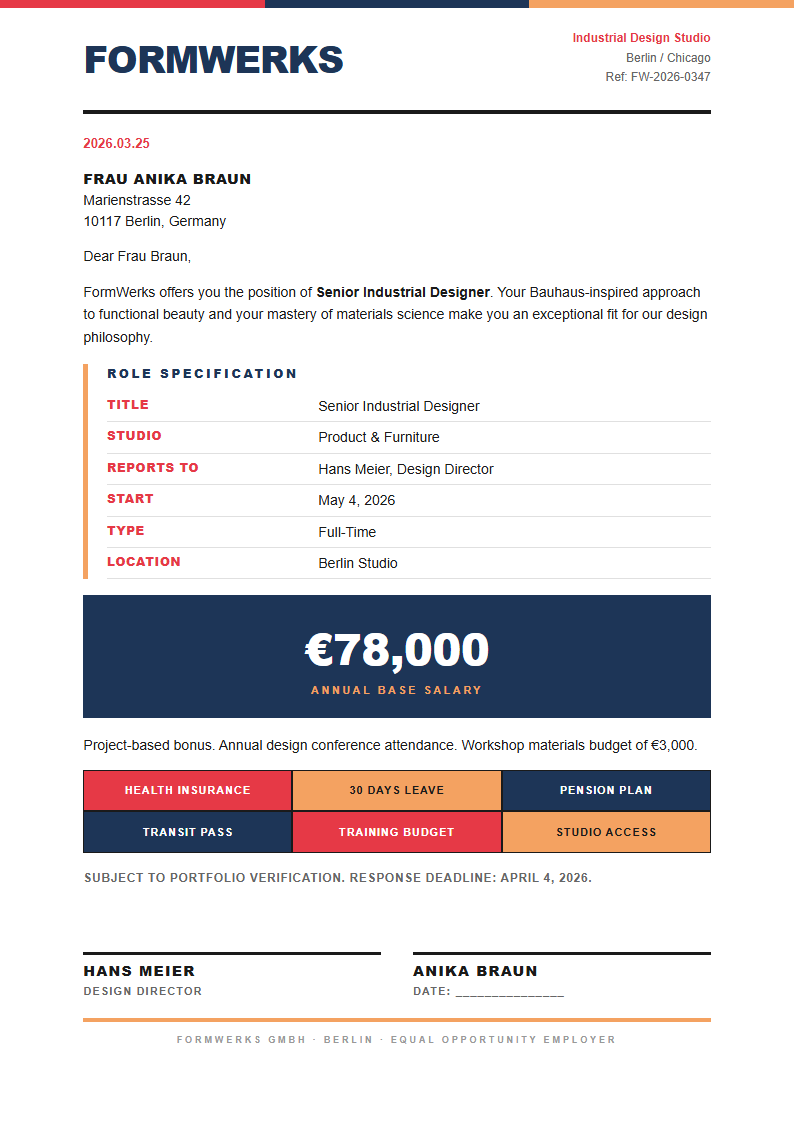
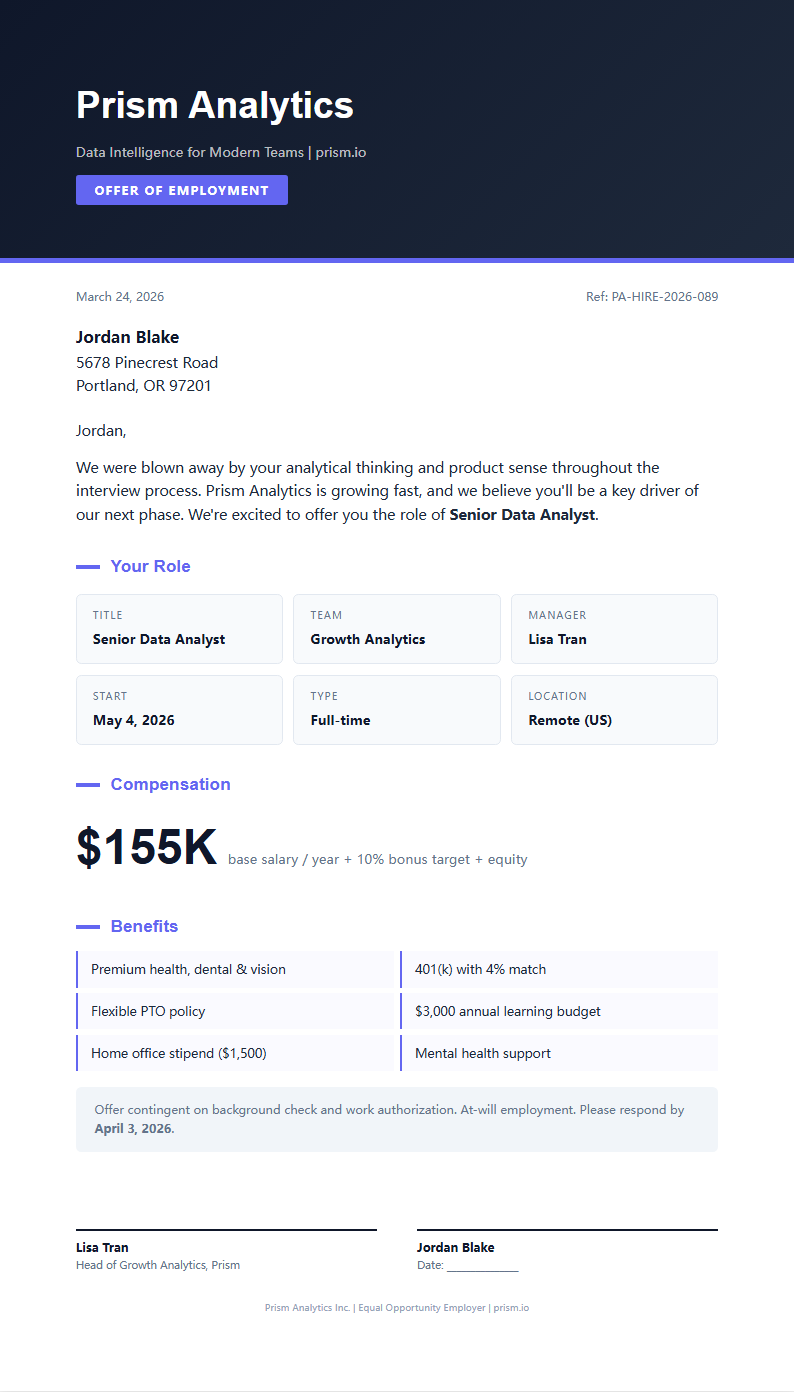
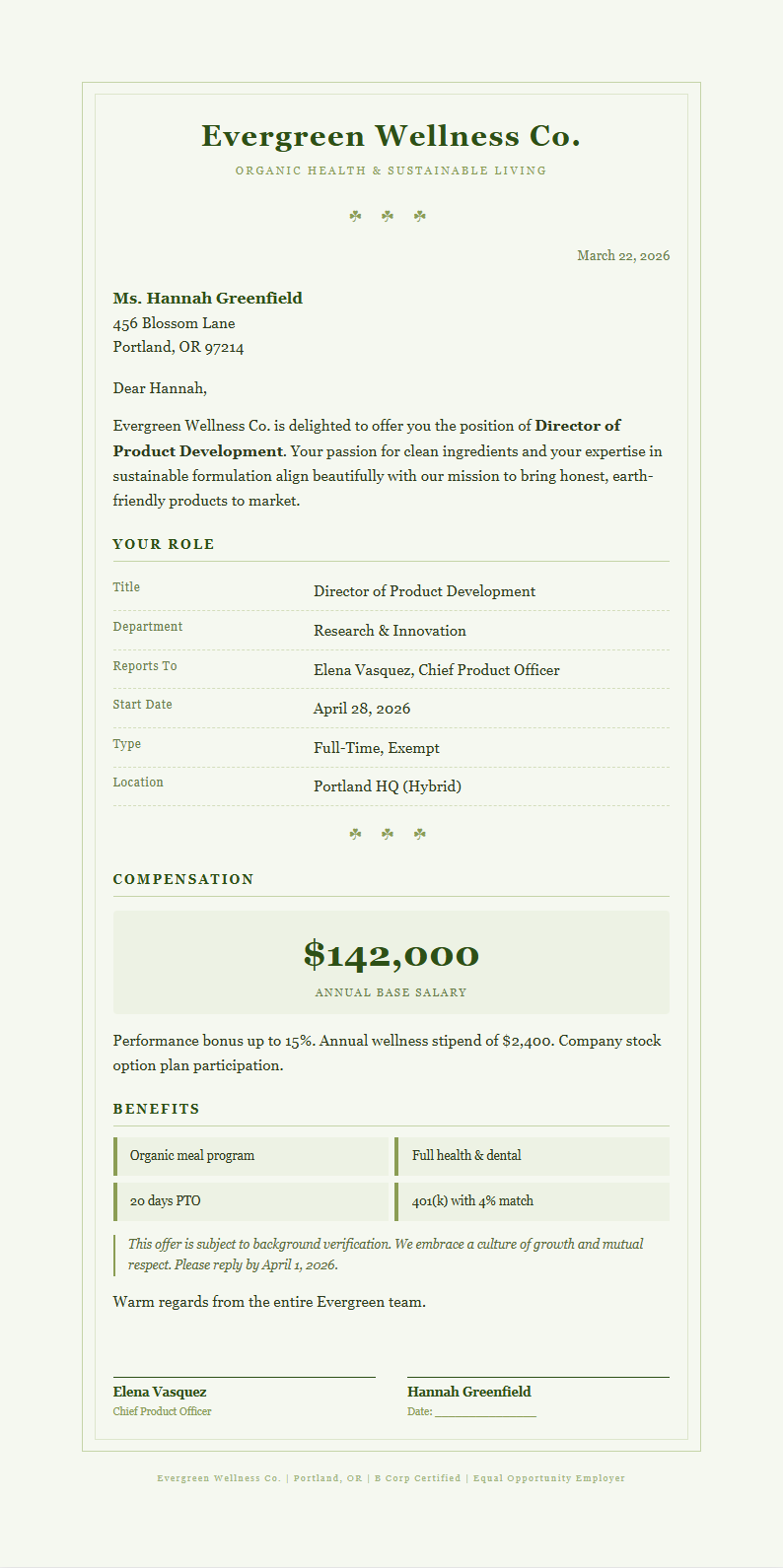
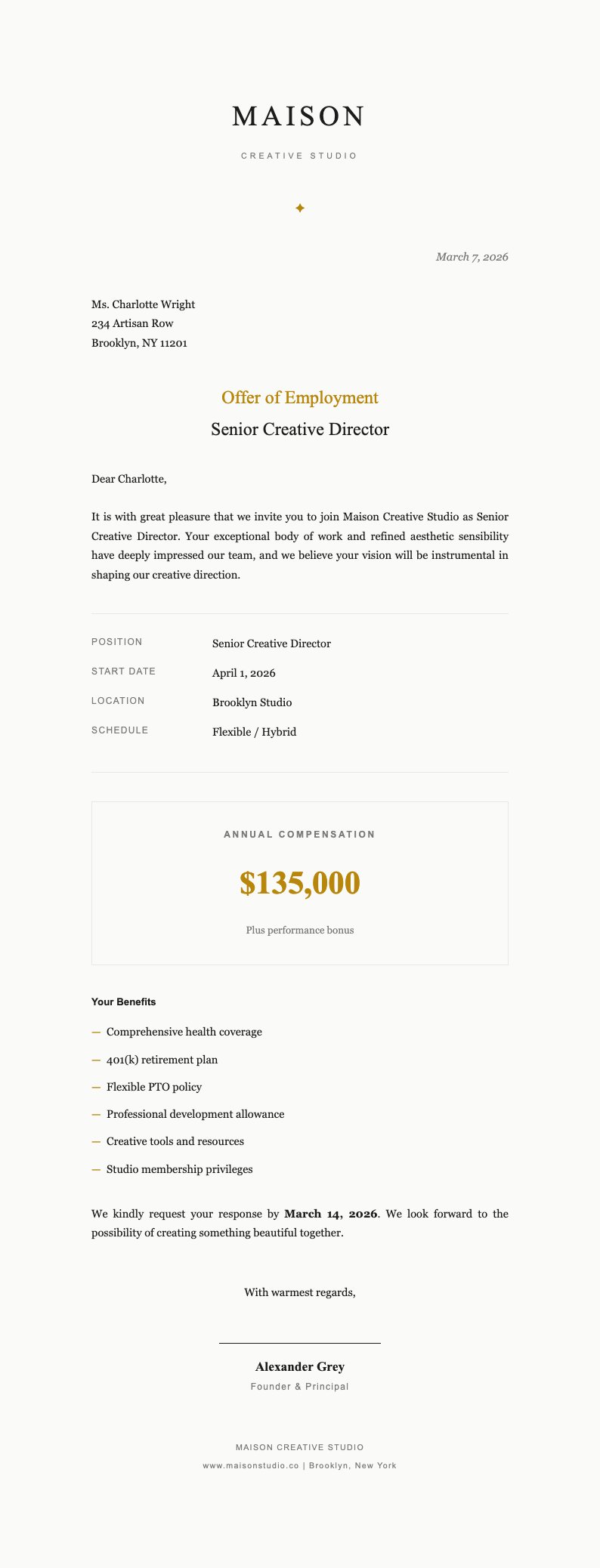
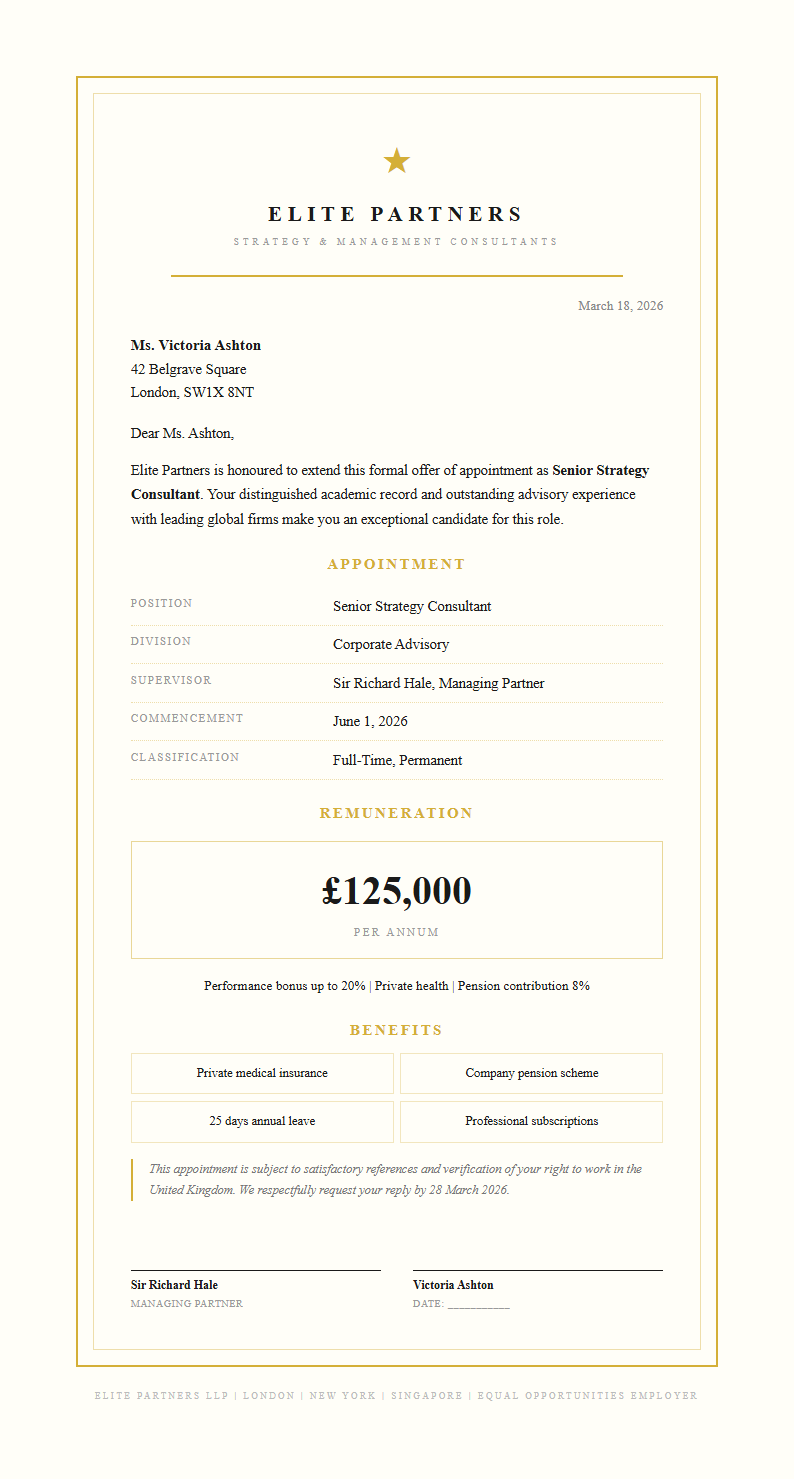
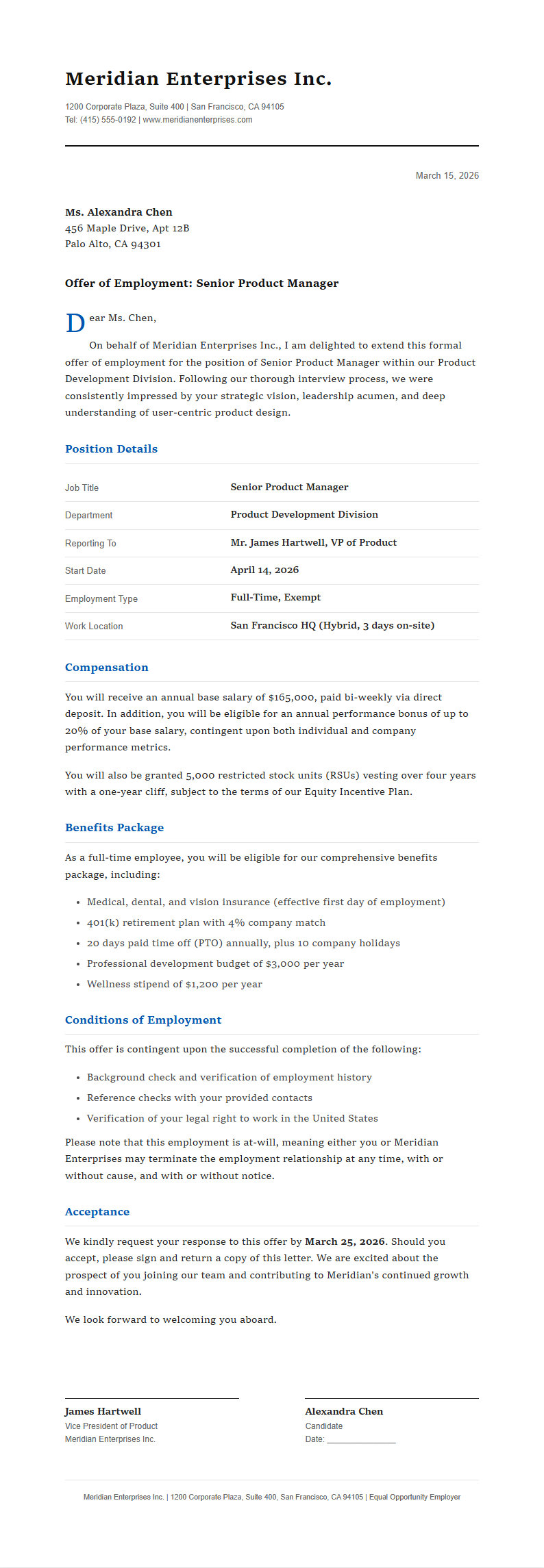
Browse Professional Job Offer Letter Templates
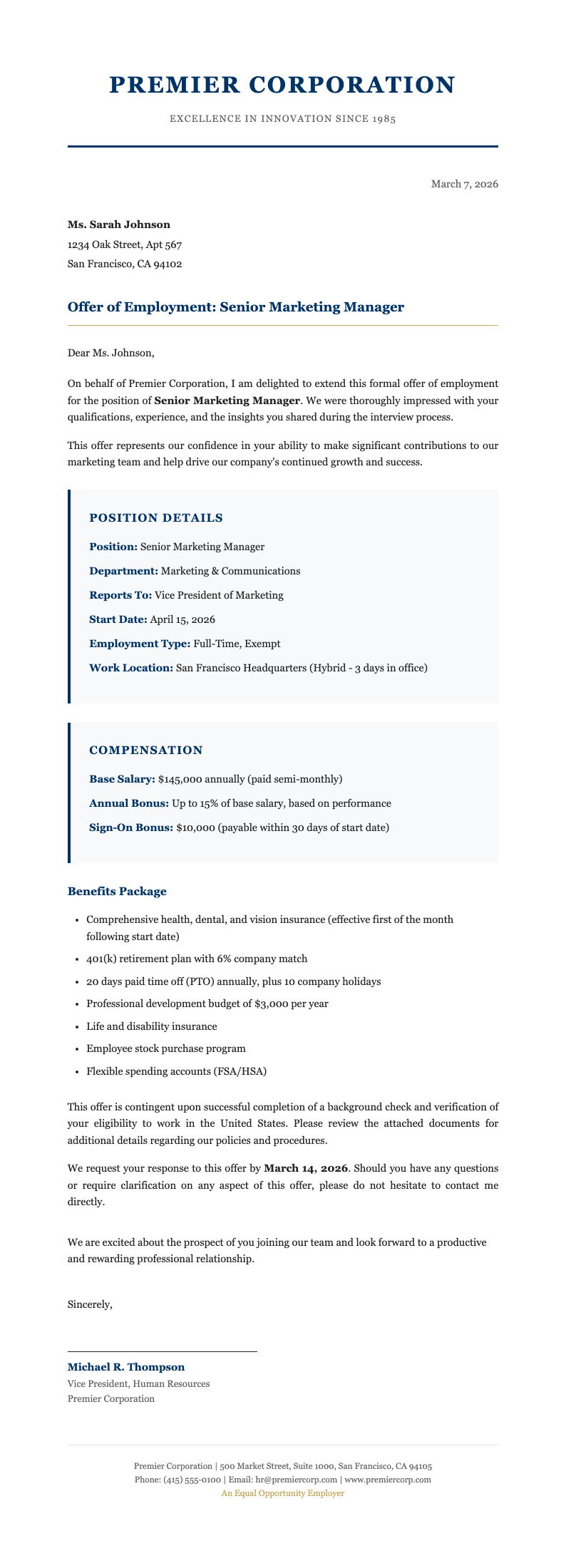
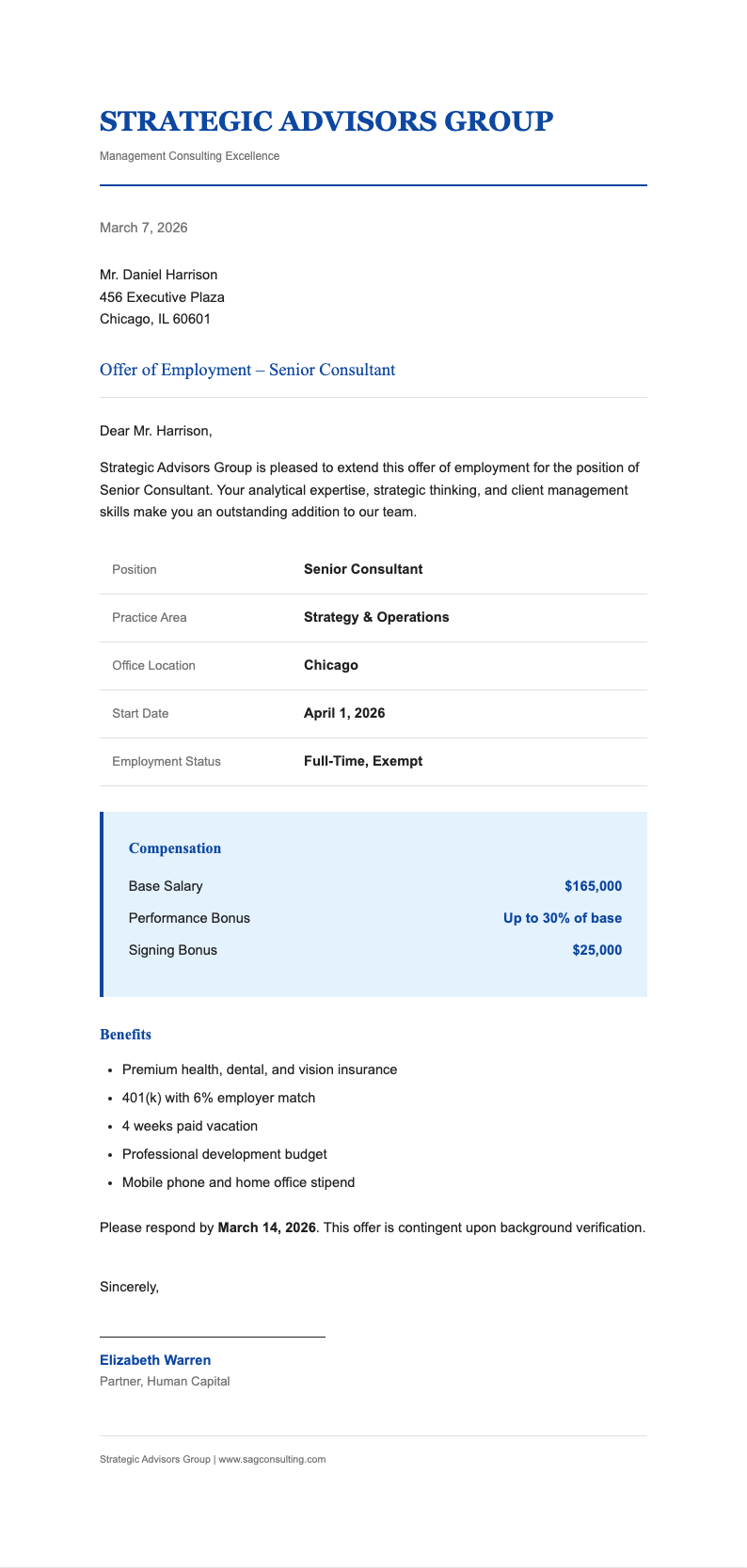
Explore our collection of free, customizable job offer letter templates designed for startups, enterprises, nonprofits, and remote teams. Each layout follows HR best practices and can be customized in seconds using the Job Offer Letter Generator.
Frequently Asked Questions
Everything you need to know about creating and sending professional job offer letters.
- Is the Job Offer Letter Generator really free?
- Yes, the Job Offer Letter Generator is completely free to use with no hidden fees or subscription requirements. You can create unlimited job offer letters without providing payment information. All core features including template selection, editing, and PDF download are available at no cost, making professional HR documents accessible to businesses of all sizes.
- Do I need legal expertise to use this tool?
- No legal background is required to use the Job Offer Letter Generator. Our templates are based on standard employment practices and include common clauses like at-will employment, confidentiality, and benefits descriptions. However, we recommend having your legal counsel review final documents for compliance with local labor laws and industry regulations.
- What file formats can I export my offer letter in?
- The Job Offer Letter Generator currently supports PDF export, which preserves formatting and is ideal for professional presentation and digital signatures. PDF format ensures your document appears consistent across all devices and operating systems, maintaining the professional appearance of your employment offer when candidates view it.
- Can I save my work and return later?
- While the Job Offer Letter Generator doesn't currently support account-based saving, you can download your preliminary draft as a PDF and keep a local copy. For frequent users, we recommend saving your customized template locally to speed up future offer letter creation while maintaining your company's standard terms and branding.
- Is my document data kept private?
- Your privacy is important to us. Documents created with the Job Offer Letter Generator are processed in real-time and not stored on our servers after your session ends. We do not sell, share, or analyze your content for advertising purposes. All data transmission occurs over secure, encrypted connections to protect sensitive employment information.
- Can I use this for contract or freelance positions?
- Absolutely. While many templates are designed for traditional employment, the Job Offer Letter Generator can be easily adapted for independent contractors and freelance roles. Simply modify sections about benefits, payroll classification, and employment status to clearly establish the contractor relationship and avoid potential misclassification issues.
- Does the generator support multiple languages?
- Currently, the Job Offer Letter Generator operates primarily in English. However, the clear structure and professional formatting make it straightforward to translate the final document into other languages if needed for international candidates. We are evaluating demand for multilingual template options in future updates.
- How long does it take to create an offer letter?
- Most users complete their first Job Offer Letter Generator draft in under five minutes. After entering basic candidate details and selecting a template, customization requires just a few additional clicks. The tool streamlines what traditionally took hours of drafting and review into a fast, efficient process for busy HR professionals.
- Can I add my company logo to the letter?
- Yes, during the editing phase in the Job Offer Letter Generator, you can upload your company logo to appear prominently in the document header. Supported formats include PNG, JPG, and SVG. The tool automatically resizes images to fit the template layout without distorting quality, maintaining your professional brand presentation.
- Is there a limit to how many letters I can generate?
- There is no limit on the number of job offer letters you can create with the Job Offer Letter Generator. Generate as many as you need for interns, executives, remote staff, or seasonal workers without restrictions. This makes the tool ideal for growing companies, staffing agencies, and HR departments managing high-volume recruitment.
- Are these templates compliant with employment laws?
- The Job Offer Letter Generator templates follow widely accepted employment documentation standards. However, employment laws vary significantly by jurisdiction, industry, and company size. We strongly recommend having qualified legal counsel review your final documents to ensure full compliance with applicable federal, state, and local regulations.
- Can I customize the template design?
- Yes, the Job Offer Letter Generator allows full design customization. You can modify fonts, colors, spacing, and layout elements to match your company's visual identity. This flexibility ensures every offer letter you send reinforces your professional brand image while clearly communicating employment terms to candidates.
Ready to Extend Professional Job Offers?
Create polished, comprehensive job offer letters that reflect your company culture and help candidates say yes.
No credit card required • AI formatter tools included • Instant formatting