Edit FAQ Templates Online for Free
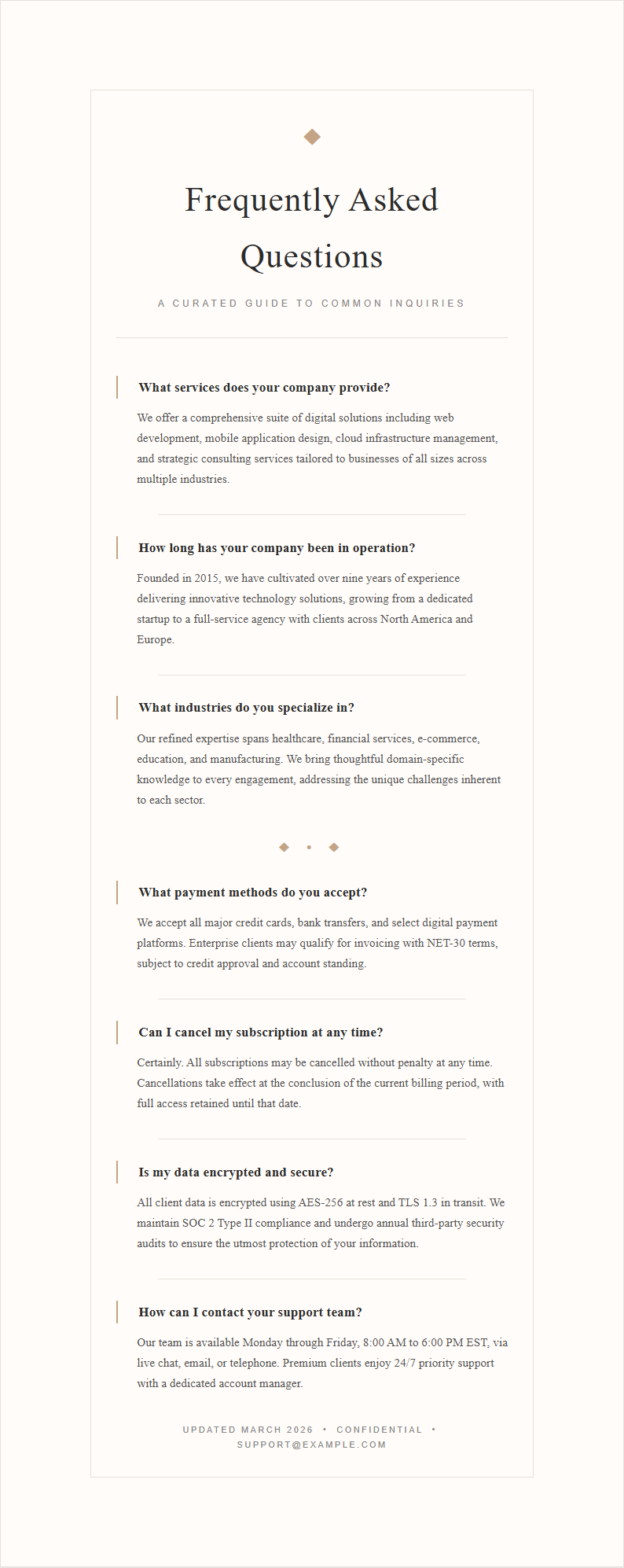
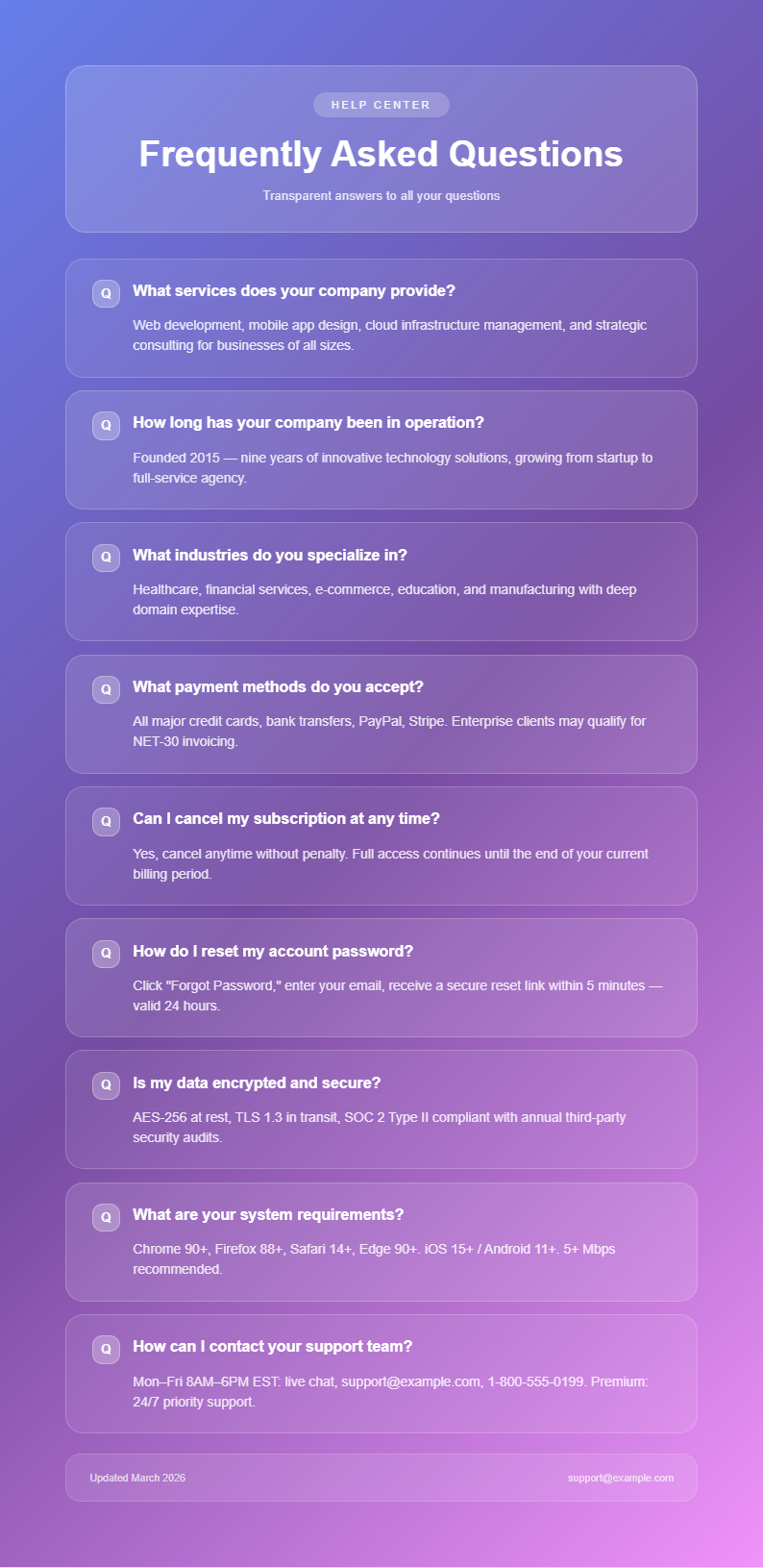
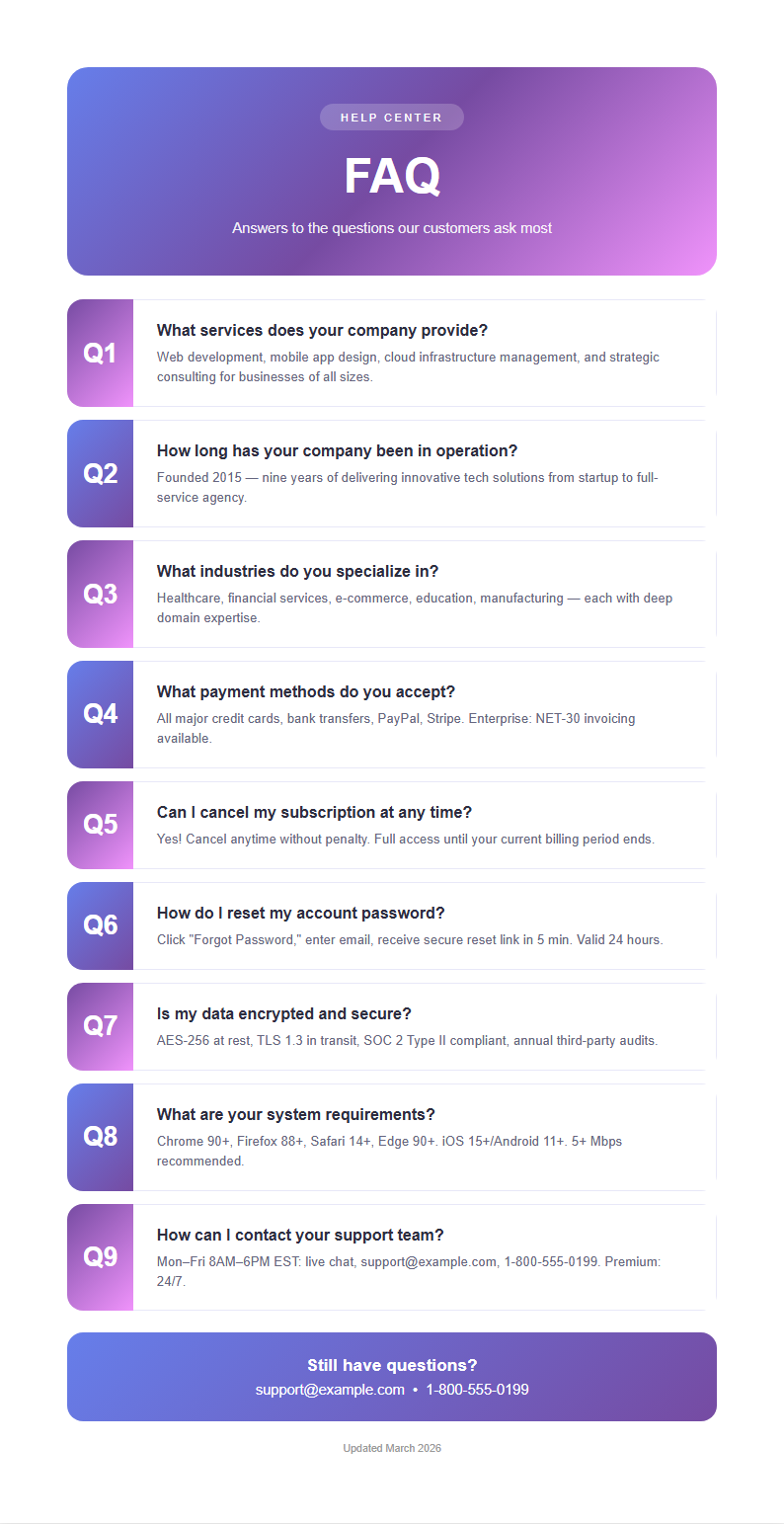
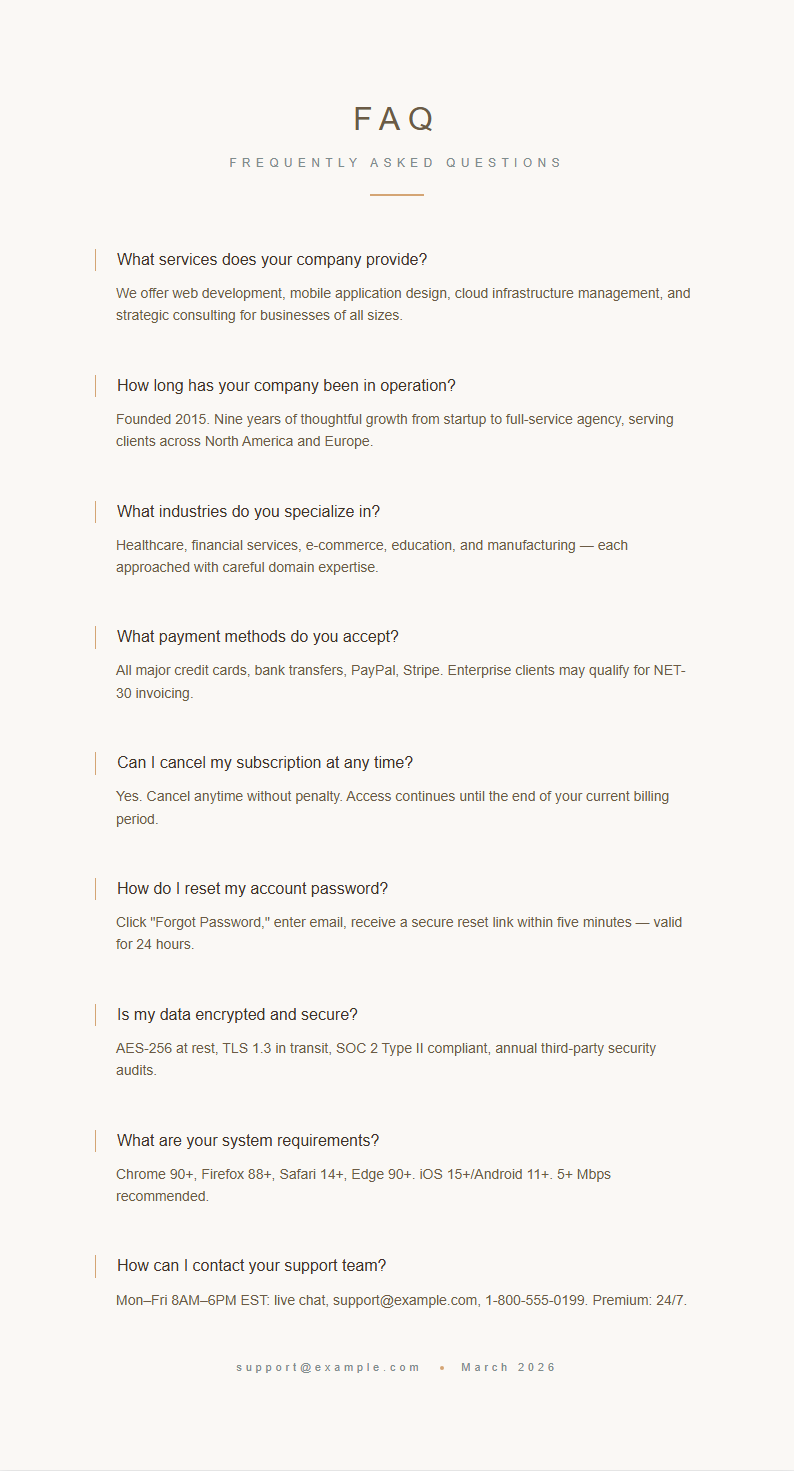
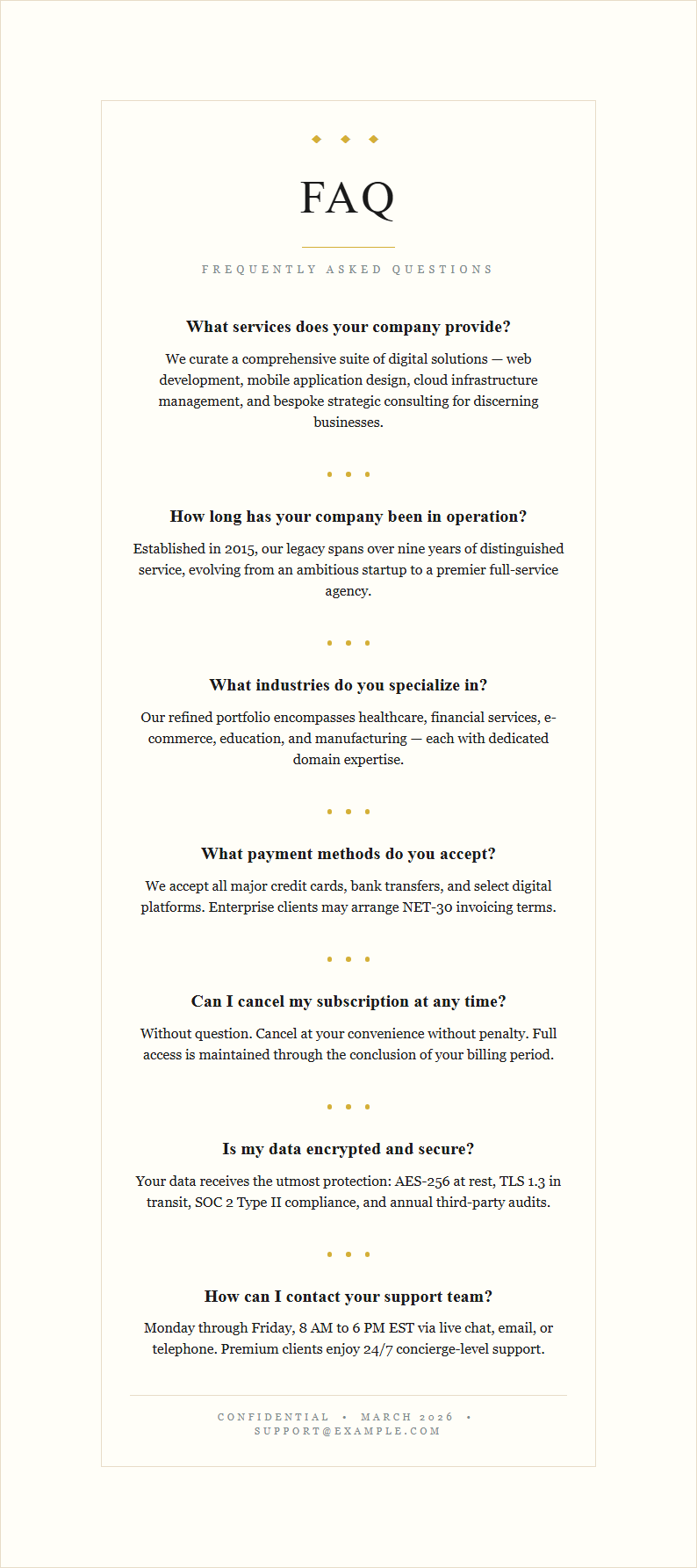
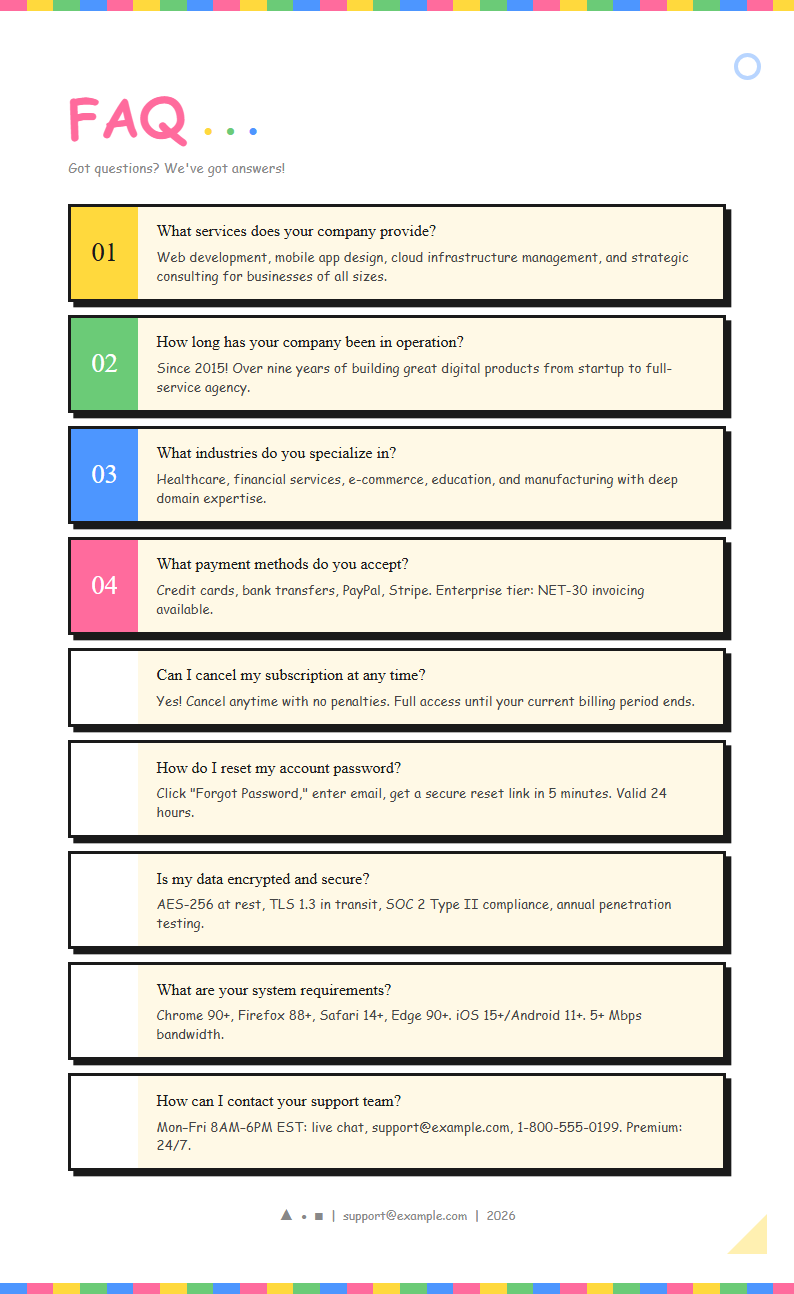
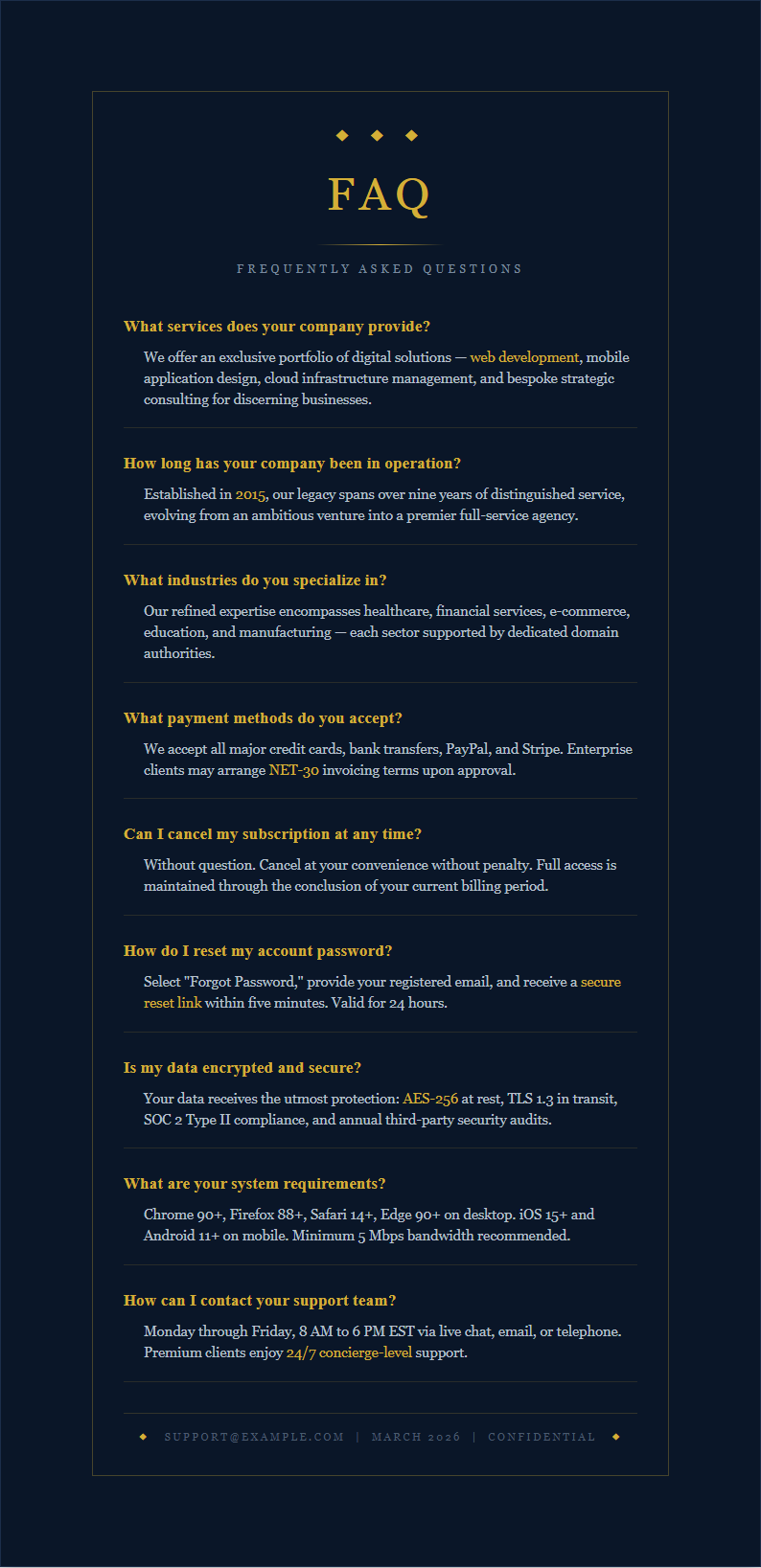
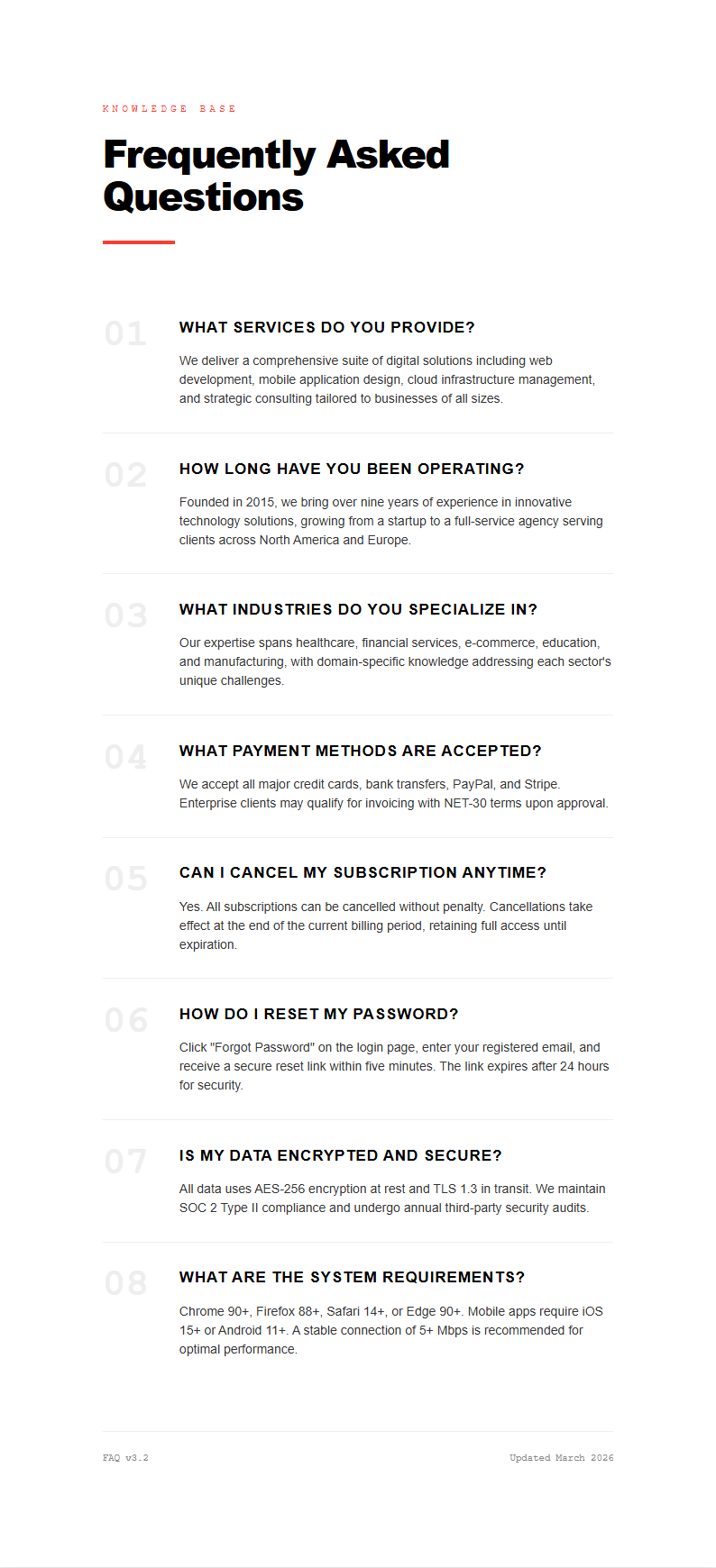
Build professional FAQ sections for your website or documents with AI Formatter's collection of FAQ Template designs. Edit online, customize layouts, and download polished FAQ pages that answer your visitors' most common questions clearly and effectively.
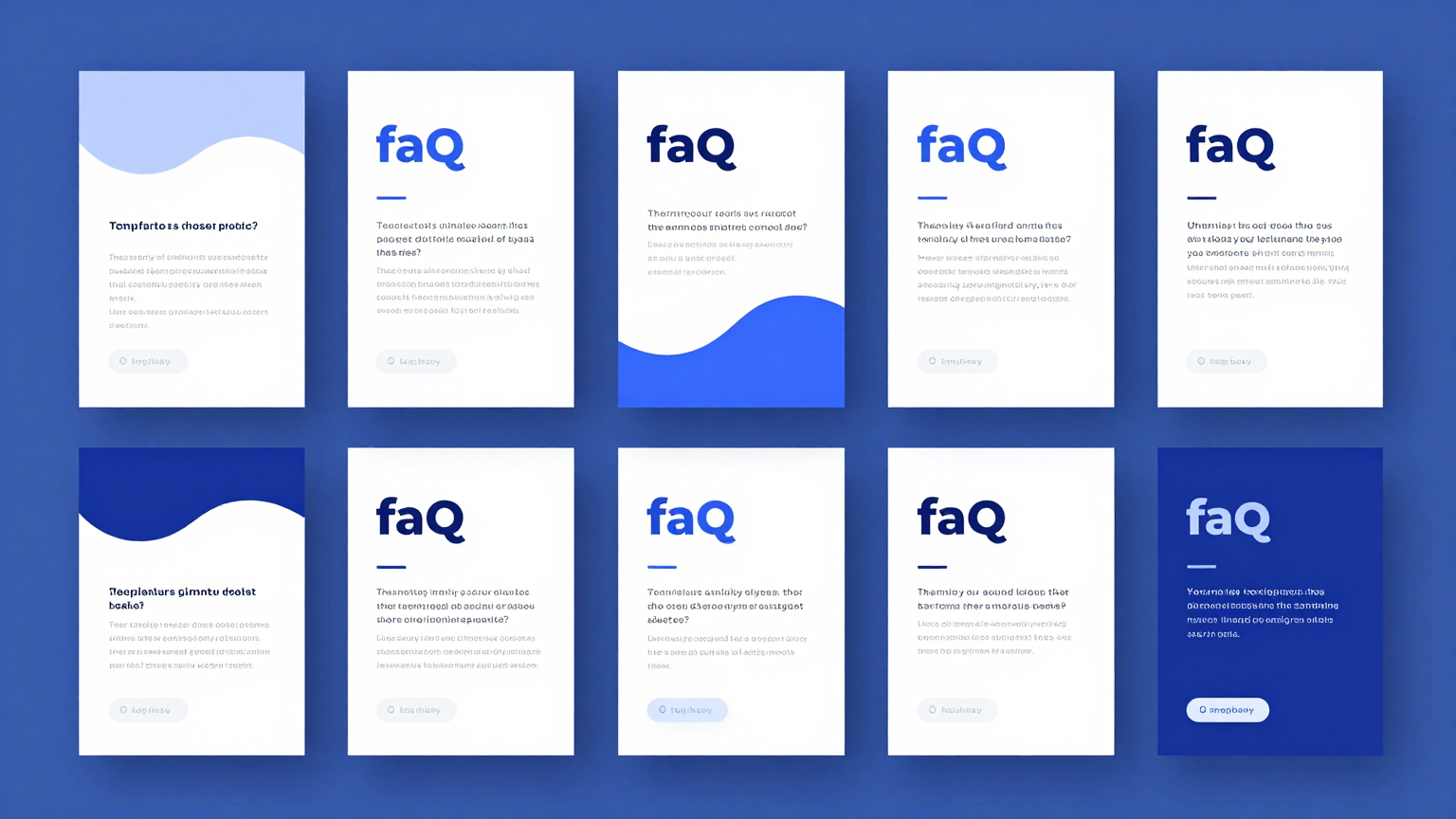
Showing 20 of 30 templates
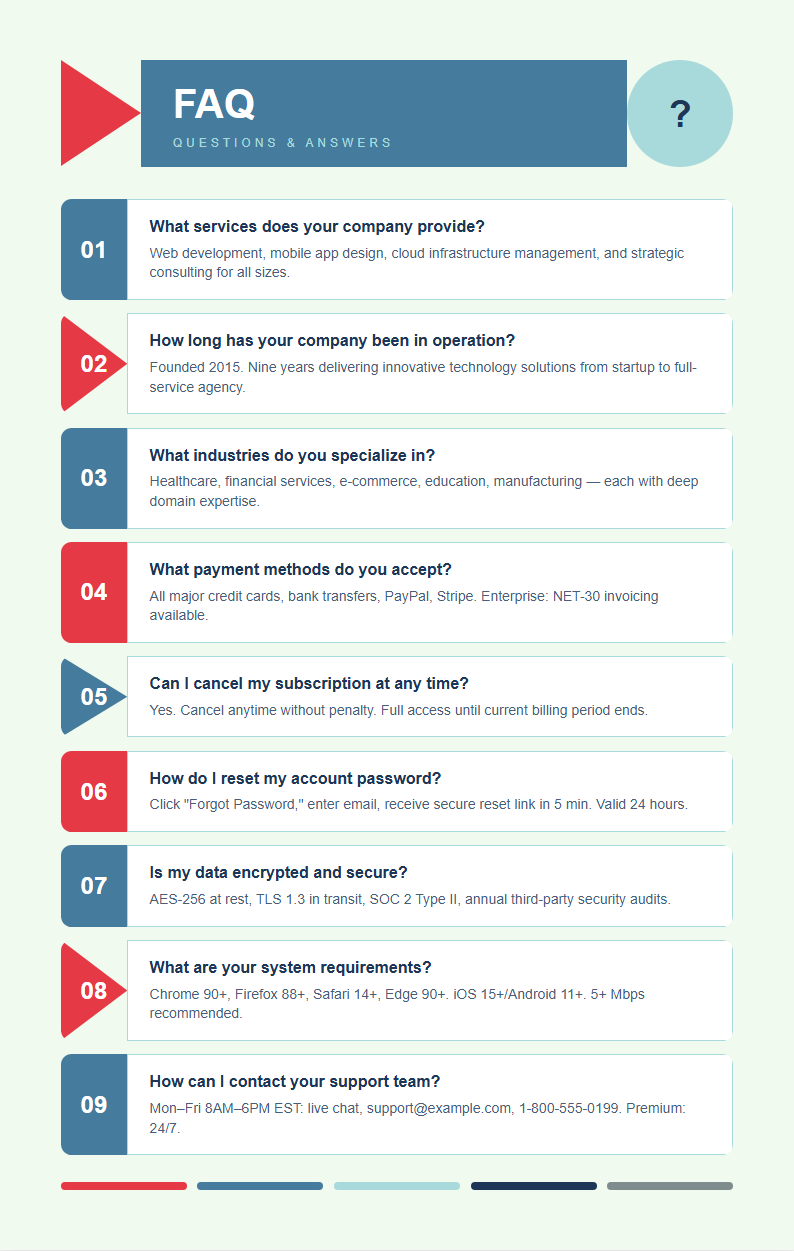
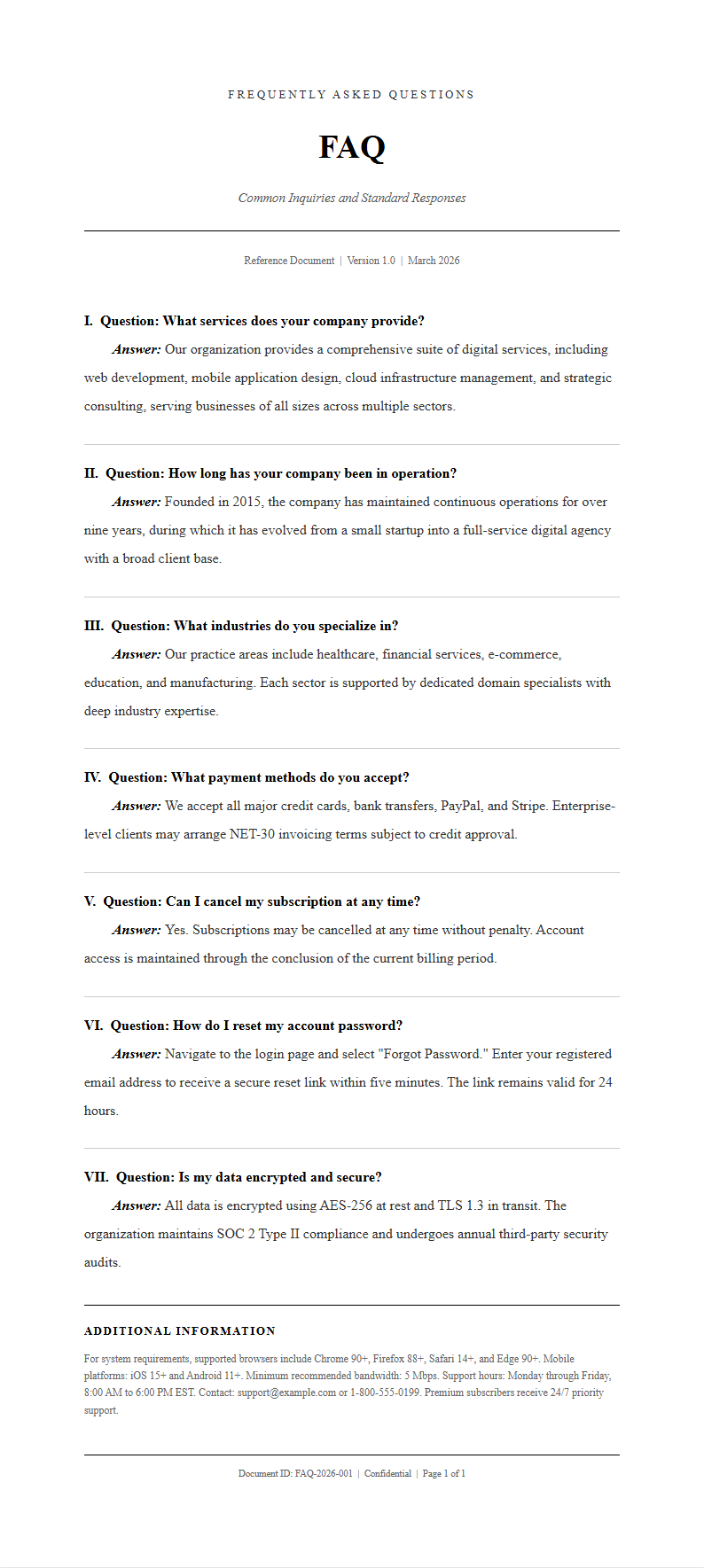
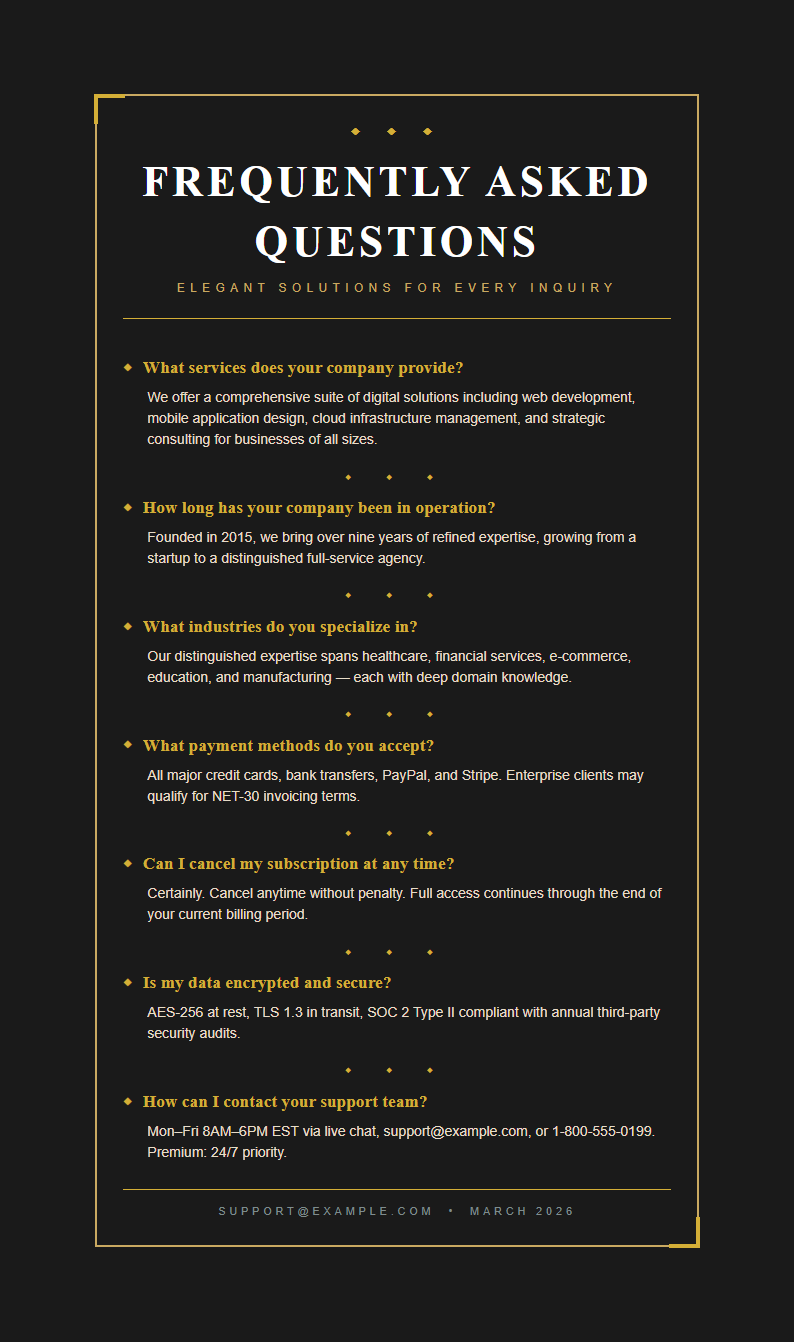
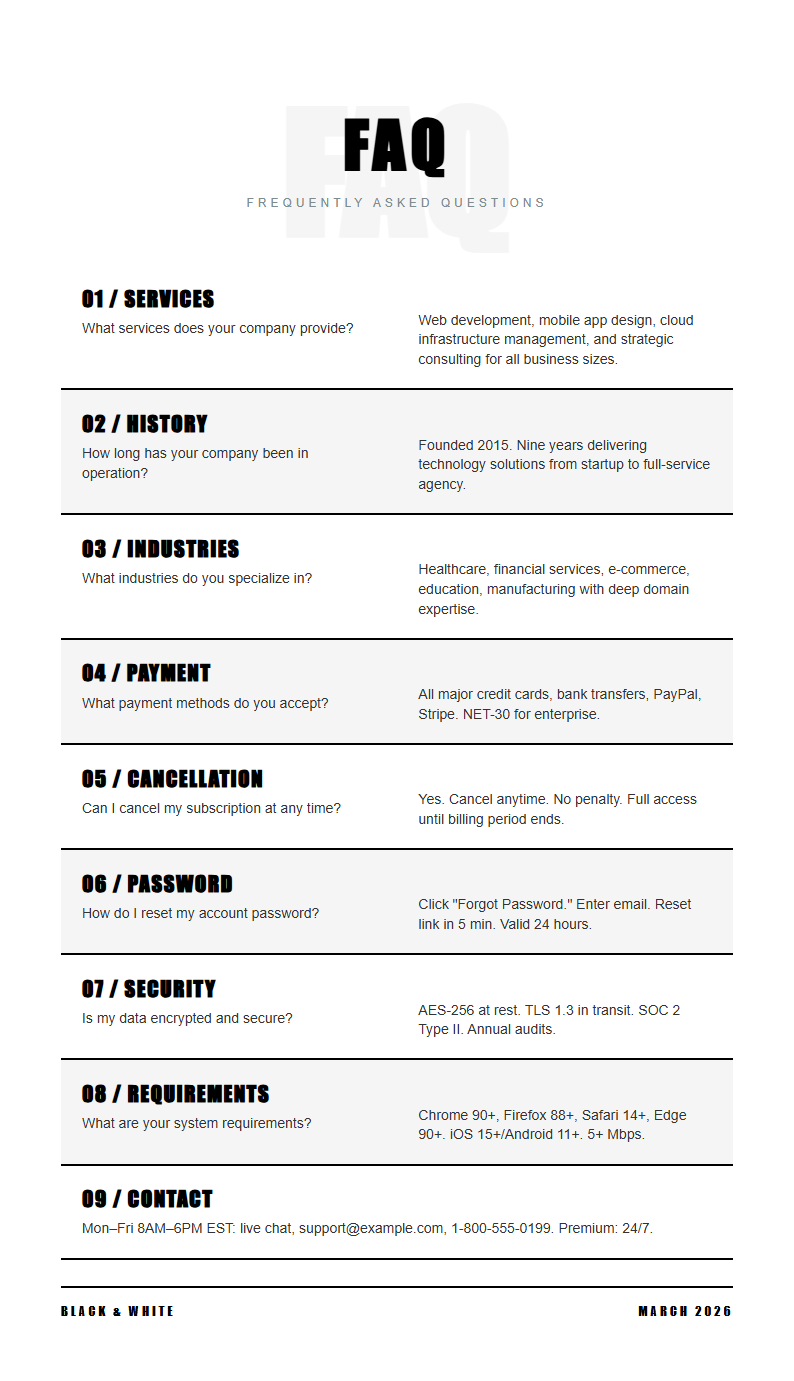
Frequently Asked Questions About FAQ Templates
Common questions about using our FAQ Template collection to create professional FAQ sections.
- Are these FAQ Template designs free to use?
- Yes, all FAQ Template designs on AI Formatter are completely free to download, edit, and use for your personal or commercial projects. There are no hidden fees, watermarks, or subscriptions required to access any template. You can open and customize any FAQ Template directly in your browser without creating an account, making it quick and easy to get started with professional FAQ page designs.
- What types of documents work with a FAQ Template?
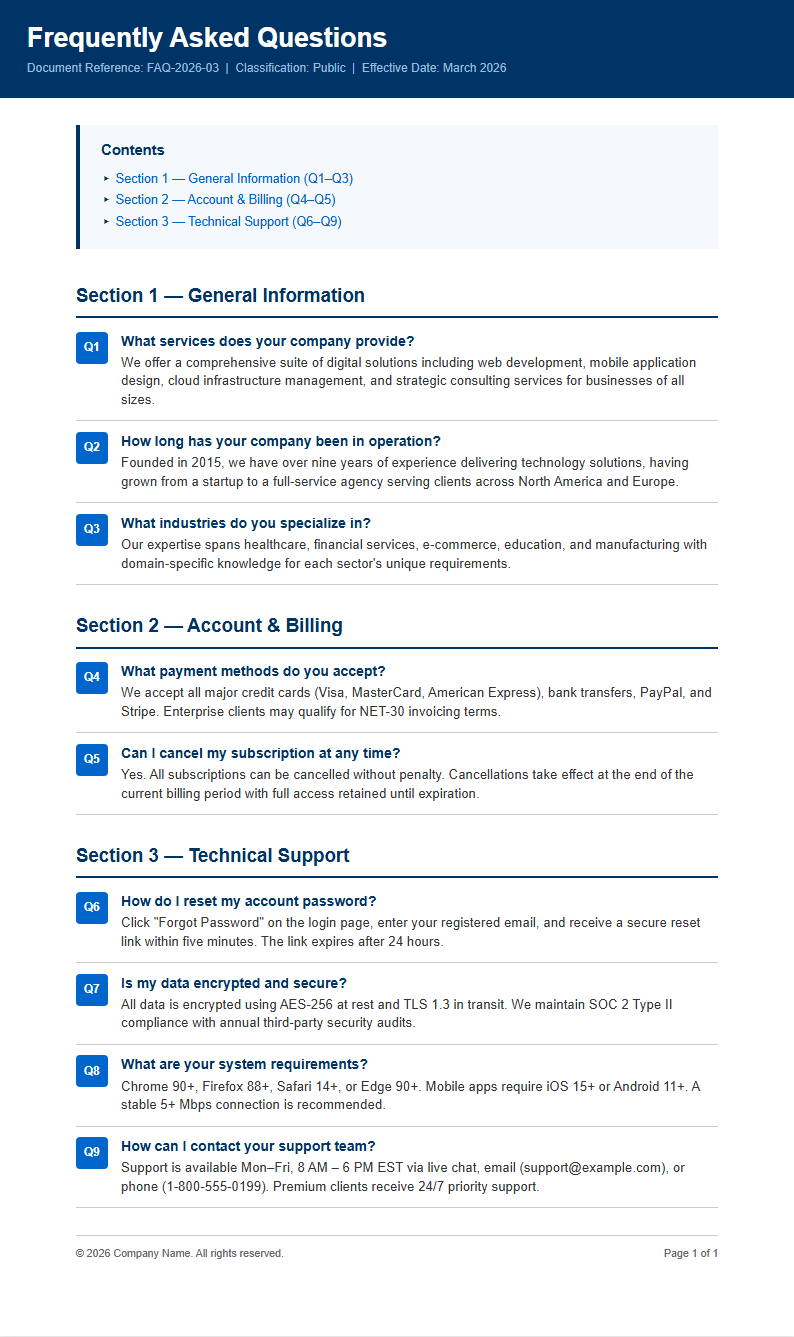
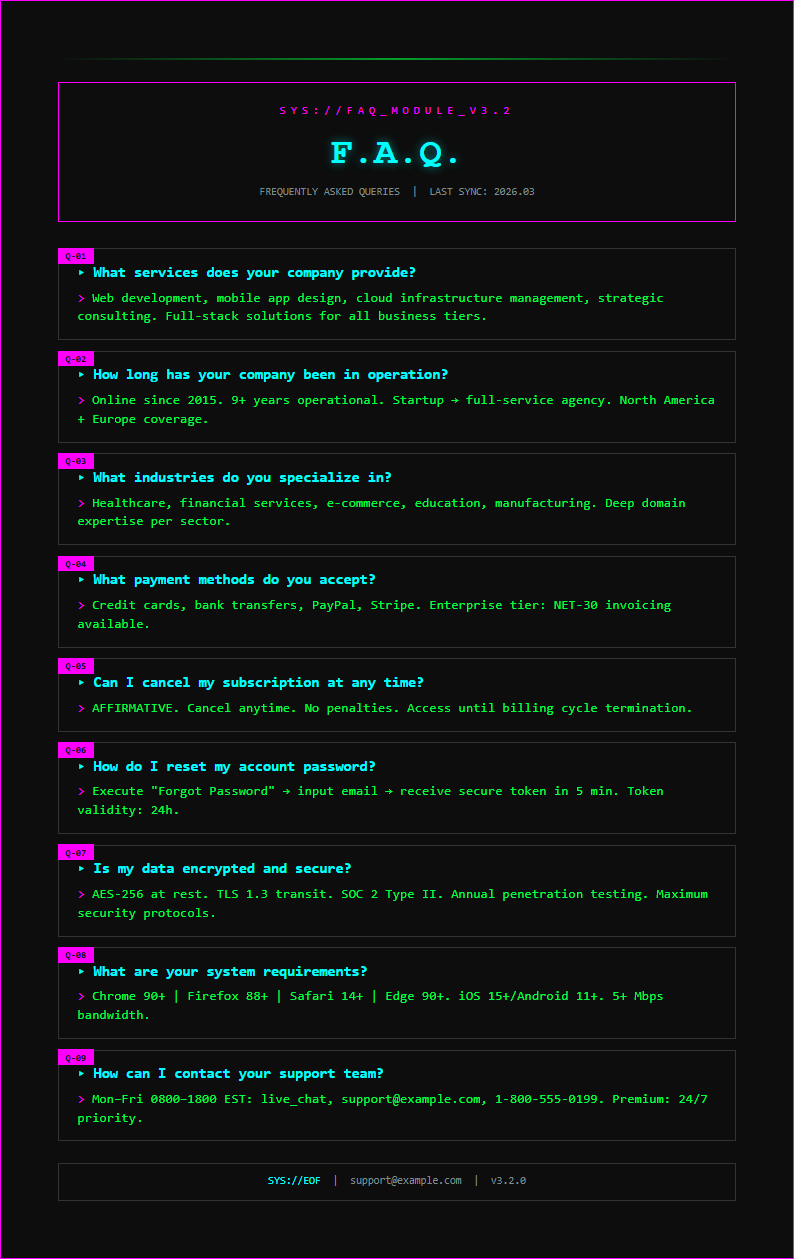
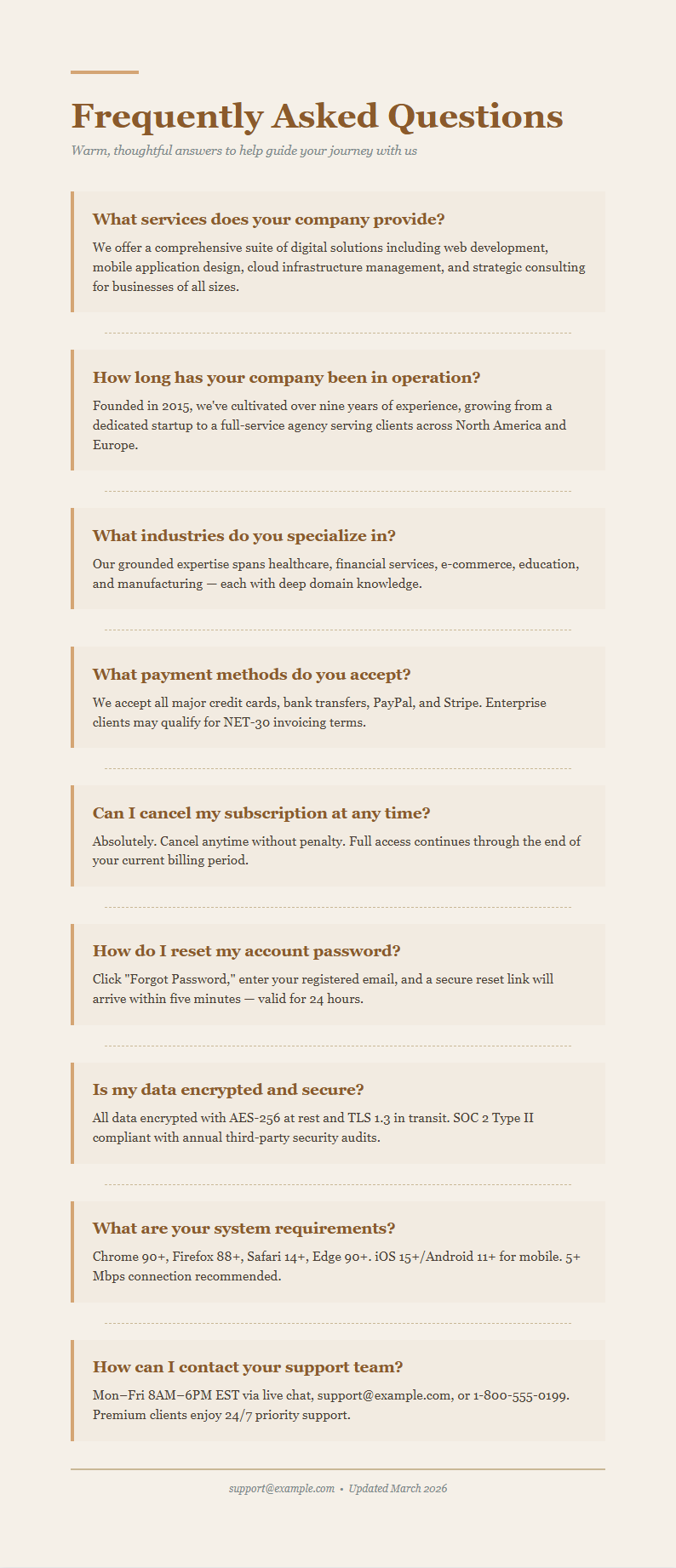
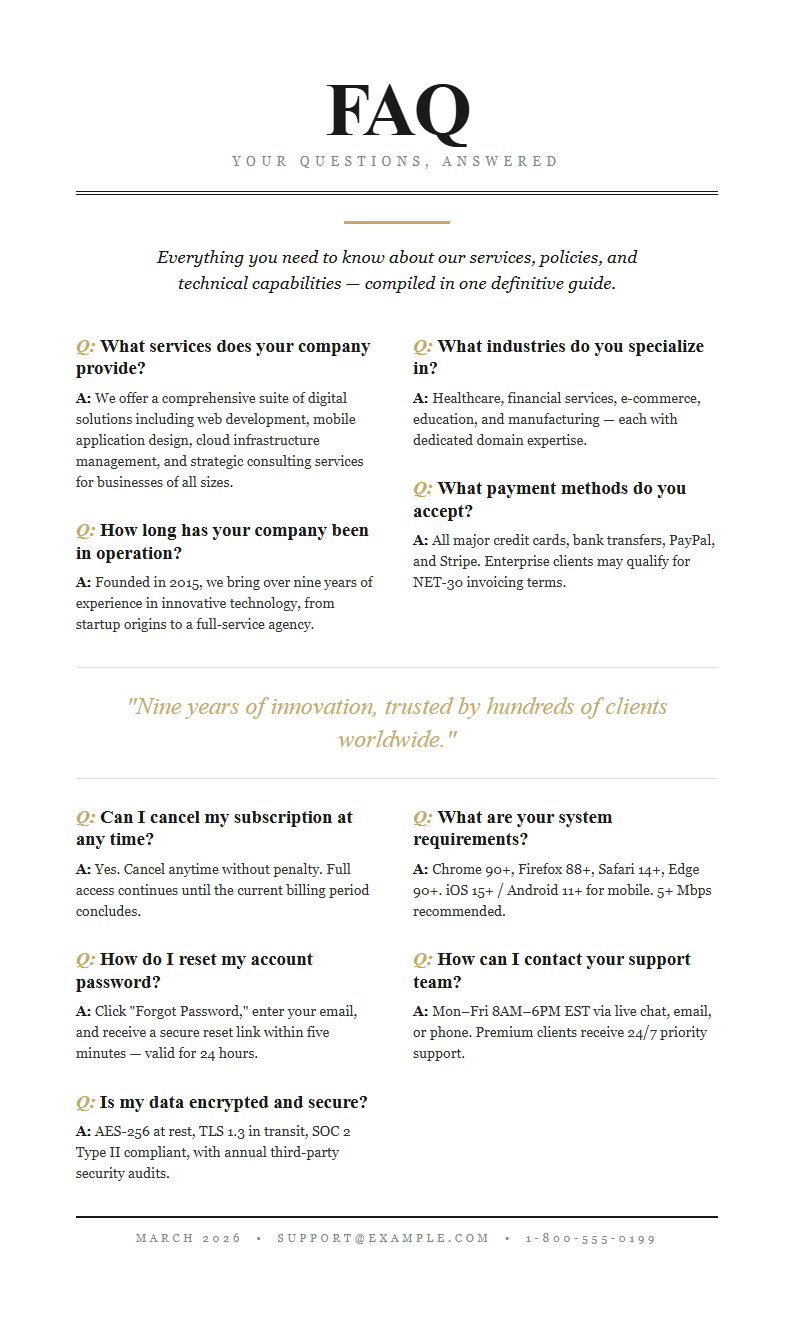
- Our FAQ Template collection works for a wide range of documents including website FAQ pages, product documentation, customer support pages, employee handbooks, business proposals, and presentation slides. Each FAQ Template is specifically designed to organize questions and answers in a clean, professional layout that suits your particular use case, whether you need a simple list or a multi-category FAQ section.
- Can I customize the layout of my FAQ Template?
- Absolutely. Every FAQ Template can be fully customized to match your brand identity and content requirements. You can adjust colors, fonts, spacing, numbering styles, and section headings within the editor. The FAQ Template editor also lets you add or remove questions, reorder items with drag-and-drop ease, and modify the overall visual style so your FAQ section looks exactly the way you want it to appear.
- What FAQ Template styles are available?
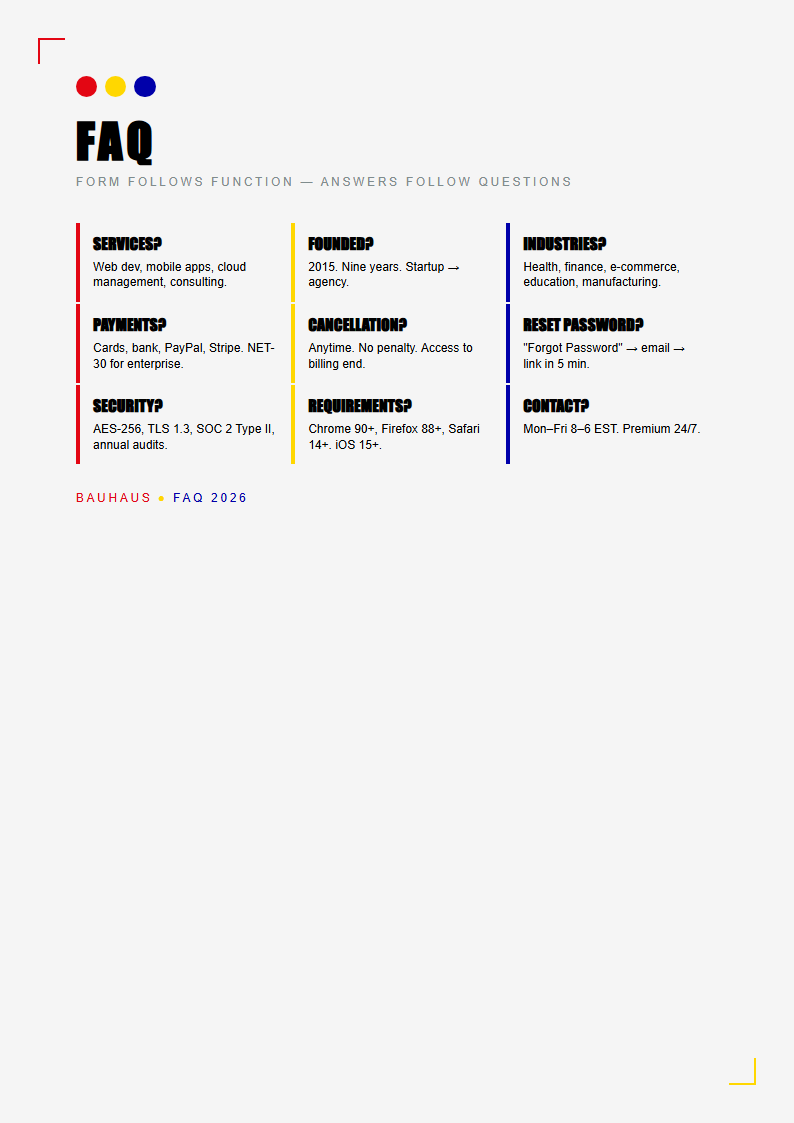
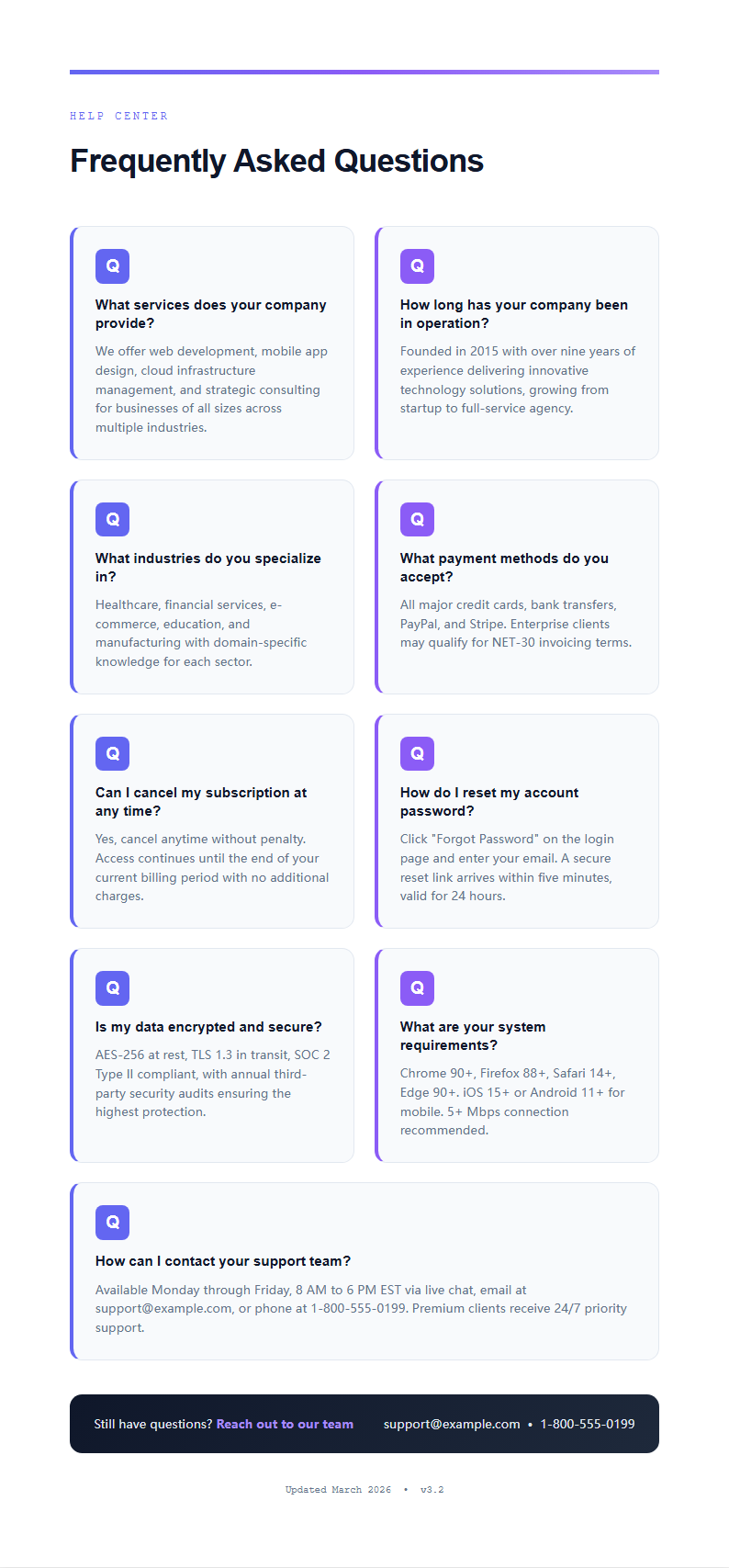
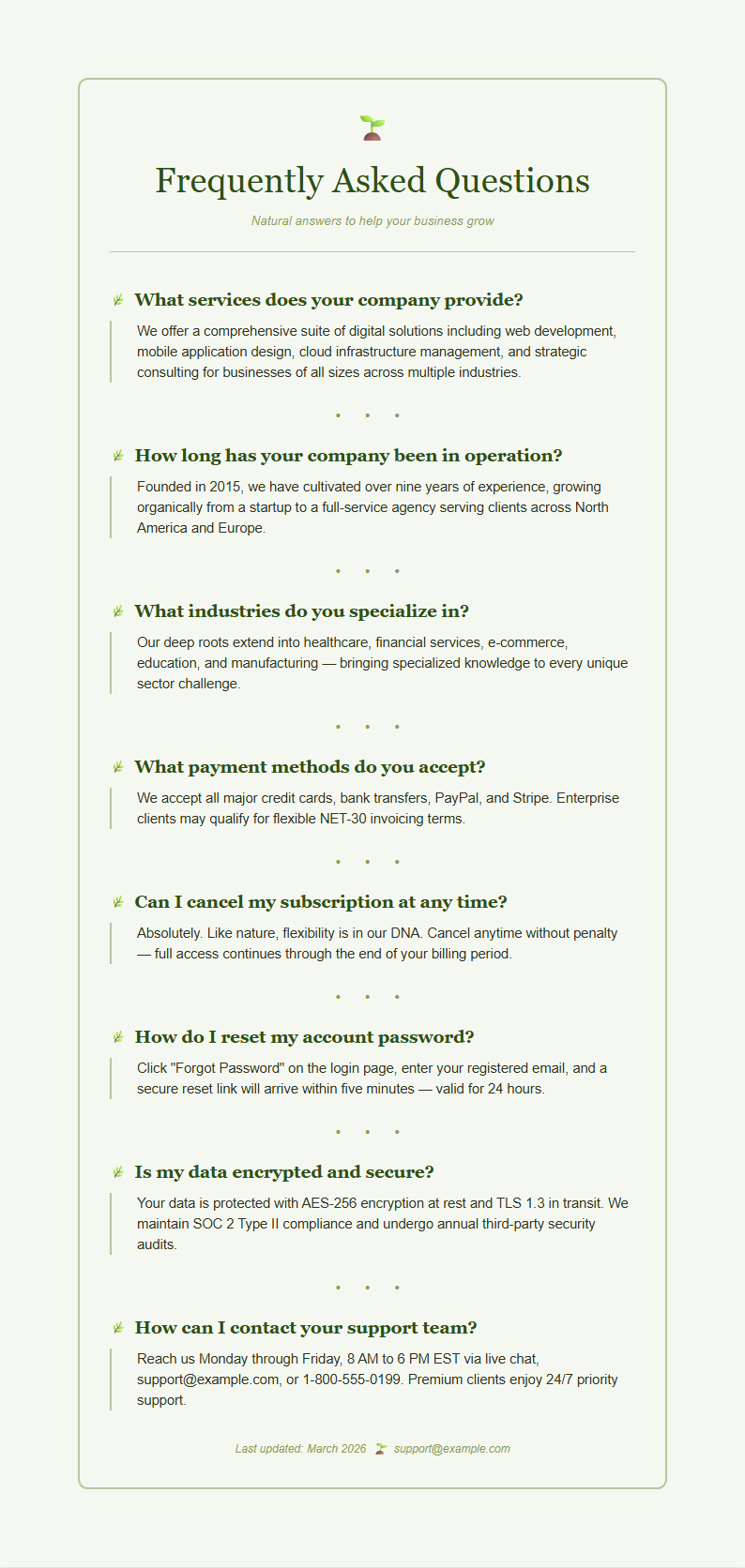
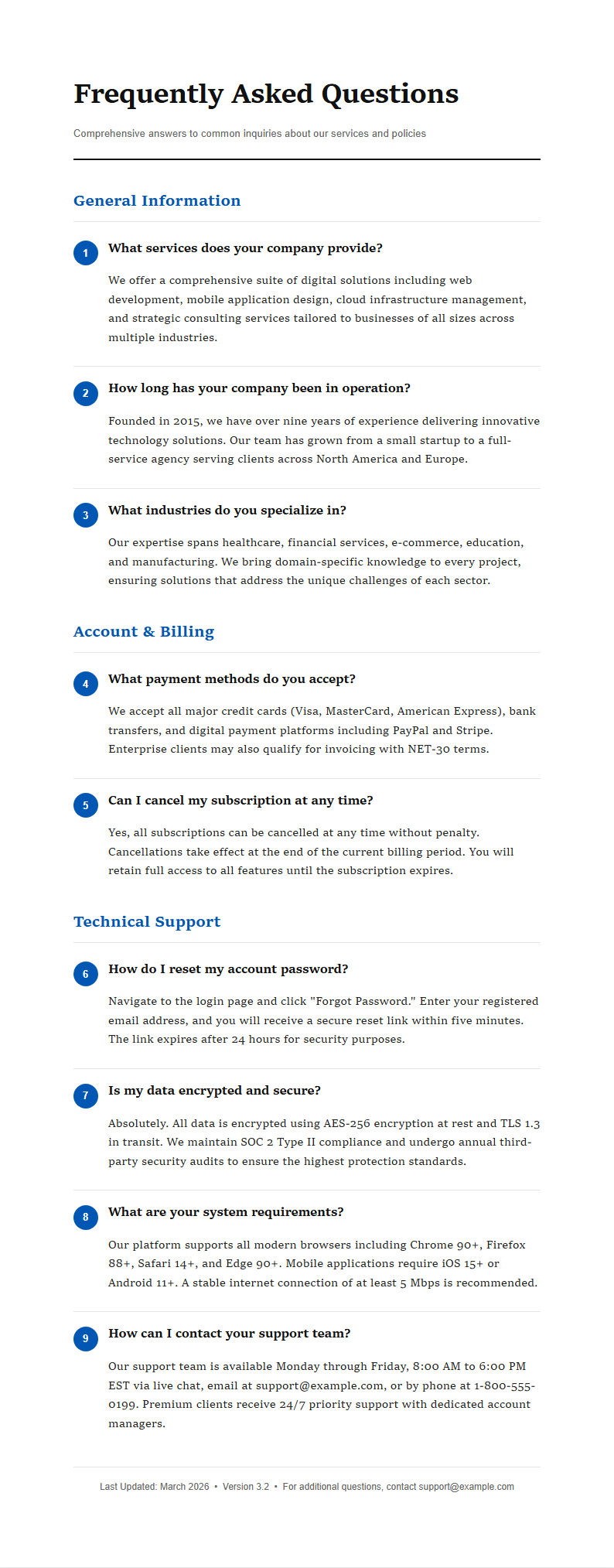
- We offer a wide variety of FAQ Template styles including accordion-style layouts, flat question-answer lists, categorized sections with topic headings, two-column layouts, and card-based designs. Each FAQ Template style serves different presentation needs, so whether you want a simple printable list for a physical document or an interactive expandable layout for a modern website, you will find a suitable option in our collection.
- Can I use a FAQ Template for my website?
- Yes, the FAQ Template is designed to work perfectly for website FAQ sections of all kinds. You can create and format your FAQ content using our visual editor, then copy the structured content directly into your website builder, CMS platform, or custom code. The FAQ Template produces clean, well-organized content that adapts beautifully to any web publishing platform including WordPress, Shopify, and Squarespace.
- What file formats can I download my FAQ Template in?
- Our FAQ Template files are available for download in Microsoft Word (.docx) and PDF formats to suit different workflows. Choose the Word format when you need to make further edits or collaborate with team members who prefer desktop software. The PDF export from the FAQ Template produces polished, print-ready documents that maintain consistent formatting, proper typography, and clean layouts for professional distribution.
- How many questions can I include in one FAQ Template?
- There is no practical limit to the number of questions you can include in a single FAQ Template. The layout expands automatically as you add more content, so whether your FAQ section needs just five common questions or an extensive library of fifty or more entries, the FAQ Template adjusts gracefully to accommodate everything while keeping the content organized, readable, and professionally presented for your audience.
- Can I add categories or sections to my FAQ Template?
- Yes, you can organize your FAQ Template into multiple categories or sections to improve navigation and help readers find relevant answers quickly. Group related questions together under descriptive topic headings, and arrange categories in a logical order that flows naturally. The FAQ Template supports nested sections and multiple grouping levels, making it easy to structure even complex FAQ content in a way that is clear and accessible.
- Is the FAQ Template suitable for e-commerce stores?
- Definitely. Many e-commerce businesses rely on our FAQ Template to create product FAQ pages, shipping policy sections, return policy answers, and general customer support pages. Using a well-organized FAQ Template helps online stores proactively address common customer concerns, which can significantly reduce support ticket volume, build shopper confidence, and improve the overall purchasing experience for visitors browsing your products.
- Can I add images or icons to a FAQ Template?
- Yes, you can enhance any FAQ Template by adding images, icons, diagrams, or illustrations alongside your questions and answers. Insert screenshots to clarify complex answers, add brand-consistent icons to improve visual appeal, or include product photos within the FAQ Template to make your answers more helpful and engaging for readers who prefer visual learning alongside the written explanations.
- Do FAQ Templates include sample content?
- Yes, each FAQ Template comes pre-filled with realistic sample questions and answers that demonstrate proper formatting, ideal answer length, and effective content structure. You can easily replace this placeholder content with your own questions and answers. Reviewing the sample content in the FAQ Template is a helpful way to understand how to write clear, concise answers that address your audience's most pressing concerns.
- Can I print my FAQ Template document?
- Yes, you can download your completed FAQ Template as a PDF file for high-quality printing on any standard printer. The FAQ Template is specifically designed with proper margins, consistent spacing, and professional typography to produce excellent printed documents. Whether you need FAQ pages for a physical binder, employee handbook, client presentation, or conference handout, the FAQ Template prints cleanly and professionally every time.
- How do I write effective FAQ answers for my template?
- A well-crafted FAQ Template helps you write clear, concise, and helpful answers. Start each answer in your FAQ Template with a direct response to the question, then add supporting details or context if necessary. Aim to keep answers between two and four sentences in the FAQ Template, use simple language your audience understands, and avoid jargon. Organizing your FAQ Template with clear, informative answers builds trust with your readers.
- Can I share my FAQ Template with my team for collaboration?
- Yes, you can easily share your FAQ Template with team members by downloading the file in Word or PDF format and distributing it through email, shared drives, or project management tools. Since the FAQ Template uses standard file formats, your entire team can review, comment on, and edit the content using familiar software, streamlining the collaborative process of building a comprehensive and accurate FAQ section.
- Are FAQ Templates optimized for search engines?
- Yes, a well-structured FAQ Template naturally supports important SEO best practices that help your content rank higher in search results. By organizing your content in a clear question-and-answer format, the FAQ Template creates text that directly matches how people phrase their search queries. The FAQ Template also supports adding structured data markup, which helps search engines understand and prominently display your FAQ content in featured snippets and rich results.
Ready to Build Your FAQ Page?
Start creating a professional FAQ section with our beautifully designed FAQ Template collection. Answer your visitors' questions clearly and confidently.
Free templates • AI-powered editing • No sign-up required