Generate Notices Instantly
Stop struggling with legal formatting and start creating properly structured notices right away. Our AI-powered Notice Generator helps you draft eviction notices, termination letters, policy updates, and other formal communications in minutes.
How to Create a Notice Online
Enter Notice Details
Select the notice type you need, then fill in the recipient name, sender details, date, and main body. Include reference numbers, deadlines, or legal citations. Accurate details help the Notice Generator produce a properly structured document that meets formal standards.
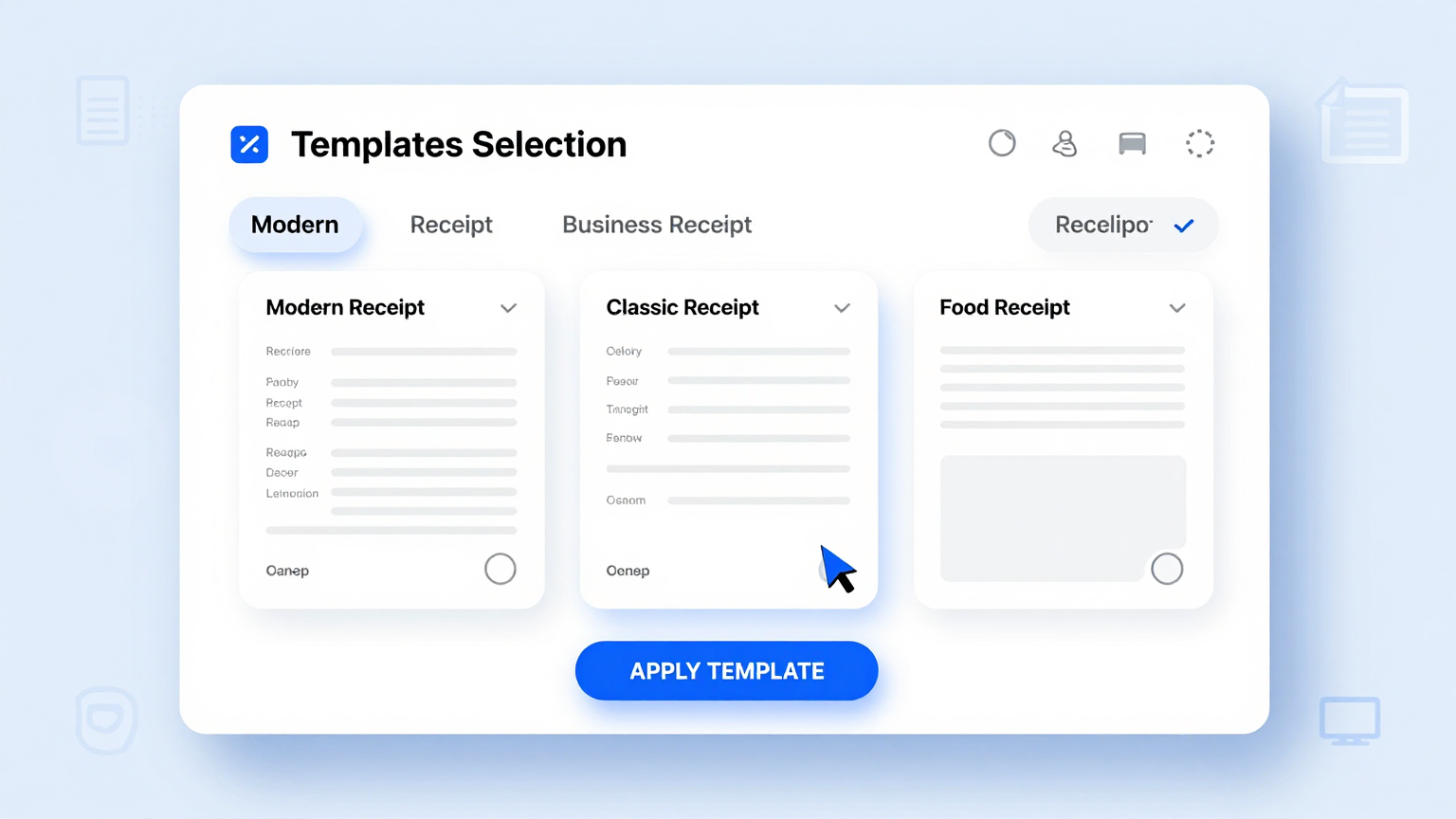
Select a Template
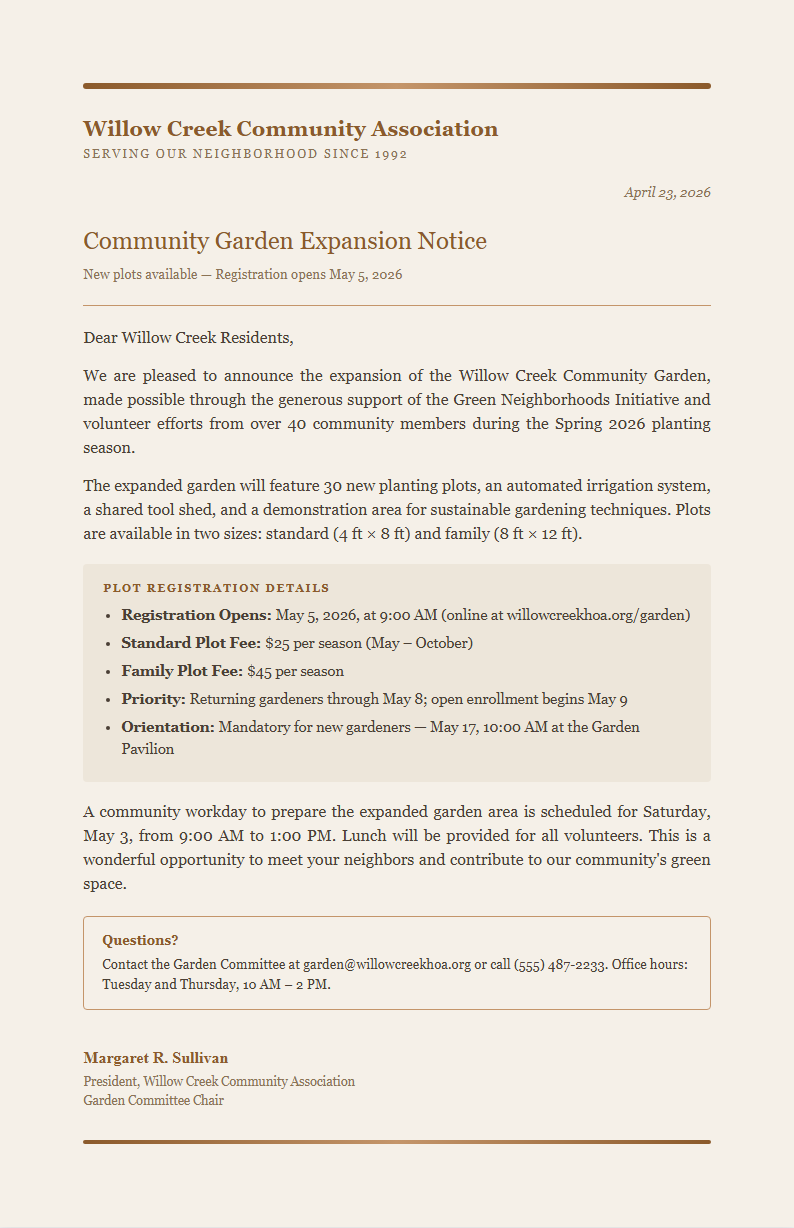
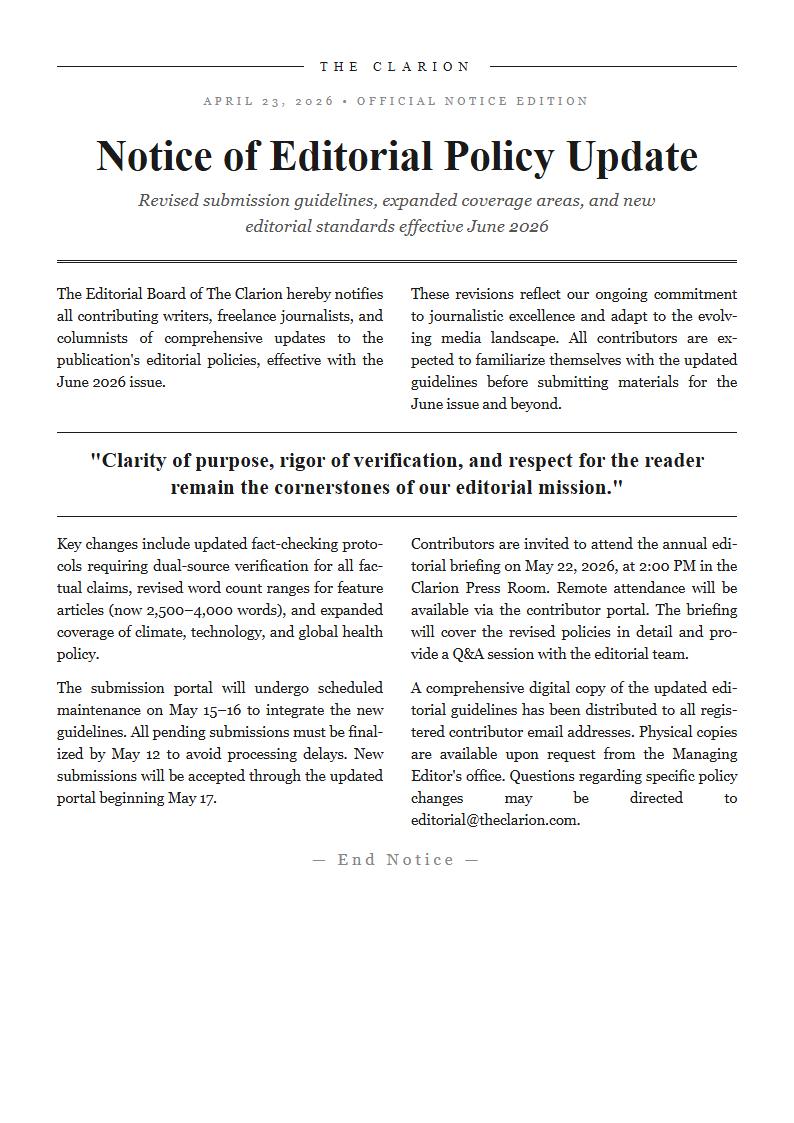
Browse the template library and choose the format matching your notice type. Options include eviction notices, termination letters, policy notifications, and compliance notices. Each template comes with correct sections, legal language, and formatting for its category.
Review and Edit
Read through the generated notice and make adjustments as needed. Use the editor to update terms, clarify language, or add clauses. The Notice Generator provides a clean draft you can refine until the document communicates exactly what you intend with the right tone.
Download Your Notice
Download your notice as a PDF for formal delivery or a Word file for additional edits. The Notice Generator preserves the professional layout so the document is ready for mailing, hand delivery, or electronic distribution to the recipient right away.
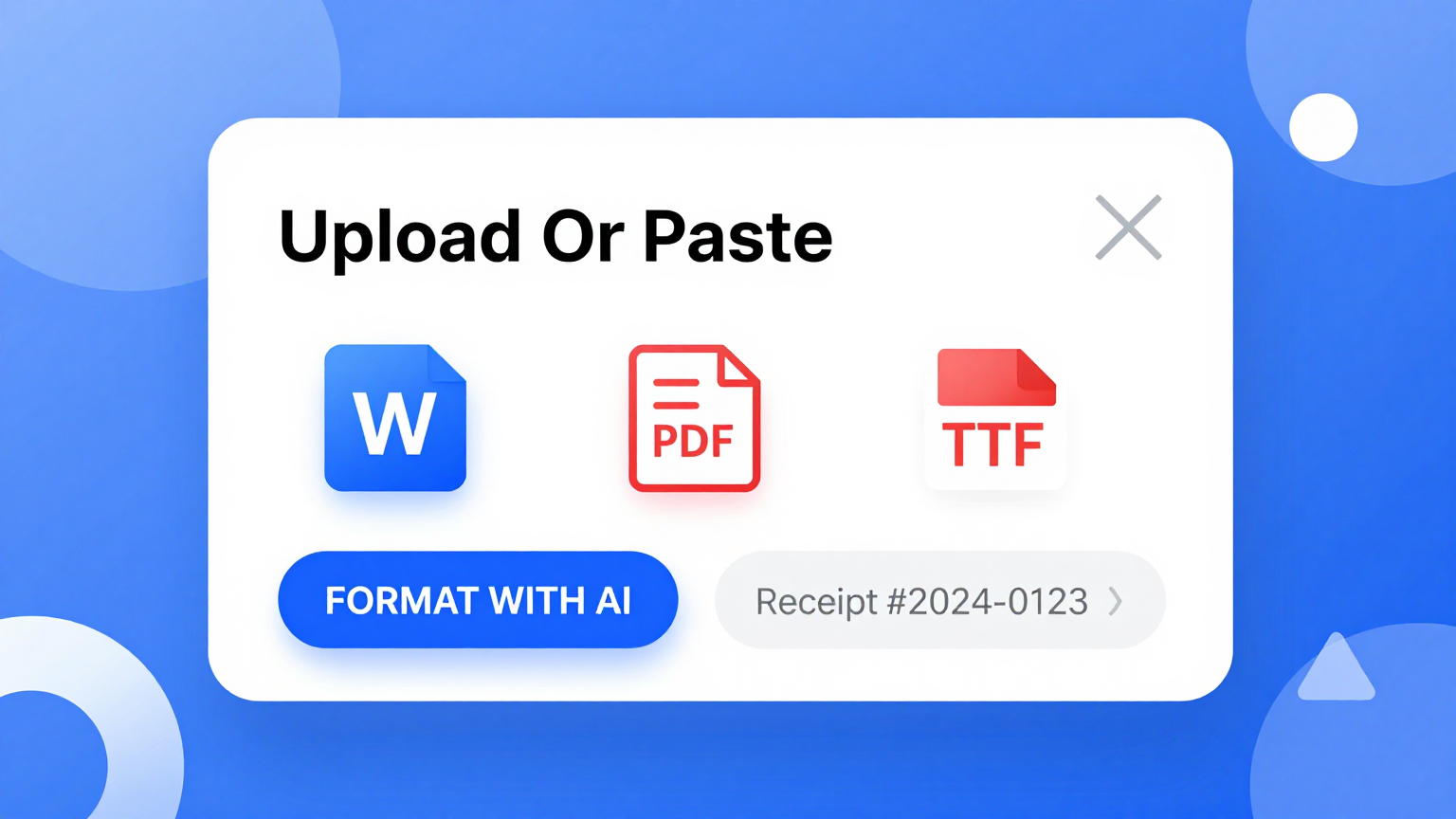
Import Your Details
Quickly enter recipient information, dates, and notice-specific details into the tool. You can paste existing text, tenant records, or case details and the Notice Generator automatically organizes your input into the proper sections and format for a formal notice document.
Professional Templates
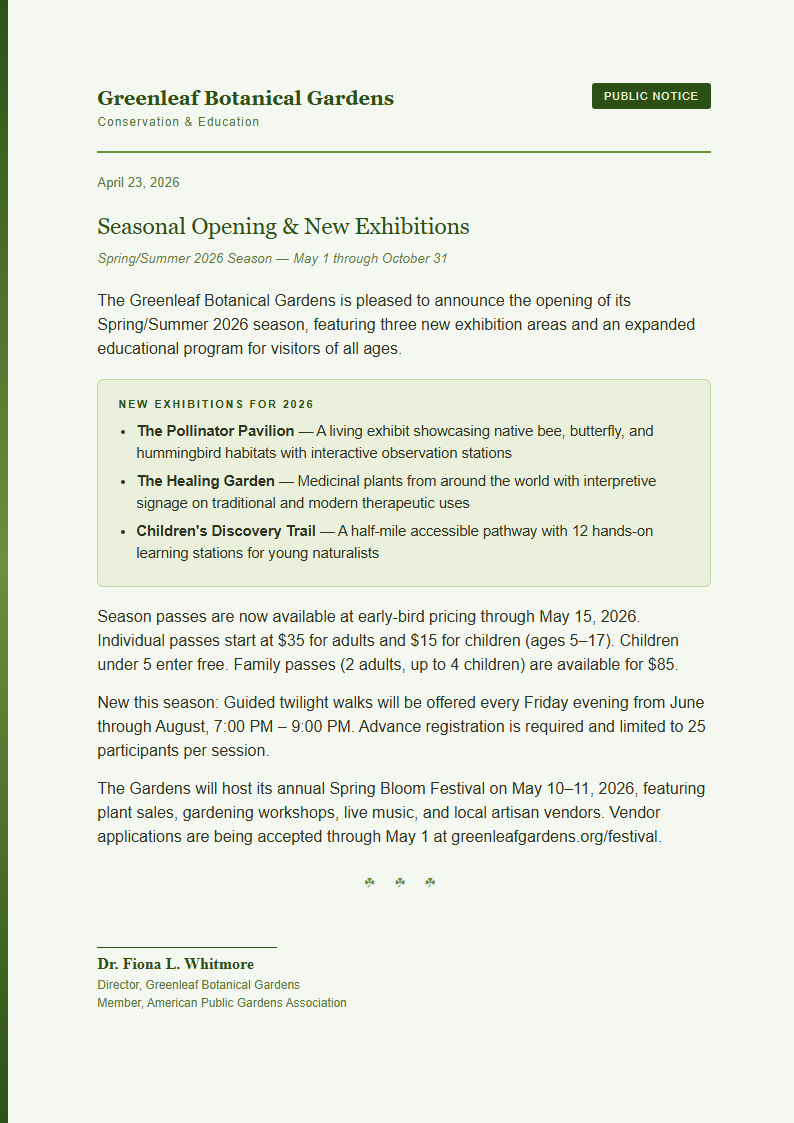
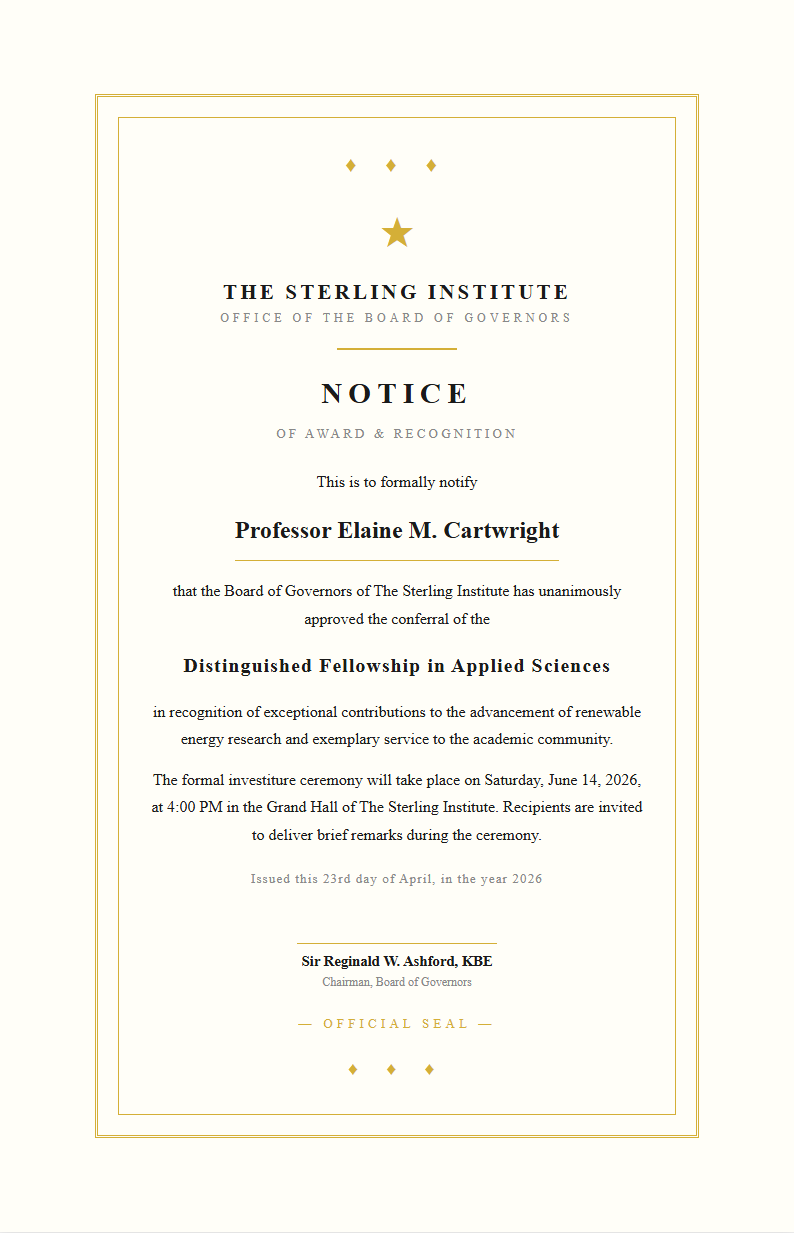
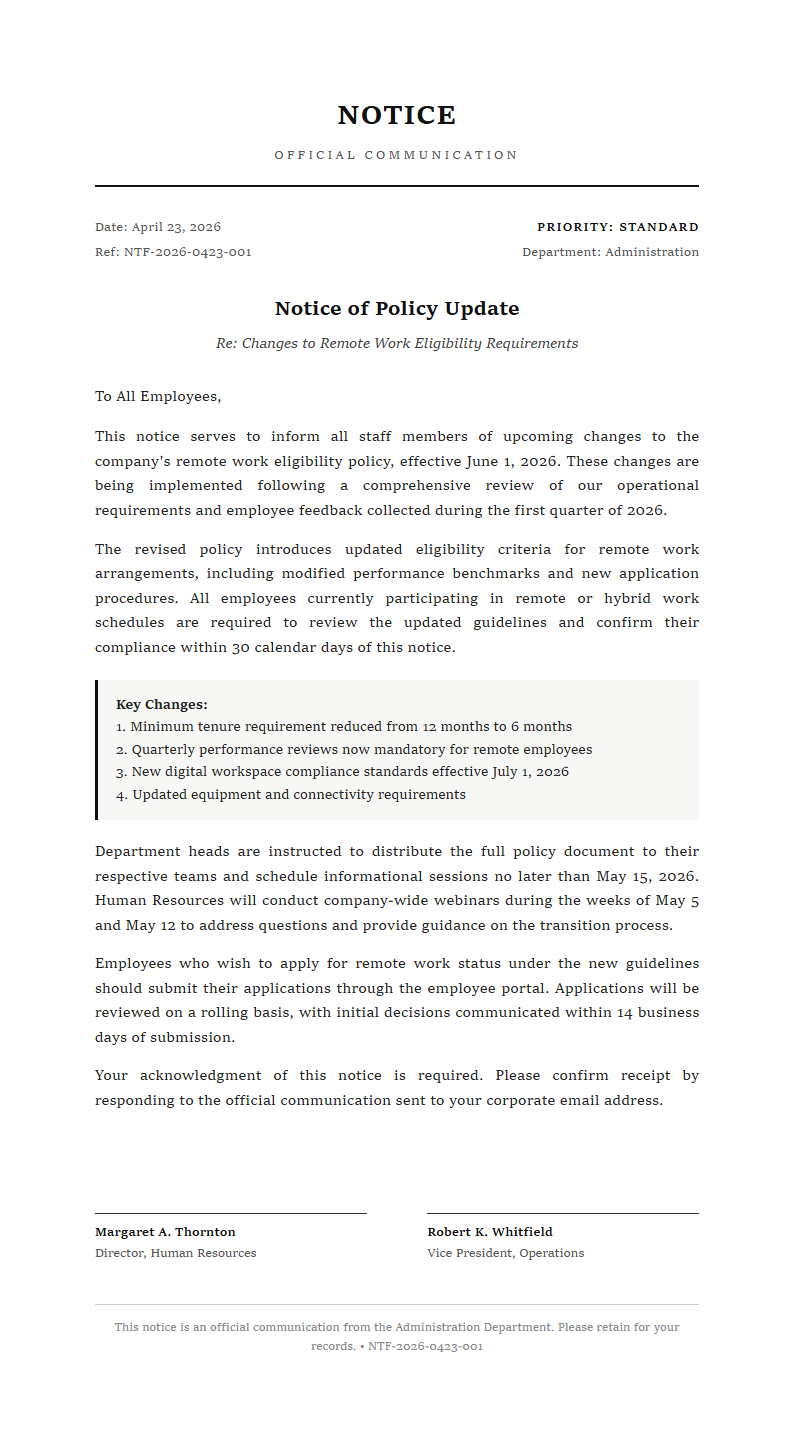
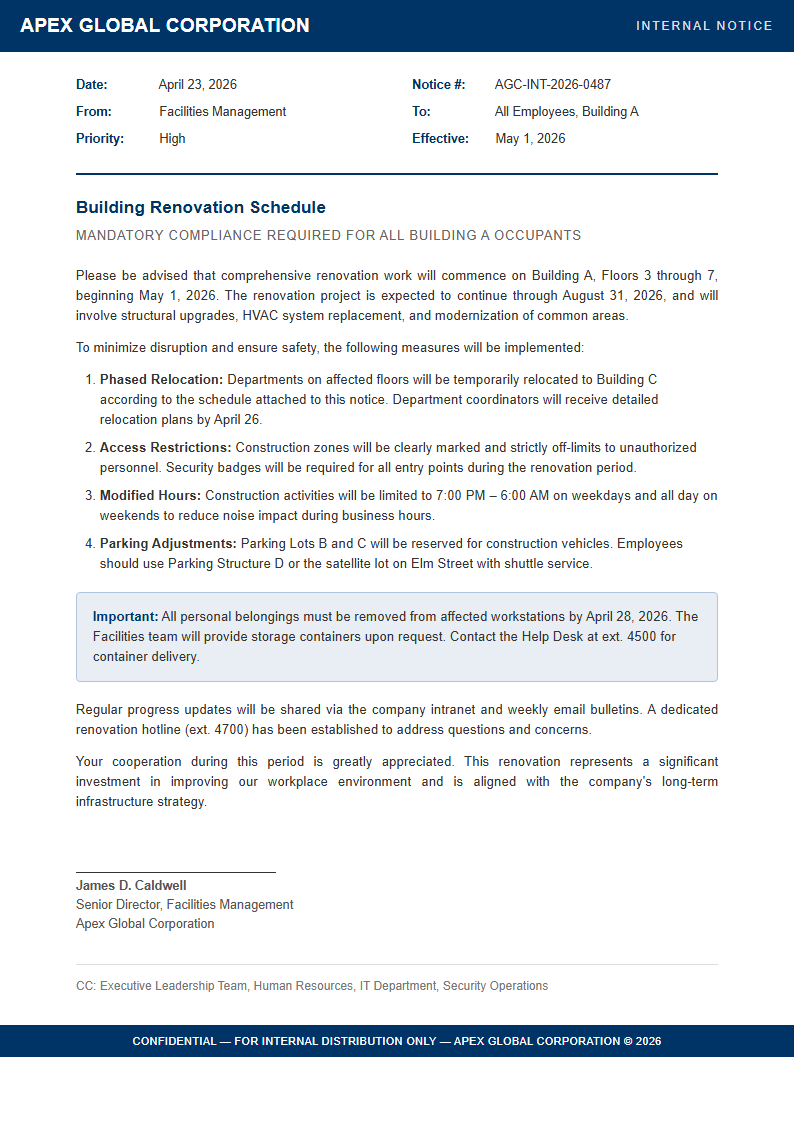
Choose from a curated selection of notice templates designed for eviction, termination, privacy policy, compliance, and general legal purposes. Each template in the Notice Generator includes the appropriate legal language and formatting for its specific notice type.
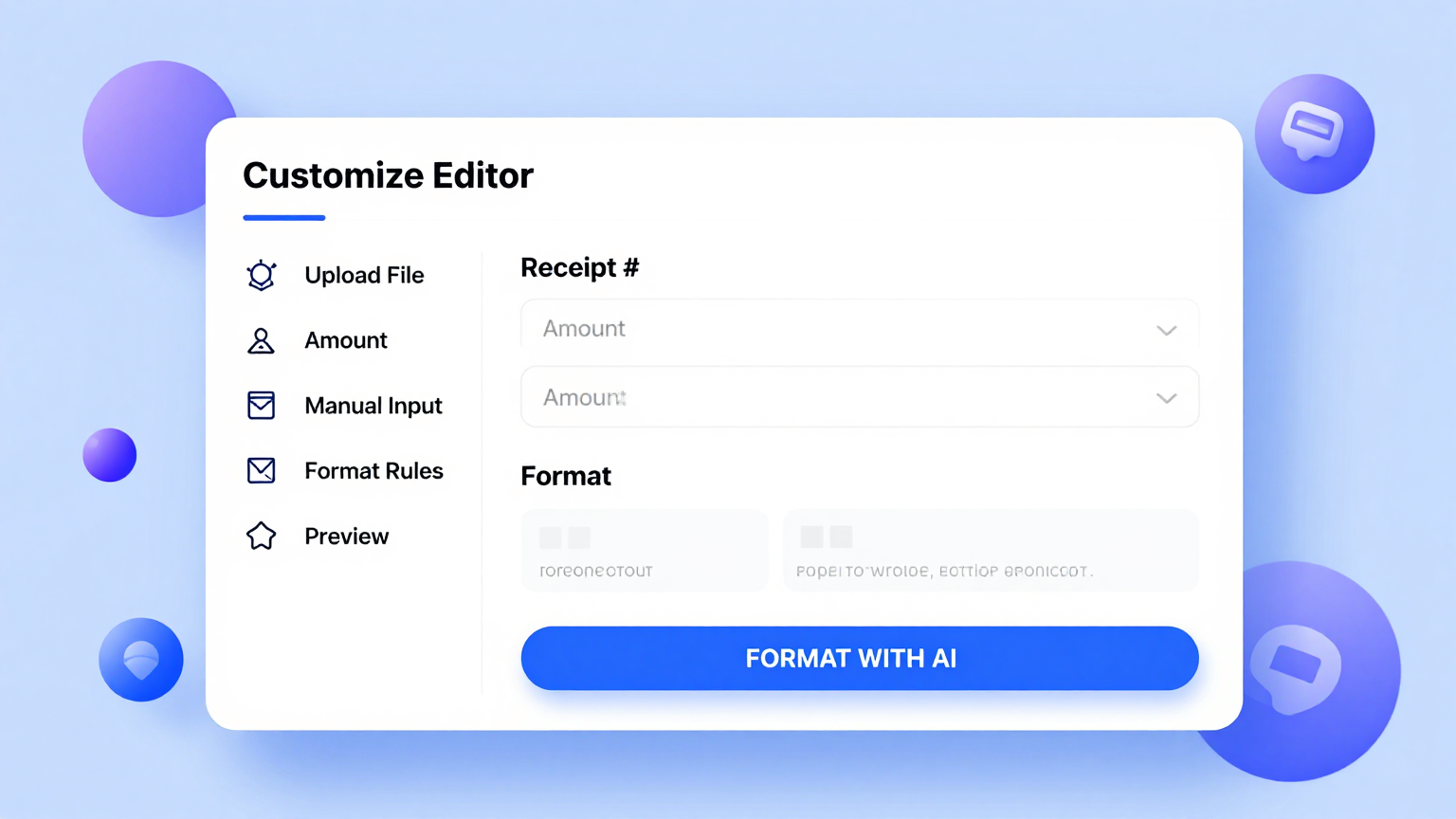
Edit Online
Refine every section of your notice with the built-in editor. Adjust legal language, update response deadlines, add specific terms or conditions, and preview your document in real time. The Notice Generator gives you full control so the final document meets your exact requirements.
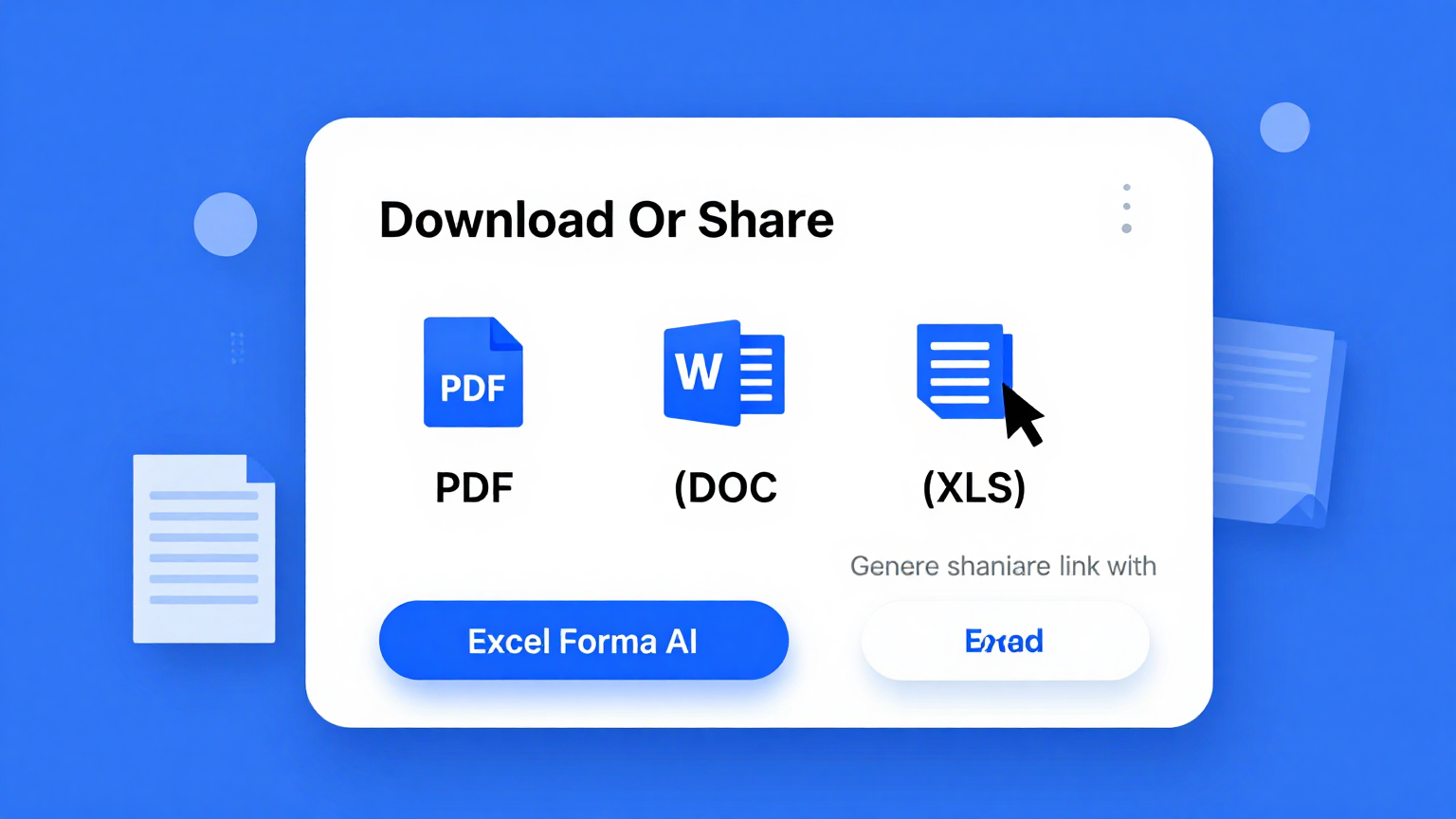
Download & Share
Export your finished notice as a polished PDF for formal delivery or as an editable Word file for further adjustments. The Notice Generator preserves all formatting and layout, so the document you download looks exactly like what you previewed on screen.
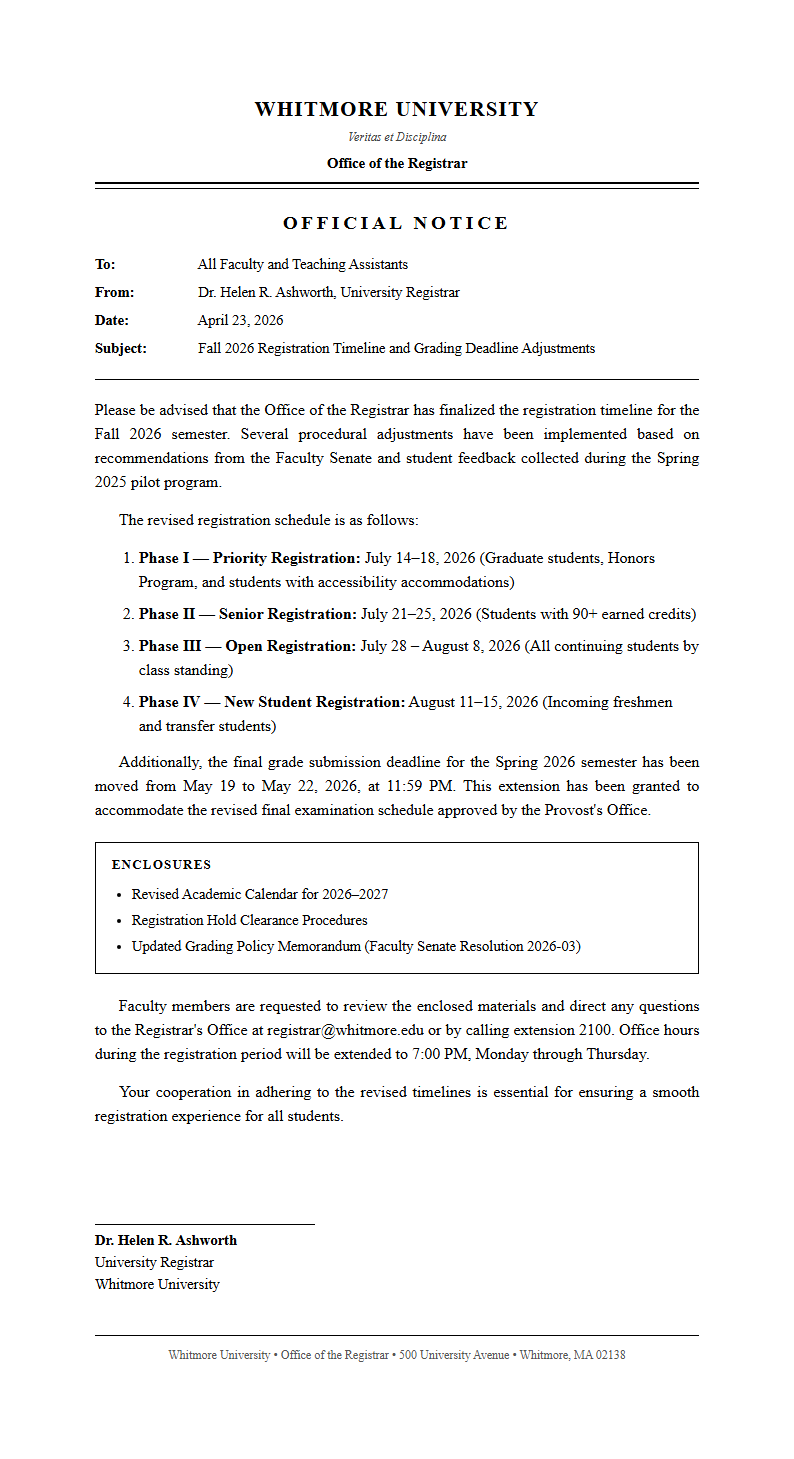
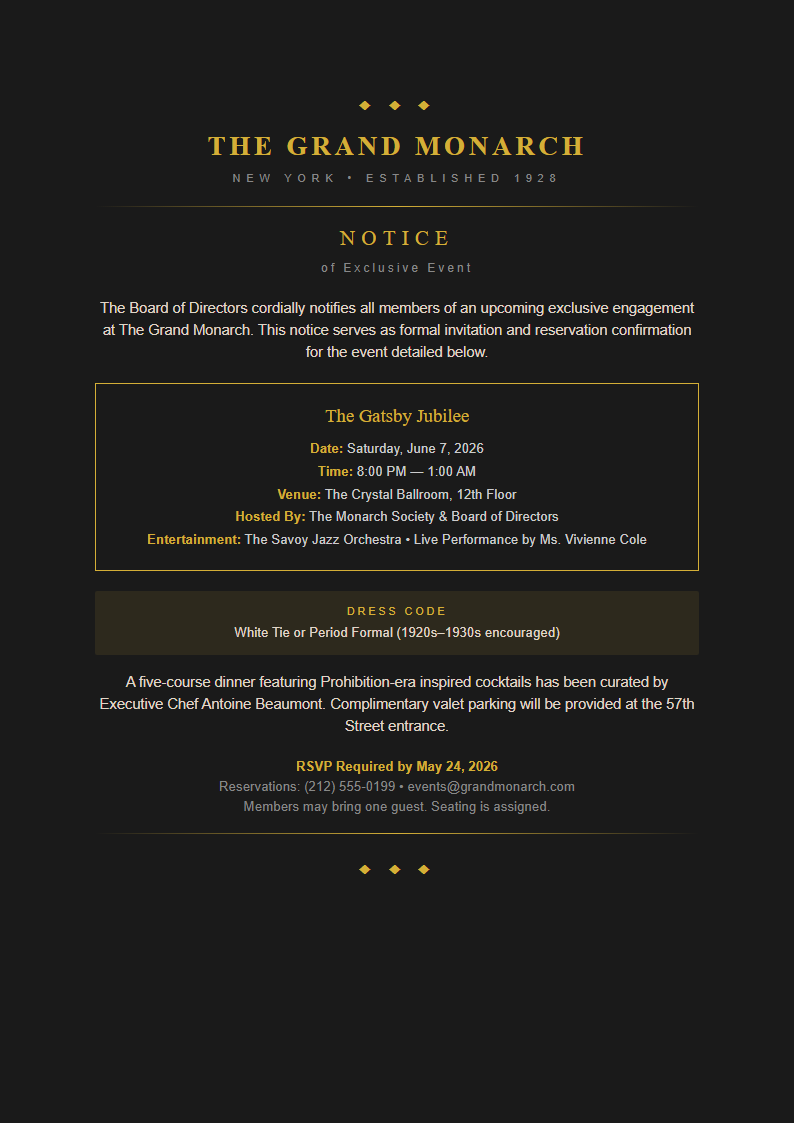
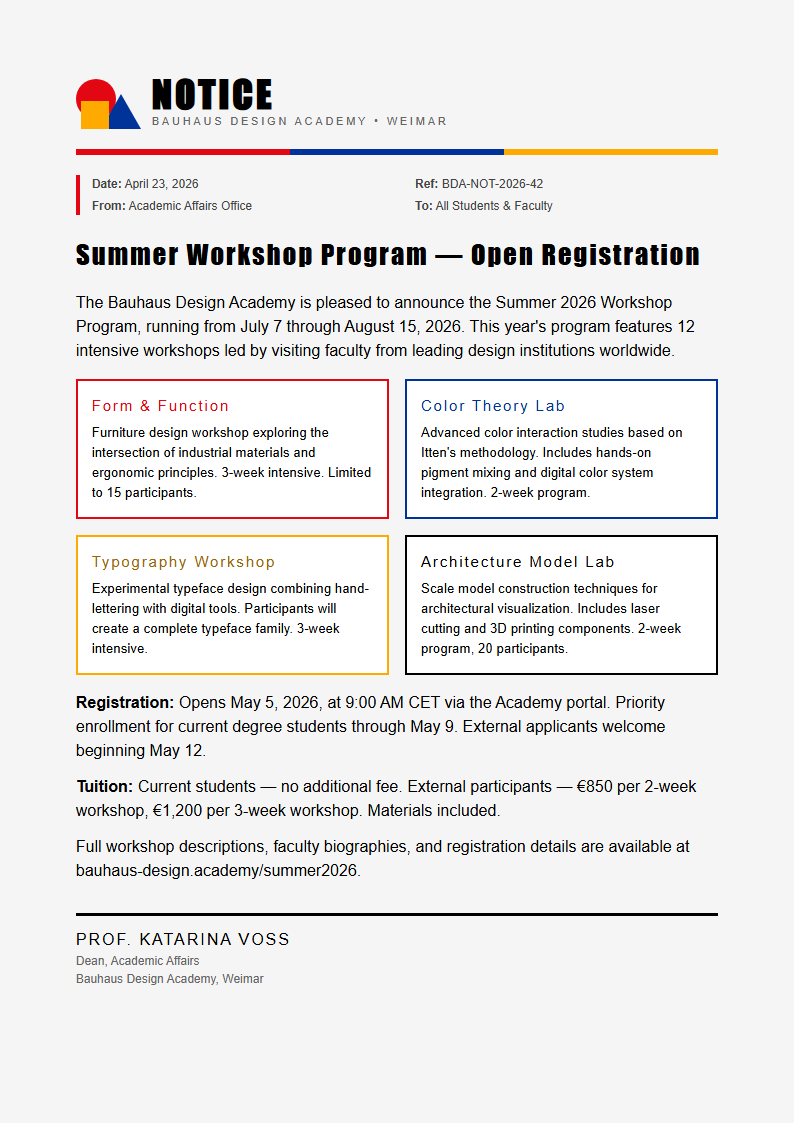
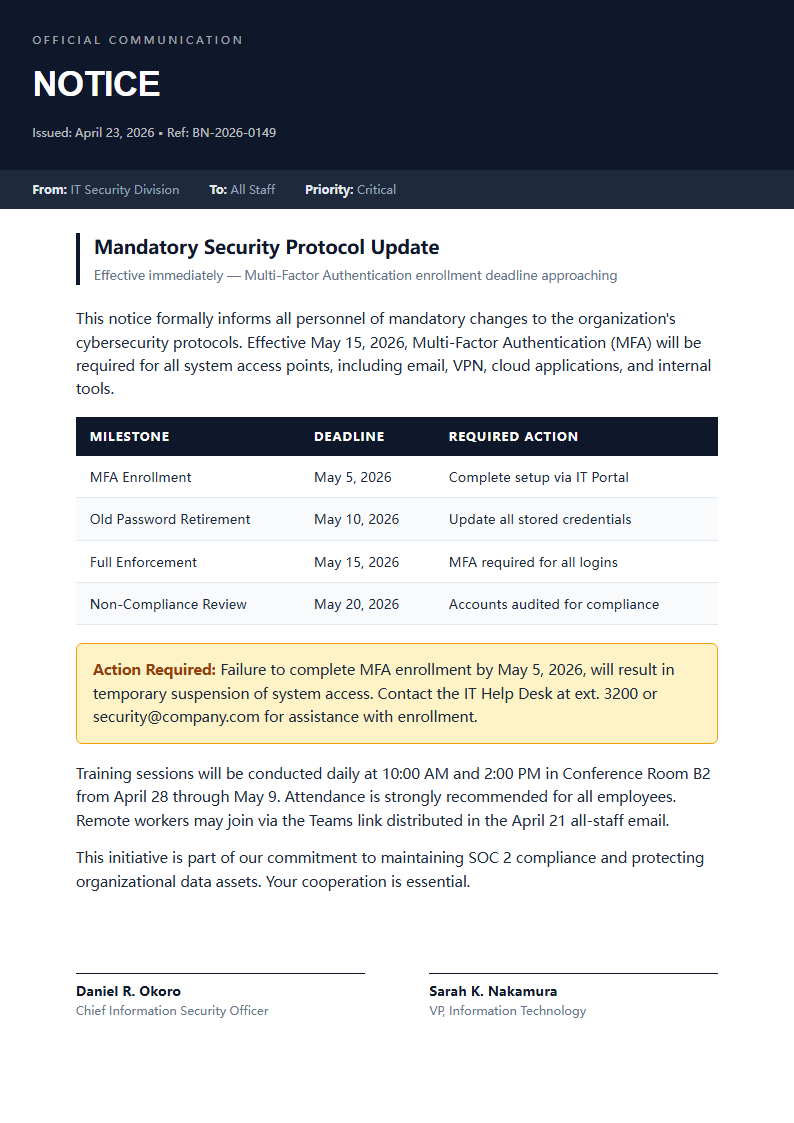
Explore Professional Notice Templates
Prefer to start from a template? Browse our full collection of notice layouts and find one that fits your needs.
Frequently Asked Questions
Helpful information about using our Notice Generator.
- Is the Notice Generator free to use?
- Yes. The Notice Generator is completely free with no hidden charges, subscriptions, or account requirements. You can generate, edit, and download as many notices as you need without paying anything at all. The tool provides full access to every template and export option at absolutely no cost, with no limitations on the number of documents you can create or the types of notices you can generate.
- What types of notices can I create with the Notice Generator?
- The Notice Generator supports eviction notices, lease termination notices, privacy policy notices, employment termination letters, compliance notices, rent increase notices, meeting notices, and general legal notification letters. Each type has a dedicated template with pre-configured sections and formatting carefully tailored for that specific purpose, so your notice always includes the correct language and structure.
- Do I need to install anything to use the Notice Generator?
- No installation is needed. The Notice Generator runs entirely in your web browser with no plugins, extensions, or software downloads required. Simply open the page, choose a template that matches your needs, fill in your details, and download your finished notice right away. It works on desktops, tablets, and mobile devices without any setup or configuration process.
- Are the notices from the Notice Generator legally binding?
- The Notice Generator produces properly formatted documents that follow standard legal notice conventions. However, legal requirements vary by jurisdiction and notice type. We recommend reviewing your completed notice with a qualified attorney before serving it in legally sensitive situations. The Notice Generator provides a strong and professional starting point that covers standard requirements for most common notice categories.
- Can I save and edit my notice later?
- You can download your notice as a Word document and reopen it anytime for further editing. While the Notice Generator does not store documents on our servers for privacy reasons, keeping the downloaded Word file lets you return to your notice whenever you need to make updates or corrections before delivering it to the recipient. This approach keeps your sensitive information private and secure.
- How long does it take to generate a notice?
- Most users complete their notice in under five minutes using the Notice Generator. Once you input your details and select a template, the generator produces a formatted draft instantly. You then review the content, make any necessary adjustments to the wording or terms, and download the final version of your notice for delivery to the intended recipient.
- Can I add my company logo to the notice?
- Yes. The Notice Generator allows you to customize the header and overall branding of your document easily and quickly. You can add your company logo, adjust fonts and colors, and include custom text so that your notice matches your business visual identity perfectly. A branded notice produced by the Notice Generator appears more professional and credible to the recipient, helping ensure that your formal communication is taken seriously and receives proper attention from all parties involved.
- Does the Notice Generator work for landlords?
- Absolutely. Landlords frequently use the Notice Generator to create eviction notices, lease violation warnings, rent increase notices, and maintenance entry notifications for their rental properties. The tool includes templates specifically designed for landlord-tenant communications with the proper legal language, response deadlines, and disclosure requirements that property managers and landlords need to follow when serving formal documents to tenants.
- What export formats does the Notice Generator support?
- The Notice Generator lets you export your finished document as a PDF for formal delivery or as a Microsoft Word file for further editing and collaboration. Both export formats preserve the professional layout, styling, and formatting that the generator applies automatically, ensuring a polished result that is ready for immediate delivery to the recipient.
- Can I generate multiple notices at once?
- The Notice Generator is designed to create one notice at a time to ensure accuracy and proper formatting for each document. However, since the process takes only minutes, you can quickly generate multiple notices in succession by starting a new document each time. Each notice produced by the Notice Generator is independently formatted and ready for individual delivery.
- Does the Notice Generator work on mobile devices?
- Yes, the Notice Generator is fully responsive and works seamlessly on smartphones, tablets, and other mobile devices. You can create, edit, and download a notice from any device with a modern web browser, making it convenient to draft urgent notices from the field, at a property, or while traveling without any loss of functionality or formatting quality.
- What makes this Notice Generator better than writing manually?
- The Notice Generator saves significant time by providing pre-structured templates with proper legal language, AI-powered content organization, and instant formatting. Instead of researching formatting requirements and starting from a blank page, the Notice Generator gives you a polished draft where you simply fill in your specific details, ensuring your notice is thorough, properly structured, and professionally formatted every time you use it.
Create Your Notice Now
Stop wrestling with legal formatting. Use our free tool to produce a clean, professional notice in minutes.
No credit card required • AI-powered formatting • Instant download