Generate Custom Receipts in Seconds
Automatic calculations, professional formatting, multiple template styles, and instant download with our Grocery Store Receipt Generator.
How to Generate Your Grocery Store Receipt
Enter Store and Business Information
Start by inputting your store details into the Grocery Store Receipt generator. Include store name, address, phone number, and any contact information you want displayed. Add your logo or customize branding elements if desired. This header information establishes the identity of your Grocery Store Receipt and provides context for the transaction documentation.
Add Items with Quantities and Prices
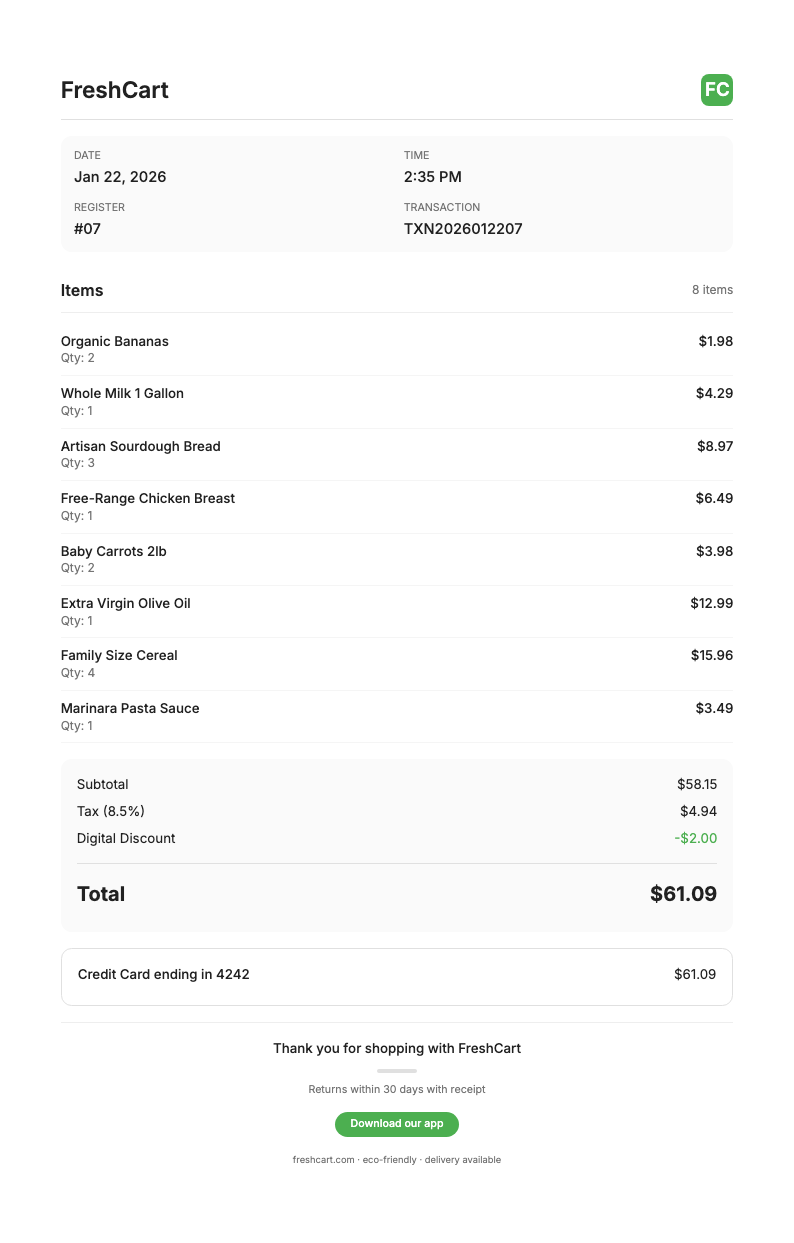
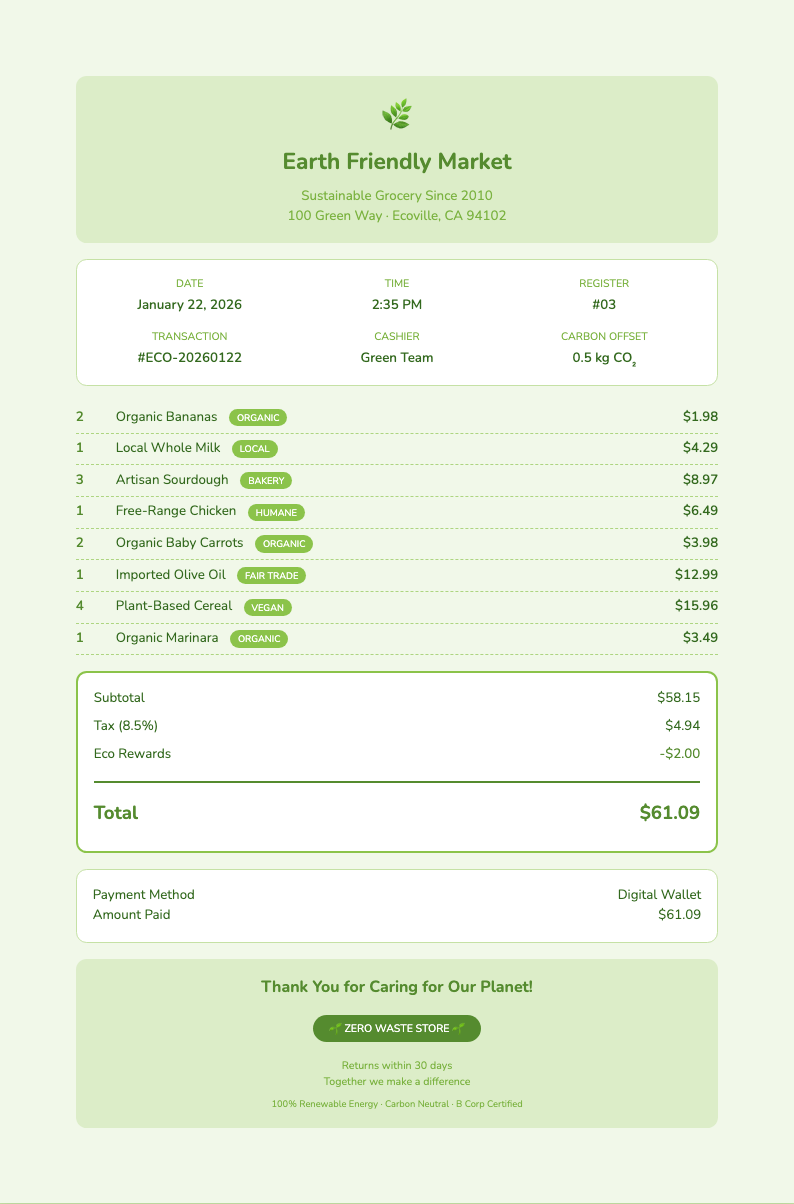
Input each grocery item purchased along with quantity and unit price into the Grocery Store Receipt generator. The tool automatically calculates the line total by multiplying quantity times price. Continue adding all items including produce, dairy, meats, packaged goods, and any other purchases. The itemized list creates a detailed record of what was purchased.
Set Tax Rate and Additional Charges
Specify your tax rate as a percentage and the Grocery Store Receipt generator automatically calculates tax on the subtotal amount. You can also add discounts or coupons to be applied, include additional fees such as bag charges or bottle deposits, and specify the payment method used. The final total updates automatically with all calculations.
Download and Use Your Receipt
Once satisfied with your Grocery Store Receipt, download it as a PDF document for professional printing and sharing, or save as an image file for digital storage. Use your receipt for expense tracking and budgeting, reimbursement documentation and tax records, personal financial management, or any other purpose requiring proof of purchase documentation.
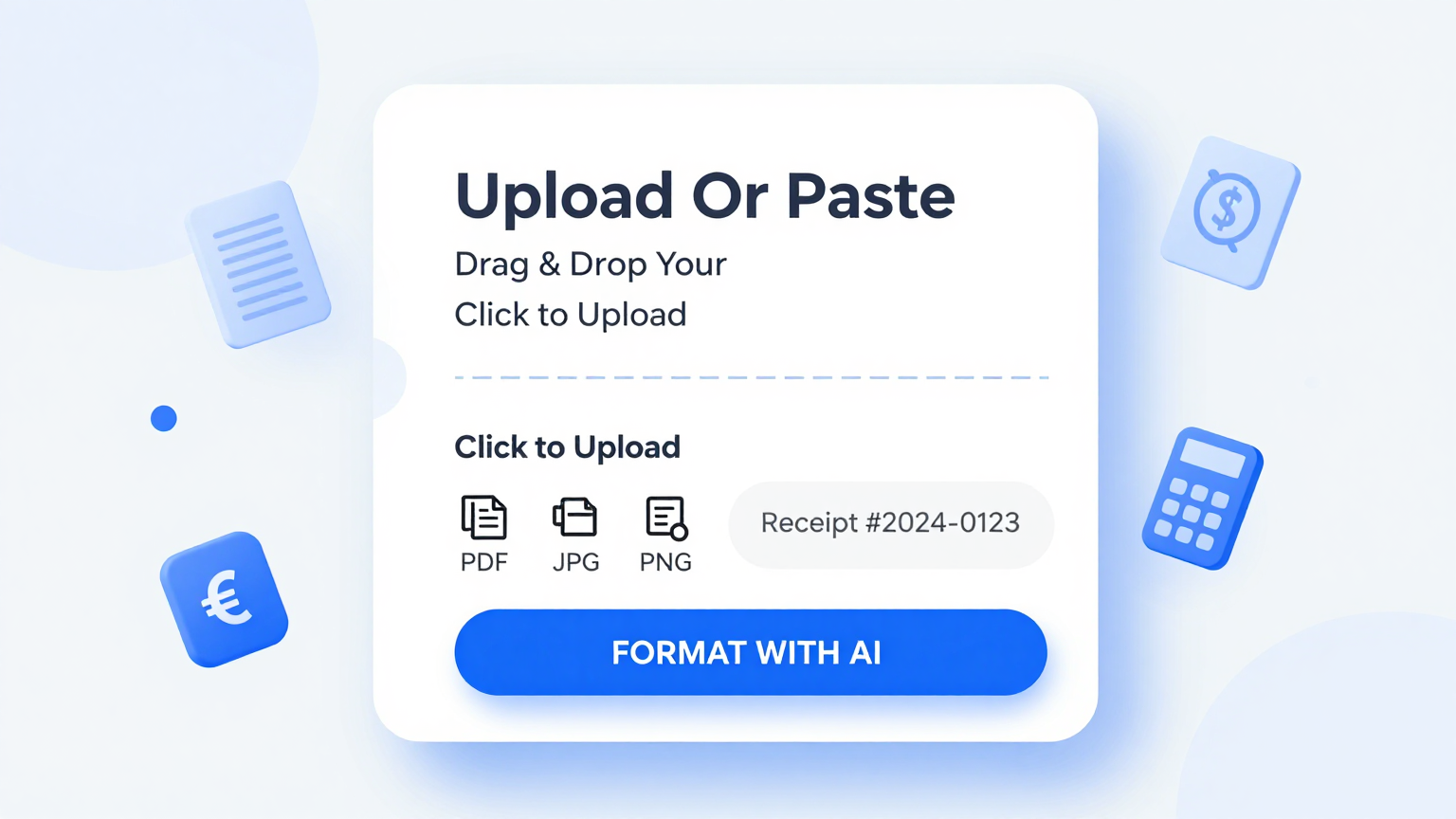
Enter Store & Items
Add store name, address, and grocery items with quantities and prices for automatic Grocery Store Receipt generation with instant totals.
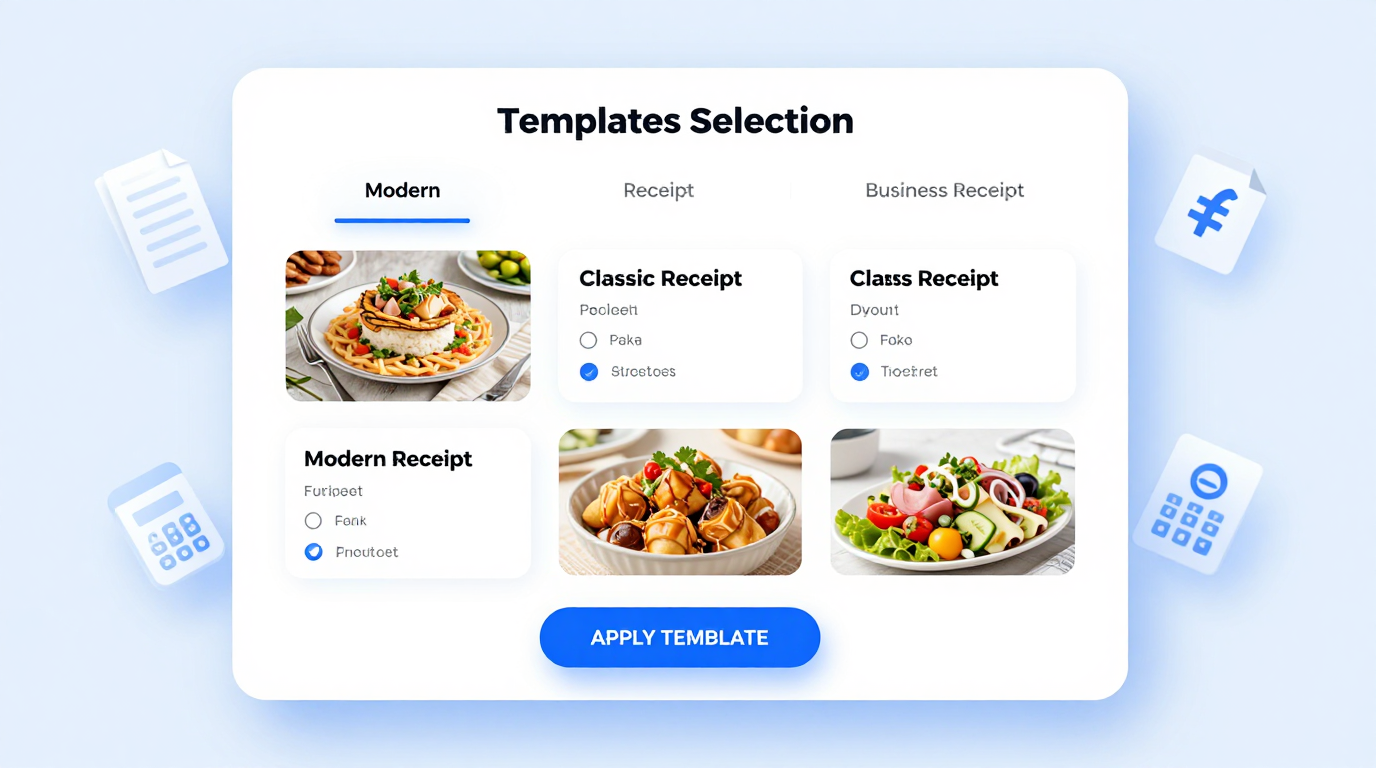
Choose Template Style
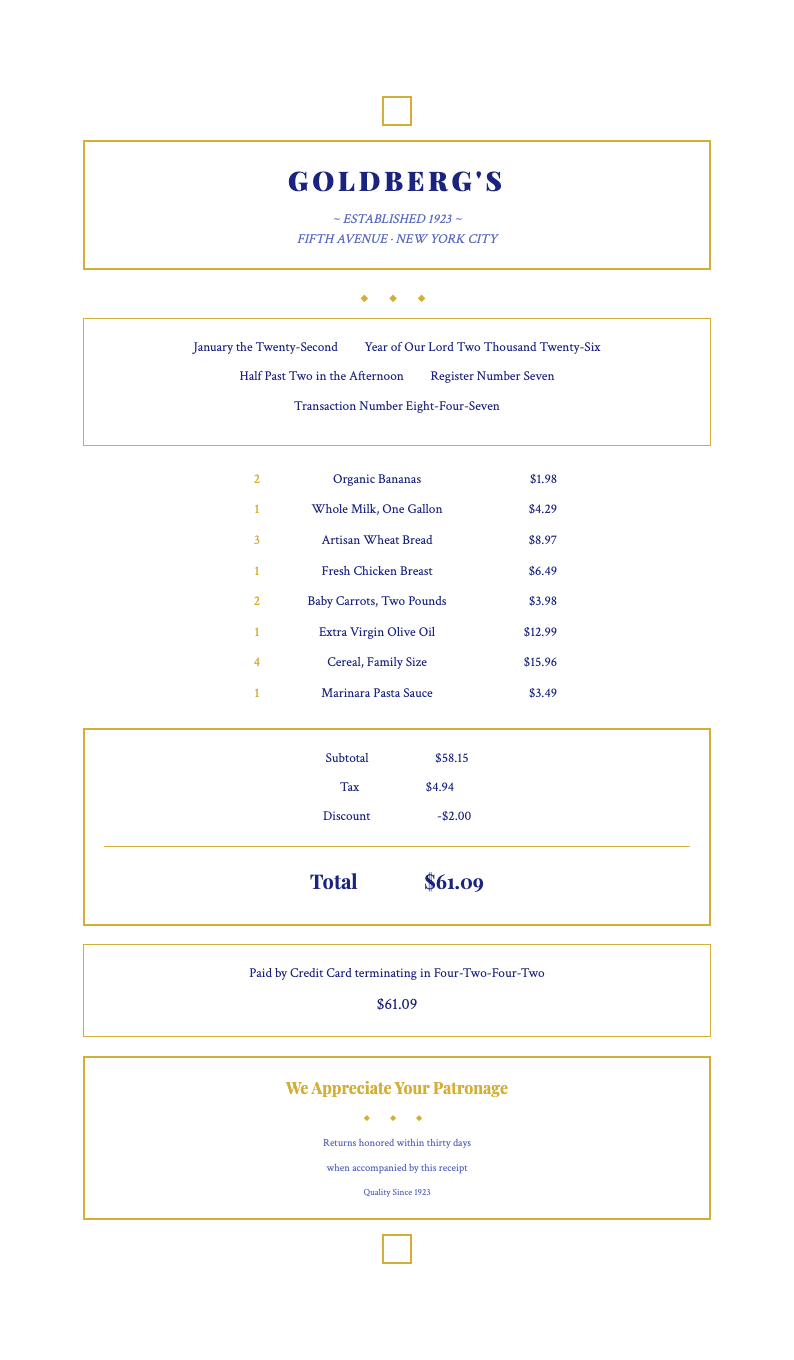
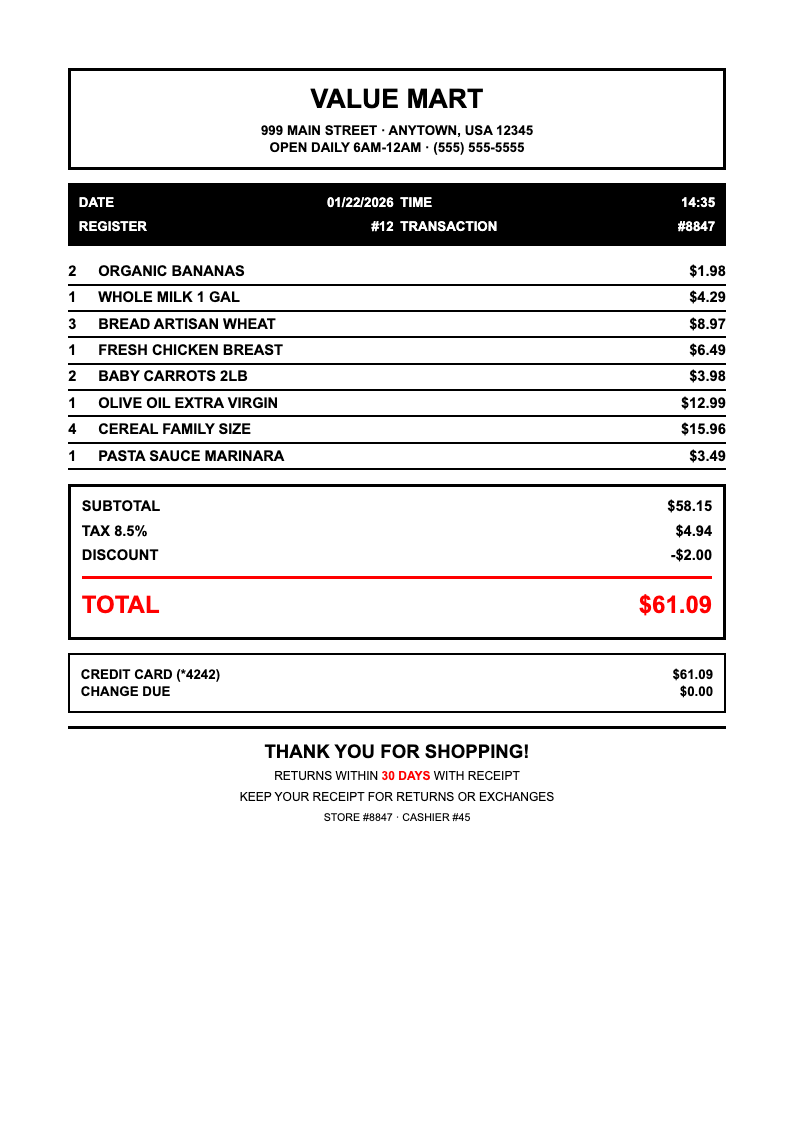
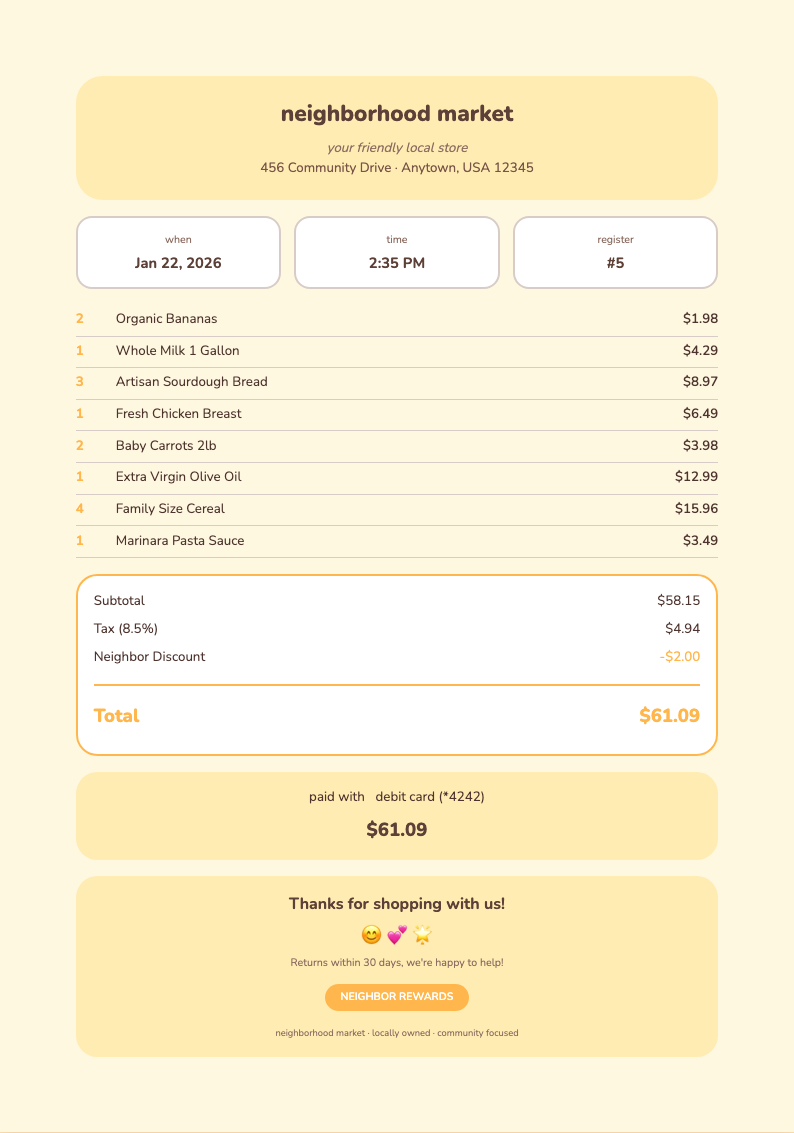
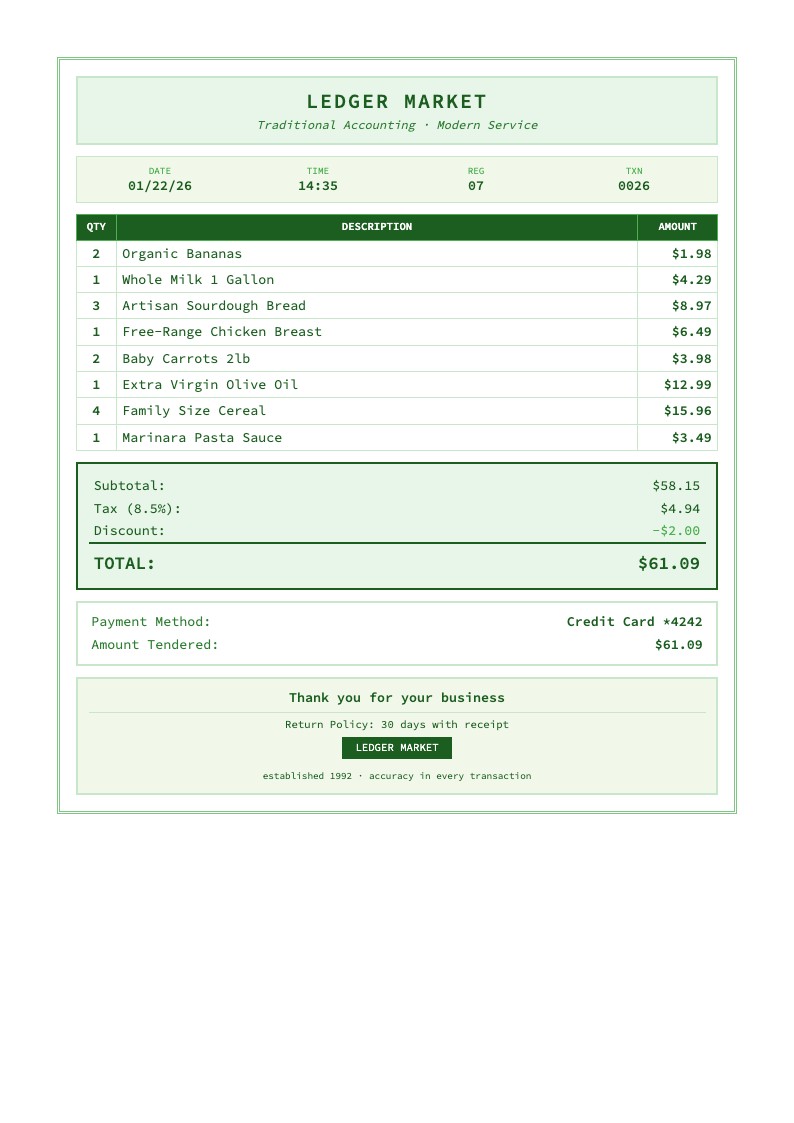
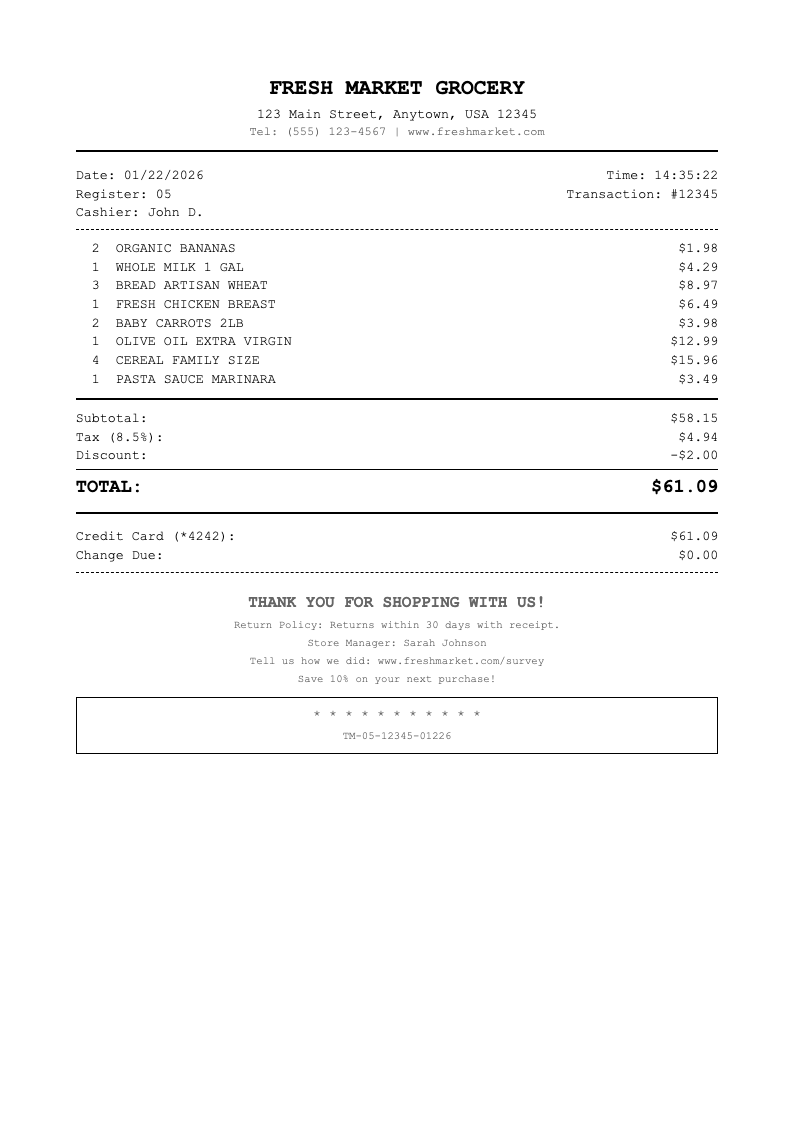
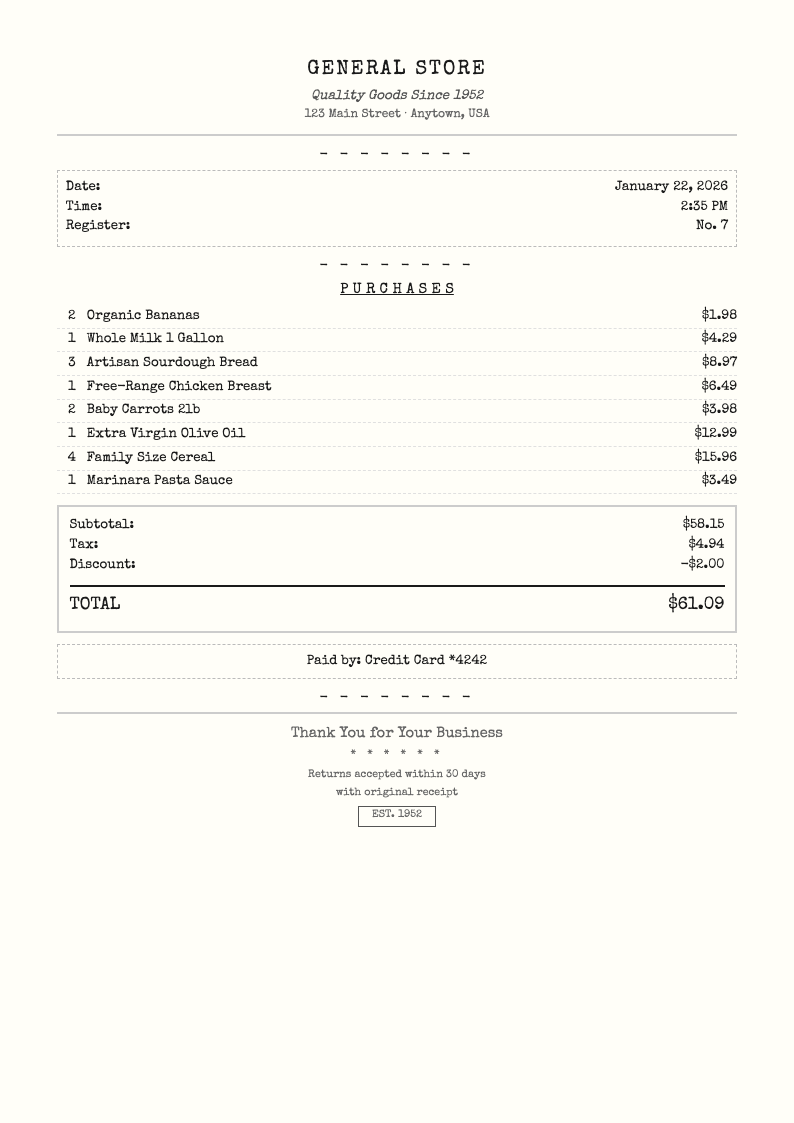
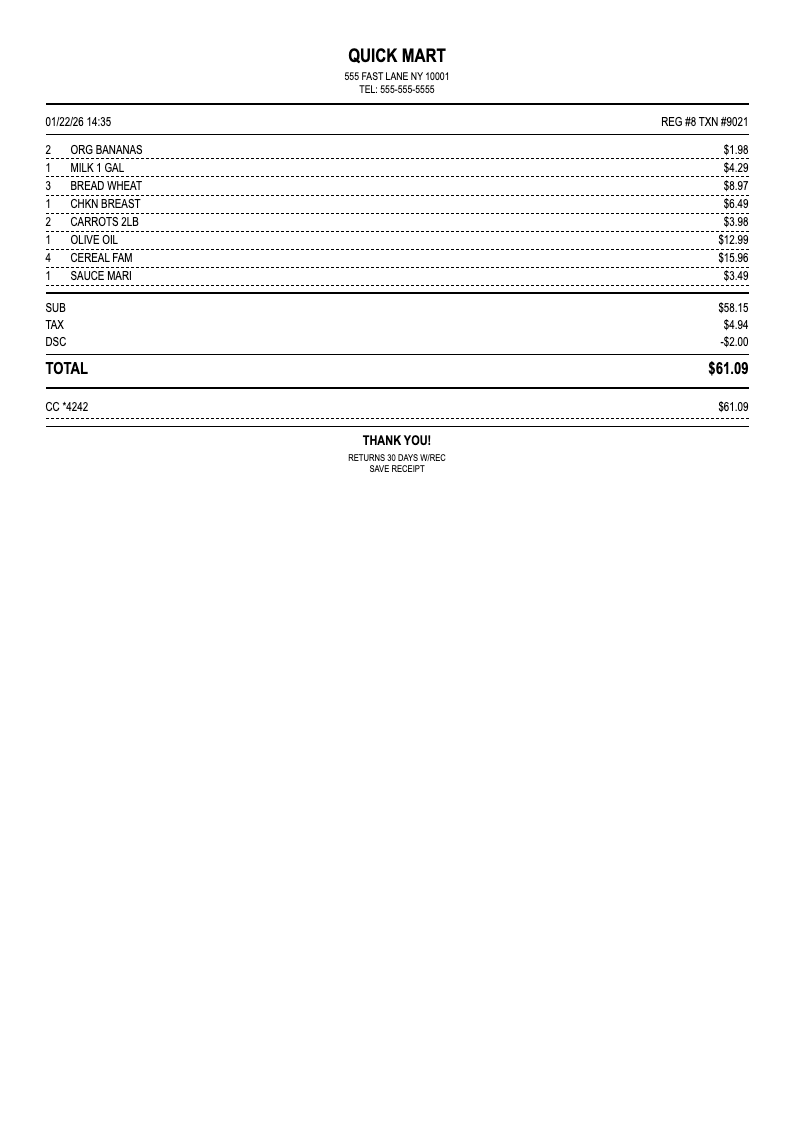
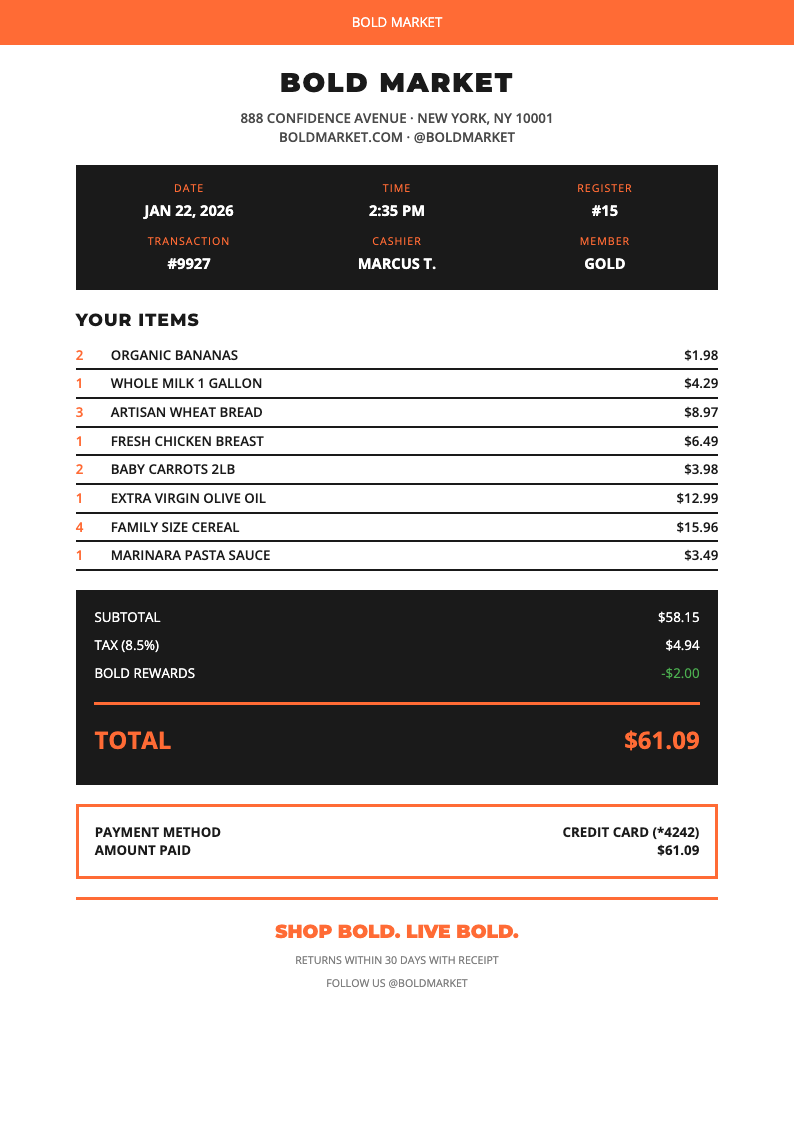
Select from various Grocery Store Receipt styles and formats using the Grocery Store Receipt Generator including standard retail, simplified, or detailed layouts for your needs.
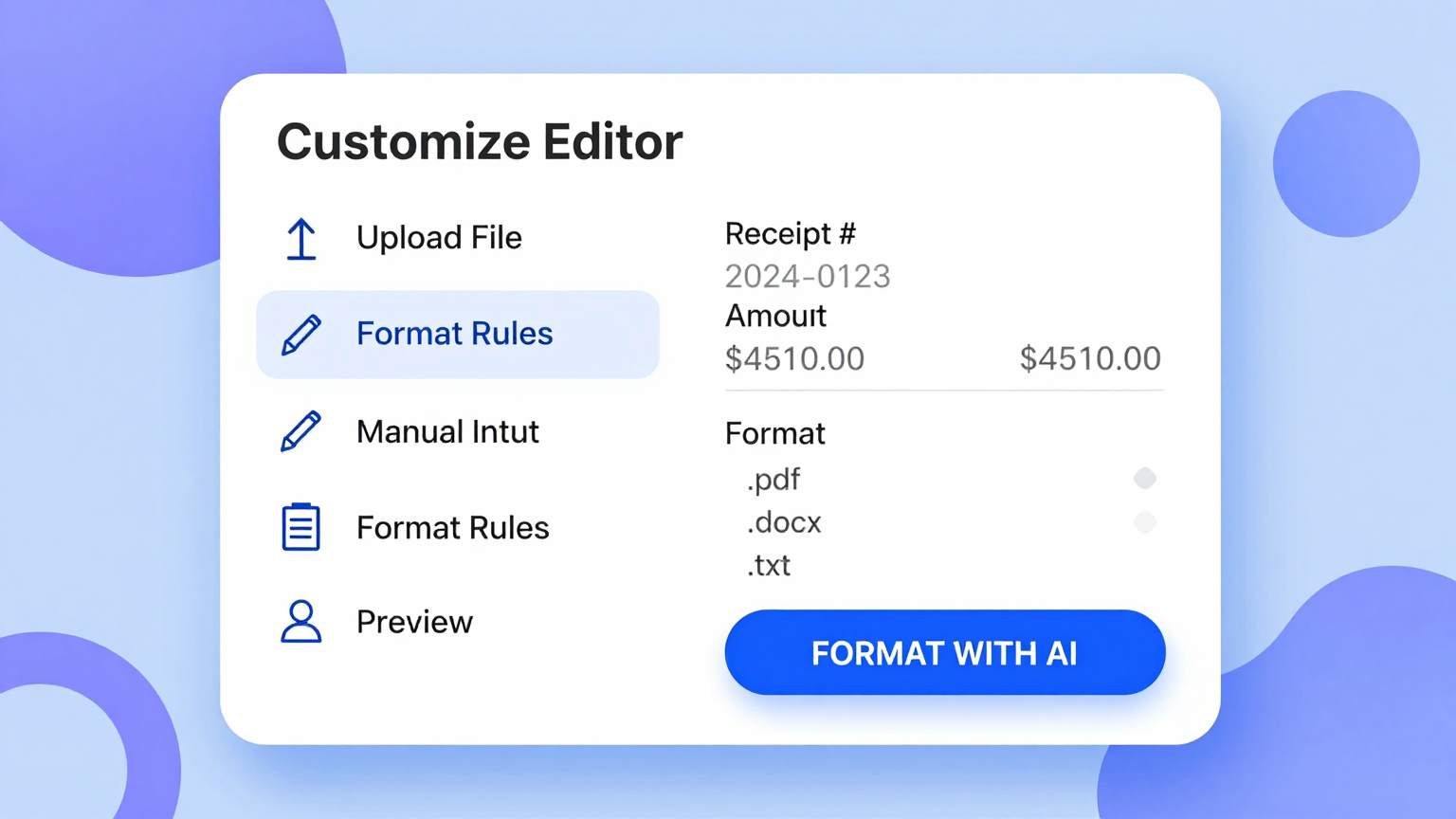
Customize Receipt
Edit store details, add or remove items, adjust formatting, include tax and discounts, and personalize your Grocery Store Receipt template using the Grocery Store Receipt Generator.
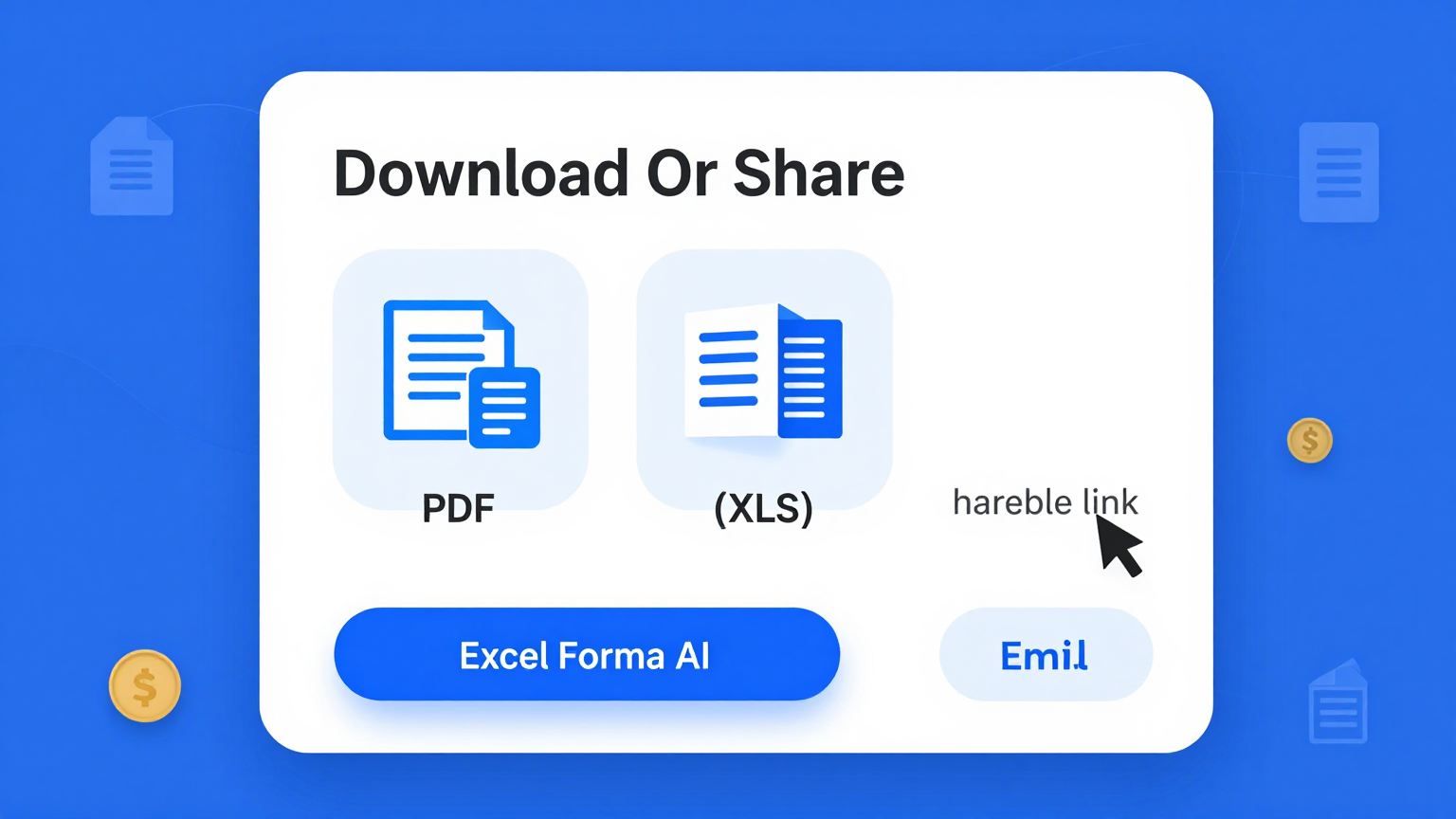
Download & Print
Export your completed Grocery Store Receipt as PDF for printing or image format using the Grocery Store Receipt Generator for digital storage and easy sharing.
Explore More Templates
Find additional templates for invoices, quotes, and business documents.
Frequently Asked Questions
Everything you need to know about our Grocery Store Receipt generator tool.
- Is the Grocery Store Receipt generator really free?
- Yes, completely free with no limits or hidden fees. Generate unlimited Grocery Store Receipt templates without paying anything or creating an account. No credit card required and no usage restrictions on our receipt generator. Access all features and create as many receipts as you need for personal or business use completely free.
- What formats can I download my Grocery Store Receipt in?
- Download your Grocery Store Receipt in PDF format for professional printing and sharing, or image format for digital storage and easy messaging. PDF maintains perfect formatting while image format works well for quick sharing and mobile viewing. Both formats ensure your receipts look professional and are compatible with all devices.
- Can I create receipts for different types of stores?
- Yes, customize store name, address, logo, and formatting for any grocery store, supermarket, convenience store, or retail establishment using the Grocery Store Receipt Generator. The Grocery Store Receipt generator adapts to your specific needs regardless of store type or size. Create receipts for small local shops or large chain stores with equal ease.
- Does the Grocery Store Receipt generator calculate totals automatically?
- Yes, the Grocery Store Receipt Generator automatically calculates item totals by multiplying quantity by unit price, computes the subtotal of all items, applies tax based on your specified rate, adds any discounts or additional charges, and provides the final total amount due. All calculations happen instantly and accurately as you input data into the Grocery Store Receipt Generator.
- Do I need to create an account to use the Grocery Store Receipt generator?
- No account required. Access the Grocery Store Receipt generator immediately, create receipts, and download without signup. No email verification, password setup, or personal information collection beyond what you choose to include. We've removed all barriers so you can start creating receipts right away.
- Can I save my Grocery Store Receipts for record keeping?
- Download completed Grocery Store Receipts to your device for permanent storage. Organize by date, store, or expense category for easy record keeping and expense tracking. Create digital archives of your spending for budgeting and financial management. Keep detailed records of all your grocery purchases for tax or reimbursement purposes.
- Is my data private when using the Grocery Store Receipt generator?
- Yes, all processing happens in your browser. We don't store your receipt data or transaction information. Your Grocery Store Receipt information stays on your device and remains completely private and secure. No data is sent to external servers or shared with third parties for any purpose.
- Can I add my store branding to the Grocery Store Receipt?
- Yes, include store name, logo, address, phone number, custom fonts and colors, return policy information, and any custom fields you need using the Grocery Store Receipt Generator. Create professional branded Grocery Store Receipts that match your store's identity and reinforce your brand with every receipt you generate for customers or documentation purposes.
- How do I handle taxes on my Grocery Store Receipt?
- Specify your tax rate and the Grocery Store Receipt generator automatically calculates tax on the subtotal. Disable tax for tax-exempt purchases, apply different tax rates for different item categories, or exclude specific items from tax calculation as needed. The flexible tax system handles all common tax scenarios and requirements.
- Can I use the Grocery Store Receipt generator on mobile devices?
- Yes, create receipts from any device with internet access. Our mobile-friendly interface works on smartphones, tablets, and computers. Generate Grocery Store Receipts on the go or from anywhere with equal ease and full functionality. The responsive design adapts perfectly to any screen size for convenient receipt creation using the Grocery Store Receipt Generator.
- Does the Grocery Store Receipt Generator support barcode or QR code generation?
- The Grocery Store Receipt Generator creates professional receipt templates that can include space for barcode or QR code placeholders. After downloading your receipt, you can add these elements using image editing software or compatible tools. The Grocery Store Receipt Generator provides the structured foundation needed for professional receipt documentation.
- Can I use the Grocery Store Receipt Generator for multiple store locations?
- Yes, the Grocery Store Receipt Generator is perfect for businesses with multiple locations. Create separate templates for each store with unique addresses, phone numbers, and tax rates. The Grocery Store Receipt Generator allows you to maintain consistent branding across all locations while accommodating location-specific requirements.
Start Creating Receipts Now
Generate professional Grocery Store Receipt templates with automatic calculations and professional formatting in seconds.
No credit card • Instant PDF • Automatic calculations