Generate Citations Instantly
Create perfectly formatted citations for any source type with our AI-powered Citation Generator. Generate accurate APA, MLA, and Chicago references in seconds without memorizing style rules.
How to Create a Citation Online
Enter Source Information
Enter your source details by pasting a URL, DOI, or ISBN to auto-fetch metadata, or type the author, title, and publication details manually. Providing accurate source information is the key to producing a correct citation.
Select Citation Style
Choose the required citation style from the available options such as APA, MLA, Chicago, Harvard, or IEEE. The tool applies correct punctuation and ordering rules for your selected style, ensuring references meet your formatting requirements.
Review & Edit
Check the generated citation in the preview and make any corrections needed. Edit author names, fix capitalization, or add missing details. This review ensures every citation is accurate before you add it to your final reference list.
Download & Insert
Download the formatted citation or copy it directly into your document. The tool produces polished references ready for your bibliography or paper without any additional formatting required on your part.
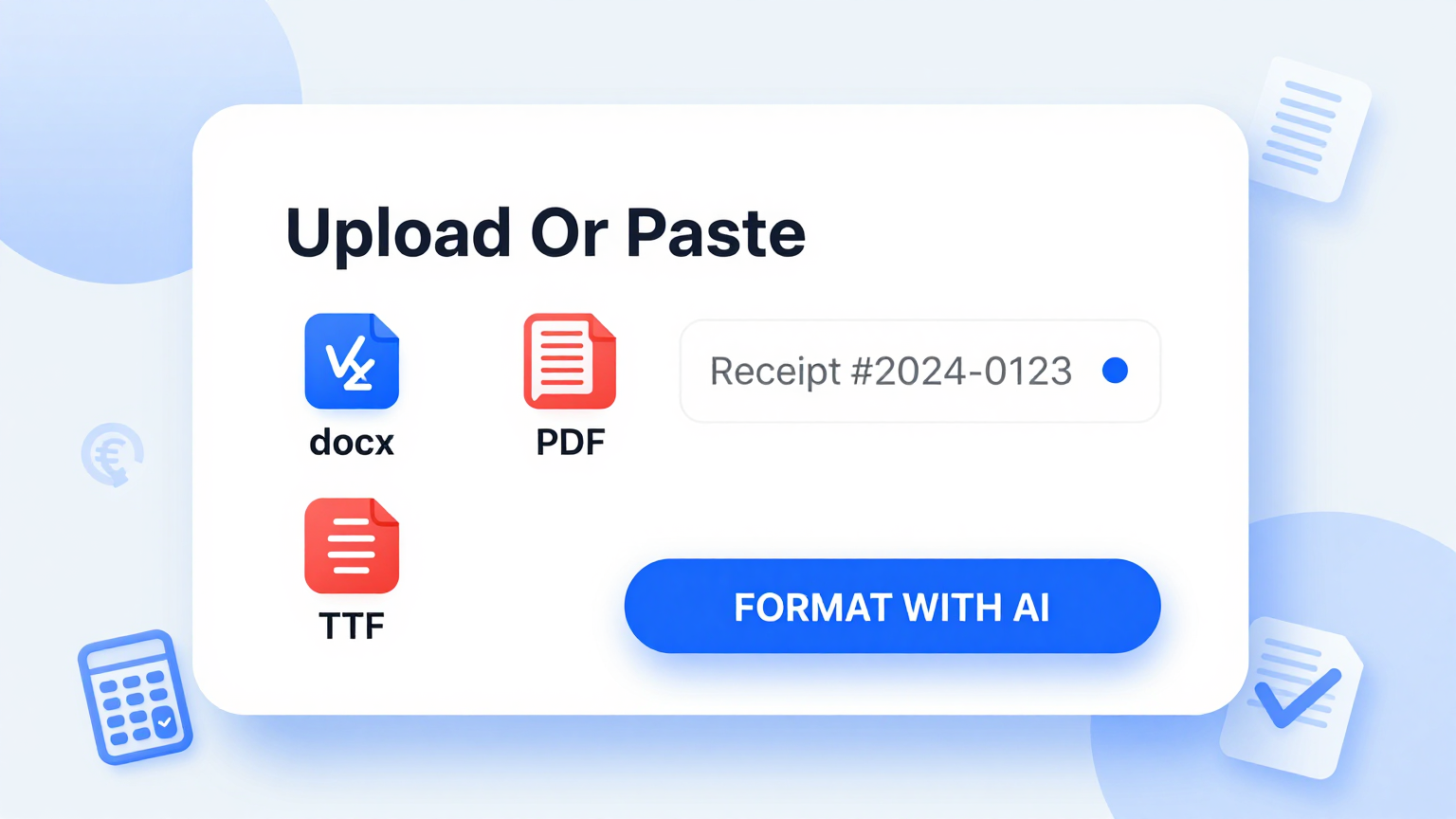
Import Source Data
Paste a URL, DOI, ISBN, or manually enter source details into the Citation Generator. It automatically retrieves publication metadata and pre-fills the citation fields, reducing manual data entry and ensuring every output captures the correct bibliographic information.
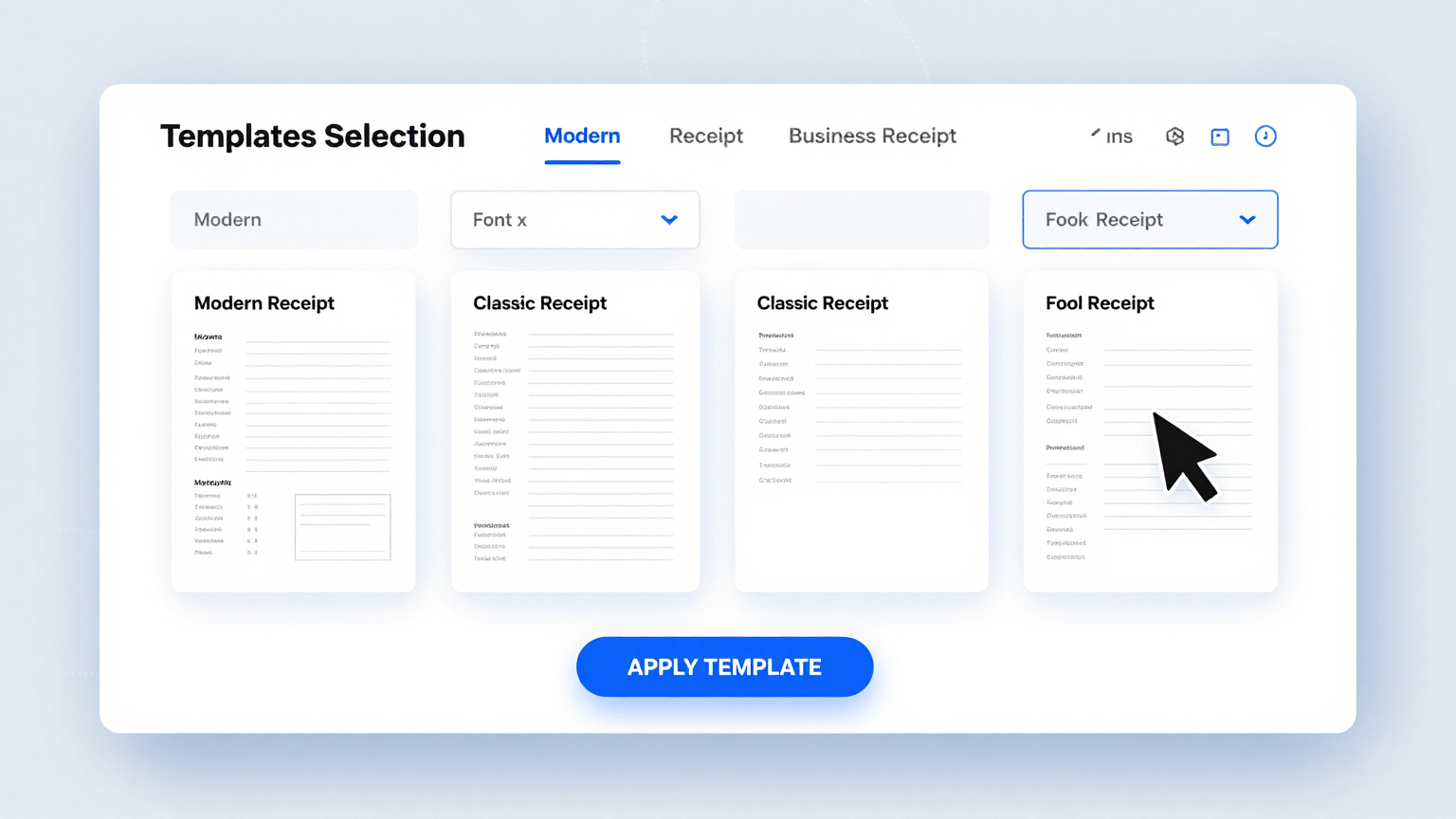
Style Templates
Choose from APA, MLA, Chicago, Harvard, IEEE, and dozens of other citation styles within the Citation Generator. Each style template applies the correct formatting rules automatically, so your references always meet the requirements of your institution or target publication.
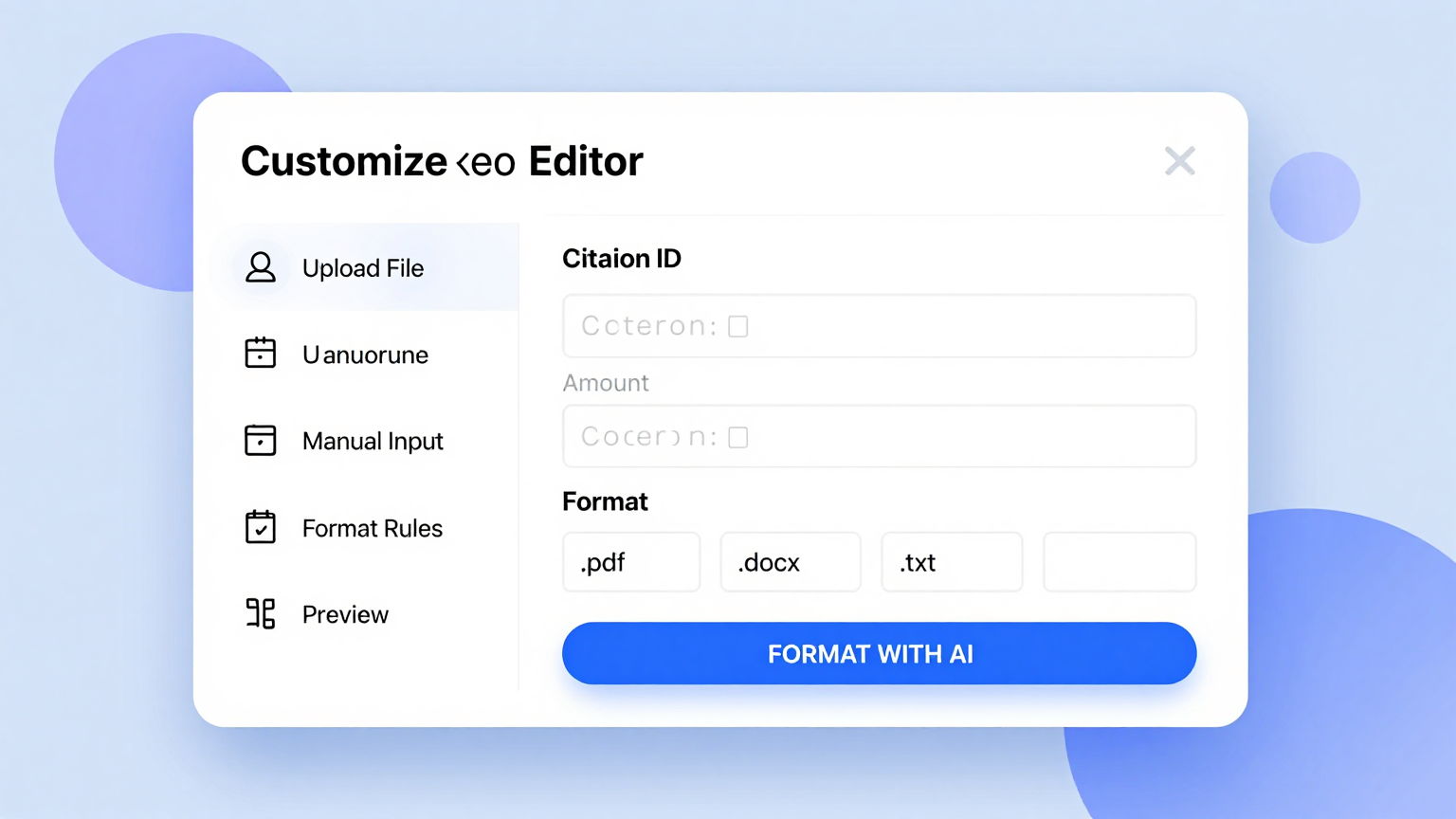
Edit Online
Review and fine-tune every generated reference using the built-in editor. Adjust author names, publication dates, titles, and other fields directly to correct any discrepancies and ensure each citation perfectly matches the original source material you are referencing.
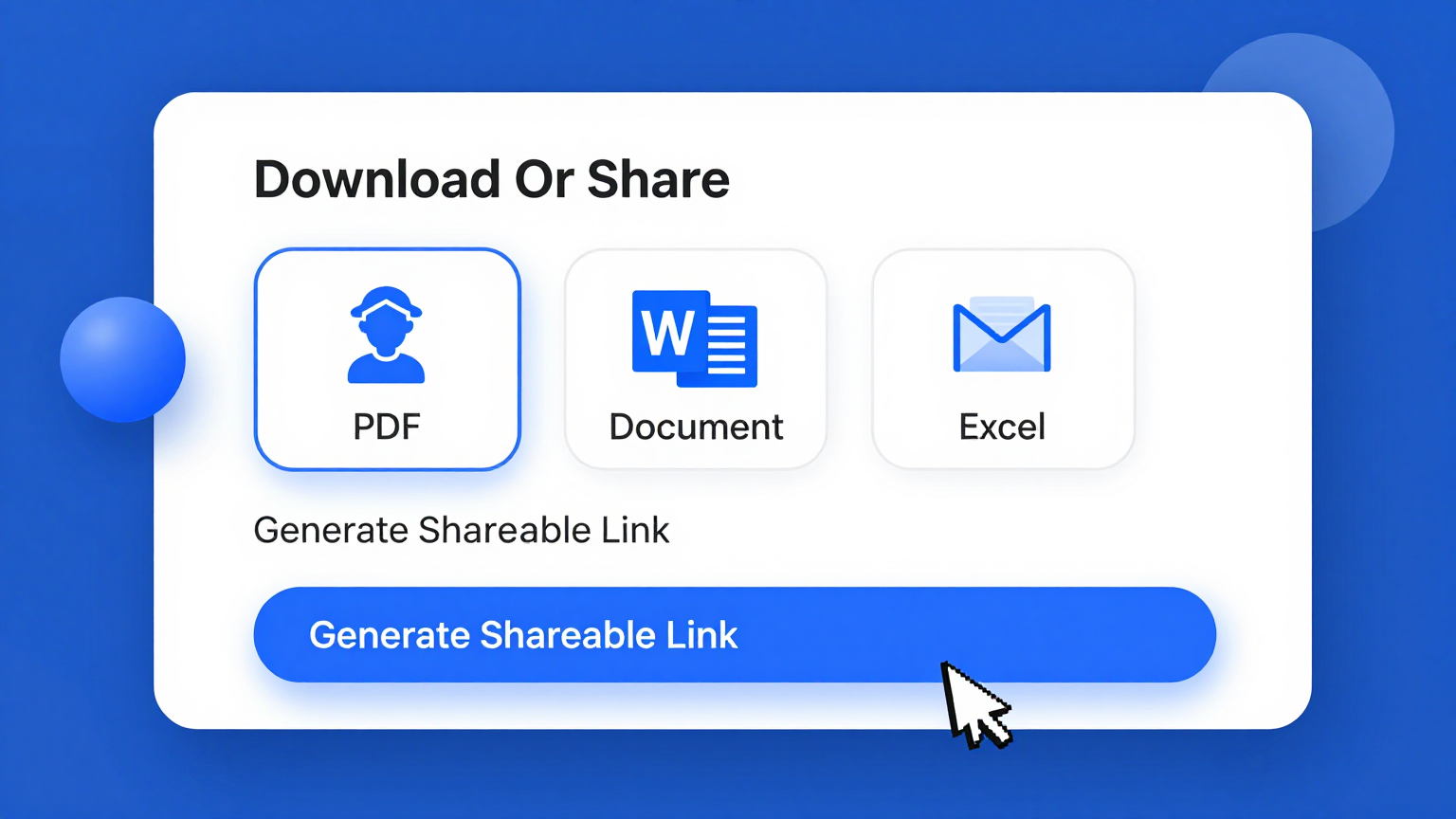
Download & Share
Export your formatted citations as a Word document, PDF, or BibTeX file. The tool produces copy-ready references that you can paste directly into your paper or share with collaborators, saving time on final formatting and bibliography assembly.
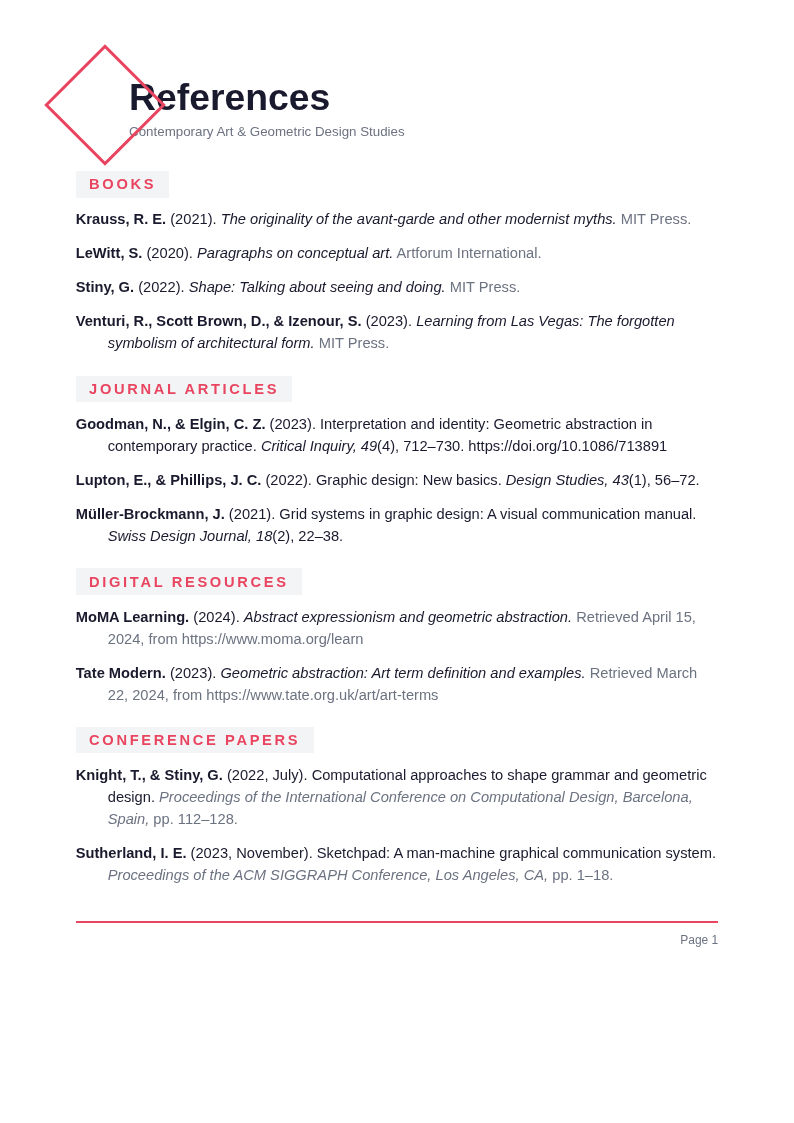
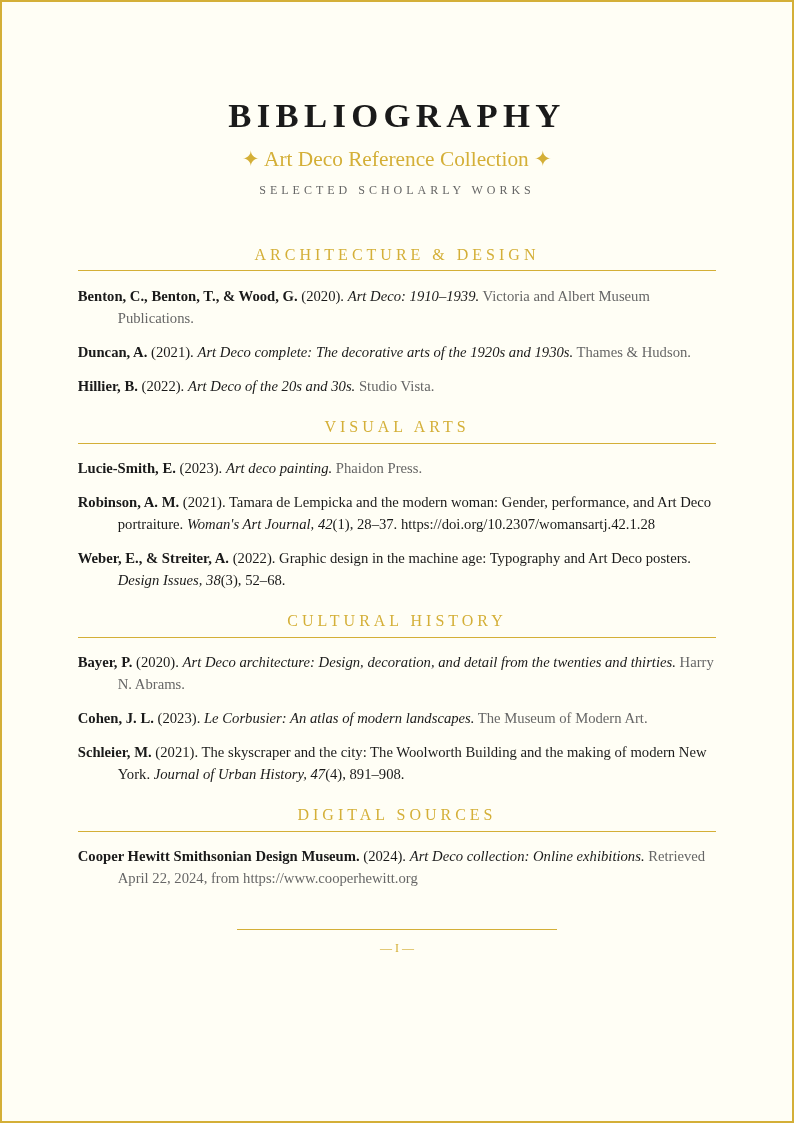
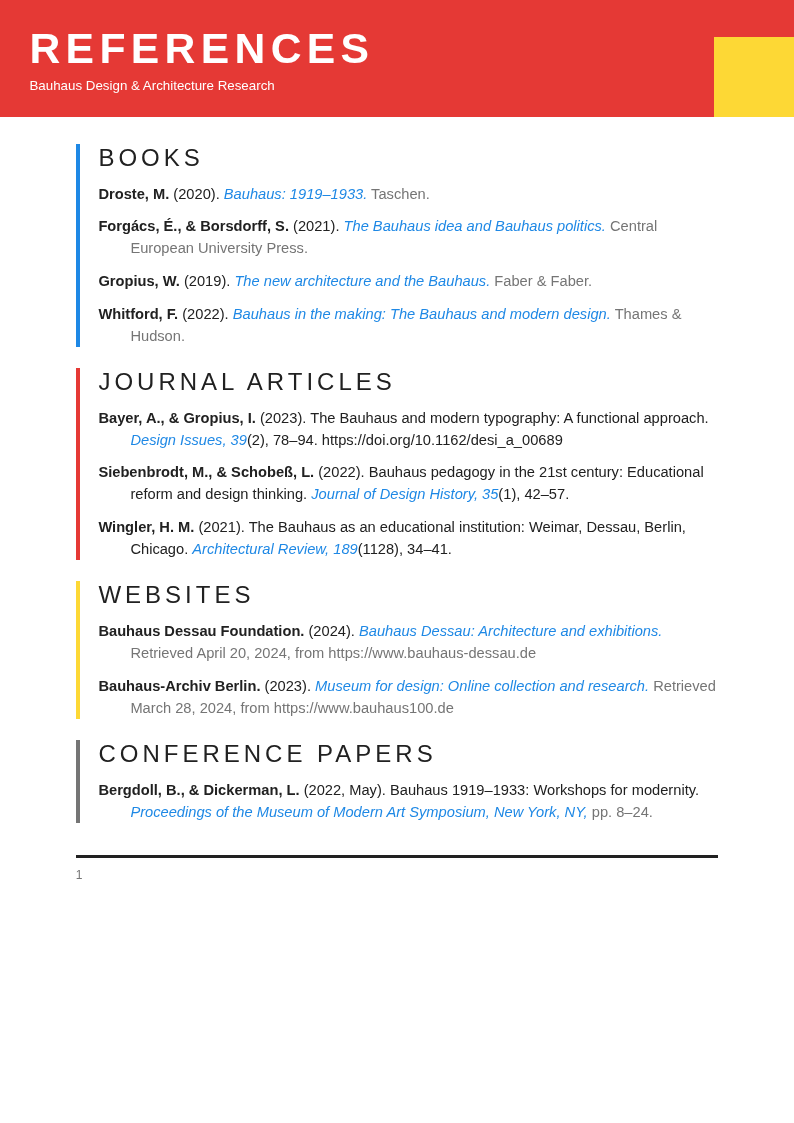
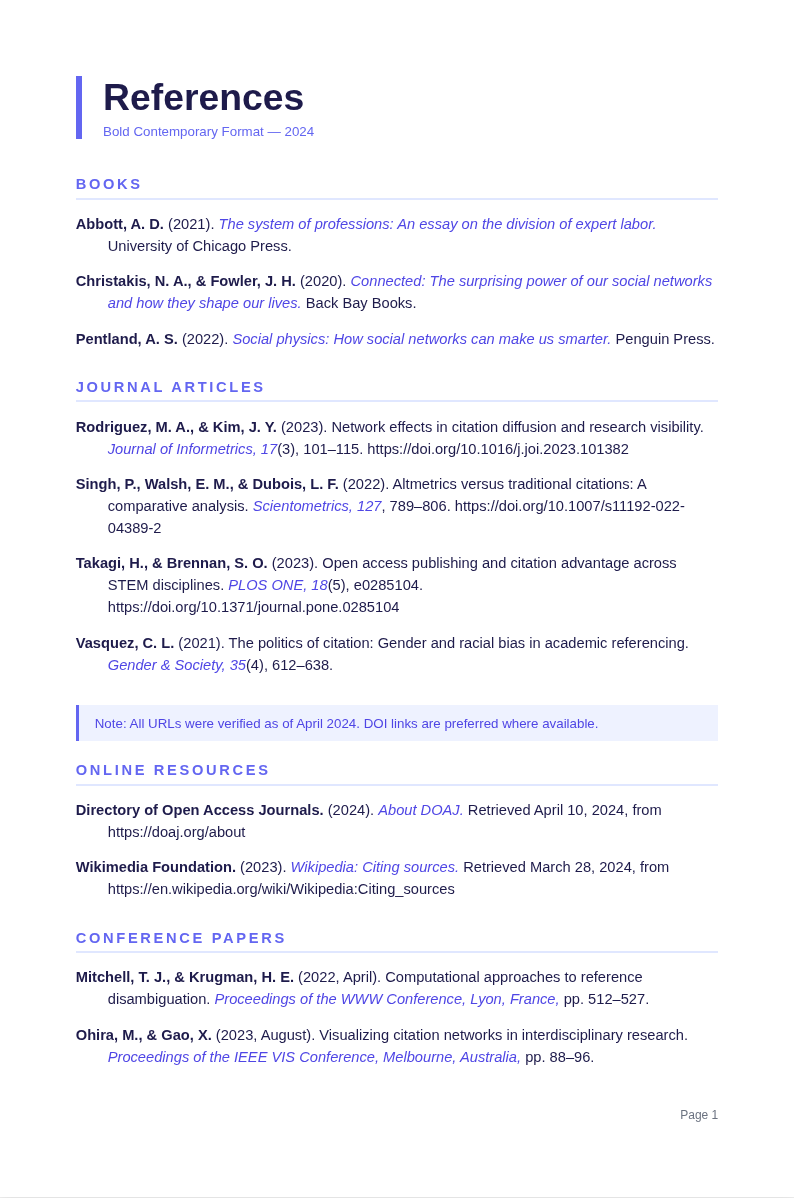
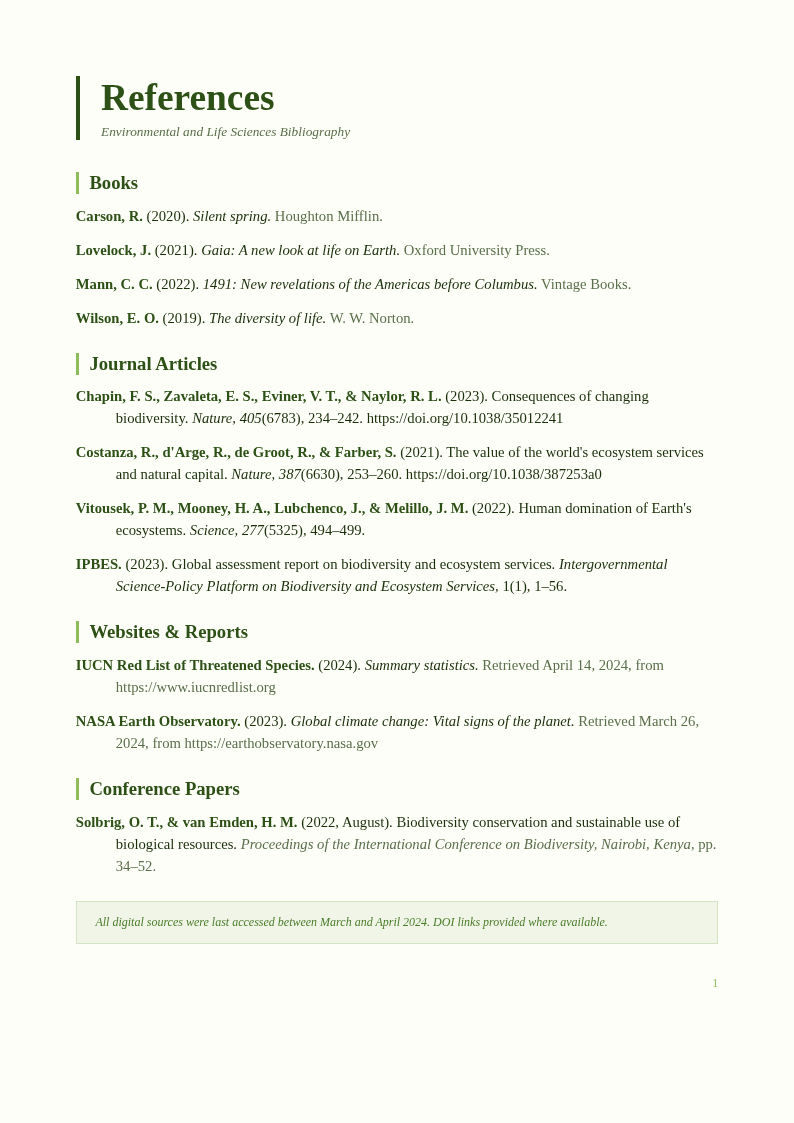
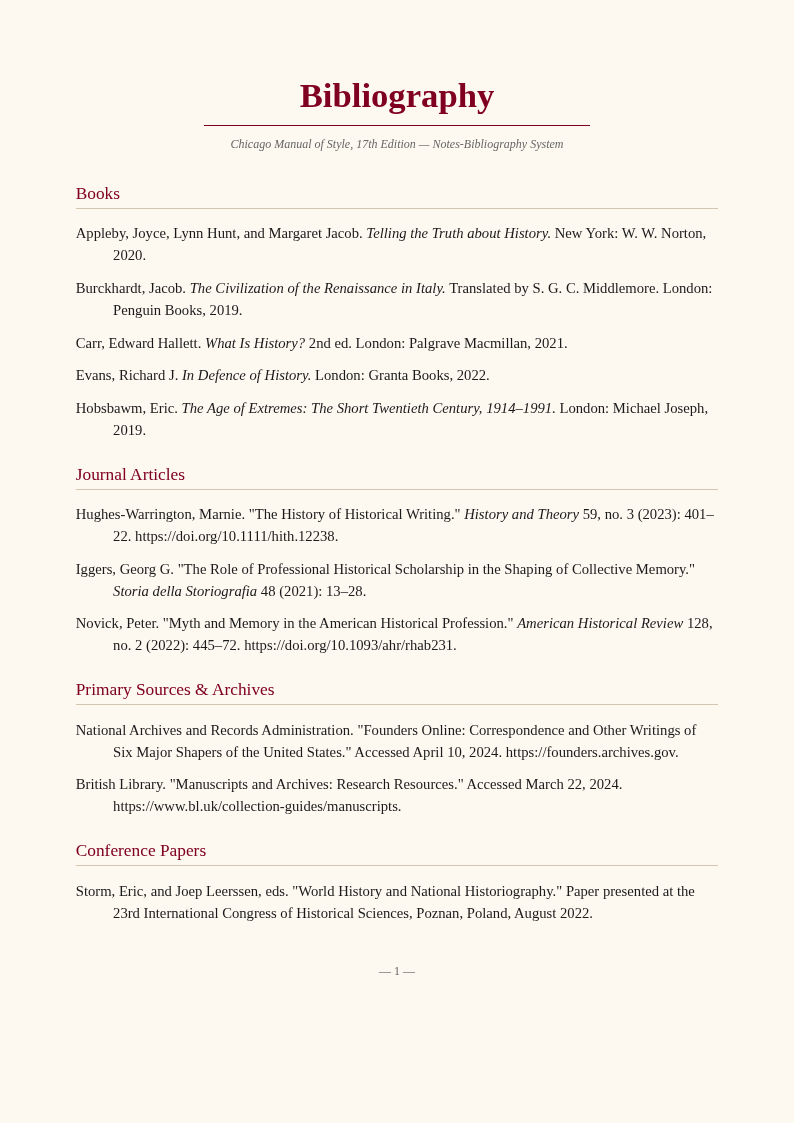
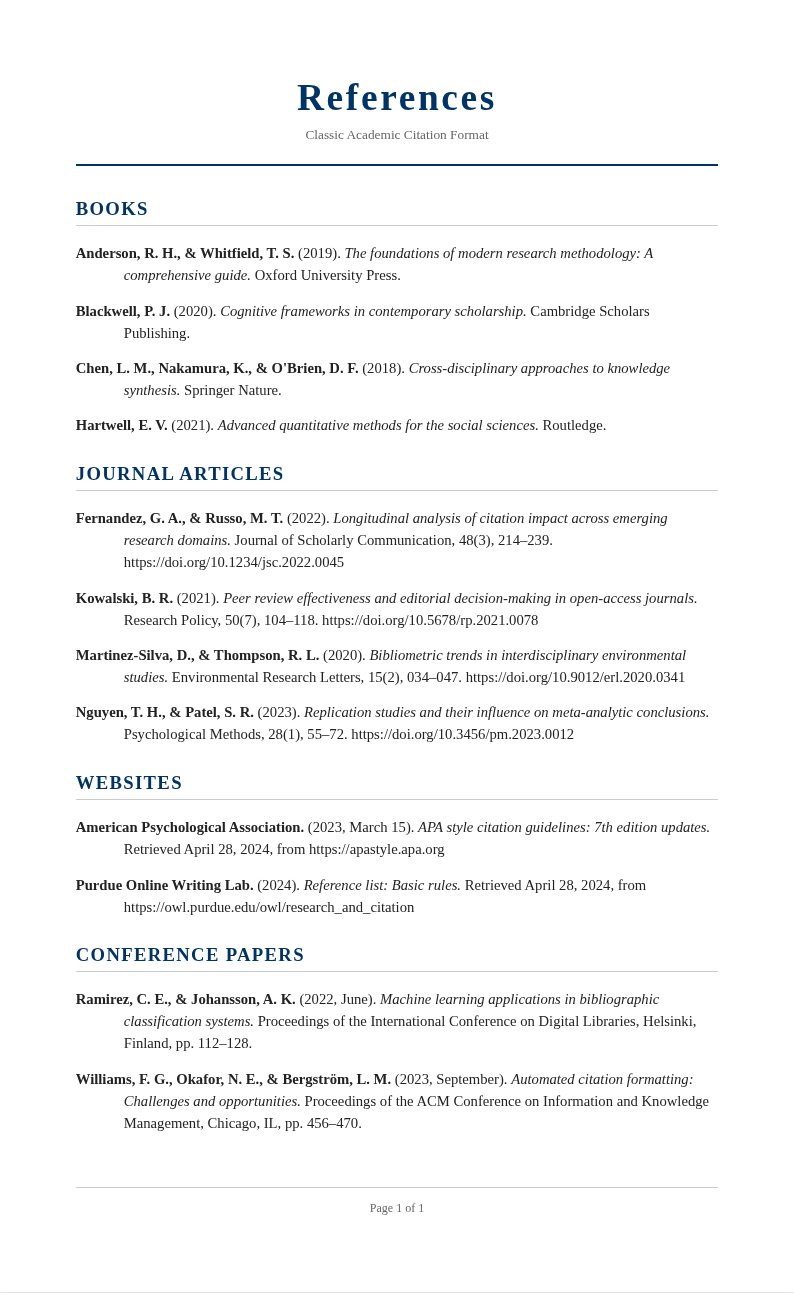
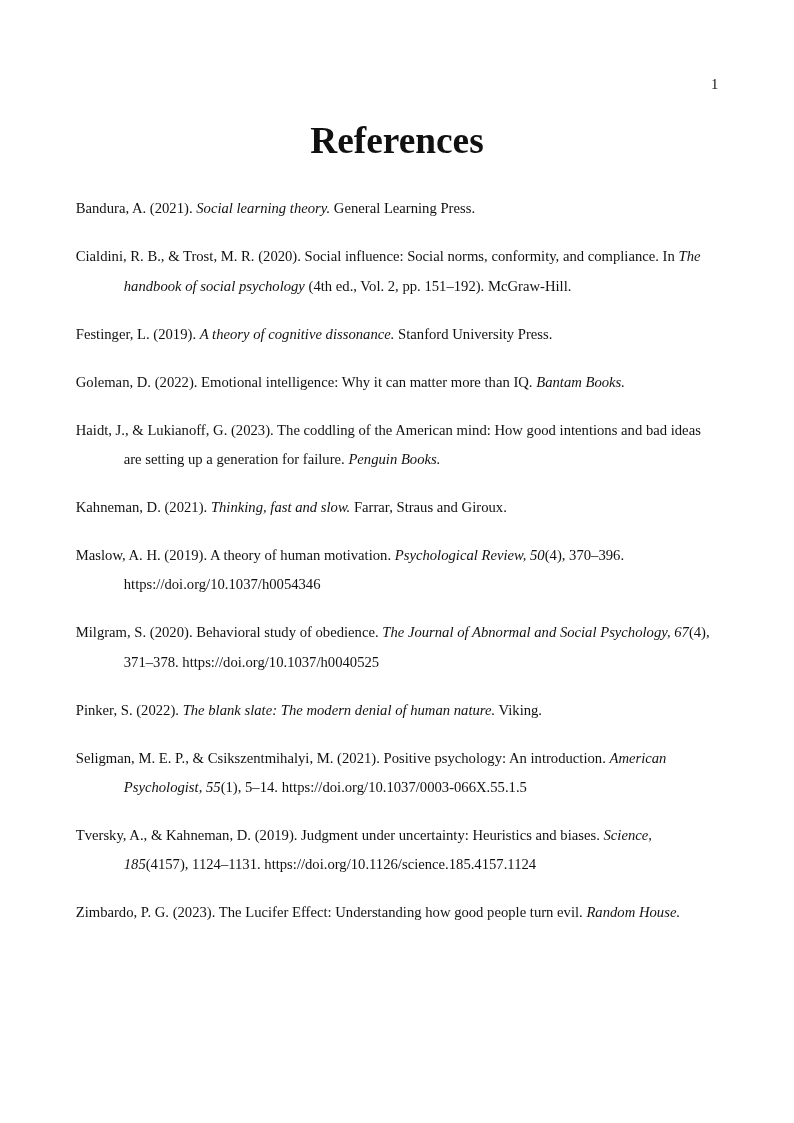
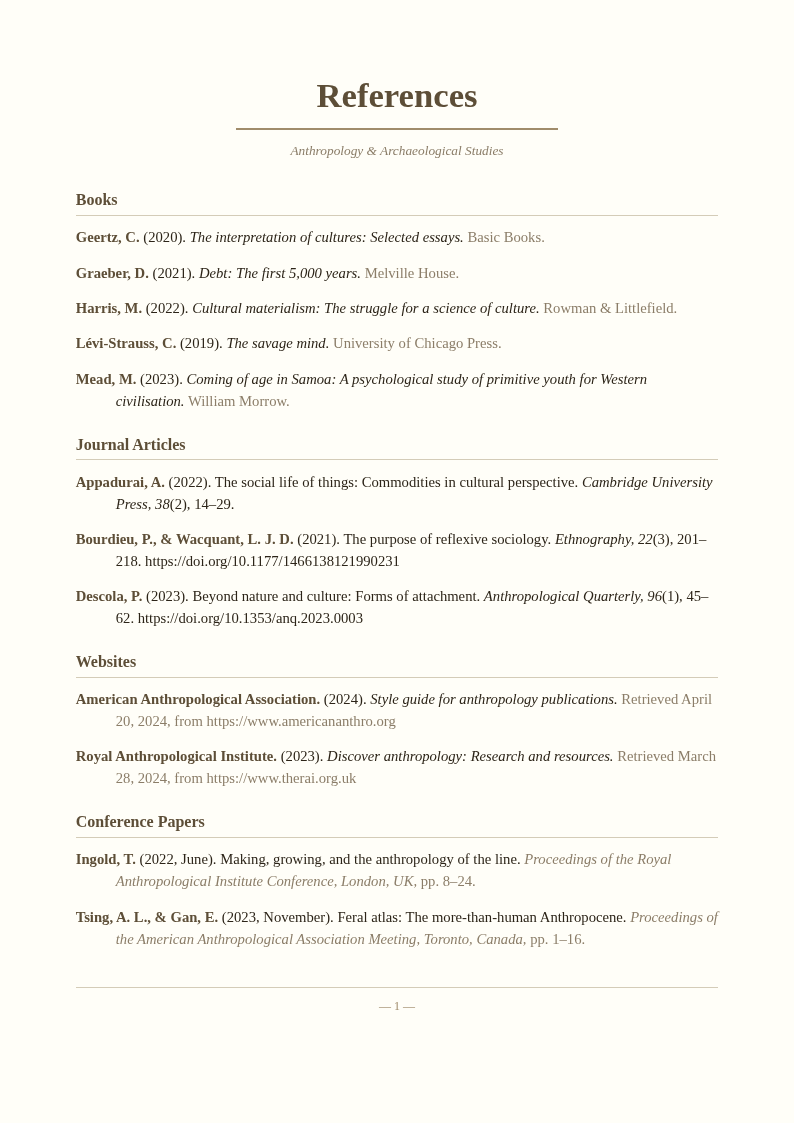
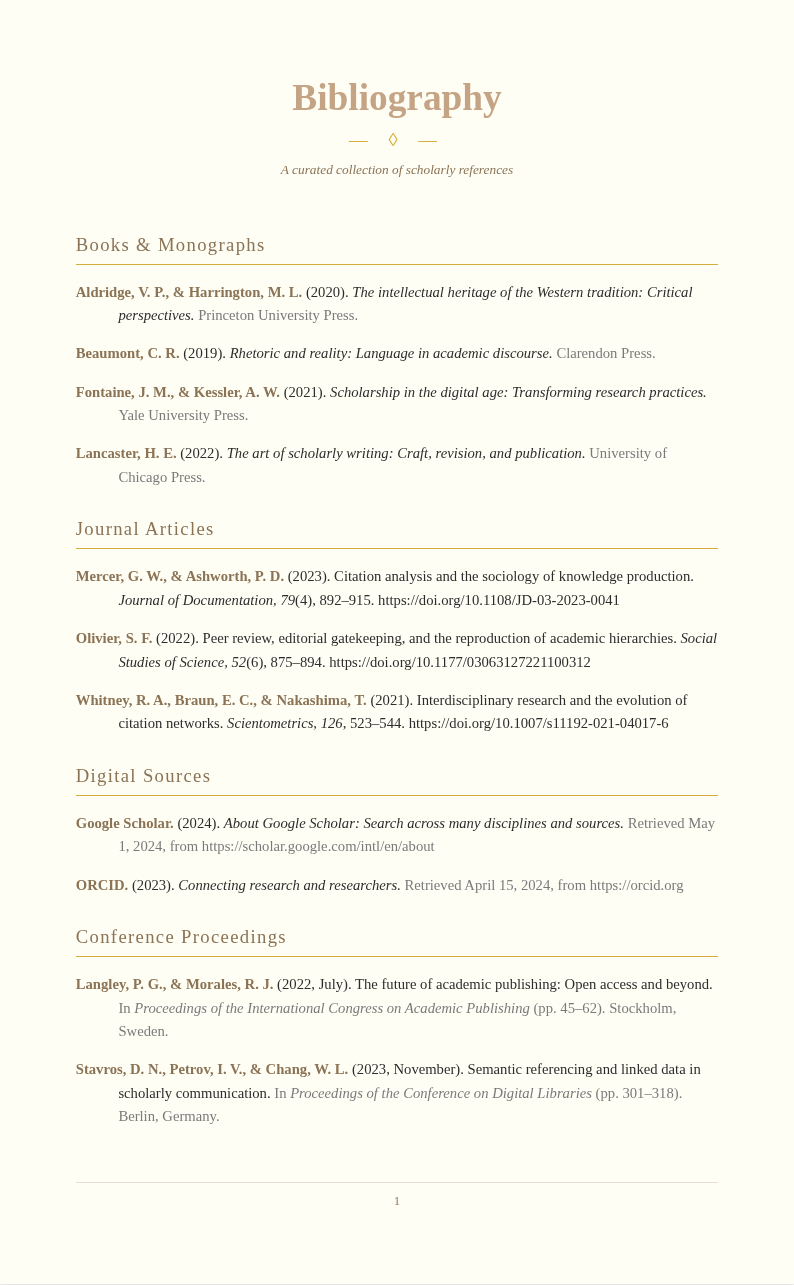
Explore Professional Citation Templates
Prefer a hands-on approach? Browse our collection of pre-formatted Citation templates for various academic styles.
Frequently Asked Questions
Helpful information about using our Citation Generator tool.
- Is the Citation Generator free to use?
- Yes. This Citation Generator is completely free to use with no hidden fees or subscriptions required. You can generate unlimited citations without creating an account or providing payment information. It gives everyone access to accurate academic formatting tools at zero cost for any research project or paper. This makes the entire process quick and hassle-free for all users.
- What citation styles does the Citation Generator support?
- The Citation Generator supports APA 7th edition, MLA 9th edition, Chicago and Turabian, Harvard, IEEE, Vancouver, AMA, and many other academic citation styles. Each style follows the latest official guidelines, ensuring your references always meet current formatting standards required by your institution. This approach ensures consistency and accuracy throughout your entire document preparation workflow.
- Can the Citation Generator auto-fetch source information?
- Yes, the tool can automatically retrieve publication metadata when you provide a URL, DOI, or ISBN for your source. It searches its database to pre-fill author names, titles, publication dates, and journal information, significantly reducing the amount of manual data entry you need to do. The result is a professional document you can share with confidence.
- How accurate are the citations from the Citation Generator?
- The tool follows official style guide specifications to produce highly accurate citations for your references. While it handles formatting rules automatically, we recommend reviewing each generated citation against your source material to catch any minor discrepancies in author names, dates, or publication details. This helps ensure your final document meets all necessary standards and expectations.
- What source types can the Citation Generator handle?
- The tool handles a wide range of source types including books, journal articles, websites, conference papers, dissertations, newspaper articles, social media posts, podcasts, and legal documents. Each source type uses the correct format structure for the selected citation style automatically. The tool handles formatting automatically so you can focus on the content that matters most.
- Can I generate multiple citations at once?
- Yes, you can create multiple citations in a single session and compile them into a complete reference list for your paper. The tool keeps all your generated citations organized in one place so you can review, edit, and export the entire bibliography at once before submission. This makes the entire process quick and hassle-free for all users.
- Can I edit citations after generating them?
- Absolutely. The built-in editor lets you modify any field in a generated citation before downloading the final version. You can return anytime to update author names, correct titles, or adjust any detail to ensure your references are perfectly accurate. This ensures you have a reliable document ready for any professional or personal use.
- What formats can I export from the Citation Generator?
- You can download your citations as a Word document, PDF, BibTeX, or plain text file. Each format is ready to insert directly into your paper or share with collaborators. The BibTeX export option is especially useful for researchers using LaTeX. This saves valuable time compared to starting from scratch or using outdated methods.
- Does the Citation Generator create in-text citations?
- Yes, the tool produces both full reference list entries and in-text citations for the selected citation style. When you generate a citation, it shows you the correct parenthetical or narrative format to use within the body of your paper alongside the complete reference entry. This makes the entire process quick and hassle-free for all users.
- Can I use the Citation Generator for a group project?
- Yes, it is perfect for group projects where multiple team members need to follow the same citation style consistently. Each person can format their individual references, and the consistent output ensures a cohesive final bibliography when all contributions are merged together. A well-prepared document reflects professionalism and helps build trust with all parties involved.
- Is my data secure when using the Citation Generator?
- Yes. Your source information is processed securely and not shared with any third parties. The tool uses encryption while you work, and your session data is cleared after you finish, ensuring your research sources and reference details remain completely private at all times. Everything is designed to be simple, fast, and accessible to everyone.
- Does the Citation Generator work for non-English sources?
- Yes, the tool can format references for sources written in languages other than English. When you enter a non-English source, it preserves the original title and author names while applying the selected citation style rules correctly for a properly formatted multilingual reference entry. This helps ensure your final document meets all necessary standards and expectations.
Generate Your Citations Now
Stop struggling with formatting rules. Use our free Citation Generator to create accurate, perfectly formatted references in seconds.
No credit card required • 20+ citation styles • Instant download