Generate Purchase Orders Instantly
Simplify your procurement workflow with our AI-powered Purchase Order Generator. Create accurate, professional the tools in minutes without complex software or manual formatting.
How to Create a Purchase Order Online
Enter Order Details
Start by entering your company information and vendor details in the tool. You can type the details manually or upload them from a file. Providing accurate information ensures the generated purchase order is properly addressed and ready for immediate.
Add Line Items
Specify each item you want to order including descriptions, quantities, unit prices, and any special notes using the Purchase Order Generator. A detailed line-item list prevents misunderstandings with vendors and helps ensure you receive exactly what you ordered at the.
Set Terms & Conditions
Configure payment terms, delivery dates, shipping methods, and any special conditions within the Purchase Order Generator. Clear terms ensure both you and the vendor have aligned expectations for the transaction, protecting your interests throughout the entire procurement.
Download & Send
Download the finished purchase order from the tool as a Word or PDF file, then send it to the vendor for acceptance. Both formats are professional and print-ready. Keep a copy for your records and follow up with the vendor to confirm receipt of the order.
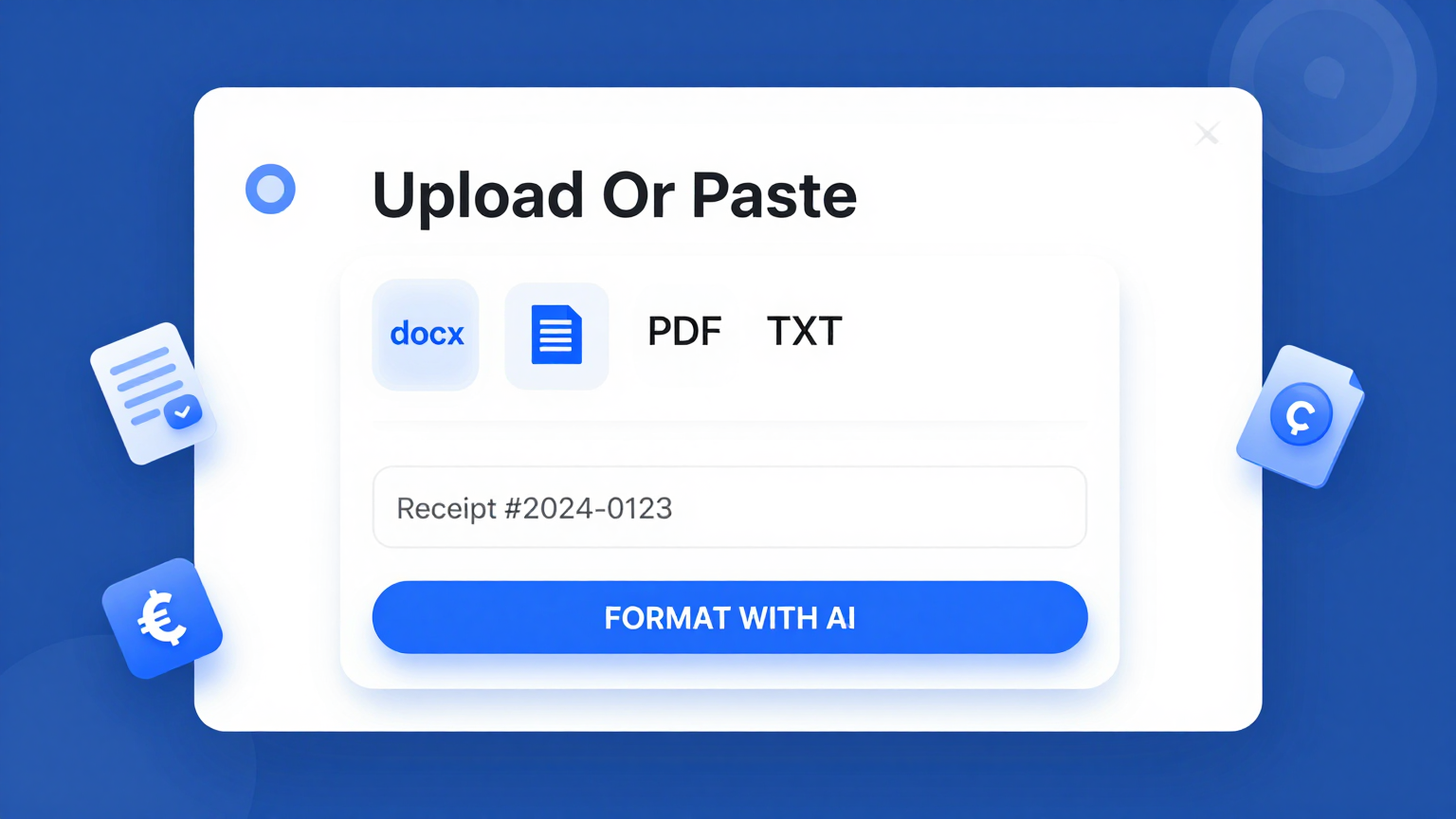
Import Details
Import your company details, vendor information, and item lists directly into the Purchase Order Generator. The the tool parses your input to pre-fill the order form, saving you time on manual data entry for every new purchase.
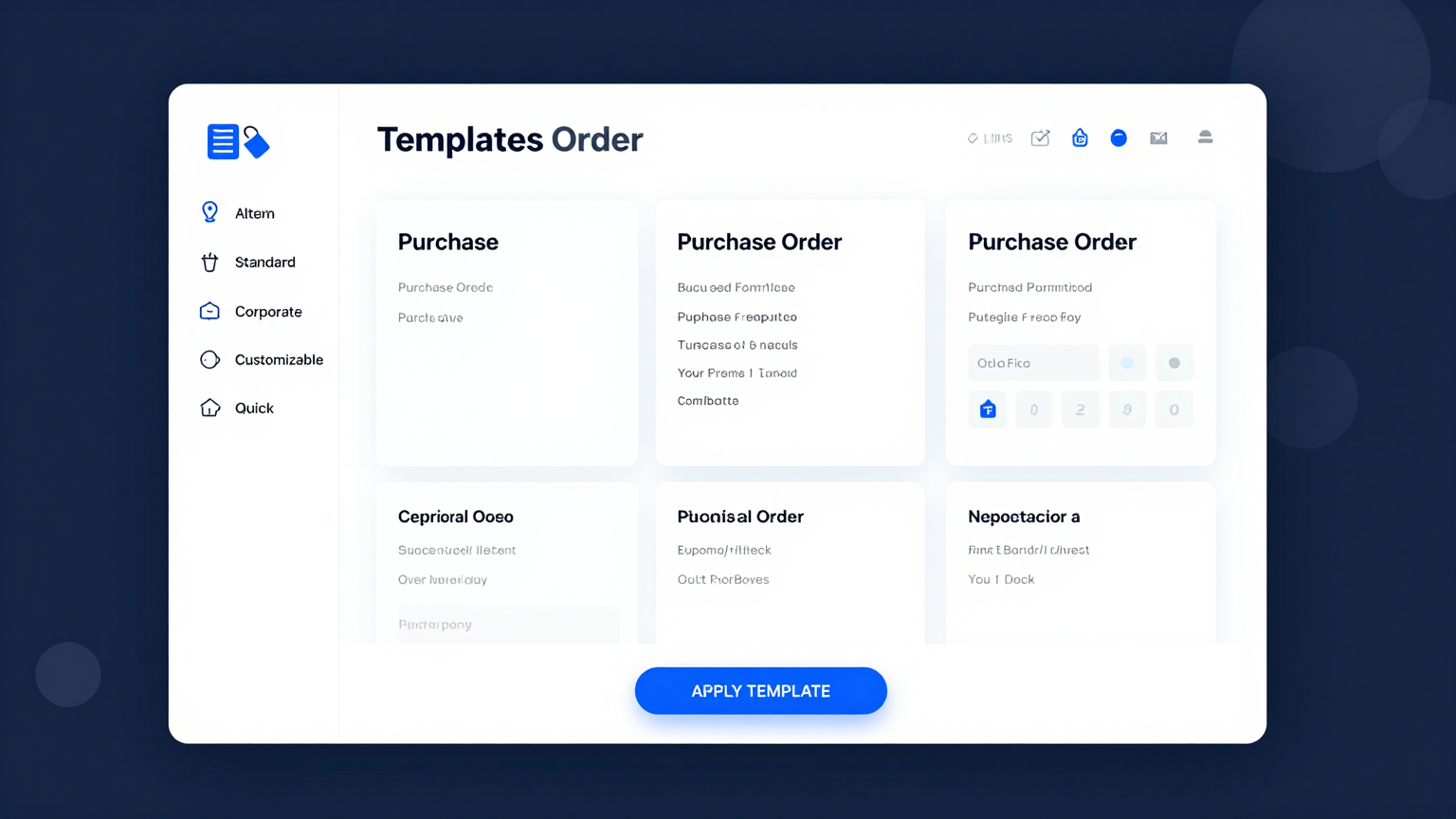
Professional Templates
Choose from a library of professionally designed templates within the tool. Each template in the the tool covers different purchase order styles including standard, blanket, and contract its for various industries.
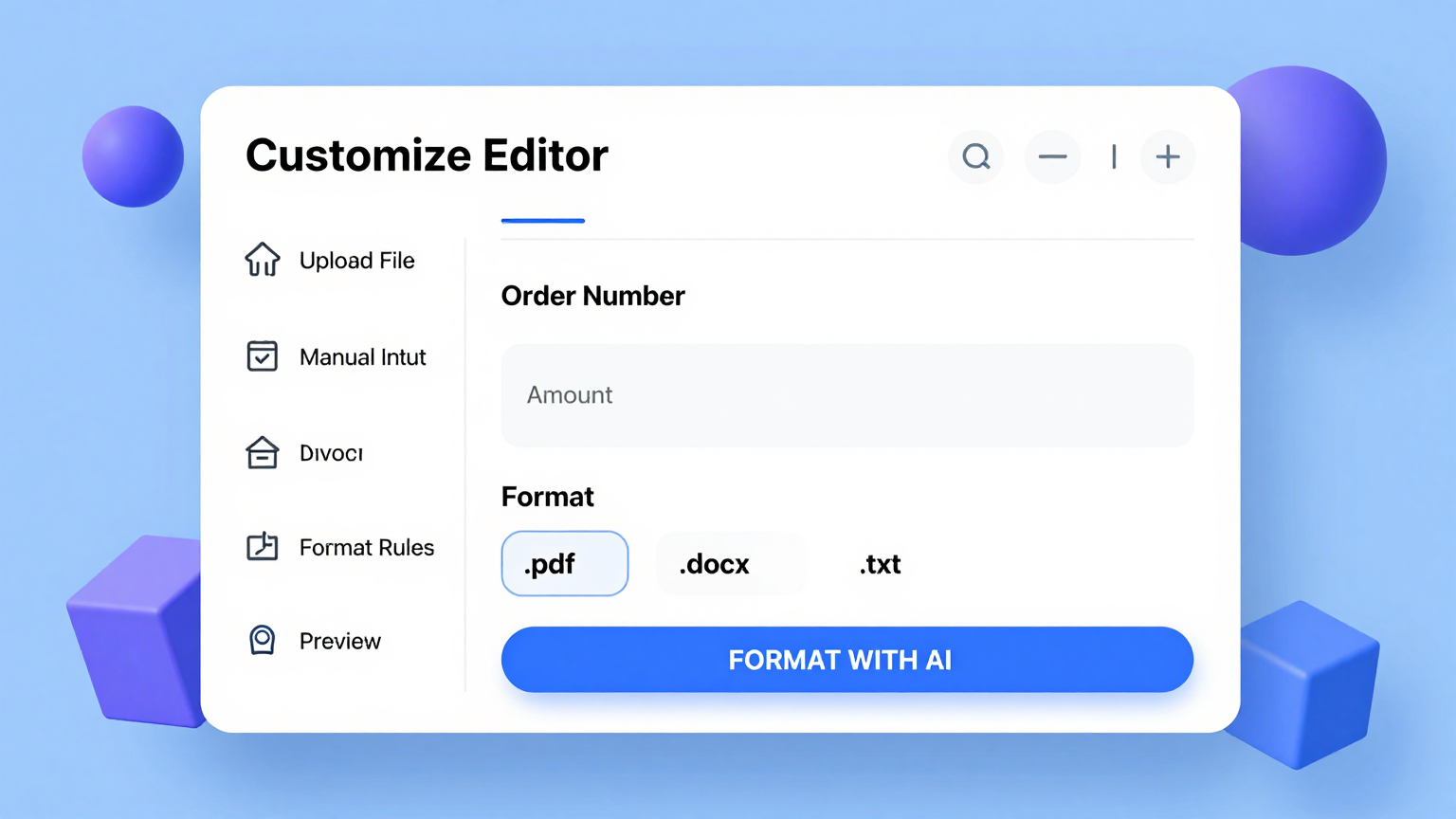
Edit Online
Refine every line item, payment term, and shipping detail using the Purchase Order Generator editor. Adjust quantities, modify pricing, add notes, and customize the layout directly in the the tool to match your procurement requirements.
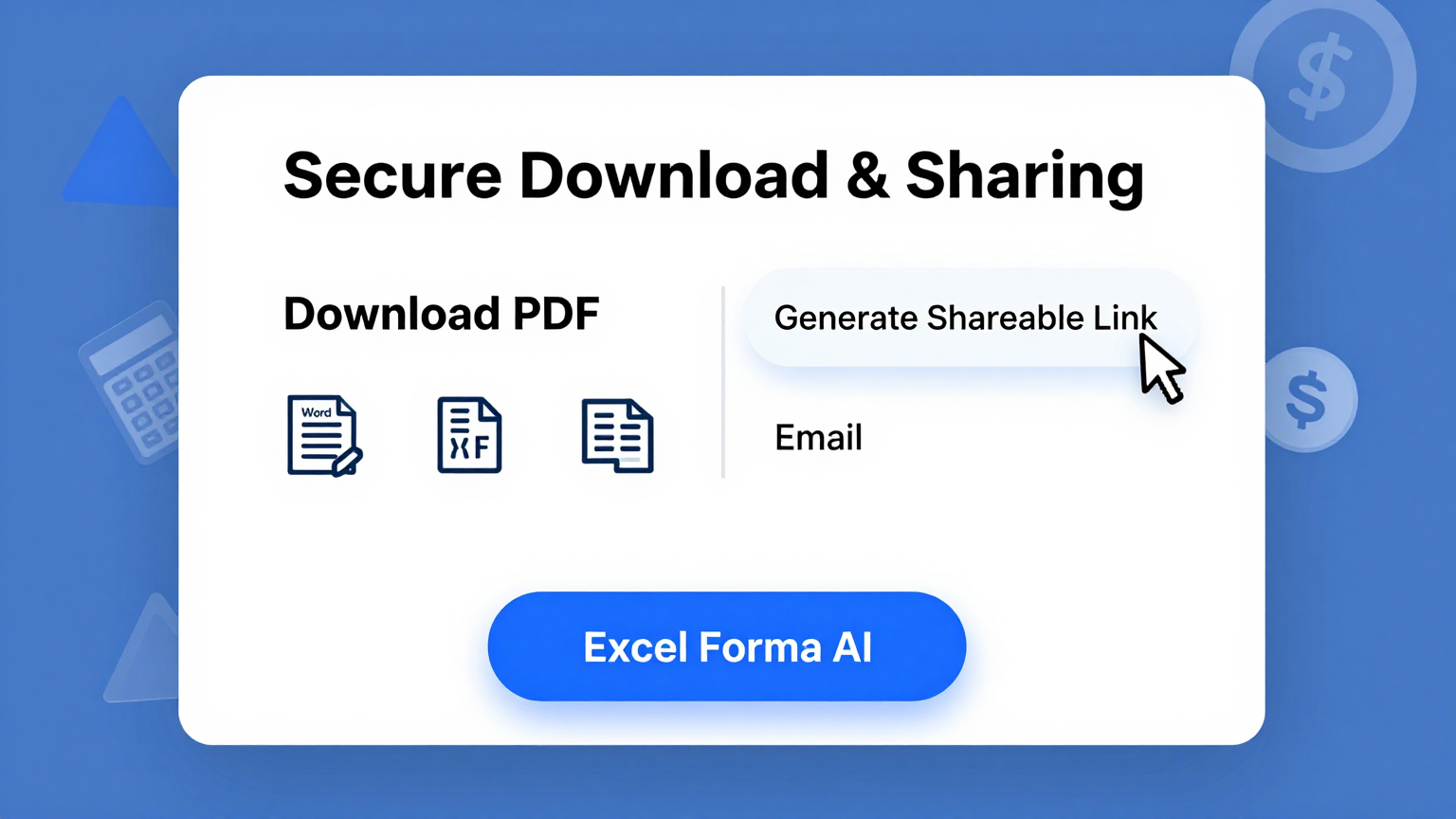
Download & Share
Export your completed purchase order from the tool as a Word document or PDF. The the tool produces print-ready files you can share with vendors and internal teams for immediate processing and approval.
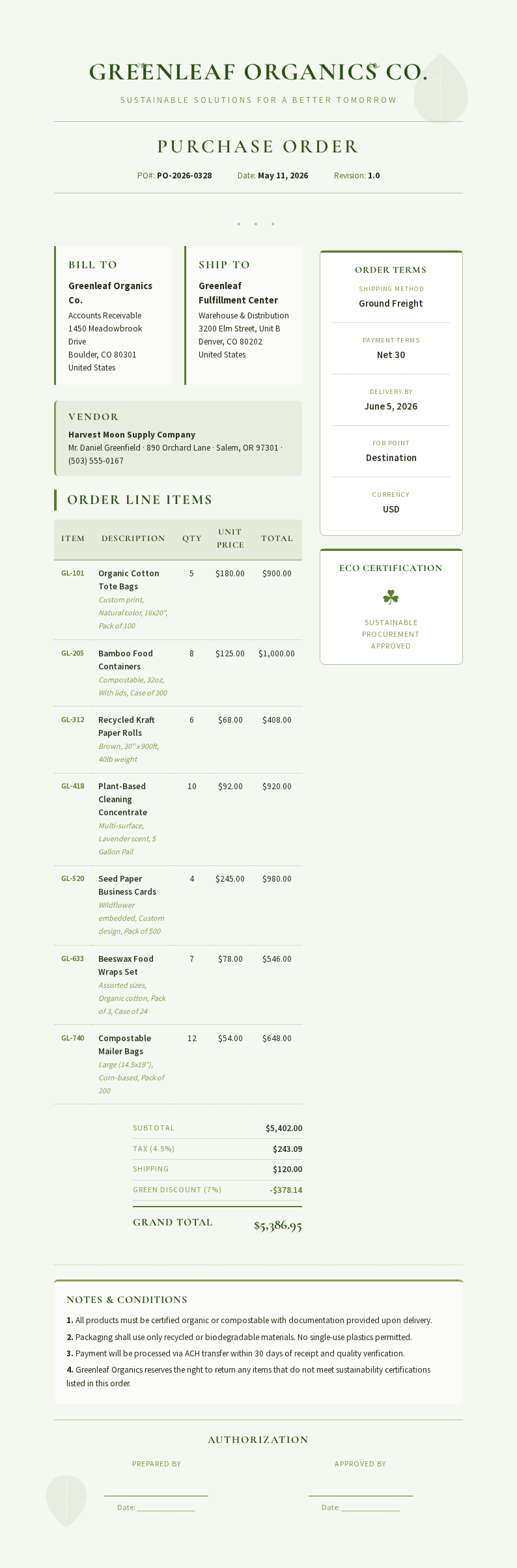
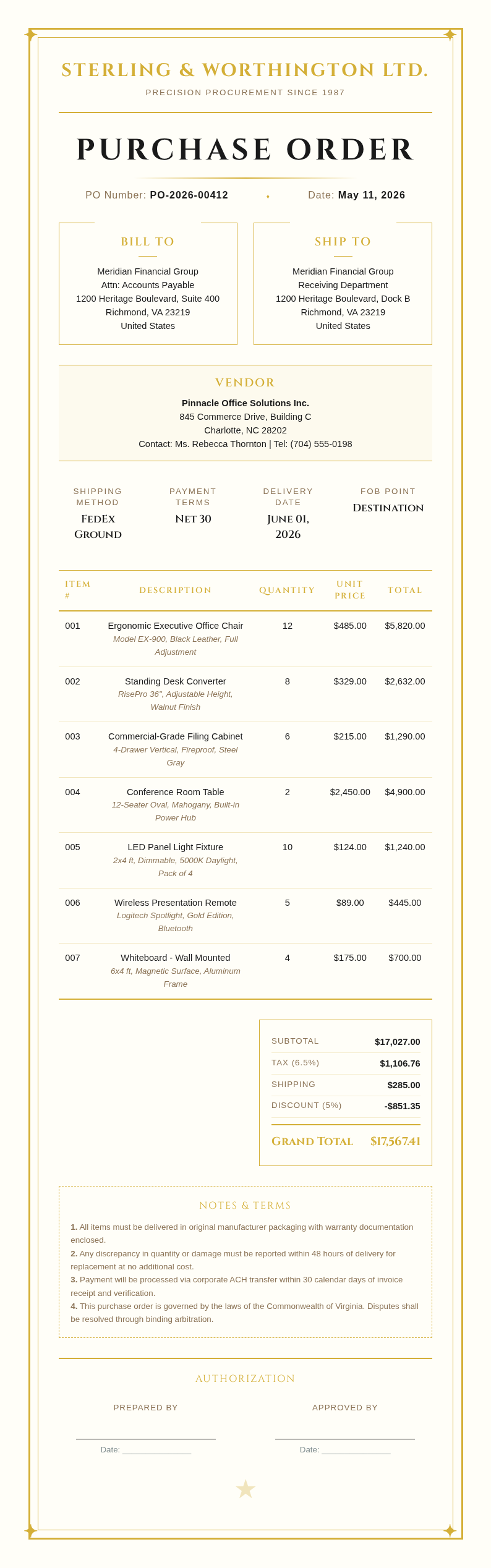
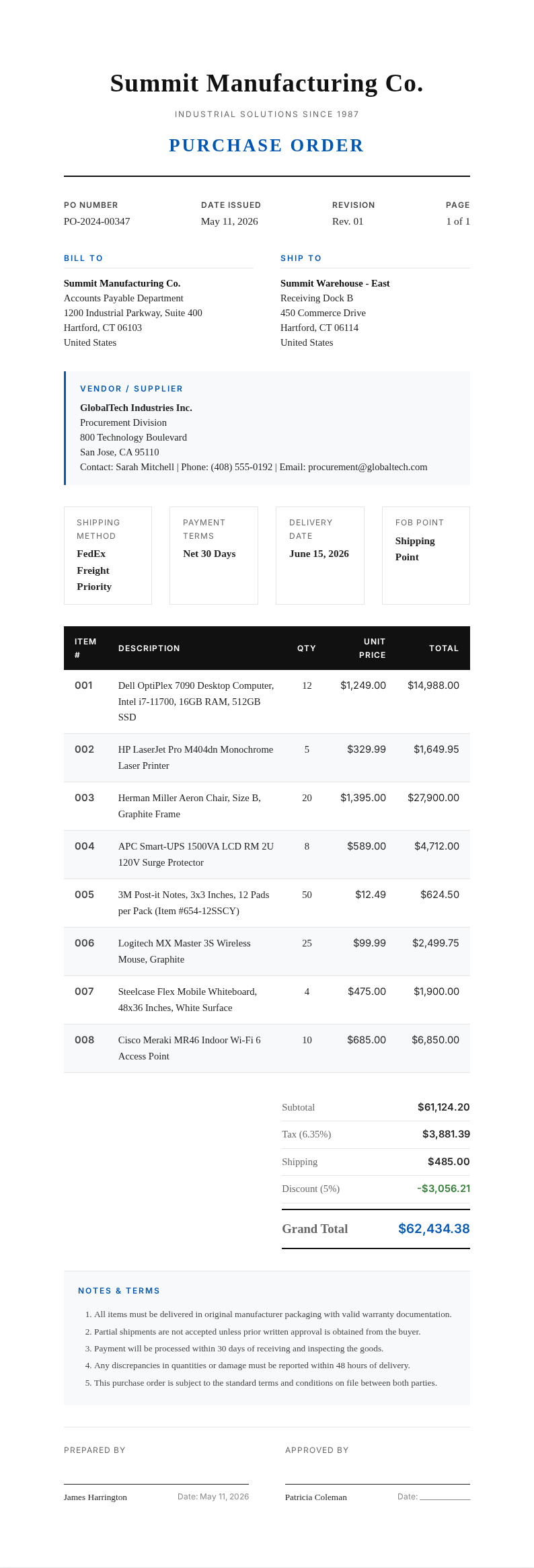
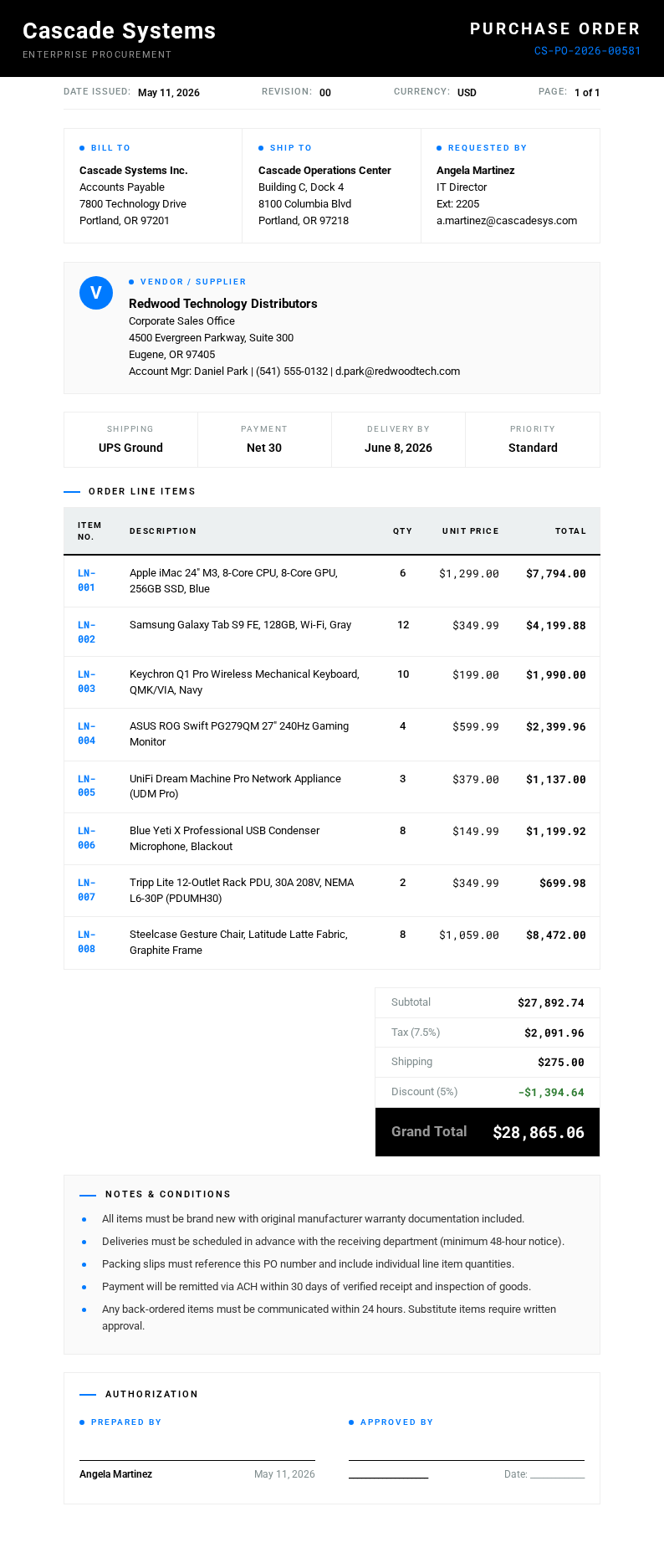
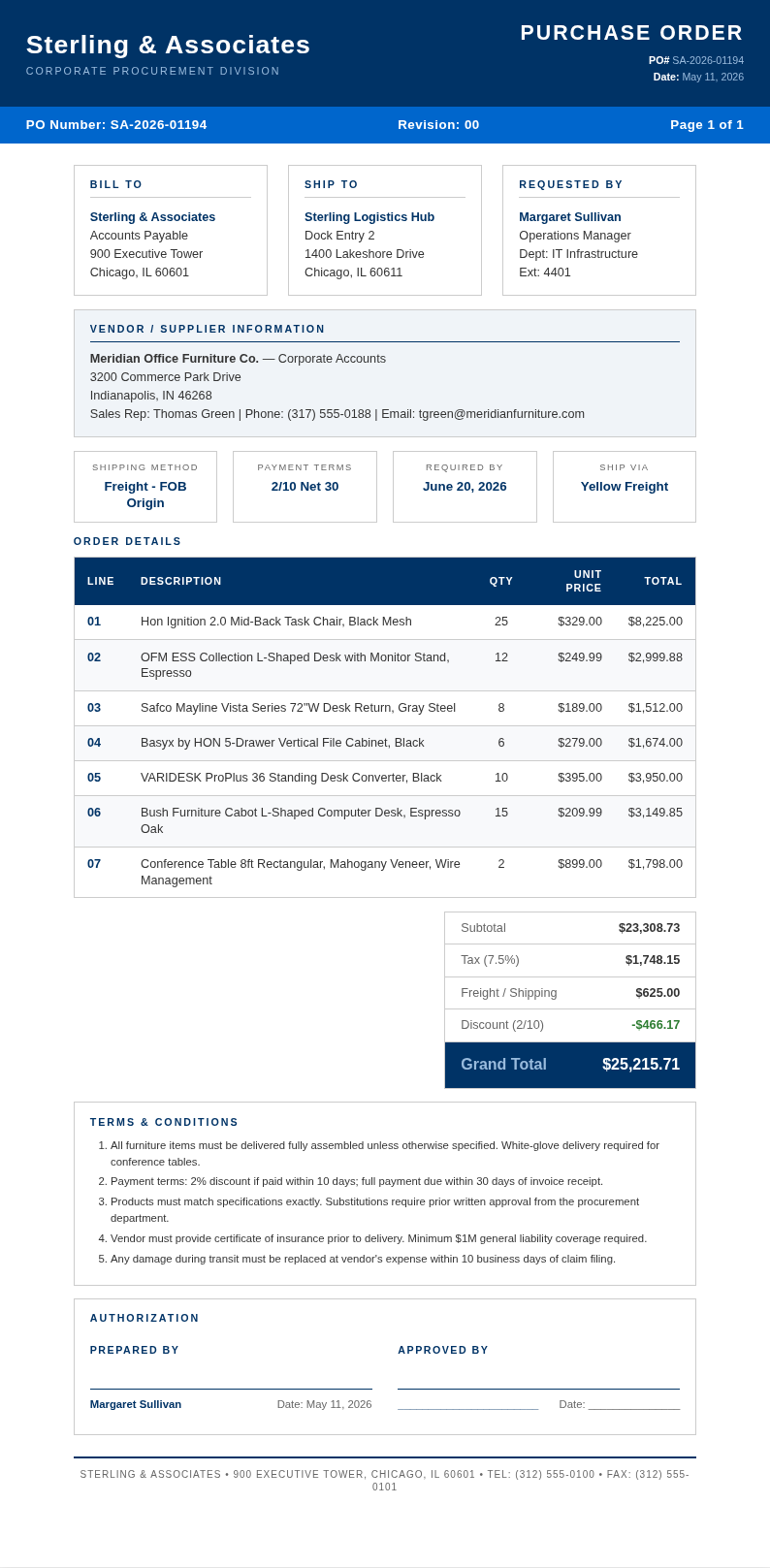
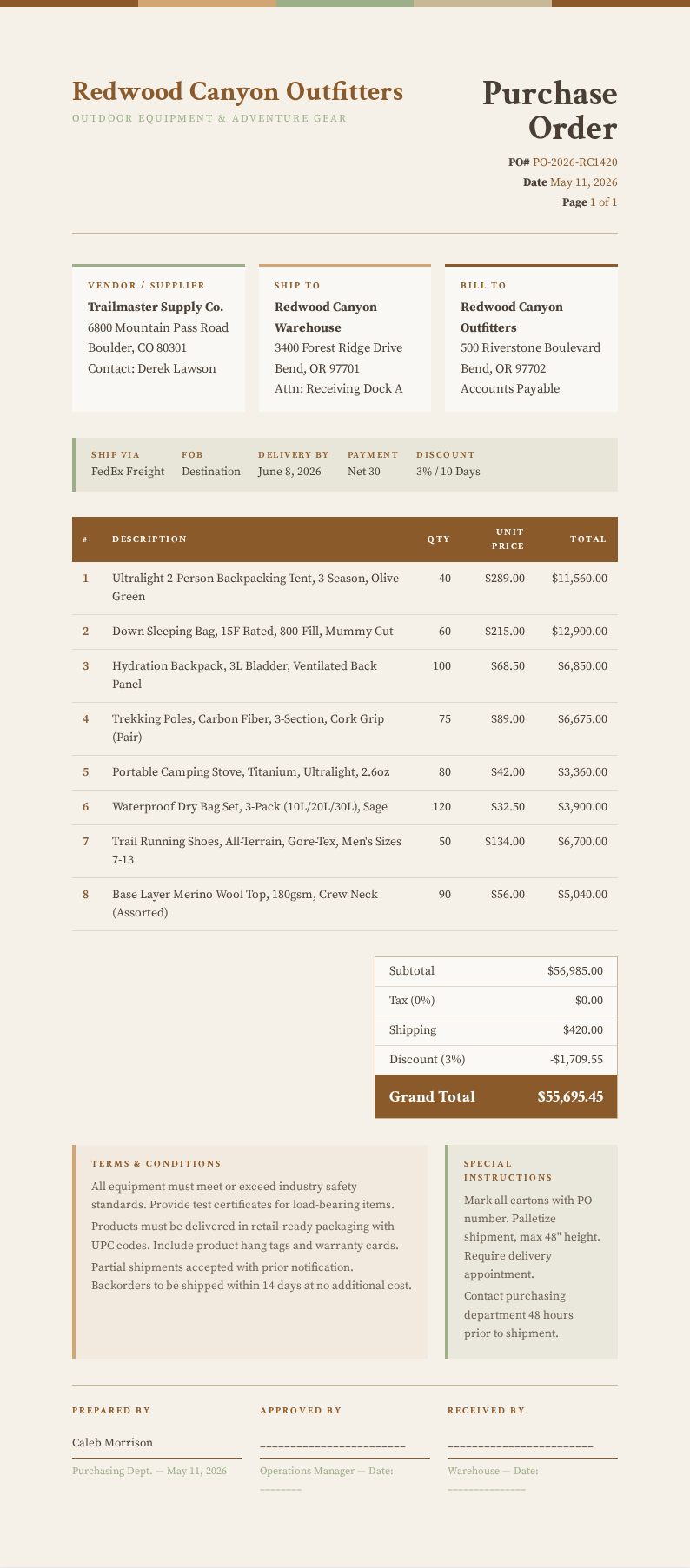
Explore Professional Purchase Order Templates
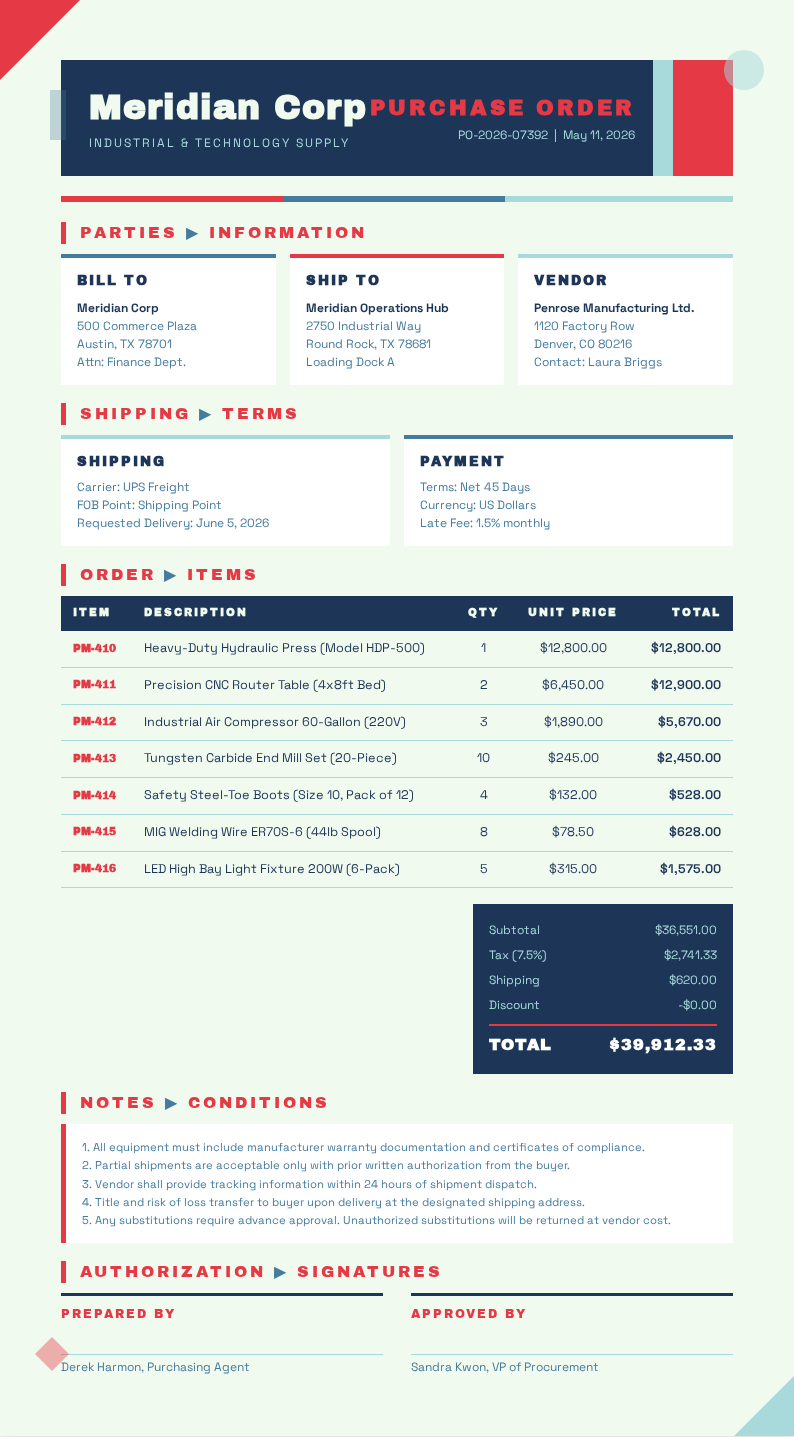
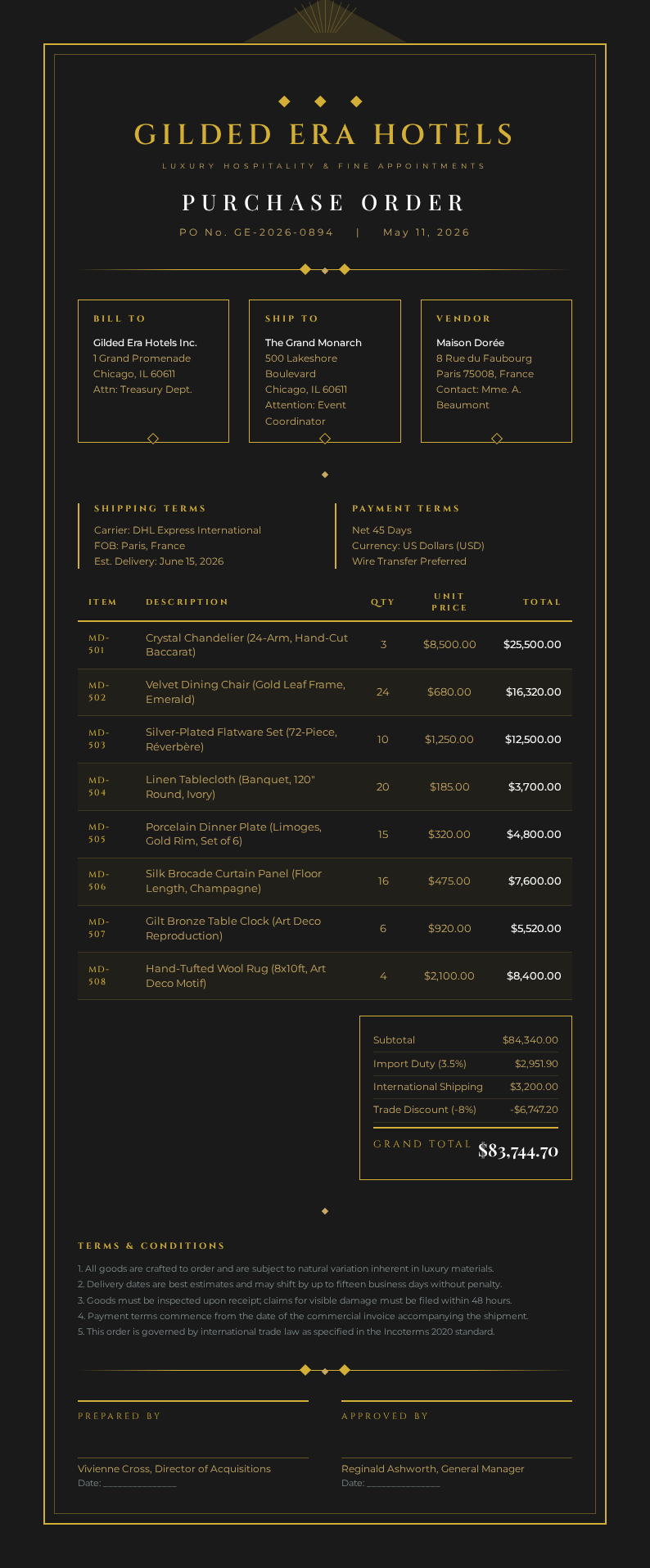
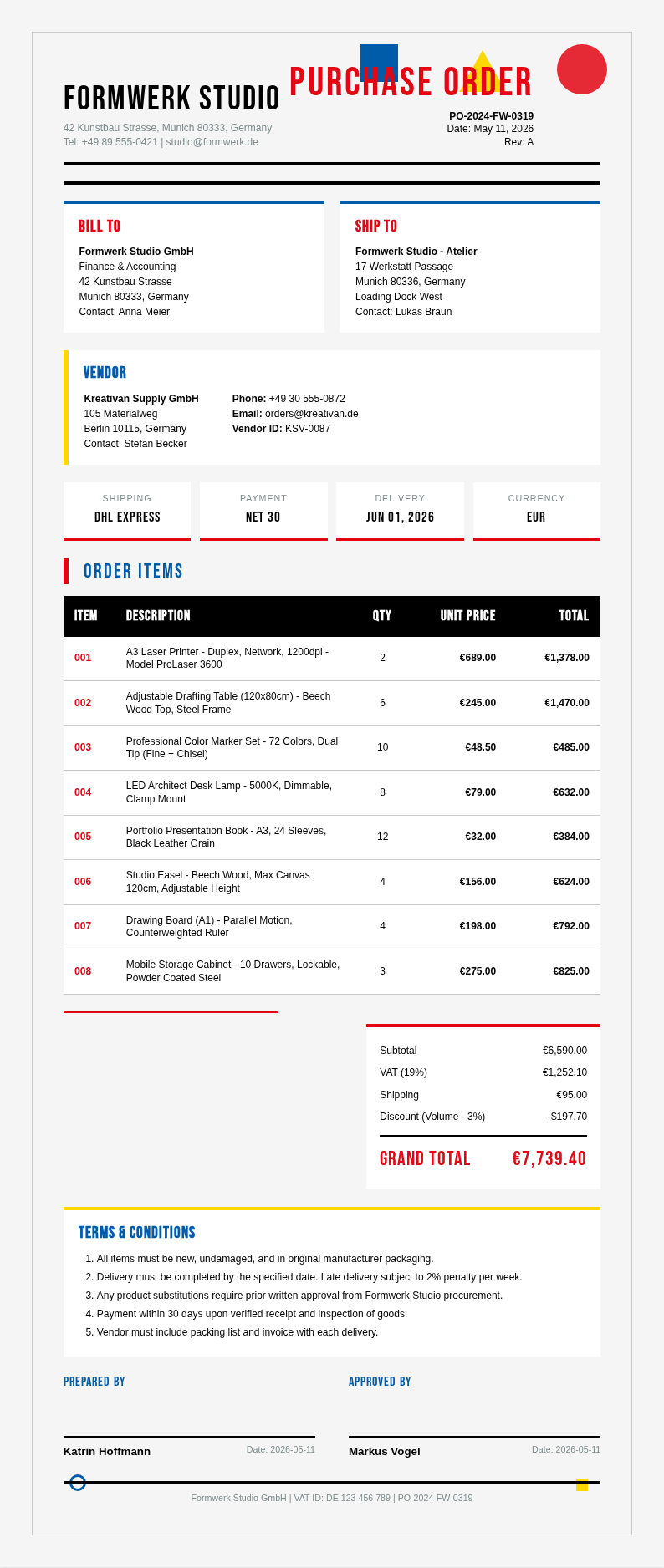
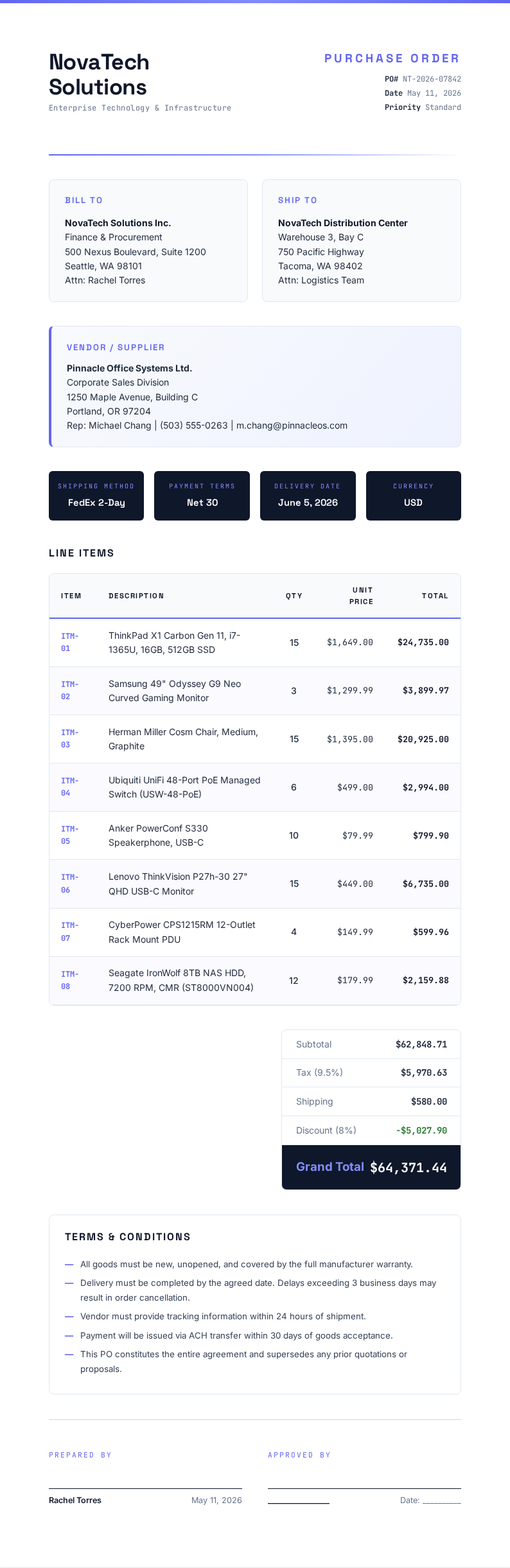
Need a starting point? Browse our collection of pre-made Purchase Order templates for various business scenarios.
Frequently Asked Questions
Helpful information about using our Purchase Order generator tool.
- Is the Purchase Order Generator free?
- Yes. This Purchase Order Generator is completely free to use with no hidden fees or subscriptions required whatsoever. You can create unlimited its without creating an account or providing any payment information. The tool gives every business full access to professional procurement documents at absolutely zero cost. The result is a professional document you can share with confidence.
- What types of purchase orders can I create with the Purchase Order Generator?
- The tool supports standard purchase orders, blanket its, contract its, and planned its for diverse procurement needs. Each template in the tool is carefully tailored for different procurement scenarios, so you can manage vendor relationships effectively regardless of your specific industry. Users appreciate how straightforward the entire process is from start to finish.
- Are the generated purchase orders legally binding?
- Yes, the tools created by the tool become legally binding once the vendor formally accepts them. The tool produces documents with clear commercial terms and conditions included, though we recommend having your procurement team review the output for compliance with your specific company policies. This makes the entire process quick and hassle-free for all users.
- Can I edit the purchase order after generating it?
- Absolutely. The tool includes a full online editor that lets you modify line items, adjust quantities, change vendor details, or update payment terms before downloading. You can return to the tool anytime to make changes until the the tool is formally accepted by the vendor. This makes the entire process quick and hassle-free for all users.
- What formats can I export from the Purchase Order Generator?
- The tool lets you download your completed the tool as a Microsoft Word document or a PDF file for maximum flexibility. Both formats produced by the tool are professionally formatted and ready for printing, emailing, or uploading directly to your procurement management system. Everything is designed to be simple, fast, and accessible to everyone.
- How long does it take to generate a purchase order?
- Most users complete a the tool in under five minutes using the tool thanks to its intuitive interface. The tool pre-fills standard fields and guides you through each section step by step, so you only need to provide the specific items, quantities, and vendor details relevant to your order. The result is a professional document you can share with confidence.
- Can I use the Purchase Order Generator for recurring orders?
- Yes, the tool is ideal for handling recurring orders with the same vendors. You can save your vendor details and frequently ordered item lists in the the tool Generator and reuse them for repeat purchases, saving significant time for businesses that order the same supplies on a regular basis. This makes the entire process quick and hassle-free for all users.
- Does the Purchase Order Generator calculate totals automatically?
- Yes, the tool automatically calculates line-item subtotals, applicable taxes, shipping costs, and the grand total as you enter quantities and unit prices. This built-in calculation feature of the the tool Generator eliminates manual math errors entirely and ensures your it amounts are always accurate. This helps ensure your final document meets all necessary standards and expectations.
- Can I add my company logo to the purchase order?
- Yes, the tool allows you to upload and position your company logo on the the tool for a professional, branded appearance. Branding your documents with the the tool Generator helps maintain a consistent corporate identity when communicating with vendors and internal stakeholders during procurement. This makes the entire process quick and hassle-free for all users.
- What information do I need to provide to the the tool?
- The tool needs your company name and address, vendor details, item descriptions with quantities and unit prices, payment terms, and shipping instructions. The the tool Generator guides you through each required field systematically so nothing is missed in your procurement documentation. This saves valuable time compared to starting from scratch or using outdated methods.
- Can I save my progress in the the tool?
- Yes, the tool allows you to save your work in progress and return later to complete it at your convenience. Your partially completed the tool stays securely in the the tool Generator so you can gather any missing vendor details or confirm pricing before finalizing the document. This makes the entire process quick and hassle-free for all users.
- Is my data secure when using the Purchase Order Generator?
- Yes. The tool processes your information securely using encryption and does not store your sensitive business data after you download the completed document. The the tool Generator protects your information throughout the entire process, ensuring your procurement details remain completely private and confidential. Everything is designed to be simple, fast, and accessible to everyone.
Create Your Purchase Order Now
Don't delay your procurement process. Use our free Purchase Order Generator to create a professional it in minutes and keep your vendor transactions organized.
No credit card required • AI-powered formatting • Instant download